iPhone 12 Pro Wallpaper: 4K Picks for Every Colour
iPhone 12 Pro wallpapers in 4K matched to Gold, Silver, Graphite, Pacific Blue, with the exact screen size and steps to set one. Free to browse.
By the Velpaper team · Wallpapers by Carlos Vivero, Velpaper designer · · 4 min read
In short: The best iPhone 12 Pro wallpaper is a 4K original of 2160 × 3840 pixels that repeats the finish of the phone: gold tones for Gold, soft greys for Silver, deep black for Graphite and blue for Pacific Blue.
Wallpapers
 Ochre Light Pool
 Liquid Light
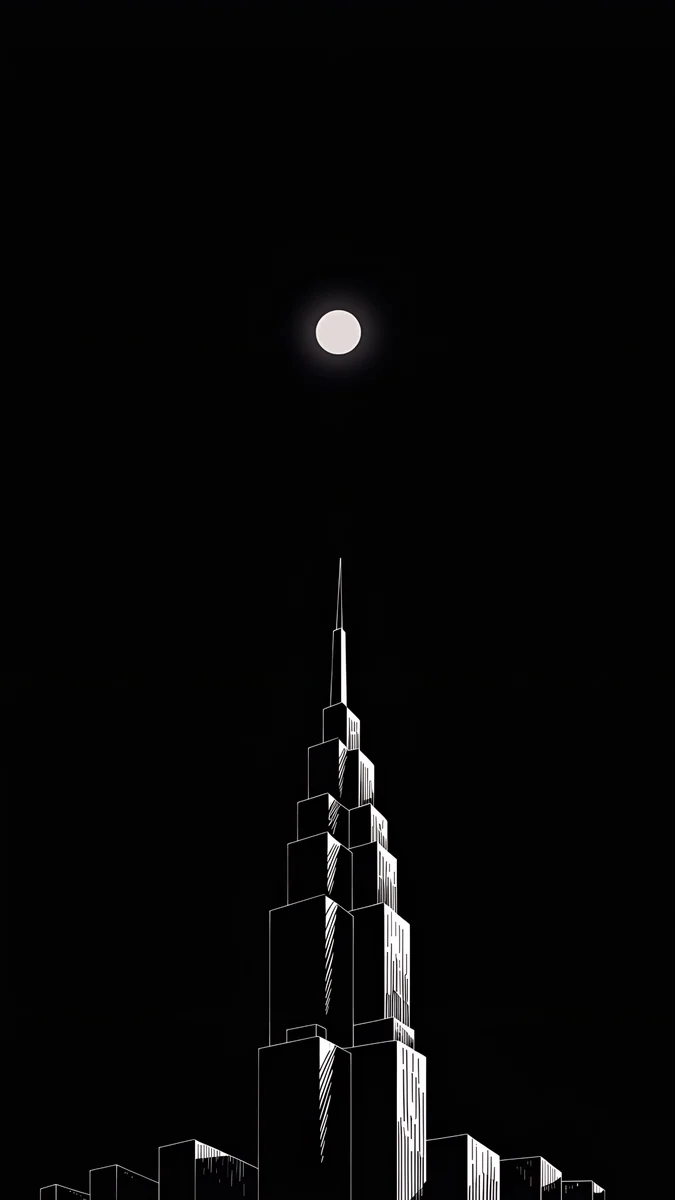 Lone Spire
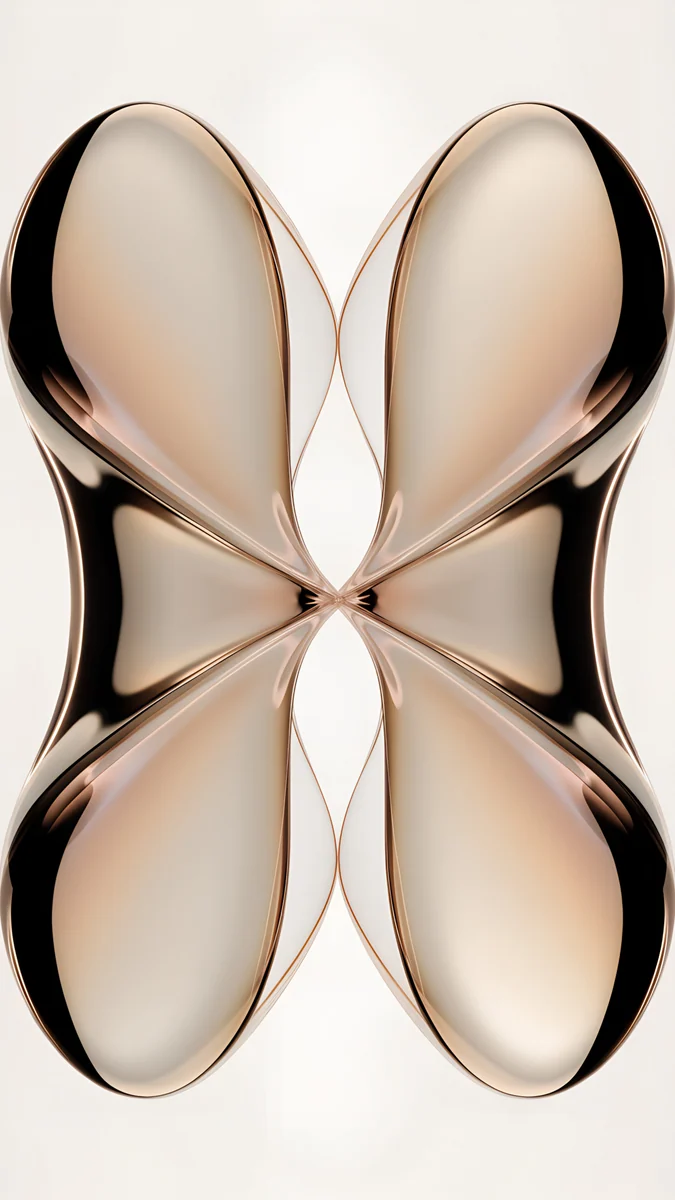 Mirror Gold Glass
 Amber Undertow
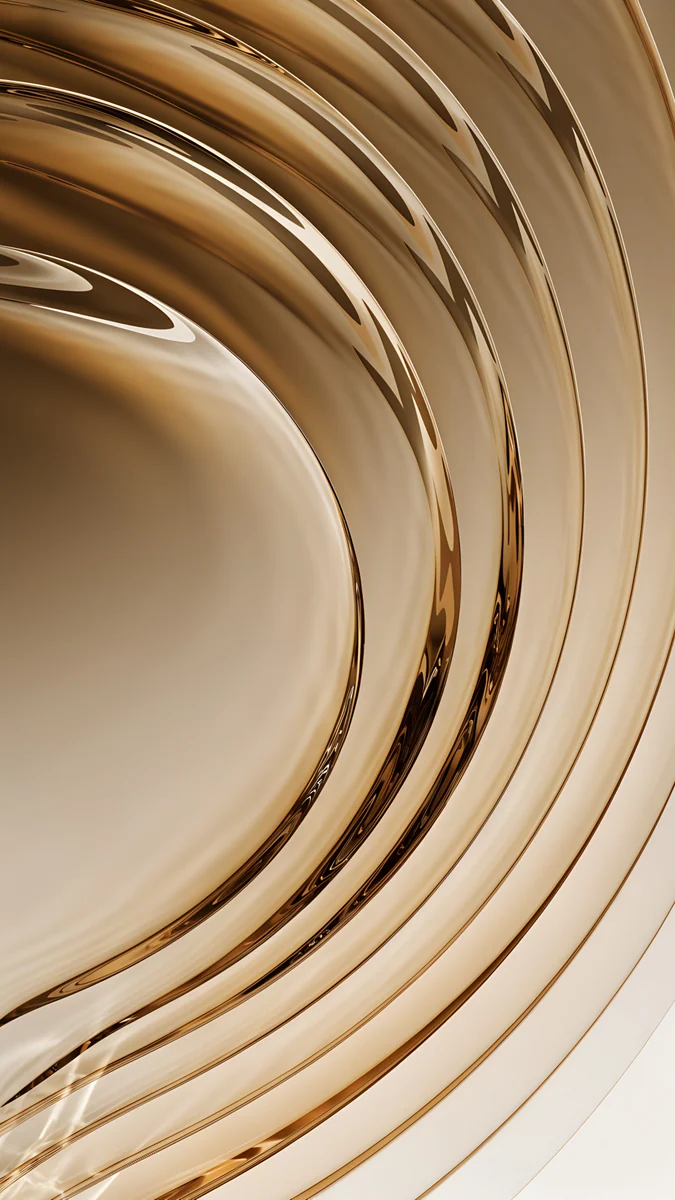 Champagne Gold Strata
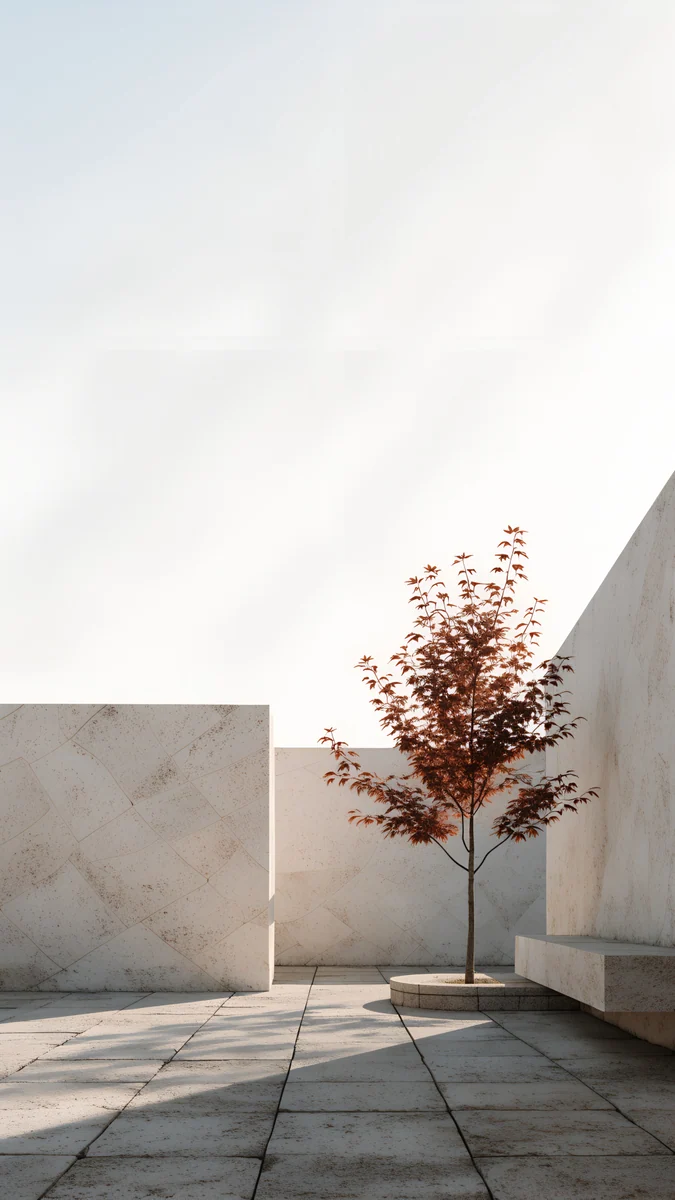 Courtyard Maple
 Linen Vase Light
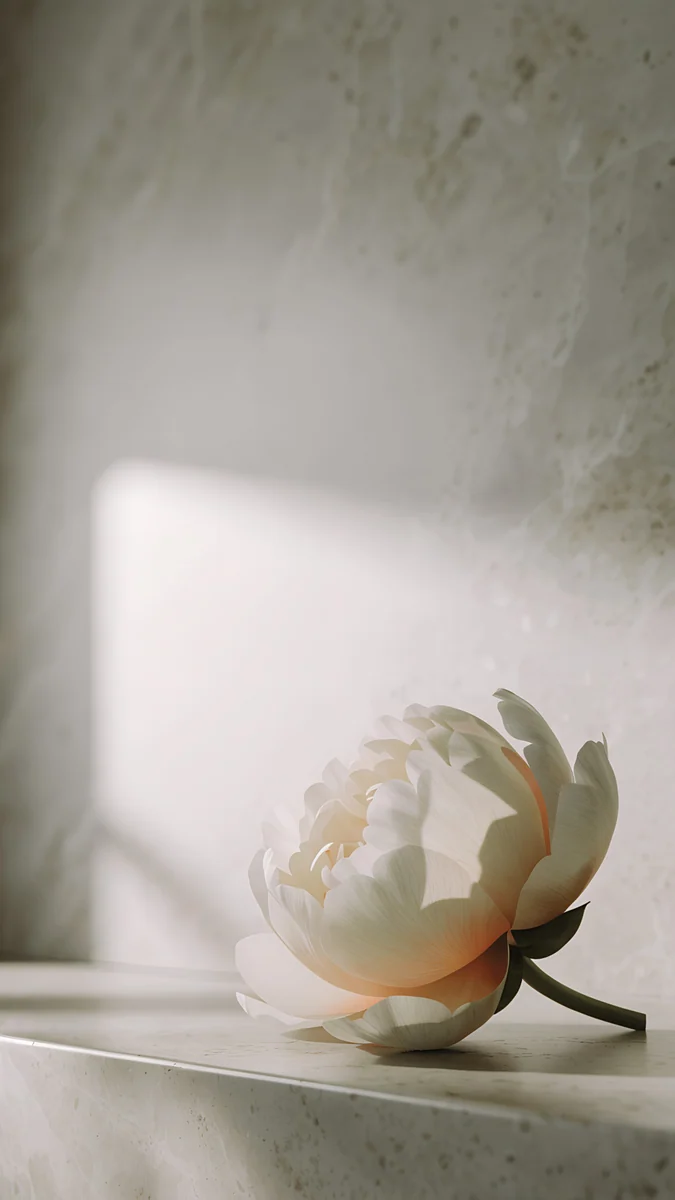 Peony Ledge
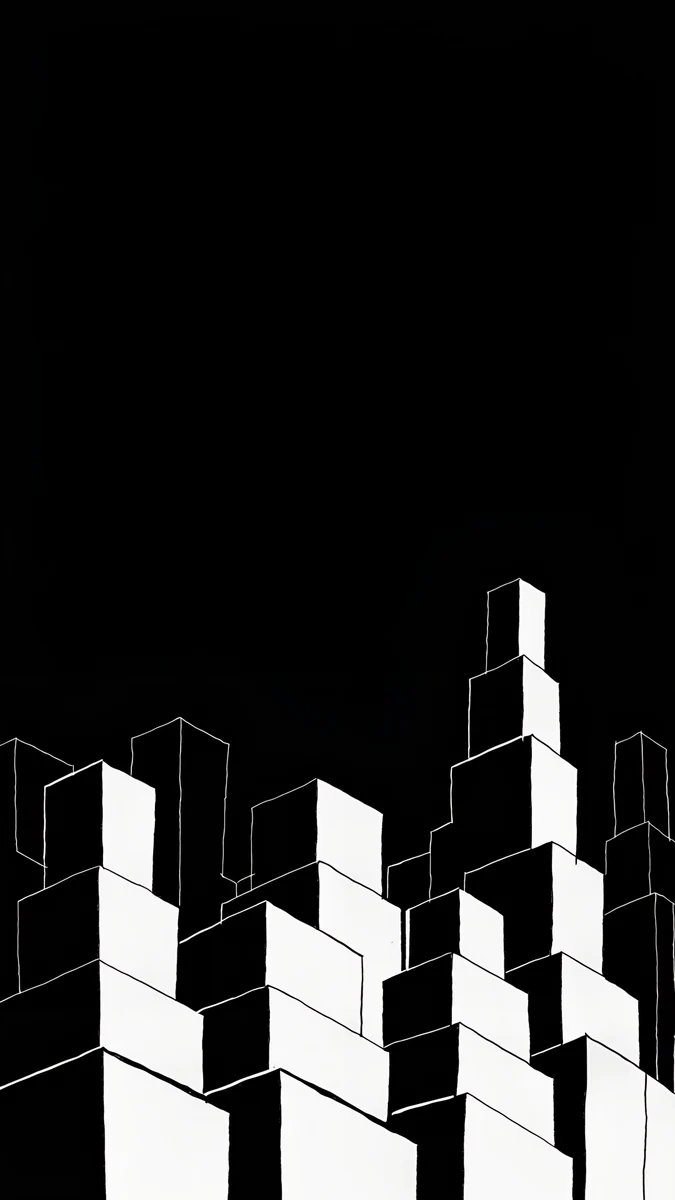 Night Blocks
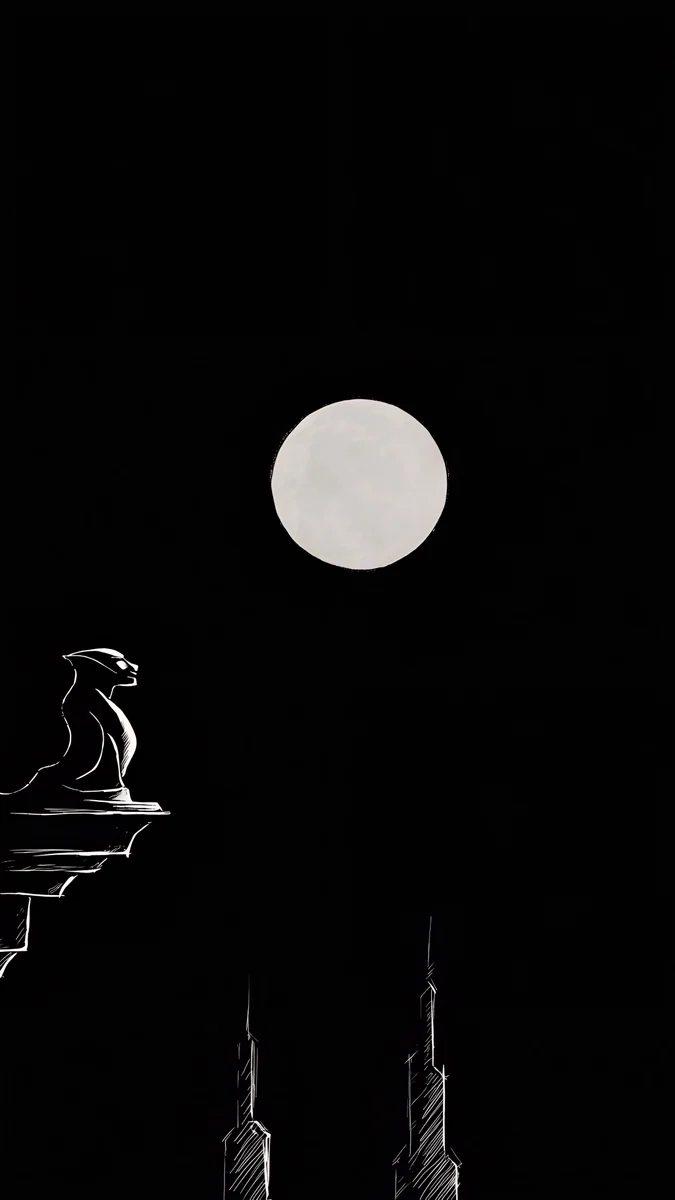 Moon Ledge
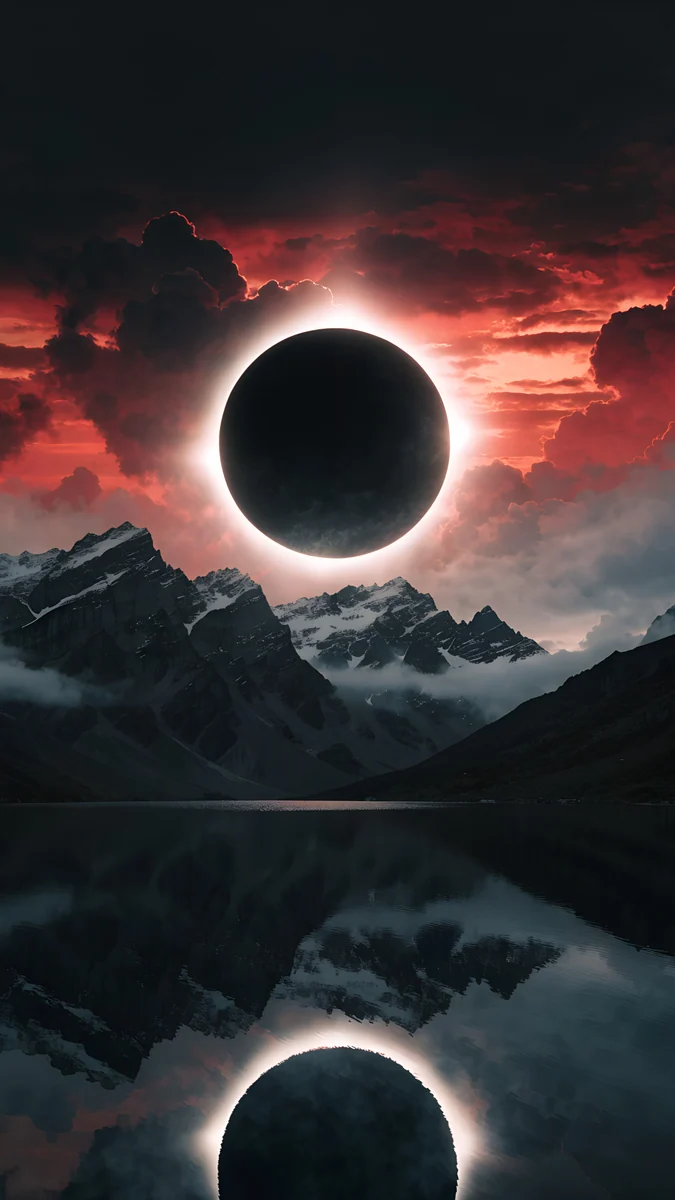 Eclipse Over the Lake
Free originals for iPhone and Android, no watermark
On this page
The iPhone 12 Pro has a 6.1 inch screen at 1170 × 2532 pixels and 460 ppi. A Velpaper 4K original is 2160 × 3840 pixels, which is larger than the screen in both directions, so it stays sharp. Filling the screen height trims about 18 percent from the sides and nothing from the top or bottom. The real decision is the picture. Apple sells this phone in four finishes: Silver, Graphite, Gold and Pacific Blue. When the wallpaper echoes the colour of the back, the phone looks like one finished object instead of a case with a random photo. This page matches wallpapers to each official colour. Below you will find picks for every finish, a size table covering the other models with the same resolution, and the steps to set a wallpaper. Each pick comes with a short line on why it suits the screen and where the clock will sit. Browse freely, and unlock any wallpaper after an optional short ad.
iPhone 12 Pro wallpaper size
These figures come from the manufacturer's official tech specs, width by height for a portrait wallpaper:
| Model | Screen | Resolution | Density |
|---|---|---|---|
| iPhone 12 Pro | 6.1 inches | 1170 × 2532 pixels | 460 ppi |
Every Velpaper phone wallpaper is a 2160 × 3840 JPEG, larger than this screen in both directions, so iOS only scales it down. The screen is taller and narrower than a 9:16 picture, so the original loses about 18 percent of its width at the sides. Keep the main shape near the centre and nothing important is cut.
Other models and their crops are in the iPhone wallpaper size guide.
iPhone 12 Pro Gold wallpapers
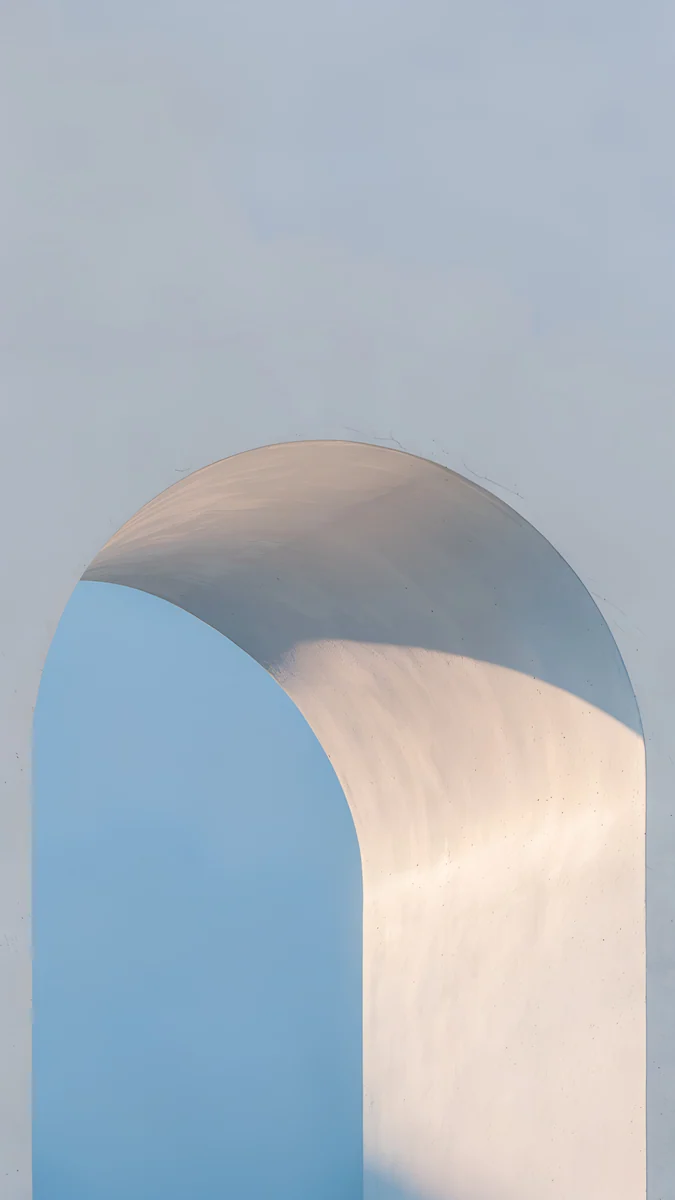
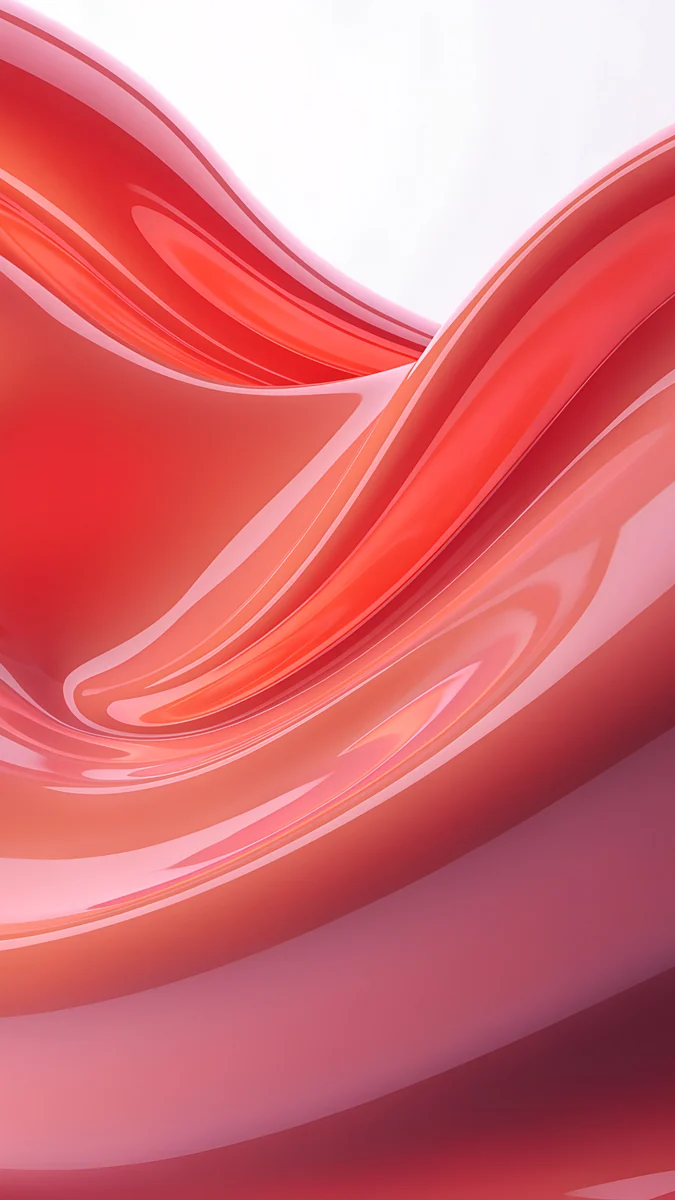
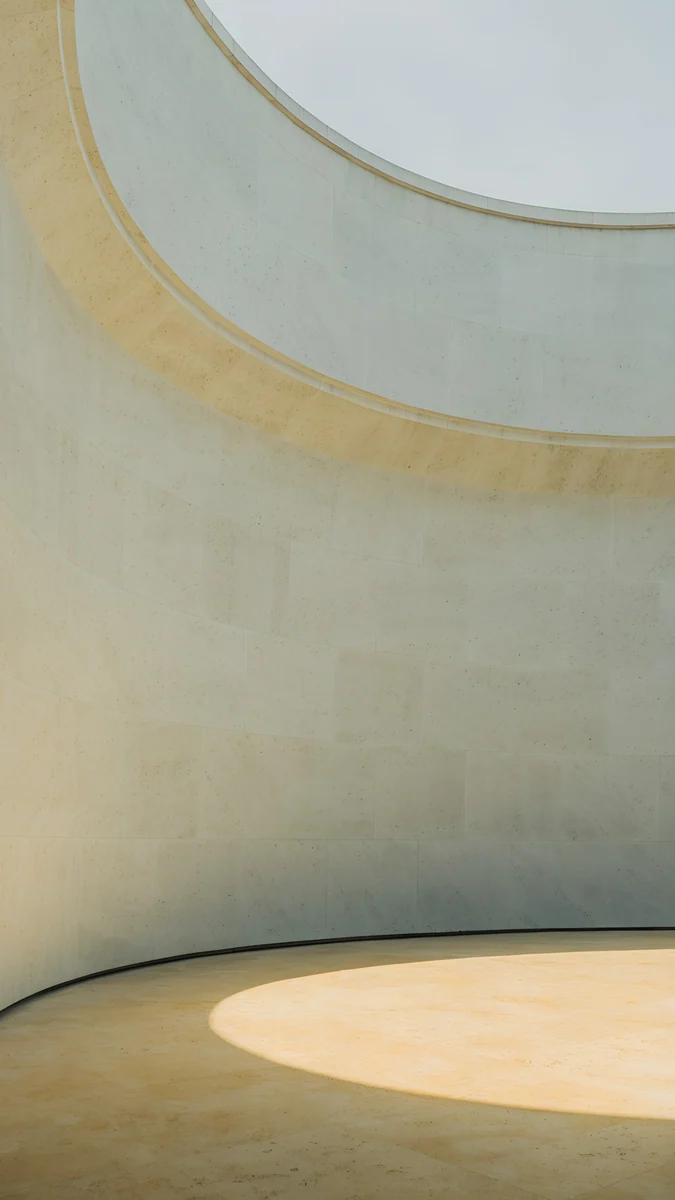
Gold suits warm, soft pictures with a calm top area for the clock. Ochre Light Pool is the most restrained pick, a pale field of beige and grey with a light texture. Mirror Gold Glass brings gold and white together in liquid glass shapes that catch the eye without crowding the screen. Amber Undertow goes deeper, with brown and gold waves that feel like silk. Champagne Gold Strata adds fine lines in layered gold, a good choice if you want more structure.
iPhone 12 Pro Silver wallpapers
Silver matches cool, airy pictures in white and grey. Liquid Light is a clean abstract with soft ribbons of light, a good match for the metal frame. Courtyard Maple shows calm architecture with red leaves and soft shadows, giving a quiet contrast to the clock. Linen Vase Light is a minimal interior scene with white and beige tones and a single flower. Peony Ledge keeps a light palette with a gentle floral texture that sits well behind the icons.
iPhone 12 Pro Graphite wallpapers
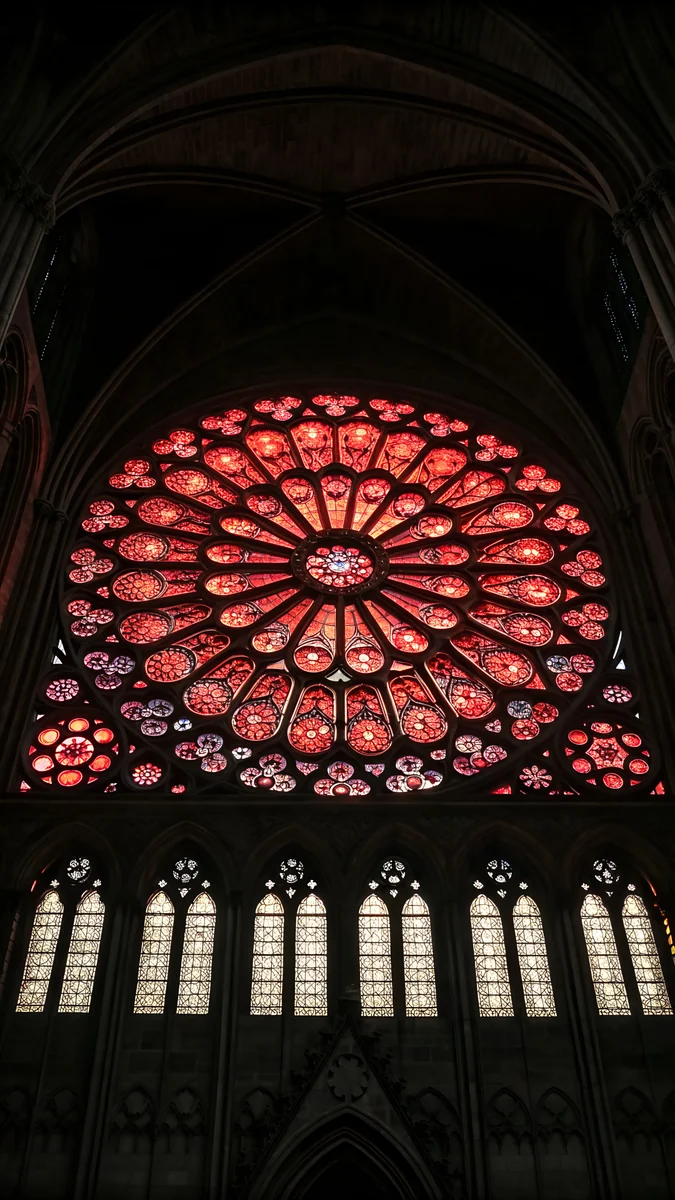
Graphite calls for dark, high contrast pictures. Lone Spire is a monochrome tower against a night sky, with plenty of black space around the clock. Night Blocks uses stacked geometric buildings in black and white, a strong graphic choice. Moon Ledge places a moon above a dark skyline for a moody look. Eclipse Over the Lake is the boldest pick, with a red eclipse over black water that gives the screen a single bright point.
iPhone 12 Pro Pacific Blue wallpapers
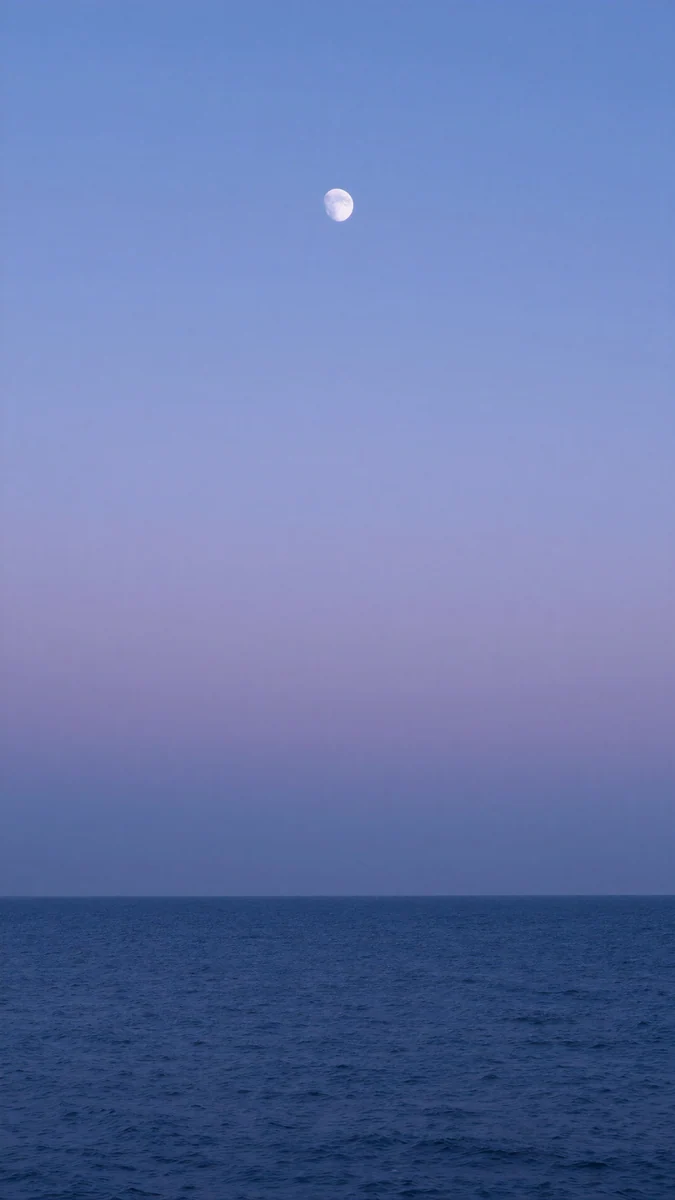
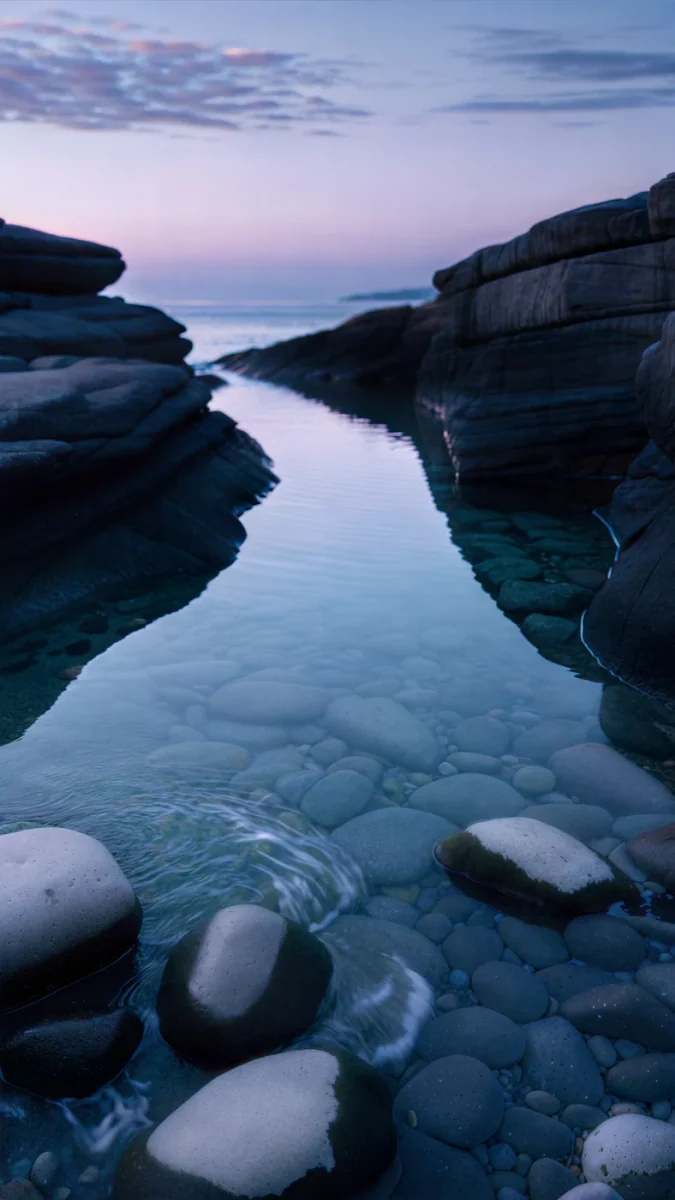

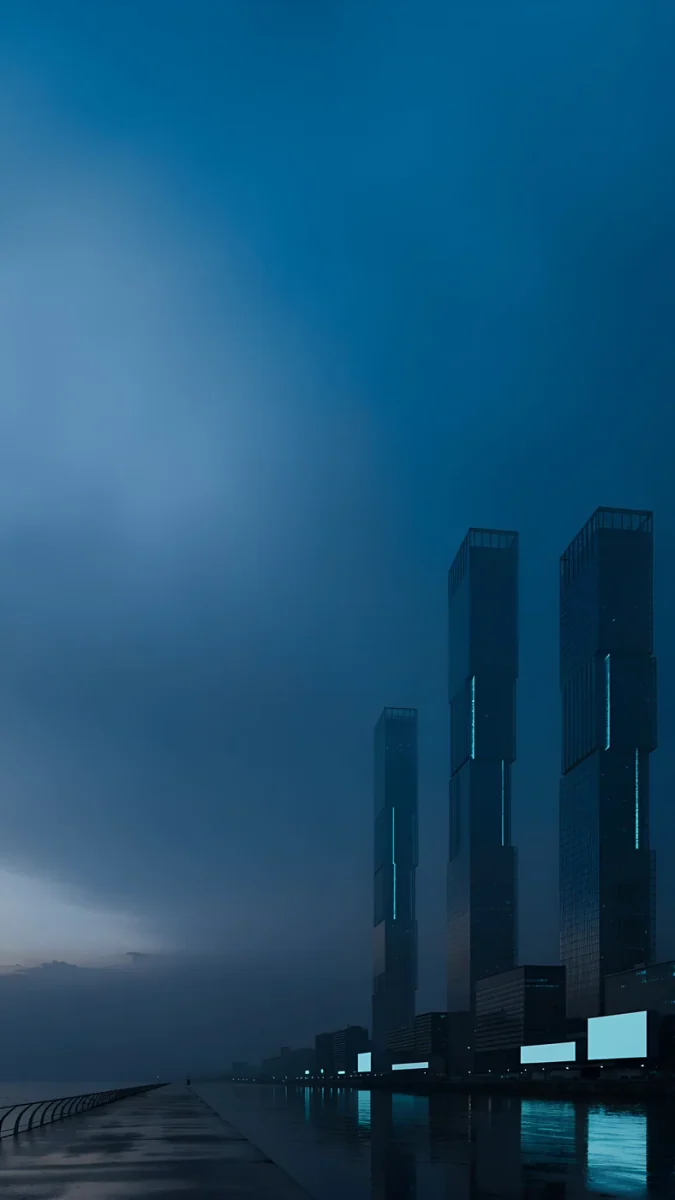
Pacific Blue suits calm seascapes and cool skies. Dusk Moon Sea shows a soft blue sea under a moon, with plenty of open calm space. Blue Cove brings clouds and water in navy and blue, a light and peaceful scene. Blue Hour is a foggy mountain view in blue and grey that feels quiet and deep. Blue Signal uses a dark blue city and water scene with a minimal sky for a more urban mood.
How to set a wallpaper on the iPhone 12 Pro
On iOS 16 or later:
- Save the original to Photos from the Velpaper app or from the wallpaper page on velpaper.com.
- Open Settings, tap Wallpaper, then Add New Wallpaper, and choose Photos.
- Select the image, then pinch and drag until the main shape sits where you want it under the clock.
- Tap Add and decide whether to use it on the lock screen and the home screen together.
If the picture looks too zoomed in, you probably saved a screenshot of the preview. Save the original file instead.
Get these iPhone 12 Pro wallpapers in Velpaper
Velpaper is an app for iPhone, iPad, Mac and Android, and every wallpaper is also on velpaper.com. Browsing and previews are free. The wallpapers in this article unlock after a short optional ad in the apps; on the website the original downloads free when no ad is available. Each file is a 4K original with no watermark and no account needed. The wallpapers are designed by Carlos Vivero.
Next step: open Ochre Light Pool, save the original and set it on your iPhone 12 Pro.
Original wallpapers in and for iPhone, Android and desktop.
Questions
What size is the iPhone 12 Pro wallpaper?
The iPhone 12 Pro has a 6.1 inch screen at 1170 × 2532 pixels and 460 ppi. Velpaper wallpapers are 4K originals at 2160 × 3840 pixels in portrait. That is larger than the screen, so iOS scales the picture down. Filling the screen height trims about 18 percent from the sides and nothing from the top or bottom, so the top and bottom of your picture are always kept. The file is sharp at this size and you do not need to resize it yourself before setting it on the phone.
Which wallpapers match the iPhone 12 Pro colours?
Each official colour has its own group on this page. Silver pairs with light, airy white and grey pictures. Graphite pairs with dark monochrome and night scenes. Gold pairs with warm beige, brown and gold abstracts. Pacific Blue pairs with calm blue seascapes and cool skies. Each group shows four wallpapers with a short note on why it suits the screen and where the clock will sit. You can browse all of them on velpaper.com and in the app.
How do I set a wallpaper on the iPhone 12 Pro?
On an iPhone running iOS 16 or later, open Settings, tap Wallpaper, then tap Add New Wallpaper and choose the photo from Photos. Pick Fill Screen or move the picture until the part you like sits in the frame. On a Mac, open System Settings, choose Wallpaper, click Add Photo and select Fill Screen. The iPhone 12 Pro is not listed with an Always-On display, so the lock screen clock will show the picture as normal.
Will a 4K wallpaper look sharp on the iPhone 12 Pro?
Yes. A Velpaper wallpaper is a 4K original at 2160 × 3840 pixels, which is larger than the 1170 × 2532 screen of the iPhone 12 Pro. Because the file is bigger than the display, it is scaled down rather than stretched, so the detail stays crisp at the 460 ppi density of the OLED panel. Only the sides are trimmed slightly when the picture fills the height, so keep important shapes near the centre of the frame.
Can I use iPhone 12 Pro wallpapers on other models?
Yes. The iPhone 12 Pro shares the 1170 × 2532 resolution with the iPhone 14, iPhone 13, iPhone 12, iPhone 13 Pro and iPhone 17e. Those screens are the same size, so the same 2160 × 3840 wallpaper file fits all of them without changes. The phone will still trim about 18 percent from the sides when filling the height, so the same framing works across the whole group. Choose a picture for your colour and it will suit each of these models.
Carlos Vivero
Designer of Velpaper wallpapers
Carlos Vivero designs the wallpapers in Velpaper: quiet architecture, liquid glass, Japanese ink and calm landscapes. Every piece is made as a original for iPhone, Android and desktop.
Recent work