iPhone XR Wallpaper: 4K Picks for Every Colour
iPhone XR wallpapers in 4K matched to (PRODUCT)RED, Yellow, White, Coral and more, with the exact screen size and steps to set one. Free to browse.
By the Velpaper team · Wallpapers by Carlos Vivero, Velpaper designer · · 4 min read
In short: The best iPhone XR wallpaper is a 2160 × 3840 original, which is larger than the 828 × 1792 screen and stays sharp on it. Match the picture to the colour of the back: deep red for (PRODUCT)RED, soft light for White, and dark night scenes for Black.
Wallpapers
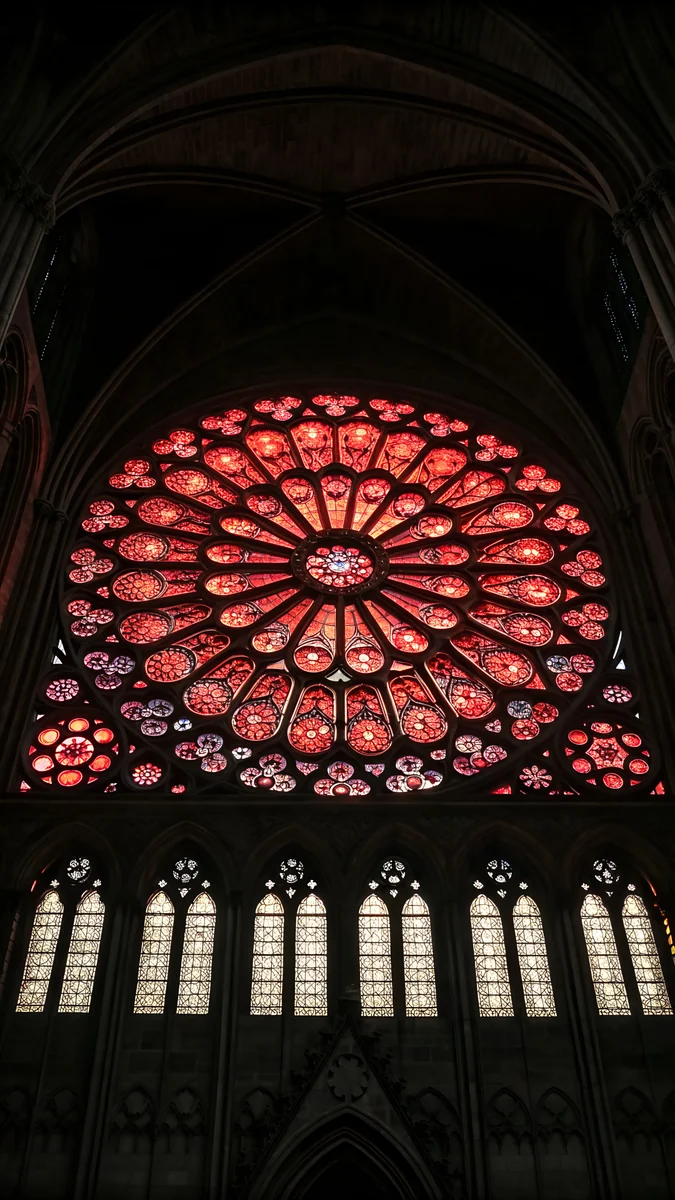 Crimson Rose Window
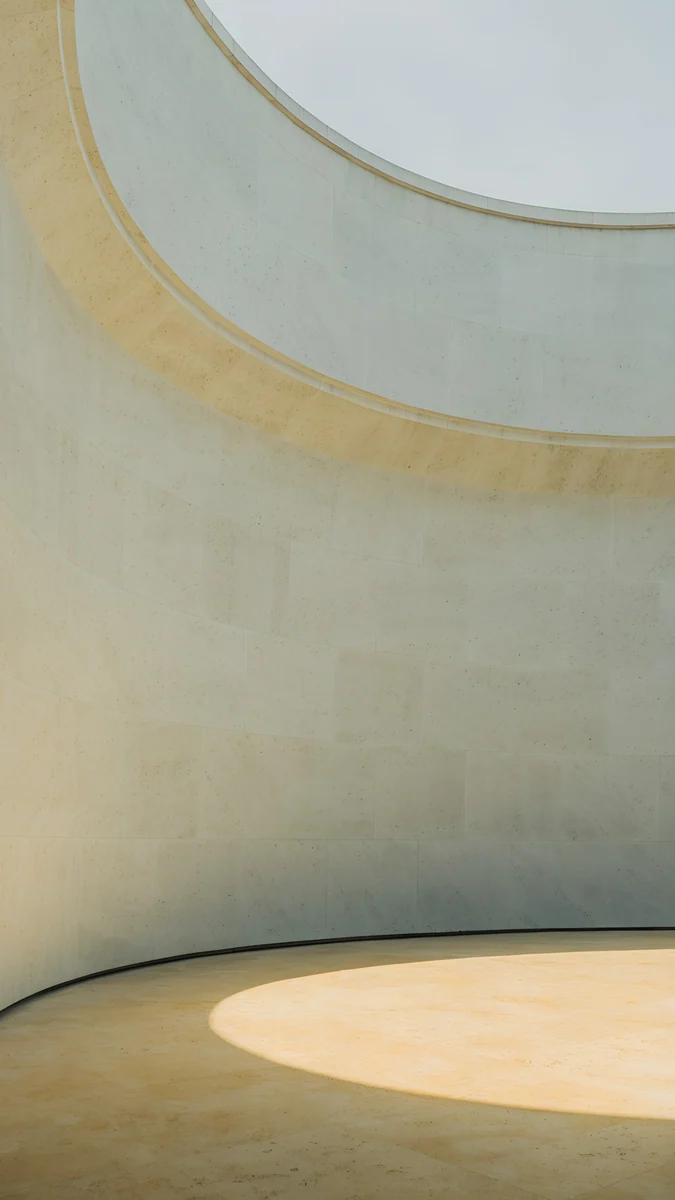
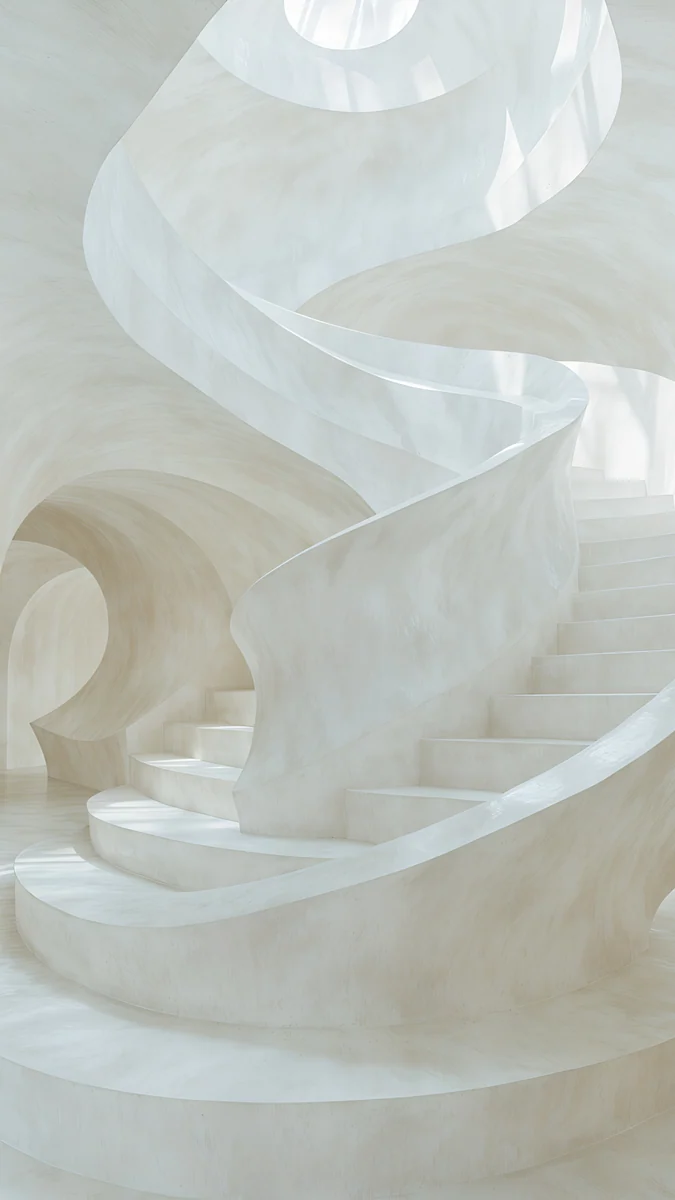 Nautilus Stair
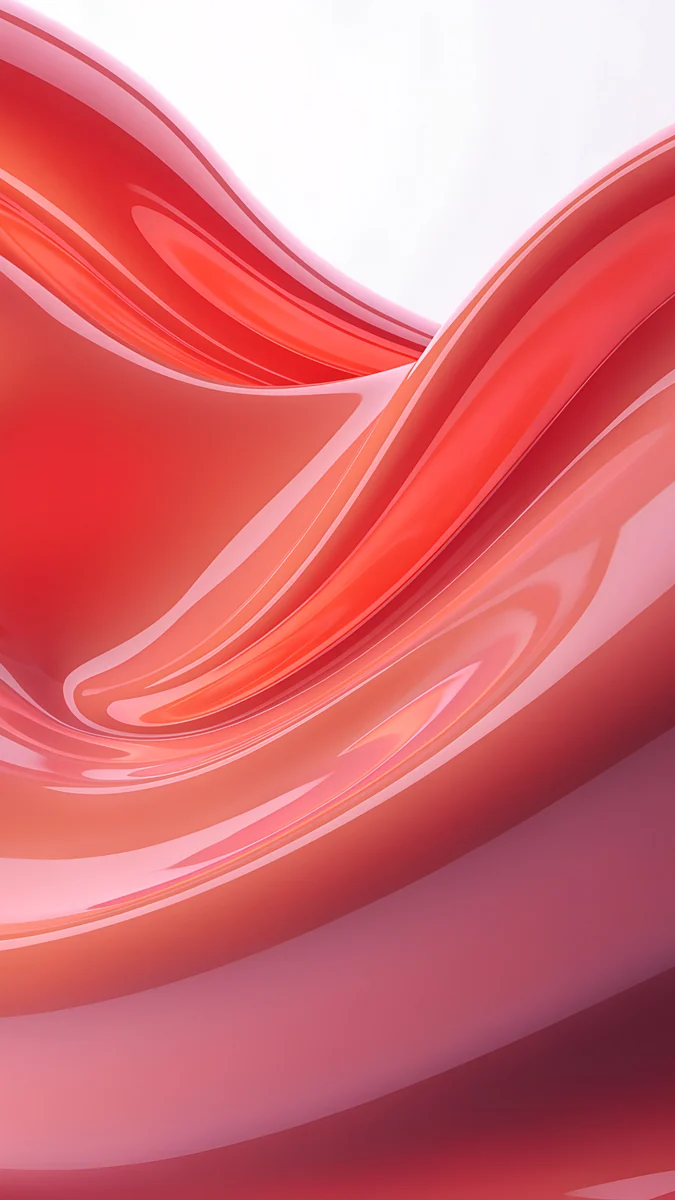
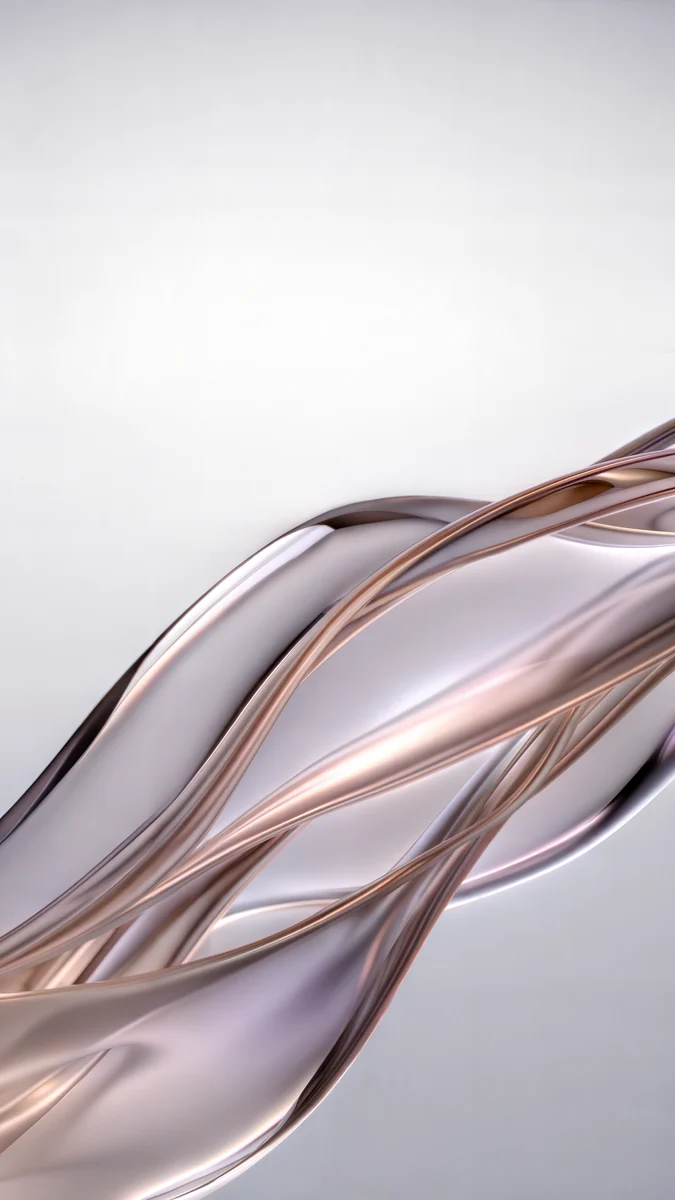 Liquid Light
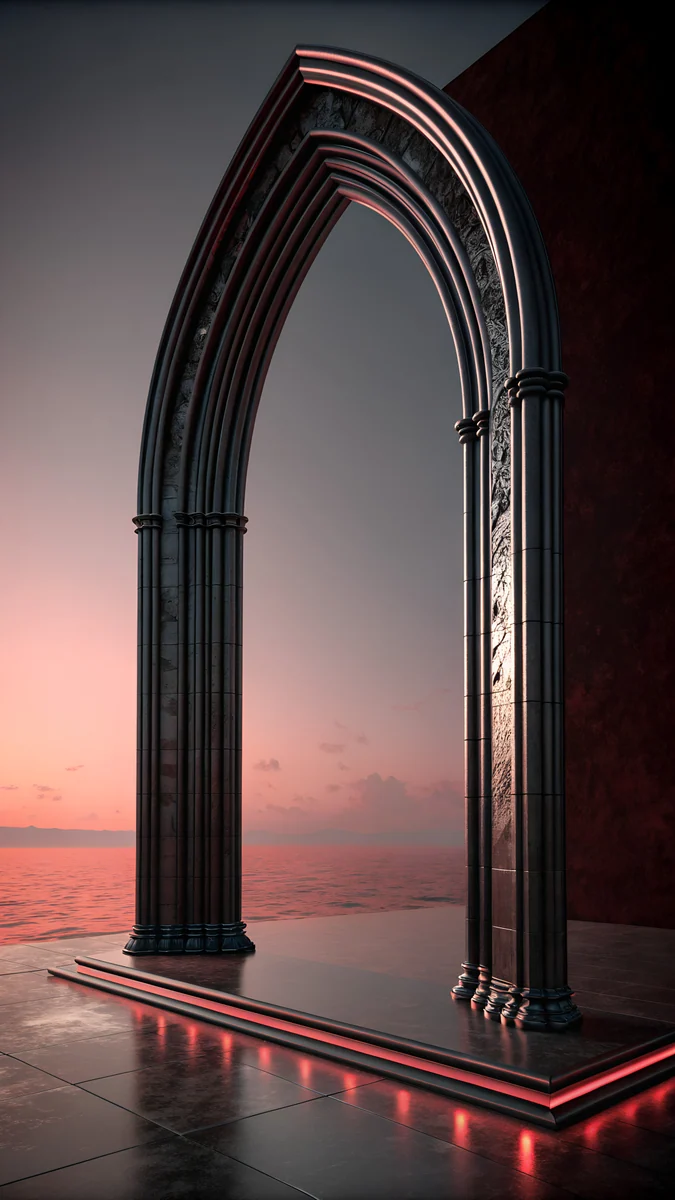 Obsidian Gothic Arch
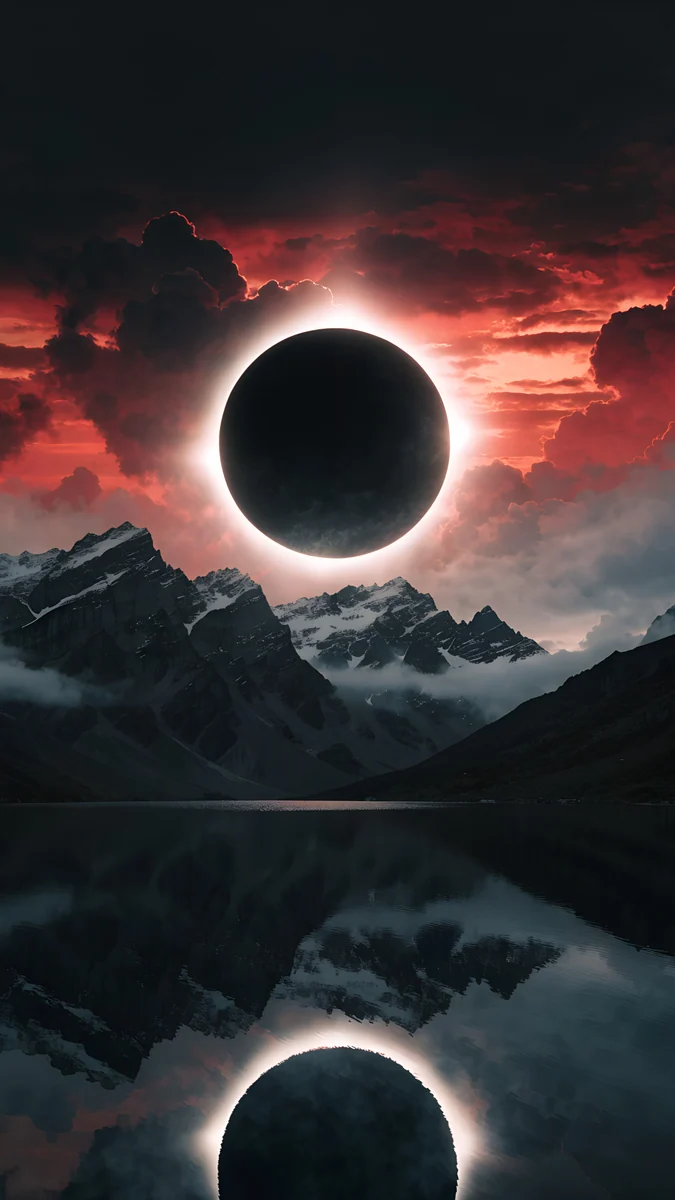 Eclipse Over the Lake
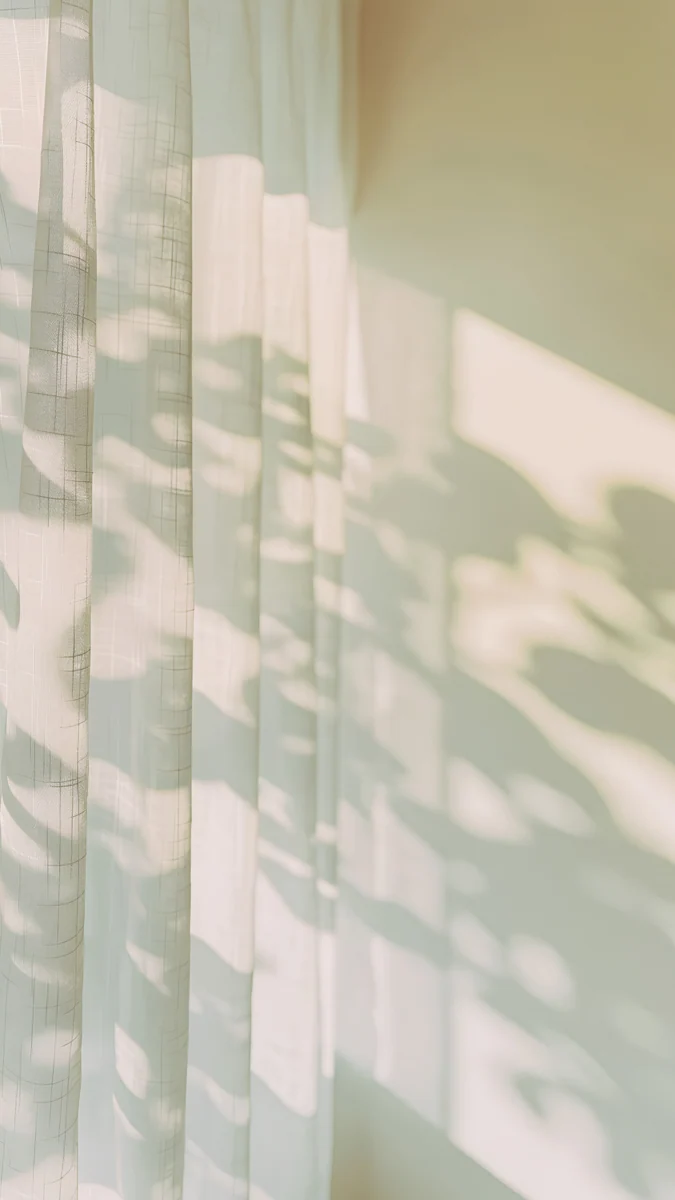 Curtain Leaf Shadows
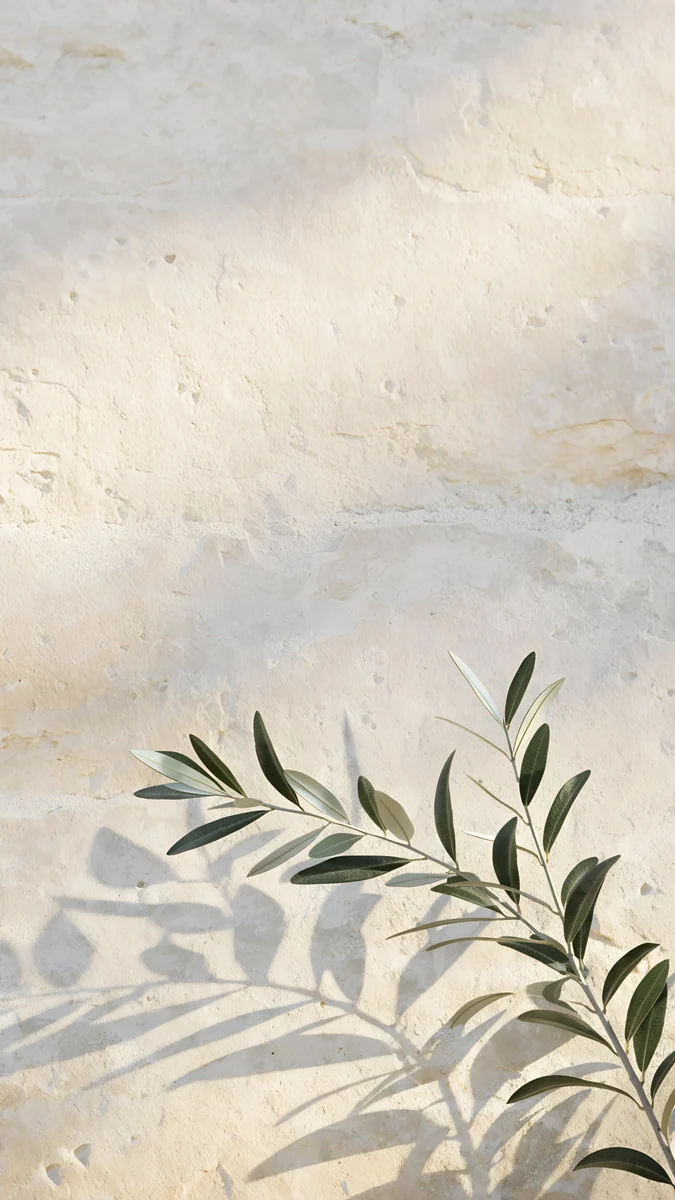 Olive Branch Shadow
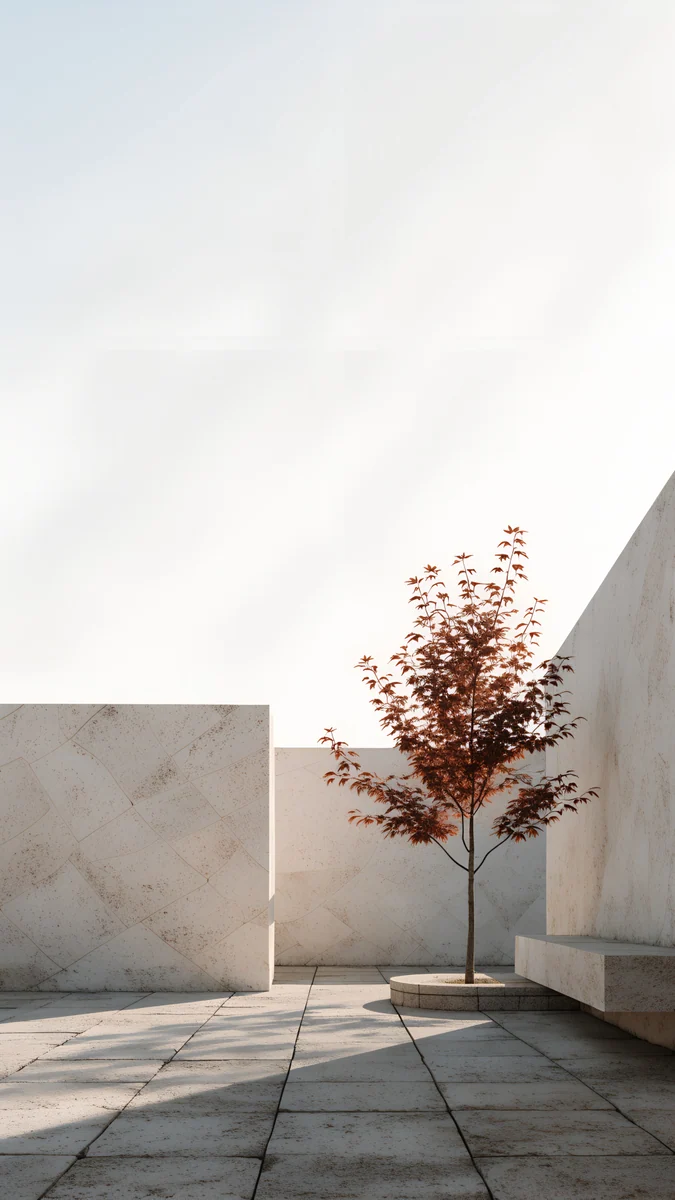 Courtyard Maple
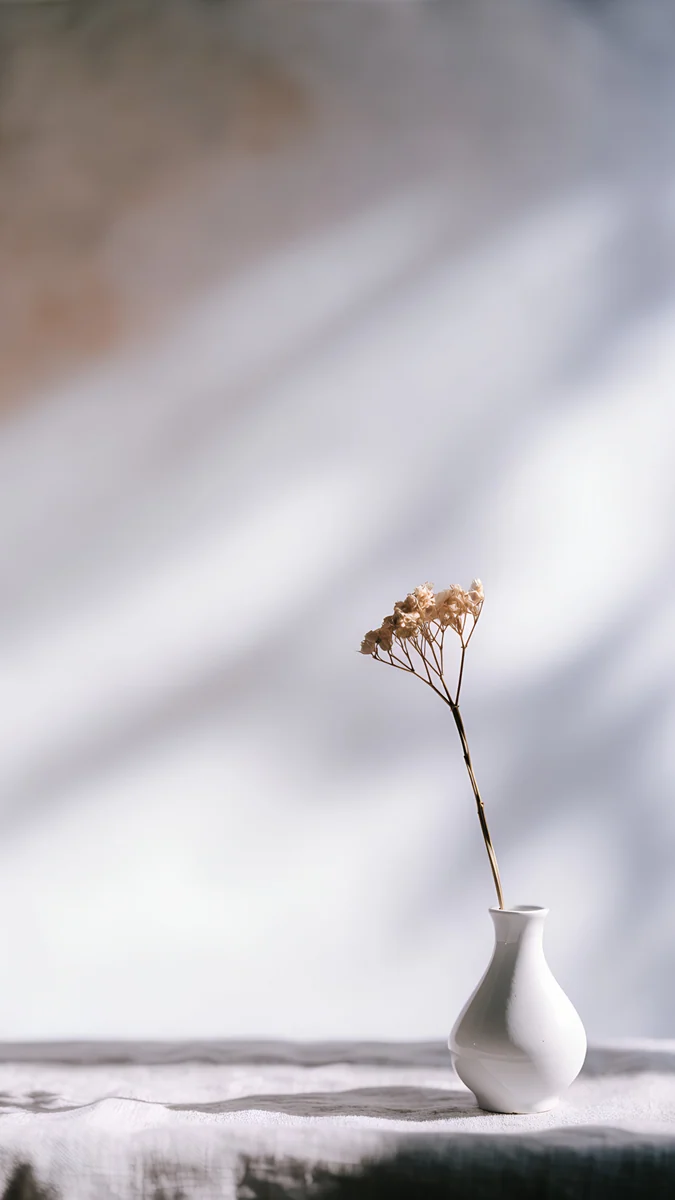
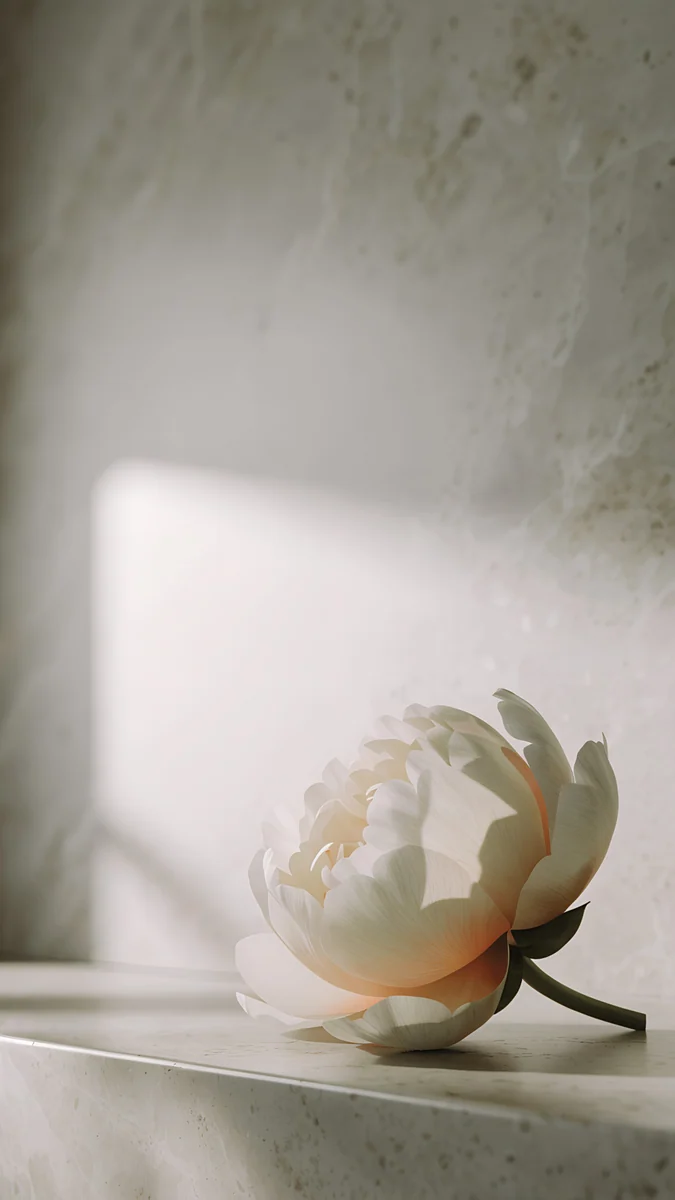 Peony Ledge
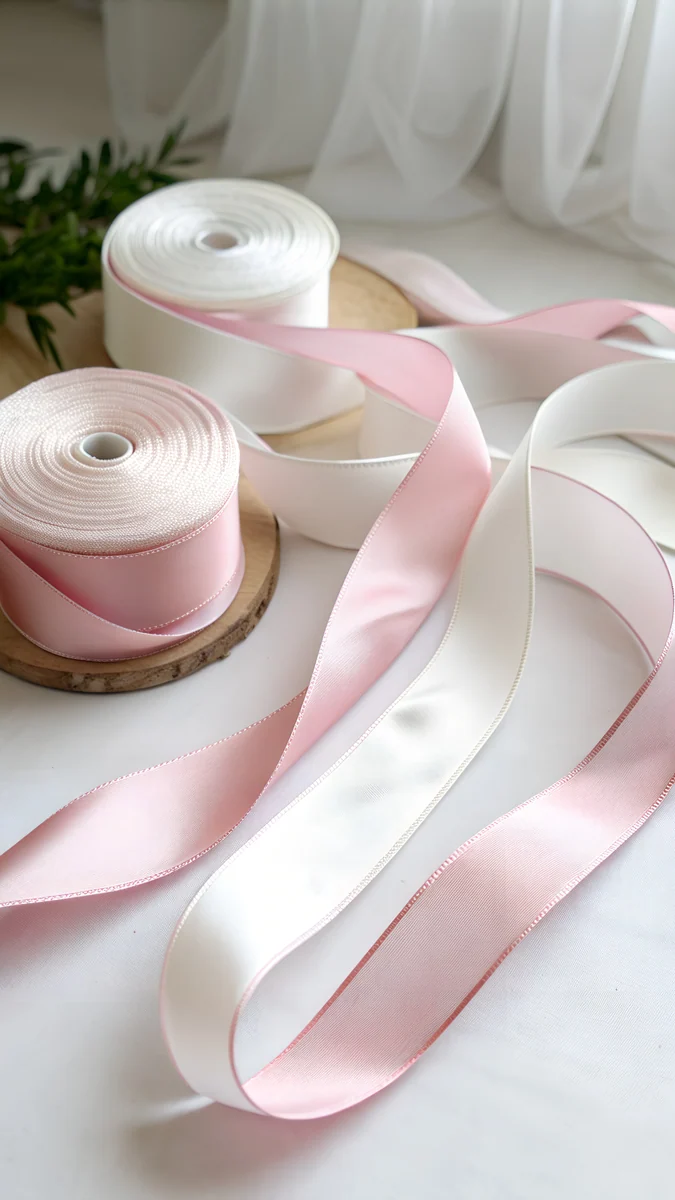 Ribbon Spools
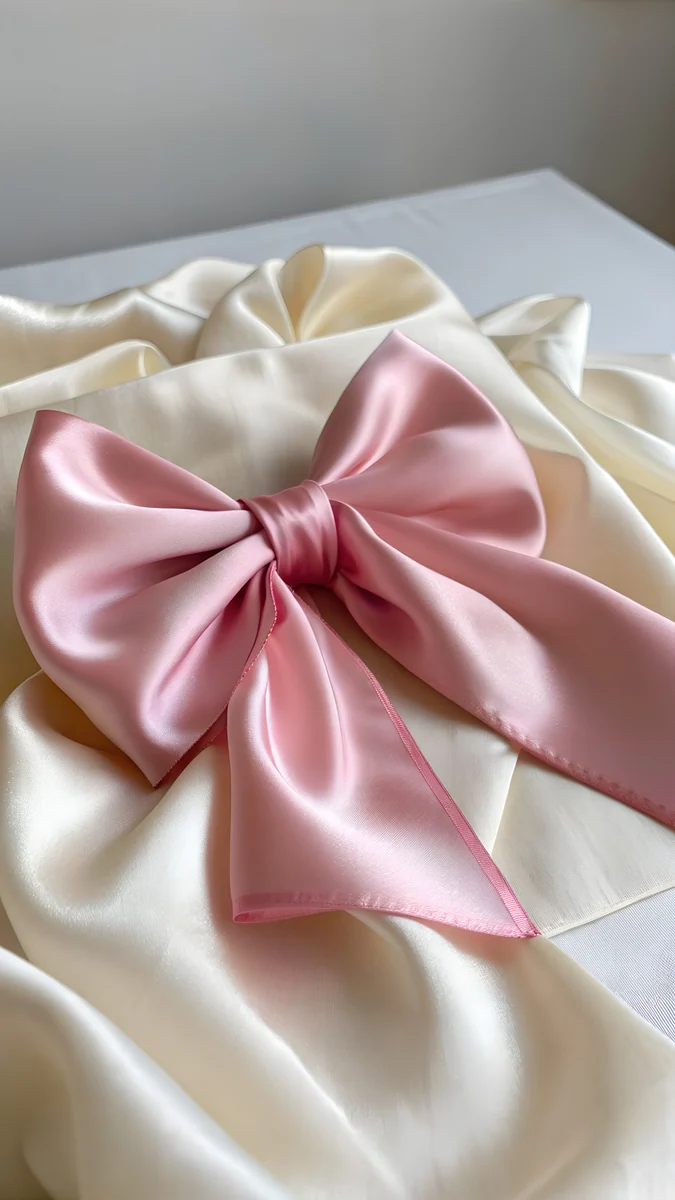 Pink Satin Bow
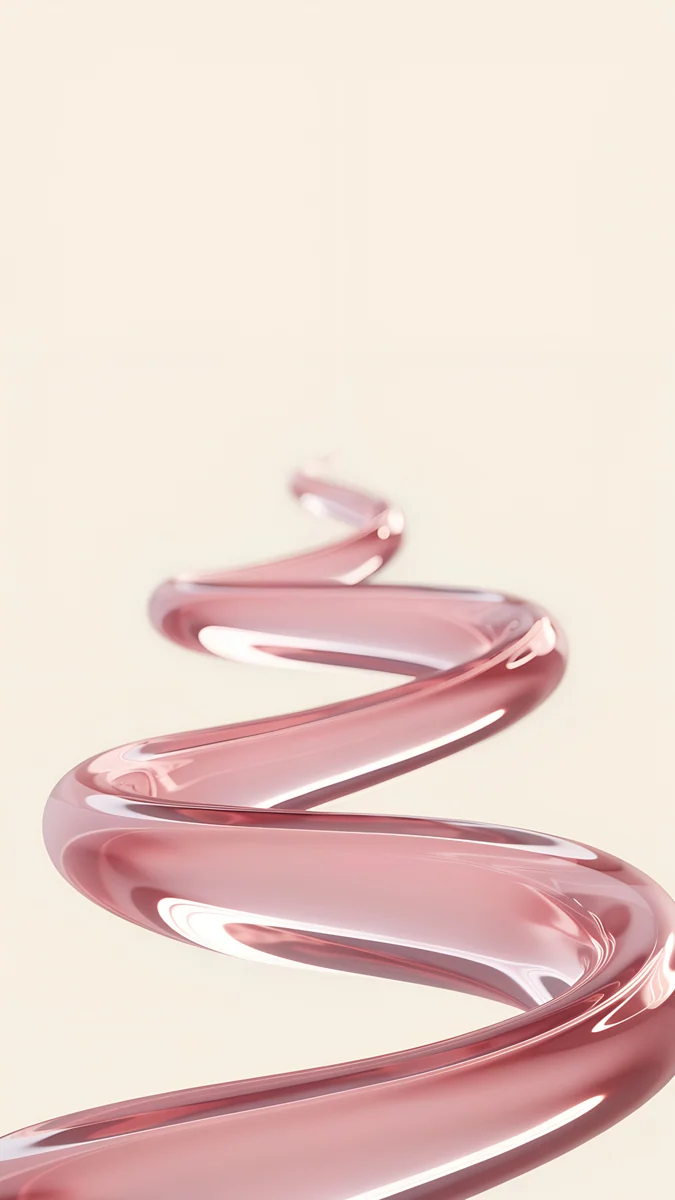 Blush Ribbon
Free originals for iPhone and Android, no watermark
On this page
The iPhone XR has a 6.1 inch screen at 828 × 1792 pixels, and a Velpaper 4K original is larger than that and stays sharp. Every wallpaper is a 2160 × 3840 portrait file, so when it fills the screen height it loses about 18 percent of its width at the sides and nothing from the top or bottom. The real decision is the picture. Apple sells the iPhone XR in six official colours: (PRODUCT)RED, Yellow, White, Coral, Black and Blue. When the wallpaper echoes the colour of the back, the phone looks like one finished object instead of a case with a random photo. This page matches wallpapers to each official colour. Below you will find picks for every finish, the size table, and the steps to set one on your phone. Each pick comes with a short line on why it suits the screen and where the clock will sit.
iPhone XR wallpaper size
These figures come from the manufacturer's official tech specs, width by height for a portrait wallpaper:
| Model | Screen | Resolution | Density |
|---|---|---|---|
| iPhone XR | 6.1 inches | 828 × 1792 pixels | 326 ppi |
Every Velpaper phone wallpaper is a 2160 × 3840 JPEG, larger than this screen in both directions, so iOS only scales it down. The screen is taller and narrower than a 9:16 picture, so the original loses about 18 percent of its width at the sides. Keep the main shape near the centre and nothing important is cut.
Other models and their crops are in the iPhone wallpaper size guide.
iPhone XR (PRODUCT)RED wallpapers
The (PRODUCT)RED iPhone XR suits pictures with deep red and black. Crimson Rose Window is the closest match, a gothic window in red and black with a dark tone that keeps the clock easy to read. Obsidian Gothic Arch uses the same palette in a stone arch, and Eclipse Over the Lake adds an epic eclipse over a dark lake for a bolder mood.
iPhone XR Yellow wallpapers
The Yellow iPhone XR pairs well with light, warm scenes. Nautilus Stair is a bright stair in white and beige that leaves the top calm for the clock. Curtain Leaf Shadows shows soft green shadows on beige, a gentle picture that stays quiet behind icons. Olive Branch Shadow brings a Mediterranean leaf shadow on white for a fresh, minimal look.
iPhone XR White wallpapers
The White iPhone XR suits clean, airy pictures with plenty of light. Liquid Light is a soft glass ribbon in white and grey, simple and elegant. Courtyard Maple adds a single red maple in a white courtyard for a calm autumn feel. Peony Ledge shows a quiet peony on a pale ledge with a gentle texture.
iPhone XR Coral wallpapers
The Coral iPhone XR suits soft pink pictures with a playful touch. Ribbon Spools shows pink and white ribbon in a light, cute style. Pink Satin Bow adds a pink satin bow on beige for a soft, preppy look. Blush Ribbon is a minimal pink glass ribbon that stays pastel and calm.
iPhone XR Black wallpapers
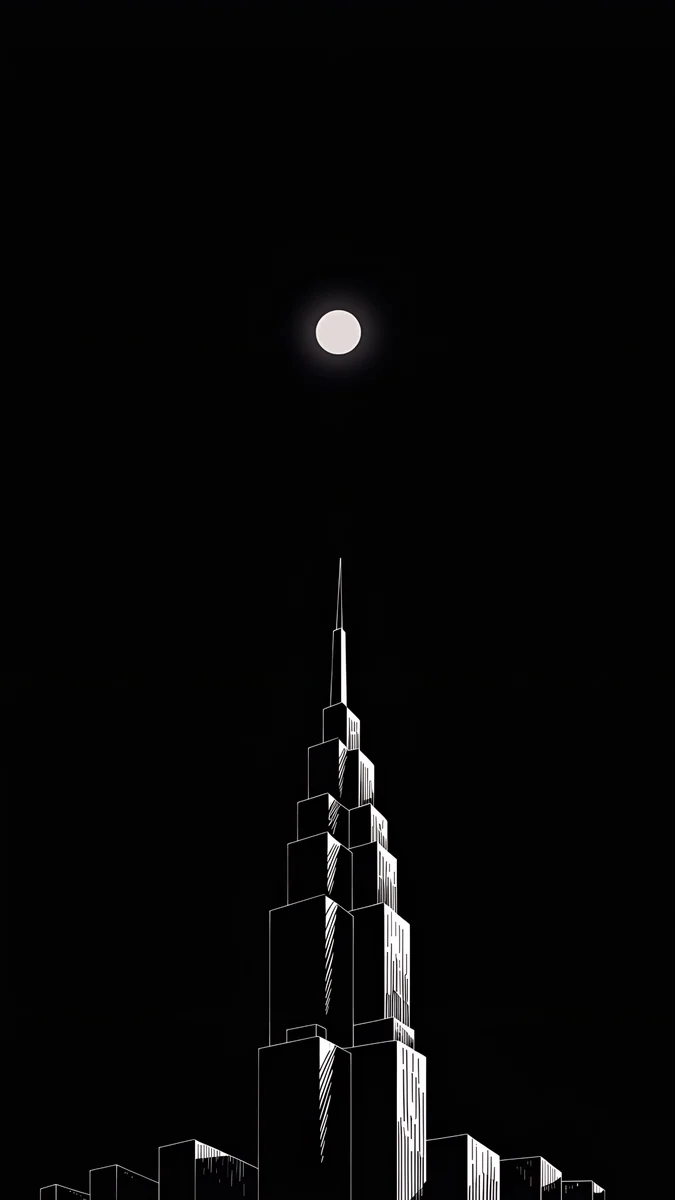
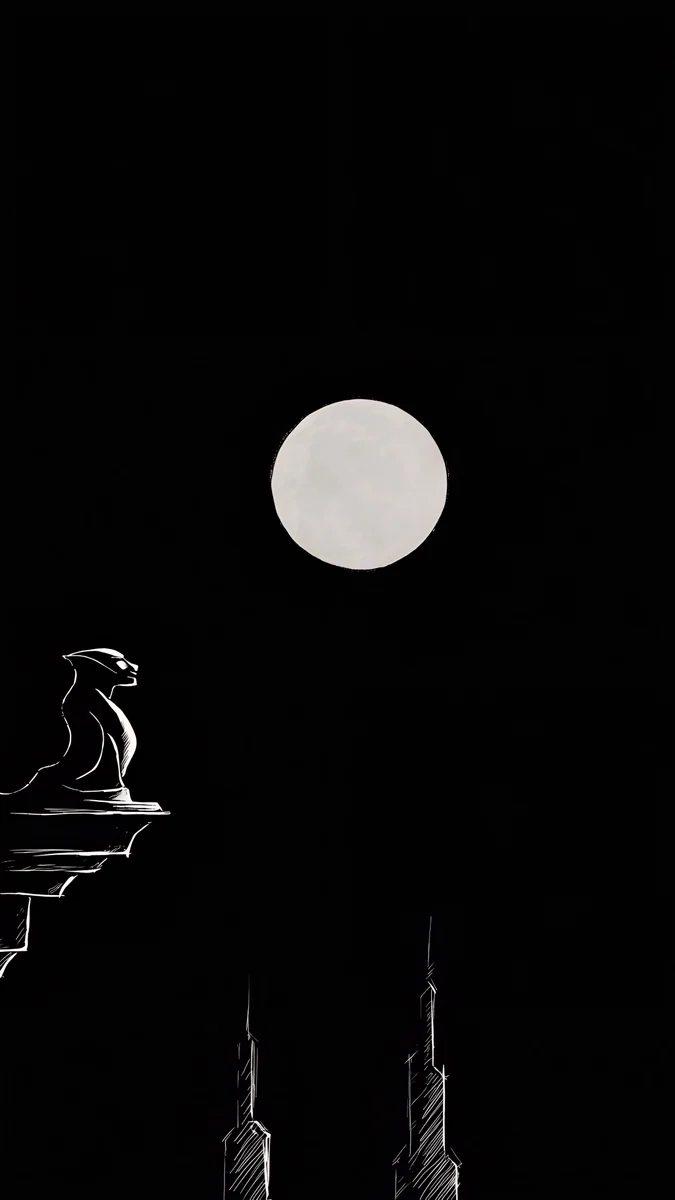
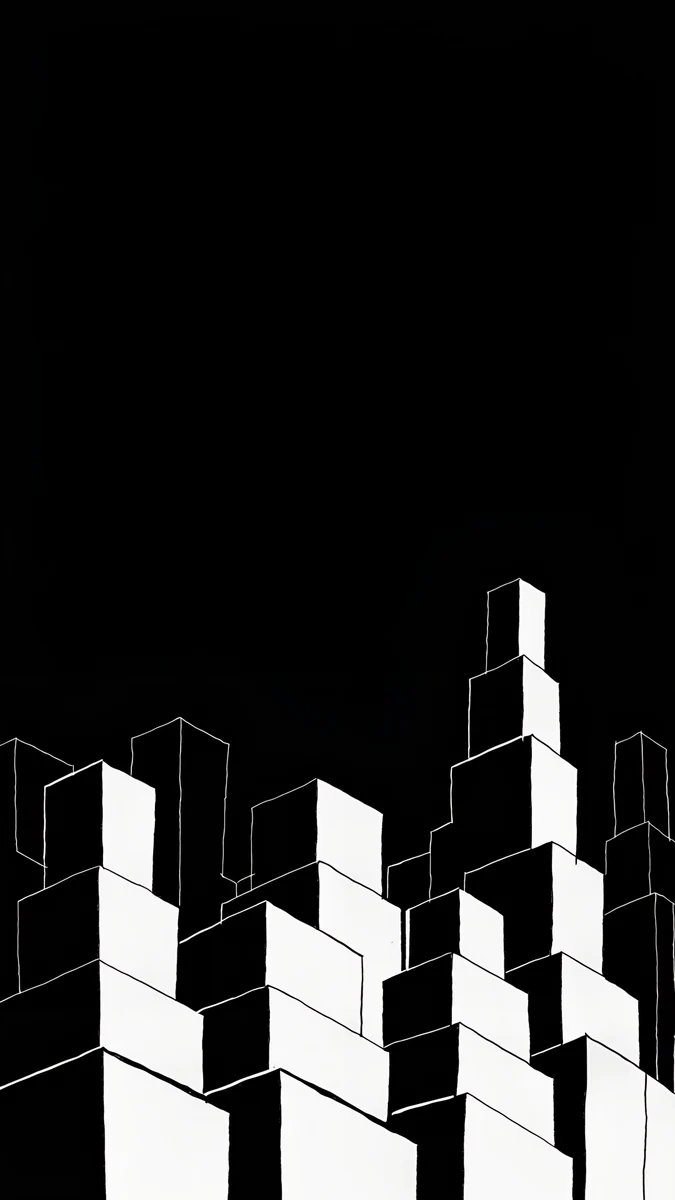
The Black iPhone XR suits monochrome night pictures. The dark tone keeps the screen calm and suits OLED-style blacks. Lone Spire shows a single tower in white on black under the moon. Moon Ledge adds a skyscraper and a moon in the same black and white palette. Night Blocks shows a city of geometric blocks at night.
iPhone XR Blue wallpapers
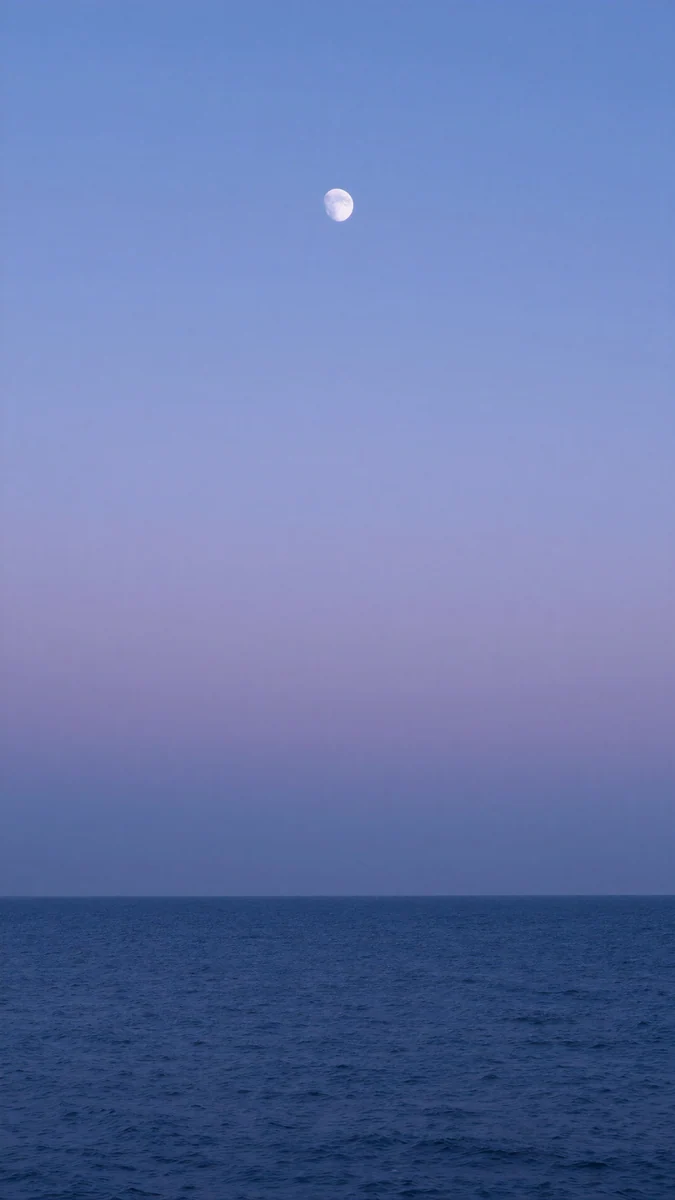
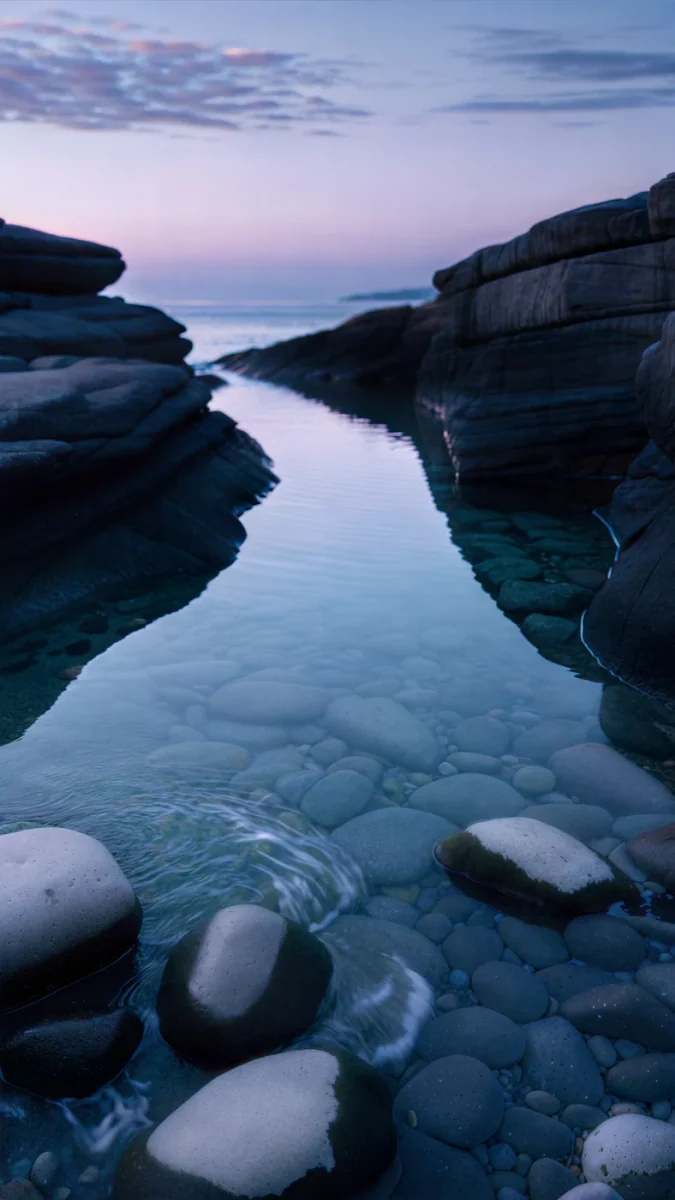
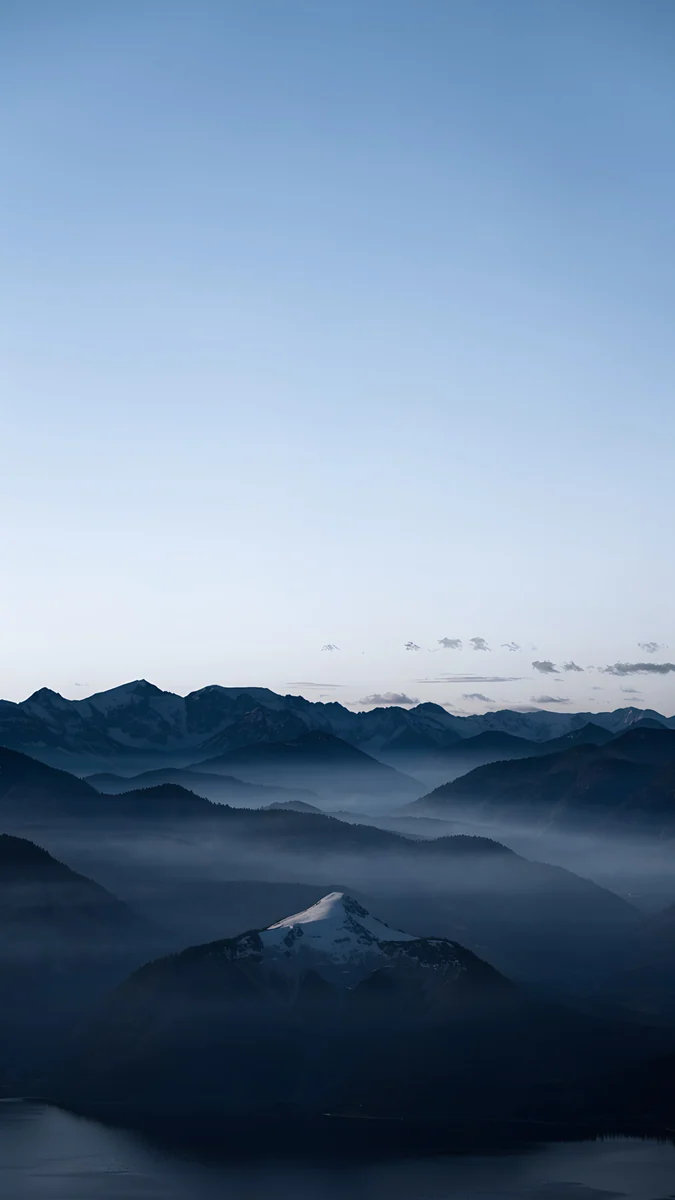
The Blue iPhone XR suits calm sea and sky scenes in navy and blue. Dusk Moon Sea shows a moon over a calm sea at dusk, minimal and quiet. Blue Cove adds a sunset over a navy cove with soft clouds. Blue Hour is a foggy blue mountain scene with a moody, nordic feel.
How to set a wallpaper on the iPhone XR
On iOS 16 or later:
- Save the original to Photos from the Velpaper app or from the wallpaper page on velpaper.com.
- Open Settings, tap Wallpaper, then Add New Wallpaper, and choose Photos.
- Select the image, then pinch and drag until the main shape sits where you want it under the clock.
- Tap Add and decide whether to use it on the lock screen and the home screen together.
If the picture looks too zoomed in, you probably saved a screenshot of the preview. Save the original file instead.
Get these iPhone XR wallpapers in Velpaper
Velpaper is an app for iPhone, iPad, Mac and Android, and every wallpaper is also on velpaper.com. Browsing and previews are free. The wallpapers in this article unlock after a short optional ad in the apps; on the website the original downloads free when no ad is available. Each file is a 4K original with no watermark and no account needed. The wallpapers are designed by Carlos Vivero.
Next step: open Crimson Rose Window, save the original and set it on your iPhone XR.
Original wallpapers in and for iPhone, Android and desktop.
Questions
What size is the iPhone XR wallpaper?
The iPhone XR has a 6.1 inch screen at 828 × 1792 pixels and 326 ppi. Velpaper wallpapers are 2160 × 3840 pixel 4K portrait originals. That file is larger than the iPhone XR screen, so iOS scales it down. When it fills the screen height, it loses about 18 percent of its width at the sides and nothing from the top or bottom. The file size is the same across the range, so you can pick any wallpaper and it will fit the iPhone XR screen without cropping the important parts of the picture.
Which wallpapers match the iPhone XR colours?
The iPhone XR is sold in six official colours: (PRODUCT)RED, Yellow, White, Coral, Black and Blue. For (PRODUCT)RED, choose deep red and black pictures such as the gothic window. For Yellow, choose light beige and green scenes. For White, choose clean white and grey pictures. For Coral, choose soft pink ribbon and bow pictures. For Black, choose monochrome night scenes. For Blue, choose navy sea and sky scenes. Each section of this page lists picks for one colour with a short note on why each one suits the screen.
How do I set a wallpaper on the iPhone XR?
To set a wallpaper on the iPhone XR, open Settings, tap Wallpaper, then tap Add New Wallpaper. Choose Photos and pick the Velpaper image you saved. Tap Fill Screen so the picture covers the display. On a Mac, open System Settings, choose Wallpaper, then Add Photo, and select Fill Screen. The steps are simple, and the wallpaper stays set until you change it. You can preview the lock screen and the home screen before you confirm the choice.
Will a 4K wallpaper look sharp on the iPhone XR?
A Velpaper 4K original is 2160 × 3840 pixels, which is larger than the iPhone XR screen at 828 × 1792 pixels. Because the file has more pixels than the display, iOS scales it down, so details stay crisp at 326 ppi. The screen uses an LCD panel, and the wallpaper is sized to fill it cleanly. Only the sides lose a small strip, about 18 percent of the width when the height is fitted, so the sharp detail stays on screen.
Can I use iPhone XR wallpapers on other models?
Yes. The iPhone 11 uses the same 828 × 1792 pixel resolution as the iPhone XR, so the same wallpaper file fits both phones. The screens are the same size, so a wallpaper made for one will look the same on the other. Set it through the same Wallpaper settings and choose Fill Screen. The iPhone XR has no Always-On display according to Apple's spec page, so pick a wallpaper that works with the normal lock screen.
Carlos Vivero
Designer of Velpaper wallpapers
Carlos Vivero designs the wallpapers in Velpaper: quiet architecture, liquid glass, Japanese ink and calm landscapes. Every piece is made as a original for iPhone, Android and desktop.
Recent work