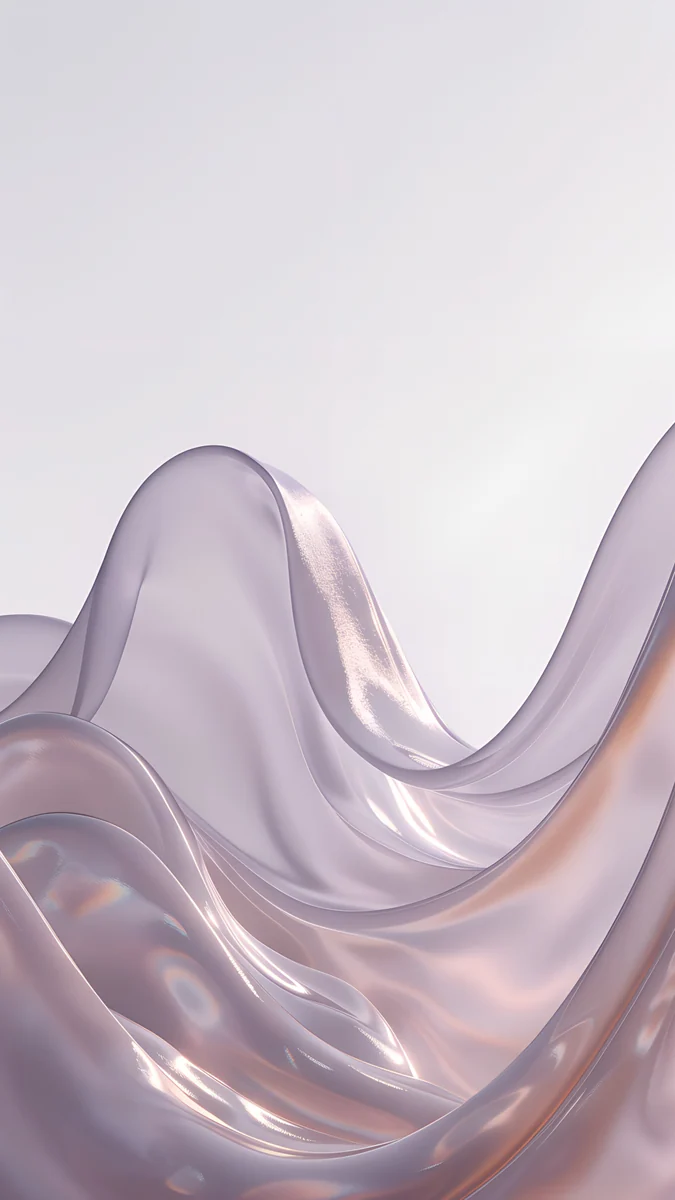
iPhone SE Wallpaper 4K: Picks for the 3rd Gen
iPhone SE 3 wallpapers in 4K for Midnight, Starlight and RED, with the exact 750 × 1334 screen size and why a 9:16 file fits it with almost no crop.
Sources [1] · By the Velpaper team · Wallpapers by Carlos Vivero, Velpaper designer · · 4 min read
In short: The best iPhone SE 3 wallpaper is a calm, deep color picture: indigo or navy for Midnight, cream glass for Starlight and one red accent for RED [1]. The screen is 16:9, so a 2160 × 3840 original fits with almost no crop. It is an LCD, so black is not true black.
Wallpapers
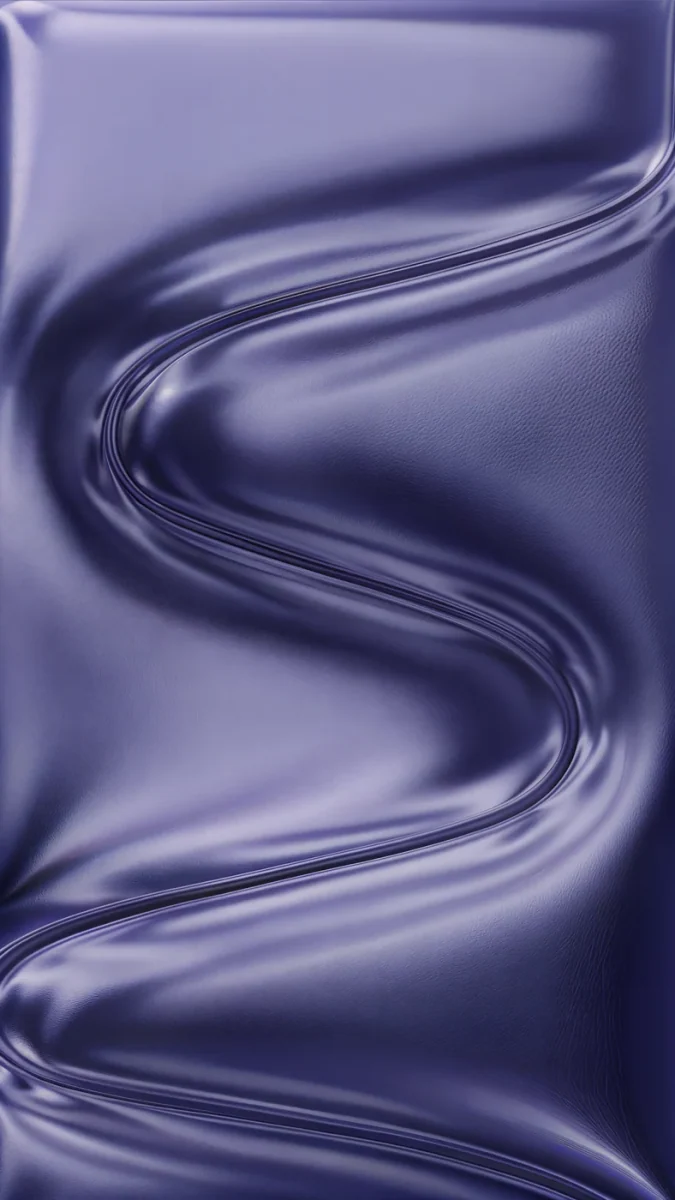 Indigo Passage
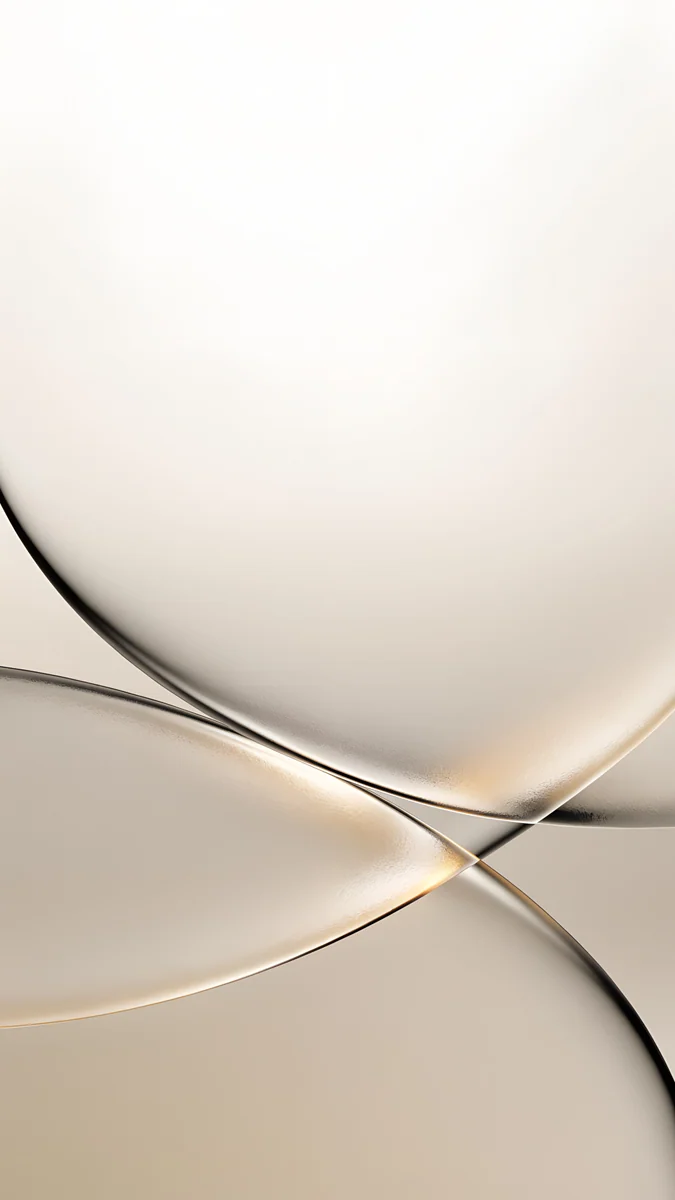 Champagne Veil
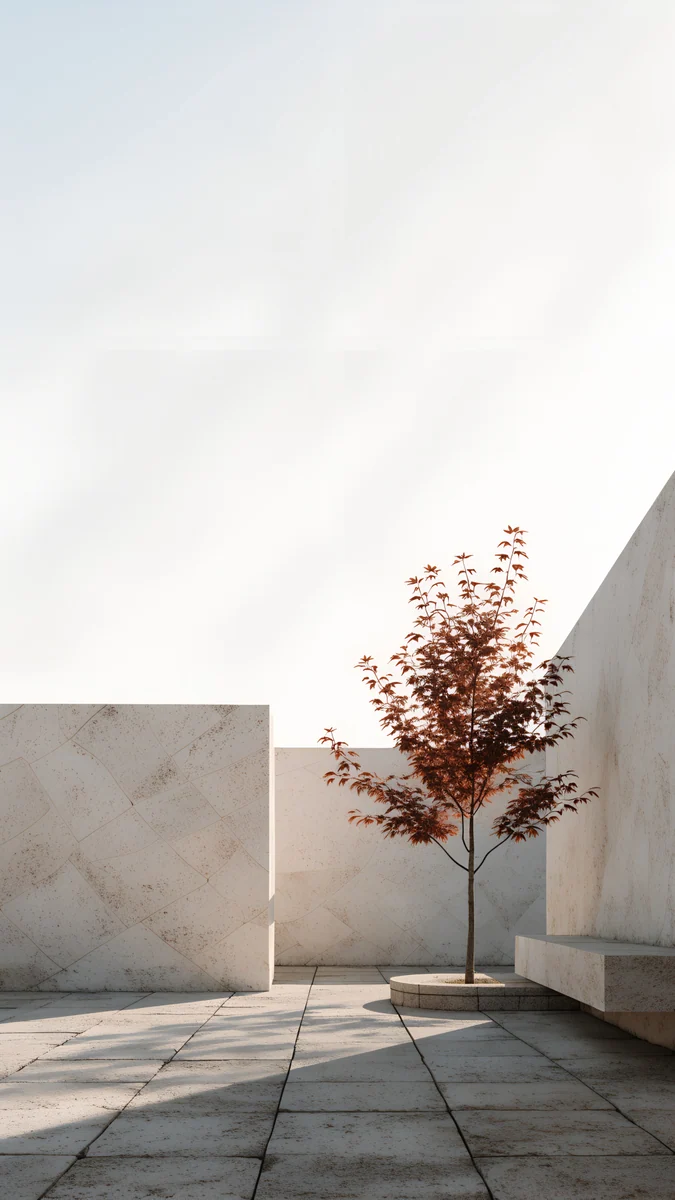 Courtyard Maple
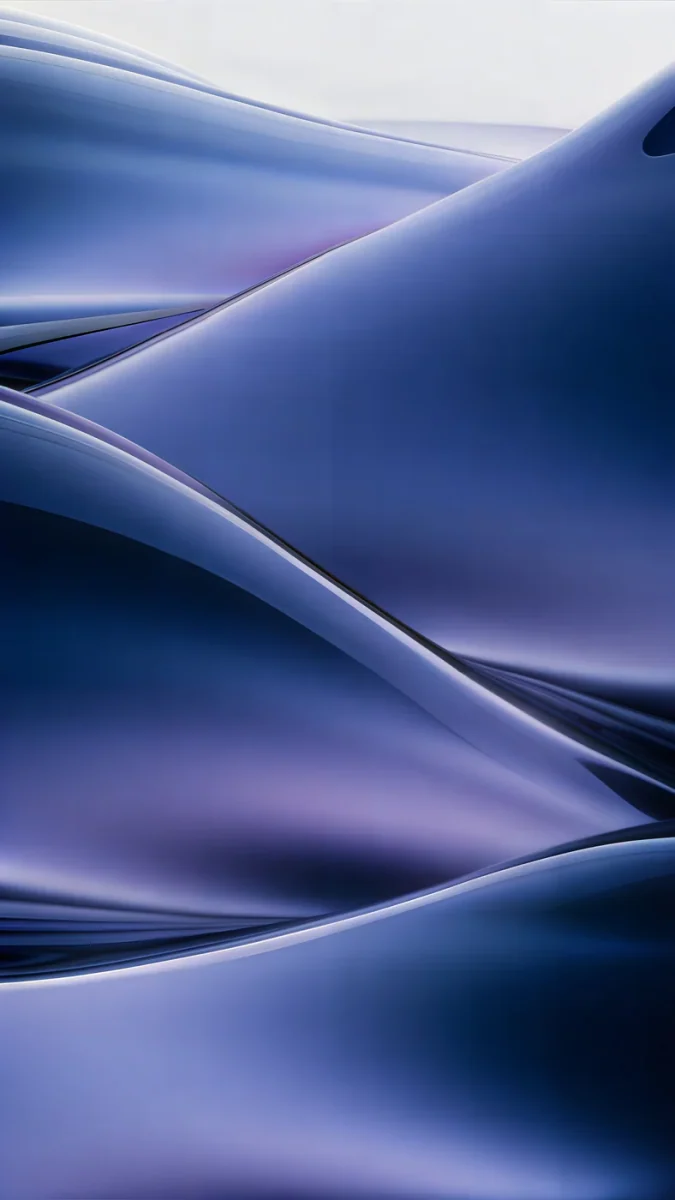 Midnight Flow
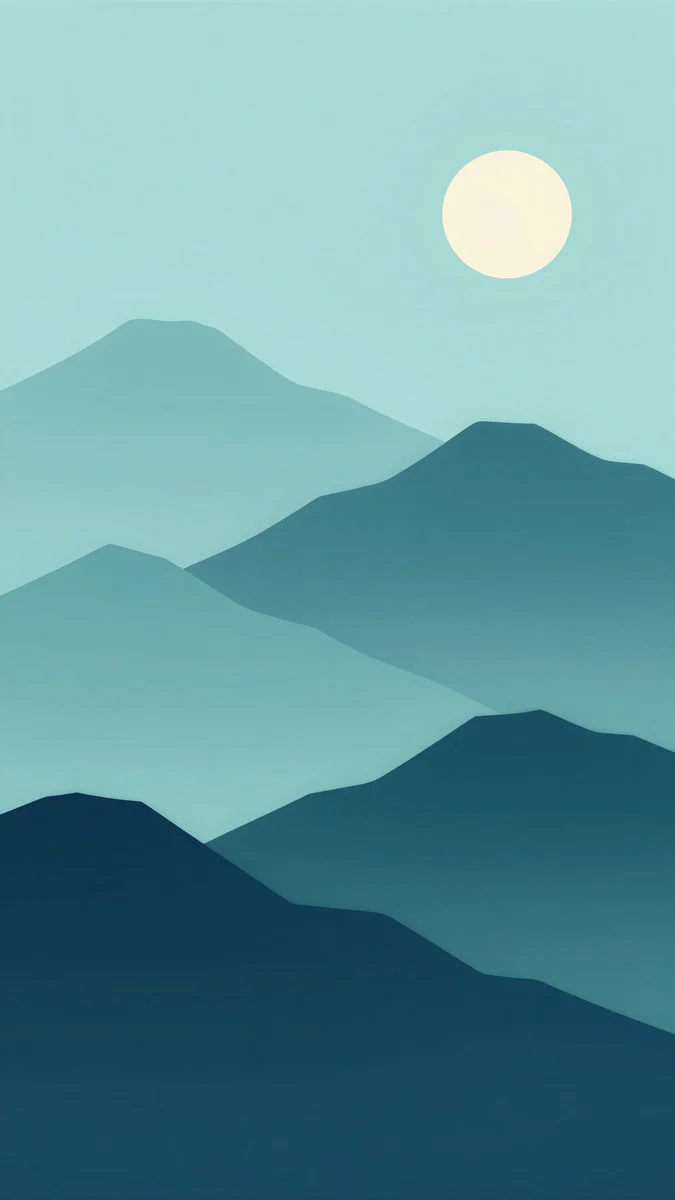 Midnight Paper Peaks
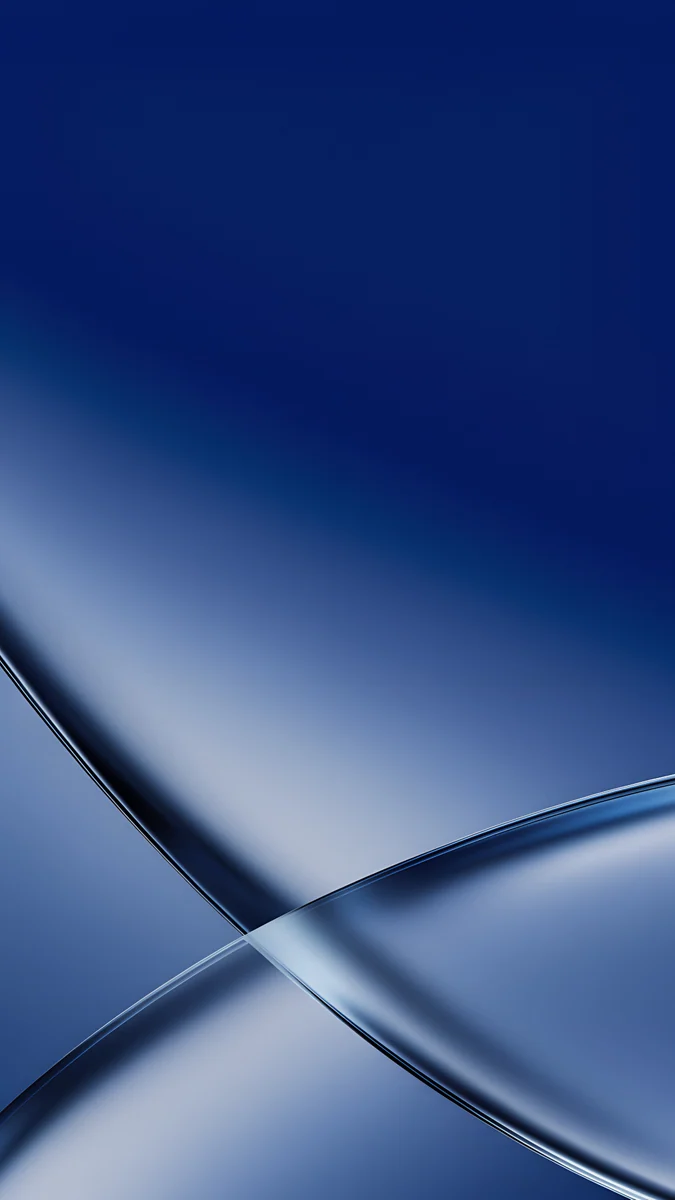 Cobalt Soft Crossing
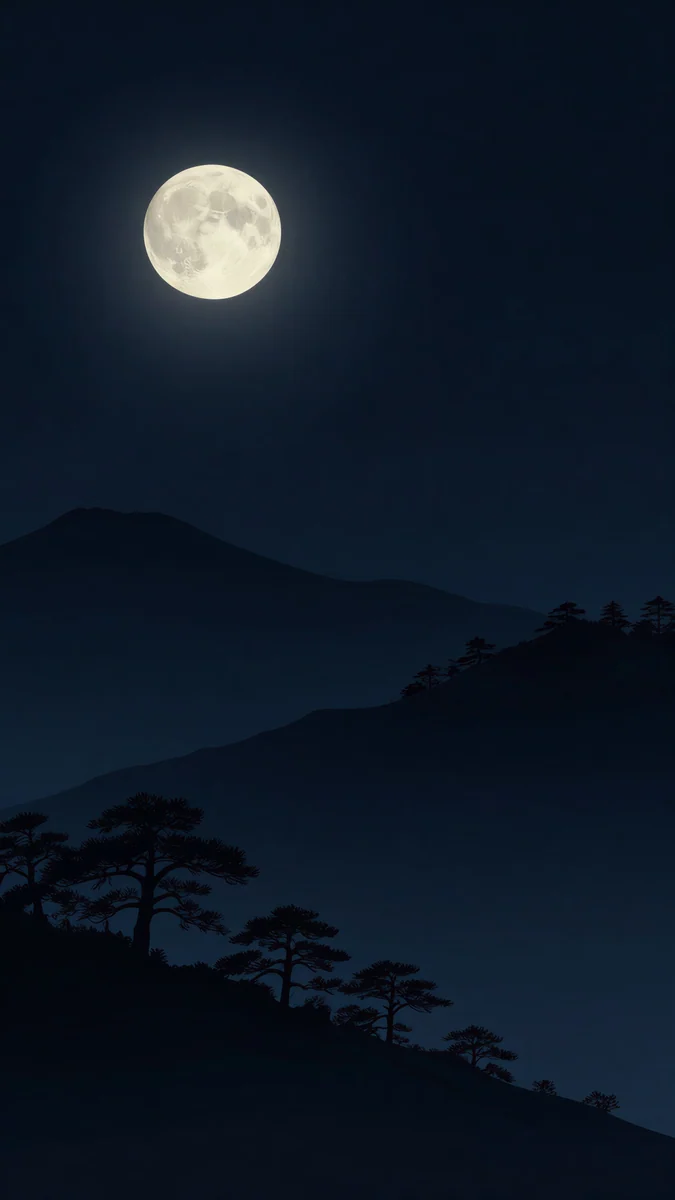 Moon Pines
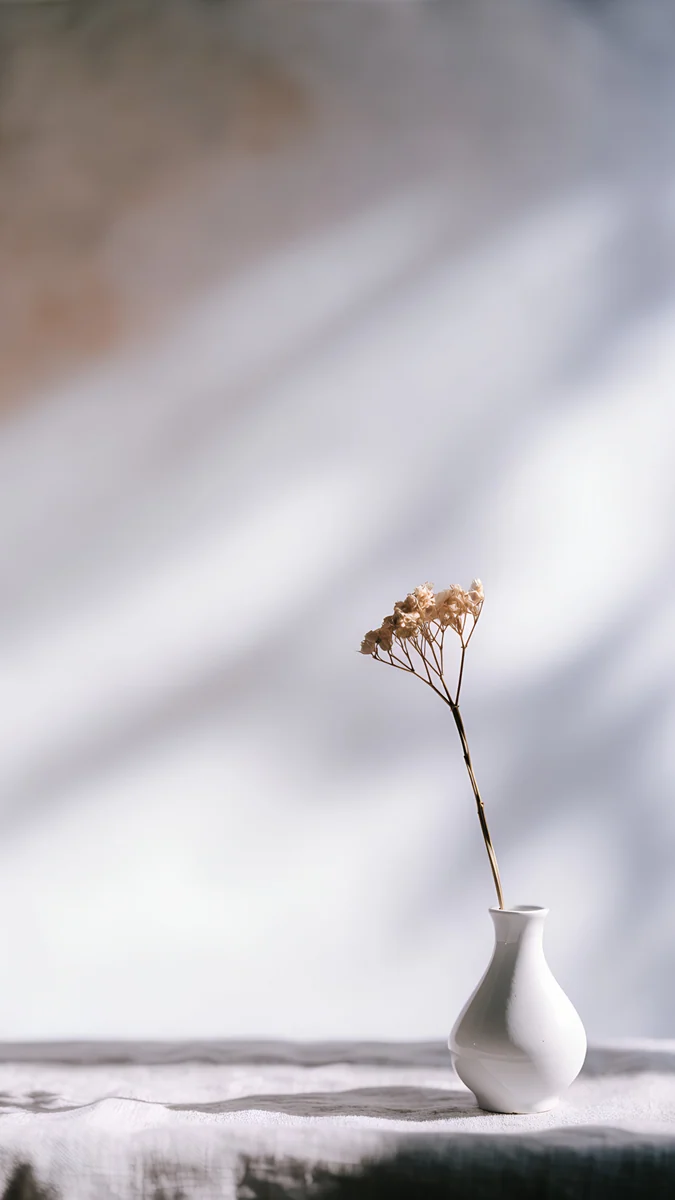 Linen Vase Light
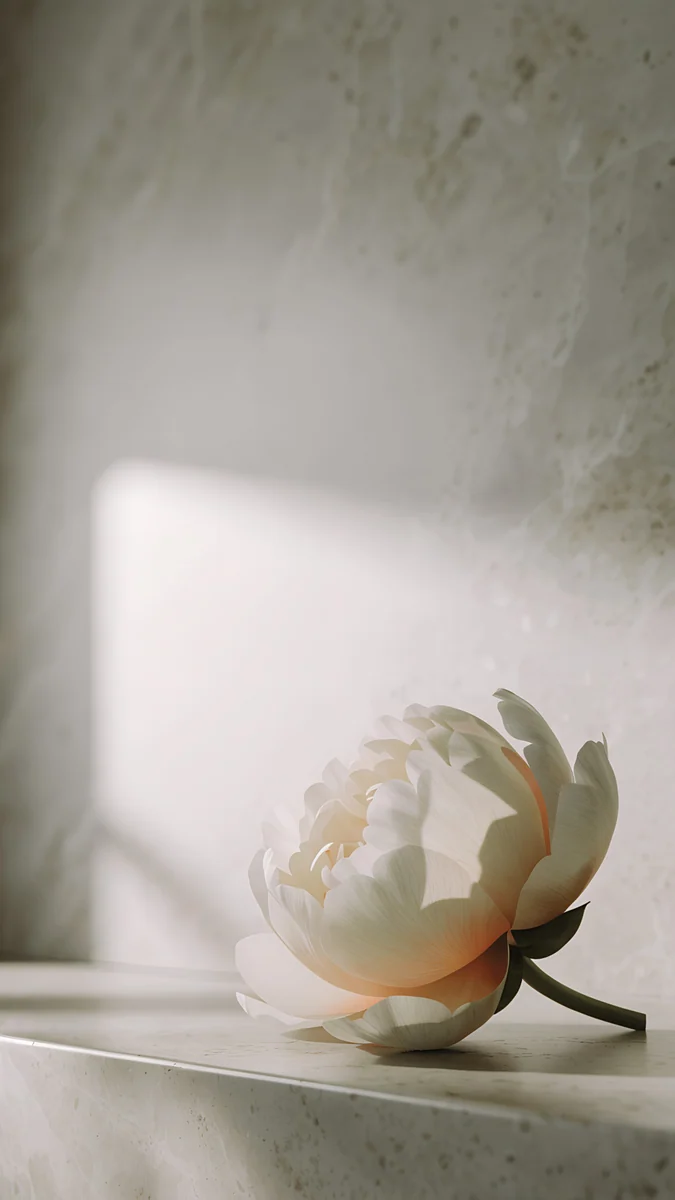 Peony Ledge
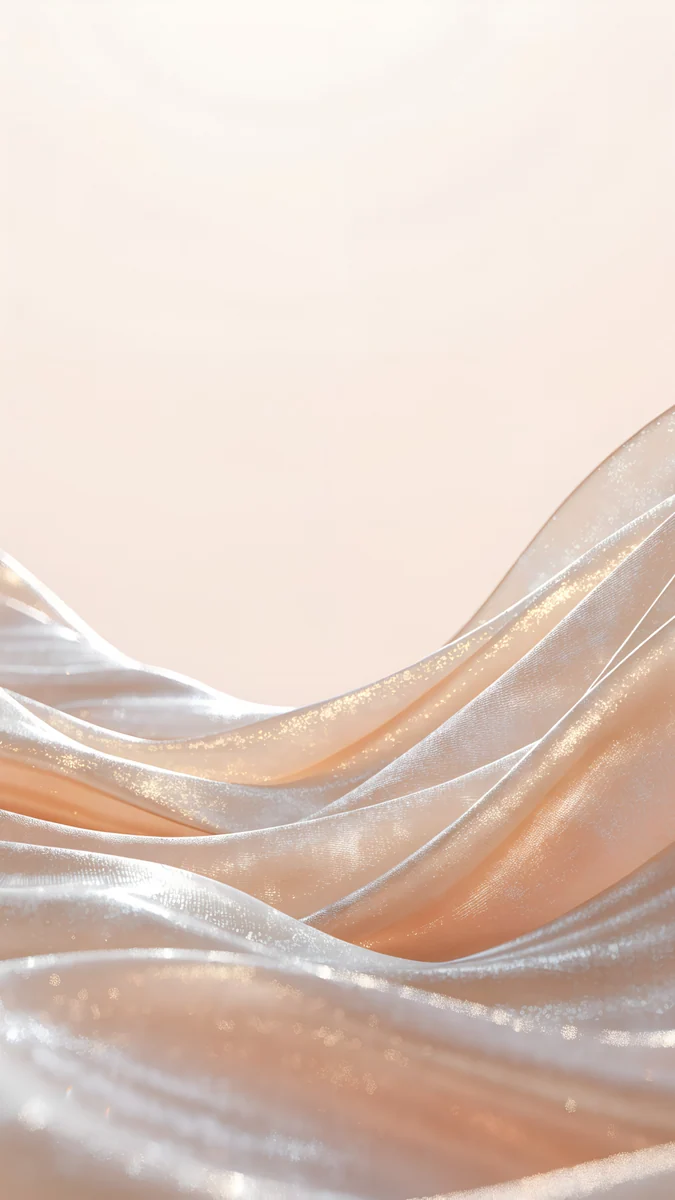 Champagne Satin
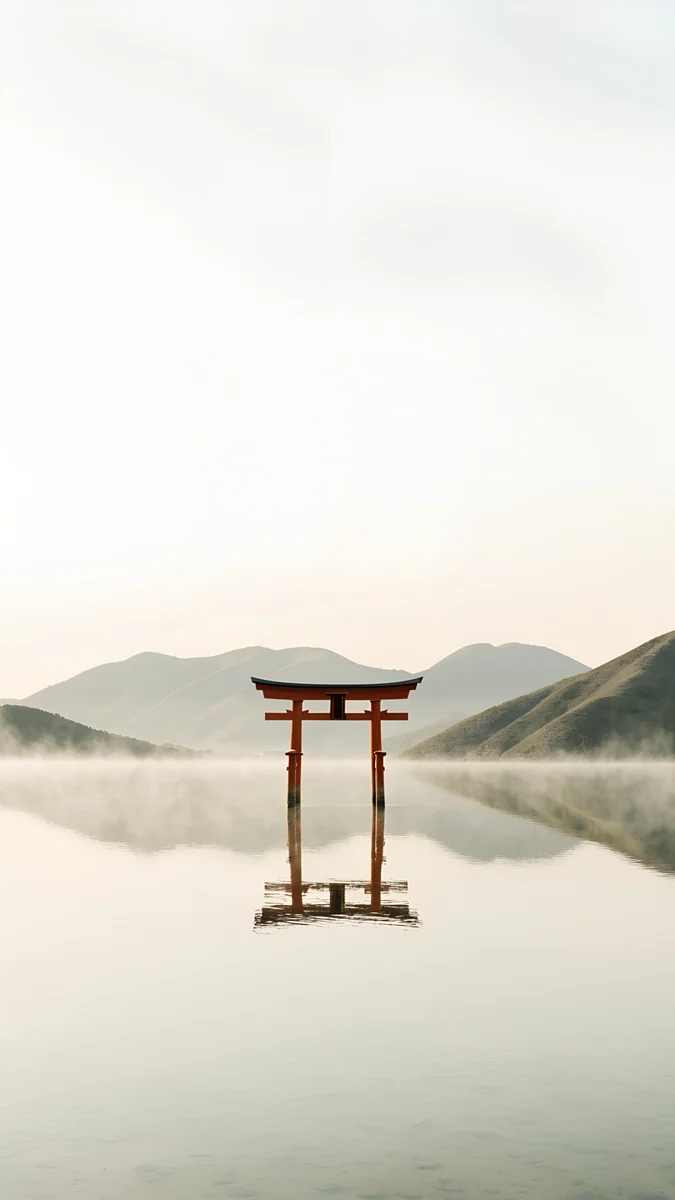 Torii in the Mist
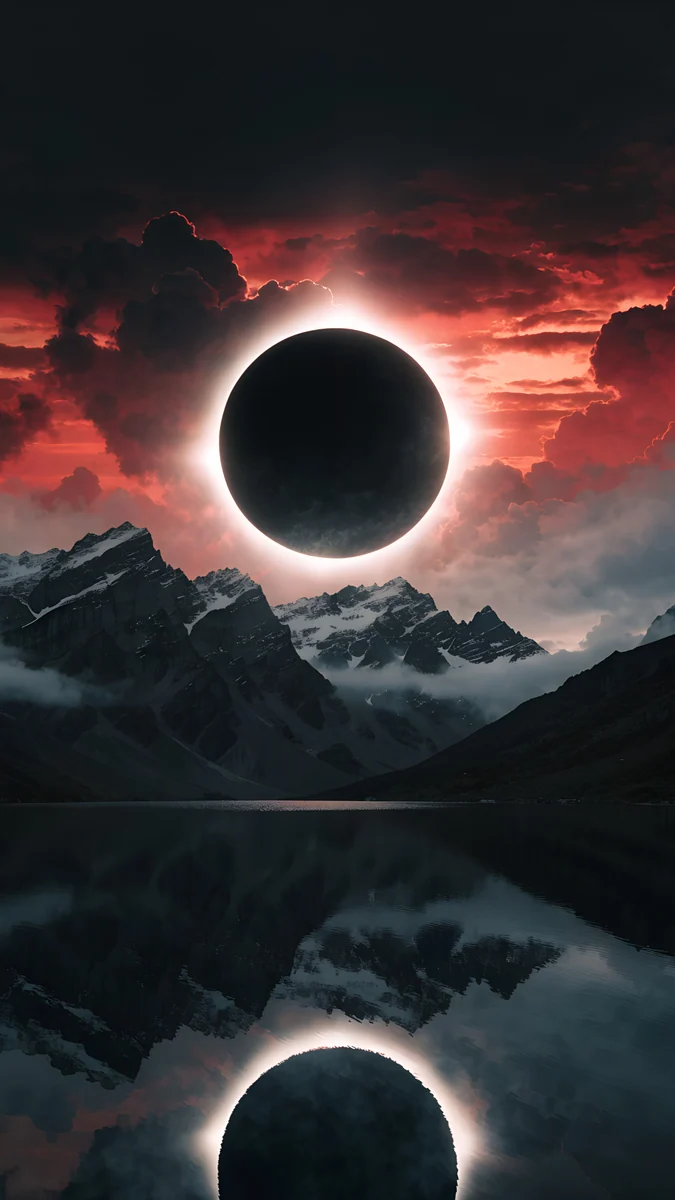 Eclipse Over the Lake
Free originals for iPhone and Android, no watermark
On this page
The iPhone SE (3rd generation) has a 4.7 inch Retina HD LCD at 750 × 1334 pixels, 326 ppi, with a Home button below the screen [1]. The screen is 16:9, the same shape as a 9:16 phone file turned upright, so a Velpaper 4K original at 2160 × 3840 pixels fits with almost no crop and iOS only scales it down. That is the main reason the SE is easy to wallpaper: what you see in the preview is nearly the whole picture. The SE came in Midnight, Starlight and (PRODUCT)RED. Because it is an LCD and not OLED, black is not true black, so deep colors look better than pure black here. This page gives you the size table, picks for each finish, and the steps to set a wallpaper in iOS 26. For another Home button iPhone, see our iPhone 8 wallpapers page.
iPhone SE 3 wallpaper size
These figures come from Apple's tech specs, width by height for a portrait wallpaper:
| Model | Screen | Resolution | Density |
|---|---|---|---|
| iPhone SE (3rd generation) | 4.7 inches, LCD | 750 × 1334 pixels [1] | 326 ppi |
A 2160 × 3840 file is larger than the screen in both directions, so it stays sharp. Because the shapes match, the trim at the sides is close to nothing, unlike on taller iPhones where about 9 percent is lost at each side [1]. You can place a subject anywhere in the frame, though the home screen icons still cover the middle. The crop for every iPhone is in the iPhone wallpaper size guide.
Midnight wallpapers
Midnight is a very dark navy. On an LCD the backlight lifts the blacks to a deep gray, so a picture built from navy, indigo and teal looks richer than one that depends on pure black.
Indigo Passage is the closest match, indigo and lilac silk in a long wave. Midnight Flow folds navy silk into muted violet. Midnight Paper Peaks stacks paper cut mountains from soft teal to navy. Cobalt Soft Crossing lays two ribbons of cobalt glass across a deep blue field. Moon Pines puts pine silhouettes in front of layered mountains and a full moon.
Starlight wallpapers
Starlight is a warm white, close to cream. Light, quiet pictures keep the small screen bright, and dark icon labels stay easy to read on them.
Champagne Veil is cream and sand glass with soft lines, almost neutral. Linen Vase Light casts the shadow of a vase on a pale wall. Peony Ledge rests a peony on a light ledge in soft shadow. Champagne Satin is a gentle wave of beige and white silk.
(PRODUCT)RED wallpapers
RED is a strong, clear red. On a 4.7 inch screen a single red element on a calm picture works better than a field of red behind a full grid of icons [1].
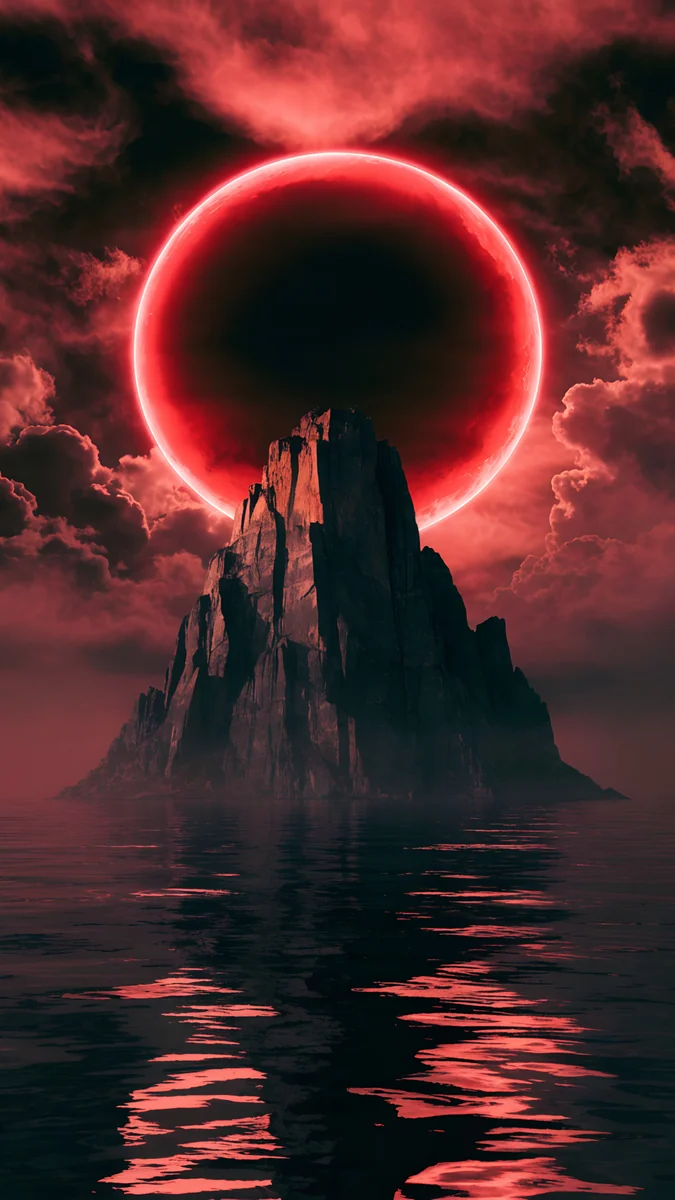
Courtyard Maple is a calm white courtyard with one red maple. Torii in the Mist places a red gate in gray fog. Eclipse Over the Lake is a dark mountain lake under a red sun. Red Eclipse Spire is a red eclipse over a dark sea and a single spire.
Calm picks for a Home button iPhone
The SE shows a full grid of icons on a small screen, so a soft gradient or a quiet landscape keeps the home screen readable.
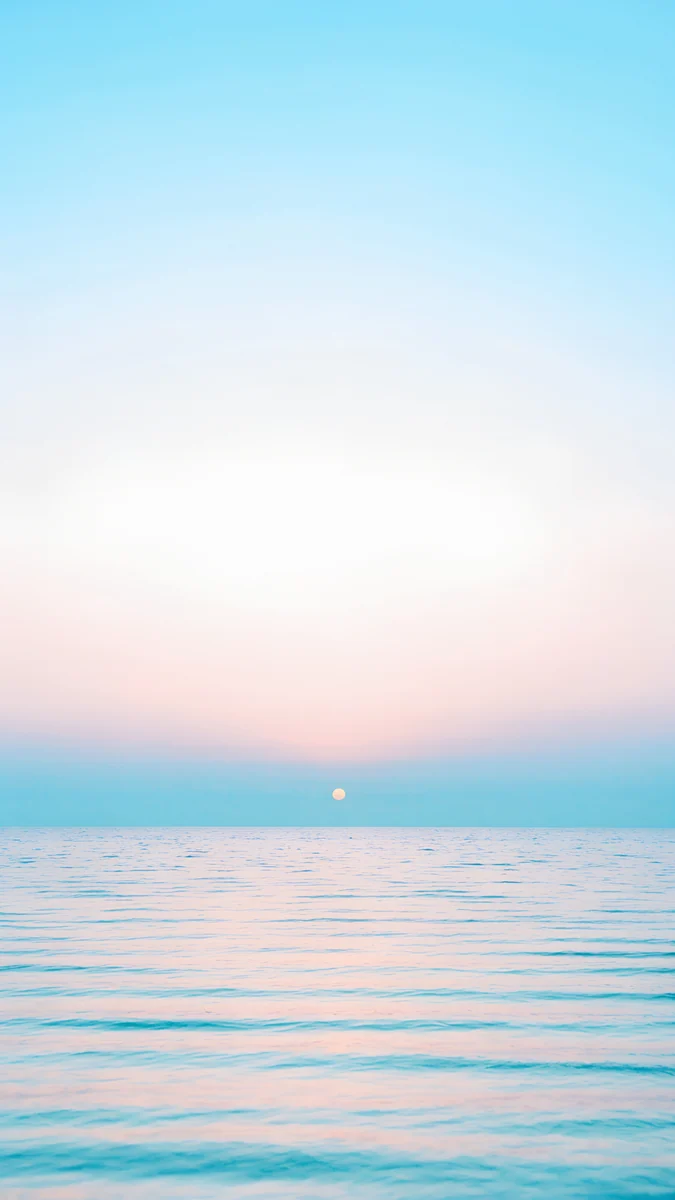

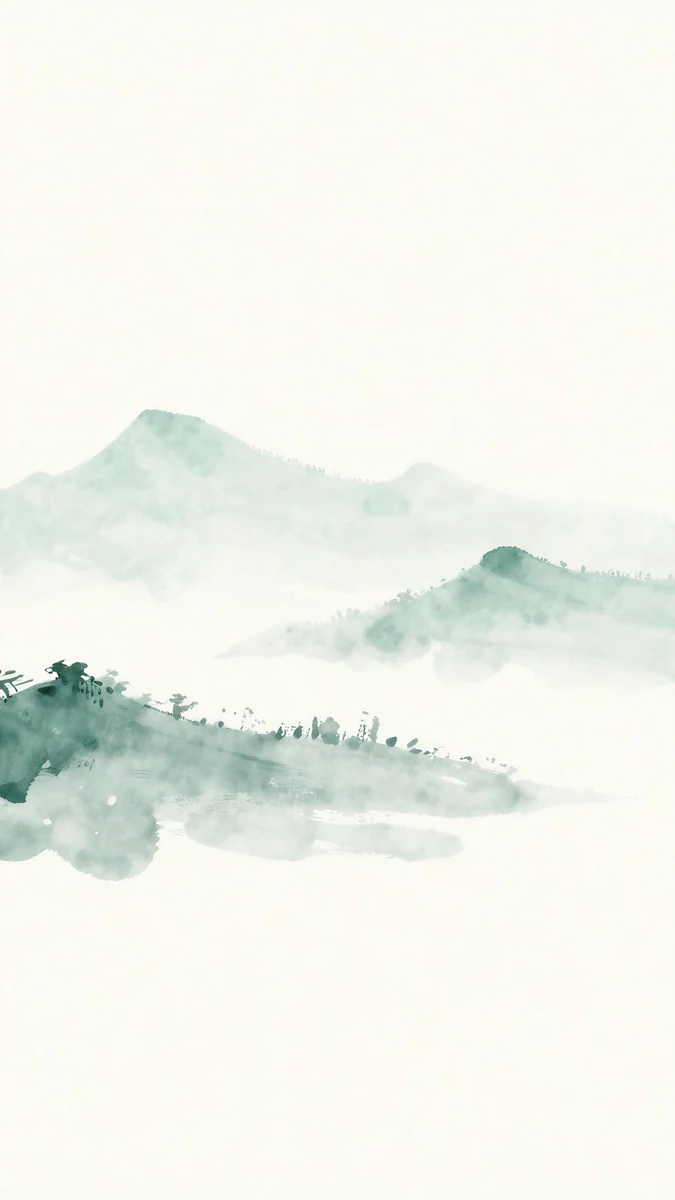
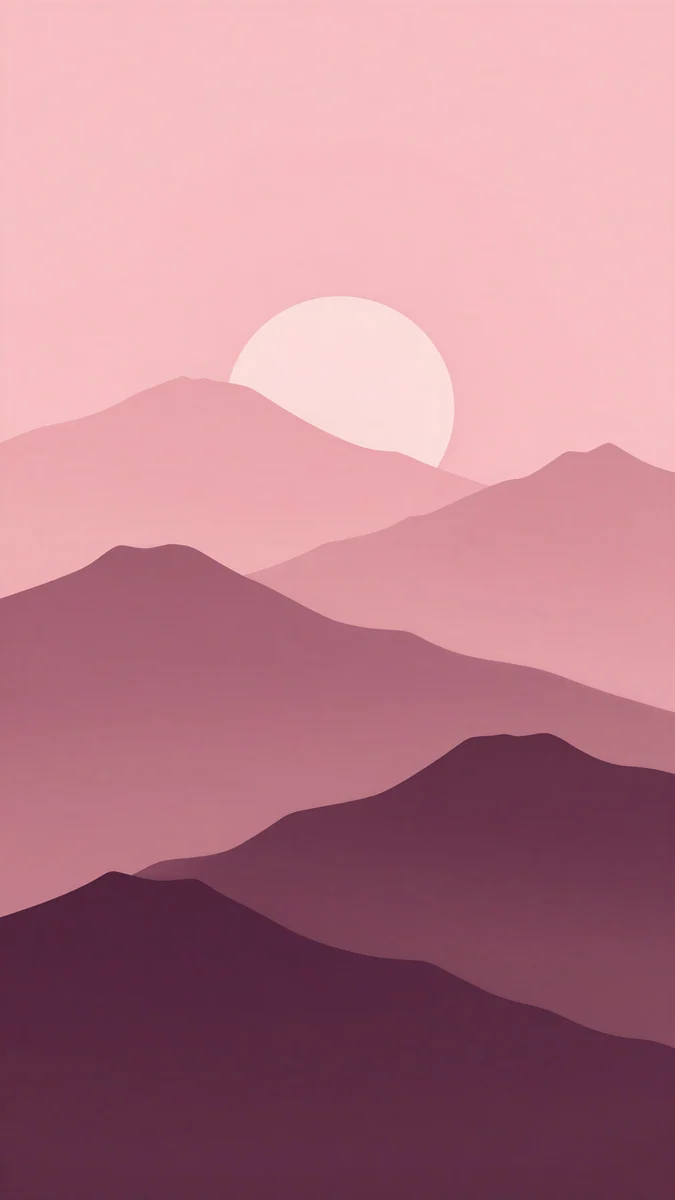
Pastel Sea Horizon is a bright sea under a pale sky. Mint Aura blends mint and lilac in a soft gradient. Jade Mist is a pale green ink style landscape in fog. Plum Paper Peaks layers paper cut hills in pink and purple.
How to set a wallpaper on iPhone SE 3
- Save the original to Photos from the Velpaper app or from the wallpaper page on velpaper.com [3].
- Open Settings, tap Wallpaper, then Add New Wallpaper, and choose Photos.
- Pick the image, then pinch and drag if you want to move the subject away from the clock.
- Tap Add and choose whether to use it on both the lock screen and the home screen.
The steps are the same on every iPhone that runs iOS 26, as long as your SE has been updated to it [1].
Common problems and fixes
Dark wallpapers look gray. That is the LCD. It lights the whole panel, so black is not true black. Pick a deep navy or teal picture instead of pure black.
The clock covers the subject. Move the image down in the editor, or choose one with an empty top, like Indigo Passage or Champagne Veil.
The wallpaper looks soft. You probably saved a preview or a screenshot. Download the original again from the wallpaper page.
Icons are hard to read. Choose a calmer picture for the home screen, such as Mint Aura or Pastel Sea Horizon.
Get these iPhone SE wallpapers in Velpaper
Velpaper is an app for iPhone, iPad, Mac and Android, and every wallpaper is also on velpaper.com. Browsing and previews are free. The phone wallpapers in this article unlock after a short optional ad in the apps; on the website the original downloads free when no ad is available. Phone files are 4K originals at 2160 × 3840 without a watermark and without an account [2].
Next step: open Indigo Passage for a Midnight phone, or Champagne Veil for Starlight, save the original and set it from Settings.
Original wallpapers in and for iPhone, Android and desktop.
Questions
What size is the iPhone SE 3 wallpaper?
The iPhone SE (3rd generation) has a 4.7 inch Retina HD LCD at 750 × 1334 pixels and 326 ppi [1]. A portrait wallpaper should be at least that large. A 2160 × 3840 original is bigger in both directions, so iOS only scales it down. The screen is 16:9, the same shape as the file, so almost nothing is cropped, and you can place the subject anywhere in the frame.
Why do black wallpapers look gray on the iPhone SE?
The iPhone SE 3 uses an LCD, not an OLED panel [1]. An LCD lights the whole screen with a backlight, so a black picture shows as a very dark gray instead of true black. OLED phones switch black pixels off. On the SE, deep navy, indigo and teal pictures look richer than pure black, because the color still shows against the backlight. Midnight Flow and Indigo Passage are good examples.
Which wallpaper matches the Starlight iPhone SE?
Starlight is a warm white, close to cream. A quiet picture in cream, sand or pale stone matches it best. Champagne Veil, cream and sand glass with soft lines, is the closest match in Velpaper. Linen Vase Light and Peony Ledge keep a similar bright tone with soft shadows, and Champagne Satin adds a gentle wave of beige silk if you want a little more shape.
Can I use newer iPhone wallpapers on the iPhone SE 3?
Yes. Any Velpaper phone wallpaper is a 2160 × 3840 original, larger than the SE screen of 750 × 1334 pixels, so it fits [2]. The SE is shorter and wider in shape than newer iPhones, so a picture made for a taller screen shows a little more at the sides here. Keep the main subject near the center and it looks right on both. The iPhone 8 page has more picks for Home button phones [1].
Are these iPhone SE wallpapers free?
Browsing and previewing are free on velpaper.com and in the Velpaper apps for iPhone, iPad, Mac and Android. The phone wallpapers in this article unlock after a short optional ad in the apps, and on the website the original downloads free when no ad is available. There is no account and no subscription. Each phone file is a 2160 × 3840 original without a watermark, larger than the 750 × 1334 screen of the SE, so it stays sharp [2].
Carlos Vivero
Designer of Velpaper wallpapers
Carlos Vivero designs the wallpapers in Velpaper: quiet architecture, liquid glass, Japanese ink and calm landscapes. Every piece is made as a original for iPhone, Android and desktop.
Recent work