Aesthetic MacBook Wallpapers: Free 4K and 5K Picks
Aesthetic MacBook wallpapers that suit the notch, the clear menu bar and the Dock in macOS Tahoe: quiet stone, dark glass and ink, free in 4K and 5K.
In short: A good aesthetic MacBook wallpaper keeps a plain, slightly darker strip along the top for the notch and menu bar, a calm bottom edge for the Dock and one subject near the centre. Monolith on the Plain, Light Slits and Ink Moonlit Boat do that well, and every Velpaper desktop wallpaper is free in 4K or 5K.
By the Velpaper team · Wallpapers by Carlos Vivero, Velpaper designer · · 6 min read
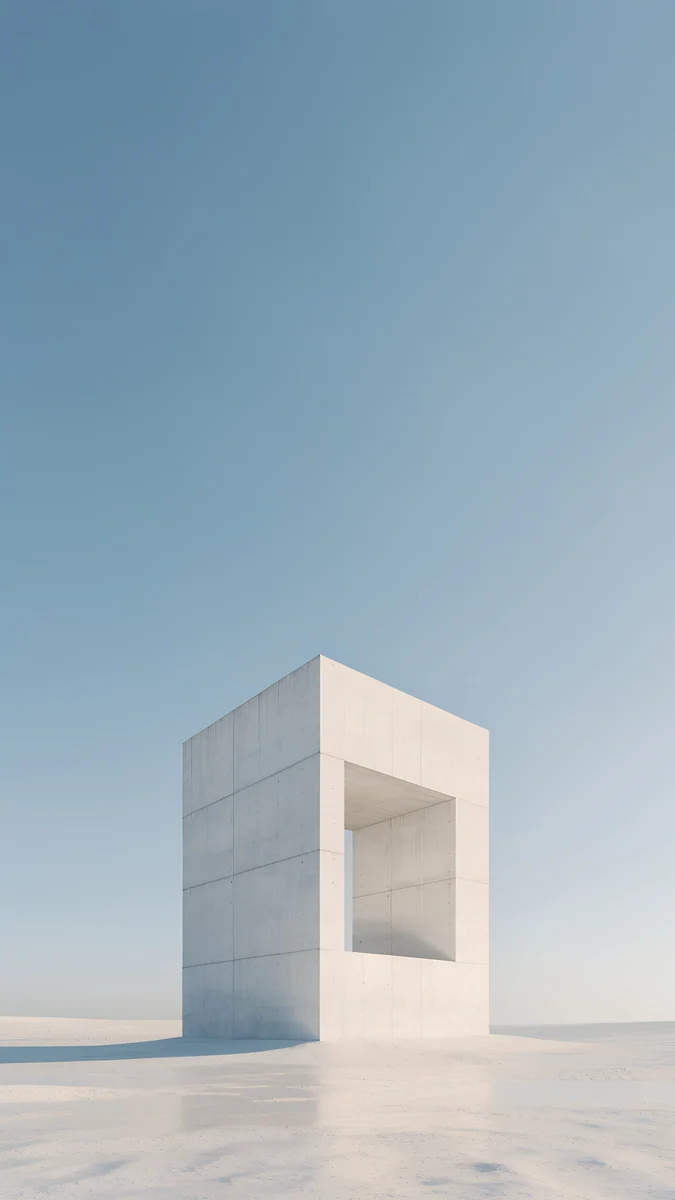 Monolith on the Plain
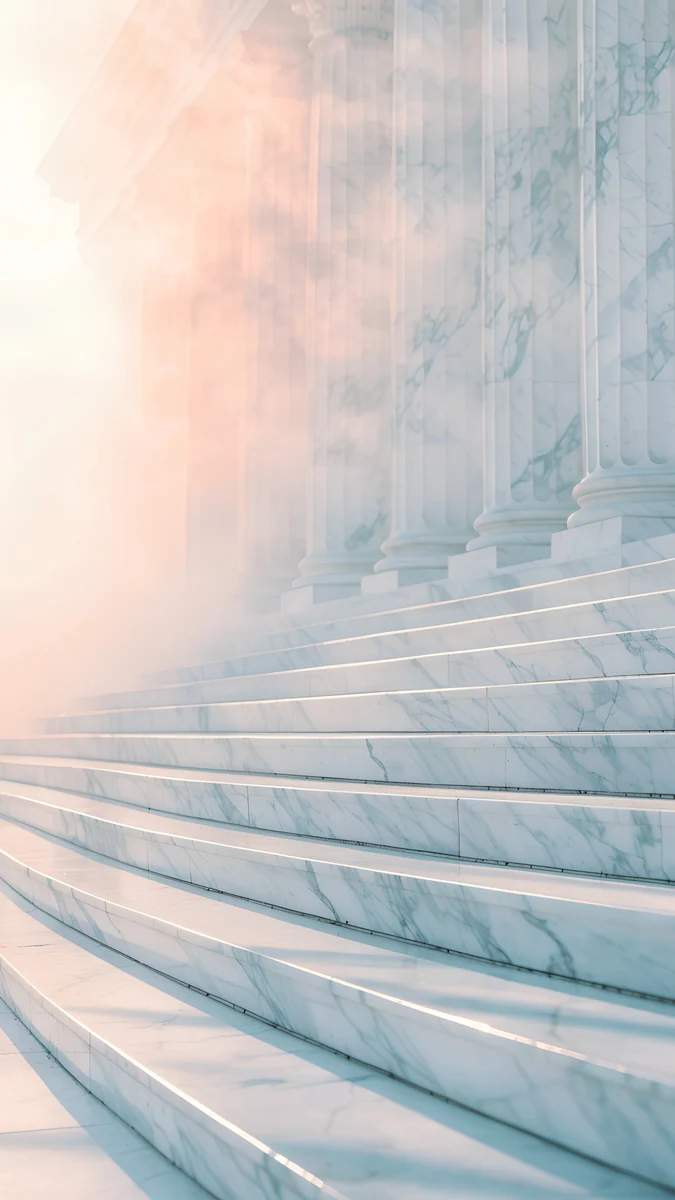 Marble Steps
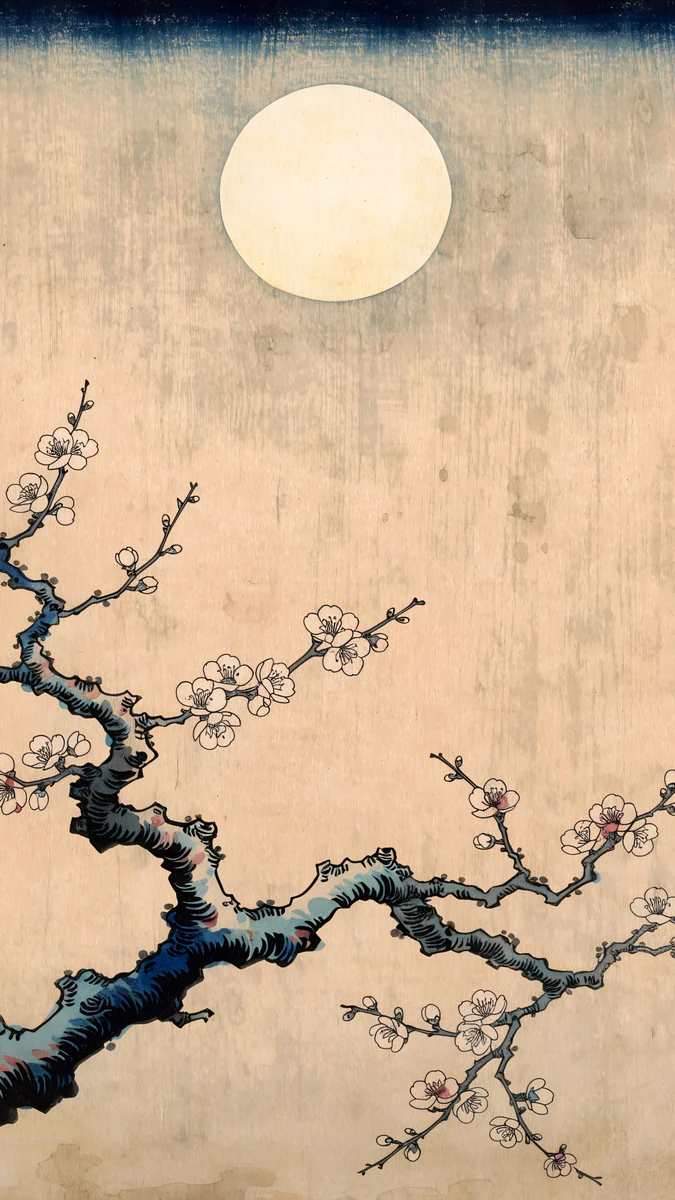 Plum Moon
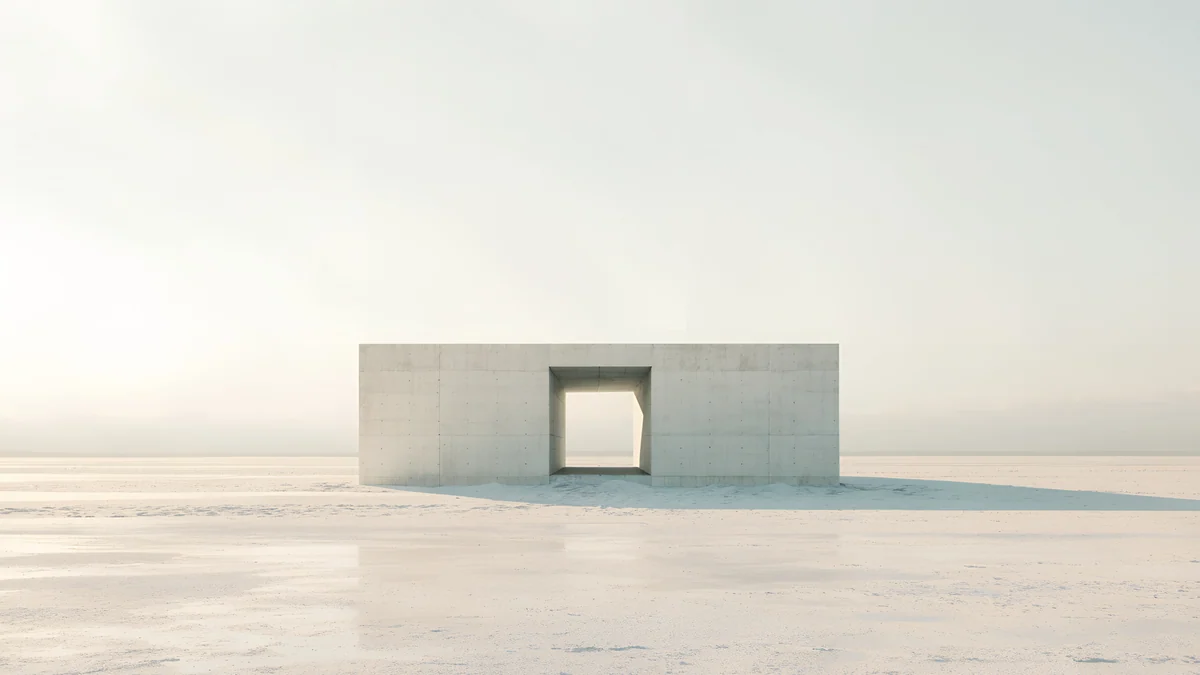 Monolith on the Plain
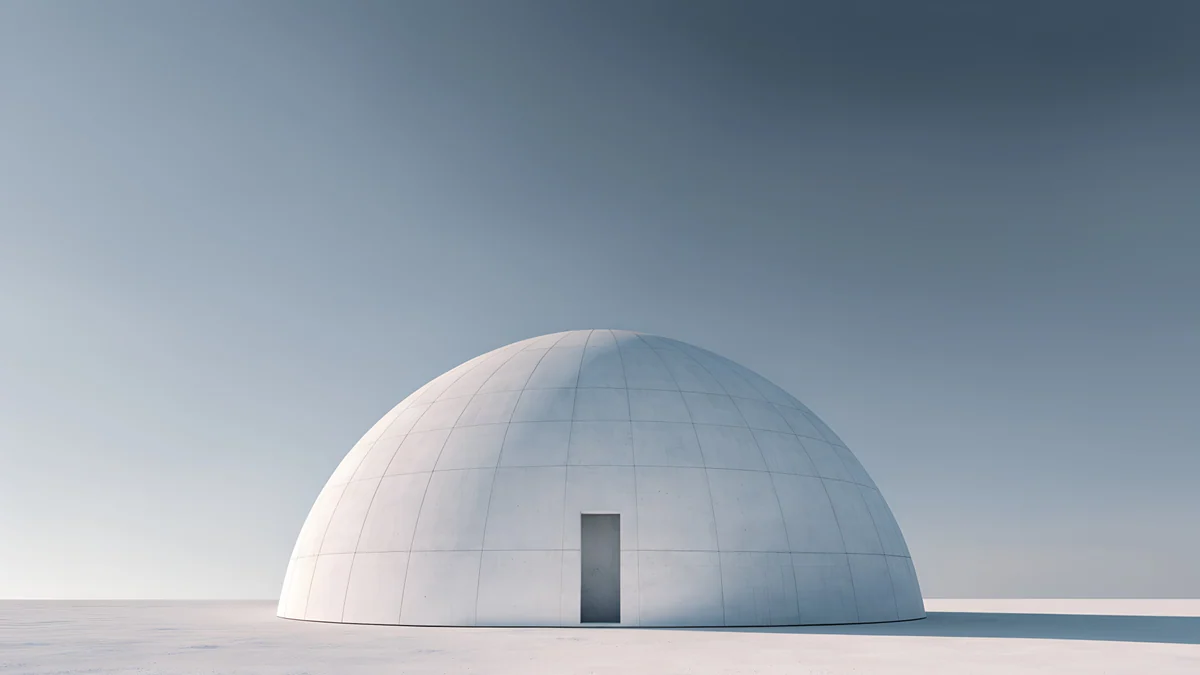 Concrete Dome
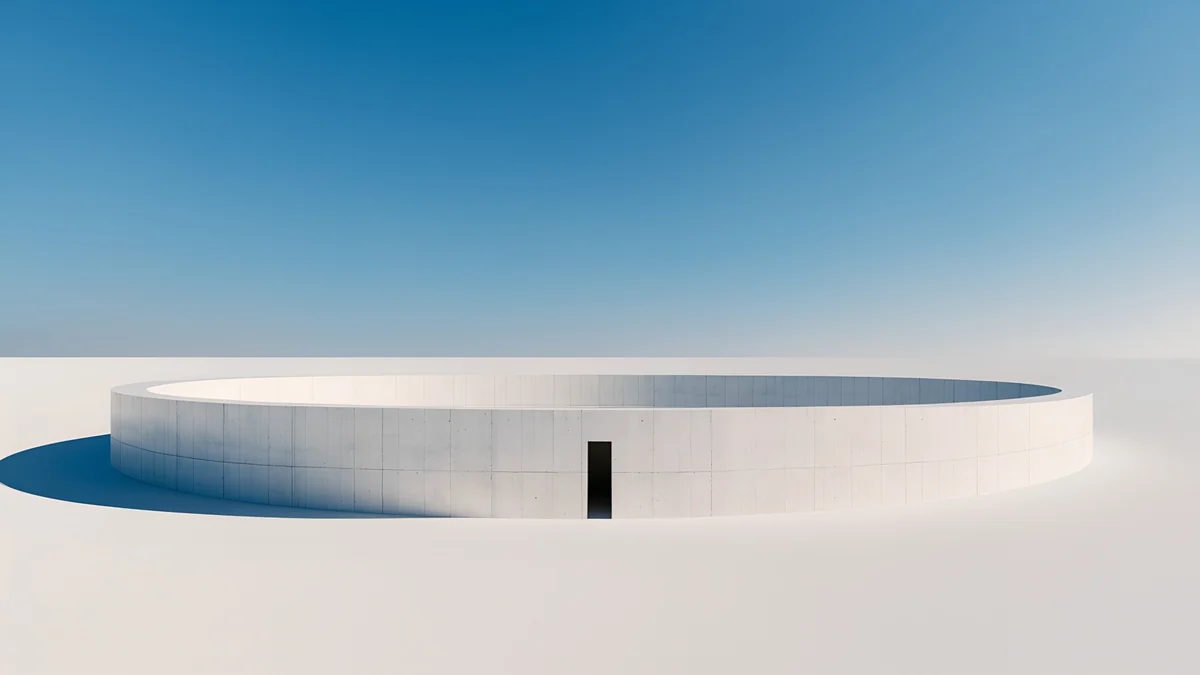 Circular Court
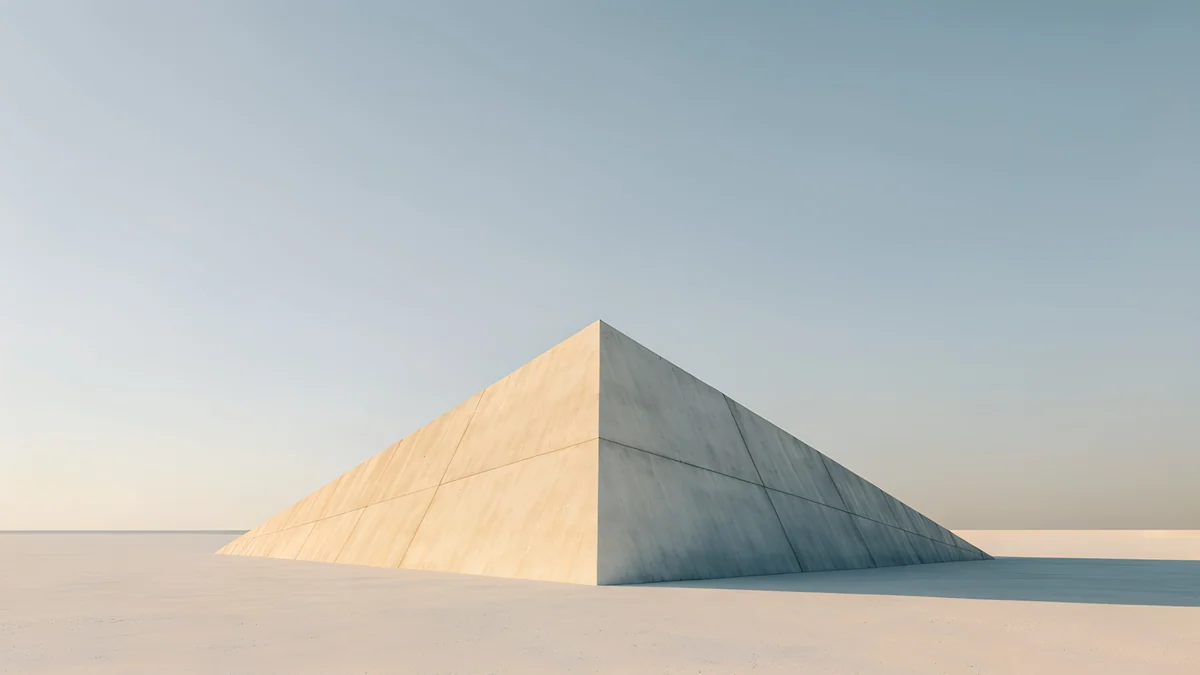 Pyramid of Light
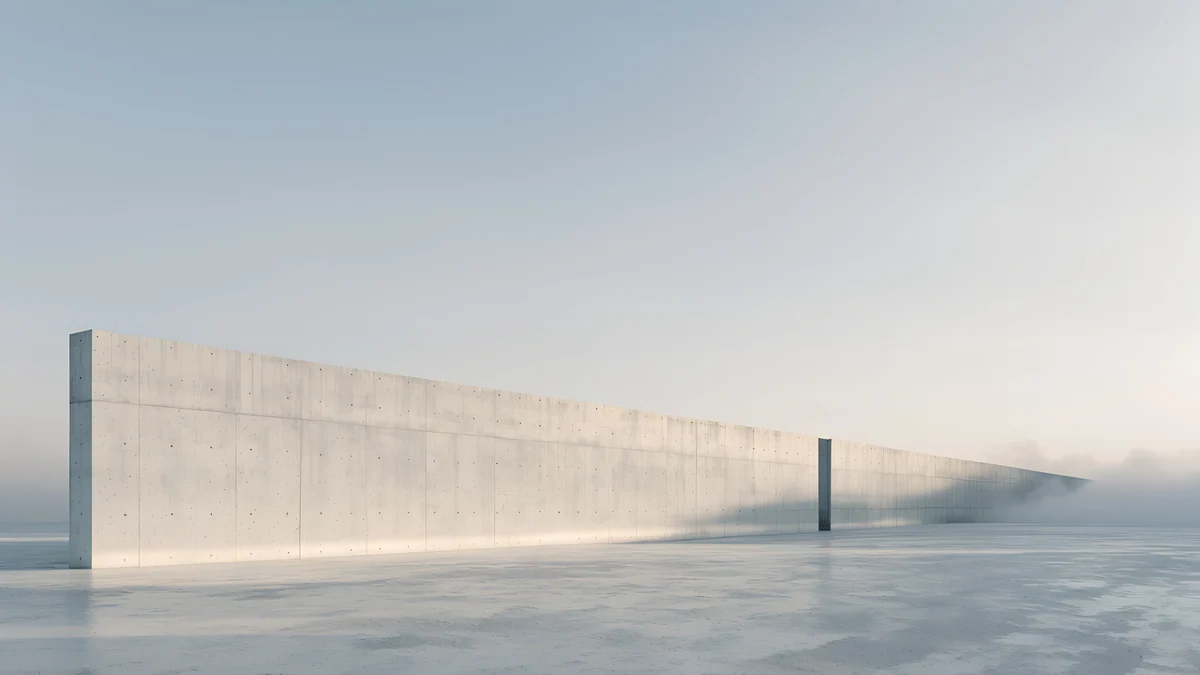 Horizon Wall
 Light Slits
 Night Blocks
 Volt Blue Vault
 Violet Spiral Well
Free 4K originals for iPhone and Android, no watermark
On this page
The best aesthetic MacBook wallpapers have an empty top strip, a quiet bottom edge and one clear subject in the middle, because the notch and menu bar sit on top of the picture and the Dock covers the bottom. Minimal architecture under open sky, dark glass for dark mode and Japanese ink on pale paper all fit that rule. Every pick below is a free Velpaper desktop original at 3840 × 2160 or 5120 × 2880, with no watermark.
This page is about the MacBook itself: the notch, the transparent menu bar of macOS Tahoe and the lock screen. For a broader list that also covers Windows laptops, see our aesthetic laptop wallpapers.
What makes a wallpaper look good on a MacBook
- The notch wants a dark or plain top. MacBook Air models from M2 onward and the 14 and 16 inch MacBook Pro have a camera notch in the middle of the top edge. A dark sky or an even wall there lets the black notch disappear; a bright detail right behind it makes it stand out.
- The menu bar is see-through. In macOS Tahoe 26 the menu bar is transparent by default, so menu titles and status icons sit directly on the image. A calm, even band keeps them readable.
- The Dock covers the bottom. Floor, water or sand along the lower edge works better than a busy foreground.
- Desktop icons stack on the right. If you keep files on the desktop, choose a picture with a plain right side.
How to set a wallpaper on macOS Tahoe 26
- Download the original from the wallpaper page on velpaper.com or in the Velpaper app for Mac. Do not save the preview image from the browser.
- Open the Apple menu and choose System Settings, then click Wallpaper in the sidebar.
- Scroll to Your Photos, click Add Photo and choose Choose File.
- Click the new thumbnail and set the pop-up menu next to it to Fill Screen, not Stretch to Fill Screen.
- To match light or dark mode, open System Settings, then Appearance, and pick Light, Dark or Auto.
Faster: in Finder, Control-click the downloaded file and choose Set Desktop Picture. The Mac lock screen reuses the desktop picture, so it updates the next time you lock. Every step with screenshots is in our guide on how to change the desktop wallpaper on a Mac.
Quiet stone under an empty sky
These are the most MacBook friendly images in the catalog: one pale object low in the frame and a wide, soft sky above it for the notch and the menu bar.
Monolith on the Plain4K · DesktopConcrete Dome4K · DesktopCircular Court4K · DesktopPyramid of Light4K · DesktopHorizon Wall4K · DesktopMonolith on the Plain is a small stone block with a doorway on an empty plain, and nothing else; the menu bar has a clean grey field. Concrete Dome puts a white dome with one tiny door under a blue grey sky. Circular Court is a low round wall on white ground, so almost the whole screen stays free for windows. Pyramid of Light adds warmth with sun on one face, and Horizon Wall runs one long, low wall across hazy ground and leaves the whole sky empty.
Dark mode and night work
With Appearance set to Dark, a near-black wallpaper makes the notch vanish and the menu bar text turns light against it.
Light Slits4K · DesktopNight Blocks4K · DesktopVolt Blue Vault4K · DesktopViolet Spiral Well4K · Desktop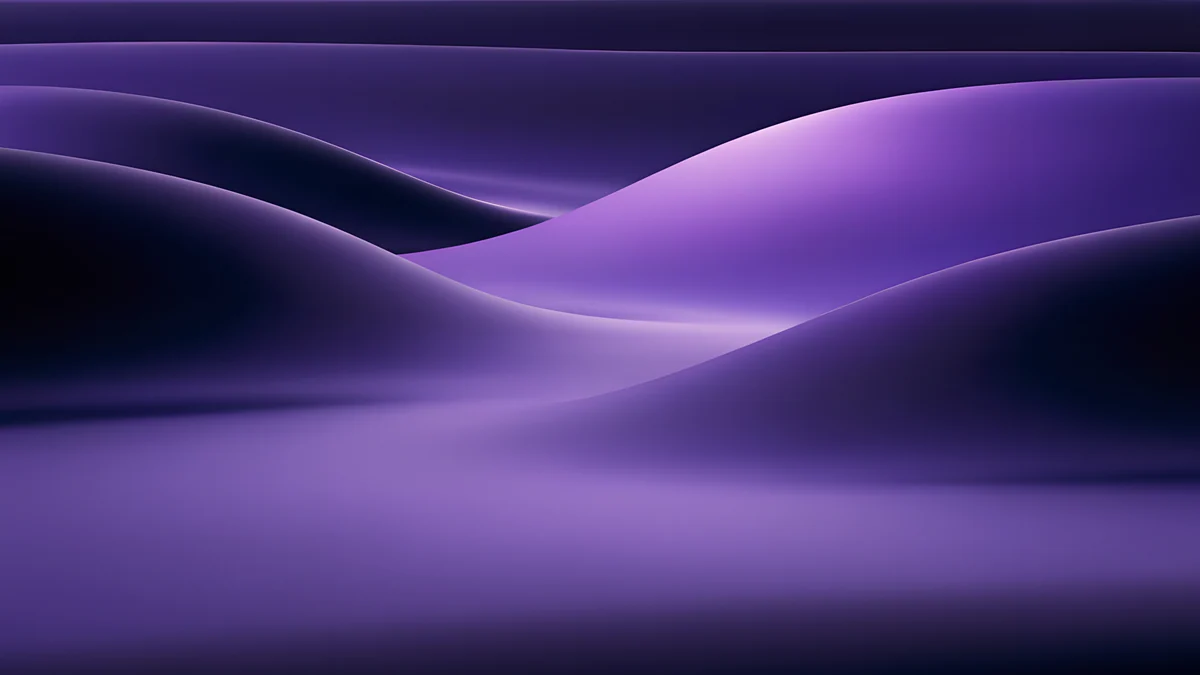 Indigo Silk Flow4K · Desktop
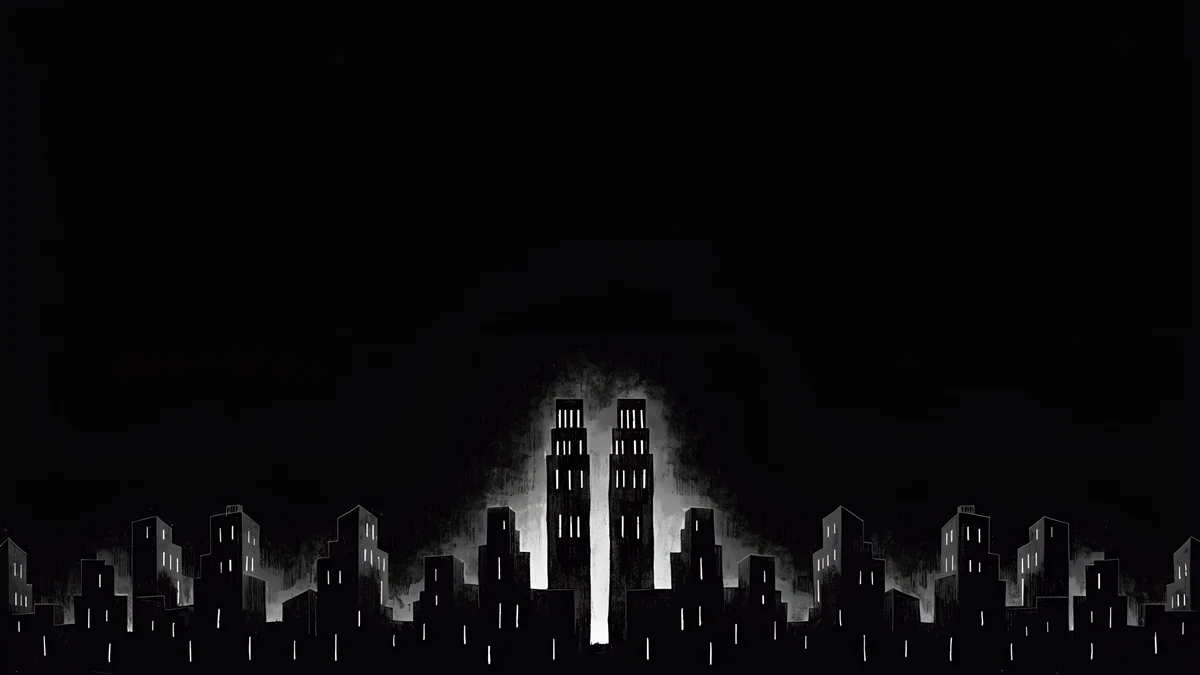
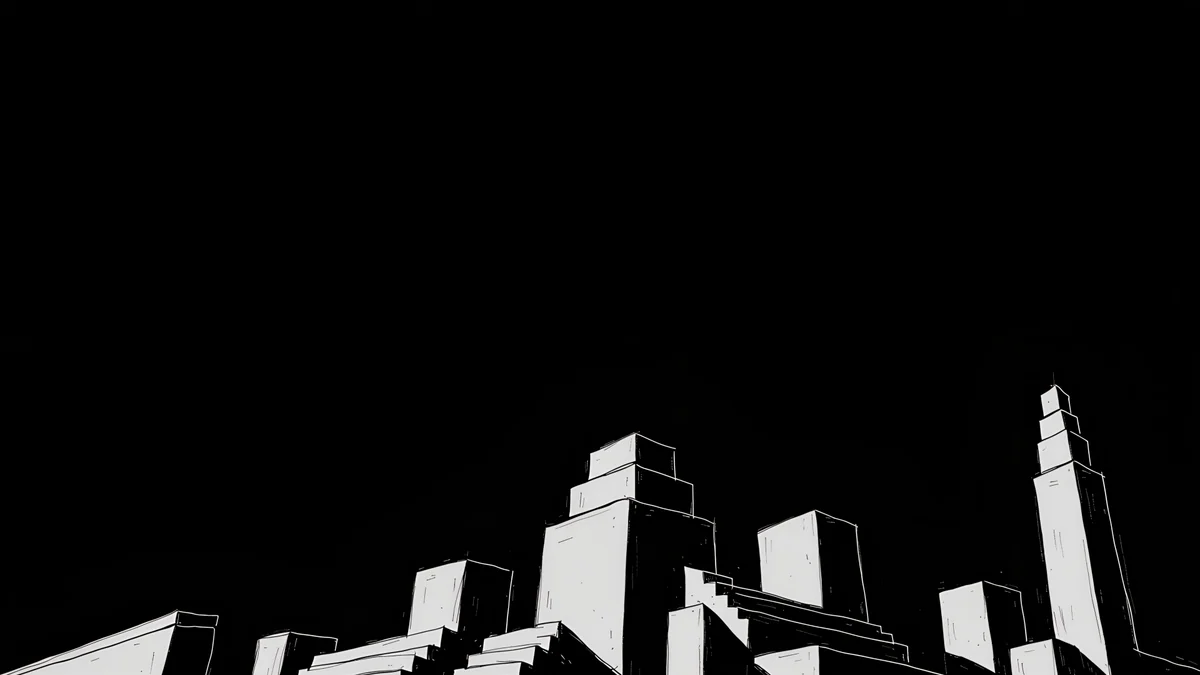
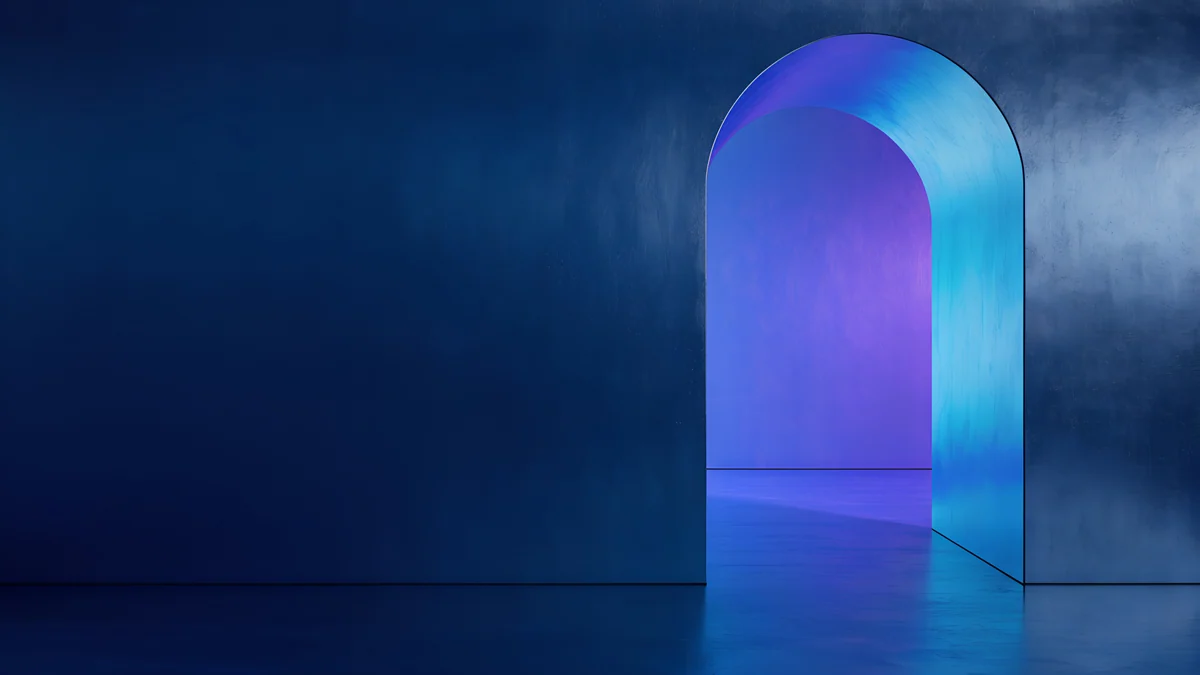
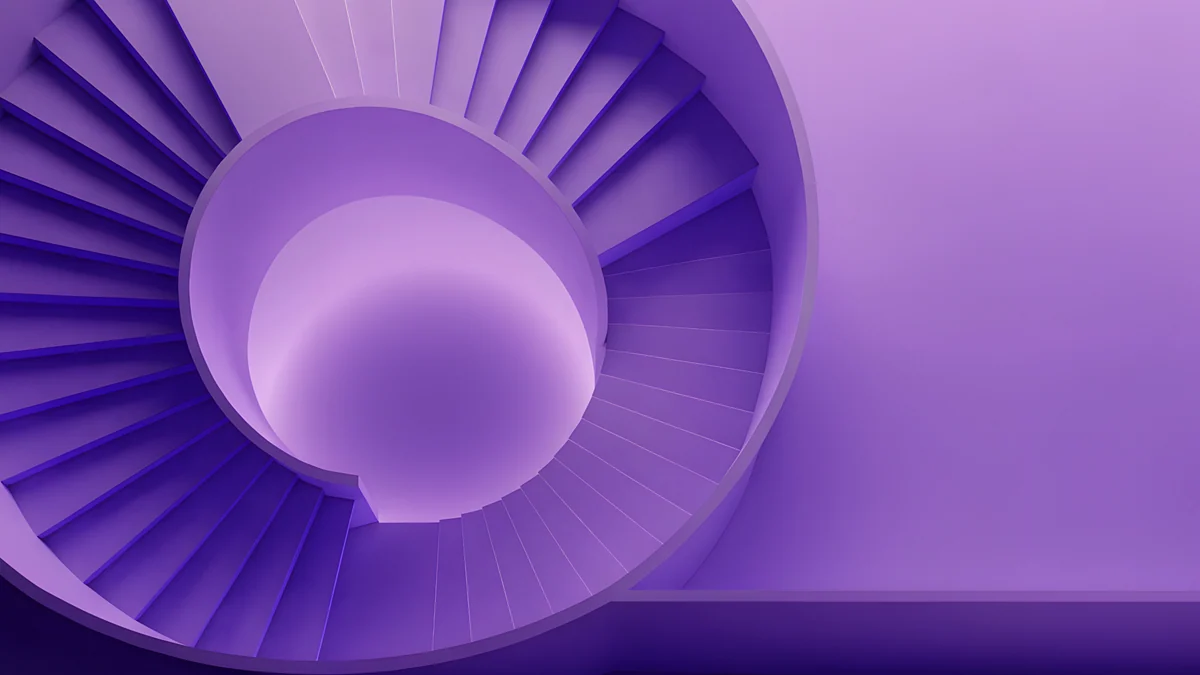
Light Slits is almost all black, with a low skyline and one glowing tower in the centre, the strongest pick for a notched screen. Night Blocks draws stepped white outlines in the lower half and leaves the top pure black. Volt Blue Vault sets one glowing blue arch into a dark navy wall. Violet Spiral Well and Indigo Silk Flow bring more colour, violet stairs and soft indigo dunes, and still keep the top edge dark. More options are in our Mac dark mode wallpapers.
Soft light and pale marble
For light mode and a bright room, these pale scenes make a 13 inch screen feel bigger.
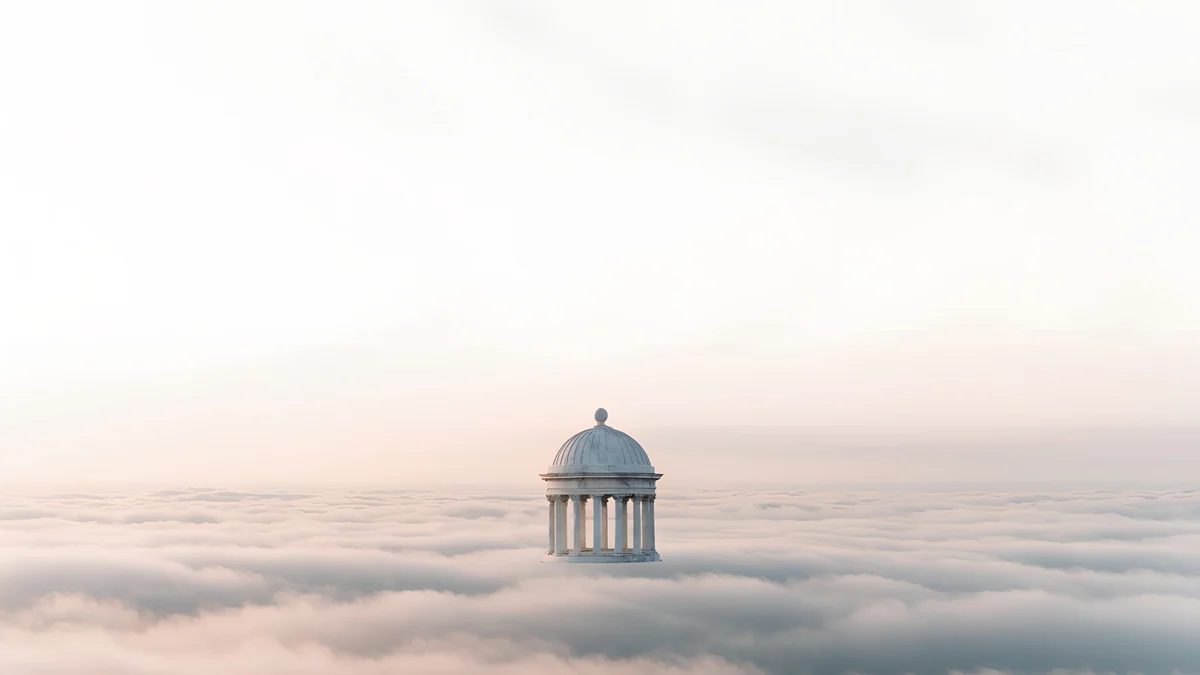
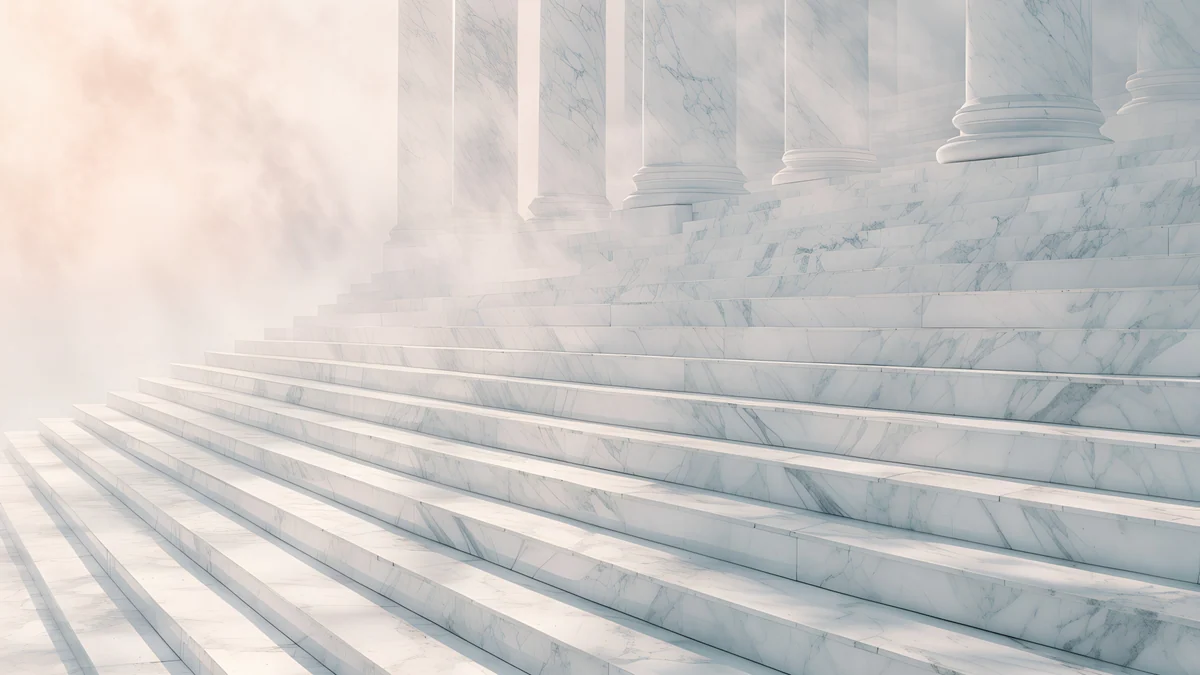
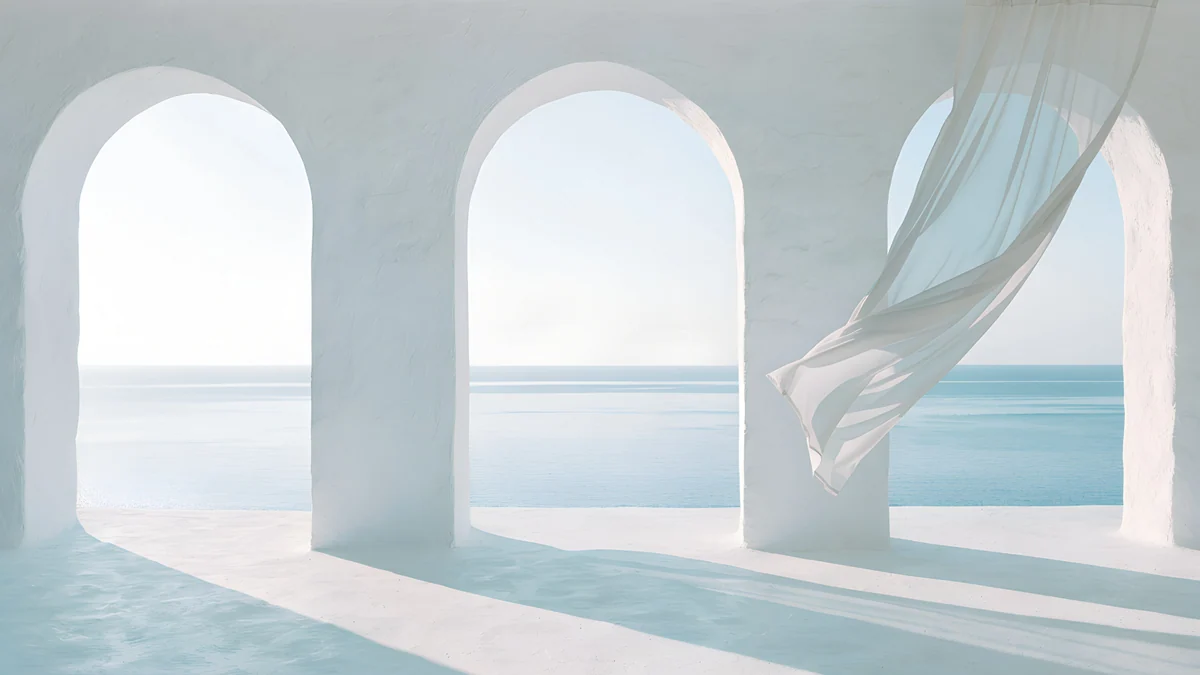
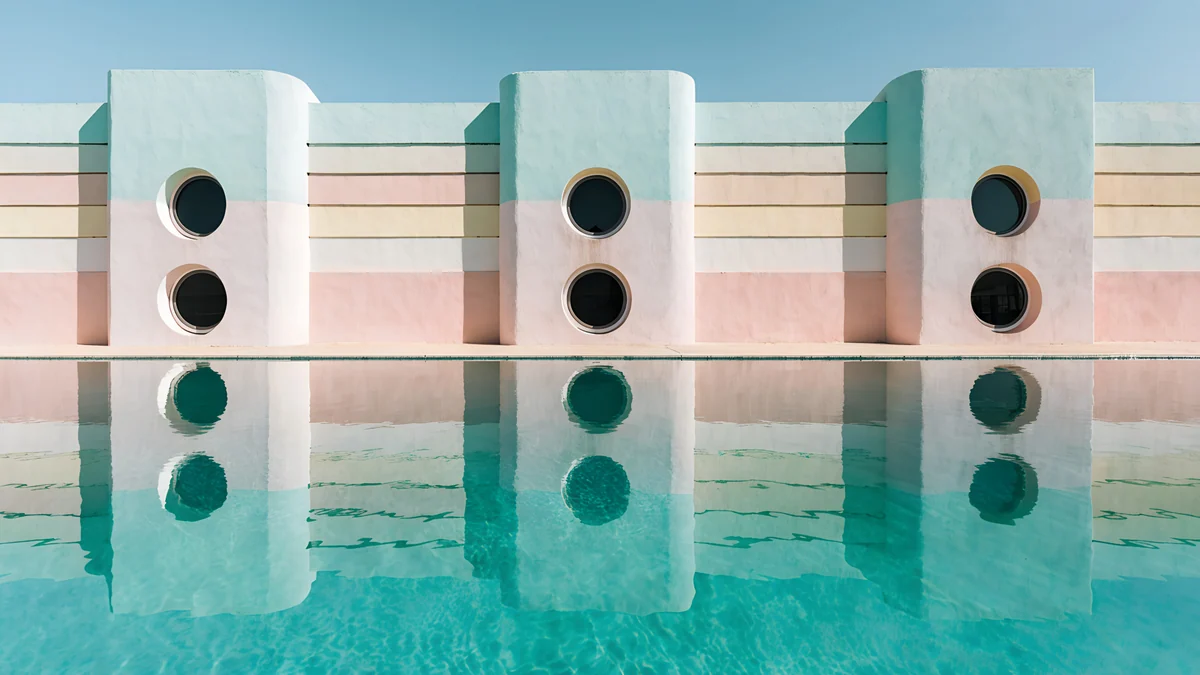
Rotunda is a tiny round temple floating above a sea of cloud, with a huge empty sky. Marble Steps climbs into white mist. Sea Arch looks out through white arches onto calm water, a sheer curtain drifting on one side. Pool Facade is pastel Art Deco reflected in a turquoise pool, the most colourful of the four, and its sky is plain blue for the menu bar.
Ink and paper
Japanese ink leaves most of the frame as warm off-white paper, which keeps windows and text calm on top of it.
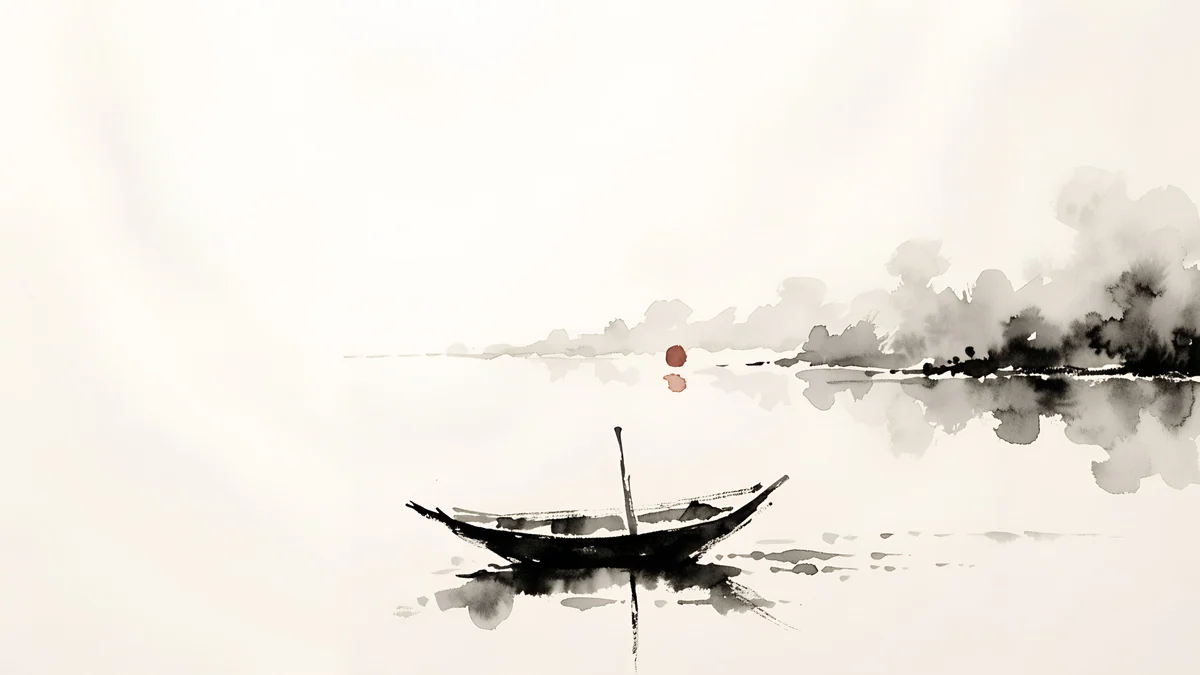 Ink Moonlit Boat4K · Desktop
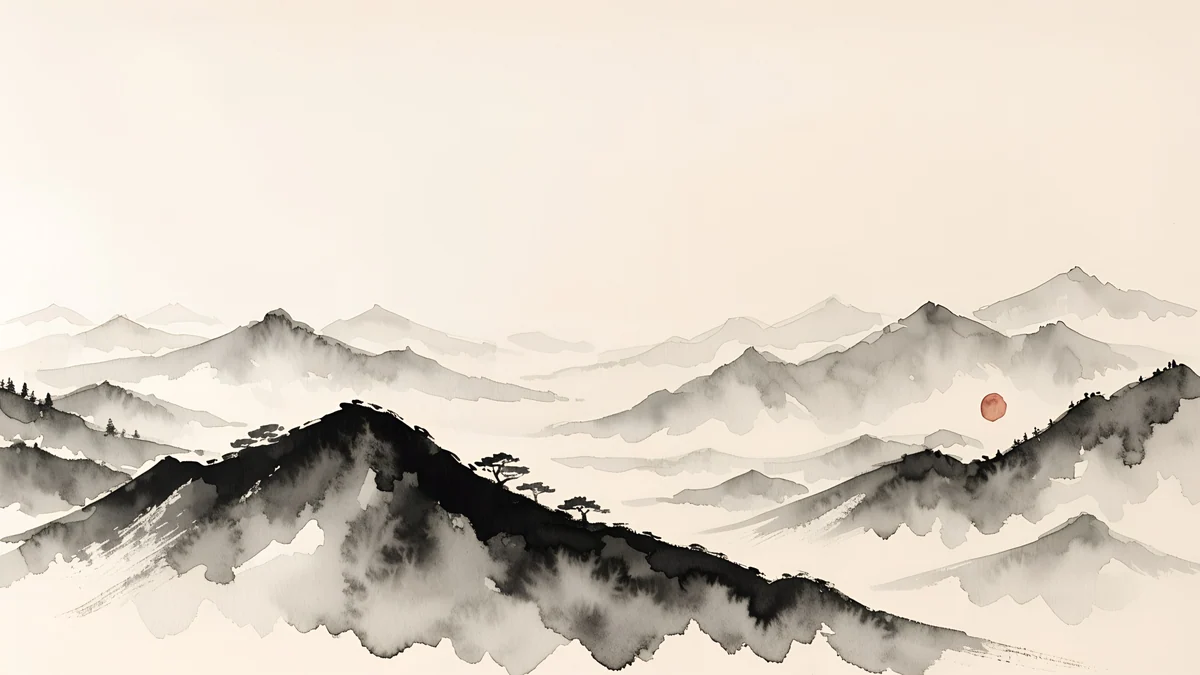 Ink Mountain Mist4K · Desktop
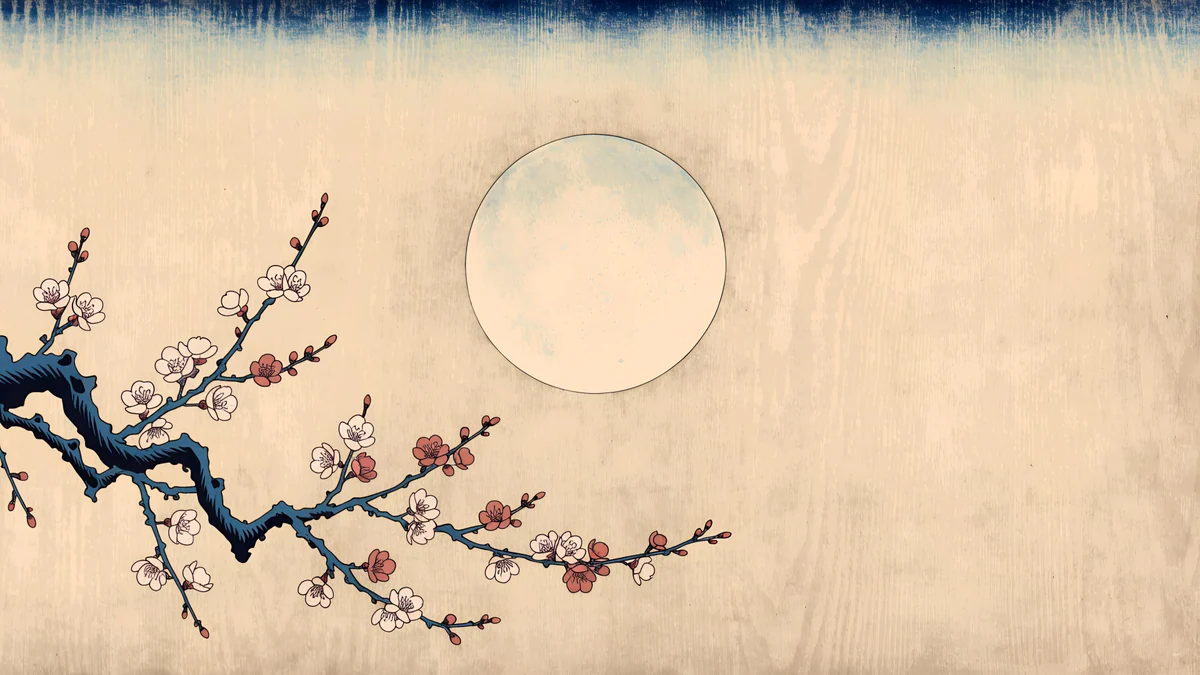 Plum Moon4K · Desktop
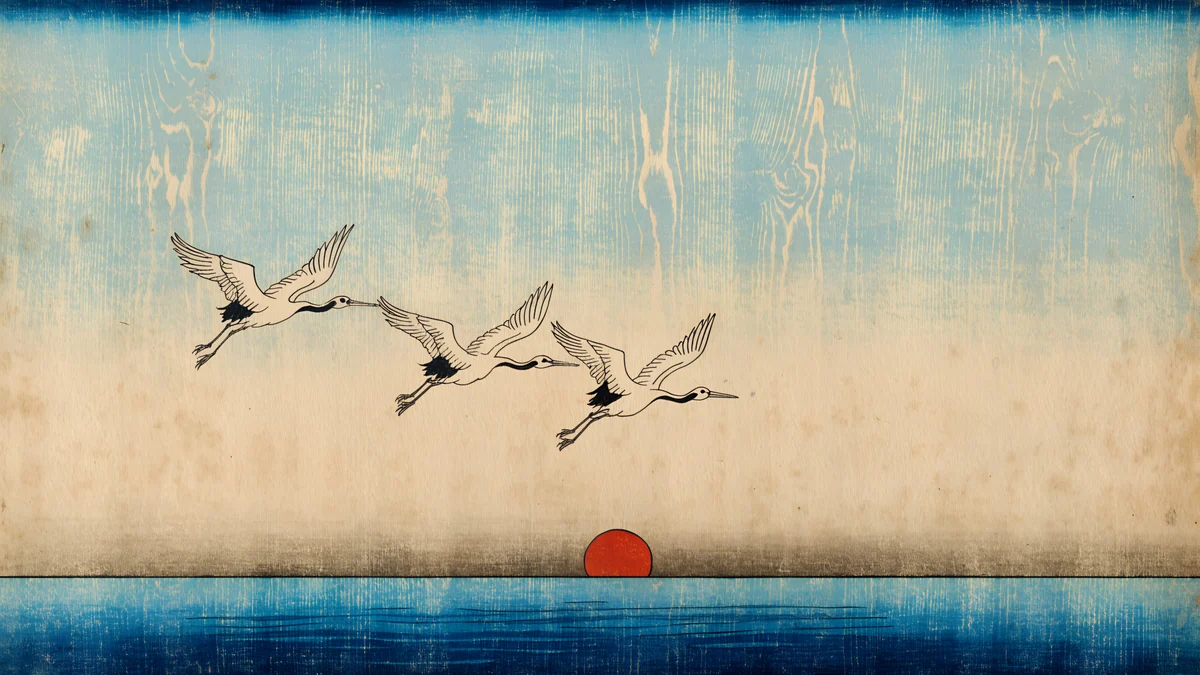 Cranes at Dawn4K · Desktop
Ink Moonlit Boat is one small boat on misty water with a red sun, placed low enough to sit above the Dock. Ink Mountain Mist is a ridge of grey peaks. Plum Moon crosses a blossoming branch in front of a pale moon in a woodblock print style, and Cranes at Dawn sends three cranes over a deep blue sea. The full series is in our Japanese ink wallpapers.
A matching iPhone lock screen
Several of these scenes also exist as phone originals at 2160 × 3840, so your MacBook and iPhone can share one look.
Monolith on the Plain keeps its empty sky above the stone block, which leaves room for the iPhone clock. Marble Steps is pale enough for a dark clock, and Plum Moon puts the moon right where the time sits. Ideas for pairing are in our guide to matching phone and desktop wallpapers.
Common problems and fixes
- The sides are cut off. MacBook screens are a little taller than 16:9, so Fill Screen trims a thin strip from the left and right. That is expected; every pick here keeps its subject in the centre. Fit to Screen shows the whole image but adds bars.
- The menu bar is hard to read. The transparent bar shows whatever is behind it. Pick a wallpaper with a plain top, or look in System Settings, Menu Bar for a background option; the name can differ by macOS version.
- It looks soft. You probably saved a web preview. Download the 3840 × 2160 or 5120 × 2880 original instead.
- The lock screen still shows the old picture. It updates when you lock the Mac again. Details are in our Mac lock screen wallpaper guide.
Get these wallpapers in Velpaper
Velpaper is an app for iPhone, iPad, Mac and Android, and every wallpaper is also on velpaper.com. All desktop wallpapers are 4K originals, some are 5K, and they are free with no account and no watermark. In the Mac app, open a wallpaper and press Set as Desktop Picture; the app applies the full original, not the preview. The wallpapers are designed by Carlos Vivero.
Next step: open Monolith on the Plain, download the 4K original and set it with Fill Screen. If you work in dark mode, take Light Slits instead.
Original wallpapers in 4K and 5K for iPhone, Android and desktop.
Questions
What size wallpaper does a MacBook need?
Use a file at least as large as the screen in real pixels. The 13 inch MacBook Air from M2 onward is 2560 × 1664, the 15 inch Air is 2880 × 1864, the 14 inch MacBook Pro is 3024 × 1964 and the 16 inch is 3456 × 2234. A 3840 × 2160 original is larger than every one of these, so macOS only scales it down and it stays sharp. A 5120 × 2880 file adds headroom for an external 5K display such as Studio Display. Every Velpaper desktop wallpaper comes in one of those two sizes.
How do I hide the MacBook notch with a wallpaper?
Pick a wallpaper whose top strip is black or very dark. The notch is a black cut-out in the middle of the top edge, so on a dark sky it blends into the picture and the menu bar looks like one continuous band. Light Slits and Night Blocks are almost pure black at the top, and Volt Blue Vault and Violet Spiral Well keep a dark navy or violet band there. Turning on dark mode in System Settings, Appearance helps too, because menus and windows then match the dark edge. A bright detail right behind the notch has the opposite effect and makes it stand out.
Why is my menu bar hard to read on macOS Tahoe?
In macOS Tahoe 26 the menu bar is transparent by default, so menu titles and status icons sit directly on top of your wallpaper. When the top of the picture has strong contrast, such as bright clouds next to dark shapes, parts of the text can get lost. The simplest fix is a wallpaper with a calm, even top strip, like Monolith on the Plain, Rotunda or any of the ink pieces. macOS also offers settings for the menu bar in System Settings, including a background option, but the exact name can differ by version, so check the Menu Bar section on your Mac.
Are these MacBook wallpapers free?
Yes. Every Velpaper desktop wallpaper is free to download in full size, at 3840 × 2160 or 5120 × 2880, without an account, a subscription or a watermark. You can get them on velpaper.com in Safari or Chrome, or in the Velpaper app for Mac, where Set as Desktop Picture applies the original in one click. The app is also available for iPhone, iPad and Android, so you can save the phone version of a scene from the same place. Some phone wallpapers unlock after a short optional ad in the phone apps, but that does not apply to the desktop files.
Can I use the same aesthetic wallpaper on my MacBook and iPhone?
Yes, for several scenes. Monolith on the Plain, Marble Steps and Plum Moon exist both as desktop originals and as 2160 × 3840 phone originals, drawn for each screen rather than cropped, so the subject sits in the right place on both. On the MacBook the object stays low and centred above the Dock; on the iPhone the sky leaves room for the lock screen clock. Download the wide file in the Mac app or on velpaper.com and the tall one in the Velpaper app for iPhone or Android. Our guide to matching phone and desktop wallpapers lists more pairs.
Carlos Vivero
Designer of Velpaper wallpapers
Carlos Vivero designs the wallpapers in Velpaper: quiet architecture, liquid glass, Japanese ink and calm landscapes. Every piece is made as a 4K original for iPhone, Android and desktop.
Recent work








