Minimalist phone wallpapers
Minimalist phone wallpapers: 171 original wallpapers in 4K, 2160 × 3840 for phones (see our iPhone wallpaper size guide), sorted into lock screen and home screen picks. [1] Every wallpaper here is an original 4K design with single arches, glass globes, calm horizons, picked so the lock screen clock stays easy to read.
Minimal designs leave most of the frame empty, so the clock and lock screen widgets always have clear space. Use the larger clock styles here; they look intentional against a plain background.
For a clean home screen, choose a design with the subject at the very bottom, like the turquoise sandbar or twin arches by the sea, and keep two or three rows of icons above it.
Tap any wallpaper to see it on a phone frame with the clock, then download the original or set it from the Velpaper app on iPhone, iPad, Mac or Android. Apple Support: change the wallpaper on iPhone
Minimalist phone wallpapers
 Liquid Light
 Electric Violet Arch Live
 Koi Drift Live
 Umbrella Rain Live
 Golden Dunes
 Dune Dusk
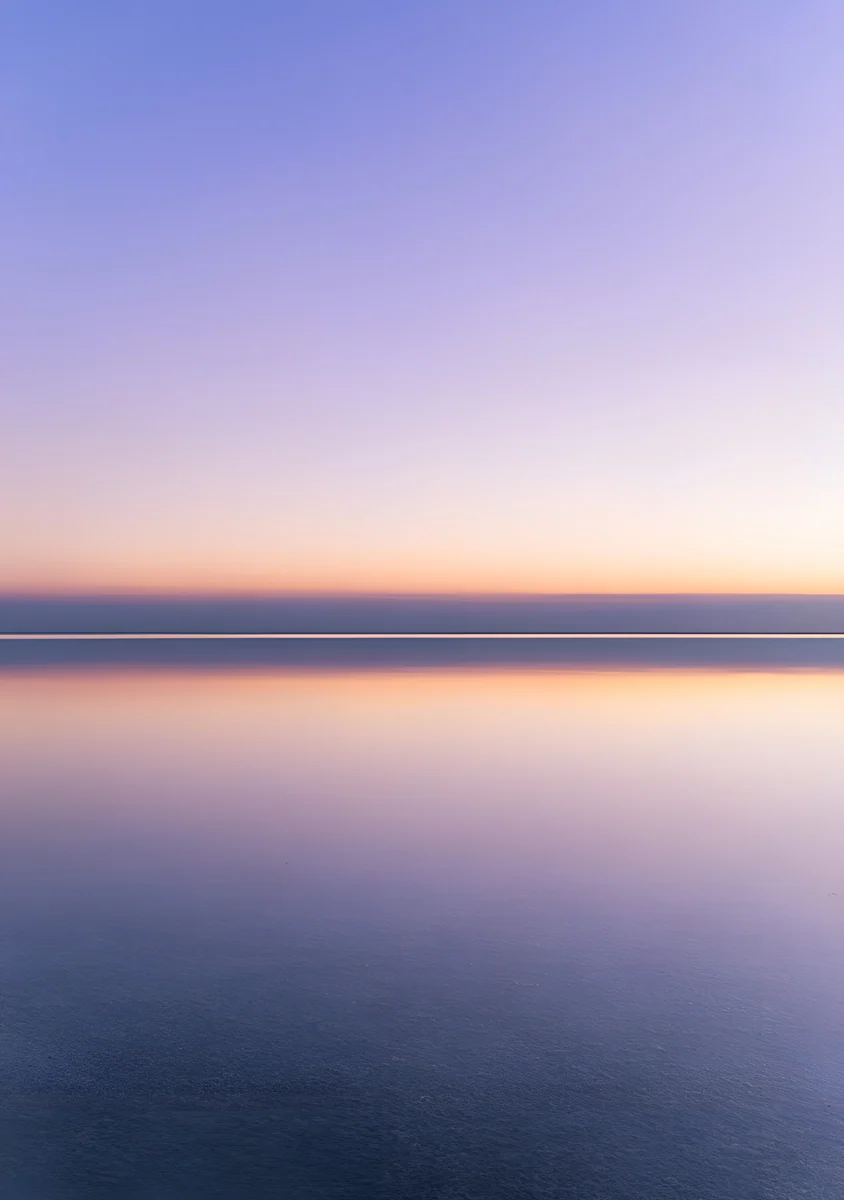 Salt Flat Mirror
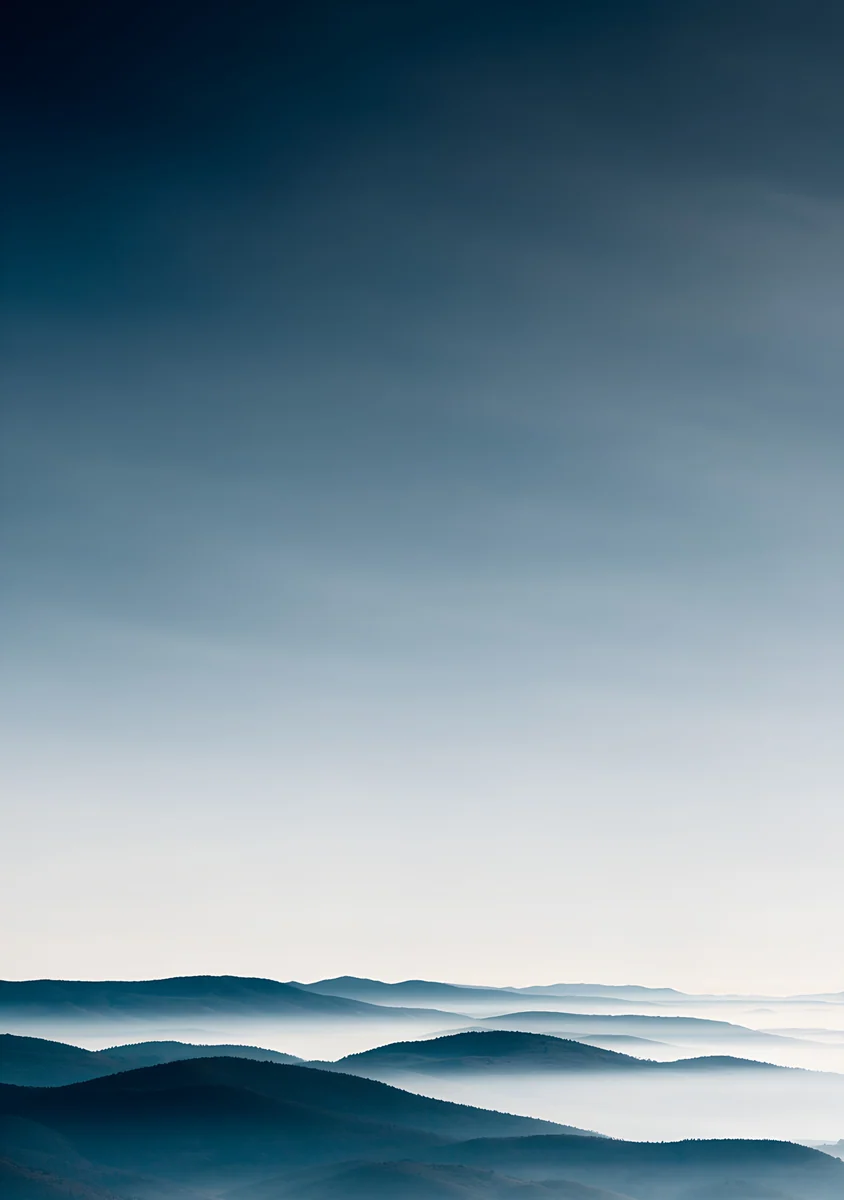 Misty Blue Hills
 White Desert
 Warm Beige
 True Black
 Soft Grey
 Sky Blue
 Pure White
 Mint
 Lavender
 Forest Green
 Deep Navy
 Cocoa Brown
 Butter Yellow
 Blush Pink
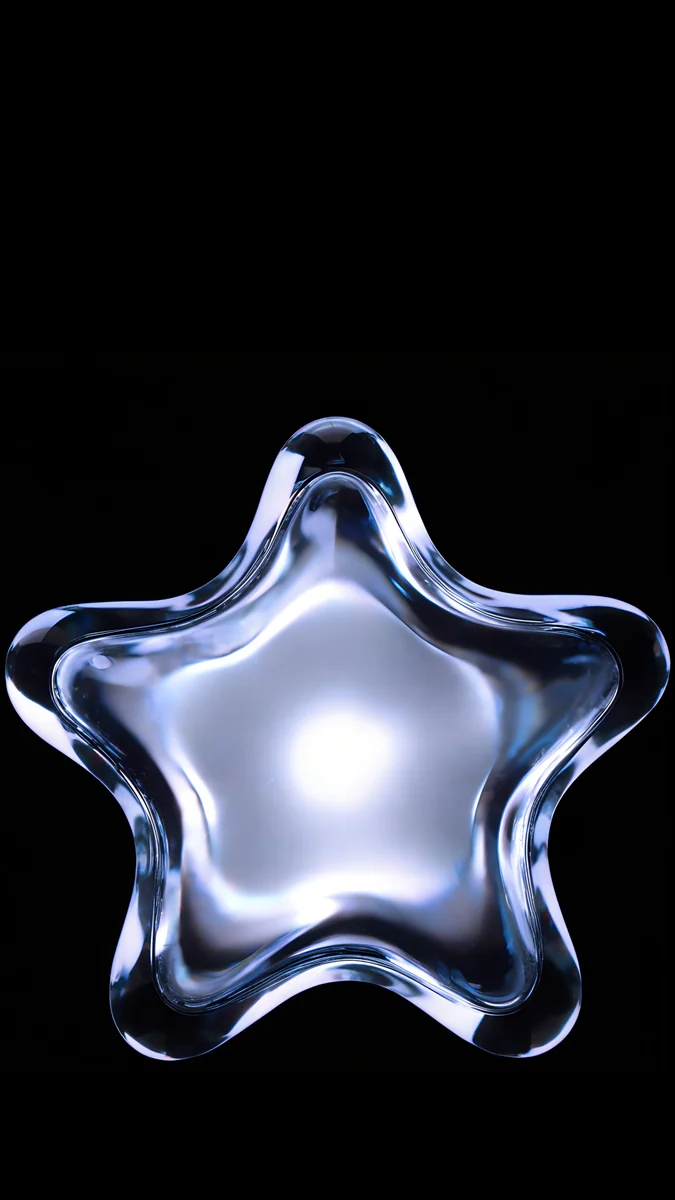 Glass Star OLED
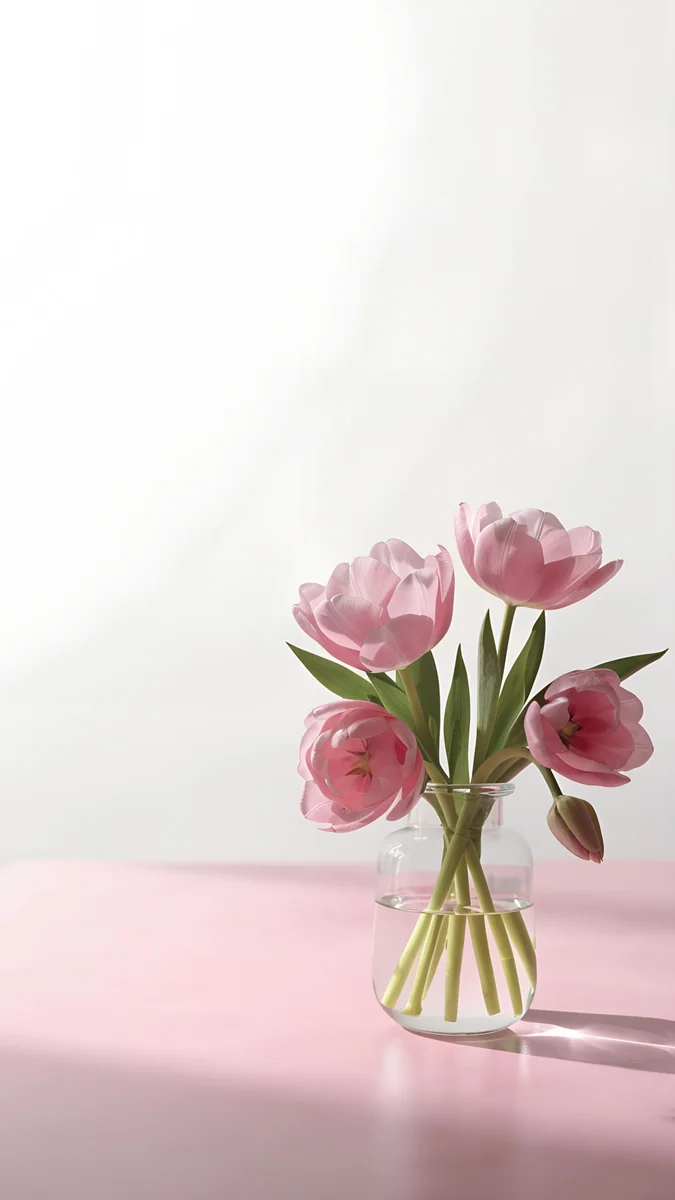 Pink Tulip Vase
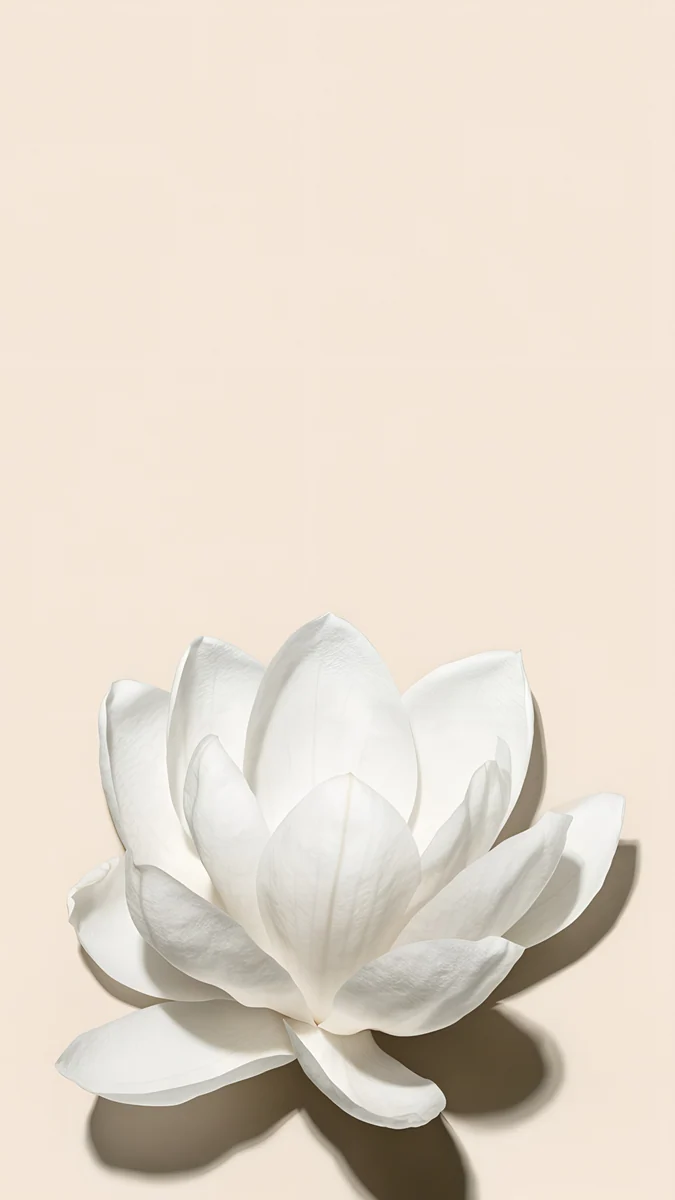 White Magnolia Beige
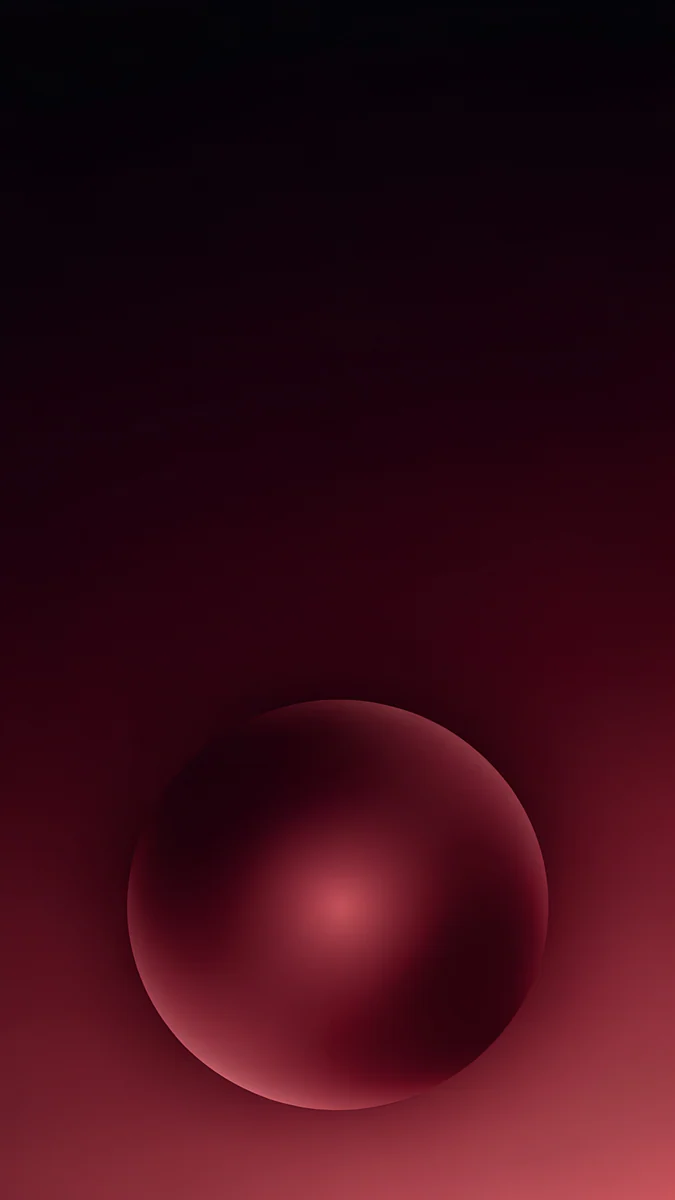 Maroon Orb Glow
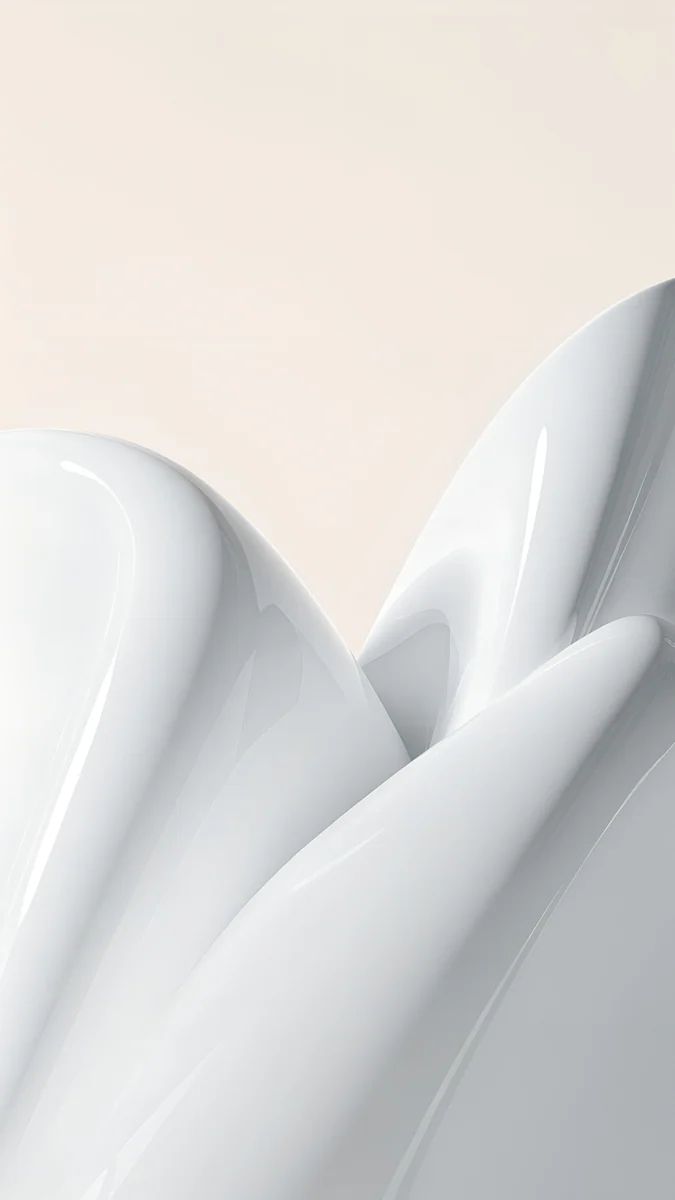 White Porcelain Curves
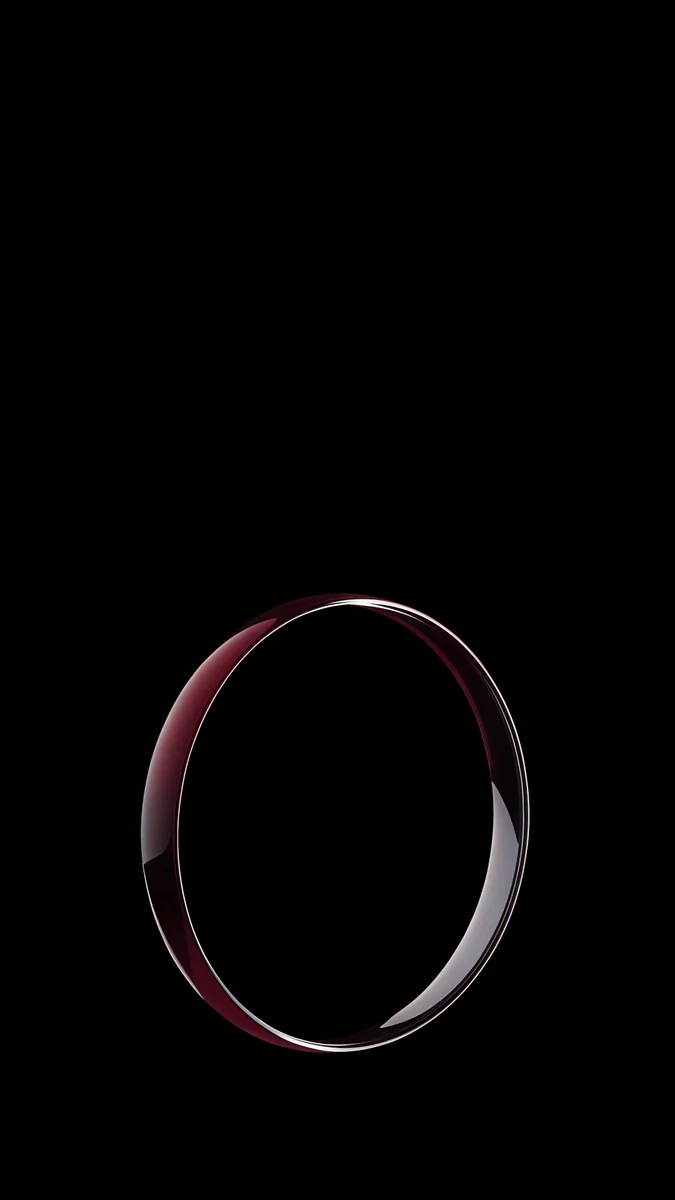 Burgundy Halo Ring
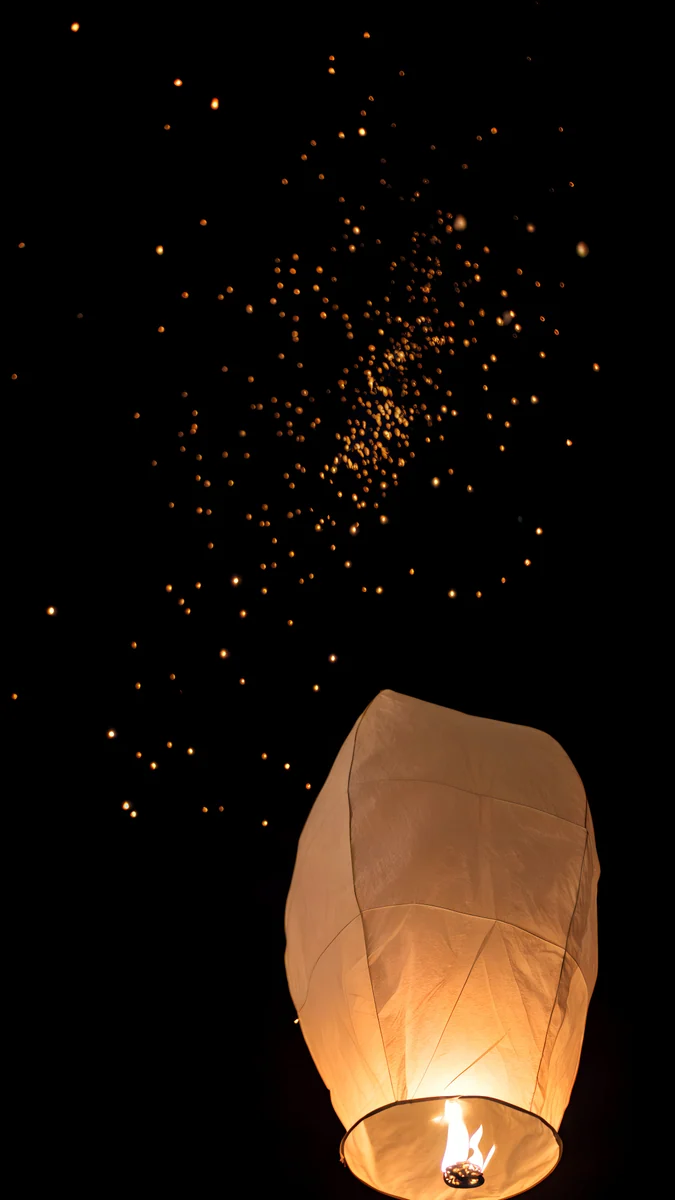 Lone Sky Lantern
 Emerald Spotlight Ball
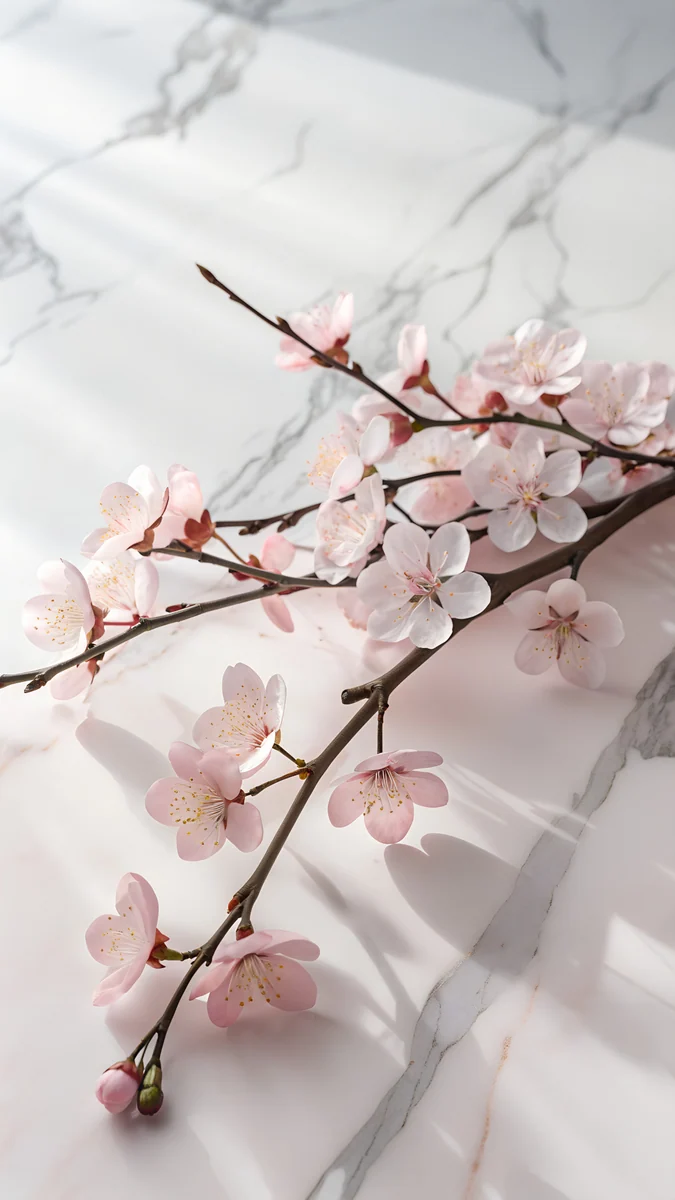 Sakura on Marble
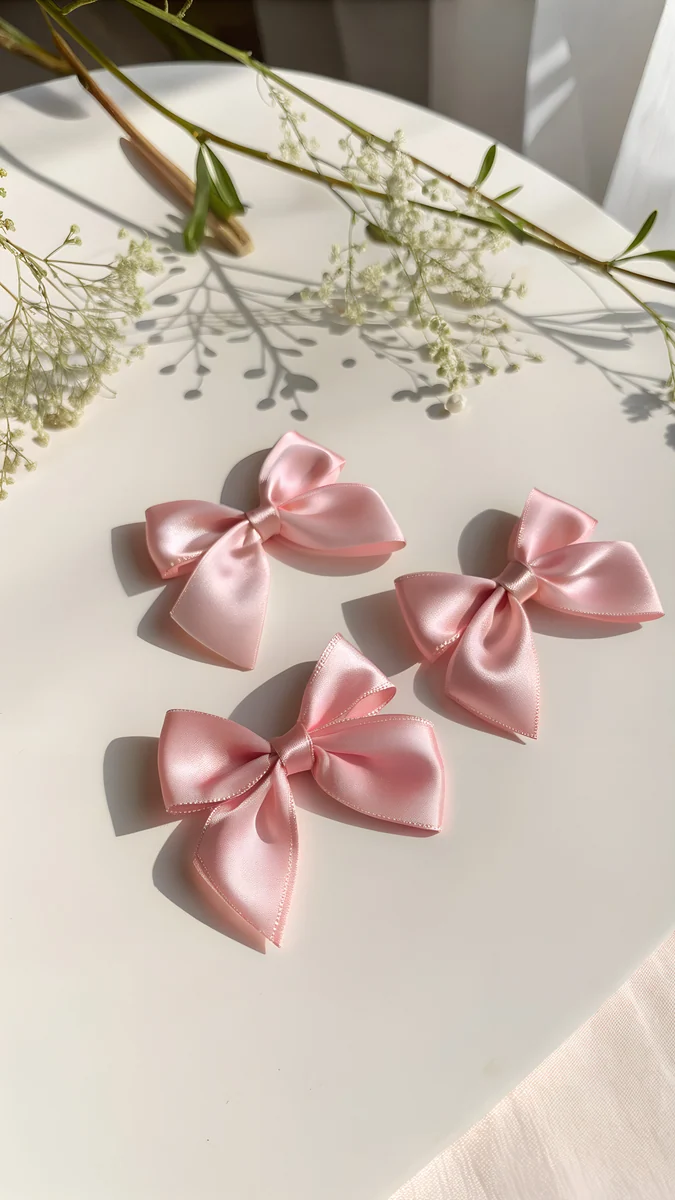 Three Pink Bows
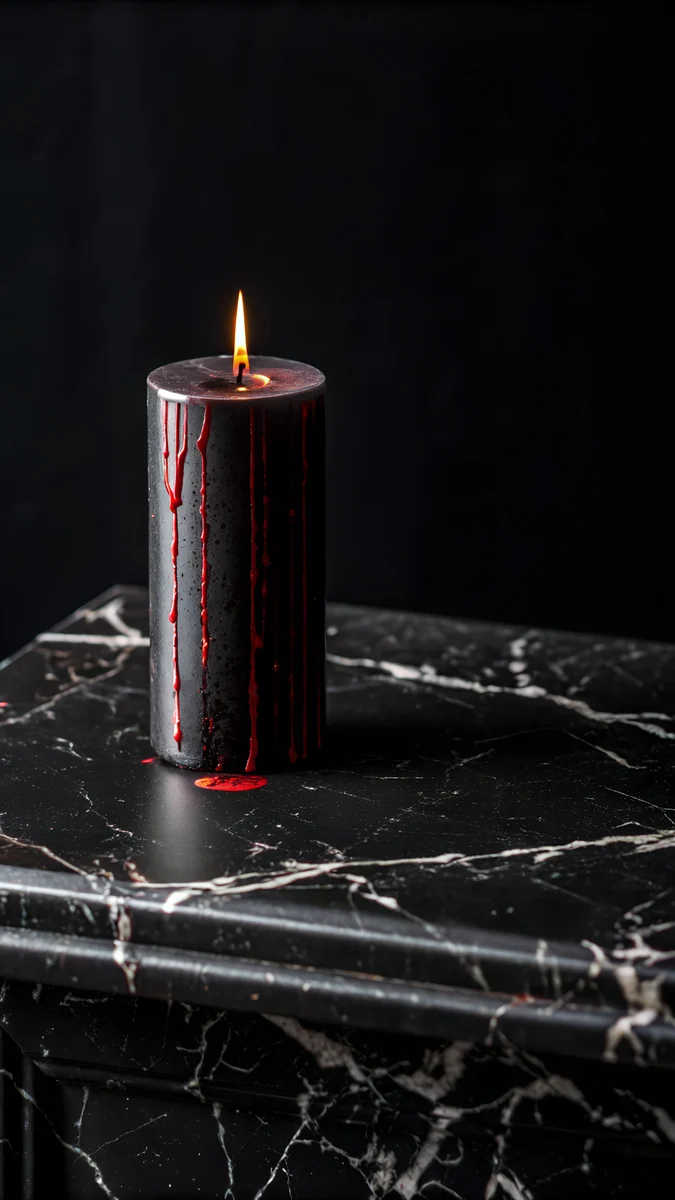 Black Candle Ledge
 Peach Court Circle
 Red Seam Ribbon
 Ivory Silk Baseball
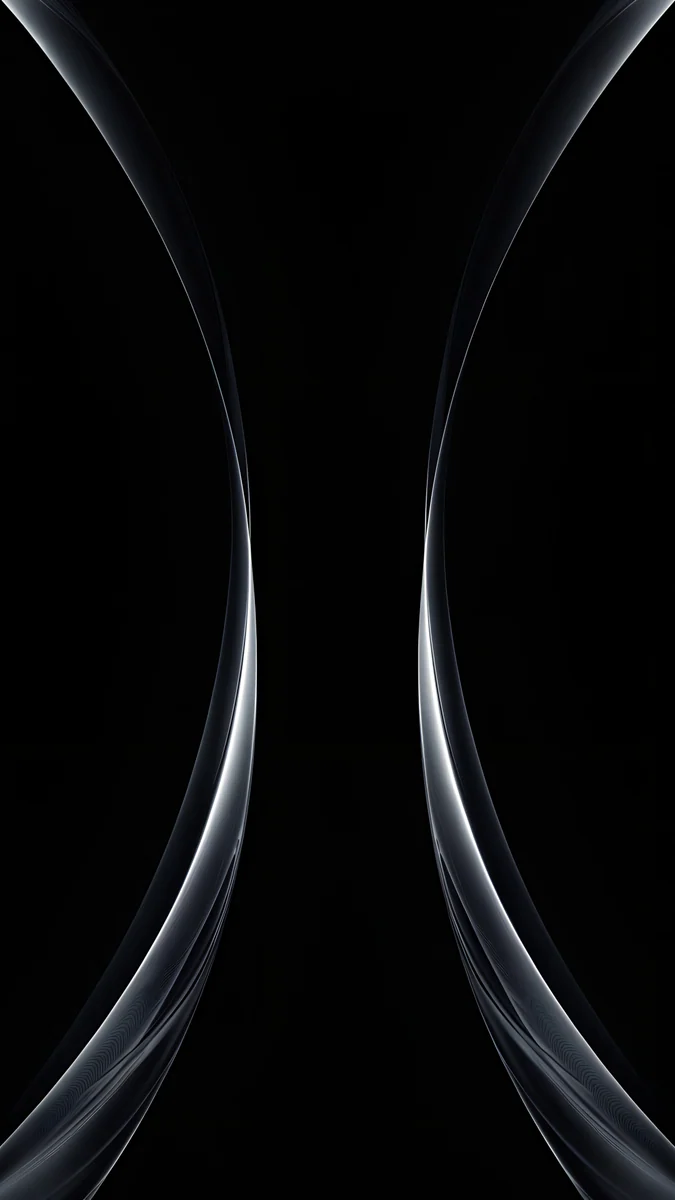 Silver Light Arcs
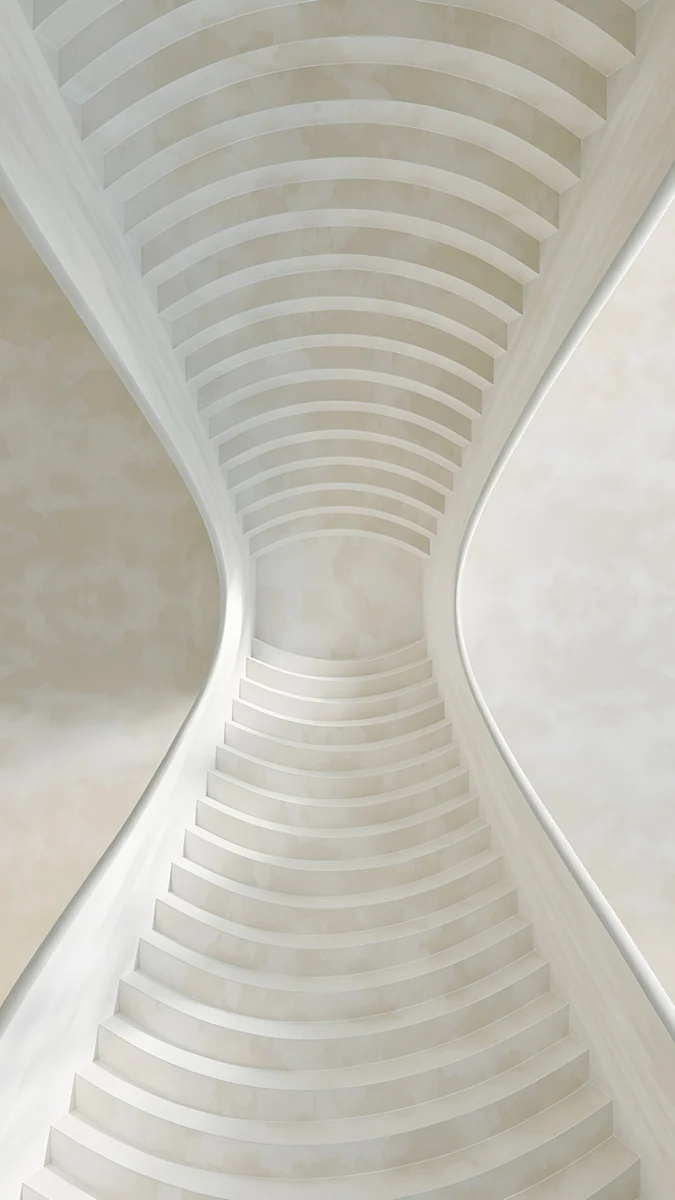 White Spiral Stairs
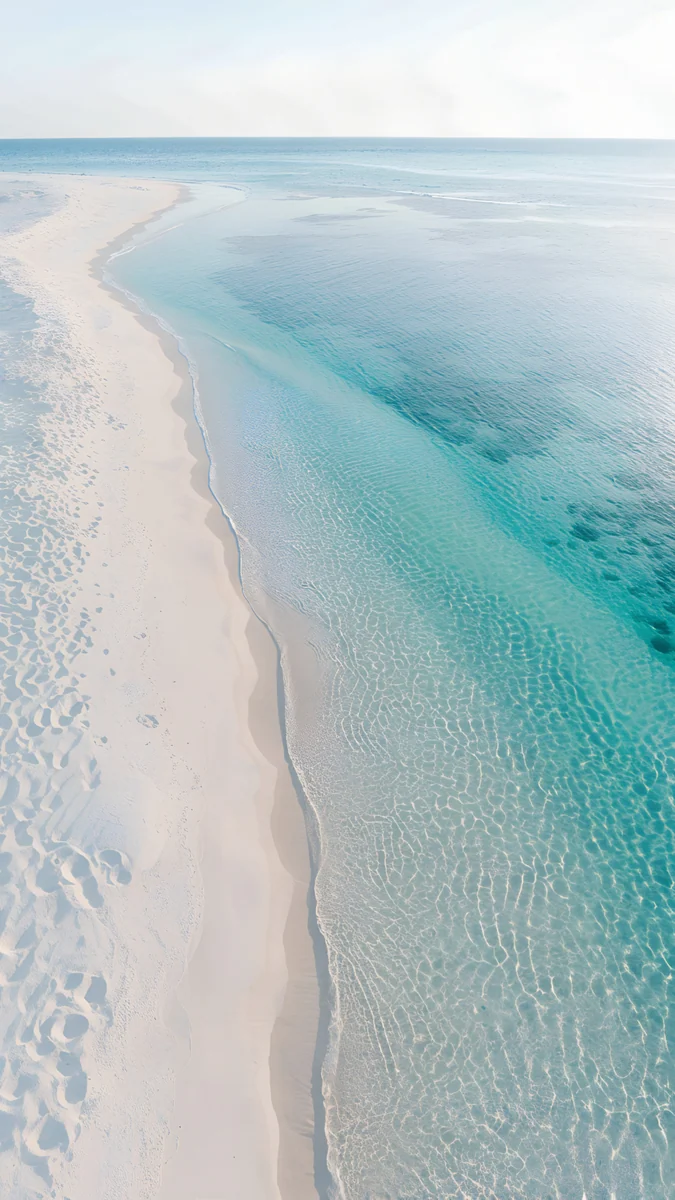 Turquoise Sandbar
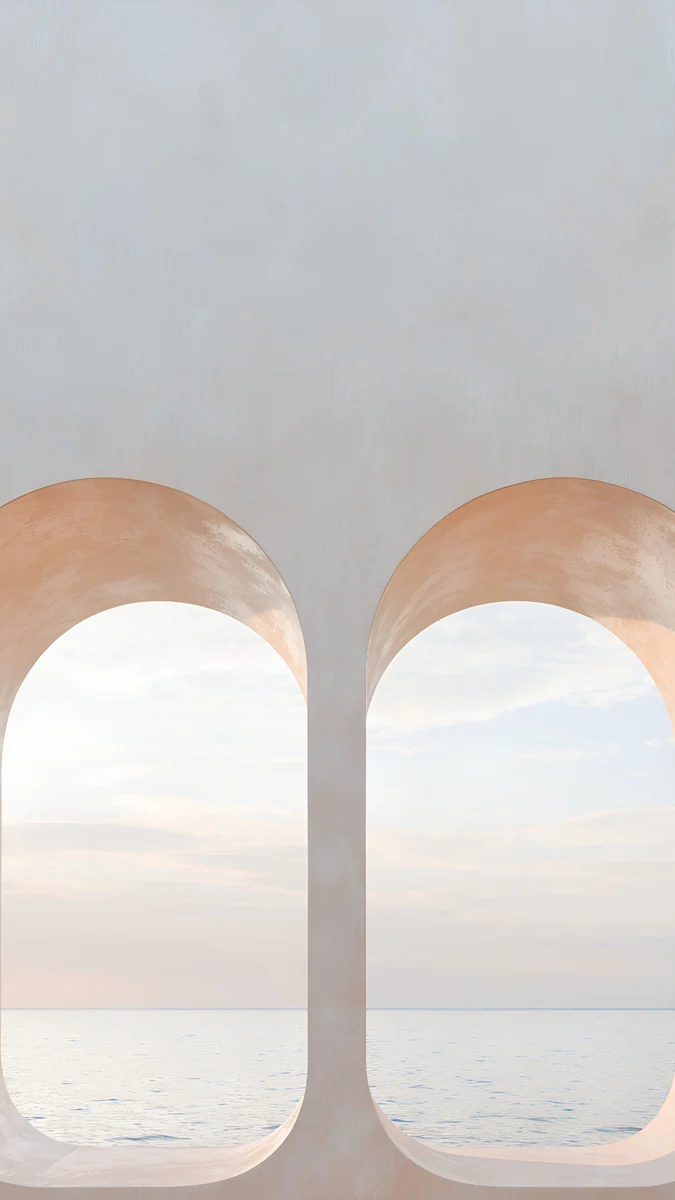 Twin Arches Sea
 Pastel Sea Horizon
 Curtain Leaf Shadows
 Linen Vase Light
 Sakura Branch Petals
 Torii in the Mist
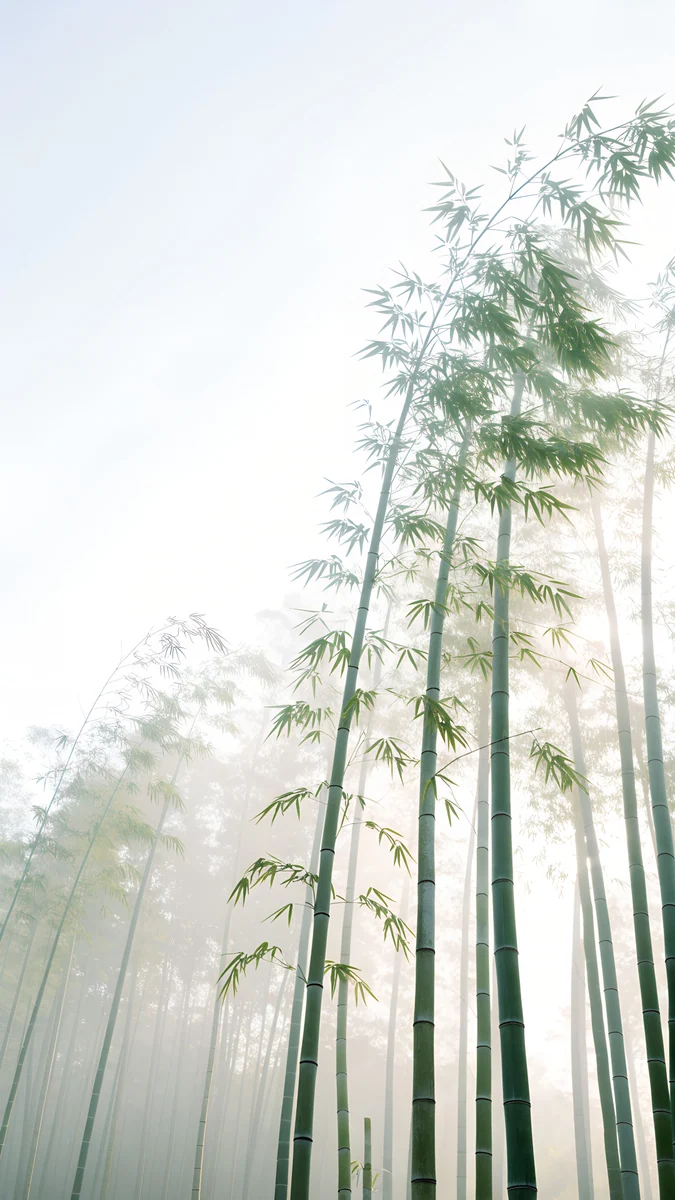 Misty Bamboo Grove
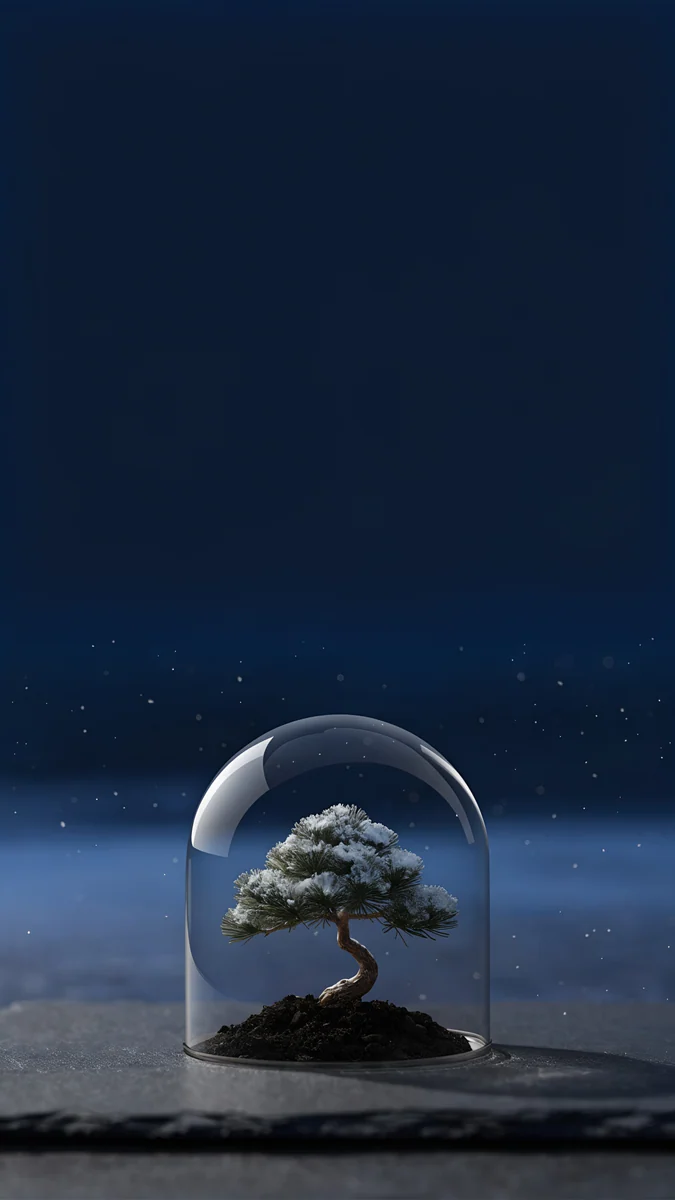 Bonsai Under Glass
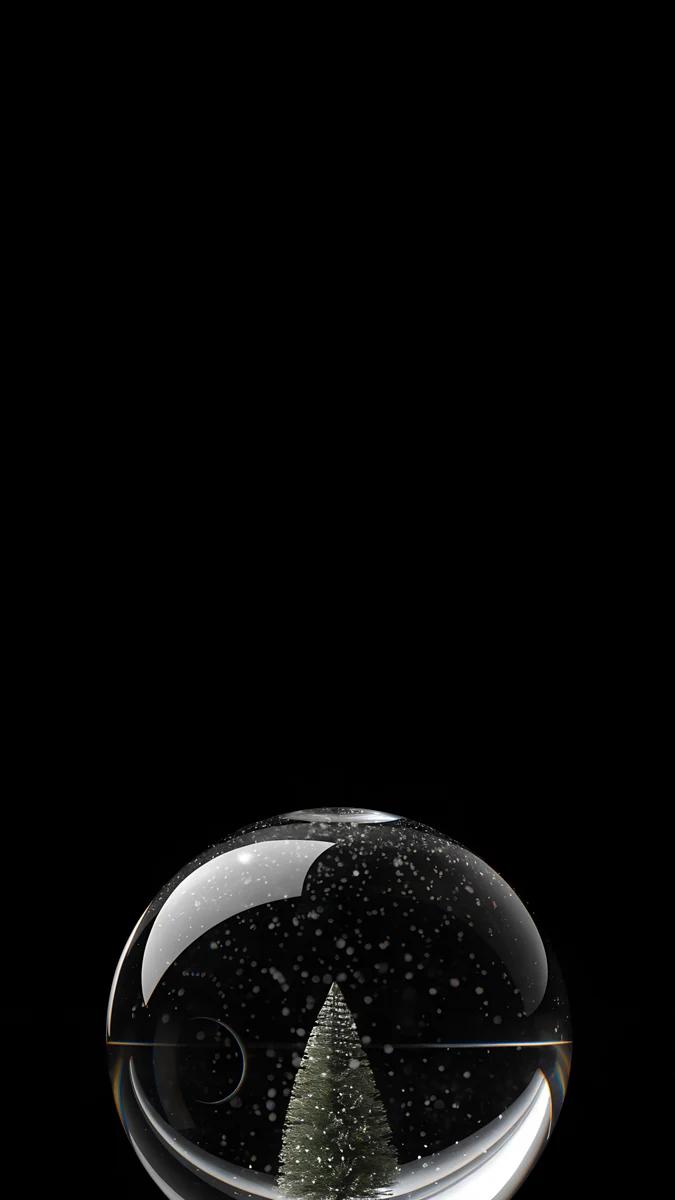 Midnight Snow Globe
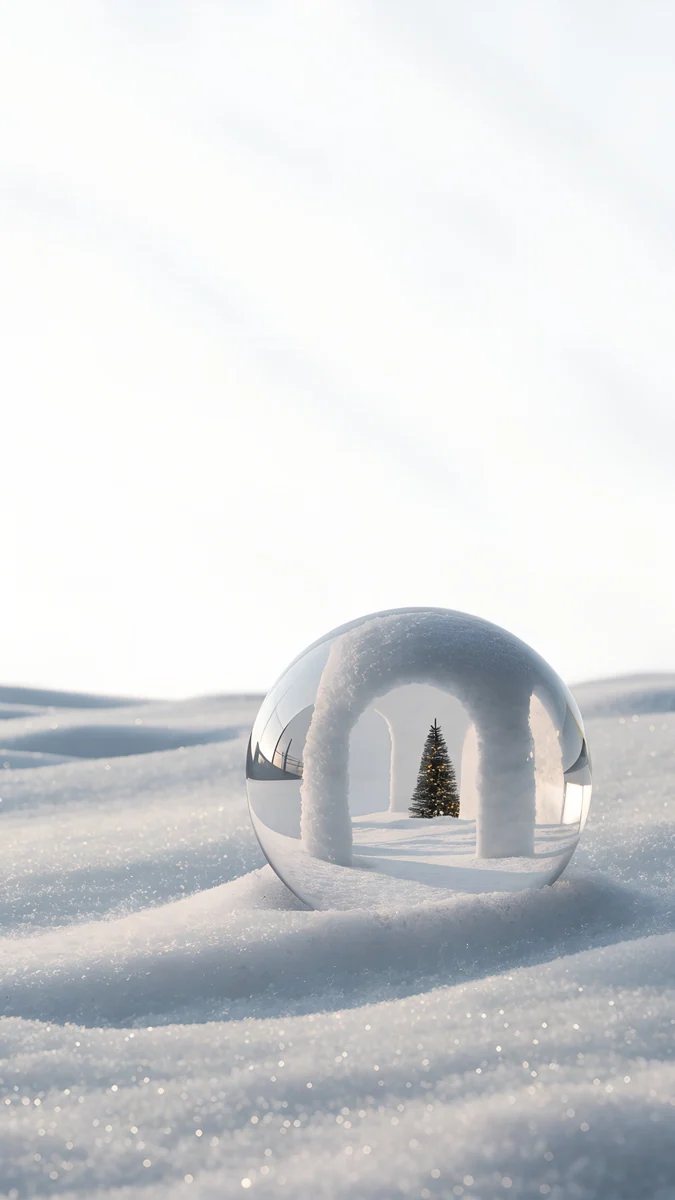 Snow Arch Globe
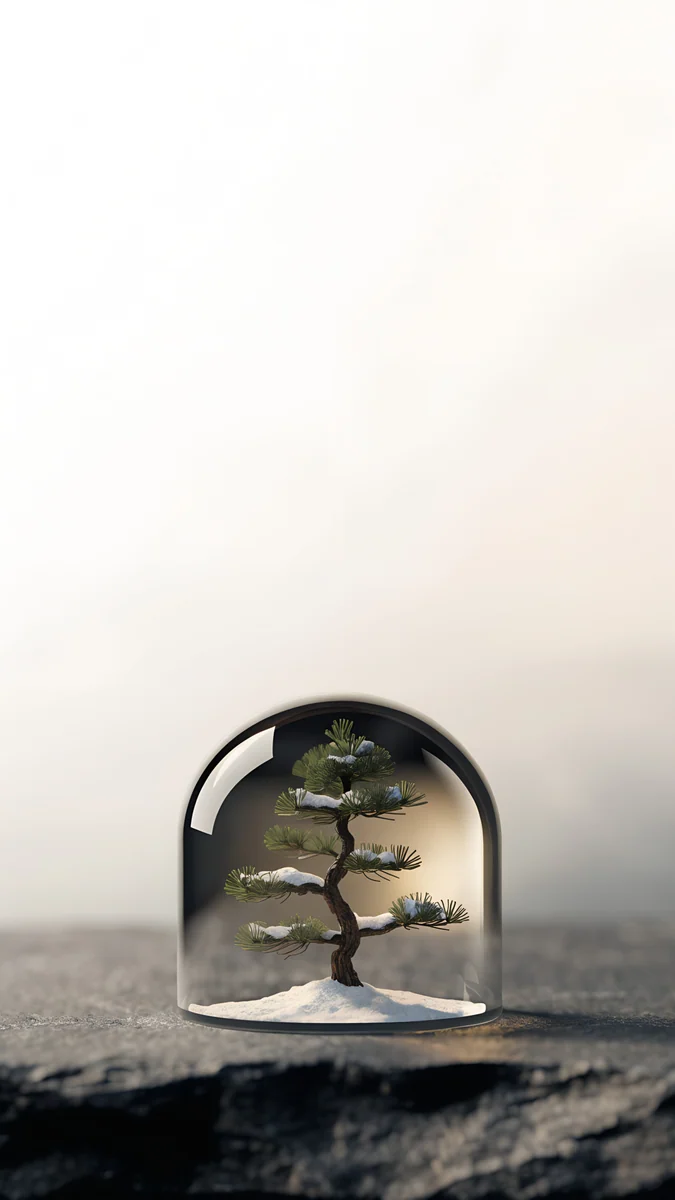 Pine Under Glass
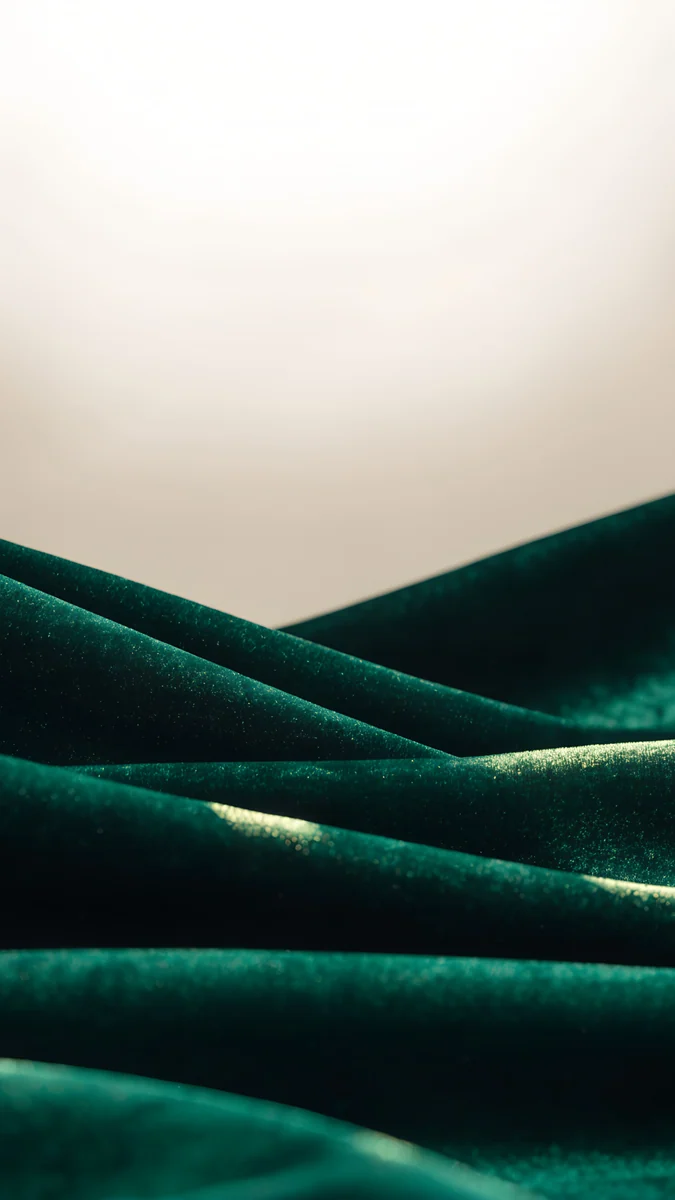 Emerald Velvet
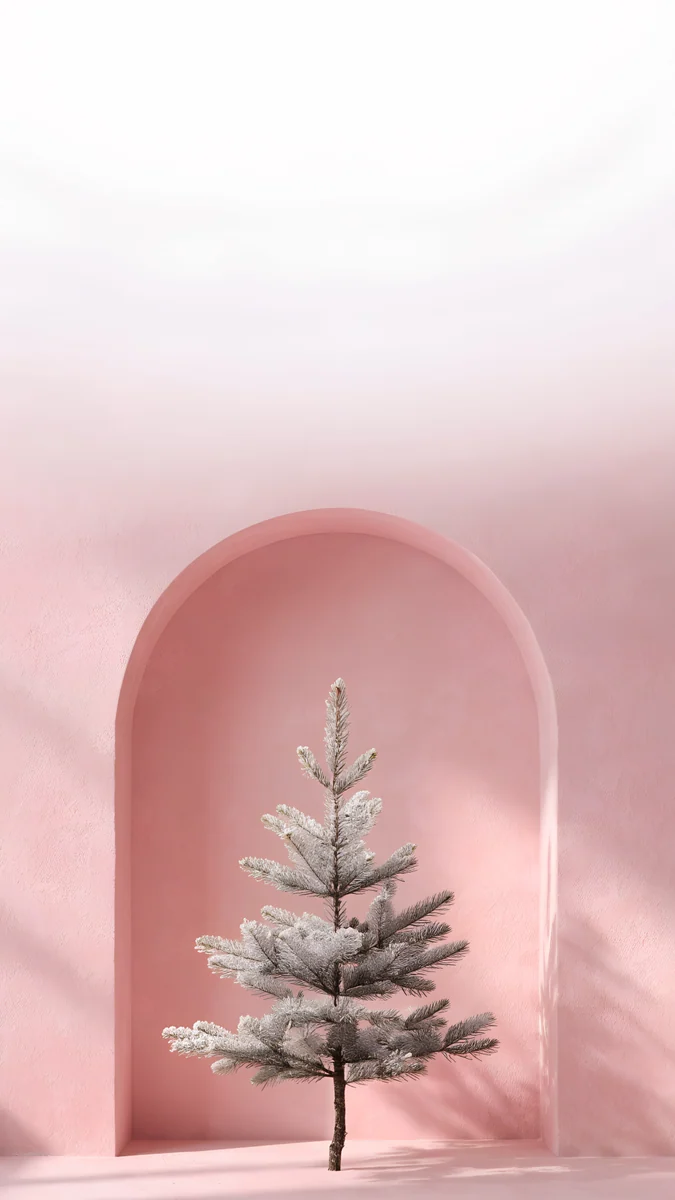 Pink Niche Pine
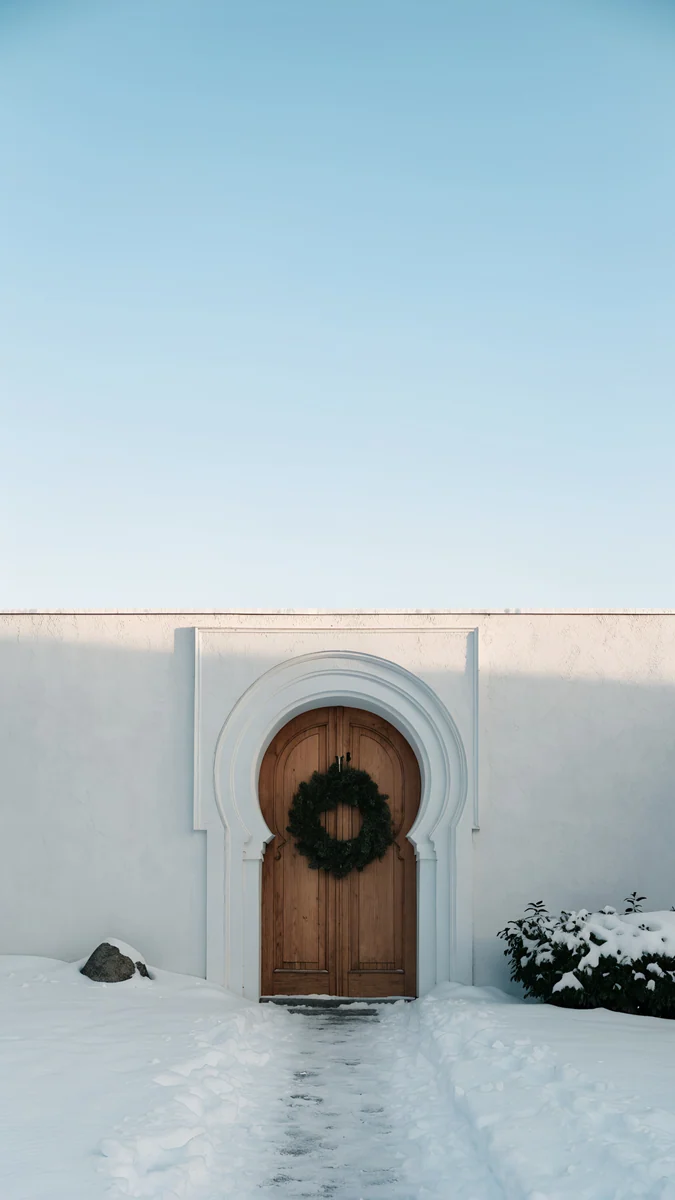 Wreath Door
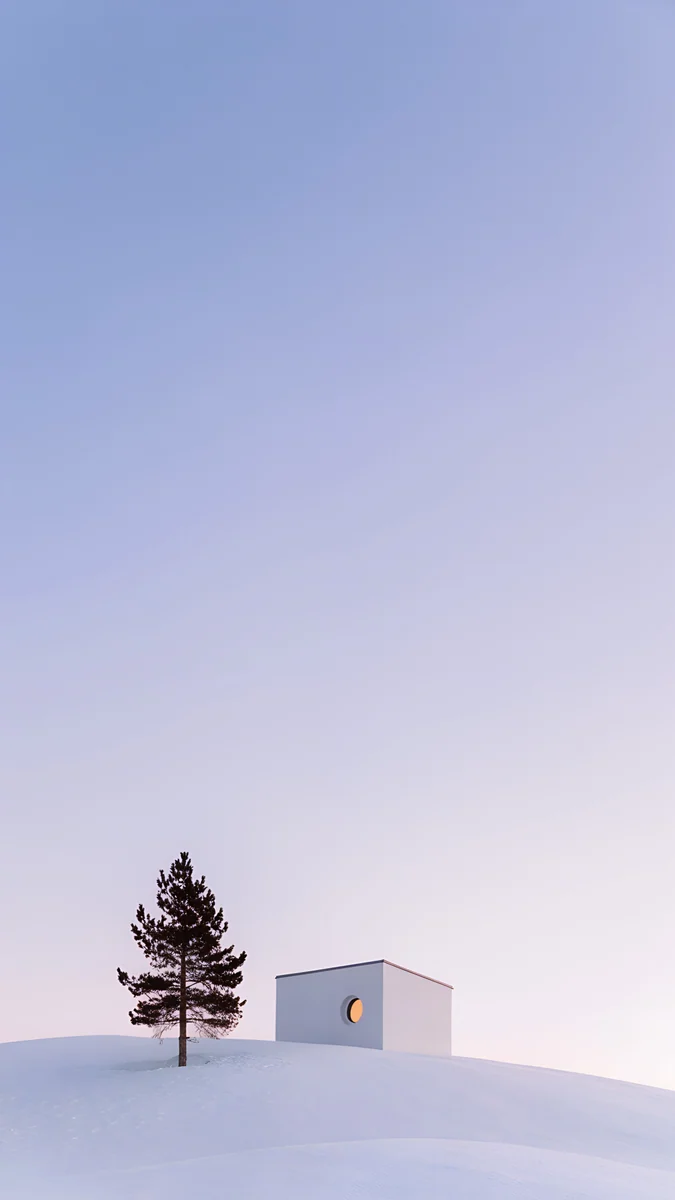 Dusk Snow House
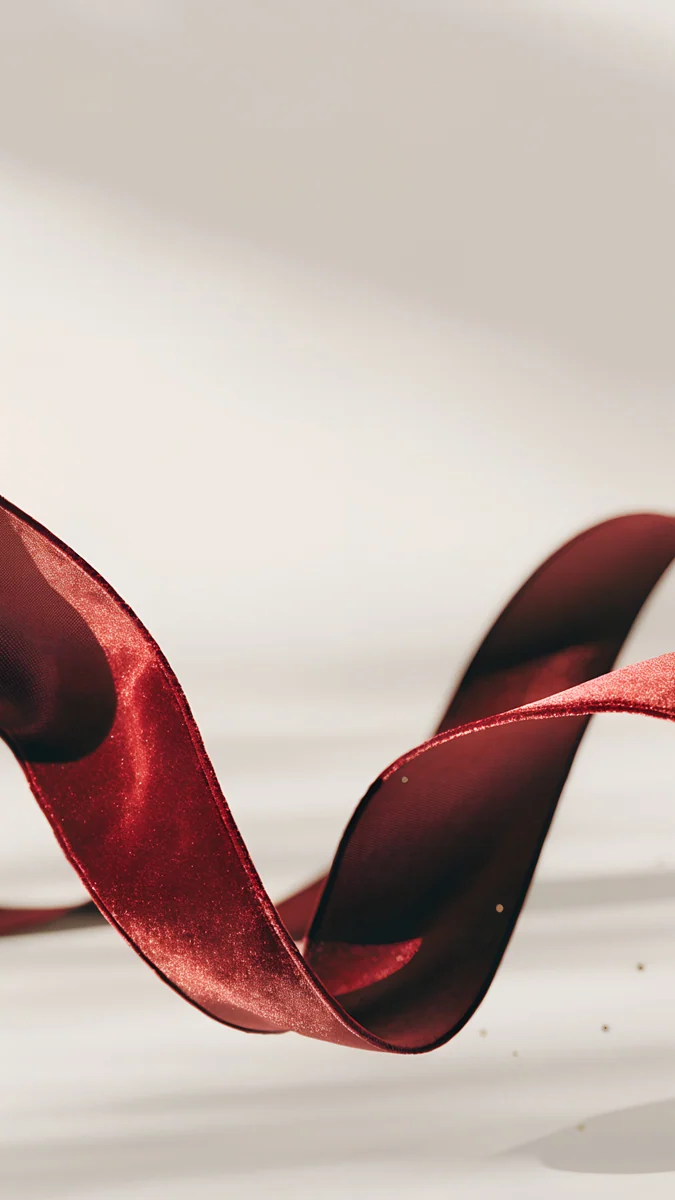 Burgundy Ribbon
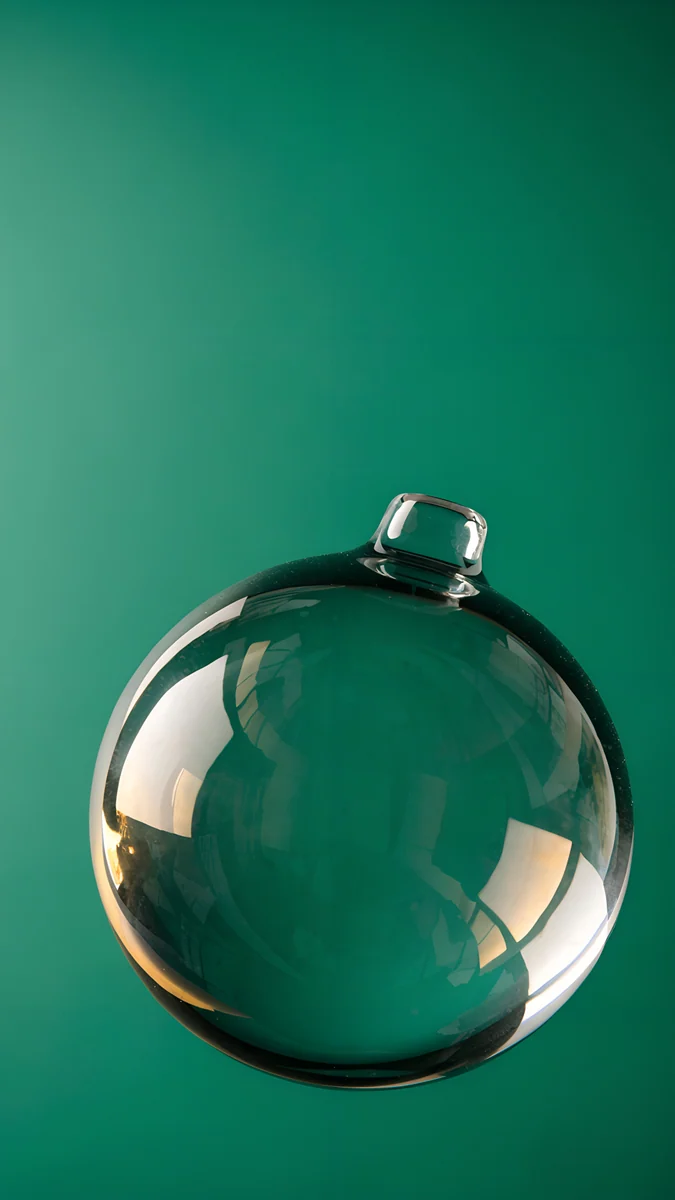 Emerald Glass Bauble
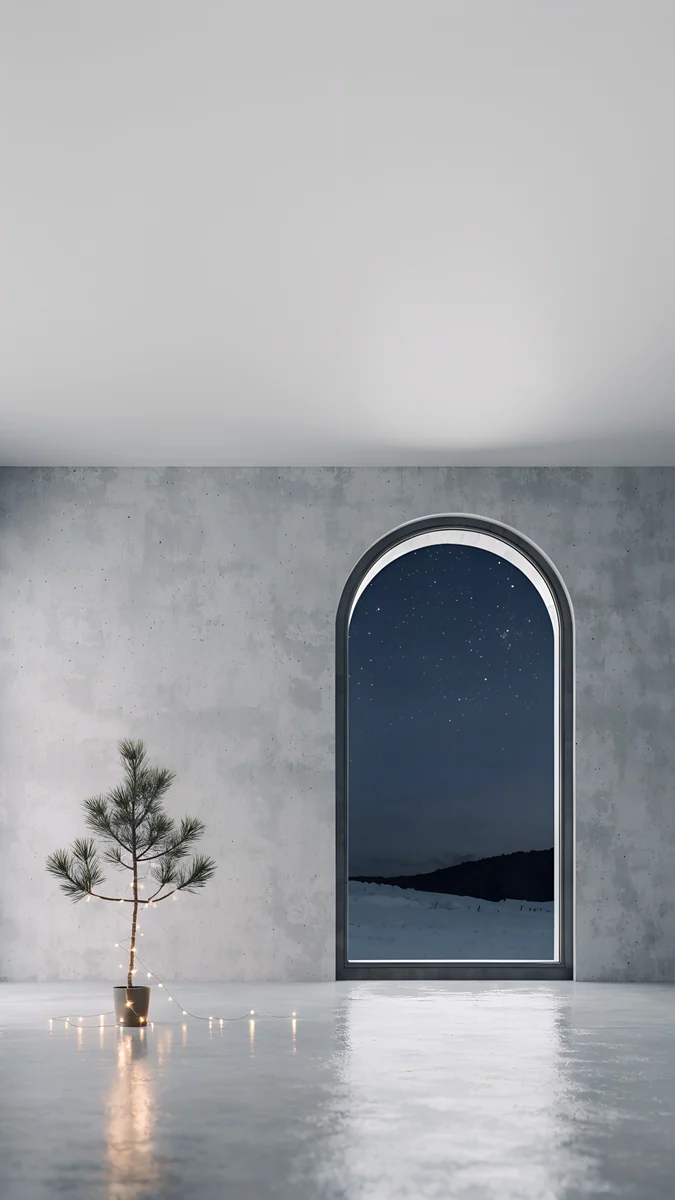 Arched Window Pine
 Black Satin
 Black Glass Sphere
 Obsidian Waves
 Black Splash
Frequently asked questions
How is this different from the white minimal collection?
The white minimal page keeps to white, cream and soft grey. This one uses the same calm, empty compositions in every color: turquoise sea, emerald velvet, burgundy ribbon, navy snow globes, lilac houses and black glass. If you like the uncluttered look but want color, start here. If you want the lightest, brightest screen, the white minimal collection is the better fit.
Which minimalist wallpapers work with dark mode?
Choose the dark ones: silver light arcs, the bonsai under glass and the midnight snow globe are mostly black or navy, so they match dark menus and keep a white clock crisp. Pale designs such as the white spiral stairs or the linen vase stay bright, which looks fresh in light mode but can feel harsh next to dark folders at night.
Do minimal wallpapers suit a full home screen with widgets?
Yes, they are the safest choice for it. With large empty areas there is nothing for widgets to hide, so the screen never looks chopped up. Pick one where the single object, an arch, a vase or a glass globe, sits low or off to one side, and place widgets over the empty part. A small, quiet detail peeking out below the icons is usually enough.