Star and Galaxy phone wallpapers
Star and Galaxy phone wallpapers: 56 original wallpapers in 4K, 2160 × 3840 for phones (see our iPhone wallpaper size guide), sorted into lock screen and home screen picks. [1] Every wallpaper here is an original 4K design with spiral galaxies, nebulae, a ringed planet, picked so the lock screen clock stays easy to read.
Galaxy scenes are dark around the edges, so a white clock reads well on black sky. Choose one where the galaxy core sits low, such as the galaxy ocean arc, so the time is not printed over the brightest stars.
On the home screen, starry snow scenes like the frozen lake cabin are calmer than a full nebula. Small stars do not compete with icons, and dark mode keeps the whole screen in one mood.
Tap any wallpaper to see it on a phone frame with the clock, then download the original or set it from the Velpaper app on iPhone, iPad, Mac or Android. Apple Support: change the wallpaper on iPhone
Lock screen picks
 Ringed Planet Dunes
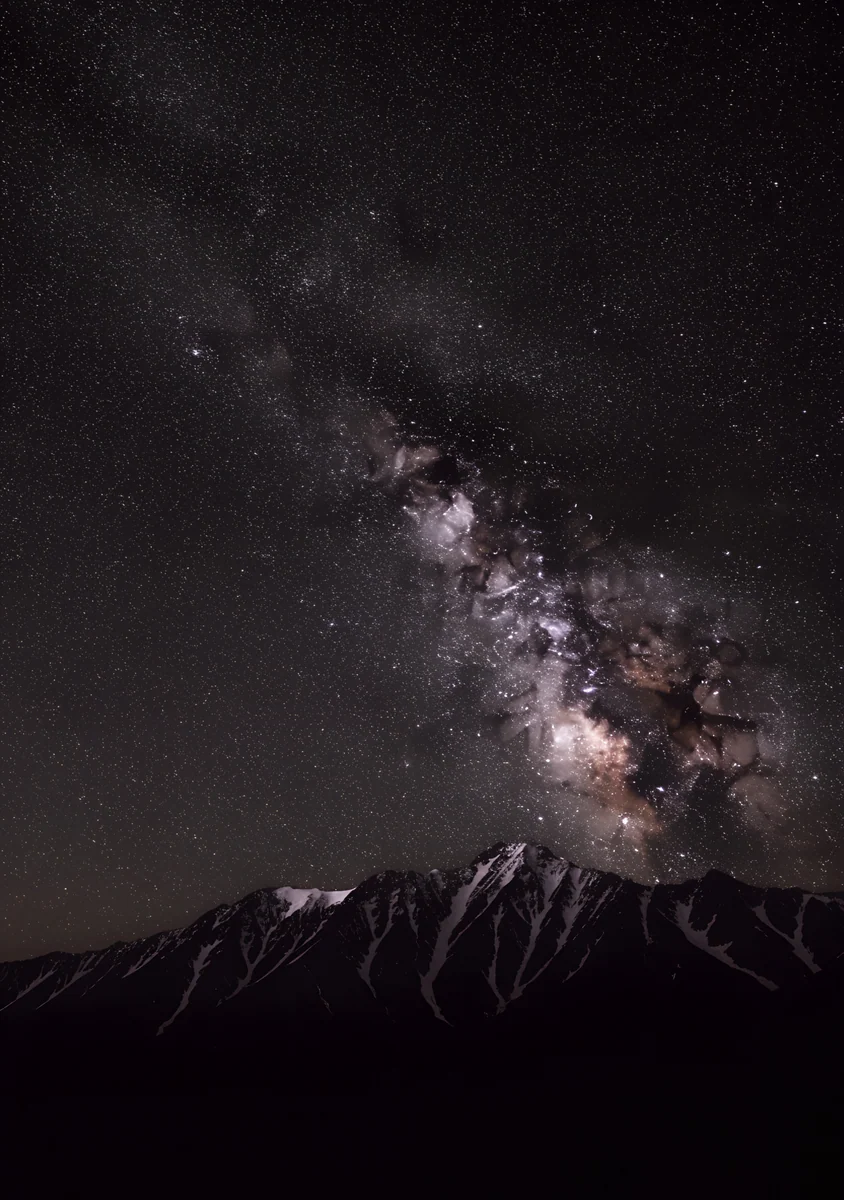 Milky Way Peaks
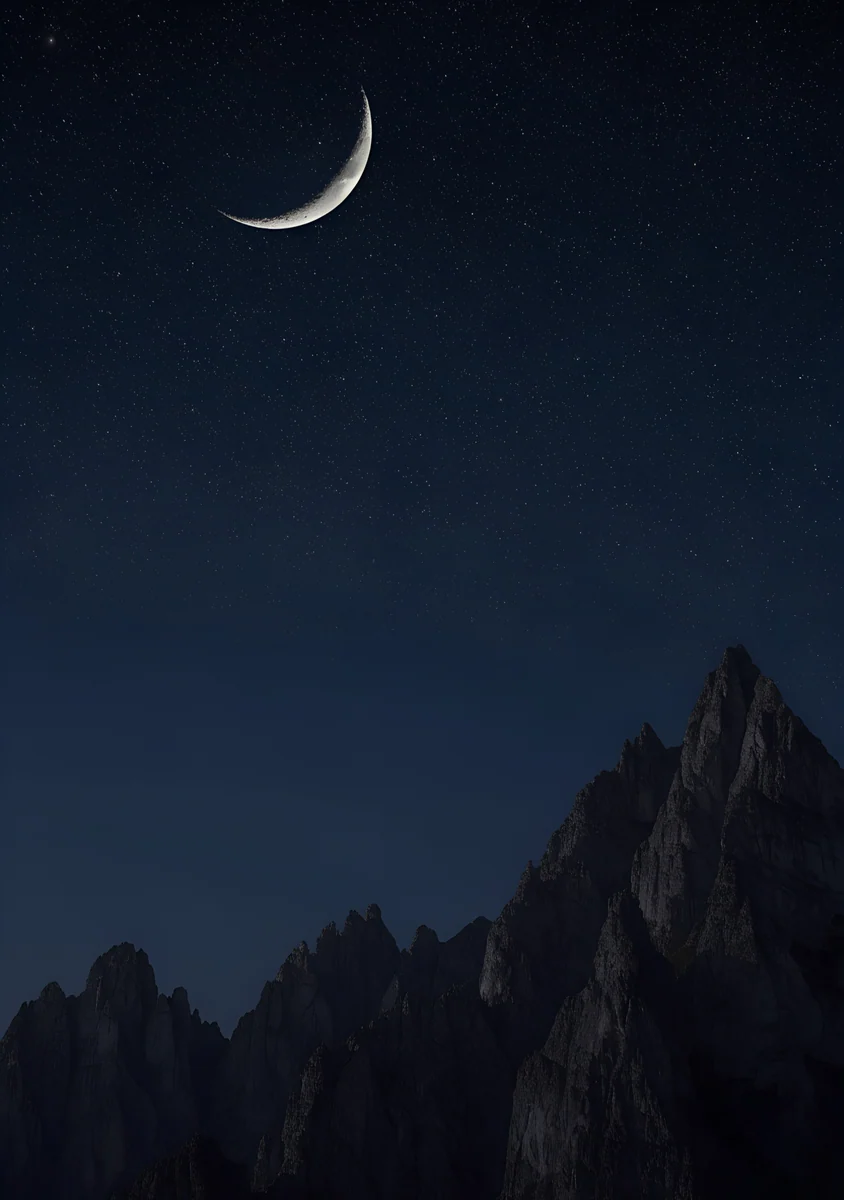 Moon Peaks
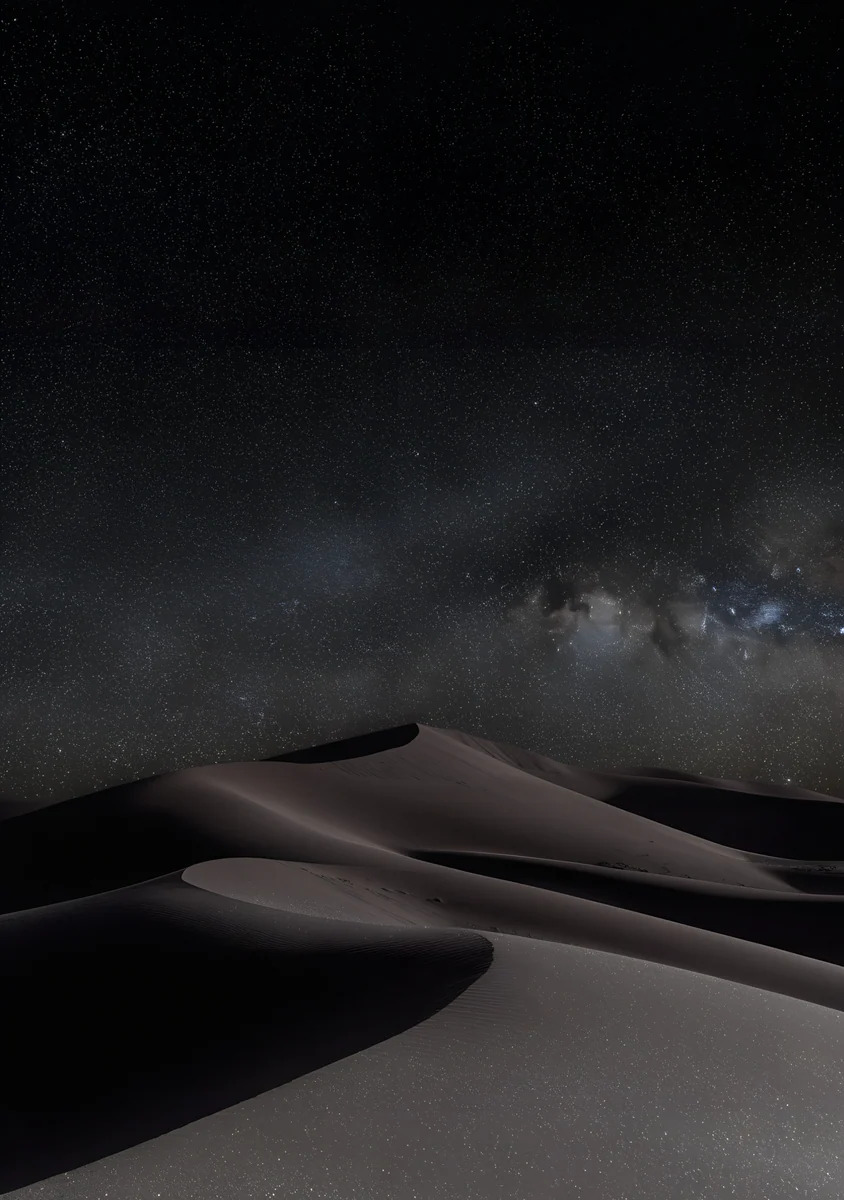 Dune Night
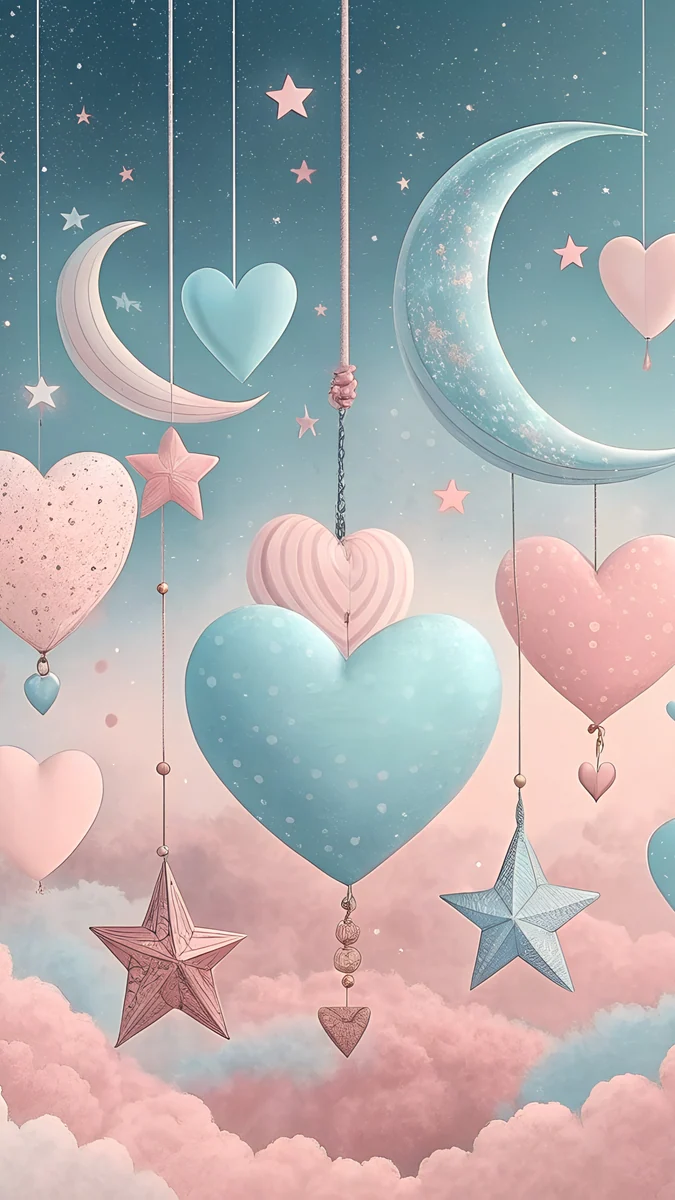 Hanging Hearts and Moons
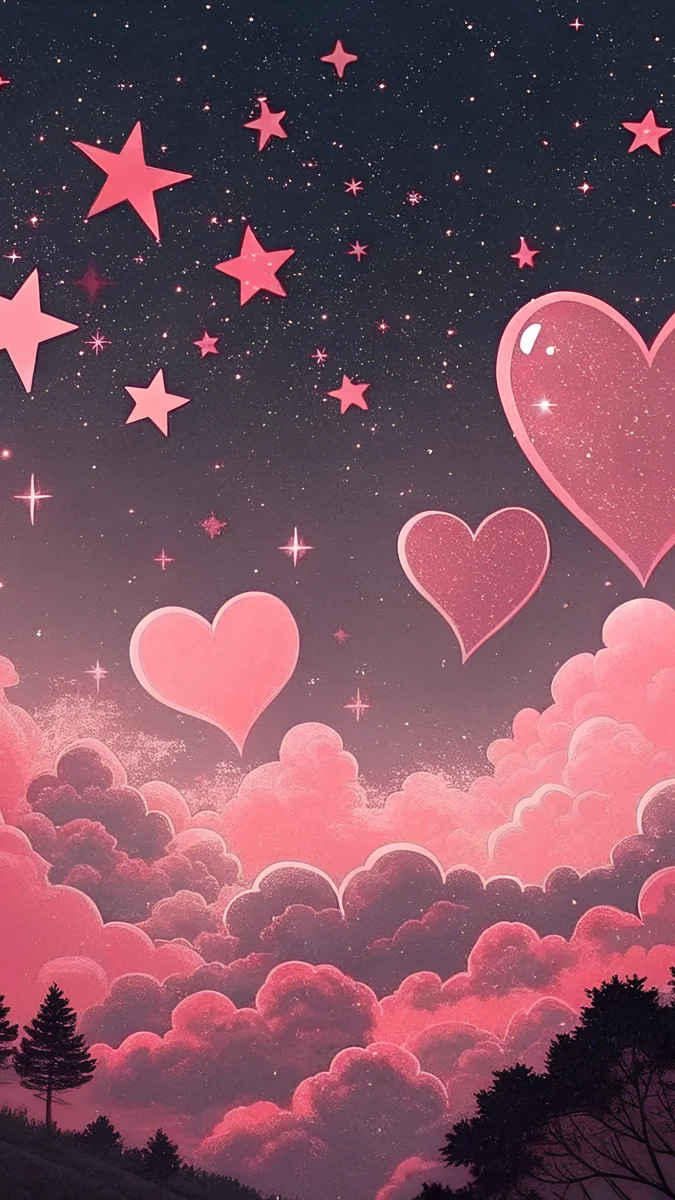 Dark Pink Hearts
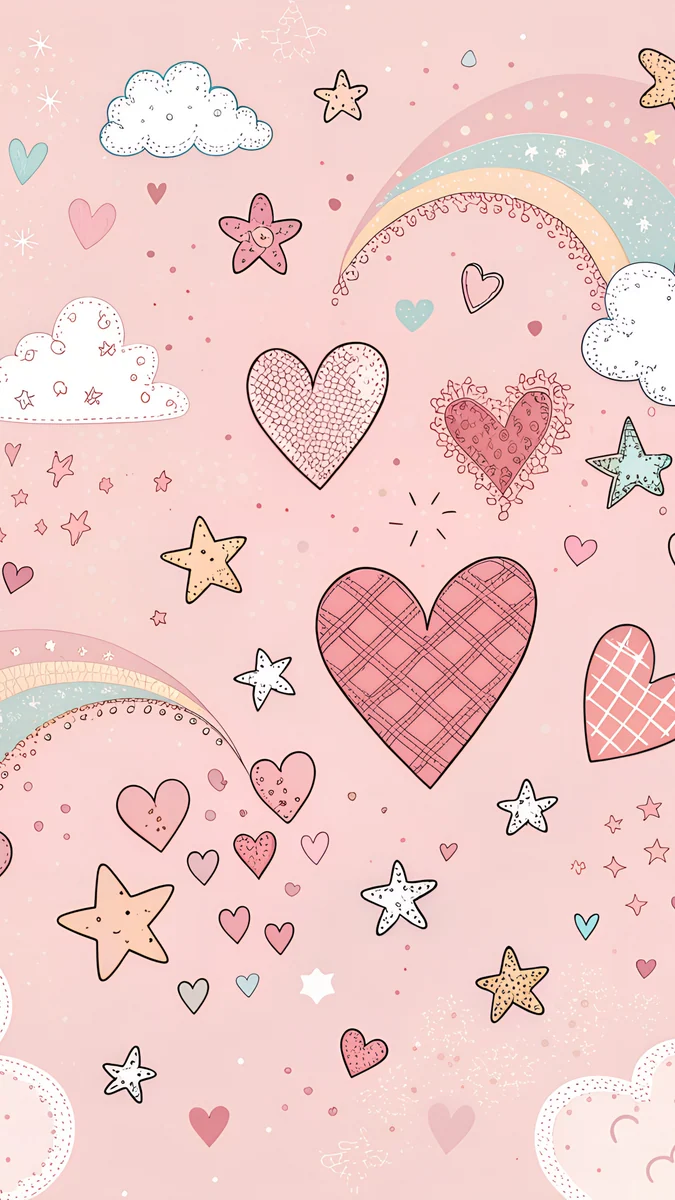 Pastel Heart Doodles
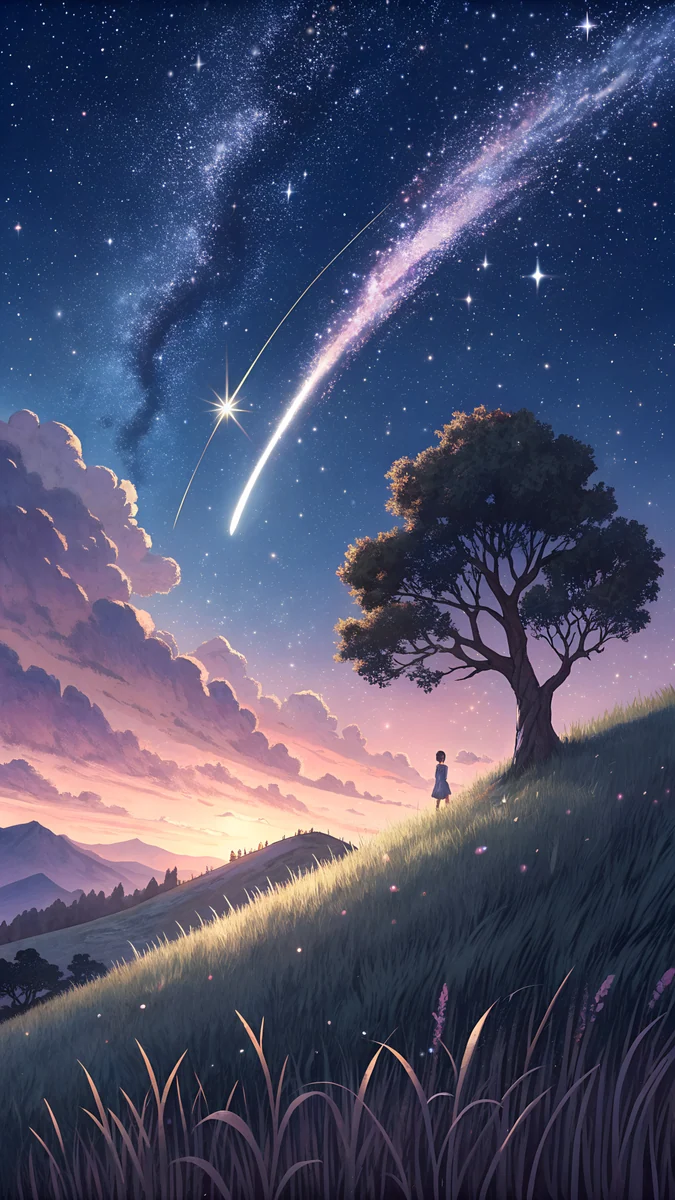 Meteor Hill Tree
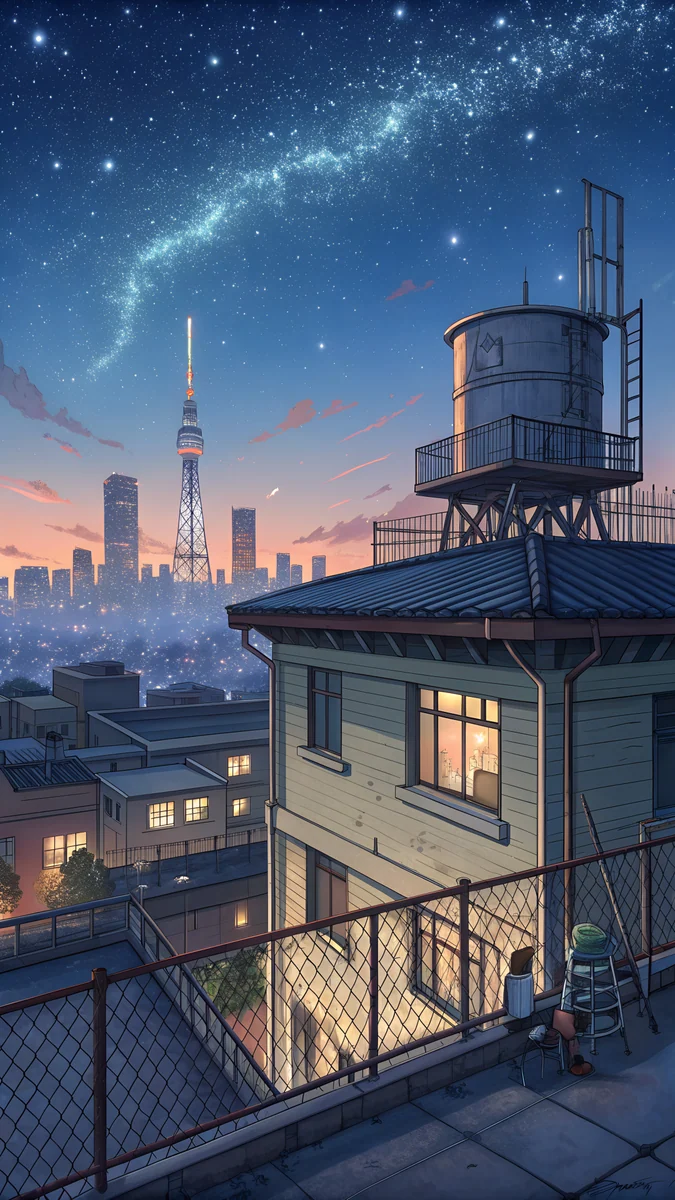 Rooftop Star Skyline
 Lilac Star Moon
 Galaxy Tree Floating Island
 Lantern Lake Milky Way
 Star Whale Sleeping Town
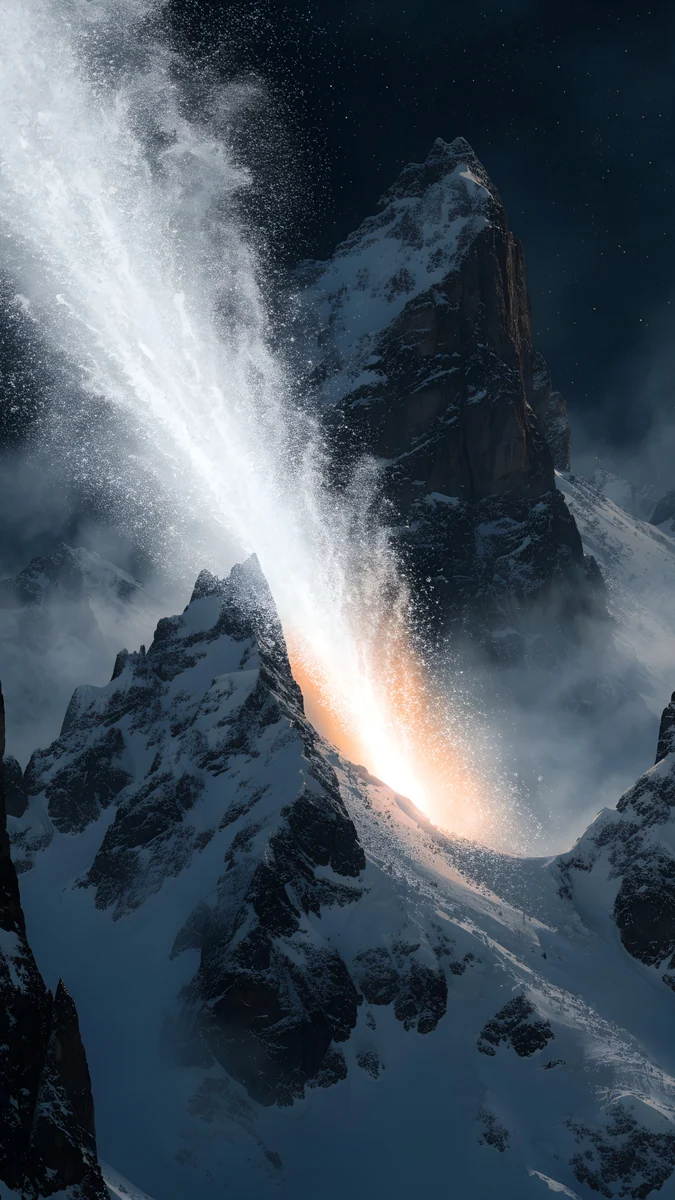 Comet Over Snow Peaks
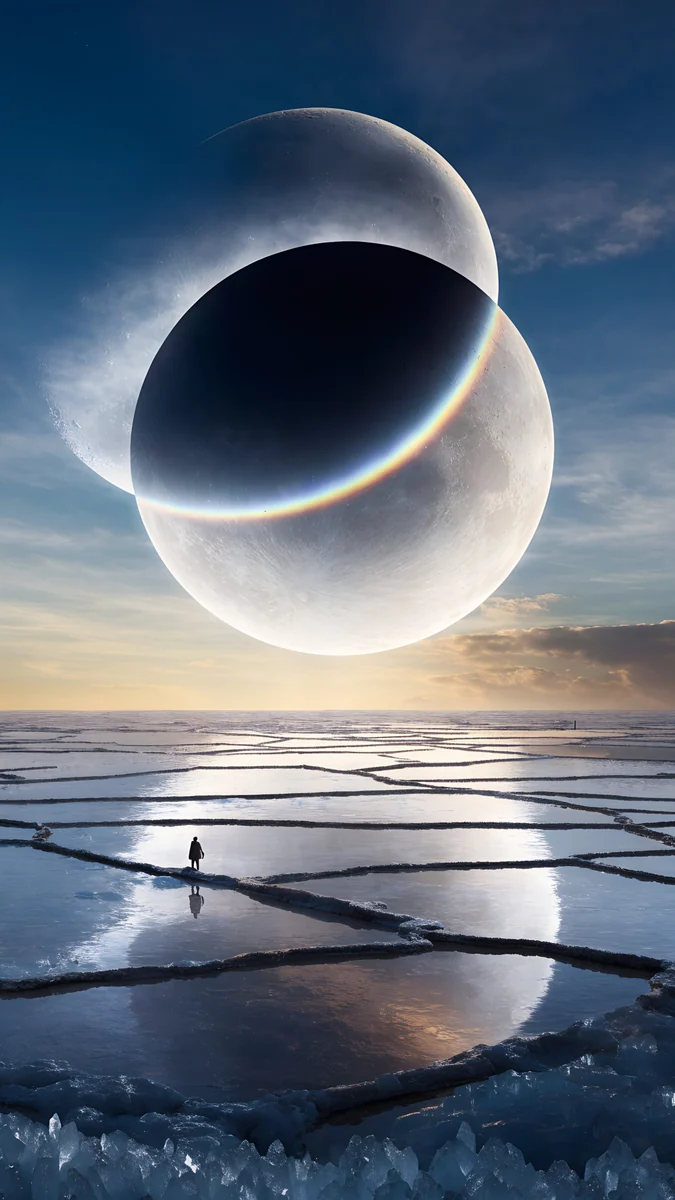 Twin Moon Mirror Lake
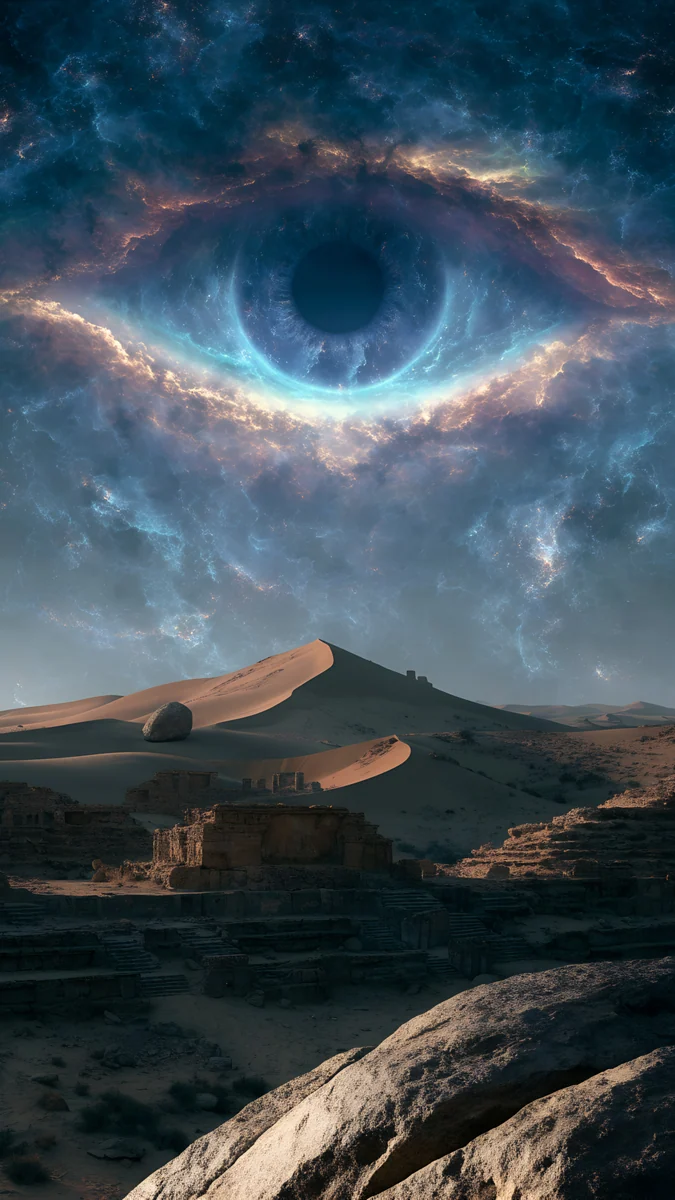 Nebula Eye Ruins
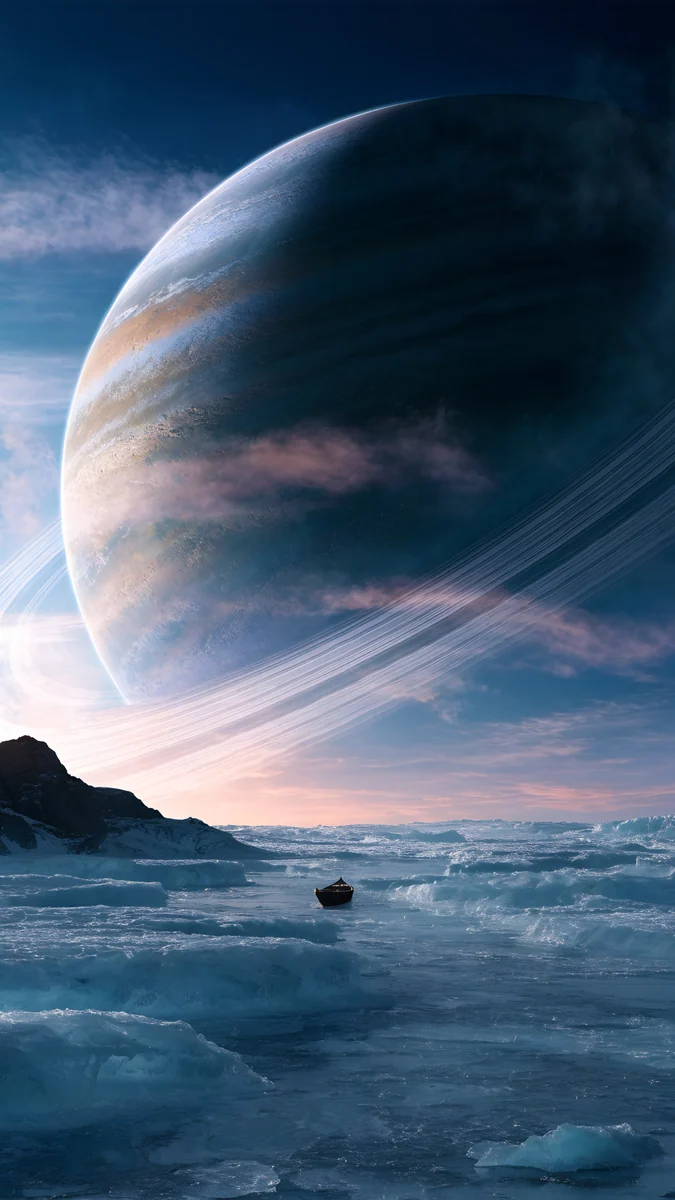 Gas Giant Frozen Sea
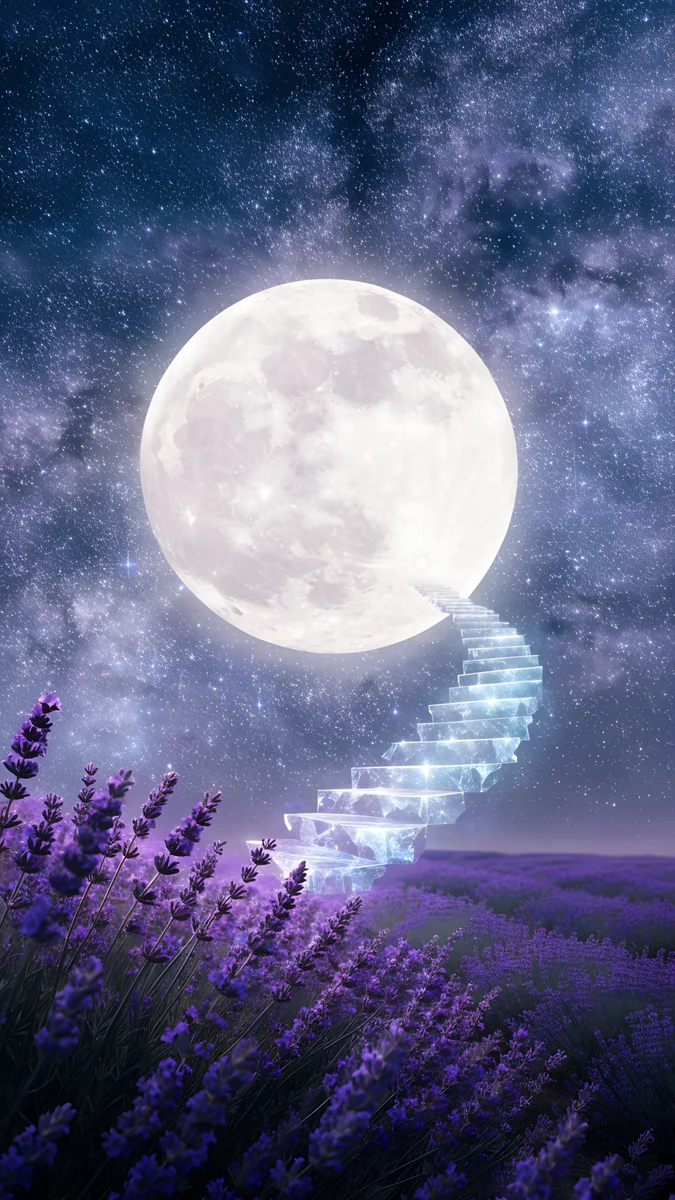 Moon Stair Lavender
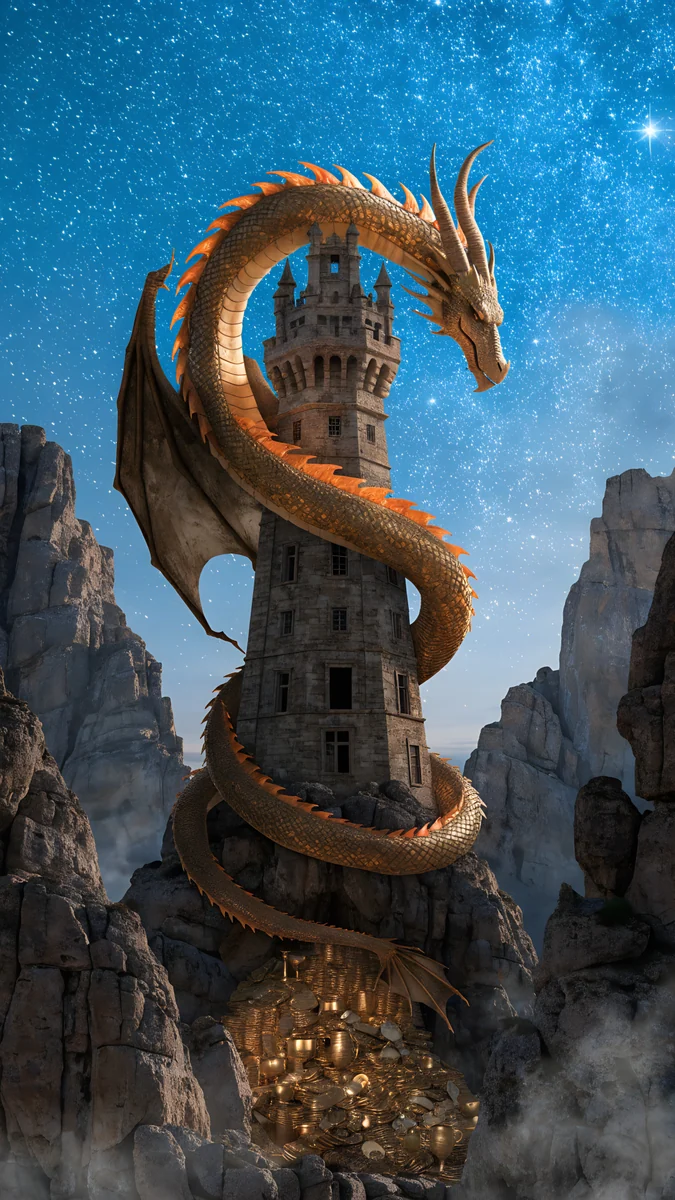 Golden Dragon Tower
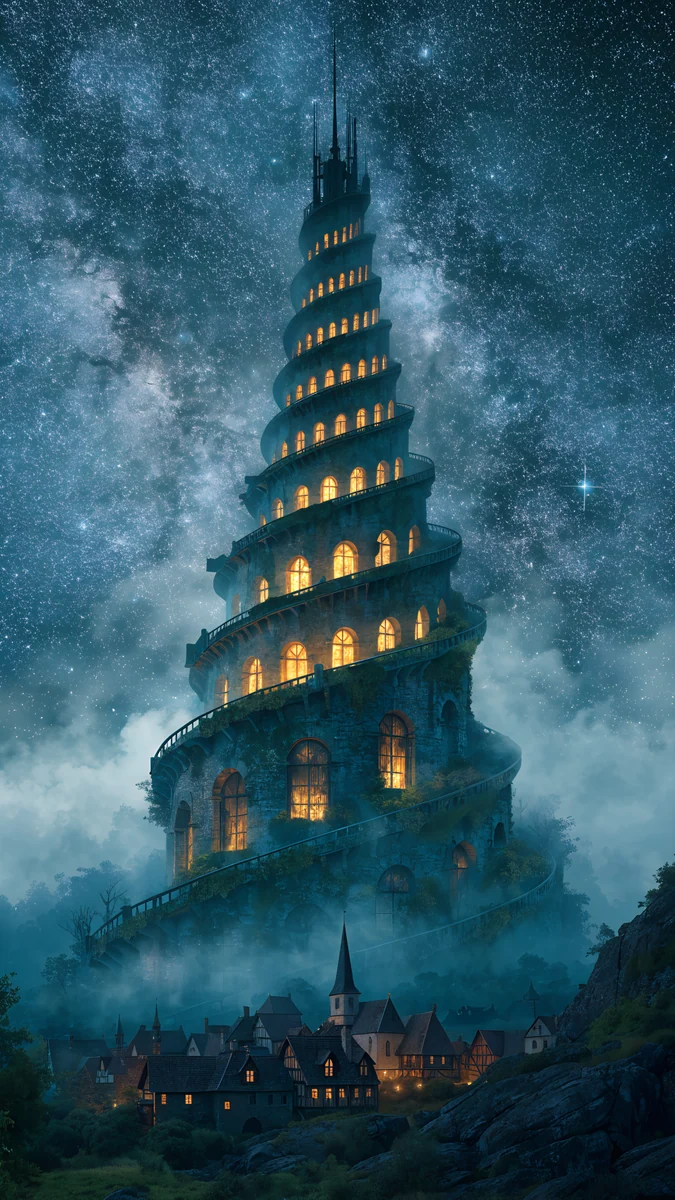 Starlit Wizard Tower
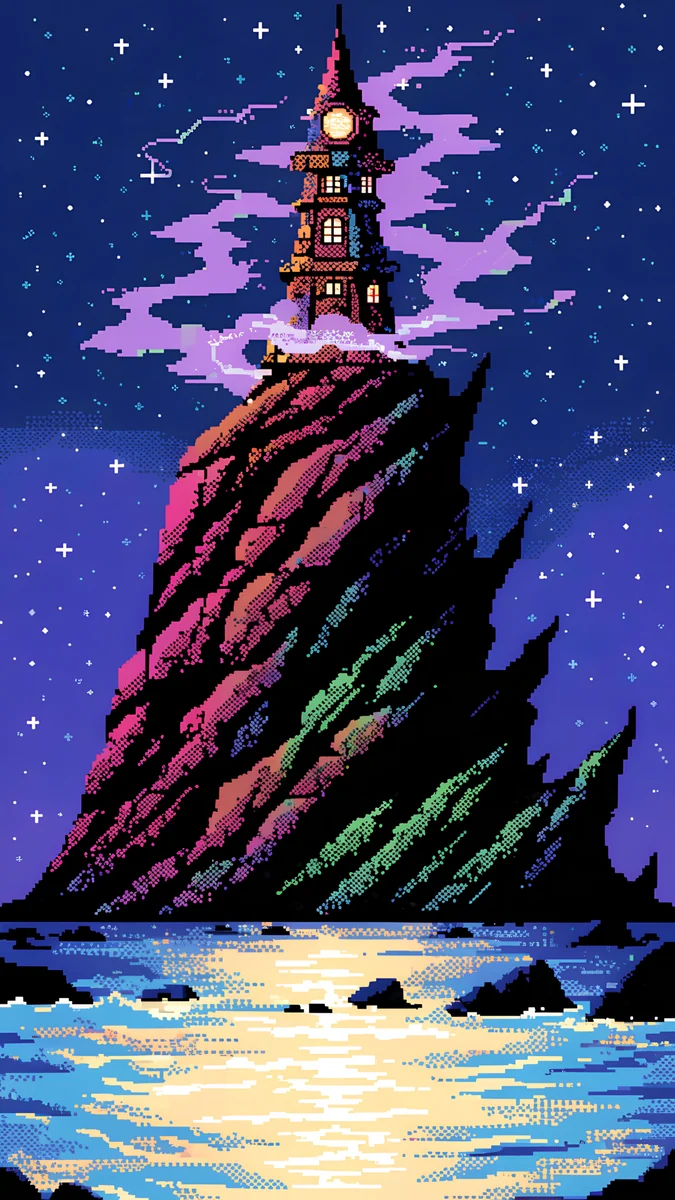 Pixel Wizard Tower
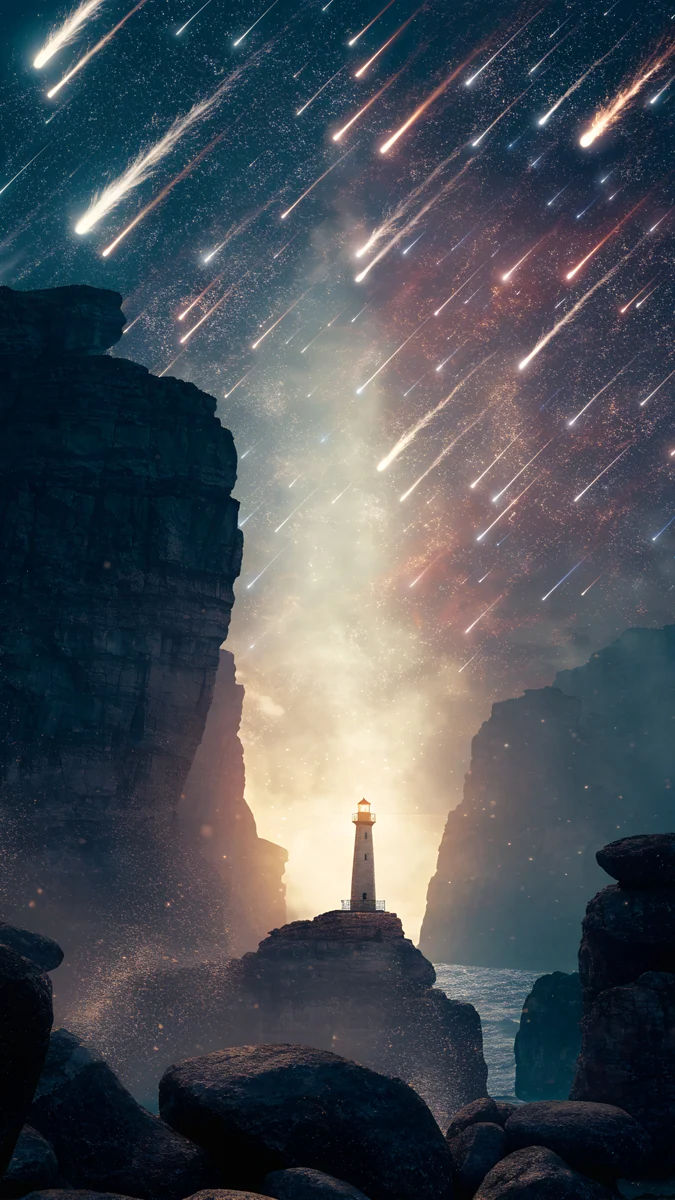 Meteor Lighthouse
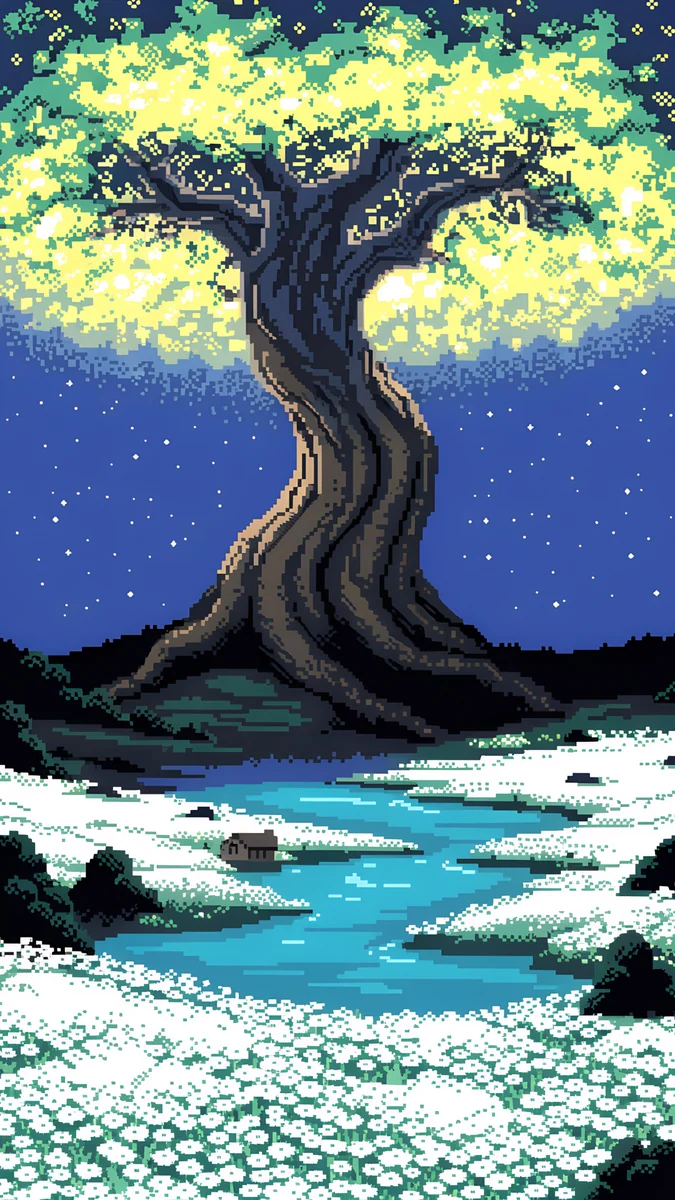 Pixel Ancient Tree
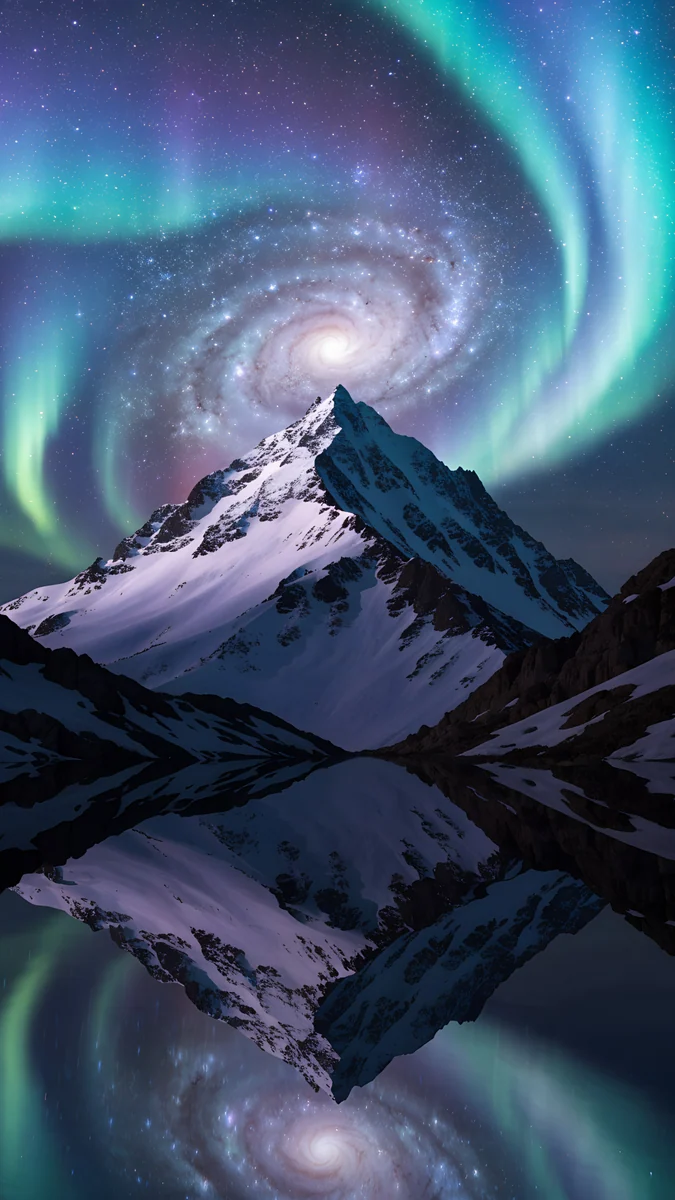 Aurora Galaxy Peak
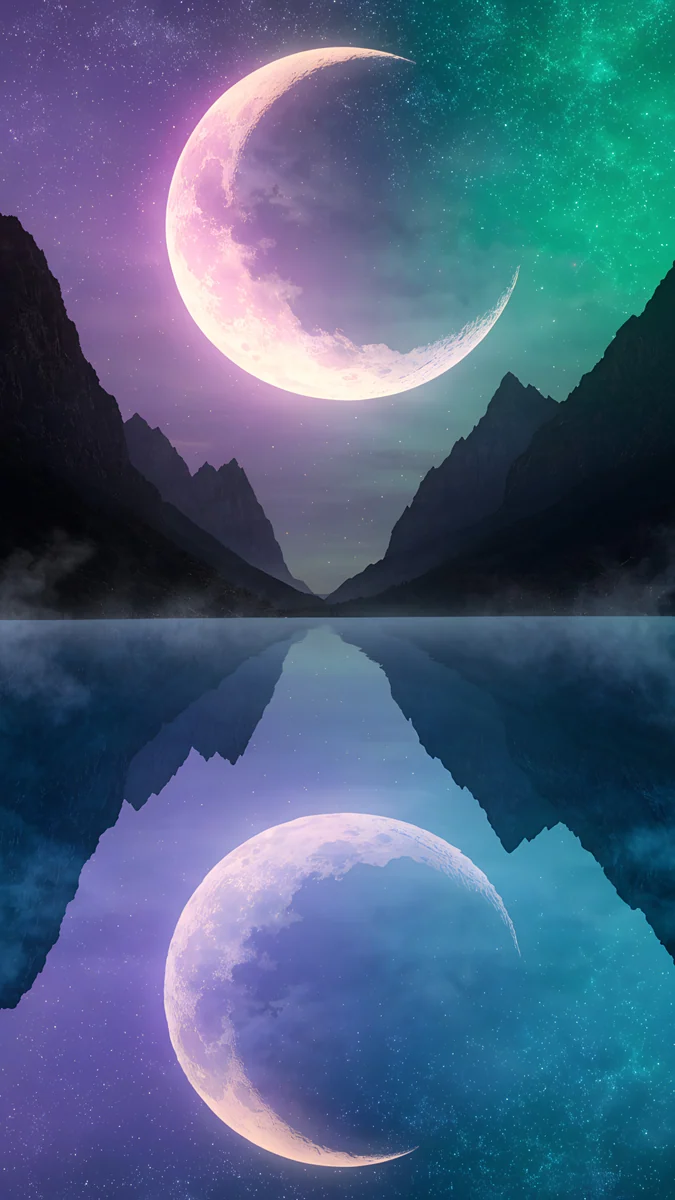 Twin Crescent Lake
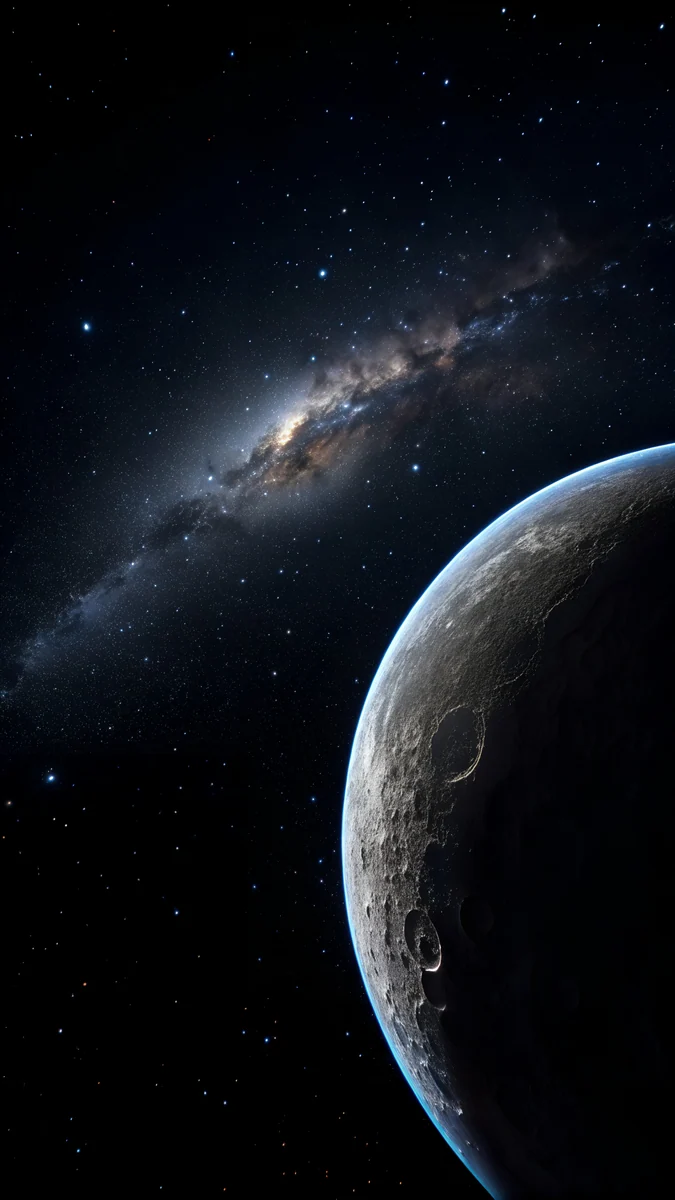 Crescent Planet
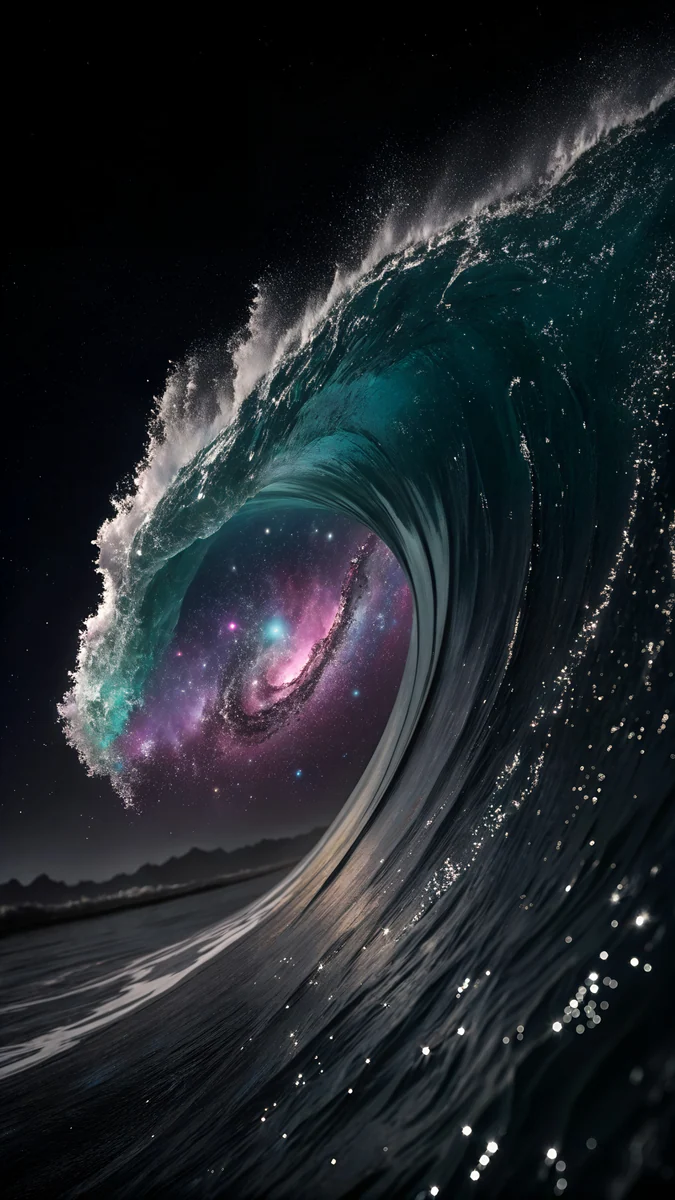 Galaxy Wave
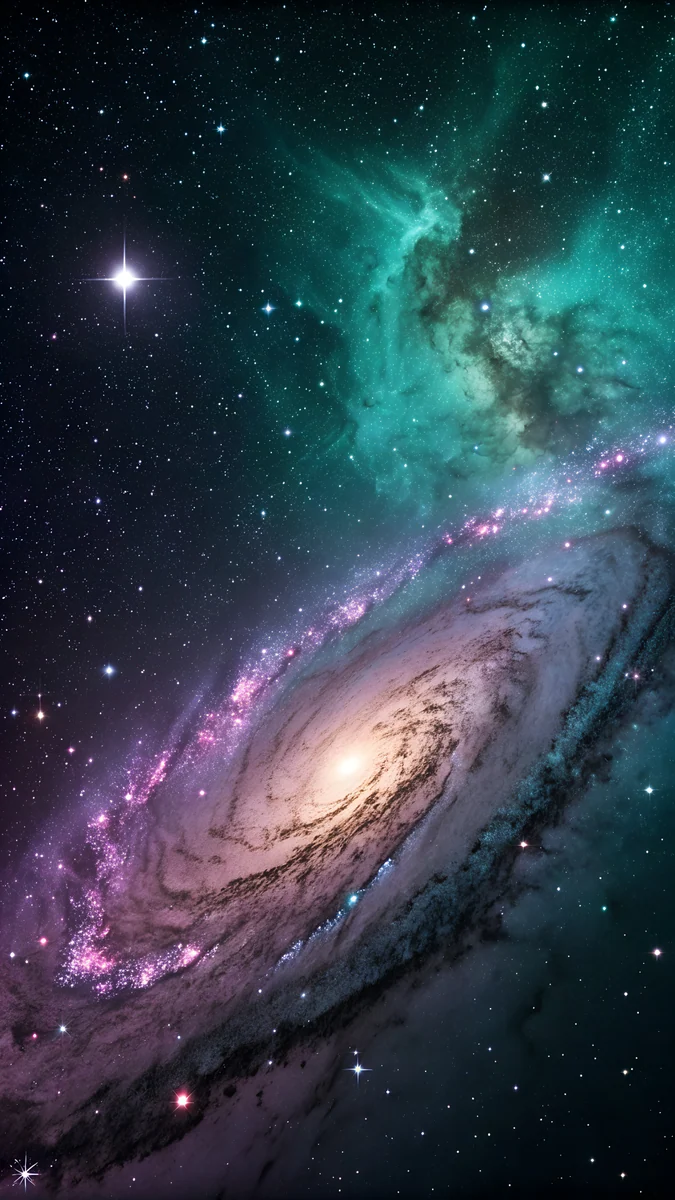 Violet Teal Nebula
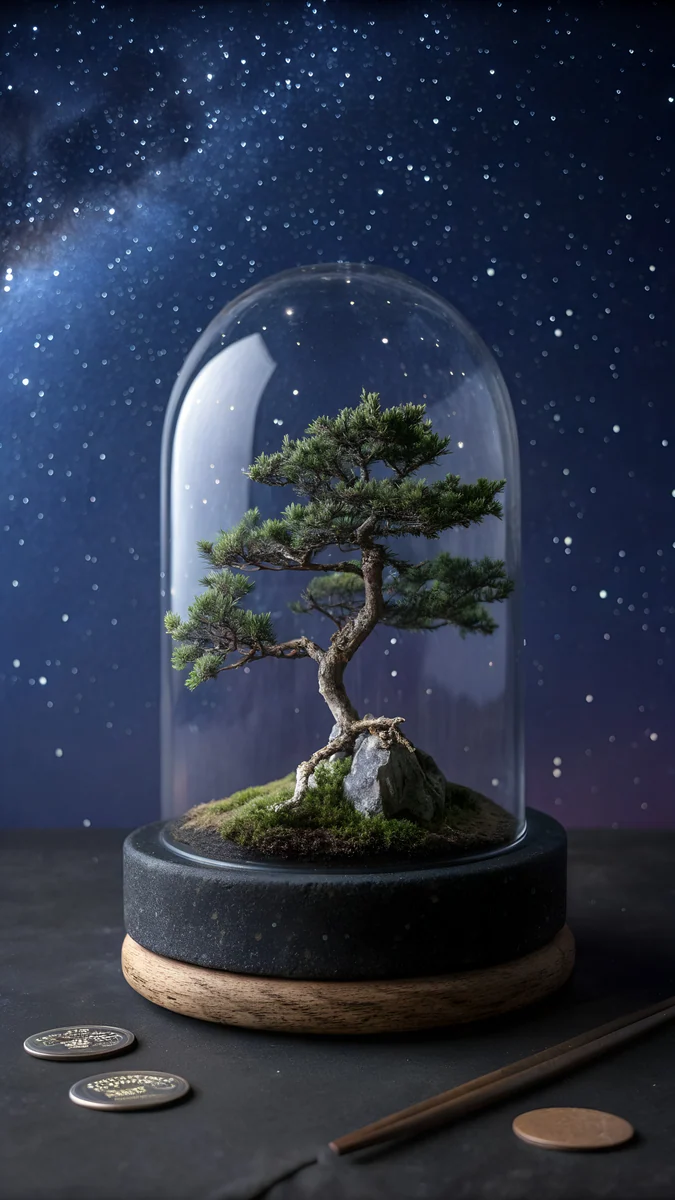 Nebula Bonsai Dome
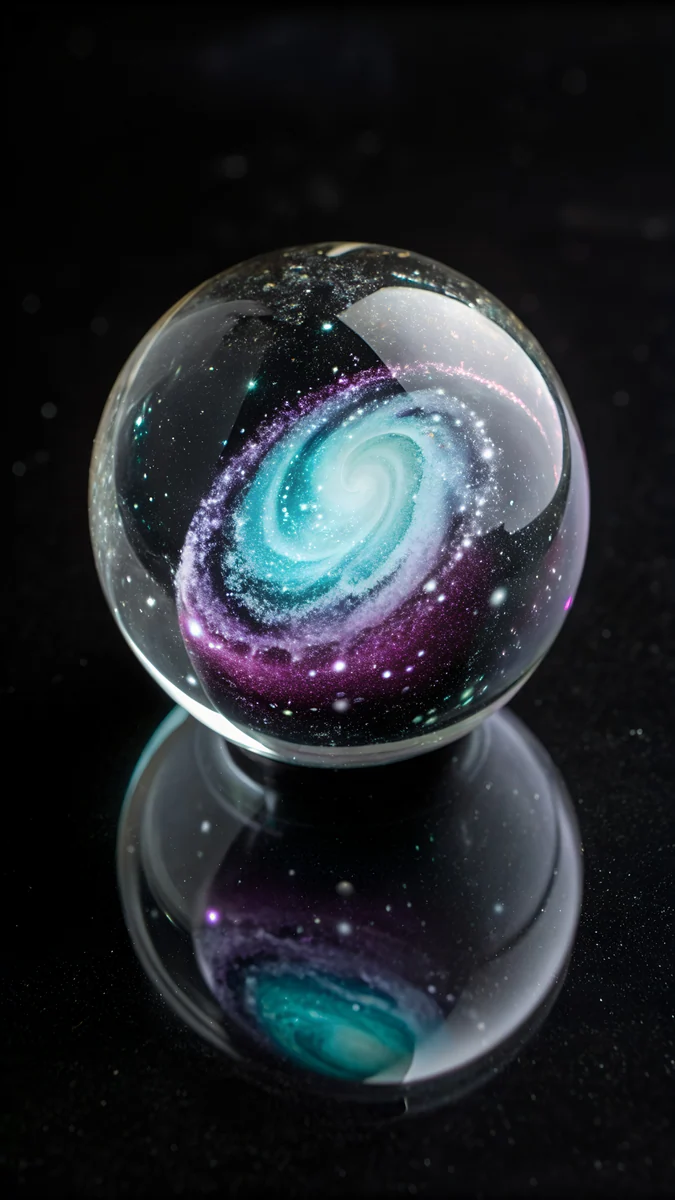 Galaxy in Glass
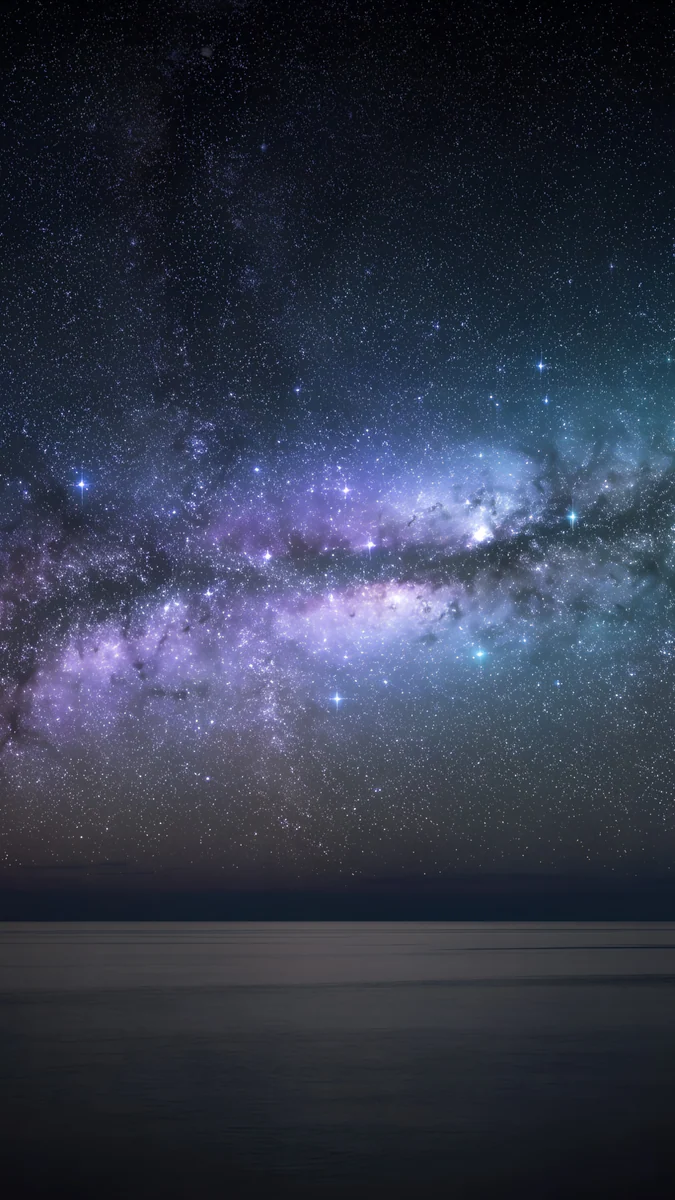 Galaxy Ocean Arc
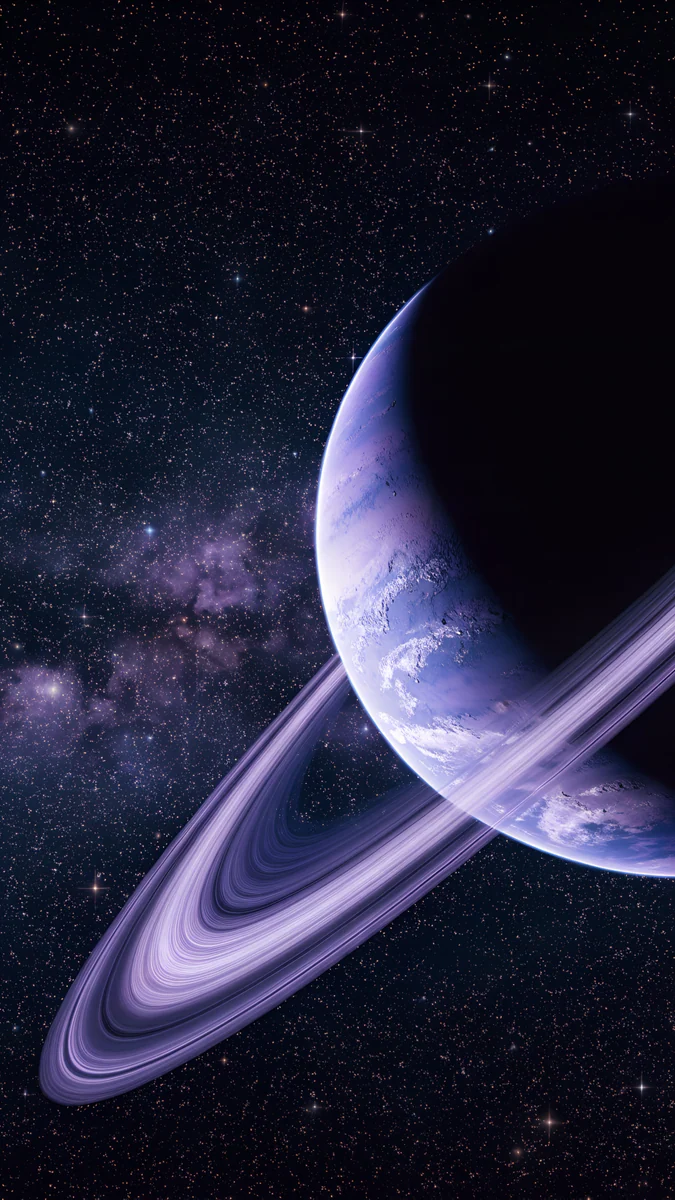 Violet Ringed Planet Galaxy
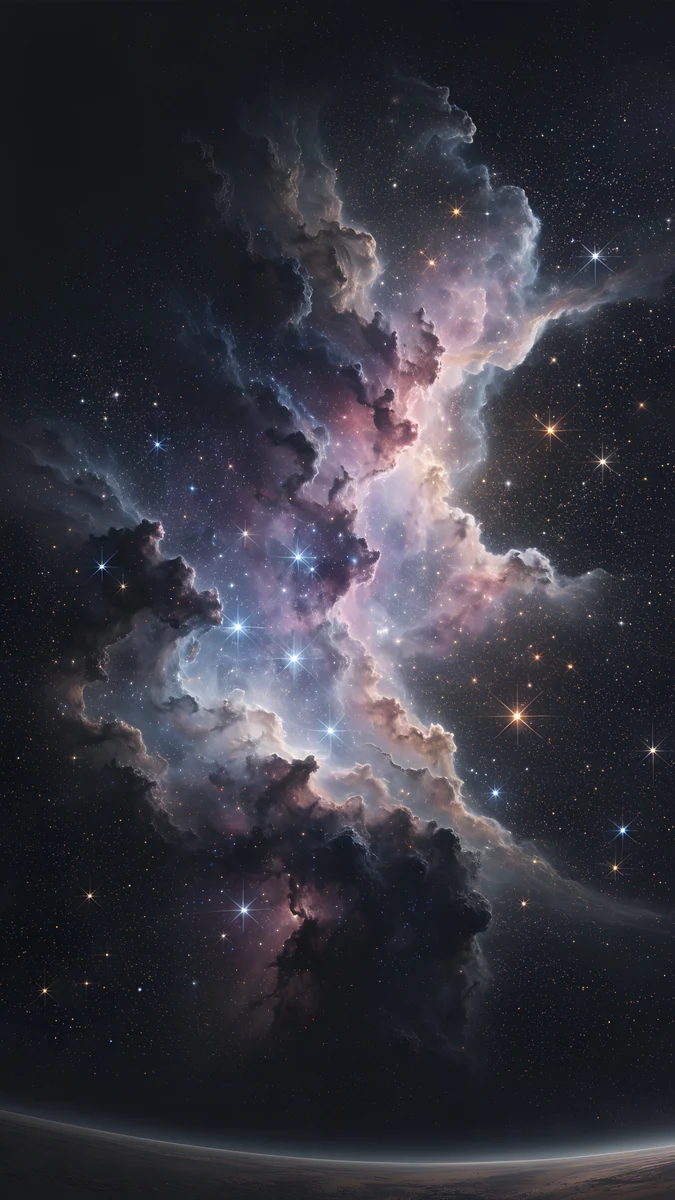 Pink Gold Nebula
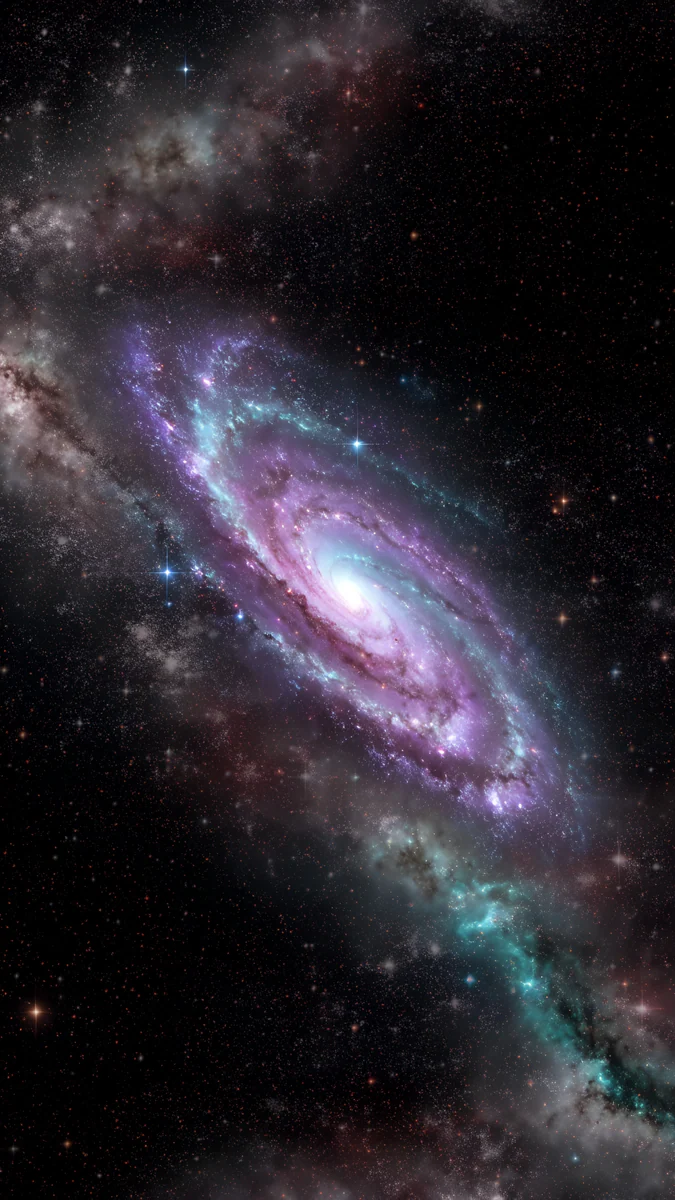 Violet Spiral Galaxy
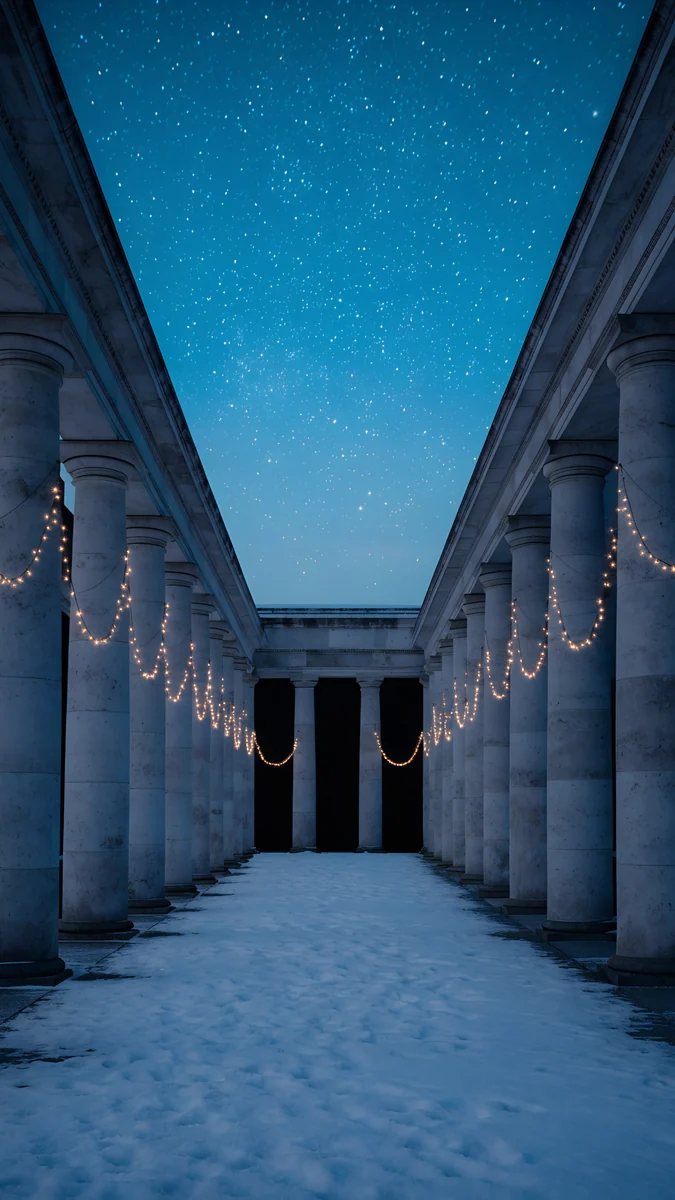 Starlit Colonnade
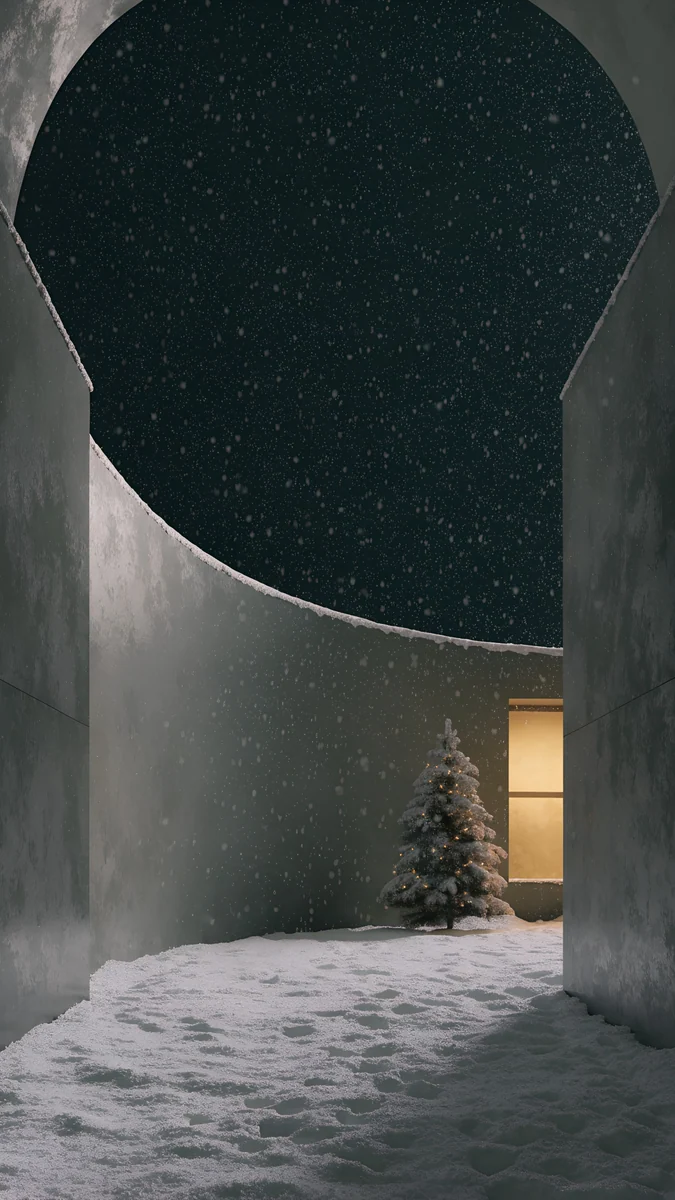 Snow Courtyard
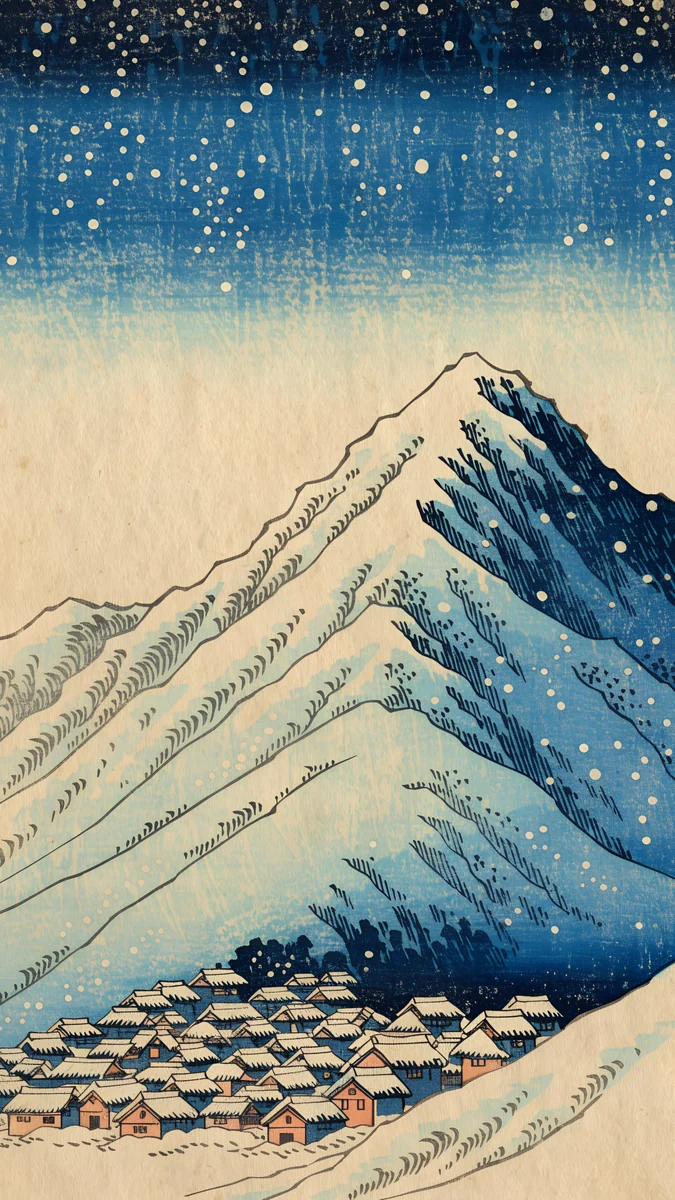 Snow Village
Home screen picks
 Frozen Portal Ring
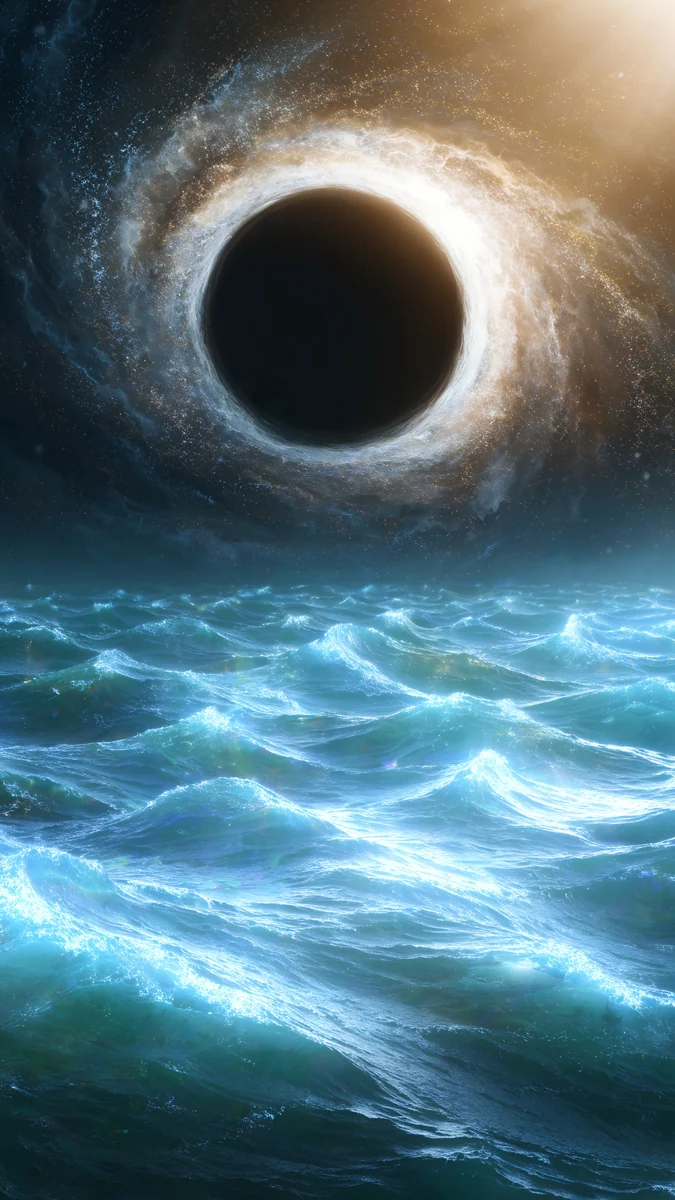 Black Hole Ocean
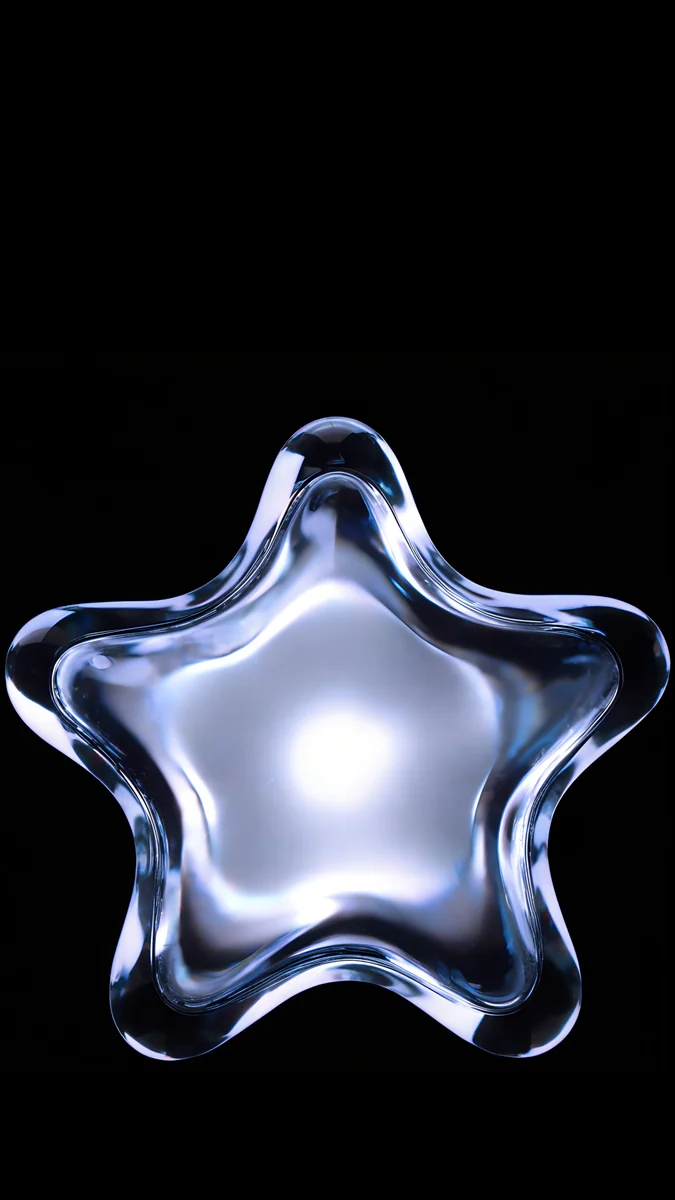 Glass Star OLED
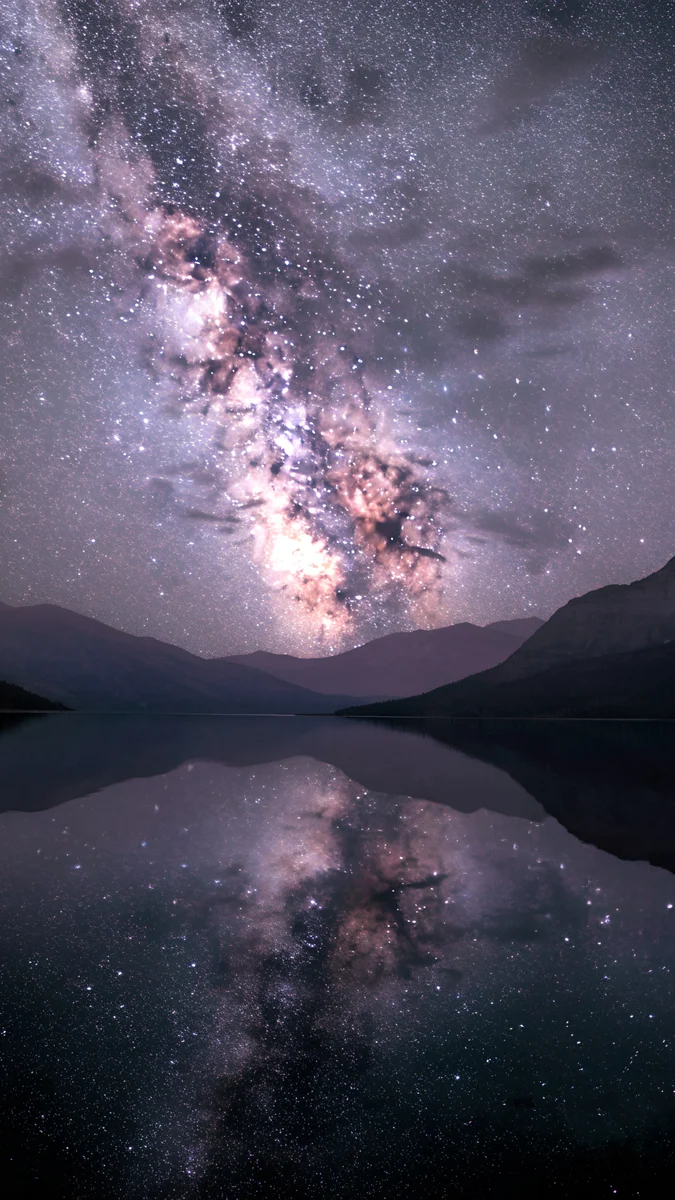 Milky Way Lake
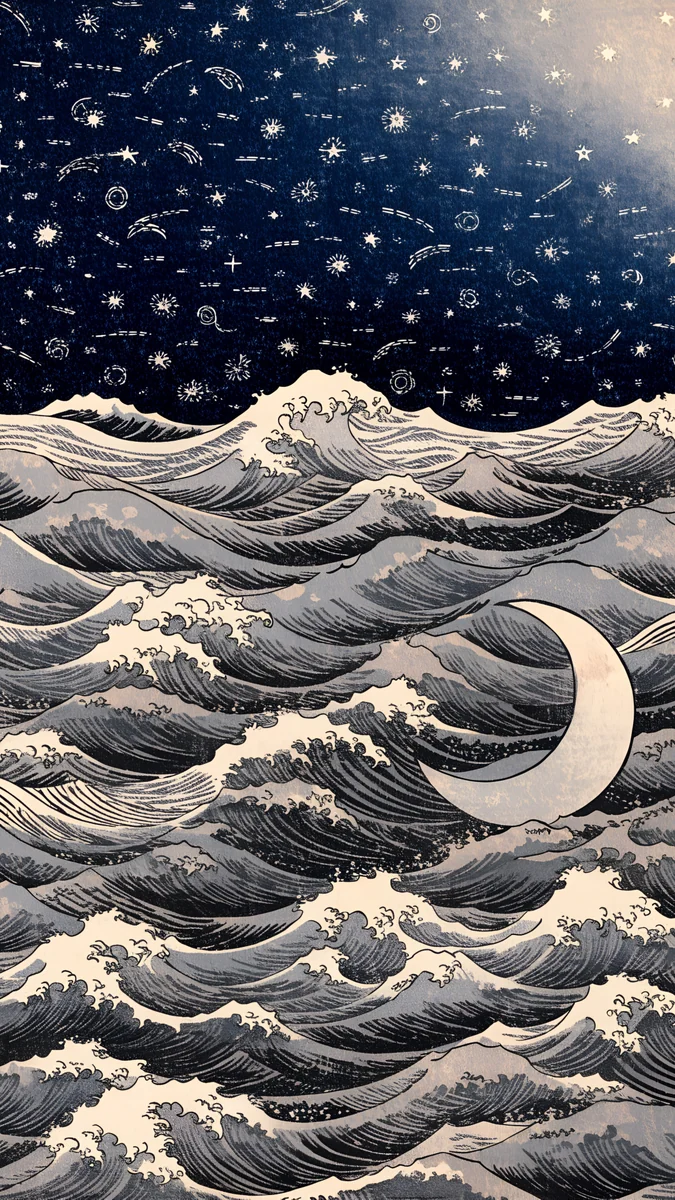 Ukiyo Star Waves
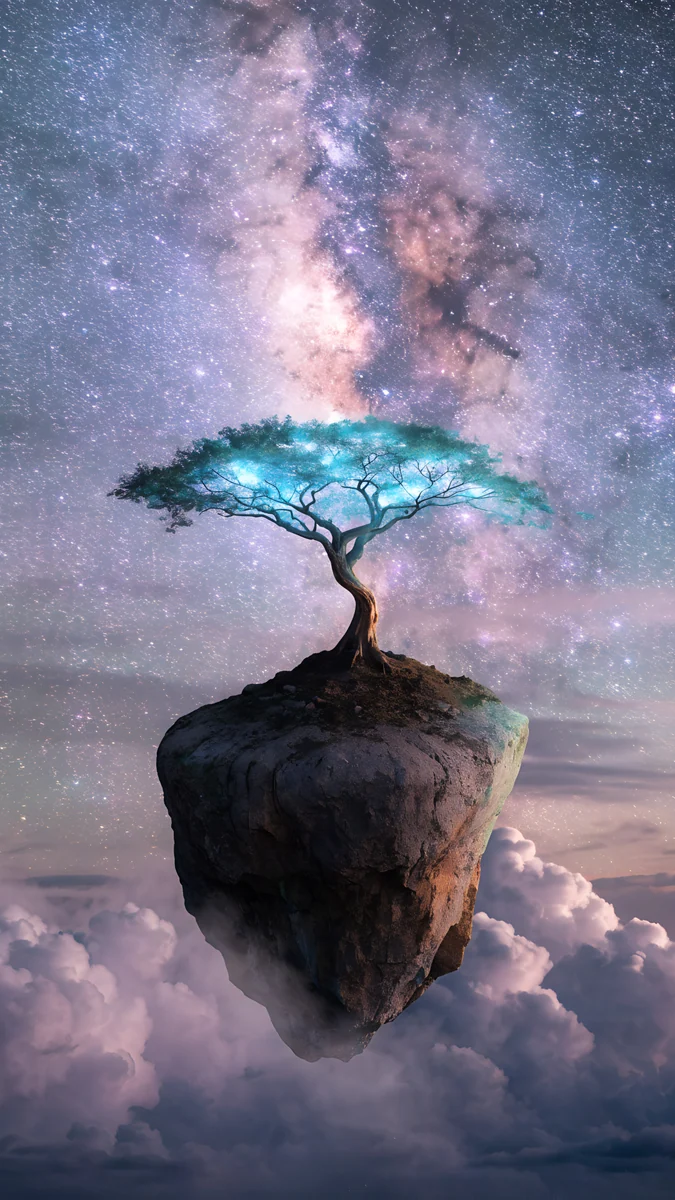 Milky Way Tree Island
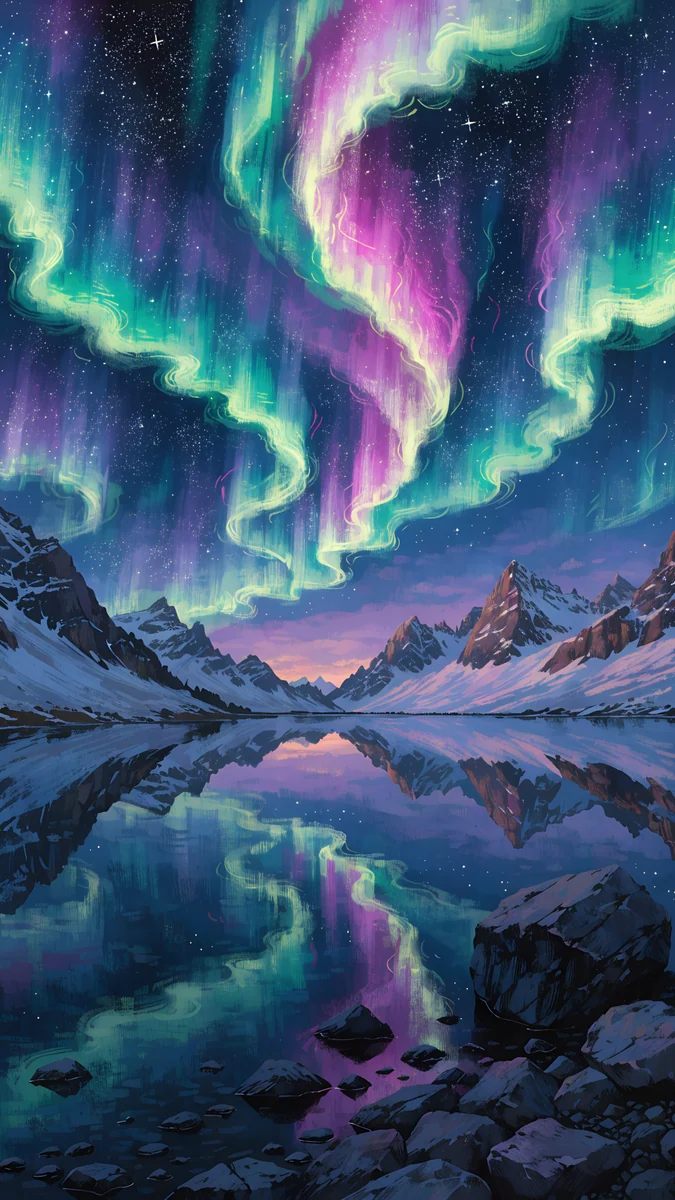 Aurora Mirror Lake
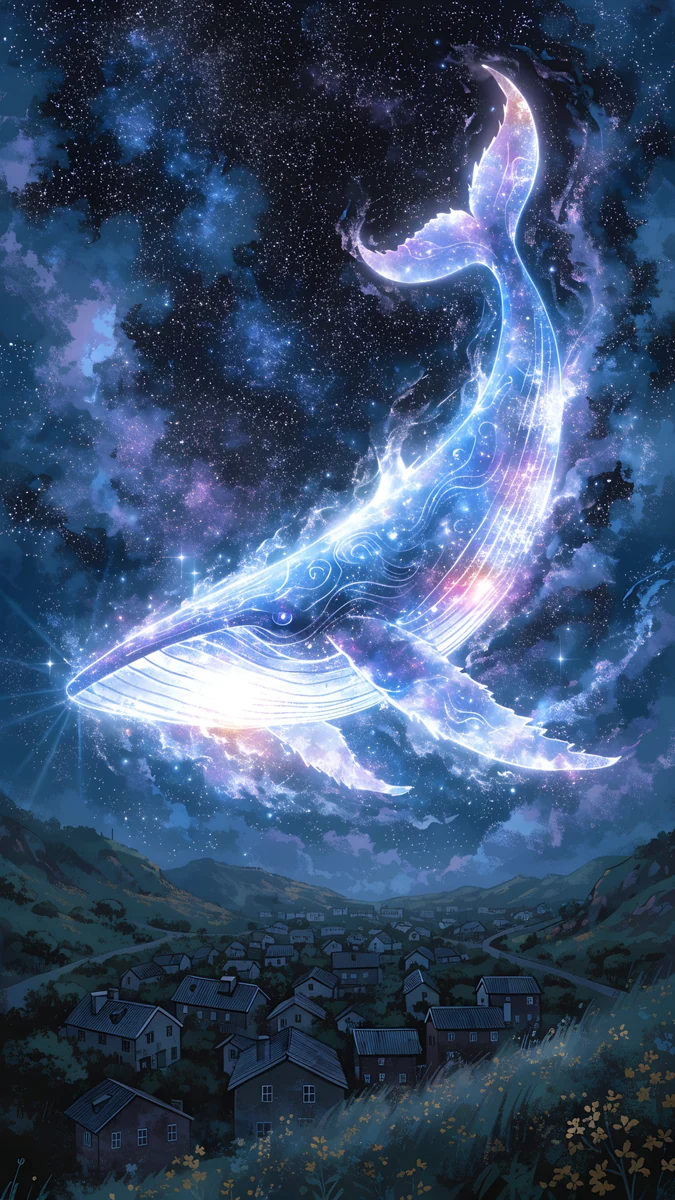 Star Whale Night
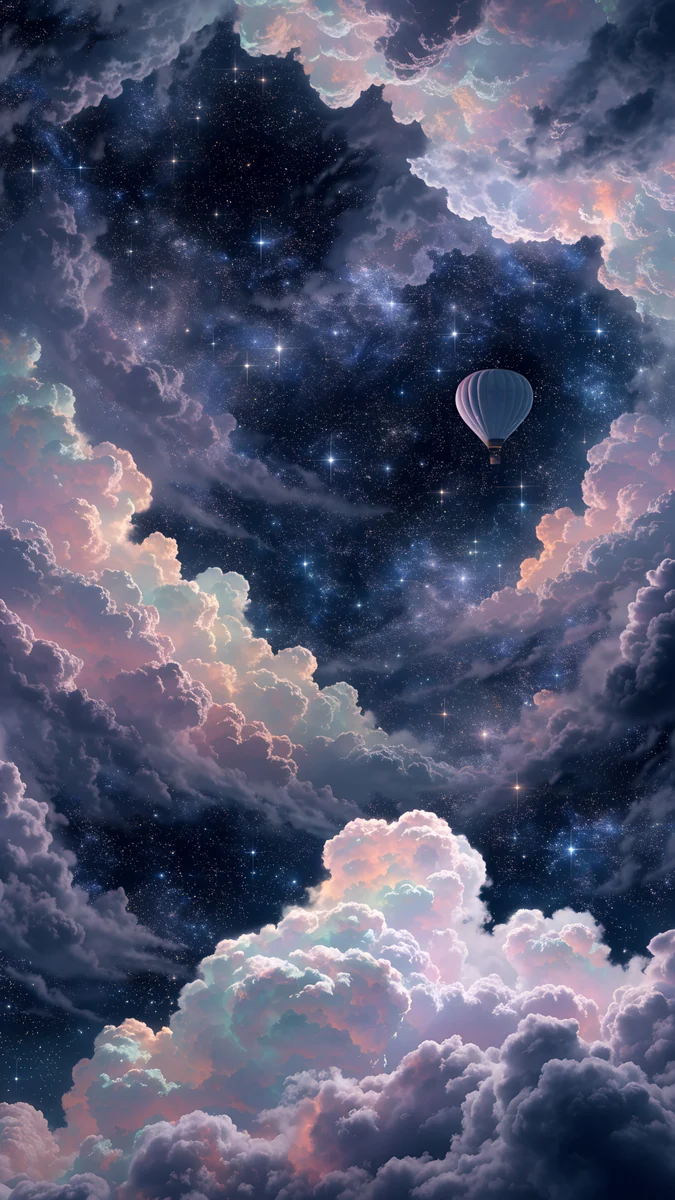 Nebula Balloon Drift
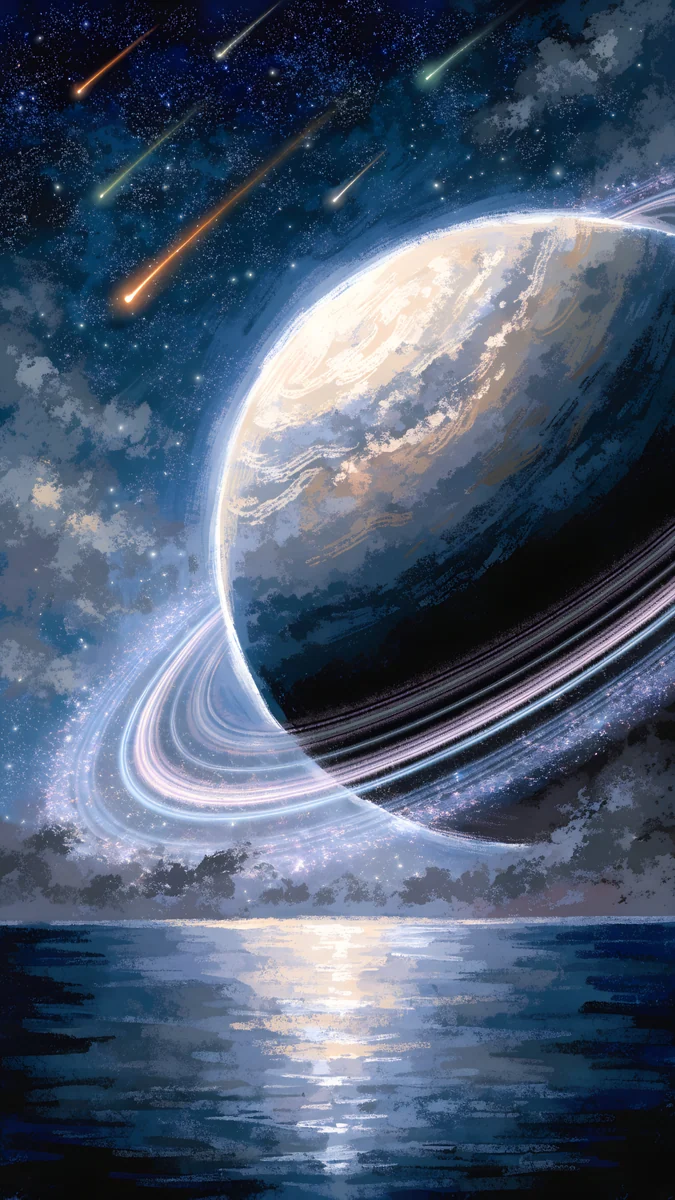 Ringed Planet Ocean
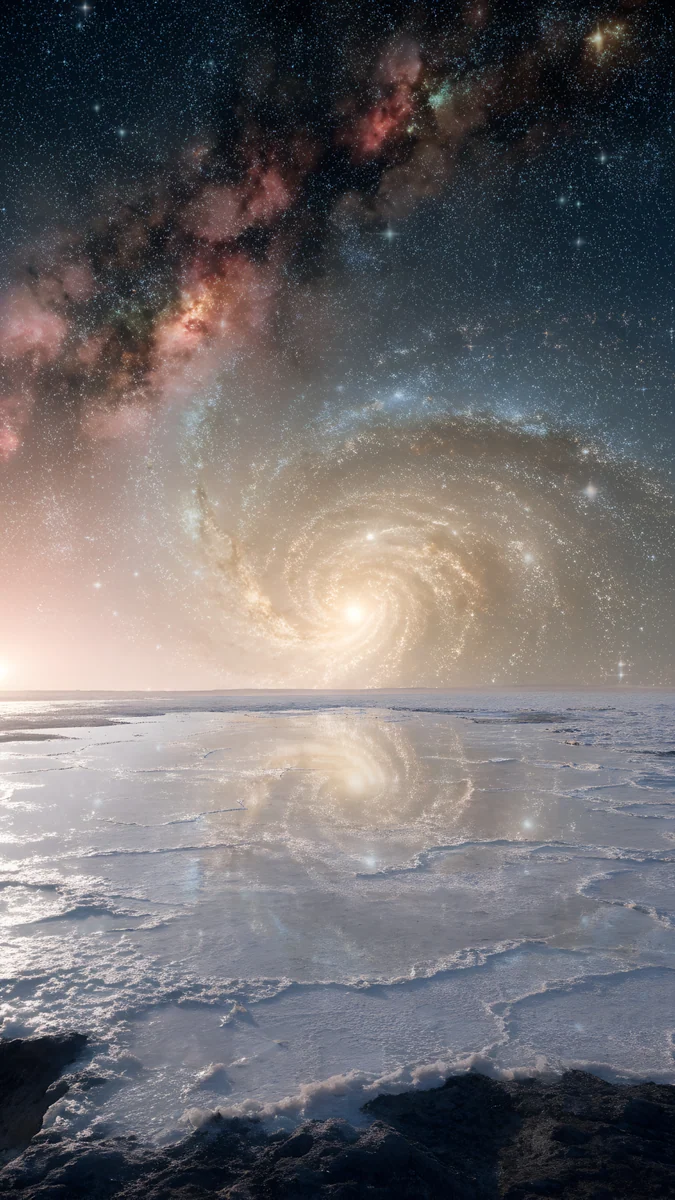 Galaxy Salt Flat
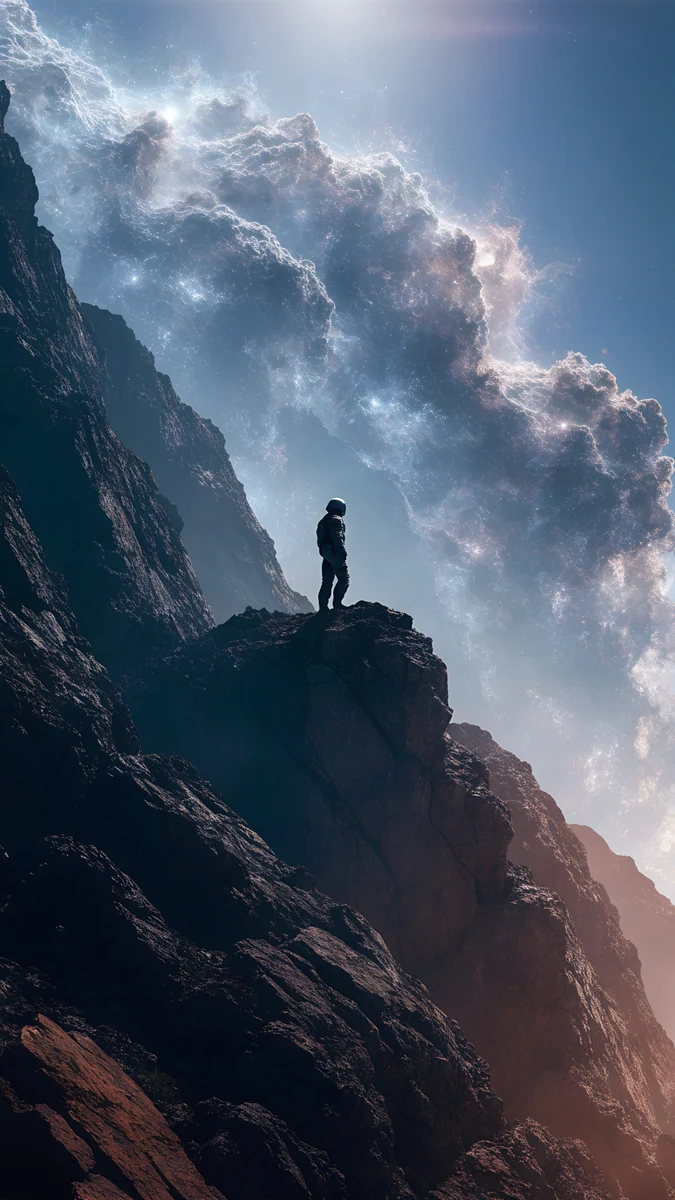 Nebula Watcher
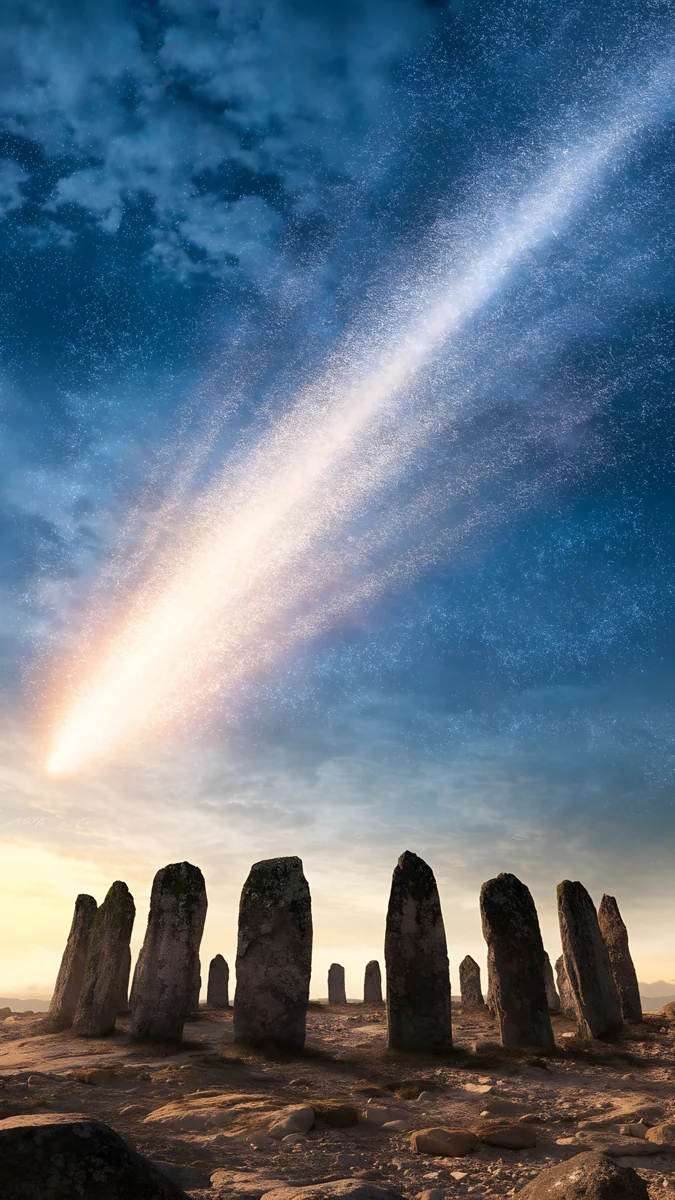 Comet Stone Circle
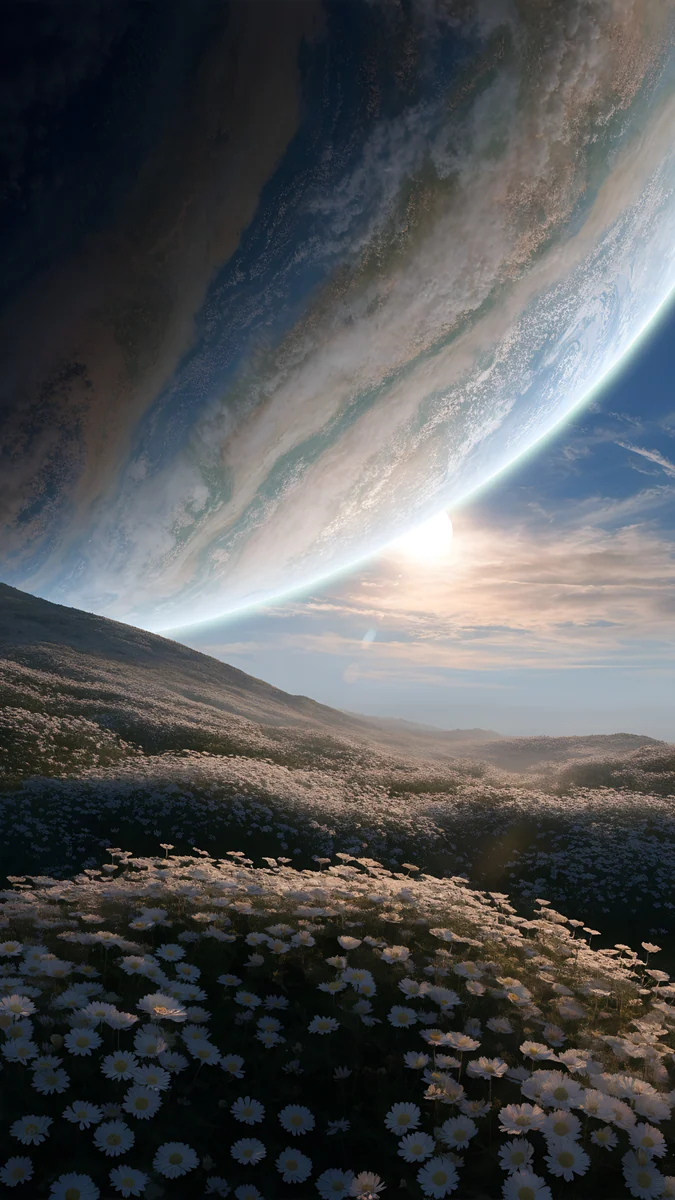 Planet Over Flowers
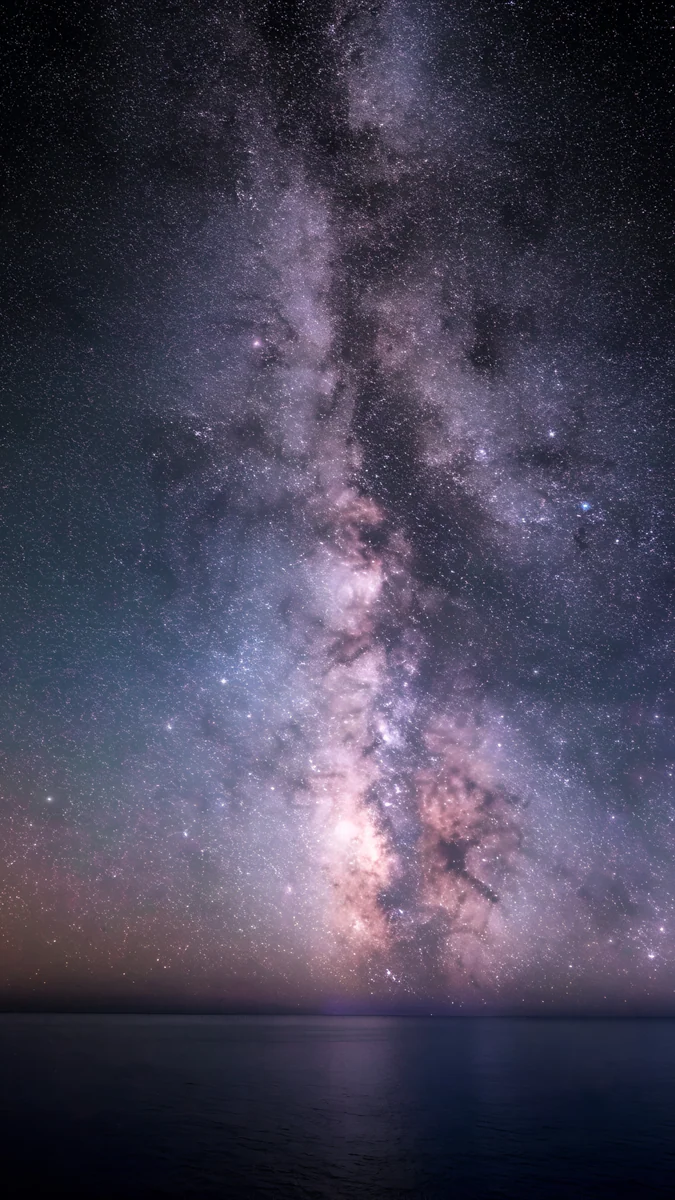 Milky Way Galaxy Ocean
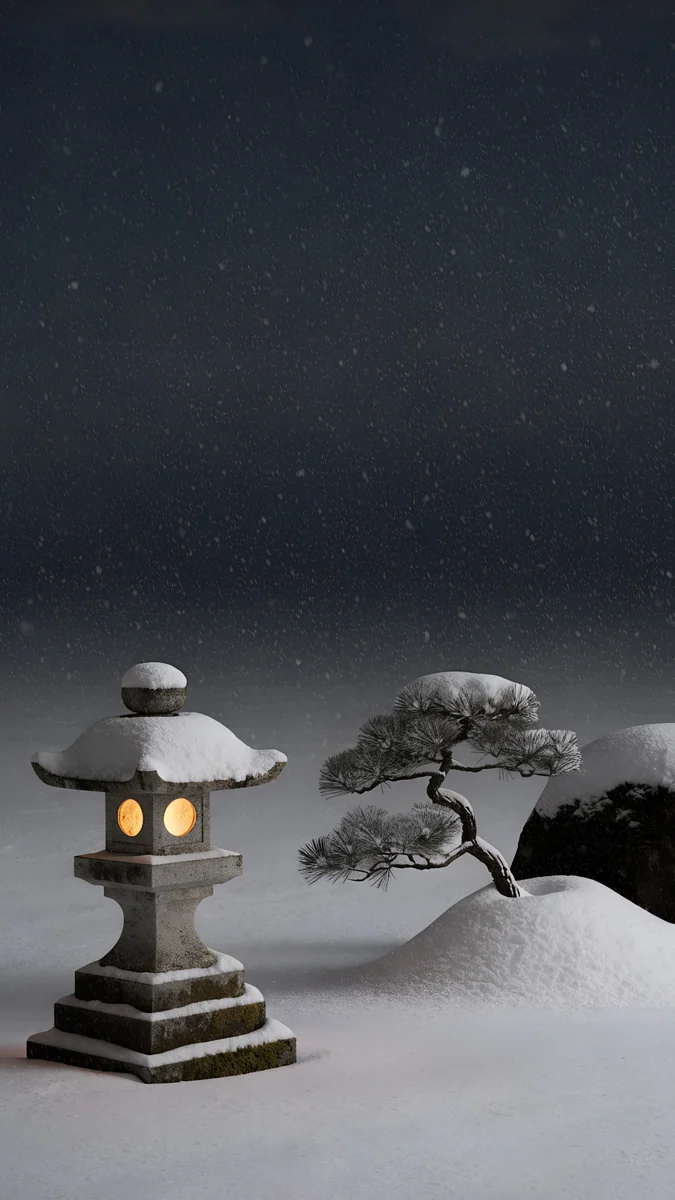 Snow Lantern Garden
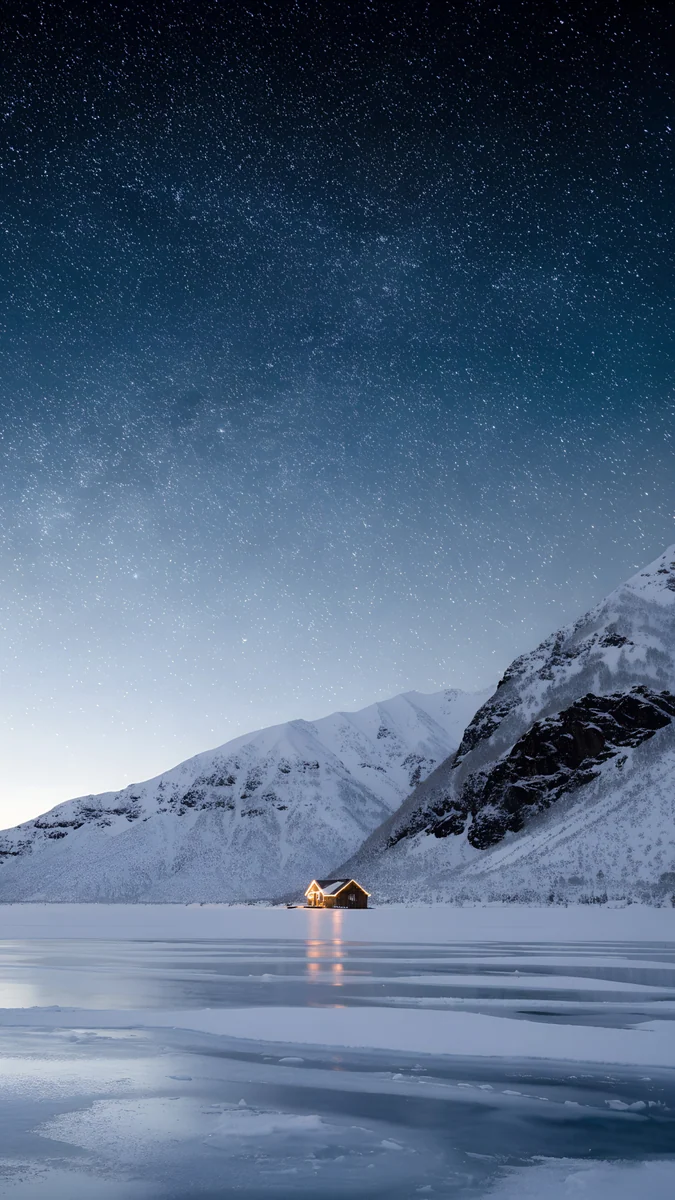 Frozen Lake Cabin
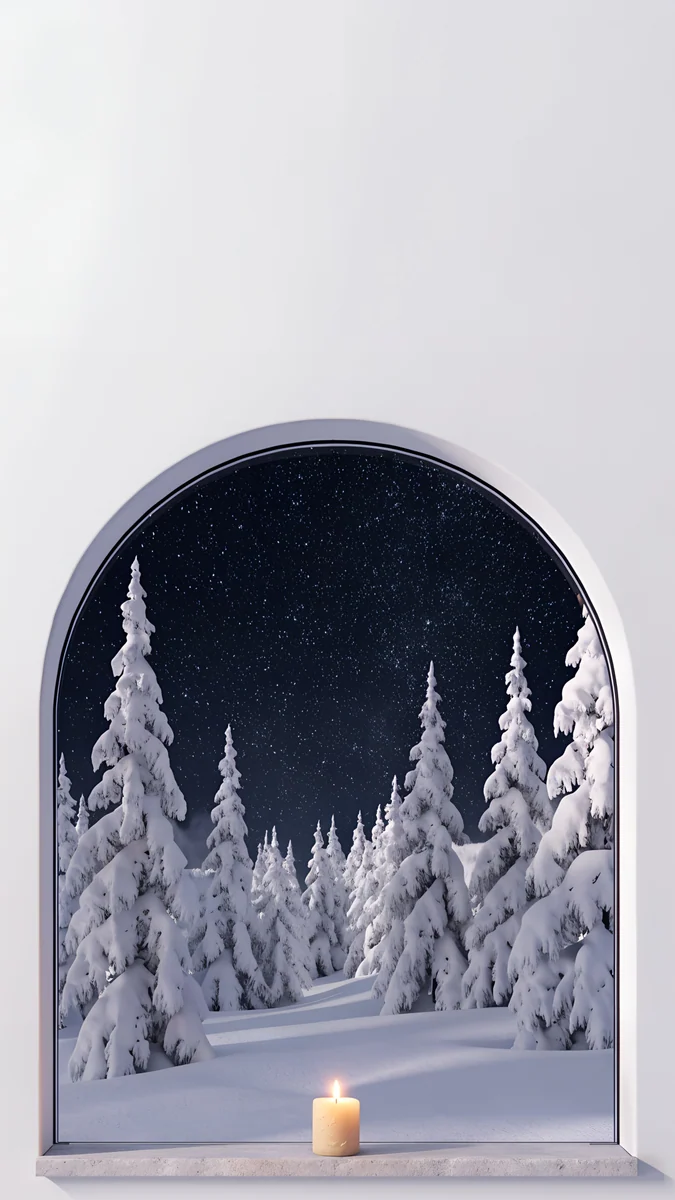 Starlit Window
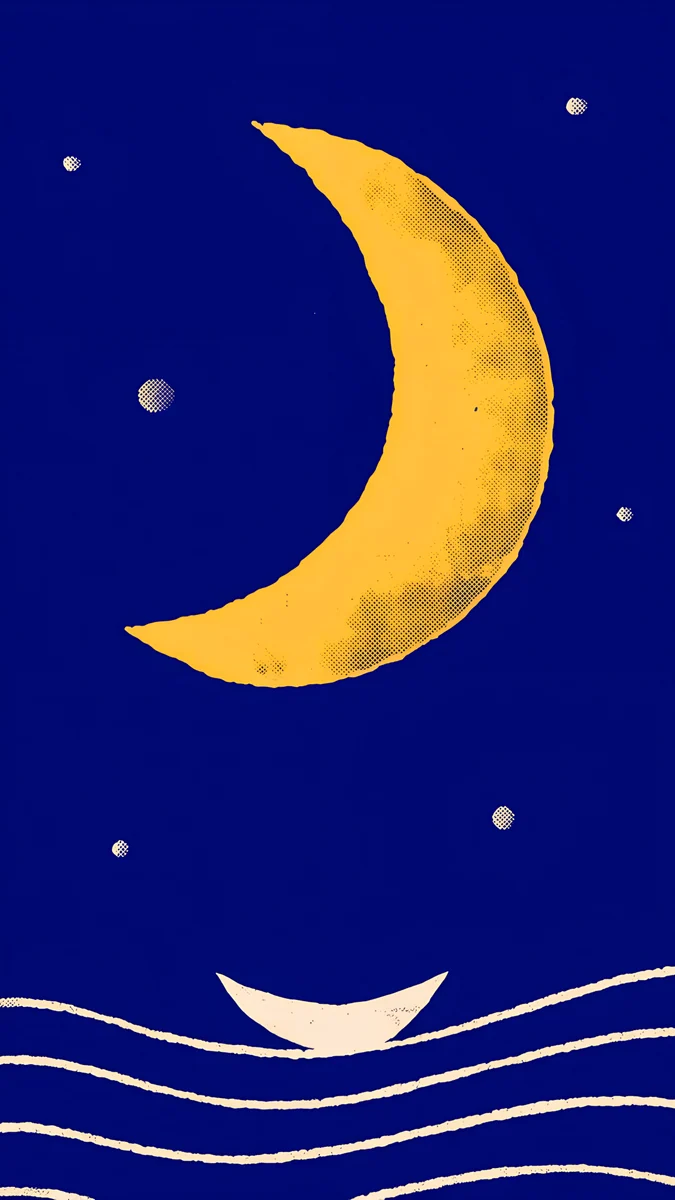 Moon Boat
Frequently asked questions
Which space wallpaper looks best on an OLED screen?
The ones with the most true black: the violet spiral galaxy, the ringed planet and the pink gold nebula. On OLED, black pixels switch off, so the stars and gas clouds seem to float on the glass. With always on display, a dark galaxy lock screen also keeps the dimmed screen subtle. The starlit snow scenes are softer navy and look gentler at night.
Are these real photos of space?
No. They are original Velpaper artworks inspired by space, such as a spiral galaxy, a ringed planet, a nebula in pink and gold, and the Milky Way above an ocean. Some scenes bring the stars down to earth: a snow village, a frozen lake cabin and a colonnade under a clear winter sky. Each file is 2160 x 3840, sized for phones.
Can I use a galaxy wallpaper without the home screen looking messy?
Yes. Keep the detailed nebula or galaxy for the lock screen and set a quieter starry scene, like the moon boat or the starlit window, on the home screen. Stick to white or monochrome icons and a dark widget style. That way the stars read as texture behind the apps instead of a pattern fighting with them.