Brown Wallpaper: 4K Brown and Black for iPhone, Android
Brown wallpapers for iPhone and Android: chocolate and caramel abstracts, terracotta scenes, sandstone and black and brown designs, plus a free desktop match.
In short: The best brown wallpapers keep one warm family of tones, chocolate, caramel, terracotta or sand, so a white or cream clock reads clearly. Velpaper has original brown phone wallpapers at 2160 by 3840, including black and brown designs, plus a free 4K desktop wallpaper in the same palette.
By the Velpaper team · Wallpapers by Carlos Vivero, Velpaper designer · · 5 min read
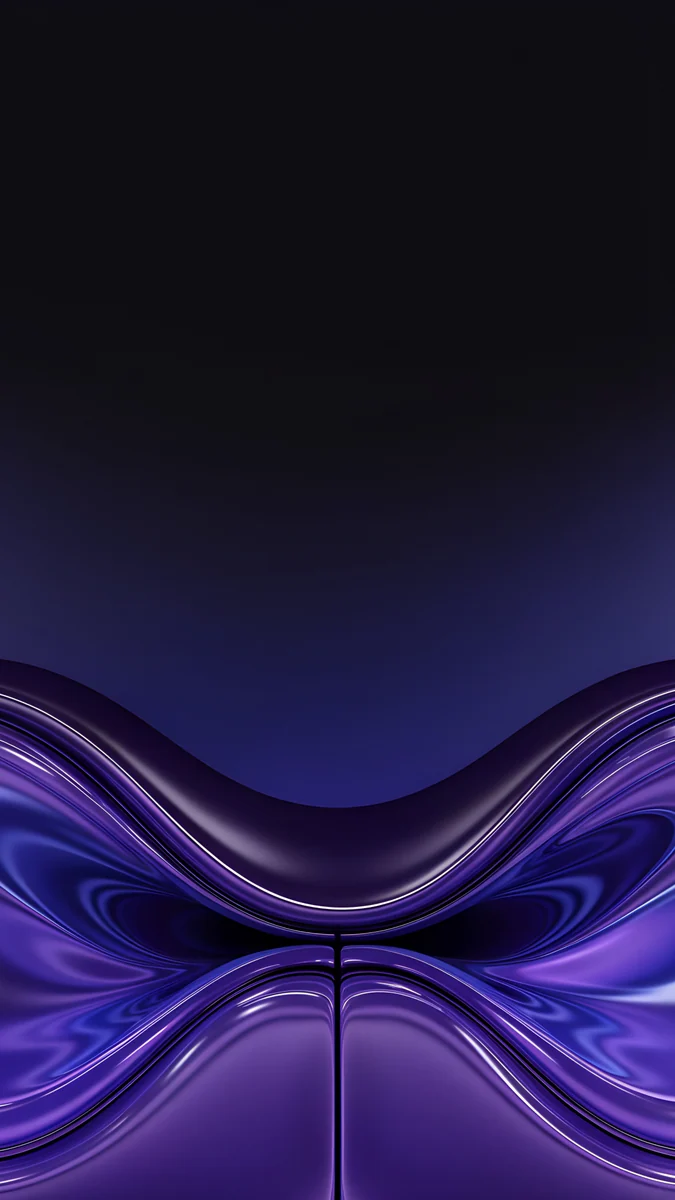
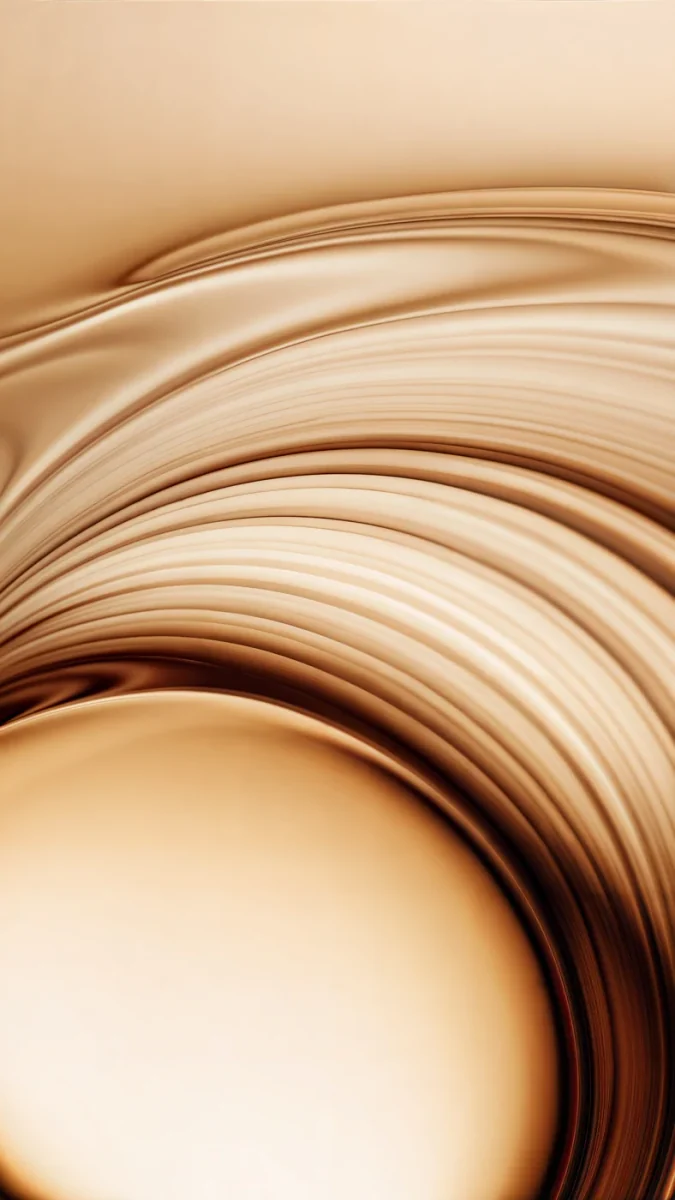 Amber Undertow
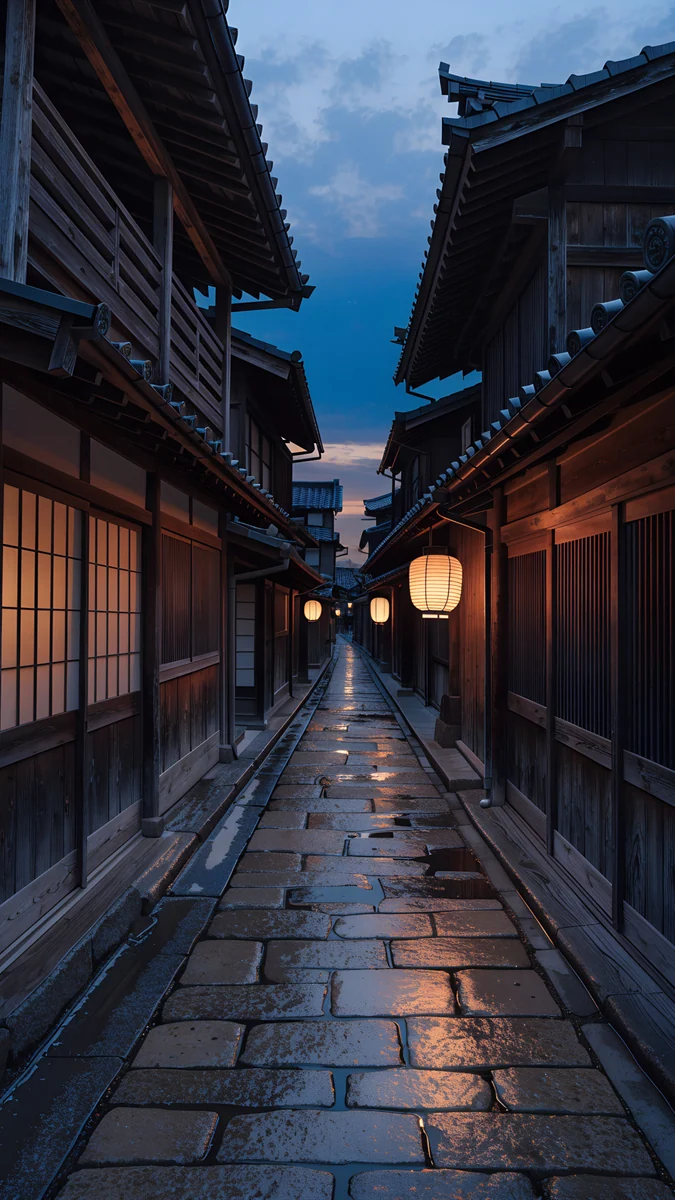 Kyoto Lantern Lane
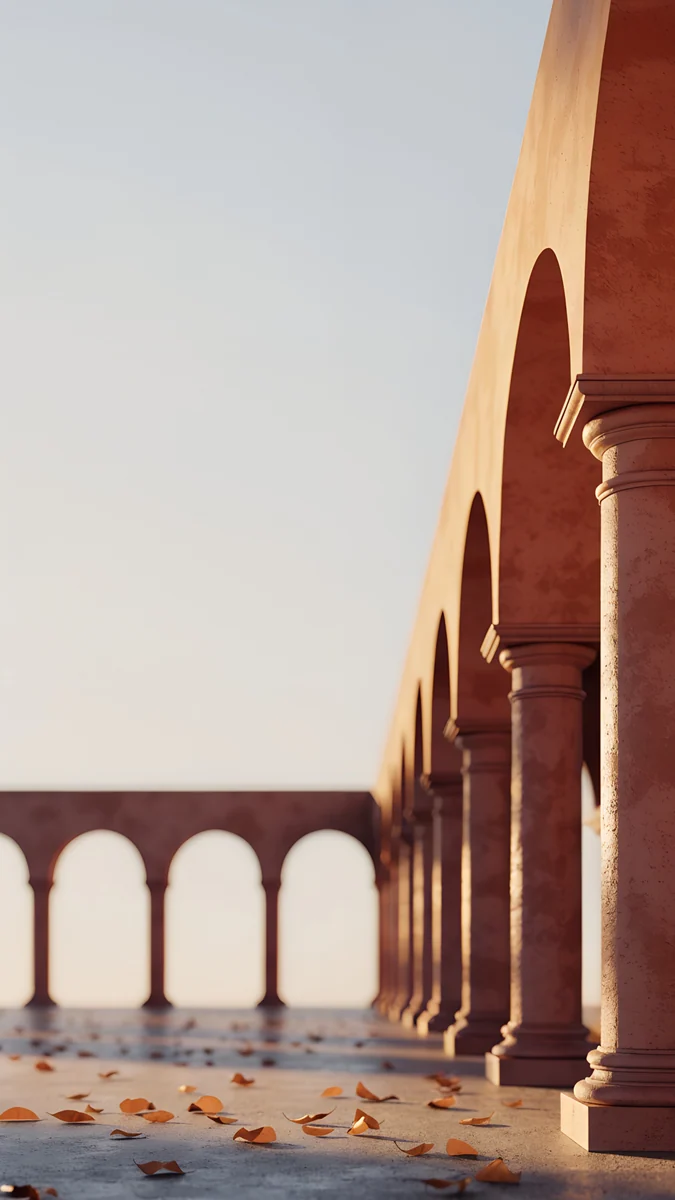 Amber Colonnade
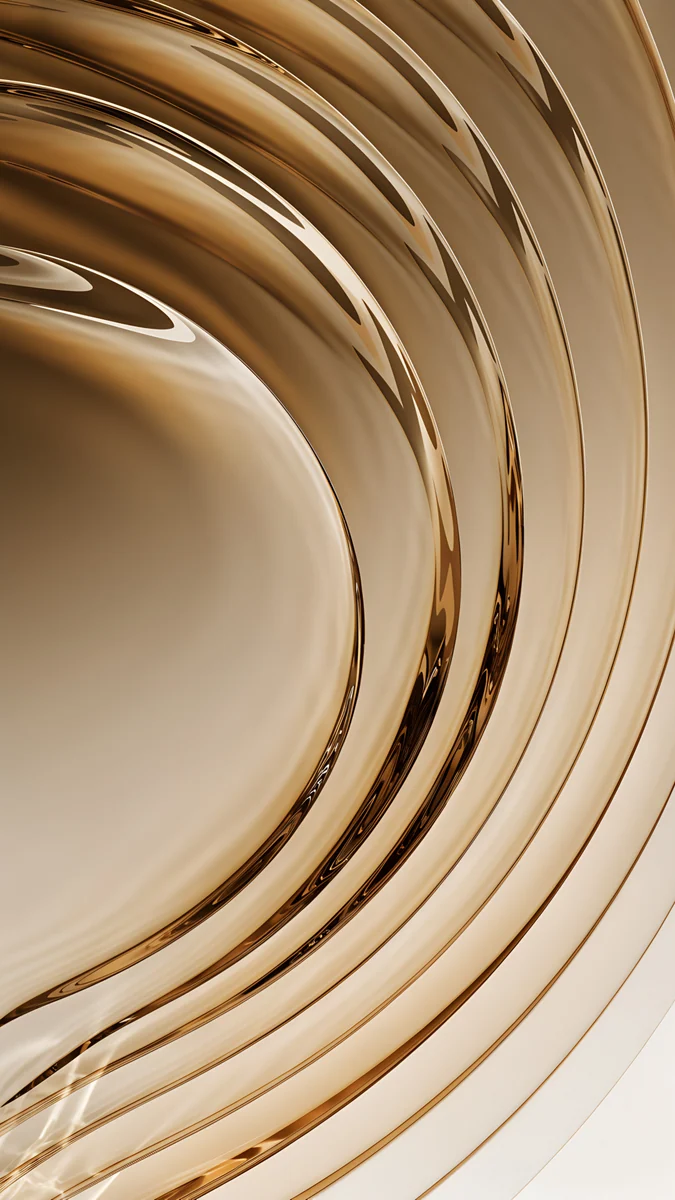 Champagne Gold Strata
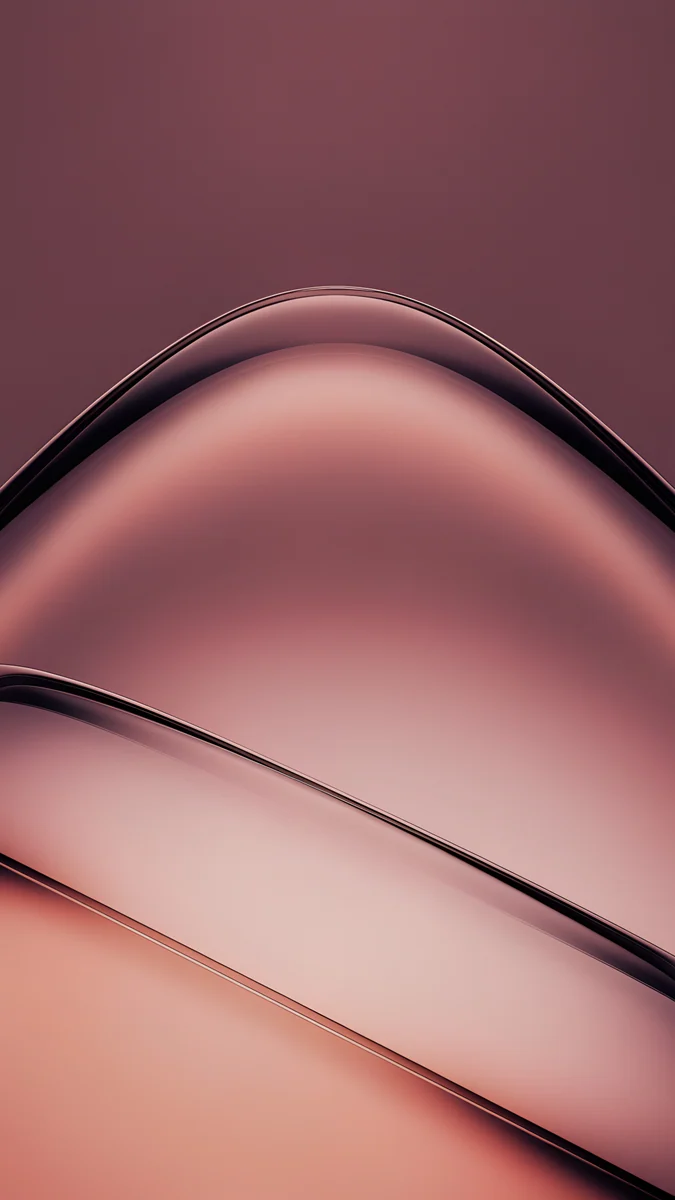 Rose Smoke
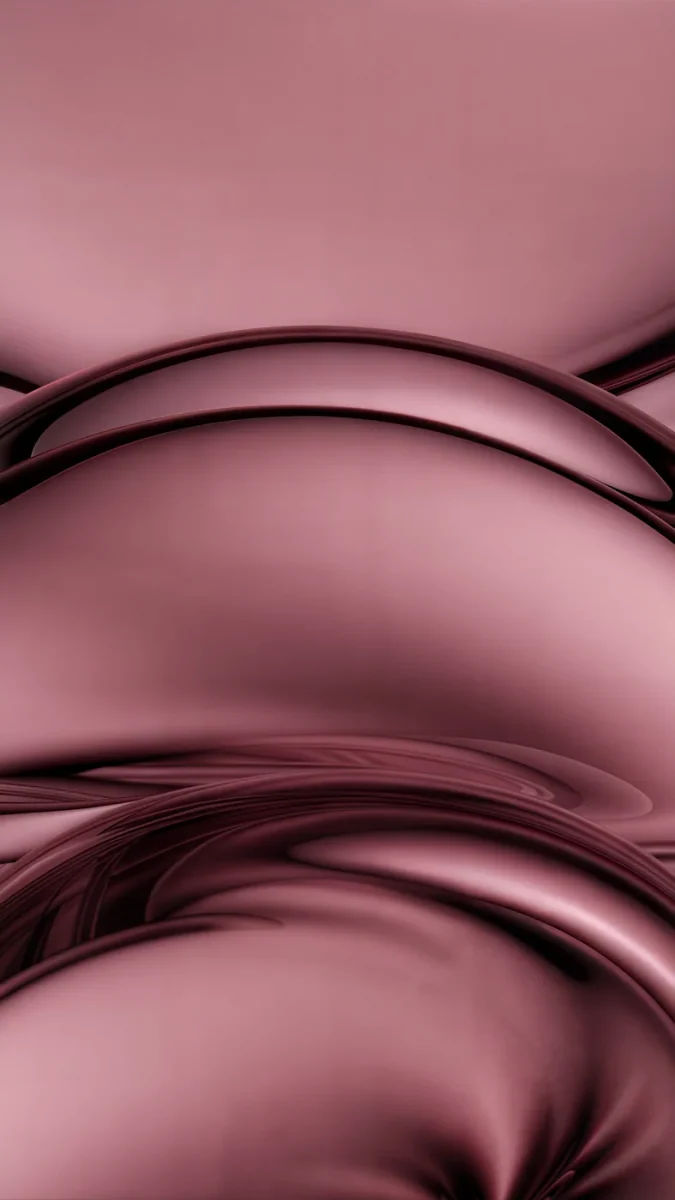 Rose Tension
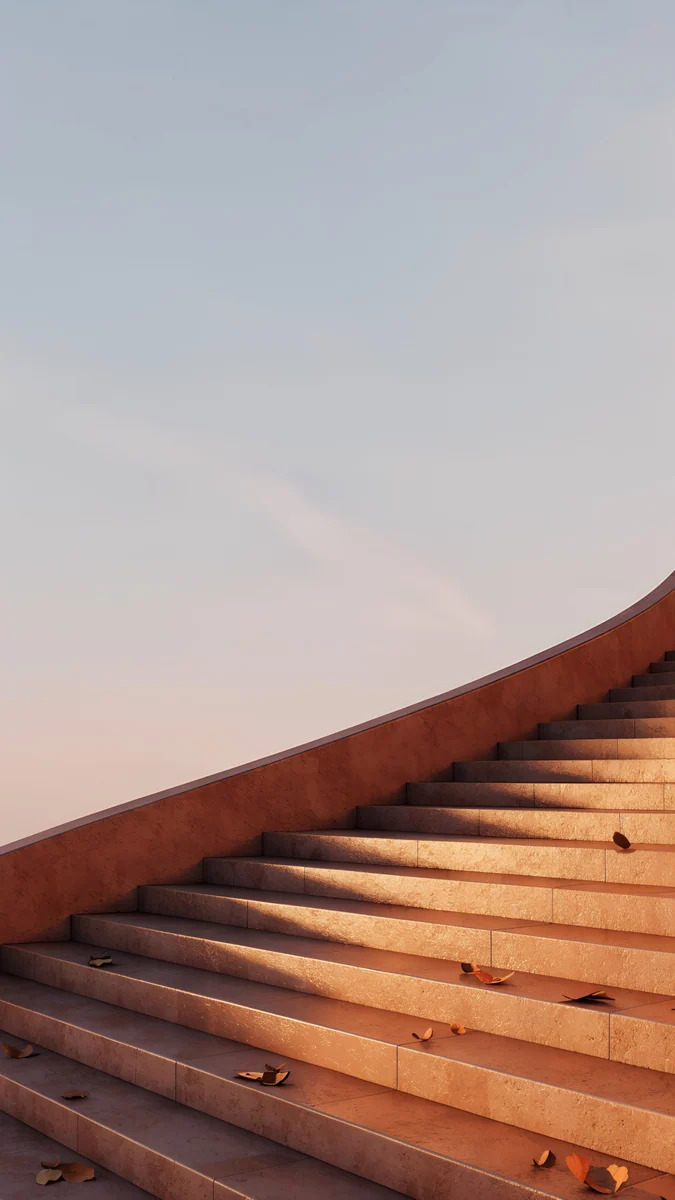 Terracotta Leaves
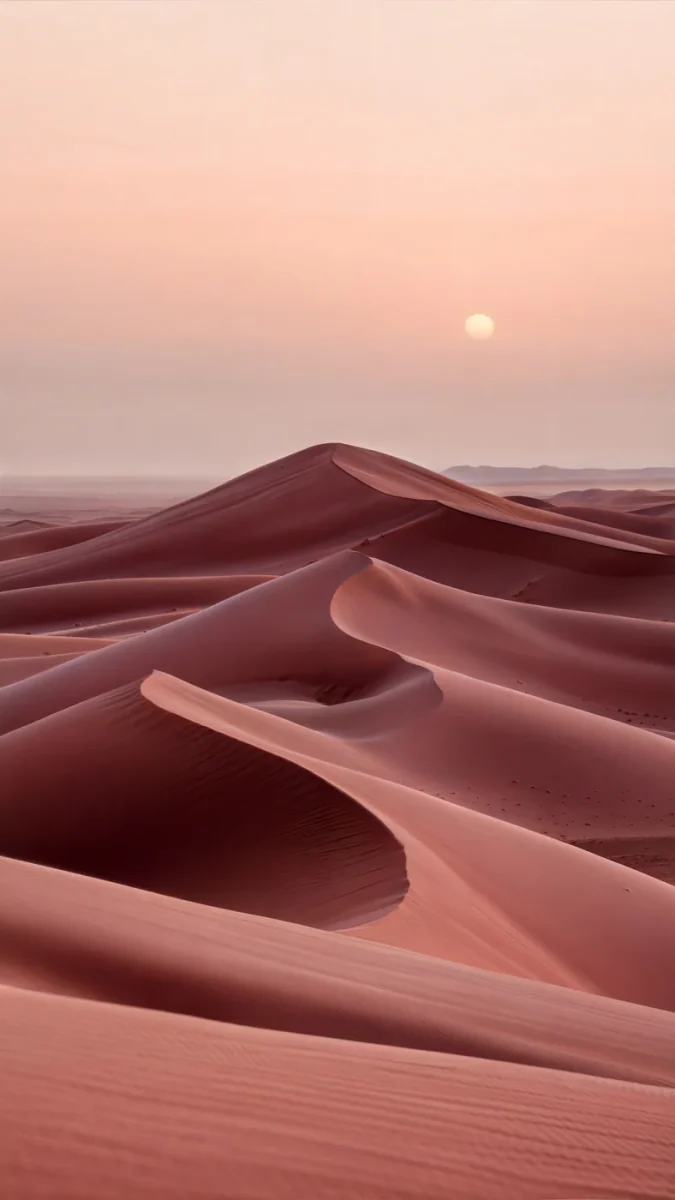 Rose Dunes
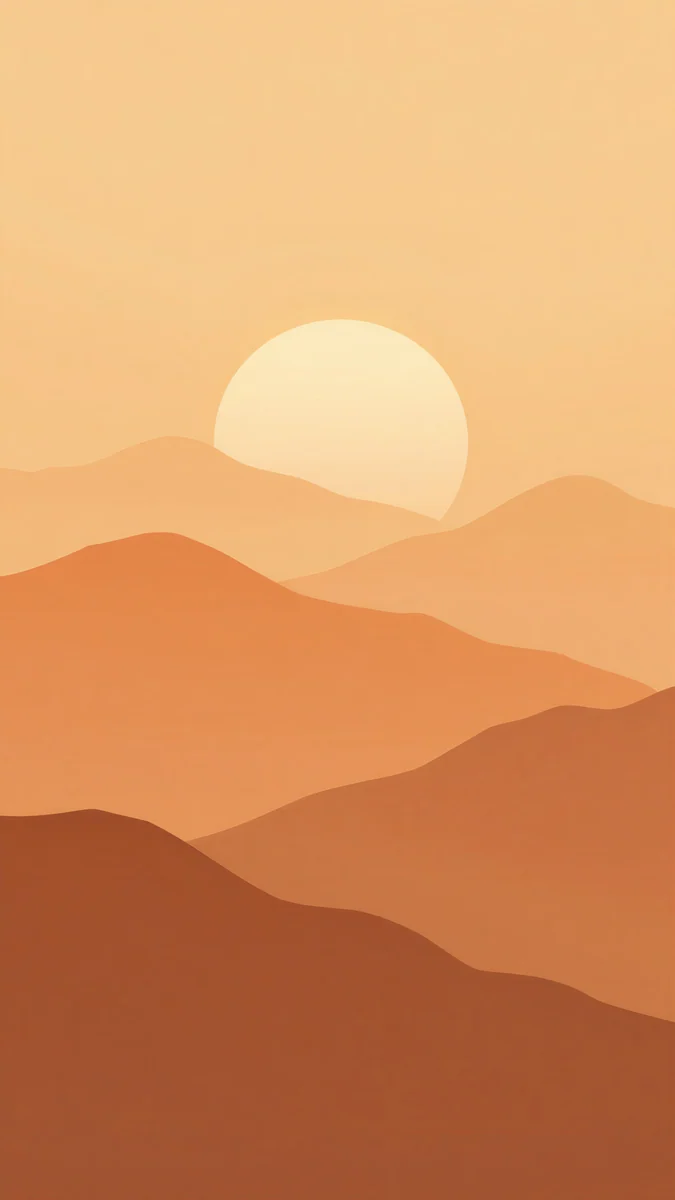 Amber Paper Sunrise
 Amber Highlands
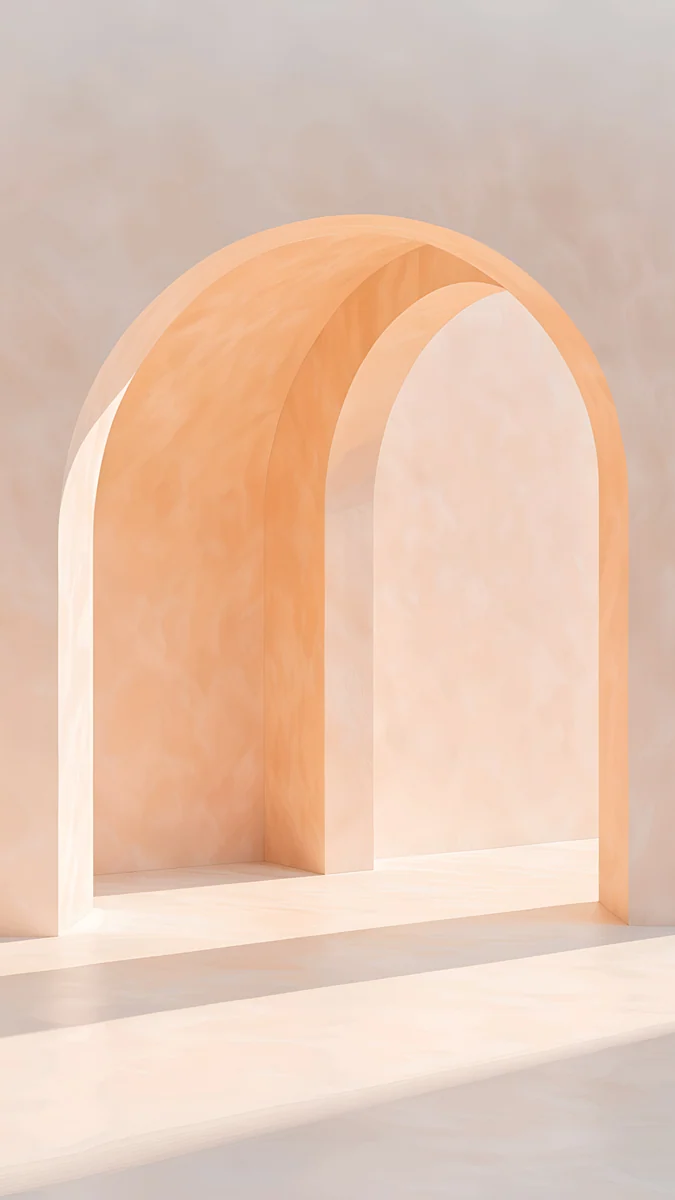
 Sandstone Threshold
 Honey Shadow
Free 4K originals for iPhone and Android, no watermark
On this page
A brown wallpaper gives a phone the warmth that black and grey lack, and it is calmer on the eyes than a bright colour. The best brown wallpapers keep one family of tones across the frame, from dark chocolate and caramel to terracotta and pale sand, so the clock and icons sit on an even, warm field. Below are original Velpaper brown wallpapers in four groups: glossy chocolate and caramel abstracts, terracotta and earth scenes, light brown and sandstone designs, and black and brown wallpapers for anyone who wants warmth in a dark setup. Every phone wallpaper is a 4K original at 2160 by 3840 pixels with no text, logo or watermark, and a free 4K desktop wallpaper in the same palette lets you match a laptop to your phone. Each section explains how the shade behaves with a white clock, with dark mode and on an OLED screen, so you can pick the brown that suits the way you use your phone.
What brown does on a lock screen
The clock reads in white or cream. Mid and dark browns give a white clock clear contrast, and a cream or pale gold clock looks softer still on caramel tones. Light browns work the other way round: on sand and sandstone a dark brown or black clock is easier to read.
Icons stay calm. Brown is a neutral with heat in it. Colourful app icons stand out on it without clashing, and if you use tinted icons on iPhone, an amber or sand tint keeps the whole home screen in one palette.
Dark mode gets softer. Dark chocolate keeps the screen dim at night but feels less stark than pure black. It is not true black, so on an OLED panel those pixels stay lit. If you want switched off pixels as well, the black and brown group below mixes real black with warm tones.
Chocolate and caramel: glossy brown abstracts
This is the richest group. Each design is a single fold of glass or silk in gold, caramel or cocoa rose, lit so the colour runs from deep brown to pale honey.
Amber Undertow swirls caramel silk around a pale glowing centre in the lower half, which leaves the top of the frame for the clock. Champagne Gold Strata stacks thin bands of gold and brown glass into one curve, the most luxurious look here. Rose Smoke and Rose Tension move towards cocoa rose: smooth mauve brown waves that suit a home screen full of icons, because the pattern is soft and low in contrast.
Terracotta and earth tones
Warm architecture and landscapes in burnt orange, clay and dusty rose. These are brown in the way autumn is brown, with a pale sky above to keep the screen light.
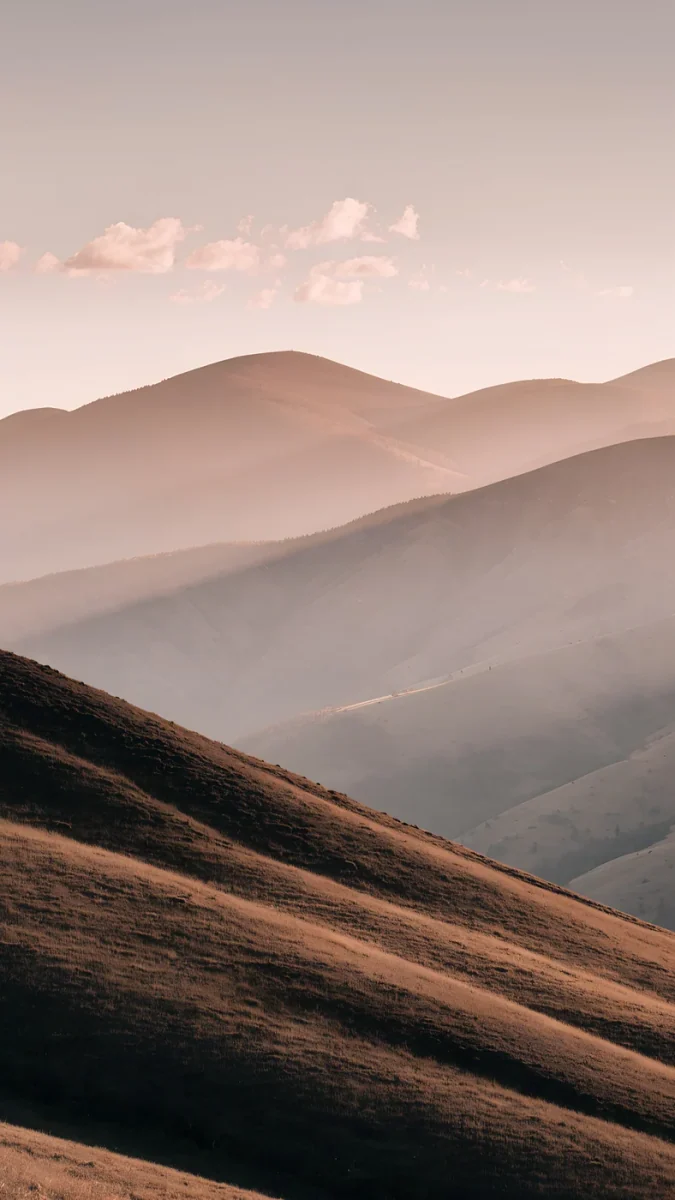
Amber Colonnade4K · PhoneTerracotta Leaves4K · PhoneRose Dunes4K · PhoneAmber Paper Sunrise4K · PhoneAmber Highlands4K · PhoneAmber Colonnade runs a terracotta arcade into the distance, with fallen leaves on the floor. Terracotta Leaves sends a flight of clay steps up against a pale evening sky. Rose Dunes is the most minimal, rose brown sand ridges under a small low sun. Amber Paper Sunrise layers paper cut mountains from orange to deep brown, and Amber Highlands rolls brown grassy hills into a soft pink haze. For more warm seasonal colours, browse our fall wallpapers.
Light brown, sand and sandstone
If dark brown feels heavy, go lighter. These designs use sandstone, travertine and old paper: tan and honey tones that suit light mode and look clean in daylight.
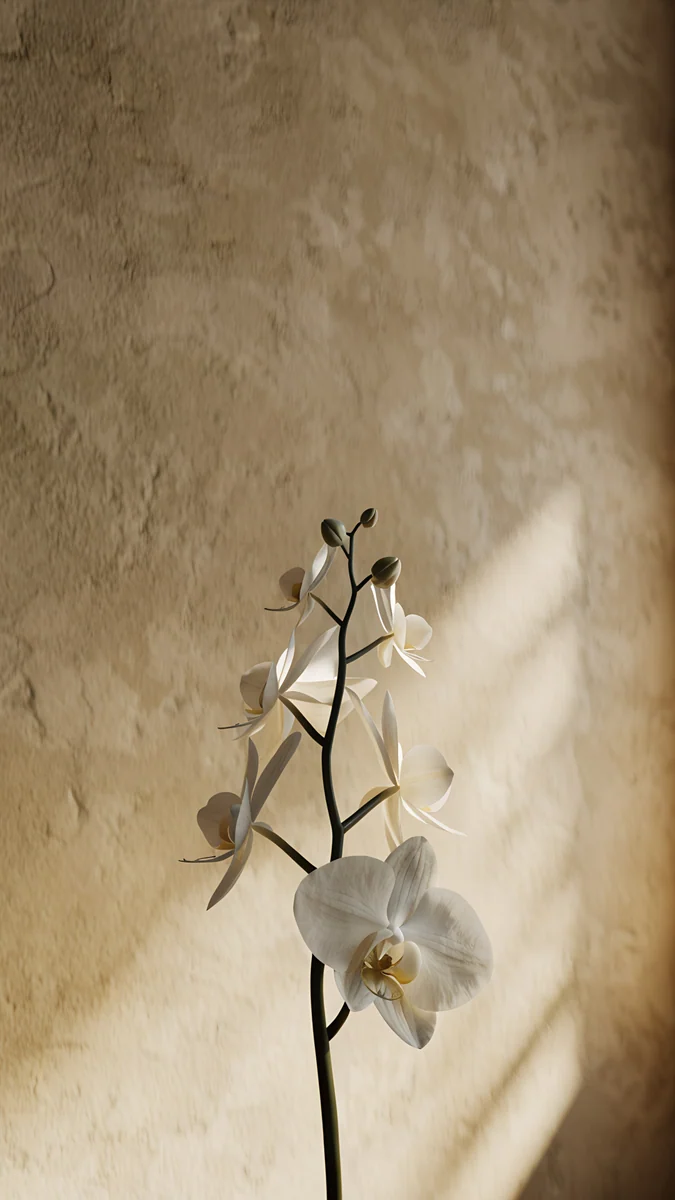
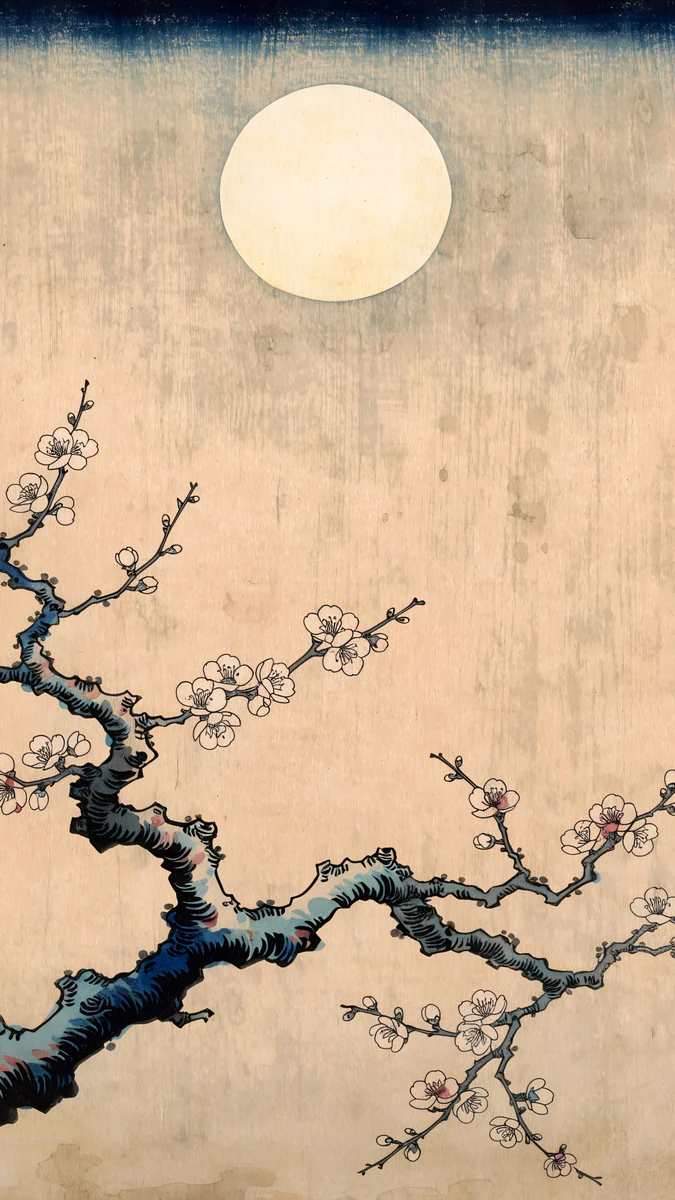
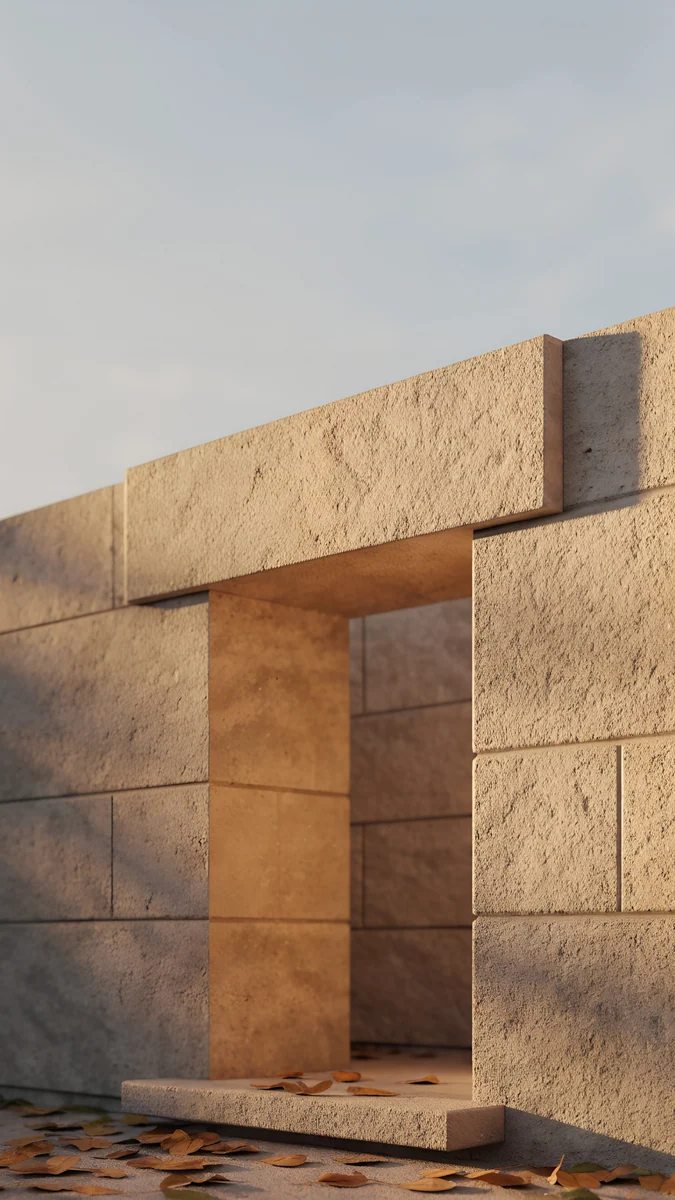
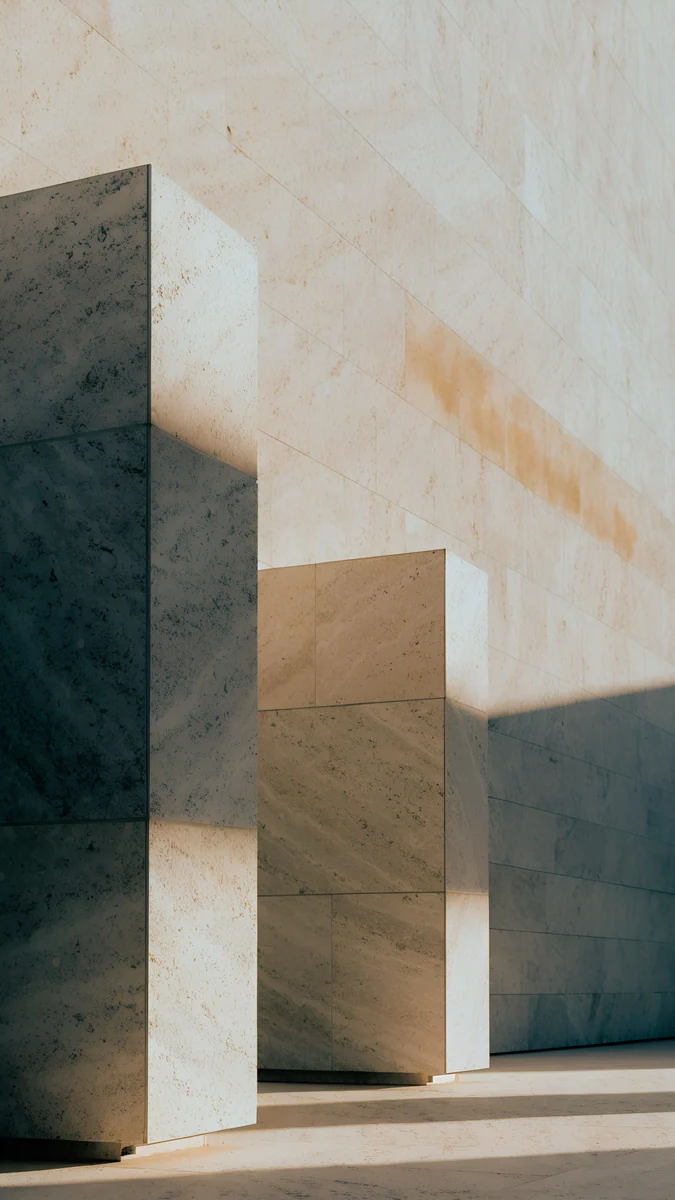
Sandstone Threshold frames a doorway in warm sandstone blocks with a few leaves at its foot. Honey Shadow sets travertine blocks in late sun with long shadows. Orchid Sunlight places one white orchid against a tan plaster wall, and Plum Moon draws a dark plum branch on aged paper under a pale moon, in the style of a Japanese woodblock print. Set the clock to dark brown or black on these. If you want something paler still, see our beige aesthetic wallpapers.
Black and brown wallpapers
Black and brown is one of the most searched brown looks, and for good reason: black gives depth and contrast, brown adds warmth. You can get it from one image with both colours, or from a pair, a warm brown lock screen with a black home screen.
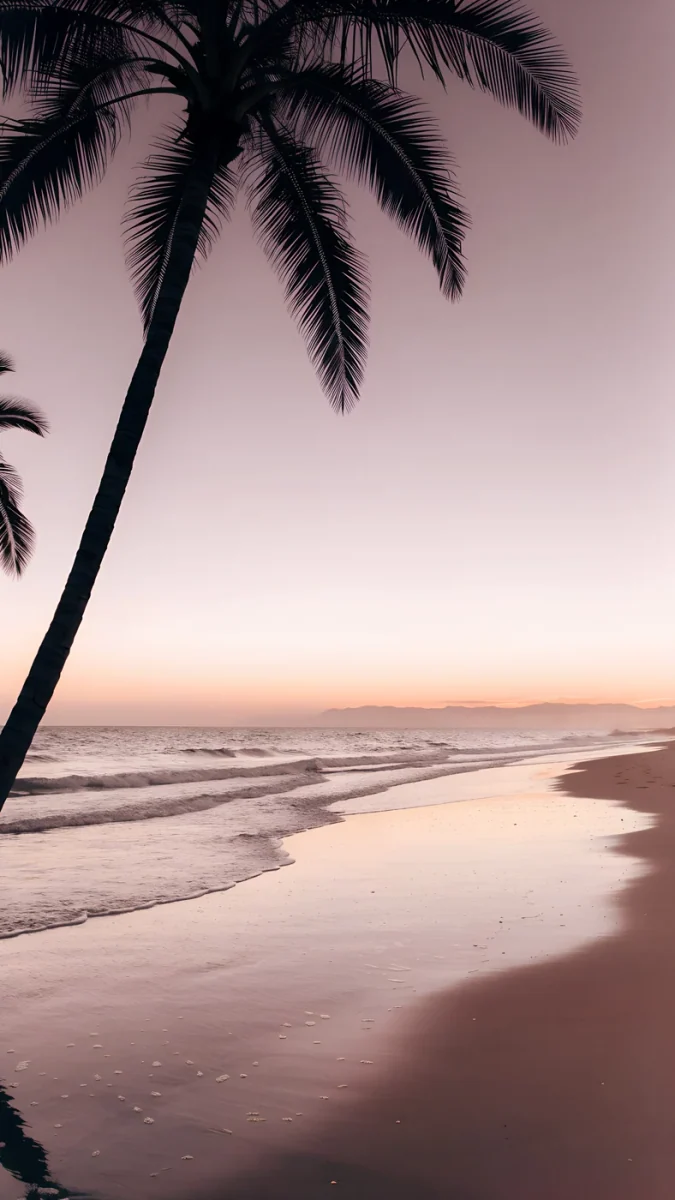
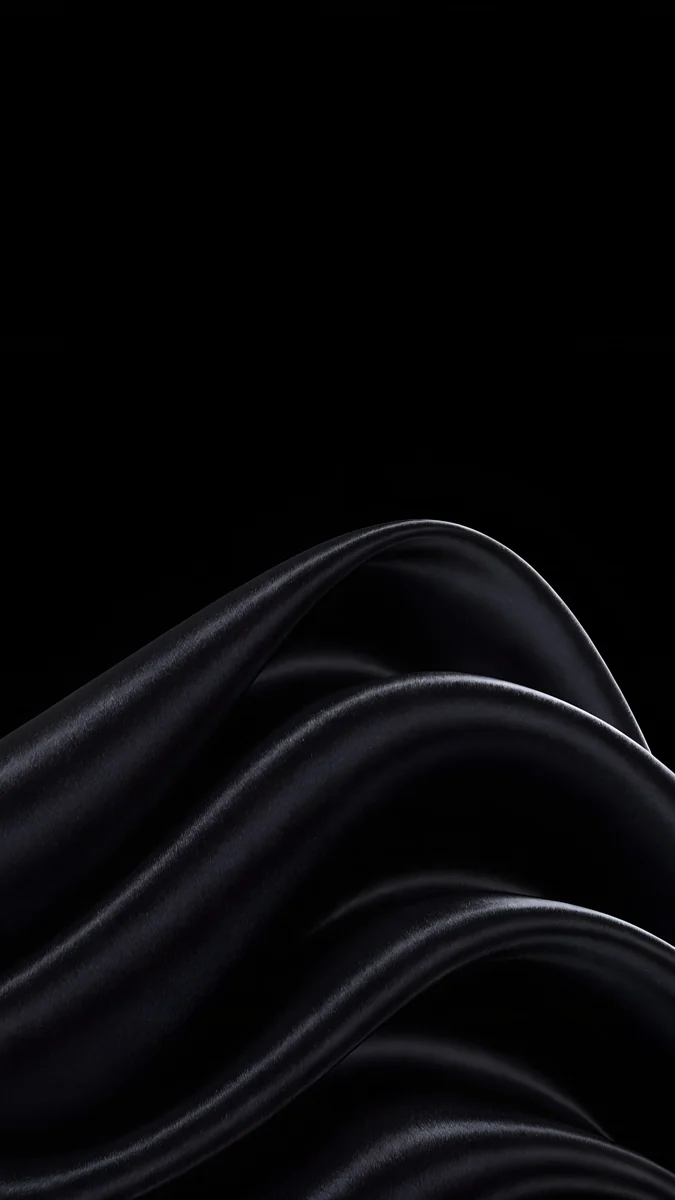
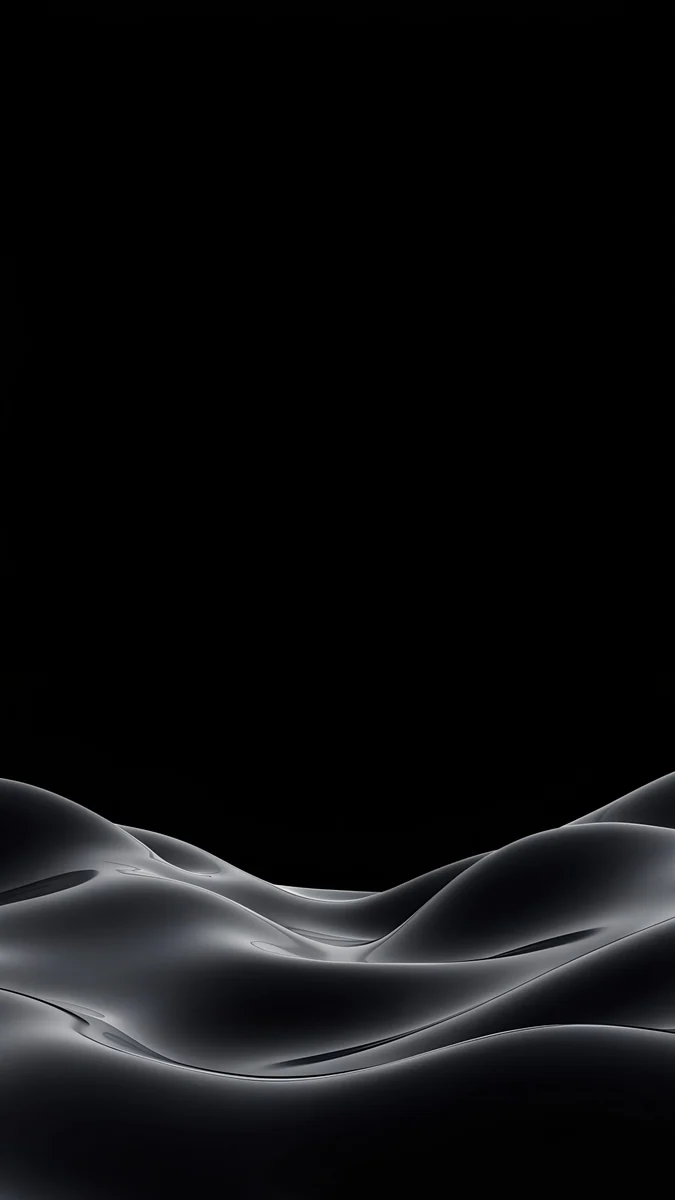
Kyoto Lantern Lane is the strongest single image: a narrow lane of dark wooden houses, wet stone underfoot and one lit lantern, with a strip of blue dusk at the top. Palm Afterglow puts a black palm silhouette over a beach at dusk, with mauve brown sand below. Black Satin is pure black silk, the black half of a pair: set it on the home screen behind your apps and keep a brown design on the lock screen. More true black designs are in our black wallpapers collection.
Apple's own steps are in Change your iPhone wallpaper, and Google's are in Change your Pixel wallpaper.
Matching your phone and desktop
Brown works on a laptop too, behind white menu bar text and dark windows. One Velpaper desktop design sits right in this palette, and it is a free 4K original.
 Soft Orbit4K · Desktop
Soft Orbit shows smooth rose brown dunes with a small sphere floating above them, a quiet wide frame that leaves room for icons. On a phone, Rose Dunes shares the same sand and sky, so the two screens look like a set on the desk.
For the phone itself, pair a detailed design with a calm one. Amber Colonnade or Kyoto Lantern Lane on the lock screen and Rose Tension or Black Satin on the home screen share a palette but do different jobs. On iPhone you set them separately by choosing Customize Home Screen when you add the wallpaper.
Next step: open Amber Undertow, save the 4K original and set it as your lock screen. For your computer, take the free Soft Orbit desktop version.
Original wallpapers in 4K and 5K for iPhone, Android and desktop.
Questions
What clock colour looks best on a brown wallpaper?
On dark chocolate, caramel and terracotta, a white or cream clock reads best, and a pale gold tint looks good on glossy designs like Amber Undertow or Champagne Gold Strata. On light brown and sand, such as Sandstone Threshold or Orchid Sunlight, switch to a dark brown or black clock, because white fades on pale tan. On iPhone, touch and hold the Lock Screen, tap Customize, then tap the time to change its colour and font. On Android the options depend on the phone, and many models offer a few clock styles and colours in the lock screen settings.
Is a brown wallpaper good for dark mode and OLED?
Dark brown is a good dark mode wallpaper: it keeps the screen dim at night and feels warmer than pure black. It is not true black, though, so on an OLED screen the brown pixels stay lit, while black pixels switch off. If you want both warmth and switched off pixels, use a black and brown pair: a brown design such as Kyoto Lantern Lane on the lock screen and Black Satin, which sits on pure black, on the home screen. On an LCD screen the backlight stays on either way, so pick by look.
How do I make a black and brown lock screen?
The simplest way is one image with both colours. Kyoto Lantern Lane combines dark wooden houses, near black shadows and warm lantern light, and Palm Afterglow puts a black palm over brown dusk sand. The other way is a pair: a brown lock screen and a black home screen. On iPhone, add the brown wallpaper, choose Customize Home Screen and pick Black Satin or a plain black photo there. On Android, most phones let you set the lock screen and home screen separately when you apply a wallpaper. Keep the clock white or cream so it reads on both.
What size are these brown wallpapers?
Every phone wallpaper here is a 4K original at 2160 by 3840 pixels, a 9:16 portrait frame that iPhone and Android scale down to any current screen without blur. Soft Orbit, the desktop wallpaper, is a 4K original in a wide 16:9 frame, sharp on Full HD, QHD and 4K monitors. None of the files carry text, logos or a watermark. Previews on the site are compressed to load fast, so always save the original from the wallpaper page rather than taking a screenshot.
Are these brown wallpapers free?
Browsing and previewing are free on the website and in the apps. The phone wallpapers in this collection unlock after a short optional ad in the iPhone and Android apps; on the website, if no ad is available, the original downloads for free. Soft Orbit, the desktop wallpaper, is free with no ad. There is no account and no subscription, and every download is the full original without a watermark. Velpaper is available for iPhone, iPad, Mac and Android, and on velpaper.com.
Carlos Vivero
Designer of Velpaper wallpapers
Carlos Vivero designs the wallpapers in Velpaper: quiet architecture, liquid glass, Japanese ink and calm landscapes. Every piece is made as a 4K original for iPhone, Android and desktop.
Recent work