Beige Desktop Wallpaper: 20 Warm Neutral Backgrounds in 4K
Beige, sand and cream desktop wallpapers for Windows PC and Mac: how warm neutrals handle icons, dark mode and evening light, plus 20 free 4K picks.
In short: A good beige desktop wallpaper is warm texture rather than a flat fill: sand, clay, cream paper or a sunlit plaster wall reads as one calm neutral tone but still gives the screen depth. Use a 3840 × 2160 file set to Fill and keep icons on the shadow side.
By the Velpaper team · Wallpapers by Carlos Vivero, Velpaper designer · · 5 min read
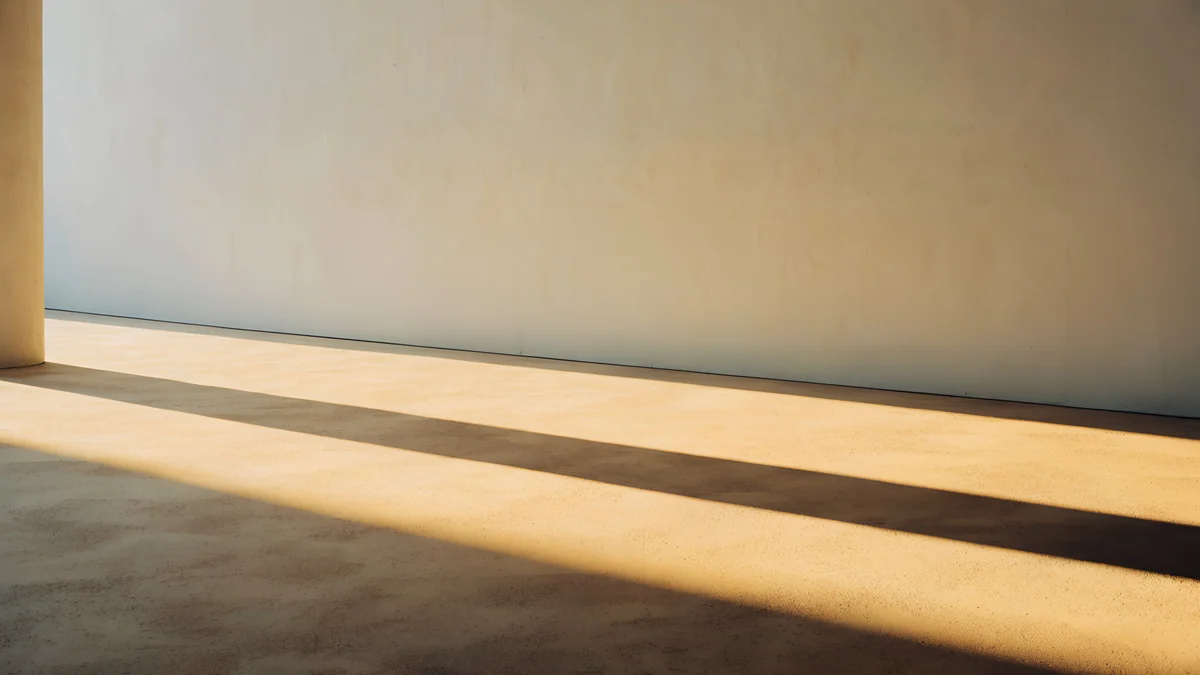 Column Shadow
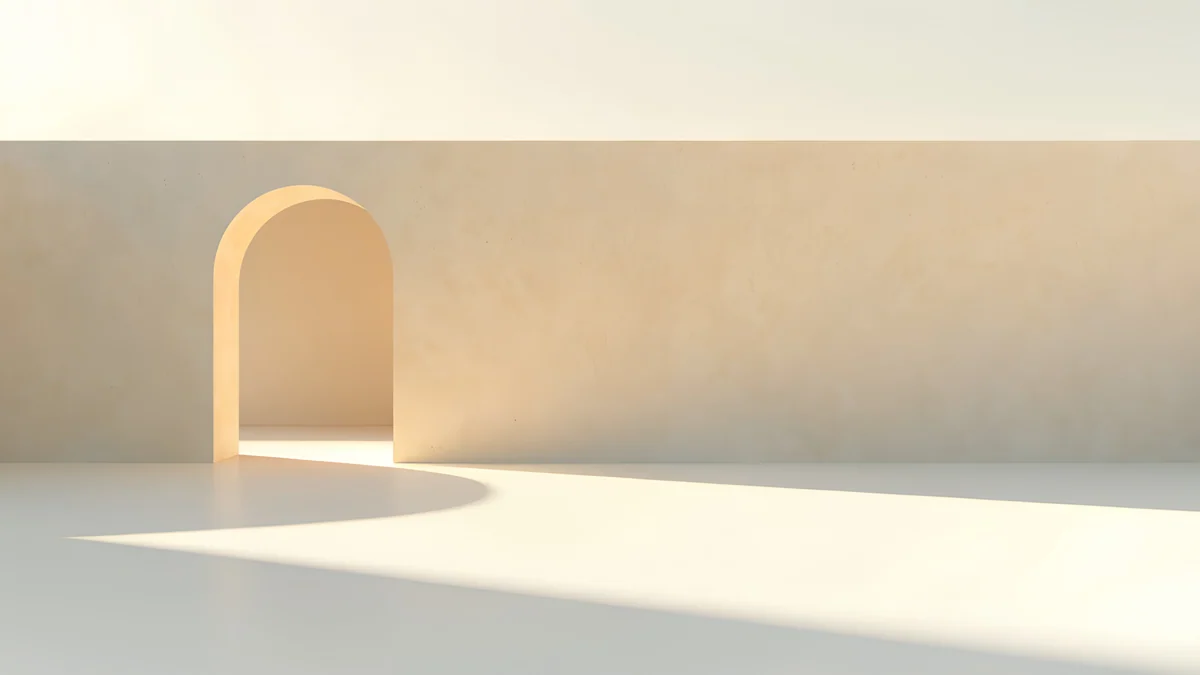 Apricot Noon Hall
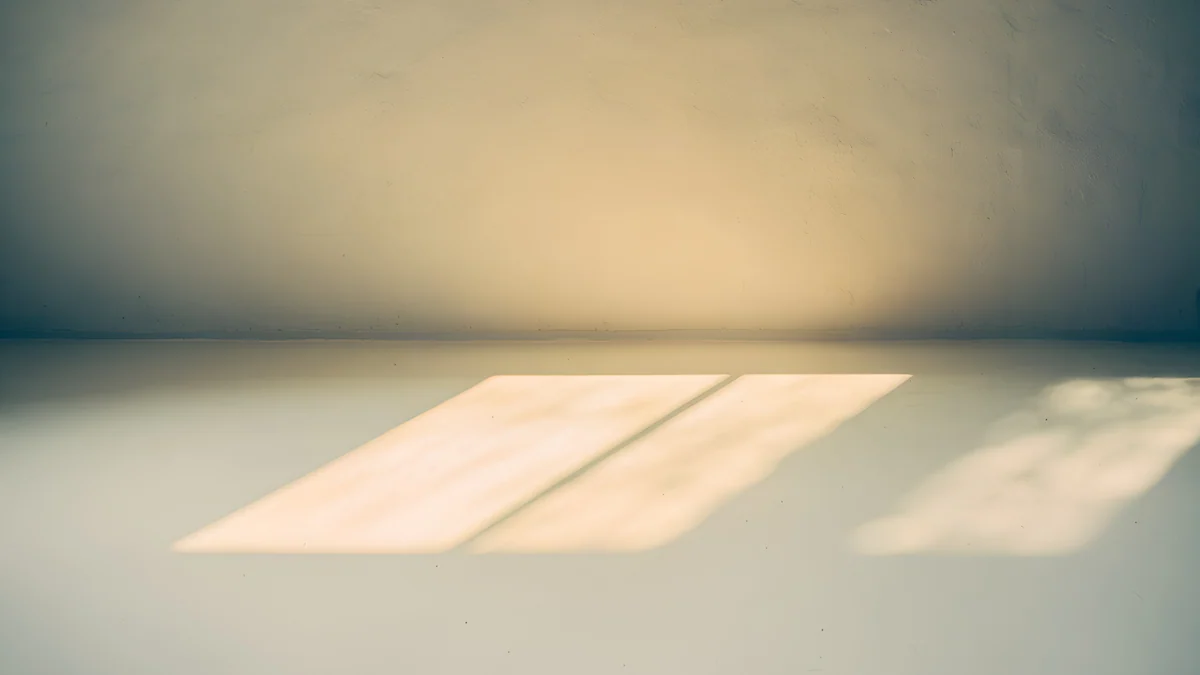 Window Square
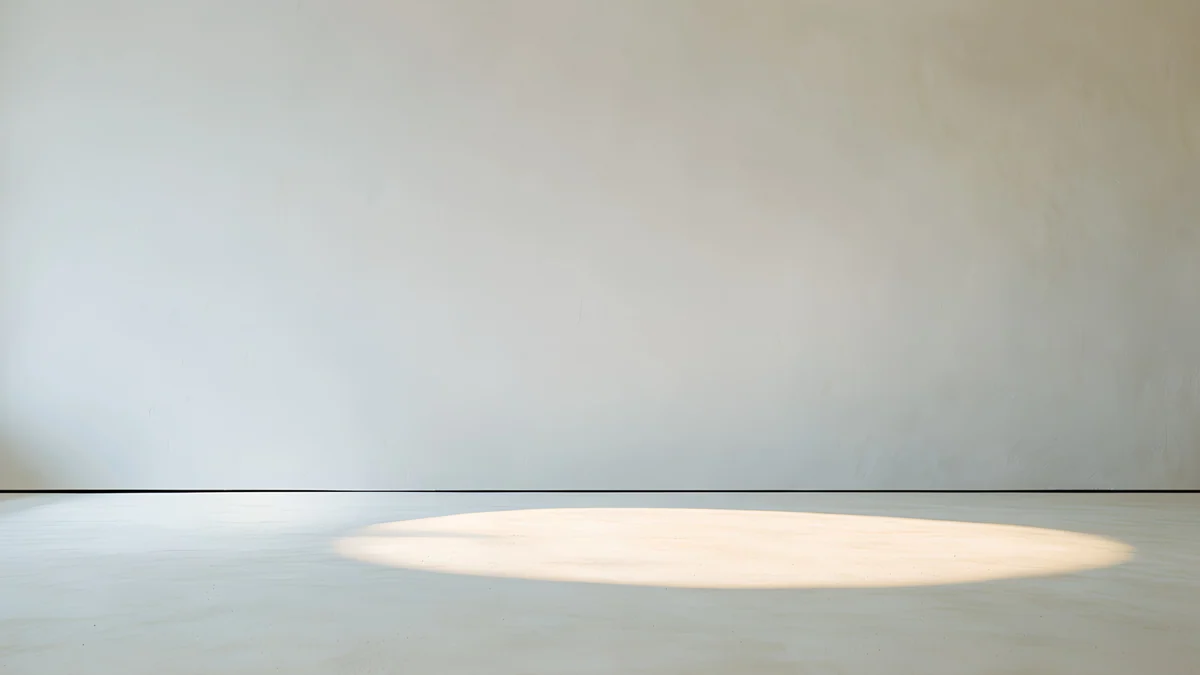 Skylight Circle
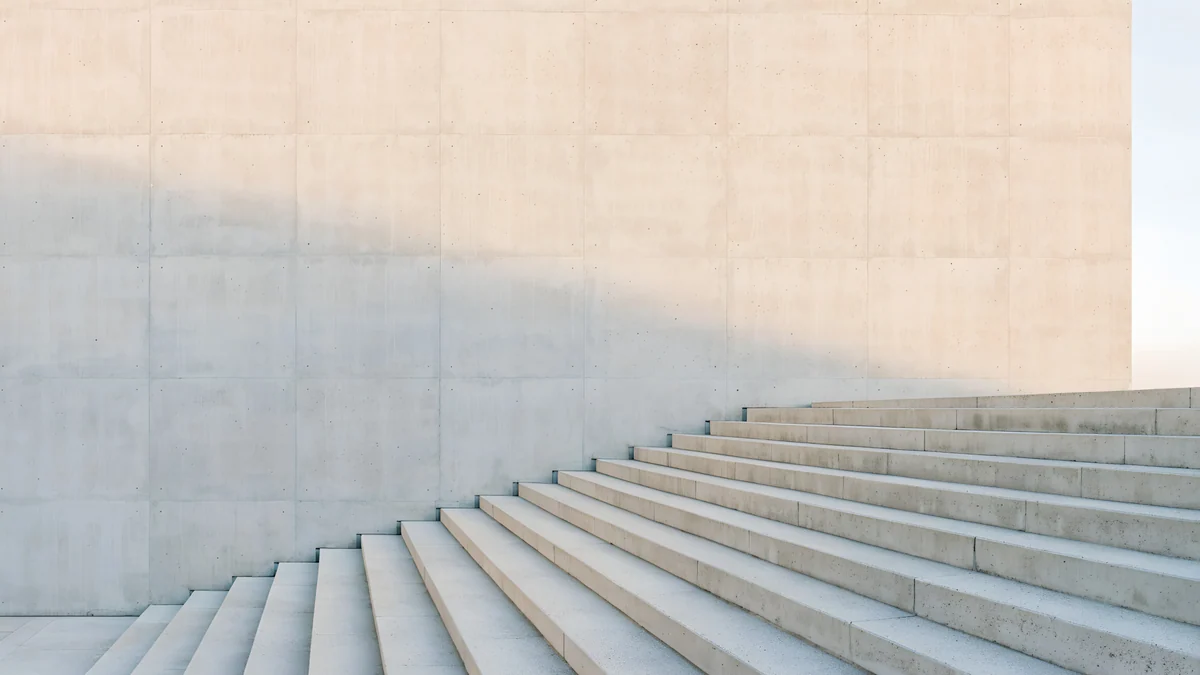 Ivory Stair Wall
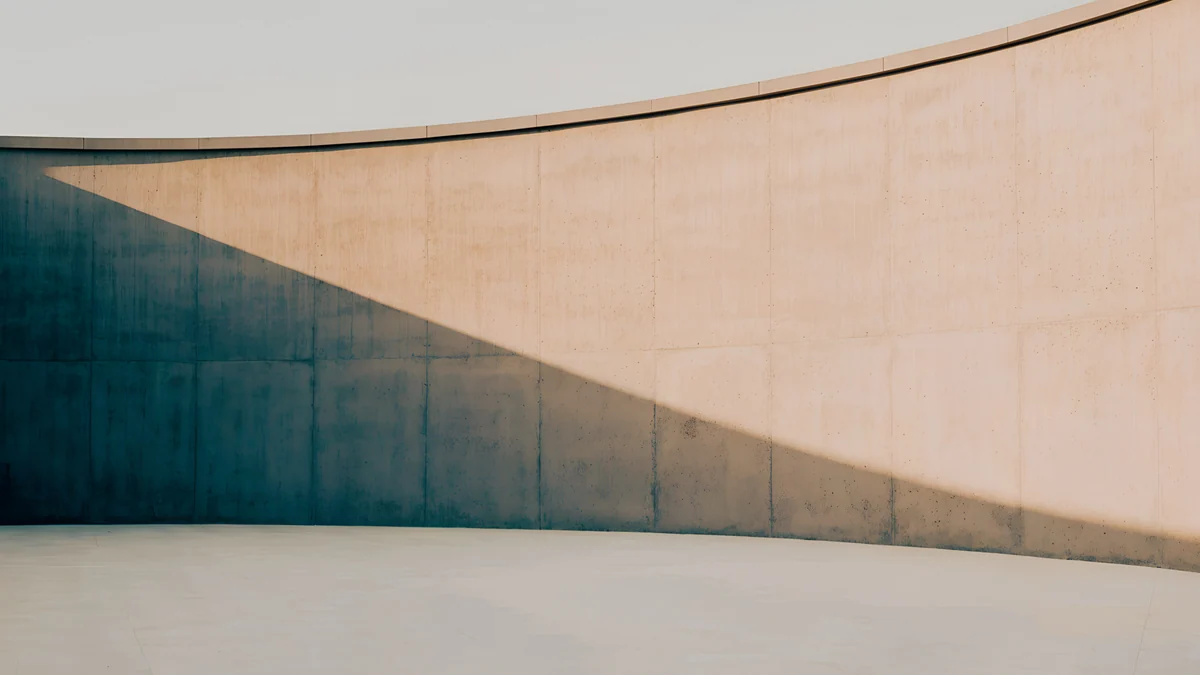 Clay Curve
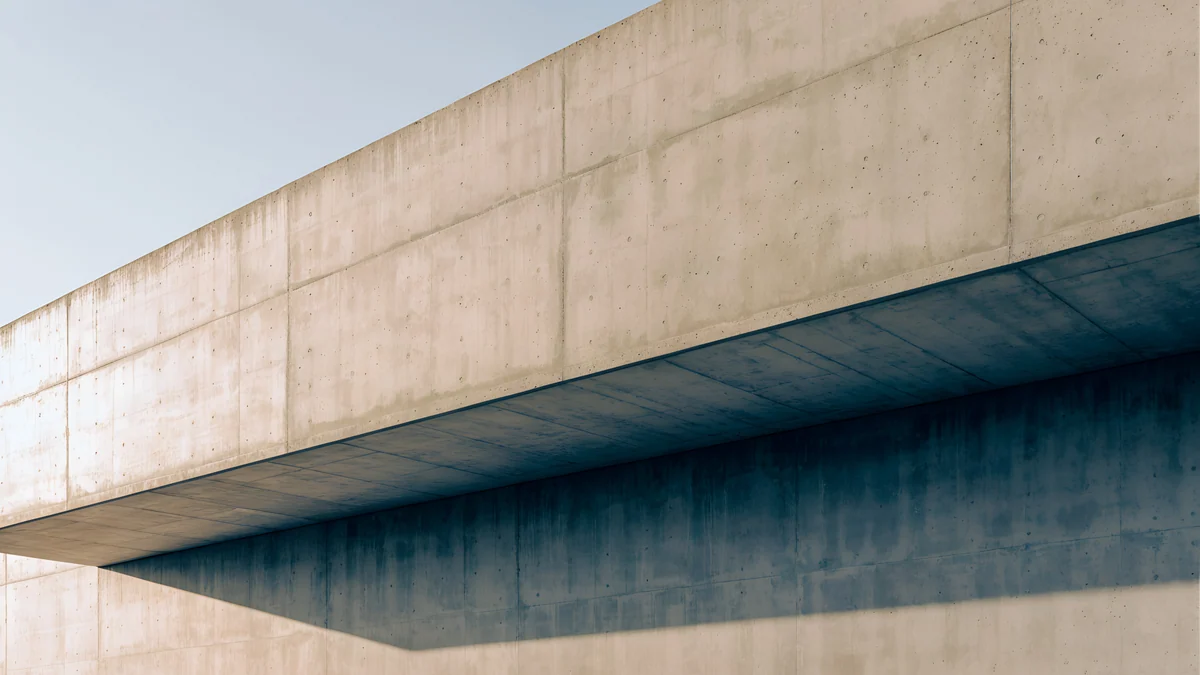 Sand Cantilever
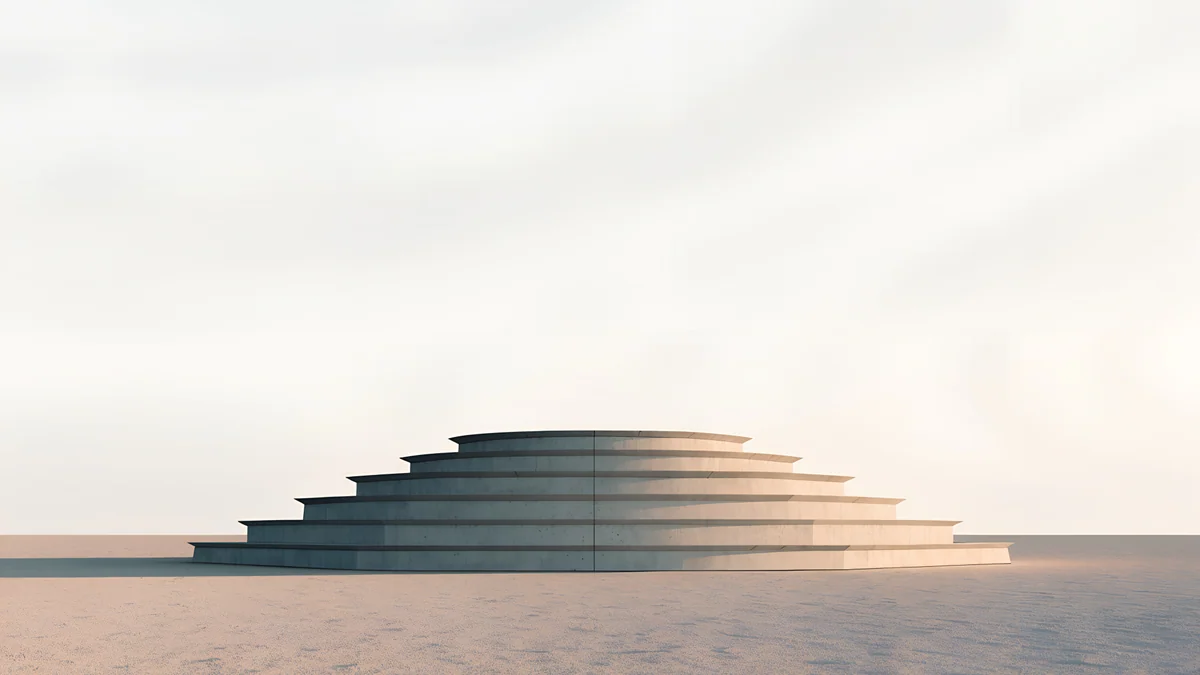 Stepped Ziggurat
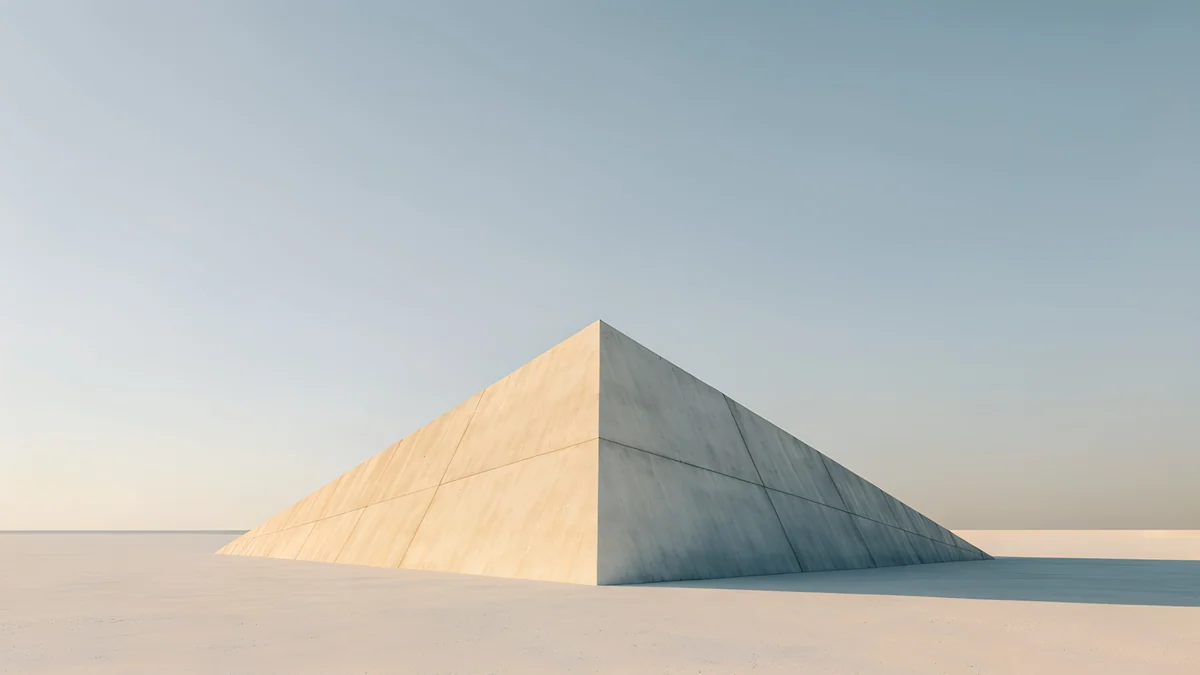 Pyramid of Light
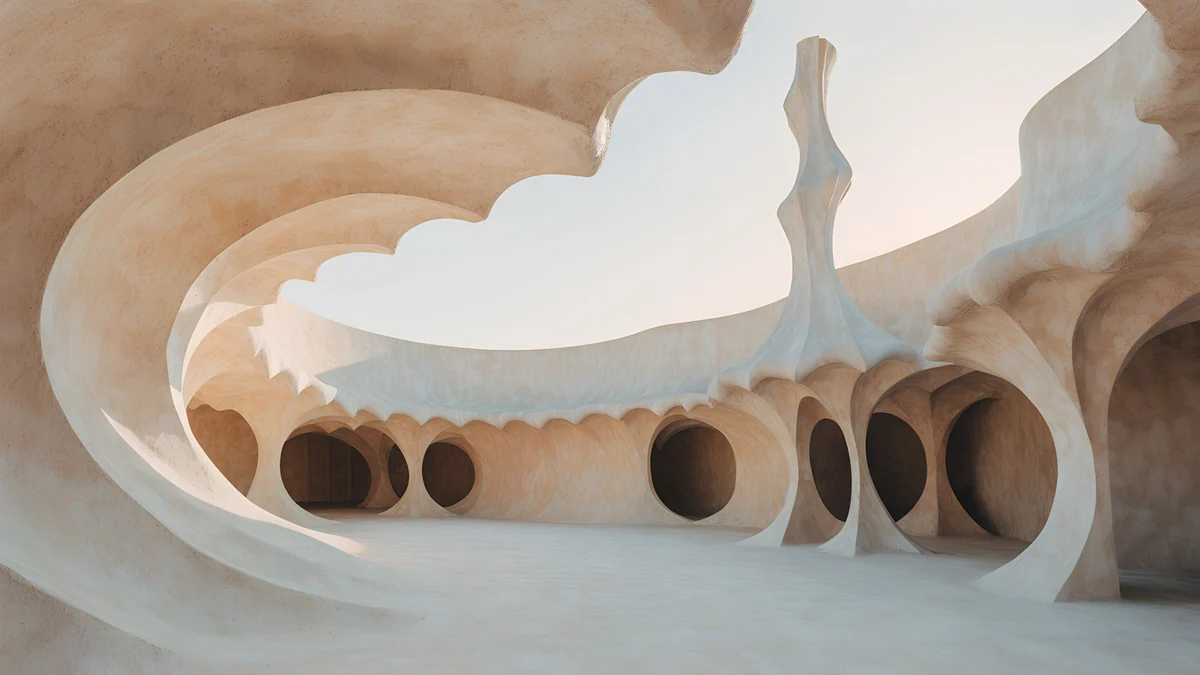 Shell Court
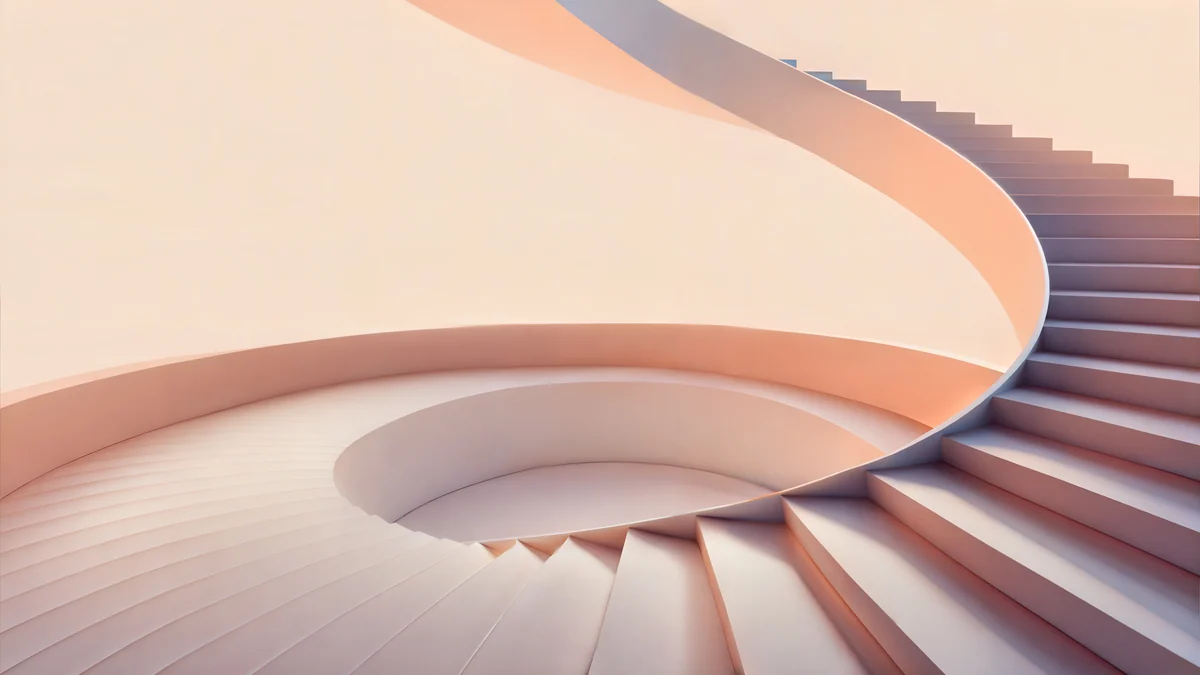 Peach Spiral Atrium
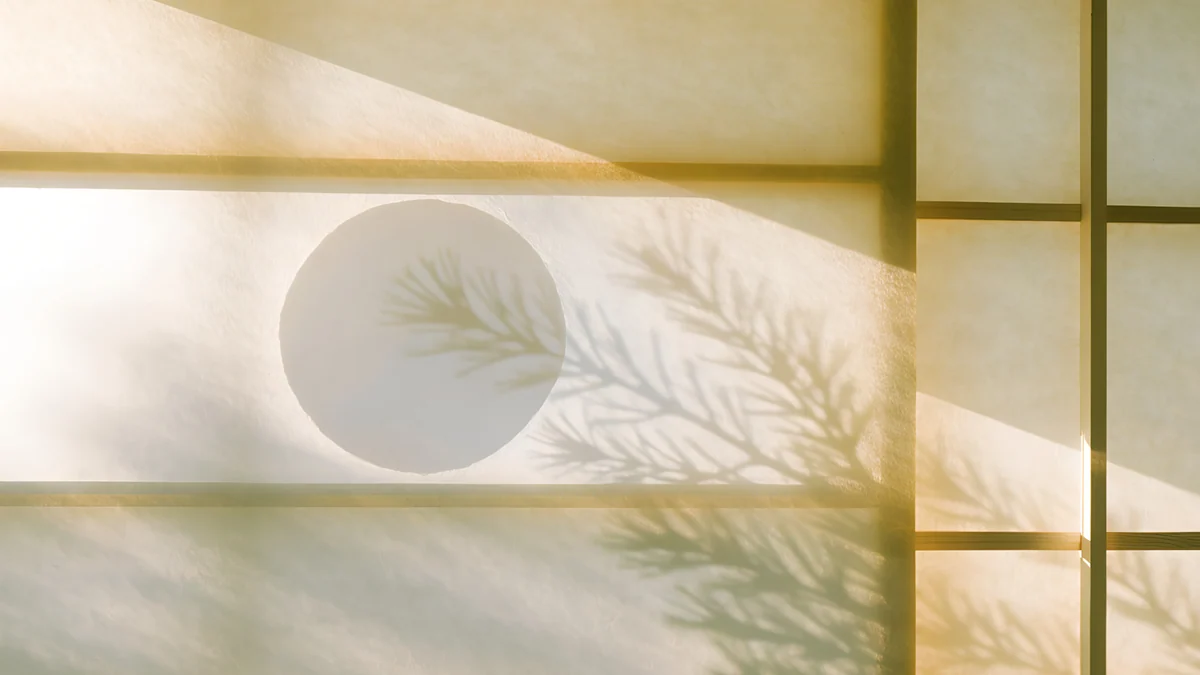 Shoji Moon
Free 4K originals for iPhone and Android, no watermark
On this page
A beige desktop wallpaper gives a computer a calm, warm screen that is softer than white and lighter than grey. The trick is to skip the flat beige fill, which looks like an empty document. Pick sand, clay, cream paper or a plaster wall in low sun instead: the light and shadow give the screen a shape, while the whole picture still reads as one warm neutral tone. Beige also glares less than white in the evening and sits well next to a wooden desk, a silver MacBook or a cream keyboard. For a sharp result use a 3840 × 2160 file and set the fit to Fill, which covers Full HD, QHD and 4K monitors as well as MacBooks. Below are 20 beige desktop wallpapers from Velpaper, grouped from almost plain to more detailed: sunlit walls, sand and clay architecture, Japanese paper screens and black ink on cream. Every one is a wide 4K original, free to download with no ad.
Beige, cream or greige: pick your shade
Sand and oat lean yellow. They look warmest under desk lamps and next to light wood, and they turn golden when Night light or Night Shift is on.
Cream and ivory sit close to white. Choose them if you want a bright, airy desktop that still feels softer than paper white in light mode.
Clay and apricot lean pink. They feel cosy in the evening and pair well with rose gold or terracotta things on the desk.
Greige mixes beige with grey. It is the closest to stone and concrete, and the quietest choice next to a silver or space grey laptop.
Almost plain: warm walls and low sun
These are the closest to a plain beige background. Each is mostly one warm wall or floor, with a single patch of sunlight that keeps it from looking blank.
Column Shadow4K · DesktopApricot Noon Hall4K · DesktopWindow Square4K · DesktopSkylight Circle4K · DesktopIvory Stair Wall4K · DesktopColumn Shadow lays long gold bars of sun across a sand wall and floor, with the darker band at the bottom where icons sit well. Apricot Noon Hall is a cream wall with one small arched door glowing warm in the middle. Window Square drops a single square of window light onto the floor of a dim, warm room, and Skylight Circle is the plainest of all: a pale greige room with one round pool of light. Ivory Stair Wall runs a wide stone stair up the right side, which leaves the left of the screen open.
Sand, clay and desert shapes
Soft brutalist walls and desert forms in sand and clay tones. They carry stronger shadows than the plain walls, which helps on a bright laptop by a window.
Clay Curve4K · DesktopSand Cantilever4K · DesktopStepped Ziggurat4K · DesktopPyramid of Light4K · DesktopShell Court4K · DesktopPeach Spiral Atrium5K · DesktopClay Curve sweeps a curved clay wall across the frame with a cool blue grey shadow on the left. Sand Cantilever pushes a long sand concrete block over a deep navy shadow. Stepped Ziggurat and Pyramid of Light put one pale shape low on a desert horizon, so most of the screen is soft sky. Shell Court is a curved cream and peach courtyard in the spirit of Gaudí, and Peach Spiral Atrium is the pinkest beige here, a spiral stair in apricot light.
Japanese paper and leaf shadows
Shoji screens and washi paper lit from behind. The colour shifts from cream to honey gold, and the leaf shadows add movement without hard edges.
Shoji Moon4K · Desktop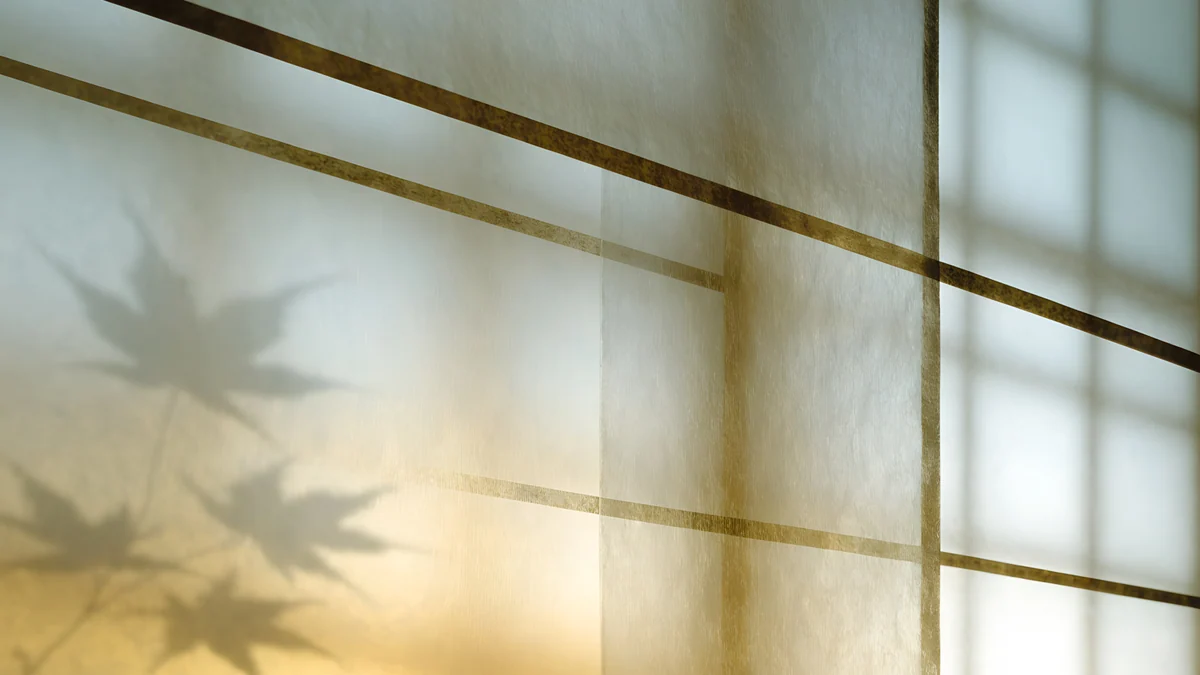 Lattice Glow4K · Desktop
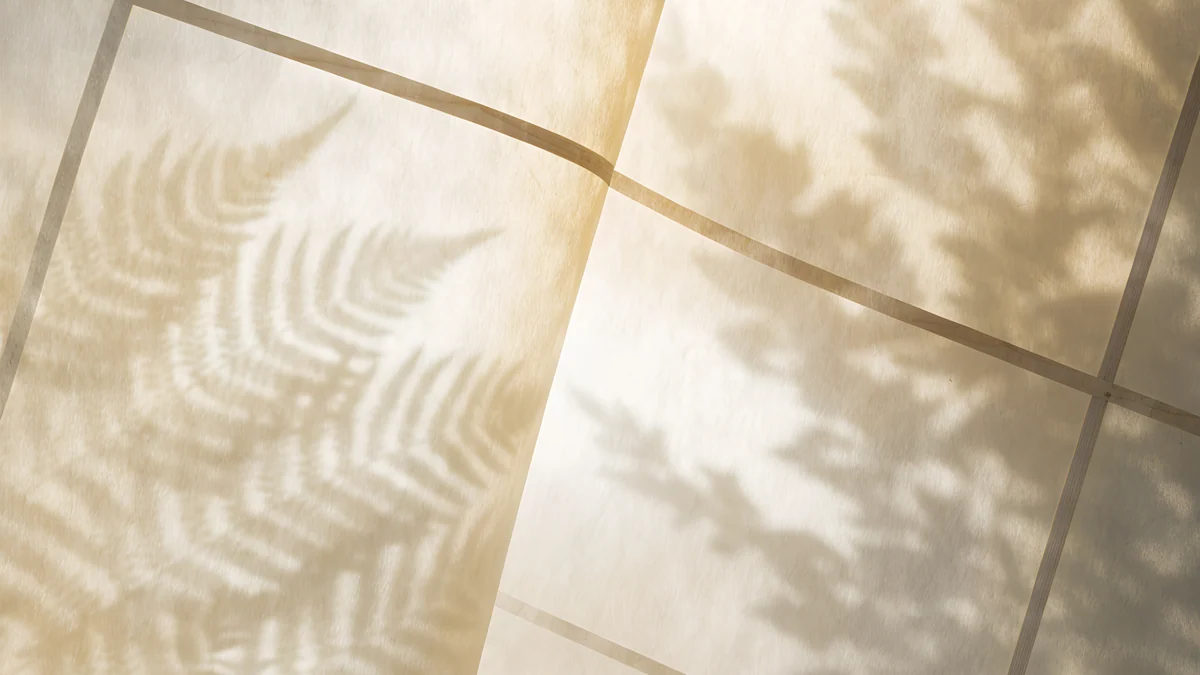 Paper Folds4K · Desktop
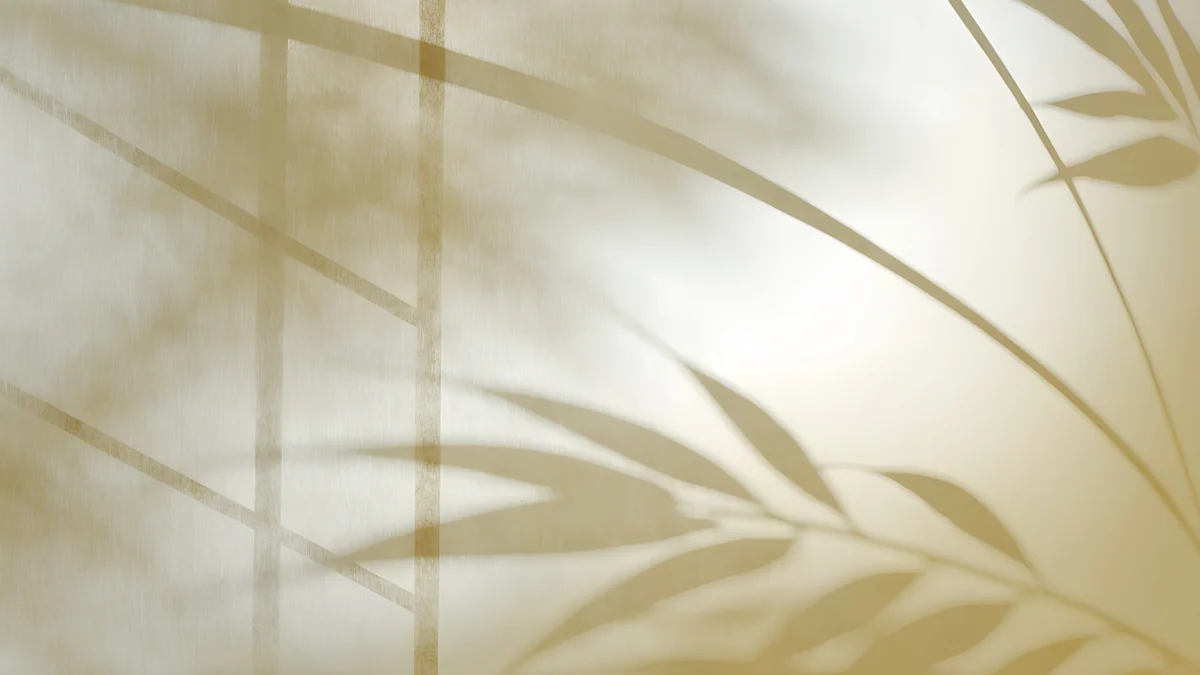 Bamboo Shadow4K · Desktop
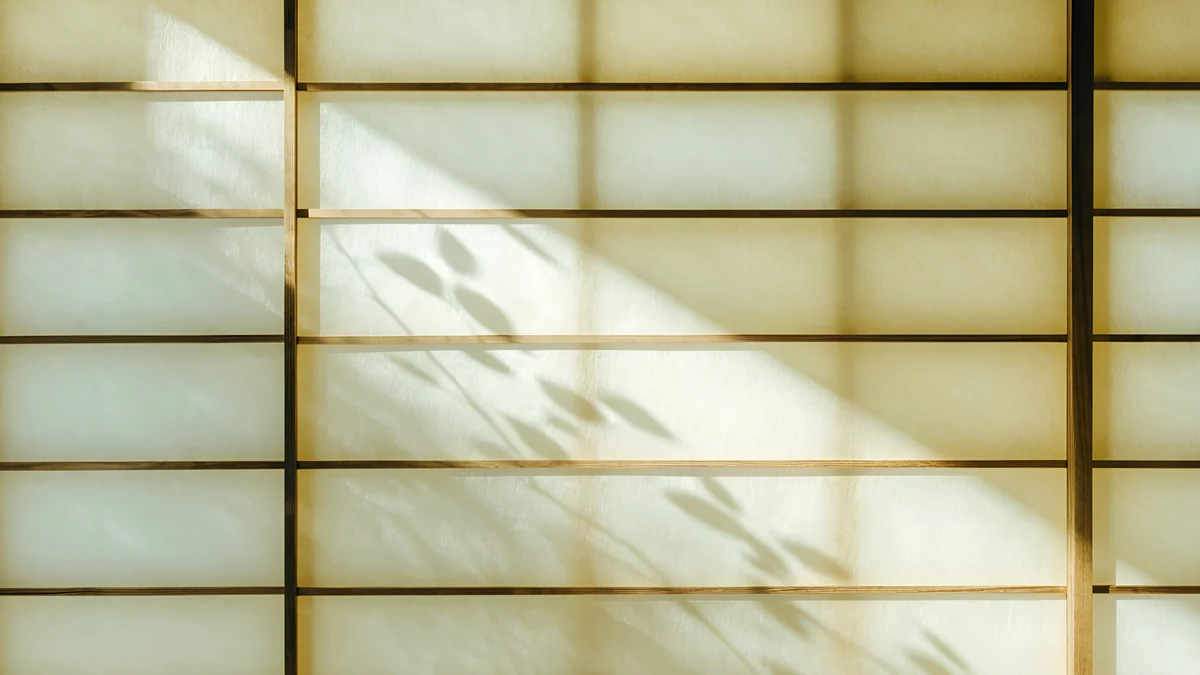 Washi Glow4K · Desktop
Shoji Moon sets a round pale moon and pine shadows behind a paper screen. Lattice Glow is a wooden lattice with a maple leaf shadow and sunset light, and Paper Folds crosses thin wooden strips over fern shadows. Bamboo Shadow is the most abstract, golden paper with bamboo leaves and no frame, while Washi Glow keeps a calm grid with soft light coming through.
Black ink on cream paper
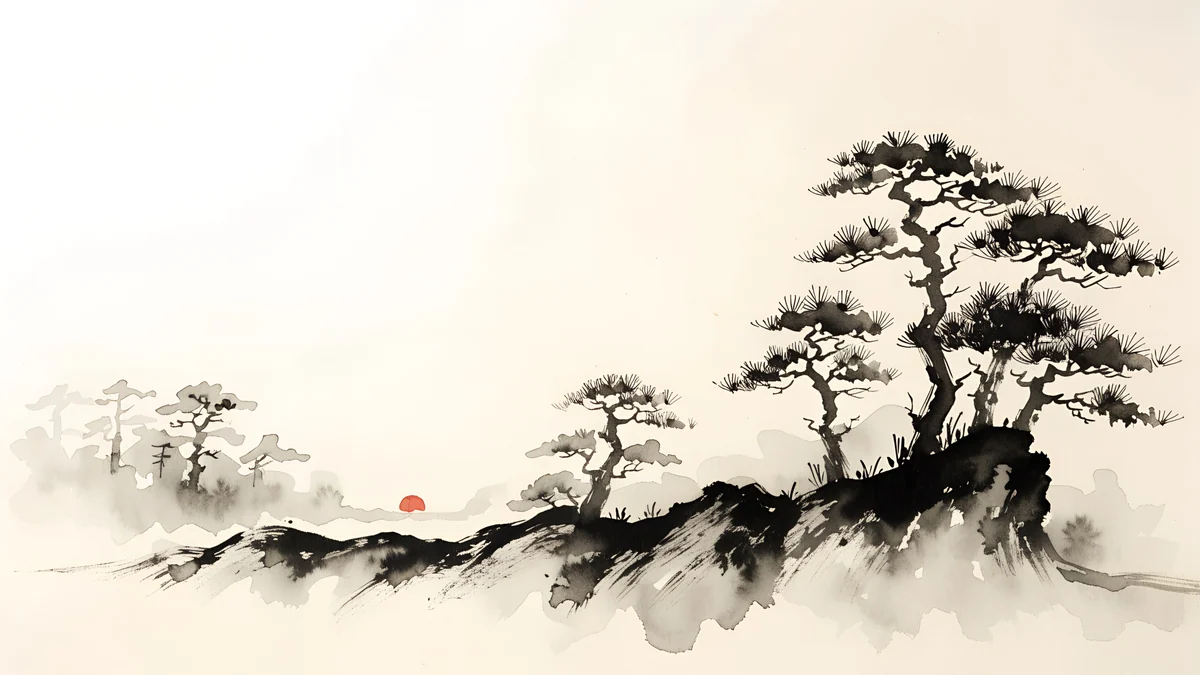
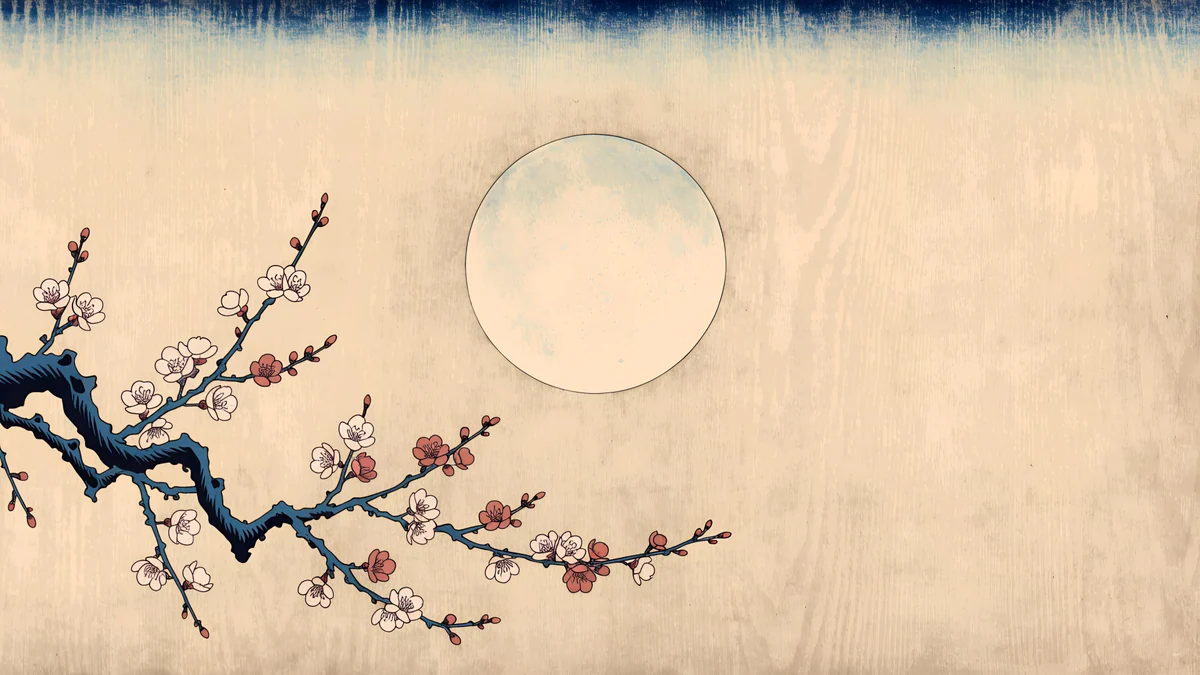
Japanese ink wash scenes on warm paper. Most of the frame stays empty cream, and the black lines give the eye one clear place to land.
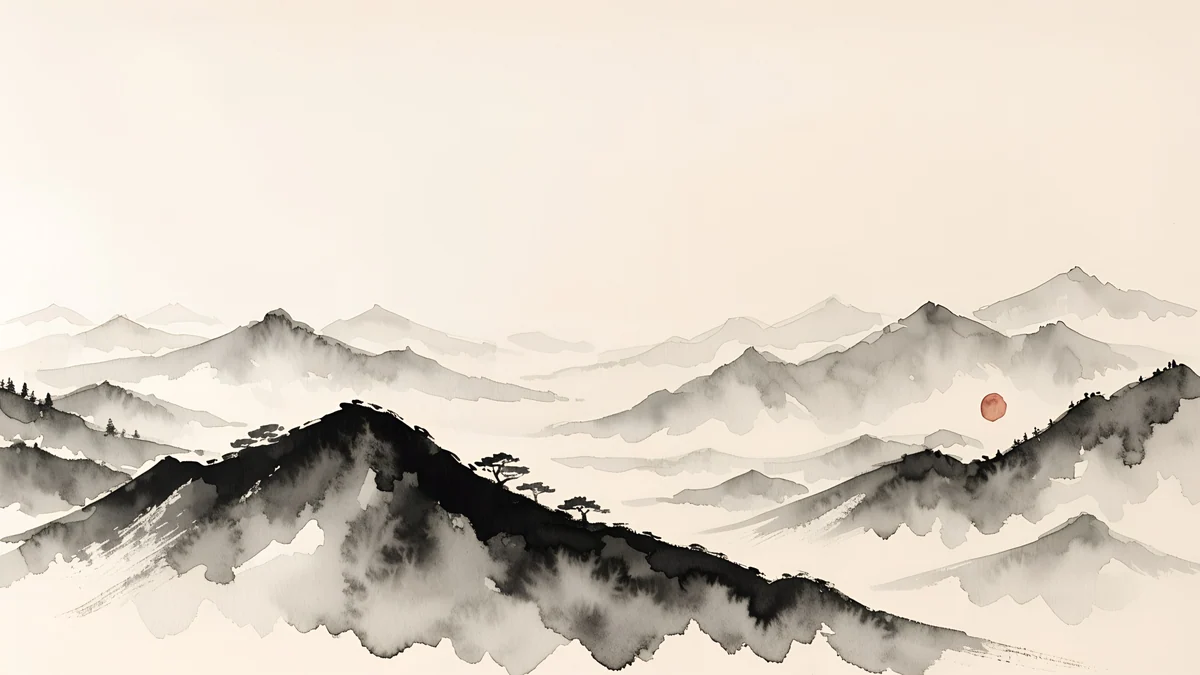 Ink Mountain Mist4K · Desktop
 Ink Mist Ridge4K · Desktop
 Ink Plum Branch4K · Desktop
 Plum Moon4K · Desktop
Ink Mountain Mist layers grey mountains under a small red sun. Ink Mist Ridge keeps pines and mist on the right and leaves the left half open for icons. Ink Plum Branch runs one black branch with red blossoms along the bottom edge, and Plum Moon is a woodblock print style plum tree under a pale moon on aged beige paper.
Icons, dark mode and evening light on beige
- Icon labels fade. Windows draws desktop labels in white with a thin shadow, so they get soft on a light beige. Drag the icons onto the shadow side of the picture, or right-click the desktop, choose View and turn off Show desktop icons.
- Light mode matches best. On Windows 11 go to Settings, Personalization, Colors and set Choose your mode to Light. On a Mac open System Settings, Appearance and choose Light. If you prefer dark mode, pick a wallpaper with strong shadows, such as Column Shadow or Sand Cantilever, so the dark taskbar has something to connect to.
- Accent colour. On the same Colors page in Windows 11 you can set the accent colour to Automatic, which takes a tone from the wallpaper. With beige that is usually a soft brown or gold.
- It looks yellow at night. Night light and Night Shift warm the screen, and beige gets warmer with them. Lower the strength a little if cream starts to look like old paper.
- Bands in the sky or shadows. That is usually a small or compressed copy. Save the original from the wallpaper page rather than a screenshot of the preview.
Microsoft's own steps are in Change your desktop background in Windows, and Apple's are in Change your Mac desktop picture.
Set it and match your phone
On Windows 11, right-click the desktop, choose Personalize, then Background, pick Picture, click Browse photos and set the fit to Fill; every option is in our Windows 11 wallpaper guide. On a Mac open System Settings, Wallpaper, click Add Photo and choose Fill Screen. Clay Curve, Shoji Moon and Stepped Ziggurat also come as tall phone wallpapers, and the full phone set is in our beige aesthetic wallpapers. For one step paler, see the white desktop wallpapers.
Next step: open Skylight Circle for an almost plain beige desktop and save the original. Every desktop wallpaper here downloads free with no ad, in the Velpaper apps for Mac, iPhone, iPad and Android and on velpaper.com. The phone versions unlock after a short optional ad.
Original wallpapers in 4K and 5K for iPhone, Android and desktop.
Questions
Is beige a good desktop background?
Yes, beige is one of the easiest colours to live with on a desktop. It is warm without being loud, so app windows, icons and photos in any colour look fine on top of it. It is also softer than white in a dim room. The one thing to avoid is a flat beige fill, which looks like an empty page. A wallpaper with real light and texture, such as sand, clay or paper, keeps the calm look while giving the screen depth.
What size should a beige desktop wallpaper be?
Use a 3840 × 2160 file and set the fit to Fill on Windows or Fill Screen on a Mac. That is native to a 4K monitor and larger than Full HD, QHD and MacBook screens, so the system only scales it down and soft gradients in the sky and shadows stay smooth. MacBooks are 16:10, so Fill trims a thin strip from the sides. A small file stretched to fit is what causes visible bands in warm skies.
Does a beige wallpaper work with dark mode?
It can, but light mode usually looks more of a piece. A pale beige next to a black taskbar and dark windows splits the screen in two. If you want dark mode, pick a beige wallpaper with strong shadows, such as long sun bars on a wall or a concrete block over a navy shadow, so the dark interface has a tone to connect to. Darker clay and terracotta pictures also work better with dark mode than cream ones.
Is beige easier on the eyes than a white wallpaper?
Many people find a warm light wallpaper feels less harsh than bright white, especially in the evening or in a dim room, because there is less pure white glowing around the windows. It is not a health feature, and brightness matters more than colour, so lower the screen brightness at night as well. Night light on Windows and Night Shift on a Mac warm the whole screen and make beige look even softer.
Are these beige desktop wallpapers free?
Yes. Every desktop wallpaper in this article downloads free with no ad, as the full size original without a watermark, on velpaper.com and in the Velpaper apps for Mac, iPhone, iPad and Android. The files are wide 4K originals made for 16:9 screens, not phone pictures cropped to fit. The phone versions of the same scenes unlock after a short optional ad. No account is needed to save a desktop file.
Carlos Vivero
Designer of Velpaper wallpapers
Carlos Vivero designs the wallpapers in Velpaper: quiet architecture, liquid glass, Japanese ink and calm landscapes. Every piece is made as a 4K original for iPhone, Android and desktop.
Recent work