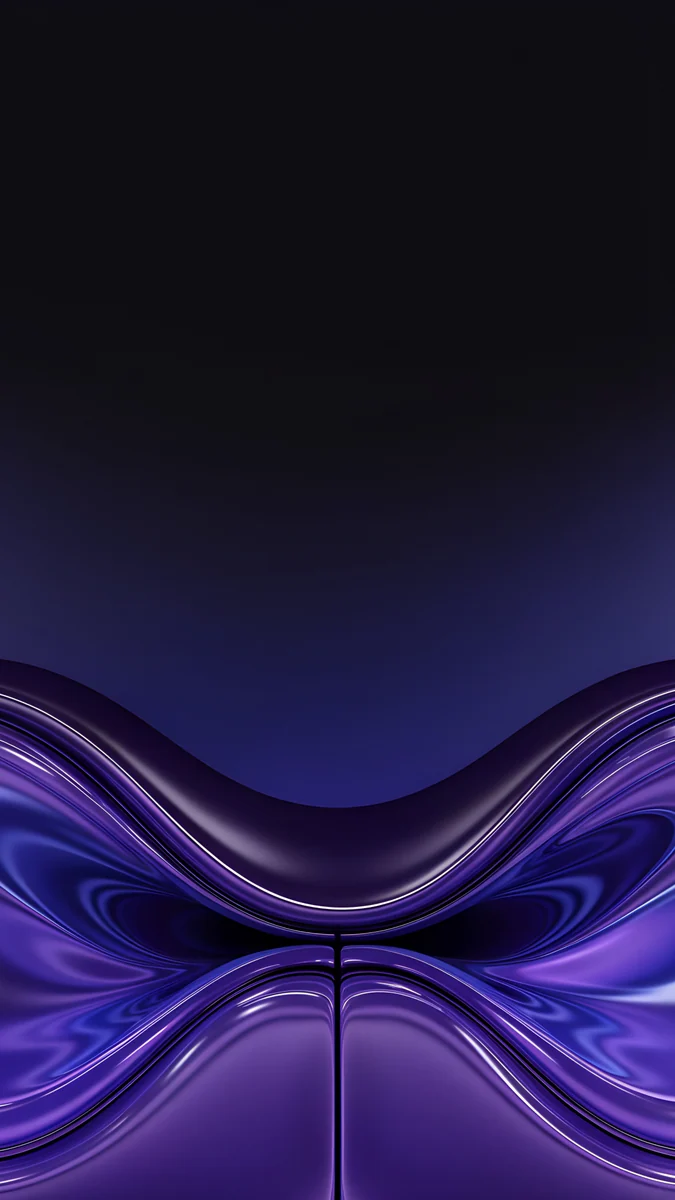
Black Wallpaper: 4K Pure Black for iPhone, Android, PC
Black wallpapers for iPhone and Android: pure black with glossy shapes, black with one light accent, matte near-black, plus two free black desktop wallpapers.
In short: The best black wallpaper keeps almost the whole frame black and adds one quiet detail, so the clock gets maximum contrast and the screen still has depth. Velpaper has original black phone wallpapers at 2160 by 3840 in three styles, pure black, black with one light accent and matte near-black, plus two free 4K black desktop wallpapers.
By the Velpaper team · Wallpapers by Carlos Vivero, Velpaper designer · · 5 min read
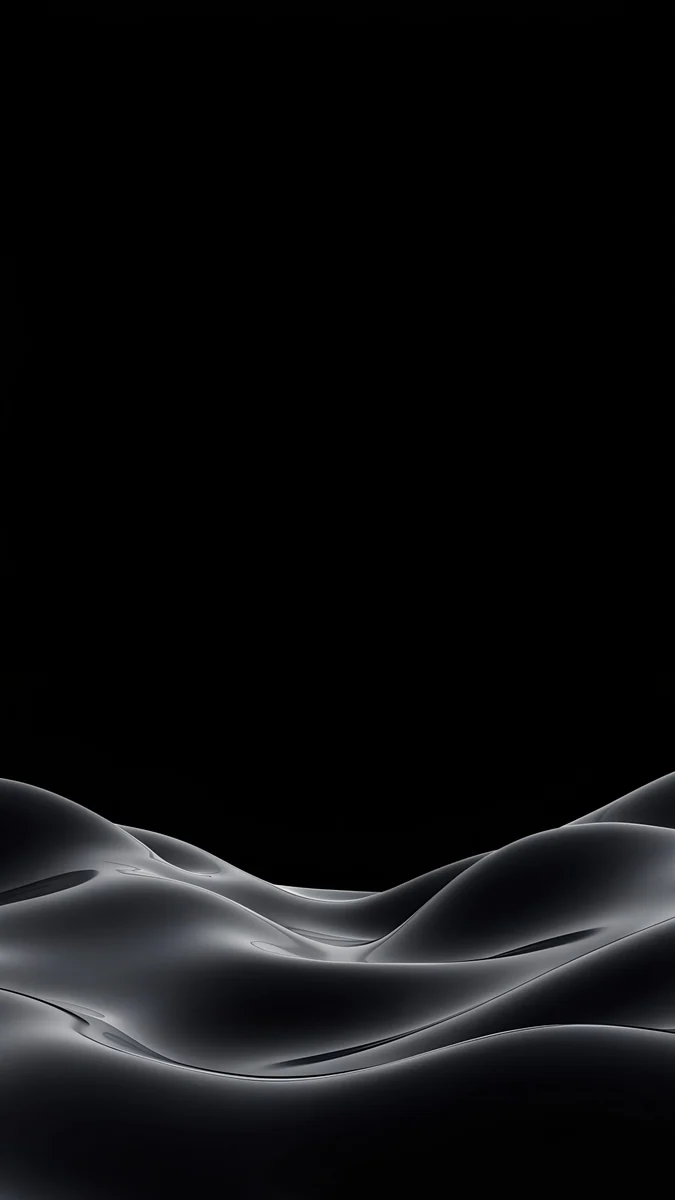 Obsidian Waves
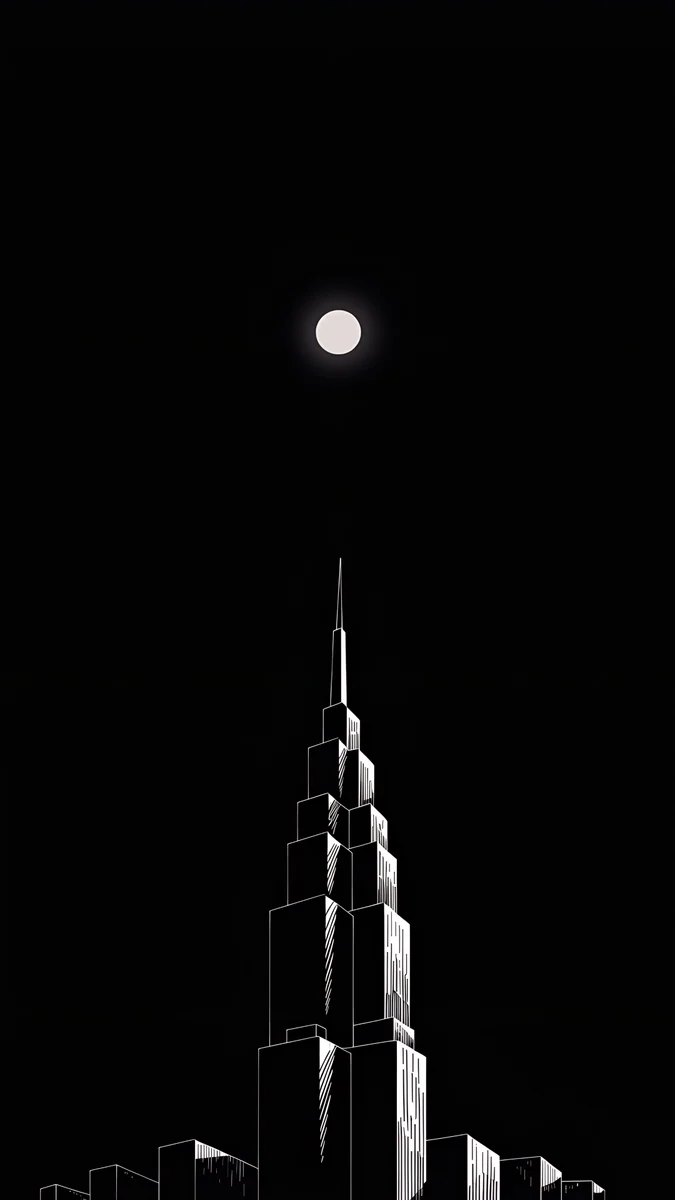 Lone Spire
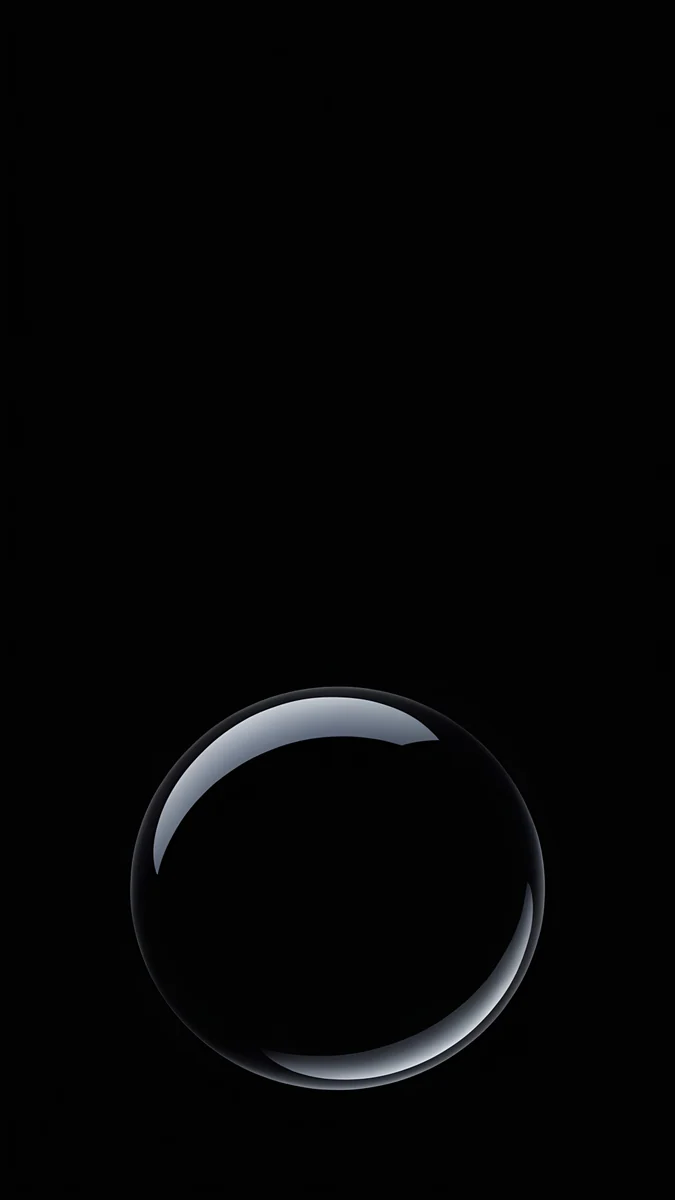 Black Glass Sphere
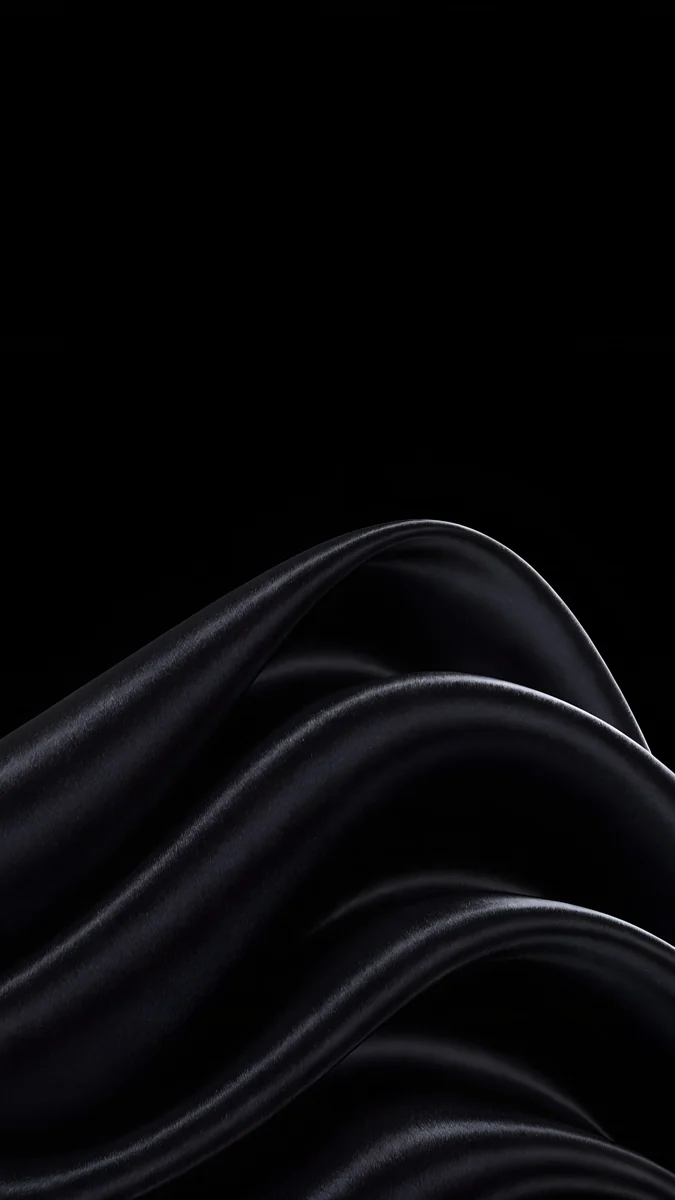 Black Satin
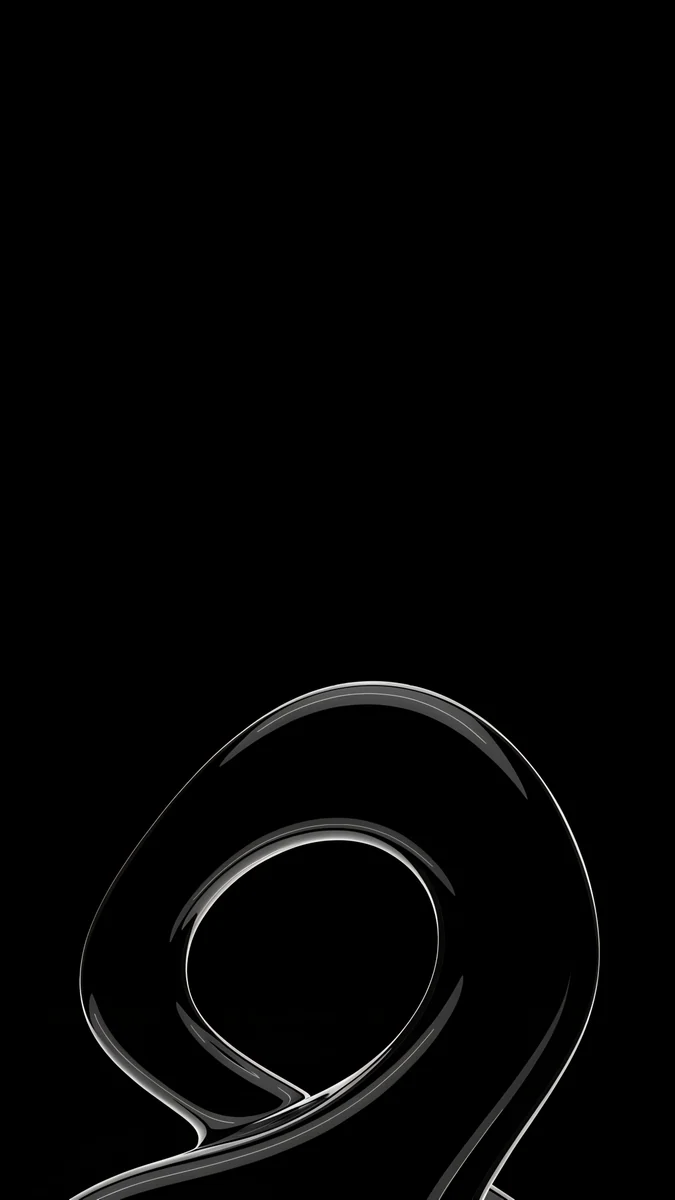 Silver Loop
 Silver Light Arcs
 Light Slits
 Ink Moon Lantern
 Midnight Snow Globe
 Pagoda Moon
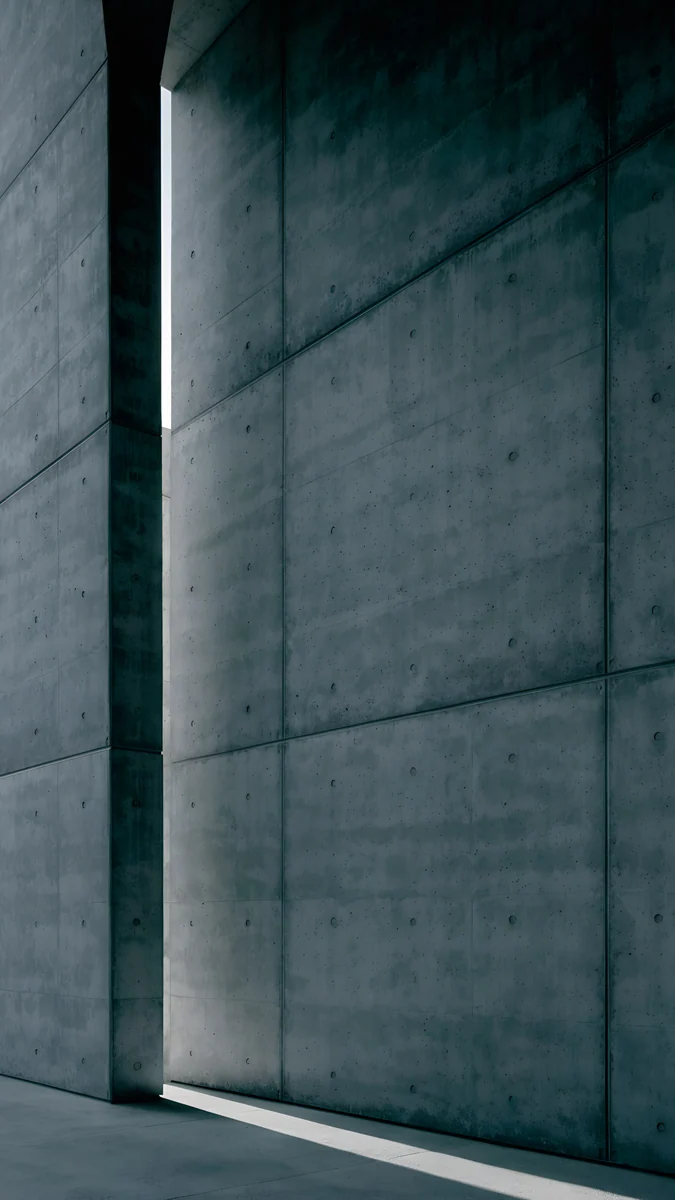 Charcoal Slot
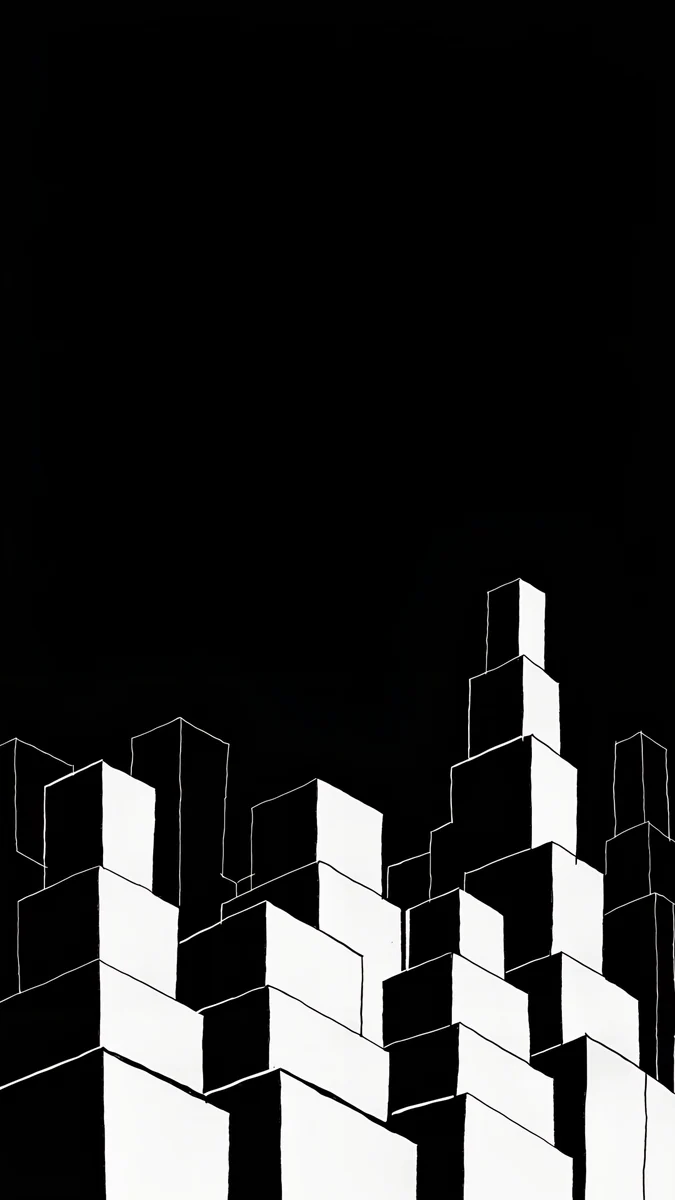 Night Blocks
Free 4K originals for iPhone and Android, no watermark
On this page
A black wallpaper is the easiest way to make a phone look calm: the clock gets the sharpest possible contrast, app icons stand out, and dark mode finally looks finished. The best ones are not a flat black rectangle, though. They keep most of the frame black and add one quiet detail, a fold of satin, a thin silver line or a small moon, so the screen has depth without noise. Below are original Velpaper black wallpapers in three groups: pure black with glossy shapes, black with a single light accent, and matte near-black scenes for anyone who finds pure black too stark. Every phone wallpaper is a 4K original at 2160 by 3840 pixels, and two black desktop wallpapers in 4K let you match a laptop or PC to your phone. None of them carries text, logos or a watermark.
What a black background does on a phone
The clock gets the strongest contrast. White digits on black are the most readable combination a lock screen can show, and notifications on top stay legible too.
Icons become the colour. On a black home screen, the only colour comes from your apps. If you use dark or tinted icons, the tiles melt into the background and only the symbols remain, which gives a very tidy look.
Dark mode looks complete. With a bright wallpaper, dark mode menus sit on a light picture and feel unfinished. Black removes that mismatch.
On an OLED screen black pixels switch off, which is why black backgrounds are often recommended for battery. That question, and the real numbers behind it, is covered in our dark OLED wallpapers guide, so this page sticks to looks.
Pure black: glossy shapes on #000000
This is the darkest group. Each design sits on a true black background, and the only detail is a black shape lit along its edge by a thin silver highlight.
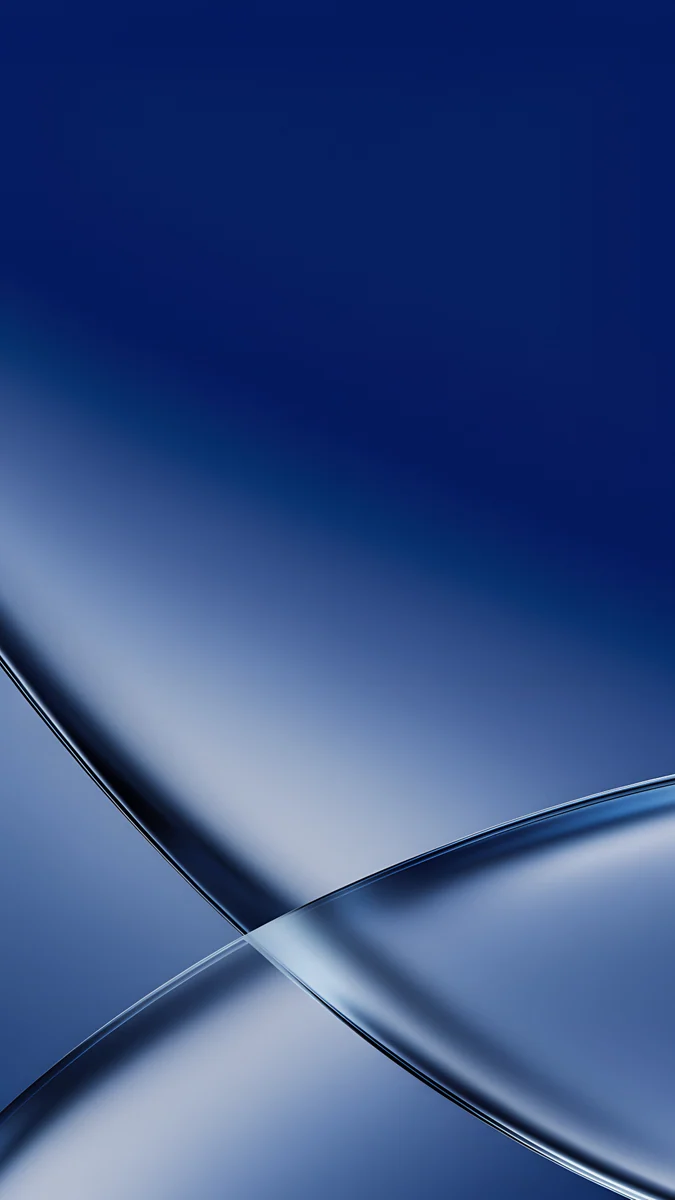
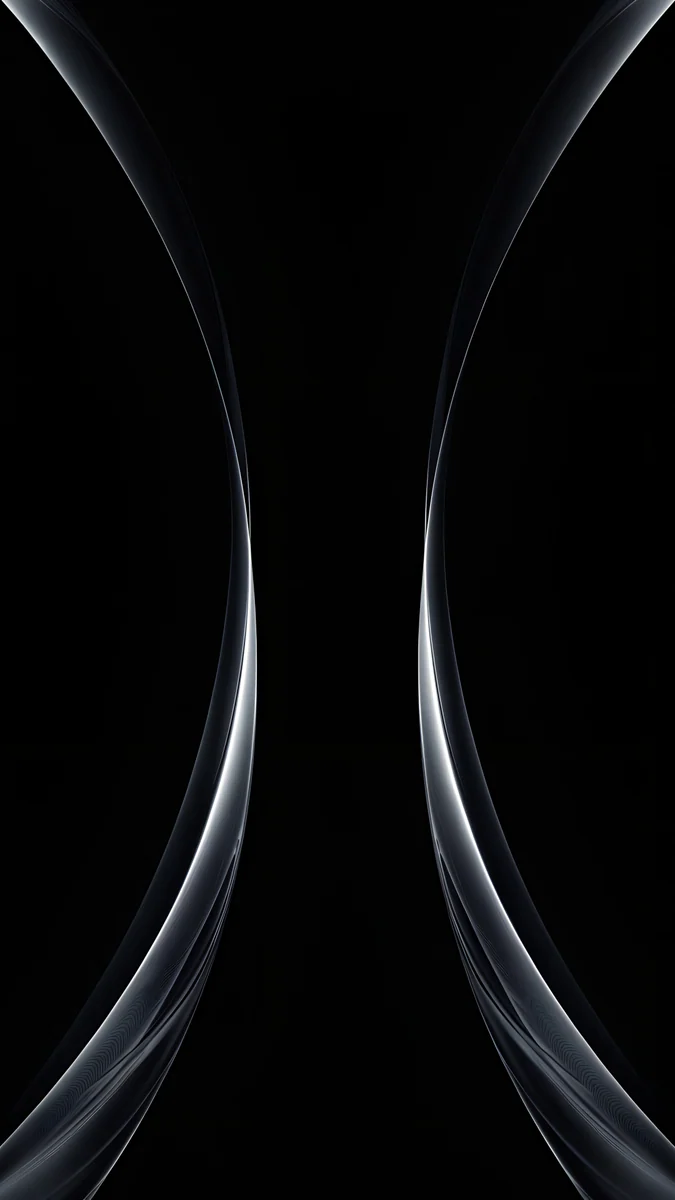
Obsidian Waves4K · PhoneBlack Satin4K · PhoneBlack Glass Sphere4K · PhoneSilver Loop4K · PhoneSilver Light Arcs4K · PhoneObsidian Waves keeps its glossy waves in the lower half, so the top of the screen is empty black for the clock. Black Satin spreads soft folds across the frame at low contrast, the calmest choice for a home screen full of icons. Black Glass Sphere and Silver Loop each place one object low in the frame with black all around. Silver Light Arcs draws two thin silver curves along the edges and leaves the centre black, which frames the clock without touching it.
Black with one light accent
If pure black feels too empty, add a single point of light. A moon, a lantern or one glowing tower gives the eye somewhere to land, while the rest of the screen stays dark.
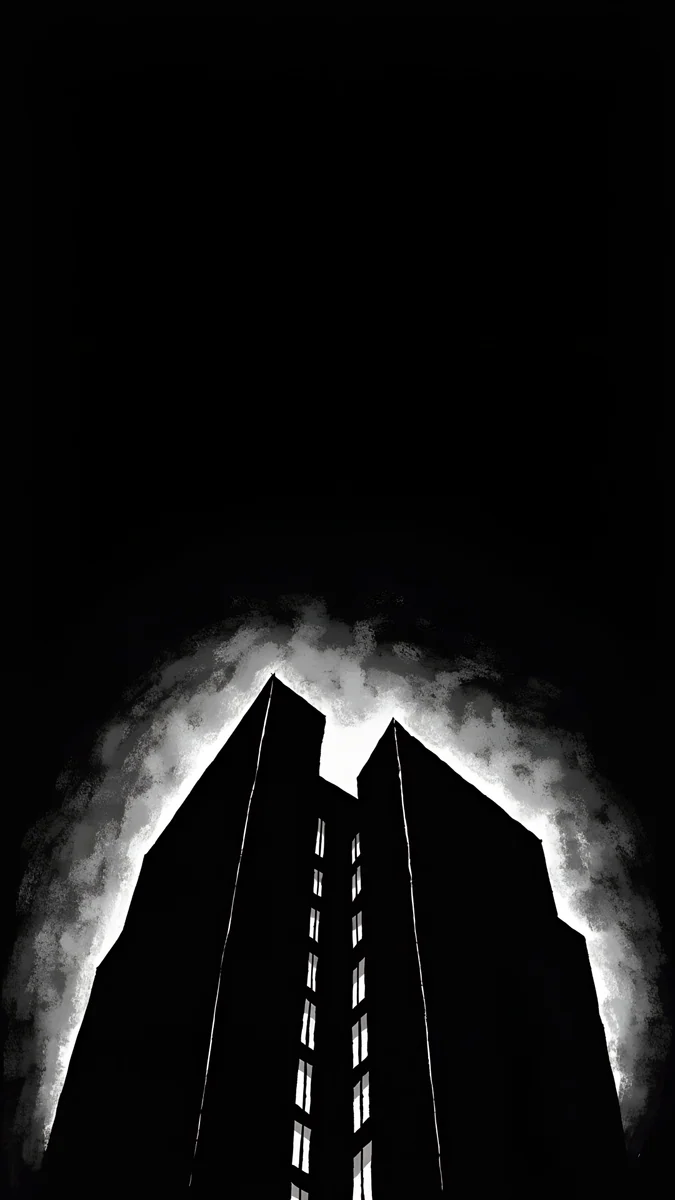
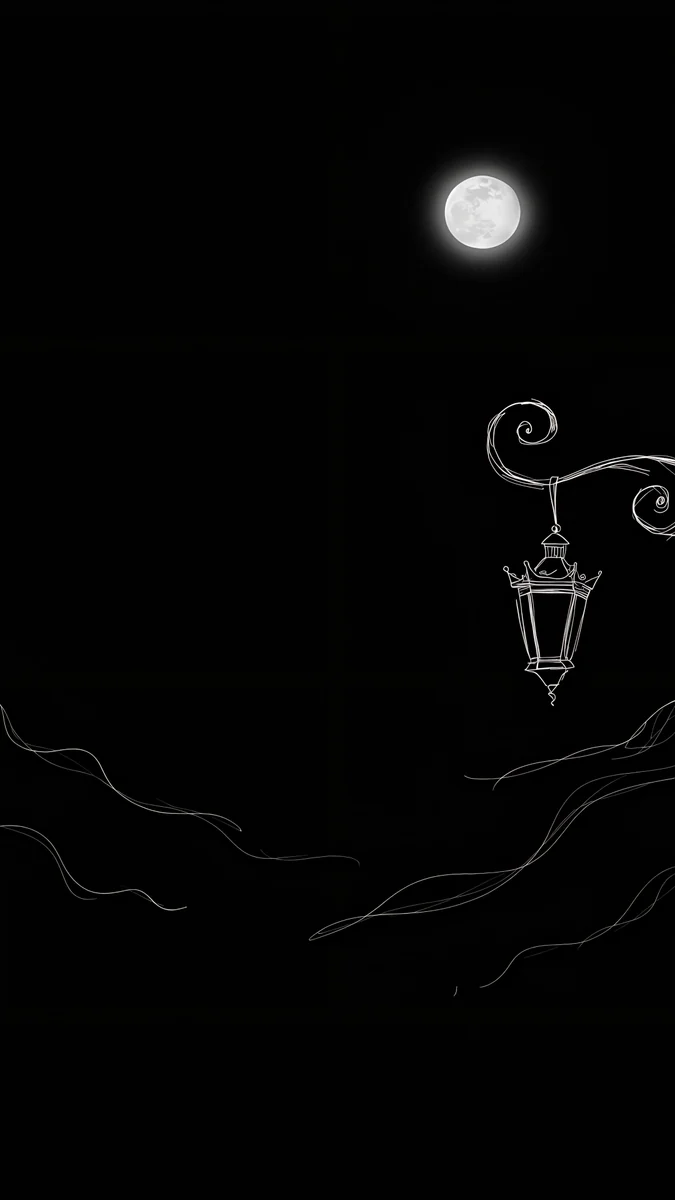
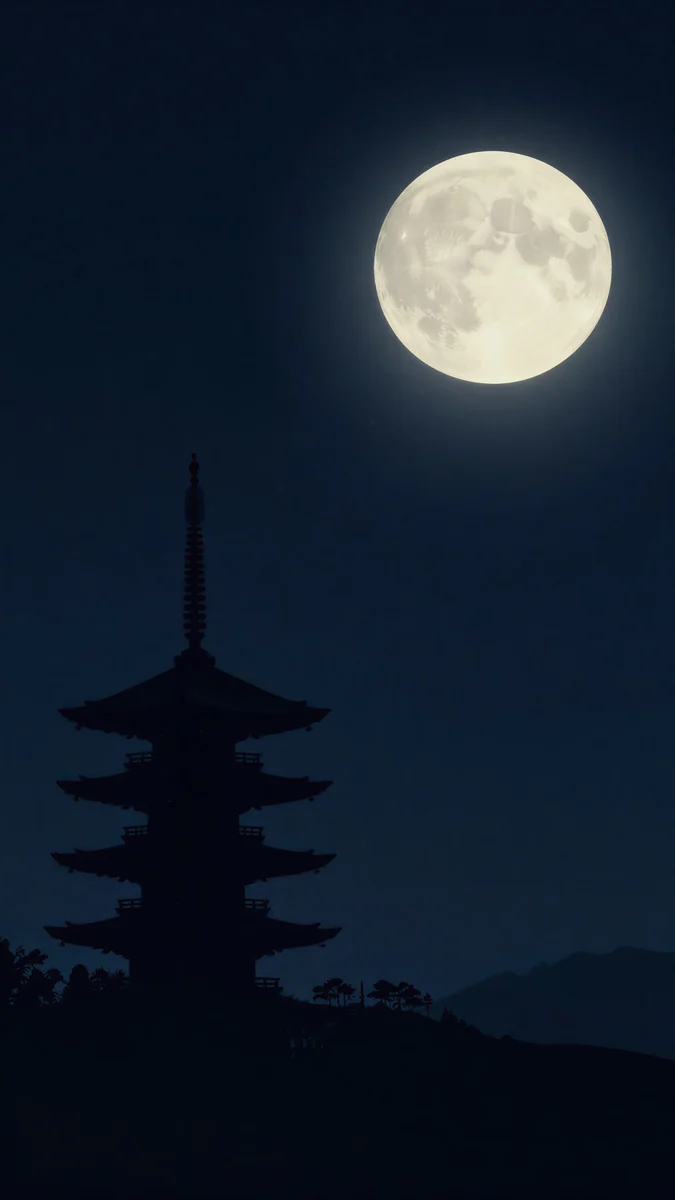
Lone Spire4K · PhoneLight Slits4K · PhoneInk Moon Lantern4K · PhoneMidnight Snow Globe4K · PhonePagoda Moon4K · PhoneLone Spire is a black tower under a small white moon, a graphic noir look. Light Slits outlines a dark skyscraper with a white glow. Ink Moon Lantern hangs one lantern under a full moon, drawn in fine ink lines. Midnight Snow Globe puts a small glass globe in a corner of black, a good winter choice. Pagoda Moon is the softest, a pagoda silhouette against a deep navy night that reads as black on most screens.
With an accent, place it where the clock is not. On iPhone, the clock sits at the top, so designs with the detail in the middle or lower half work best.
Matte black and near-black
Some people want black without the gloss. These designs use charcoal concrete, dark city towers and night mountains: still very dark, but with texture instead of shine.
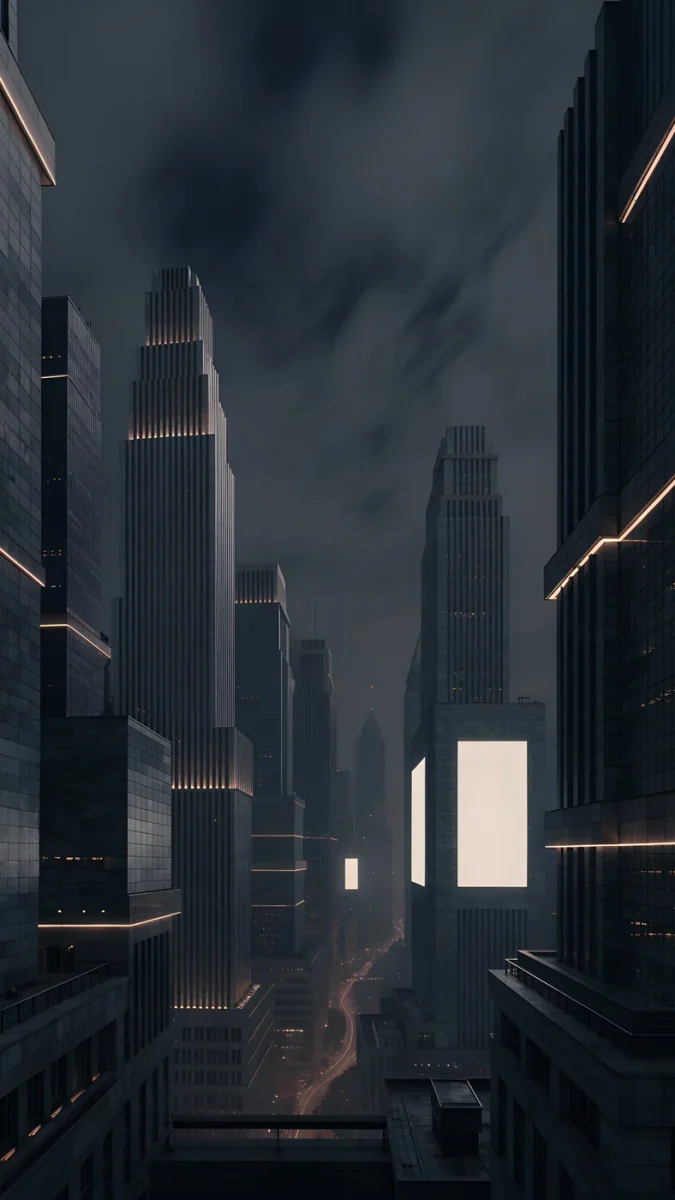
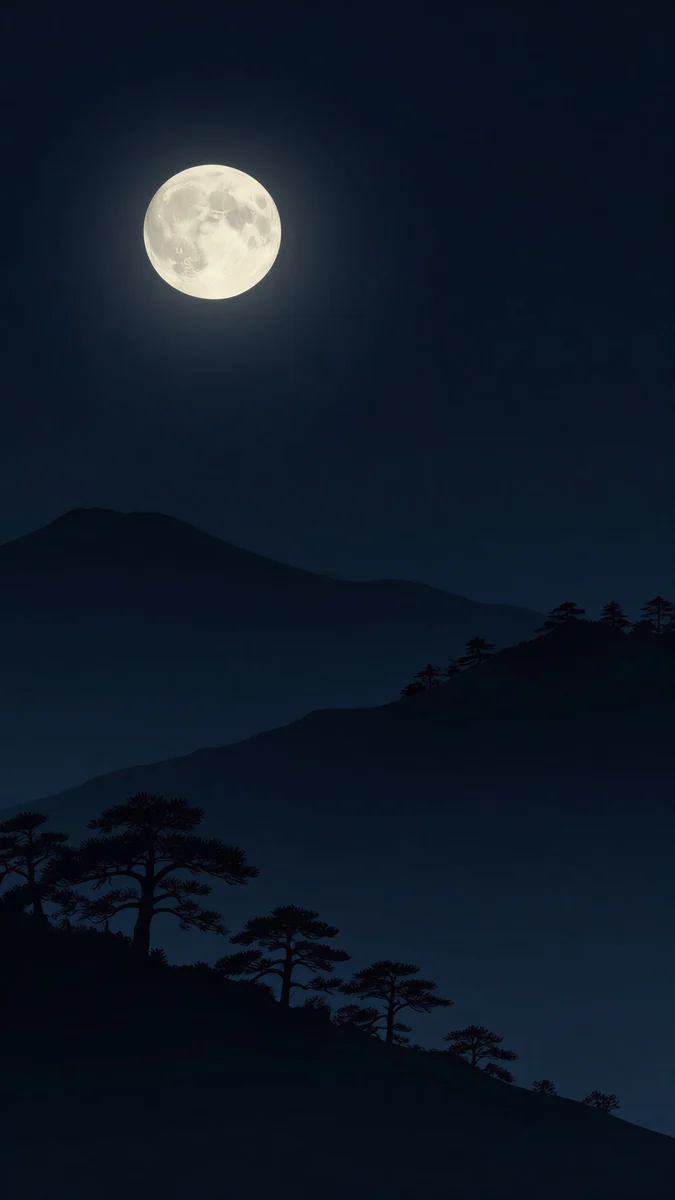
Charcoal Slot is a dark concrete wall with one narrow slit of daylight, the most matte image here, closer to charcoal grey than to pure black. Night Blocks stacks black buildings outlined in thin white lines. Amber Metropolis fills the frame with dark towers and a few warm lights, and Moon Pines sets dark ridges under a full moon. If you like the black and white side of this look, see our black and white wallpapers.
Black desktop wallpapers to match your phone
Black works just as well on a laptop or PC, behind white menu text and dark windows. Two Velpaper desktop designs are true black, and both are free 4K originals.
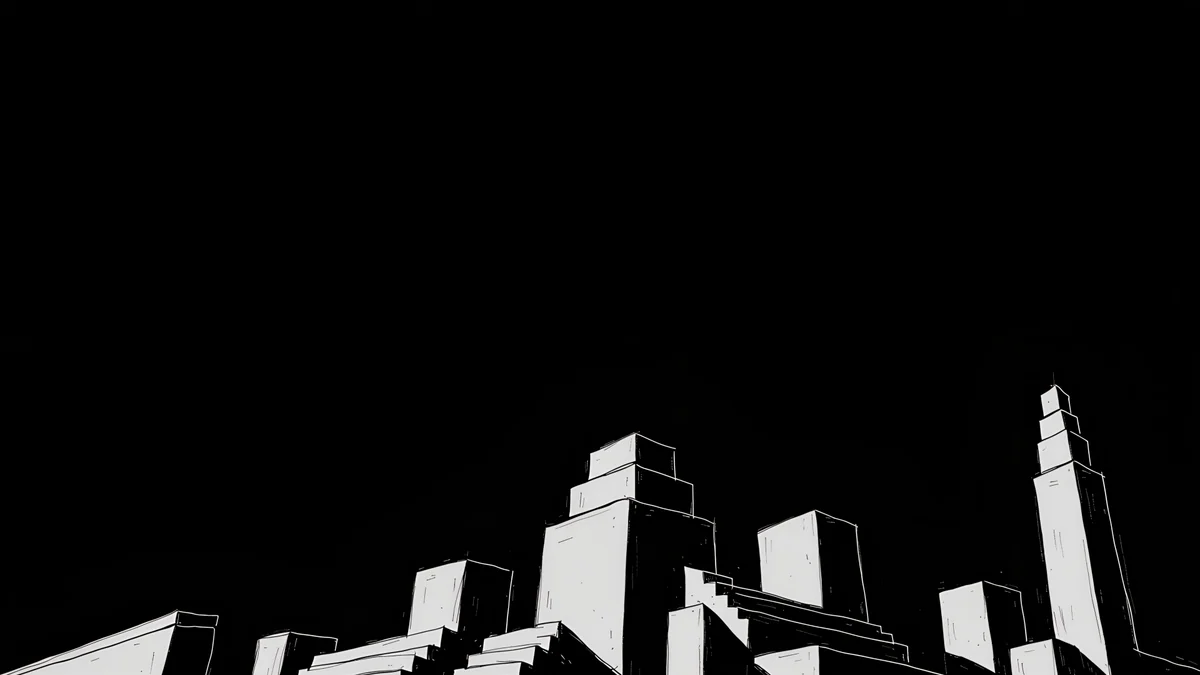 Night Blocks4K · Desktop
Night Blocks on desktop runs a low skyline of white-outlined blocks along the bottom edge and leaves a wide black sky for icons. It is the partner of Night Blocks on the phone.
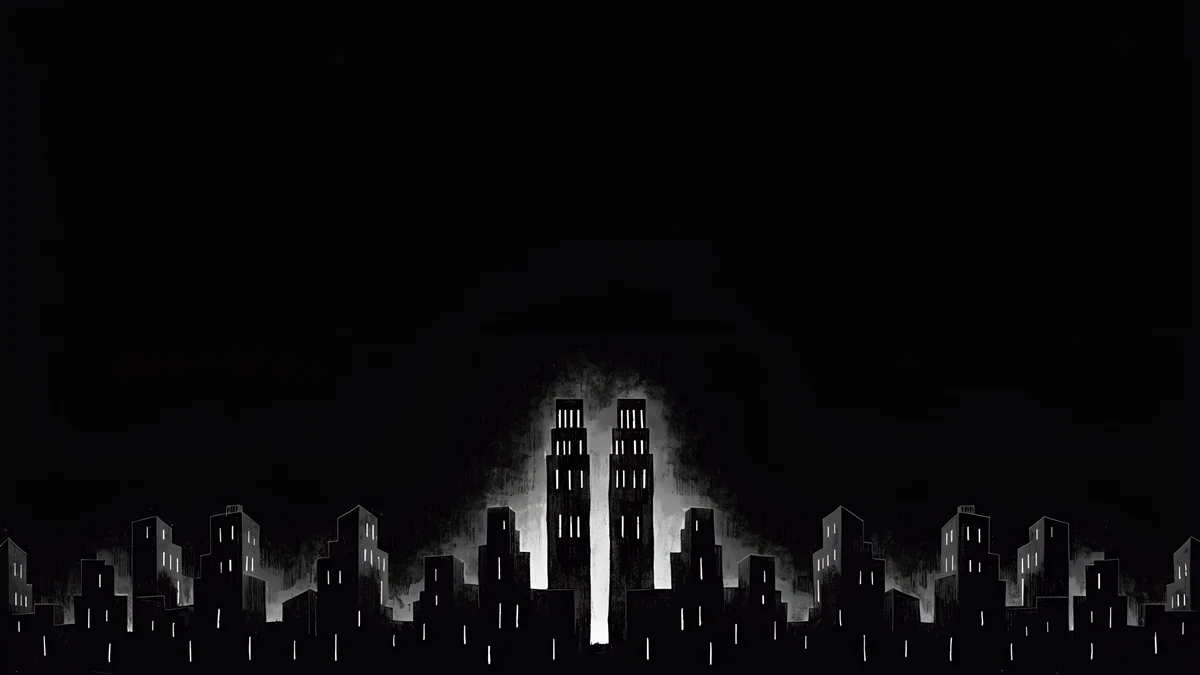 Light Slits4K · Desktop
Light Slits on desktop shows a skyline with glowing white towers in the middle of a black frame, the wide version of Light Slits above. For more wide designs in every colour, browse our desktop wallpapers.
Apple's own steps are in Change your iPhone wallpaper, and Google's are in Change your Pixel wallpaper.
How to pair black lock and home screens
Use the accent on the lock screen and the calm one behind the apps. Lone Spire or Obsidian Waves on the lock screen and Black Satin on the home screen share a palette but do different jobs. On iPhone you set them separately by choosing Customize Home Screen when you add the wallpaper.
Keep the clock white on pure black. On designs with a moon or lantern, you can tint it with the colour of that light: touch and hold the Lock Screen, tap Customize, then tap the time.
Next step: open Obsidian Waves, save the 4K original and set it as your lock screen. For your computer, take the free Night Blocks desktop version.
Original wallpapers in 4K and 5K for iPhone, Android and desktop.
Questions
What is the difference between pure black and matte black wallpapers?
A pure black wallpaper uses a true black background, #000000, with only a thin highlight on a shape, like Obsidian Waves or Black Satin. On an OLED screen those black areas are switched off and look like the glass itself. A matte black wallpaper is very dark but has texture: concrete, stone or a night city, like Charcoal Slot or Amber Metropolis. It reads as black at a glance but feels softer and less glossy. Pick pure black for a minimal look and matte black if pure black feels too empty.
Does a black wallpaper save battery?
On an OLED phone a little, because black pixels are switched off while the wallpaper is visible. On an LCD screen there is no real difference, because the backlight stays on whatever the picture shows. The wallpaper is covered by apps most of the time, so the effect is smaller than with dark mode in apps. Our dark OLED wallpapers guide explains the measured numbers in detail. Choose a black wallpaper for the look and the contrast first, and treat any battery gain as a bonus.
What clock colour should I use on a black wallpaper?
White is the clearest choice and works on every wallpaper in this collection. On designs with one light source, you can tint the clock with that colour, for example pale white on Lone Spire or a warm tone on Amber Metropolis. Avoid dark grey or deep colours, which disappear on black. On iPhone, touch and hold the Lock Screen, tap Customize, then tap the time to change colour and font. On Android the options depend on the phone, and many models offer a few clock styles and colours in the lock screen settings.
What size are these black wallpapers?
Every phone wallpaper is a 4K original at 2160 by 3840 pixels, a 9:16 portrait frame that iPhone and Android scale down to any current screen without blur. The two desktop wallpapers, Night Blocks and Light Slits, are 4K originals in a wide 16:9 frame, sharp on Full HD, QHD and 4K monitors. Previews on the site are compressed to load fast, so always save the original from the wallpaper page rather than taking a screenshot.
Are these black wallpapers free?
Browsing and previewing are free on the website and in the apps. The phone wallpapers in this collection unlock after a short optional ad in the iPhone and Android apps; on the website, if no ad is available, the original downloads for free. The two desktop wallpapers, Night Blocks and Light Slits, are free with no ad. There is no account and no subscription, and every download is the full original without a watermark.
Carlos Vivero
Designer of Velpaper wallpapers
Carlos Vivero designs the wallpapers in Velpaper: quiet architecture, liquid glass, Japanese ink and calm landscapes. Every piece is made as a 4K original for iPhone, Android and desktop.
Recent work