Are Wallpapers Free to Use? Copyright Basics (2026)
Can you use wallpapers you find online? Personal use vs reposting, printing or selling, Creative Commons and photo licences, and how to check an image first.
In short: Setting a wallpaper you downloaded from a site that offers it as your own phone or computer background is usually fine. Reposting, printing to sell, or putting it in a video, app or product is a different use that needs a licence allowing it, because almost every image is protected by copyright.
By the Velpaper team · Wallpapers by Carlos Vivero, Velpaper designer · · 6 min read
Free 4K originals for iPhone and Android, no watermark
On this page
Using a wallpaper you downloaded as the background on your own phone or computer is usually fine when the site offers it for that, and it is what most wallpaper sites allow. But "free to download" is not "free to use for anything". Almost every image is protected by copyright the moment it is made, so reposting it, printing it to sell, or putting it in a video, app or product needs a licence that allows that use.
This is general information about copyright, not legal advice. Laws differ from country to country, and for anything commercial or high stakes, ask a lawyer where you live.
Personal use vs reuse: what usually needs permission
In most countries copyright is automatic: a photographer or artist does not need to register anything or add a watermark. So the starting point is that you need permission, and the question is what permission the site or licence gives you.
| What you want to do | Usually | What to check |
|---|---|---|
| Set it as the wallpaper on your own phone or computer | Fine, if the site offers the download | The site's terms |
| Share a link to the wallpaper page | Fine | Nothing |
| Repost the image on social media or Pinterest | Needs permission | Licence, credit rules |
| Use it as a YouTube, stream or video background | Needs permission | Licence, whether commercial use is allowed |
| Print it for your own wall | Depends | Whether the licence covers prints |
| Sell it, print it on products, put it in an app or a wallpaper site | Needs an explicit licence | Commercial terms, redistribution limits |
A missing watermark, a missing copyright notice or a "free wallpapers" headline does not change any of this. Many aggregator sites host images uploaded by users without the creator's permission, and they cannot give you rights they do not have.
Licences you will meet, in plain words
- Public domain and CC0: the creator has given up their rights as far as the law allows, or the rights have expired. You can use the image freely.
- CC BY: you can use and change it, also commercially, if you credit the creator the way the licence asks.
- CC BY-SA: like CC BY, but anything you make from it must be shared under the same licence.
- CC BY-NC: no commercial use. A monetised channel or a product usually counts as commercial.
- CC BY-ND: no changes. You can share it as it is, with credit, but not crop or edit it into something new.
- Unsplash License and Pexels License: broad free use, including commercial, with limits such as not selling unaltered copies and not building a similar or competing service from the photos. Read the current text on each site.
- Site terms with no licence: many wallpaper sites allow personal use only. Velpaper's terms of use, for example, allow downloaded wallpapers for personal use on your own screens and do not allow reselling them or redistributing the collection as a competing catalogue.
How to check an image before you reuse it
- Find the original source. In Chrome on a computer, right-click the image and choose Search with Google Lens; on a phone, use the Lens button in the Google app. Bing Visual Search works the same way. Look for the creator's own page rather than a repost.
- Open the licence or terms page on that original site. Look for a licence name, a Creative Commons badge, or a section about how images may be used.
- Match the licence to your use. Personal wallpaper, a social post, a monetised video and a product are four different uses; check each one you need.
- Filter searches by licence. In Google Images, open Tools, then Usage rights, and choose Creative Commons licenses. Always confirm the licence on the source page, because the filter is not a guarantee.
- Keep a record. Save the page link, the licence name and the date, or a screenshot of the licence. Terms can change later.
- Credit the creator exactly as the licence asks, and if anything is unclear, ask the creator directly or choose another image.
Special cases: characters, brands, people and AI images
- Characters and logos. Wallpapers of film, game or anime characters, sports clubs and brands involve someone else's copyright or trademark even when a fan drew them. Fine on your own phone in practice; selling or publishing them is risky.
- Photos of people. Besides copyright, many countries protect a person's image. Using a recognisable person in an ad or product usually needs their consent.
- AI-generated images. The rules are still developing and differ by country. In the United States, the Copyright Office has said that material generated entirely by AI, without enough human creative control, cannot be registered for copyright. That does not make every AI image free to reuse: the tool's terms still apply, and an image that copies a recognisable artwork or character can still infringe.
- Edited images. Cropping, recolouring or adding text does not usually remove the original creator's rights; an edited version is still based on their work.
Original wallpapers with clear terms
Every wallpaper in Velpaper is an original made for the app and the site, designed by Carlos Vivero, so you know where it comes from and what you may do with it: use it on your own screens.
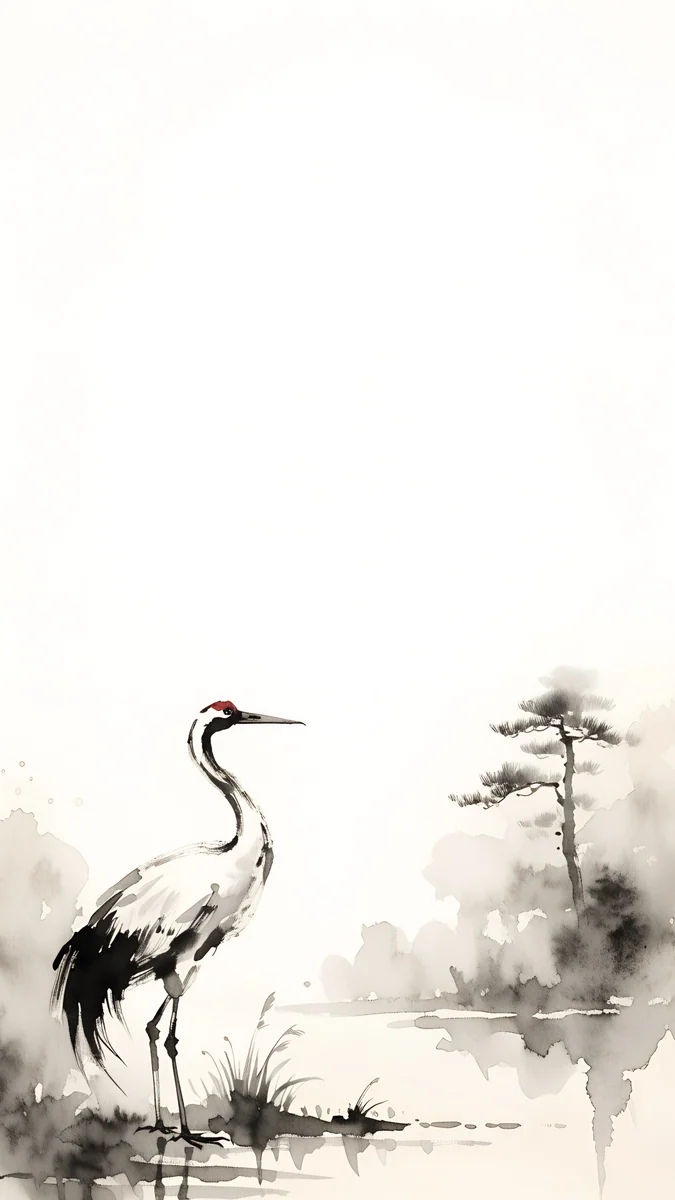 Ink Crane4K · Phone
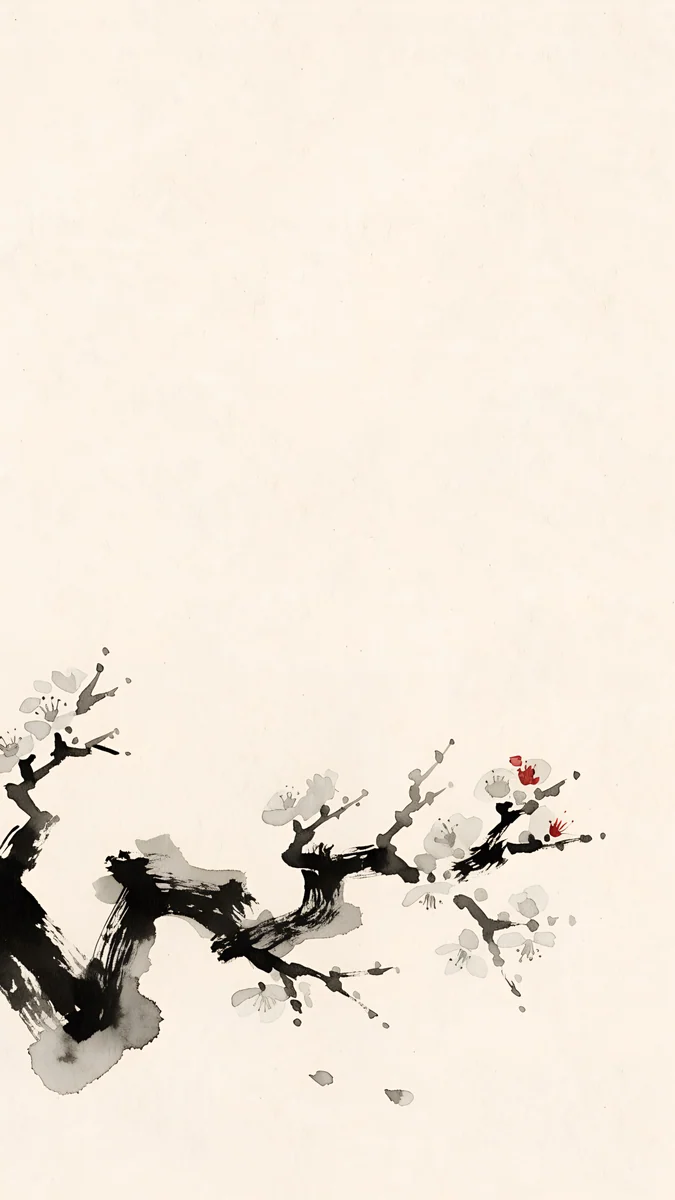 Plum Branch4K · Phone
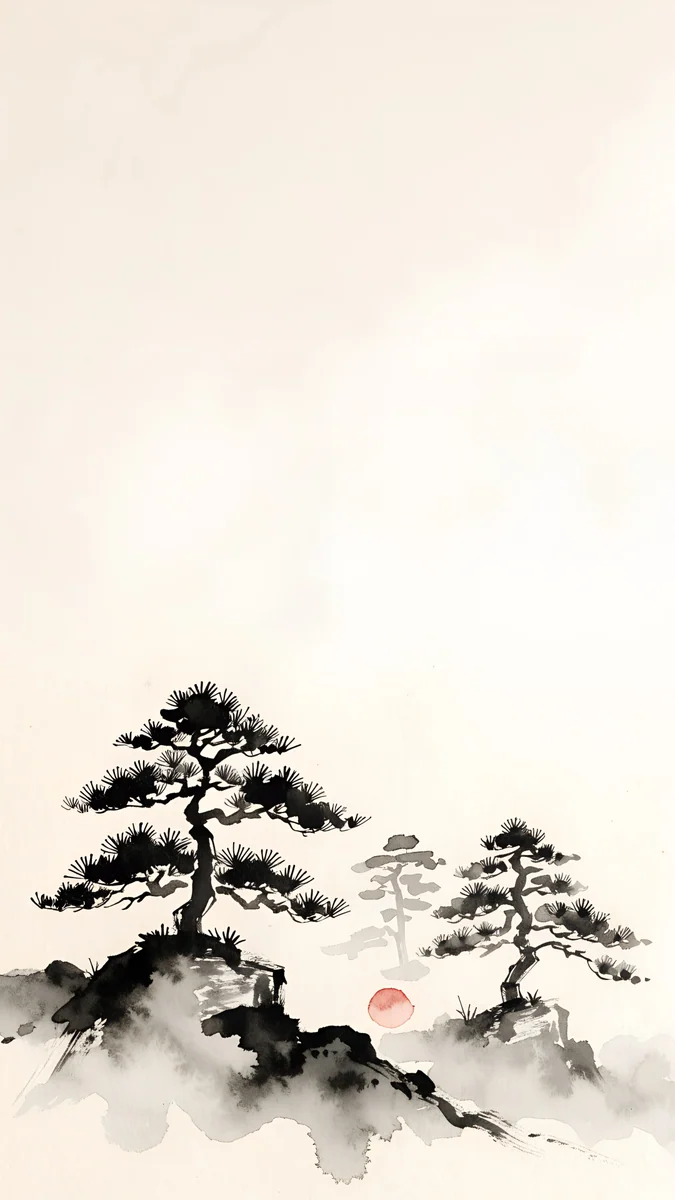 Mist Pines4K · Phone
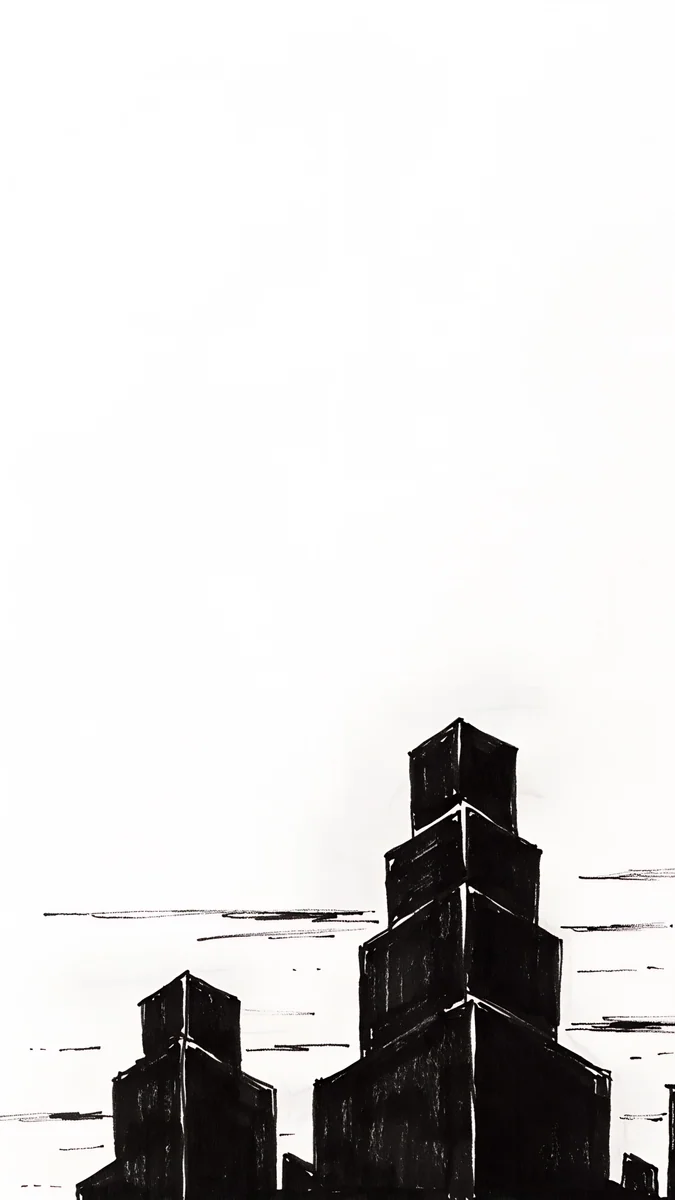 Paper Skyline4K · Phone
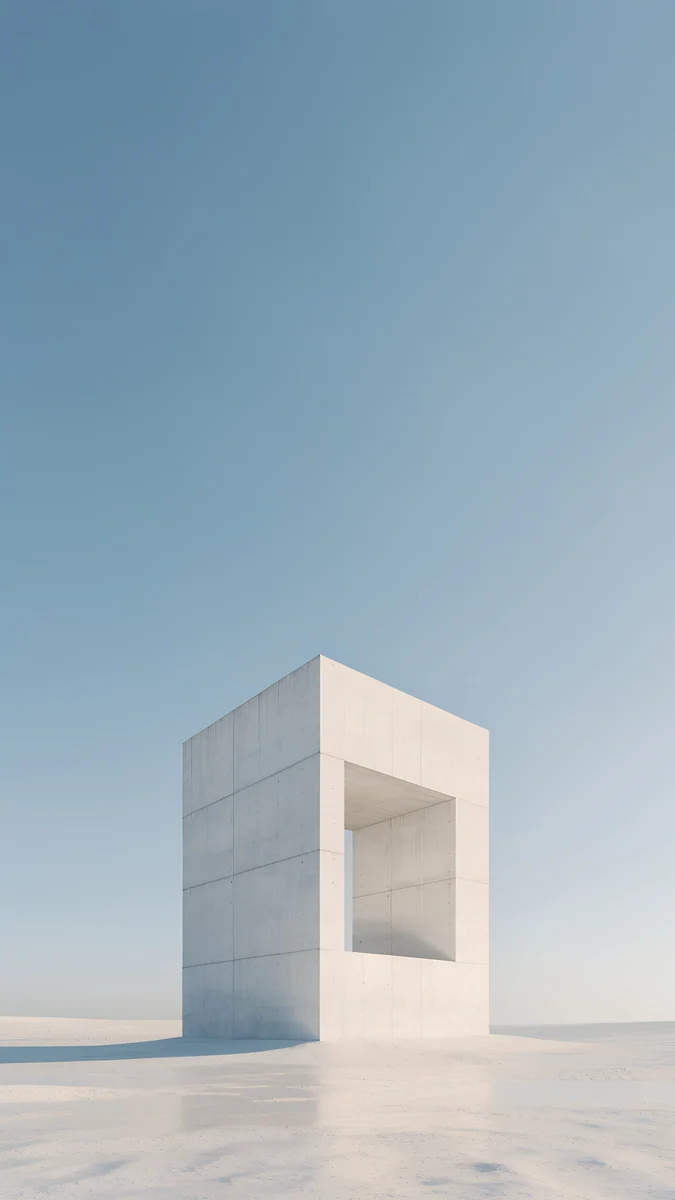 Monolith on the Plain4K · Phone
Ink Crane is a red-crowned crane in reeds with a pine dissolving into mist, the red crown as the only colour. Plum Branch rises from the lower corner in dry ink strokes with three red blossoms, leaving the top clear for the clock. Mist Pines sets three old pines on a ridge with a small red sun. Paper Skyline puts a few stepped towers at the bottom of white paper, ideal with a dark clock. Monolith on the Plain is a single block of warm grey stone on flat land and a lot of sky.
For a comparison of wallpaper sites by licence, resolution and ads, see our guide to the best wallpaper websites.
Common problems and fixes
- "I gave credit, so it is fine." Credit is not permission. It only counts when the licence says credit is the condition, as with CC BY.
- "It had no watermark." A watermark is optional. The image is protected either way.
- "I only used it in a presentation at work." Company use is often treated differently from personal use. Check the licence, or use your company's licensed image library.
- "I got a takedown or a copyright claim." Remove the image unless you can show a licence that covers your use. Your record from the steps above is what helps here.
- "I want the same picture on my phone and my YouTube banner." The phone is personal use, the banner is publishing. Treat them as two separate questions.
Get original wallpapers in Velpaper
Velpaper is an app for iPhone, iPad, Mac and Android, and the same wallpapers are on velpaper.com. Every wallpaper is a 4K original, 2160 × 3840 on a phone, with no account and no watermark, for personal use on your own screens.
- Open Ink Crane in the app or on the site.
- Tap Download and save the original, not a screenshot of the preview.
- Set it as your Lock Screen or Home Screen wallpaper. To share it with a friend, send the link to the wallpaper page.
The full rules are in Velpaper's terms of use.
Original wallpapers in 4K and 5K for iPhone, Android and desktop.
Questions
Can I use any wallpaper I find on Google?
Not for everything. Google Images shows pictures from all over the web, and almost all of them are protected by copyright whether or not they have a watermark. Setting one as the background on your own phone is a low-risk personal use in practice, but reposting it, using it in a video or selling it needs permission from the owner or a licence that allows it. In Google Images you can open Tools, then Usage rights, and choose Creative Commons licenses, but always confirm the licence on the original page. This is general information, not legal advice.
Is it legal to download free wallpapers?
Downloading a wallpaper from a site that offers it for download, and using it on your own devices, is generally what that site intends and allows. The site's terms are what count: many allow personal use only, some offer a licence such as the Unsplash License, and some aggregator sites host images uploaded without the creator's permission. Downloading from those is not the problem most people face in practice; reusing the image publicly is. Read the terms before you repost, print or sell anything. Laws differ by country, so this is general information, not legal advice.
Can I post a wallpaper on Instagram, TikTok or Pinterest?
Only if the licence allows it or the owner agrees. Posting is publishing, which is different from using an image on your own phone. A Creative Commons licence such as CC BY lets you share with credit, the Unsplash and Pexels licences allow broad use, and many wallpaper sites, including Velpaper, allow personal use on your own screens only. The safe way to recommend a wallpaper you like is to share a link to its page, so people download it from the source. Credit alone is not permission unless the licence says so.
Can I use a wallpaper as a YouTube or stream background?
Treat it as publishing, not personal use. A video or a live stream shows the image to the public, and a monetised channel usually counts as commercial use. You need a licence that allows that, such as CC0, CC BY with credit, or a stock licence that covers video, or permission from the creator. Licences marked NC exclude commercial use, and site terms that allow personal use on your own screens do not cover it. Keep a record of the licence in case of a copyright claim. This is general information, not legal advice.
What am I allowed to do with Velpaper wallpapers?
Velpaper's terms of use allow downloaded wallpapers for personal use on your own screens: your iPhone, iPad, Android phone, Mac or PC. You may not resell them, redistribute the collection as a competing catalogue, or claim exclusive ownership. Sharing a link to a wallpaper page is always fine. If you want to use a Velpaper wallpaper in a product, a video or anywhere public, contact the team through the address on the terms page first. Every wallpaper is a 4K original without a watermark, in the Velpaper app or on velpaper.com, with no account.
Carlos Vivero
Designer of Velpaper wallpapers
Carlos Vivero designs the wallpapers in Velpaper: quiet architecture, liquid glass, Japanese ink and calm landscapes. Every piece is made as a 4K original for iPhone, Android and desktop.
Recent work








