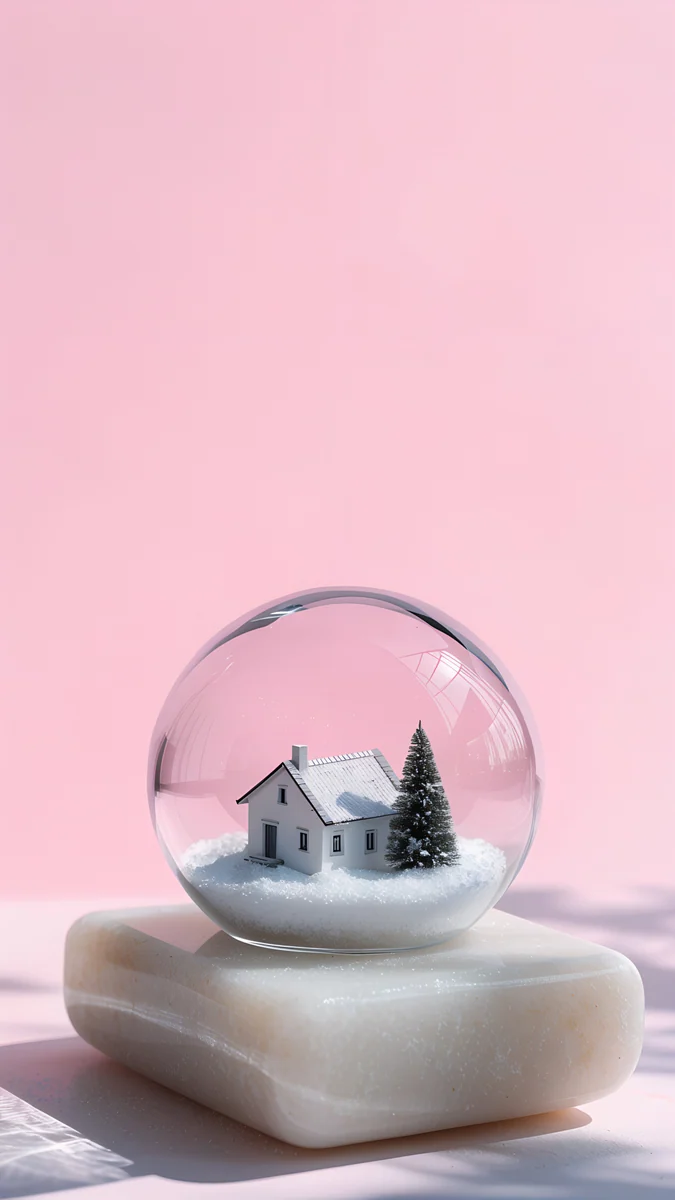
Christmas iPhone Wallpaper: Free 4K Lock Screen Picks
Christmas iPhone wallpapers in dark OLED, snowy and minimal styles, with screen sizes, iOS 26 lock screen and depth effect tips and a matching home screen.
In short: The best Christmas iPhone wallpaper keeps a calm sky at the top for the iOS 26 glass clock and the tree or snow globe below it. Midnight Snow Globe is the dark OLED pick, Snow Stair Tree the bright one for the depth effect, and Emerald Glass Bauble the minimal option, all 2160 × 3840 originals that fit every current iPhone.
By the Velpaper team · Wallpapers by Carlos Vivero, Velpaper designer · · 8 min read
 Midnight Snow Globe
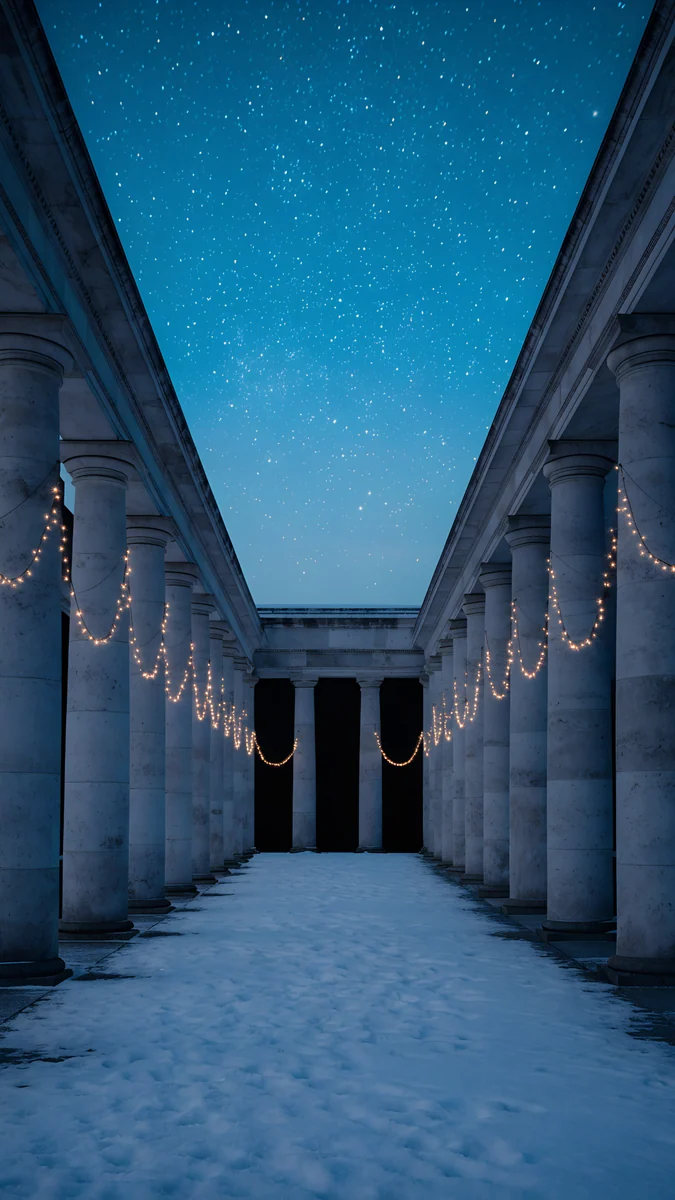 Starlit Colonnade
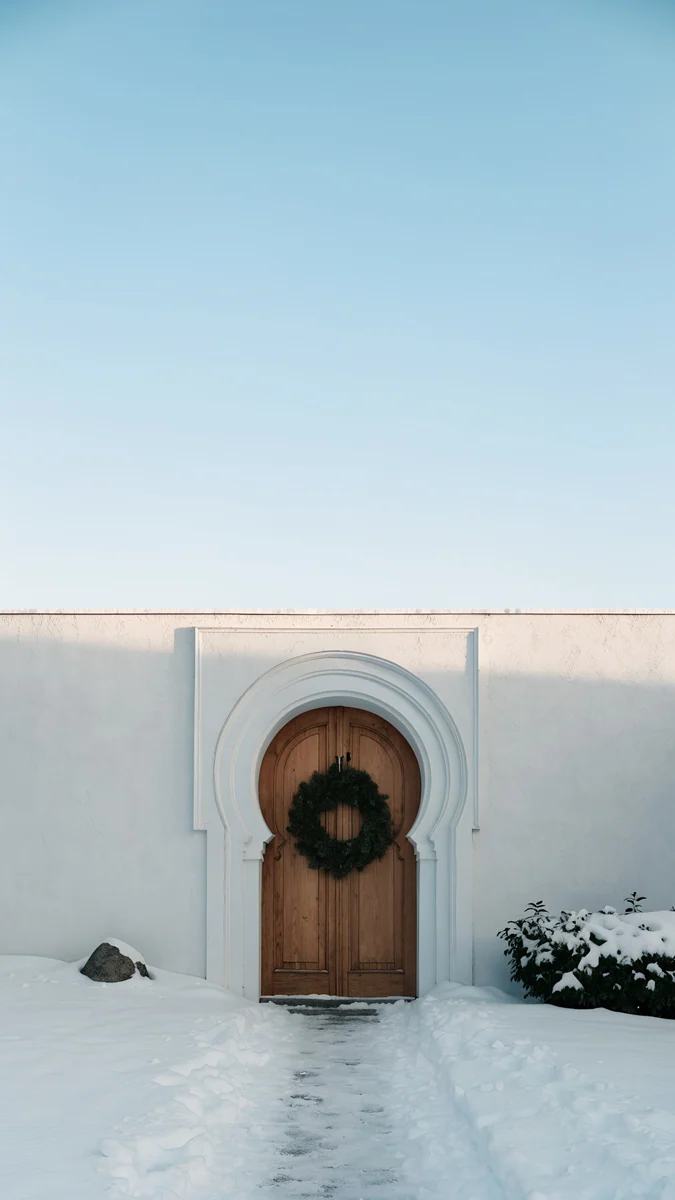 Wreath Door
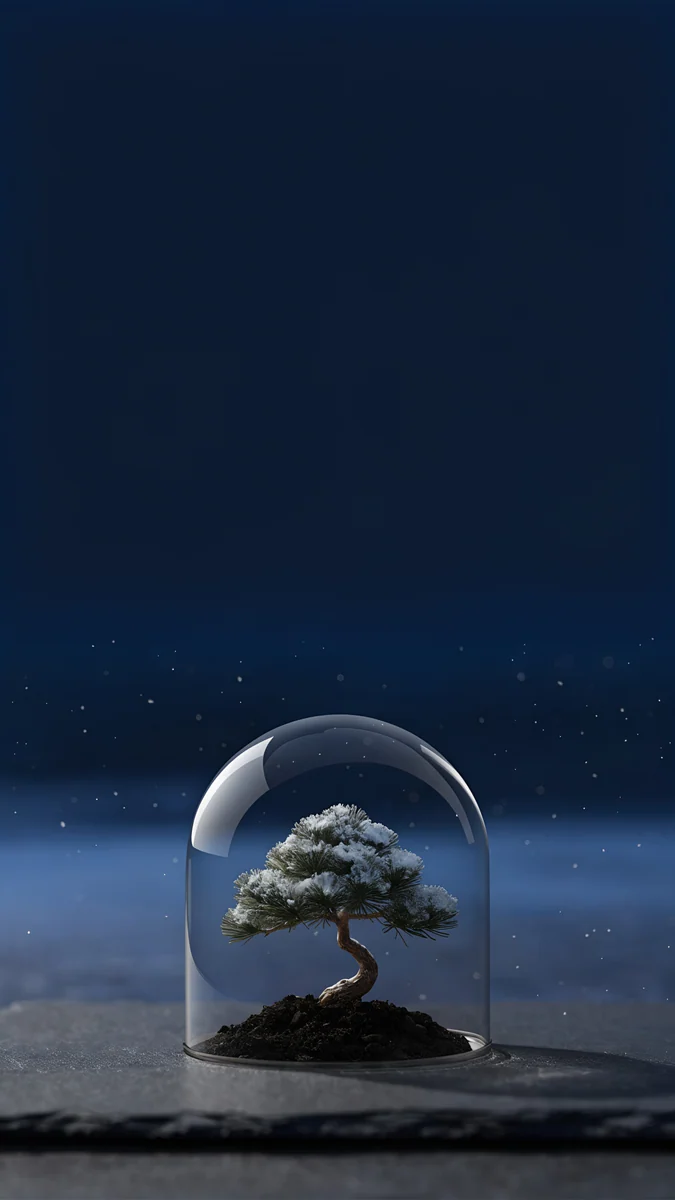 Bonsai Under Glass
 Snow Lantern Village
 Frozen Lake Cabin
 Snow Stair Tree
 Snowy Arch Courtyard
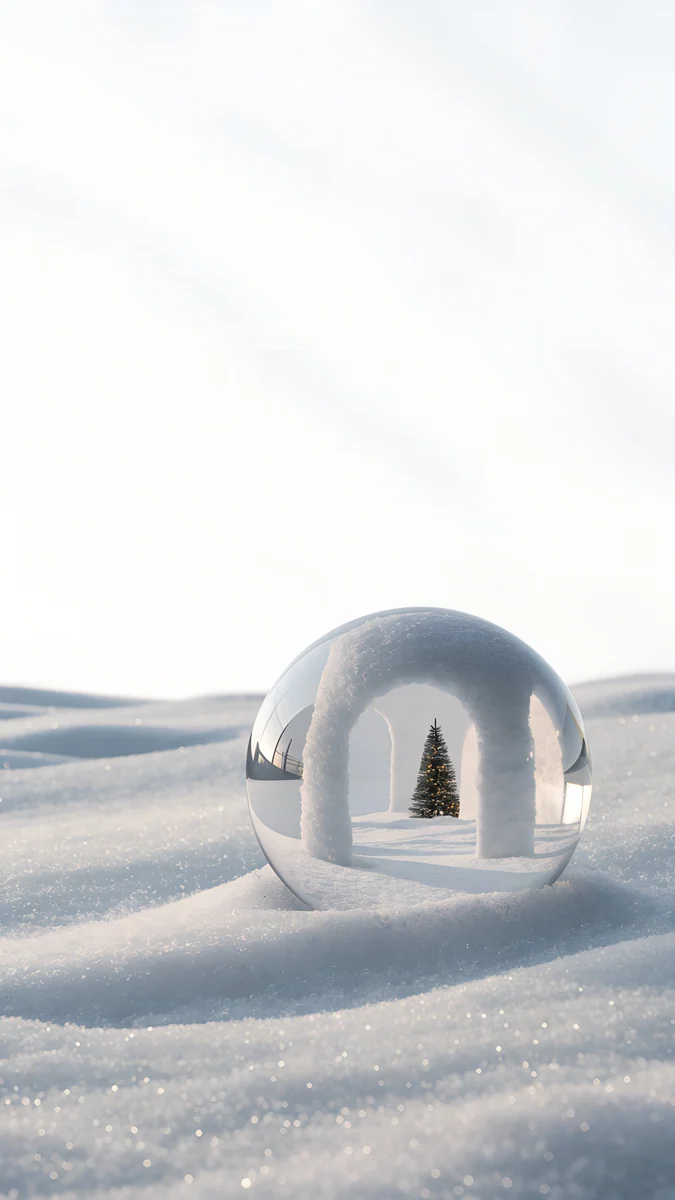 Snow Arch Globe
 Frosted Pine Bauble
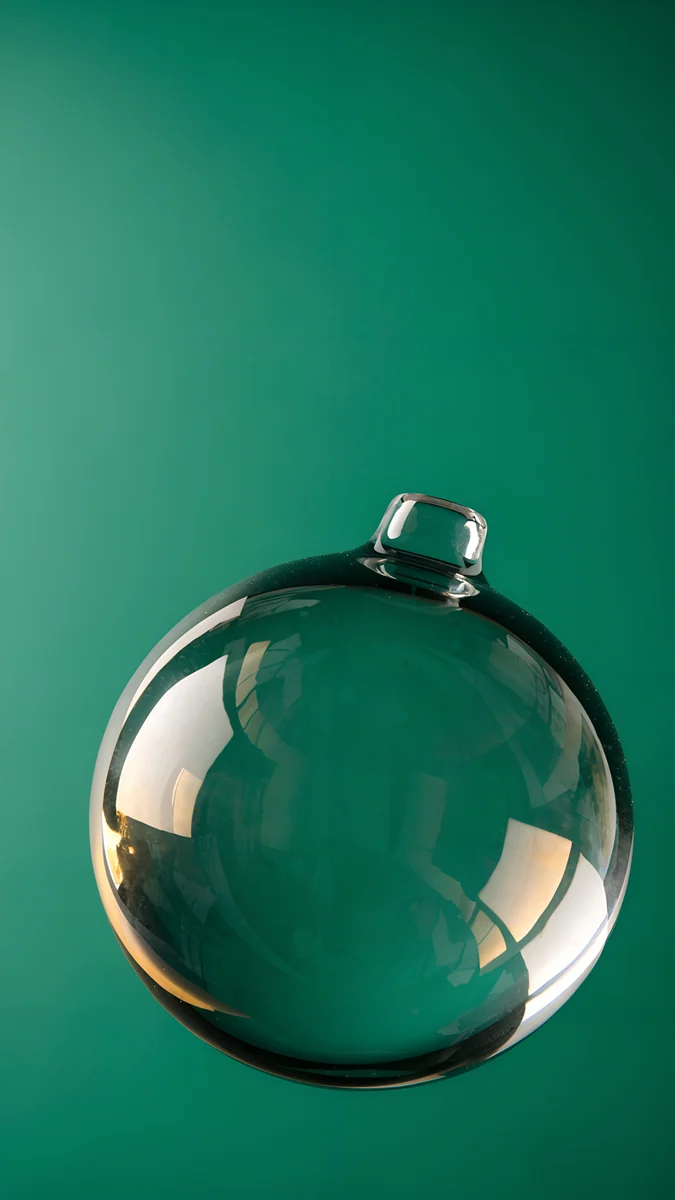 Emerald Glass Bauble
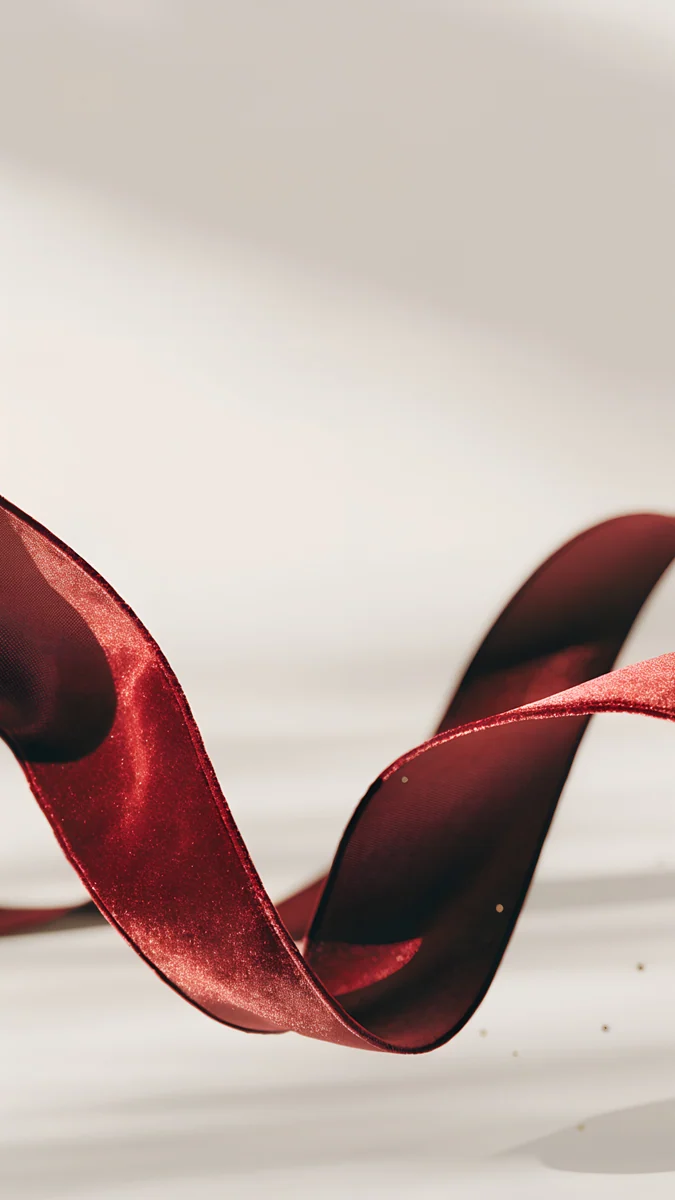 Burgundy Ribbon
Free 4K originals for iPhone and Android, no watermark
On this page
- Christmas iPhone wallpaper size for each model
- How to set a Christmas lock screen on iPhone
- Dark Christmas wallpapers for OLED iPhones
- Bright snowy Christmas wallpapers
- Minimal Christmas color wallpapers
- Depth effect, the glass clock and Always-On
- A matching Christmas home screen
- Common problems and fixes
- Get these Christmas wallpapers in Velpaper
The best Christmas iPhone wallpaper keeps the top of the screen quiet, so the iOS 26 glass clock stays readable, and puts the tree, the snow globe or the wreath in the lower half. Velpaper's Christmas wallpapers come in three looks that suit an iPhone: dark night scenes for OLED screens, bright snowy days, and minimal ornaments in a single holiday color. Each one is a 4K original at 2160 × 3840, larger than every iPhone screen.
Below are the sizes, the quickest way to set a Christmas lock screen and a matching home screen, and each pick with one line on what it looks like and why it works on an iPhone. For the quiet night scenes from our first holiday set, see our minimal Christmas wallpapers.
Christmas iPhone wallpaper size for each model
iOS shows the wallpaper at the native resolution of the screen. These are the current and recent models, width by height:
| Model | Wallpaper size (pixels) |
|---|---|
| iPhone 18 Pro Max, 17 Pro Max, 16 Pro Max | 1320 × 2868 |
| iPhone 18 Pro, 17 Pro, 17, 16 Pro | 1206 × 2622 |
| iPhone Air | 1260 × 2736 |
| iPhone 16 Plus, 15 Pro Max, 15 Plus | 1290 × 2796 |
| iPhone 16, 15 Pro, 15 | 1179 × 2556 |
A 2160 × 3840 file is bigger than all of them, so iOS only scales it down and trims a thin strip from each side, because iPhones are a little narrower than 9:16. That matters for an ornament or a lamp near the edge. Older models are in our iPhone wallpaper size guide.
How to set a Christmas lock screen on iPhone
- Open the wallpaper in the Velpaper app or on velpaper.com and save the 4K original to Photos.
- Open Settings, tap Wallpaper, then Add New Wallpaper, then Photos, and pick the image.
- Pinch and drag so the tree or the snow globe sits below the time. To let a tree stand in front of the digits, tap the More button (three dots) and choose Depth Effect.
- Tap the time to pick a font and a color. On iOS 26 you can keep the glass look or switch to a solid color.
- Tap Add, then Set as Wallpaper Pair for the same picture on both screens, or Customize Home Screen to style the home screen separately.
The menu names match iOS 26 in English and can shift slightly in later updates. Widgets, clock height and every other option are in our guide to iOS 26 lock screen customization.
Dark Christmas wallpapers for OLED iPhones
Night scenes with deep black or navy skies. On an OLED iPhone the darkest pixels are nearly off, so these look rich, keep the glass clock crisp and hold their shape on the Always-On display.
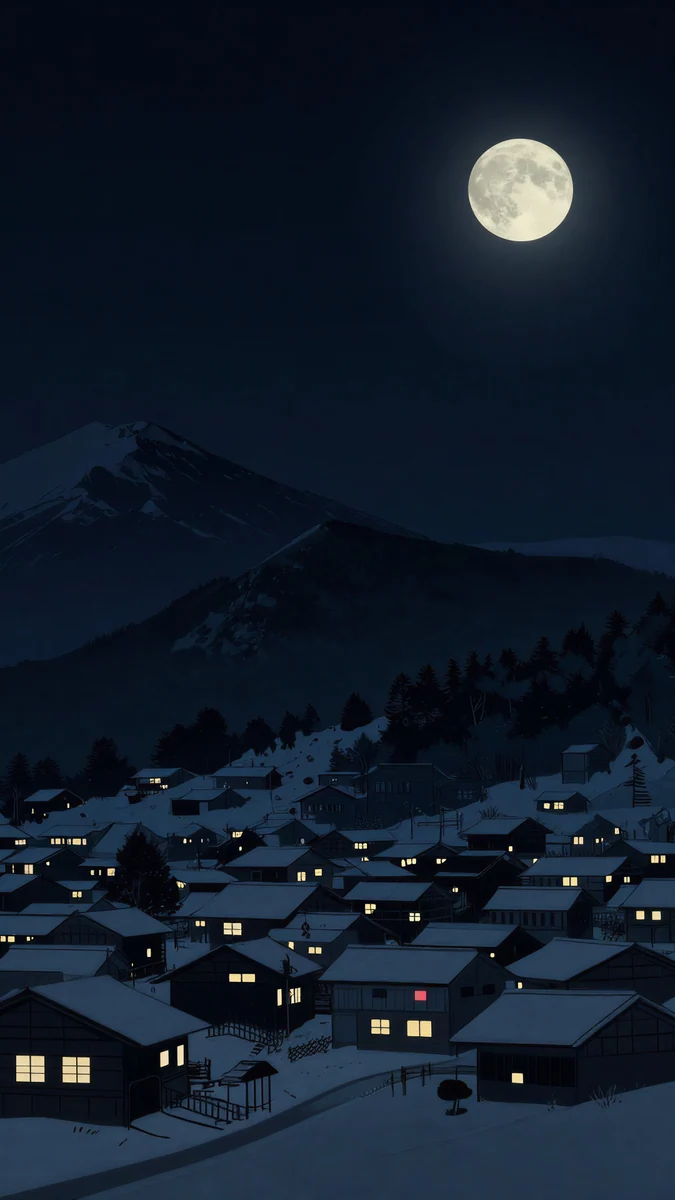
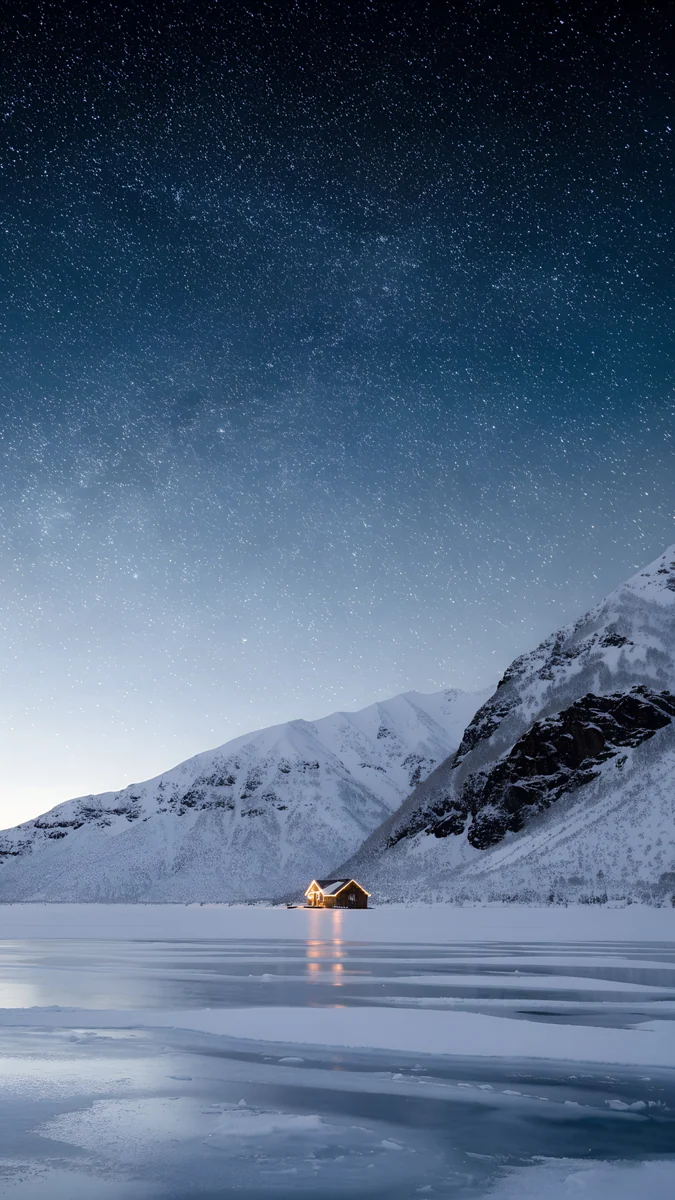
Midnight Snow Globe4K · PhoneBonsai Under Glass4K · PhoneStarlit Colonnade4K · PhoneSnow Lantern Village4K · PhoneFrozen Lake Cabin4K · PhoneMidnight Snow Globe sets one glass globe with a snowy pine inside at the bottom of a pure black screen, so the clock floats on true black and the snowflakes inside the glass do the decorating. Bonsai Under Glass puts a small snow-dusted pine under a glass dome on dark slate, with a plain navy sky above that suits the glass clock. Starlit Colonnade looks down a long row of stone columns hung with warm string lights to a snowy path, and the clock lands in the strip of starry blue sky between the rooflines. Snow Lantern Village is a hillside of snowy roofs with yellow windows under dark mountains and a full moon; the moon sits up and to the right, so drag the picture down a little if it touches the time. Frozen Lake Cabin places one lit cabin on a frozen lake under snowy peaks, but its sky is full of stars, so a solid white clock reads better than glass.
Bright snowy Christmas wallpapers
Daylight, fresh snow and one festive detail. These suit light mode and a white clock in a darker color, and they feel like a Christmas morning rather than a Christmas Eve.
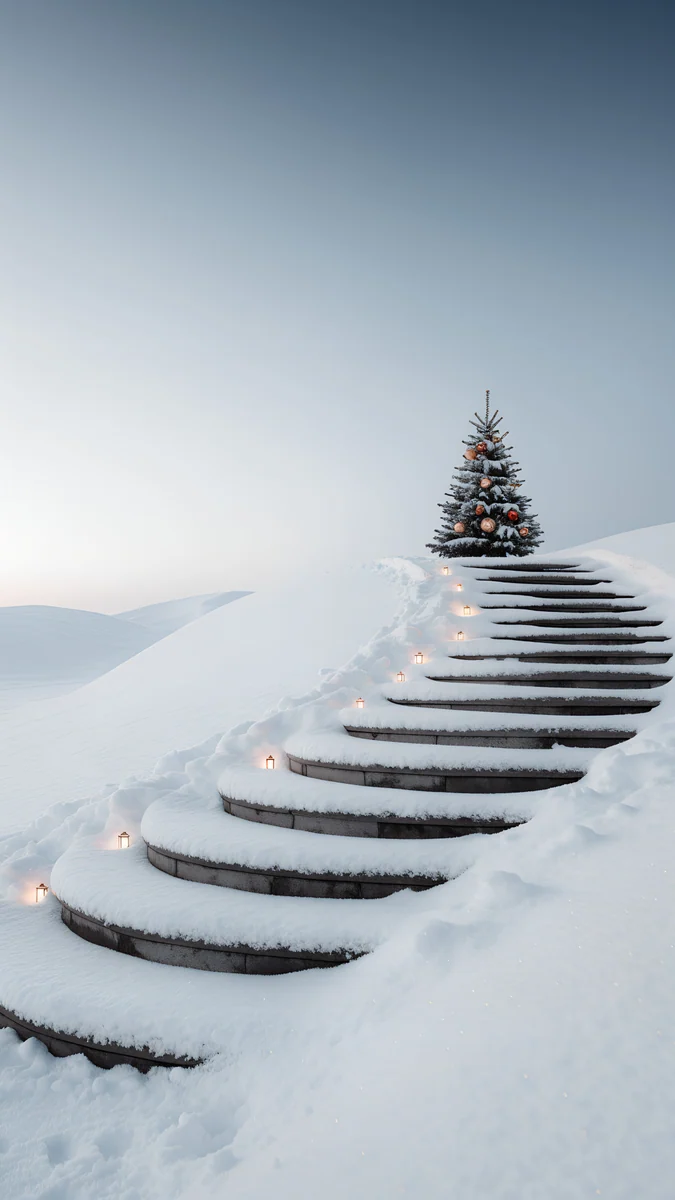
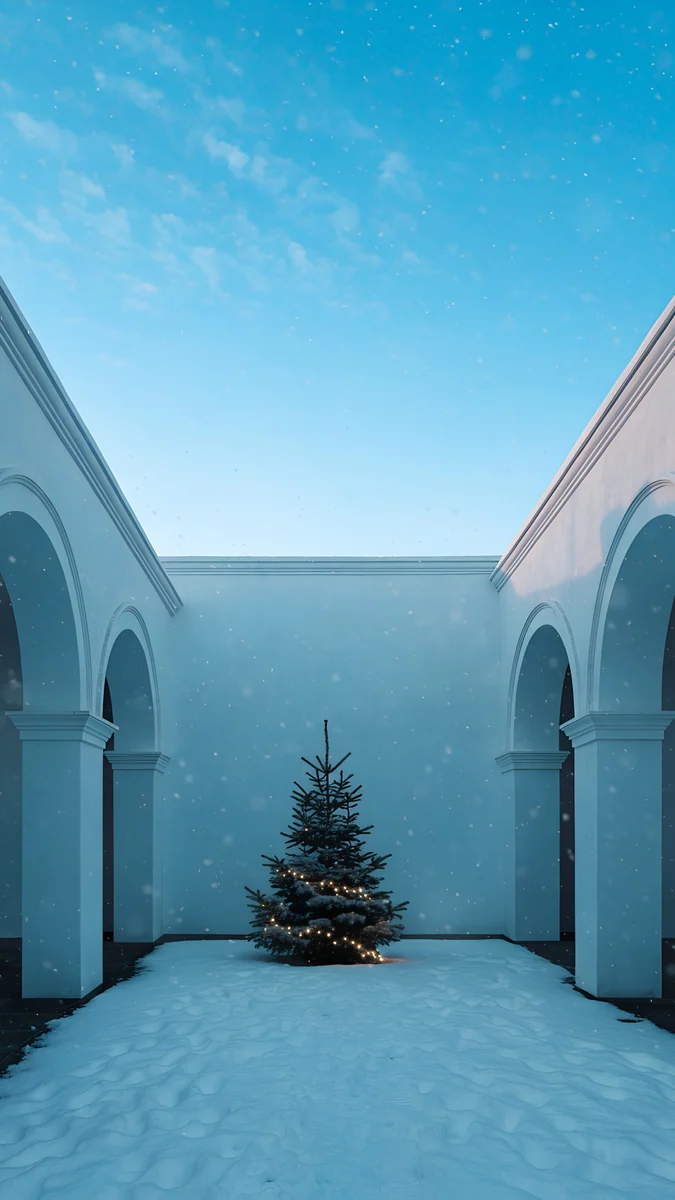
Wreath Door4K · PhoneSnow Stair Tree4K · PhoneSnowy Arch Courtyard4K · PhoneSnow Arch Globe4K · PhoneFrosted Pine Bauble4K · PhoneWreath Door is a white wall with a carved arch around a wooden door and a green wreath, fresh snow on the path and a clean pale blue sky over the top half; a navy or dark green clock stands out more than white glass here. Snow Stair Tree runs snowy steps lined with tiny lanterns up to a decorated tree with red ornaments, alone against a soft gray sky, which makes it the best depth effect candidate on this page. Snowy Arch Courtyard is a white arcade around a courtyard of snow with a lit pine in the middle and a bright blue sky, the most cheerful of the set. Snow Arch Globe rests a clear glass globe in sparkling snow drifts, with a little snow arch and a tiny lit tree inside; it is white on white, so pick a dark gray clock. Frosted Pine Bauble is a close-up of frosted pine branches with one gold bauble hanging over a foggy white field, and the bauble sits in the middle of the screen, clear of the clock and the widgets.
Minimal Christmas color wallpapers
One ornament or one color, no scene. These work for people who want a Christmas iPhone wallpaper that still looks right in January.
Emerald Glass Bauble4K · PhoneBurgundy Ribbon4K · Phone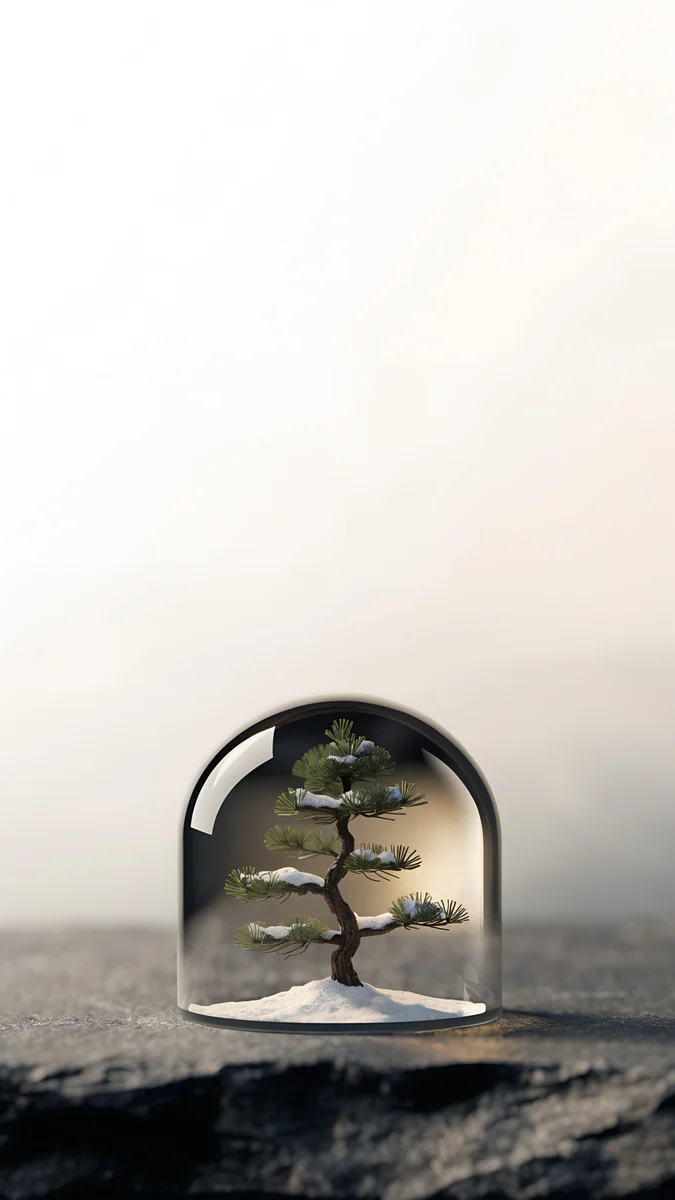 Pine Under Glass4K · Phone
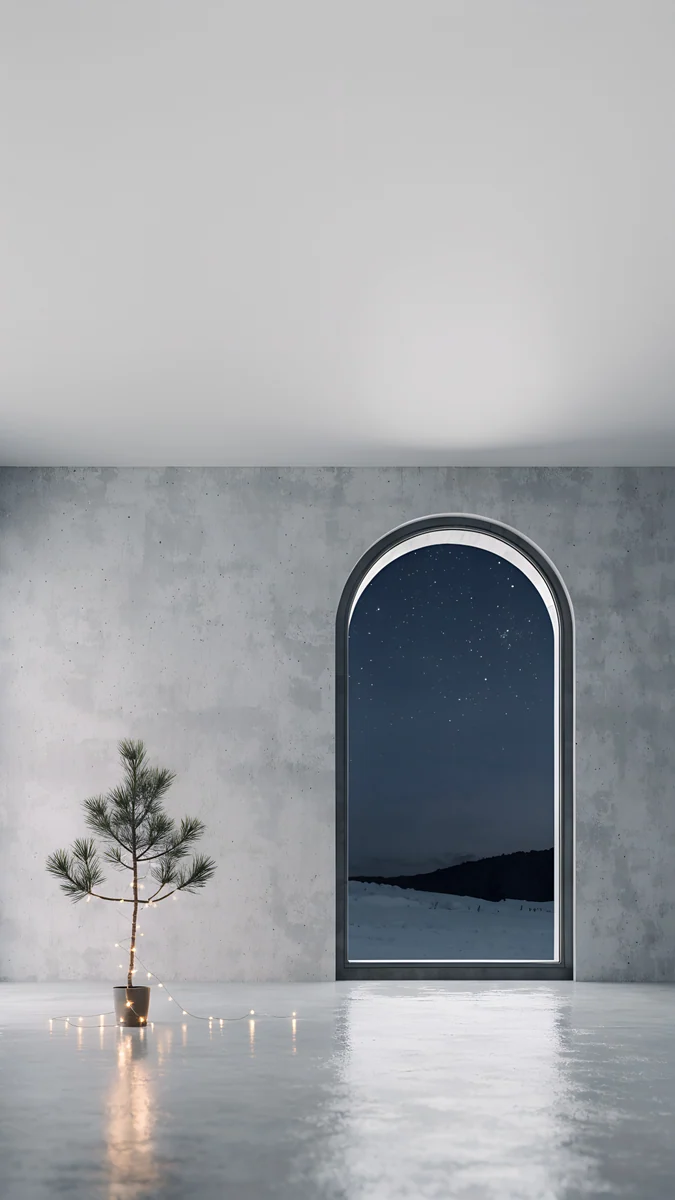 Arched Window Pine4K · Phone
Emerald Glass Bauble floats one clear glass ornament on flat emerald green, and the empty green top turns the glass clock a matching shade. Burgundy Ribbon curls a deep red velvet ribbon across a warm cream background, Christmas colors without a single prop. Pine Under Glass sets a small pine under a glass dome on dark rock in soft cream mist, the calmest pick here. Arched Window Pine shows an empty gray concrete room with a young pine wrapped in string lights and an arched window onto a starry snowy night, with a plain gray ceiling right where the time goes. If you like pink and lilac snow globes, our cute Christmas wallpapers collect the pastel side.
Depth effect, the glass clock and Always-On
- Depth effect needs a clear shape near the top. iOS decides on its own whether it can separate the subject. A lone tree against plain sky, like Snow Stair Tree, has the best chance. Snow globes sit too low to overlap the clock, so they simply stay below it. Widgets under the time can also block the effect. Our depth effect guide lists every fix.
- Glass digits want a calm sky. The iOS 26 clock takes its color from the picture behind it. Over plain black, navy or emerald it looks like glass; over stars or bright snow it can fade, so switch to a solid color.
- Pick the clock color from the picture. A soft gold matches the string lights in Starlit Colonnade, a deep green suits Wreath Door, and white works on every dark scene.
- Dark scenes hold up on Always-On. Midnight Snow Globe and Bonsai Under Glass keep their shape when the screen dims. Bright snowy pictures turn gray. More in our guide to the iPhone Always-On display wallpaper.
A matching Christmas home screen
The home screen is where the wallpaper fights with your apps, so give it a little less detail than the lock screen. After you tap Add, choose Customize Home Screen and turn on Blur to soften the same picture behind the icons, or pick a calmer wallpaper there. Two pairs that work: Snow Stair Tree on the lock screen with Snow Arch Globe on the home screen, both white snow, or Starlit Colonnade with Bonsai Under Glass for a dark navy set.
For icons, touch and hold an empty spot on the home screen, tap Edit, then Customize, and choose Tinted. Use the eyedropper to take a green from Emerald Glass Bauble or a gold from the string lights, and every icon turns the same holiday shade. With Midnight Snow Globe, Dark icons keep the screen almost fully black. The full walkthrough is in our guide to clear and tinted icons.
Common problems and fixes
- The tree is hidden behind the clock. Drag the picture down a little in the editor, or try Depth Effect so the tree stands in front of the time.
- The wallpaper looks zoomed in or soft. You may have saved a screenshot instead of the original. Save the 4K file again. If iOS still zooms, turn off Perspective Zoom in the More menu if your version shows it, or read our iPhone wallpaper zoom fix.
- Depth Effect is grayed out. Remove the widgets under the clock, or pick a picture with one clear subject, such as Snow Stair Tree.
- You want a new Christmas wallpaper every day in December. Save several to one album, then choose Photo Shuffle under Add New Wallpaper and set it to Daily. Our Photo Shuffle guide covers the details.
- You have an iPad too. The iPad crops differently when it rotates. Our Christmas iPad wallpapers sort these scenes by how they survive portrait and landscape.
Get these Christmas wallpapers in Velpaper
Velpaper is an app for iPhone, iPad, Mac and Android, and every wallpaper is also on velpaper.com. Search for Christmas or winter there to see the whole set. Each phone wallpaper is a 4K original at 2160 × 3840 with no watermark and no account needed. Phone wallpapers unlock after a short optional ad in the iPhone and Android apps; on the website, if no ad is available, the original downloads for free. The wallpapers are designed by Carlos Vivero.
Next step: open Midnight Snow Globe for a dark lock screen or Snow Stair Tree for a bright one, save the original and set it the weekend after Thanksgiving.
Original wallpapers in 4K and 5K for iPhone, Android and desktop.
Questions
What is the best Christmas wallpaper for iPhone?
One with a calm top third and the Christmas detail below it. The iOS 26 lock screen clock is drawn in glass and picks up color from the picture behind it, so a plain sky or a plain backdrop above the tree keeps the time easy to read. Midnight Snow Globe is a strong dark pick: a glass globe with a snowy pine at the bottom of a pure black screen, ideal for OLED. Snow Stair Tree is the bright one, a decorated tree at the top of snowy lantern-lit steps, and it is the best candidate for the depth effect. Both are 2160 × 3840 originals from Velpaper.
What size should a Christmas iPhone wallpaper be?
At least the native resolution of your screen: 1320 × 2868 pixels on the Pro Max models, 1206 × 2622 on the iPhone 17, 17 Pro and 18 Pro, 1260 × 2736 on the iPhone Air and 1179 × 2556 on the iPhone 16 and 15. A 2160 × 3840 image is larger than every one of them, so iOS only scales it down and trims a thin strip from the sides. Avoid small Christmas backgrounds saved from social media or screenshots, because iOS has to enlarge them and dark night skies then show visible bands.
How do I put a Christmas tree in front of the iPhone clock?
Use the depth effect. Set the wallpaper from Photos, then in the lock screen editor tap the More button, the three dots in the corner, and choose Depth Effect. Drag the picture so the top of the tree just reaches into the lower part of the time. iOS decides on its own whether it can separate the subject, and it works best with one clear shape against a plain sky, such as the tree in Snow Stair Tree. If the option is grayed out, remove the widgets under the clock first, since they block it. Snow globes usually sit too low to overlap the clock.
Can my iPhone change to a new Christmas wallpaper every day?
Yes, with Photo Shuffle, which is built into iOS. Save the Christmas wallpapers you like to one album in Photos. Then open Settings, tap Wallpaper, then Add New Wallpaper, choose Photo Shuffle, select the pictures and set the frequency to Daily. You can also pick On Tap, On Lock or Hourly. iOS then rotates through your picks on the lock screen through December. Choose wallpapers with a similar calm top area, such as the dark night scenes on this page, so the clock stays readable whichever one comes up. Menu names can differ slightly between iOS versions.
Are these Christmas iPhone wallpapers free?
You can browse and preview every wallpaper for free on velpaper.com and in the Velpaper apps for iPhone, iPad, Mac and Android. Phone wallpapers unlock after a short optional ad in the iPhone and Android apps; on the website, if no ad is available, the original downloads for free. There is no account and no subscription, and the downloaded file has no watermark. Every Christmas wallpaper on this page is a 4K original at 2160 × 3840 pixels, so one file covers every current iPhone from the iPhone 15 to the Pro Max models.
Carlos Vivero
Designer of Velpaper wallpapers
Carlos Vivero designs the wallpapers in Velpaper: quiet architecture, liquid glass, Japanese ink and calm landscapes. Every piece is made as a 4K original for iPhone, Android and desktop.
Recent work