Christmas Desktop Wallpapers: 4K and 5K for Mac and PC
Christmas desktop wallpapers for Mac and PC in 4K and 5K: snowy scenes and warm night desktops, setup steps for macOS Tahoe and Windows 11, dual monitor tips.
In short: The best Christmas desktop wallpaper is a wide 4K or 5K image with a quiet side for your icons. Snow Village is the snowy pick, Coral Ignition Gate the warm red one and Ink Snow Branch the light minimal one, all free 16:9 originals that fill a Mac or PC screen.
By the Velpaper team · Wallpapers by Carlos Vivero, Velpaper designer · · 7 min read
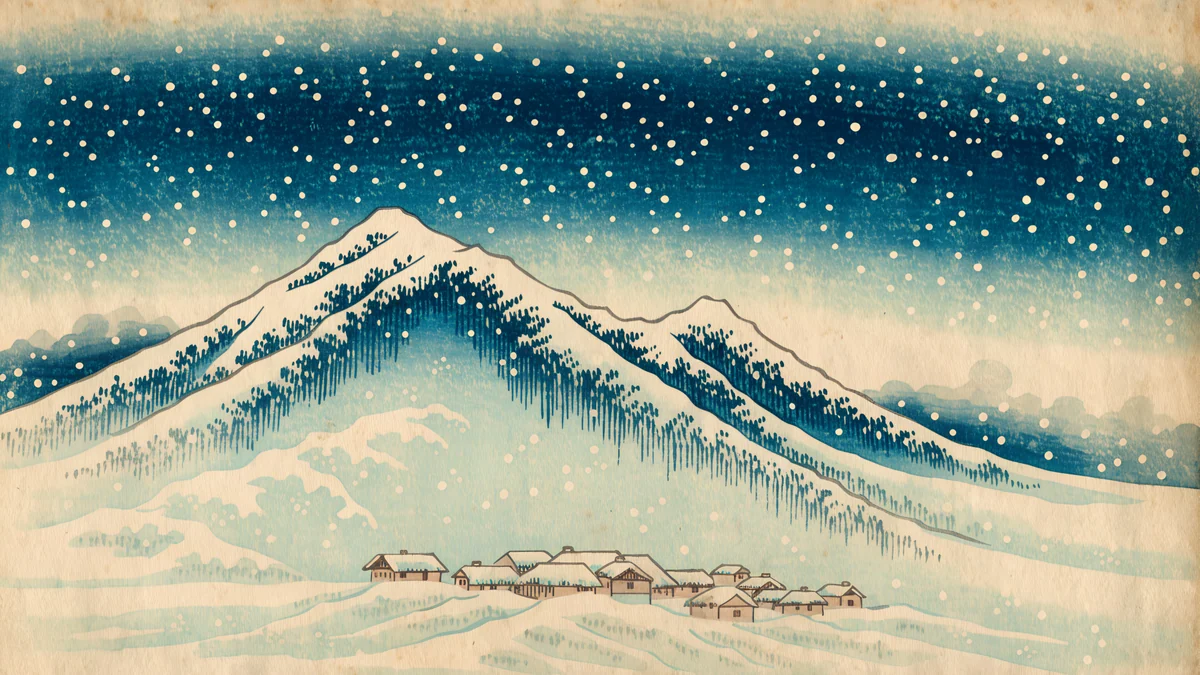 Snow Village
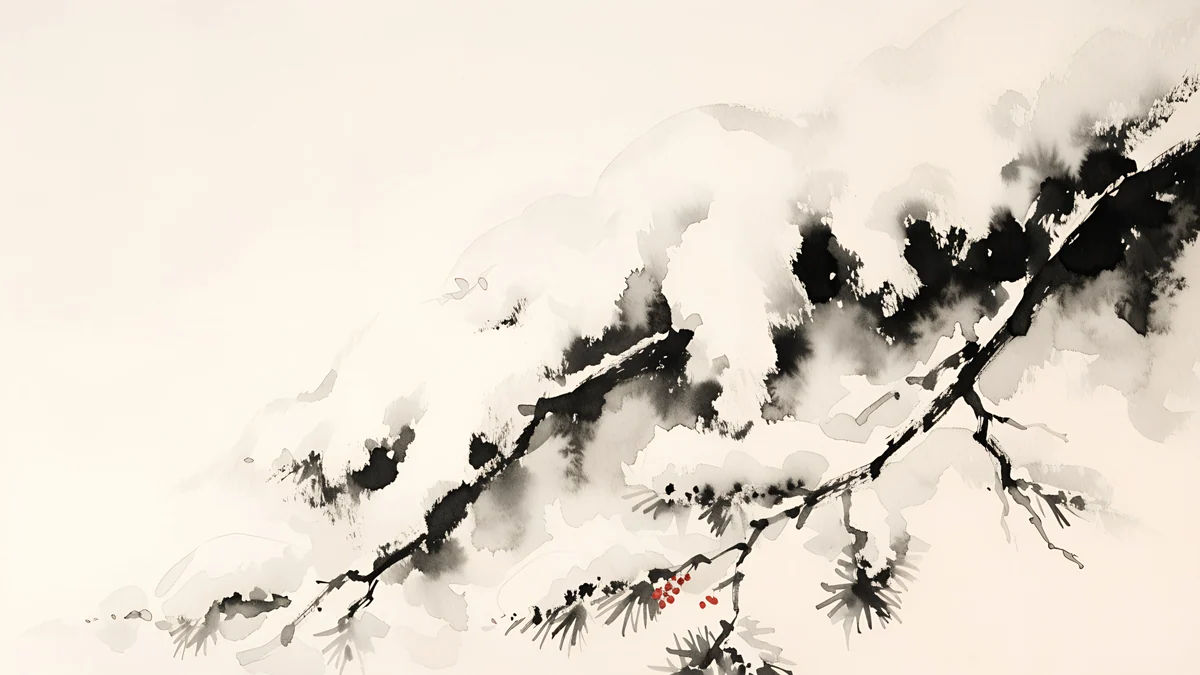 Ink Snow Branch
 Petrol Current
 Cobalt Soft Horizon
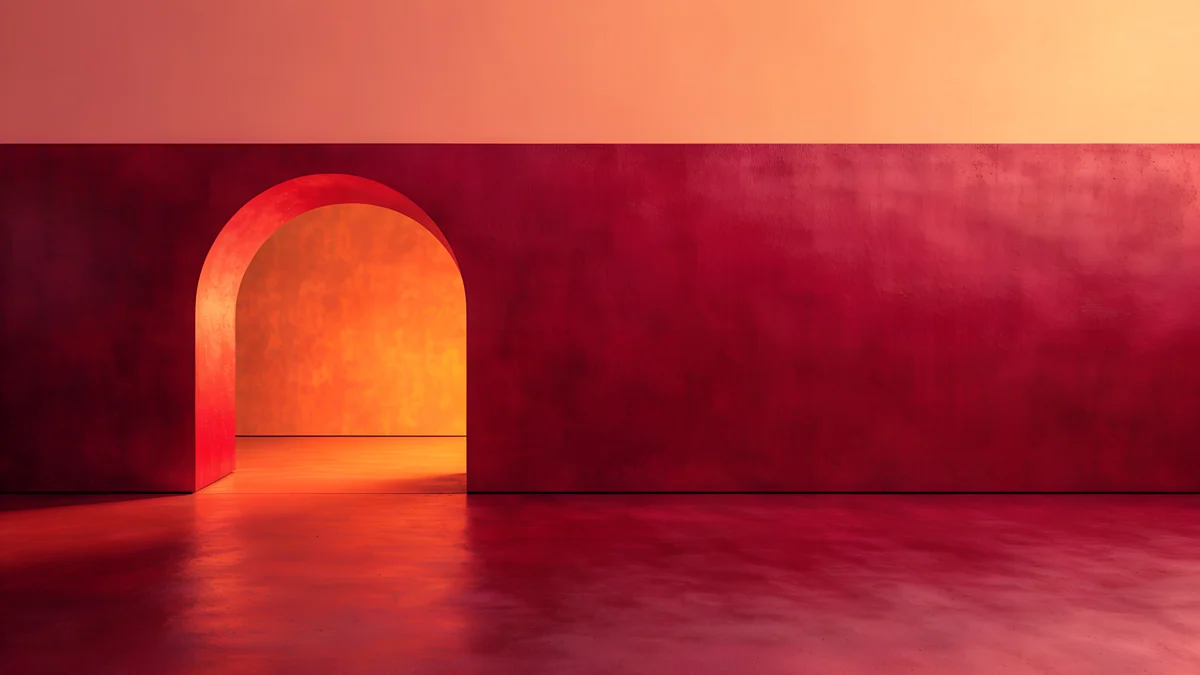 Coral Ignition Gate
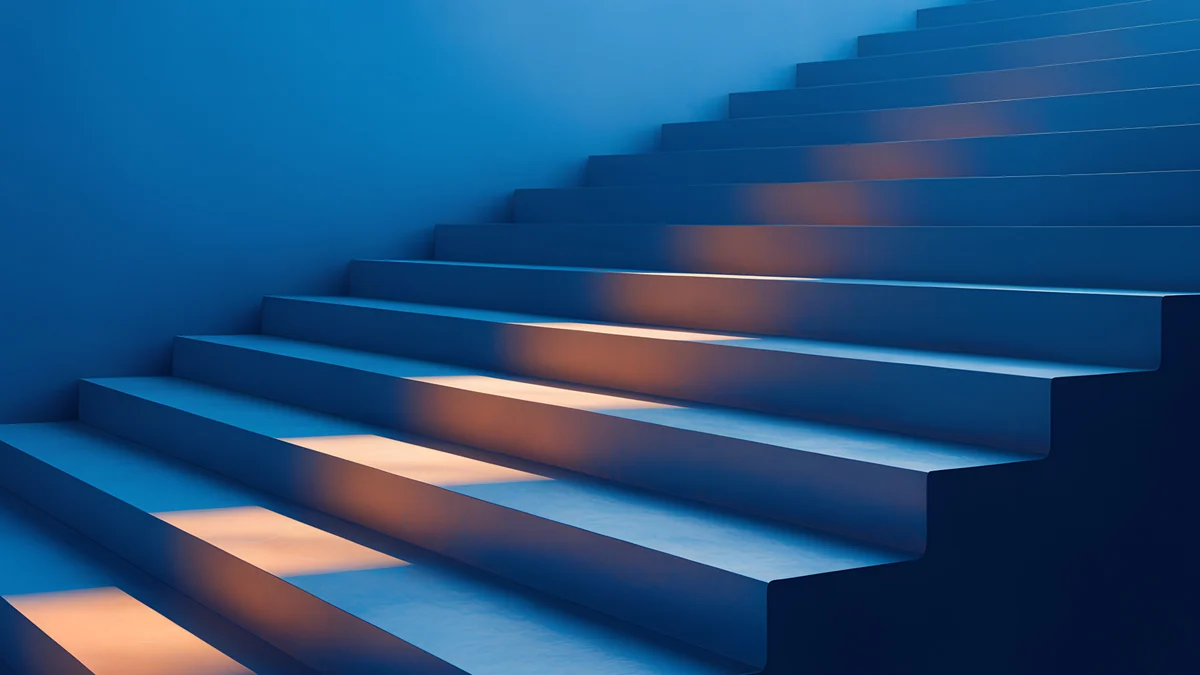 Cobalt Ember Steps
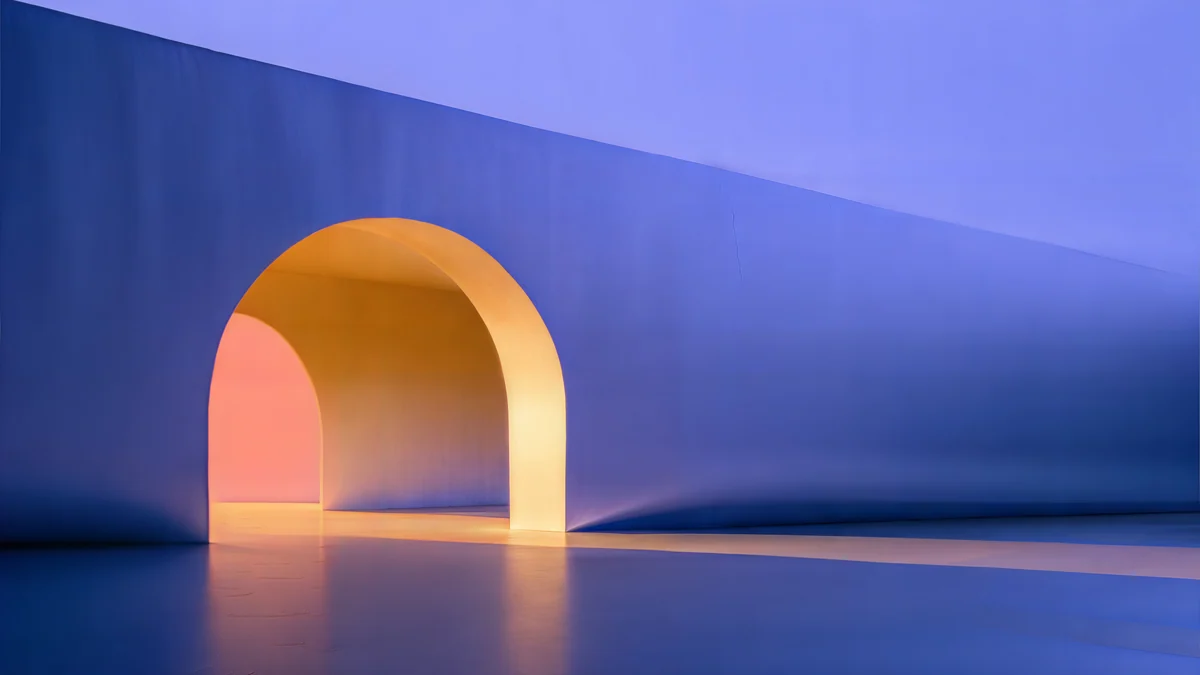 Solar Indigo Gate
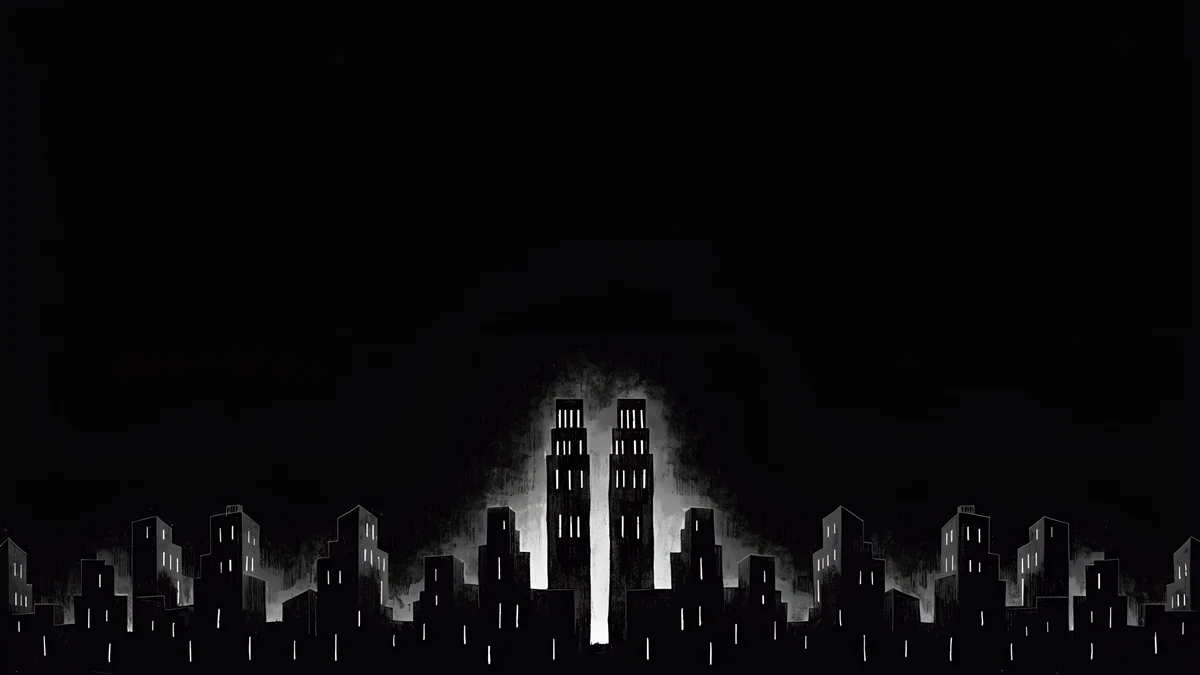 Light Slits
Free 4K originals for iPhone and Android, no watermark
On this page
- Christmas desktop wallpaper sizes for Mac and PC
- Snow and winter scenes for a wide screen
- Warm night and deep-colour desktops for December
- How to set a Christmas wallpaper on a Mac (macOS Tahoe 26)
- How to set a Christmas wallpaper on Windows 11
- Dual monitor and ultrawide tips
- Common problems and fixes
- Get these Christmas desktop wallpapers in Velpaper
A good Christmas desktop wallpaper is a wide 16:9 image at 4K or 5K with a quiet area where your icons and windows sit, so it fills a Mac or a PC monitor without looking stretched. Velpaper has only a few wide scenes with actual snow, so this page pairs them with warm night and deep-colour desktops that feel like December: lamp light on blue, a red wall with a glowing arch, a dark city at night. Every pick below is a 4K or 5K original and a free download.
If you want a tree or a snow globe on your phone as well, our Christmas iPhone wallpapers are built for the lock screen clock, and the quiet night scenes from our first holiday set are in Christmas wallpapers.
Christmas desktop wallpaper sizes for Mac and PC
A desktop wallpaper should be at least as large as the screen in pixels. Velpaper desktop files come in two sizes, 3840 × 2160 (4K) and 5120 × 2880 (5K), both 16:9:
| Screen | Native resolution | Best file |
|---|---|---|
| Full HD monitor or laptop | 1920 × 1080 | 4K, scaled down |
| 1440p monitor | 2560 × 1440 | 4K, scaled down |
| 4K monitor or TV | 3840 × 2160 | 4K, pixel for pixel |
| Apple Studio Display and other 5K screens | 5120 × 2880 | 5K, pixel for pixel |
The Studio Display figure is from Apple's spec page. MacBook screens are a little taller than 16:9, so macOS trims a thin strip from the left and right edges; nothing important sits there in the picks below. For a broader set that is not seasonal, see our desktop wallpapers.
Snow and winter scenes for a wide screen
These are the wallpapers with real winter in them: snow, a frozen palette, a cold night sky. They suit December and still look right in January after the tree comes down.
Snow Village4K · DesktopInk Snow Branch4K · DesktopPetrol Current5K · DesktopCobalt Soft Horizon4K · DesktopSnow Village is a woodblock print of a snow-covered mountain with a cluster of white roofs at its foot and snow falling from a deep blue sky; the village sits low on the left, so on a Mac, where icons line up on the right, nothing covers it. Ink Snow Branch is an ink-wash pine bough heavy with snow, with a few red berries, reaching in from the right over pale paper, which leaves the whole left half clear for Windows icons. Petrol Current is a 5K file of soft blue folds that read like wind-shaped snowdrifts at dusk. Cobalt Soft Horizon is two pale arcs crossing on deep navy, the calmest pick here and a good match for dark mode.
Warm night and deep-colour desktops for December
The catalog has no wide Christmas tree or wreath scene, so for the festive side we picked colour and light instead: the red, gold and midnight blue that people decorate with, on clean architecture that keeps a desktop tidy.
Coral Ignition Gate4K · DesktopCobalt Ember Steps4K · DesktopSolar Indigo Gate5K · DesktopLight Slits4K · DesktopCoral Ignition Gate is a deep red wall with one arch glowing orange inside and a warm reflection on the floor, the most Christmas-coloured desktop we have. Cobalt Ember Steps is a blue staircase with amber light falling across the treads, like lamp light on a winter evening. Solar Indigo Gate is a 5K indigo wall with a warm-lit arch on the left, and the open wall on the right gives icons room. Light Slits is a black night sky over a city skyline with two lit towers at the centre; on an OLED laptop or monitor the black stays deep and the window light glows.
How to set a Christmas wallpaper on a Mac (macOS Tahoe 26)
- Open the wallpaper on velpaper.com or in the Velpaper app for Mac and download the original.
- Open the Apple menu, choose System Settings and click Wallpaper in the sidebar.
- Click Add Photo, then Choose File, and pick the image. You can also Control-click the file in Finder and choose Set Desktop Picture.
- In the pop-up menu next to the preview, choose Fill Screen, so the picture covers the screen without bars.
- With several Spaces, turn on Show on all Spaces to keep the same Christmas picture on each one.
These names match macOS Tahoe 26 in English and can shift a little between updates. More options, including a rotating folder, are in our guide to changing the wallpaper on a Mac.
How to set a Christmas wallpaper on Windows 11
- Download the original and save it somewhere permanent, such as Pictures, not Downloads, which people tend to clear.
- Right-click an empty part of the desktop and choose Personalize, or open Settings with Windows + I and click Personalization, then Background.
- Next to Personalize your background, choose Picture, then click Browse photos and open the file.
- Under Choose a fit for your desktop image, select Fill. Avoid Stretch, which squashes the picture.
- For a December rotation, choose Slideshow instead of Picture and point it at a folder of winter wallpapers.
Labels follow current Windows 11 builds in English and can differ slightly by version. The full walkthrough is in how to change the wallpaper in Windows 11.
Dual monitor and ultrawide tips
- Two monitors, two pictures. On Windows 11, add both files under Background, then right-click each thumbnail under Recent images and choose Set for monitor 1 or Set for monitor 2. On a Mac, select each display in the Wallpaper pane and give it its own image. Snow Village on one screen and Ink Snow Branch on the other make a matching pair. Step by step: dual monitor wallpaper.
- Skip Span for 16:9 files. Span stretches one image across both screens, and a 16:9 picture then shows only a thin band from its middle.
- Ultrawide screens crop the top and bottom. With Fill, a 21:9 monitor shows roughly three quarters of the height of a 16:9 file and a 32:9 monitor about half. Cobalt Ember Steps, Coral Ignition Gate and Light Slits keep their subject in the middle band and survive that crop best. The maths for each monitor is in our ultrawide wallpaper size guide.
- Match the phone. Snow Village also exists as a tall phone wallpaper, so the same print can sit on your desk and in your pocket.
Common problems and fixes
- The wallpaper looks blurry. Check the fit. Tile or Center on a large screen shows the file at the wrong scale; Fill on Windows and Fill Screen on a Mac keep it sharp. Also make sure you set the downloaded original, not a preview saved from the browser.
- Icons disappear into the picture. Pick a wallpaper with a clear side: Ink Snow Branch is open on the left, Solar Indigo Gate on the right. In dark mode, Cobalt Soft Horizon and Light Slits keep white icon labels easy to read.
- The Christmas picture only shows on one desktop. On a Mac, turn on Show on all Spaces. On Windows, a desktop you gave its own background in Task View keeps it; right-click that desktop's thumbnail in Task View and choose a new background, or set the picture again in Settings.
- The wallpaper changed back after a restart. On Windows the file was usually moved or deleted from Downloads. Save it in Pictures and set it again.
Get these Christmas desktop wallpapers in Velpaper
Velpaper is an app for iPhone, iPad, Mac and Android, and every wallpaper is also on velpaper.com. Each desktop pick on this page is a 4K original at 3840 × 2160, or 5K at 5120 × 2880 for Petrol Current and Solar Indigo Gate, and downloads free with no watermark and no account. Phone wallpapers, such as the phone version of Snow Village, unlock after a short optional ad in the iPhone and Android apps. The wallpapers are designed by Carlos Vivero.
Next step: open Snow Village for a snowy desktop or Coral Ignition Gate for a warm red one, set it with Fill, and switch to Cobalt Soft Horizon when the decorations come down in January.
Original wallpapers in 4K and 5K for iPhone, Android and desktop.
Questions
What is the best Christmas wallpaper for a Mac or PC?
One that is wide, sharp and calm where your icons sit. Snow Village is the most wintry pick: a woodblock print of a snowy mountain and village under falling snow, at 3840 × 2160. Coral Ignition Gate is the festive one, a deep red wall with a glowing orange arch, and Ink Snow Branch is the light, minimal option with a snow-heavy pine bough and a few red berries. All three are 16:9 originals that fill a Full HD, 1440p or 4K screen without being enlarged, and they are free downloads on velpaper.com and in the Velpaper apps.
What size should a Christmas desktop wallpaper be?
At least the native resolution of your screen. That is 1920 × 1080 on a Full HD monitor, 2560 × 1440 on a 1440p monitor, 3840 × 2160 on a 4K screen and 5120 × 2880 on a 5K display such as the Apple Studio Display. A 4K file covers everything up to 4K without being enlarged, and a 5K file is the right choice for a 5K screen. Christmas images saved from social media are usually far smaller, so the system has to stretch them and dark night skies then show visible banding. Use Fill as the fit so the proportions stay correct.
How do I put a Christmas wallpaper on two monitors?
On Windows 11, open Settings, Personalization, Background, set Personalize your background to Picture and add both images with Browse photos. Then right-click each thumbnail under Recent images and choose Set for monitor 1 or Set for monitor 2. On a Mac with macOS Tahoe 26, open System Settings, click Wallpaper, select each display and pick its own picture. Two related images look better than one picture spread with Span, because a 16:9 file spanned across two screens shows only a thin strip from its middle. Snow Village and Ink Snow Branch make a good winter pair. Menu names can differ slightly by version.
Will a 4K Christmas wallpaper fit an ultrawide monitor?
Yes, if you set the fit to Fill. The system scales the 16:9 picture to the full width of the screen and trims the top and bottom. On a 21:9 monitor such as 3440 × 1440 you keep roughly three quarters of the height, and the image stays sharp. On a 32:9 screen like 5120 × 1440 you see about the middle half. Choose a wallpaper whose subject runs through a horizontal band in the centre: Cobalt Ember Steps, Coral Ignition Gate and Light Slits all do, while a moon or a mountain peak near the top edge can get cut off. Avoid Stretch, which distorts the picture.
Are these Christmas desktop wallpapers free?
Yes. Every desktop wallpaper on this page downloads free on velpaper.com and in the Velpaper apps for iPhone, iPad, Mac and Android, with no account, no subscription and no watermark. Most are 4K originals at 3840 × 2160, and Petrol Current and Solar Indigo Gate are 5K at 5120 × 2880. The matching phone version of Snow Village is a 2160 × 3840 original that unlocks after a short optional ad in the iPhone and Android apps; on the website, if no ad is available, it downloads for free. The wallpapers are designed by Carlos Vivero.
Carlos Vivero
Designer of Velpaper wallpapers
Carlos Vivero designs the wallpapers in Velpaper: quiet architecture, liquid glass, Japanese ink and calm landscapes. Every piece is made as a 4K original for iPhone, Android and desktop.
Recent work