Checkered Background: 8 Free 4K Checkerboard Wallpapers
Checkered background in 4K: eight free two colour checkerboard patterns in pink, red, blue, sage, brown and black for iPhone and Android, with a y2k feel.
Sources [1] · By the Velpaper team · Wallpapers by Carlos Vivero, Velpaper designer · · 4 min read
In short: A checkered background is a grid of equal squares in two colours, with a retro and y2k feel. Velpaper has eight free checkered wallpapers at 2160 by 3840 pixels, from pink and white to black and white [1].
Wallpapers
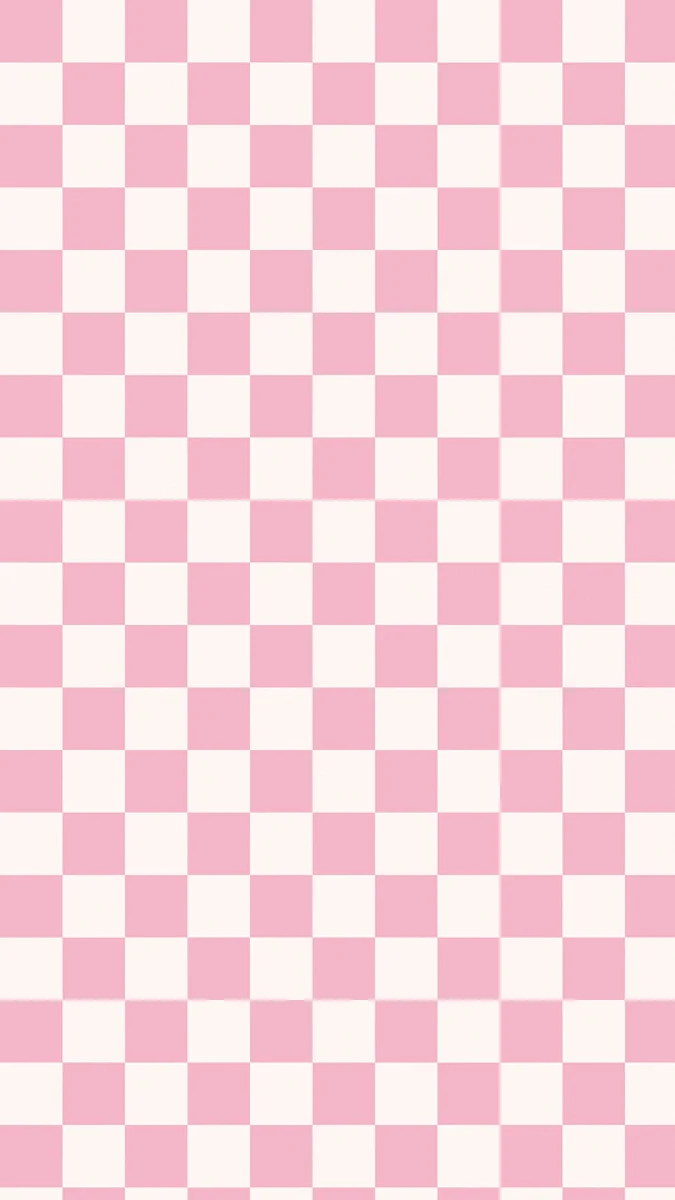 Pink White Checkered
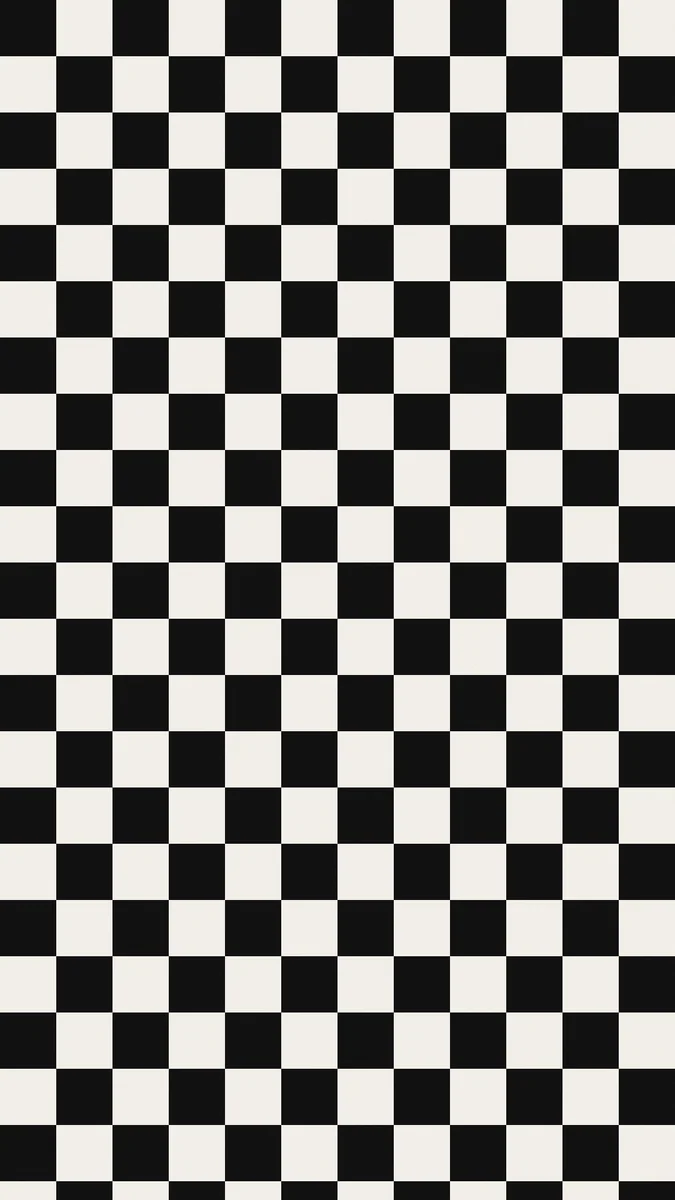 Black White Checkered
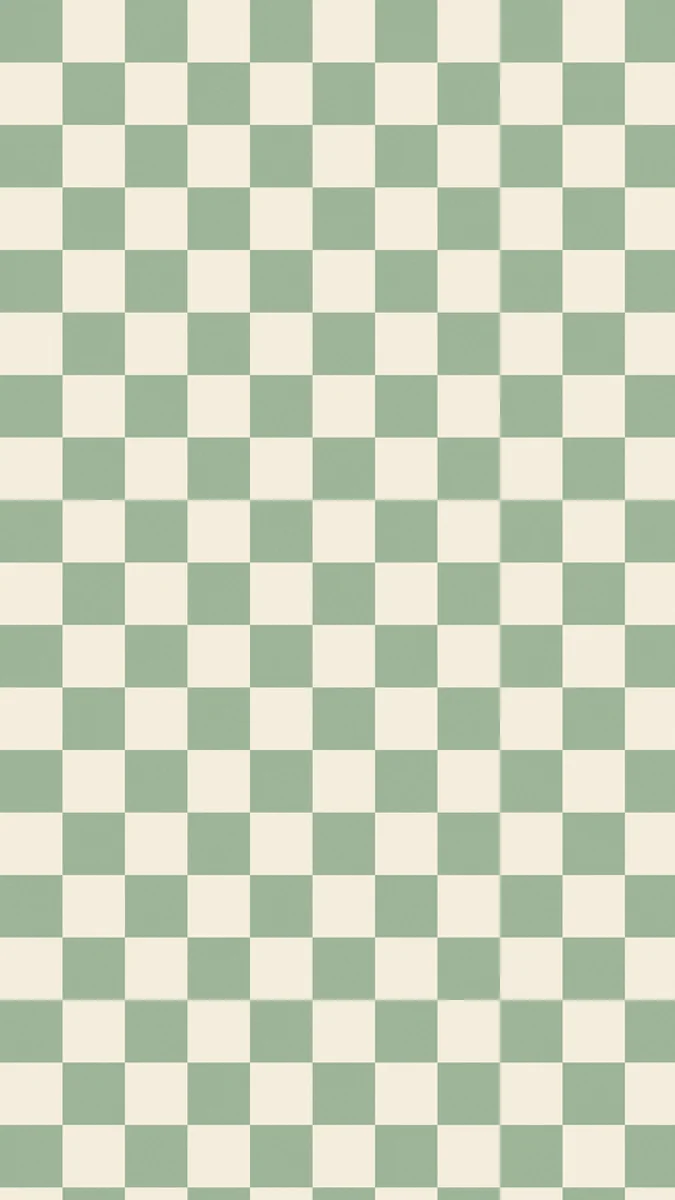 Sage Cream Checkered
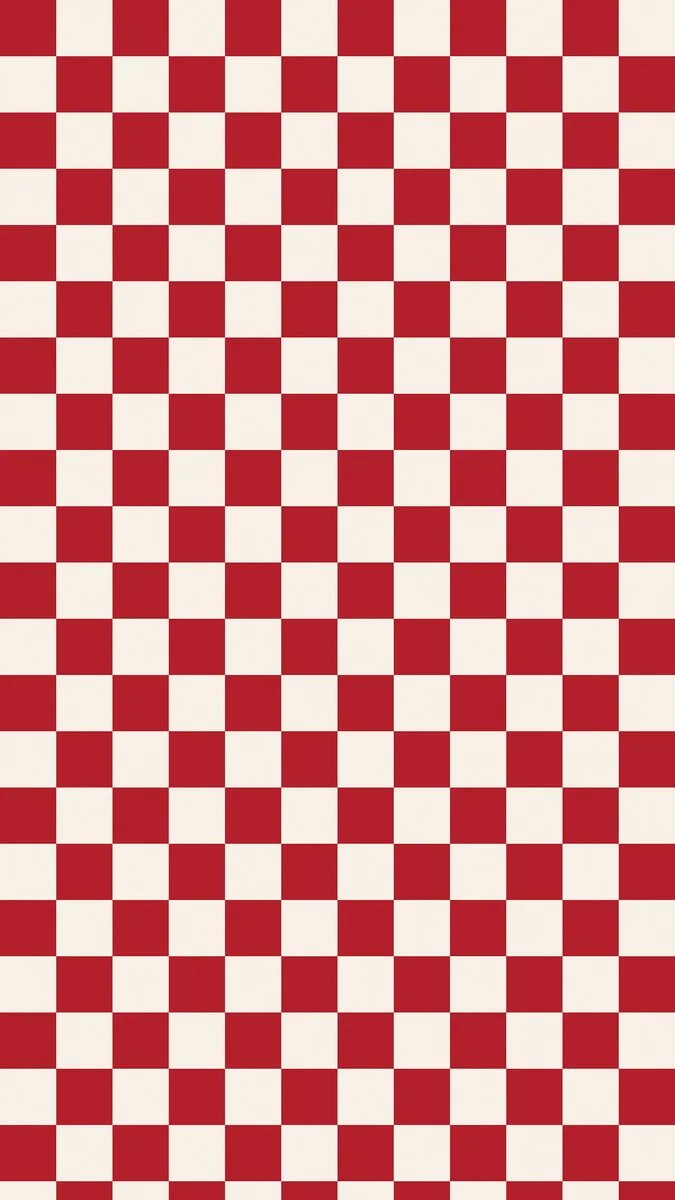 Red White Checkered
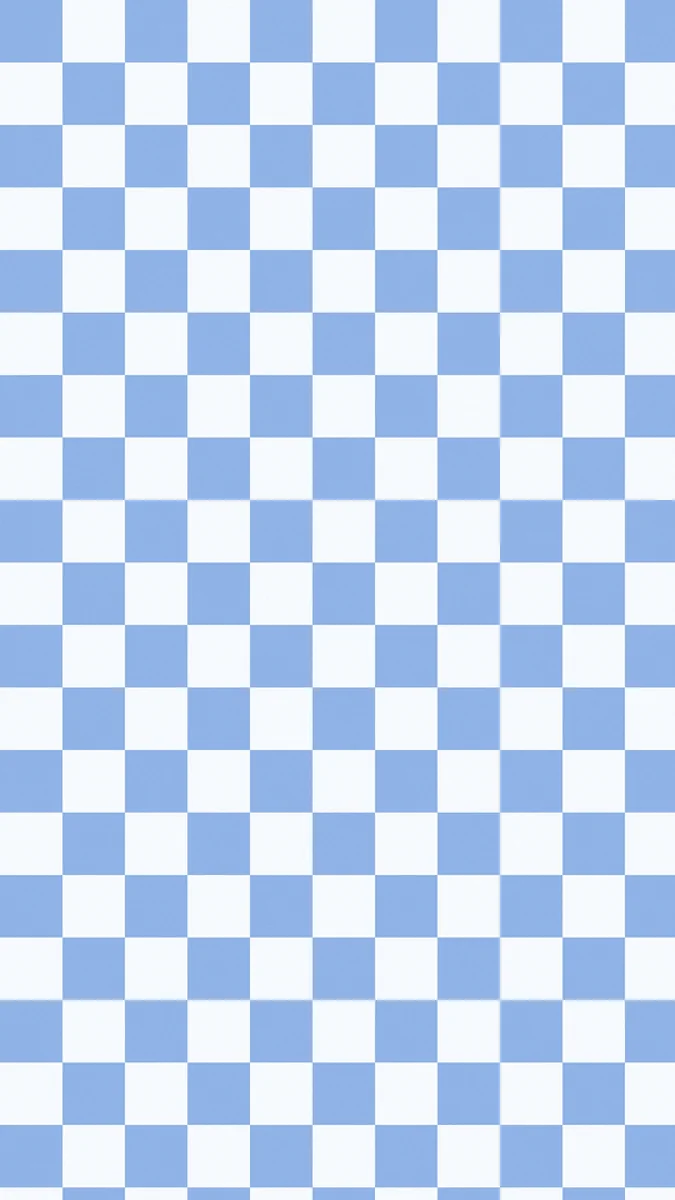 Blue White Checkered
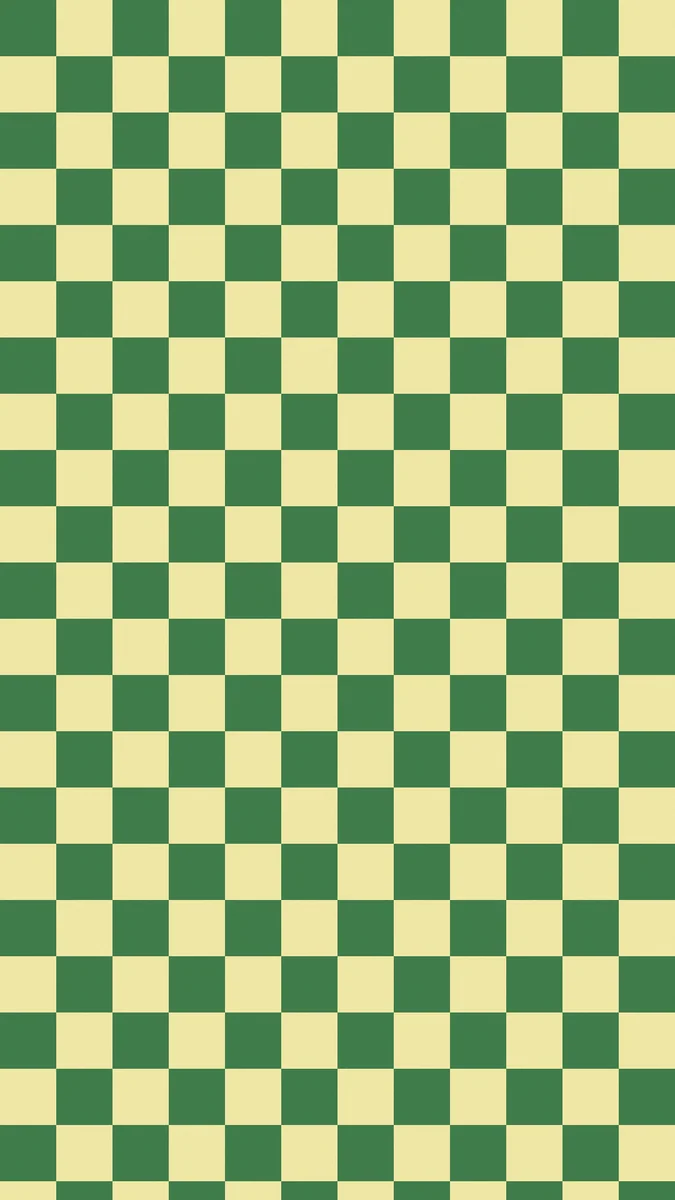 Green Yellow Checkered
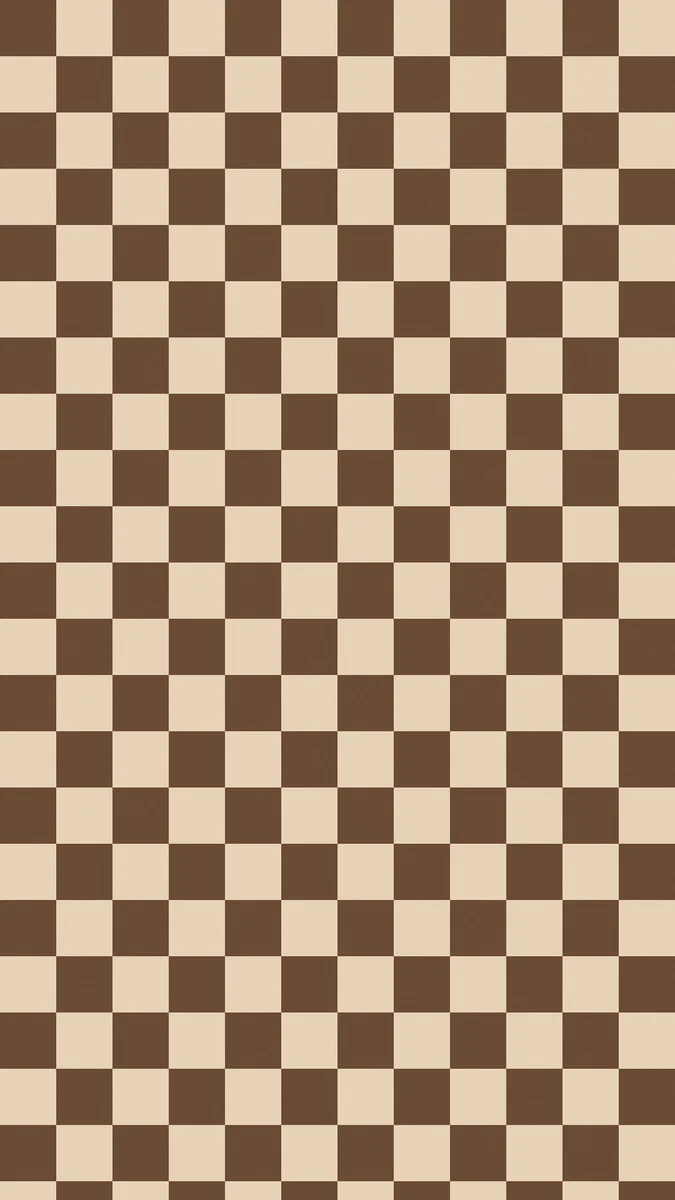 Brown Beige Checkered
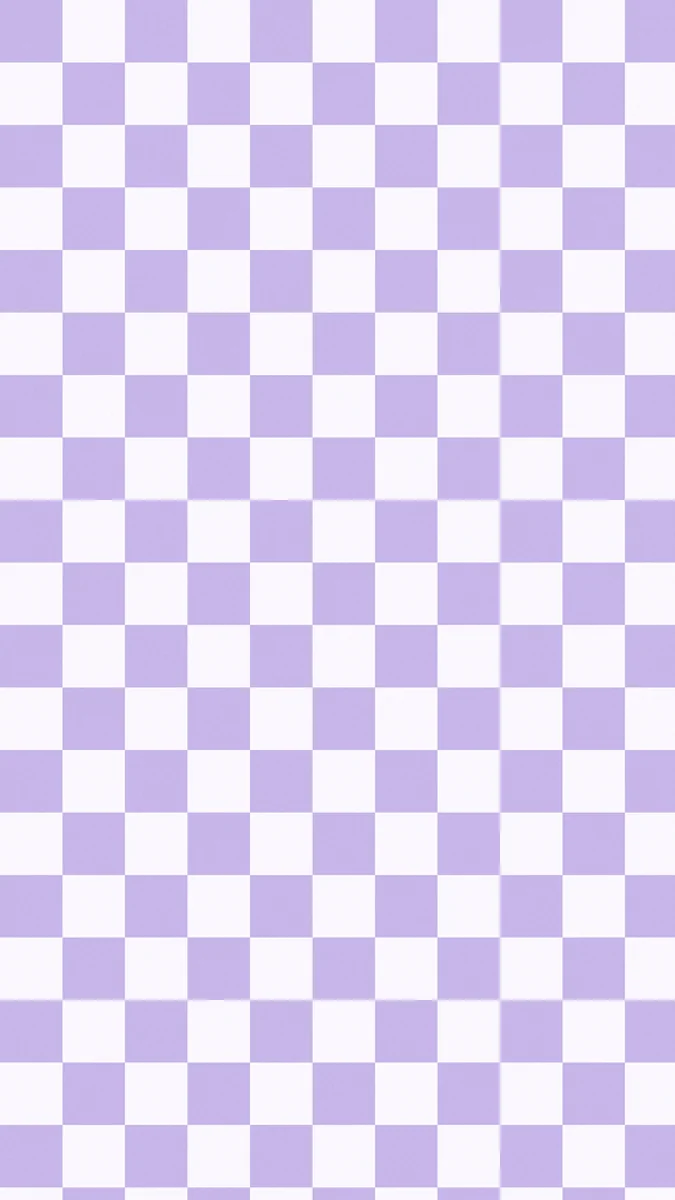 Lilac White Checkered
Free originals for iPhone and Android, no watermark
On this page
A checkered background is a grid of equal squares in two colours, and on a phone it has a clear retro, skate and y2k feel. Search for a checkered background, a checkered wallpaper or a checkerboard wallpaper and you mostly want a graphic, cheerful pattern that is easy to match to a case or an outfit. Below are eight original Velpaper checkered wallpapers in two groups: bright retro pairs and calm, natural or dark ones. Each is a flat two colour pattern, a free 4K file at 2160 by 3840 pixels, with no text, logo or watermark [1]. They are phone wallpapers, made for a tall screen.
What a checkered wallpaper does on a phone
It is graphic and bold. Hard edged squares are sharper than dots or gradients, so the wallpaper reads as a design choice, not a background. It looks best with a simple home screen.
The grid is even. Every square is the same size, and the pattern runs edge to edge, so there is no single focal point. A big clock font sits on the squares without hiding anything important.
Contrast sets the mood. High contrast pairs such as black and white are loud. Close pairs such as pink and white, sage and cream or lilac and white are soft and easy on the eyes. For more retro looks, see y2k wallpapers and retro aesthetic wallpapers.
Retro checkered wallpaper: pink, red, blue and green
These are the colourful, nostalgic ones, with a light square next to a strong colour. They are the closest match to a y2k checkered wallpaper.
Pink White Checkered is the sweetest: pink squares alternating with a pale cream white. Red White Checkered is the boldest, a deep red against a pale cream, like a picnic cloth. Blue White Checkered is a soft sky blue with white, fresh and light, and Green Yellow Checkered pairs a forest green with a soft yellow for a vintage feel. Use a dark clock on the pale pink and blue ones and a white clock when the strong colour is red or green. Pairing a pink check with cute pink wallpapers makes a good set.
Calm, natural and dark checkerboard wallpapers
For a quieter checkerboard wallpaper, use muted colours: sage, brown, lilac and black.
Sage Cream Checkered pairs muted green with cream, the most natural of the set. Brown Beige Checkered is chocolate brown with warm beige, a cosy retro look. Lilac White Checkered is soft purple and white, pastel and gentle. Black White Checkered is the classic checkerboard in near black and cream white, strong enough to suit any outfit and a good fit for dark mode. For more of the quiet colours, see beige aesthetic wallpapers.
Checkered wallpapers and dark mode
A checkerboard is a light and dark pattern by nature, so it never makes a screen fully dark. Black White Checkered is the closest, with near black squares alternating with cream white. In dark mode it works best if you keep the lock screen clock white and choose a home screen layout with large, simple icons. Brown Beige and Green Yellow are darker in tone than the pastels, and they sit better with dark mode than Pink White or Blue White. If you want a truly dark screen, pair one of the checks on the lock screen with a plain dark colour for the home screen.
How to choose a checkered wallpaper
- For y2k and retro: Pink White, Red White or Blue White.
- For vintage: Green Yellow or Brown Beige.
- For calm: Sage Cream or Lilac White.
- For maximum contrast: Black White, with a white clock and bold icons.
A busy grid behind a full home screen can compete with icons. Use the checkered design on the lock screen and a plain colour or a softer pattern on the home screen. The guide to different lock and home screen wallpapers shows how to set both.
Checkered and polka dot pairs
Velpaper's checkered and dot wallpapers use matching two colour pairs, so they sit together well. A pink and white check on the lock screen goes with a pink and white dot pattern on the home screen, and a navy dot design pairs with a black and white check for a neat monochrome look. See the polka dot wallpapers for the dot versions, and minimalist wallpapers if you want a quiet partner.
How to set a checkered wallpaper
Save the file. On iPhone, open Settings, then Wallpaper, add a new wallpaper and choose Photos. On Android, open your wallpaper settings and choose the saved file for the lock screen, the home screen or both. The squares run edge to edge, so slight cropping does not change the look. All eight are free and also in the Velpaper app for iPhone, iPad, Mac and Android.
Next step: open Pink White Checkered for a y2k look or Black White Checkered for the classic, and save the 4K original [1].
Original wallpapers in and for iPhone, Android and desktop.
Questions
What is a checkered background?
A checkered background is a grid of equal squares that alternate between two colours, like a checkerboard. On a phone it gives a graphic, retro look without a picture, so the clock and icons sit on an even pattern. Velpaper has eight checkered wallpapers: pink, red, blue, green, sage, brown, lilac and black, each paired with a lighter colour. They are flat two colour patterns, free 4K files at 2160 by 3840 pixels, with no text, logo or watermark [1]. You set one like any wallpaper by saving the image and choosing it in your phone's wallpaper settings.
Which checkered wallpaper is best for a y2k look?
Pink White Checkered is the closest to a y2k phone: soft pink squares and a pale cream, cheerful and a little nostalgic. Blue White Checkered and Lilac White Checkered give the same idea in sky blue and pastel purple. Red White Checkered is bolder and looks more like a picnic cloth, and Black White Checkered is the classic checkerboard. Pair a pink check with a white or glossy clock and tinted icons in the same pink. More retro ideas are in our y2k wallpapers collection.
Will a checkered wallpaper make icons hard to read?
Sometimes. Hard edged squares of equal size run behind every icon, so a high contrast pair such as Black White or Red White can feel busy. Close tone pairs such as Pink White, Sage Cream or Lilac White are easier to read because the squares are similar in brightness. If your home screen is full, use the pattern on the lock screen and a plain colour on the home screen, or leave a few rows of icons empty. Tinted icons in a colour from the pattern also help keep things neat.
What clock colour works on a checkered wallpaper?
On light pairs such as Pink White, Blue White, Lilac White and Sage Cream, a dark grey or black clock is clearest, because the lighter squares are close to white. On strong or dark pairs such as Red White, Green Yellow, Brown Beige and Black White, the clock lands on both light and dark squares, so a bold, wide font in white or black with a bit of weight is best. On iPhone, touch and hold the Lock Screen, tap Customize, then tap the time to change its colour and font.
Are the checkered wallpapers free?
Yes. All eight Velpaper checkered wallpapers are free: Pink White, Red White, Blue White, Green Yellow, Sage Cream, Brown Beige, Lilac White and Black White. They are JPEG files at 2160 by 3840 pixels with no watermark, text or logo [1]. You can download them from velpaper.com or in the Velpaper app for iPhone, iPad, Mac and Android. Other Velpaper wallpapers may unlock after a short ad, and each wallpaper page shows which kind it is.
Carlos Vivero
Designer of Velpaper wallpapers
Carlos Vivero designs the wallpapers in Velpaper: quiet architecture, liquid glass, Japanese ink and calm landscapes. Every piece is made as a original for iPhone, Android and desktop.
Recent work