Polka Dot Background: 8 Free 4K Dot Wallpapers for Phone
Polka dot background in 4K: eight free two colour dot patterns in pink, red, lilac, sage, navy and black for iPhone and Android lock and home screens.
Sources [1] · By the Velpaper team · Wallpapers by Carlos Vivero, Velpaper designer · · 5 min read
In short: A polka dot background is evenly spaced dots in two flat colours, so it adds colour without a focal point. Velpaper has eight free polka dot wallpapers at 2160 by 3840 pixels, from pink and white to navy and black [1].
Wallpapers
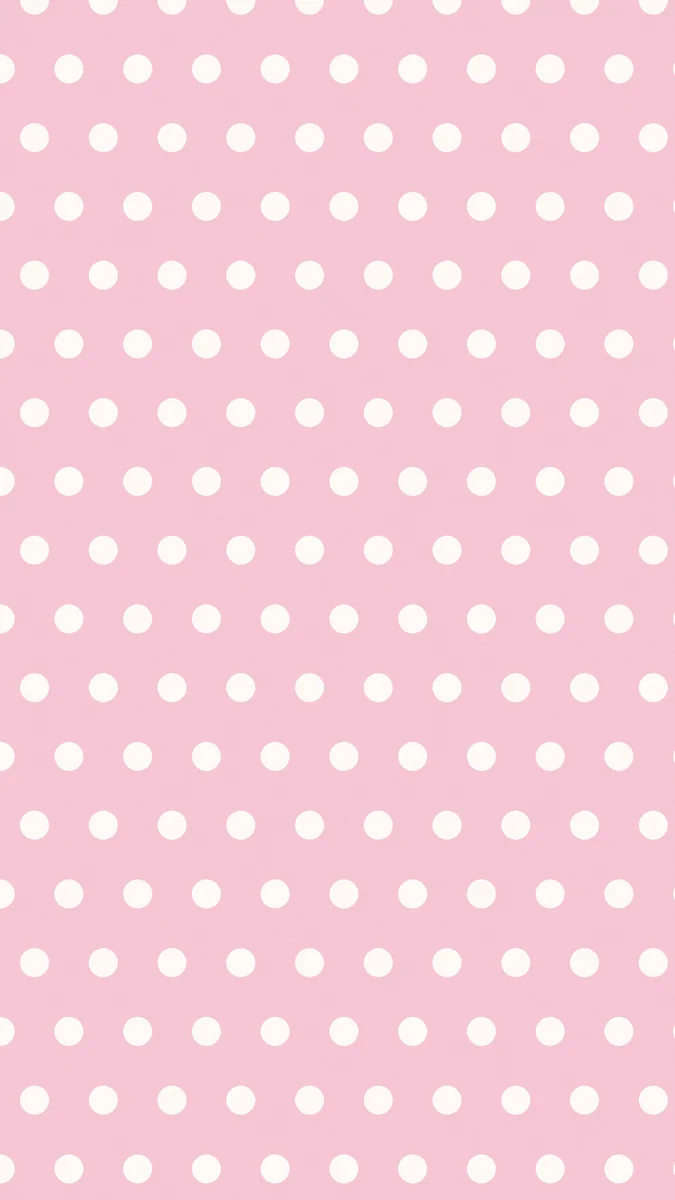 Pink White Polka Dot
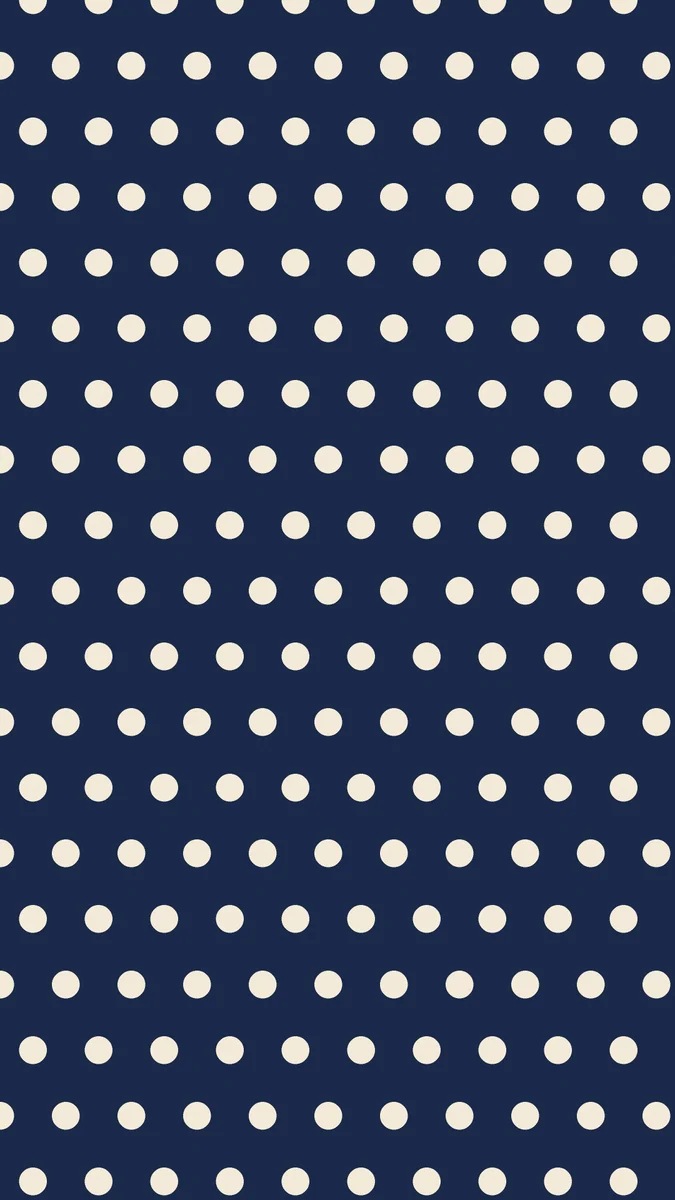 Navy Cream Polka Dot
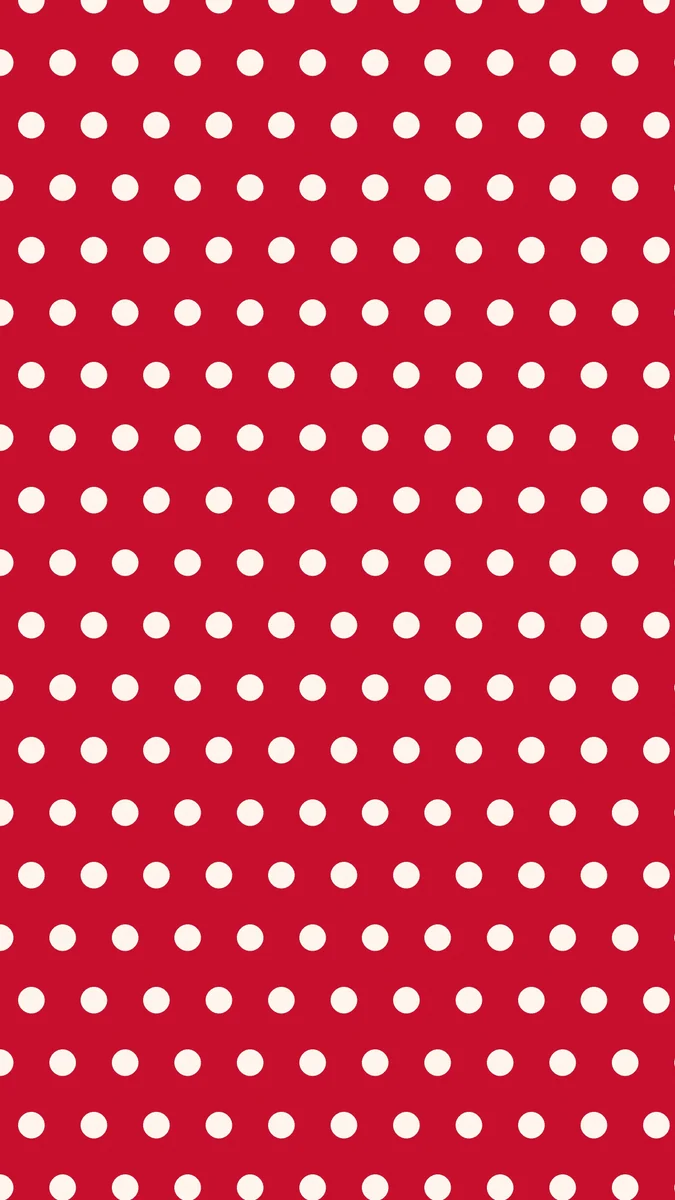 Red White Polka Dot
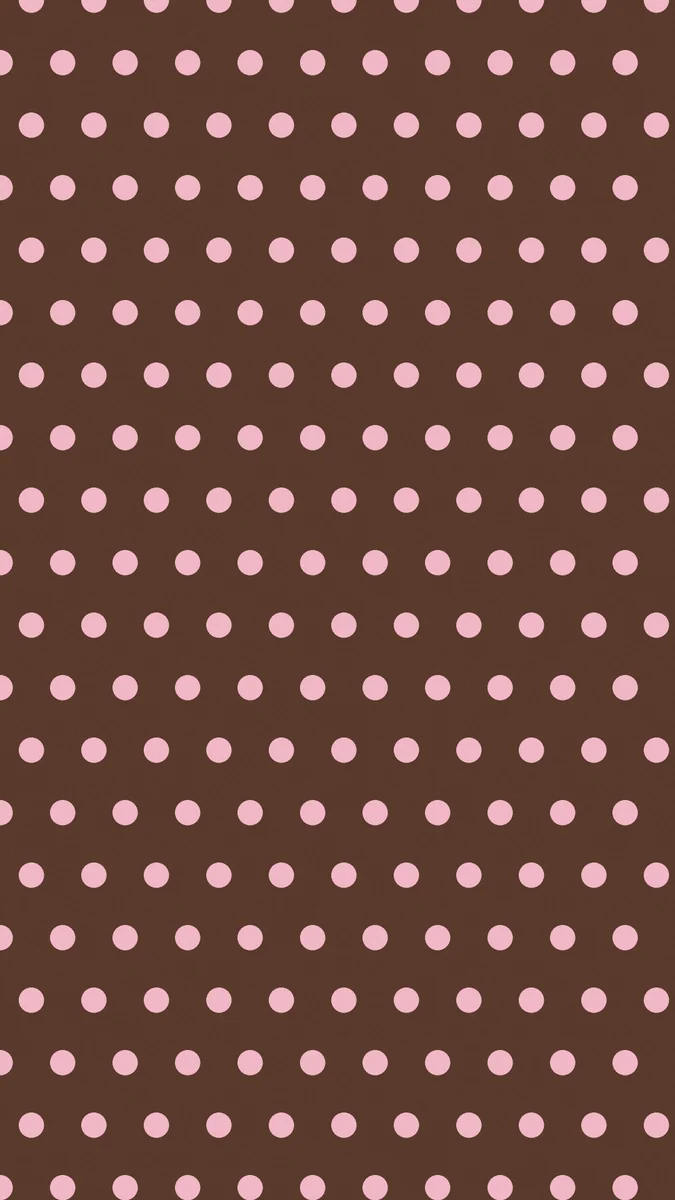 Brown Pink Polka Dot
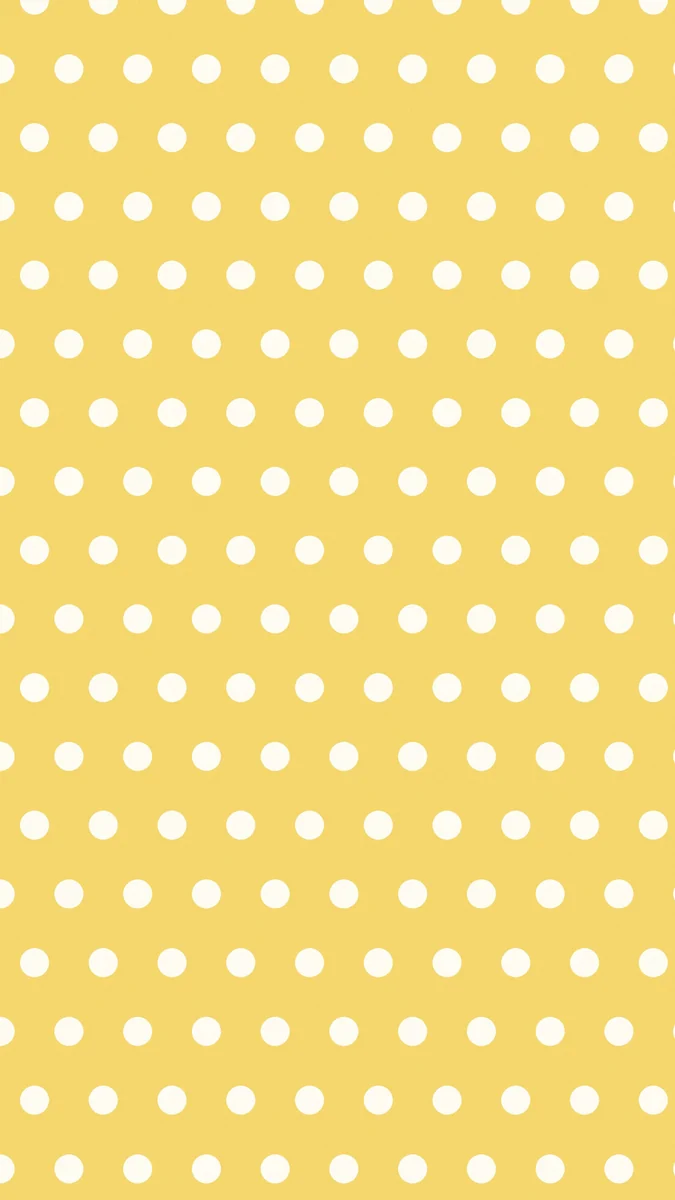 Yellow White Polka Dot
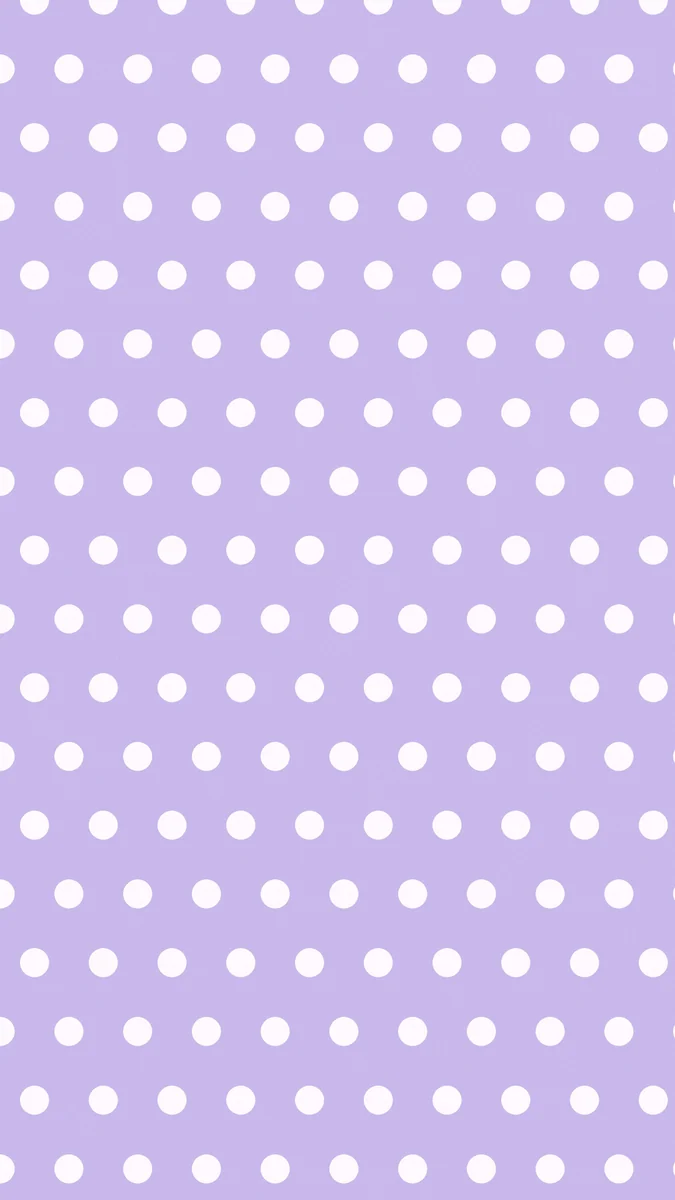 Lilac White Polka Dot
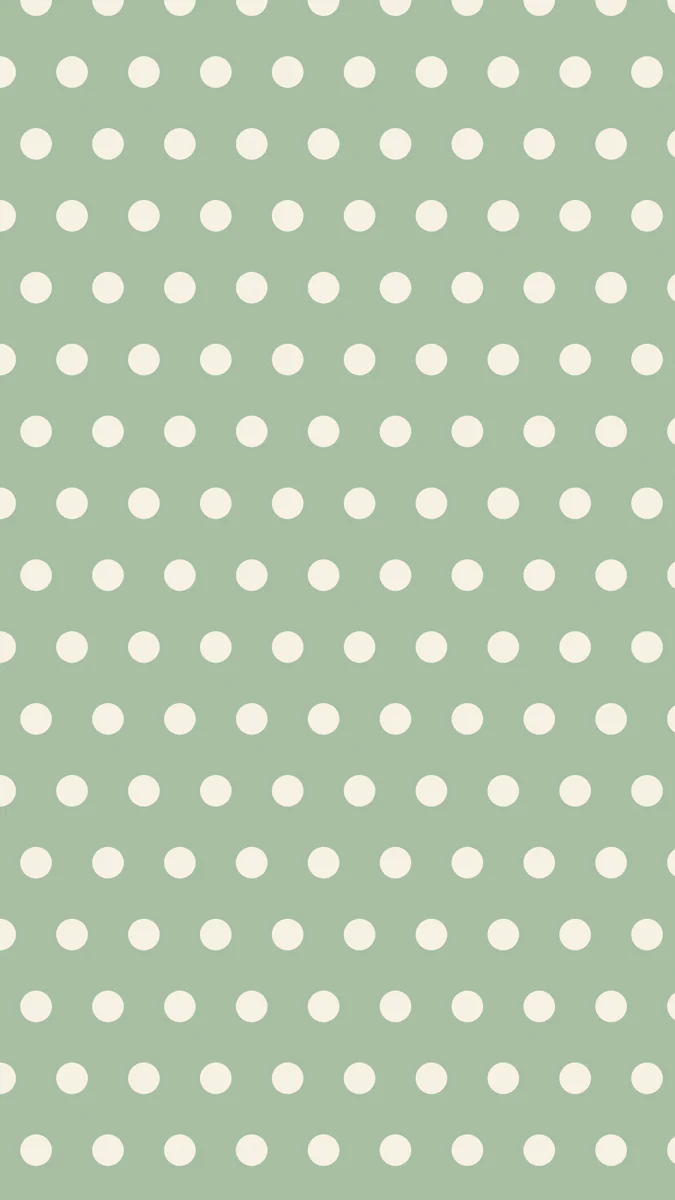 Sage Cream Polka Dot
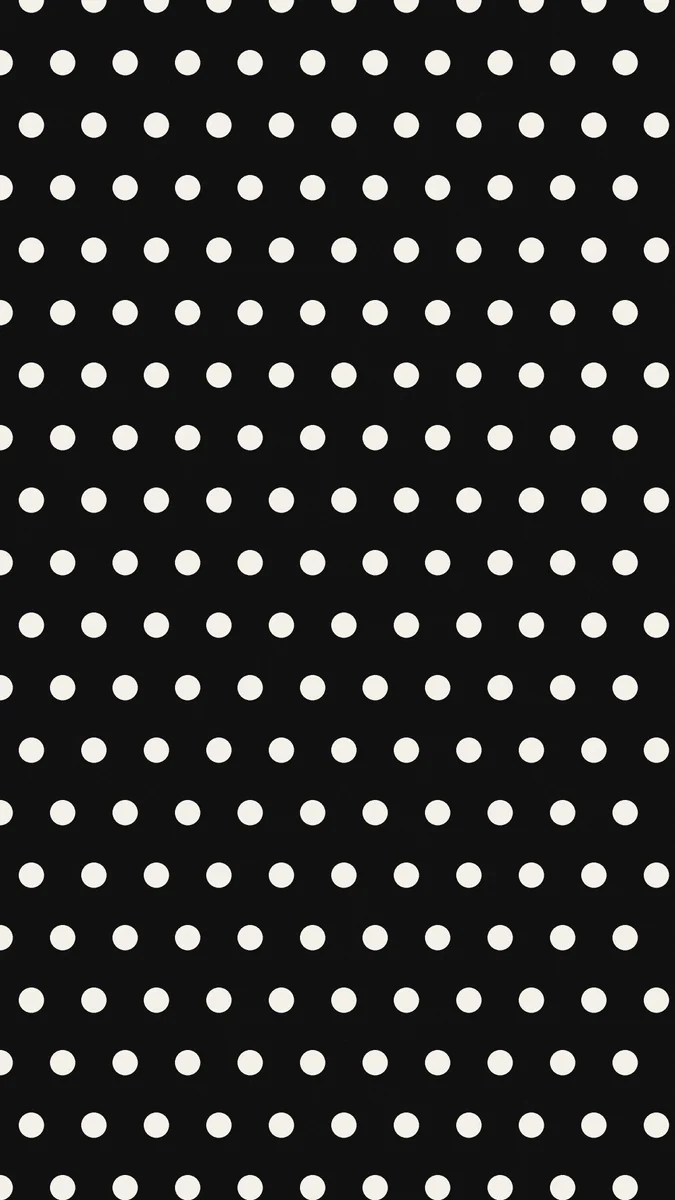 Black White Polka Dot
Free originals for iPhone and Android, no watermark
On this page
A polka dot background is one of the oldest patterns there is, and it still looks fresh on a phone: evenly spaced round dots in two flat colours, nothing else. Search for a polka dot wallpaper, a pink polka dot background or a cute polka dot wallpaper and you want the same thing, a cheerful screen that is easy to live with. Below are eight original Velpaper polka dot wallpapers in two groups: warm and retro colours, and cool, calm and dark ones. Each is a flat two colour pattern, a free 4K file at 2160 by 3840 pixels, with no text, logo or watermark [1]. They are phone wallpapers, made for a tall screen.
What a polka dot wallpaper does on a phone
It adds colour without a subject. The pattern is even across the whole screen, so there is no focal point to cover with the clock. The dots read as a texture, and the background colour sets the mood.
It is playful, but it is quiet. Two flat colours with a regular grid are calmer than a photo or a busy illustration. Pick a pair with strong contrast for a lively screen, or a pair that is close in tone for a softer one.
The clock reads on the background colour. The dots are evenly spaced, so a large clock sits partly on dots and partly on the background. Bold, wide clock fonts work best, and a high contrast pair keeps the digits clear. Our guide to keeping the lock screen clock readable has more.
Pink polka dot and warm retro colours
This group has the bright, nostalgic feel: pink, red, brown and yellow backgrounds with light dots. It is the group to open first if you want a cute polka dot wallpaper.
Pink White Polka Dot is the classic pink polka dot background: pale pink with white dots, soft and sweet. Red White Polka Dot is bold, a strong red field with white dots. Brown Pink Polka Dot flips the idea: pink dots on a deep chocolate brown, warm and retro. Yellow White Polka Dot is a sunny butter yellow with white dots. Use a dark grey or brown clock on the pale pink and yellow, and a white clock on the red and brown. For more of this look, see retro aesthetic wallpapers and cute pink wallpapers.
Calm, cool and dark polka dots
If bright is too much, these four are quieter: lilac, sage, navy and black.
Lilac White Polka Dot is a soft purple with white dots, pastel and gentle. Sage Cream Polka Dot pairs muted green with cream dots, the most natural and calm of the set. Navy Cream Polka Dot sets cream dots on deep navy, which looks classic and neat, and Black White Polka Dot is the high contrast option: white dots on near black. A white or cream clock is clearest on the navy and black ones, and dark grey works on lilac and sage. Dark pastel and black designs also suit dark mode. If you like soft colours, browse pastel aesthetic wallpapers.
Polka dots and dark mode
Dark mode does not mean you have to give up pattern. Black White and Navy Cream Polka Dot keep most of the screen dark, so white text and icons read clearly, and the light dots add a little life. Brown Pink is dark too, with a warm chocolate field. Note that dots are bright pixels, so on an OLED screen only the background colour stays dim, and a pure black plain wallpaper would still be the darkest choice. If you want a calm dark screen with a pop of pattern, these are the ones to try.
Choosing a polka dot wallpaper
- For a cute look: Pink White, Lilac White or Yellow White.
- For a retro look: Red White or Brown Pink.
- For a neat, grown up look: Navy Cream or Sage Cream.
- For a dark screen: Black White, with white icons and a white clock.
If your home screen already has many icons, a pattern can feel busy. Try a pattern on the lock screen and a plain colour on the home screen. Our guide to different lock and home screen wallpapers shows how, and minimalist wallpapers has plain companions.
Pair polka dots with a matching plain colour
Because each dot pattern uses only two colours, it is easy to match. Use the pattern on the lock screen and a plain colour from the same pair on the home screen: pale pink behind the apps with the pink and white dots on the lock screen, or navy with the cream dots. If you use tinted icons on iPhone, choose a tint from one of the two colours and the whole phone looks designed. A checked version of the same idea is in our checkered wallpapers.
How to set a polka dot wallpaper
Save the file, then on iPhone open Settings, Wallpaper, add a new wallpaper and choose Photos. On Android open your wallpaper settings and choose the saved file. The pattern fills the screen on any tall phone, and because it repeats evenly, slight cropping at the edges does not change how it looks. All eight are free and also in the Velpaper app for iPhone, iPad, Mac and Android.
Next step: open Pink White Polka Dot for the classic or Navy Cream Polka Dot for a calmer one, and save the 4K original [1].
Original wallpapers in and for iPhone, Android and desktop.
Questions
What is a polka dot background?
A polka dot background is a pattern of evenly spaced round dots, usually in two colours. On a phone it gives you colour and a cheerful texture without a picture or subject, so icons and the lock screen clock sit on an even field. Velpaper has eight polka dot wallpapers: pink, red, brown, yellow, lilac, sage, navy and black backgrounds, each with a lighter dot colour. They are flat two colour patterns, free 4K files at 2160 by 3840 pixels, with no text, logo or watermark [1]. Set one in your wallpaper settings like any other image.
Which polka dot wallpaper is the cutest?
For most people, Pink White Polka Dot is the cutest: pale pink with white dots, soft and sweet. Lilac White and Yellow White are close behind, with a pastel purple and a sunny yellow. If you want cute but a little more grown up, Sage Cream has a muted green field with cream dots, and Brown Pink gives pink dots on chocolate brown. On the light ones use a dark grey or brown clock. On iPhone, touch and hold the Lock Screen, tap Customize, then tap the time to change its colour.
Will a polka dot wallpaper make my icons hard to see?
A bit, depending on the pair. The dots are evenly spaced and solid, so icons sit on both dot and background colours. High contrast pairs such as Black White or Red White look busier behind icons, while close tone pairs such as Pink White or Sage Cream are calmer. If your home screen is full, use the pattern on the lock screen and a plain colour on the home screen, or leave one row of icons empty. Tinted icons in a colour from the pattern also help the screen look tidy.
Does a polka dot wallpaper work on both iPhone and Android?
Yes. The files are 2160 by 3840 pixels, which is a 9 by 16 tall shape that fits current iPhone and Android phones [1]. Because the pattern repeats evenly, slight cropping at the edges is not noticeable. On iPhone, add the file from Photos in the Wallpaper settings, and on Android choose it in your wallpaper settings for the lock screen, home screen or both. These are phone files, so on a computer you would be better off with a wide wallpaper.
Are these polka dot wallpapers free?
Yes. All eight Velpaper polka dot wallpapers are free: Pink White, Red White, Brown Pink, Yellow White, Lilac White, Sage Cream, Navy Cream and Black White. They are JPEG files with no watermark, text or logo. You can download them from velpaper.com or in the Velpaper app for iPhone, iPad, Mac and Android. Other Velpaper wallpapers may unlock after a short ad, and each wallpaper page shows which kind it is.
Carlos Vivero
Designer of Velpaper wallpapers
Carlos Vivero designs the wallpapers in Velpaper: quiet architecture, liquid glass, Japanese ink and calm landscapes. Every piece is made as a original for iPhone, Android and desktop.
Recent work