Cute Wallpapers for Teens: Pastel, Y2K and Preppy 4K
Cute wallpapers for teens in 4K: pastel clouds, Y2K gloss, preppy pink and cute aesthetic art for phone and laptop. Original files, no watermark.
Sources [1] · By the Velpaper team · Wallpapers by Carlos Vivero, Velpaper designer · · 3 min read
In short: The best cute wallpapers for teens pick one style, such as pastel, Y2K or preppy, and keep the middle calm for icons. Velpaper has original 4K cute wallpapers for phone and laptop in all of them [1].
Wallpapers
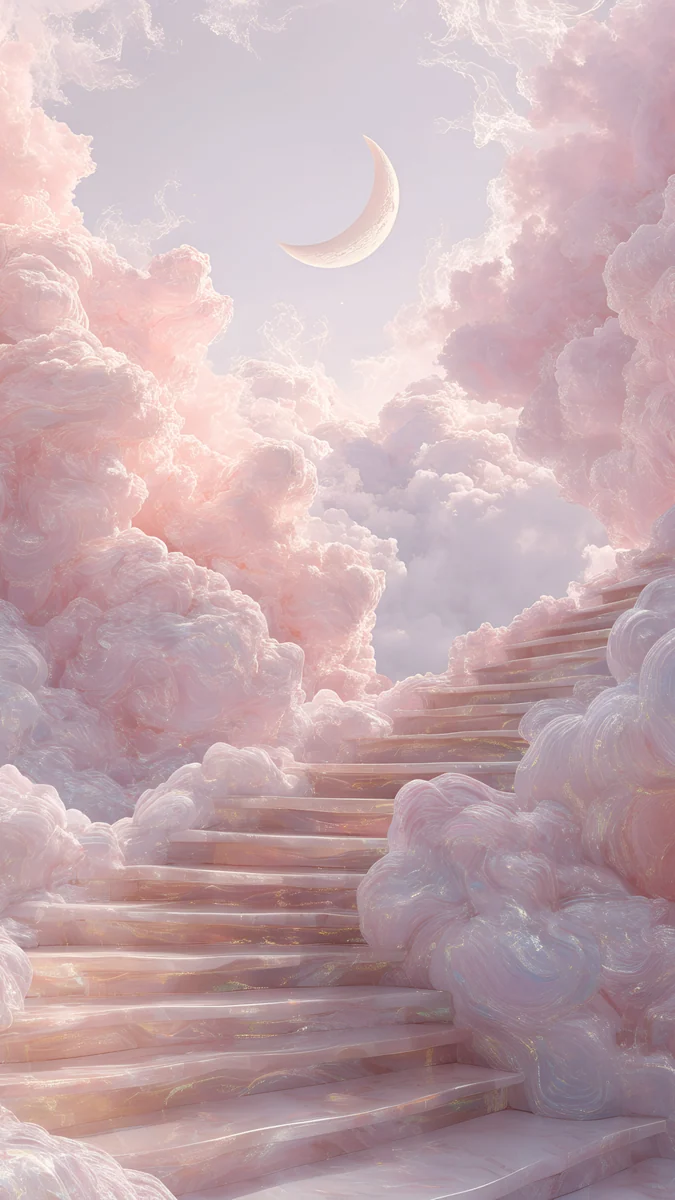 Pink Cloud Stairs
 Aero Aurora Bubbles
 Lilac Hush
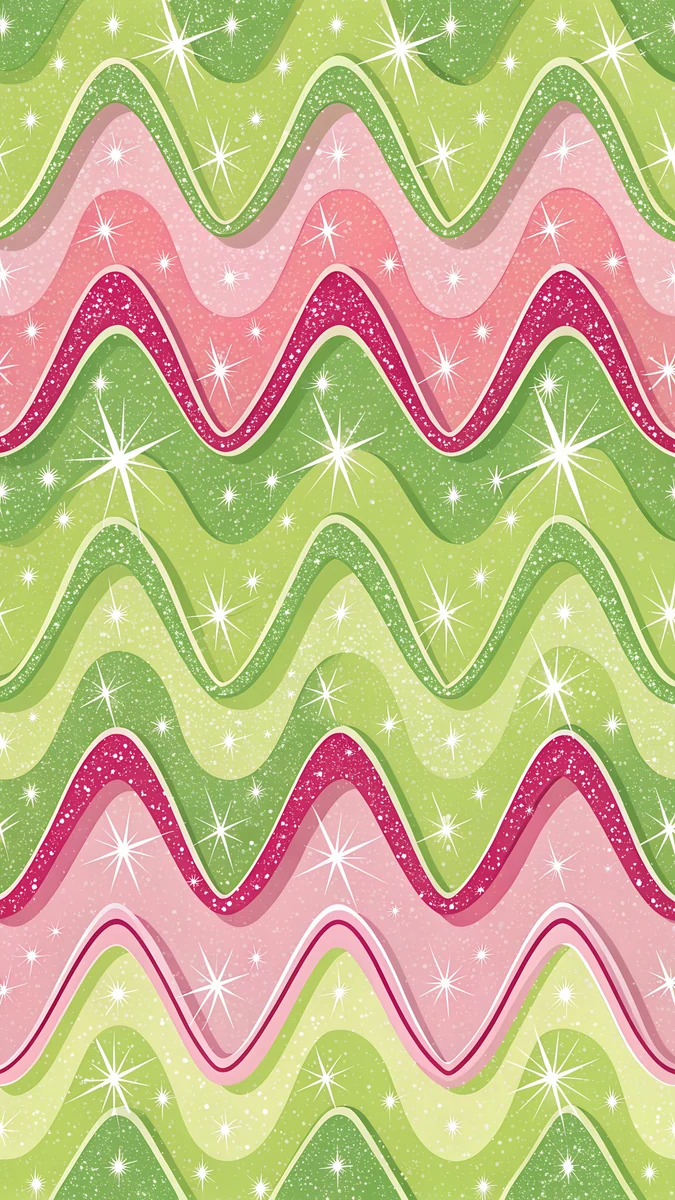 Preppy Pink Lime Waves
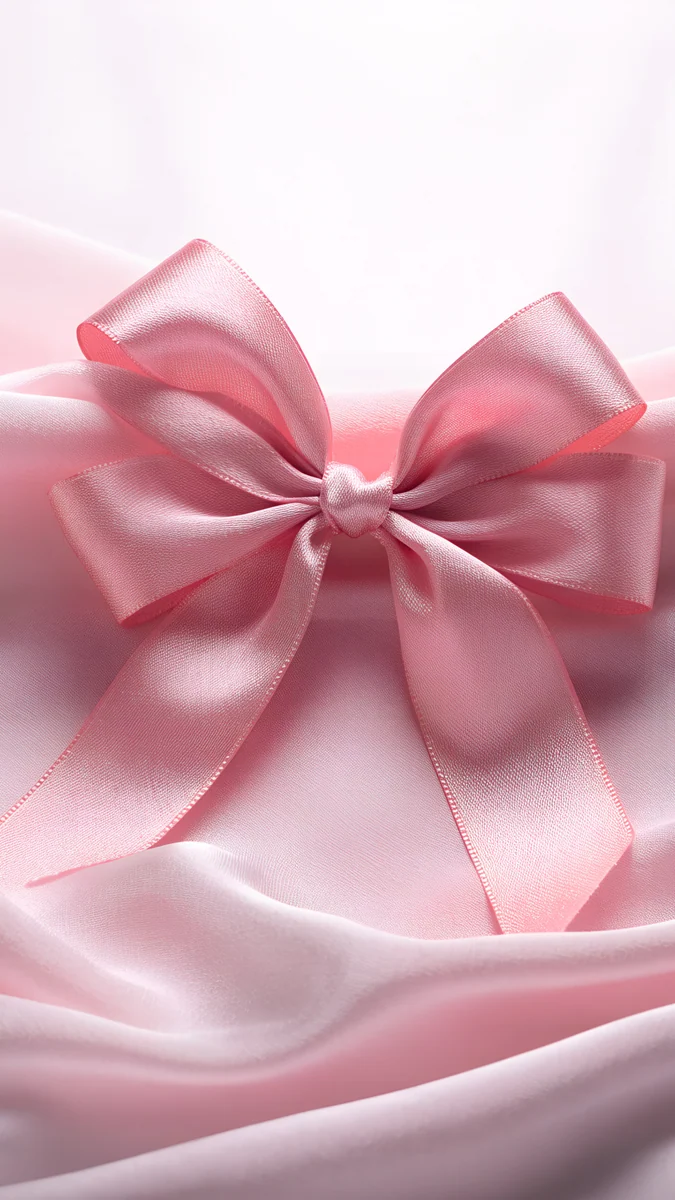 Pink Satin Bow Light
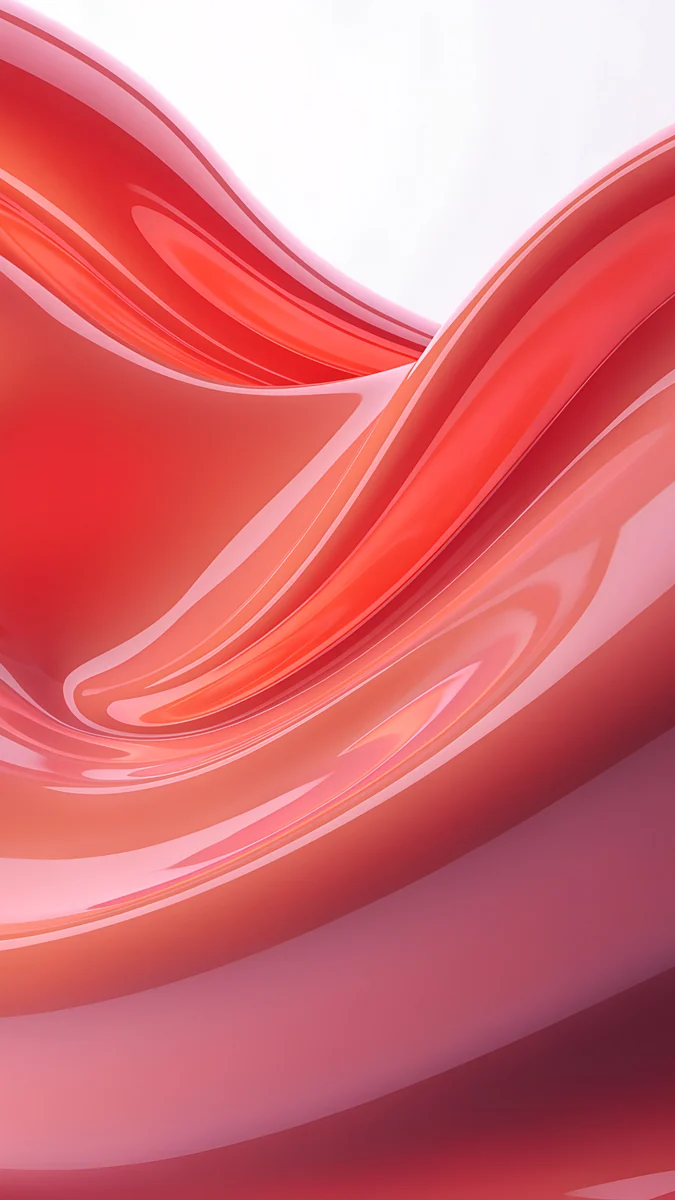 Coral Satin Wave
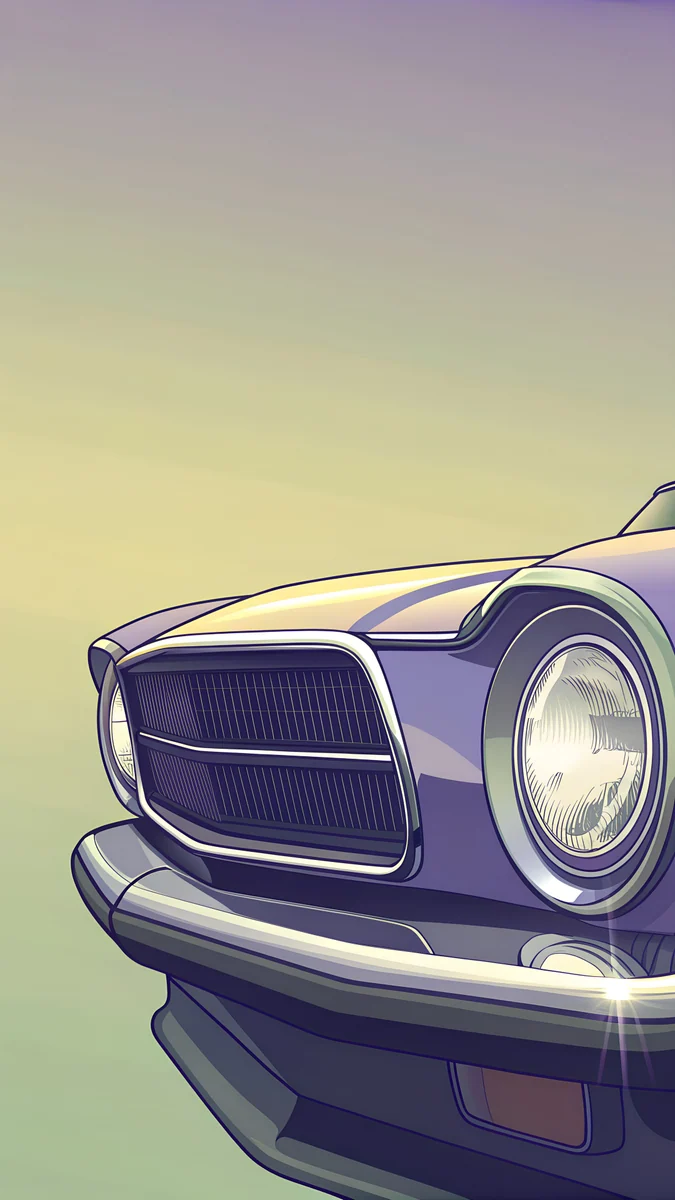 Chrome Headlight
 Aura Green Yellow
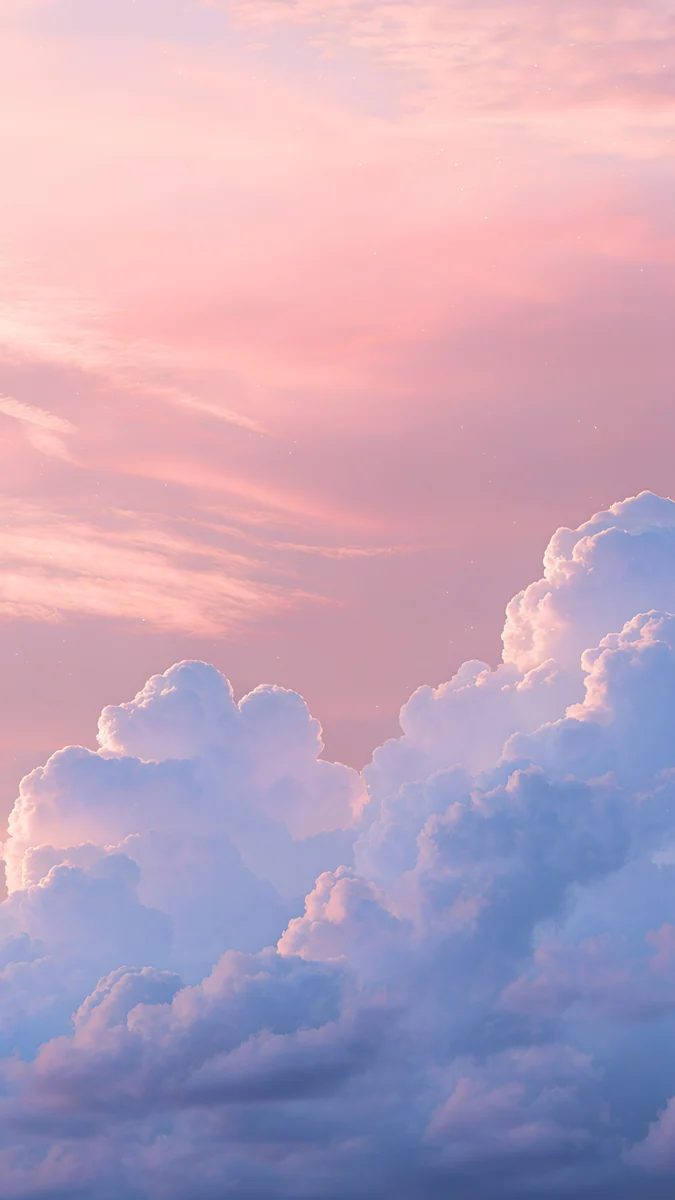 Pink Dusk Clouds
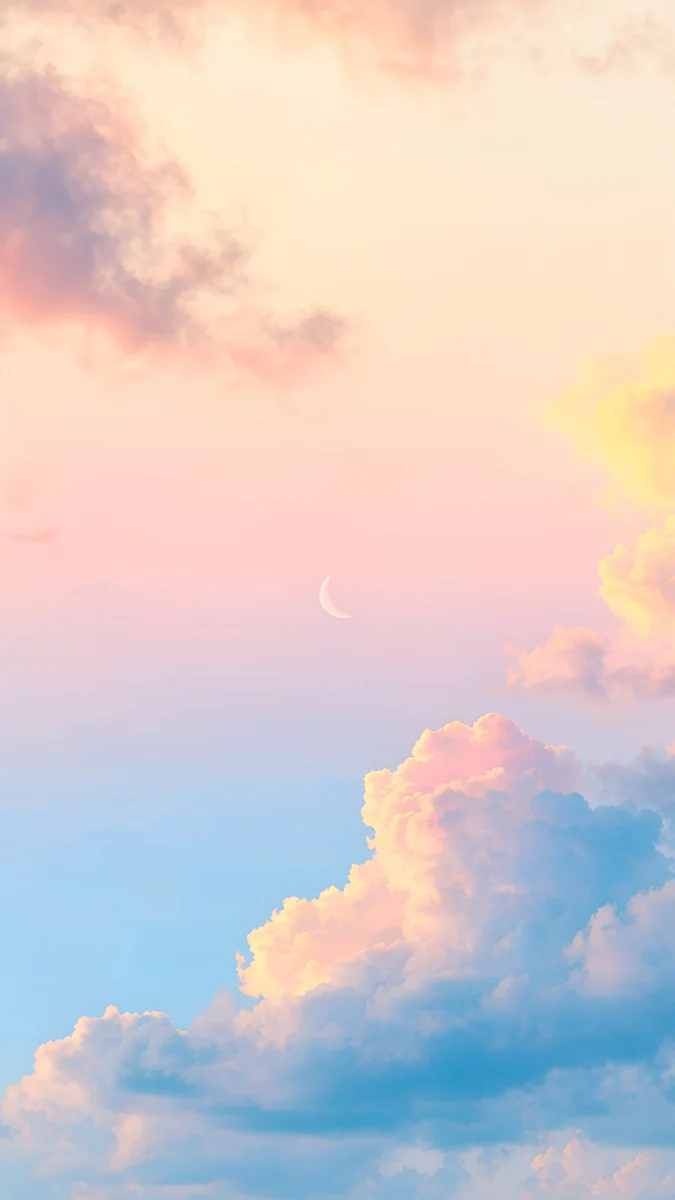 Pastel Moon Sky
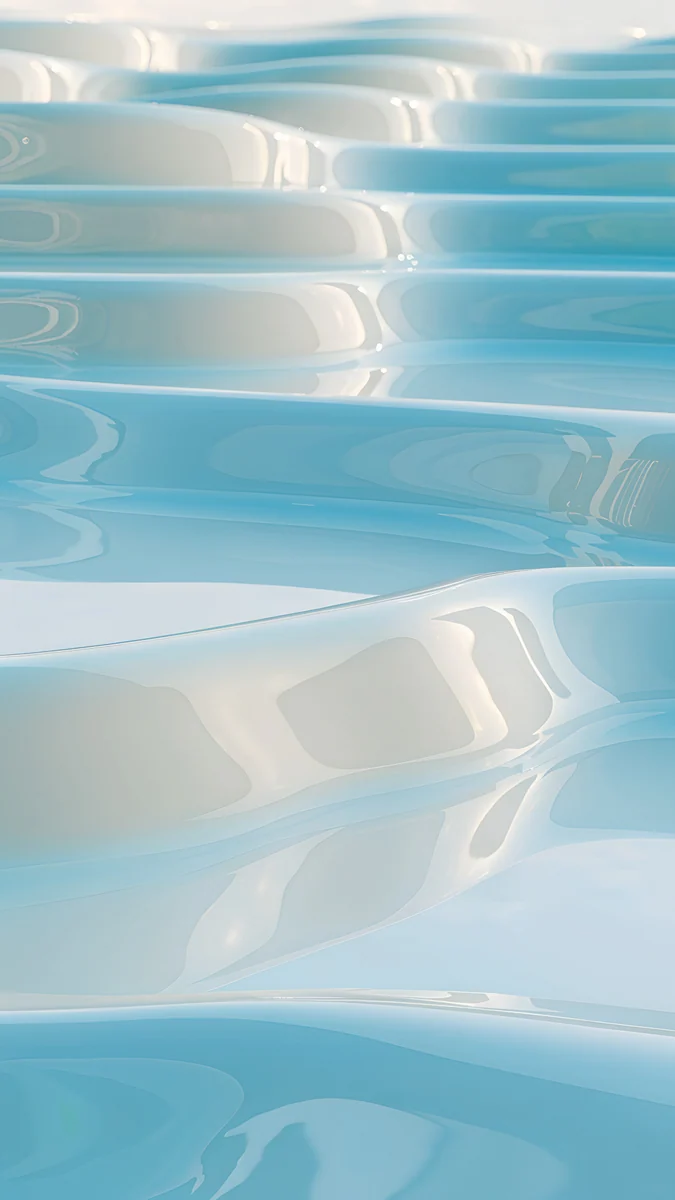 Sky Pearl Terraces
 Celadon Haze
Free originals for iPhone and Android, no watermark
On this page
Cute wallpapers for teens work best when they match a style rather than a character: pastel clouds, Y2K gloss, preppy pink and lime, or a calm cute aesthetic with soft colour. Whether you are picking for your own phone or helping someone choose, the rules are the same: leave room for the clock, keep the middle quiet for icons, and pick colours you will still like in a month. Below are original Velpaper wallpapers in four groups: Y2K and preppy, pastel clouds and sky, cute aesthetic, and wide cute wallpapers for a laptop. Phone files are 2160 × 3840 pixels and desktop files 3840 × 2160, 4K, with no text, logo or watermark [1].
How to choose a cute wallpaper
Pick the style first. Y2K, preppy, pastel and cute aesthetic each have a clear look. Once you know which one you like, the rest is easy, because the colours and shapes repeat across the group.
Think about the clock and icons. A cute wallpaper with a busy centre makes app icons hard to read. Pieces with a soft sky, a plain wall or open space in the middle keep the home screen tidy, and the lock screen clock sits on the calm top third.
Check it in dark mode. Pastels look gentle in daylight, but at night a very bright wallpaper can feel harsh. A dusk or night piece, like the moon scene below, is easier on the eyes in the dark.
Y2K and preppy wallpapers
Glossy, bright and a little retro. Y2K takes its look from the early 2000s: bubbles, shine and rounded shapes [1]. Preppy brings fresh pink, lime and clean stripes or waves.
Aero Aurora BubblesPreppy Pink Lime WavesPink Satin Bow LightCoral Satin WaveChrome HeadlightAura Green YellowAero Aurora Bubbles is glossy Y2K bubble art with a 2000s feel [1]. Preppy Pink Lime Waves is the preppy pick, pink waves with a lime edge. Pink Satin Bow Light is soft, girly and coquette. Aura Green Yellow is a blurred aura gradient, easy behind icons. For the full style guides, see Y2K wallpapers and preppy wallpapers.
Pastel clouds and sky
The safest cute wallpapers: soft pink, lilac and light blue skies, clouds and a pale moon. They are calm, they suit nearly every icon colour, and a white or deep rose clock reads on them.
Pink Dusk CloudsPink Cloud StairsPastel Moon SkySky Pearl TerracesLilac HushCeladon Haze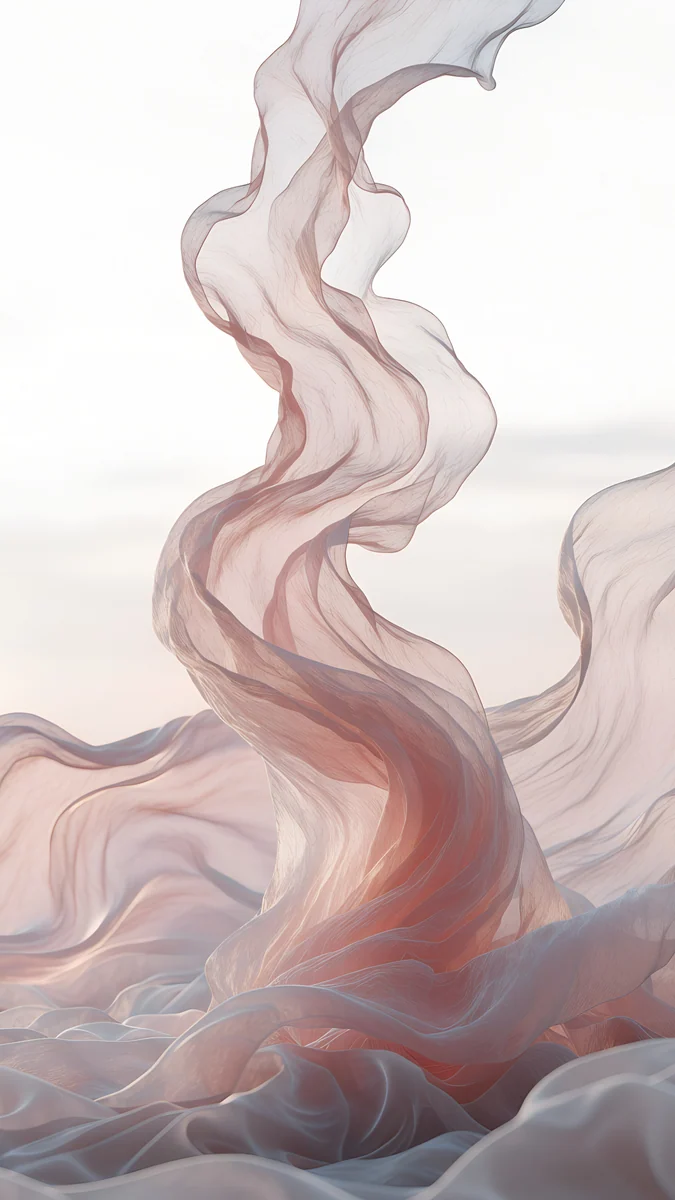 Rose Chiffon
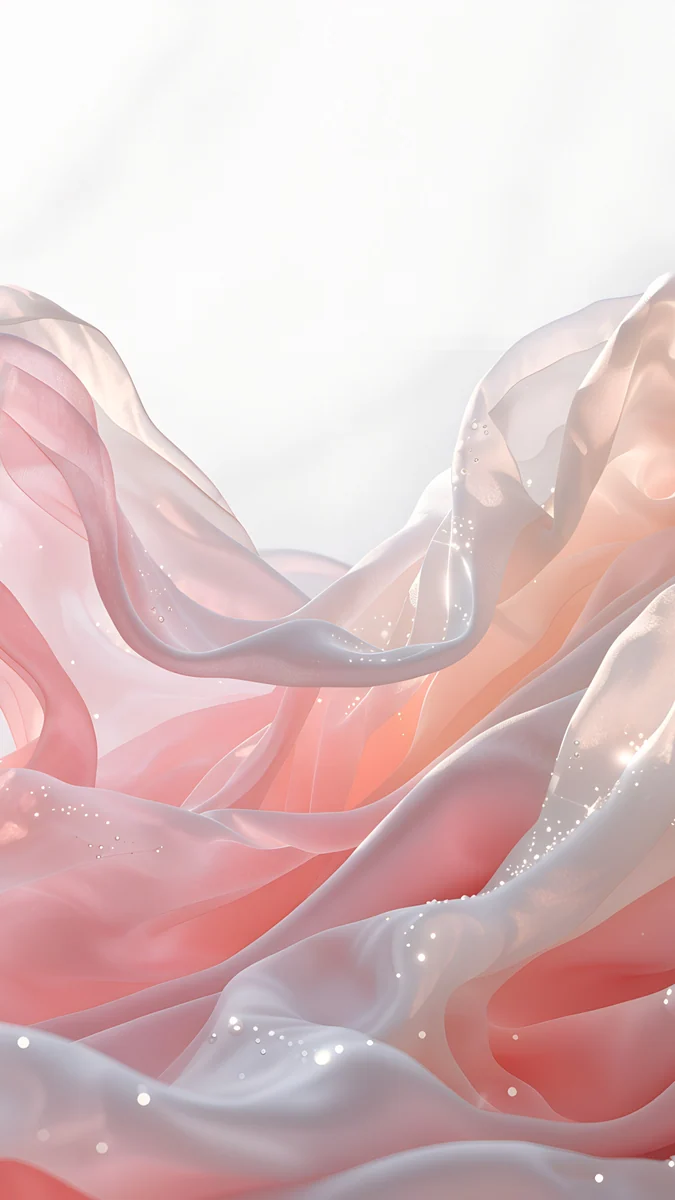 Blush Silk
Pink Dusk Clouds is a pink and lilac cloud sky. Pink Cloud Stairs adds a staircase and a moon in the clouds, dreamy and cute. Lilac Hush and Celadon Haze are pastel gradients, lilac and mint, with no detail at all. More pastel ideas are in pastel aesthetic wallpapers and pink aesthetic wallpapers.
Cute aesthetic: moon, blossom and soft rooms
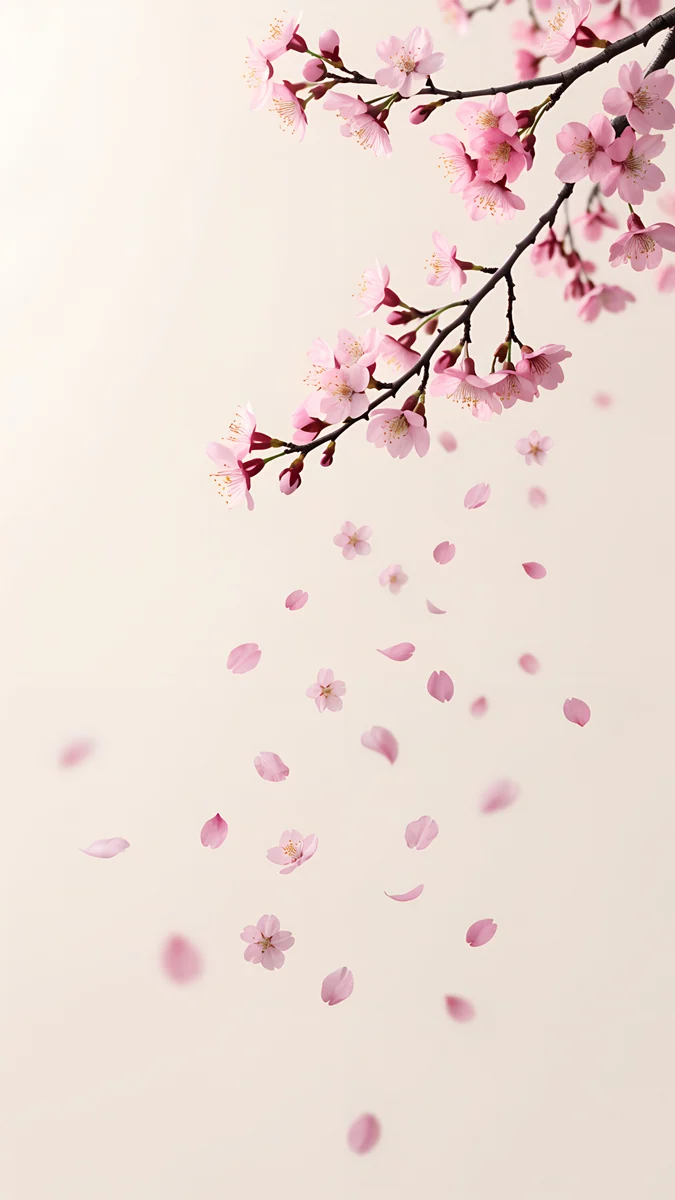
For a quieter, cozier cute look: an owl and a harvest moon over a tree, cherry blossom, a shelf with flowers and a pink niche. The colours are warm and low in contrast.
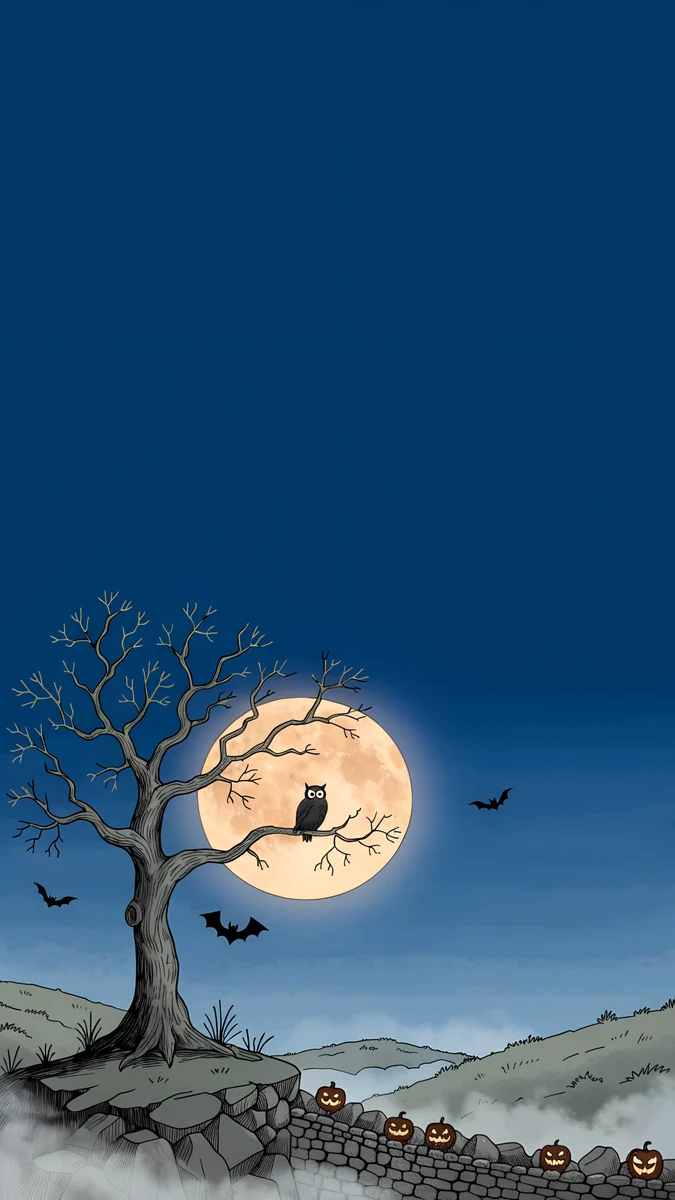 Owl Tree Harvest Moon
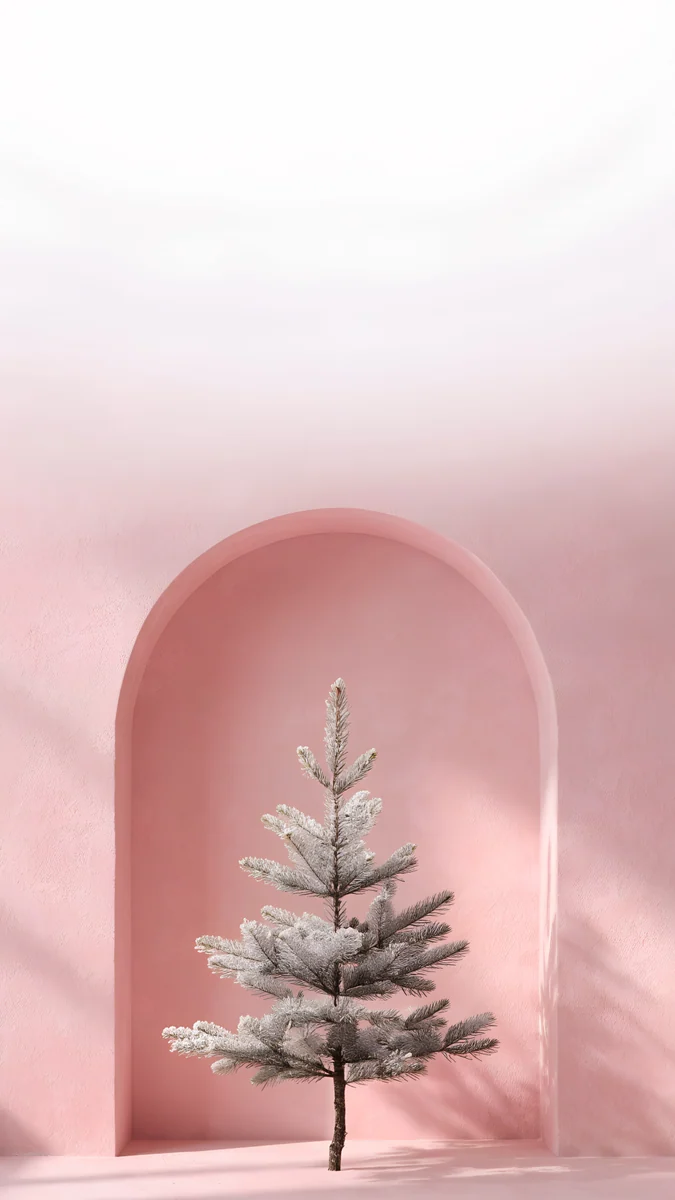 Pink Niche Pine
 Blossom Hill Dawn
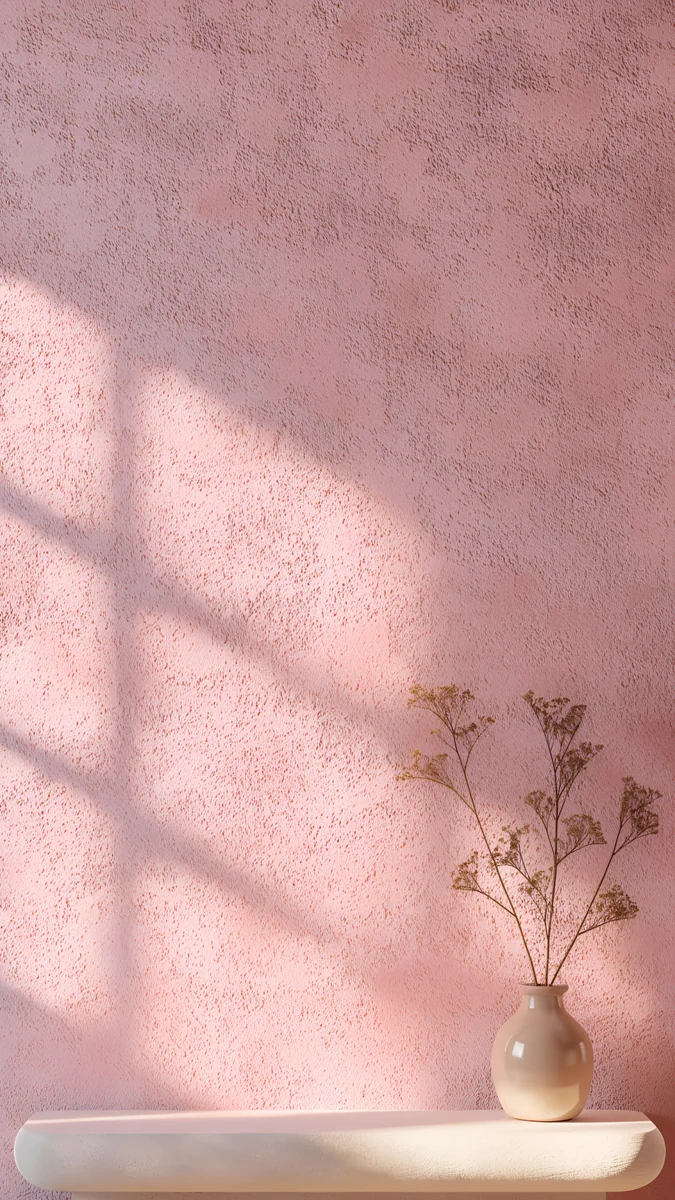 Dusty Rose Shelf
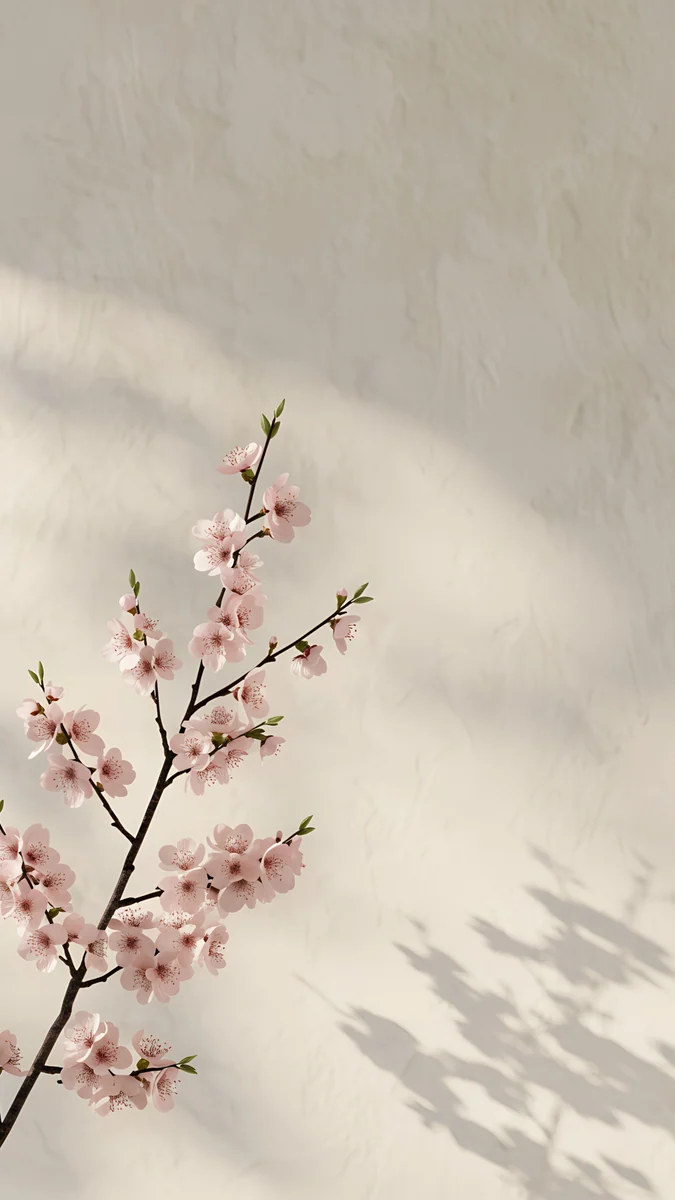 Cherry Blossom Wall
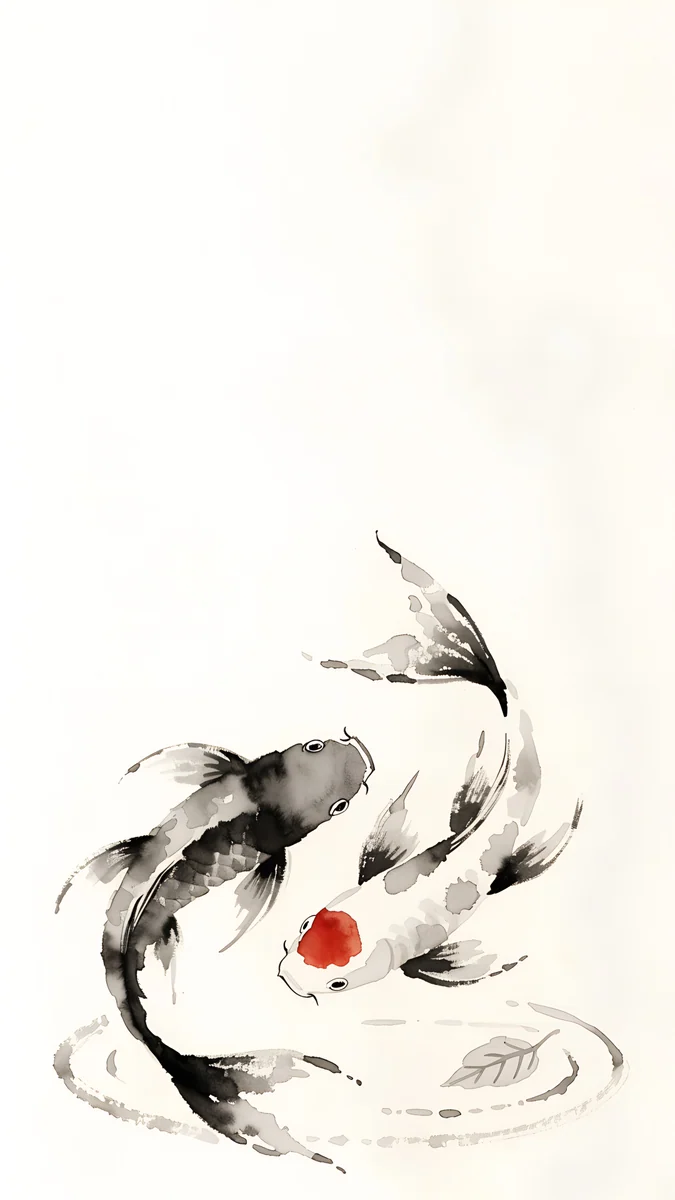 Koi Drift
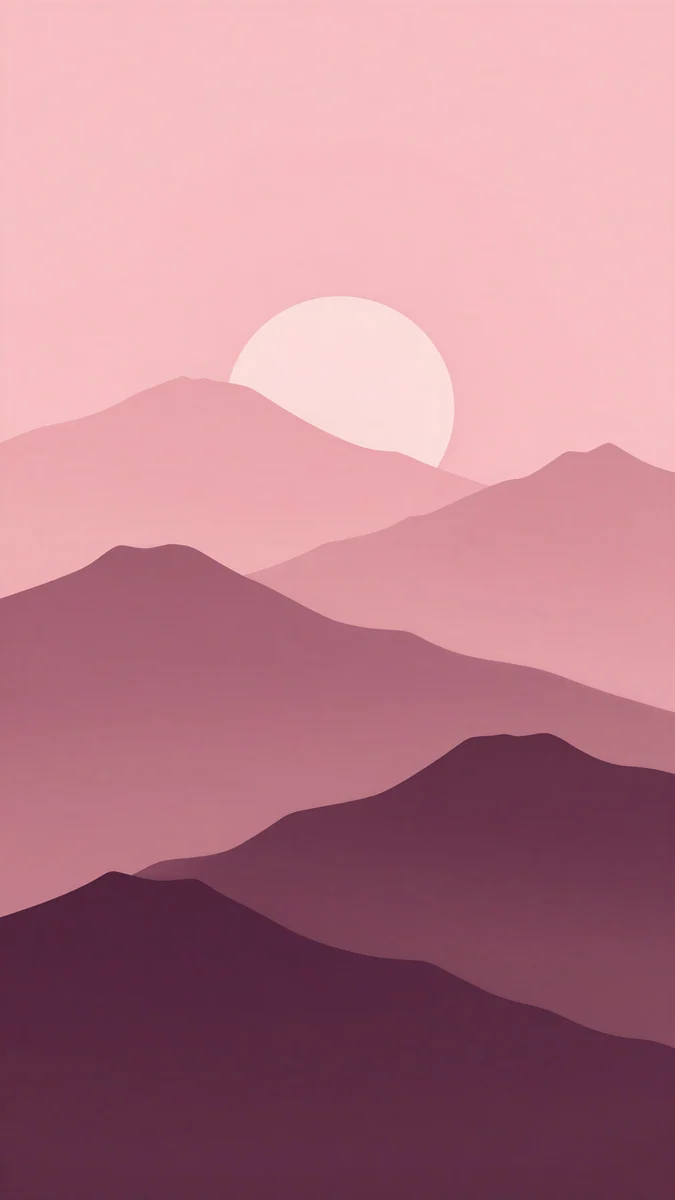 Plum Paper Peaks
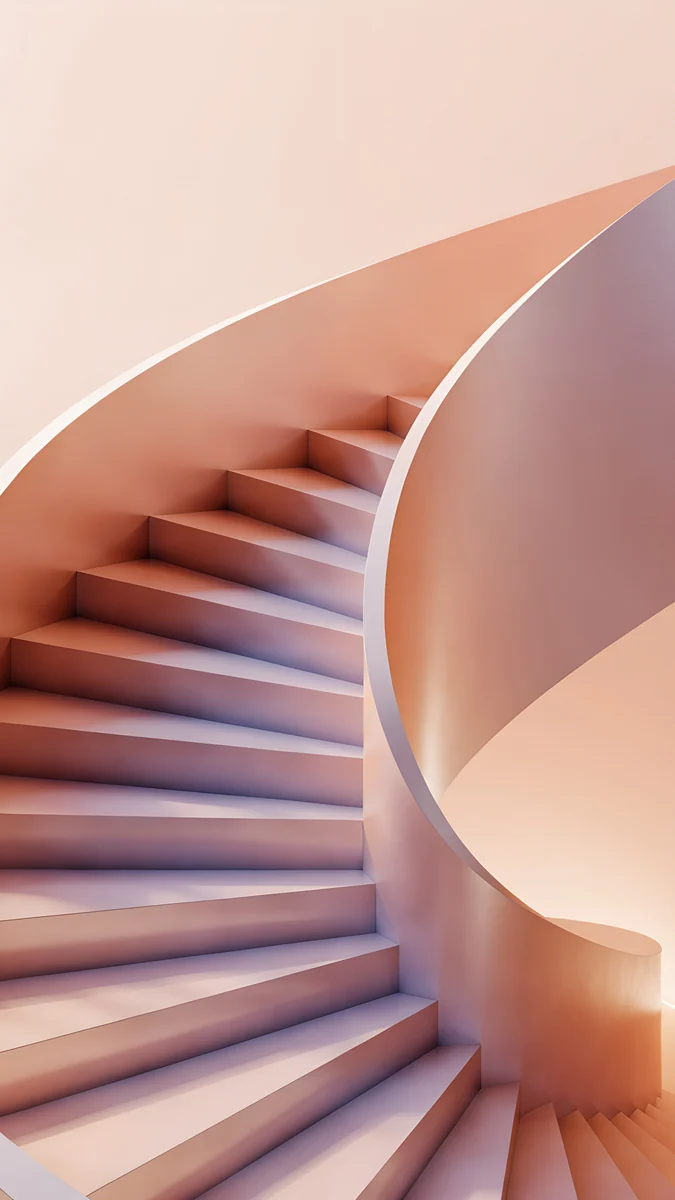 Peach Spiral Well
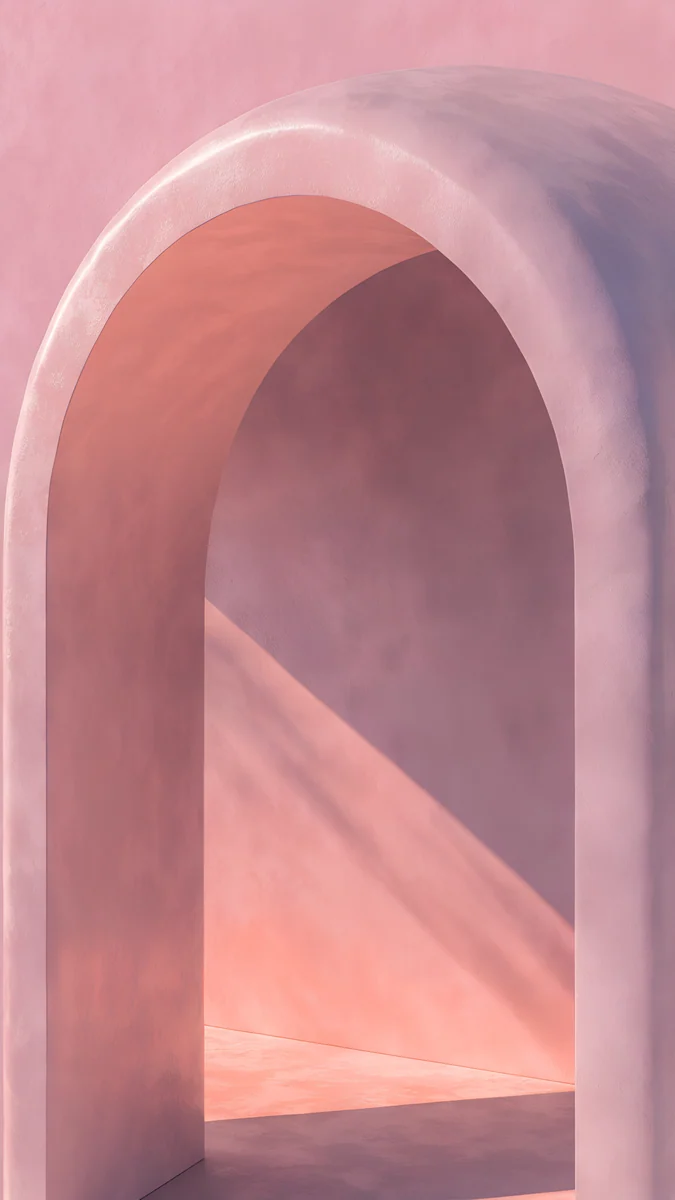
Owl Tree Harvest Moon is a navy night with an orange moon, the cutest piece here and a good dark-mode pick. Pink Niche Pine is a pink arch niche, minimal and cute. Blossom Hill Dawn is anime-style sakura at dawn. Our cute wallpapers and cutecore wallpapers articles have more.
Cute wallpapers for a laptop or computer
A laptop needs wide files. These are 3840 × 2160 (one is 5120 × 2880), which fit 1920 × 1080 and 2560 × 1440 screens with no stretching [1]. Do not put a tall phone file on a laptop, because it crops hard.
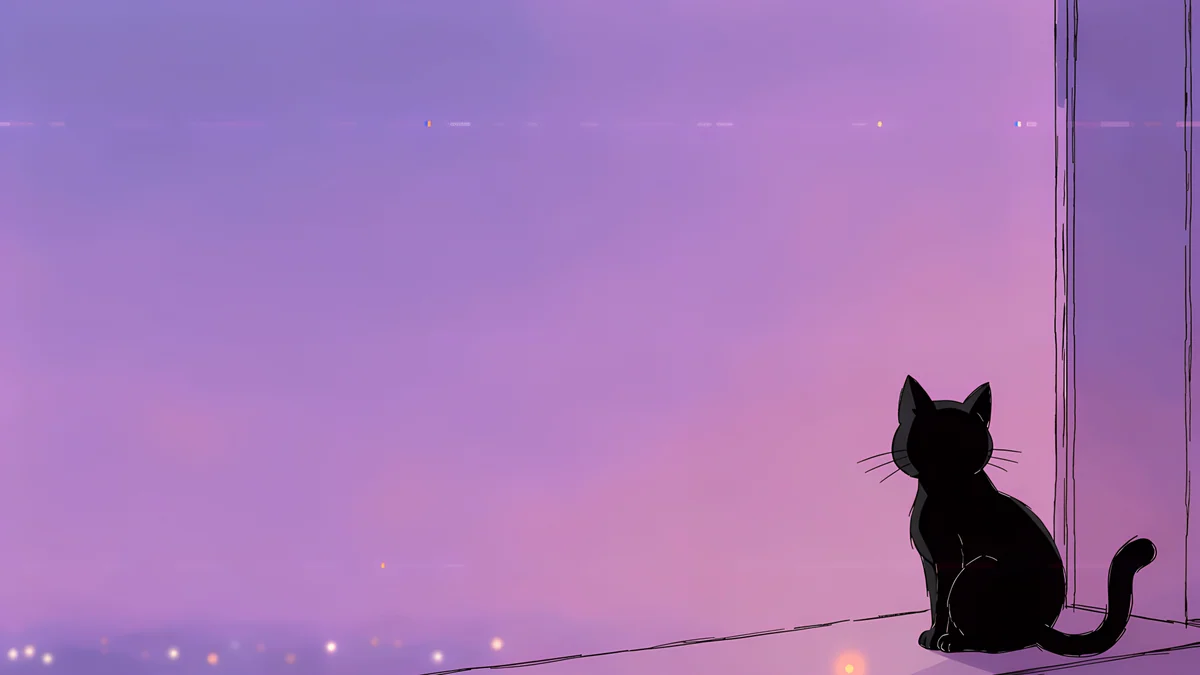
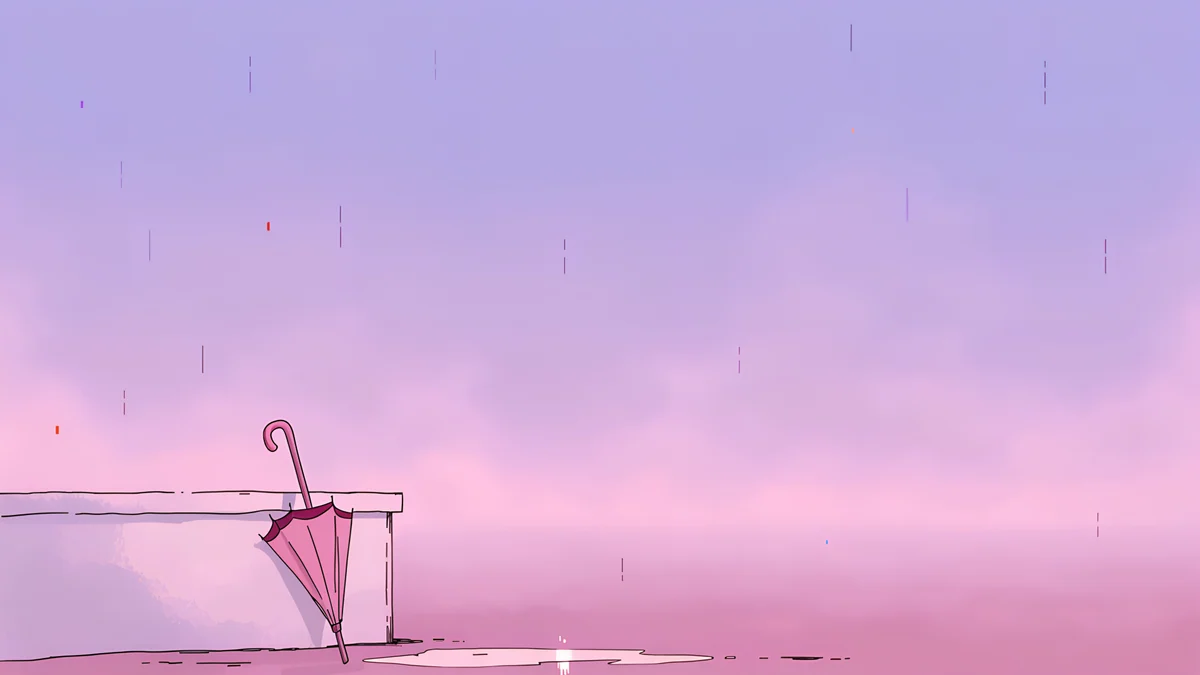
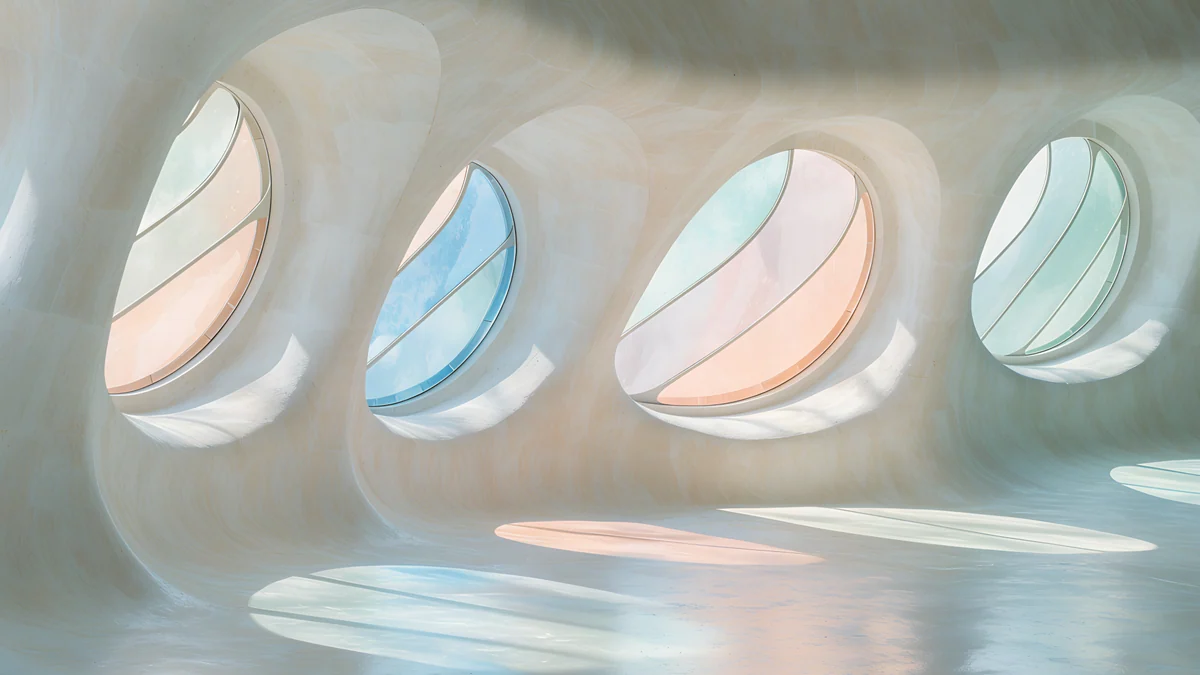
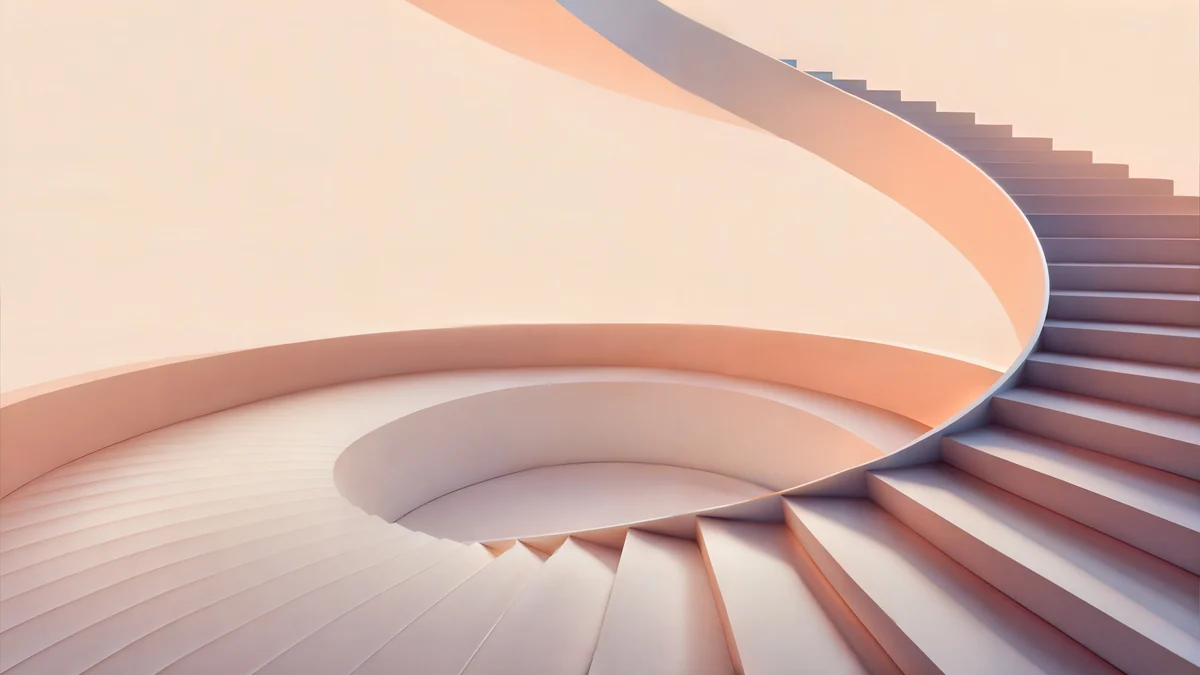
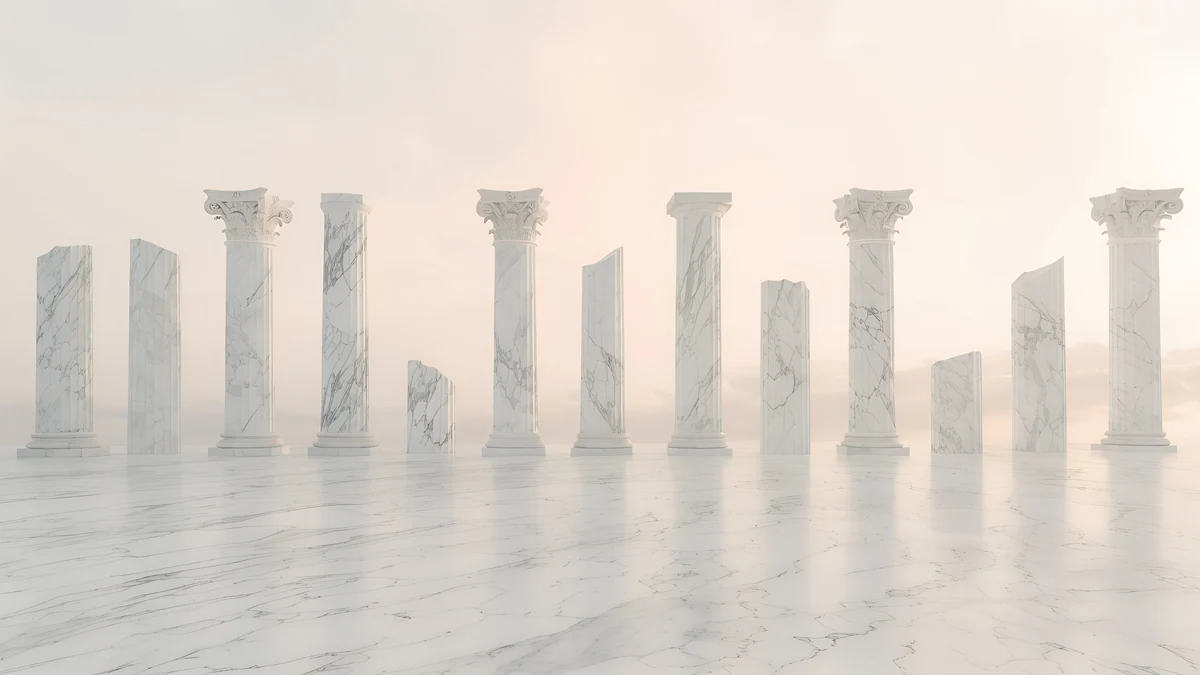
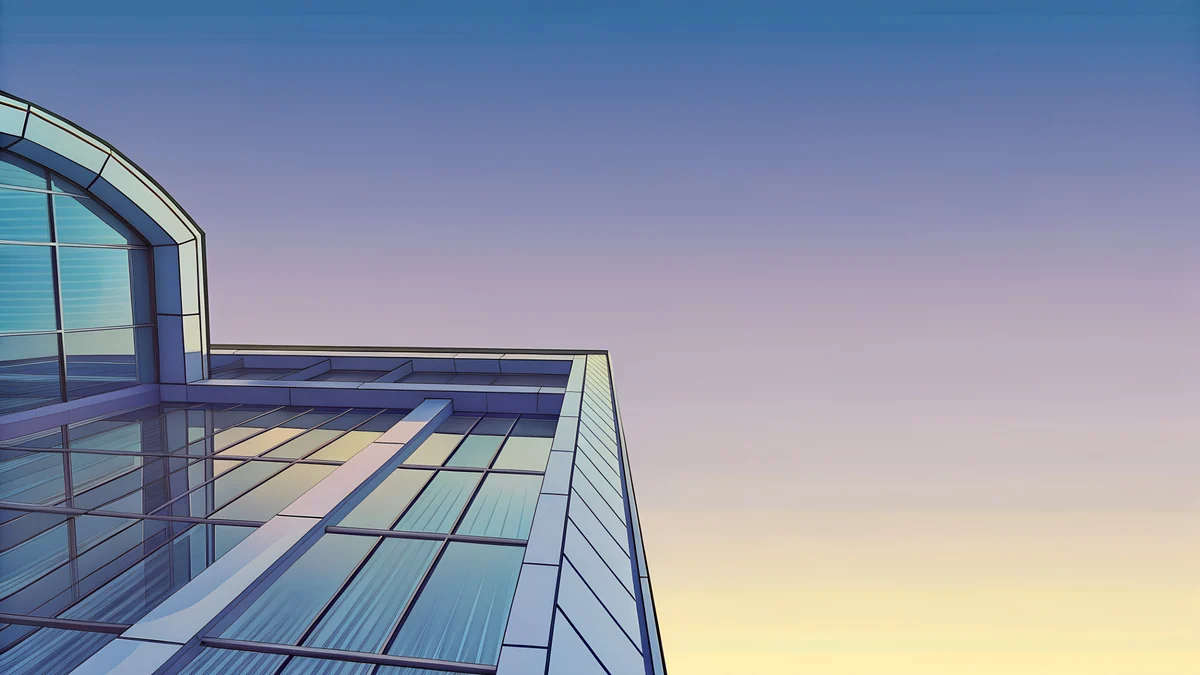
Lofi Window Cat is a cozy purple and pink night at a window, and Lofi Umbrella Rain is a calm rainy lilac scene. On Windows 11, open Settings, Personalization, Background [2]. On a Mac, open System Settings, Wallpaper. For matching sets, see cute computer wallpapers.
How to set it on your phone
On iPhone, save the file to Photos, open Settings, Wallpaper, tap Add New Wallpaper, choose Photos and pinch to frame it. Tap the time to change the clock colour. On Android, press and hold the home screen, tap Wallpaper & style and choose the image. Browsing on velpaper.com or in the Velpaper apps is free, and phone wallpapers unlock after a short optional ad. Our guide on setting a lock screen wallpaper on iPhone has every option.
Original wallpapers in and for iPhone, Android and desktop.
Questions
What are good cute wallpapers for teens?
Pick a style, then pick a calm picture in it. Pastel clouds and sky wallpapers in pink, lilac and light blue are the safest choice, Y2K bubbles and preppy pink and lime waves are brighter, and a cute aesthetic piece, such as a moon over a tree or cherry blossom, is the cozy option. Whatever the style, leave the top third calm for the clock and keep the middle simple so app icons stay readable. Velpaper's cute wallpapers are original 4K files with no text or watermark [1].
What size are cute wallpapers for a phone?
Phone files on Velpaper are 2160 × 3840 pixels, 4K in portrait, which is taller than any current phone screen [1]. The phone scales the picture down, so it stays sharp, and trims a little at each side, so keep the main subject near the centre. Desktop and laptop files are 3840 × 2160 [1]. Use tall files on phones and wide files on computers, because a tall file on a laptop crops hard.
Which cute wallpaper works best for a lock screen clock?
Pastel sky and gradient pieces are the easiest, because there is no detail behind the digits. Lilac Hush, Pink Dusk Clouds and Pastel Moon Sky have a calm upper area, so a white or deep rose clock reads clearly. Avoid wallpapers with a bright object right behind the time. On iPhone, touch and hold the Lock Screen, tap Customize and then the time to change its colour and font.
Are there cute wallpapers for a laptop?
Yes. Velpaper has wide cute wallpapers at 3840 × 2160, such as a cozy window night, a rainy lilac scene and a pastel arch [1]. That size fits a 1920 × 1080 screen at exactly half size and a 2560 × 1440 screen at exactly 1.5 times, with no stretching. On Windows 11, open Settings, Personalization, Background and choose Picture. On a Mac, open System Settings, Wallpaper.
Is a dark or light cute wallpaper better?
It depends on the time you use the phone. Light pastels look fresh in daylight and make a dark clock easy to read. At night they can feel bright, so a darker cute piece, like a navy night with a moon, is gentler on the eyes and works with dark mode. On an OLED screen, darker wallpapers also switch off more pixels. Many people keep one light and one dark wallpaper and swap them as they like.
Carlos Vivero
Designer of Velpaper wallpapers
Carlos Vivero designs the wallpapers in Velpaper: quiet architecture, liquid glass, Japanese ink and calm landscapes. Every piece is made as a original for iPhone, Android and desktop.
Recent work