Tree Wallpaper for iPhone: 20 Pine, Plum and Night 4K
Tree wallpaper for iPhone in 4K: 20 original pines, plum branches, night trees and tree houses at 2160 × 3840, with Lock Screen tips and steps.
Sources [1] · By the Velpaper team · Wallpapers by Carlos Vivero, Velpaper designer · · 4 min read
In short: The best tree wallpaper for iPhone puts the trunk in the middle or lower half so the clock has open sky. Velpaper has 20 original 2160 × 3840 picks, from ink pines to night trees and tree houses [1].
Wallpapers
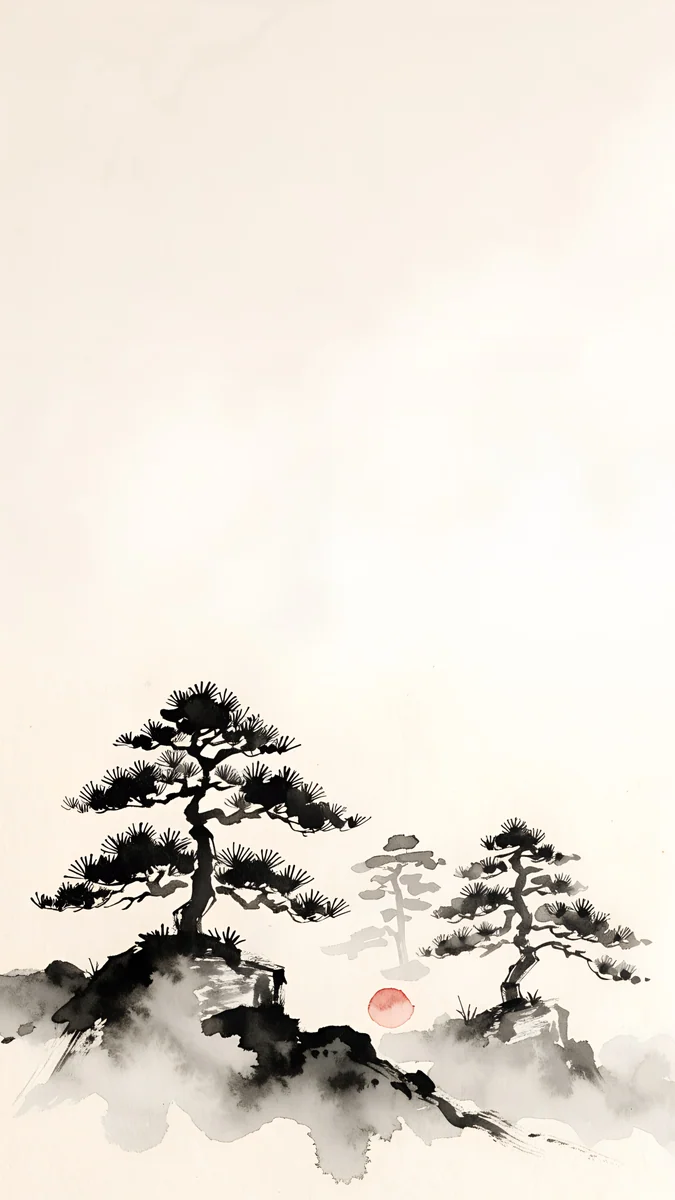 Mist Pines
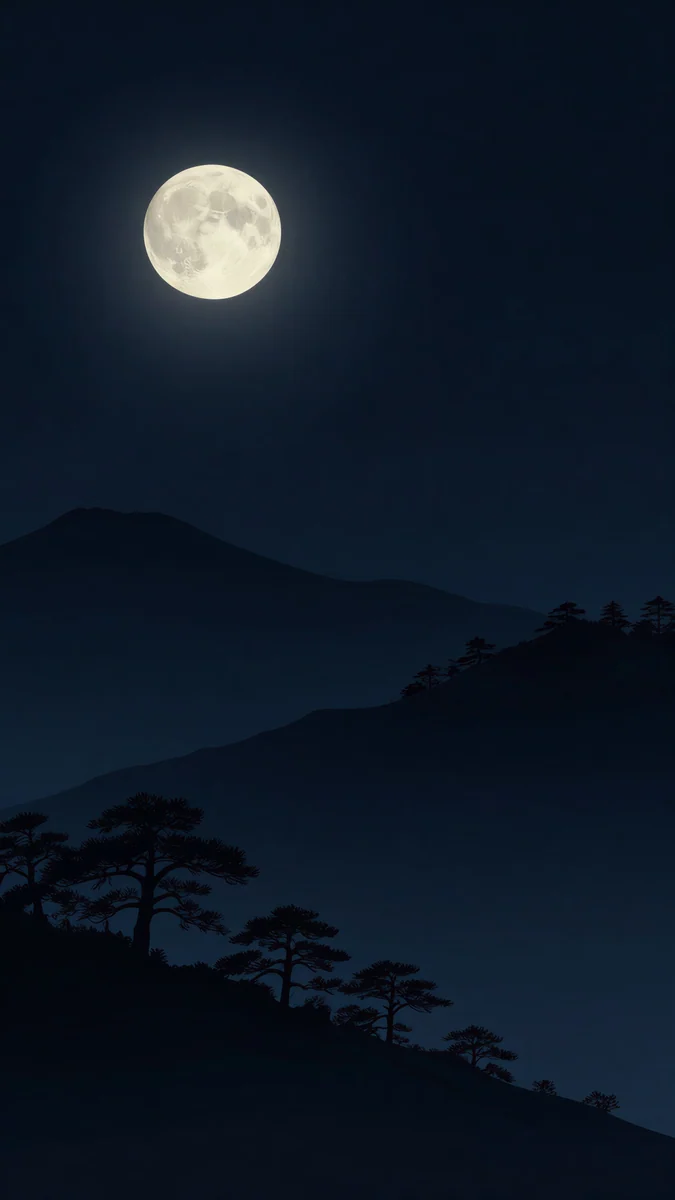 Moon Pines
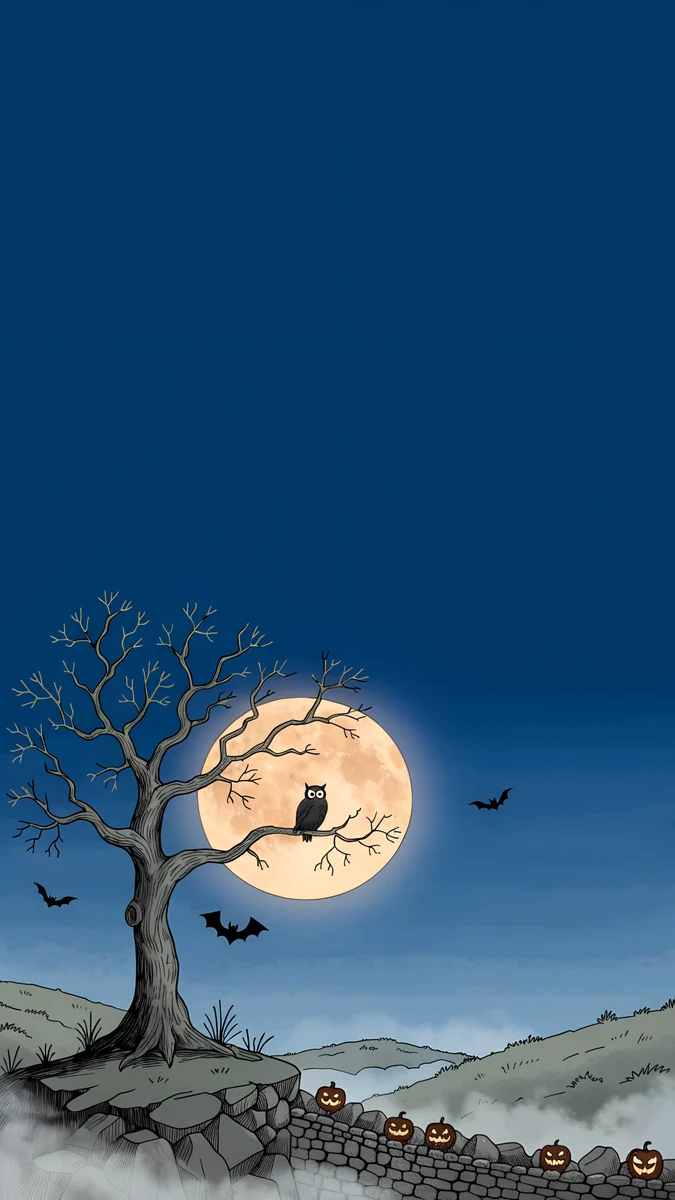 Owl Tree Harvest Moon
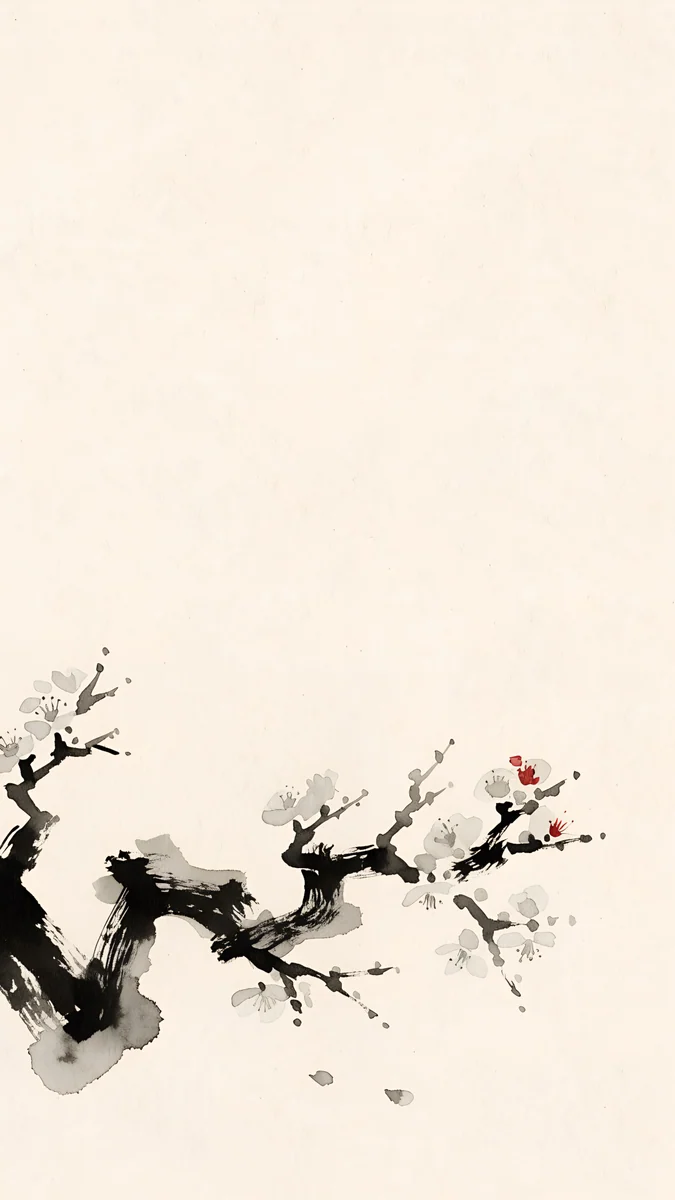 Plum Branch
 Moon Pine Cliff
 Plum Moon
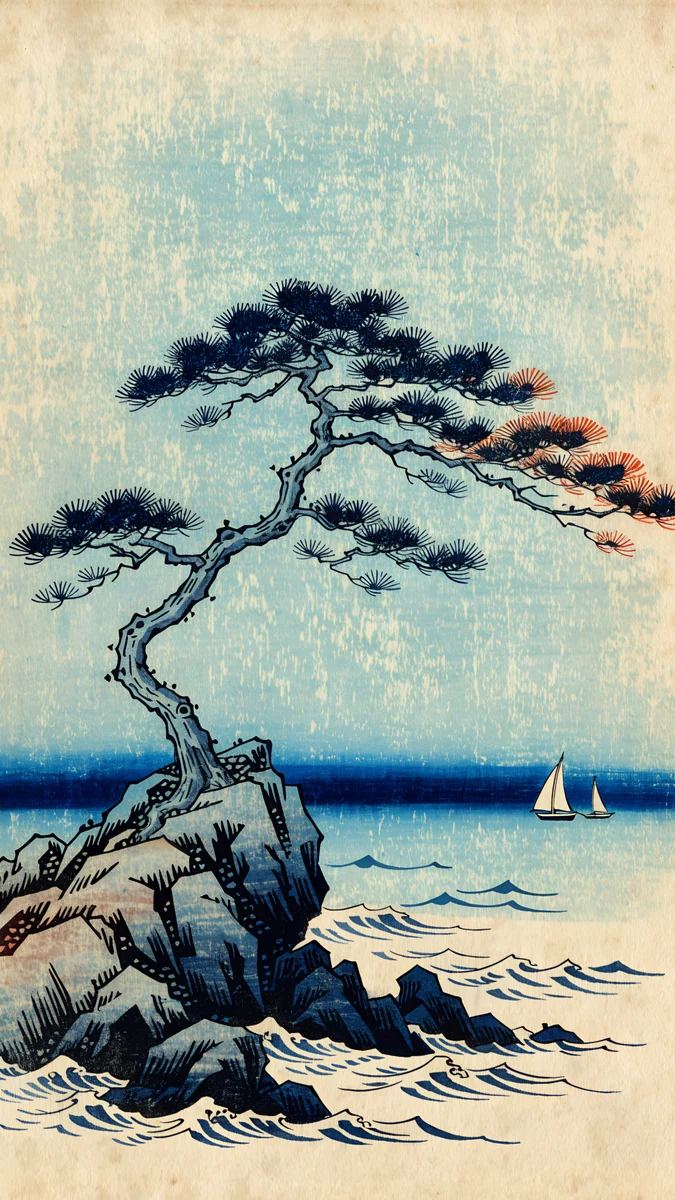 Pine Coast
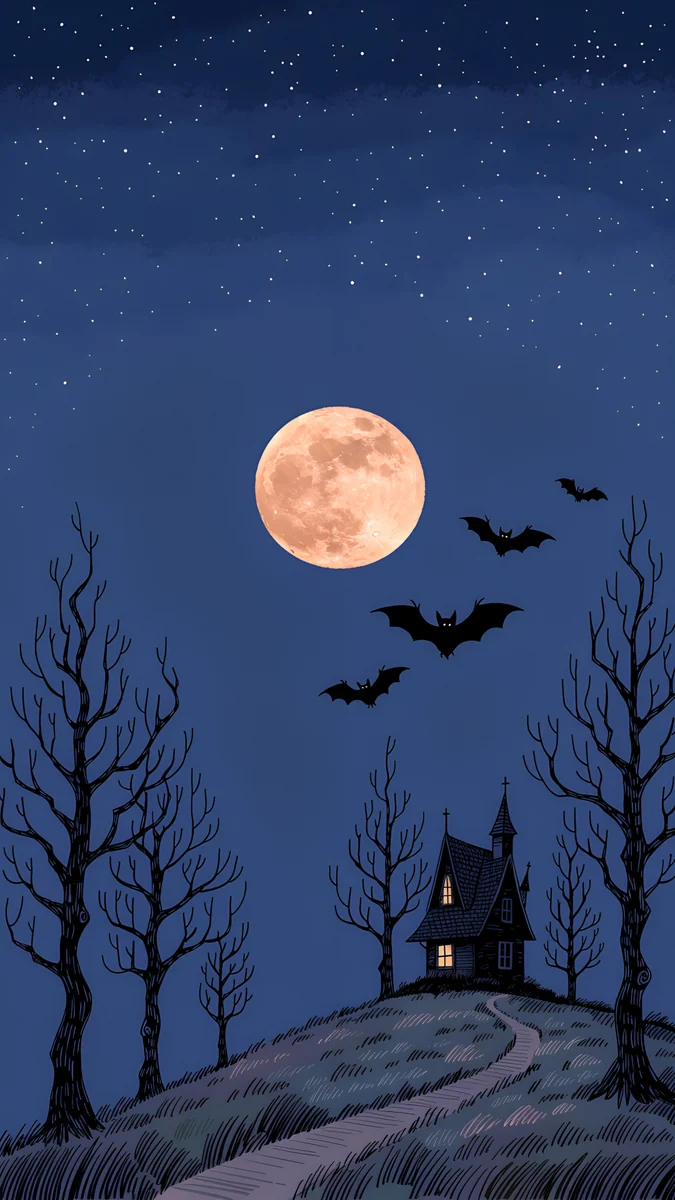 Hilltop House Harvest Moon
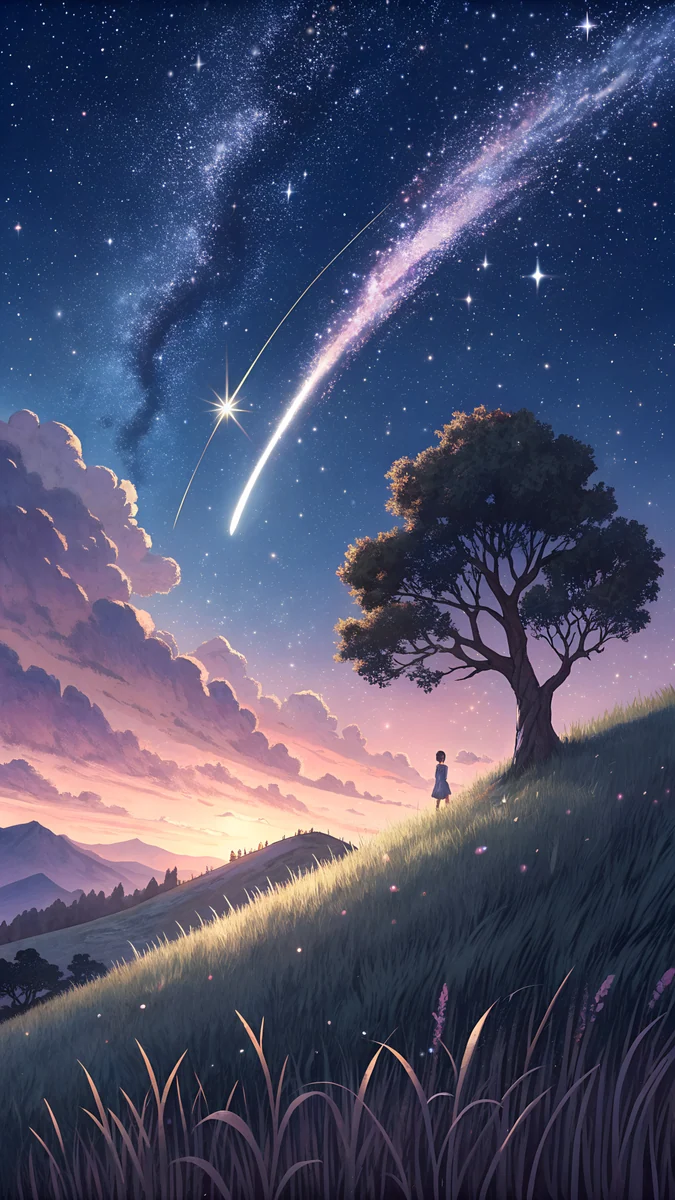 Meteor Hill Tree
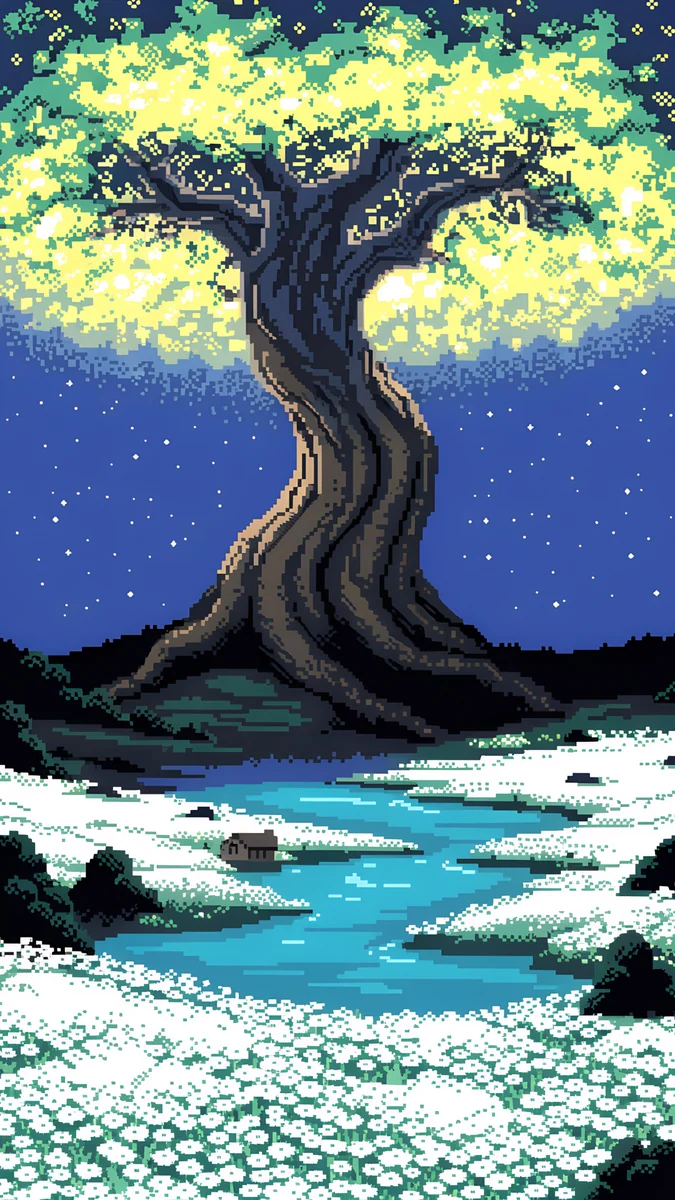 Pixel Ancient Tree
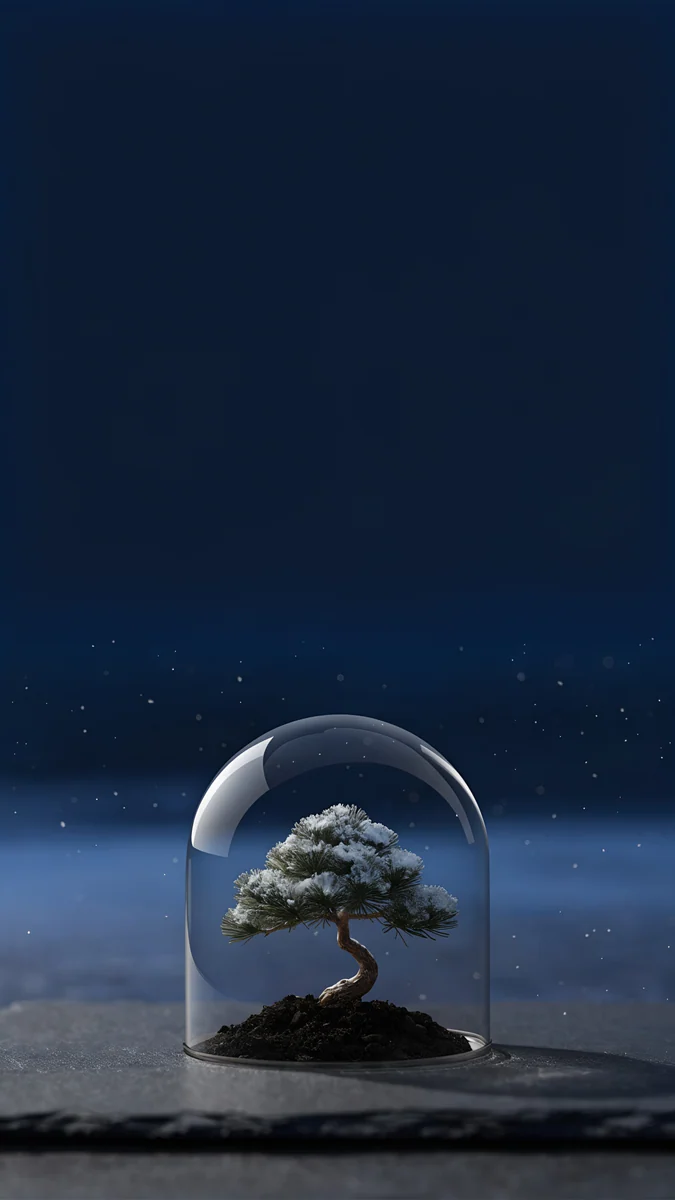 Bonsai Under Glass
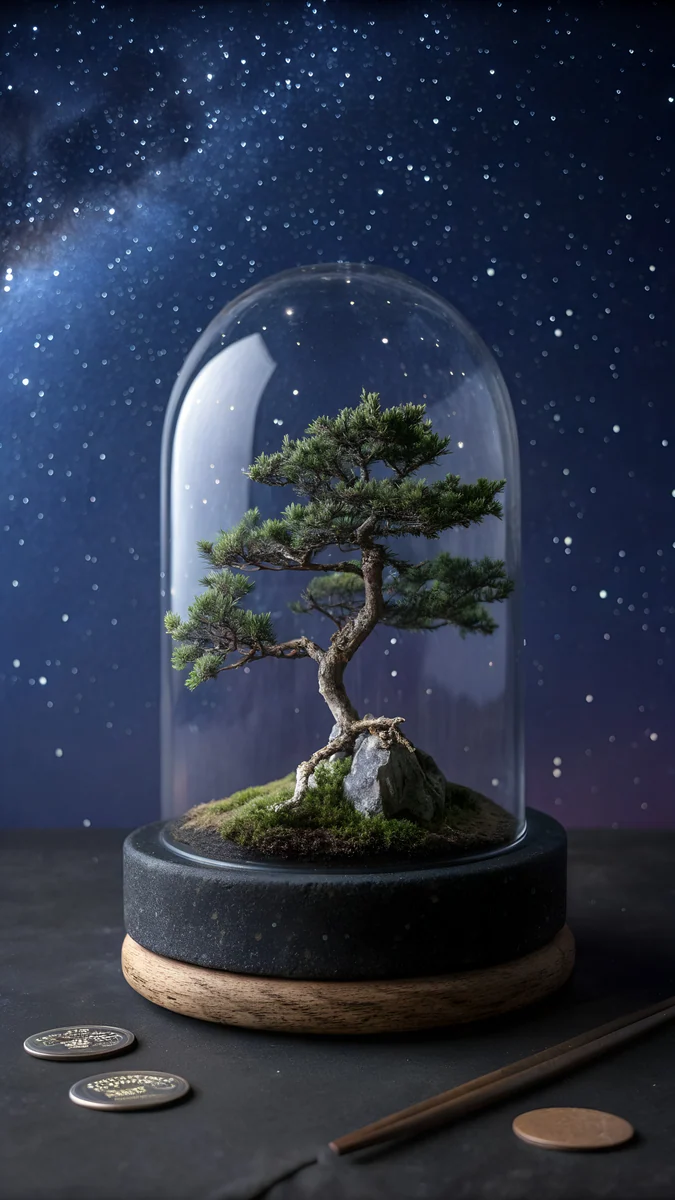 Nebula Bonsai Dome
Free originals for iPhone and Android, no watermark
On this page
A tree wallpaper for iPhone is a good Lock Screen subject: a trunk or a branch is tall and thin, which fits a portrait screen, and the sky around it leaves room for the clock. Velpaper has 20 original [1] tree wallpapers for iPhone in 4K, 2160 × 3840 with no watermark, in four groups: ink pines and blossom branches, night trees under a moon, tree houses and fantasy forests, and snow and palm. None shows a person.
Why a tree suits an iPhone screen
Trees are vertical, so they use the height of a phone better than a wide landscape does. A single tree also gives one clear subject, with sky or mist above it for the time and widgets. Most pieces below put the tree in the middle or lower half, so the top third stays clean. On iOS 26 that top area is also where the clock and the depth effect work [1], as explained in iPhone depth effect wallpaper.
Ink pines, plum and Japanese trees
The quietest tree wallpapers are ink and woodblock pictures: a few strokes, a pale ground and an open sky.
Mist Pines is ink pines on a misty hill in cream and black. Plum Branch is a single plum branch with red blossom on beige. Moon Pines is pines under a moon in navy and black, a dark piece for OLED. Moon Pine Cliff is a gold and navy woodblock cliff with a pine and a moon. Plum Moon puts a plum tree under a pale moon on a beige ground, and Pine Coast is a pine on a wave-washed coast in blue and beige. For more of this look, read Japanese ink wallpapers and ukiyo-e wallpapers.
Night trees under the moon and stars
A tree against a night sky is a classic. It has high contrast, a dark ground and a bright moon or stars, so it works with a white clock.
Owl Tree Harvest MoonHilltop House Harvest MoonMeteor Hill TreePixel Ancient TreeBonsai Under GlassNebula Bonsai DomeOwl Tree Harvest Moon is a tree with an owl under a harvest moon in navy and orange. Hilltop House Harvest Moon is a lone house and tree on a hill under a harvest moon. Meteor Hill Tree is anime style, a tree on a hill under a purple starry sky with a meteor. Pixel Ancient Tree is a pixel art tree by a lake under stars. Bonsai Under Glass puts a bonsai under glass in navy and black, and Nebula Bonsai Dome puts a tree inside a glass dome with a nebula. For more night pictures, see night sky wallpapers.
Tree houses and fantasy forests
These pieces use a tree as a home or a bridge. They are cosy and a bit magical.
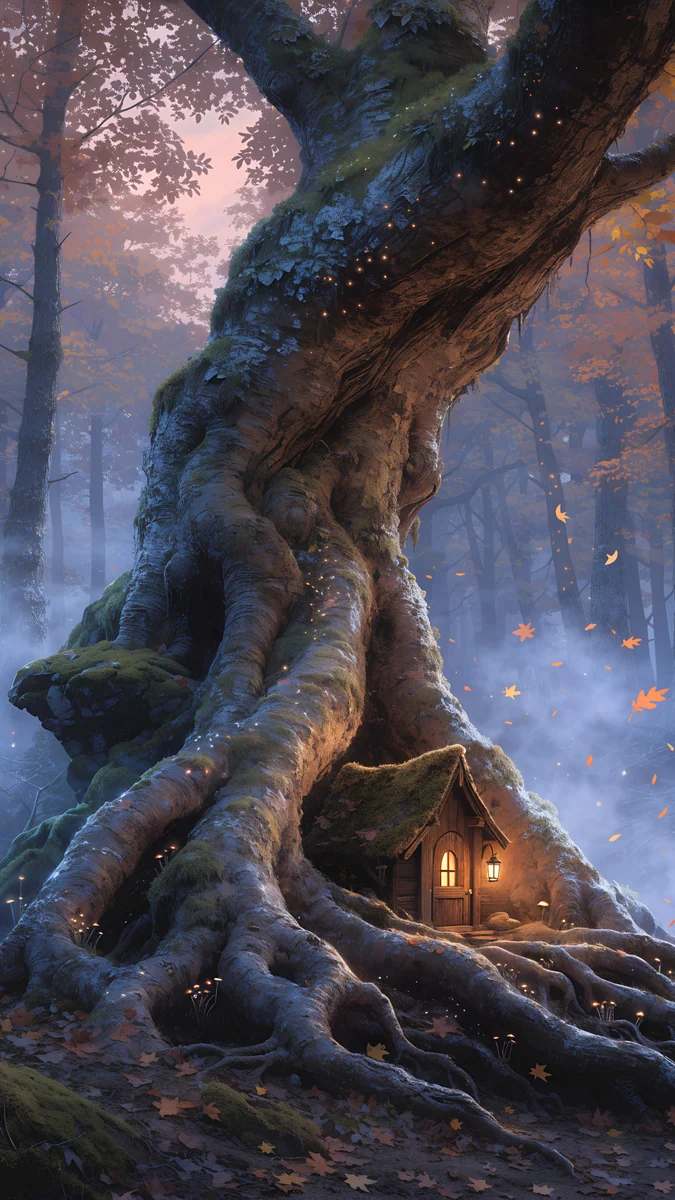
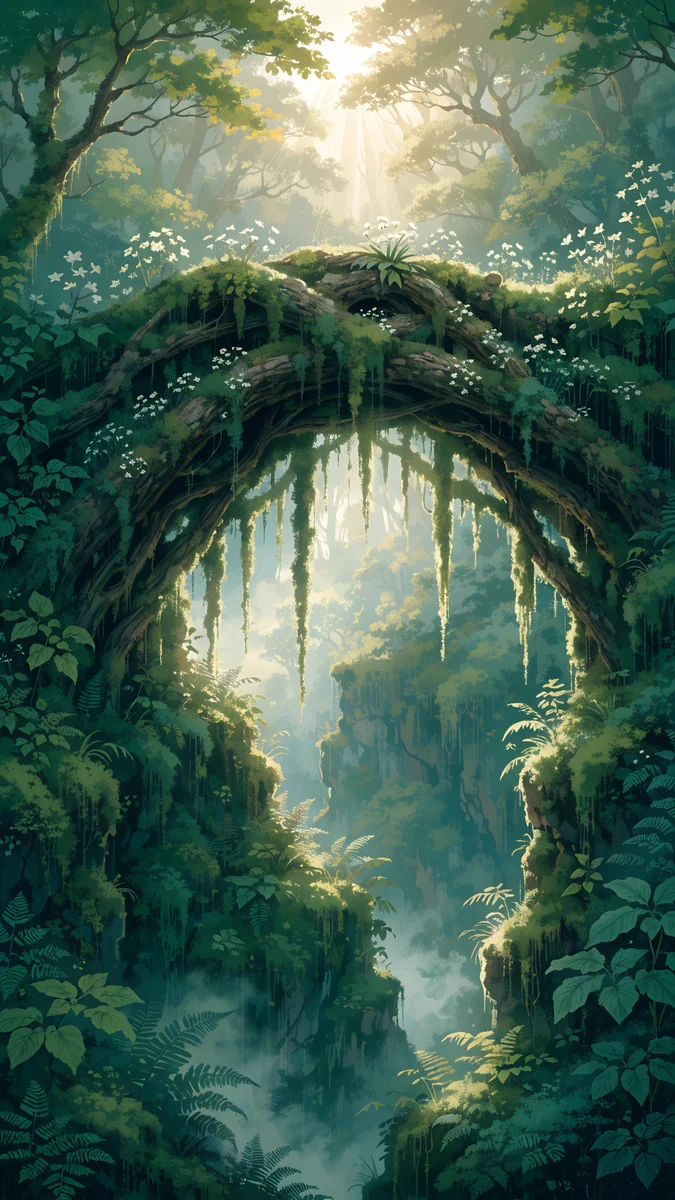
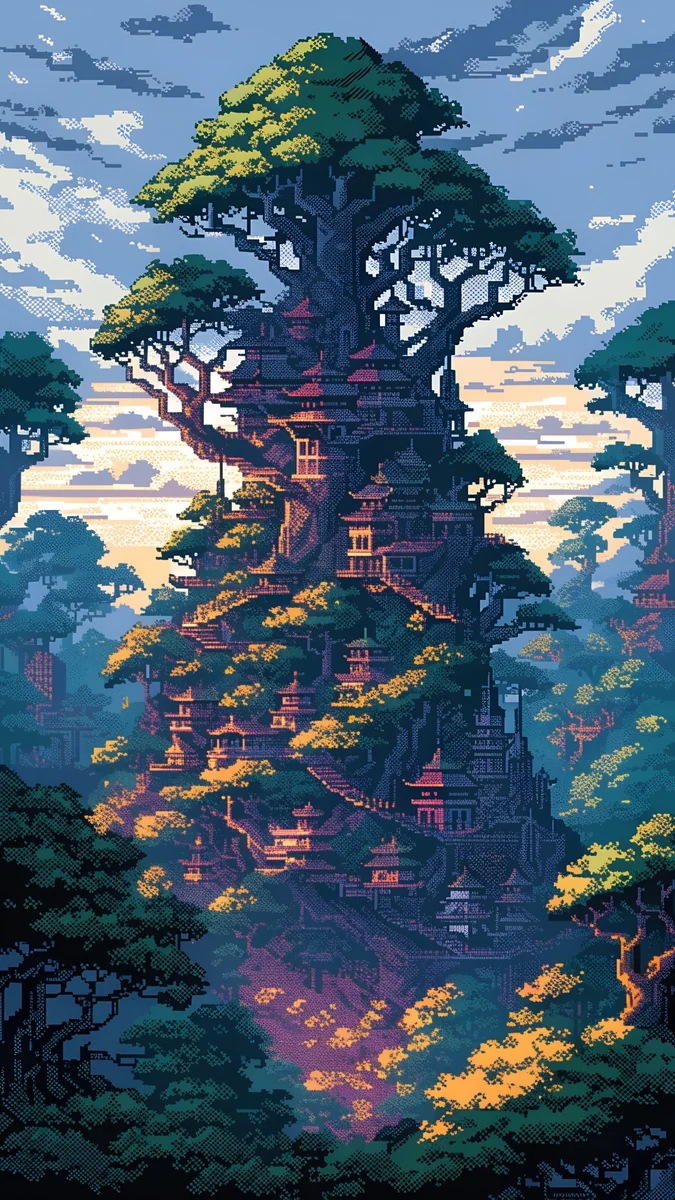
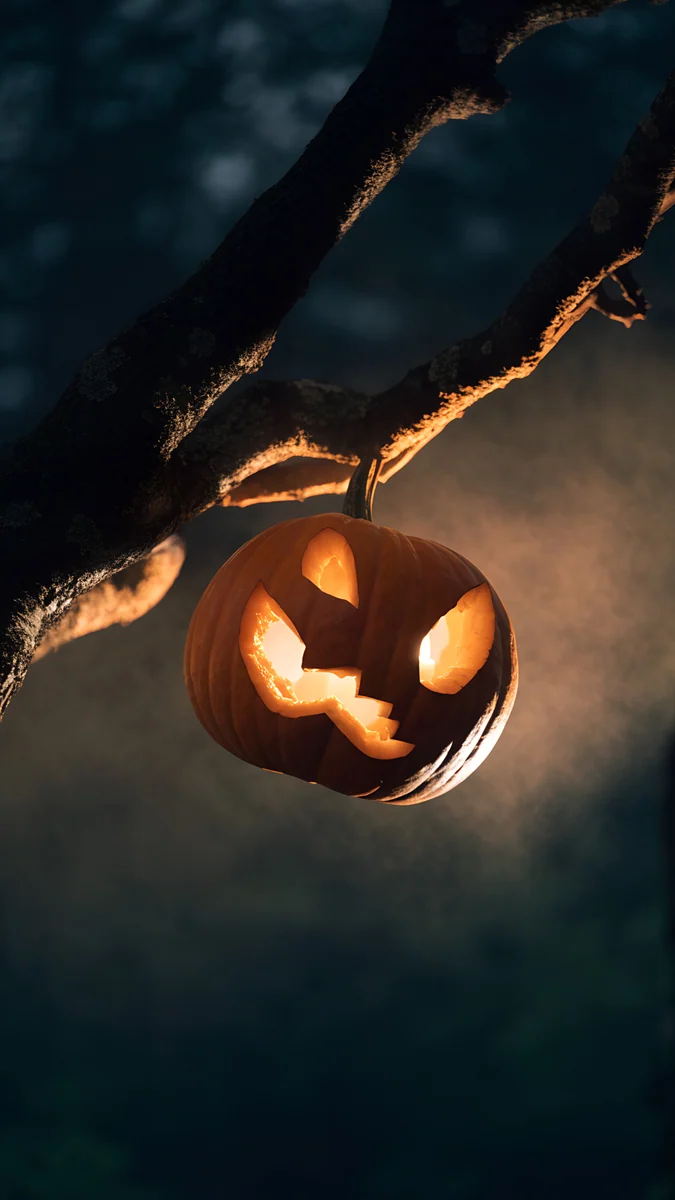
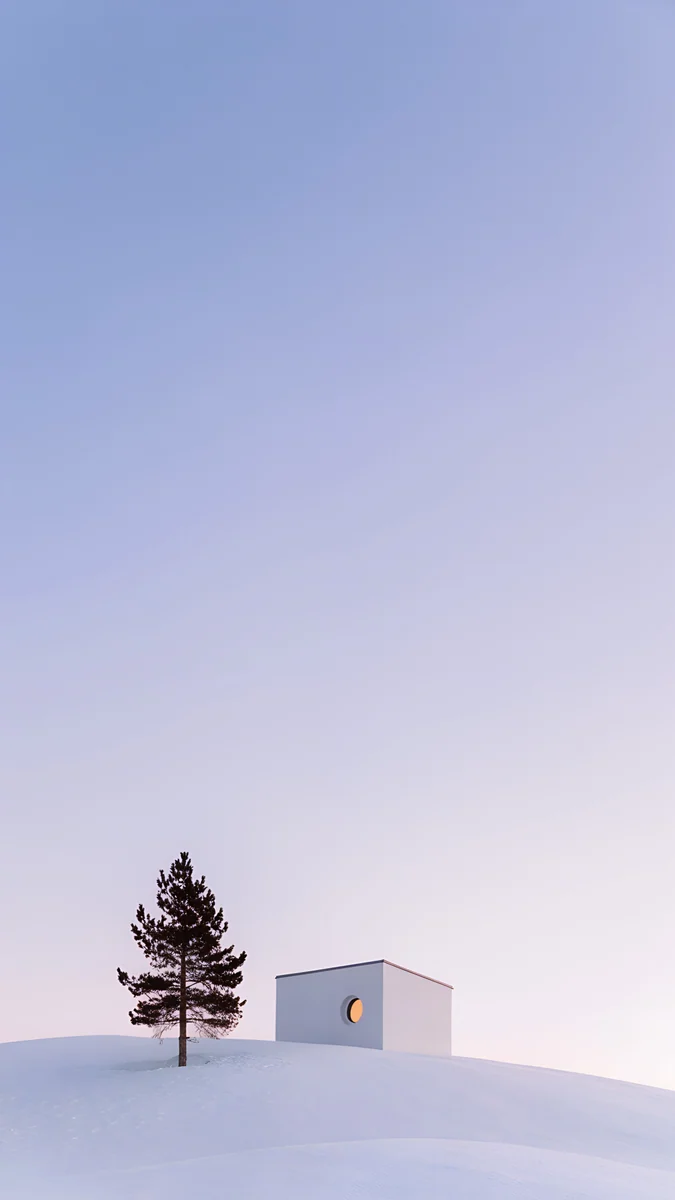
Tree Root Cottage is a cottage in tree roots with glowing windows, in brown and purple grey. Living Branch Bridge is a bridge of living branches in green. Pixel Treehouse Village is a pixel art village of tree houses. Pumpkin Lantern Branch hangs a pumpkin lantern on a branch at night, and Dusk Snow House shows a snowy house and tree in lilac and white. More forest scenes are in forest wallpapers.
Snow pine and palm
Two bright pieces round out the set: Pine Under Glass, a pine under glass in white and grey, and Pink Niche Pine, a pine in a pink arch niche. For summer, Palm Glint is a palm in blue and pink light, in a retro Florida mood, so it is not a classic tree but a good one for a sunny phone. See winter iPhone wallpapers and summer wallpapers.
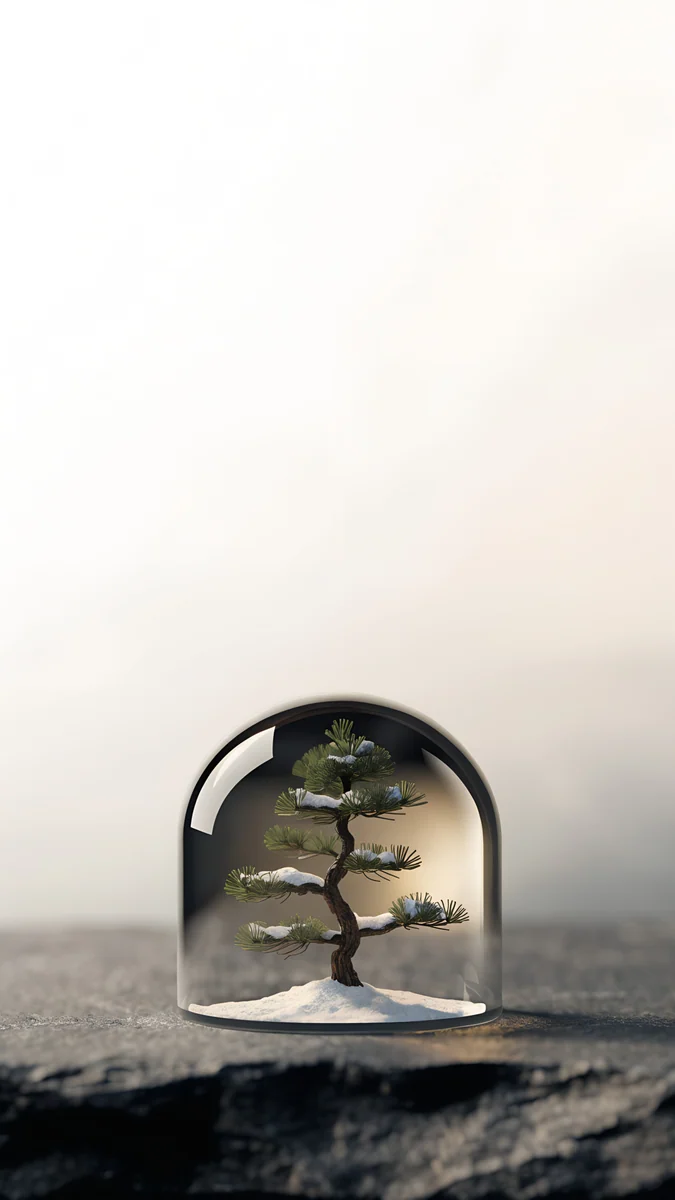
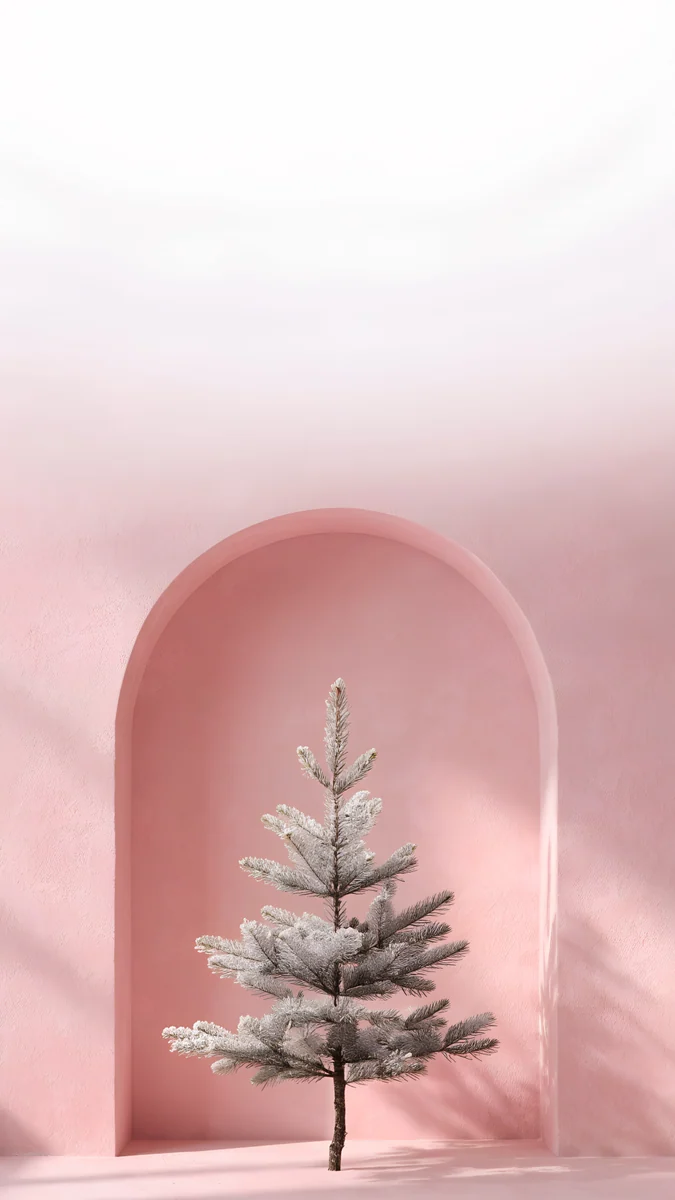
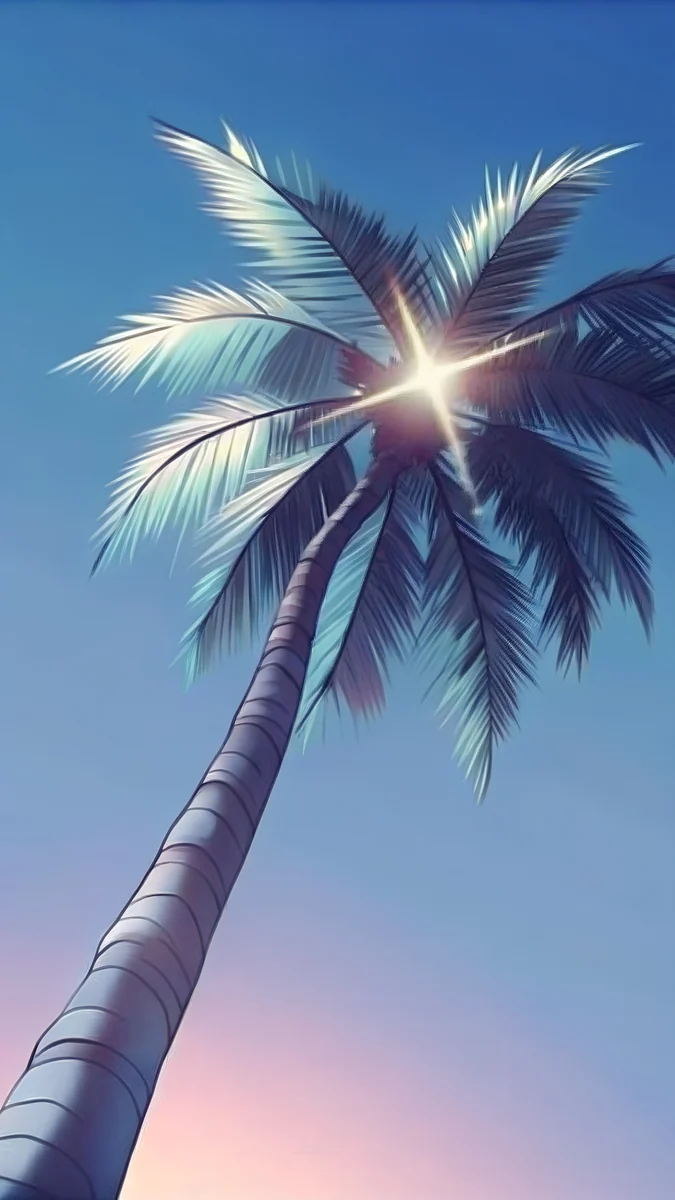
All four are light, so use a dark clock or a tinted one.
How to set a tree wallpaper on iPhone
- Save the file to Photos.
- Open Settings, tap Wallpaper, then Add New Wallpaper and Photos.
- Drag the picture so the tree sits in the middle or the lower half and the clock has open sky.
- Tap Add, then set it for the Lock Screen or both screens.
The full steps are in how to set a lock screen wallpaper on iPhone. Next step: open Mist Pines or Owl Tree Harvest Moon in the Velpaper app and download the 4K original [1].
Original wallpapers in and for iPhone, Android and desktop.
Questions
What size is a tree wallpaper for iPhone?
Velpaper's tree wallpapers for iPhone are 2160 × 3840 pixels, a 9:16 portrait 4K file [1]. This fits every current iPhone, including the Pro Max, and iOS scales it down with no blur. They are JPEG files without a watermark, and some are free while others unlock after a short ad. You do not need to crop: place the picture so the tree is where you want it and tap Add.
Which tree wallpaper is best for the Lock Screen?
One with a clear top third. Mist Pines, Plum Branch and Ukiyo Plum Moon Tall have pale skies, so a dark clock reads well. Moon Pines and Owl Tree Harvest Moon are dark, so a white clock does. The tree should sit in the middle or the lower half so it does not collide with the time. If the clock overlaps a branch, drag the picture down a little.
Is there a tree wallpaper in pixel art or anime style?
Yes. Pixel Ancient Tree shows a pixel art tree by a lake under stars, and Pixel Treehouse Village is a village of tree houses. Meteor Hill Tree is anime style, a tree on a hill under a purple starry sky with a meteor. All are 2160 × 3840 phone files [1]. More anime and pixel scenes are on Velpaper, and they pair well with a dark home screen.
Which tree wallpaper is best for OLED?
The dark ones: Moon Pines is navy and black, Bonsai Under Glass is navy and black, and Nebula Bonsai Dome is a dark navy dome with a tree. On an OLED screen black pixels switch off, so the picture is easy on the eyes at night and the moon or glass stands out. Light pieces like Mist Pines look elegant in daylight but use more power.
Do tree wallpapers work on Android too?
Yes. The same 2160 × 3840 files fit Android phones, because the shape is a standard 9:16 portrait [1]. Long press the home screen, tap Wallpaper and style and choose the picture from your gallery. On Samsung and Pixel the crop differs slightly, so keep the tree near the centre. The Android wallpaper size guide on Velpaper lists the exact pixels for each brand.
Carlos Vivero
Designer of Velpaper wallpapers
Carlos Vivero designs the wallpapers in Velpaper: quiet architecture, liquid glass, Japanese ink and calm landscapes. Every piece is made as a original for iPhone, Android and desktop.
Recent work