iPhone 11 Wallpaper: 4K Picks for Every Colour
iPhone 11 wallpapers in 4K matched to Black, Green, Yellow, Purple and more, with the exact screen size and steps to set one. Free to browse.
By the Velpaper team · Wallpapers by Carlos Vivero, Velpaper designer · · 4 min read
In short: The best iPhone 11 wallpaper is a 2160 × 3840 original that matches the colour of your phone body, because that size stays sharp on the 828 × 1792 screen. Pick a picture whose tones repeat the back of the phone.
Wallpapers
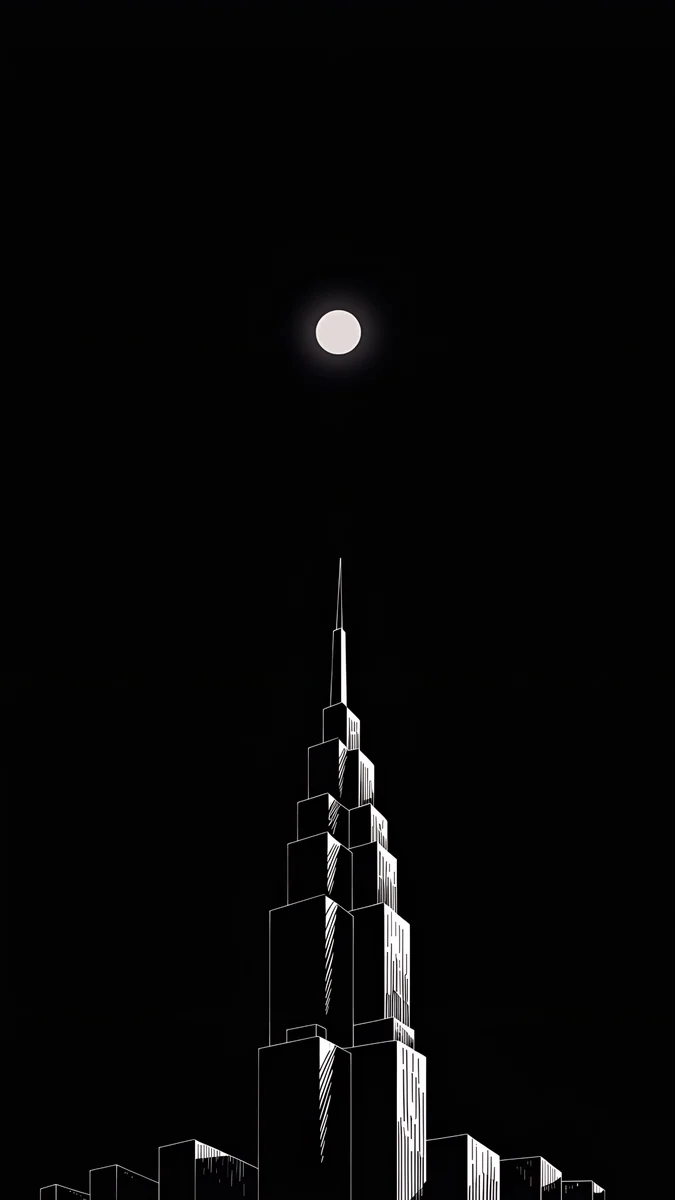 Lone Spire
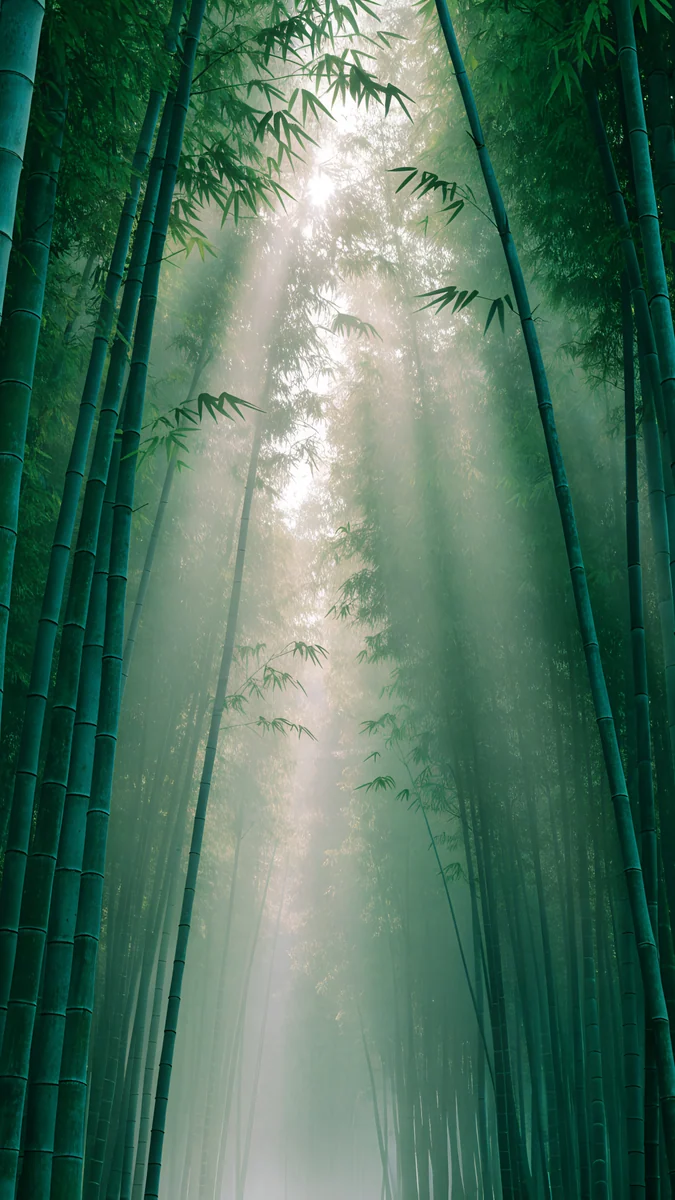 Misty Bamboo Light
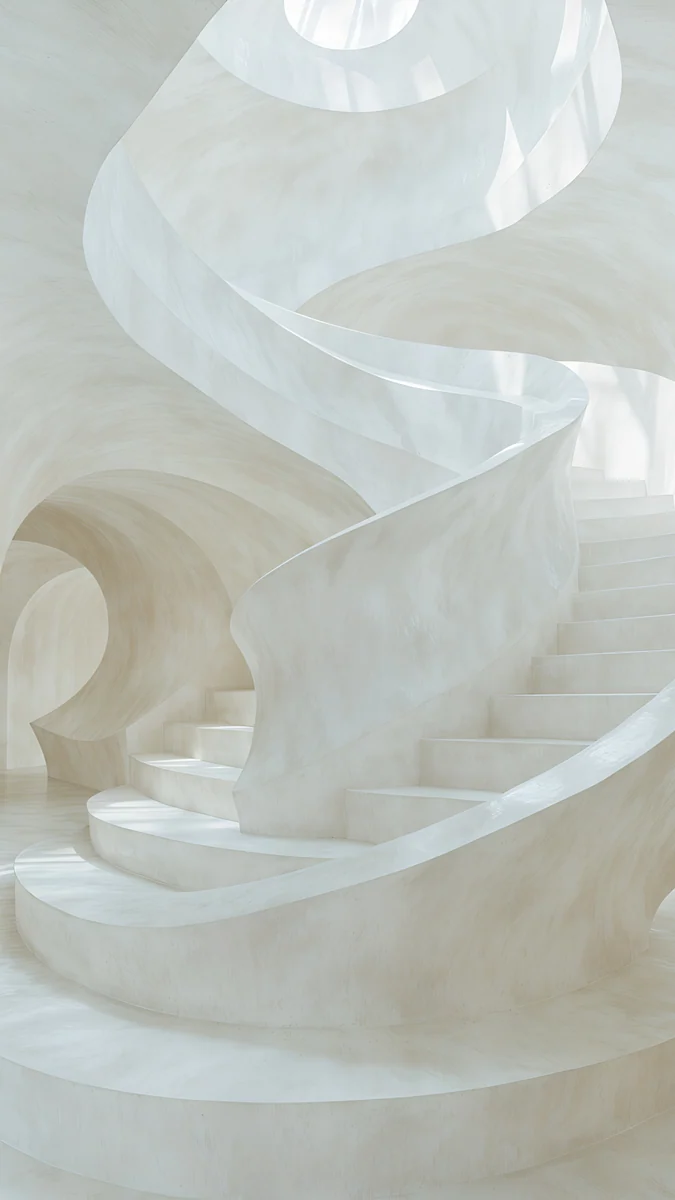 Nautilus Stair
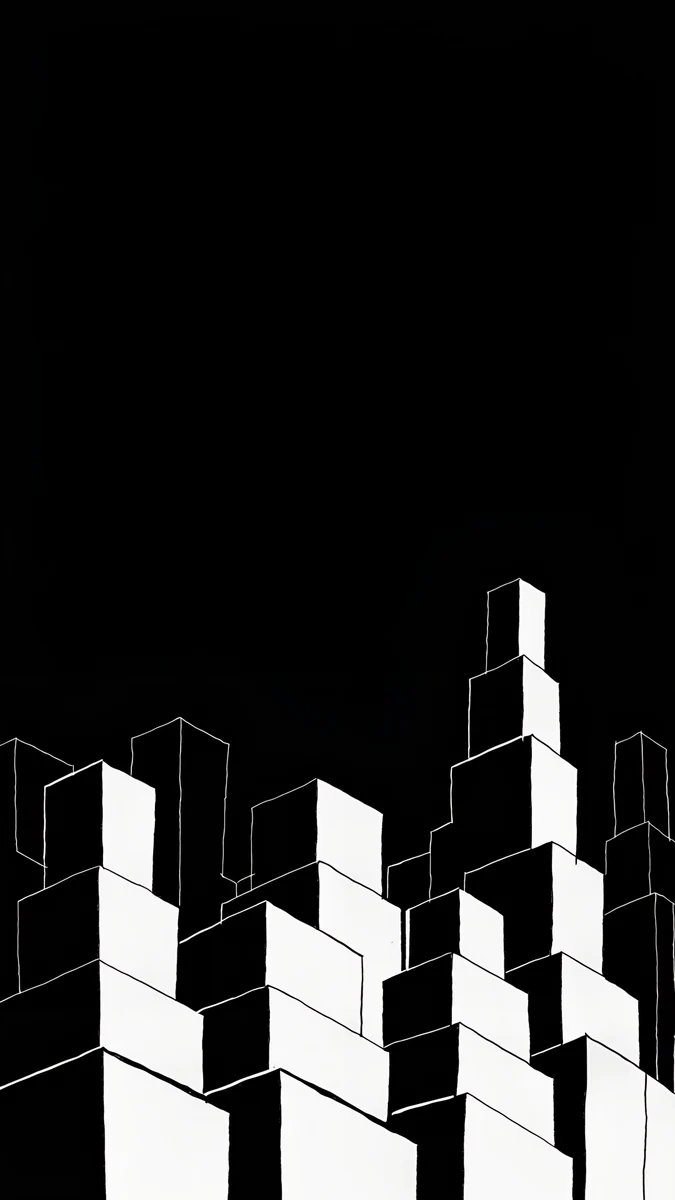 Night Blocks
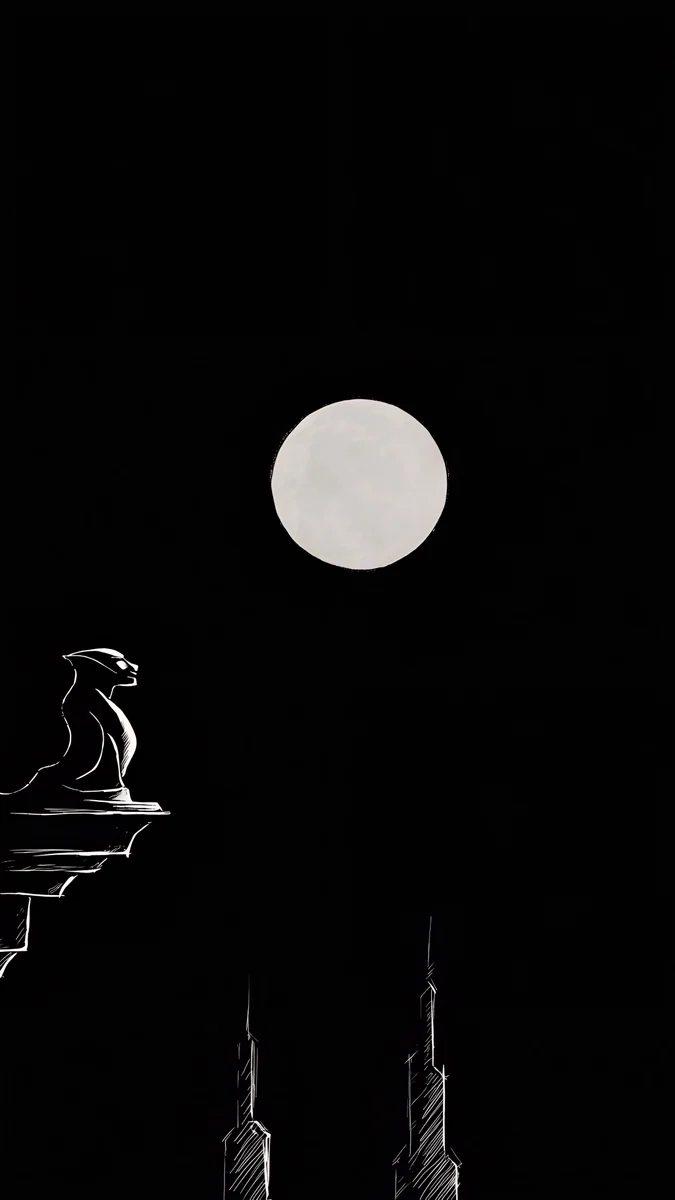 Moon Ledge
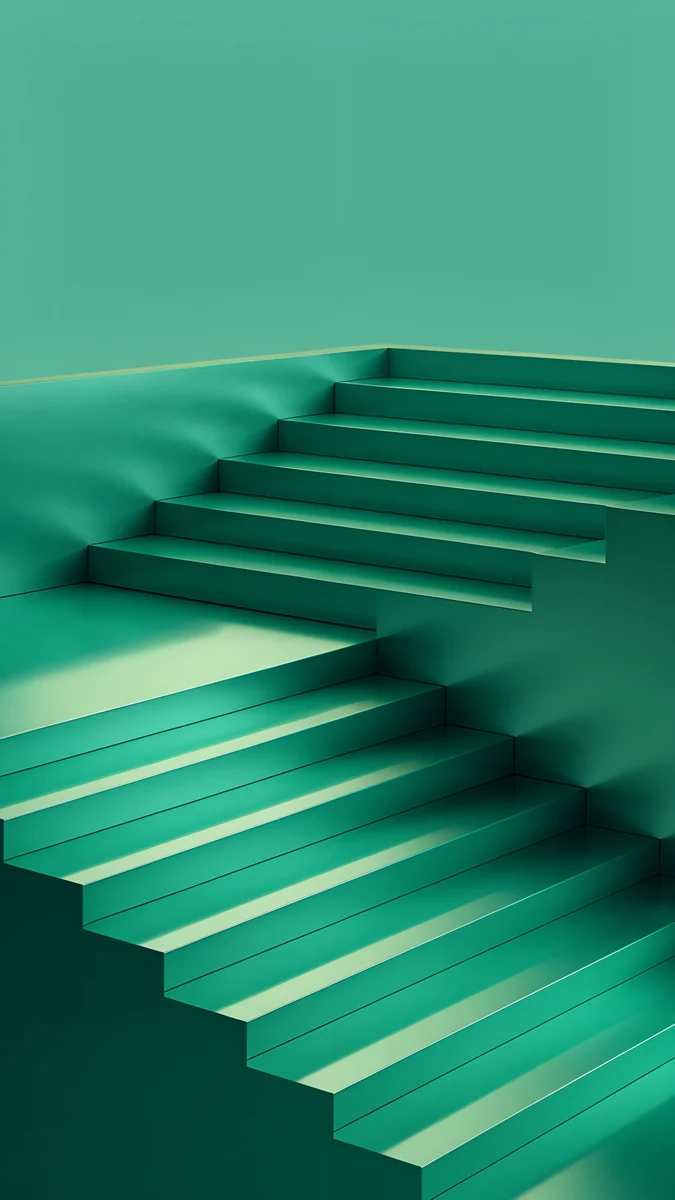 Jade Cut Ascent
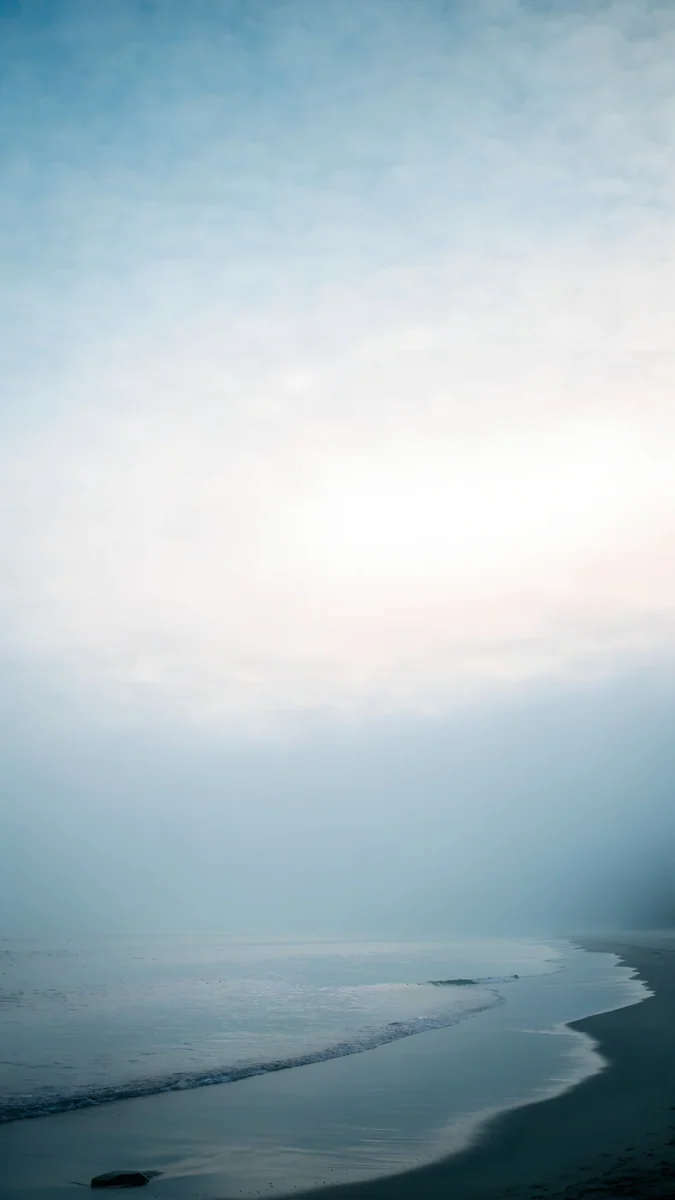
 Celadon Haze
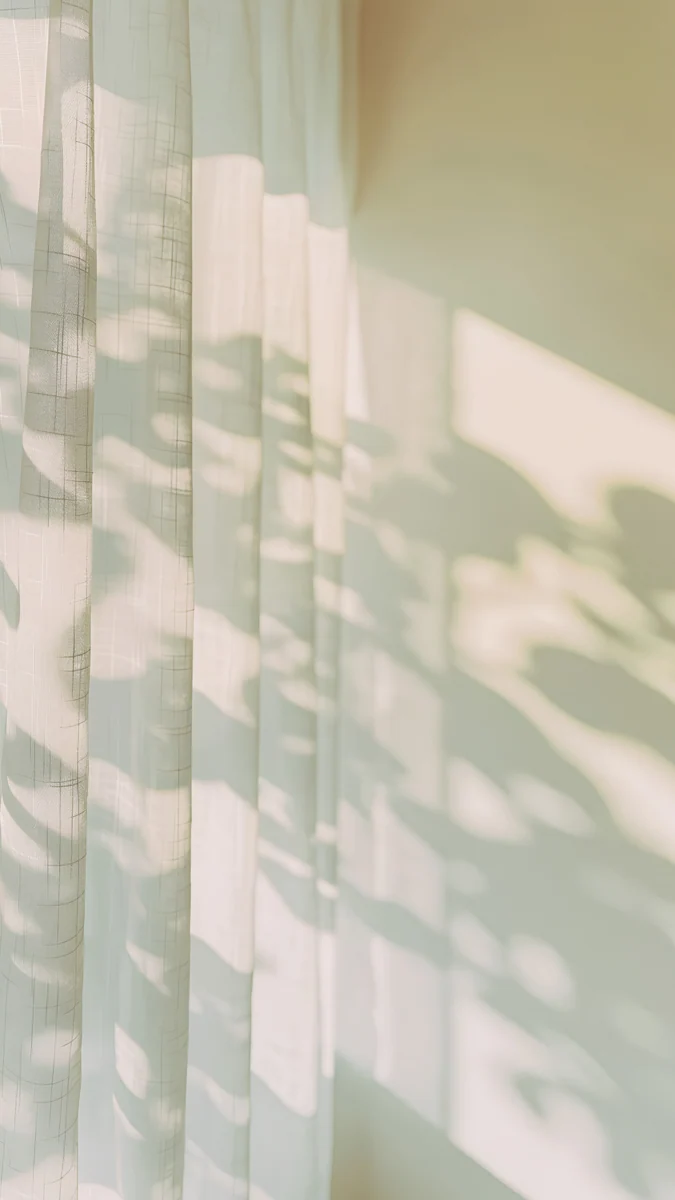 Curtain Leaf Shadows
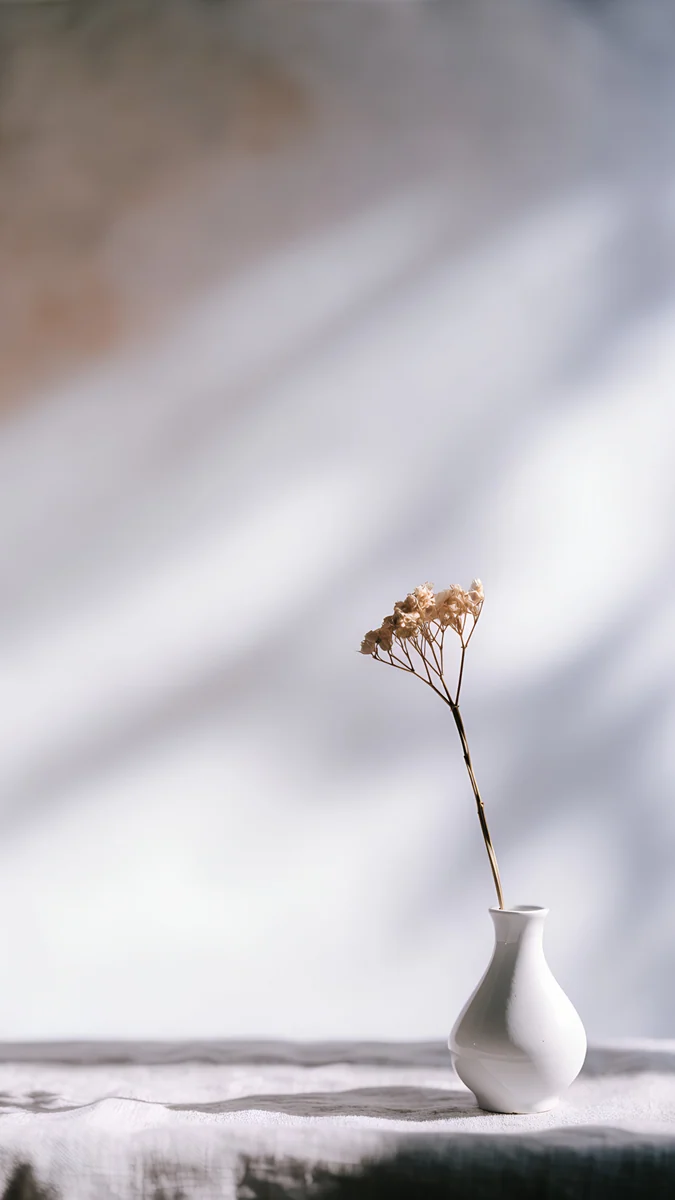
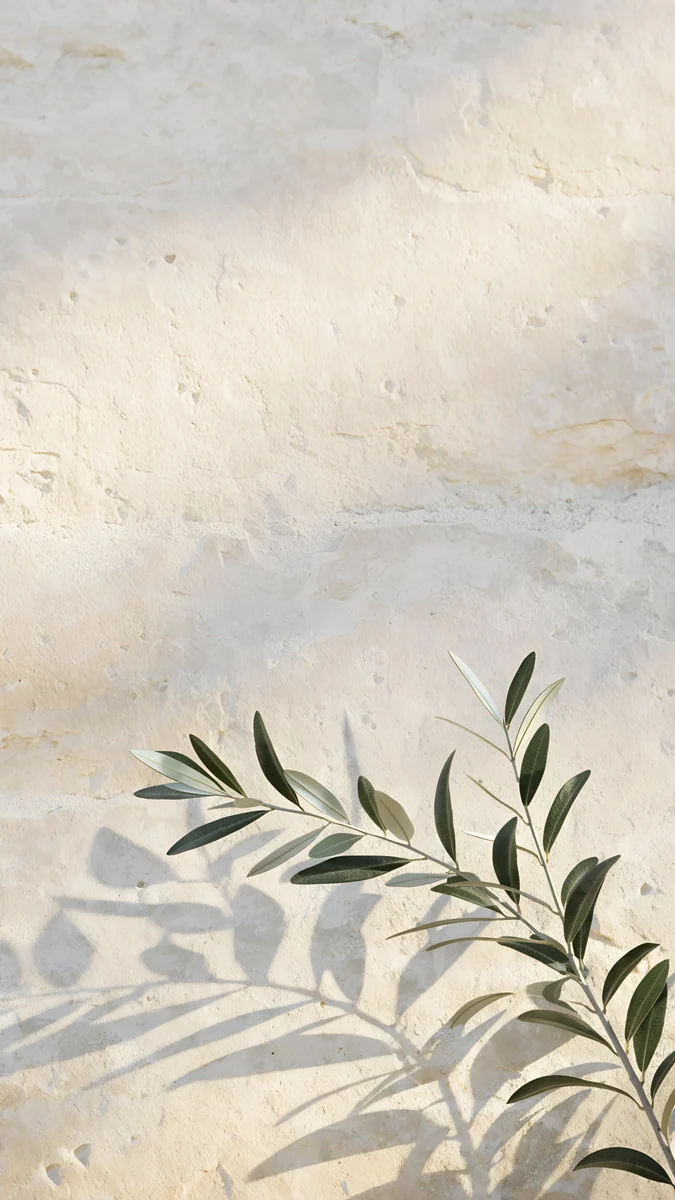 Olive Branch Shadow
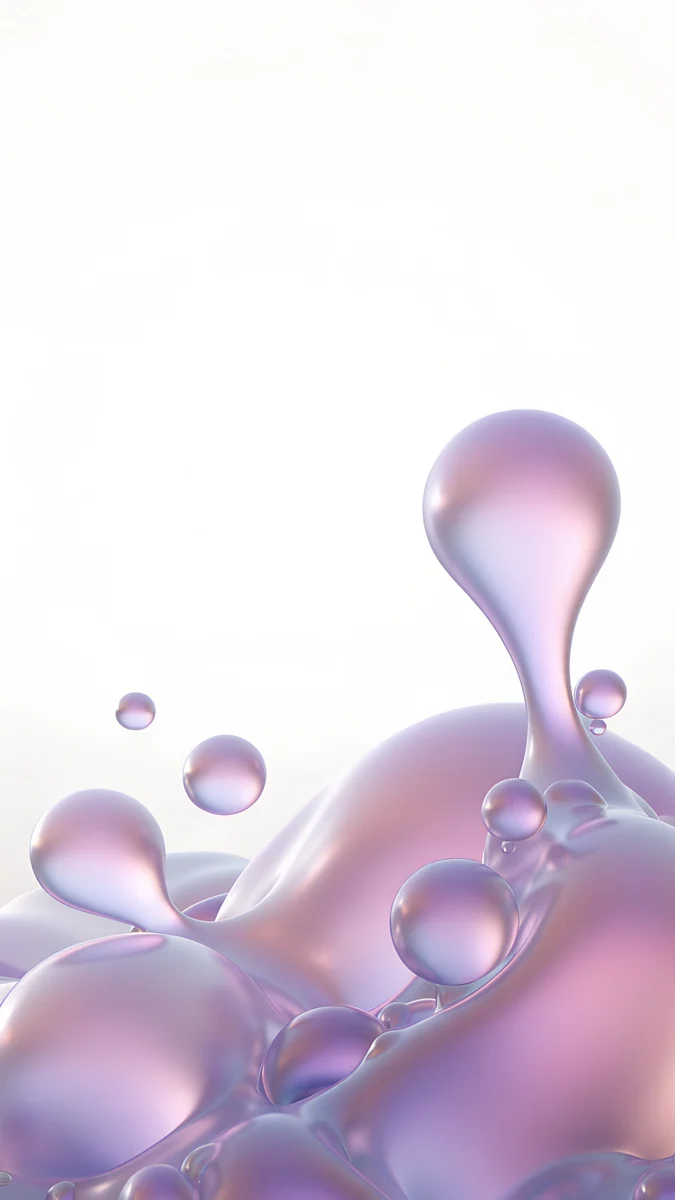 Lilac Pearl
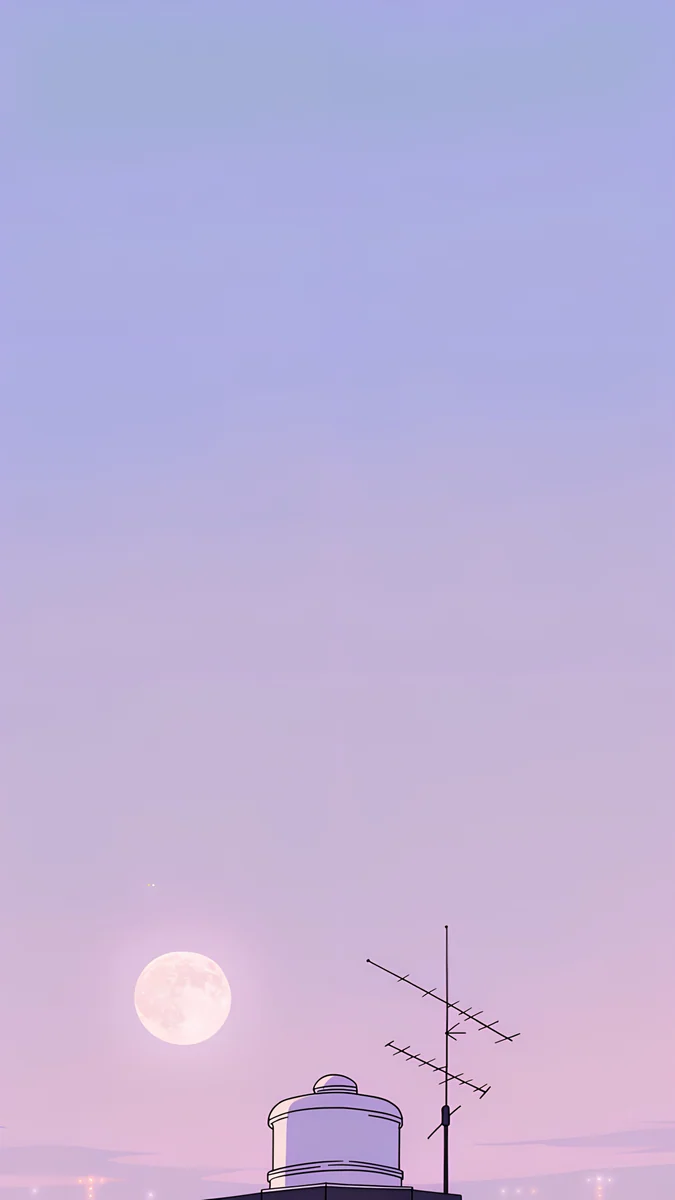 Rooftop
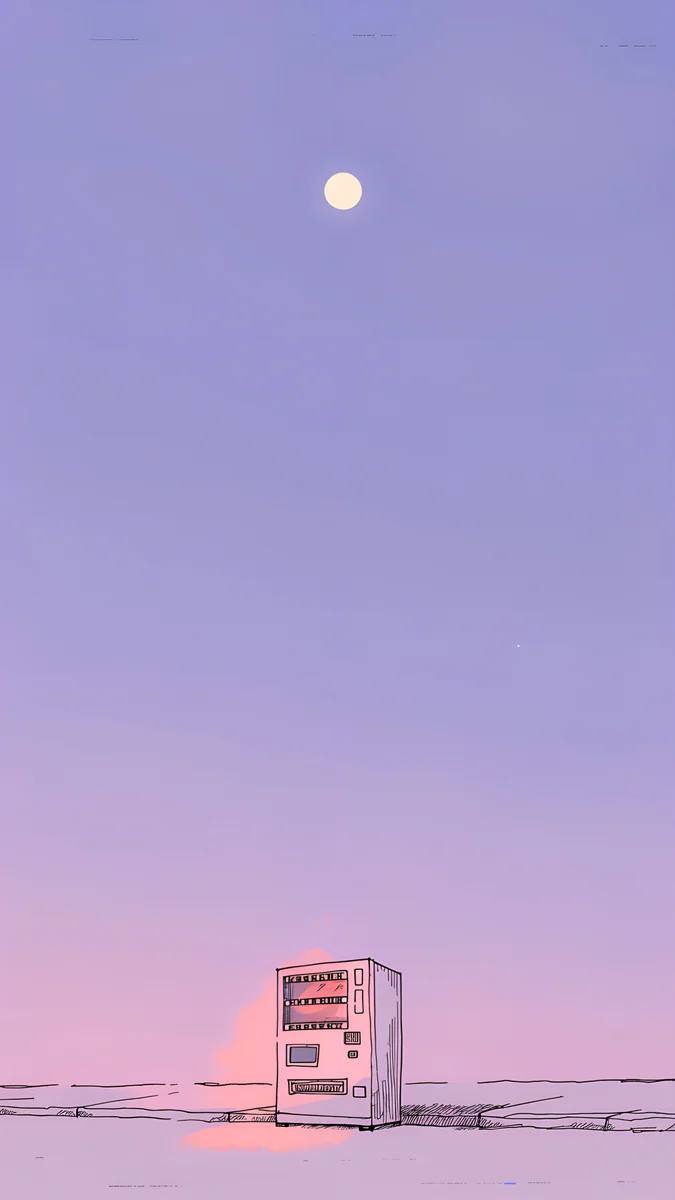 Vending Glow
Free originals for iPhone and Android, no watermark
On this page
The iPhone 11 has a 6.1 inch screen at 828 × 1792 pixels, and a Velpaper 4K original at 2160 × 3840 pixels is much larger than that screen and stays sharp on it. The screen is an LCD panel at 326 ppi. Because the original fills the screen height, about 18 percent of its width is trimmed from the sides, and nothing is cut from the top or bottom. The real decision is the picture. Apple sells the iPhone 11 in six official colours: Black, Green, Yellow, Purple, (PRODUCT)RED and White. When the wallpaper echoes the colour of the phone body, the device looks like one finished object rather than a case with a random photo. This page matches wallpapers to each colour, lists a size table, and explains the setting steps. Each pick includes a short note on why it suits the screen and where the clock will sit.
iPhone 11 wallpaper size
These figures come from the manufacturer's official tech specs, width by height for a portrait wallpaper:
| Model | Screen | Resolution | Density |
|---|---|---|---|
| iPhone 11 | 6.1 inches | 828 × 1792 pixels | 326 ppi |
Every Velpaper phone wallpaper is a 2160 × 3840 JPEG, larger than this screen in both directions, so iOS only scales it down. The screen is taller and narrower than a 9:16 picture, so the original loses about 18 percent of its width at the sides. Keep the main shape near the centre and nothing important is cut.
Other models and their crops are in the iPhone wallpaper size guide.
iPhone 11 Black wallpapers
Black suits a dark, quiet picture. Lone Spire is a single tower in black and white under a night sky, with the top area left open for the clock. Night Blocks shows dark city blocks in monochrome, a steady shape that fits the matte black back. Moon Ledge adds a moon above a gothic skyline, soft and low contrast.
iPhone 11 Green wallpapers
Green calls for calm, natural tones. Misty Bamboo Light shows bamboo in fog with a light mood, a gentle picture that echoes the green back. Jade Cut Ascent uses teal stairs in a minimal abstract scene, with a dark mood that keeps the clock easy to read. Celadon Haze offers a pale mint gradient with soft pastel tones for a dreamy look.
iPhone 11 Yellow wallpapers
Yellow pairs well with bright, airy wallpapers. Nautilus Stair is a light architectural stair with a calm, surreal feel. Curtain Leaf Shadows places leaf shadows on beige and white, a bright and minimal interior. Olive Branch Shadow shows olive branches and shadow in a light Mediterranean style.
iPhone 11 Purple wallpapers
Purple suits soft pastel pictures. Lilac Pearl is a glossy lilac sphere on white, dreamy and light. Rooftop shows a calm rooftop under a moon in pastel tones. Vending Glow gives a minimal calm scene with a glowing moon and a lilac palette.
iPhone 11 (PRODUCT)RED wallpapers
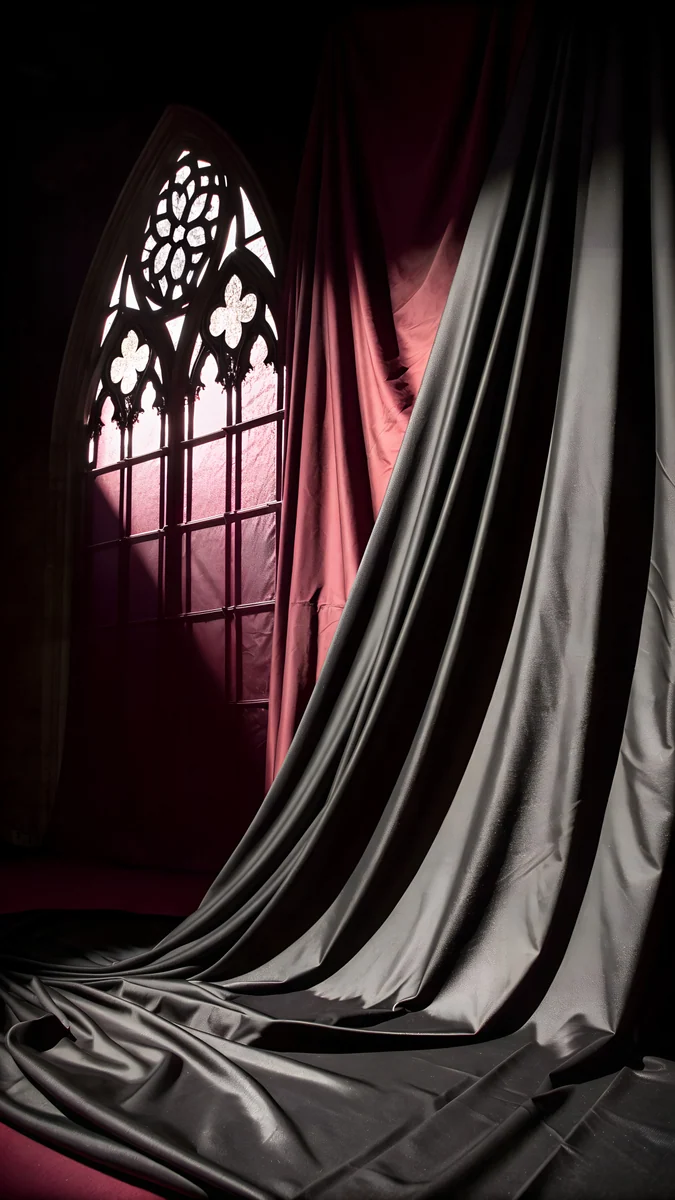
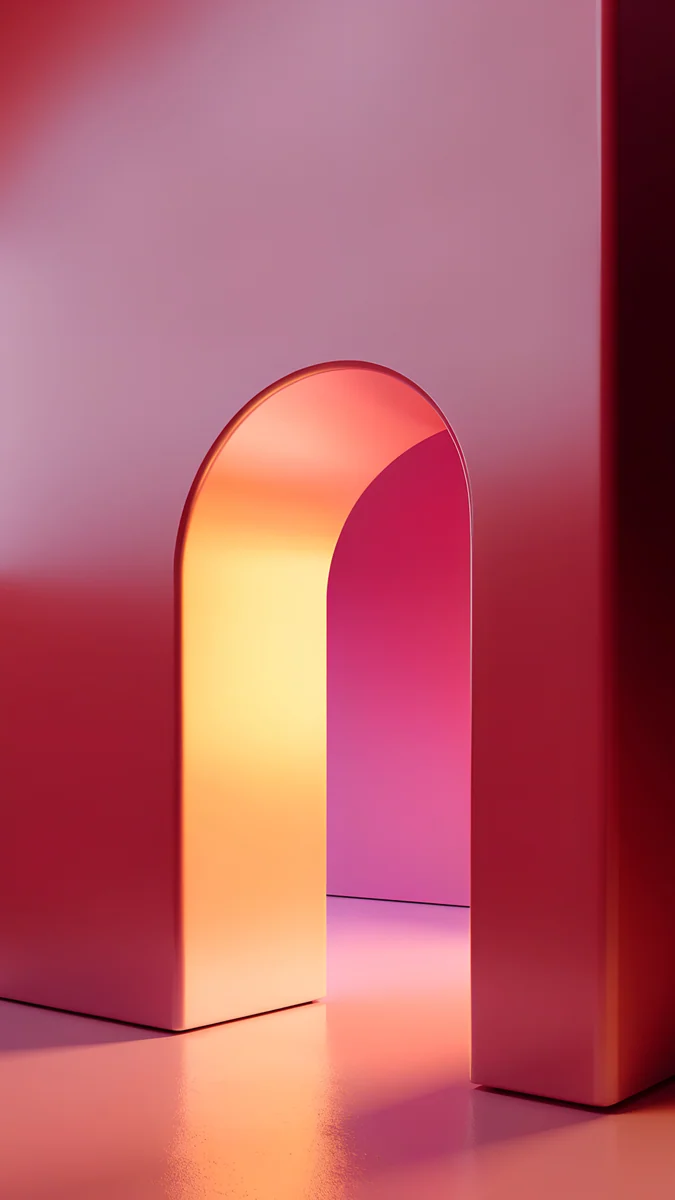
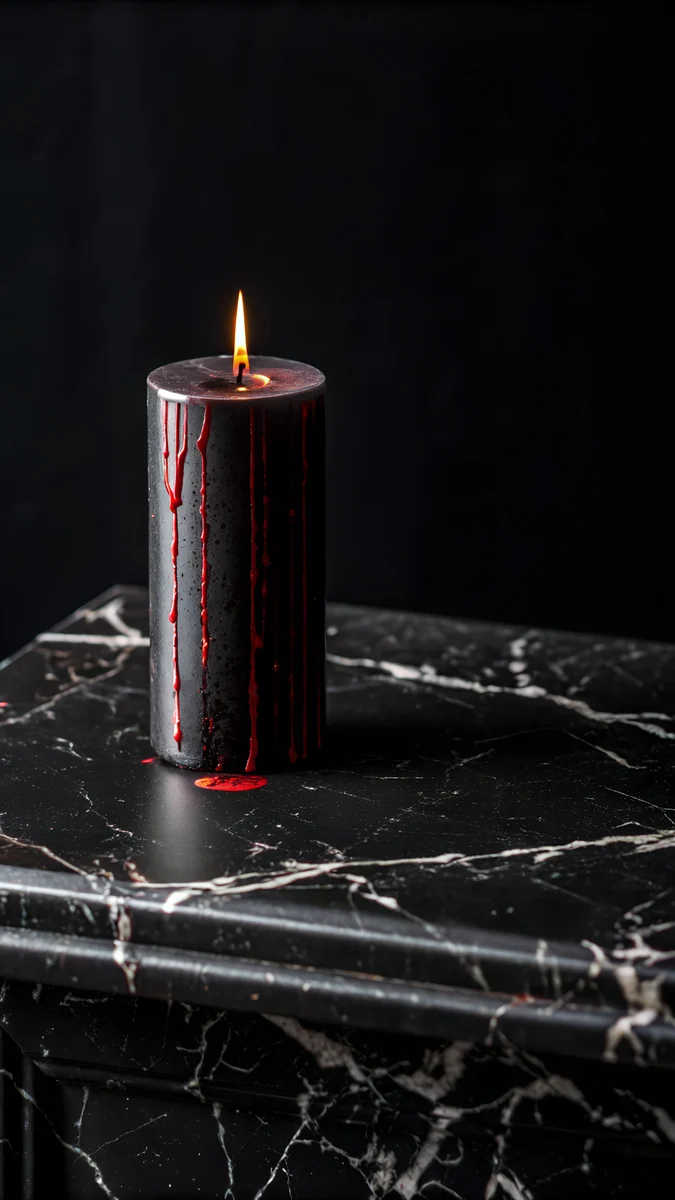
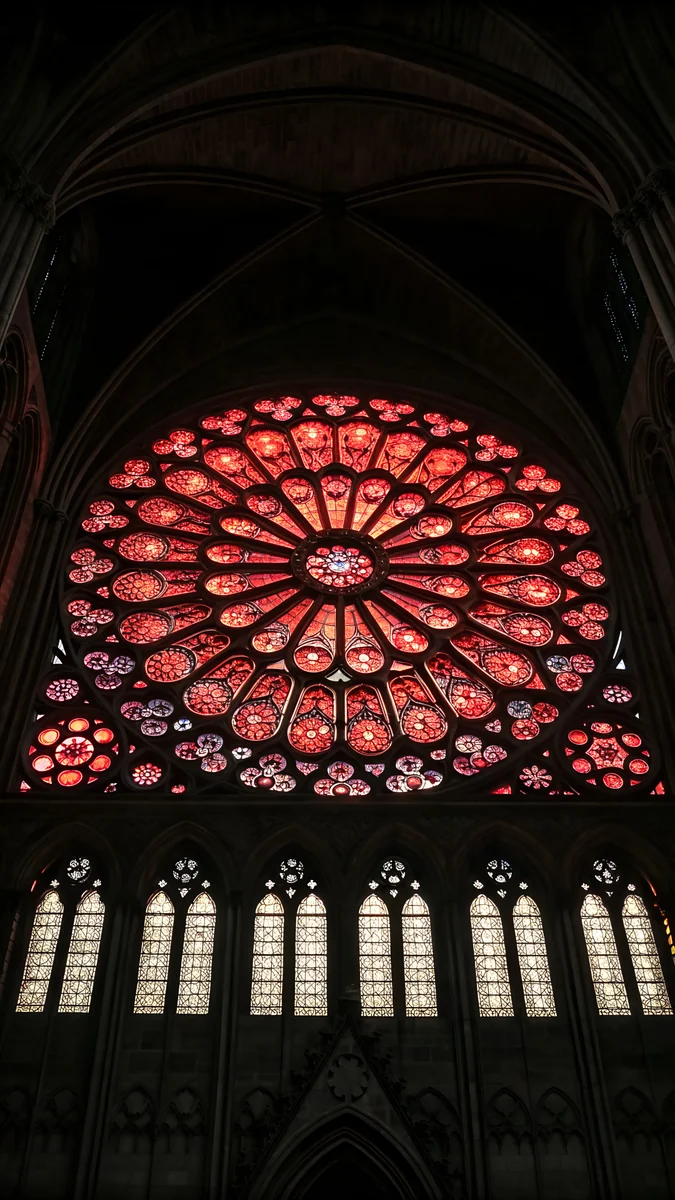
(PRODUCT)RED suits bold, dark pictures with a touch of red. Gothic Window Satin shows red silk at a dark window with a moody feel. Coral Ignition Arch glows in red and orange under an arch, with a dark mood that frames the clock. Black Candle Ledge pairs black marble with a small red accent in a minimal setting.
iPhone 11 White wallpapers
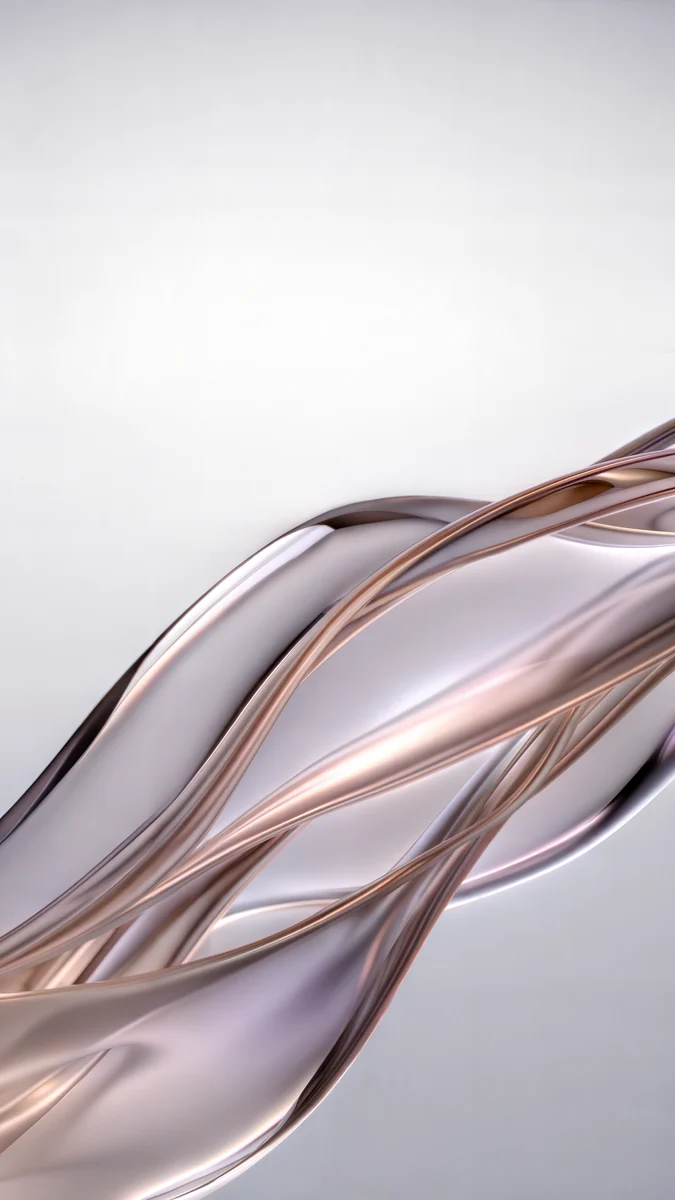
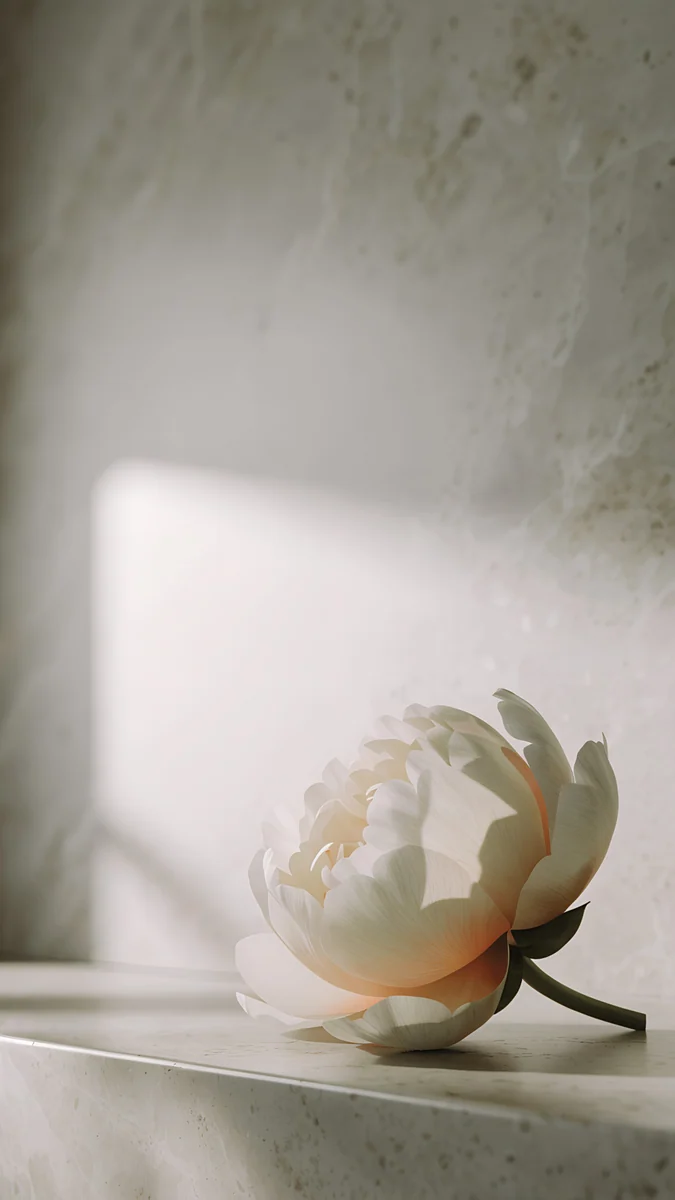
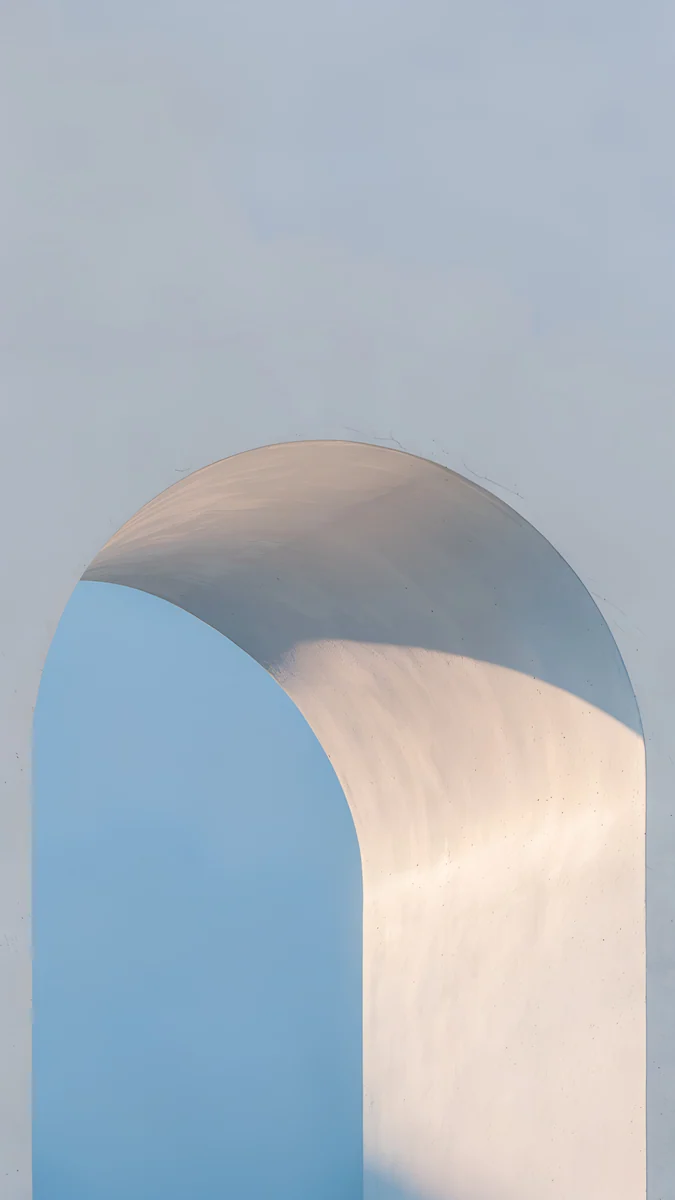
White suits clean, light pictures. Liquid Light shows a soft white ribbon of glass with a minimal, elegant look. Peony Ledge places a white peony in calm, soft shadow. Blue Hour Portico adds a light blue arch under a calm sky, with plenty of open space at the top.
How to set a wallpaper on the iPhone 11
On iOS 16 or later:
- Save the original to Photos from the Velpaper app or from the wallpaper page on velpaper.com.
- Open Settings, tap Wallpaper, then Add New Wallpaper, and choose Photos.
- Select the image, then pinch and drag until the main shape sits where you want it under the clock.
- Tap Add and decide whether to use it on the lock screen and the home screen together.
If the picture looks too zoomed in, you probably saved a screenshot of the preview. Save the original file instead.
Get these iPhone 11 wallpapers in Velpaper
Velpaper is an app for iPhone, iPad, Mac and Android, and every wallpaper is also on velpaper.com. Browsing and previews are free. The wallpapers in this article unlock after a short optional ad in the apps; on the website the original downloads free when no ad is available. Each file is a 4K original with no watermark and no account needed. The wallpapers are designed by Carlos Vivero.
Next step: open Lone Spire, save the original and set it on your iPhone 11.
Original wallpapers in and for iPhone, Android and desktop.
Questions
What size is the iPhone 11 wallpaper?
The iPhone 11 has a 6.1 inch screen at 828 × 1792 pixels and 326 ppi. Velpaper wallpapers are 2160 × 3840 pixels in portrait orientation. That original is larger than the screen, so it is scaled down. When it fills the screen height, about 18 percent of the width is trimmed from the sides, with nothing cut from the top or bottom. Any picture you choose will fit the iPhone 11 this way.
Which wallpapers match the iPhone 11 colours?
Each official iPhone 11 colour has a matching set on this page. Black pairs with dark night pictures, Green with calm bamboo and jade scenes, Yellow with bright architecture and leaf shadows, Purple with lilac and pastel pictures, (PRODUCT)RED with dark red and black scenes, and White with clean light pictures. Look at the gallery for each colour section to see the full picks.
How do I set a wallpaper on the iPhone 11?
On an iPhone 11 running iOS 16 or later, open Settings, then Wallpaper, then Add New Wallpaper, and choose the photo from Photos. Pick Fill Screen or adjust the framing, then set it for the lock screen, home screen or both. On a Mac, open System Settings, go to Wallpaper, choose Add Photo, and select Fill Screen. The 2160 × 3840 original scales cleanly to the 828 × 1792 screen.
Will a 4K wallpaper look sharp on the iPhone 11?
Yes. A Velpaper wallpaper is a 4K original at 2160 × 3840 pixels, which is larger than the iPhone 11 screen of 828 × 1792 pixels. Because the file has more pixels than the display, it stays sharp after scaling. The iPhone 11 uses an LCD panel at 326 ppi, so fine detail shows clearly without the blur a smaller image would have.
Can I use iPhone 11 wallpapers on other models?
Yes. The iPhone XR has the same 828 × 1792 resolution as the iPhone 11, so a wallpaper made for one fits the other without any change. The screens are the same size, so the same 2160 × 3840 file is scaled and trimmed in the same way on both devices. Choose any wallpaper from this page and it will work on either phone.
Carlos Vivero
Designer of Velpaper wallpapers
Carlos Vivero designs the wallpapers in Velpaper: quiet architecture, liquid glass, Japanese ink and calm landscapes. Every piece is made as a original for iPhone, Android and desktop.
Recent work