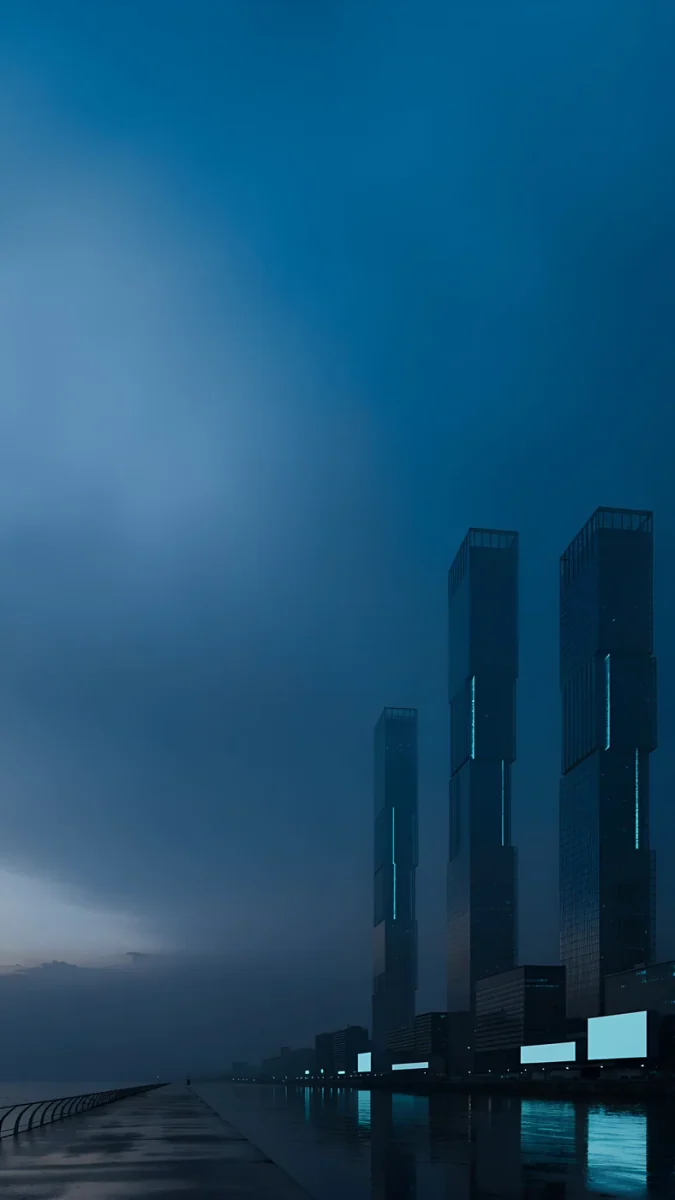
iPhone 16 Pro Max Wallpaper 4K: Picks by Titanium
iPhone 16 Pro Max wallpapers in 4K for Black, White, Natural and Desert Titanium, with the exact 1320 × 2868 screen size and black picks for Always-On.
Sources [1] · By the Velpaper team · Wallpapers by Carlos Vivero, Velpaper designer · · 6 min read
In short: The best iPhone 16 Pro Max [1] wallpaper follows the titanium: warm sand stone for Desert, grey concrete for Natural, pale limestone for White and black with one bright shape for Black Titanium and the Always-On display. A 2160 × 3840 original is larger than the 1320 × 2868 screen, so it stays sharp and loses only a thin strip at each side [2].
Wallpapers
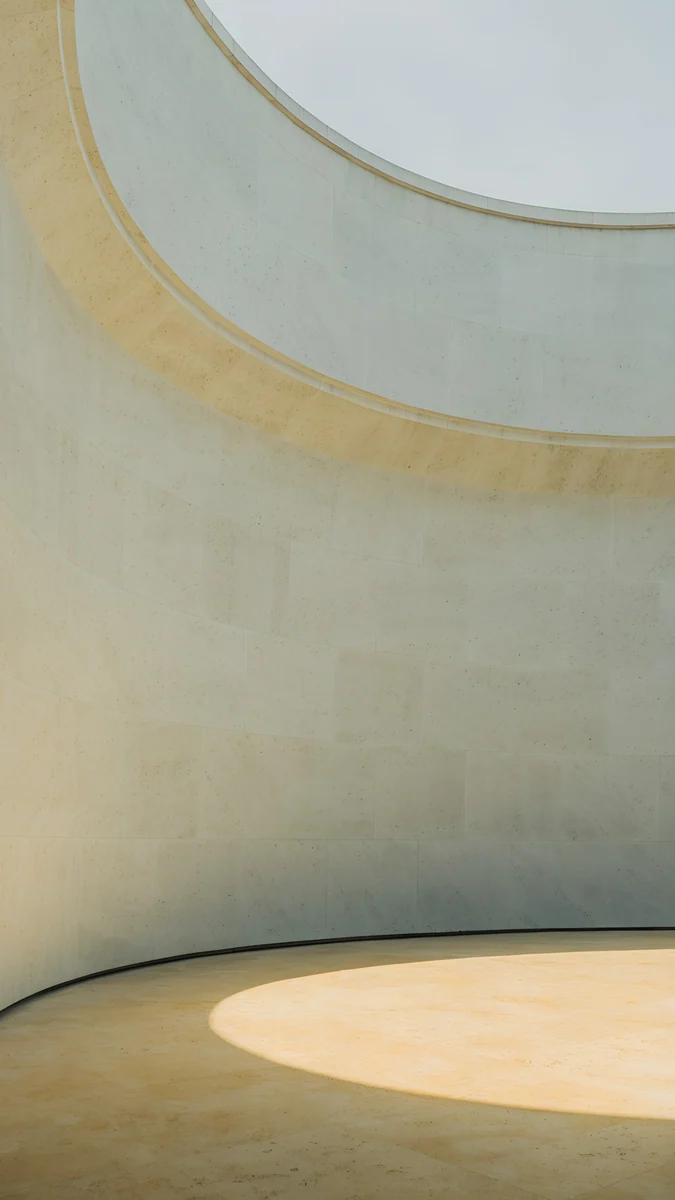 Ochre Light Pool
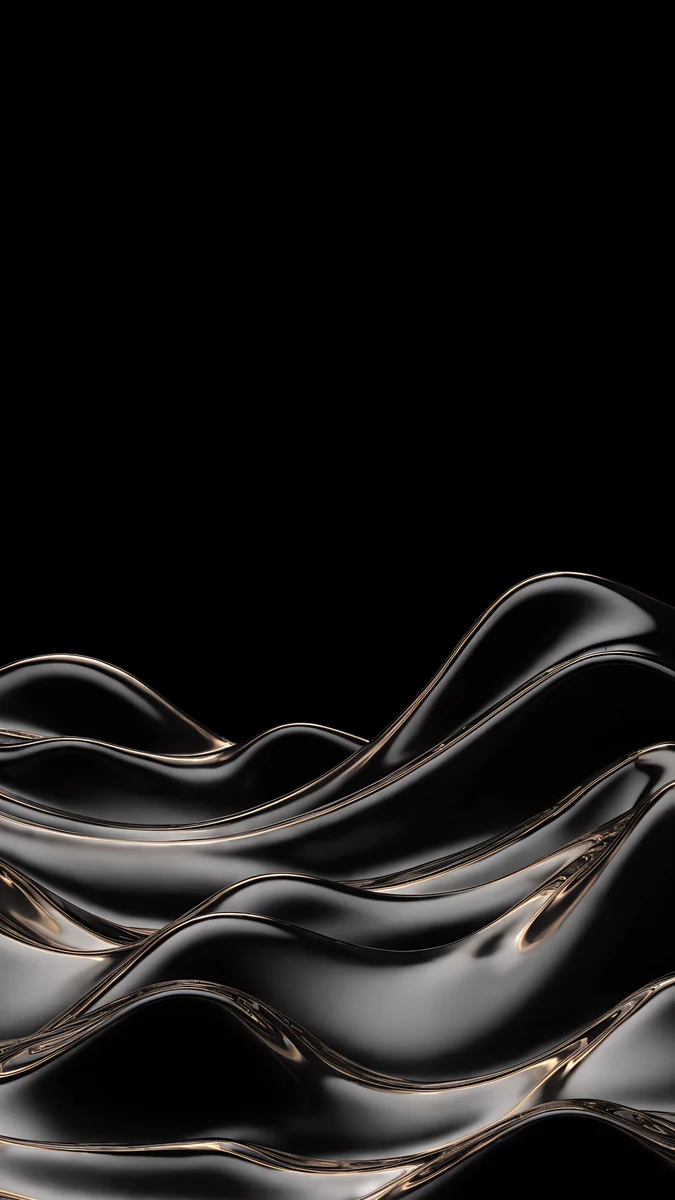 Champagne Mercury Waves
 Monolith on the Plain
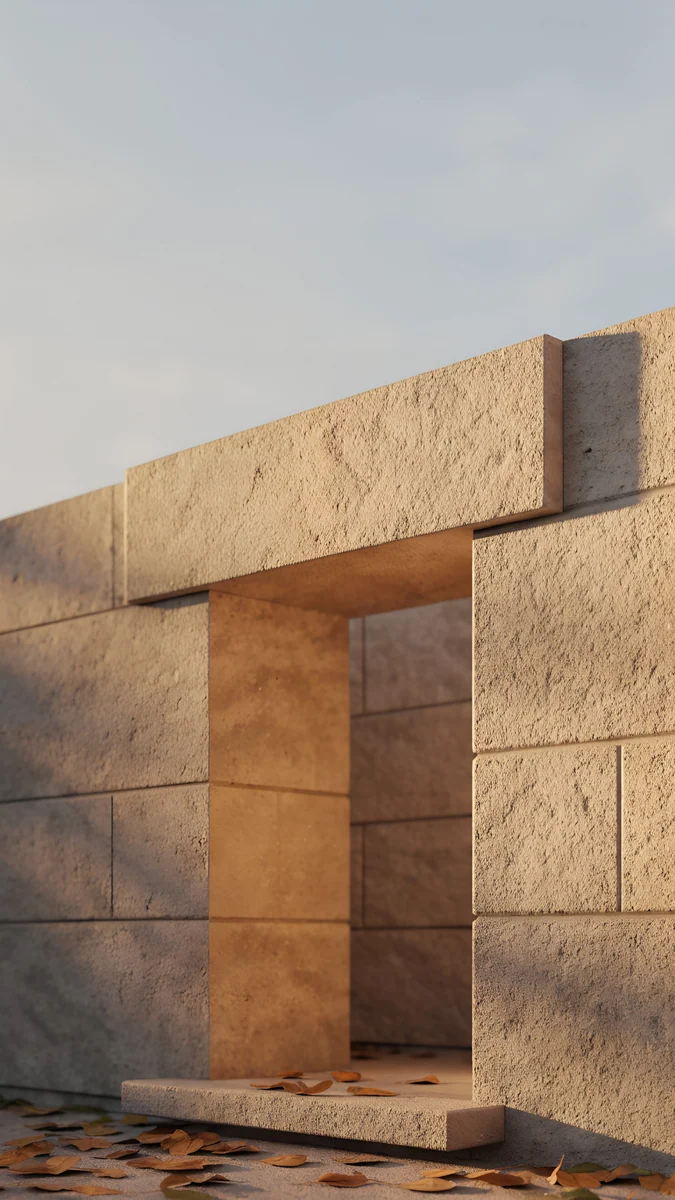 Sandstone Threshold
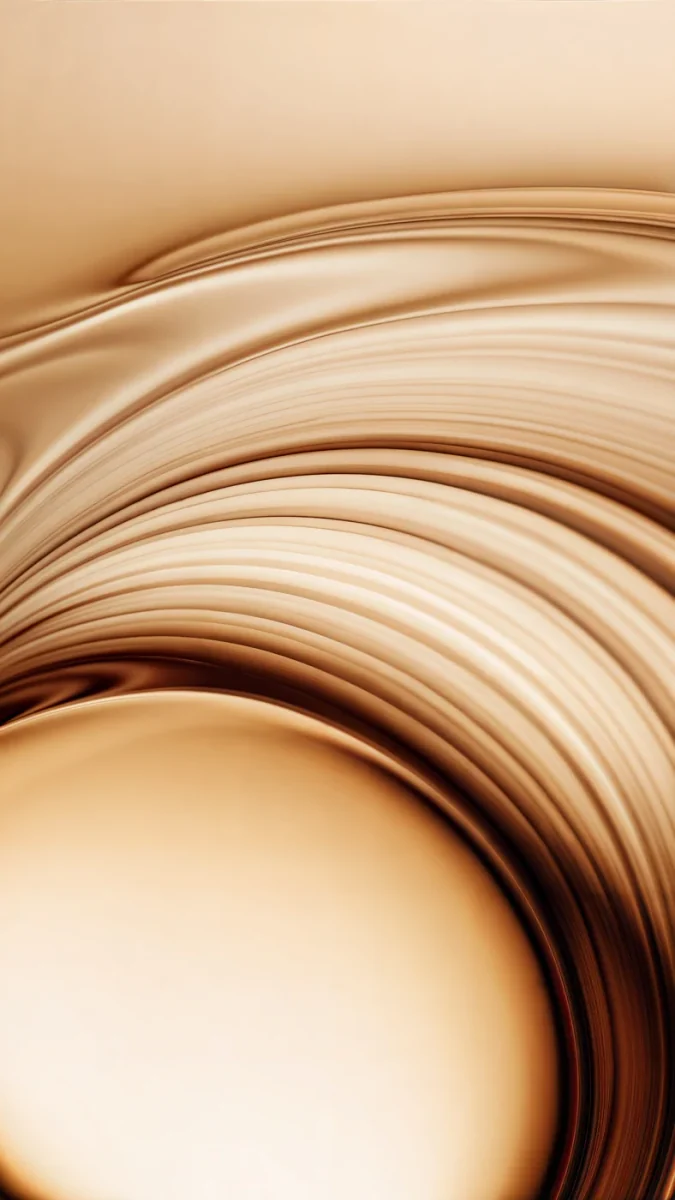 Amber Undertow
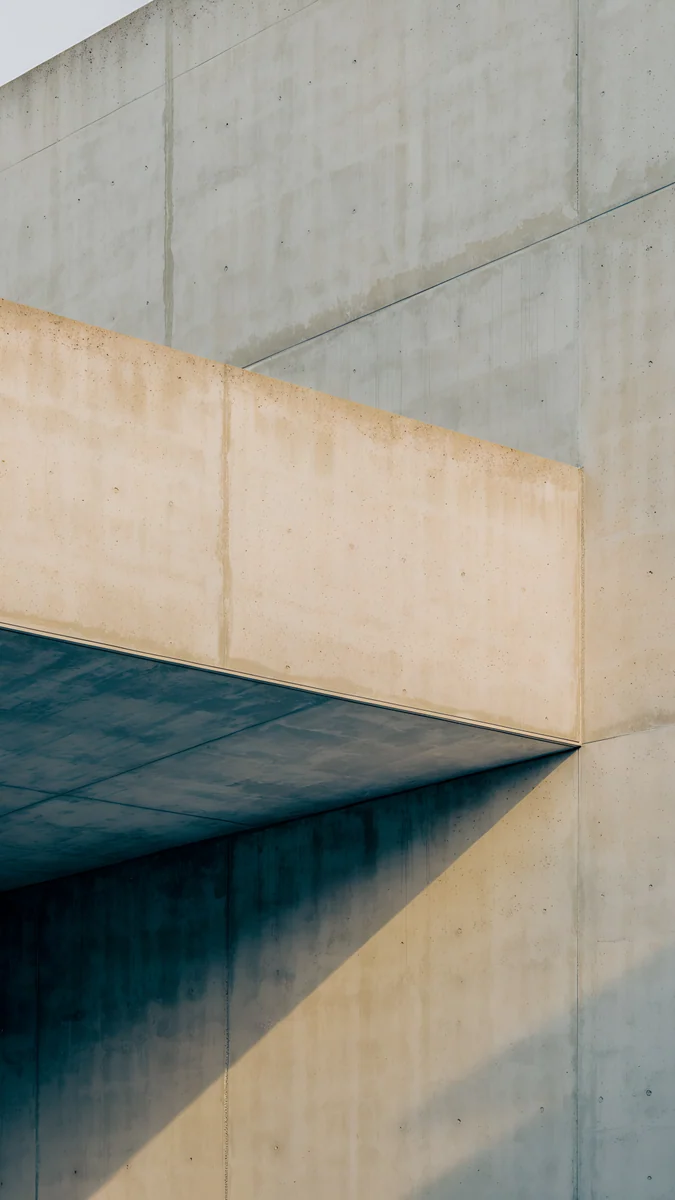 Sand Cantilever
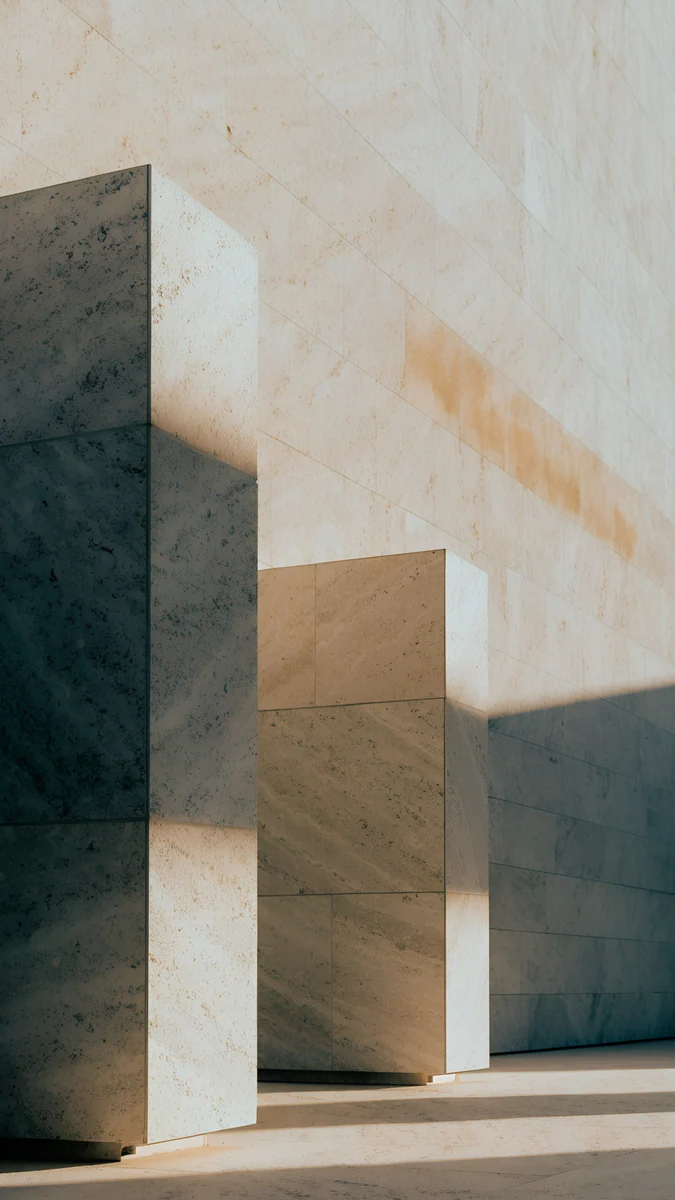 Honey Shadow
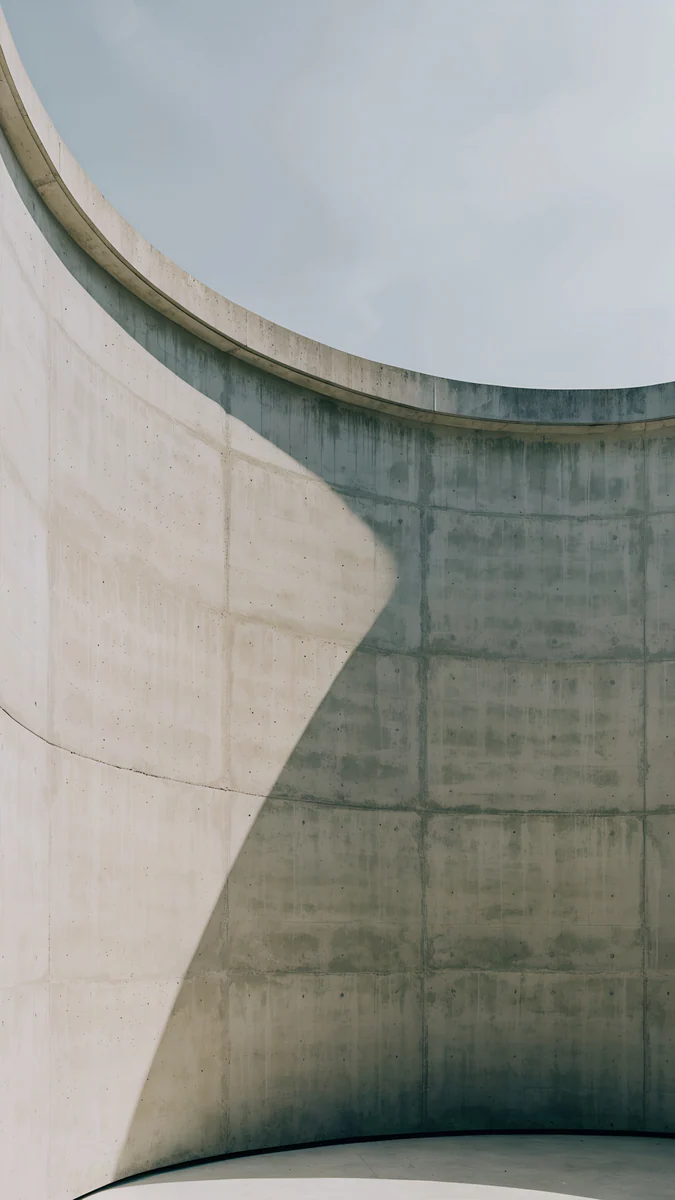 Ash Ring Court
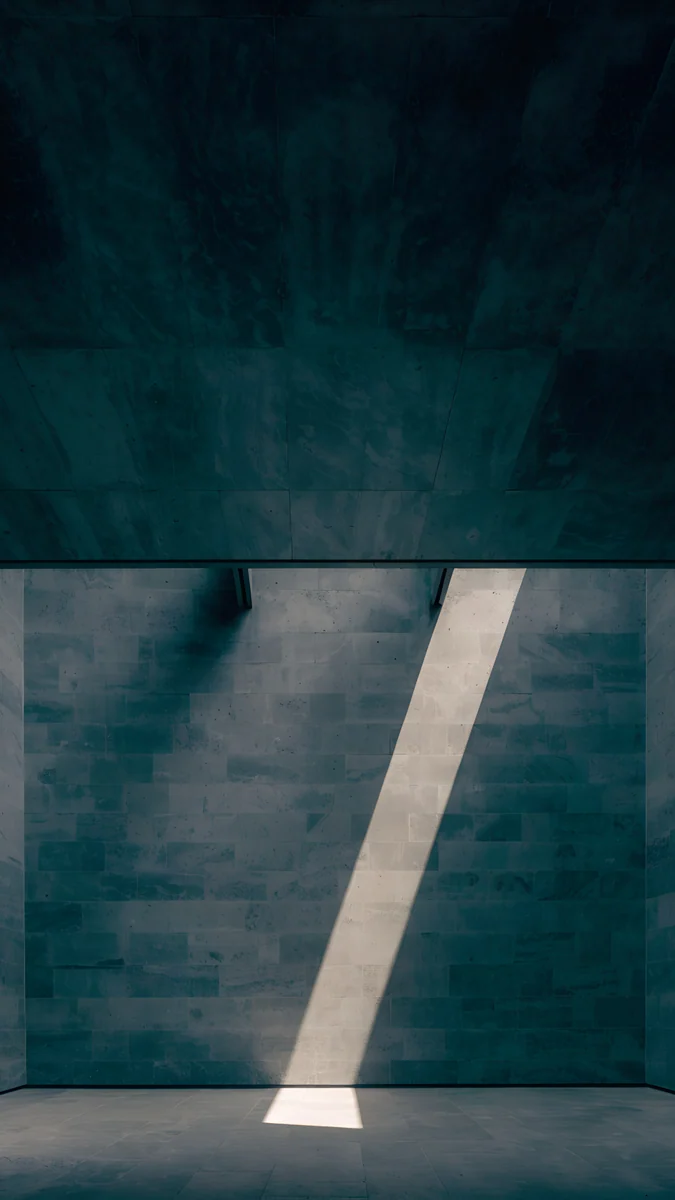 Slate Light Cut
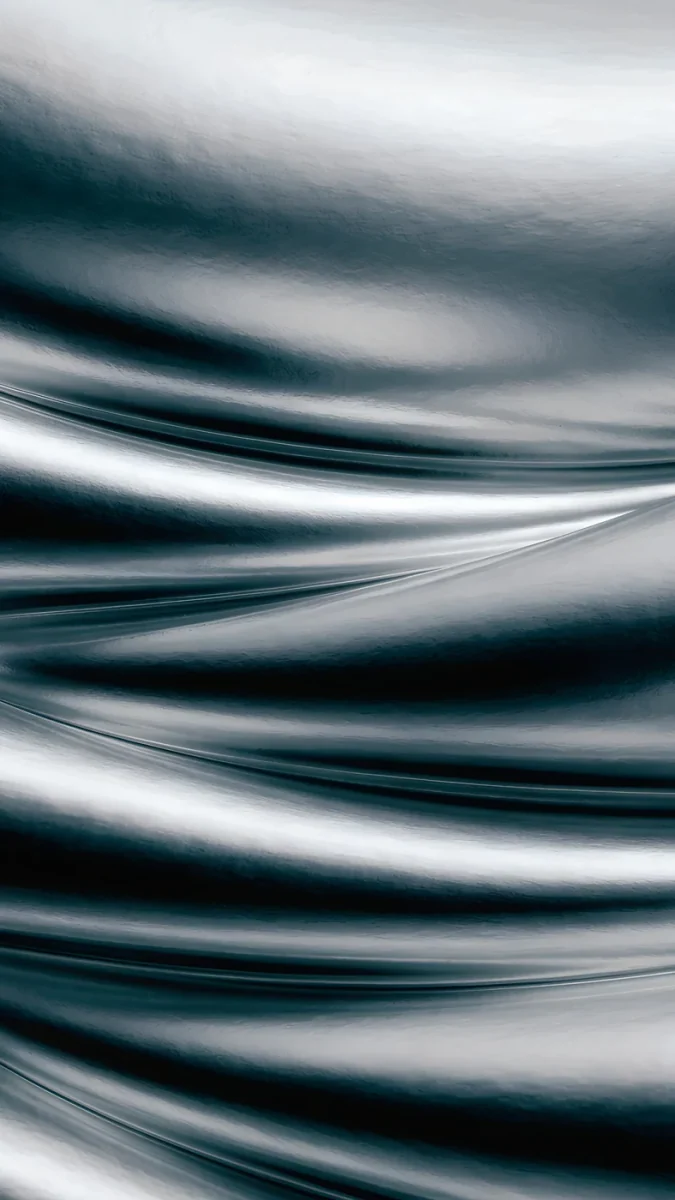 Moon Silver
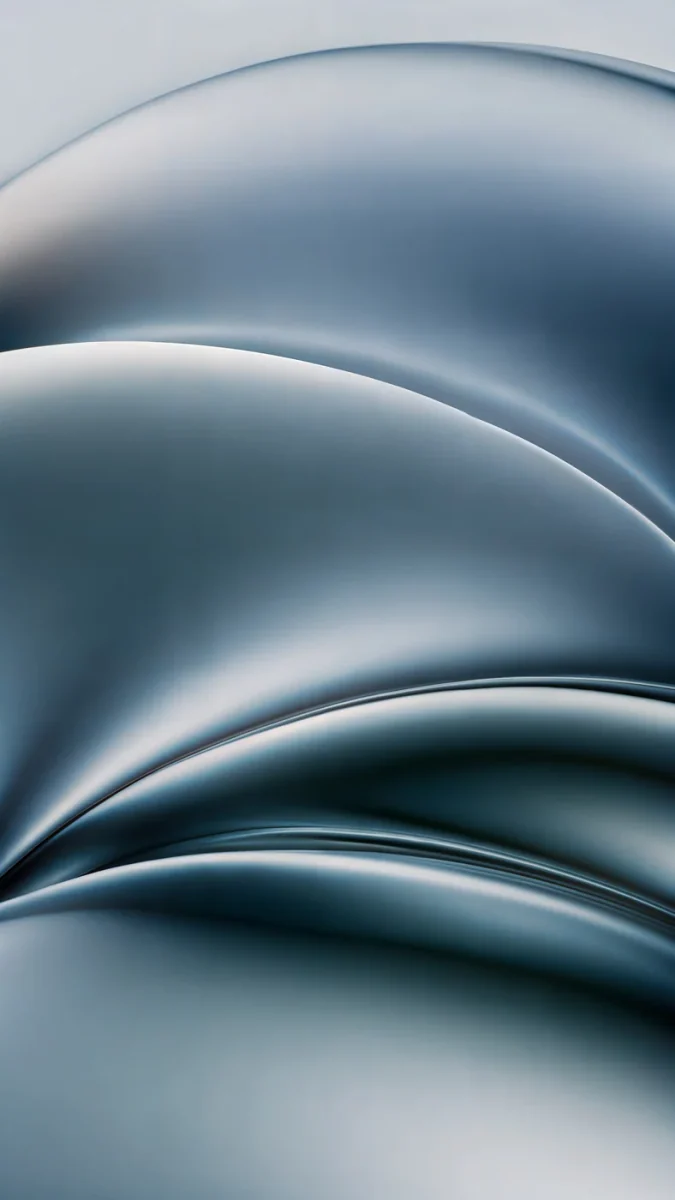 Ink Pressure
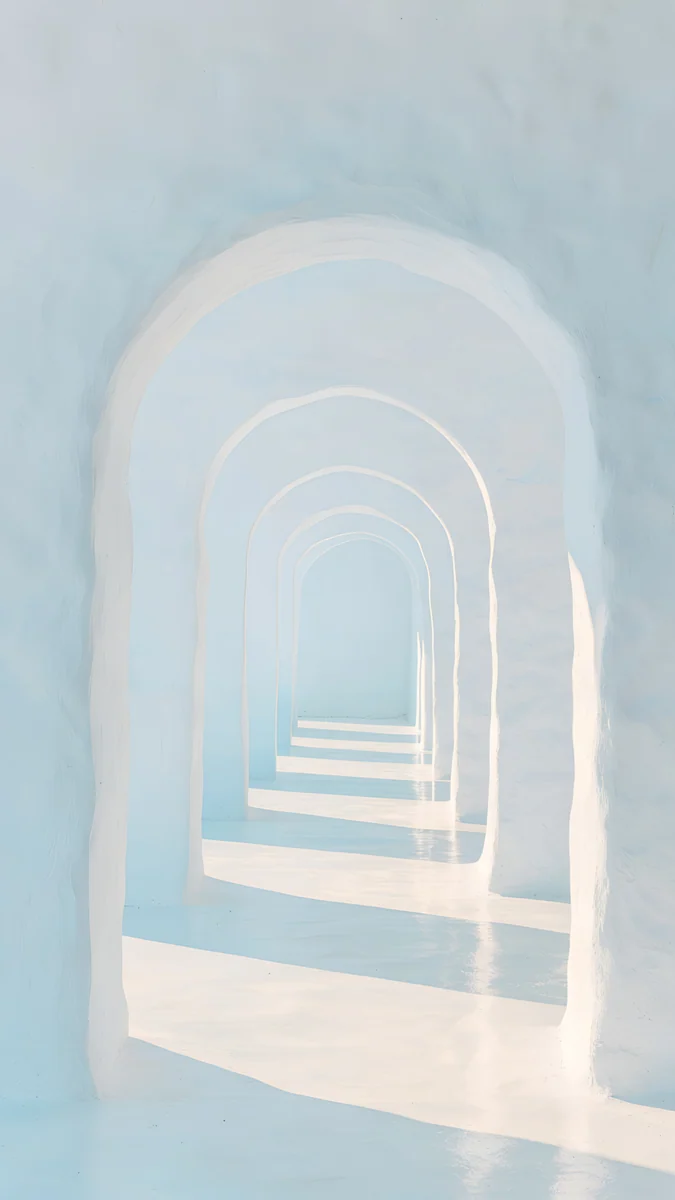 Enfilade
Free originals for iPhone and Android, no watermark
On this page
The iPhone 16 Pro Max [1] has a 6.9 inch OLED screen at 1320 × 2868 pixels, 460 ppi, so any wallpaper you pick should be at least that large and tall in shape. Every Velpaper phone wallpaper is a 4K [1] original at 2160 × 3840 pixels, bigger than the screen in both directions: iOS scales it down and trims a thin strip at each side, and nothing turns soft. The better question is which picture suits the phone. Apple makes the 16 Pro Max in four titanium finishes, Black, White, Natural and Desert, and the screen has the Always-On display and ProMotion up to 120Hz [1]. This page gives you the size table, a set of 4K wallpapers matched to each finish, black picks for the dimmed lock screen, and the steps to set one in iOS 26. If you have the smaller 16 Pro, our iPhone 16 Pro wallpapers page covers both models with a second set.
iPhone 16 Pro Max wallpaper size
These figures come from Apple's tech specs, width by height for a portrait wallpaper:
| Model | Screen | Resolution | Density |
|---|---|---|---|
| iPhone 16 Pro Max | 6.9 inches, OLED | 1320 × 2868 pixels | 460 ppi [1] |
The screen is about 19.5:9, a little narrower than a 9:16 picture. A 2160 × 3840 file therefore fills the height and loses roughly 9 percent at each side. Keep the subject near the centre and you will not notice the trim. That is also why a 4K file never needs a second version for the Pro Max: it is larger than the screen, so there is nothing to upscale [2]. The crop for older iPhones is explained in the iPhone wallpaper size guide.
Desert Titanium wallpapers
Desert Titanium is the warmest of the four finishes, a sand tone with a hint of bronze. Matte stone and soft light sit on it better than neon.
Ochre Light Pool shows a curved concrete wall with an oval of warm light on the floor and a pale sky above, which leaves room for the clock. Sandstone Threshold is a sandstone doorway with a few dry leaves on the step, almost the color of the phone. Amber Undertow swirls bronze silk toward the centre, the richest of the five. Sand Cantilever and Honey Shadow are quieter: pale stone blocks in warm light, with sand and khaki tones.
Natural Titanium wallpapers
Natural Titanium is a neutral grey metal with a little warmth. Concrete, brushed silver and cool shadow follow it closely.
Ash Ring Court is a round concrete courtyard half in shadow with a strip of grey sky at the top. Slate Light Cut crosses a dark slate wall with one diagonal beam of light. Moon Silver is liquid silver folds running past every edge, almost black and white. Ink Pressure folds chrome into waves of steel grey with a touch of blue, lighter and calmer.
White Titanium wallpapers
White Titanium is a pale, slightly warm white. Light stone and plaster keep the whole phone bright.
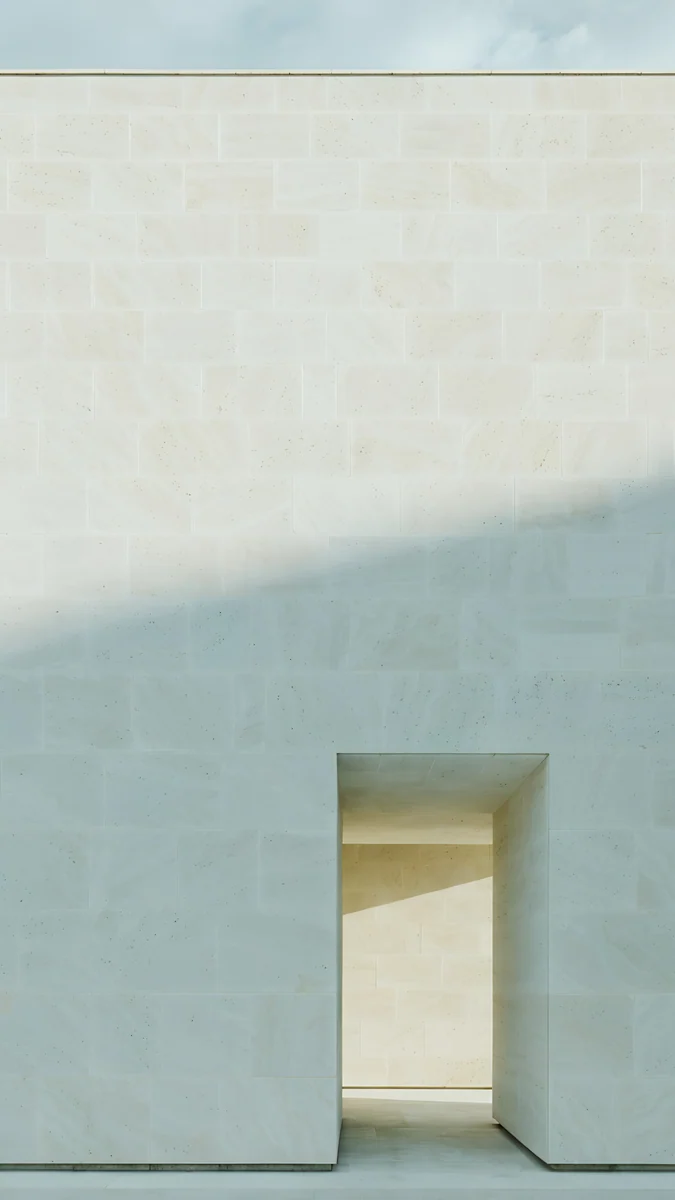
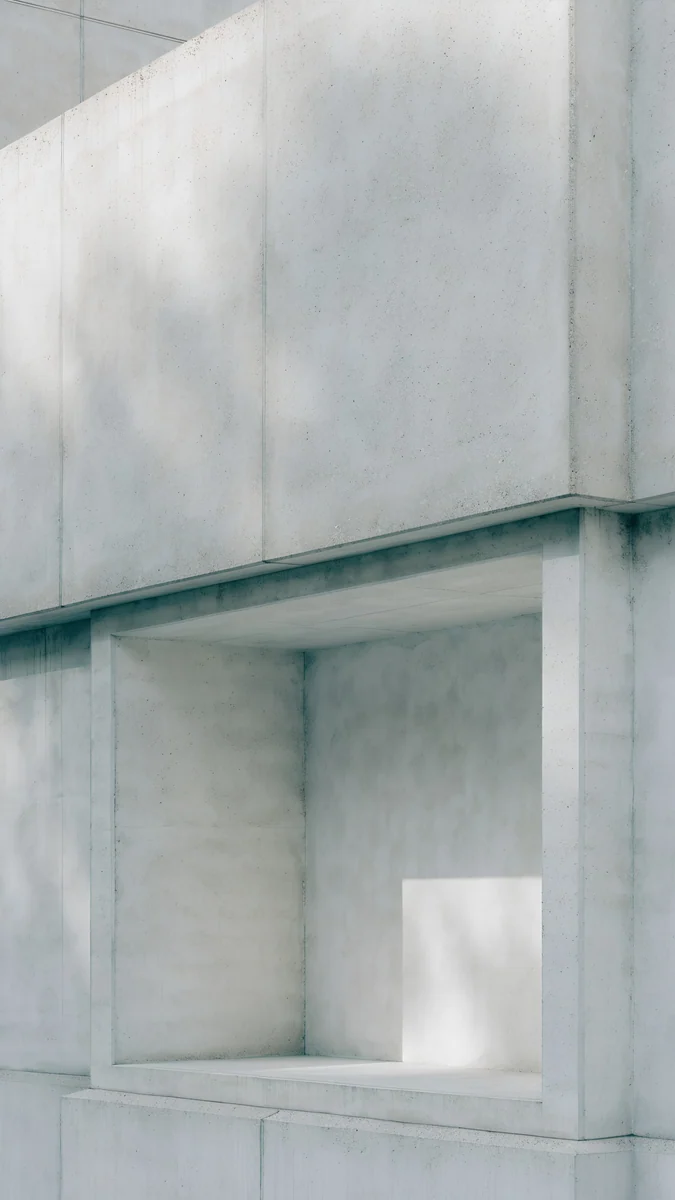
Enfilade is a row of white arches fading into pale blue light. Monolith on the Plain sets a hollow white cube on a light plain under a blue sky. Ivory Daylight is a limestone wall with one tall doorway in soft overcast light. Chalk Recess cuts one square niche into a chalk wall, the plainest match for the frame.
Black Titanium and the Always-On display
When the phone is locked, the 16 Pro Max dims the lock screen instead of switching it off [1]. On OLED a black pixel gives off no light, so a black wallpaper with one bright shape looks nearly the same awake and dimmed, and a busy light photo turns into a grey sheet. Black Titanium is a dark graphite, so the same true black fits it best.
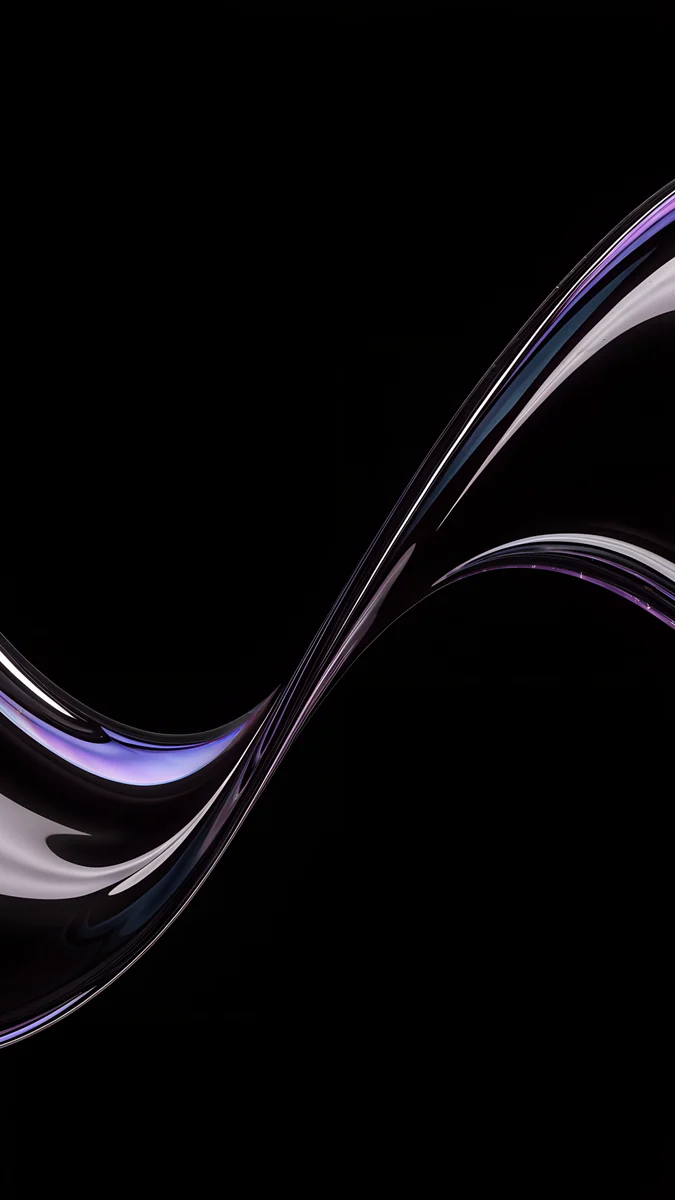
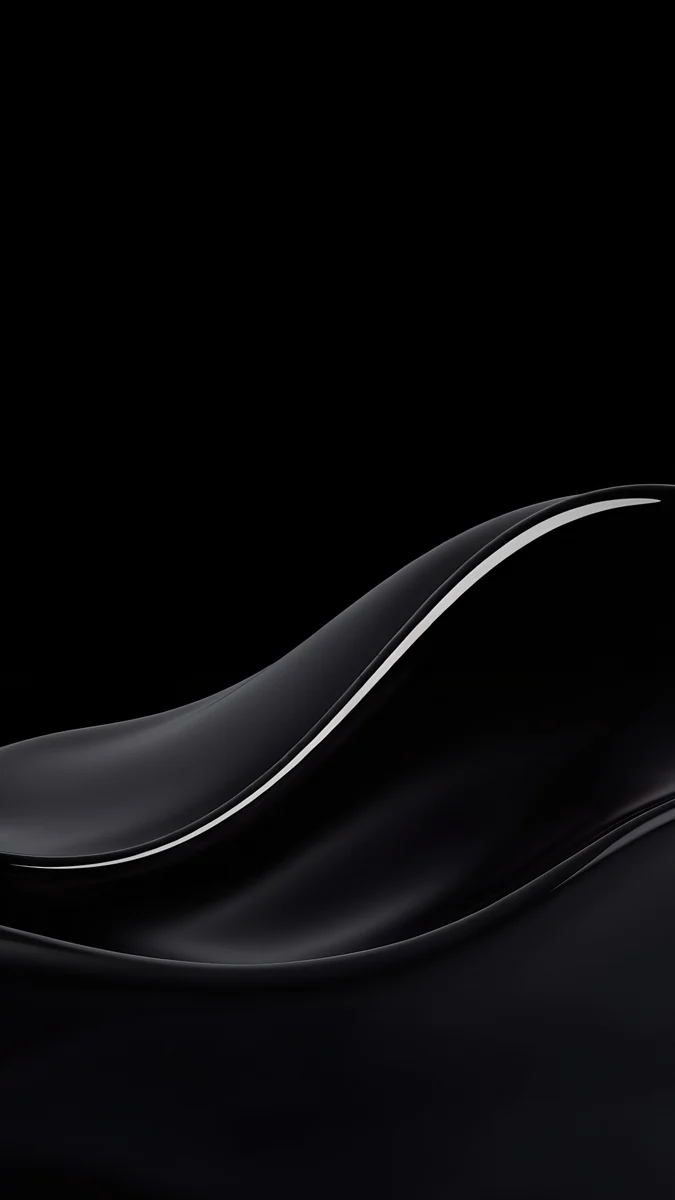
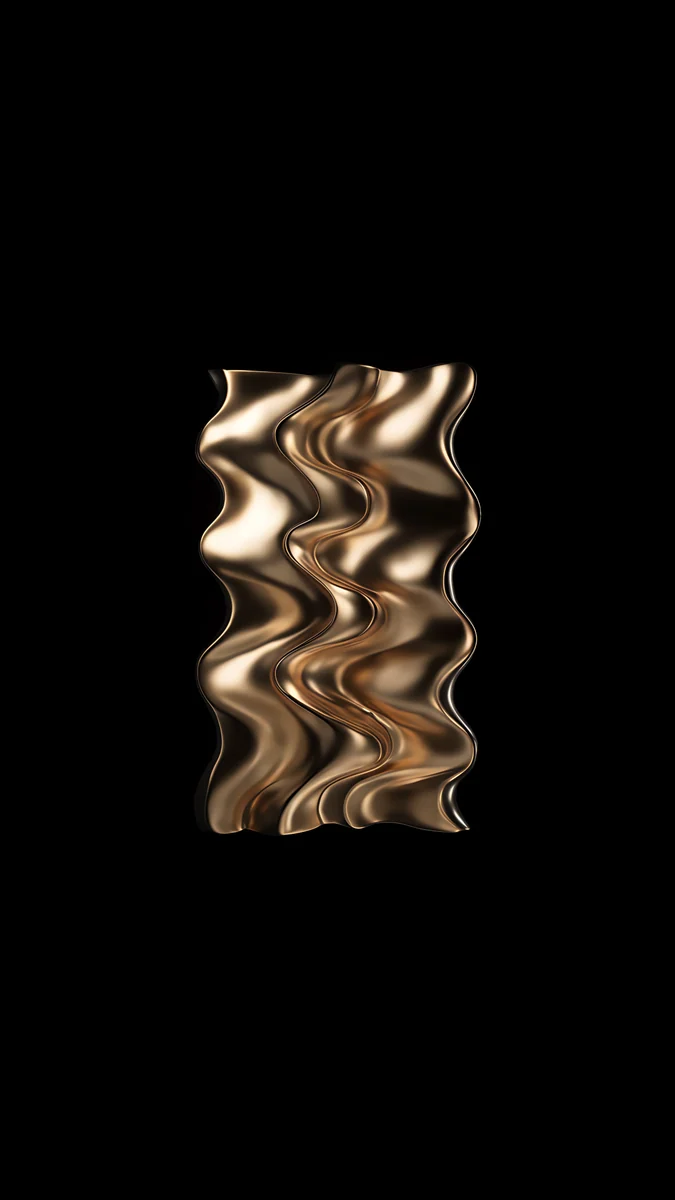
Champagne Mercury Waves fills the lower half with dark, glossy liquid metal and leaves the top black for the clock. Silver Glass S Curve is one thin glass ribbon rising from the lower left. Black Satin Glass Wave is a glossy wave traced by a single highlight. Golden Chrome Ripple floats a small slab of rippled gold in the middle of the black, the warm accent for Desert Titanium.
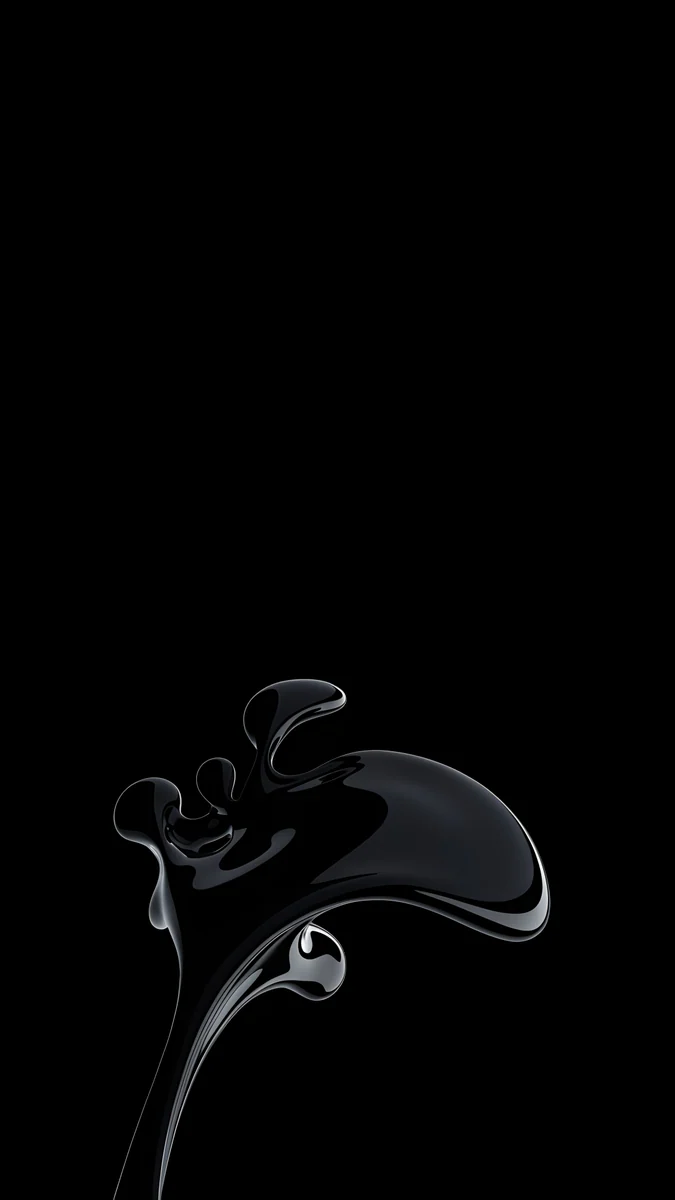
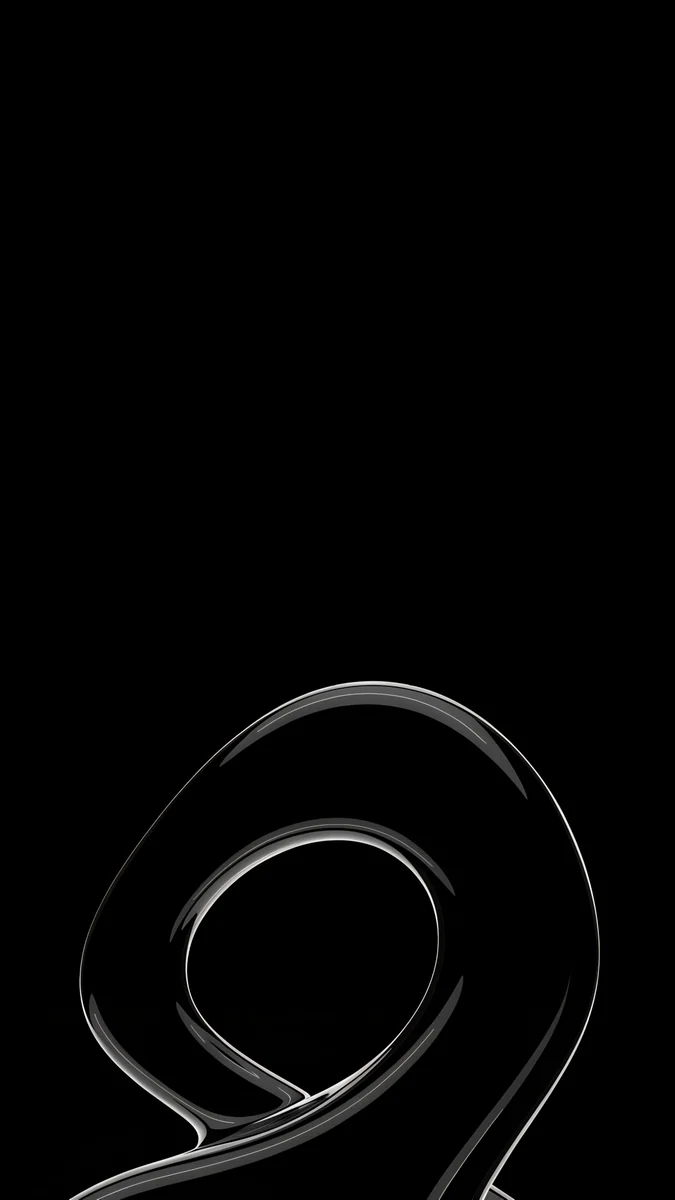
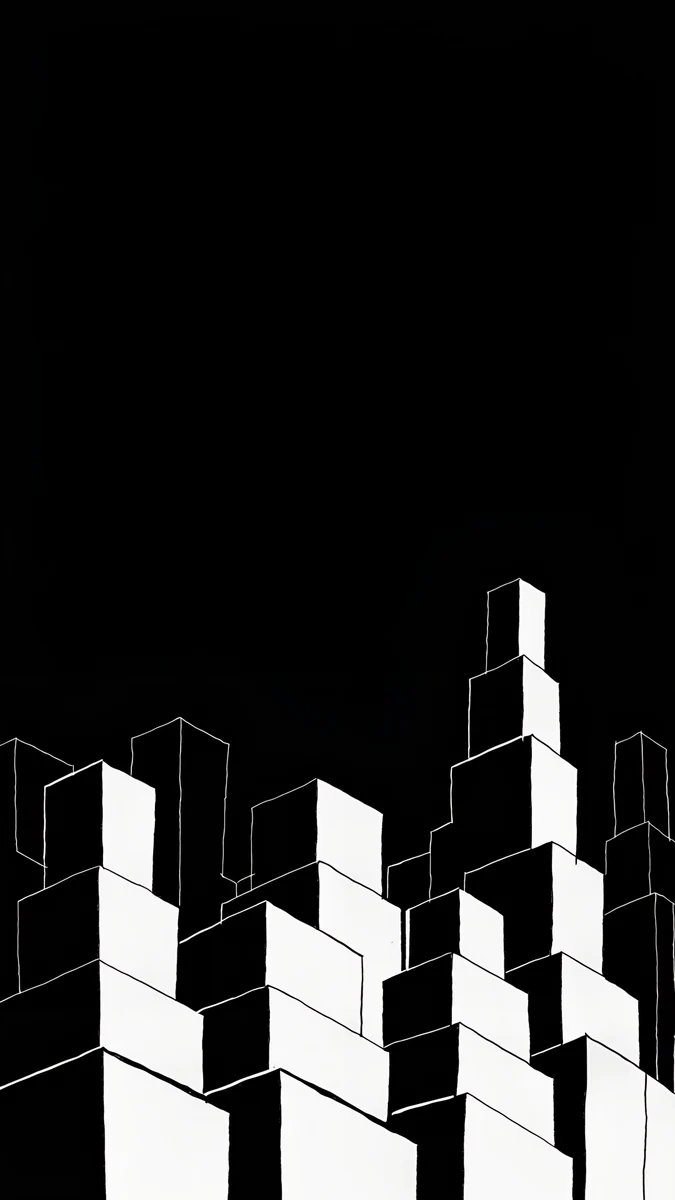
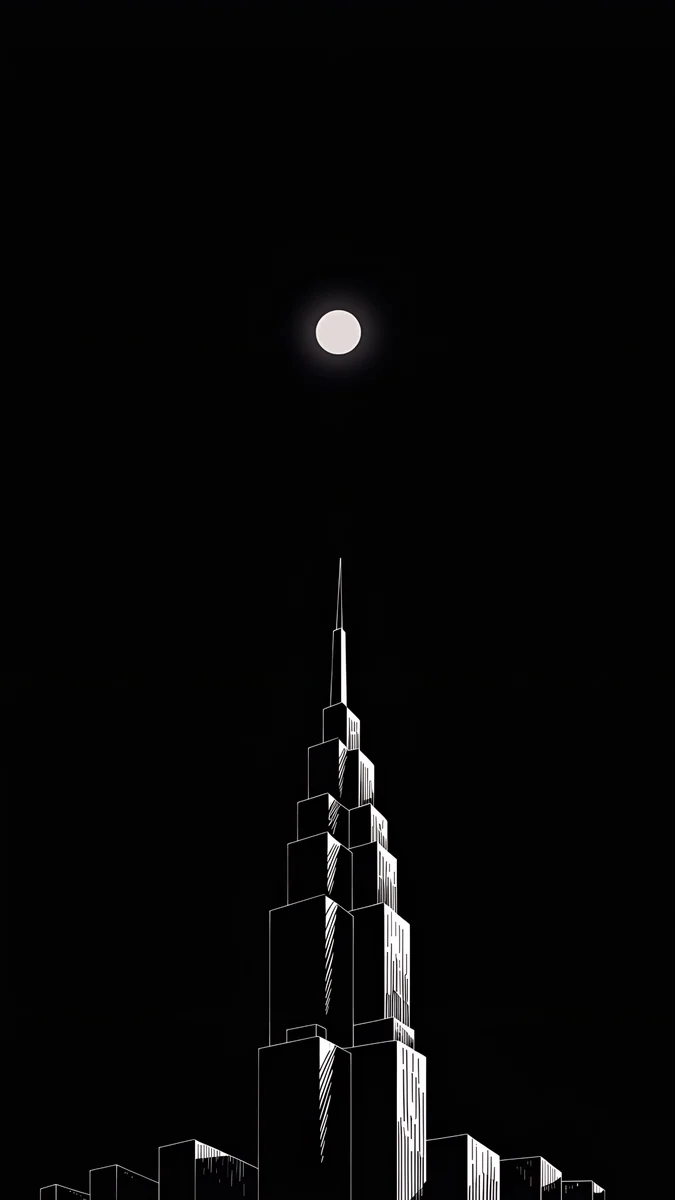
Black Splash is a glossy black liquid splash outlined in silver, with pure black around it. Silver Loop curls a fine glass loop near the bottom edge. Night Blocks and Lone Spire are black and white skylines that leave the top two thirds empty. To choose whether the wallpaper shows on the dimmed screen, open Settings, tap Display & Brightness, then Always On Display, and turn Show Wallpaper on or off. More on that mode is in our Always-On display wallpaper guide.
How to set a wallpaper on iPhone 16 Pro Max
- Save the original to Photos from the Velpaper app or from the wallpaper page on velpaper.com [3].
- Open Settings, tap Wallpaper, then Add New Wallpaper, and choose Photos.
- Pick the image, then pinch and drag so the main shape sits below the clock and clear of the Dynamic Island.
- Tap Add and choose whether to use it on both the lock screen and the home screen.
You can keep several lock screens, for example a black one for the evening and a stone one for the day, and switch by pressing and holding the lock screen. If you are comparing generations, the iPhone 17 Pro Max wallpapers page covers Cosmic Orange, Deep Blue and Silver, with a 6.9 inch screen of the same size [1].
Common problems and fixes
Something at the edge is cut off. The phone shows about the middle four fifths of a 9:16 image. Pick a wallpaper with its subject near the centre.
The clock covers the subject. Move the image down in the editor, or choose one with an empty top, like Champagne Mercury Waves or Ochre Light Pool.
The wallpaper looks soft. You probably saved a preview or a screenshot. Download the original again from the wallpaper page.
Black looks grey outdoors. In strong sun the screen raises its brightness and the glass reflects more. Indoors the black is black again.
Get these iPhone 16 Pro Max wallpapers in Velpaper
Velpaper is an app for iPhone, iPad, Mac and Android, and every wallpaper is also on velpaper.com [1]. Browsing and previews are free. The phone wallpapers in this article unlock after a short optional ad in the apps; on the website the original downloads free when no ad is available. Phone files are 4K originals at 2160 × 3840 without a watermark and without an account [2].
Next step: open Ochre Light Pool, save the original and set it on your Desert Titanium Pro Max, or start from Black Splash if you want the Always-On display to look its best.
Original wallpapers in and for iPhone, Android and desktop.
Questions
What size is the iPhone 16 Pro Max wallpaper?
The iPhone 16 Pro Max has a 6.9 inch OLED screen at 1320 × 2868 pixels and 460 ppi [1], so a portrait wallpaper should be at least that large [1]. An exact match is not needed. A 2160 × 3840 original is bigger in both height and width, so iOS only scales it down and trims about 9 percent at each side, because the phone is a little narrower than 9:16 [1]. The picture stays sharp, and a subject near the centre is never cut.
Where can I get an iPhone 16 Pro Max wallpaper in 4K?
Velpaper phone wallpapers are 4K originals at 2160 × 3840 pixels [2], larger than the 1320 × 2868 screen of the 16 Pro Max in both directions [2]. Browse them in the Velpaper app for iPhone, iPad, Mac and Android or on velpaper.com, save the original to Photos and set it from Settings, Wallpaper, Add New Wallpaper. There is no watermark and no account. Pick the original file, not a screenshot of the preview, which is smaller than the screen.
Which wallpaper matches Desert Titanium?
Look for warm sand, bronze and pale stone with a quiet area at the top for the clock. Ochre Light Pool, a curved concrete wall with an oval of warm light on the floor, is the closest in mood. Sandstone Threshold is almost the same color as the frame, and Amber Undertow is a richer bronze swirl. For the Always-On display, Golden Chrome Ripple puts a small gold shape on pure black, which echoes the finish even when the screen is dimmed.
What is the best wallpaper for the Always-On display on the 16 Pro Max?
A mostly black wallpaper with one bright shape below the clock [1]. The Always-On display dims the lock screen when the phone is locked, and black areas on the OLED screen stay dark, so the shape seems to float while the time stays easy to read. Black Splash and Silver Loop are good starting points. To hide the wallpaper on the dimmed screen, open Settings, Display & Brightness, Always On Display and turn off Show Wallpaper.
Are these iPhone 16 Pro Max wallpapers free?
Browsing and previewing are free on velpaper.com and in the Velpaper apps [1]. The phone wallpapers in this article unlock after a short optional ad in the apps, and on the website the original downloads free when no ad is available. There is no account and no subscription. Each phone file is a 2160 × 3840 JPEG without a watermark, larger than the 1320 × 2868 screen of the Pro Max, so it stays sharp after iOS scales it [2].
Carlos Vivero
Designer of Velpaper wallpapers
Carlos Vivero designs the wallpapers in Velpaper: quiet architecture, liquid glass, Japanese ink and calm landscapes. Every piece is made as a original for iPhone, Android and desktop.
Recent work