iPhone 16 Pro and Pro Max Wallpaper: 4K for Every Titanium
iPhone 16 Pro and Pro Max wallpapers in 4K: Apple's exact screen sizes, black picks for Always-On and matches for Desert, Natural, White and Black Titanium.
By the Velpaper team · Wallpapers by Carlos Vivero, Velpaper designer · · 7 min read
In short: The best iPhone 16 Pro Max and 16 Pro wallpaper is dark or matte stone with the subject in the lower half, because the OLED screen shows real black and the Always-On display keeps the lock screen dimmed, not off. One 2160 × 3840 original fits both the 16 Pro (1206 × 2622) and the 16 Pro Max (1320 × 2868).
Wallpapers
 Black Splash
 Sandstone Threshold
 Enfilade
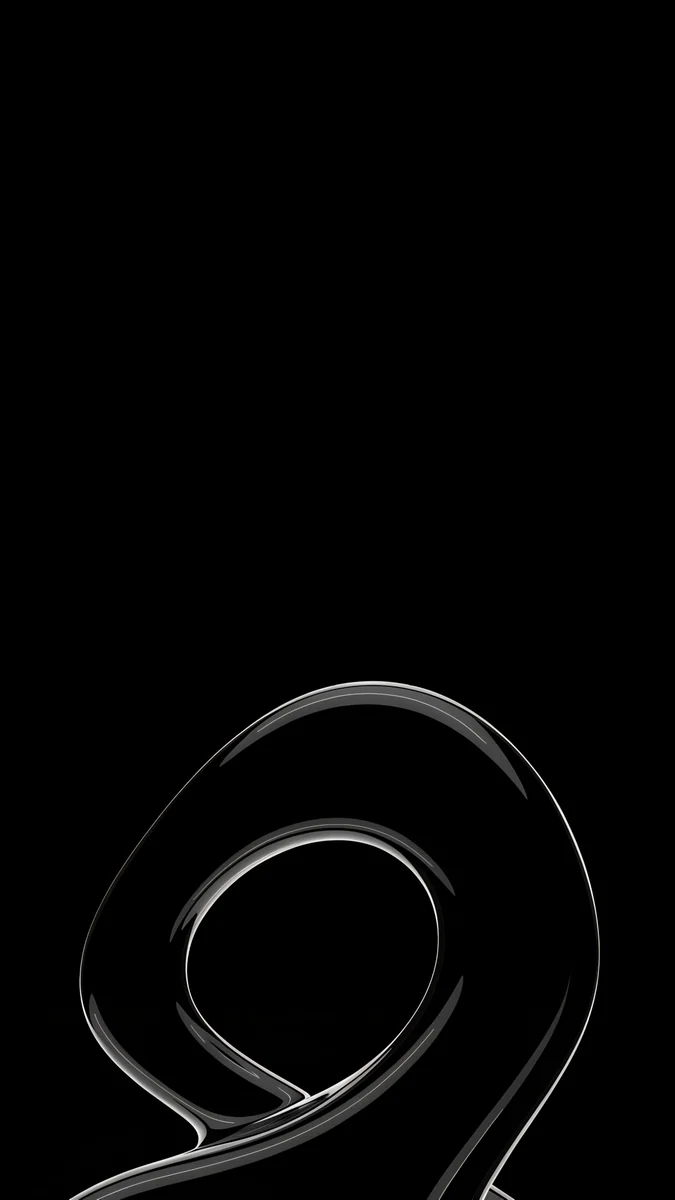 Silver Loop
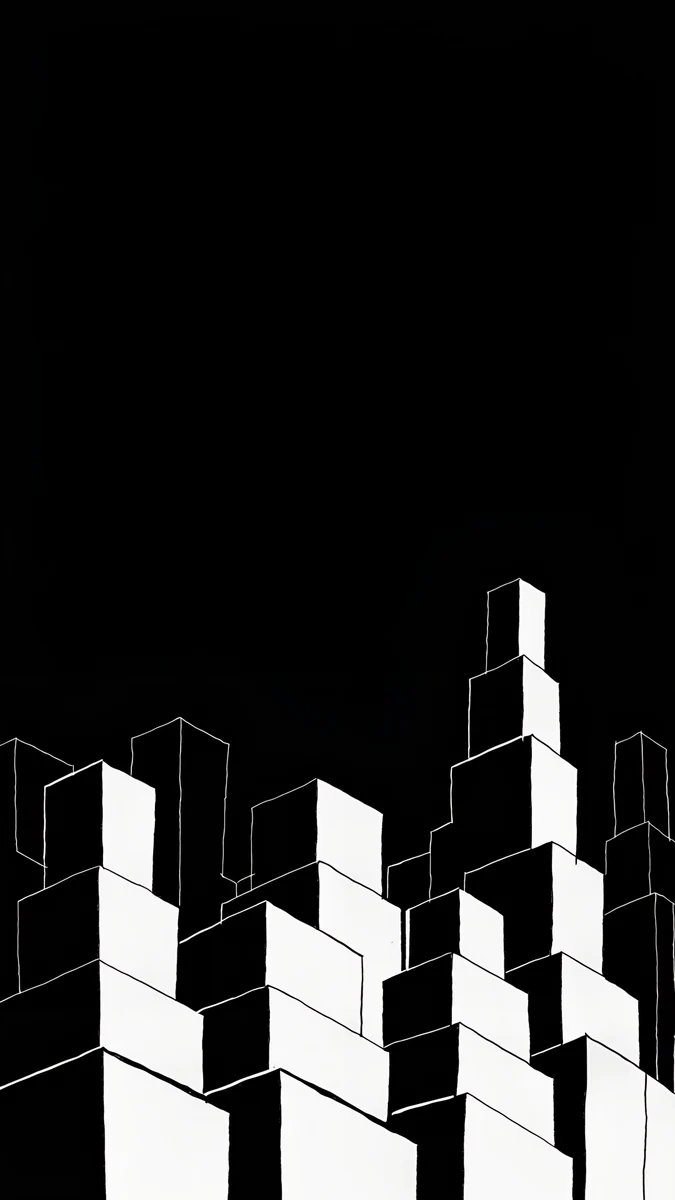 Night Blocks
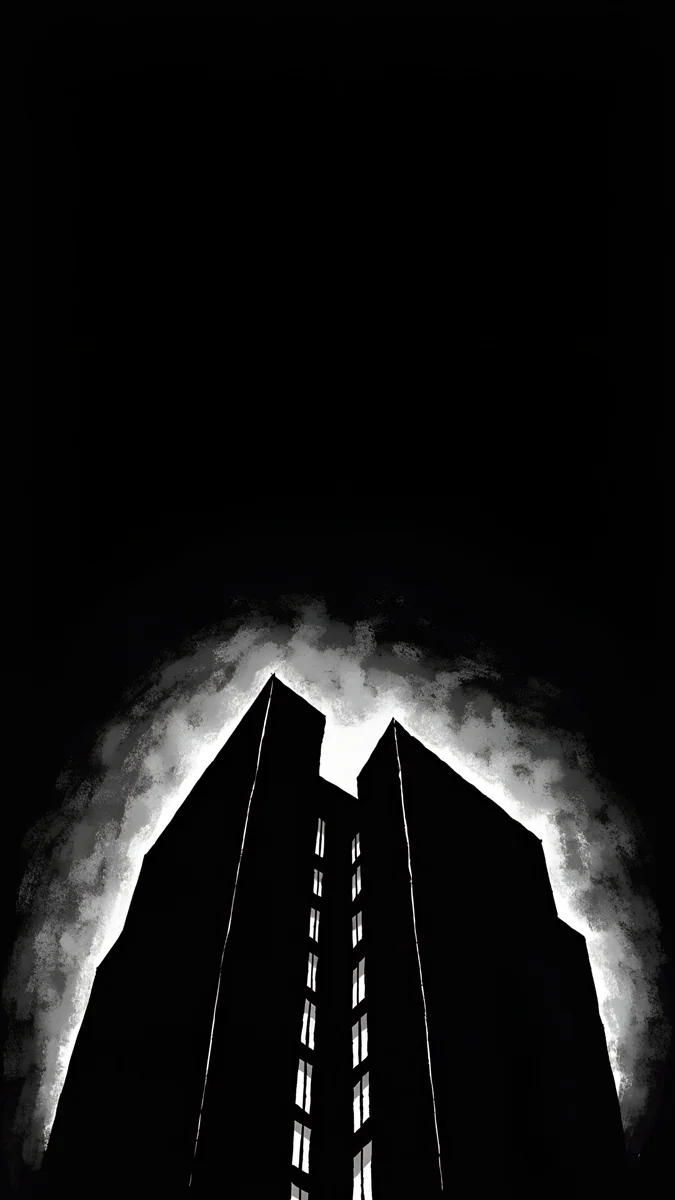 Light Slits
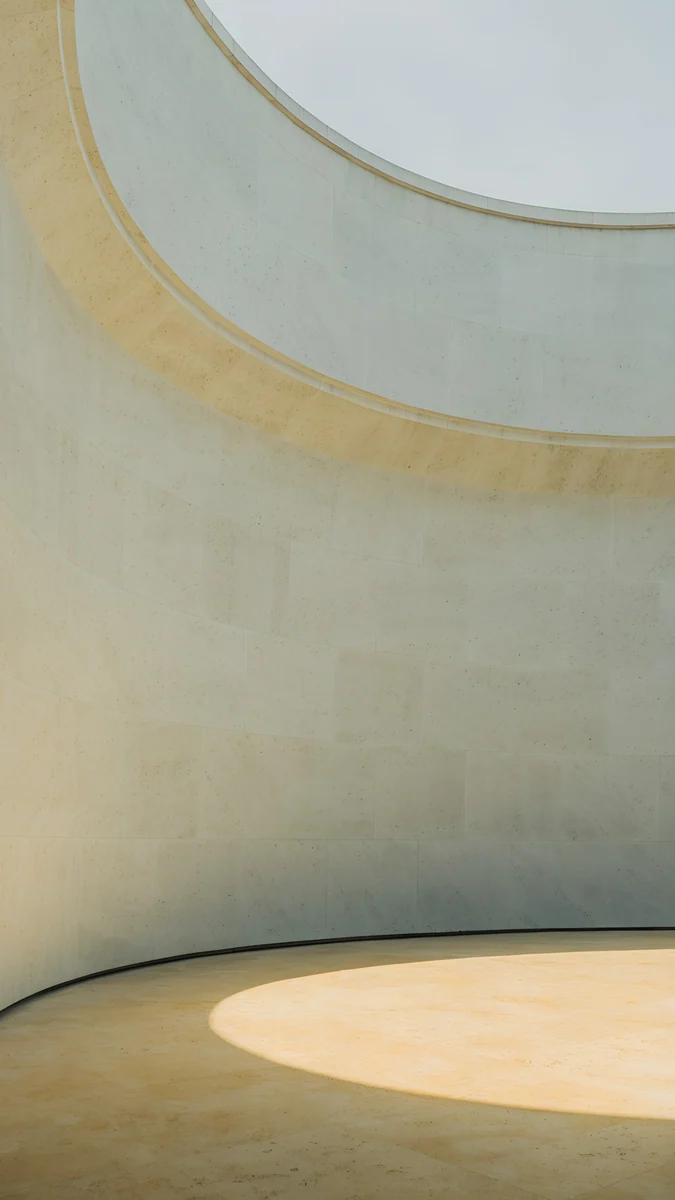 Ochre Light Pool
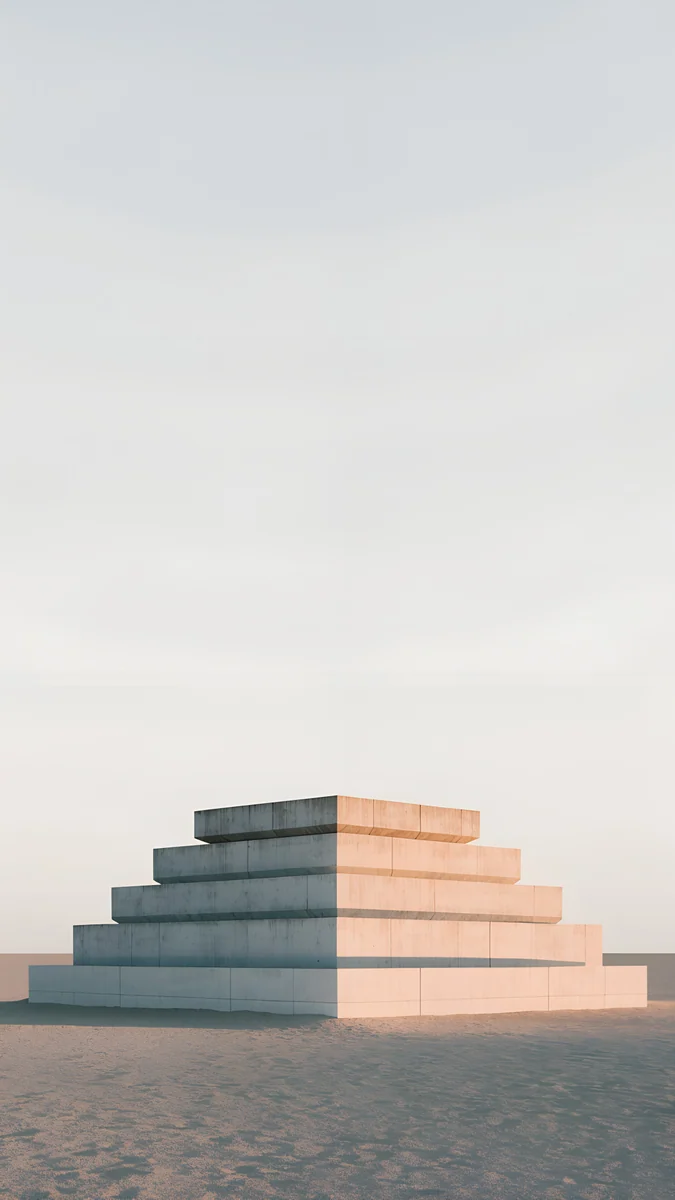 Stepped Ziggurat
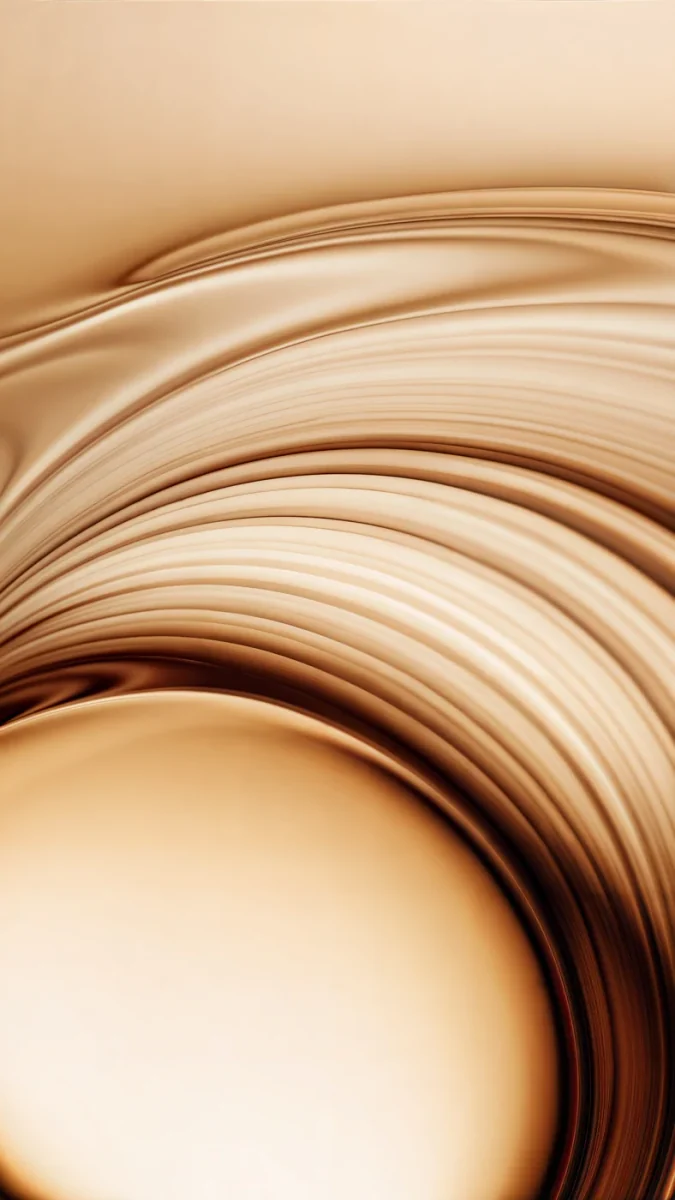 Amber Undertow
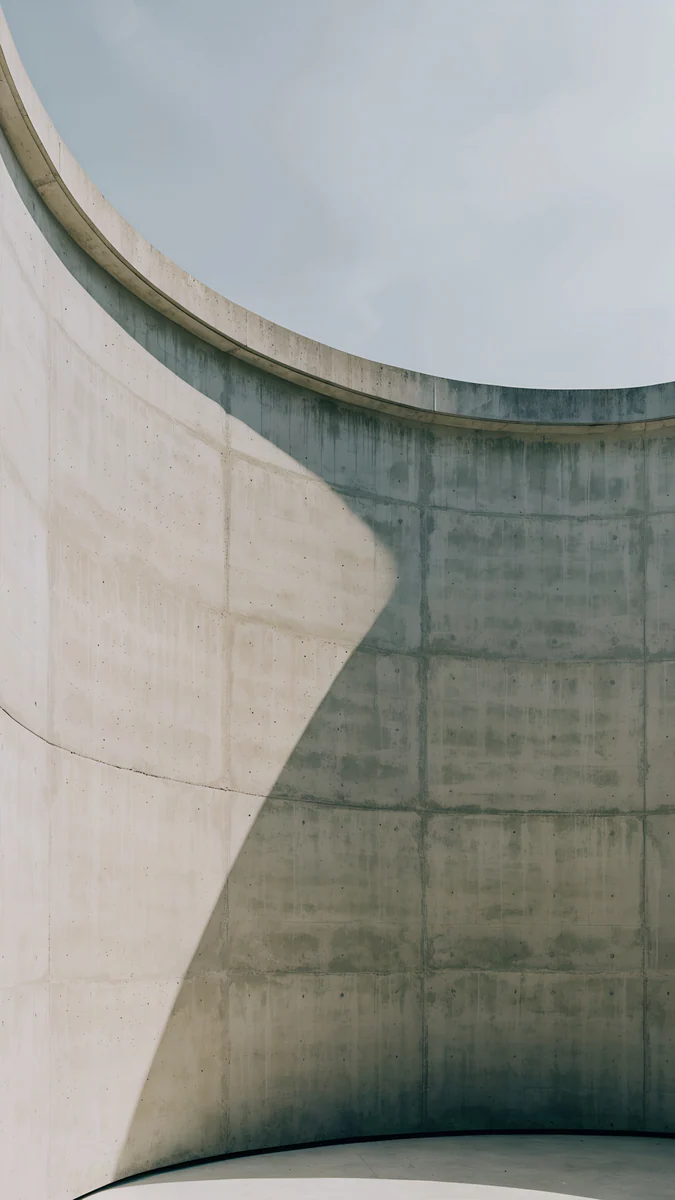 Ash Ring Court
 Monolith on the Plain
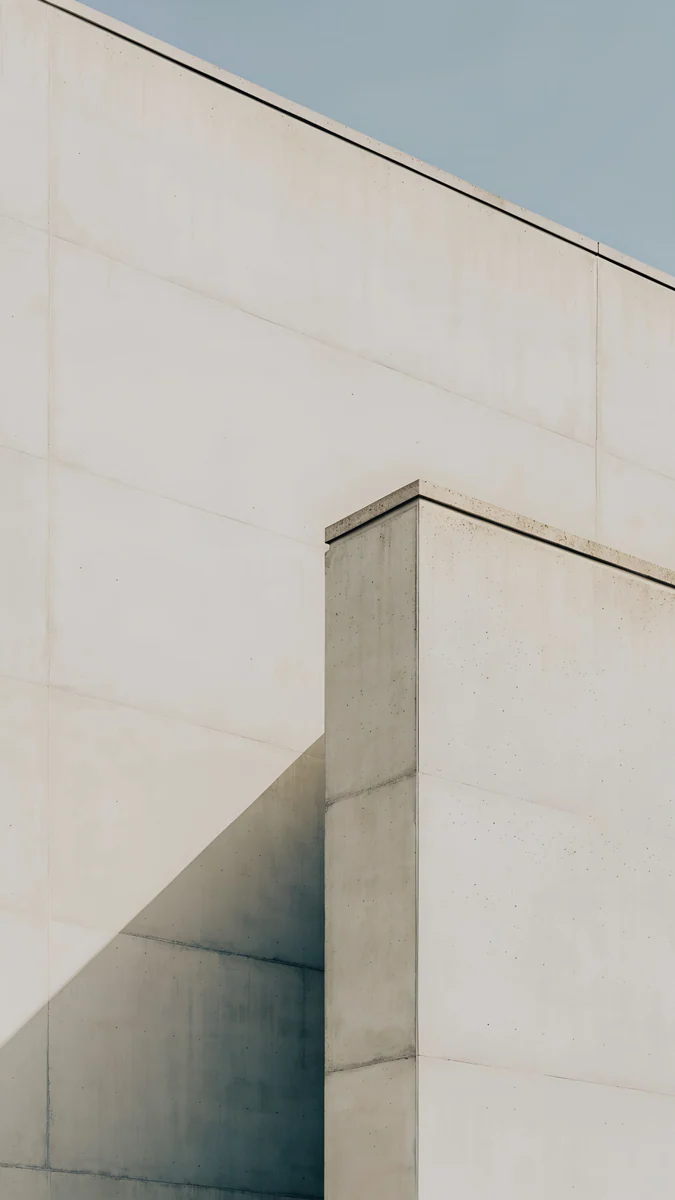 Ivory Fold
Free originals for iPhone and Android, no watermark
On this page
- iPhone Pro and Pro Max wallpaper size
- Black wallpapers for the Always-On display
- Desert Titanium: warm stone and sand
- Natural and White Titanium: concrete and pale sky
- Black Titanium: Black Liquid Glass
- How to set a wallpaper on iPhone Pro and Pro Max
- Common problems and fixes
- Get these iPhone Pro wallpapers in Velpaper
The best iPhone 16 Pro Max wallpaper, and the best one for the smaller iPhone 16 Pro, is dark or matte stone with its subject in the lower half of the frame. Both phones have an OLED screen with the Always-On display, so black stays truly black and the dimmed lock screen is on view all day. The 16 Pro has a 6.3 inch screen at 1206 × 2622 pixels, the 16 Pro Max a 6.9 inch screen at 1320 × 2868, both at 460 ppi. Velpaper phone wallpapers are 2160 × 3840 JPEGs, larger than either screen, so iOS only scales them down and trims a thin strip from each side, and one file works on both phones. Below you will find the size table, black picks for the Always-On display, matches for Desert, Natural, White and Black Titanium, and the steps to set a wallpaper in iOS 26.
If your 16 Pro is a year old and starting to feel familiar, a wallpaper matched to its titanium is the quickest way to make it look new. For the iPhone 16 and 16 Plus in their brighter colours, see our iPhone 16 wallpapers.
iPhone 16 Pro and Pro Max wallpaper size
These figures come from Apple's tech specs, width by height in pixels:
| Model | Screen | Resolution | Density |
|---|---|---|---|
| iPhone 16 Pro | 6.3 inches | 1206 × 2622 | 460 ppi |
| iPhone 16 Pro Max | 6.9 inches | 1320 × 2868 | 460 ppi |
Both screens have the same density and roughly 19.5:9 proportions, so the Pro Max is simply a bigger window onto the same picture. A 2160 × 3840 original is taller and wider than both. iOS scales it down and trims about 9 percent at each side, because the phones are narrower than 9:16. Keep the subject near the centre and nothing important is lost. Older iPhones and the crop for each are in our iPhone wallpaper size guide.
Black wallpapers for the Always-On display
The 16 Pro and Pro Max both have ProMotion and the Always-On display. When you lock the phone, the lock screen dims instead of going dark. On OLED a black pixel gives off no light, so a black wallpaper melts into the frame and one bright shape on it seems to float, while a busy, light photo turns into a gray sheet. The Dynamic Island sits at the top centre above the clock, so keep the subject low.
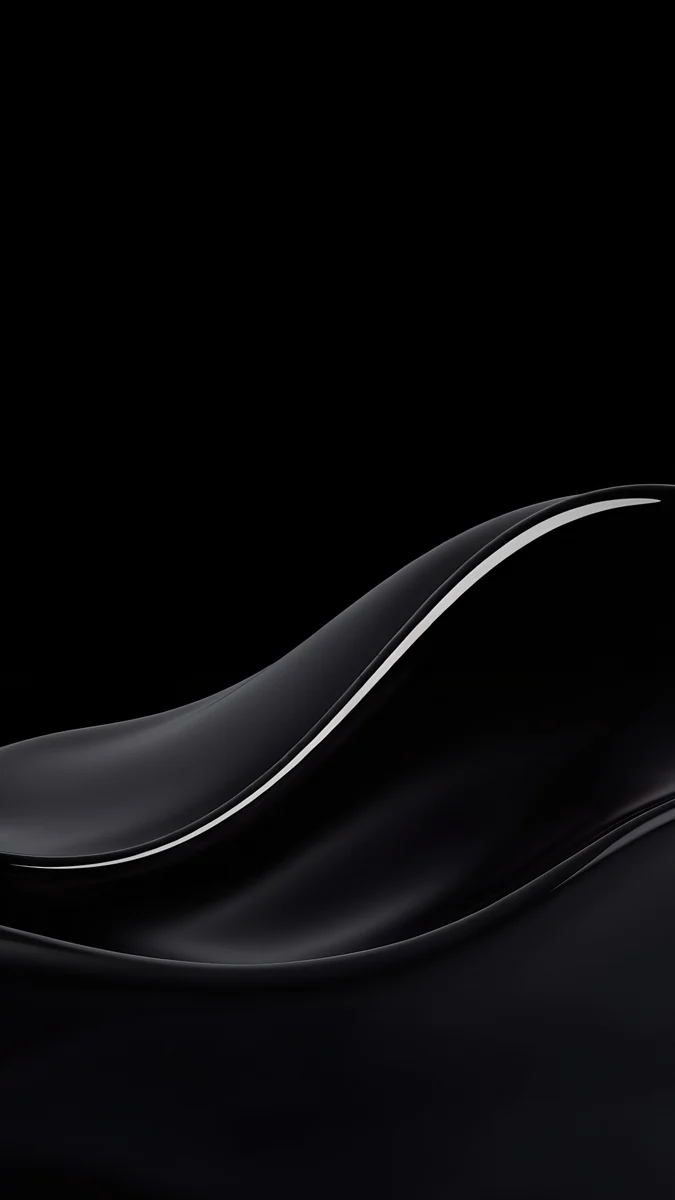
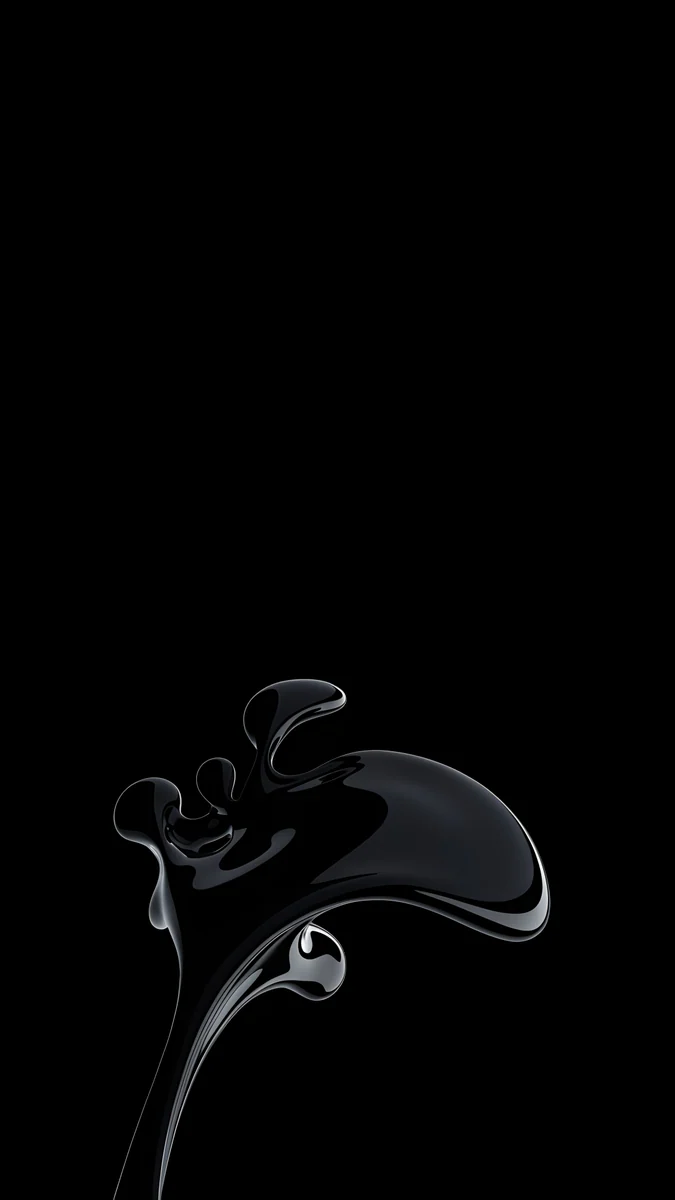
Black Splash is a glossy black liquid splash in the lower third, outlined by a thin silver highlight, with pure black everywhere else. Silver Loop is a fine glass loop curling near the bottom edge like a signature. Night Blocks draws white stepped blocks in ink rising from the bottom and leaves the top two thirds empty for the clock and widgets. Light Slits is bolder: the black silhouette of a tower against a white glow, with narrow lit windows. On the dimmed screen only the outline of the building remains.
To choose whether the wallpaper shows on the dimmed screen, open Settings, tap Display & Brightness, then Always On Display, and turn Show Wallpaper on or off. More on that mode is in our article on the iPhone Always-On display wallpaper.
Desert Titanium: warm stone and sand
The 16 Pro and Pro Max come in four finishes: Desert Titanium, Natural Titanium, White Titanium and Black Titanium. The back is matte glass and the frame is titanium, so matte, earthy wallpapers sit better on them than neon. Desert Titanium is the warmest of the four, a sand tone with a hint of bronze.
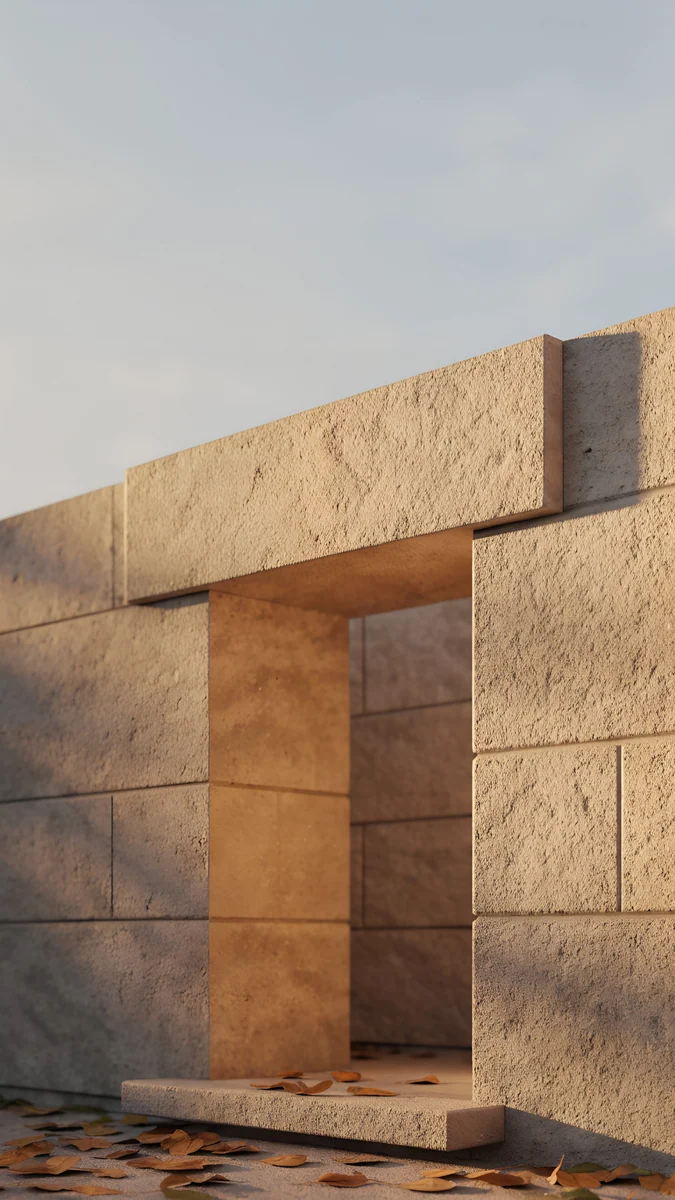
Sandstone Threshold is a sandstone doorway under a pale sky with a few dry leaves on the step, and the stone is very close to the colour of the phone. Ochre Light Pool shows a curved wall and an oval of warm light on the floor at the bottom, with pale sky above for the clock. Stepped Ziggurat is a pale stepped pyramid sitting low on the sand under a wide, almost white sky. Amber Undertow is bronze silk swirling toward the centre, the richest option here.
Natural and White Titanium: concrete and pale sky
Natural Titanium is a gray with a little warmth, White Titanium is close to white. Concrete, chalk and soft shadow suit both.
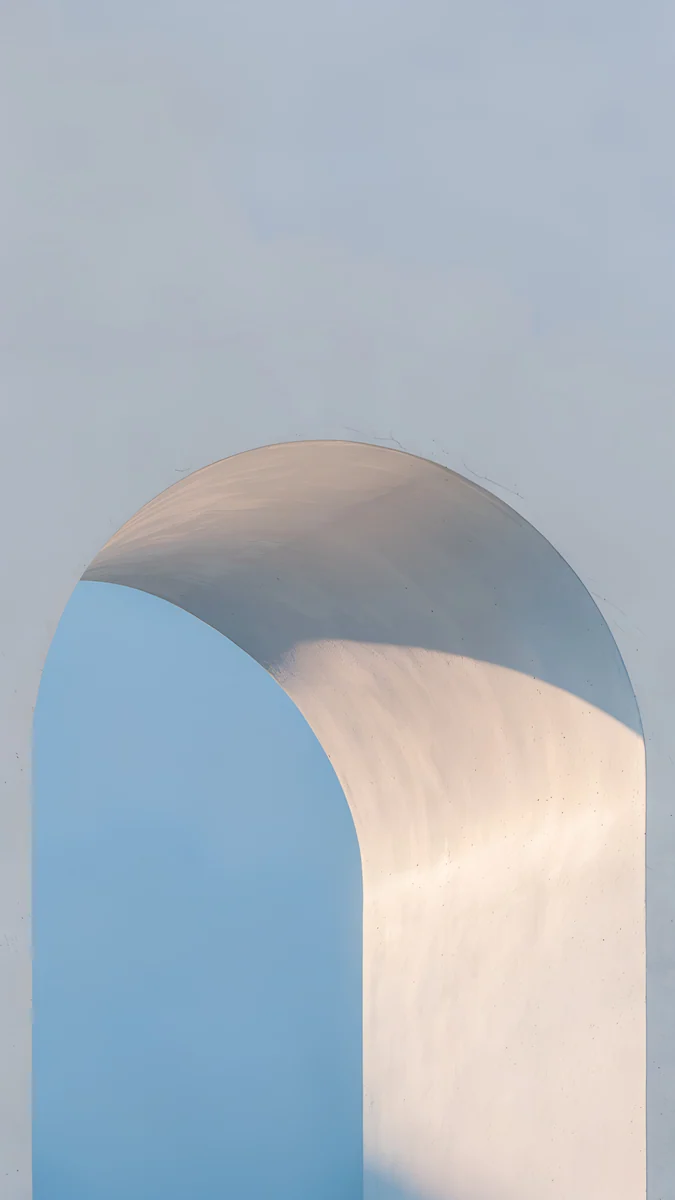
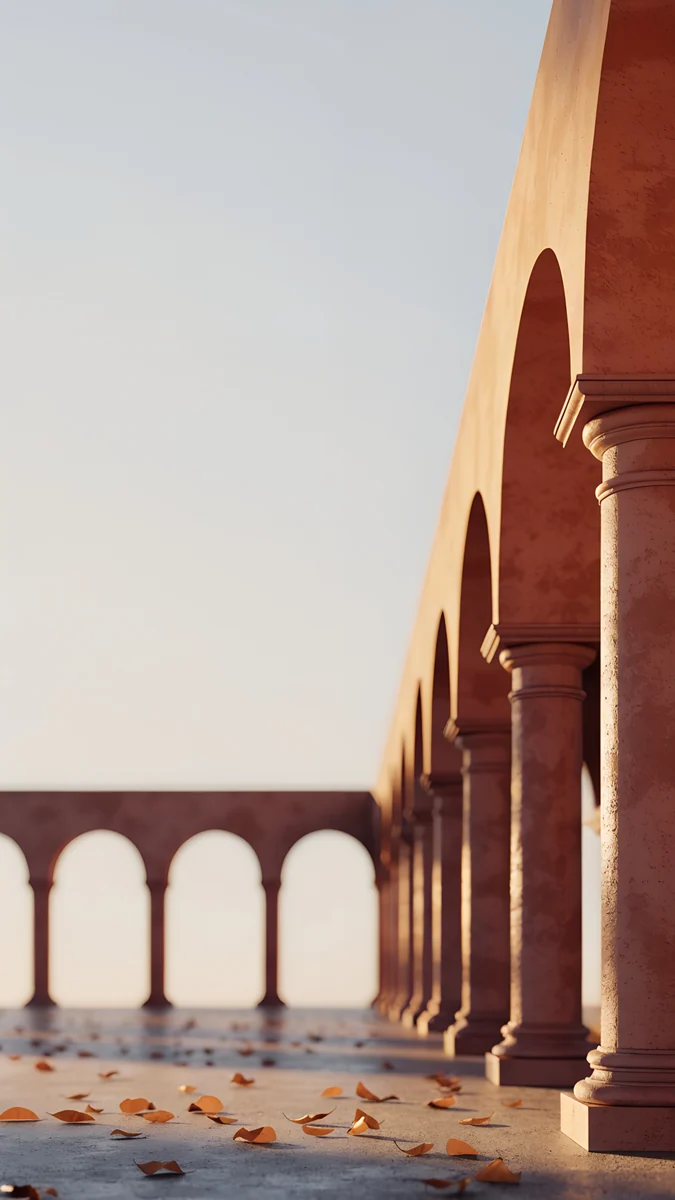
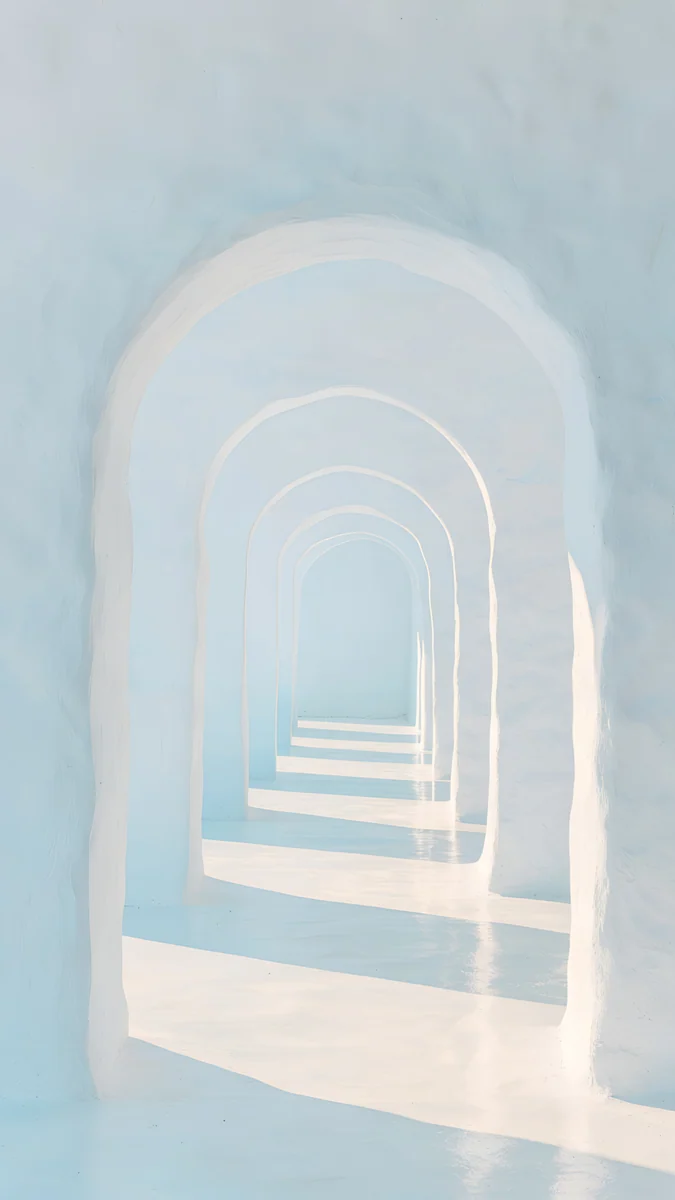
For Natural Titanium, Ash Ring Court is a round concrete courtyard half in shadow, with a strip of sky at the top. For White Titanium, Enfilade is a row of white arches fading into the distance in pale blue light, and Monolith on the Plain is a hollow white cube on a light plain under a blue sky. Ivory Fold stacks white concrete blocks against a corner of pale blue sky, as plain as the White Titanium frame.
Black Titanium: Black Liquid Glass
Black Titanium is a dark graphite, and it looks best with true black. Our Black Liquid Glass set fits it well: glossy glass and liquid metal forms on a black background, which also look right on the Always-On display.
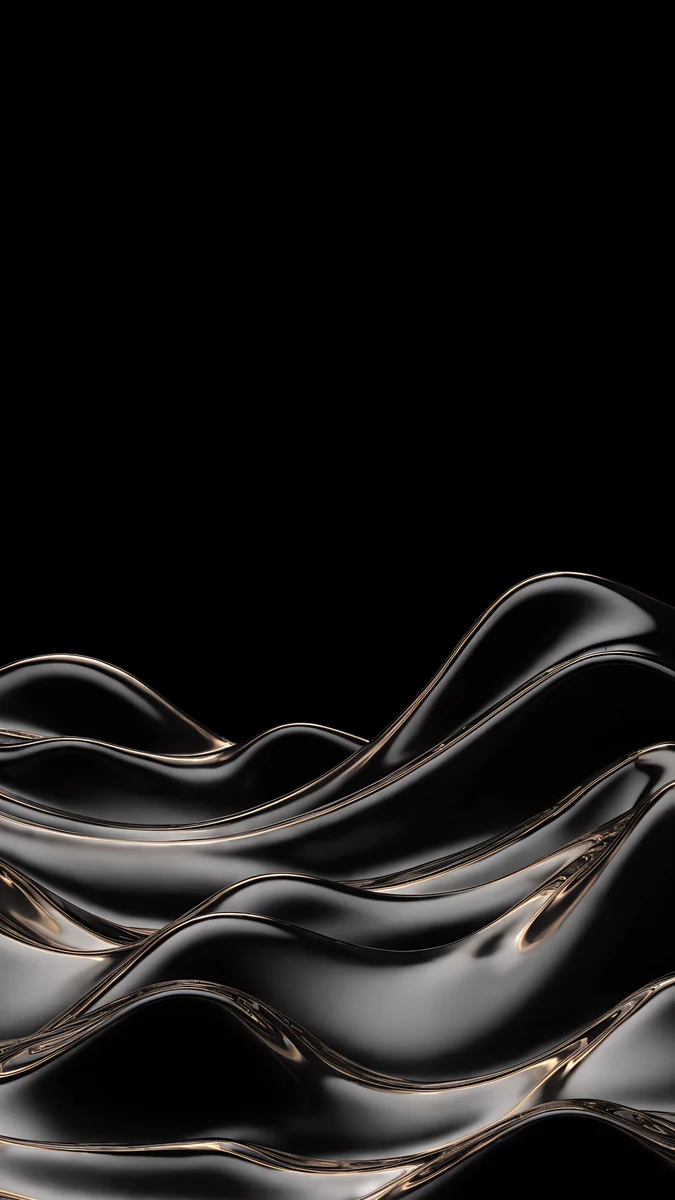
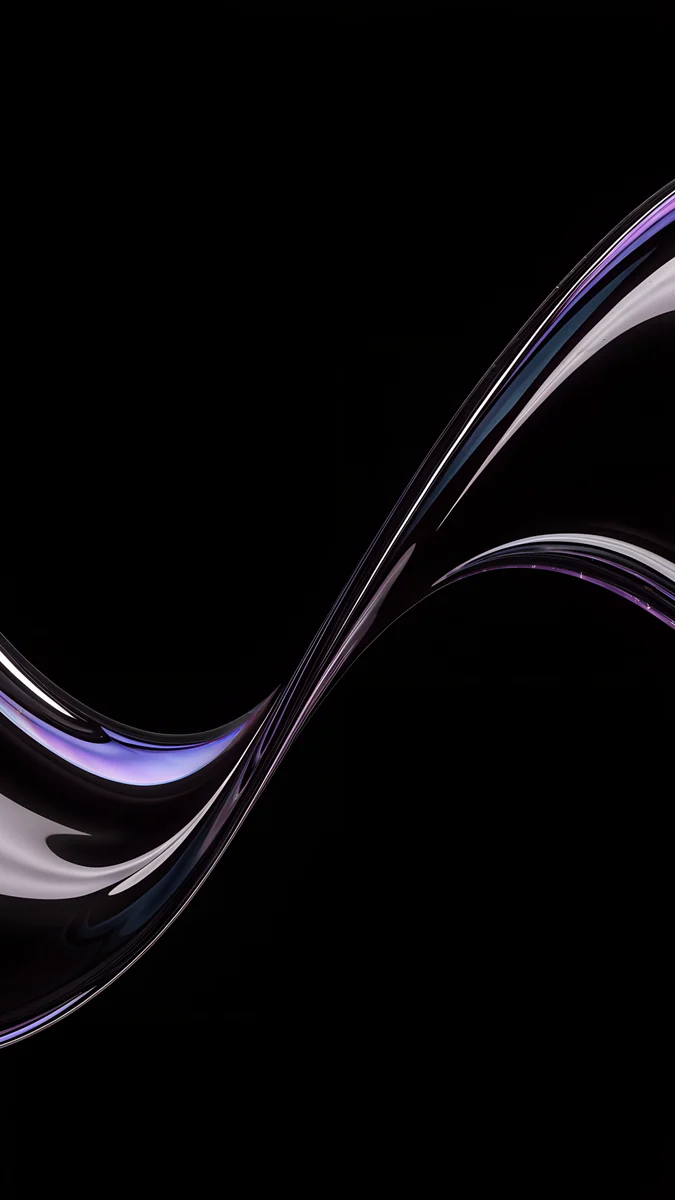
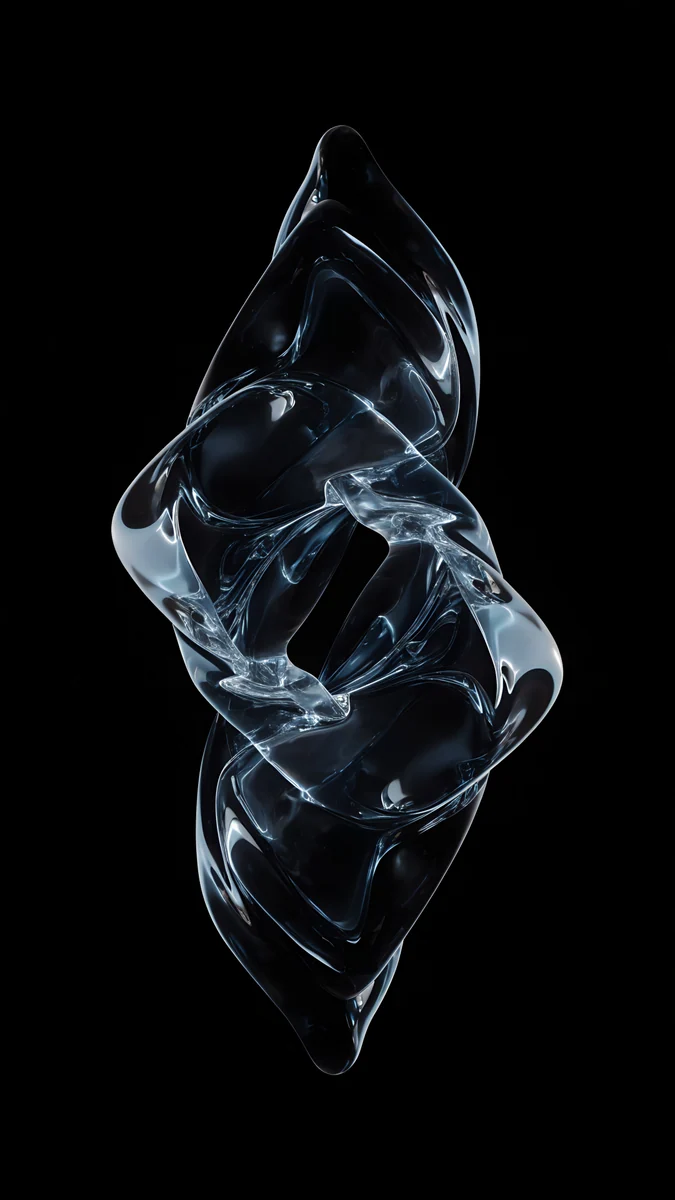
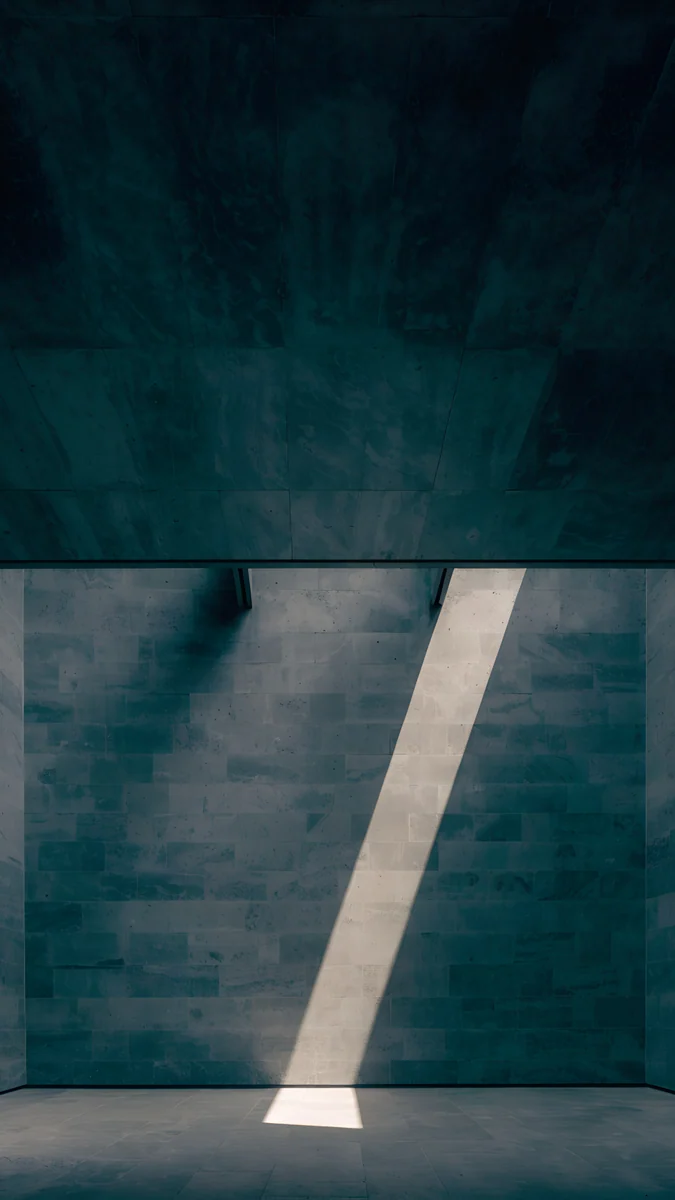
Champagne Mercury Waves fills the lower half with dark, glossy waves of liquid metal and leaves the top black for the clock. Silver Glass S Curve is one thin glass ribbon with a faint violet sheen sweeping up from the lower left. Ice Blue Glass Knot is a twisted knot of clear glass standing in the middle of the frame. Slate Light Cut is the matte choice: a slate wall crossed by a single diagonal beam of light.
If your phone lives in a case, match the case colour rather than the titanium. And if you are weighing an upgrade, our iPhone 17 Pro wallpapers cover Cosmic Orange, Deep Blue and Silver, a very different palette.
How to set a wallpaper on iPhone 16 Pro and Pro Max
Apple lists the 16 Pro and 16 Pro Max among the iPhones that run iOS 26. The steps follow its English menu names:
- Save the original to Photos from the Velpaper app or from the wallpaper page on velpaper.com.
- Open Settings, tap Wallpaper, then Add New Wallpaper, and choose Photos.
- Pick the image, then pinch and drag so the main shape sits below the clock and clear of the Dynamic Island.
- Tap Add and choose whether to use it on both the lock screen and the home screen.
You can keep several lock screens, for example a black one for the evening and a stone one for the day, and switch by pressing and holding the lock screen.
Common problems and fixes
- Something at the edge is cut off. Both phones show about the middle four fifths of a 9:16 image. Pick a wallpaper with its subject near the centre.
- The clock covers the subject. Move the image down in the editor, or choose one with an empty top third, like Night Blocks or Stepped Ziggurat.
- The wallpaper looks soft. You probably saved a preview or a screenshot. Download the original again from the wallpaper page.
- Black looks gray outdoors. In strong sun the screen raises its brightness and the glass reflects more. Indoors the black is black again.
Get these iPhone 16 Pro wallpapers in Velpaper
Velpaper is an app for iPhone, iPad, Mac and Android, and every wallpaper is also on velpaper.com. Phone wallpapers are 4K originals at 2160 × 3840, desktop wallpapers are 4K and some are 5K, all without a watermark and without an account. Browsing is free; the phone wallpapers in this article unlock after a short optional ad in the Velpaper apps, and on the website the original downloads for free when no ad is available. The wallpapers are designed by Carlos Vivero.
Next step: open Black Splash, save the original, set it on your 16 Pro or Pro Max and lock the phone to see it on the Always-On display.
Original wallpapers in and for iPhone, Android and desktop.
Questions
What size is the iPhone 16 Pro Max wallpaper?
Apple lists the iPhone 16 Pro Max at 2868 by 1320 pixels on a 6.9 inch screen and the iPhone 16 Pro at 2622 by 1206 pixels on a 6.3 inch screen, both at 460 pixels per inch. As a portrait wallpaper that is 1320 × 2868 for the Pro Max and 1206 × 2622 for the Pro. You do not need a separate file for each phone. A 2160 × 3840 original is taller and wider than both screens, so iOS only scales it down and trims a narrow strip at each side, and it stays sharp on either model.
Can I use the same wallpaper on the iPhone 16 Pro and the 16 Pro Max?
Yes. Both screens have the same 460 pixels per inch and nearly the same shape, about 19.5:9, a little narrower than 9:16. With a 2160 × 3840 file, iOS fills the full height and trims roughly 9 percent from each side on both phones. The Pro Max shows the same picture at a larger size, with no loss of sharpness, because the file is still bigger than its 1320 × 2868 screen. Pick a wallpaper with its subject near the centre and below the clock, and it looks the same on both.
What is the best wallpaper for the iPhone 16 Pro Always-On display?
A mostly black wallpaper with one shape in the lower third. The Always-On display on the 16 Pro and Pro Max dims the lock screen instead of turning it off, and on the OLED screen black pixels give off no light, so you see the time and one calm form. Black Splash, a glossy black splash with a silver edge, and Champagne Mercury Waves, dark liquid metal waves at the bottom, both work well. If you prefer a plain black locked screen, go to Settings, Display & Brightness, Always On Display and turn off Show Wallpaper.
Which wallpaper matches the iPhone 16 Pro in Desert Titanium?
Warm sand and stone tones, matte and without neon. The closest match is Sandstone Threshold, a sandstone doorway under a pale sky in nearly the same colour as the Desert Titanium finish. Ochre Light Pool is softer, a curved wall with a pool of warm light at the bottom and pale sky above for the clock. Stepped Ziggurat puts a pale stepped pyramid low on the sand and keeps the upper screen empty. All three are 2160 × 3840 originals and fit both the 16 Pro and the 16 Pro Max.
Are these iPhone 16 Pro Max wallpapers free?
Browsing and previewing are free on velpaper.com and in the Velpaper apps for iPhone, iPad, Mac and Android. The phone wallpapers in this article unlock after a short optional ad in the apps; on the website, if no ad is available, the original downloads for free. There is no account and no subscription. Every phone file is a 2160 × 3840 JPEG without a watermark, larger than the screens of both the iPhone 16 Pro and the 16 Pro Max, so one download covers either phone. Save it to Photos and set it as usual.
Carlos Vivero
Designer of Velpaper wallpapers
Carlos Vivero designs the wallpapers in Velpaper: quiet architecture, liquid glass, Japanese ink and calm landscapes. Every piece is made as a original for iPhone, Android and desktop.
Recent work