iPhone 18 Pro Max Wallpaper 4K: Picks by Finish
iPhone 18 Pro Max wallpapers in 4K for Black, Silver, Glacier and Burgundy, with the exact 1320 × 2868 screen size and black Always-On picks.
Sources [1] · By the Velpaper team · Wallpapers by Carlos Vivero, Velpaper designer · · 5 min read
In short: The best iPhone 18 Pro Max [1] wallpaper repeats the finish: wine red for Burgundy, frosted glass for Glacier, brushed metal for Silver and black with one bright shape for Black and the Always-On display. A 2160 × 3840 original is larger than the 1320 × 2868 screen, so it stays sharp and fits the iPhone 17 Pro Max too [2].
Wallpapers
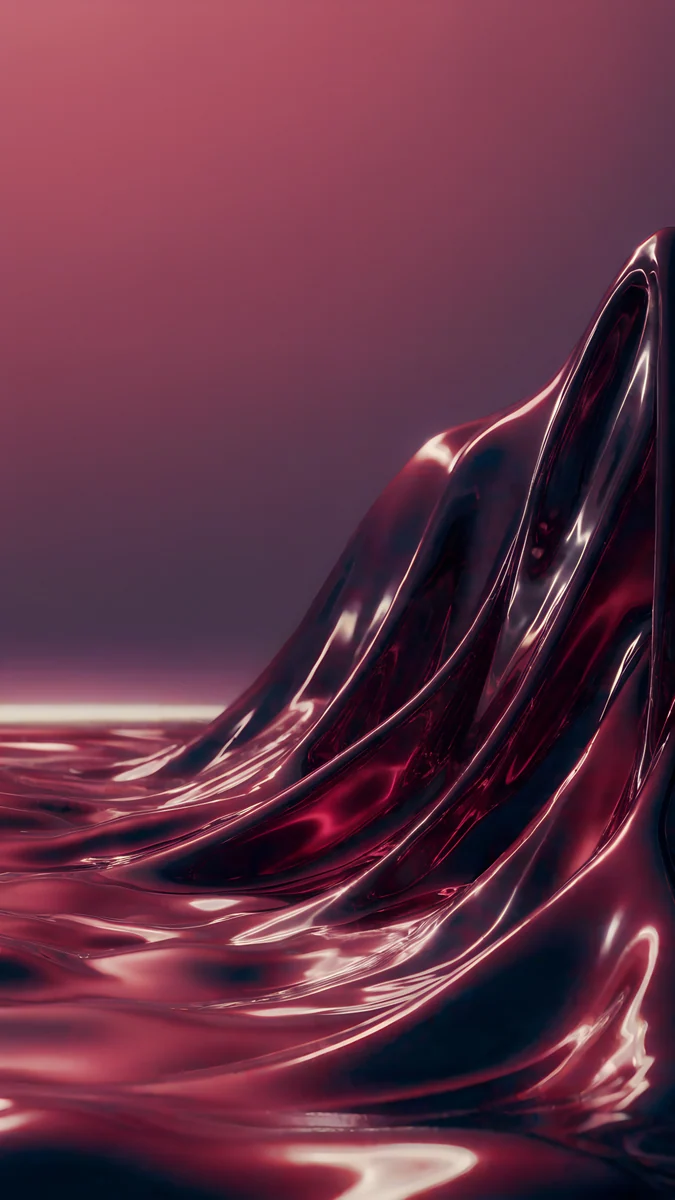 Burgundy Liquid Metal
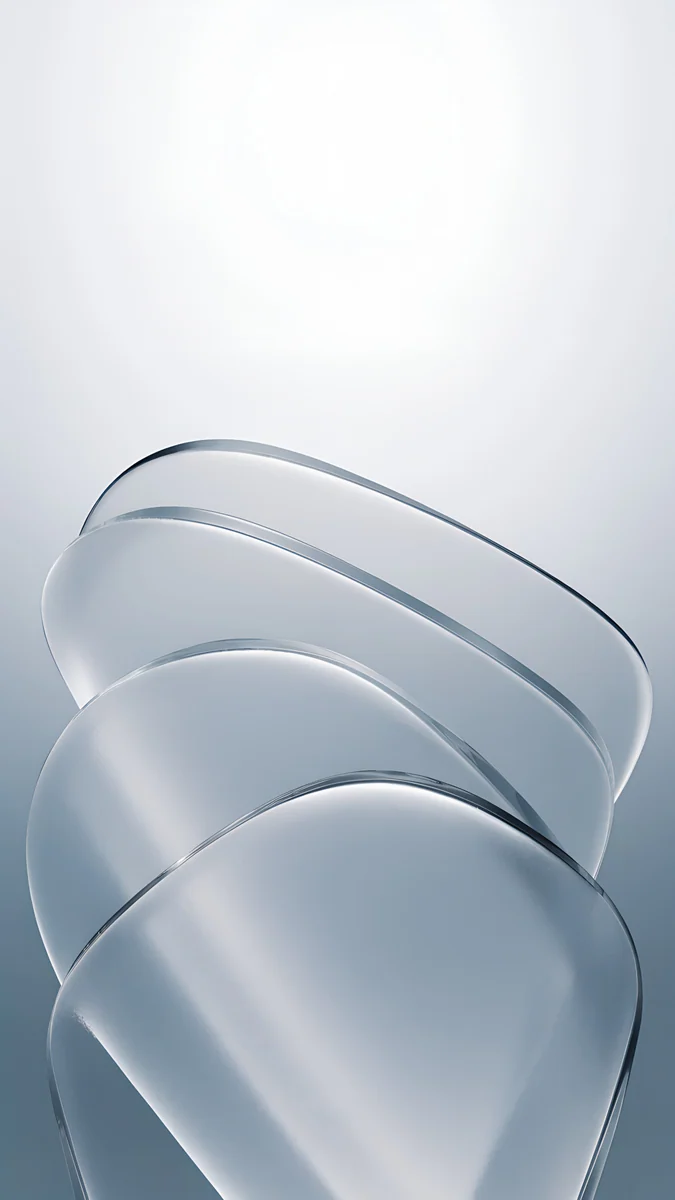 Mist Blue Frosted Panes
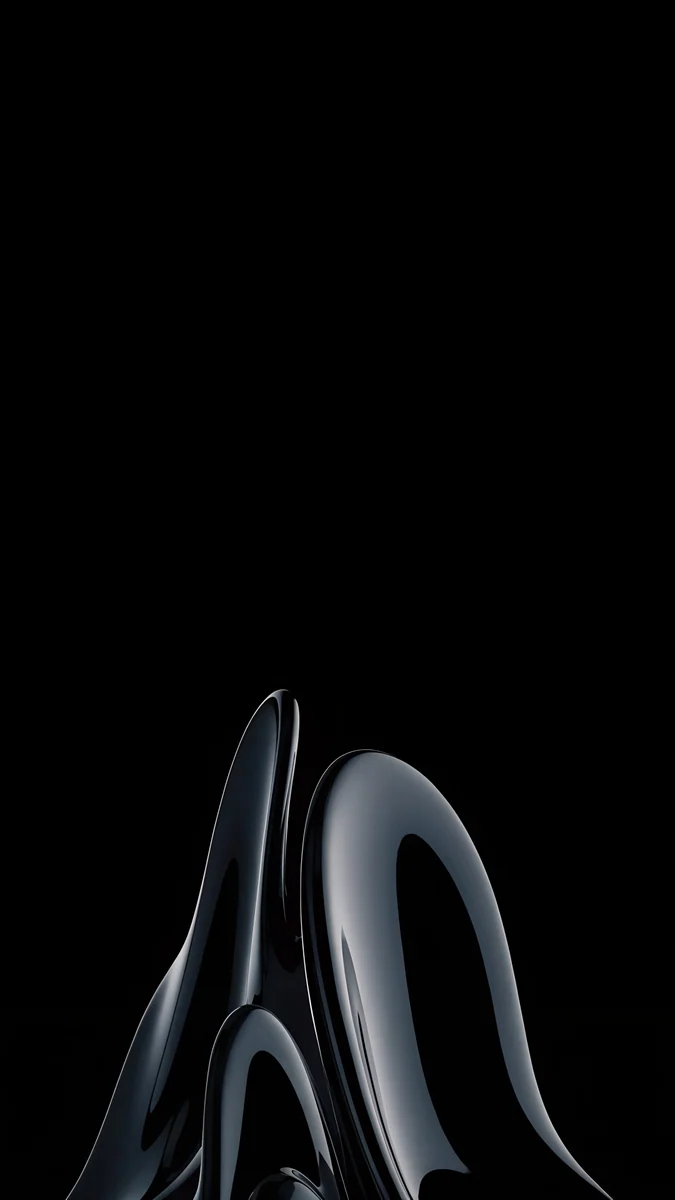 Obsidian Glass Rise
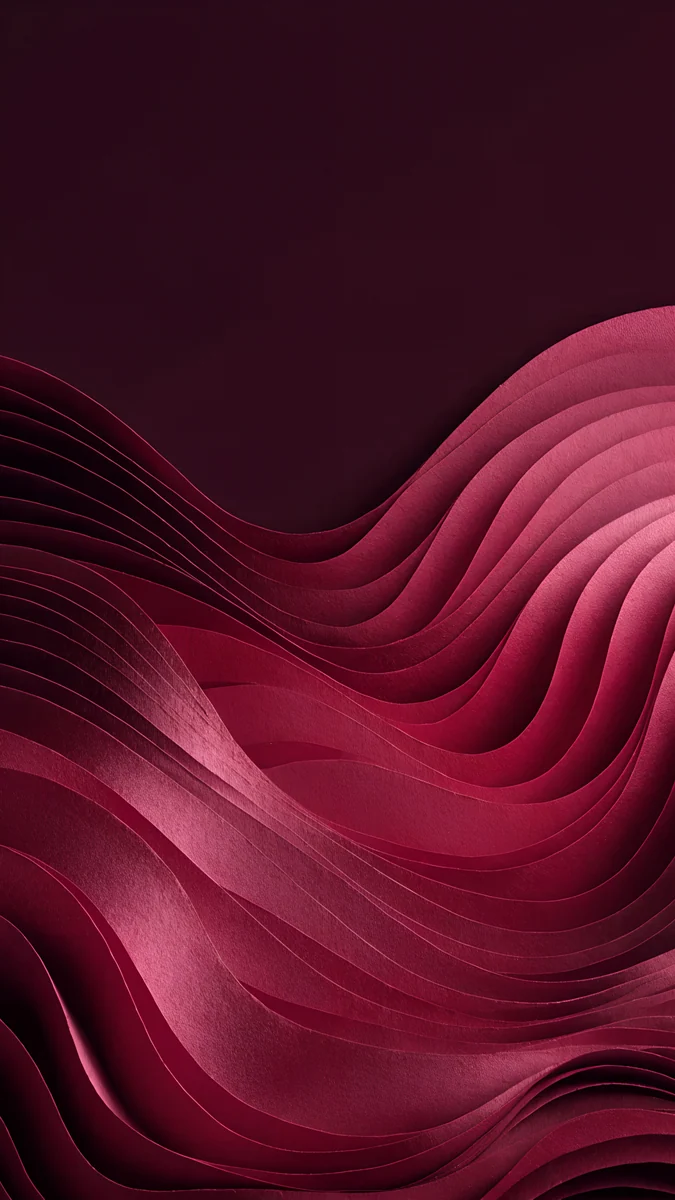 Burgundy Paper Waves
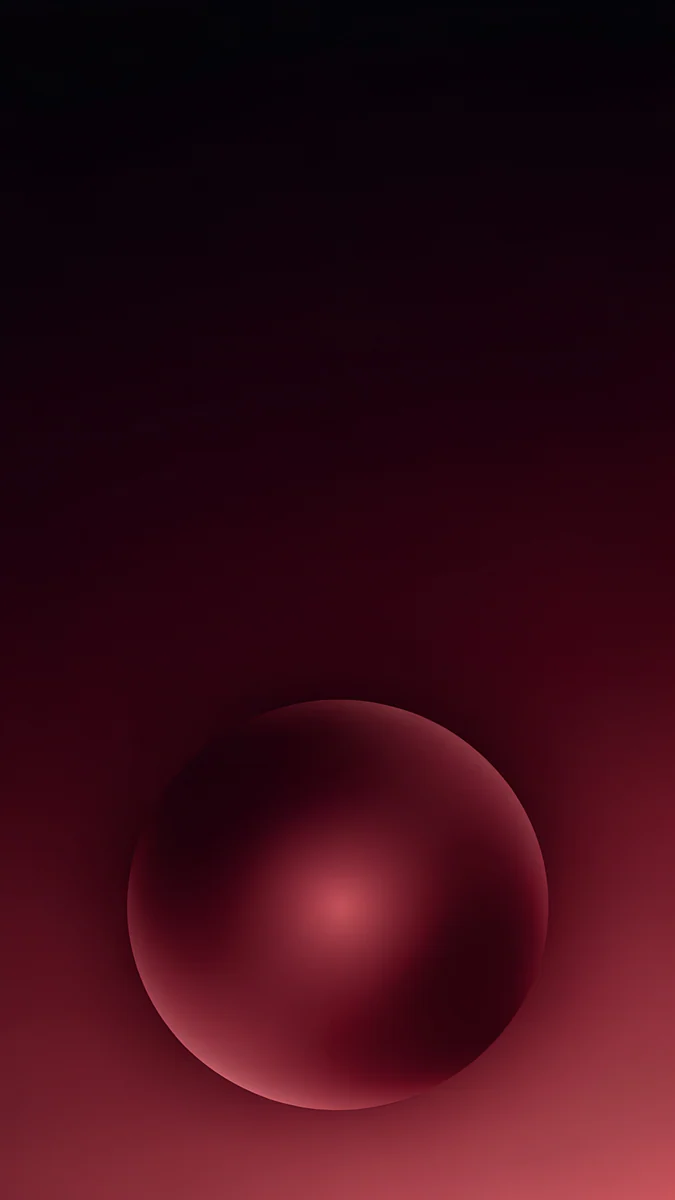 Maroon Orb Glow
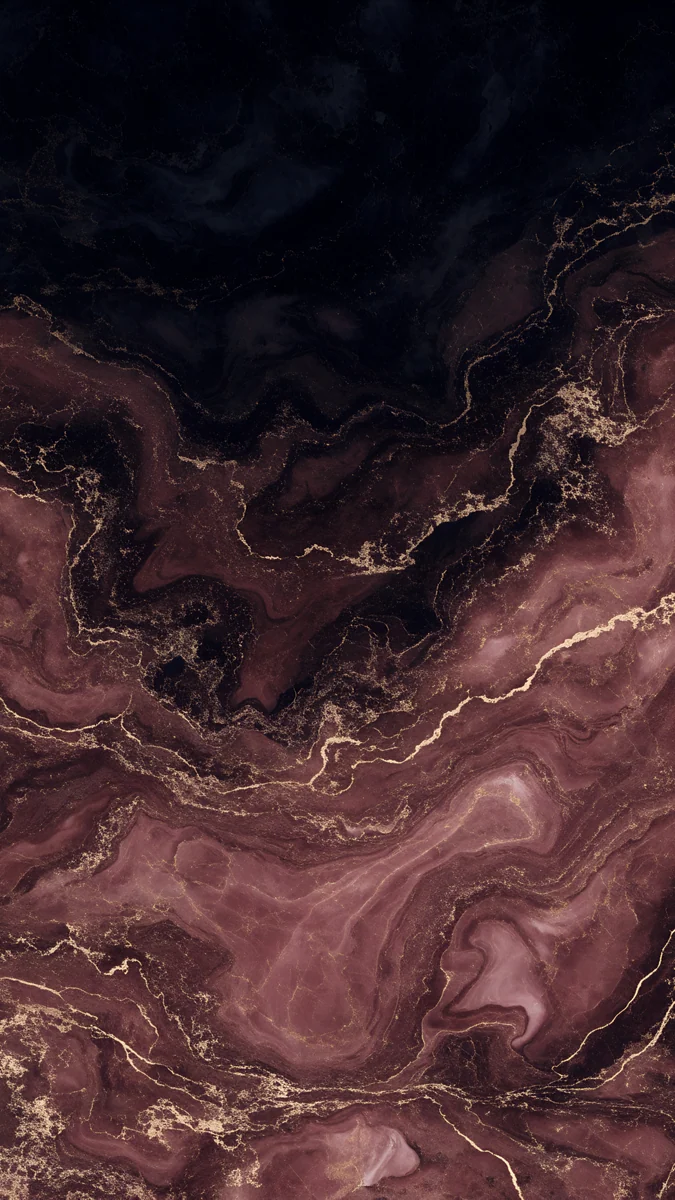 Burgundy Gold Marble
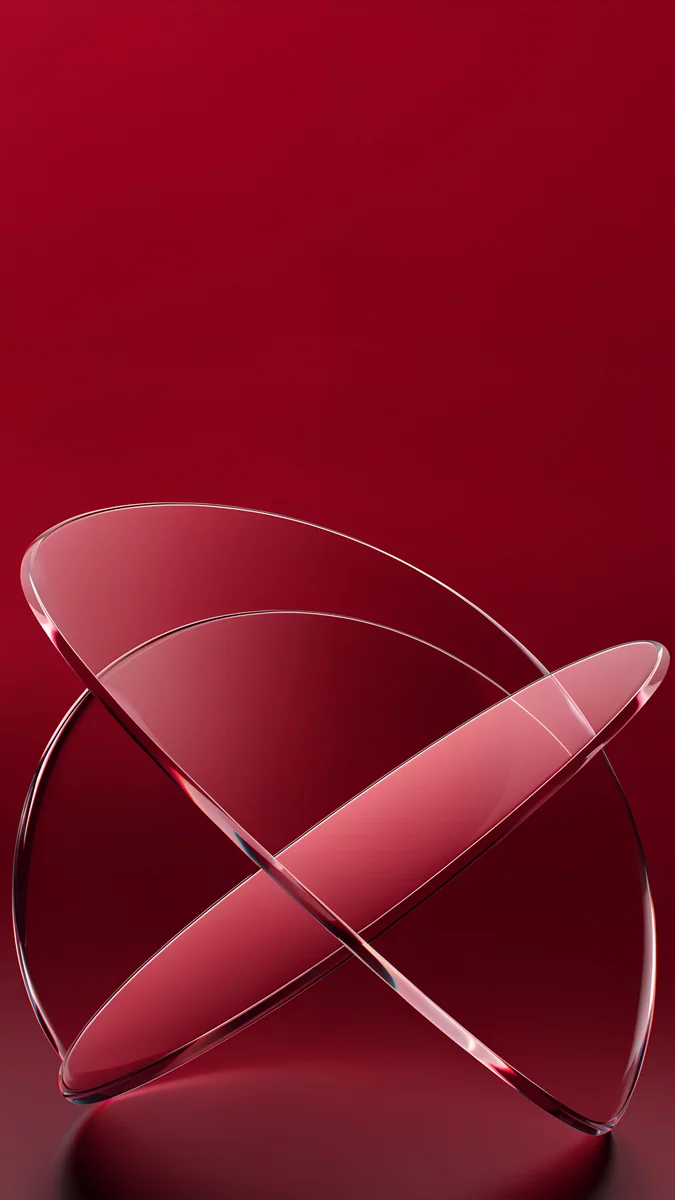
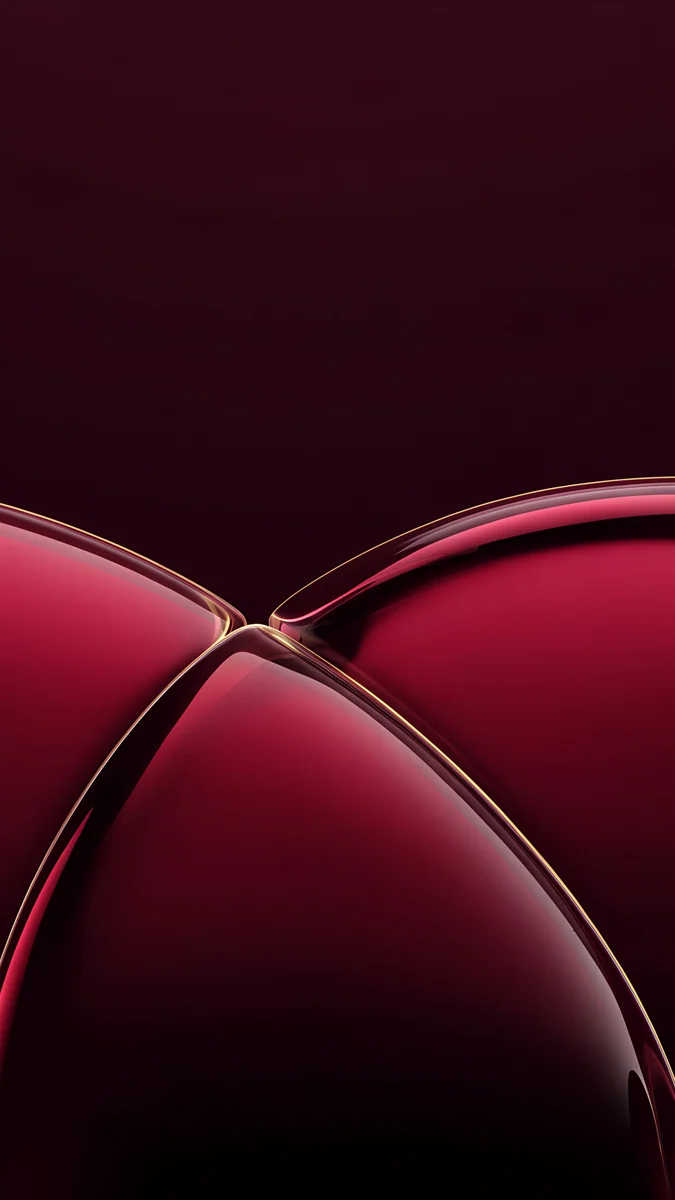 Wine Glass Arcs
 Glacier Glass Wave
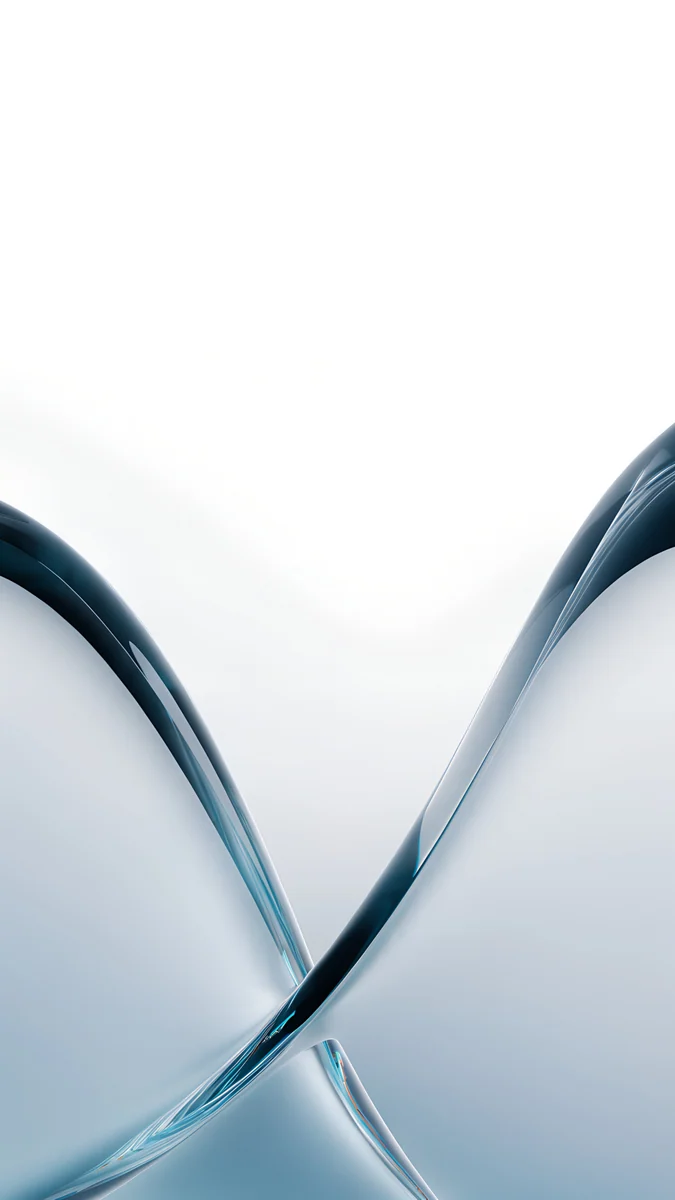 Glacier Glass Arcs
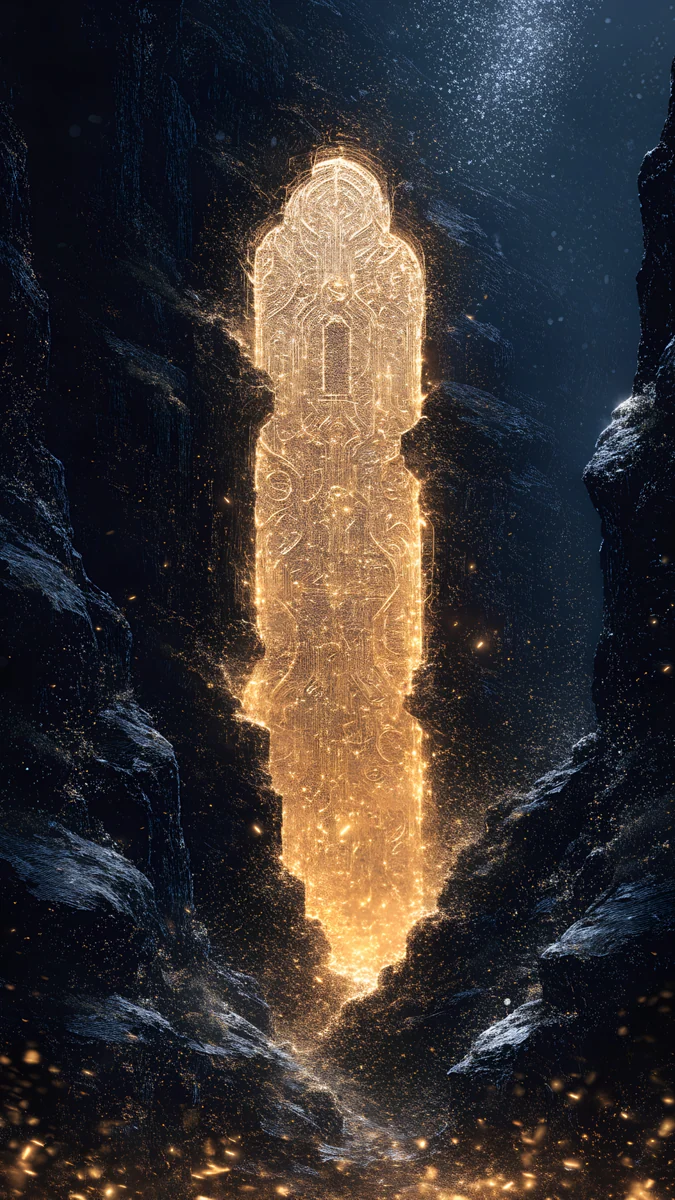
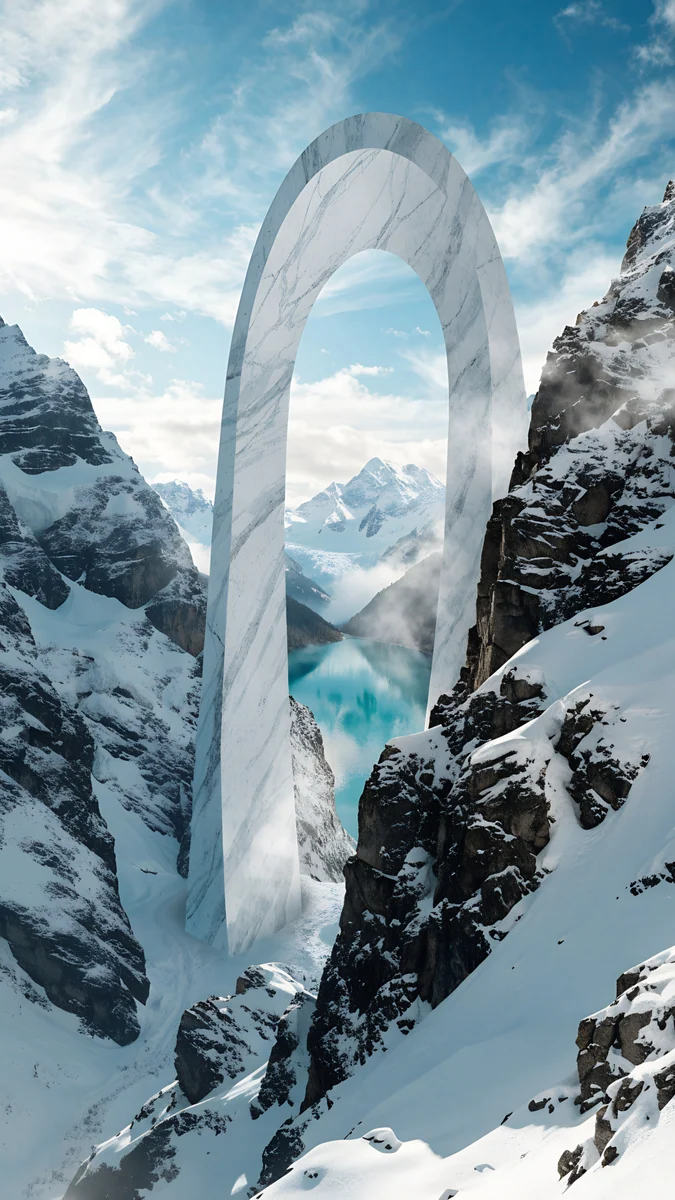 Glacier Arch Gate
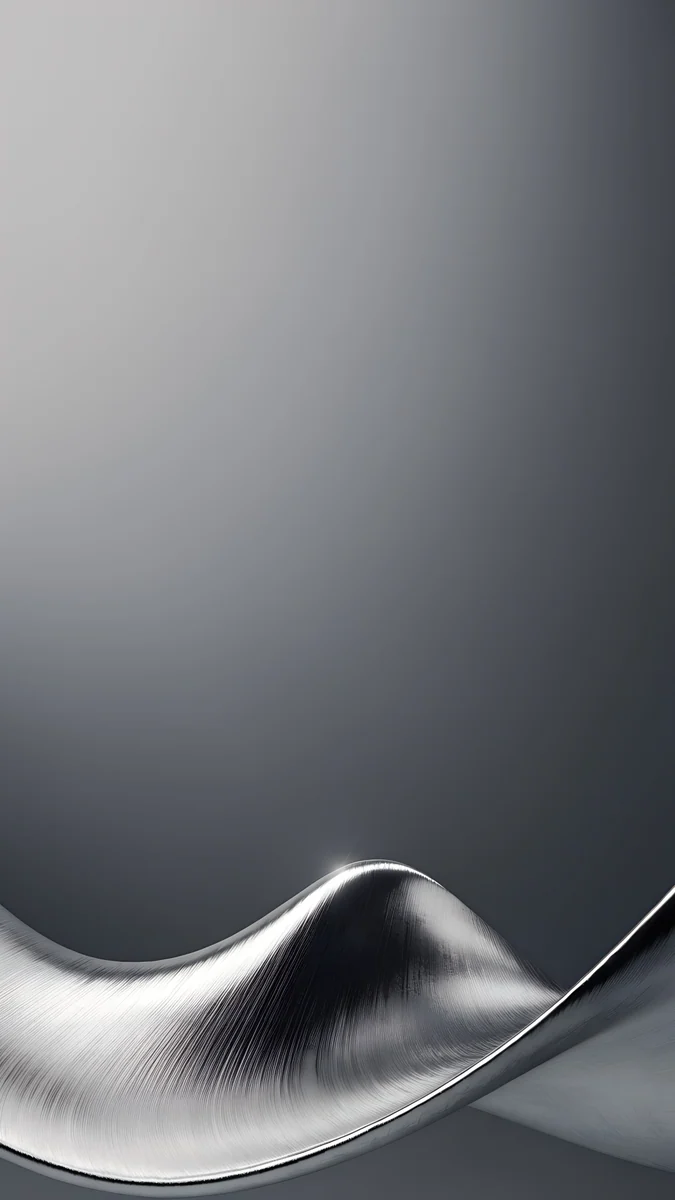 Brushed Silver Wave
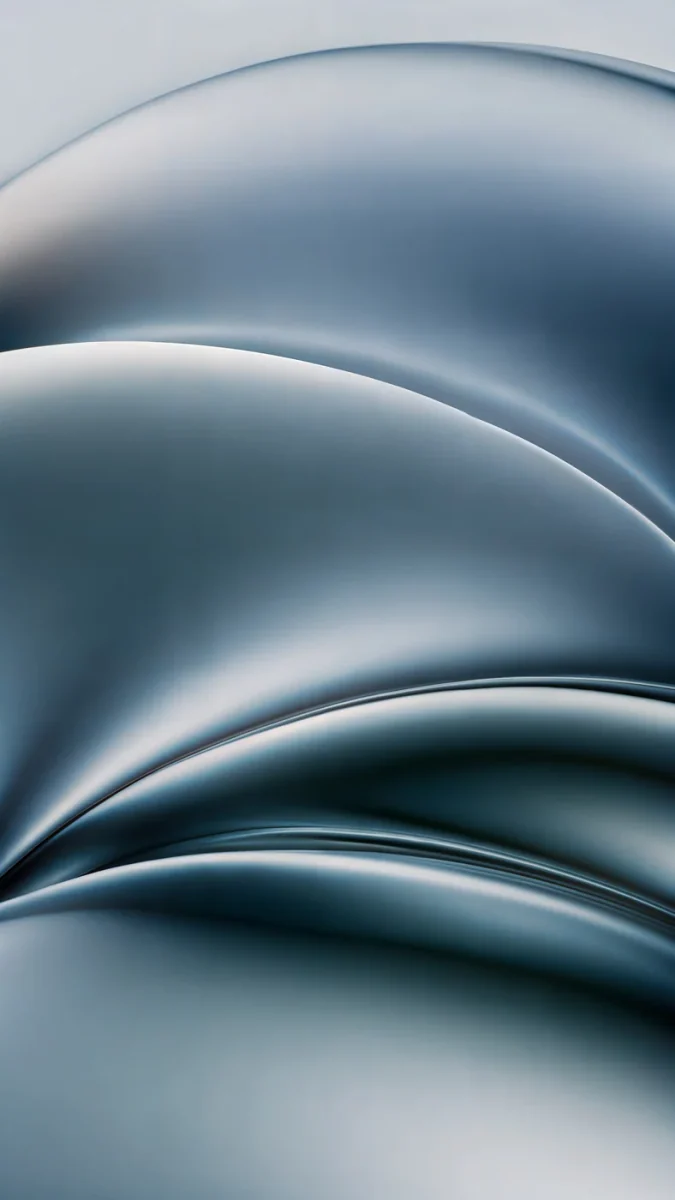 Ink Pressure
Free originals for iPhone and Android, no watermark
On this page
The iPhone 18 Pro Max [1] has a 6.9 inch OLED screen at 1320 × 2868 pixels, 460 ppi, so a wallpaper for it should be at least that large and tall in shape. Every Velpaper phone wallpaper is a 4K [1] original at 2160 × 3840 pixels, bigger than the screen in both directions: iOS scales it down and trims a thin strip at each side, and nothing turns soft. That is also the exact screen of the iPhone 17 Pro Max, so one file fits both phones [1]. The real choice is the picture. The 18 Pro Max is an aluminum unibody in four finishes, Black, Silver, Glacier and Burgundy, with the Dynamic Island, the Always-On display and ProMotion, and it runs iOS 27 [2]. Below are 4K wallpapers matched to each finish, black picks for the dimmed lock screen, and the steps to set one. The smaller model has its own page of iPhone 18 Pro wallpapers.
iPhone 18 Pro Max wallpaper size
These figures come from Apple's tech specs, width by height for a portrait wallpaper:
| Model | Screen | Resolution | Density |
|---|---|---|---|
| iPhone 18 Pro Max | 6.9 inches, OLED | 1320 × 2868 pixels | 460 ppi [1] |
The screen is about 19.5:9, narrower than a 9:16 picture, so a 2160 × 3840 file fills the height and loses roughly 9 percent at each side. Keep the subject near the centre and the trim never shows. Because the screen matches the iPhone 17 Pro Max [1], everything on our iPhone 17 Pro Max wallpapers page works here too. Older models and their crops are in the iPhone wallpaper size guide.
Burgundy wallpapers
Burgundy is a deep wine red. It looks richest when the wallpaper holds the same dark red against plenty of shadow, so the color reads as a choice and not as a warning light.
Burgundy Liquid Metal raises a wave of glossy wine red metal from a dusky pink sky, with a clear top for the clock. Burgundy Paper Waves stacks layers of crimson paper into one slow wave. Maroon Orb Glow rests a single dark red sphere low on a near black gradient. Burgundy Gold Marble runs fine gold veins through rosy brown marble. Wine Glass Arcs cuts thin gold lines across large wine colored glass domes. For more wine red and maroon picks, see our burgundy iPhone wallpapers.
Glacier wallpapers
Glacier is a pale, icy blue that looks close to white in daylight. Frost, snow and clear glass suit it better than strong blues.
Mist Blue Frosted Panes layers three sheets of frosted glass over a white glow that fades to pale blue grey. Glacier Glass Wave raises one wave of icy blue water at the bottom of a white screen. Glacier Glass Arcs crosses two arcs of clear glass low on a white field. Glacier Arch Gate is the scenic pick, a pale marble arch in a snowy valley with a glacier lake behind it.
Silver wallpapers
Silver is the light, neutral finish, so metal, grey and clear glass match it in light mode and in dark mode.
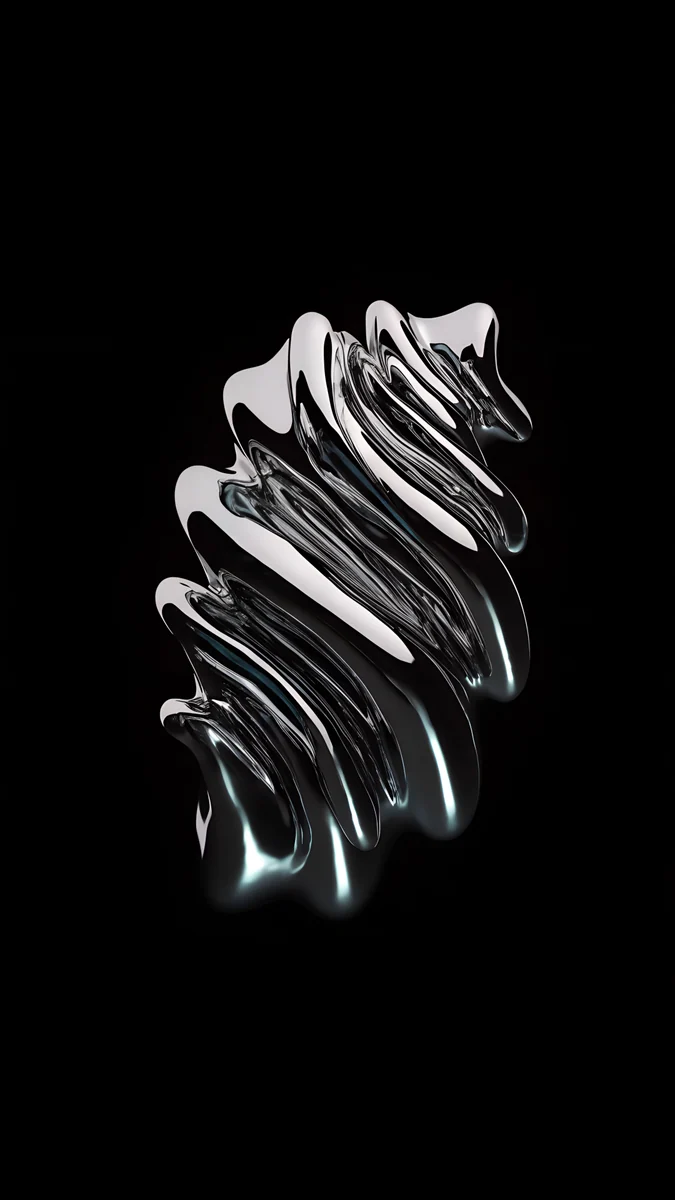
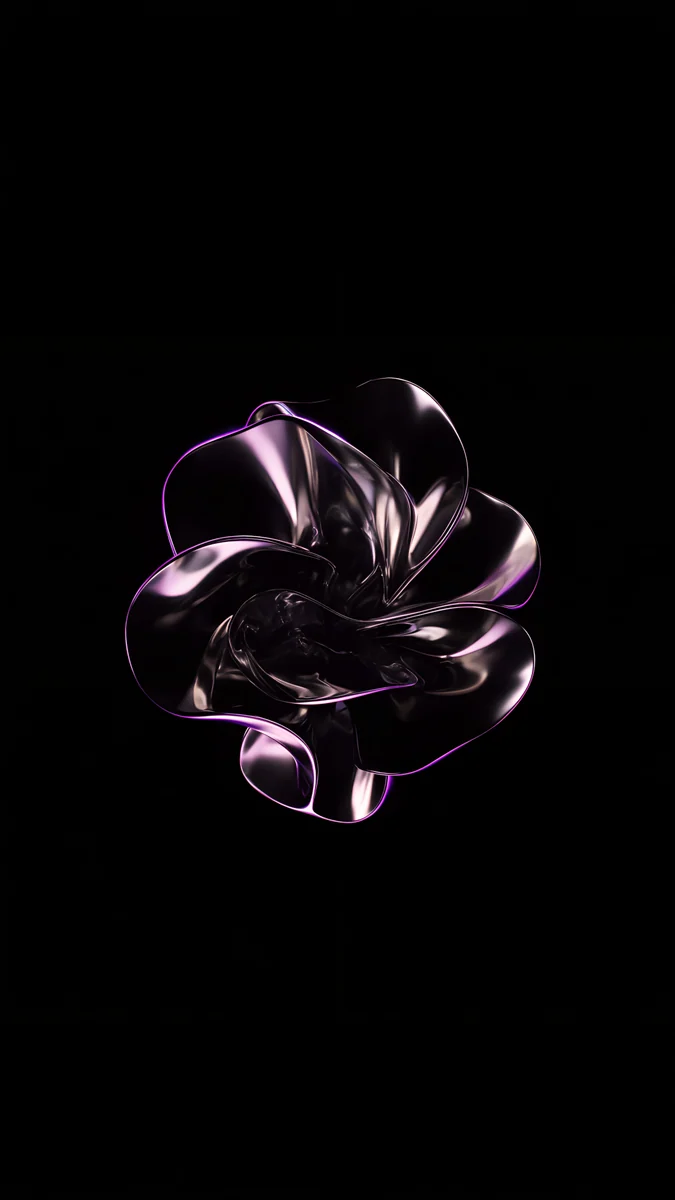
Brushed Silver Wave curls a sheet of brushed metal into a low wave under a smooth grey gradient, the plainest match for the back. Ink Pressure folds chrome into steel grey waves with a touch of blue. Molten Chrome Sculpture floats a rippled chrome form in the middle of a black frame. Chrome Mercury Bloom is a small chrome flower with a violet edge, centred on black.
Black wallpapers for the Always-On display
The 18 Pro Max has ProMotion and the Always-On display [1]. When the phone is locked, iOS dims the lock screen instead of switching it off, and black pixels on OLED stay dark. A black wallpaper with one bright shape therefore looks nearly the same awake and dimmed. It is the obvious match for the Black finish and works with the other three too.
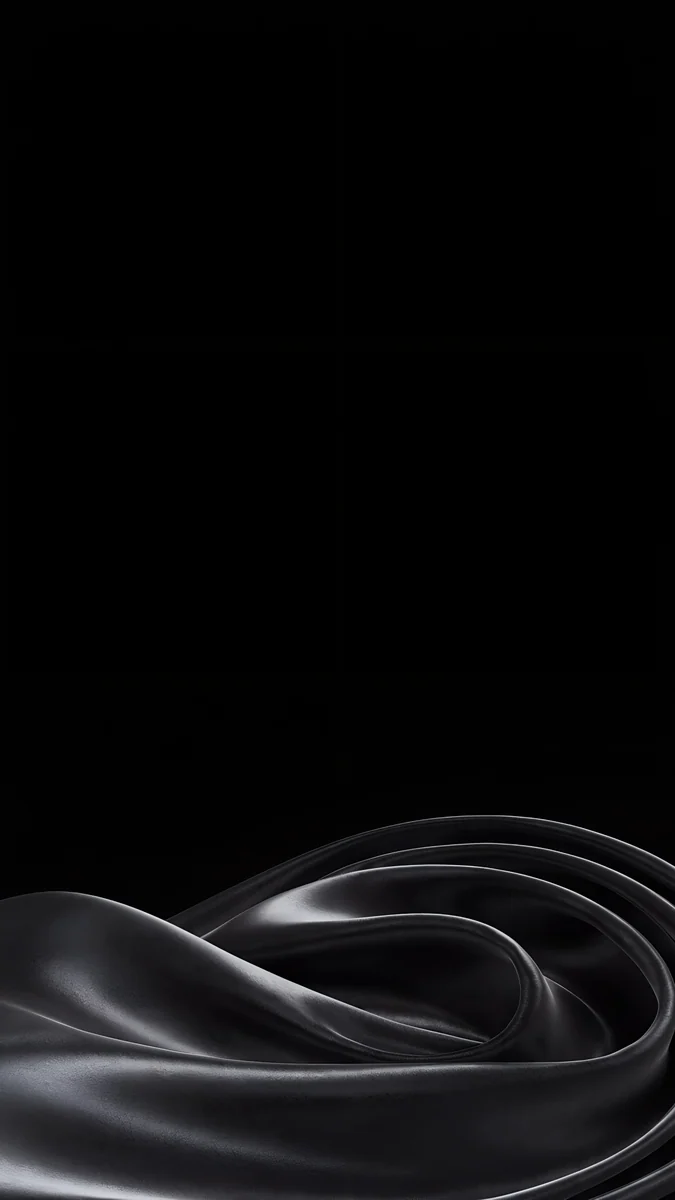
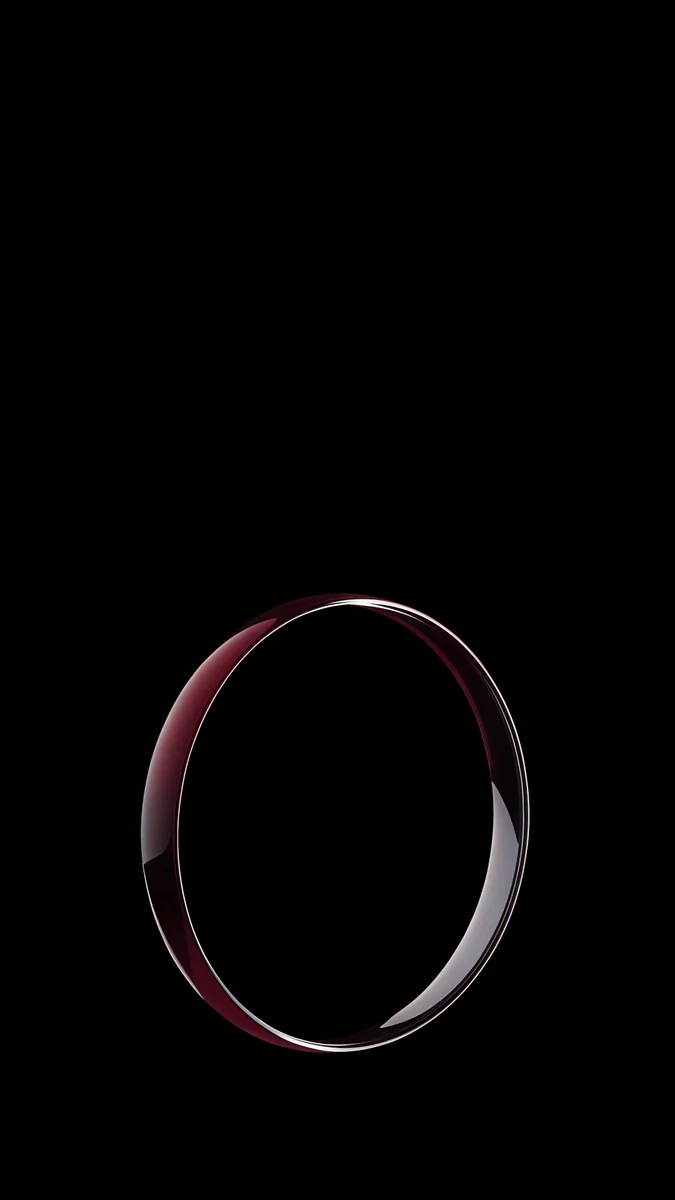
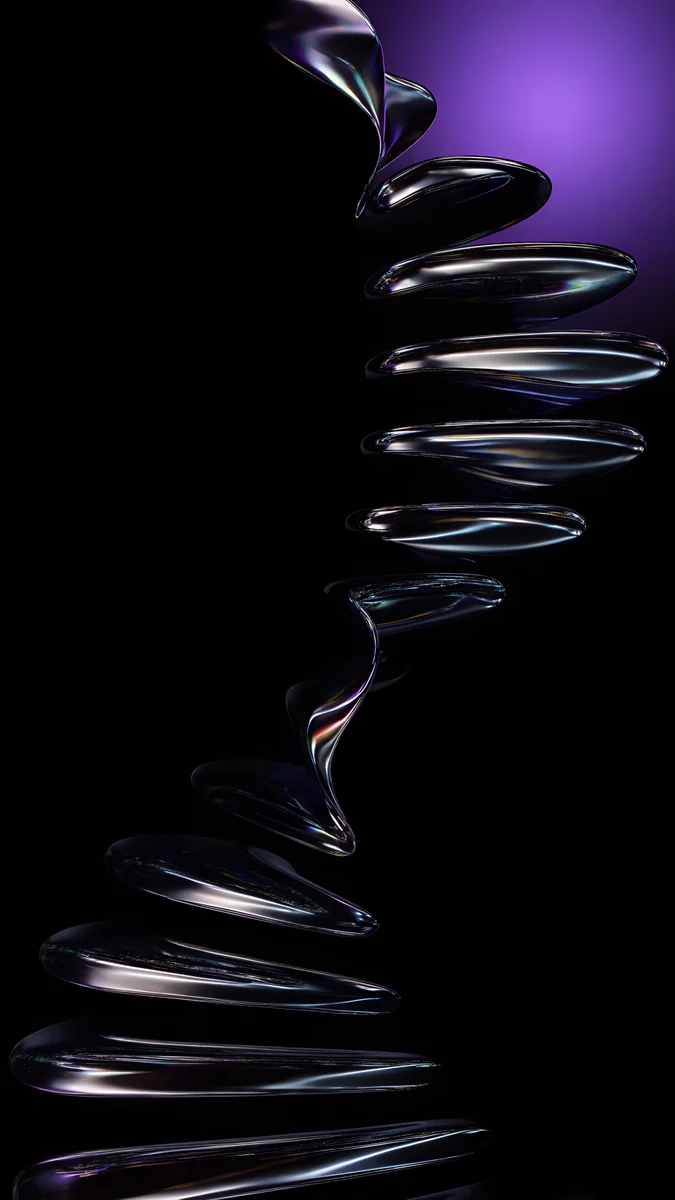
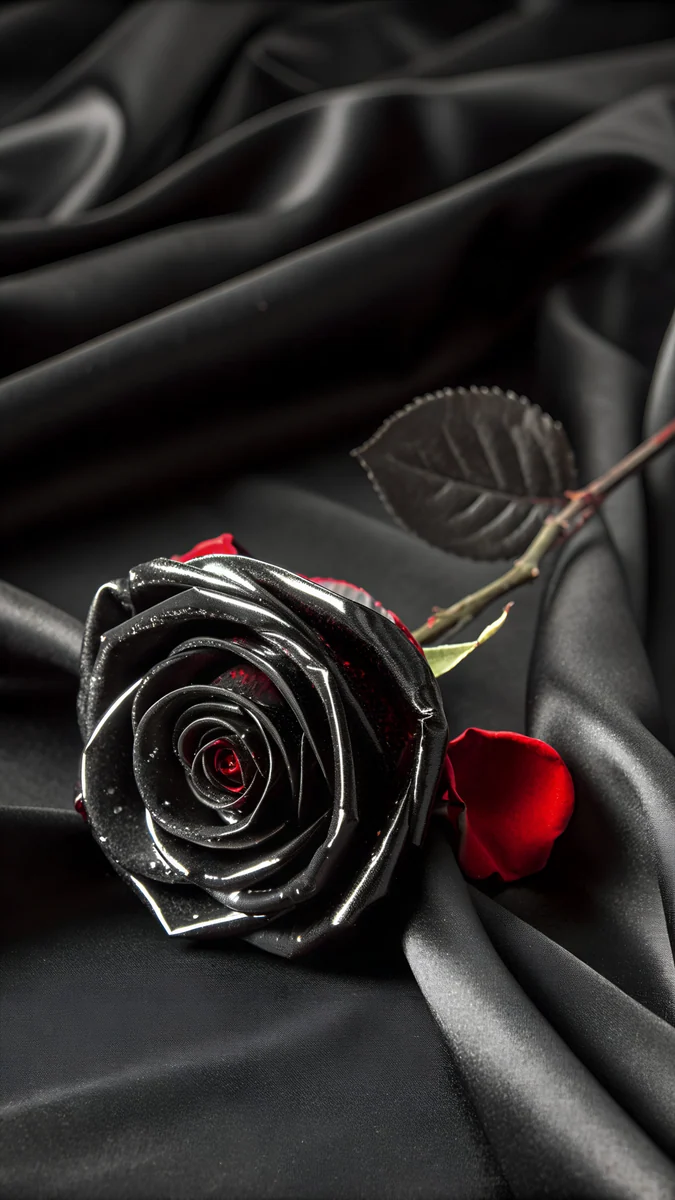
Obsidian Glass Rise lifts a dark glass shape from the bottom edge with thin highlights. Black Satin Tide keeps a low tide of black satin at the bottom of an otherwise pure black screen. Burgundy Halo Ring stands one glass ring with a wine red glow on black. Chrome Spiral Stair winds a chrome staircase down the frame with a patch of violet at the top.
To choose whether the wallpaper shows on the dimmed screen, open Settings, tap Display & Brightness, then Always On Display, and turn Show Wallpaper on or off.
How to set a wallpaper on iPhone 18 Pro Max in iOS 27
- Save the original to Photos from the Velpaper app or from the wallpaper page on velpaper.com [1].
- Open Settings, tap Wallpaper, then Add New Wallpaper, and choose Photos.
- Select the image, then pinch and drag until the main shape sits under the clock and clear of the Dynamic Island.
- Tap Add and decide whether to use it on the lock screen and the home screen together.
Wallpapers drawn for the new software, with glass and light surfaces, are collected on our iOS 27 wallpapers page [1].
Common problems and fixes
Something at the edge is cut off. The phone shows about the middle four fifths of a 9:16 image. Pick a wallpaper with its subject near the centre.
The clock covers the subject. Move the image down in the editor, or choose one with an empty top, like Burgundy Liquid Metal or Obsidian Glass Rise.
The wallpaper looks soft. You probably saved a preview or a screenshot. Download the original again from the wallpaper page.
The color looks off in daylight. Glacier and Silver pictures can look washed out in strong sun, because the screen raises its brightness. Indoors they return to normal.
Get these iPhone 18 Pro Max wallpapers in Velpaper
Velpaper is an app for iPhone, iPad, Mac and Android, and every wallpaper is also on velpaper.com [1]. Browsing and previews are free. The phone wallpapers in this article unlock after a short optional ad in the apps; on the website the original downloads free when no ad is available. Phone files are 4K originals at 2160 × 3840 without a watermark and without an account [2].
Next step: open Burgundy Liquid Metal, save the original and set it on your 18 Pro Max, or start from Obsidian Glass Rise if you prefer black.
Original wallpapers in and for iPhone, Android and desktop.
Questions
What size is the iPhone 18 Pro Max wallpaper?
The iPhone 18 Pro Max has a 6.9 inch OLED screen at 1320 × 2868 pixels and 460 ppi [1], so a portrait wallpaper should be at least that large [1]. A 2160 × 3840 original is bigger in both height and width, so iOS only scales it down and trims about 9 percent at each side, because the phone is a little narrower than 9:16 [1]. The picture stays sharp, and a subject near the centre is never cut. No exact 1320 × 2868 file is needed.
Do iPhone 17 Pro Max wallpapers fit the iPhone 18 Pro Max?
Yes. The iPhone 18 Pro Max [1] and the iPhone 17 Pro Max have the same 6.9 inch screen at 1320 × 2868 pixels and 460 ppi, so a wallpaper made for one fills the other in the same way. A 2160 × 3840 file crops the same thin strip from each side on both phones. If you are upgrading, you can keep your lock screen and only change it if you want to match the new finishes, Black, Silver, Glacier or Burgundy.
Where can I get an iPhone 18 Pro Max wallpaper in 4K?
Velpaper phone wallpapers are 4K originals at 2160 × 3840 pixels [2], larger than the 1320 × 2868 screen of the 18 Pro Max in both directions [2]. Browse them in the Velpaper app for iPhone, iPad, Mac and Android or on velpaper.com, save the original to Photos and set it from Settings, Wallpaper, Add New Wallpaper. There is no watermark and no account. Pick the original file, not a screenshot of the preview, which is smaller than the screen.
Which wallpaper matches Burgundy on the iPhone 18 Pro Max?
Look for deep wine red with a calm area at the top for the clock [1]. Burgundy Liquid Metal is the closest in mood, a wave of glossy red metal under a dusky pink sky. Maroon Orb Glow is the quiet option, one dark red sphere on a near black gradient. For the Always-On display, Burgundy Halo Ring puts a single glass ring with a wine red glow on pure black, which echoes the finish even when the screen is dimmed.
Are these iPhone 18 Pro Max wallpapers free?
Browsing and previewing are free on velpaper.com and in the Velpaper apps [1]. The phone wallpapers in this article unlock after a short optional ad in the apps, and on the website the original downloads free when no ad is available. There is no account and no subscription. Each phone file is a 2160 × 3840 JPEG without a watermark, larger than the 1320 × 2868 screen of the Pro Max, so it stays sharp after iOS scales it [2].
Carlos Vivero
Designer of Velpaper wallpapers
Carlos Vivero designs the wallpapers in Velpaper: quiet architecture, liquid glass, Japanese ink and calm landscapes. Every piece is made as a original for iPhone, Android and desktop.
Recent work