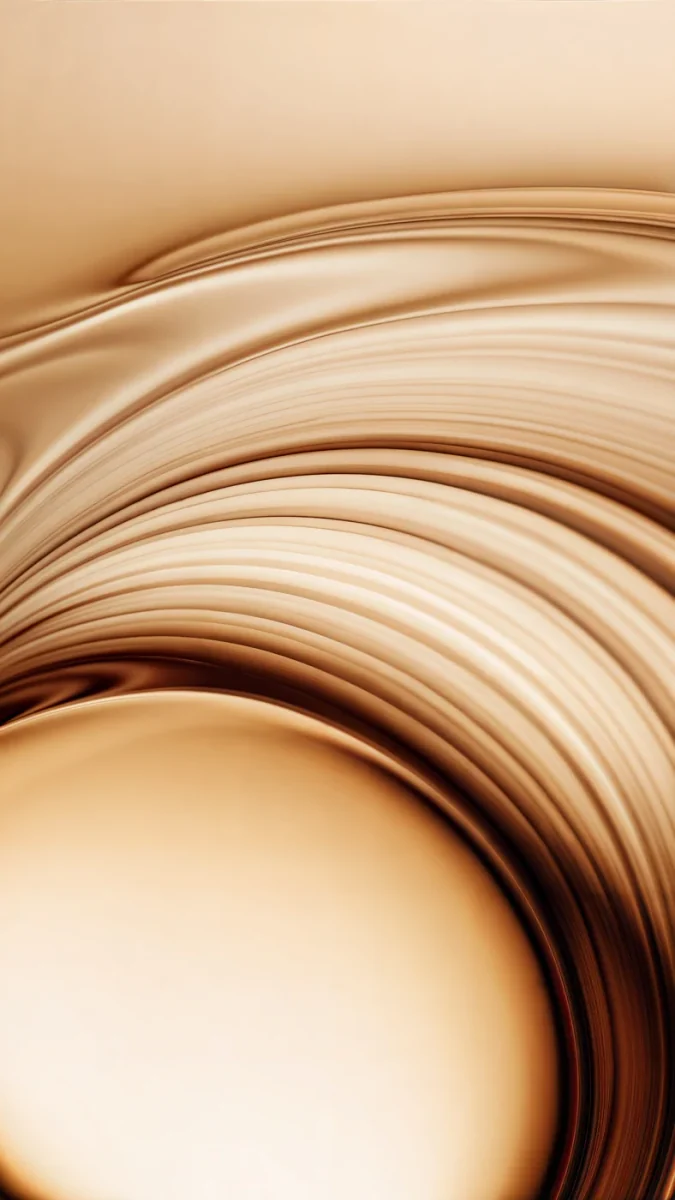
iPhone 18 Pro Wallpaper: 4K Picks for Pro and Pro Max
iPhone 18 Pro and 18 Pro Max wallpapers in 4K for Black, Silver, Glacier and Burgundy, with exact screen sizes and black picks for the Always-On display.
Sources [1] · By the Velpaper team · Wallpapers by Carlos Vivero, Velpaper designer · · 5 min read
In short: The best iPhone 18 Pro [1] wallpaper repeats the finish of the phone: wine red for Burgundy, pale ice for Glacier, liquid metal for Silver and black with one bright shape for Black and the Always-On display. A 2160 × 3840 original is larger than both the 1206 × 2622 and the 1320 × 2868 screen, so it stays sharp on the Pro and the Pro Max [2].
Wallpapers
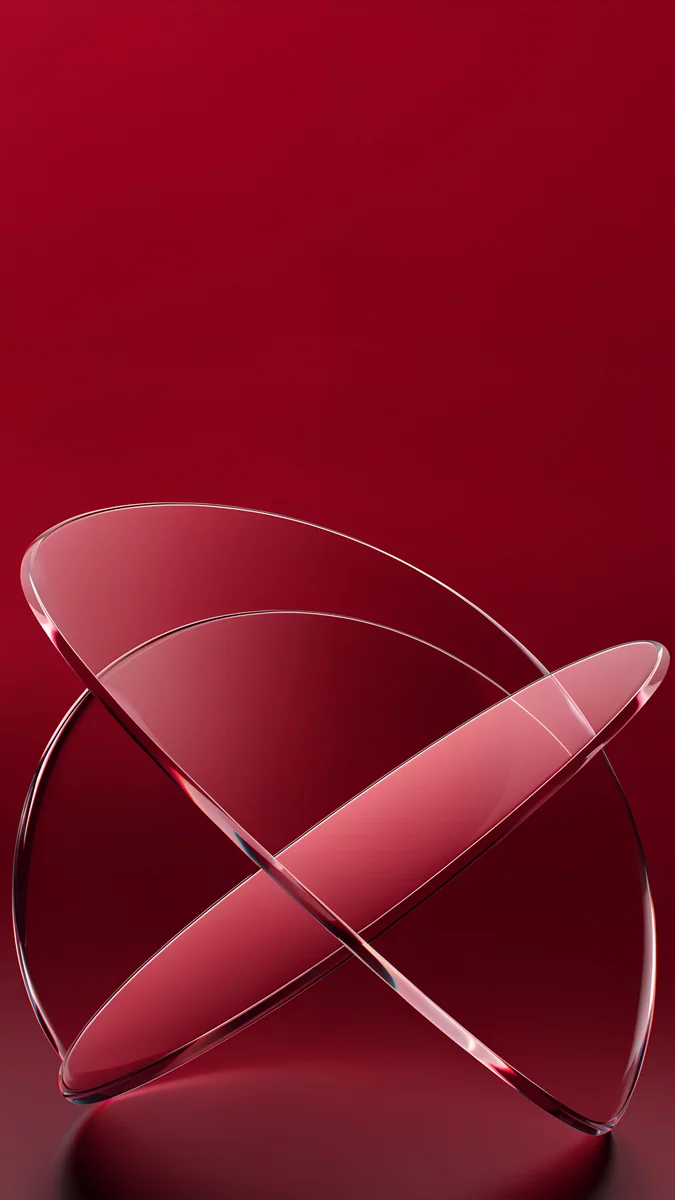 Burgundy Glass Orbits
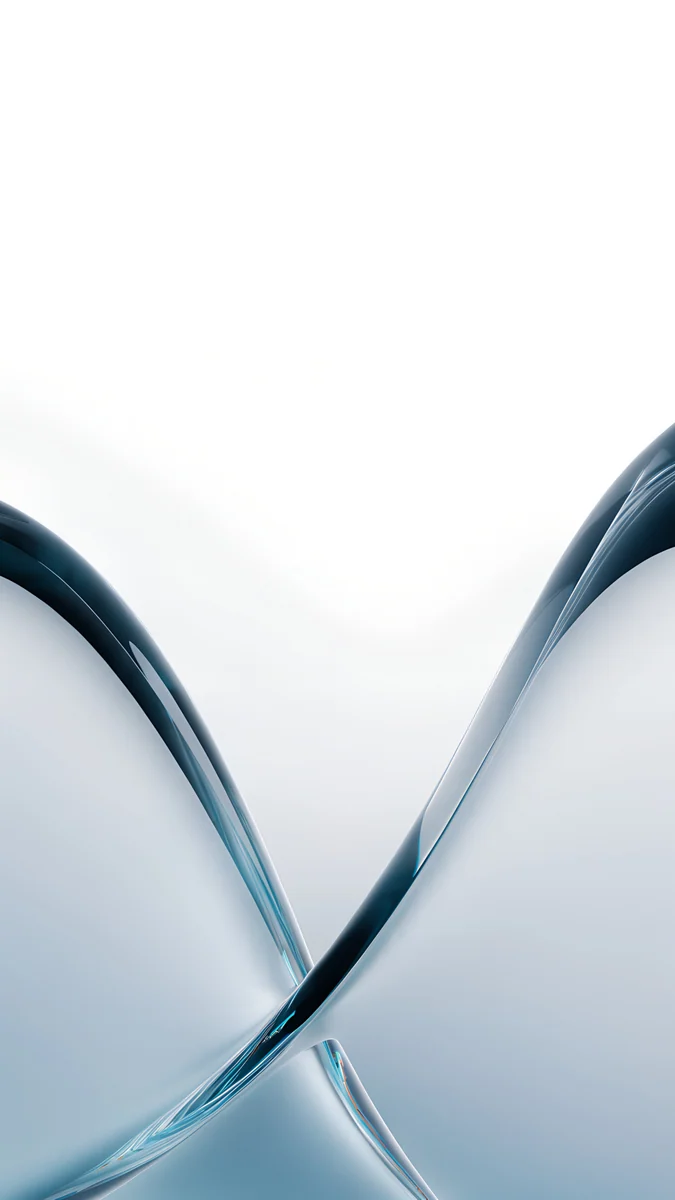 Glacier Glass Arcs
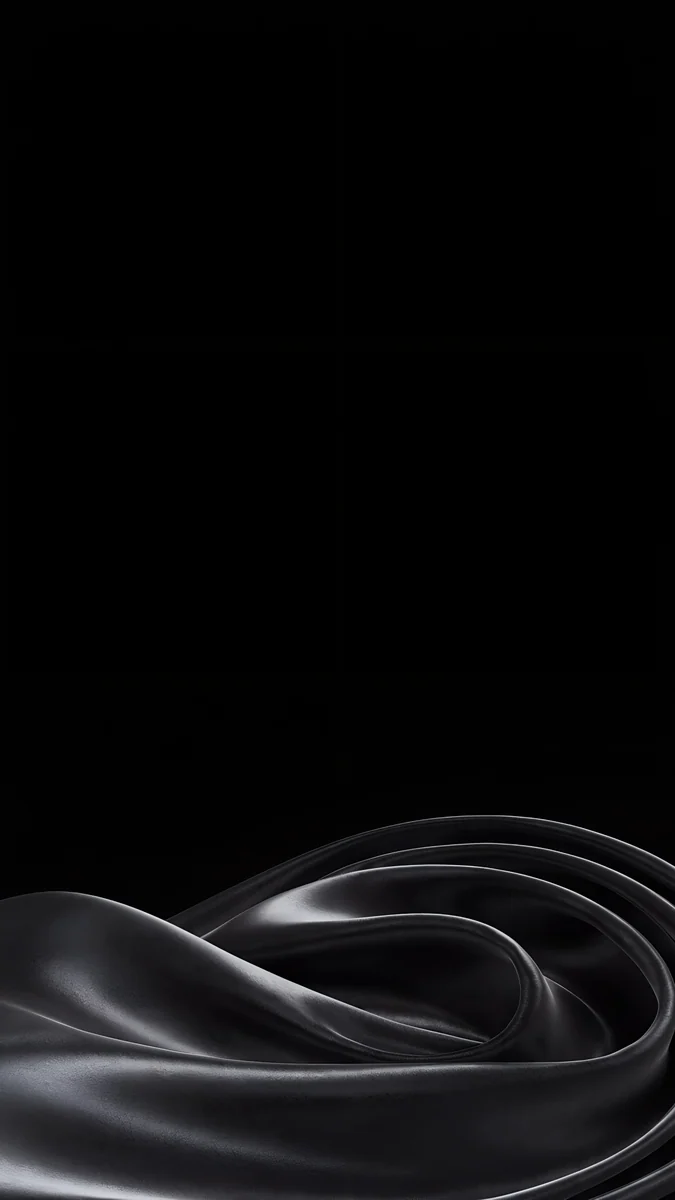 Black Satin Tide
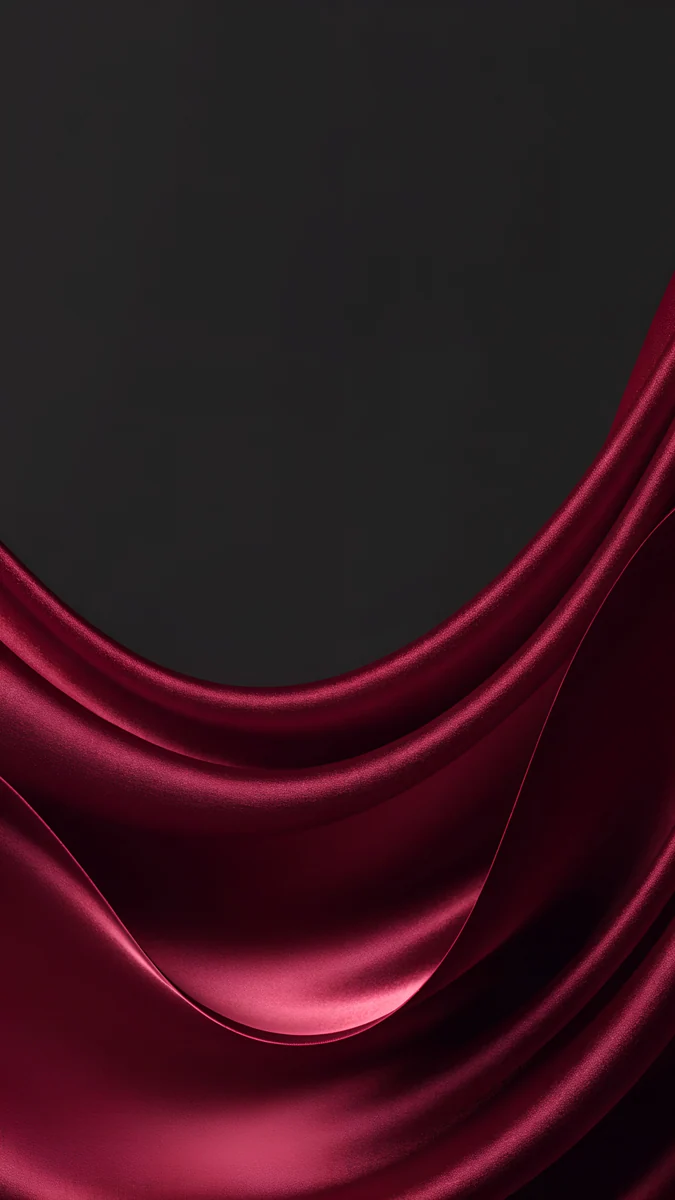 Burgundy Satin Fold
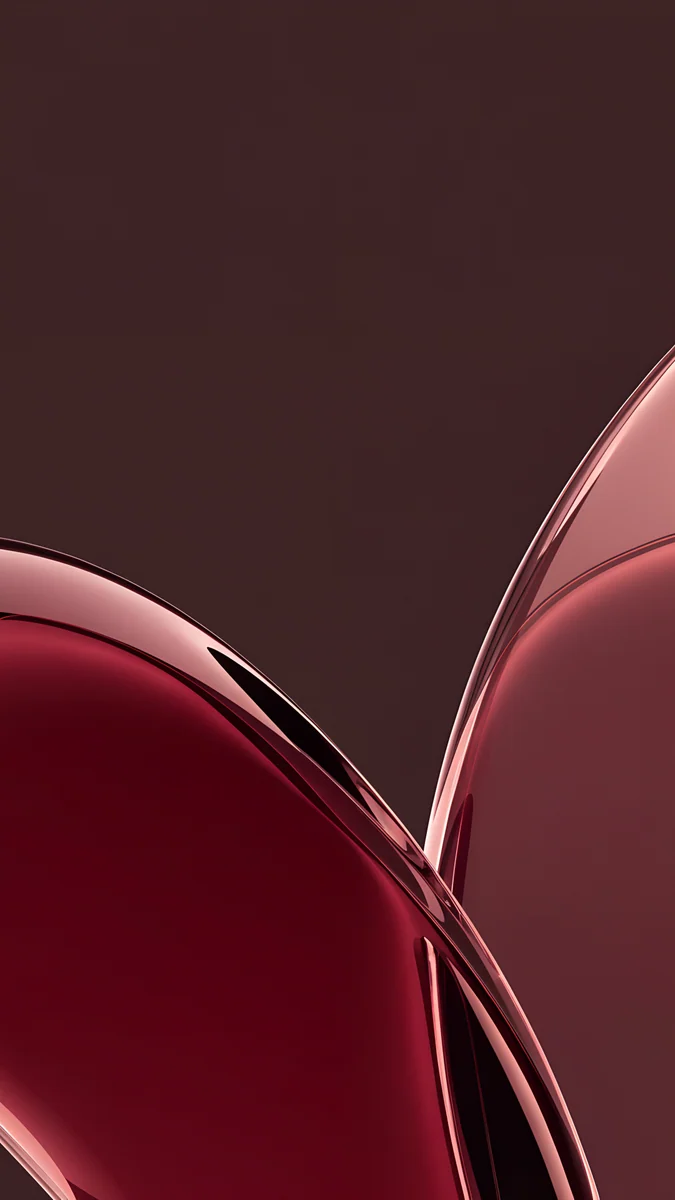 Wine Rose Gold Curves
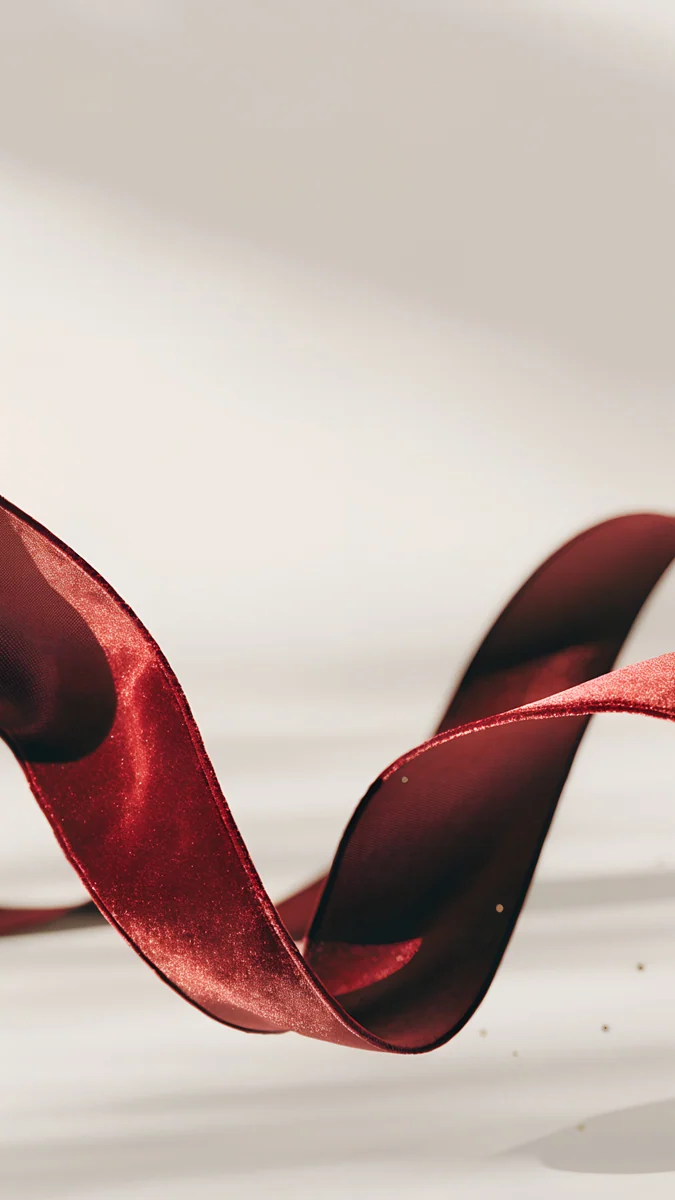 Burgundy Ribbon
 Glacier Glass Wave
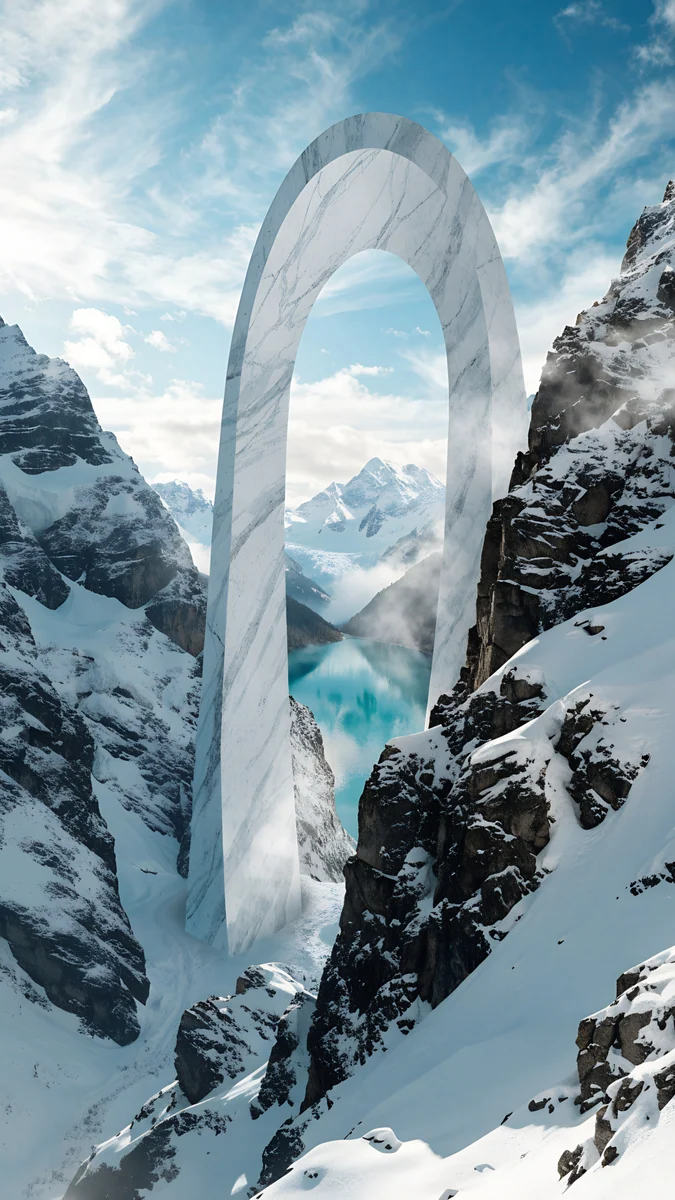 Glacier Arch Gate
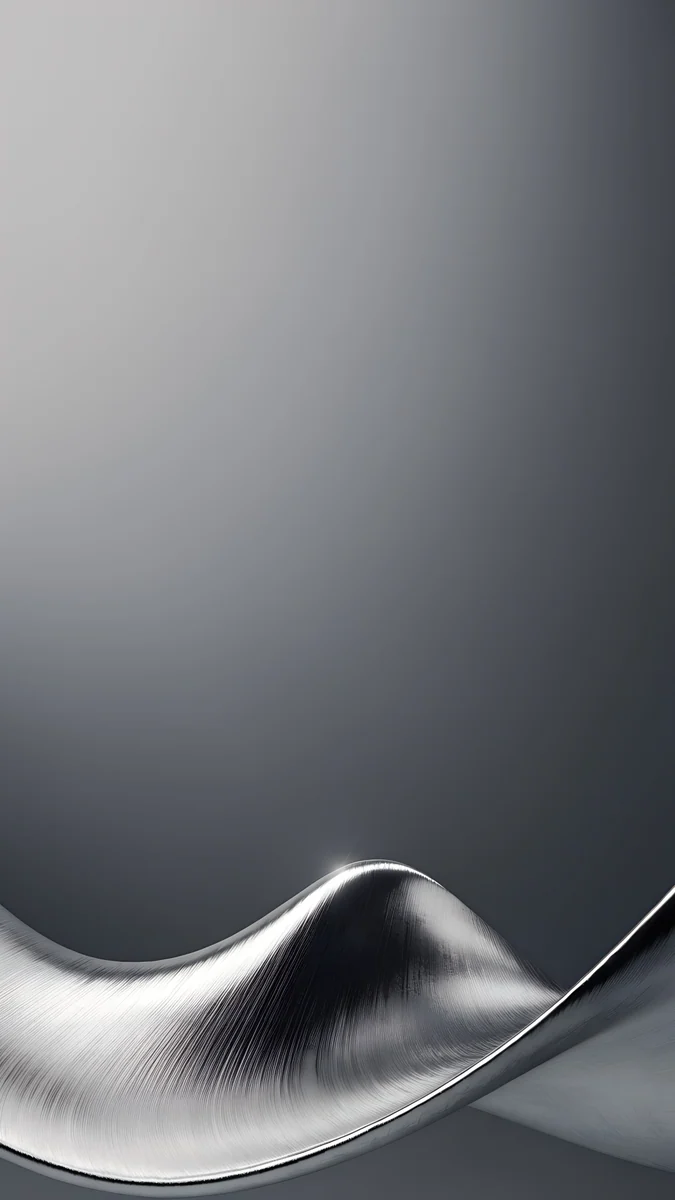 Brushed Silver Wave
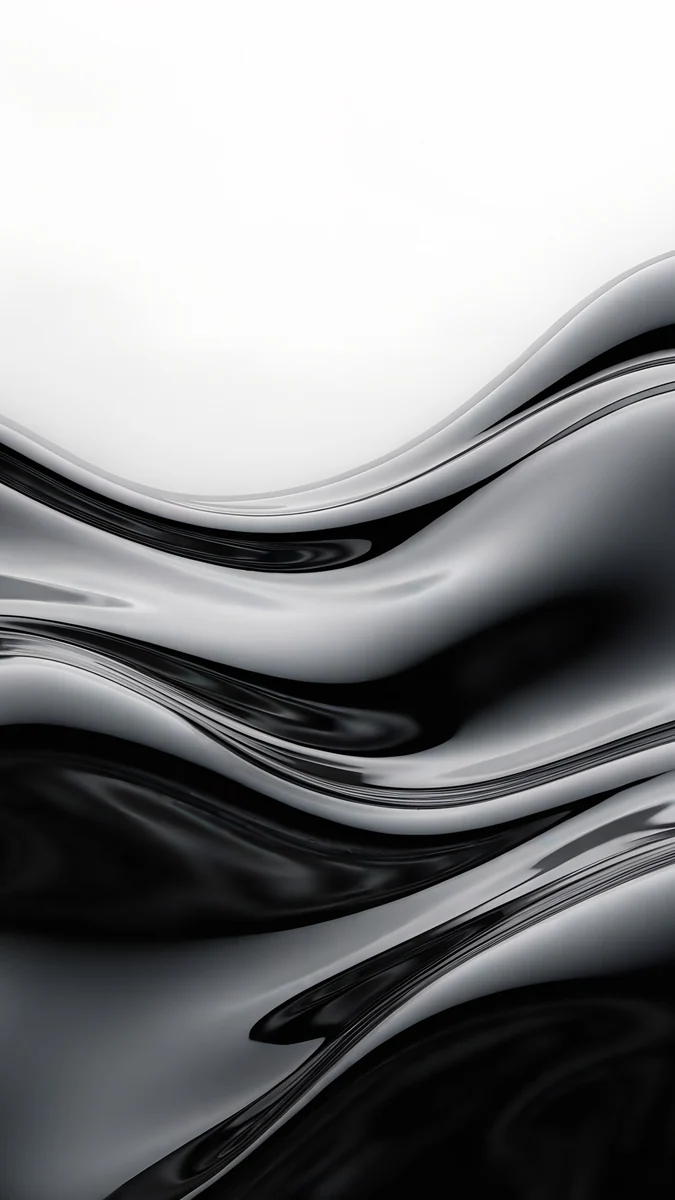 Molten Chrome Field
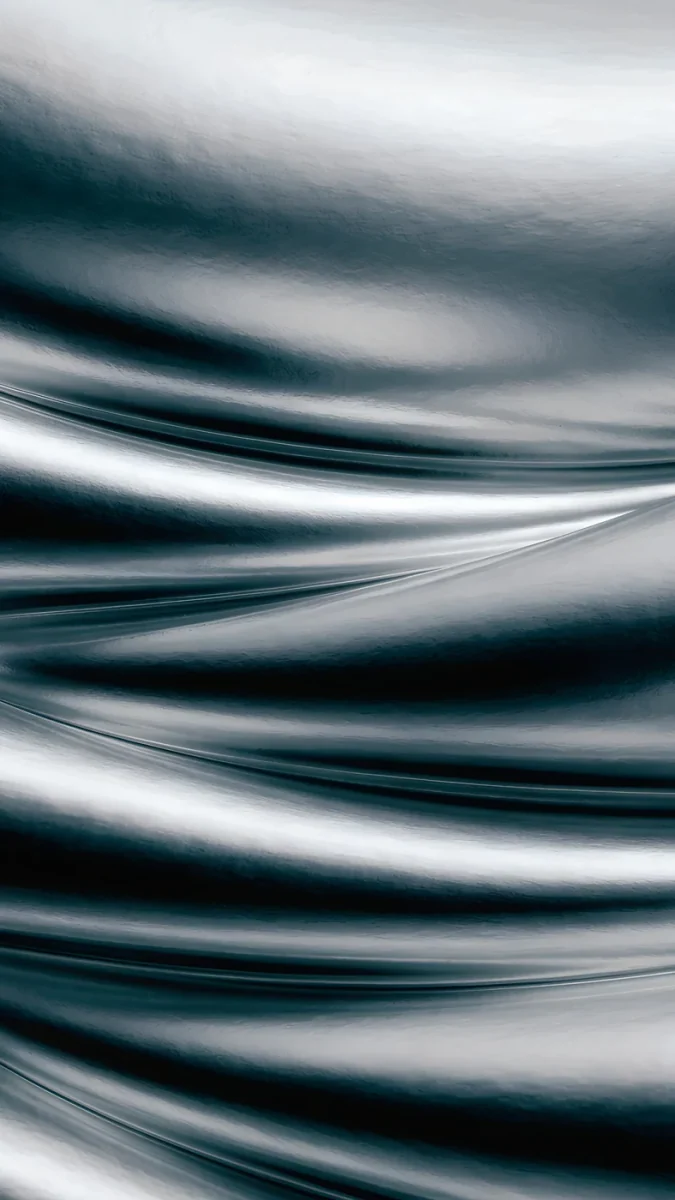 Moon Silver
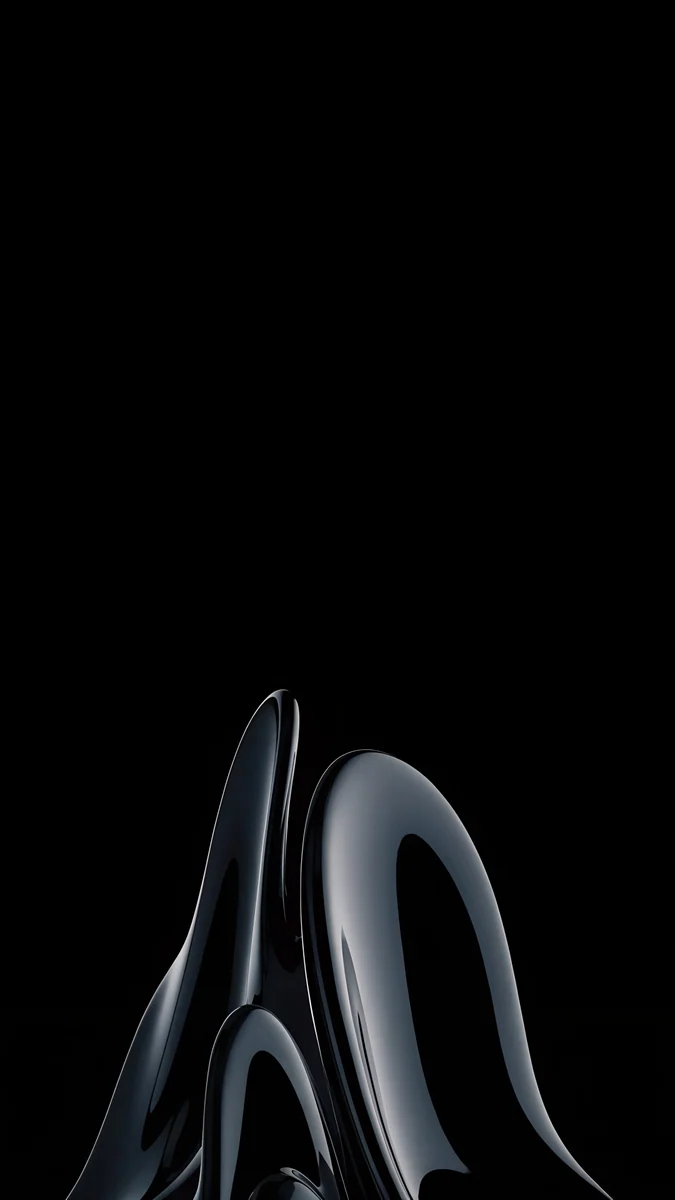 Obsidian Glass Rise
Free originals for iPhone and Android, no watermark
On this page
The iPhone 18 Pro [1] has a 6.3 inch screen at 1206 × 2622 pixels, and the iPhone 18 Pro Max has a 6.9 inch screen at 1320 × 2868 pixels, both at 460 ppi. Any wallpaper that is at least that large and tall in shape will look crisp. Every Velpaper phone wallpaper is a 2160 × 3840 JPEG, bigger than both screens, so iOS scales it down and trims a thin strip from each side without any loss of detail [1]. The real decision is the picture. Apple makes both Pro models in four aluminium finishes: Black, Silver, Glacier and Burgundy. When the wallpaper picks up the colour of the back, the phone looks like one finished object instead of a case with a random photo. Below are picks for each finish, black wallpapers for the Always-On display, and the steps to set one in iOS 27. Each pick comes with a line on why it suits the screen and where the clock will sit.
iPhone 18 Pro and 18 Pro Max wallpaper size
These figures come from Apple's tech specs, width by height for a portrait wallpaper:
| Model | Screen | Resolution | Density |
|---|---|---|---|
| iPhone 18 Pro | 6.3 inches | 1206 × 2622 pixels | 460 ppi [1] |
| iPhone 18 Pro Max | 6.9 inches | 1320 × 2868 pixels | 460 ppi |
Both screens are about 19.5:9, a touch narrower than a 9:16 picture, so a 2160 × 3840 file fills the height and loses a narrow band on the left and right. These are exactly the screen sizes of the iPhone 17 Pro and 17 Pro Max [1], so one wallpaper fits both generations, and everything on our iPhone 17 Pro Max wallpapers page works here too. Older models and their crops are in the iPhone wallpaper size guide.
Burgundy wallpapers
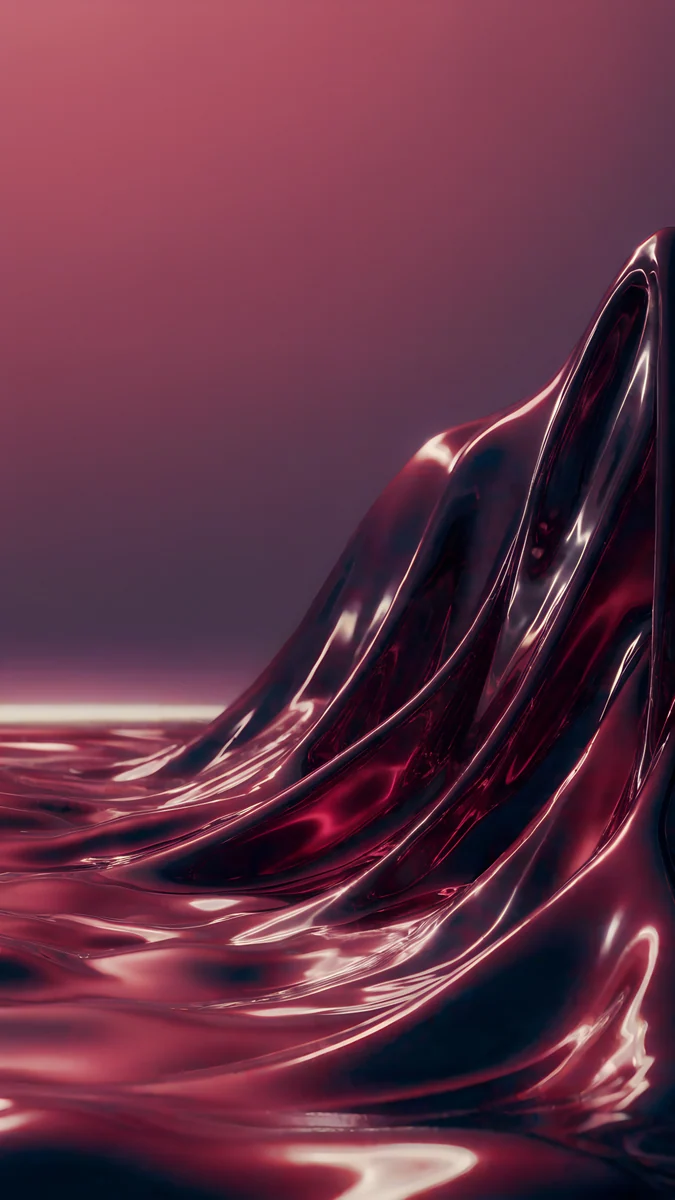
Burgundy is a deep wine red. It looks richest next to a wallpaper that holds the same dark red against plenty of black or plenty of pale space, so the colour reads as a choice and not as a warning light.
Burgundy Glass Orbits is the closest match: two rings of wine red glass cross on a crimson surface, and the plain red above them leaves the top of the screen to the clock. Burgundy Satin Fold fills the lower half with folds of wine red satin under a charcoal sky, darker and softer. Wine Rose Gold Curves layers large curves of maroon glass with rose gold edges. Burgundy Ribbon is the light option, a single wine red ribbon on warm white. For more wine red and maroon picks, see our burgundy iPhone wallpapers.
Glacier wallpapers
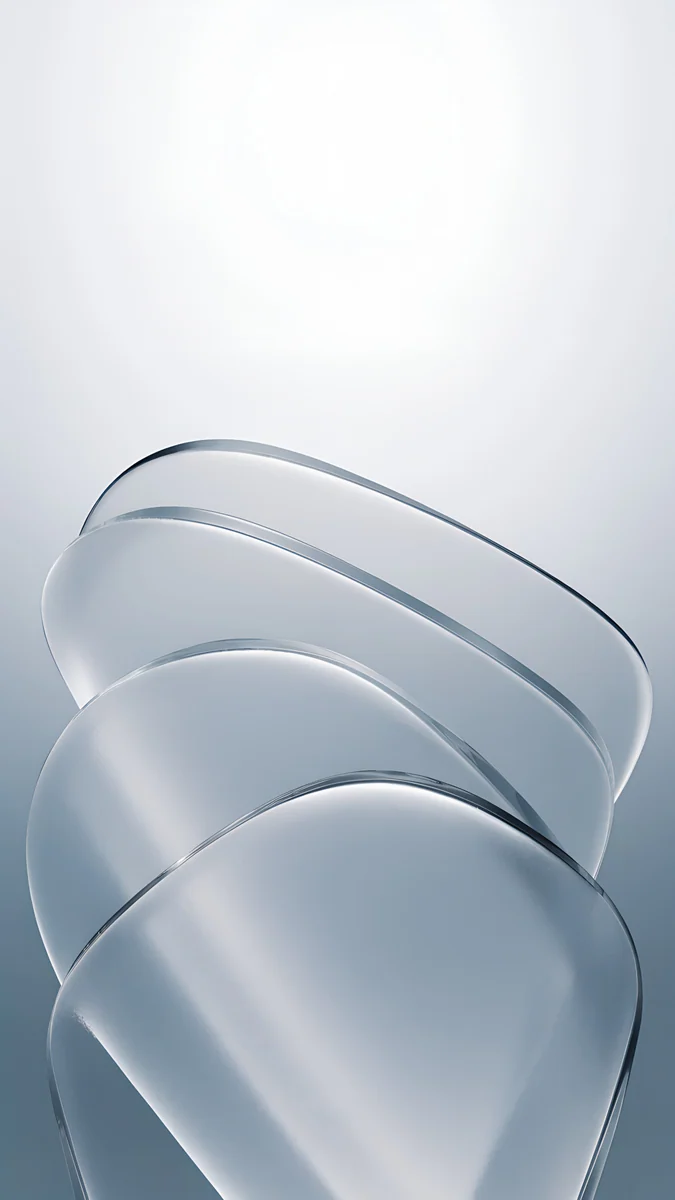
Glacier is a pale, icy blue that looks close to white in daylight. Frost, snow and soft blue sky suit it better than strong, saturated blues.
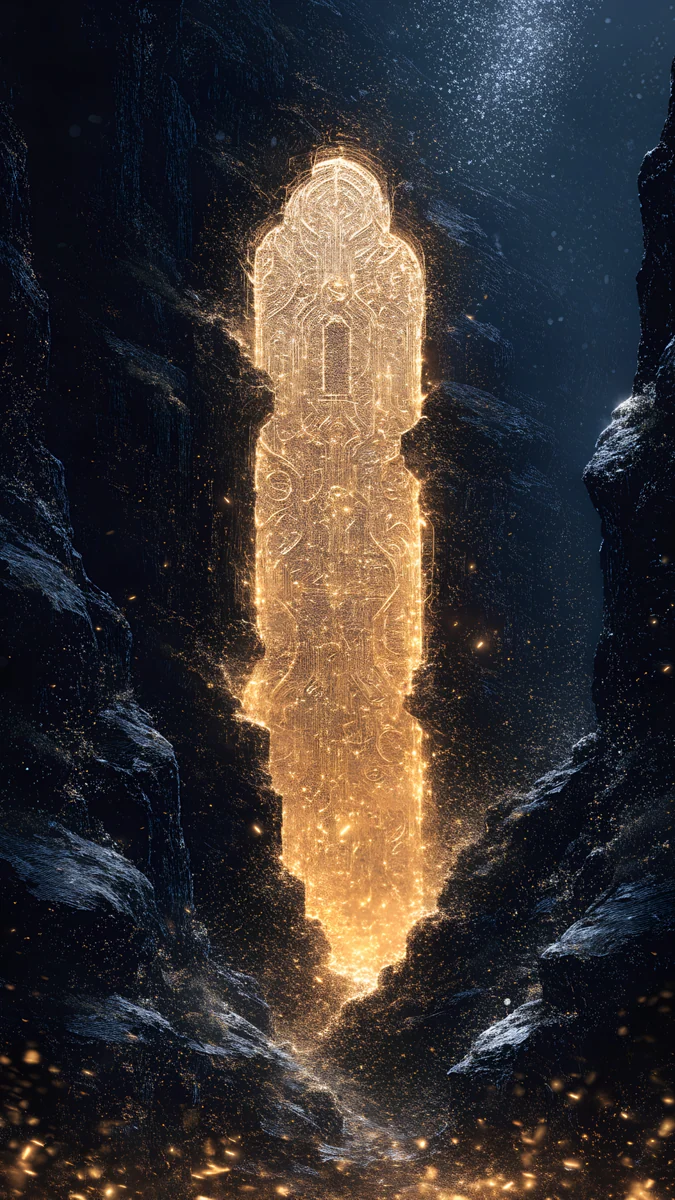
Glacier Glass Arcs crosses two arcs of clear, faintly blue glass low on a white field, as pale as the phone itself. Glacier Glass Wave raises one wave of icy blue water at the bottom of a white screen. Glacier Arch Gate is the scenic pick: a pale marble arch in a snowy valley with a glacier lake behind it.
Silver wallpapers
Silver is the light, neutral finish. Metal, grey and clear glass match it, in light mode and in dark mode.
Brushed Silver Wave curls a sheet of brushed metal into a low wave under a smooth grey gradient, the plainest match for the Silver back. Molten Chrome Field runs bands of liquid chrome across the lower screen and keeps the top white. Moon Silver fills every edge with folds of liquid silver, almost black and white.
Black wallpapers for the Always-On display
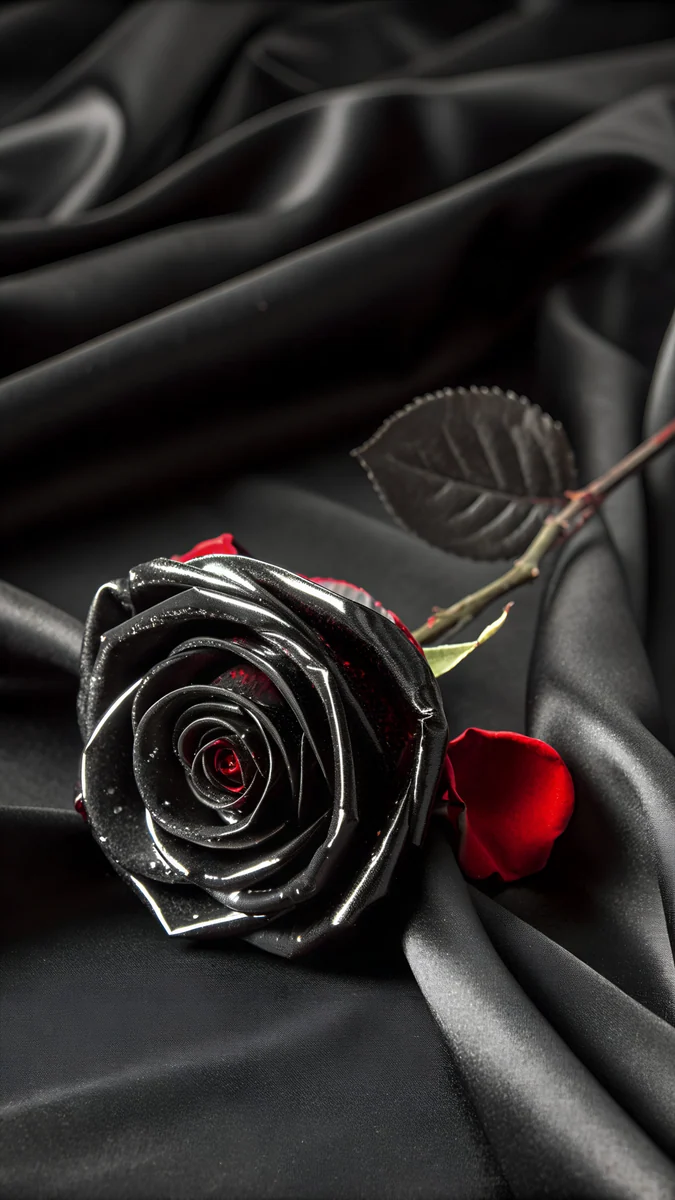
Both Pro models have a Super Retina XDR OLED screen with ProMotion up to 120Hz and the Always-On display [1]. When the phone is locked, iOS dims the lock screen instead of switching it off, and black pixels on OLED stay dark. A black wallpaper with one bright shape therefore looks nearly the same awake and dimmed. It is the obvious match for the Black finish and works with the other three as well.
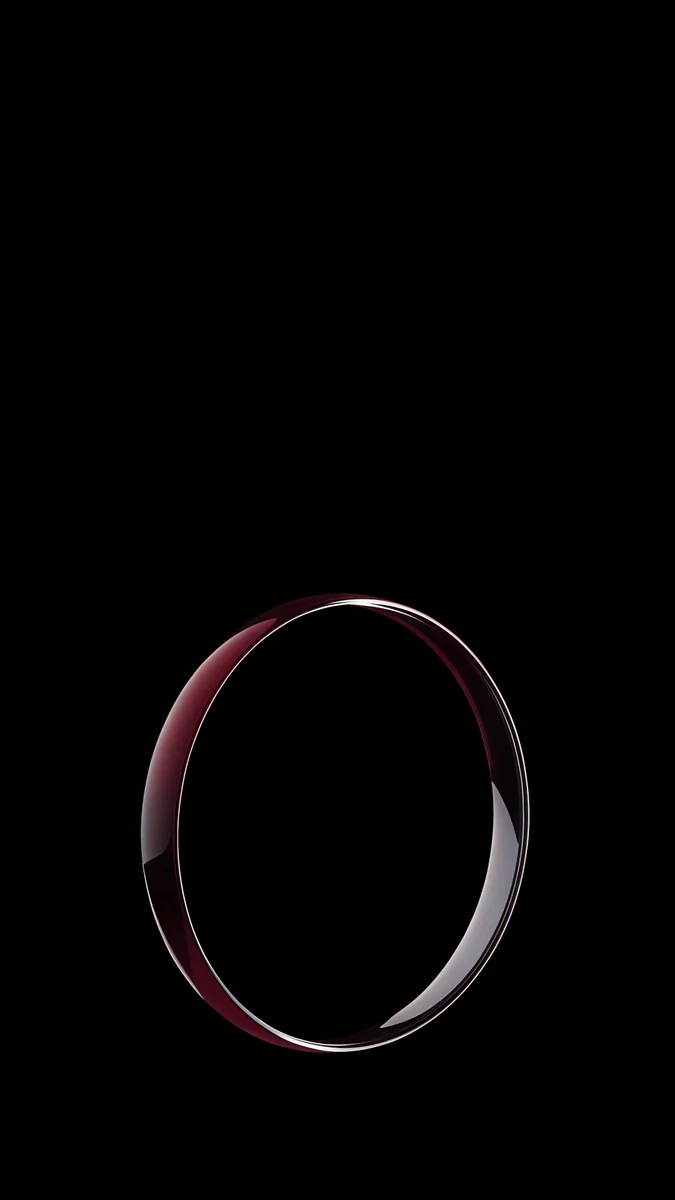
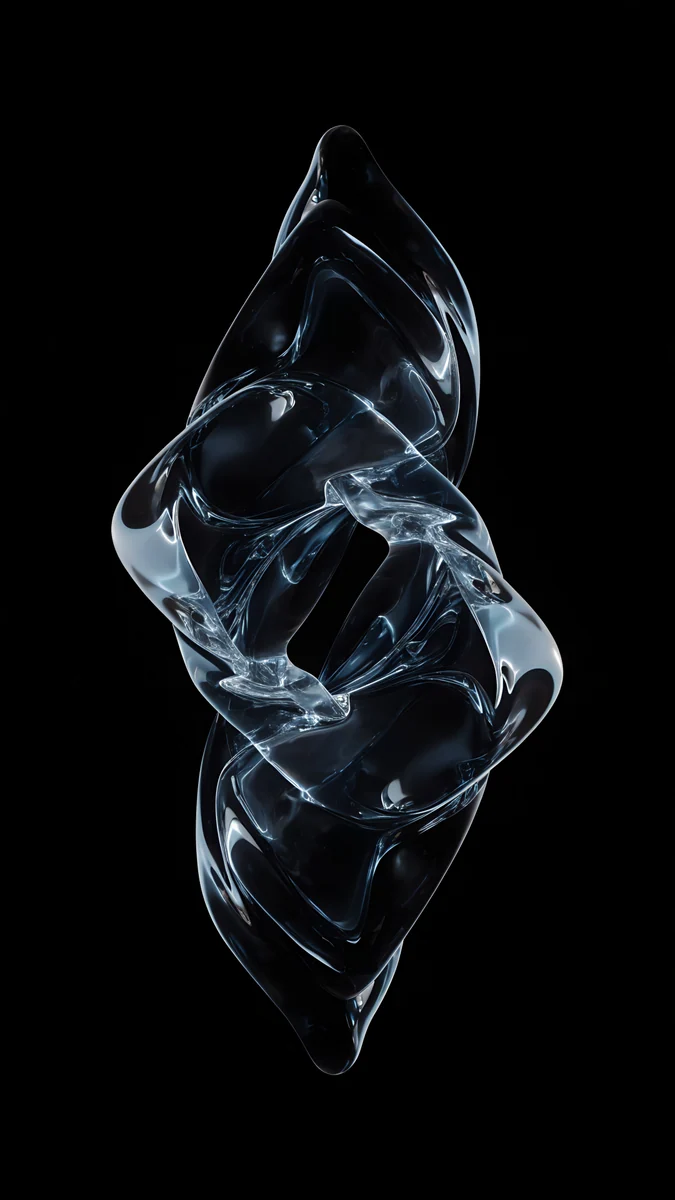
Black Satin Tide keeps a low tide of black satin at the bottom and leaves the rest of the screen pure black. Obsidian Glass Rise lifts a dark glass shape from the bottom edge with thin highlights. Burgundy Halo Ring stands one glass ring with a wine red glow on black, the dimmed screen version of Burgundy. Ice Blue Glass Knot is a twisted knot of clear glass, cool enough for Glacier and Silver.
To choose whether the wallpaper shows on the dimmed screen, open Settings, tap Display & Brightness, then Always On Display, and turn Show Wallpaper on or off.
How to set a wallpaper on iPhone 18 Pro in iOS 27
- Save the original to Photos from the Velpaper app or from the wallpaper page on velpaper.com [1].
- Open Settings, tap Wallpaper, then Add New Wallpaper, and choose Photos.
- Select the image, then pinch and drag until the main shape sits under the clock and clear of the Dynamic Island.
- Tap Add and decide whether to use it on the lock screen and the home screen together.
If the picture looks too zoomed in, you probably saved a screenshot of the preview. Save the original file instead: it is larger than both screens.
Get these iPhone 18 Pro wallpapers in Velpaper
Velpaper is an app for iPhone, iPad, Mac and Android, and every wallpaper is also on velpaper.com [1]. Browsing and previews are free. The phone wallpapers in this article unlock after a short optional ad in the apps; on the website the original downloads free when no ad is available. Each phone file is a 4K original at 2160 × 3840, with no watermark and no account needed [2]. The wallpapers are designed by Carlos Vivero.
Next step: open Black Satin Tide, save the original, set it on your 18 Pro or Pro Max and lock the phone to see it on the Always-On display.
Original wallpapers in and for iPhone, Android and desktop.
Questions
What size is the iPhone 18 Pro wallpaper?
The iPhone 18 Pro [1] has a 6.3 inch screen at 1206 × 2622 pixels, and the iPhone 18 Pro Max has a 6.9 inch screen at 1320 × 2868 pixels, both at 460 pixels per inch. A portrait wallpaper should be at least the size of your screen, but it does not have to match exactly. A 2160 × 3840 original [1] is larger in both directions, so iOS scales it down and trims a thin strip from each side, because the screens are a little narrower than 9:16. Keep the subject near the centre and nothing important is cut.
Do iPhone 17 Pro Max wallpapers fit the iPhone 18 Pro Max?
Yes. The iPhone 18 Pro Max [1] has the same 6.9 inch screen at 1320 × 2868 pixels as the iPhone 17 Pro Max, and the iPhone 18 Pro has the same 6.3 inch screen at 1206 × 2622 pixels as the iPhone 17 Pro. The shape and the 460 ppi density match too [1]. A wallpaper saved for the older phone fills the new one in exactly the same way, with the same thin crop at the sides, so there is no need to download anything again after an upgrade.
Which wallpaper suits the Burgundy iPhone 18 Pro?
Choose a deep wine red against black or against a quiet background [1], so the red stays rich and the clock stays readable. Burgundy Glass Orbits, two wine red glass rings on crimson, is the closest match in Velpaper and leaves the top of the screen empty for the time. For a darker lock screen, Burgundy Satin Fold puts wine red satin under a charcoal sky. On the Always-On display, Burgundy Halo Ring works best: one glowing ring on black, which still reads as Burgundy when the screen is dimmed.
What is the best wallpaper for the Always-On display on iPhone 18 Pro?
A mostly black wallpaper with one bright shape below the clock [1]. The Always-On display dims the lock screen when the phone is locked, and black areas of the OLED screen stay dark, so the shape seems to float and the time stays easy to read. Black Satin Tide and Burgundy Halo Ring are good examples. To hide the wallpaper on the dimmed screen, open Settings, then Display & Brightness, then Always On Display, and turn off Show Wallpaper.
Are these iPhone 18 Pro wallpapers free?
Browsing and previewing are free on velpaper.com and in the Velpaper apps for iPhone [1], iPad, Mac and Android. The phone wallpapers in this article unlock after a short optional ad in the apps, and on the website the original downloads free when no ad is available. There is no account and no subscription. Each phone file is a 2160 × 3840 JPEG without a watermark, larger than the screens of both the 18 Pro and the 18 Pro Max, so it stays sharp after iOS scales it [2].
Carlos Vivero
Designer of Velpaper wallpapers
Carlos Vivero designs the wallpapers in Velpaper: quiet architecture, liquid glass, Japanese ink and calm landscapes. Every piece is made as a original for iPhone, Android and desktop.
Recent work