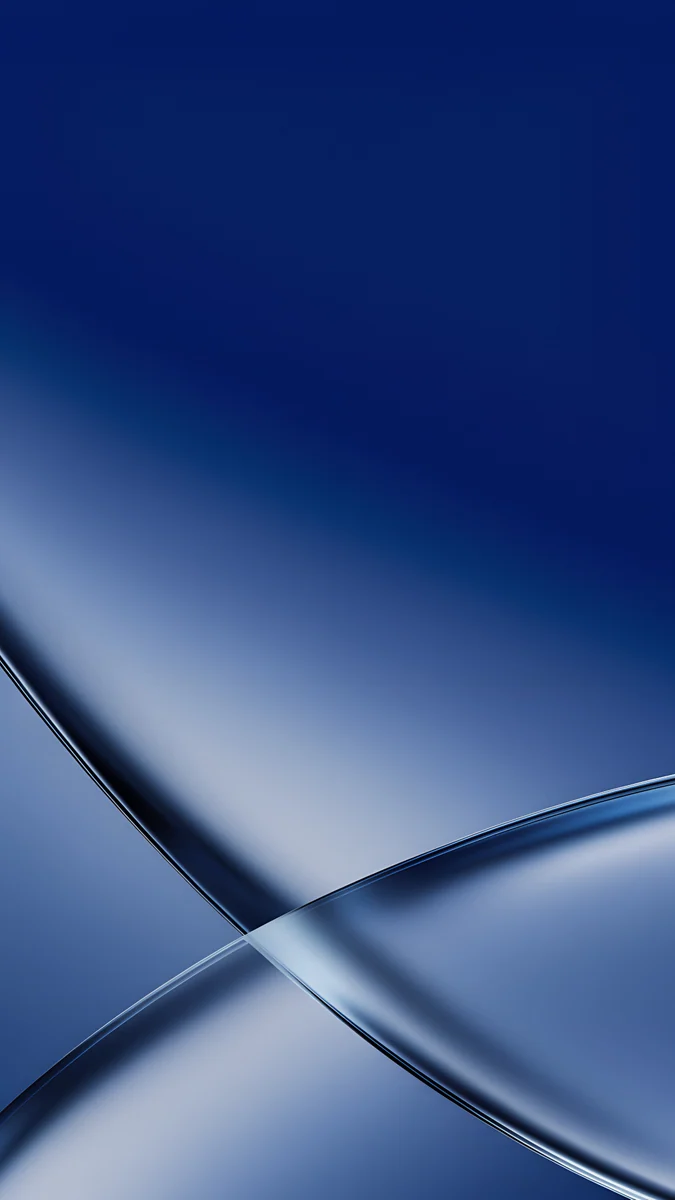
iOS 27 Wallpaper: 4K Picks for Clear and Tinted Glass
iOS 27 wallpaper picks in 4K for the ultraclear and tinted Liquid Glass look, with dark options, colour sets, supported iPhones and setup steps.
By the Velpaper team · Wallpapers by Carlos Vivero, Velpaper designer · · 5 min read
In short: A good iOS 27 wallpaper depends on the new Liquid Glass slider: calm gradients and soft glass shapes with an empty middle for the ultraclear look, busier or darker images for the tinted look. Apple does not list new wallpaper features for iOS 27.
Wallpapers
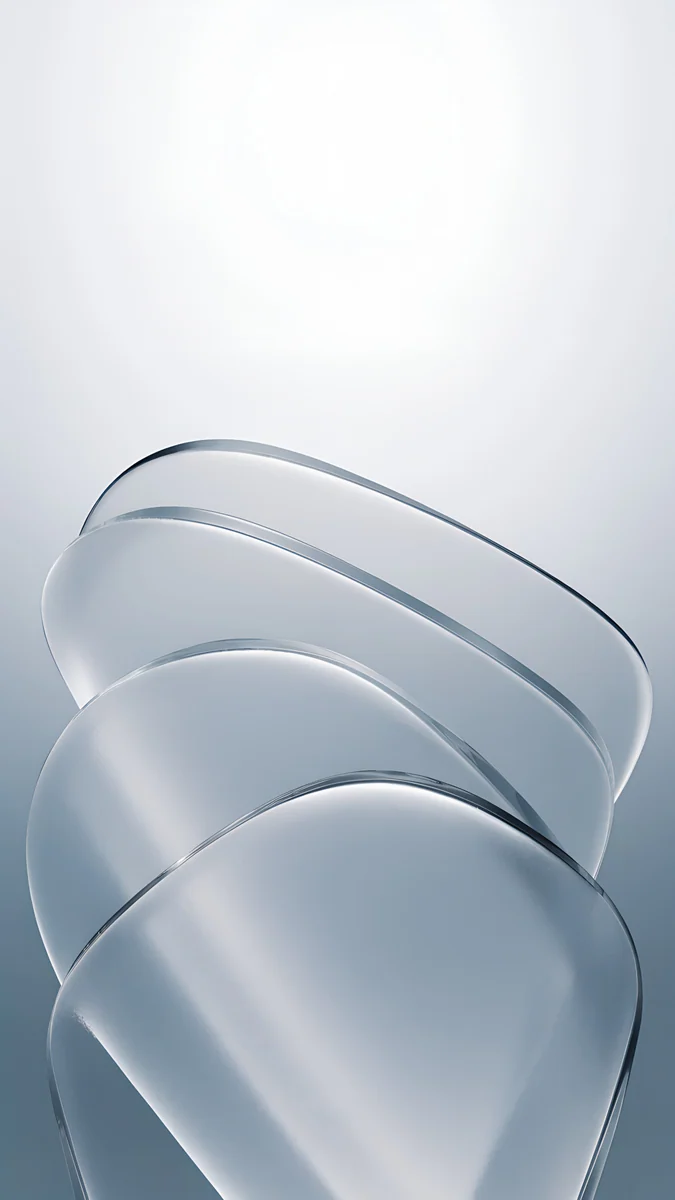 Mist Blue Frosted Panes
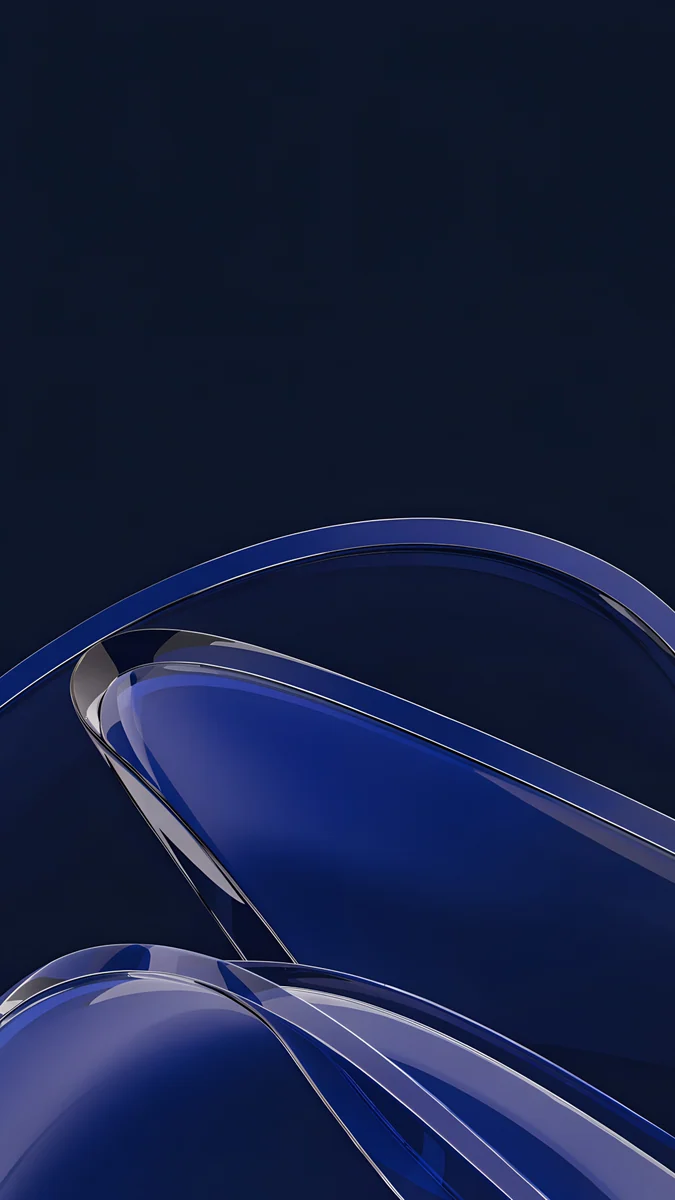 Cobalt Glass Crossing
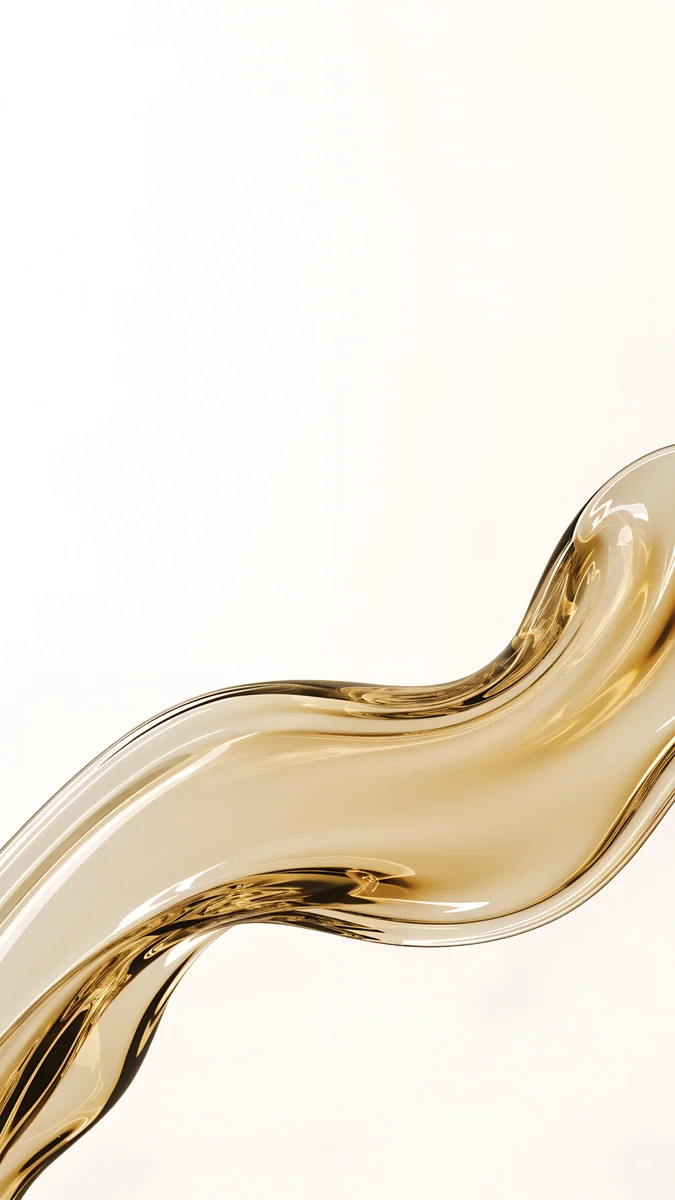 Champagne Glass Ribbon
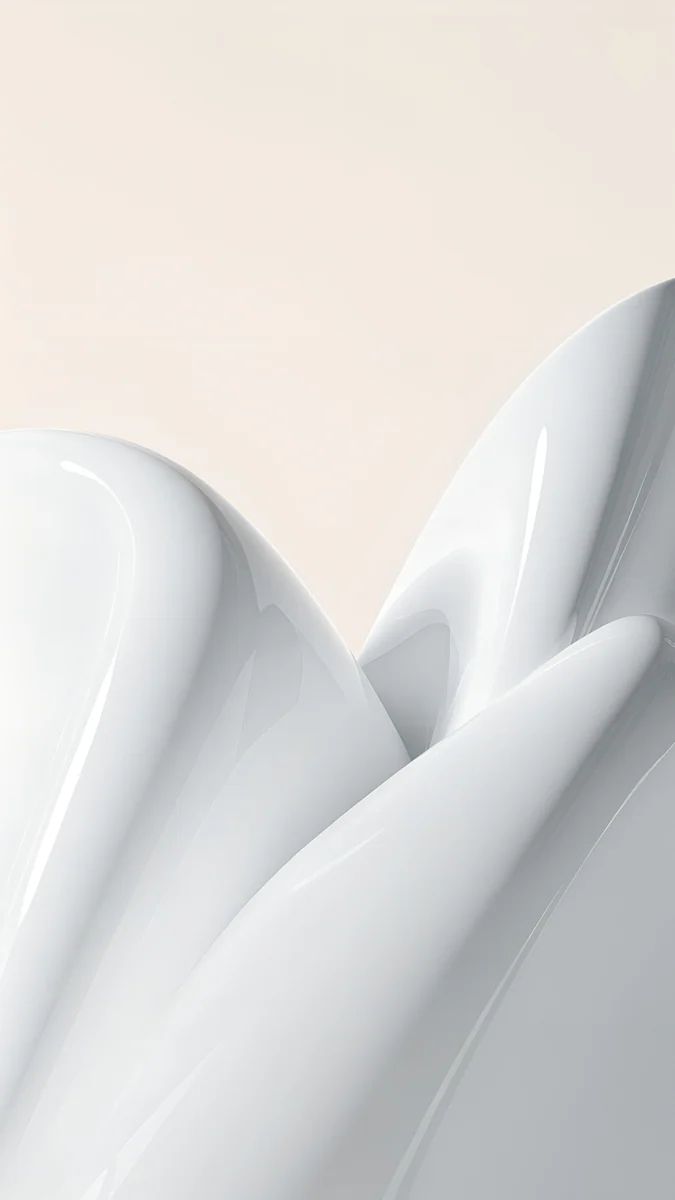 White Porcelain Curves
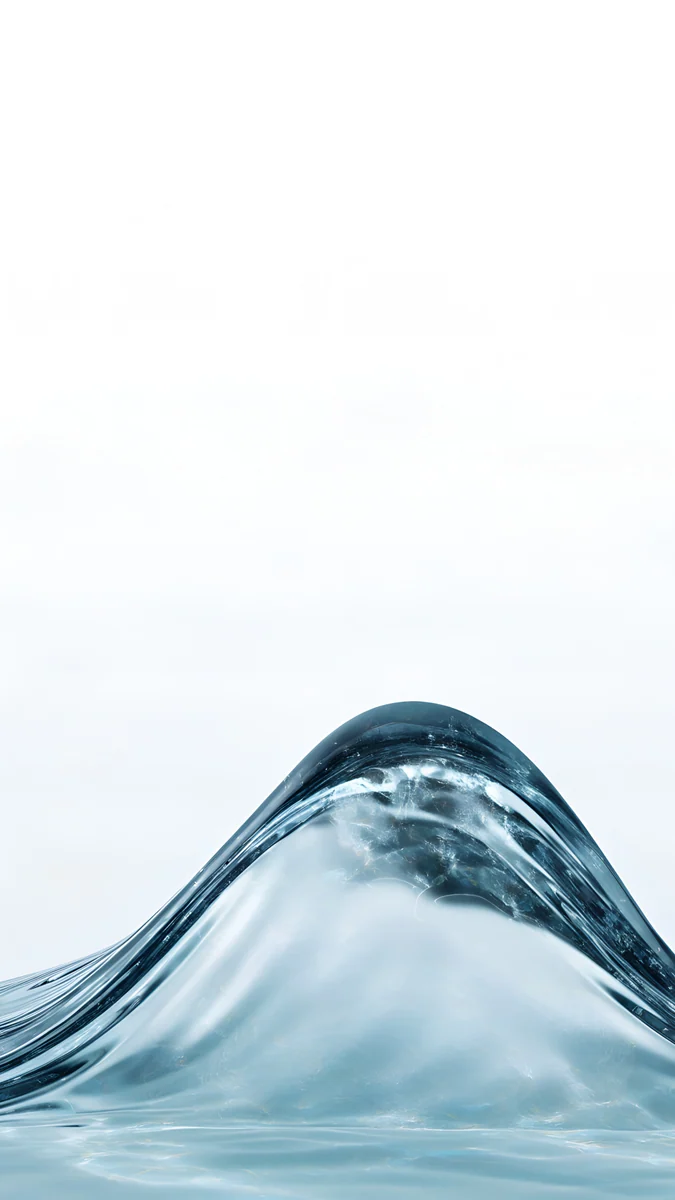 Glacier Glass Wave
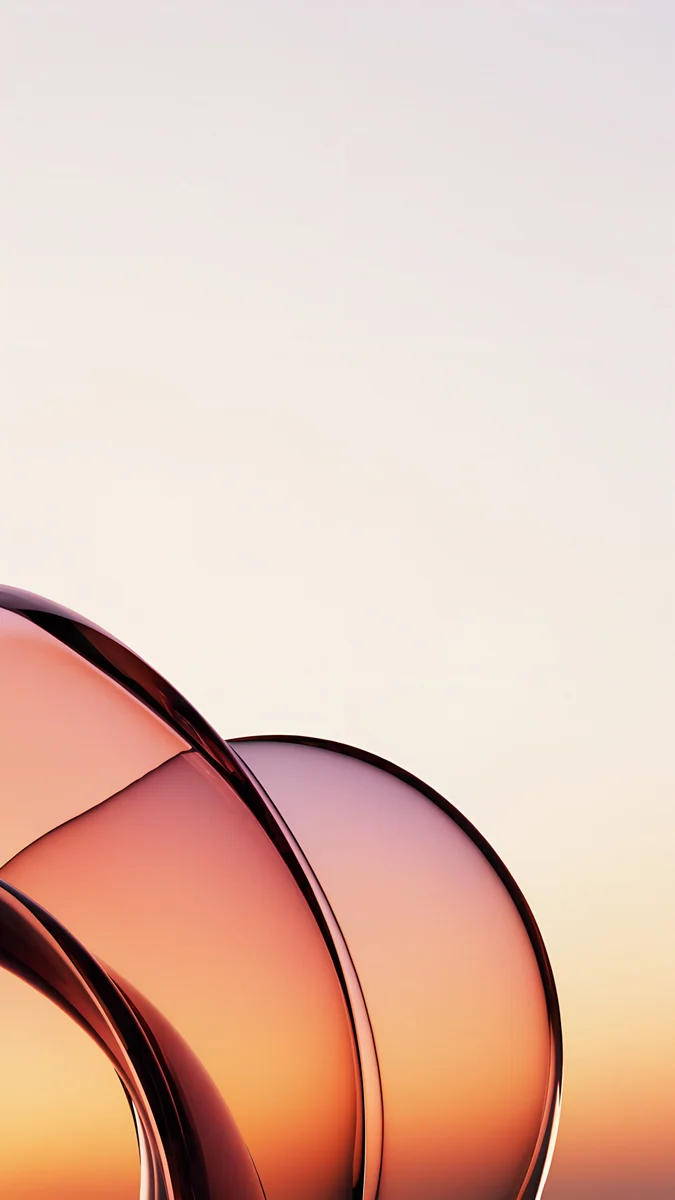 Peach Glass Sunset
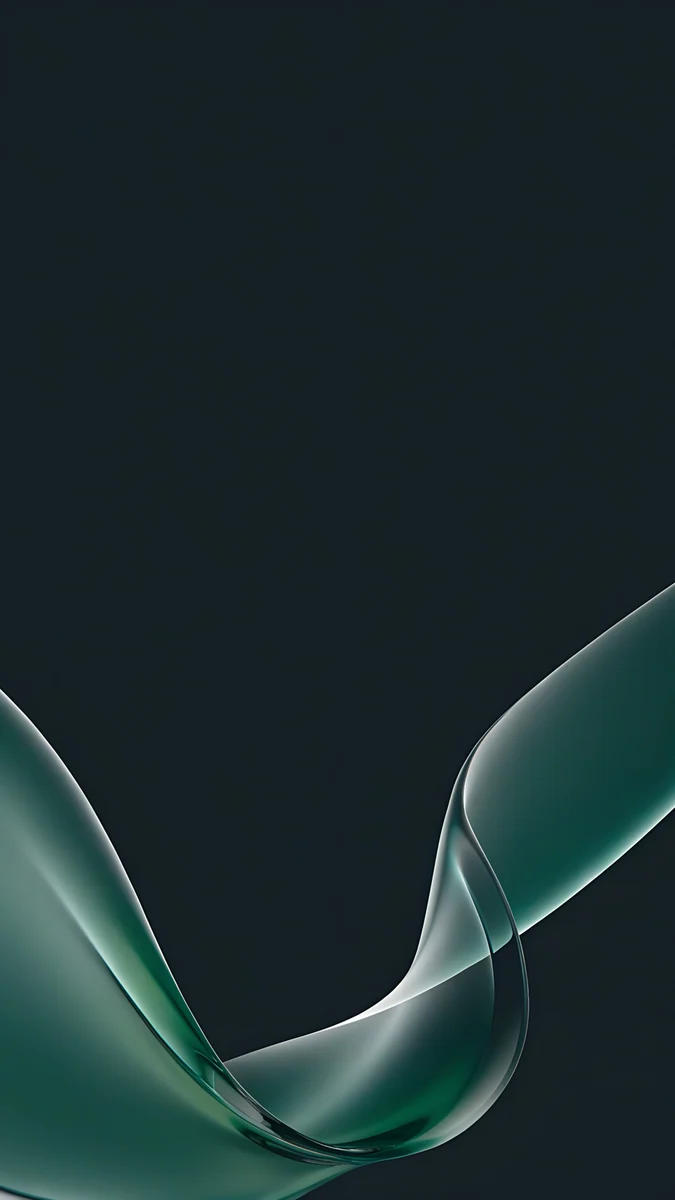 Teal Glass Ribbons
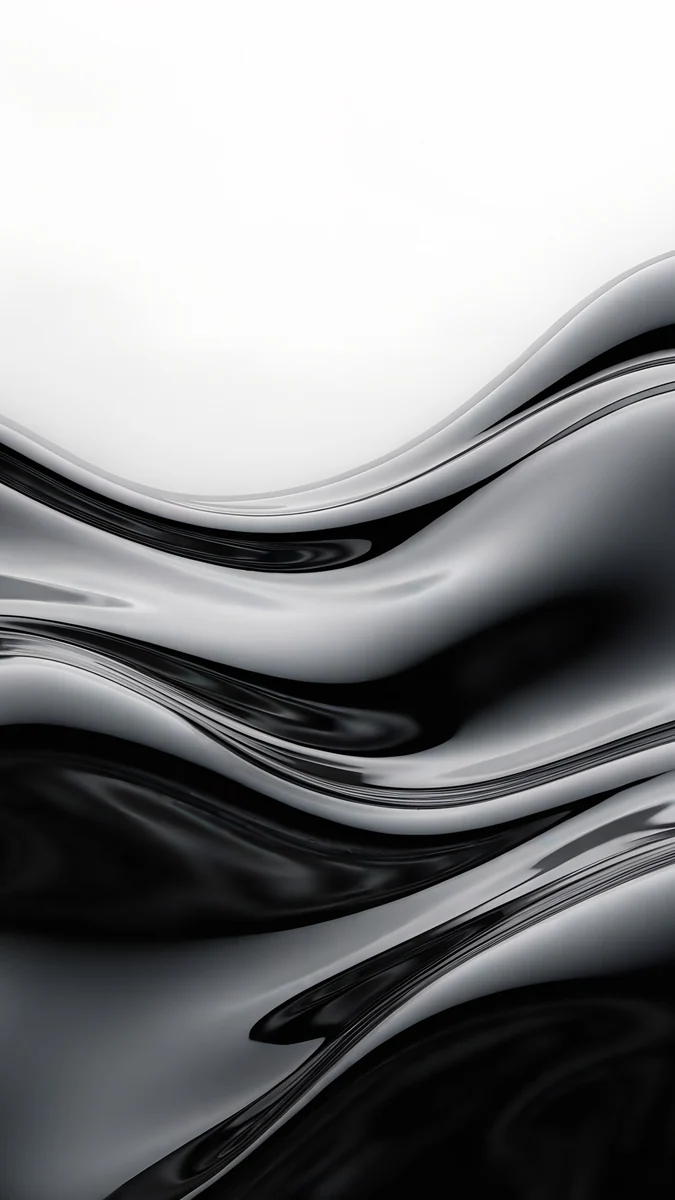 Molten Chrome Field
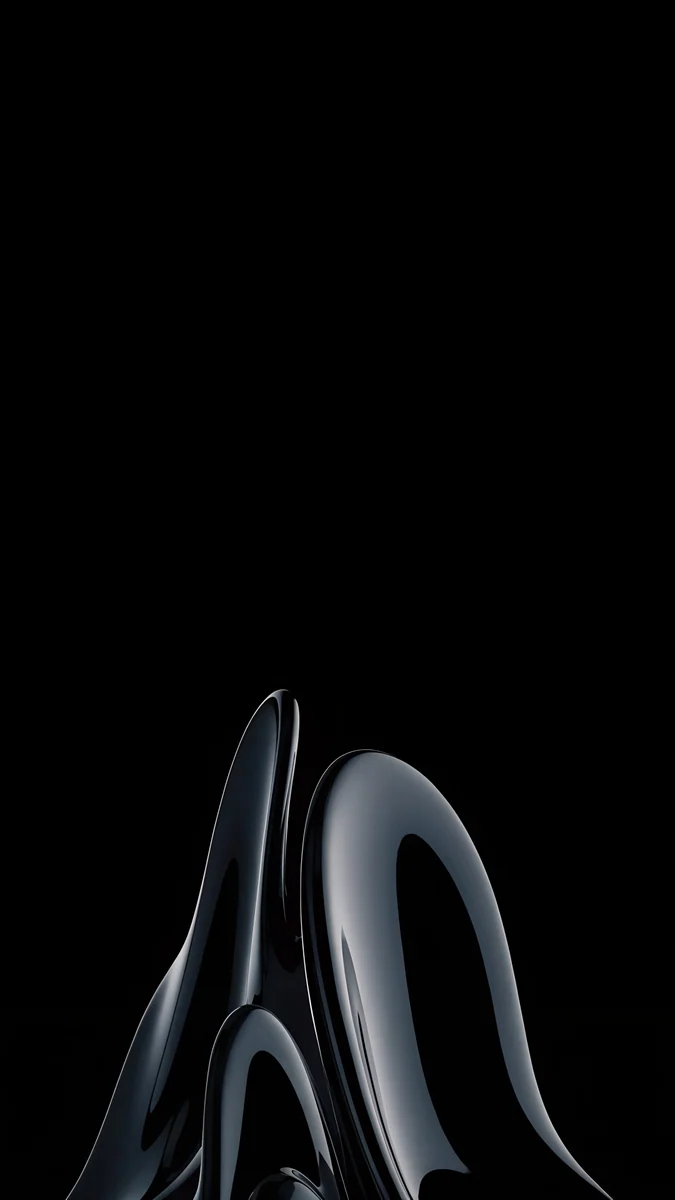 Obsidian Glass Rise
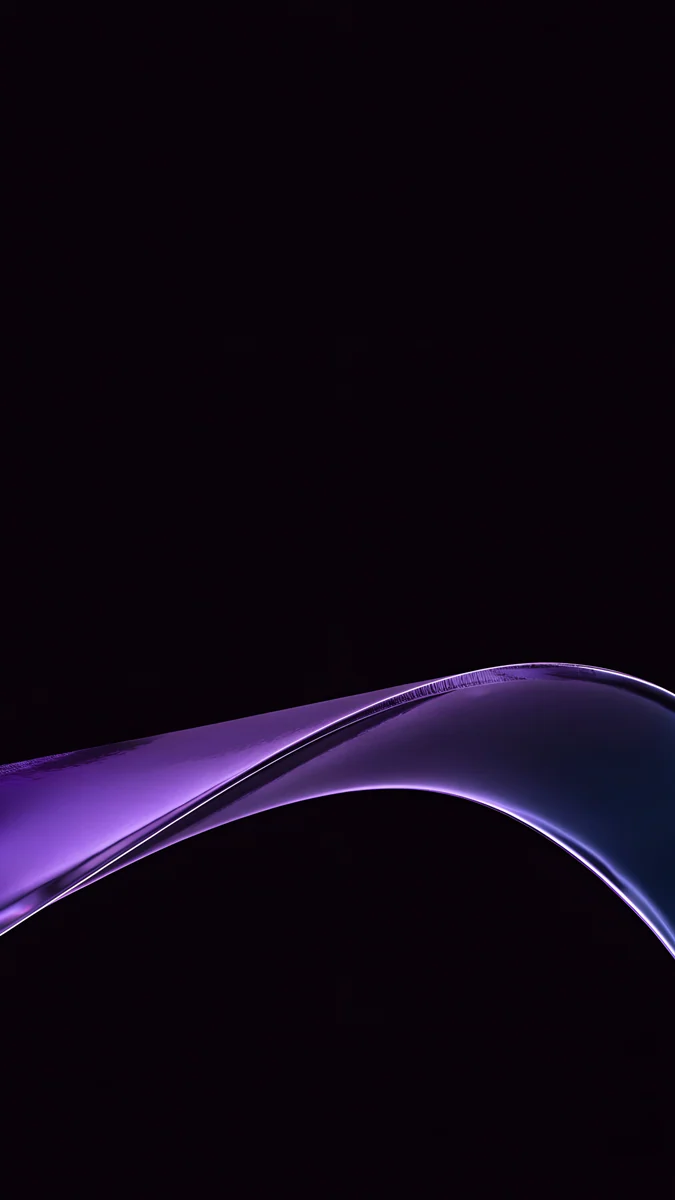 Violet Glass Sweep
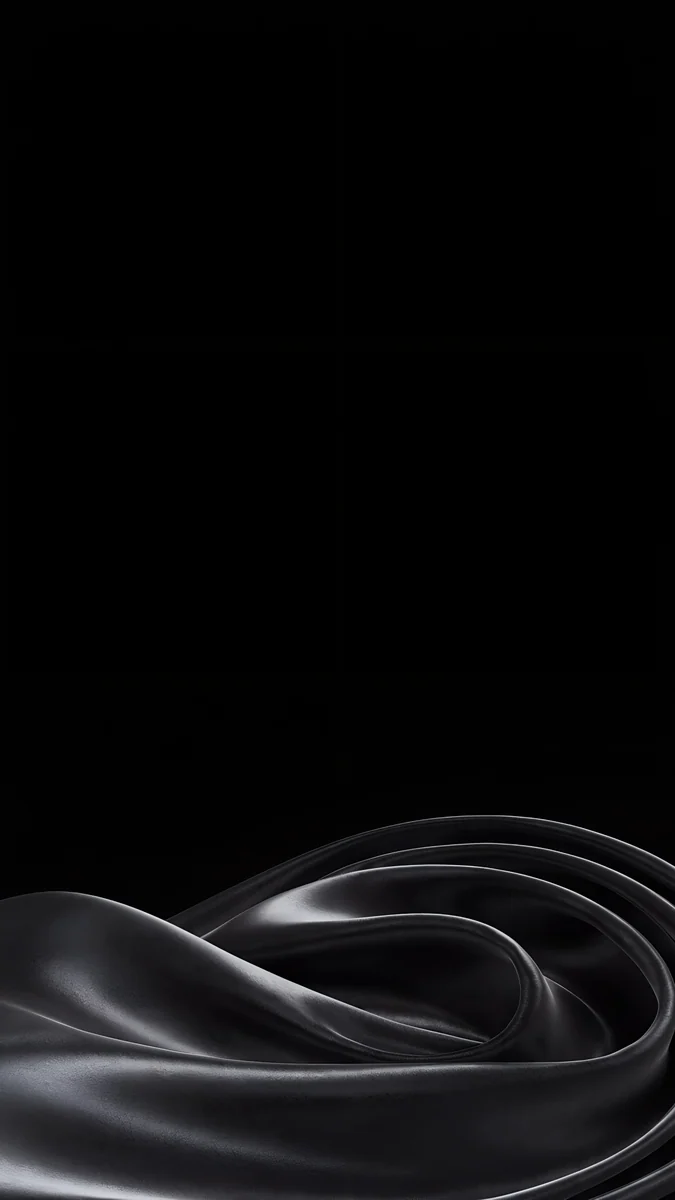 Black Satin Tide
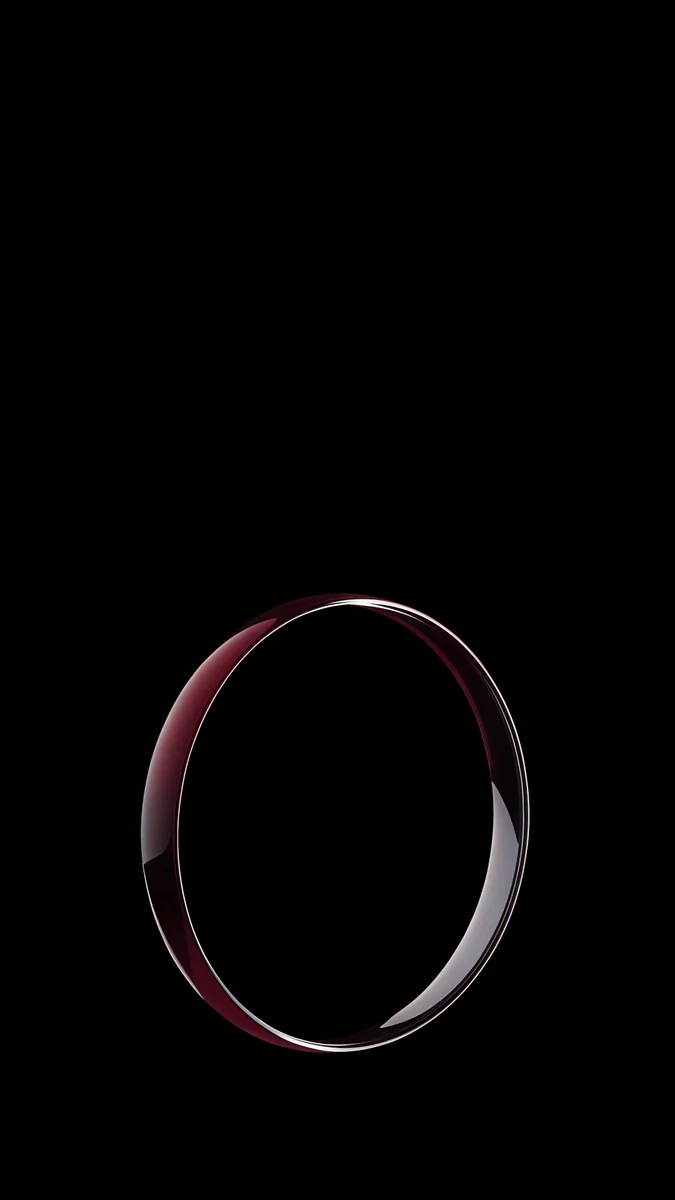 Burgundy Halo Ring
Free originals for iPhone and Android, no watermark
On this page
A good iOS 27 wallpaper depends on one setting: the new Liquid Glass slider, which Apple says adjusts the look from ultraclear to fully tinted. Apple also refined Liquid Glass for readability, with more uniform refraction and improved contrast, and made app icons sharper and more detailed. Apple's iOS page does not list any new wallpaper or Lock Screen features, so the change that matters for wallpapers is that slider. At the ultraclear end, icons and widgets show the picture through them, so a calm gradient or a soft glass shape with an empty middle reads best. At the tinted end, the glass takes on colour and a busier image is fine. Dark, OLED friendly wallpapers keep the tinted look calm in Dark Mode. Below are picks for each look, colour sets, the iPhones that get iOS 27 and the steps to set one. Every Velpaper phone wallpaper is a 2160 × 3840 original.
Wallpapers for the ultraclear look
With the slider near ultraclear, icons, widgets and the dock let the wallpaper show through. Busy detail behind an icon makes its label harder to read, so choose a calm picture: a smooth gradient, a few soft glass shapes and an empty middle where your icons sit.
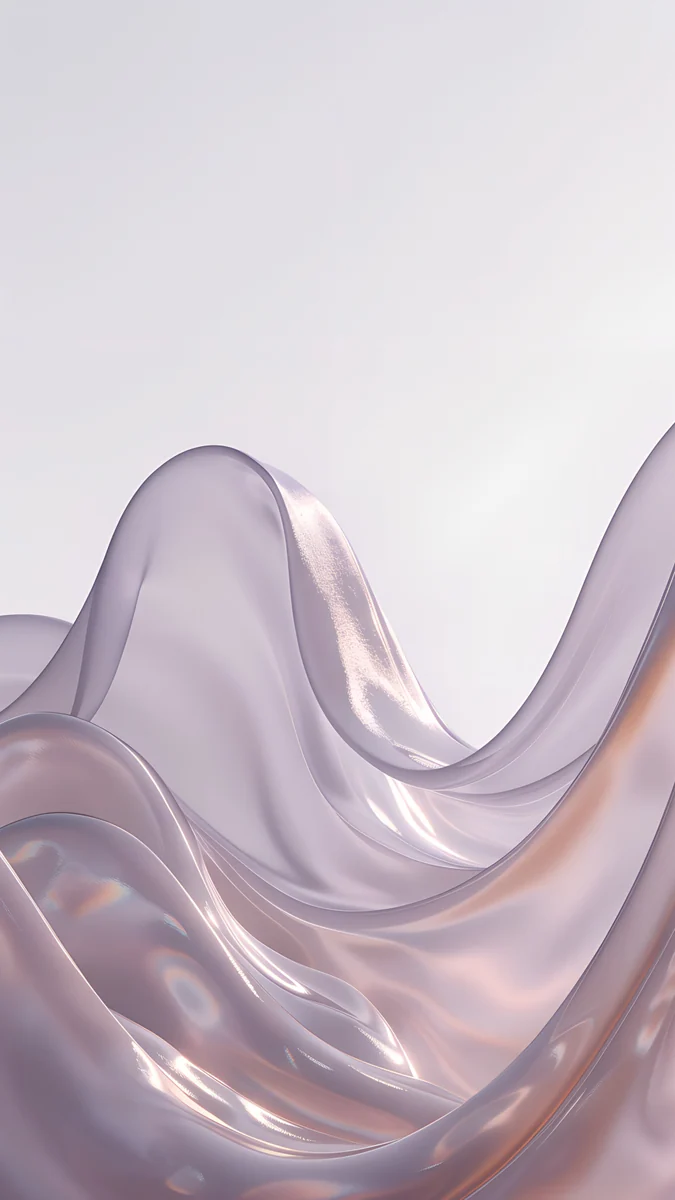
Mist Blue Frosted Panes lays frosted blue panes over a pale field, so almost nothing competes with the icon grid. White Porcelain Curves is the quietest of the four, soft white curves with no hard edges. Glacier Glass Wave keeps its single wave at the bottom edge, and Champagne Glass Ribbon adds one warm ribbon for a touch of colour. For more on glass shapes as wallpapers, see our Liquid Glass wallpapers guide.
Wallpapers for the tinted look
Tinted glass is more opaque and takes on colour, so the picture behind it matters less for legibility. Stronger colour, overlapping shapes and more contrast are all fine here.
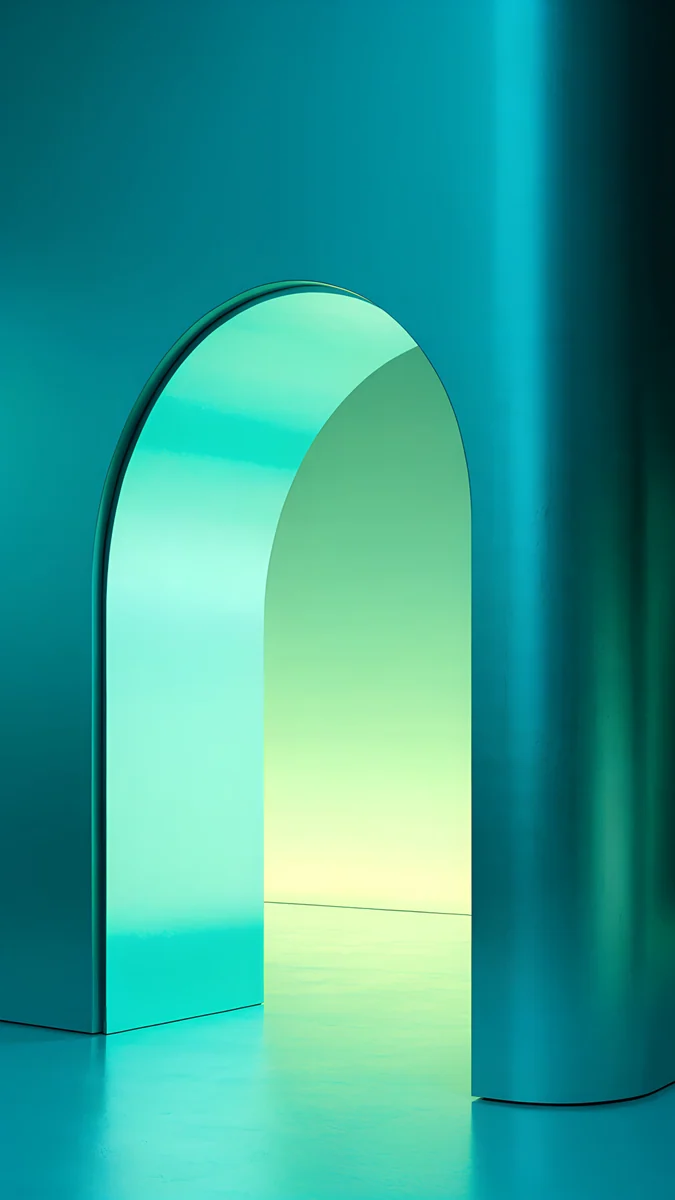
Cobalt Glass Crossing crosses deep blue glass bands over a navy field. Peach Glass Sunset is the warm option, in peach and coral. Teal Glass Ribbons runs green-blue ribbons over a dark ground, and Molten Chrome Field adds liquid chrome for a high contrast look. Try the same wallpaper at both ends of the slider: it reads differently each time. If you also use clear or tinted app icons, clear and tinted icons guide shows how to match them to a picture.
Dark and OLED wallpapers for Dark Mode and Always-On
A mostly black picture keeps tinted glass calm in Dark Mode, and on an OLED screen black pixels stay dark, so one bright shape looks sharp. On iPhones with an Always-On display, the lock screen is dimmed instead of switched off, and a black wallpaper with a single shape looks almost the same awake and dimmed.
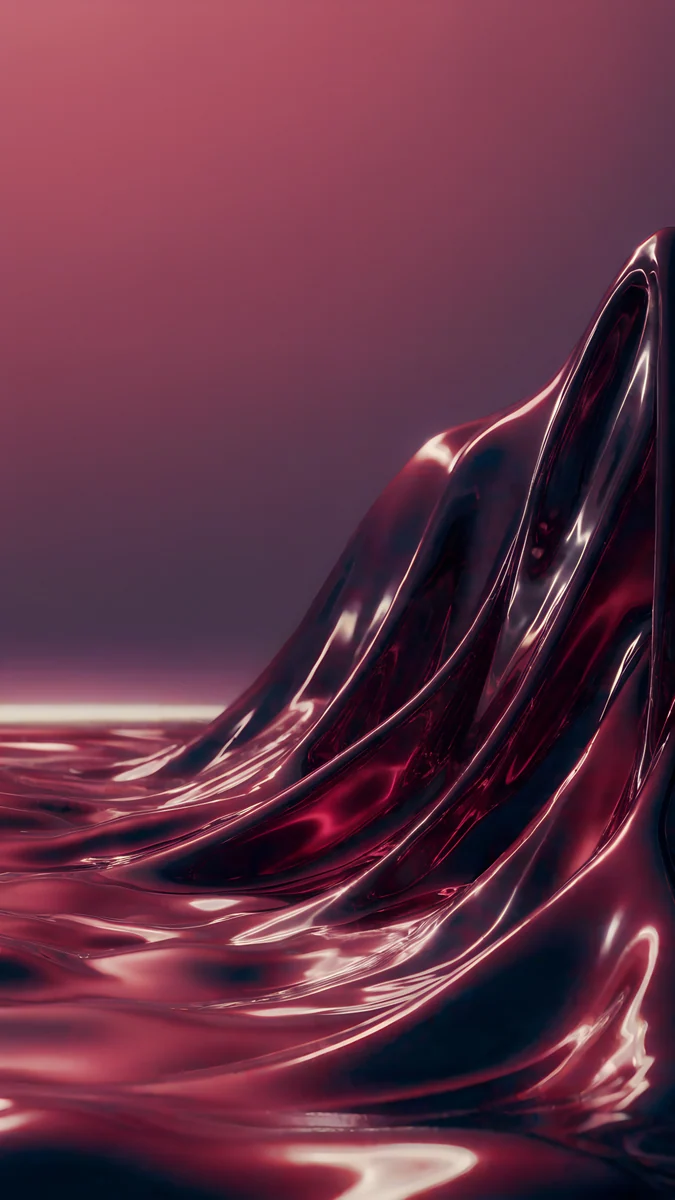
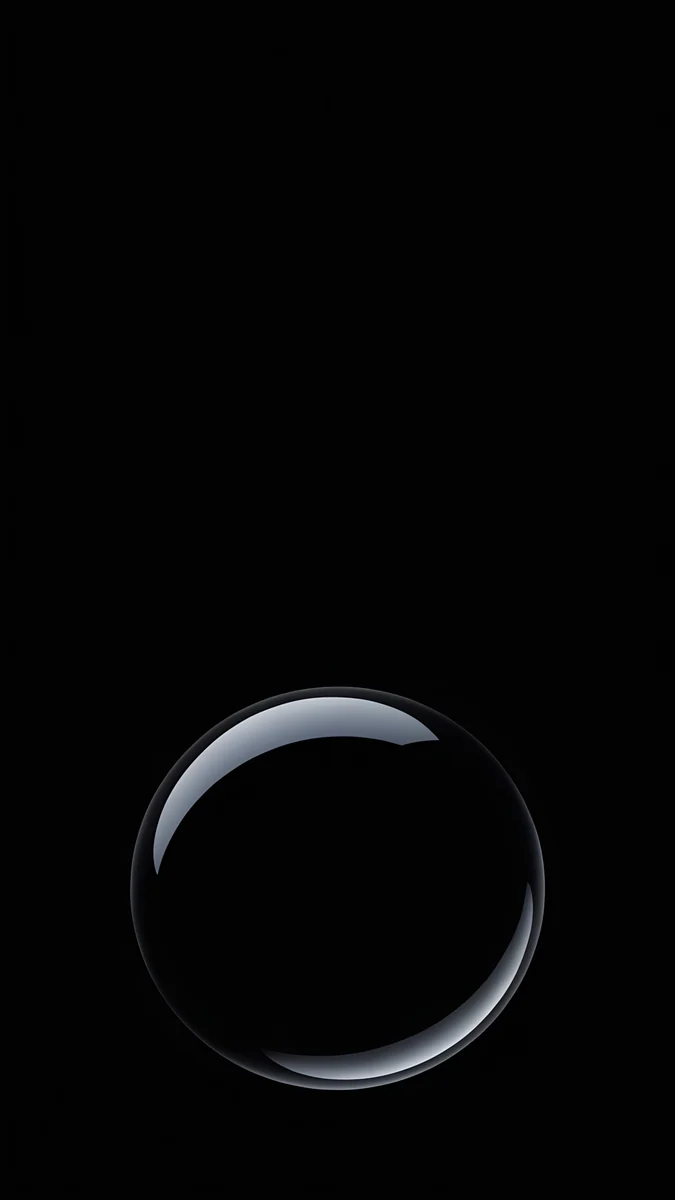
Obsidian Glass Rise lifts a dark glass shape from the bottom edge. Violet Glass Sweep is a violet curve on black. Black Satin Tide keeps a low tide of satin at the bottom and leaves the rest pure black. Burgundy Halo Ring stands one glowing ring on black, a good fit for a dimmed screen.
Colour sets for iOS 27
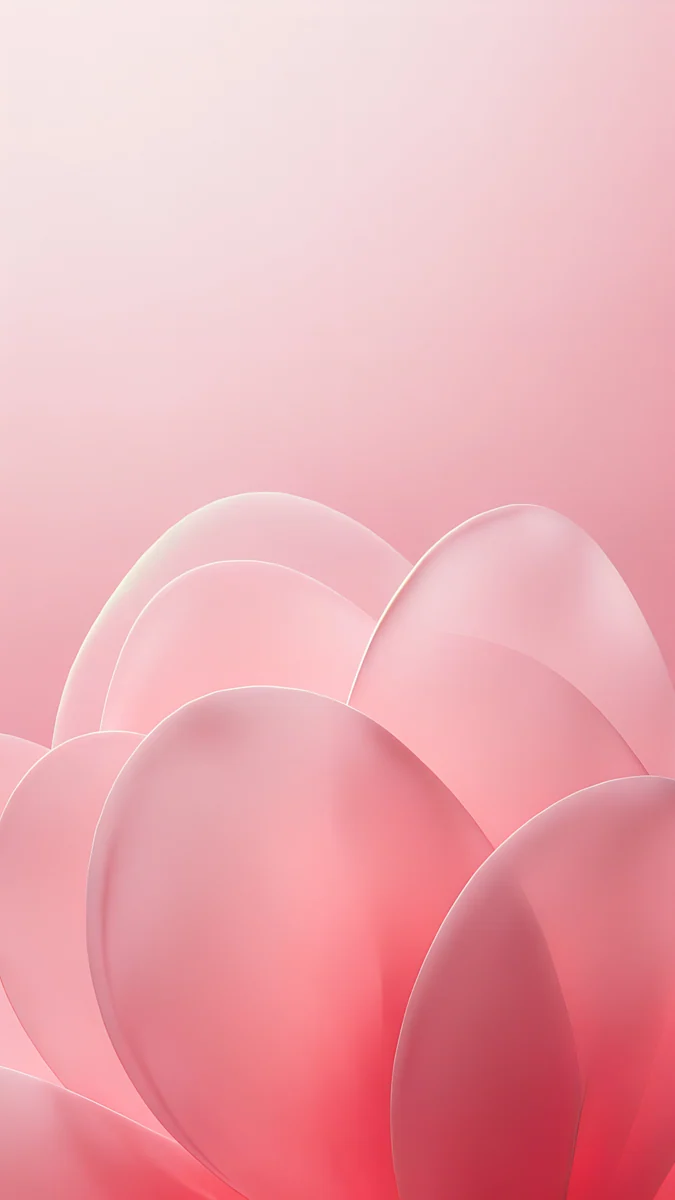
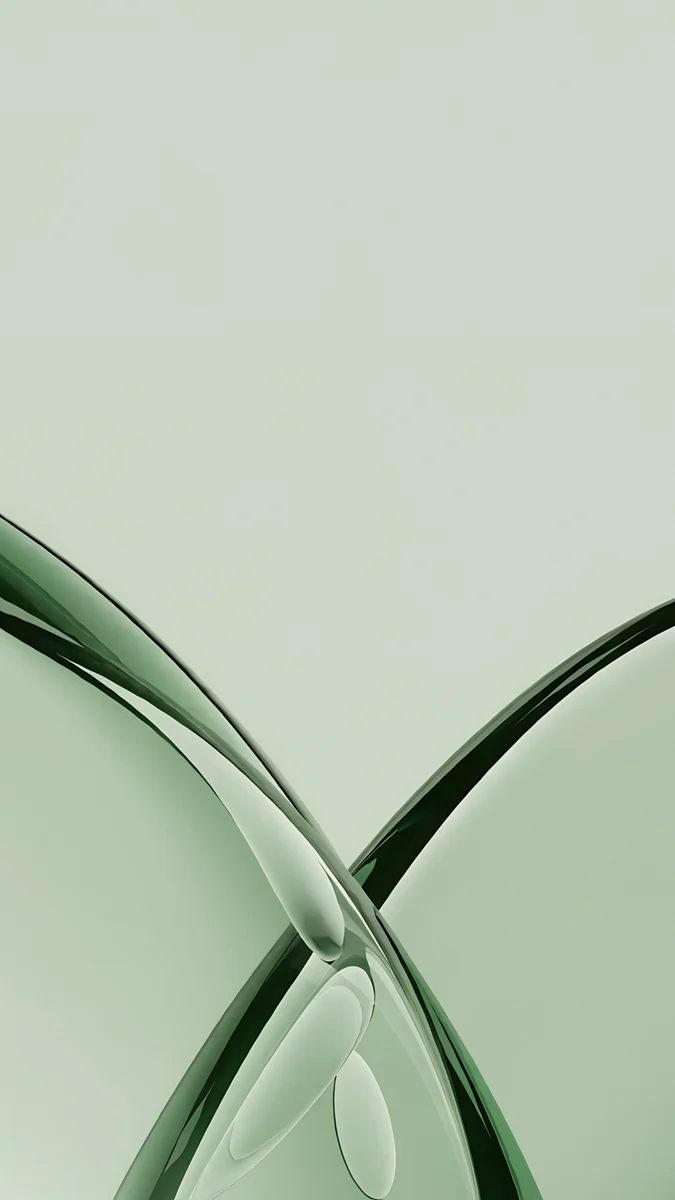
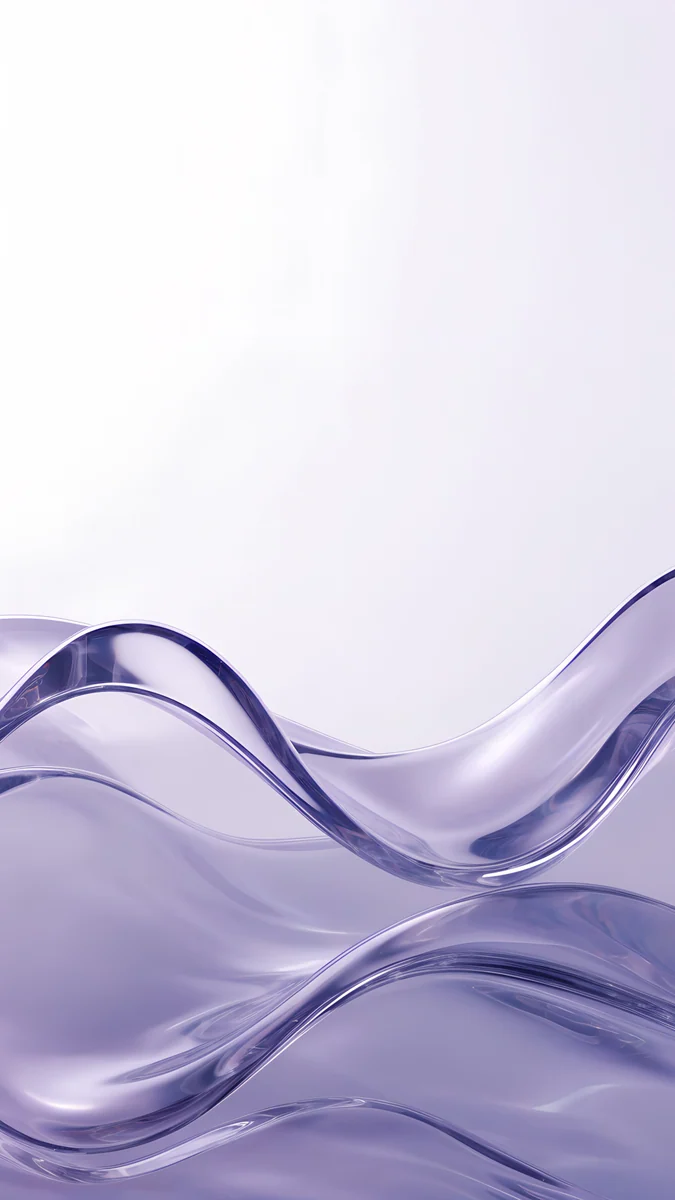
Pick the colour first, then the shape. These glass curves come in a colour for every taste, so you can match a case, a Focus or a mood. Mist blue, champagne, cobalt, teal, violet and peach are in the galleries above. These six add burgundy, glacier, silver, pink, sage and lavender.
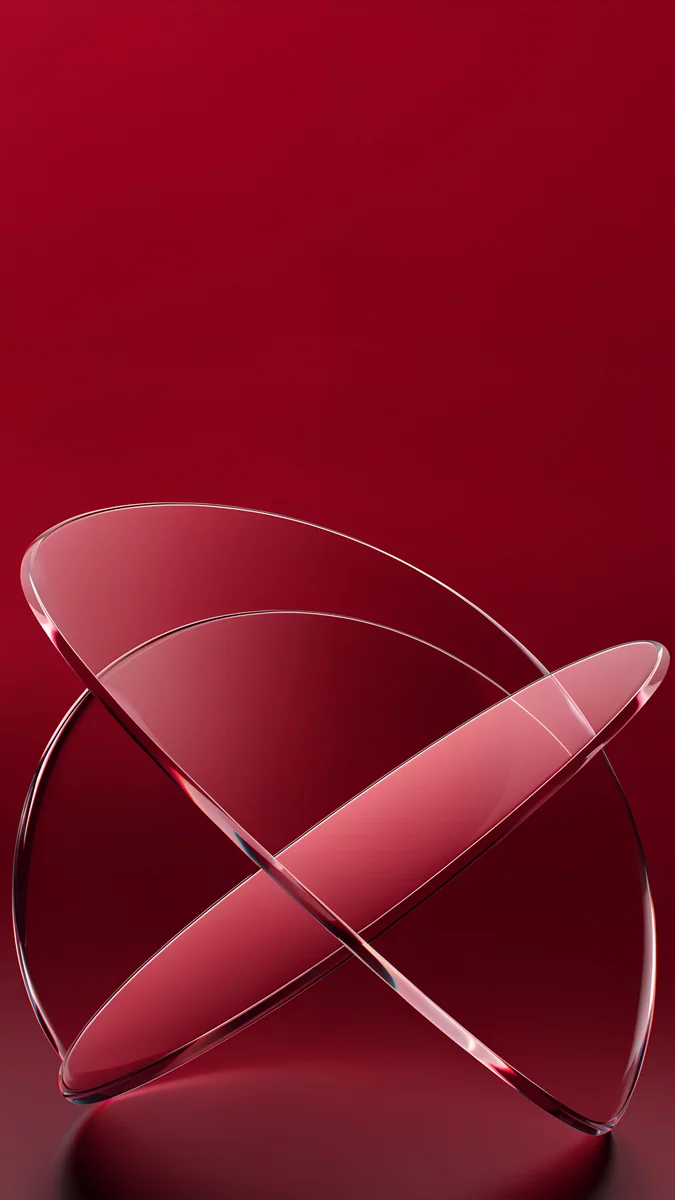 Burgundy Glass Orbits
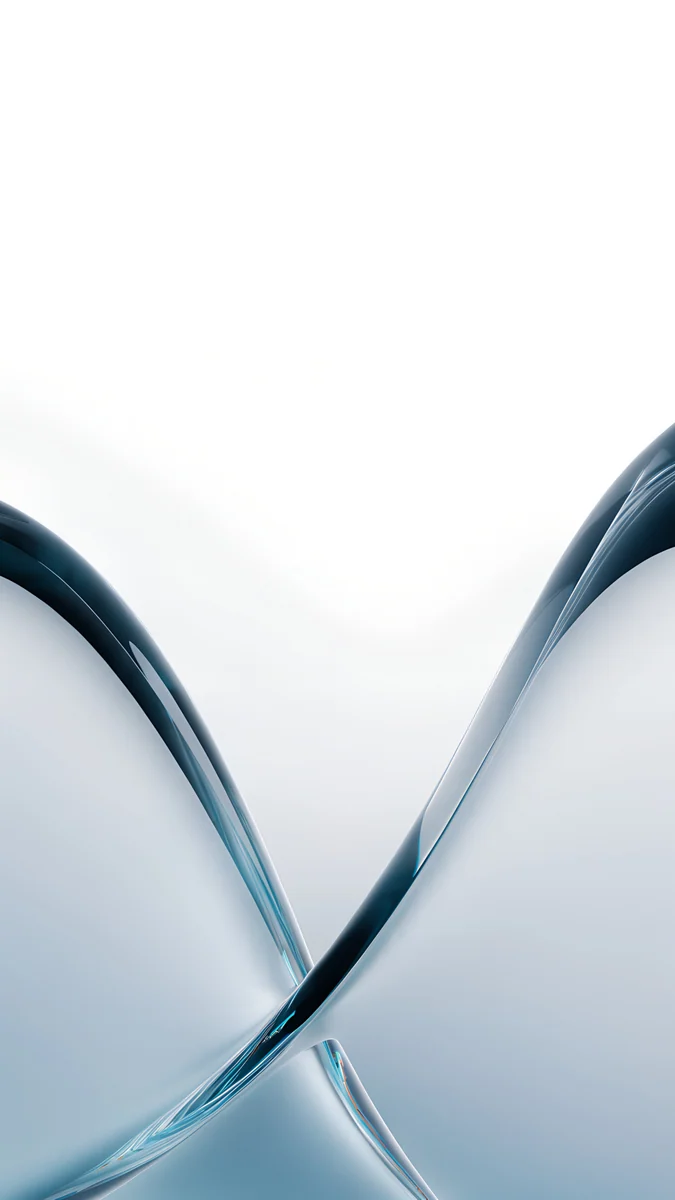 Glacier Glass Arcs
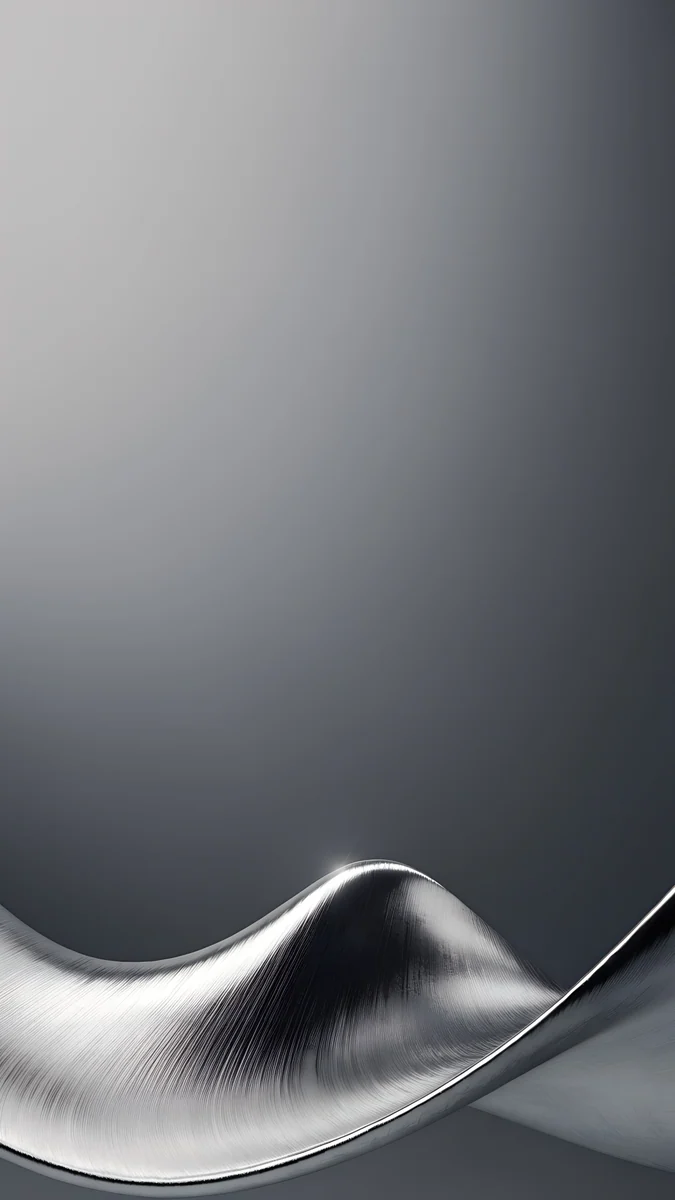 Brushed Silver Wave
 Blush Glass Petals
 Sage Glass Arcs
 Lavender Glass Tide
Burgundy Glass Orbits is wine red rings on a crimson field and Glacier Glass Arcs is its pale, icy opposite. Brushed Silver Wave is the neutral pick, a low wave of brushed metal. Blush Glass Petals is the pink one, Sage Glass Arcs the calm green and Lavender Glass Tide a soft lilac.
Which iPhones get iOS 27
According to Apple's iOS page, iOS 27 runs on:
- iPhone 11 and later
- iPhone SE (2nd generation and later)
- iPhone 16e and iPhone 17e
- iPhone Air and iPhone Duo
- iPhone 18 Pro and iPhone 18 Pro Max
Screen sizes differ by model, but the wallpaper files here are larger than every iPhone screen. For the newest phones, see our iPhone 18 Pro wallpapers page.
How to set an iOS 27 wallpaper
- Save the original to Photos from the Velpaper app or from the wallpaper page on velpaper.com.
- Open Settings, tap Wallpaper, then Add New Wallpaper, and choose Photos.
- Select the image, then pinch and drag until the main shape sits clear of the clock and the icons.
- Tap Add and decide whether to use it on the lock screen and the home screen together.
The Liquid Glass slider is described on Apple's page, but not its menu path, so after updating look in Settings for the Liquid Glass option; the name can differ. Try the slider with the wallpaper already set and keep the position that reads best.
Get these iOS 27 wallpapers in Velpaper
Velpaper is an app for iPhone, iPad, Mac and Android, and every wallpaper is also on velpaper.com. Browsing and previews are free. The phone wallpapers in this article unlock after a short optional ad in the apps; on the website the original downloads free when no ad is available. Each phone file is a 4K original at 2160 × 3840, with no watermark and no account needed. The wallpapers are designed by Carlos Vivero.
Next step: open Mist Blue Frosted Panes, save the original, set it, then drag the Liquid Glass slider from ultraclear to tinted and see how the icons change.
Original wallpapers in and for iPhone, Android and desktop.
Questions
Which wallpaper looks best with ultraclear Liquid Glass in iOS 27?
A calm one. Apple says the new slider adjusts Liquid Glass from ultraclear to fully tinted, and at the ultraclear end icons and widgets show the wallpaper through them. Busy detail behind a label hurts readability. Choose a smooth gradient or a few soft glass shapes and keep the middle of the screen empty, where the icons sit. Mist Blue Frosted Panes and White Porcelain Curves are good examples, and light pictures are easiest to read.
Does iOS 27 add new wallpapers or Lock Screen features?
Apple's iOS page does not list new wallpaper or Lock Screen features, so we do not claim any. What it does describe is a refined Liquid Glass with more uniform refraction and improved contrast, sharper and more detailed app icons, and a new slider that adjusts the glass from ultraclear to fully tinted. For wallpapers, the slider is the change that matters, because it decides how much of your picture shows through the icons.
Which iPhones can run iOS 27?
Per Apple's iOS page: iPhone 11 and later, iPhone SE (2nd generation and later), iPhone 16e, iPhone 17e, iPhone Air, iPhone Duo and iPhone 18 Pro and Pro Max. If your iPhone is on that list, every wallpaper in this article works on it, because each Velpaper phone file is a 2160 × 3840 original that iOS only scales down.
Do dark wallpapers work with the tinted look?
Yes. A mostly black wallpaper keeps tinted glass calm in Dark Mode, and on an OLED screen the black stays dark, so a single bright shape looks sharp. On iPhones with an Always-On display, a dark wallpaper also looks nearly the same when the lock screen is dimmed. Obsidian Glass Rise, Violet Glass Sweep and Black Satin Tide are good starting points.
Are these iOS 27 wallpapers free?
Browsing and previews are free on velpaper.com and in the Velpaper apps for iPhone, iPad, Mac and Android. The phone wallpapers in this article unlock after a short optional ad in the apps, and on the website the original downloads free when no ad is available. Each file is a 4K original at 2160 × 3840 with no watermark and no account needed.
Carlos Vivero
Designer of Velpaper wallpapers
Carlos Vivero designs the wallpapers in Velpaper: quiet architecture, liquid glass, Japanese ink and calm landscapes. Every piece is made as a original for iPhone, Android and desktop.
Recent work