Lilac Wallpapers: Light Purple and Lavender in 4K
Lilac and light purple wallpapers for iPhone, Android and desktop: pale lavender glass, periwinkle and lilac dusk skies, with clock and dark mode tips.
By the Velpaper team · Wallpapers by Carlos Vivero, Velpaper designer · · 5 min read
In short: A good lilac wallpaper keeps a soft, milky purple across most of the screen, light enough to feel calm and with a clock colour that still reads. Velpaper has original lilac and lavender phone wallpapers at 2160 × 3840, from almost white lilac glass to periwinkle and dusk skies, plus free light purple desktop wallpapers in 4K and 5K.
Wallpapers
 Lavender Silk
 Dusk Snow House
 Saltwater Moon
 Lilac Transmission
 Lilac Pearl
 Mint Aura
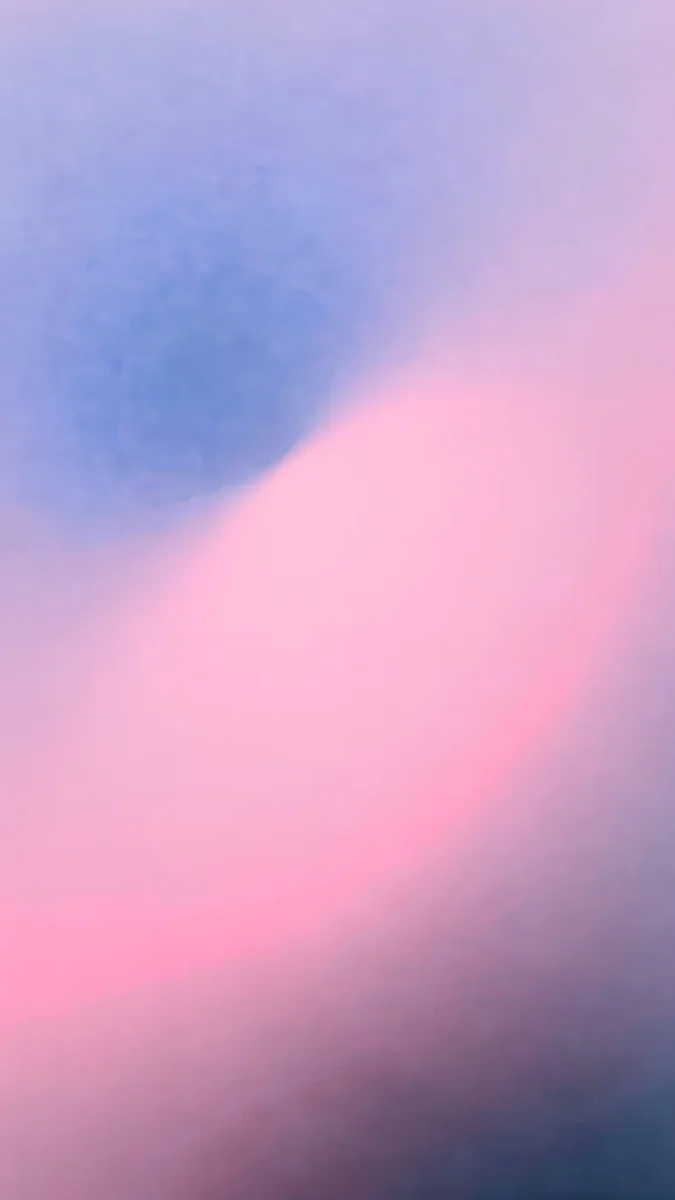 Lilac Hush
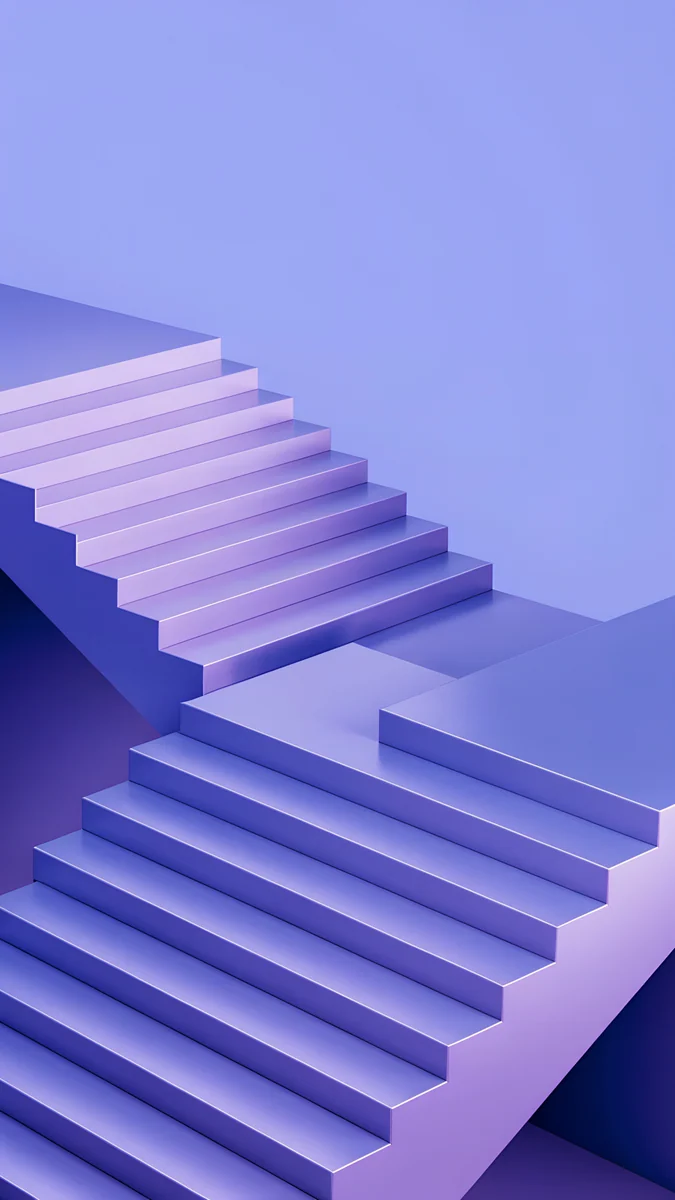 Periwinkle Corner Rise
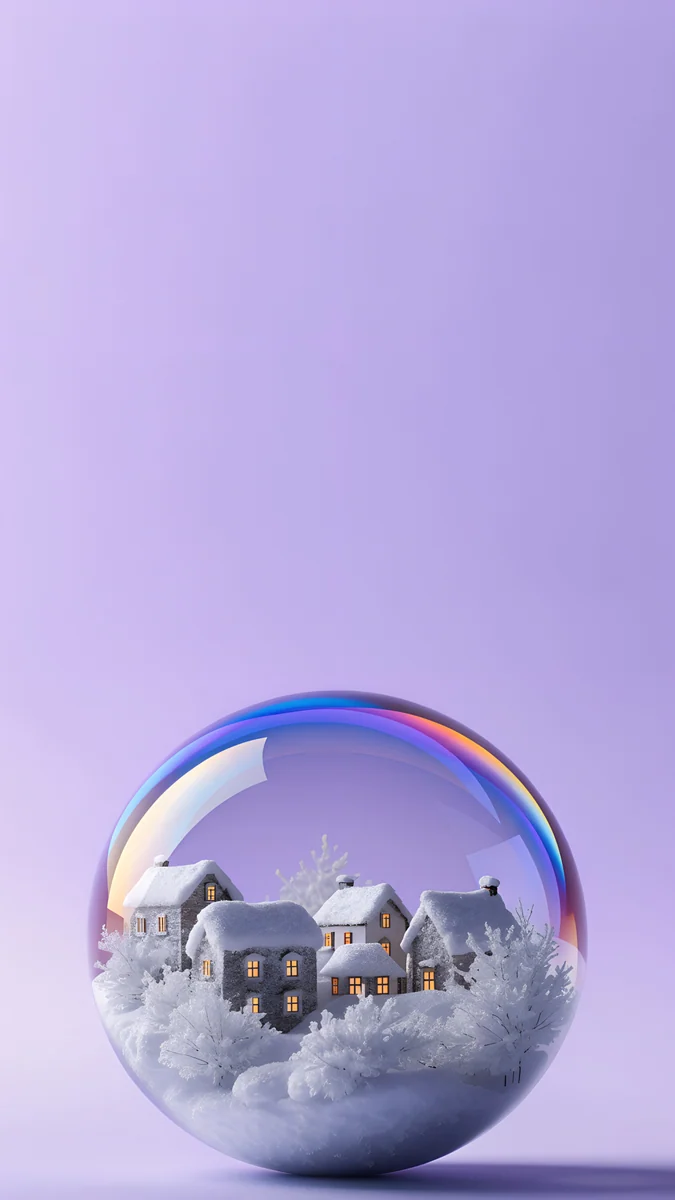 Lilac Snow Globe
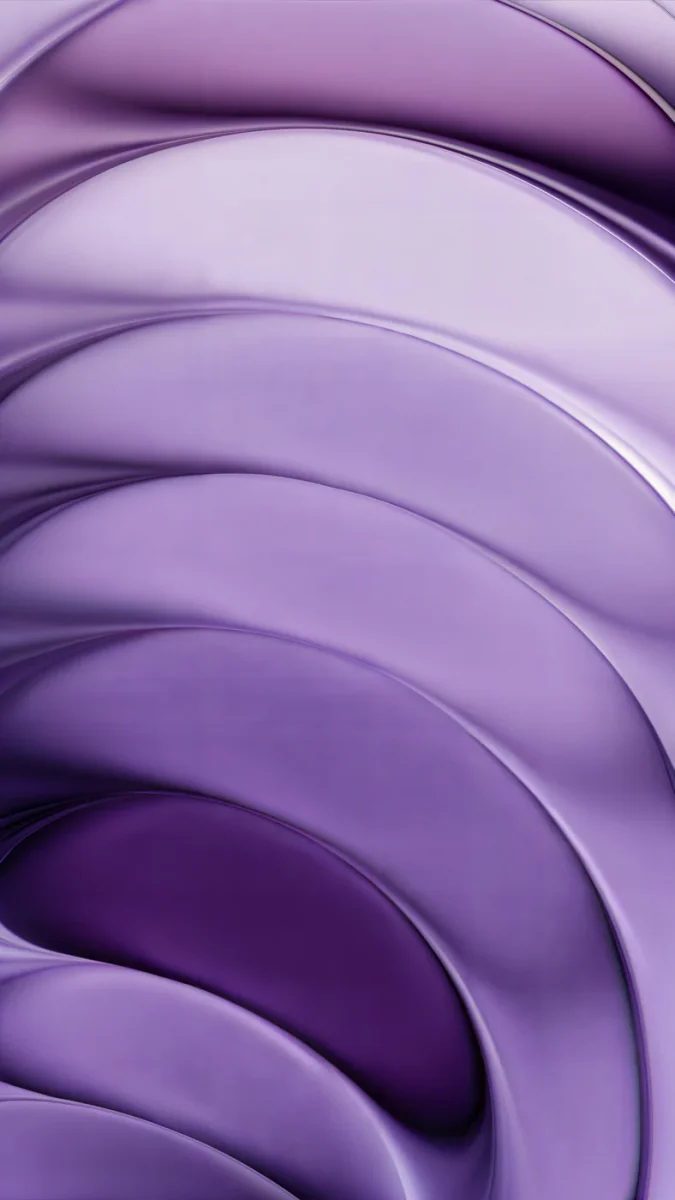 Lilac Strata
 Violet Afterglow
 Rooftop
Free originals for iPhone and Android, no watermark
On this page
The best lilac wallpapers keep a pale, milky purple across most of the frame: lavender silk, a lilac evening sky, a periwinkle staircase in soft light. Lilac is the light end of purple, cooler than pink and softer than violet, so it looks calm in light mode and does not glare at night the way white does. This collection stays in that light purple range. If you want deep violet, neon or galaxy purple, our purple aesthetic collection covers the darker shades. Every phone wallpaper here is a 2160 × 3840 original, sharp on any iPhone or Android phone, and the desktop picks are wide 4K and 5K files. Lilac has one useful quirk: the mid shades still hold a white clock, while the palest ones need a darker plum or navy clock. Below are three phone groups by shade, a desktop group and tips for pairing your screens.
All the art is designed by Carlos Vivero for Velpaper and comes without a watermark.
What lilac does on a phone screen
It sits between light and dark. Lilac is pale enough for white widgets and light menus, yet it has enough colour that dark mode does not look like a flashlight behind black panels.
The clock depends on the shade. On mid lilac and periwinkle a white clock reads fine. On almost white lavender it fades, so touch and hold the Lock Screen, tap Customize, tap the time and pick a deep plum, navy or charcoal. Our guide to a wallpaper that keeps the clock readable shows how to test it in daylight.
It tints Android. On Android 12 and later, Material You takes colours from the wallpaper, so a lilac picture turns quick settings and some icons a soft lavender. On Pixel this lives under Wallpaper and style; on Samsung, look for Color palette in the same menu.
It is not an OLED battery saver. Pale colours light almost every pixel. What OLED gives lilac is clean, even colour without a grey cast.
Pale lilac, almost white
The lightest group. Here the screen is mostly white or pearl grey, and lilac lives in the glass, the silk and the light.
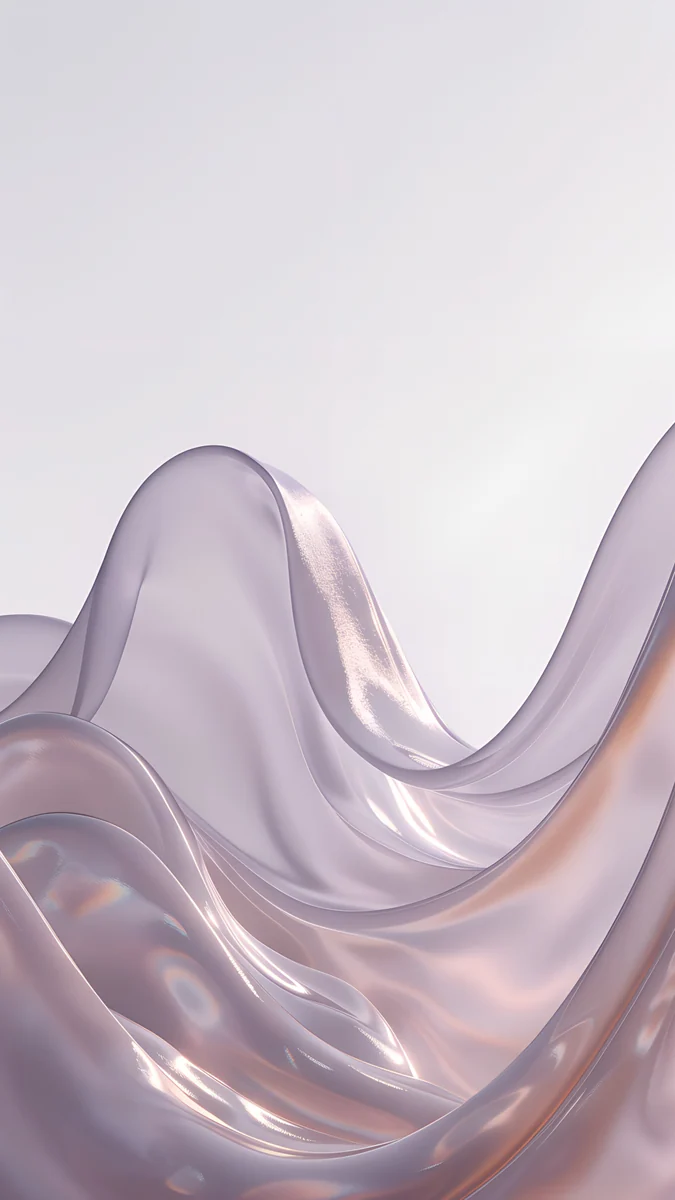
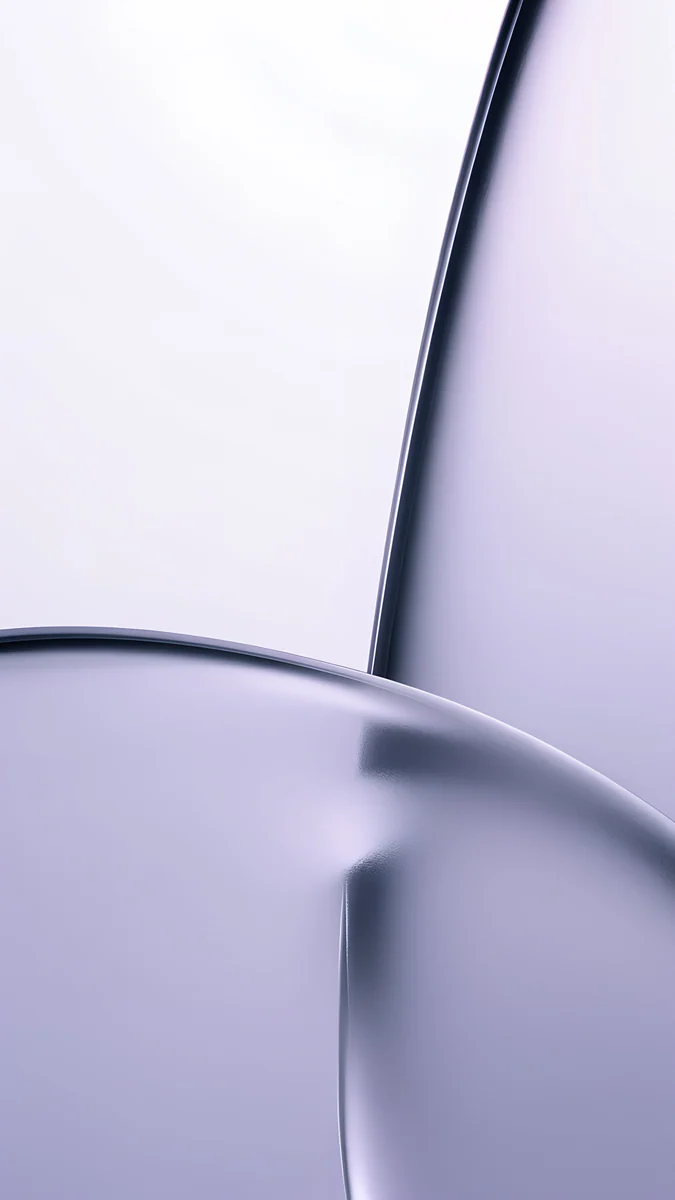
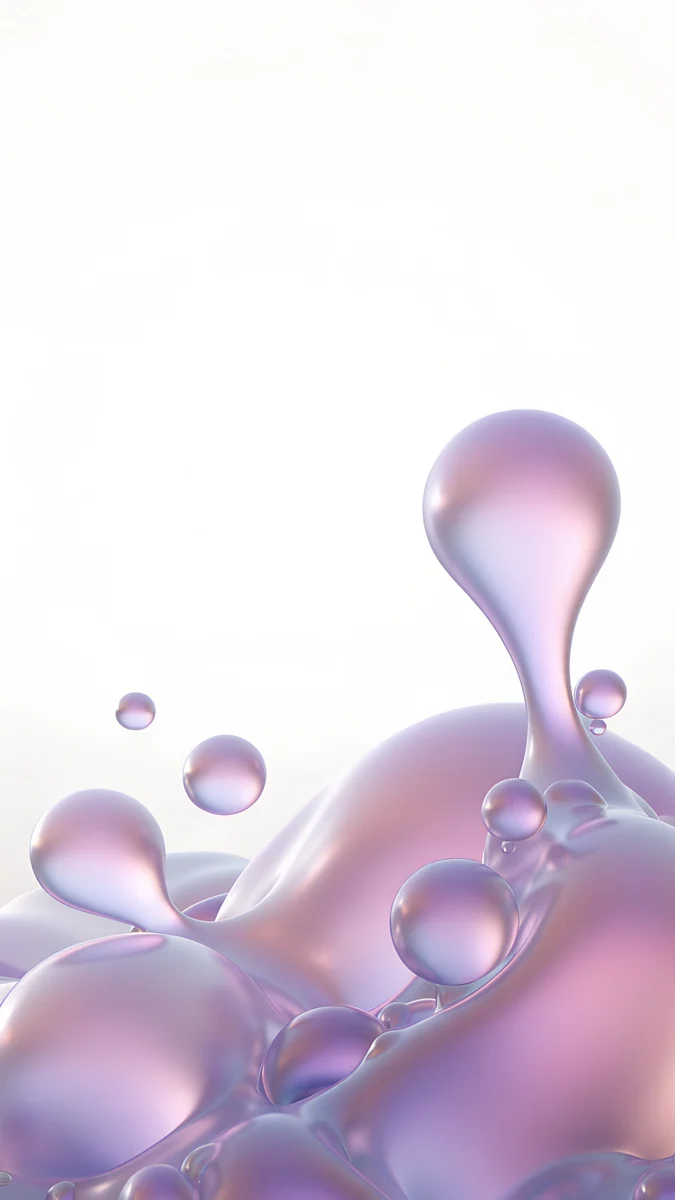
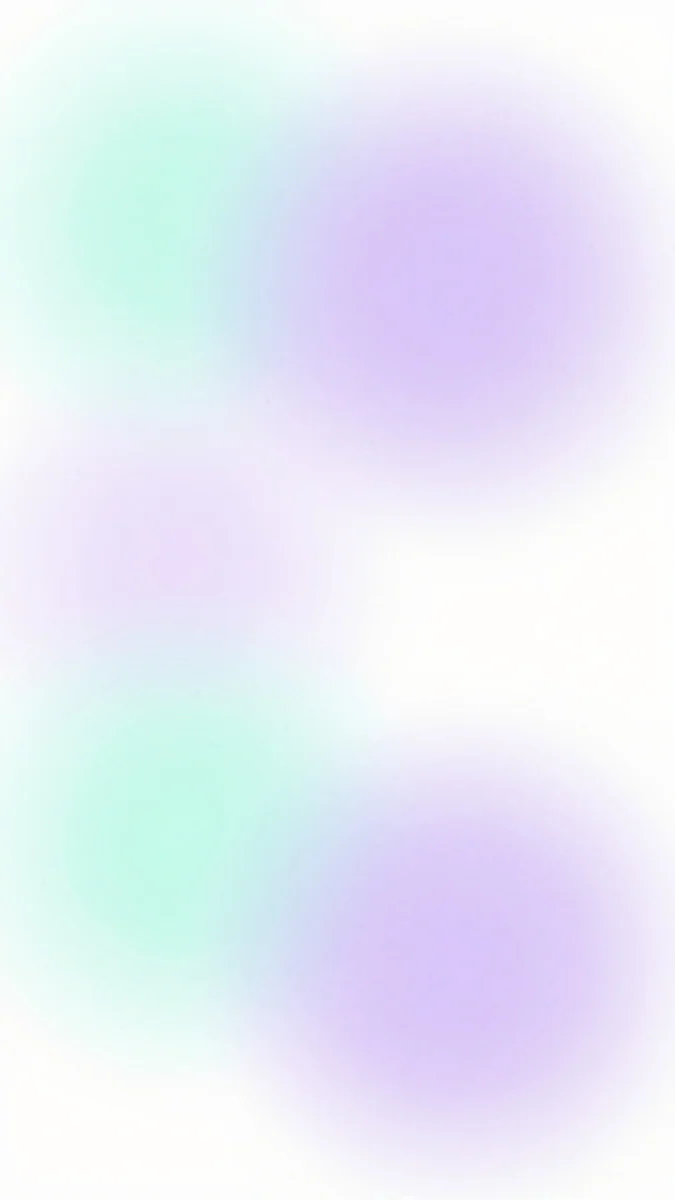
Lilac Transmission curves large panes of lavender grey glass down the right edge of an almost white frame, leaving the left side open for the clock. Lilac Pearl lifts pearly lilac and pink drops from the bottom of the screen, with the top half clean. Lavender Silk rolls a silvery lavender wave across the middle under a pale sky, and Mint Aura is the softest of all: white with blurred lilac and mint light drifting through it. Use a dark clock on all four.
Lavender and periwinkle
This group has more colour. Lavender leans grey, periwinkle leans blue, and both hold a white clock well.
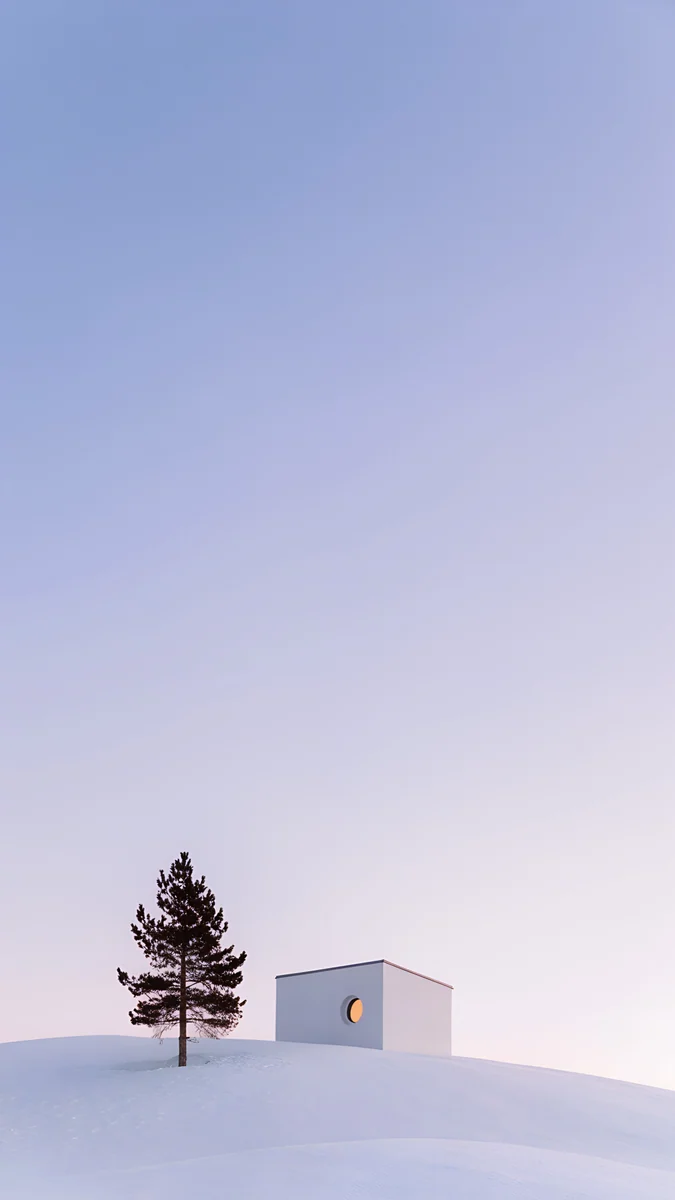
Lilac Hush is a smooth blur from periwinkle at the top through pink to a slate shadow, the best pick for a home screen full of widgets. Periwinkle Corner Rise builds blocky periwinkle stairs with soft shadows, a cooler and more graphic option. Dusk Snow House puts a small white house, one warm round window and a lone pine on a snowy hill under a lilac blue sky, with the top two thirds empty. Lilac Snow Globe holds a snowy village with lit windows against a soft lilac backdrop. Lilac Strata is the deepest here, layered violet glass curving across the screen, a bridge to the darker purples.
Lilac skies at dusk
Lilac is the colour of the sky just after sunset, so landscapes and lo-fi scenes carry it naturally. These are the warmest picks, good for evening use.
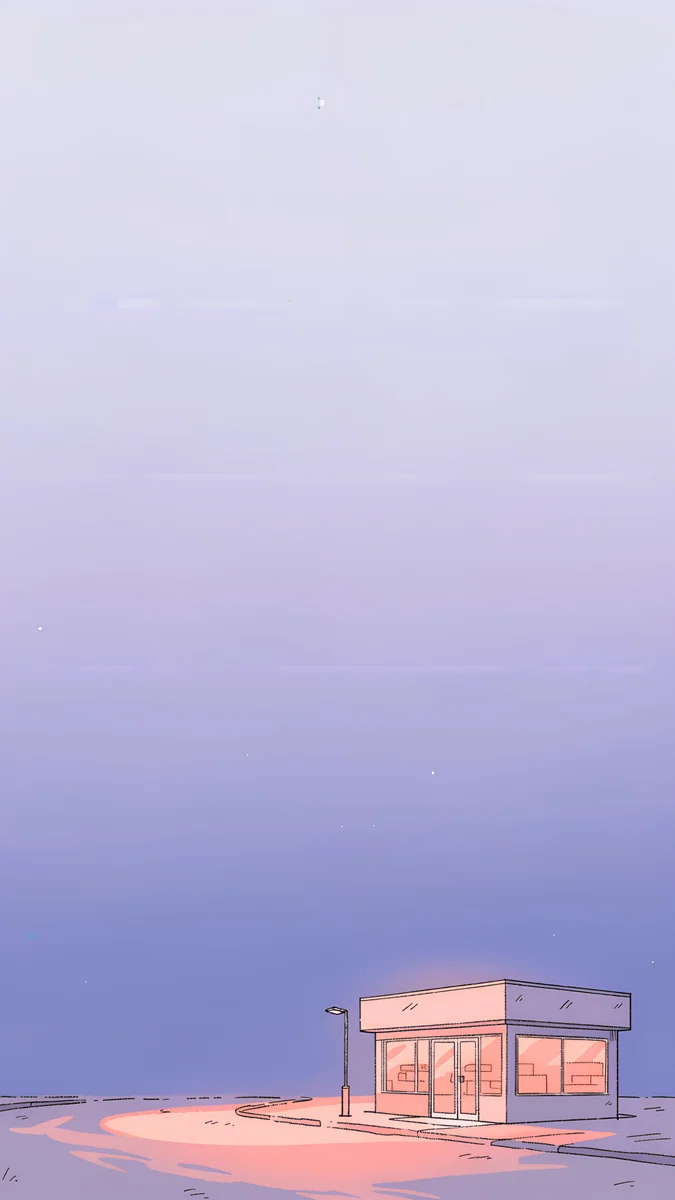
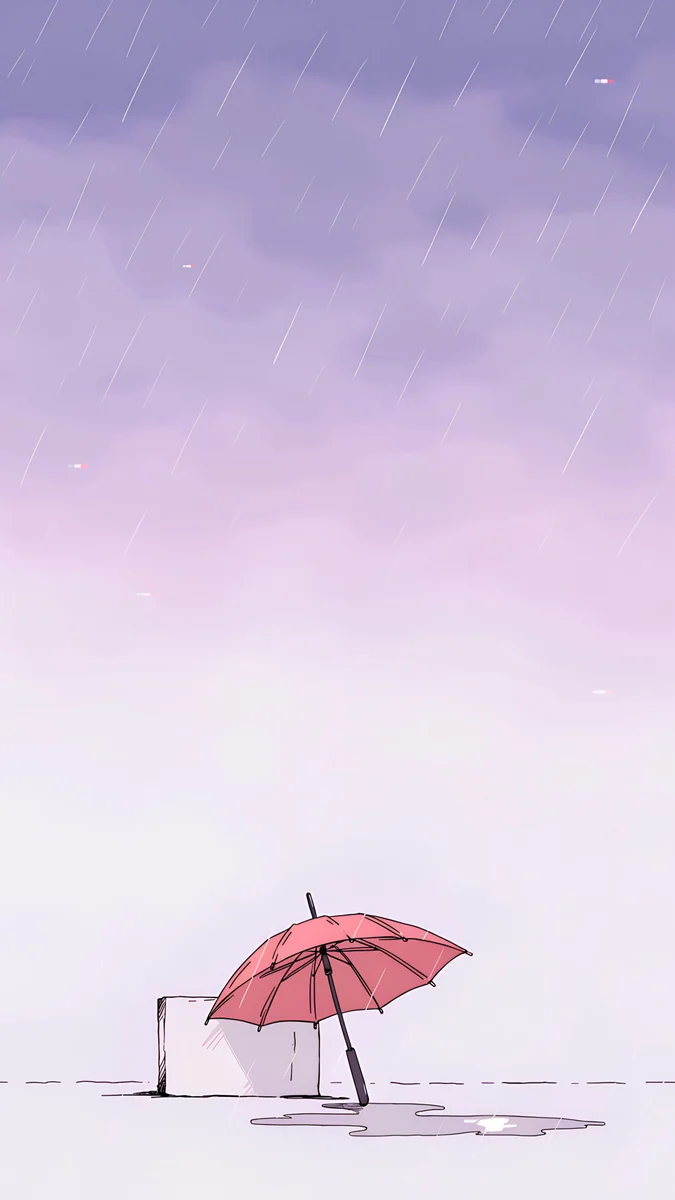
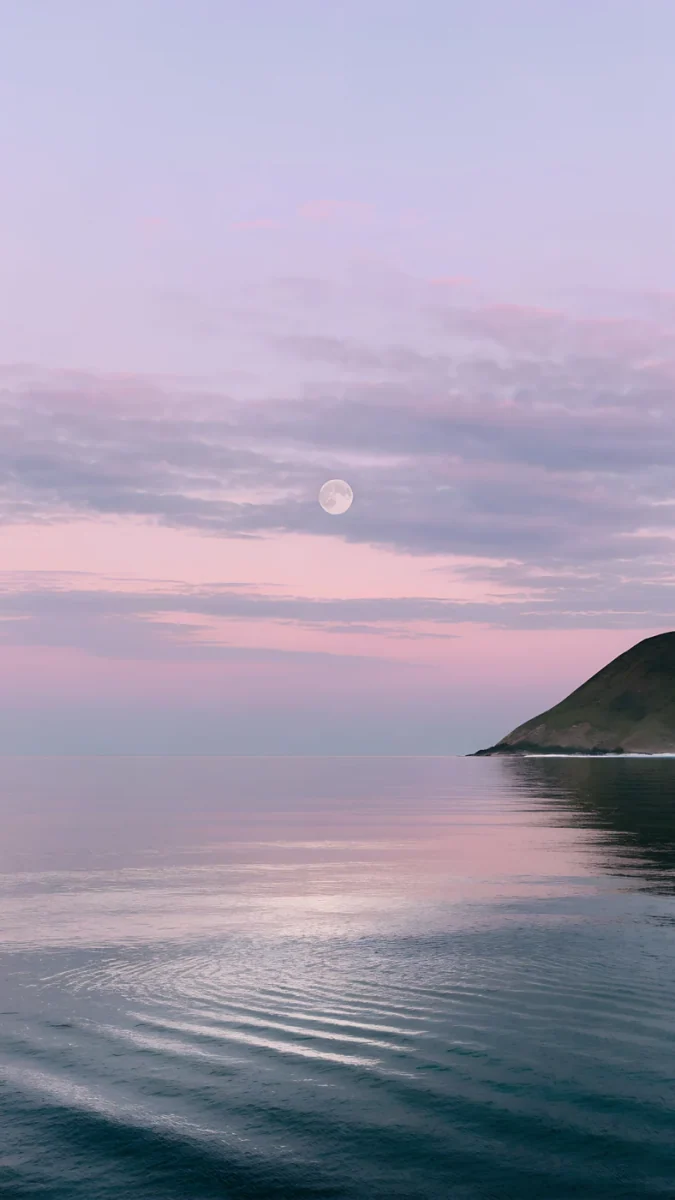
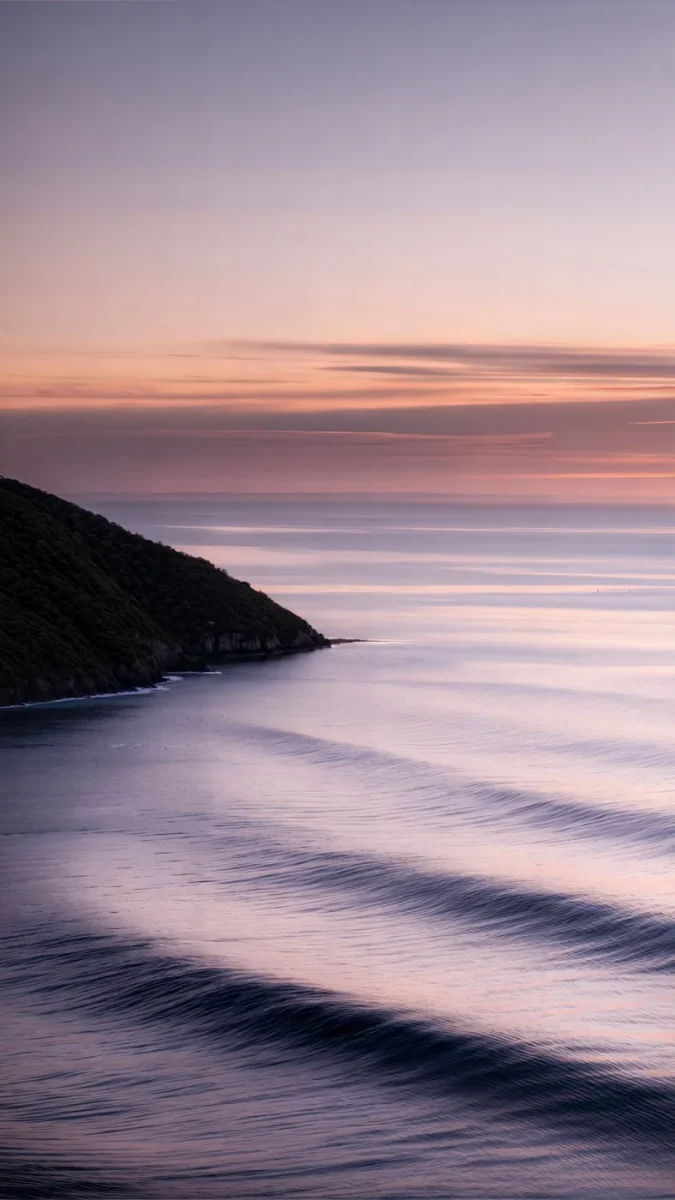
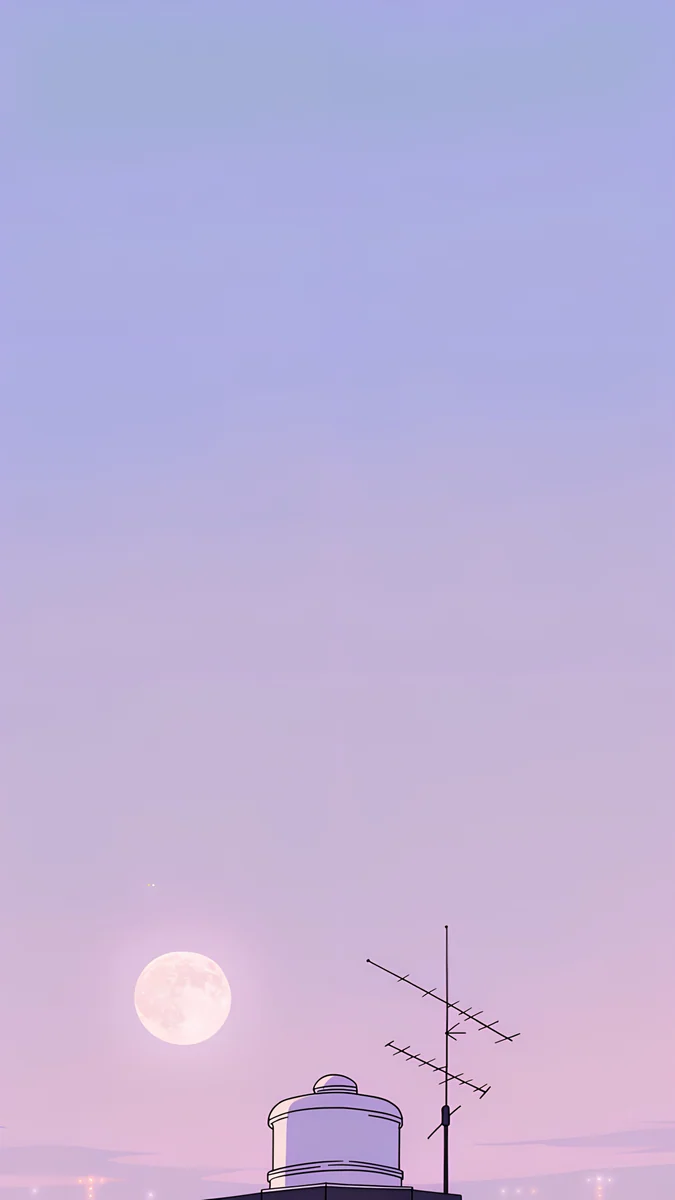
Saltwater Moon hangs a tiny moon in a lilac pink sky over calm teal water and a green headland. Violet Afterglow drops a dark hill into a still sea under lilac and peach clouds. Rooftop fades a lilac sky into pink behind a low full moon, with only a water tank and an antenna at the bottom edge. Night Store sets a small corner shop at the end of an empty road, and Pink Umbrella is a pink umbrella in soft rain, drawn in lavender and peach. More scenes like these are in our pastel aesthetic wallpapers.
Light purple wallpapers for desktop and laptop
Lilac works well on a large screen because it stays calm behind windows and menu bar text. These are wide originals, not phone images stretched sideways, and every one is free.
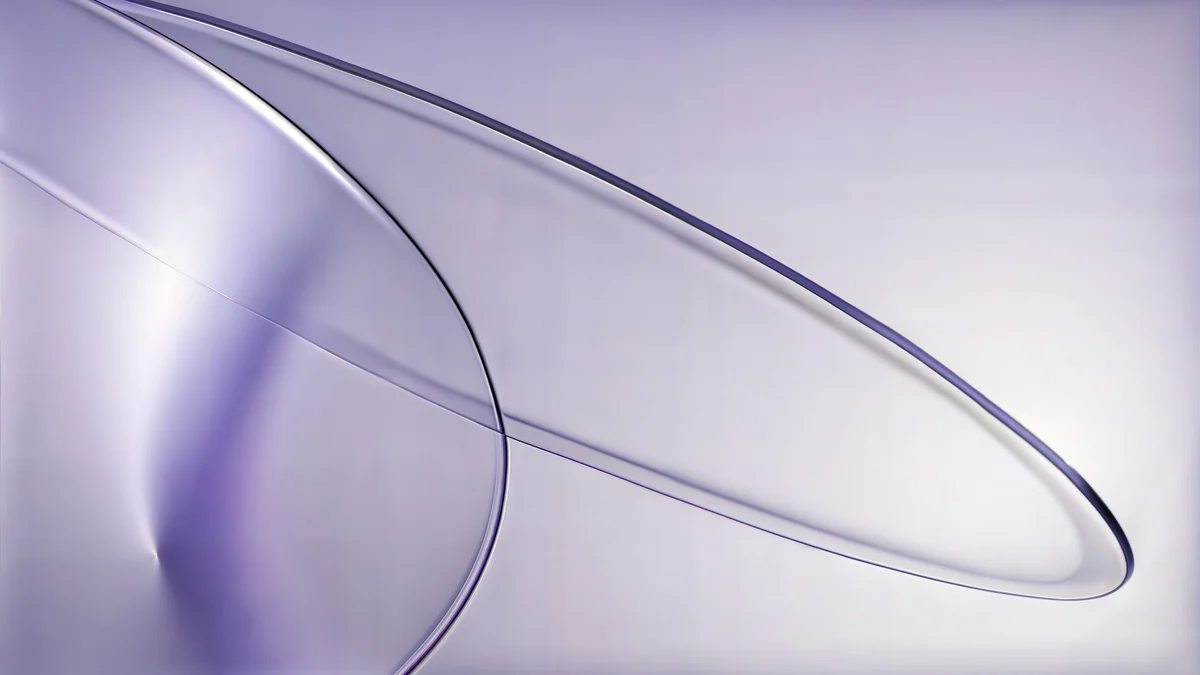
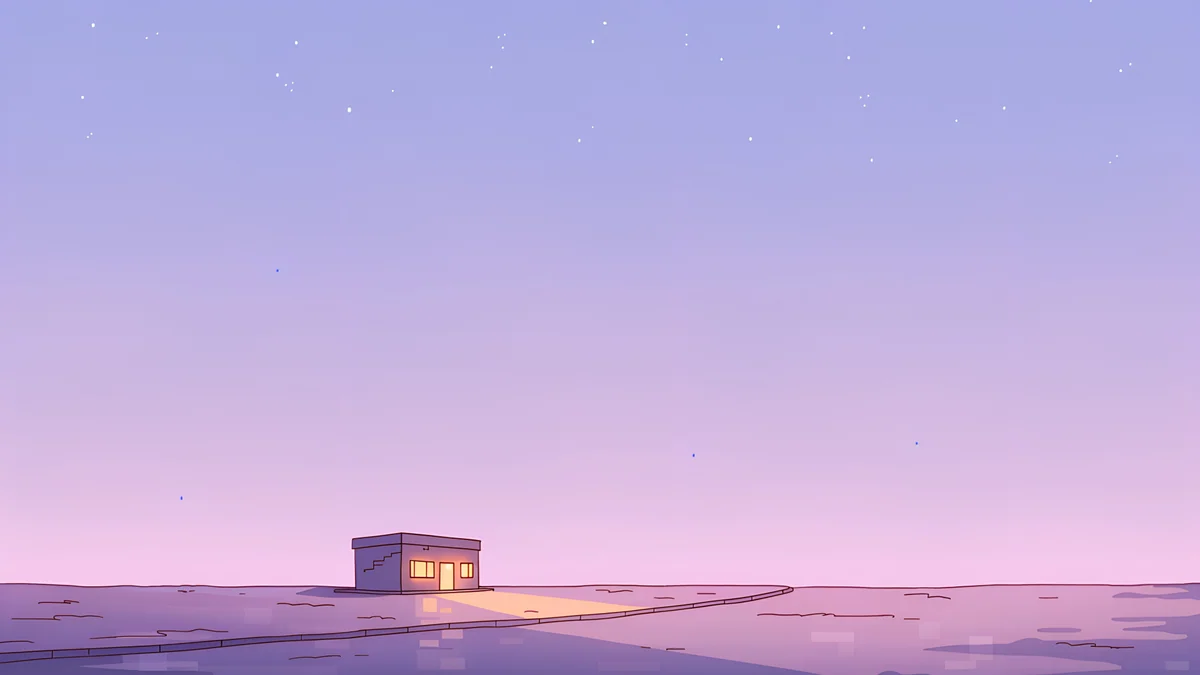
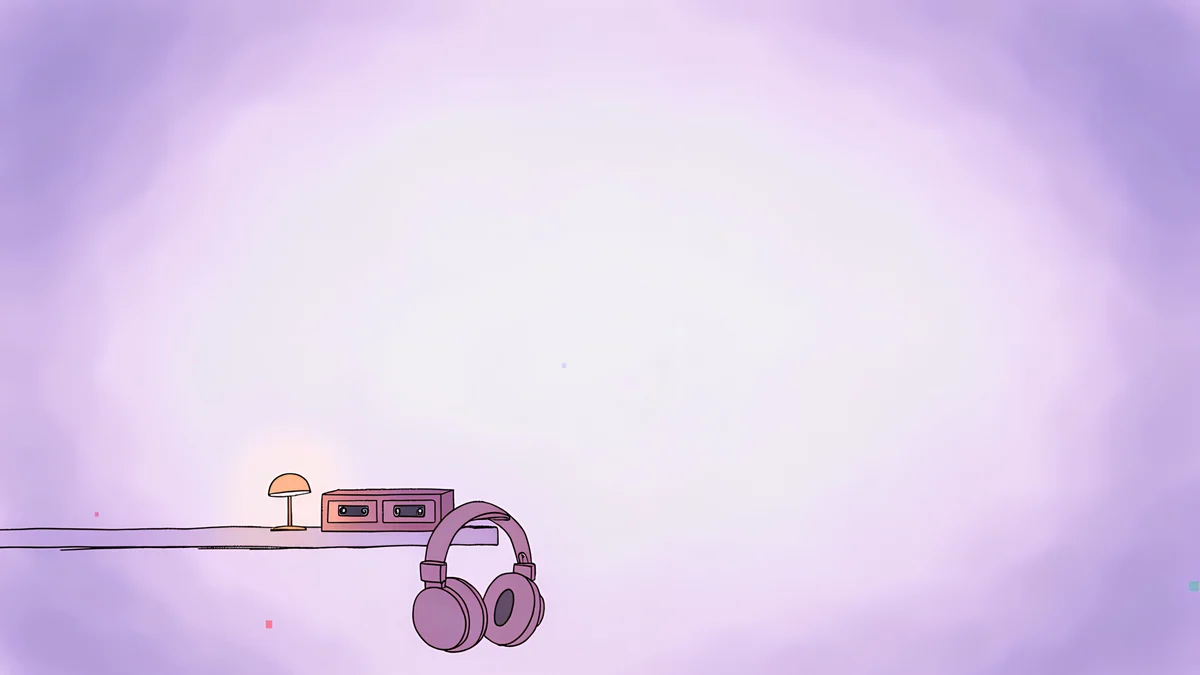
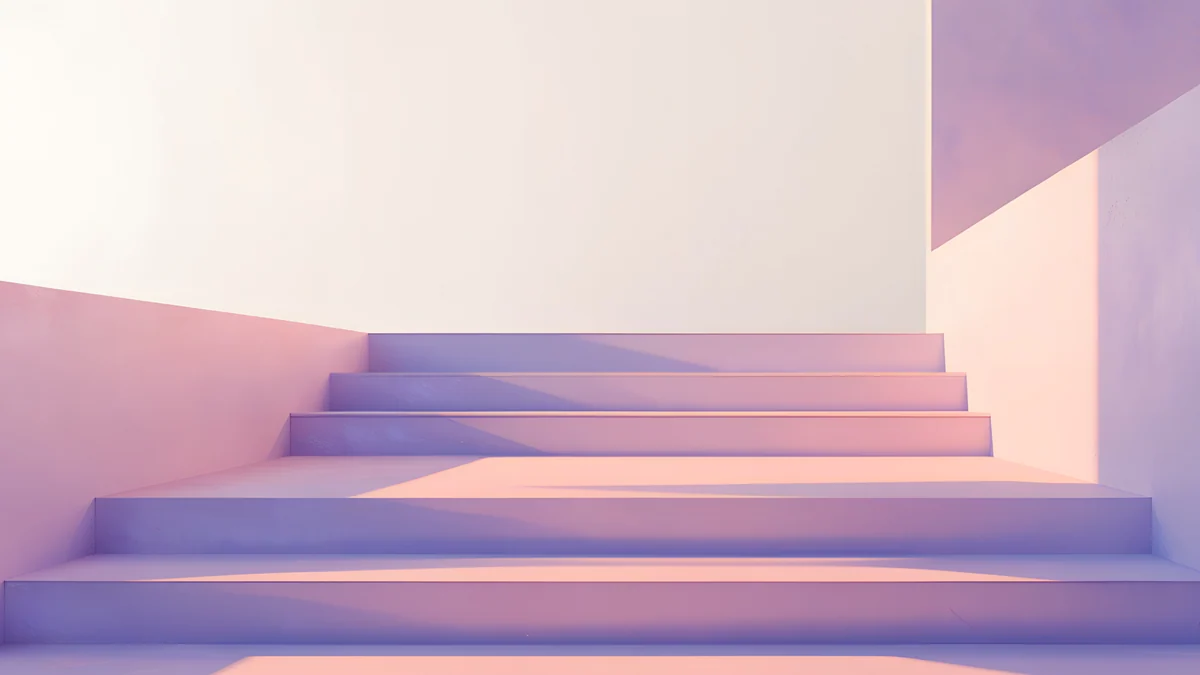
Lilac Drift runs thin lilac glass lines across a white field at 5120 × 2880, quiet enough for a full desktop of icons. The wide Night Store gives the corner shop room to breathe. Night Tape is a cassette player and headphones on a desk in lilac and white, and Peach Switchback Steps is a wide stair in pale peach and lilac light.
Apple's own steps are in Change your iPhone wallpaper, and Google's are in Change your Pixel wallpaper.
How to pair lilac on lock screen, home screen and laptop
Put the detailed picture on the lock screen and a smooth one behind the icons. Dusk Snow House or Saltwater Moon on the lock screen pair well with Lilac Hush on the home screen, which keeps app labels readable. On iPhone the home screen editor can also blur the same picture behind the icons.
For dark mode users, the dusk group and Lilac Strata feel softer at night than the pale glass set. For matching devices, Night Store, Pink Umbrella and Phone Booth come as phone and desktop versions of the same scene, and Lilac Transmission on the phone shares the glass line look of Lilac Drift on the laptop.
Browsing is free on velpaper.com and in the Velpaper apps for iPhone, iPad, Mac and Android. Phone wallpapers in this article unlock after a short optional ad, the desktop wallpapers download free, and there is no account or subscription.
Original wallpapers in and for iPhone, Android and desktop.
Questions
What is the difference between lilac, lavender and light purple?
They overlap, and most people use them loosely. Light purple is any pale purple with a lot of white in it. Lilac is the pinker version, named after the flower, warm and milky. Lavender is slightly greyer and cooler, closer to the dried herb. Periwinkle tips toward blue. Mauve adds grey and pink, so it looks dusty. This collection covers all of them but leaves out deep violet, plum and neon purple, which belong in a general purple collection.
Which clock colour works on a lilac wallpaper?
It depends on how pale the lilac is. On mid shades such as Lilac Hush, Periwinkle Corner Rise or a dusk sky, a white clock reads well. On almost white wallpapers like Lilac Transmission, Lilac Pearl or Mint Aura, white digits fade, so pick a deep plum, navy or charcoal. On iPhone, touch and hold the Lock Screen, tap Customize and tap the time to change it. On Android the clock usually follows the palette taken from the wallpaper.
Is a lilac wallpaper good for dark mode and OLED?
Lilac is one of the easier pale colours for dark mode. It has enough colour that it does not glow like white behind black menus at night, especially the dusk scenes and Lilac Strata. The almost white set is better for light mode. On OLED screens pale colours light nearly every pixel, so a lilac wallpaper does not save battery like a black one, but it does look clean and evenly coloured.
What size are these lilac wallpapers?
Phone wallpapers are 2160 × 3840 pixels, a 9:16 portrait frame that iPhone and Android phones scale down to their screen without blur. Desktop wallpapers are wide 4K originals, and Lilac Drift is 5120 × 2880 for 5K displays. That covers Full HD, QHD and 4K monitors and laptop screens. Previews on the site are compressed so pages load fast, so download the original from the wallpaper page rather than saving the preview.
Are the lilac wallpapers free?
Browsing and previews are free on velpaper.com and in the Velpaper apps for iPhone, iPad, Mac and Android. The desktop wallpapers in this article download for free. The phone wallpapers unlock after a short optional ad, and then you get the full 2160 × 3840 original. There is no account to create, no subscription and no watermark, and every wallpaper is an original artwork made for Velpaper rather than a stock photo.
Carlos Vivero
Designer of Velpaper wallpapers
Carlos Vivero designs the wallpapers in Velpaper: quiet architecture, liquid glass, Japanese ink and calm landscapes. Every piece is made as a original for iPhone, Android and desktop.
Recent work