Teal Wallpapers: Turquoise and Dark Teal in 4K
Teal wallpapers for iPhone, Android and PC: bright turquoise, deep petrol teal and foggy sea green, with matching desktop picks. 4K originals, no watermark.
By the Velpaper team · Wallpapers by Carlos Vivero, Velpaper designer · · 5 min read
In short: The best teal wallpapers keep one blue green shade across most of the frame: bright turquoise for light mode, deep teal or petrol for dark mode. Velpaper has original teal phone wallpapers at 2160 × 3840 and free teal desktop wallpapers in 4K and 5K.
Wallpapers
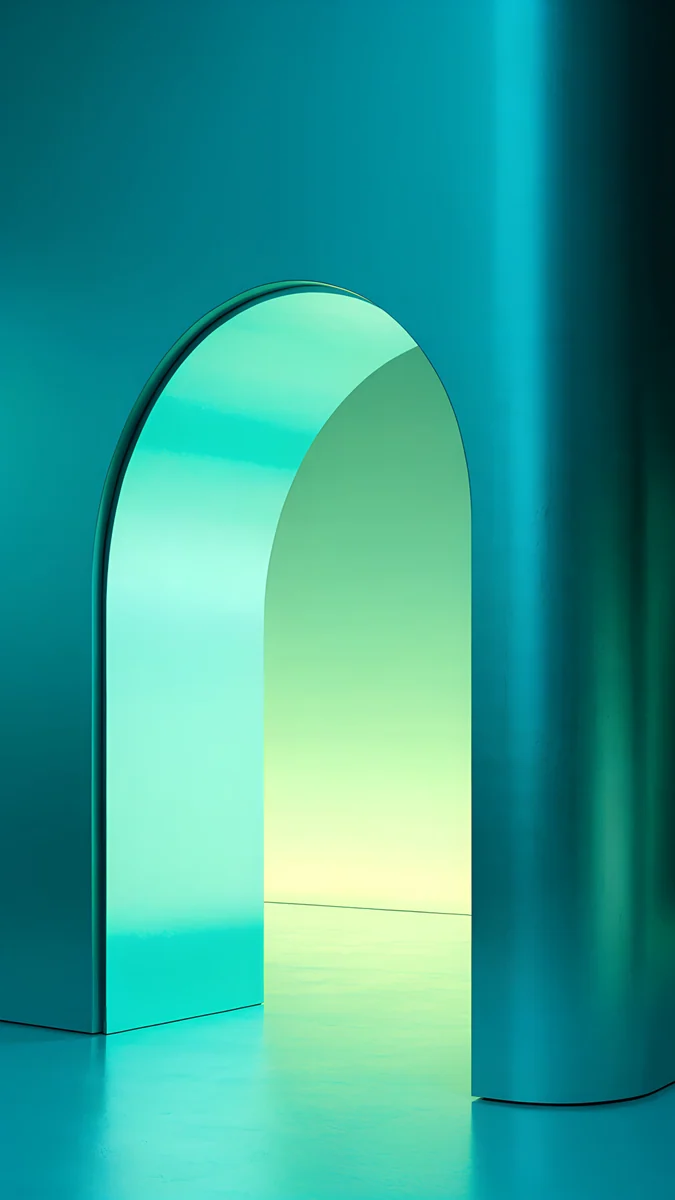 Jade Mint Arch
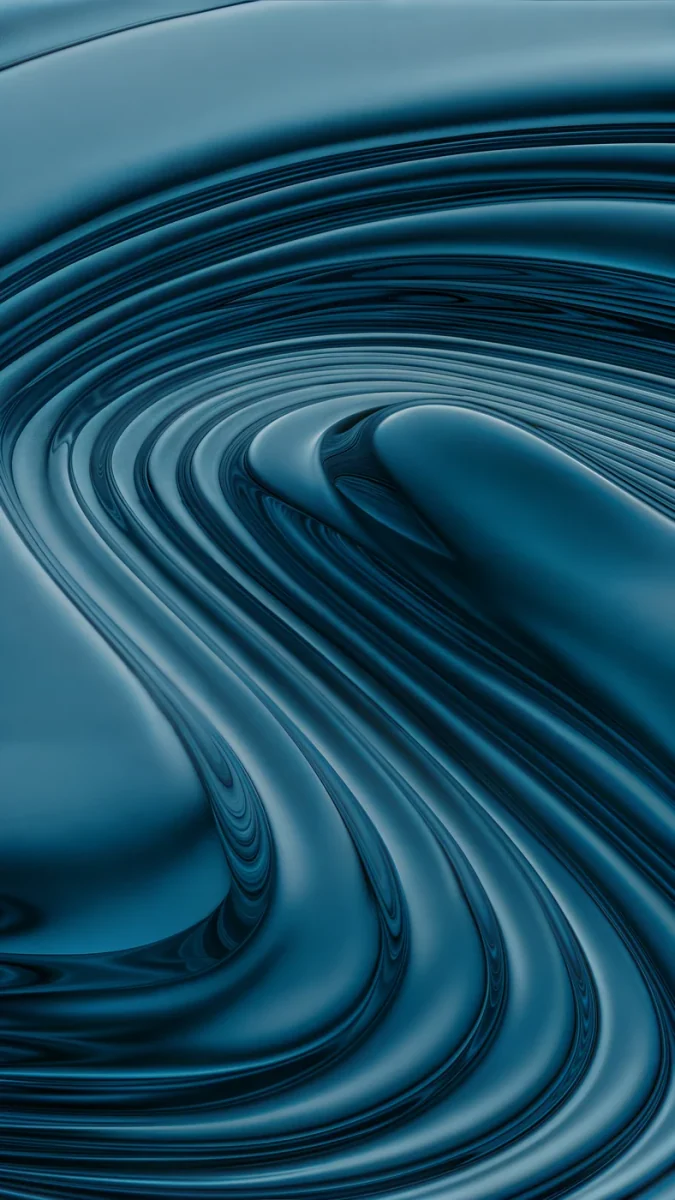 Petrol Terraces
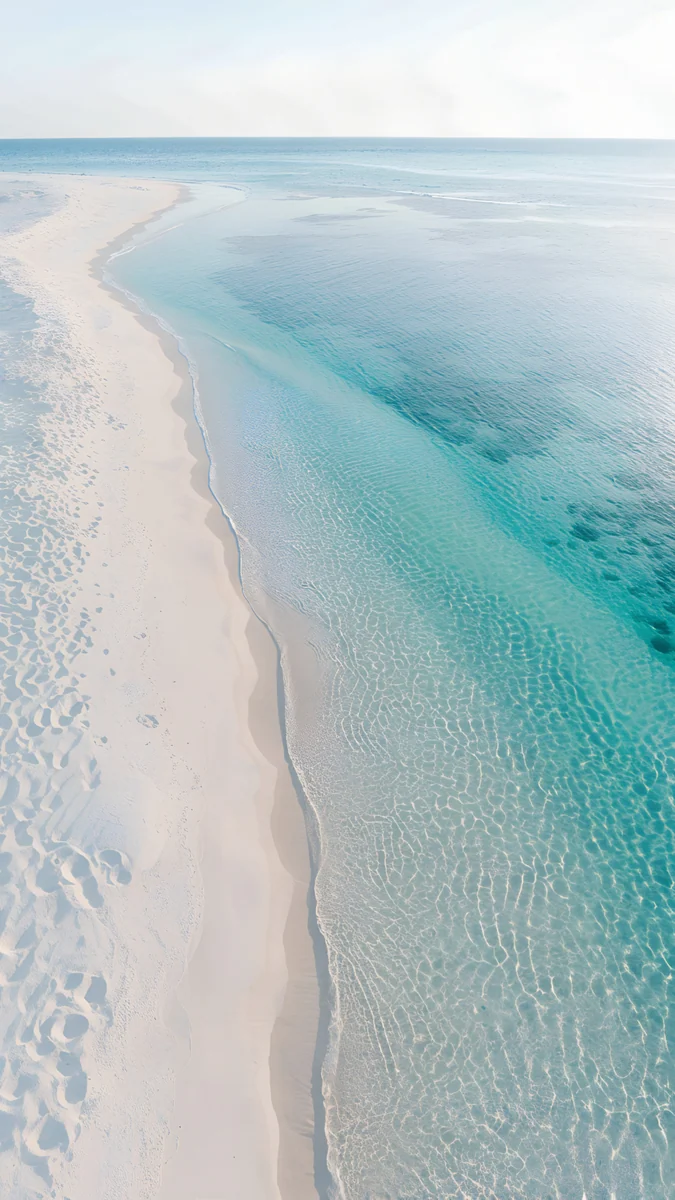 Turquoise Sandbar
 Celadon Haze
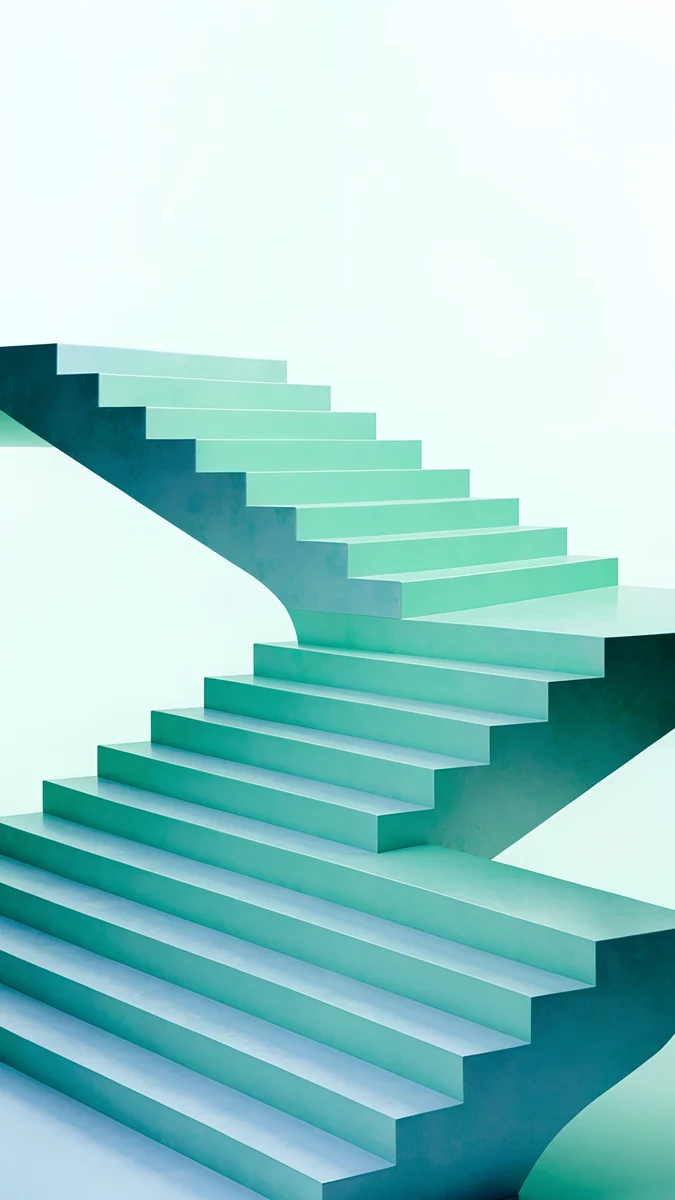 Mint Folded Flights
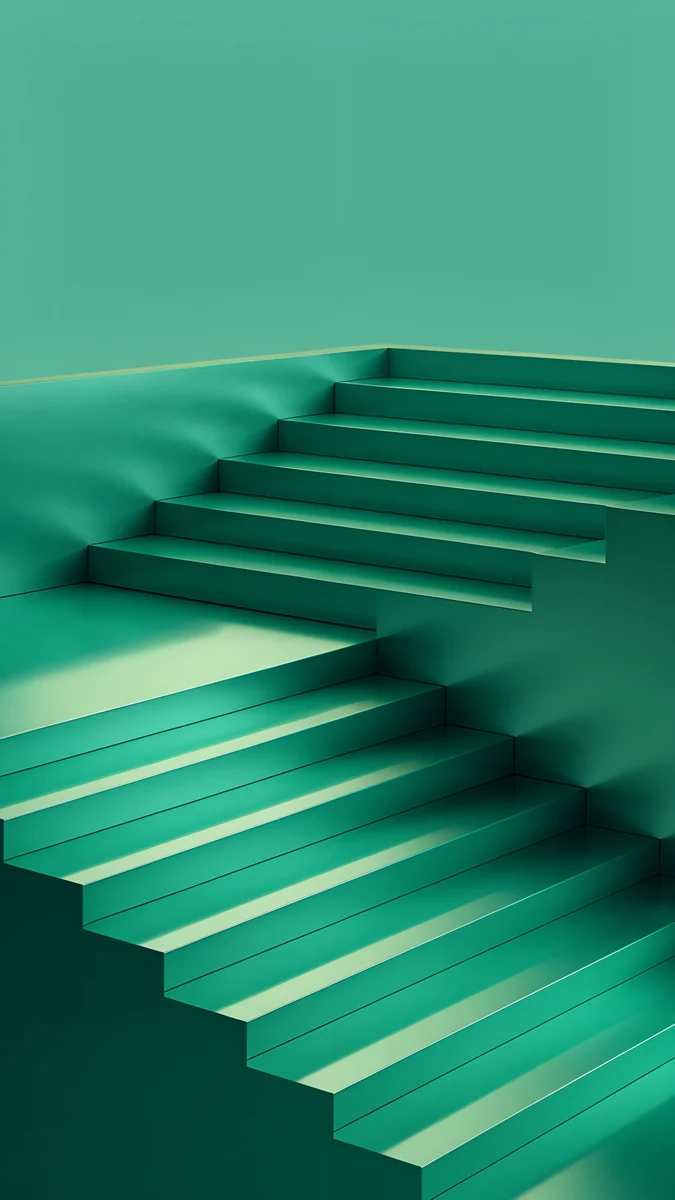 Jade Cut Ascent
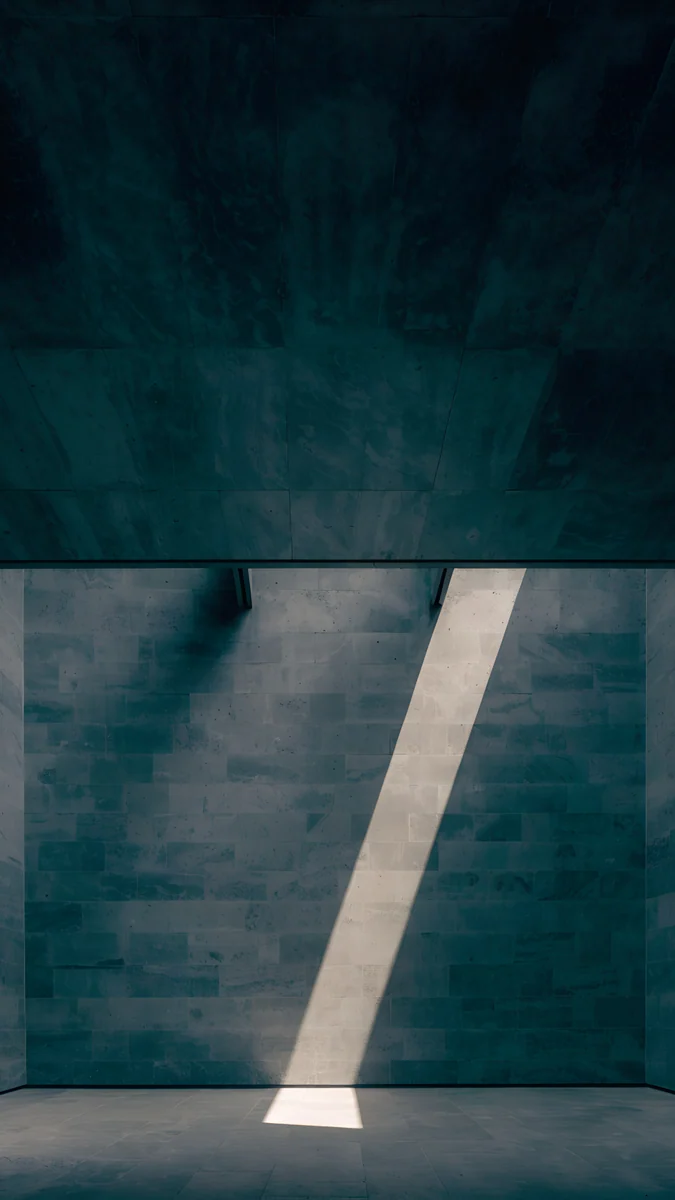 Slate Light Cut
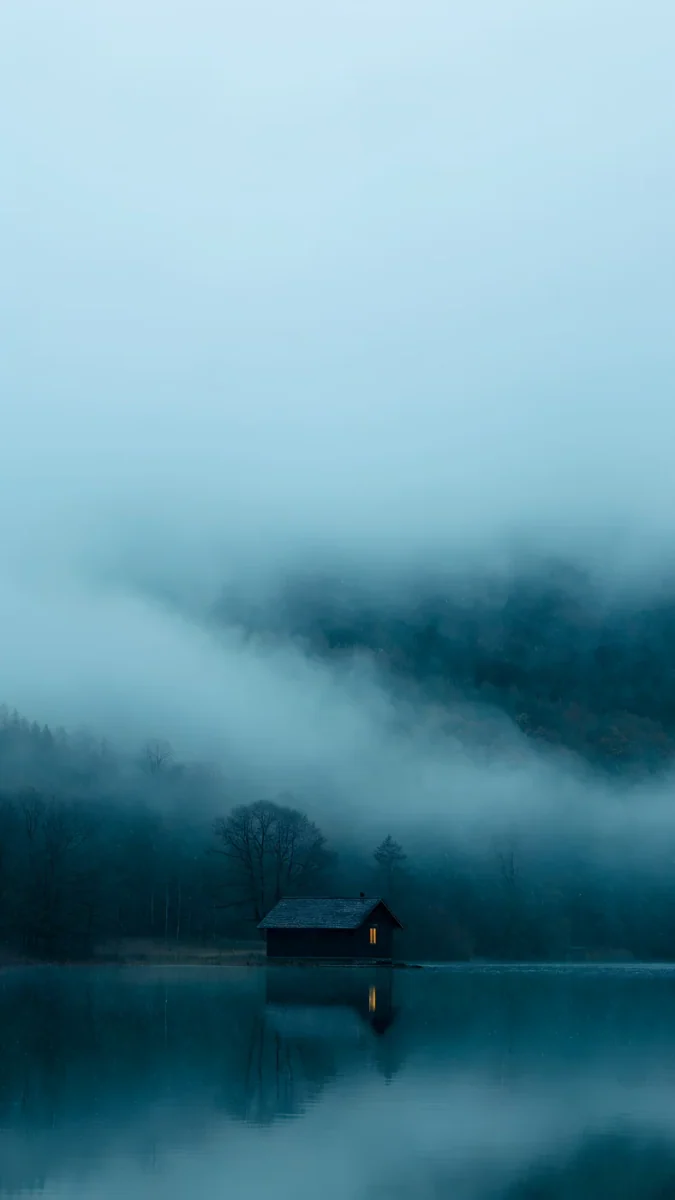 A Window in the Fog
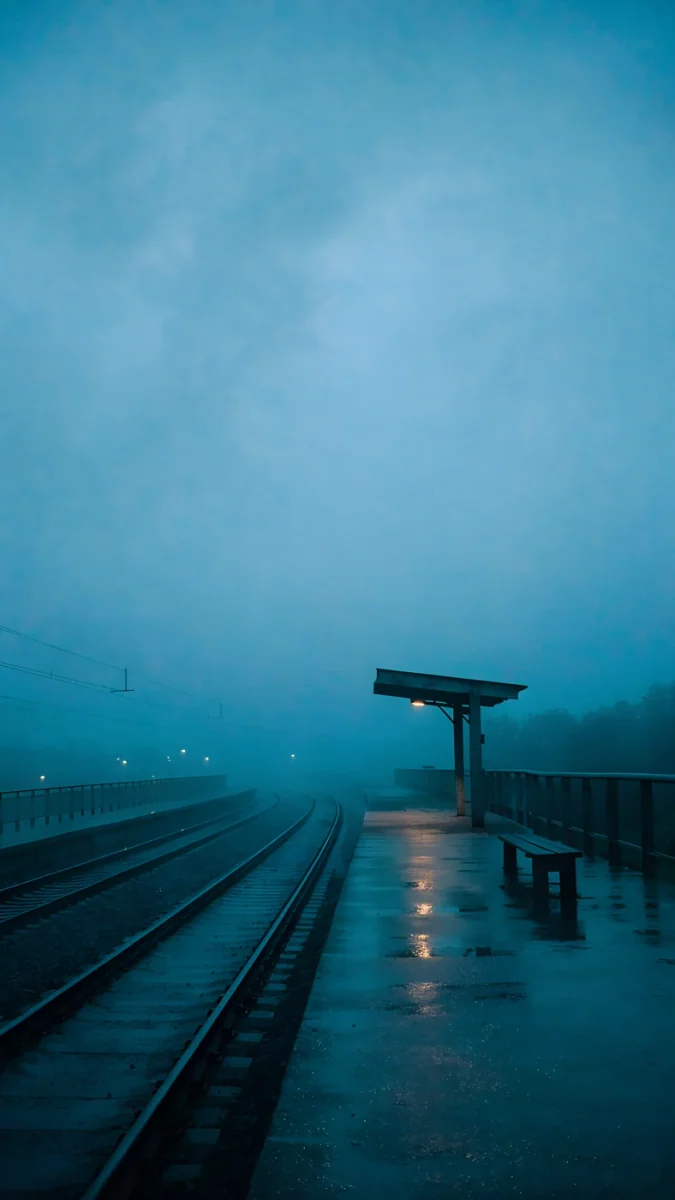 The Platform Light
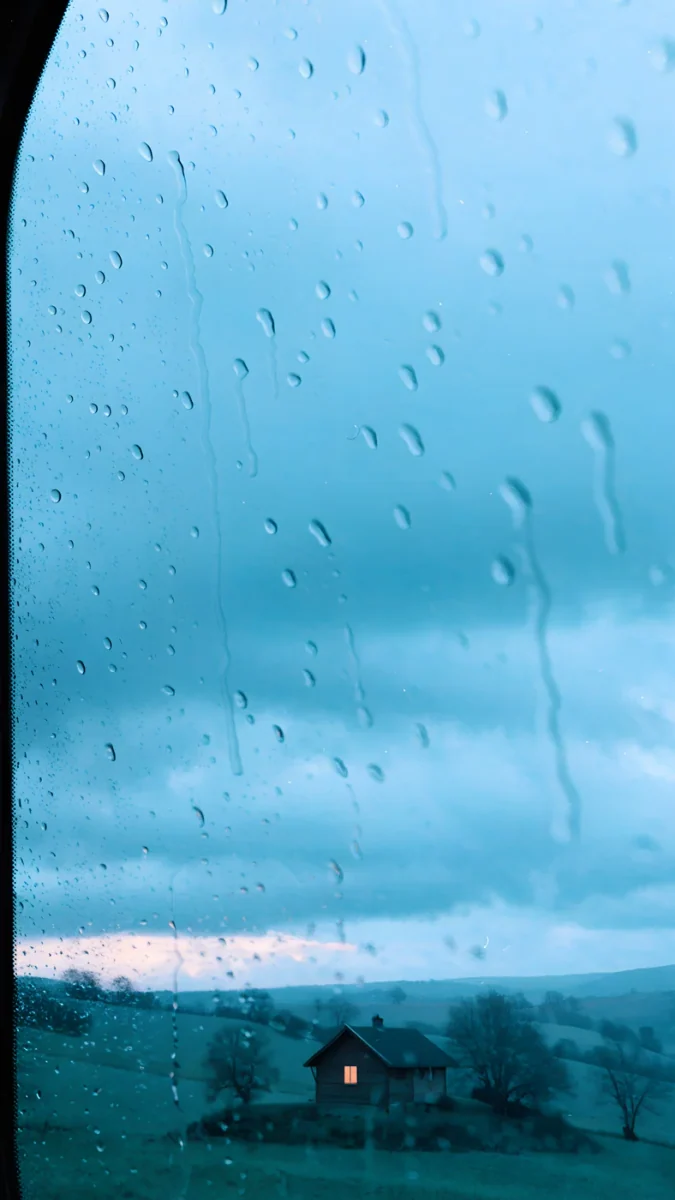 When the House Is Quiet
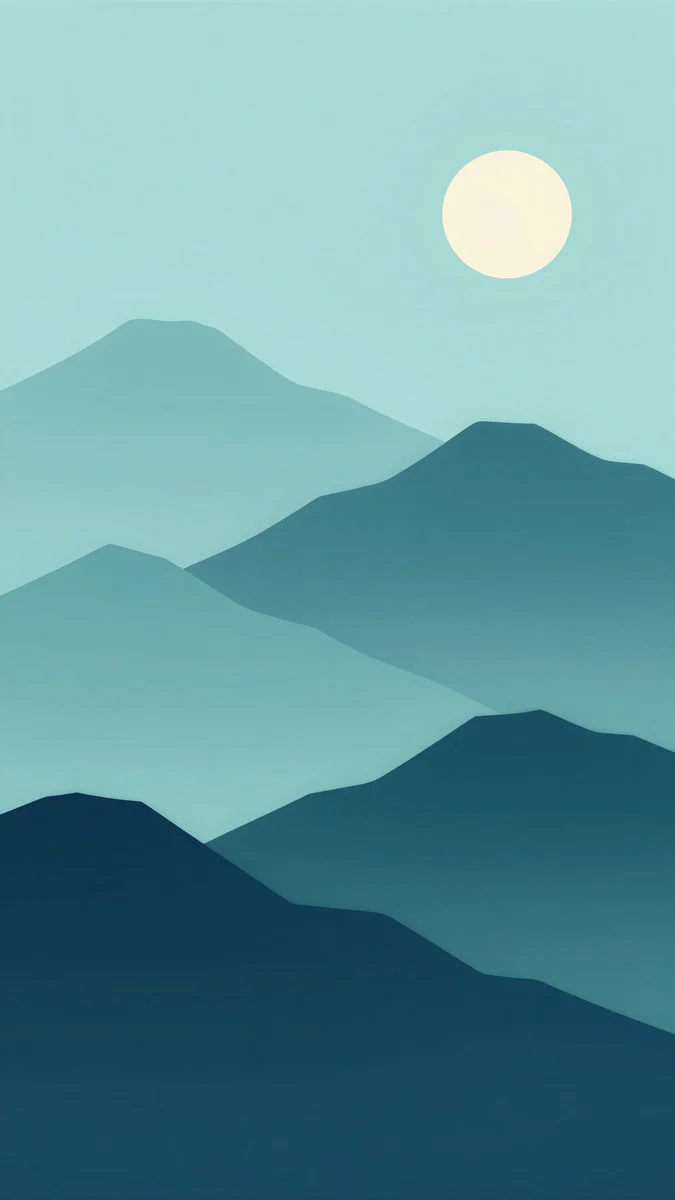 Midnight Paper Peaks
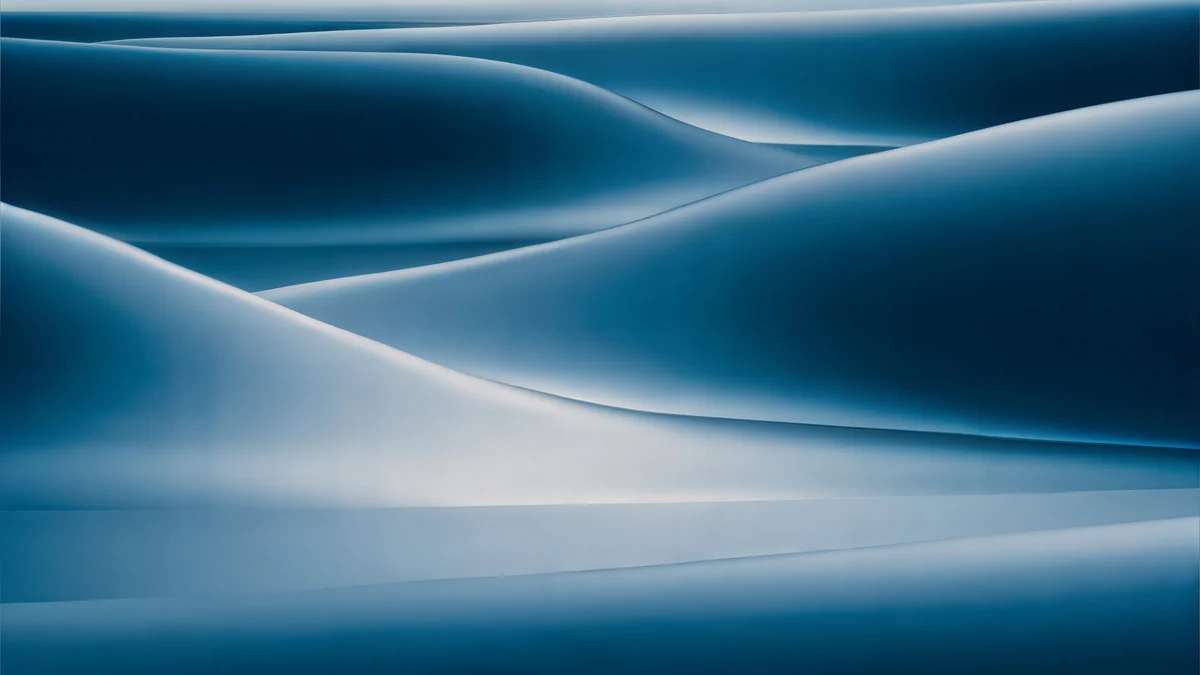 Petrol Current
Free originals for iPhone and Android, no watermark
On this page
A teal wallpaper sits between blue and green, and that middle position is why it works so well on a phone. It feels as calm as blue but keeps a little warmth from green, so a white clock and colourful app icons stand out without glare. The shade range is wide: bright turquoise looks like shallow sea water and suits light mode, deep teal and petrol behave like a dark wallpaper at night, and foggy sea green gives a quiet, rainy mood. This collection groups original Velpaper teal wallpapers into those three shades and adds free desktop versions. Every phone wallpaper is a 4K original at 2160 × 3840, the desktop files are 4K and some are 5K, and several phone designs have a wide partner, so your phone and laptop can match. Below you will find which shade suits dark mode, how each one treats the clock, and how to pair a lock screen with a home screen.
What teal does with the clock and icons
The clock. Deep teal and petrol give a white clock strong contrast, close to what navy does. Bright turquoise is lighter than it looks, and the pale sand or white areas in beach wallpapers can swallow white digits. On iPhone, open the lock screen editor, tap the time and pick a darker colour or a teal tint taken from the wallpaper. On Android the clock colour usually follows the system theme, and the setting name can differ by maker.
The icons. Most app icons are red, orange, yellow or multicoloured. Teal sits opposite red and orange on the colour wheel, so warm icons separate cleanly from it instead of blending in.
The system colours. On Android 12 and later, Material You can build its accent palette from your wallpaper, so a teal background tints quick settings, buttons and some widgets in matching blue green. Where the option lives depends on the phone, and on a Pixel it is under Wallpaper and style.
Bright turquoise and mint for light mode
The light group is sea water, mint and pale celadon. It suits light mode and daytime use, and it looks fresh rather than cold.
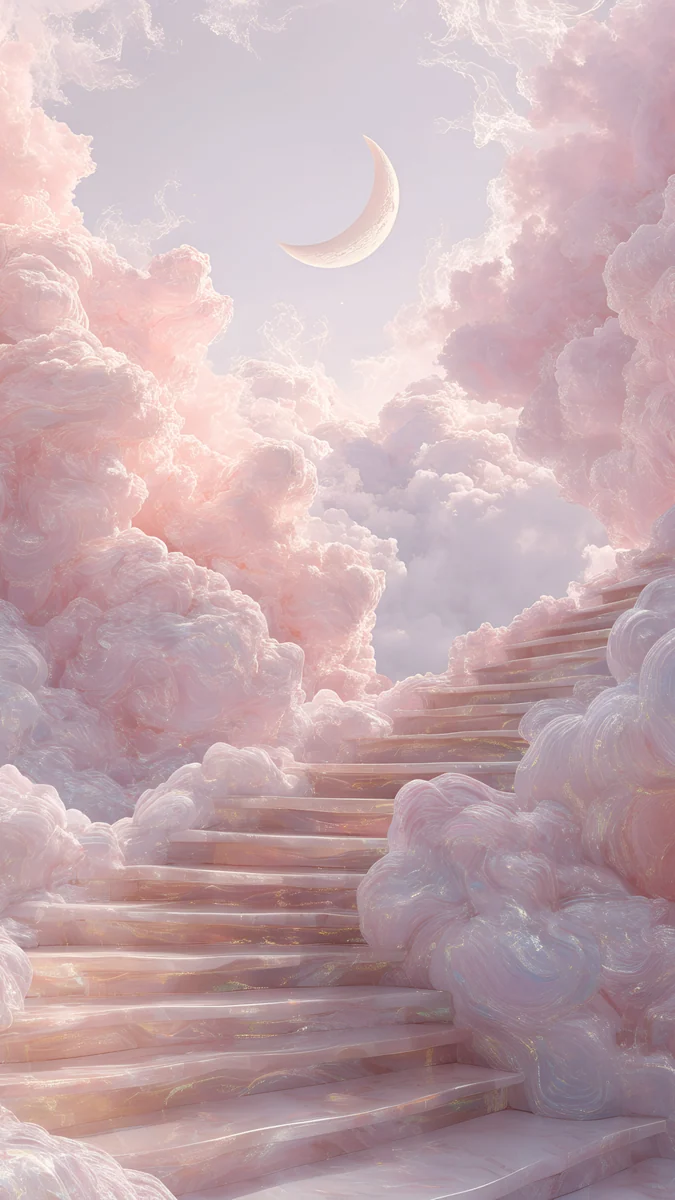
Tidal Quiet looks straight down at turquoise water washing over sand and dark rocks, and it is free to download. Turquoise Sandbar follows a thin white sandbar through clear shallows, with the brightest strip in the middle where the clock goes. Celadon Haze is the quietest: a soft gradient from celadon at the top to a pale cream glow, with nothing to compete with widgets. Mint Folded Flights folds mint staircases through white space. If you want more water, our ocean wallpapers collect every sea scene in the catalog.
Deep teal and petrol for dark mode
The dark group is the one most people mean when they search for teal: a deep blue green with weight, often with one source of light.
Jade Mint Arch sets a glowing mint doorway into a deep teal wall, so the light sits low and the top of the screen stays dark for the clock. Jade Cut Ascent climbs a wide jade staircase in soft shadow. Petrol Terraces swirls dark teal silk into contour lines like a map, and Slate Light Cut is the most minimal: a dark teal concrete room with one diagonal blade of light on the floor.
On an OLED screen these look rich, but dark teal is not black, so the pixels stay lit. If battery life at night is the goal, keep a teal home screen and choose a near black lock screen.
Foggy sea green and rainy teal
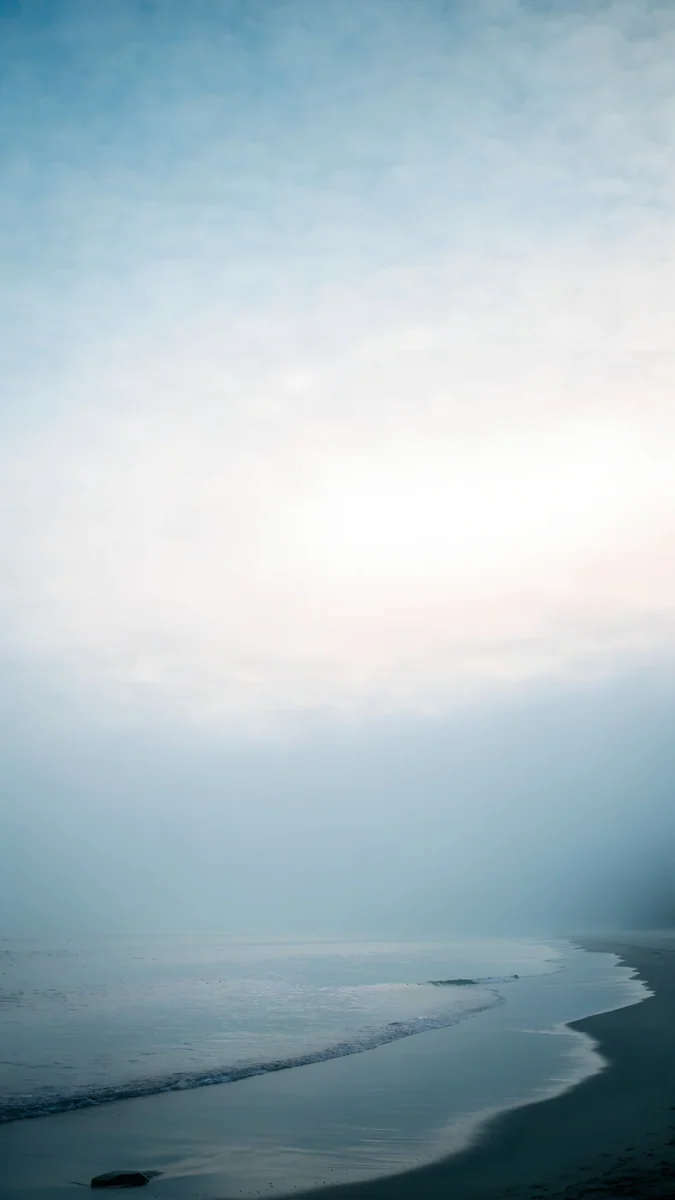
The third group is grey teal: fog, wet platforms and rain on glass. These are photographic scenes with a lot of soft space, which makes them easy to live with on a lock screen.
A Window in the Fog shows a small cabin by a still lake under heavy fog. The Platform Light stands on an empty railway platform in blue green mist, and When the House Is Quiet looks through raindrops at a house on a hill. Midnight Paper Peaks is the illustrated one, layered paper mountains fading from pale teal to dark navy under a cream moon. If you lean greener than these, see our green aesthetic wallpapers.
Teal wallpapers for desktop and laptop
Teal is a good desktop colour because white menu bar text and dark windows both read on it. These are wide originals composed for 16:9, and all four are free.
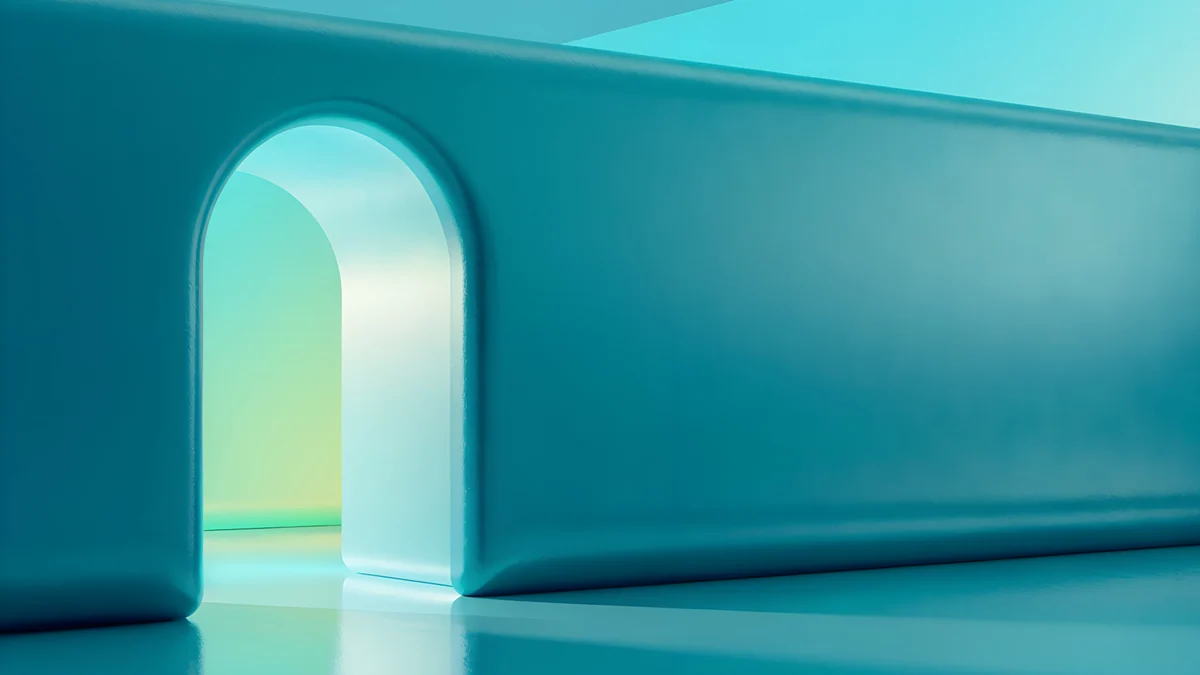
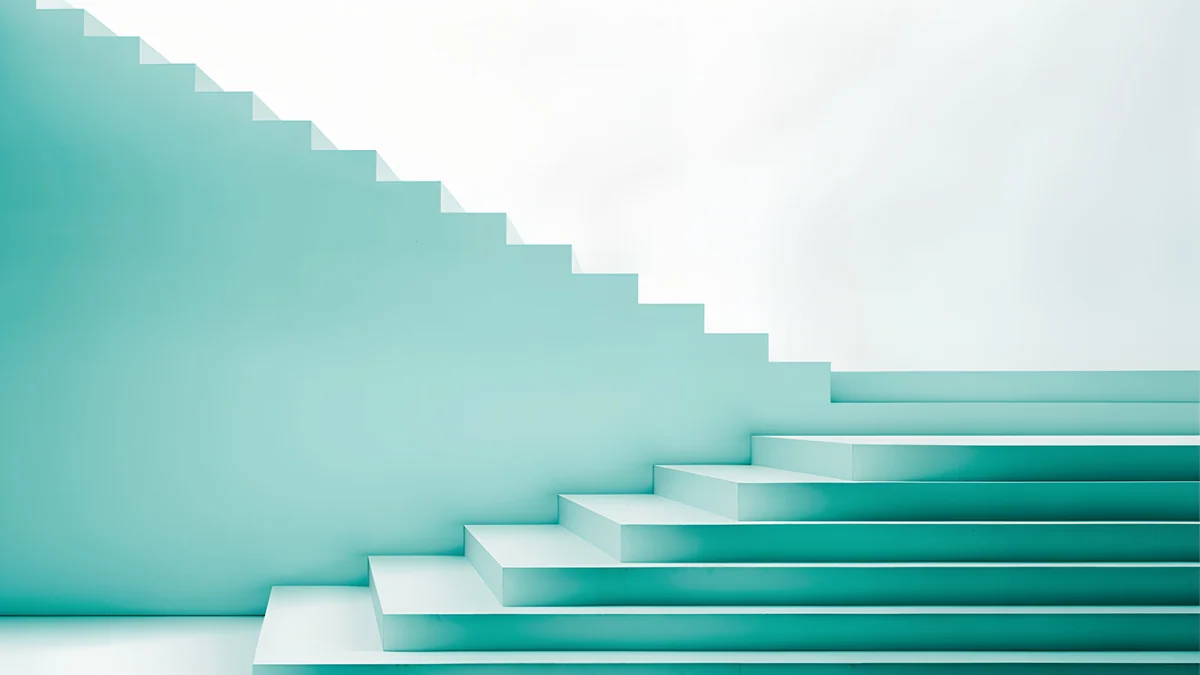
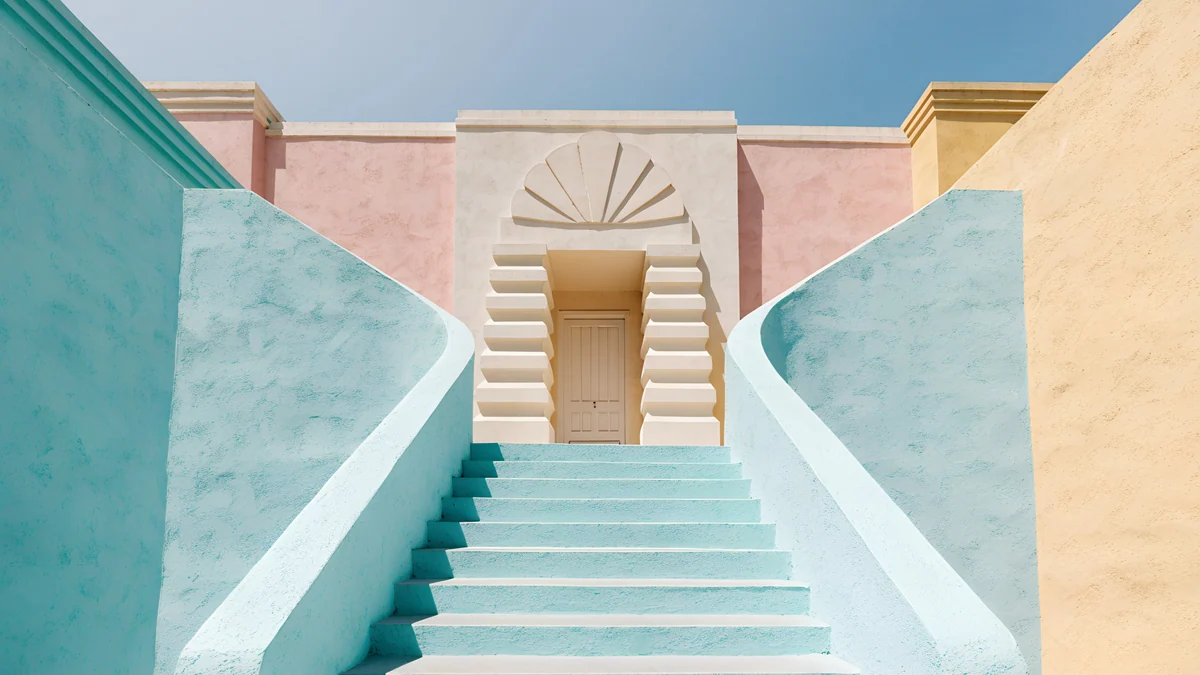
Petrol Current rolls dark teal dunes across a 5K canvas at 5120 × 2880. Jade Mint Portal is the wide version of the glowing arch, set at the end of a teal corridor. Mint Folded Steps brings the mint stairs to a bright frame with plenty of empty white for icons, and Mint Stairs climbs a pale turquoise stairway towards a pink doorway.
Apple's own steps are in Change your iPhone wallpaper, and Google's are in Change your Pixel wallpaper.
How to pair teal on the lock and home screen
Give the lock screen the scene and the home screen the calm. Turquoise Sandbar or Jade Mint Arch make strong lock screens; Celadon Haze or Petrol Terraces sit better behind a grid of icons because they have no hard edges. Both pairs stay in one colour family, so the switch from lock to home feels continuous.
The same idea works across devices. Jade Mint Arch and Jade Mint Portal share the glowing doorway, Mint Folded Flights and Mint Folded Steps share the floating stairs, and Petrol Terraces sits naturally next to Petrol Current. Set one on your phone and its partner on your laptop. If you want something colder than teal, our blue aesthetic wallpapers go from cobalt to pale glacier blue.
Original wallpapers in and for iPhone, Android and desktop.
Questions
What colour is teal, and how is it different from turquoise?
Teal is a deep blue green, darker and more muted than turquoise. Turquoise is brighter and lighter, close to the colour of shallow tropical water, while sea green leans further towards green and often looks grey in fog. In this collection the bright group covers turquoise and mint, the dark group covers teal and petrol, and the foggy group covers grey sea green. All three work with white text, but the darker the shade, the easier the clock is to read.
Which teal wallpaper is best for dark mode?
Choose one from the deep teal group: Jade Mint Arch, Jade Cut Ascent, Petrol Terraces or Slate Light Cut. Their backgrounds are dark enough that a white clock and white labels read clearly at night, and they do not glare when you pick up the phone in a dark room. Petrol Terraces is the easiest home screen of the four because its silk lines have no single bright spot, so icons stay readable wherever they sit.
Does a dark teal wallpaper save battery on an OLED phone?
A little, but less than black. OLED pixels use the least power when they are off, and that only happens on pure black. Dark teal keeps the pixels lit at low brightness, so the saving is smaller and depends on your screen brightness and how long the screen is on. If battery life matters most, use a black or near black lock screen, especially with an always on display, and keep teal for the home screen.
What size are these teal wallpapers?
Phone wallpapers are 2160 × 3840 pixels, a 9:16 portrait frame that iPhone and Android scale to any current screen without blur. Desktop wallpapers are 4K at 3840 × 2160, and Petrol Current is 5K at 5120 × 2880 for large displays. Downloads are the original files without a watermark. Previews on the site are compressed so pages load fast, so always save the full file from the wallpaper page or the Velpaper app.
Are these teal wallpapers free?
Browsing and previewing are free on velpaper.com and in the Velpaper apps for iPhone, iPad, Mac and Android. Tidal Quiet and the four desktop wallpapers in this article download for free with no ad. The other phone wallpapers unlock after a short optional ad. There is no account and no subscription, and you always get the full size 4K file rather than a compressed preview.
Carlos Vivero
Designer of Velpaper wallpapers
Carlos Vivero designs the wallpapers in Velpaper: quiet architecture, liquid glass, Japanese ink and calm landscapes. Every piece is made as a original for iPhone, Android and desktop.
Recent work