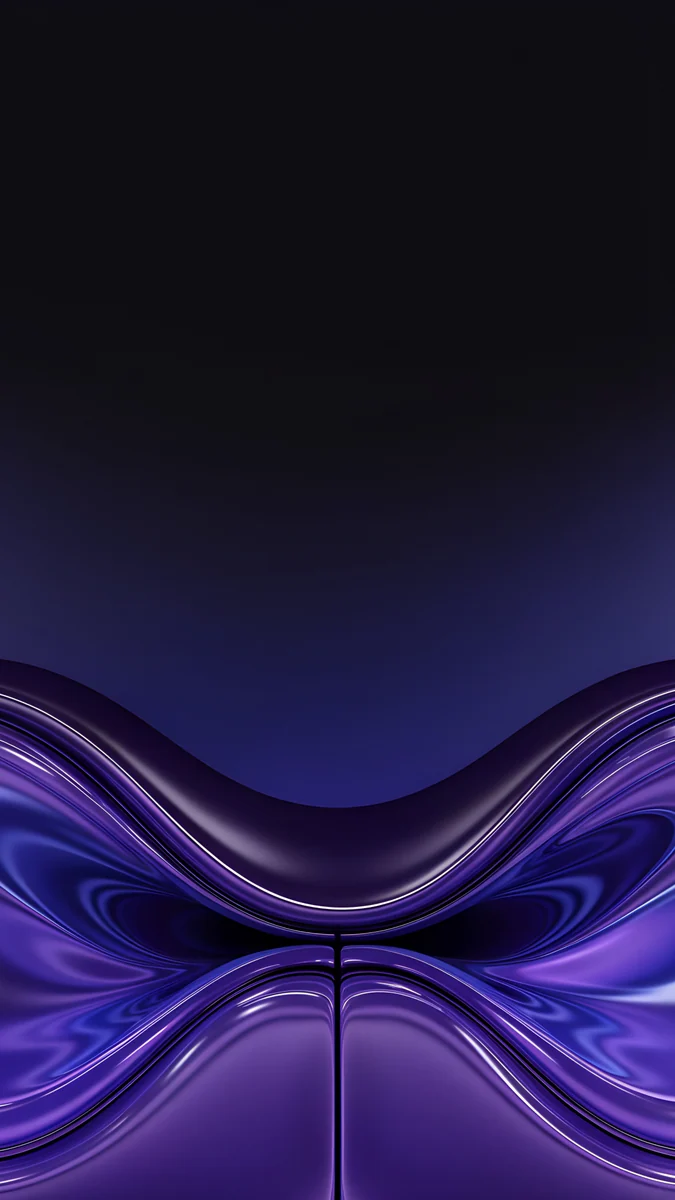
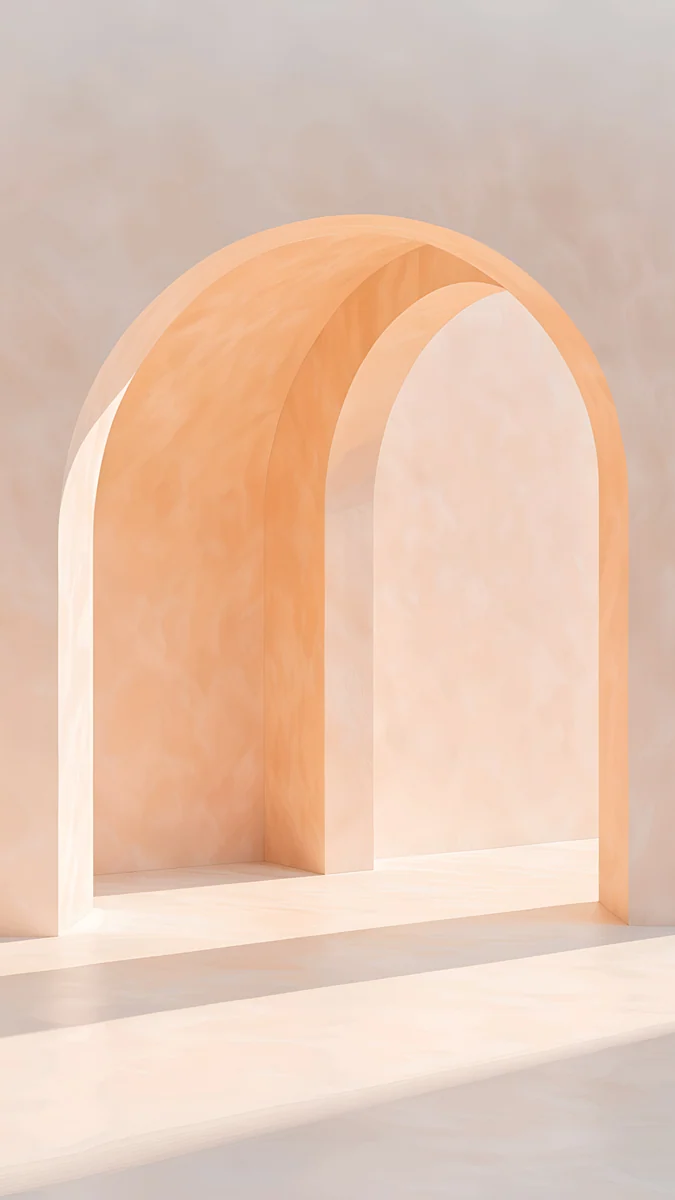
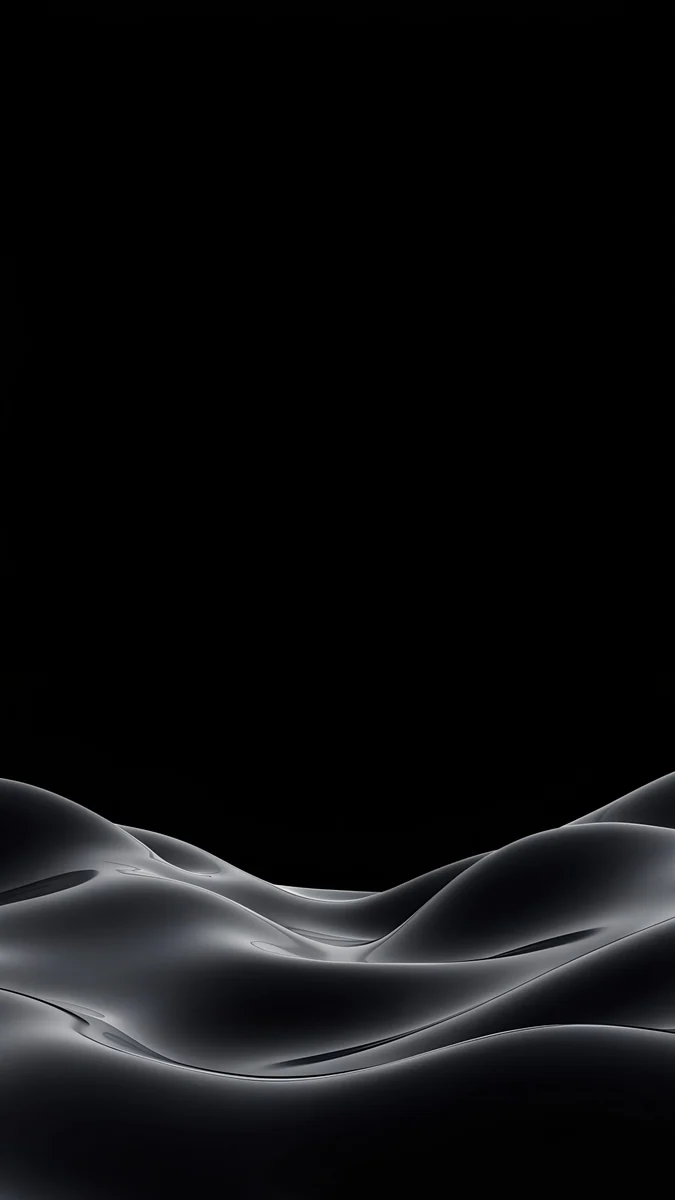
Blue Background Wallpaper for Desktop and PC in 4K
Blue desktop backgrounds for Windows and Mac: deep cobalt, sky blue, glowing gateways and indigo ink, with tips on icons, dark mode and 15 free 4K picks.
In short: A good blue background wallpaper for a desktop is a mid to deep blue with one soft shape or gradient, so white icon labels and windows stay readable. Use a 3840 × 2160 file set to Fill; the 15 Velpaper picks below are all free with no ad.
By the Velpaper team · Wallpapers by Carlos Vivero, Velpaper designer · · 5 min read
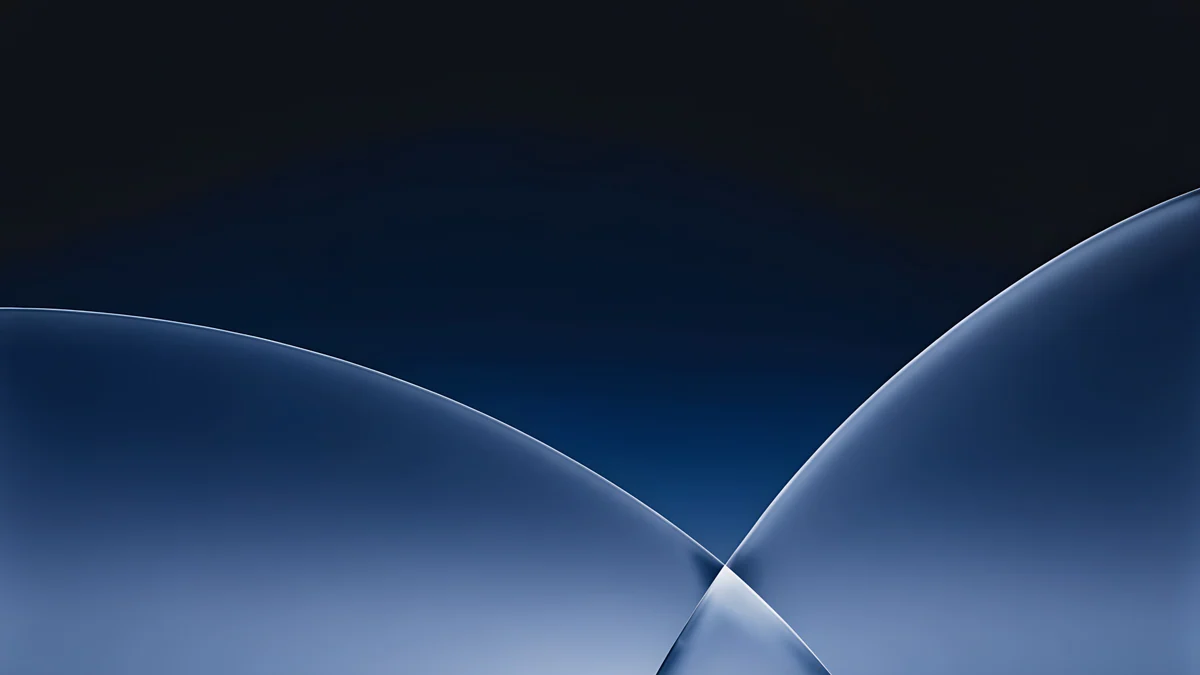 Cobalt Soft Horizon
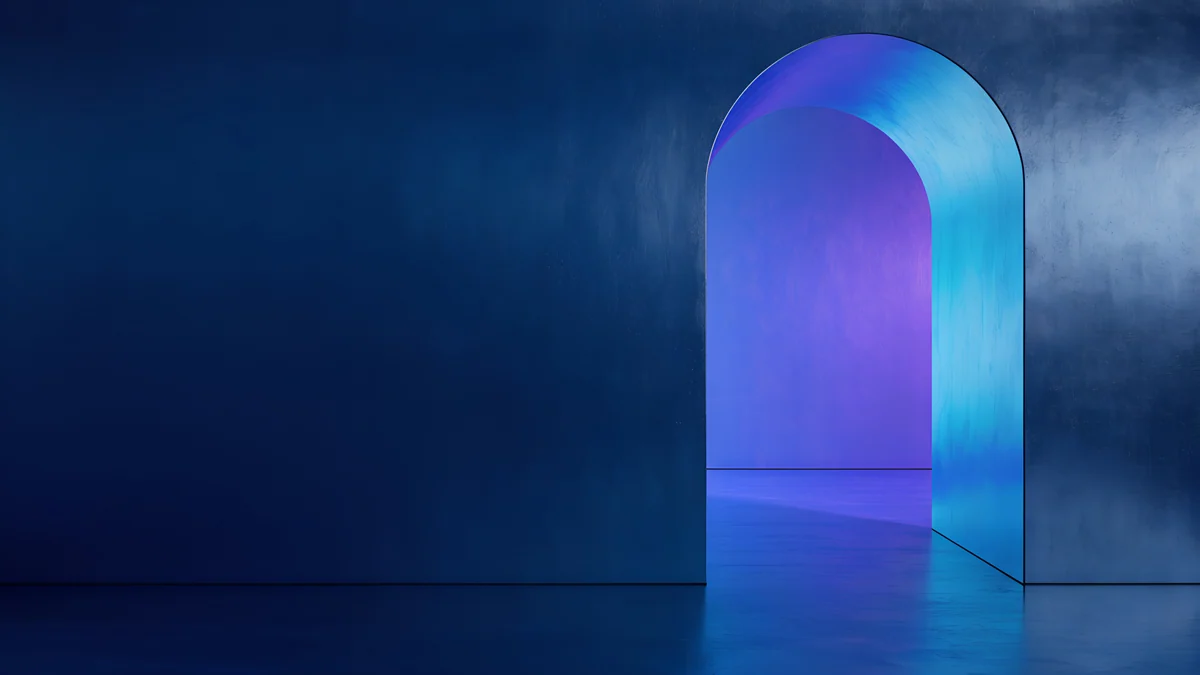 Volt Blue Vault
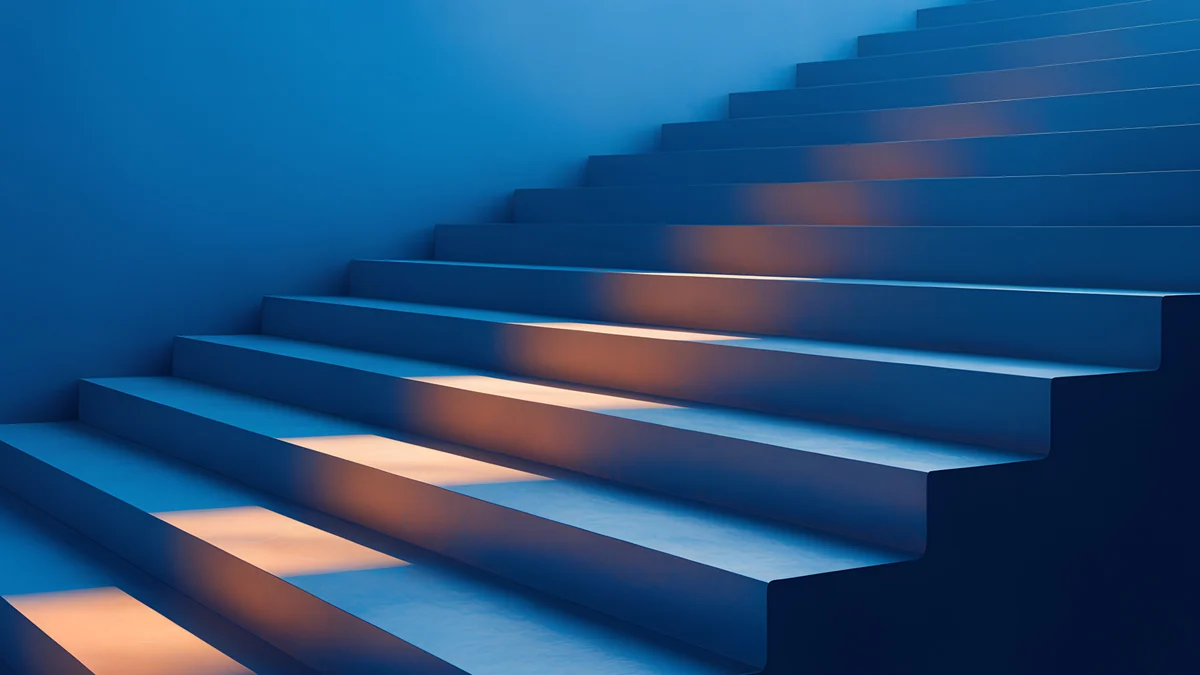 Cobalt Ember Steps
 Petrol Current
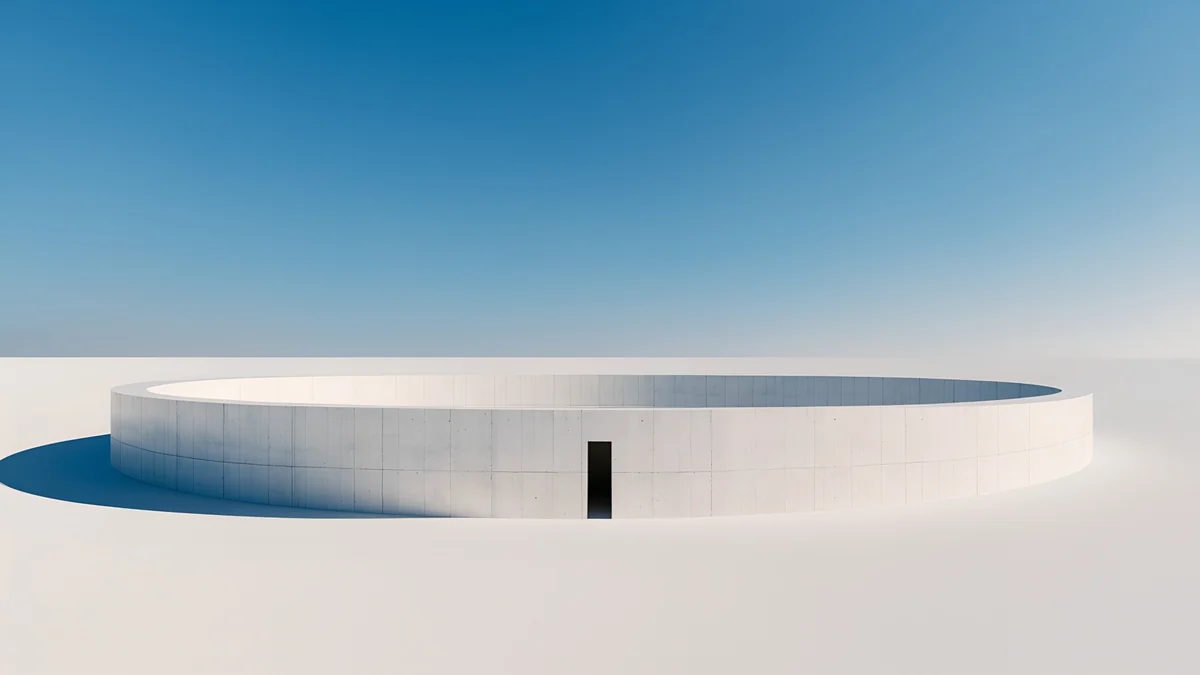 Circular Court
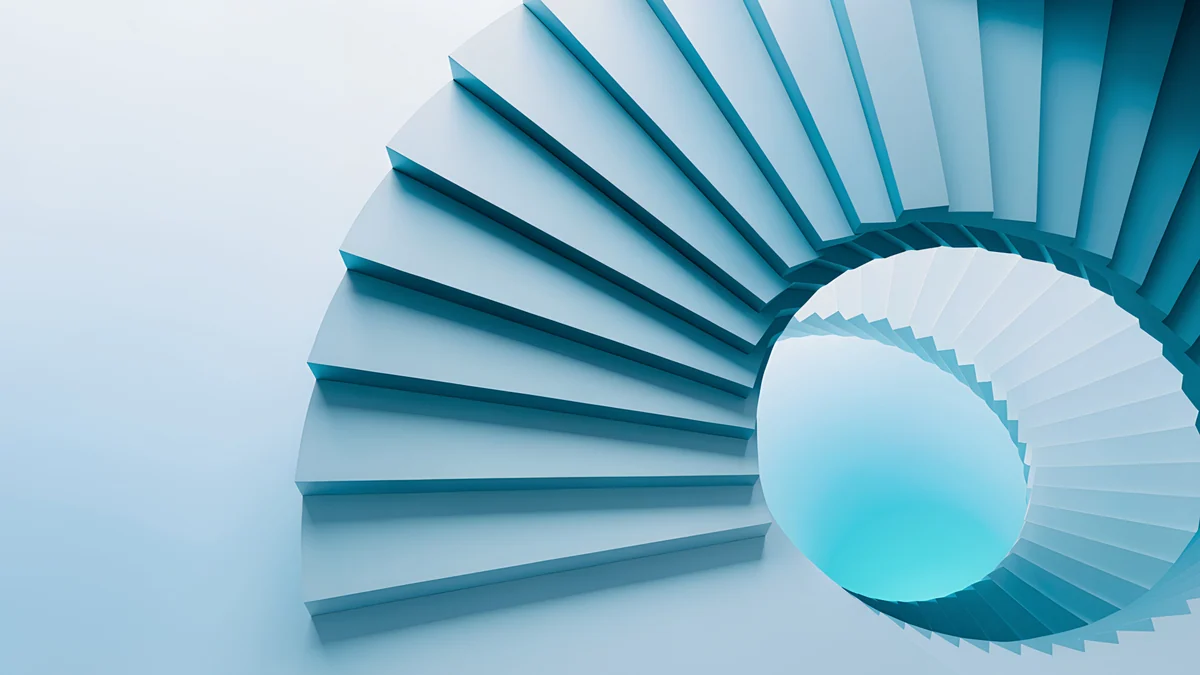 Glacier Spiral Hall
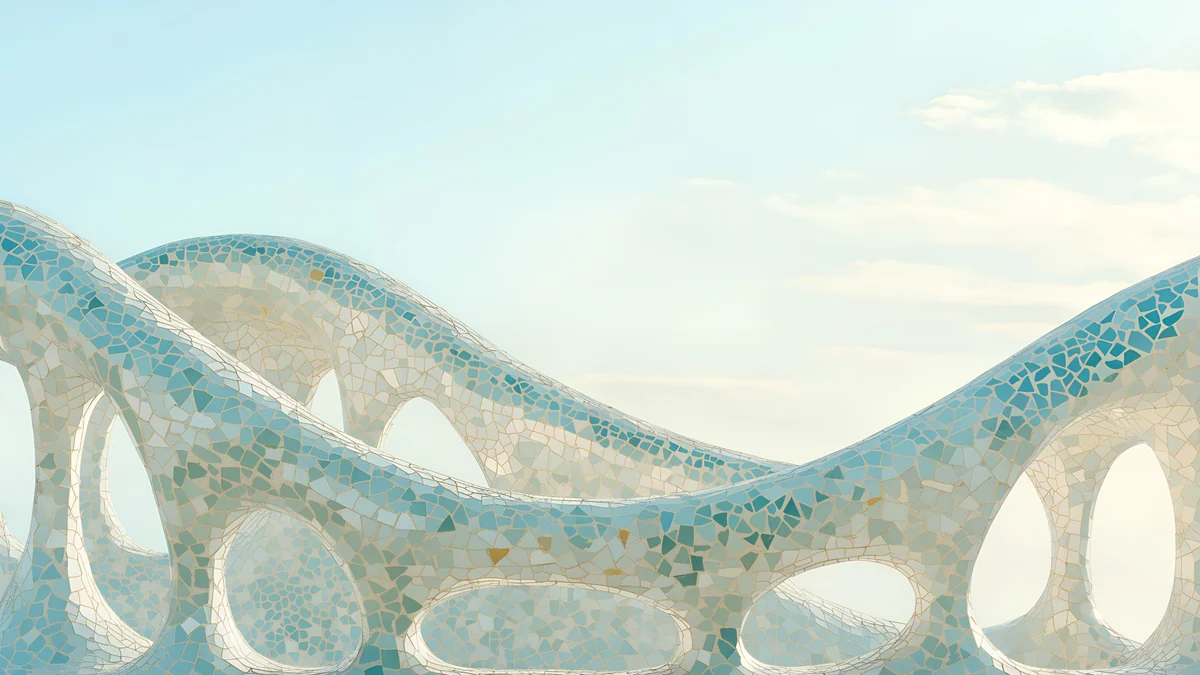 Trencadis Wave
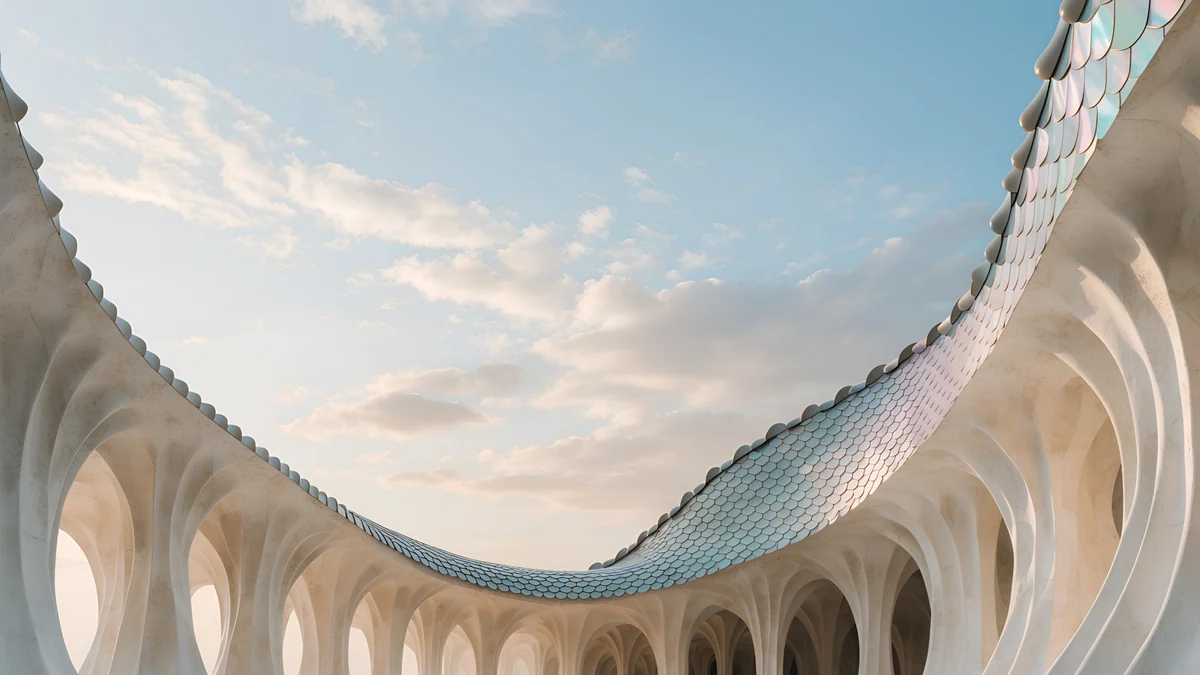 Dragon Roof
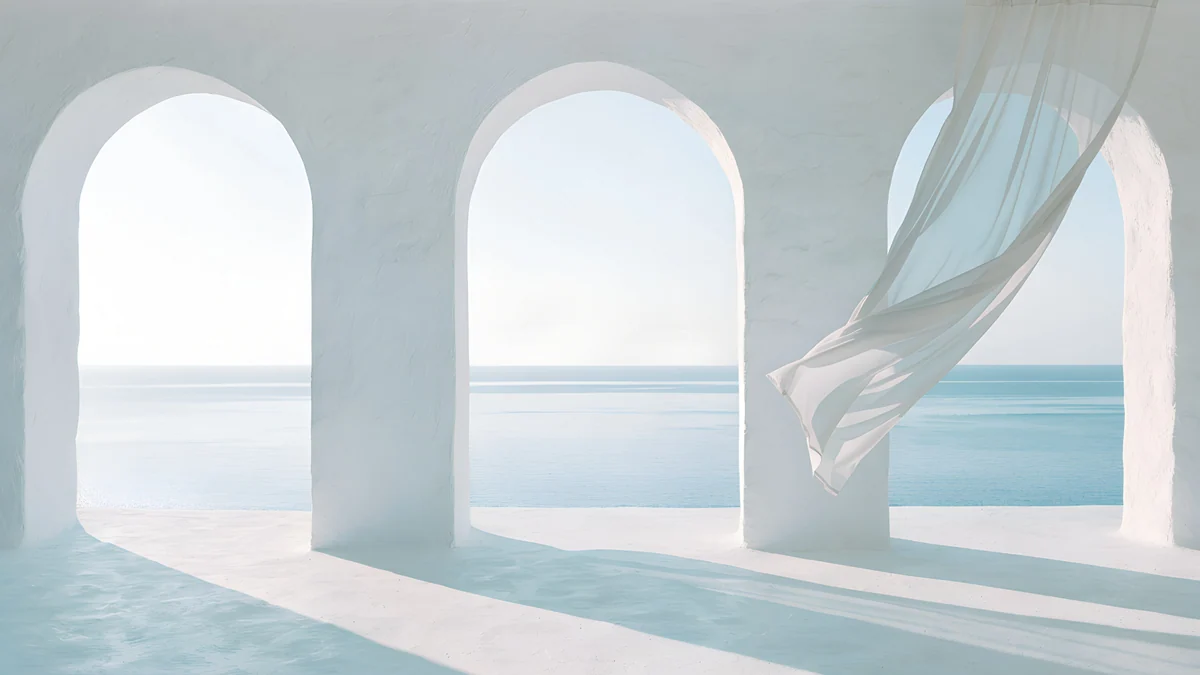 Sea Arch
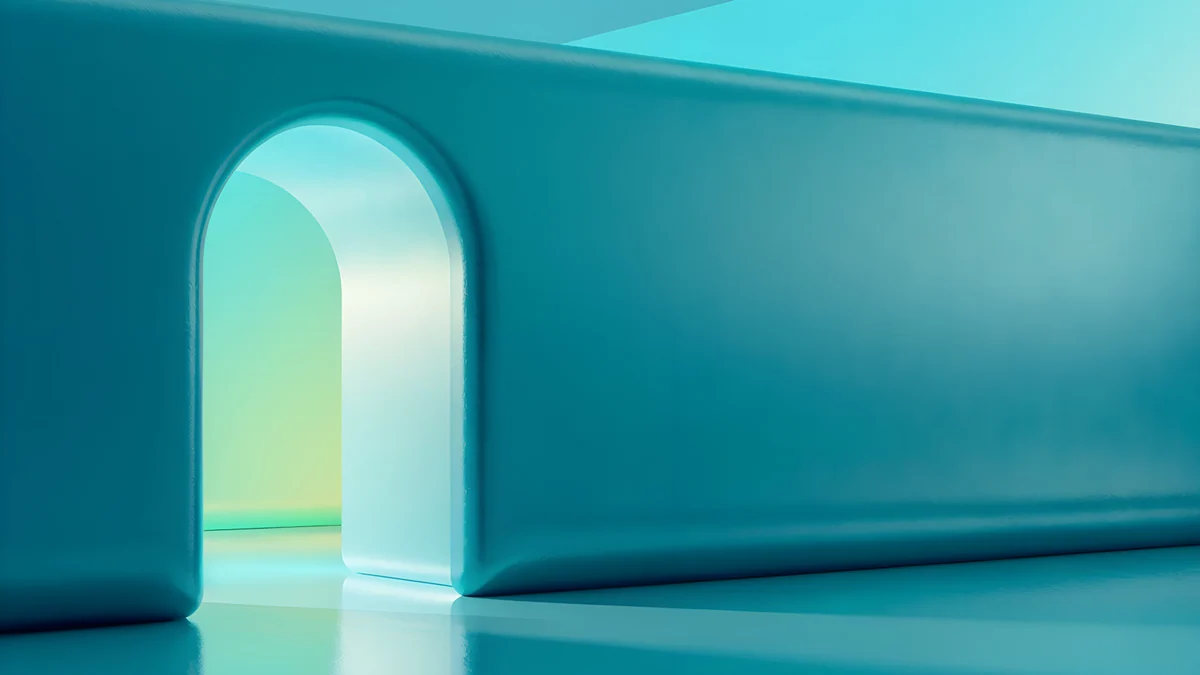 Jade Mint Portal
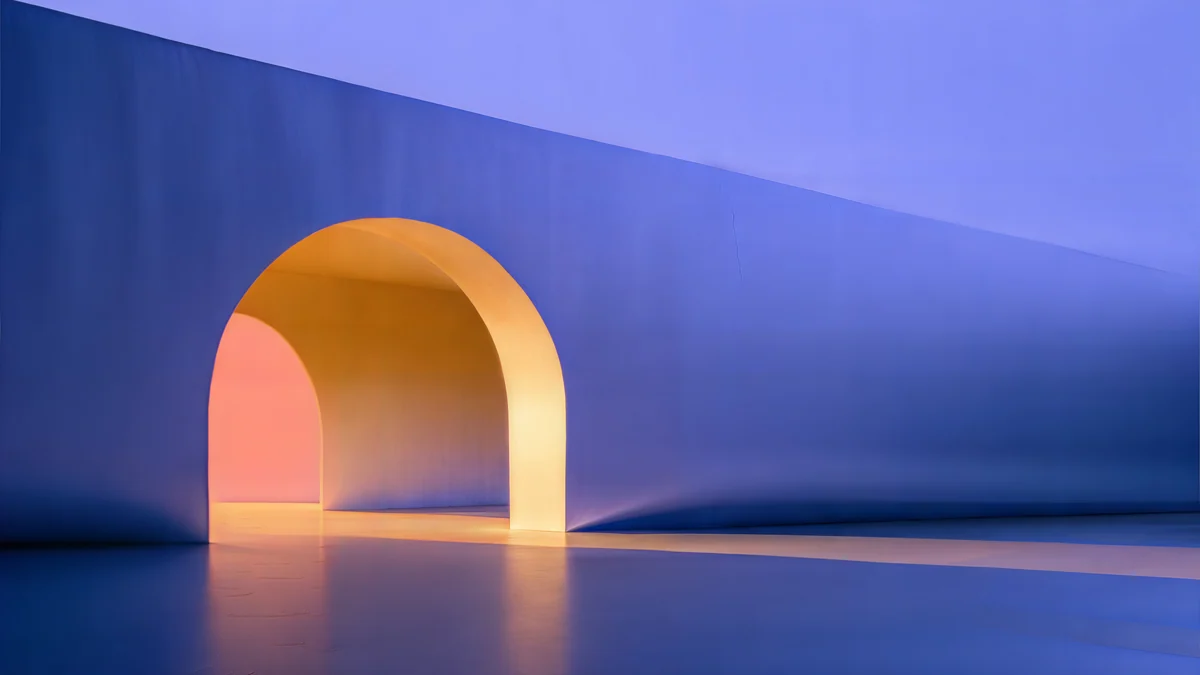 Solar Indigo Gate
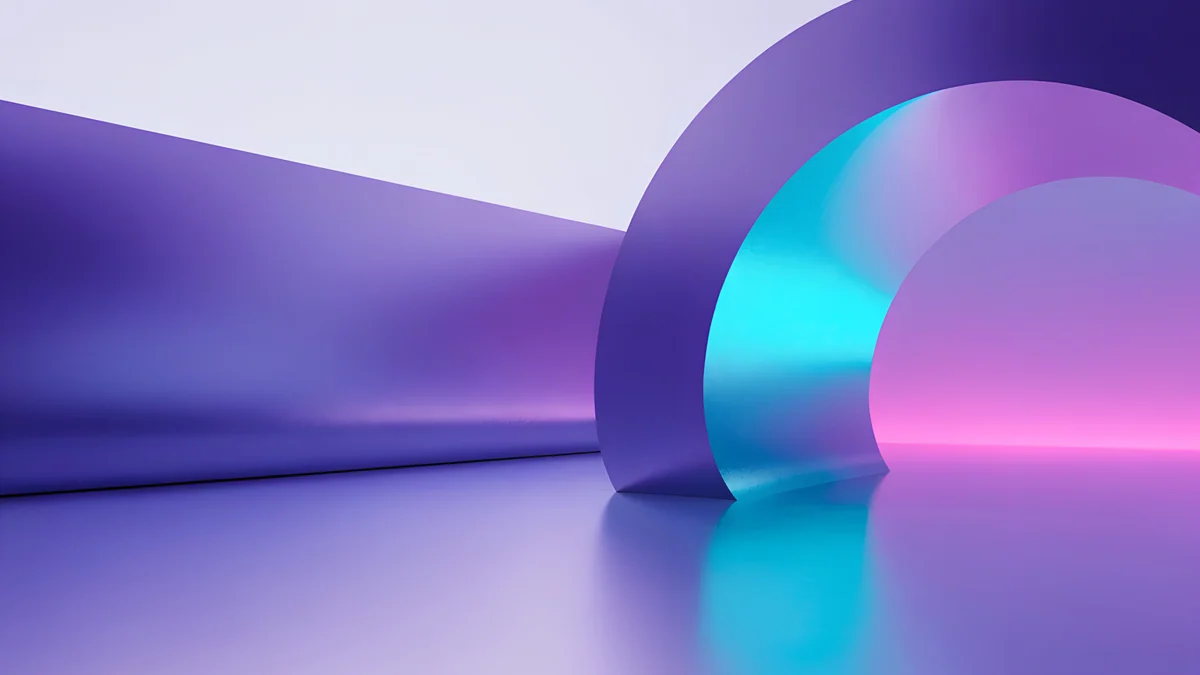 Electric Violet Vault
Free 4K originals for iPhone and Android, no watermark
On this page
A blue background wallpaper is one of the easiest ways to make a computer screen look calm, but a flat blue fill from a paint program usually looks like an error screen. What works better is a blue with depth: a gradient from navy to cobalt, a clear sky above pale architecture, or one glowing doorway in a dark blue wall. Mid and deep blues keep the white icon labels on Windows readable and sit well next to dark mode, while pale sky blues suit light mode and a bright room. For a sharp result use a 3840 × 2160 file set to Fill, which covers Full HD, QHD, 4K monitors and MacBooks. Below are 15 blue desktop wallpapers from Velpaper in four groups: deep cobalt, sky and pale blue, gateways with blue light and Japanese indigo ink. Each one is a wide original composed for 16:9, and every one downloads free with no ad.
Which blue works on a desktop
Deep blue for dark mode. Navy and cobalt are dark enough for white text, so desktop labels, the clock in the taskbar and white window titles read clearly. They also feel softer than pure black on a large monitor.
Sky blue for light mode. A pale blue background with white architecture looks fresh next to light windows. Icons need a darker patch to sit on, so look for wallpapers with a shaded area on the left.
Keep the left side quiet. Windows and macOS place desktop icons on the left or the top right, so the best blue backgrounds put their one shape in the centre or on the right.
Deep cobalt and navy
The darkest group, for evening work and dark mode. Each is almost all blue, with light only where it helps the eye.
Cobalt Soft Horizon4K · DesktopVolt Blue Vault4K · DesktopCobalt Ember Steps4K · DesktopPetrol Current5K · DesktopCobalt Soft Horizon is the quietest: a near black top fading into navy, crossed by two thin glass arcs, with plenty of empty space for icons. Volt Blue Vault sets a glowing arched doorway on the right of a dark blue wall. Cobalt Ember Steps climbs a cobalt staircase with warm amber light on a few treads, the only warm note in this group. Petrol Current rolls blue teal dunes across a 5120 × 2880 canvas, so it stays sharp on a 5K display.
Sky blue and pale blue
Bright desktops for light mode: clear skies above white forms, and one pale blue spiral.
Circular Court4K · DesktopGlacier Spiral Hall4K · DesktopTrencadis Wave4K · DesktopDragon Roof4K · DesktopSea Arch4K · DesktopCircular Court is mostly sky, a clean gradient from strong blue to pale, above a low white ring on a white plain. Glacier Spiral Hall turns a pale blue staircase into a spiral that glows cyan at the centre. Trencadis Wave and Dragon Roof are Gaudí inspired: mosaic walls curving under a soft blue sky. Sea Arch is the palest, white arches opening onto a calm blue sea, best for anyone who wants only a hint of blue.
Gateways with blue light
One lit opening in a smooth wall. These have more colour, so they suit a desktop with few icons or a second monitor.
Jade Mint Portal is blue teal with a doorway of mint and cyan light on the left, so keep icons on the right. Solar Indigo Gate is a 5K periwinkle blue wall with an amber arch, the warm contrast that makes blue look deeper. Electric Violet Vault moves towards violet, with a cyan and pink ring standing on a reflective floor.
Indigo ink: Japanese woodblock blue
Prussian blue on warm paper, in the style of ukiyo-e prints. Less screen-like than the abstracts, and calm behind a full desktop.


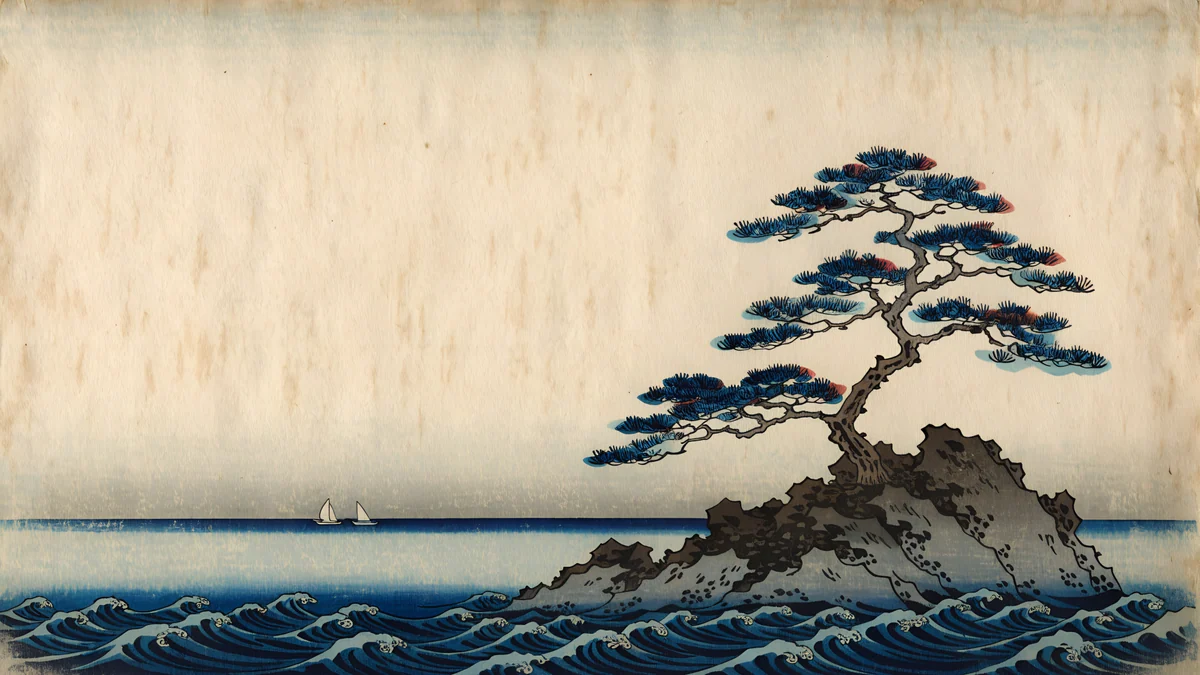
Rain Bridge stretches a long wooden bridge across a blue river under slanting rain. Snow Village puts a few roofs under a deep blue sky full of falling snow, and Pine Coast sets a single pine on a rock above indigo waves. Rain Bridge and Pine Coast keep pale paper at the top, so the Mac menu bar stays easy to read; Snow Village is darker up there and suits dark mode.
Icons, dark mode and banding
- Let Windows pick a blue accent. In Settings, Personalization, Colors set Accent color to Automatic; Windows then takes the accent from the wallpaper, so menus and highlights turn blue too.
- Match the theme. Deep blue wallpapers look best with Choose your mode set to Dark on Windows 11, or System Settings, Appearance, Dark on a Mac. Pale blues go with Light.
- Icon labels fade on pale blue. Move the icons onto a darker area, or right-click the desktop, choose View and turn off Show desktop icons.
- Stripes in the gradient. Bands in a smooth blue sky usually mean a small or compressed copy. Save the original from the wallpaper page, not a screenshot.
Microsoft's own steps are in Change your desktop background in Windows, and Apple's are in Change your Mac desktop picture.
Set it and match your phone
On Windows 11 right-click the desktop, choose Personalize, then Background, pick Picture, click Browse photos and set the fit to Fill; every step is in our Windows 11 wallpaper guide. On a Mac open System Settings, Wallpaper, click Add Photo and choose Fill Screen. Several desktops here have a phone partner: Cobalt Soft Horizon goes with Cobalt Soft Crossing, Volt Blue Vault with Volt Blue Arch and Glacier Spiral Hall with Glacier Spiral Well. The full phone set is in our blue aesthetic wallpapers, and if you want something darker still, see our dark desktop wallpapers.
Next step: open Cobalt Soft Horizon for a calm deep blue desktop and save the original. Every desktop wallpaper here downloads free with no ad, in the Velpaper apps for Mac, iPhone, iPad and Android and on velpaper.com. The phone partners unlock after a short optional ad.
Original wallpapers in 4K and 5K for iPhone, Android and desktop.
Questions
What is the best blue background for a desktop?
For daily use, a mid to deep blue with one soft shape works best, such as Cobalt Soft Horizon or Volt Blue Vault. Dark blue keeps white icon labels and window titles readable and looks calm next to dark mode, while still feeling lighter than black. If you work in light mode in a bright room, a sky gradient like Circular Court is the better choice. Avoid busy blue photos with detail on the left, where the icons sit.
What size should a blue desktop wallpaper be?
Use 3840 × 2160 pixels and set the fit to Fill on Windows or Fill Screen on a Mac. That size is native to a 4K monitor and larger than Full HD, QHD and MacBook screens, so the system only scales it down. For a 5K display such as a Studio Display, Petrol Current and Solar Indigo Gate are 5120 × 2880. Smooth blue gradients show banding first when a file is too small or heavily compressed.
Is a blue wallpaper good for dark mode?
Yes, deep blue is one of the best colours for dark mode. Navy and cobalt sit close to the dark grey of system menus, so windows and wallpaper look like one theme, and white text stays clear on them. On Windows 11 you can also set Accent color to Automatic, which takes a blue accent from the wallpaper for menus and highlights. Pale sky blues look better with light mode.
How do I make my phone match my blue desktop?
Pick a desktop that has a phone partner from the same family. Cobalt Soft Horizon matches Cobalt Soft Crossing, Volt Blue Vault matches Volt Blue Arch, and Glacier Spiral Hall matches Glacier Spiral Well. They share the same colour and shapes but are composed for each screen, so neither is a crop of the other. Set the desktop version on your laptop and the tall one on your phone lock screen for a matching set on the desk.
Are these blue desktop wallpapers free?
Yes. All 15 desktop wallpapers in this article download free with no ad, as full size originals without a watermark, on velpaper.com and in the Velpaper apps for Mac, iPhone, iPad and Android. They are wide 4K originals, two of them 5K, composed for 16:9 screens rather than cropped from phone images. The phone partners such as Cobalt Soft Crossing unlock after a short optional ad. No account is needed.
Carlos Vivero
Designer of Velpaper wallpapers
Carlos Vivero designs the wallpapers in Velpaper: quiet architecture, liquid glass, Japanese ink and calm landscapes. Every piece is made as a 4K original for iPhone, Android and desktop.
Recent work