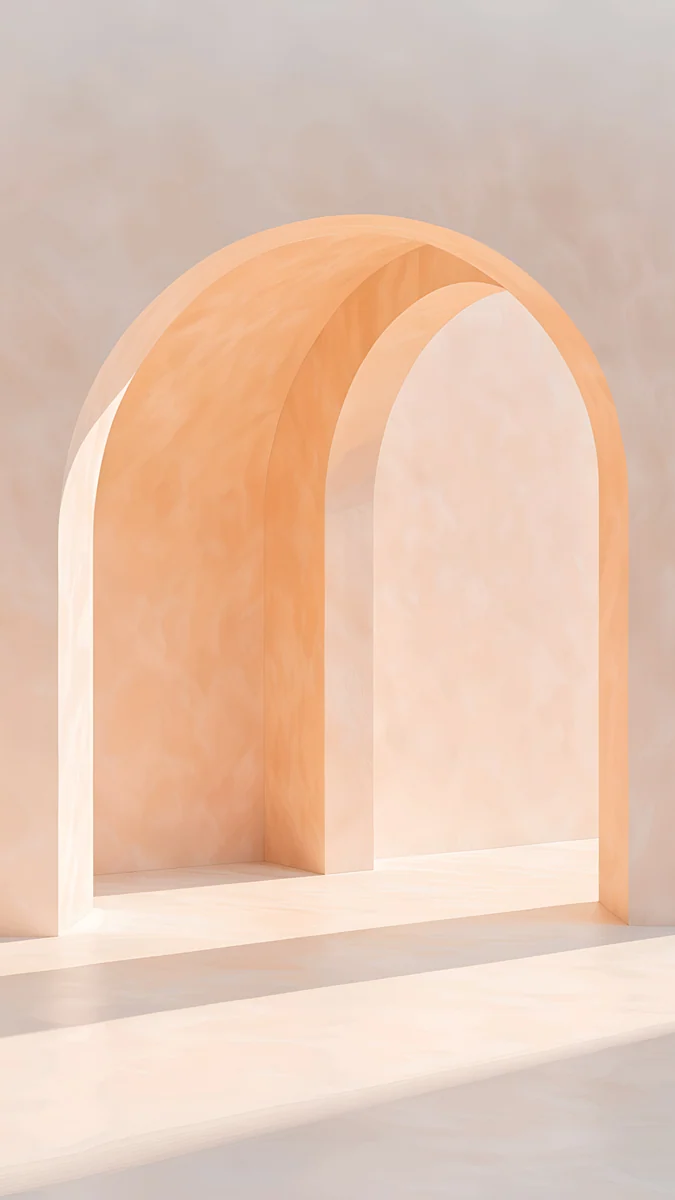
White Desktop Background: Plain White Wallpaper in 4K
Plain white and near white desktop backgrounds for Windows PC and Mac: why soft shadow beats flat white, icon and glare fixes, and 20 free 4K picks.
In short: A white desktop background works best as near white rather than flat #FFFFFF: pale plaster, paper or stone with soft shadow stays bright without looking like an empty window. Use a 3840 × 2160 file set to Fill, light mode, and keep icons on the shadow side.
By the Velpaper team · Wallpapers by Carlos Vivero, Velpaper designer · · 5 min read
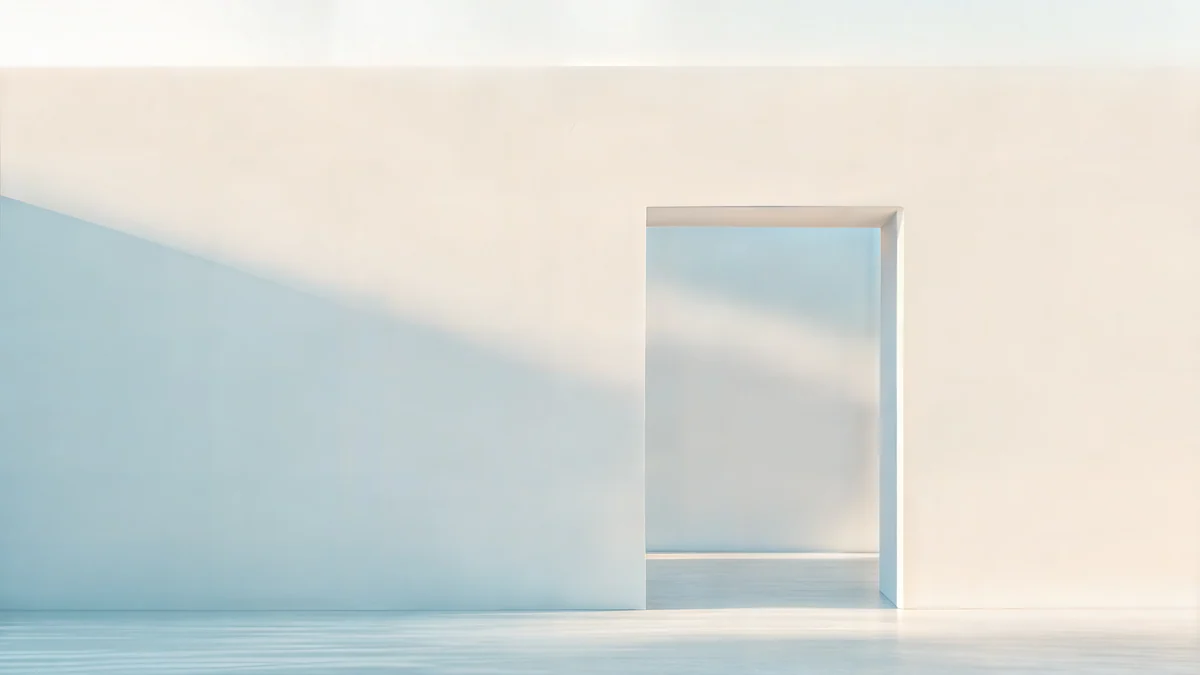 Ivory Daylight Gate
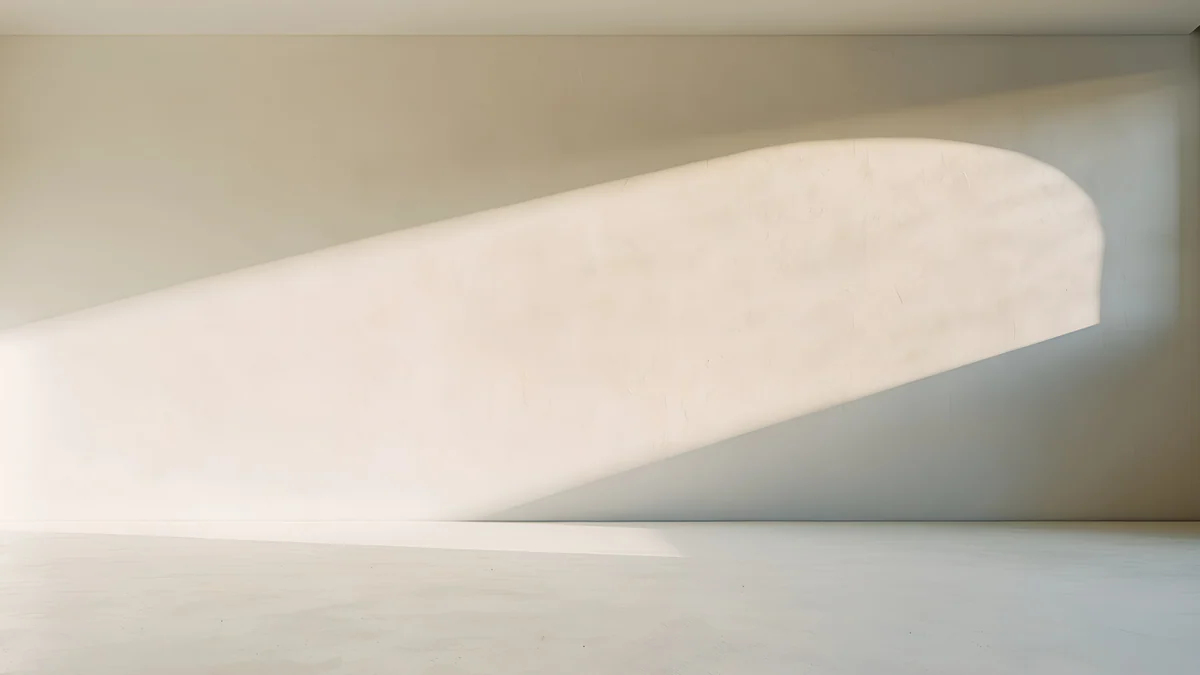 Arch Shadow
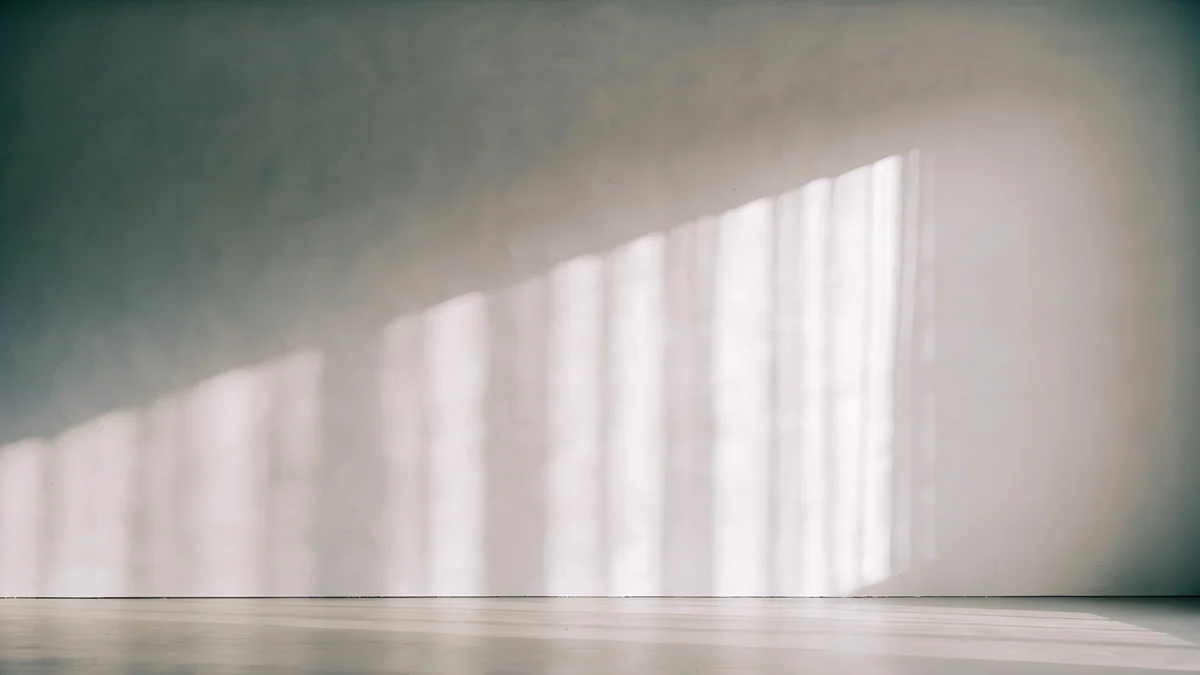 Curtain Veil
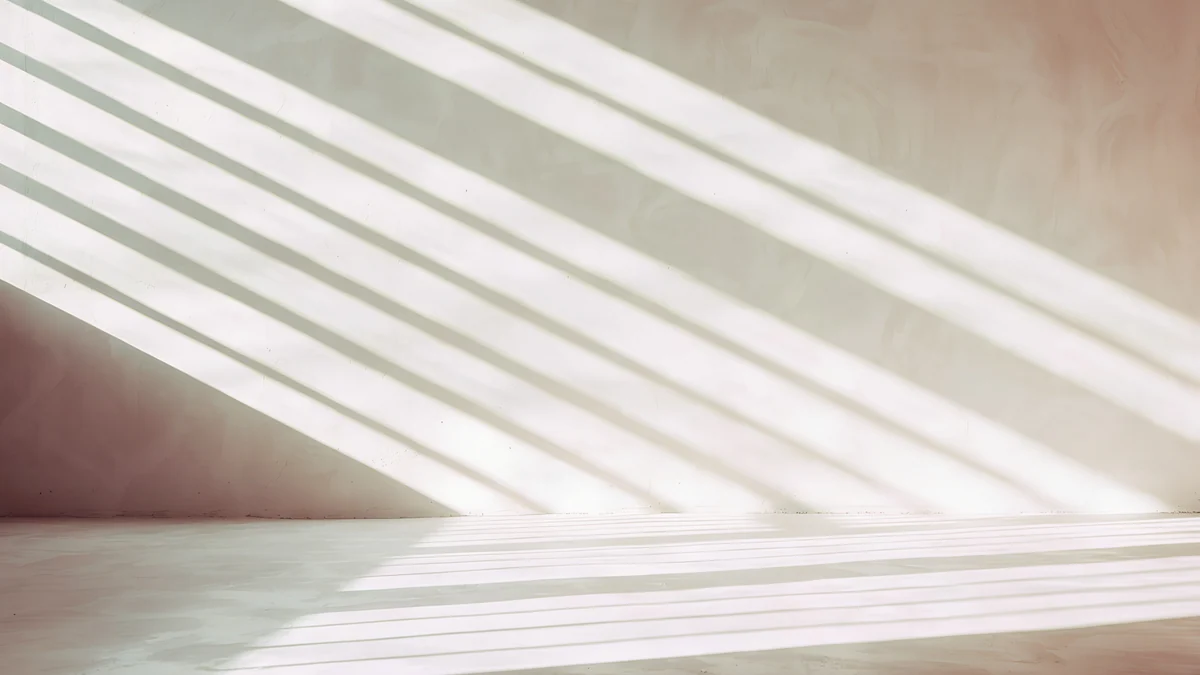 Noon Blinds
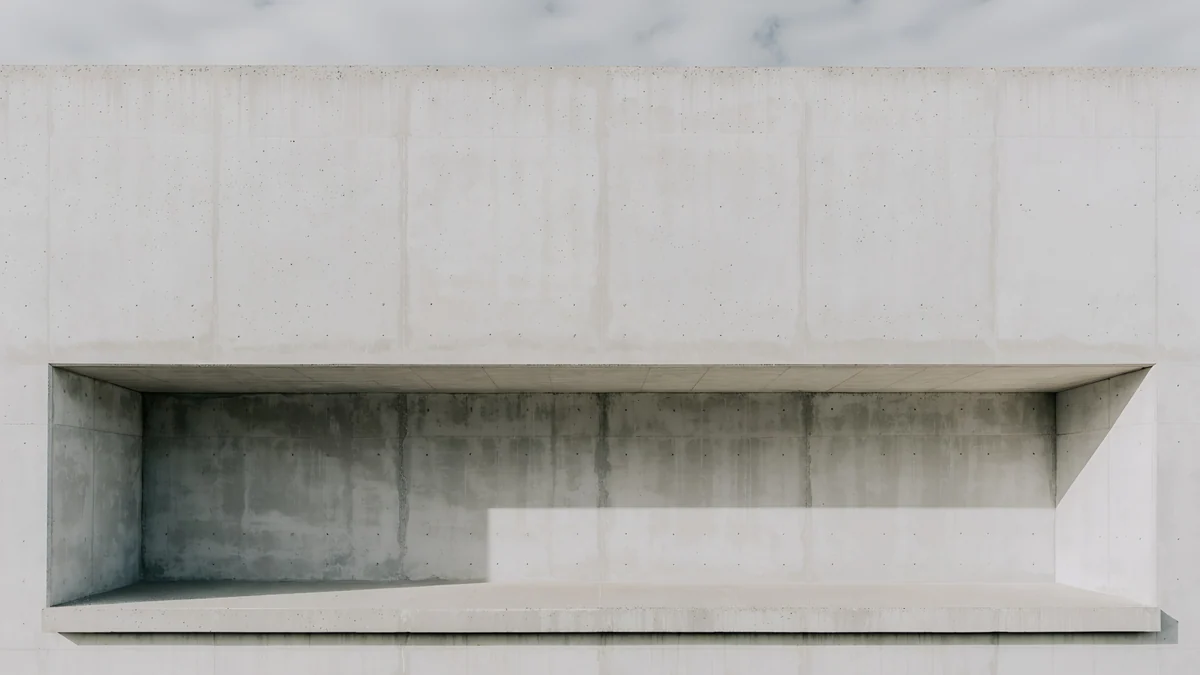 Chalk Recess
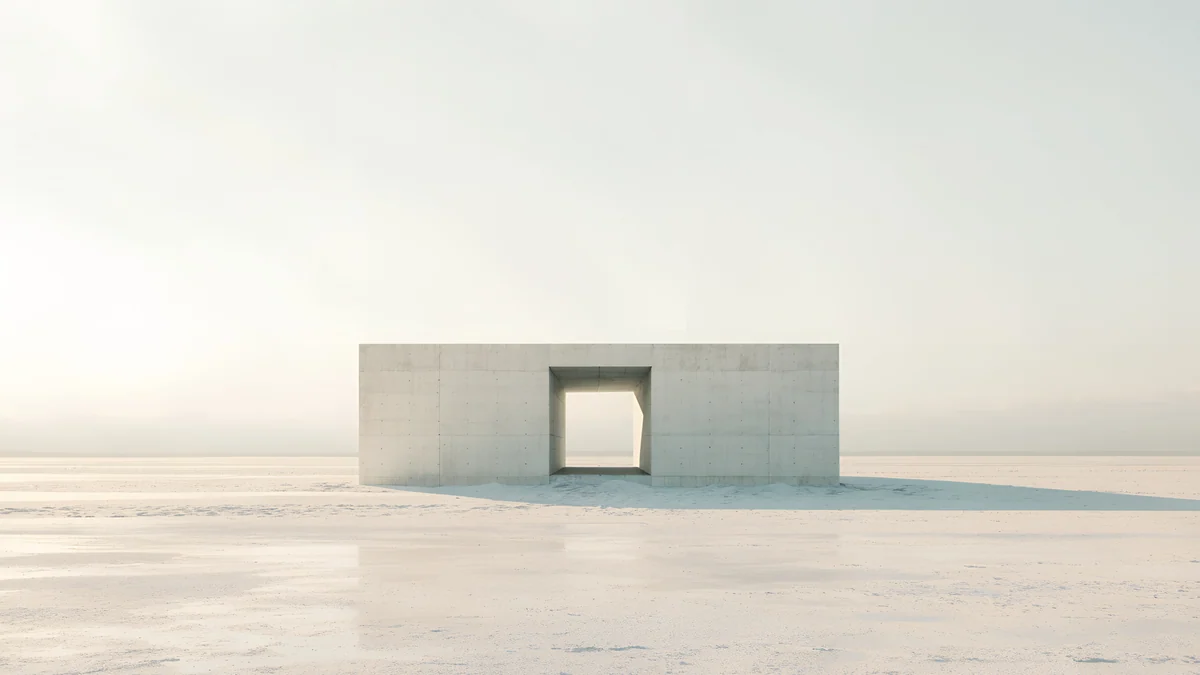 Monolith on the Plain
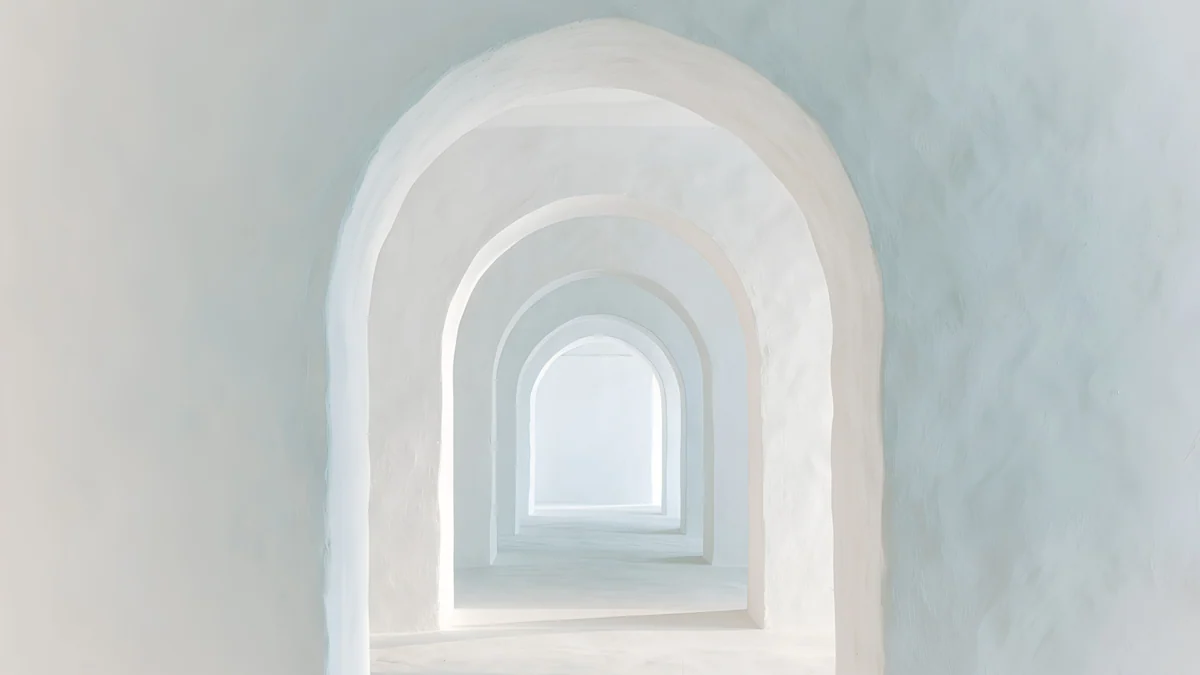 Enfilade
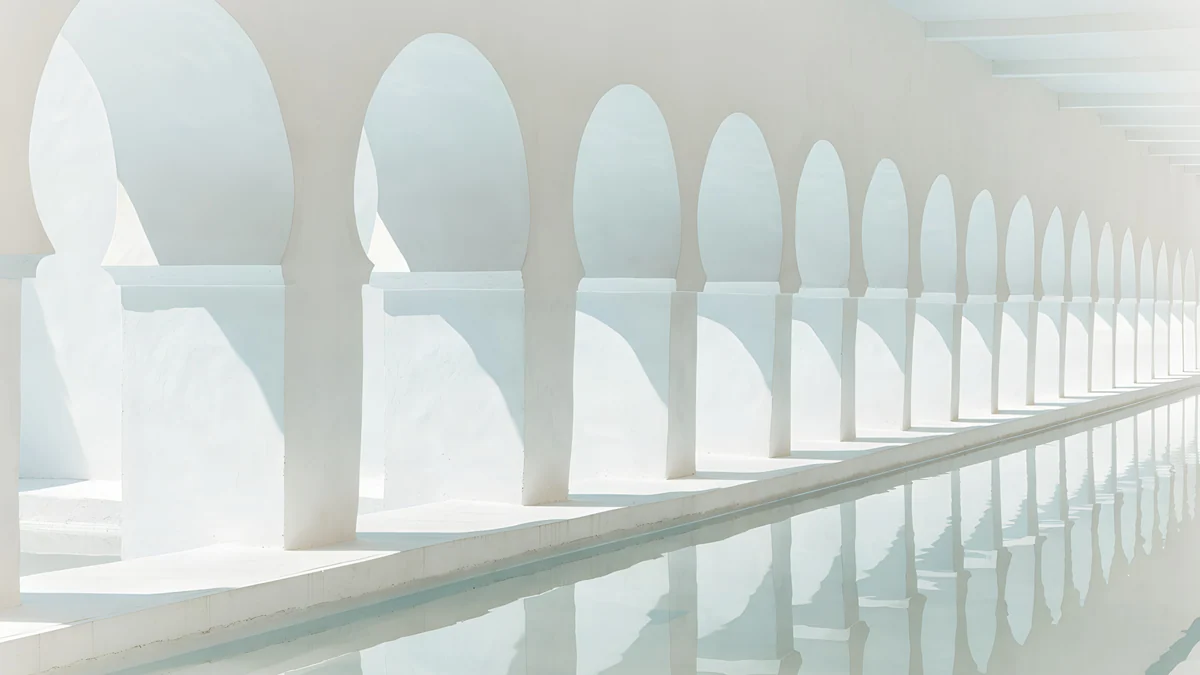 White Arches
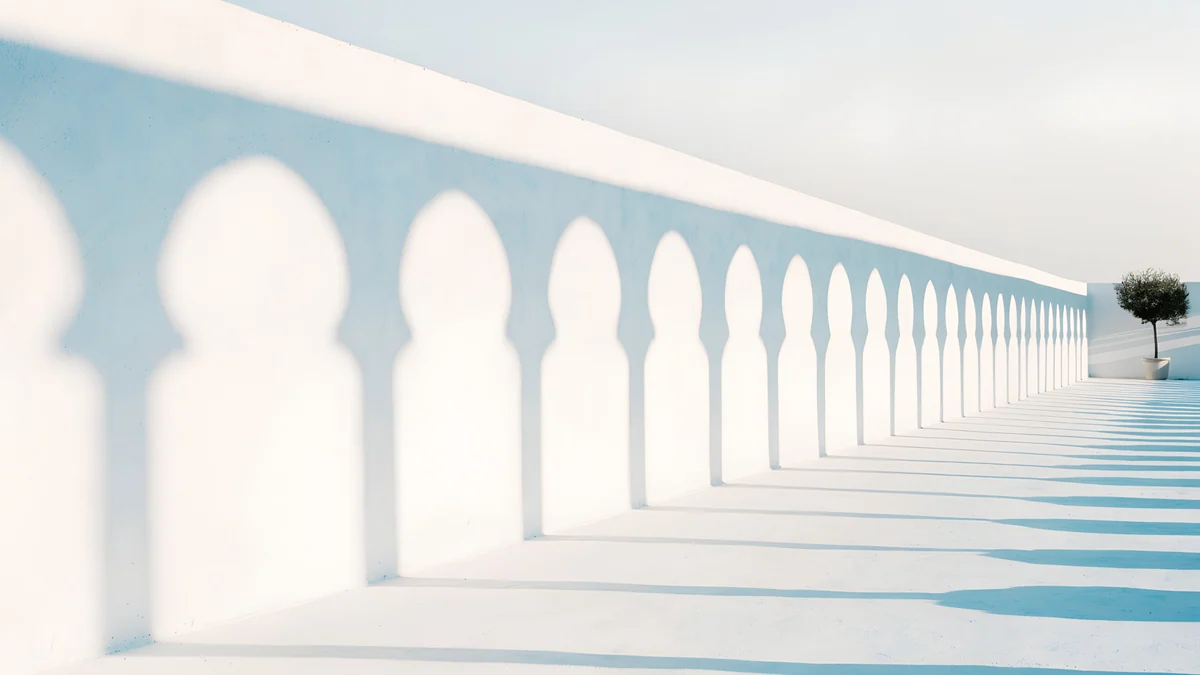 Olive Shadows
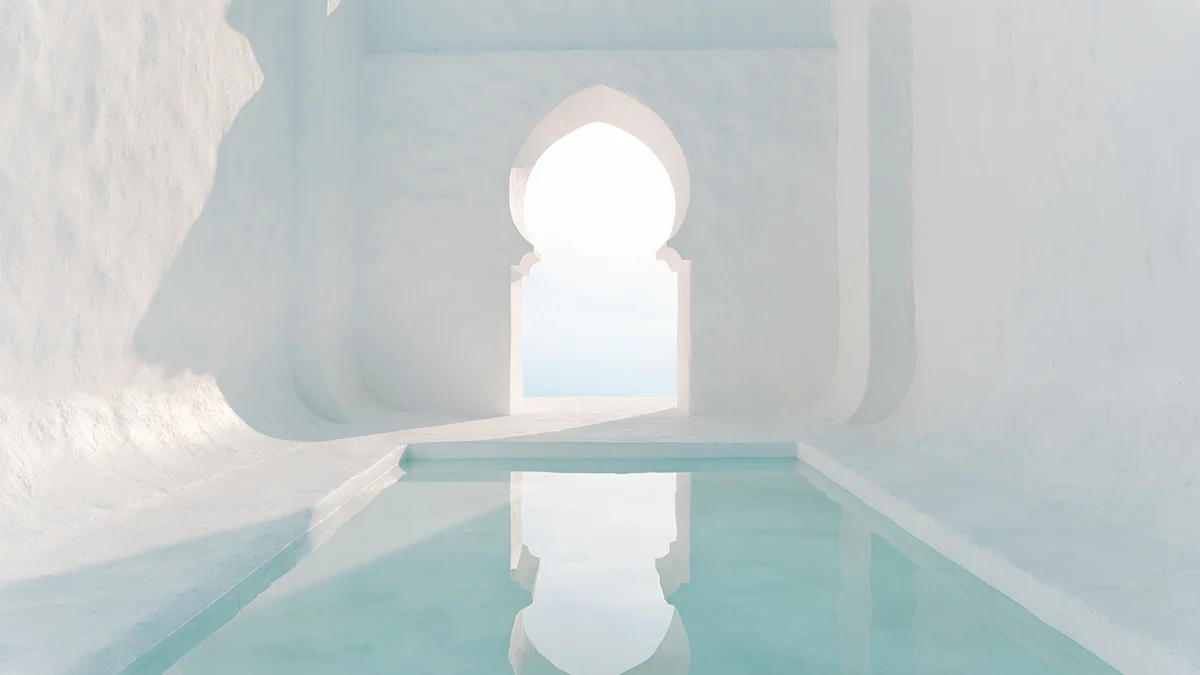 Arch Pool
 Sea Arch
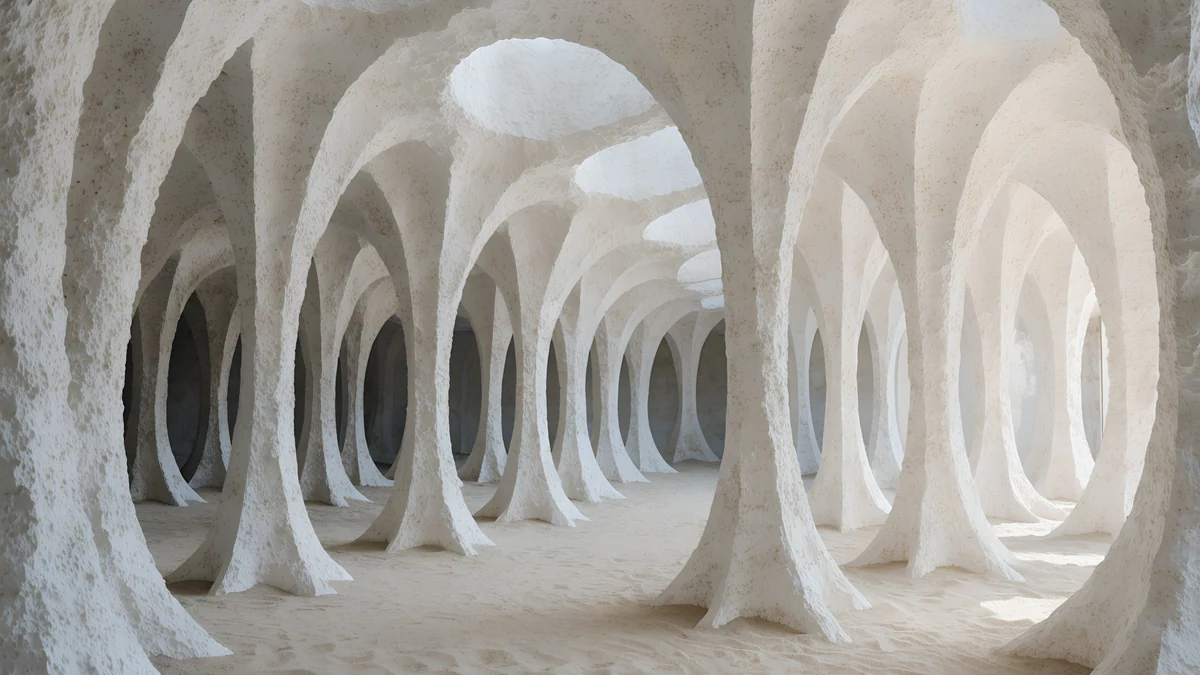 White Grotto
Free 4K originals for iPhone and Android, no watermark
On this page
A plain white desktop background is easy to make, a white square in any editor, but flat #FFFFFF rarely looks good on a monitor. It reads like a window that has not loaded, it glares in a dim room and the white icon labels on Windows vanish against it. Near white works better: plaster, paper or pale stone lit by soft daylight, with a grey shadow that gives the screen a shape and the icons something to sit on. For a sharp result use a 3840 × 2160 file and set the fit to Fill, which covers Full HD, QHD, 4K monitors and MacBooks. Below are 20 white and almost white desktop wallpapers from Velpaper, sorted from nearly plain to more detailed: quiet walls and light, white arches, Gaudí plaster rooms and black ink on white paper. Every one is a wide 4K original composed for 16:9, free to download with no ad.
Plain white or near white: what to pick
Flat white is for a reason, not a default. A pure white file is useful when you share your screen and want nothing behind the windows, or when you photograph a product on screen. As a daily wallpaper it shows every speck of dust on a glossy panel and gives the eye nowhere to rest.
Near white keeps the brightness and adds depth. A white wall in sunlight holds many tones, warm where the light lands and blue grey in the shade. That soft gradient is enough to make a desktop feel calm and finished without adding objects.
Choose warm or cool. Ivory and cream lean warm and suit a wood desk or a silver MacBook in warm room light. Chalk and pearl lean cool, closer to a gallery wall, and look crisp next to white windows in light mode.
Almost plain: quiet walls and light
These are the closest to a plain white background. Each is mostly empty wall, with one soft shadow or opening that keeps it from looking blank.
Ivory Daylight Gate5K · DesktopArch Shadow4K · DesktopCurtain Veil4K · DesktopNoon Blinds4K · DesktopChalk Recess4K · DesktopMonolith on the Plain4K · DesktopIvory Daylight Gate is a pale wall with one tall doorway of blue light, almost all white space. Arch Shadow lets a single curved patch of sun fall across a warm white room. Curtain Veil is a white wall with soft stripes of window light, and Noon Blinds lays slanted bands of sun across pale stone. Chalk Recess cuts one long shelf into a concrete wall, and Monolith on the Plain puts a small white block on a bright, empty floor. All six leave the left third calm for icons.
White arches and sunlit courtyards
Whitewash in strong Mediterranean sun: rounded openings, pale blue shadows and a little water. They carry more contrast than the plain walls, which helps on a bright laptop screen by a window.
Enfilade4K · DesktopWhite Arches4K · DesktopOlive Shadows4K · DesktopArch Pool4K · DesktopSea Arch4K · DesktopEnfilade looks down a line of white arches that fade into light, with the vanishing point in the centre so a 16:10 MacBook crop loses nothing. White Arches repeats Moorish openings over still water, and Olive Shadows throws arch shadows along a white wall towards a small tree. Arch Pool frames a keyhole arch above a pale turquoise pool, and Sea Arch opens two white arches onto a calm sea with a curtain lifting in the wind.
White Gaudí rooms
Curved plaster with no hard corners, in the spirit of Gaudí's Barcelona interiors. These are the most textured whites here, for a desktop you look at more than you work on.
White Grotto4K · Desktop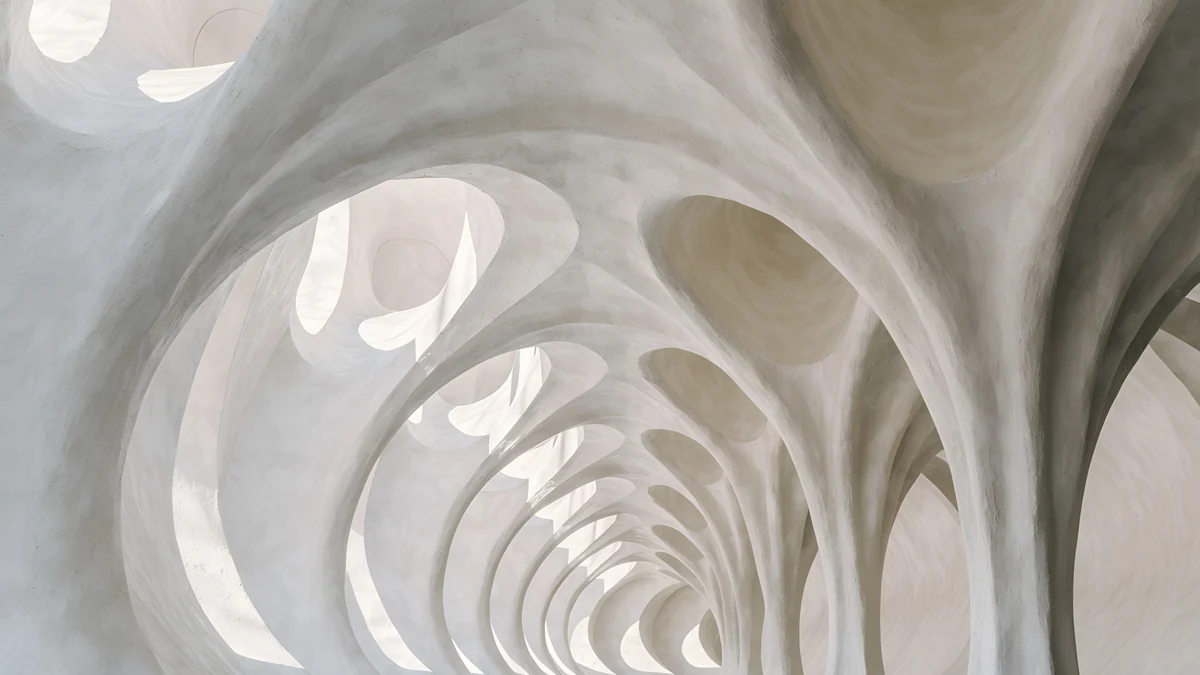 Catenary Attic4K · Desktop
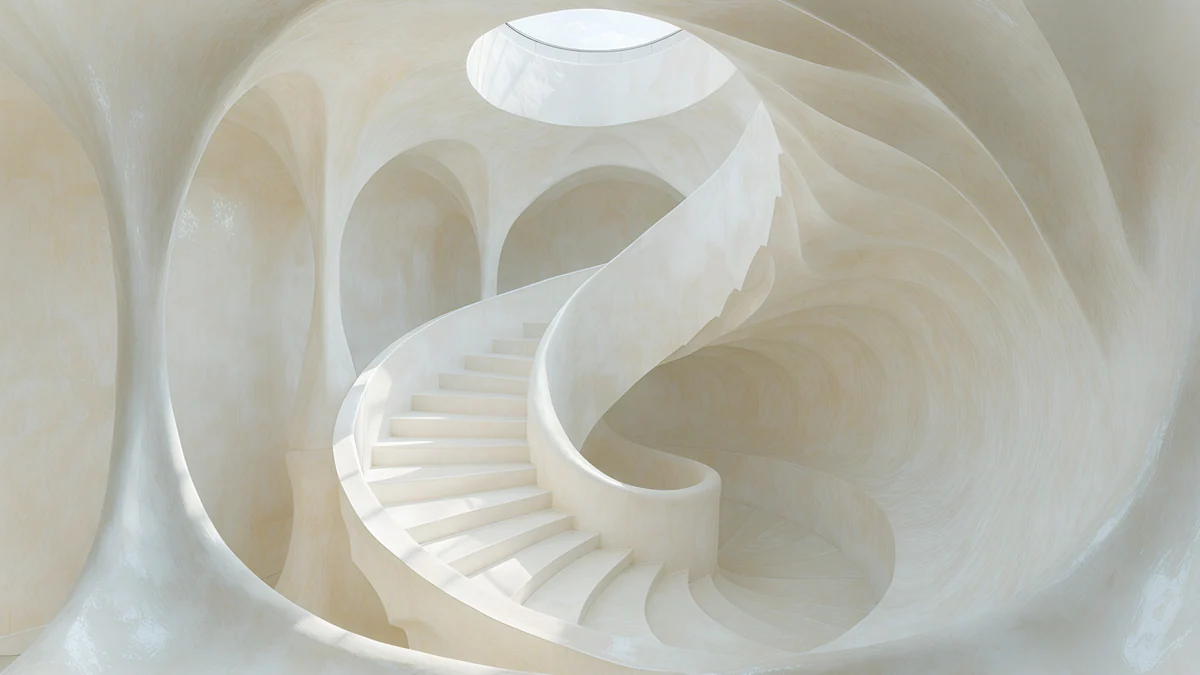 Nautilus Stair4K · Desktop
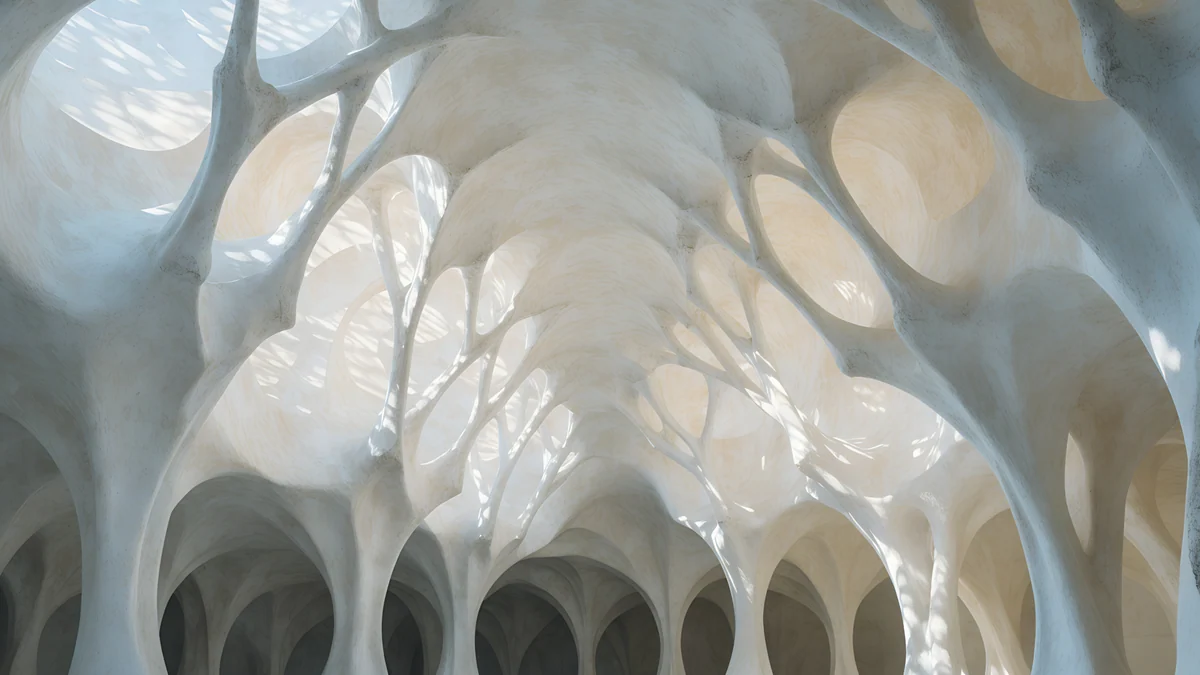 Stone Forest4K · Desktop
White Grotto is a cave of rough white arches with blue in the shadows. Catenary Attic is a tunnel of parabolic arches stepping into the distance, Nautilus Stair coils up to a round skylight, and Stone Forest branches white columns overhead like trees. With this much detail, hide the desktop icons or keep only a few.
White with a black line: ink and noir
If you like a white screen with one strong mark, these keep most of the frame pure white and put a single black shape at the edge.
 Paper Moon4K · Desktop
 One Block4K · Desktop
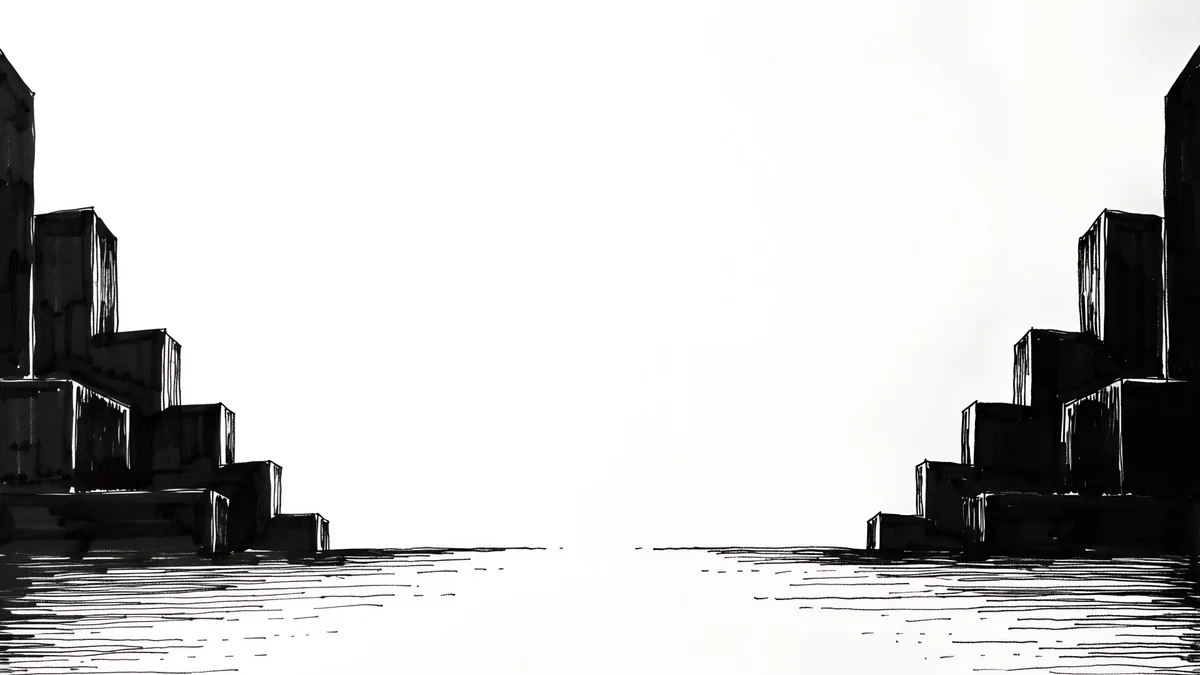 Paper Haze4K · Desktop
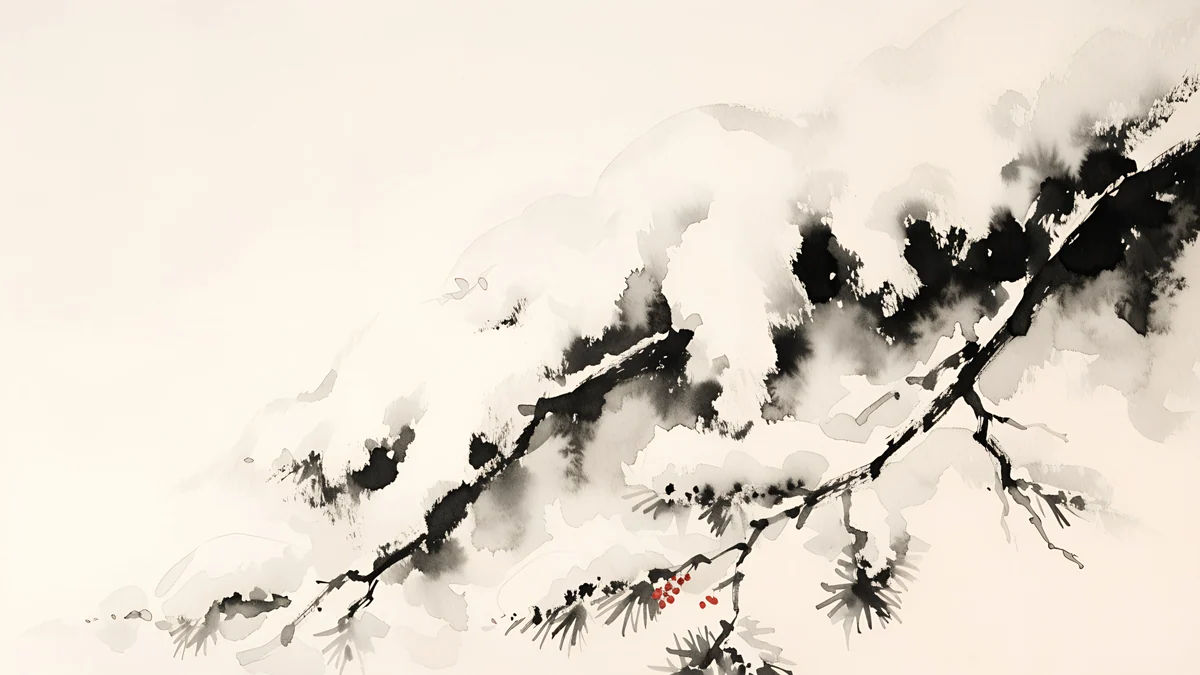 Ink Snow Branch4K · Desktop
 Ink Quiet Lake4K · Desktop
Paper Moon is the most minimal: a black tower, a horizon line and a black moon on white. One Block puts a stepped black building in the lower right, and Paper Haze frames a white bay between two ink skylines. Ink Snow Branch and Ink Quiet Lake are Japanese ink wash scenes on warm white paper, a pine branch under snow and a small boat on a still lake. For more of this look, see our black and white wallpapers.
Icons, light mode and glare on a white desktop
- Icon labels disappear. Windows draws desktop labels in white with a thin shadow, so they fade on a bright picture. Drag the icons onto the shadow side of the image, or right-click the desktop and choose View, then turn off Show desktop icons.
- Switch to light mode. A white wallpaper next to a dark taskbar looks split in two. On Windows 11 go to Settings, Personalization, Colors and set Choose your mode to Light. On a Mac open System Settings, Appearance and choose Light.
- Too bright in the evening. Lower the screen brightness or turn on Night light on Windows or Night Shift on a Mac. A warm ivory wallpaper is easier on the eyes at night than a cool chalk white.
- Bands in the sky or the shadows. That is usually a small or compressed copy. Save the original from the wallpaper page rather than a screenshot of the preview.
Microsoft's own steps are in Change your desktop background in Windows, and Apple's are in Change your Mac desktop picture.
Set it and match your phone
On Windows 11, right-click the desktop, choose Personalize, then Background, pick Picture, click Browse photos and set the fit to Fill; every option is in our Windows 11 wallpaper guide. On a Mac open System Settings, Wallpaper, click Add Photo and choose Fill Screen. Several pieces here have a tall phone partner, such as Enfilade and White Arches, and the full phone set is in our white aesthetic wallpapers.
Next step: open Ivory Daylight Gate for an almost plain white desktop and save the original. Every desktop wallpaper here downloads free with no ad, in the Velpaper apps for Mac, iPhone, iPad and Android and on velpaper.com. The phone versions unlock after a short optional ad.
Original wallpapers in 4K and 5K for iPhone, Android and desktop.
Questions
Is a plain white desktop background a good idea?
It can be, but flat #FFFFFF is rarely the best choice for daily use. It glares in a dim room, shows dust on a glossy screen and makes the white icon labels on Windows hard to read. A near white wallpaper, such as a pale wall with soft shadow, keeps the bright, clean look while giving the eye some depth. Keep pure white for screen sharing or product photos, where you want nothing behind the windows.
What size should a white desktop wallpaper be?
Use a 3840 × 2160 file and set the fit to Fill on Windows or Fill Screen on a Mac. That size is native to a 4K monitor and larger than Full HD, QHD and MacBook screens, so the system only scales it down and the soft gradients stay smooth. A small file stretched to fit is what causes visible bands in white skies and shadows. MacBooks are 16:10, so Fill trims a thin strip from the sides.
How do I read desktop icons on a white wallpaper?
Windows shows desktop icon labels in white with a light shadow, so they fade on a bright image. Pick a wallpaper with a darker or shaded area and drag the icons there, or hide them: right-click the desktop, choose View and untick Show desktop icons. Many people with a white desktop keep files in one folder pinned to the taskbar instead. On a Mac you can also hide desktop items in the Finder settings.
Should I use light mode with a white wallpaper?
Yes, light mode usually looks better. A white background with a dark taskbar or a dark menu bar splits the screen into two halves, while light mode makes the windows, the taskbar and the wallpaper read as one surface. On Windows 11 set Settings, Personalization, Colors, Choose your mode to Light. On a Mac choose System Settings, Appearance, Light. If you prefer dark mode, a white wallpaper with a black ink line can bridge the two.
Are these white desktop wallpapers free?
Yes. Every desktop wallpaper in this article downloads free with no ad, as the full size original without a watermark, on velpaper.com and in the Velpaper apps for Mac, iPhone, iPad and Android. The files are wide 4K originals made for 16:9 screens, not phone pictures cropped to fit. The phone versions of the same scenes unlock after a short optional ad. No account is needed to save a desktop file.
Carlos Vivero
Designer of Velpaper wallpapers
Carlos Vivero designs the wallpapers in Velpaper: quiet architecture, liquid glass, Japanese ink and calm landscapes. Every piece is made as a 4K original for iPhone, Android and desktop.
Recent work