Dark Desktop Wallpaper for PC and Mac: 10 Picks in 4K
Dark desktop wallpapers for Windows PC and Mac in 4K: noir, navy, graphite and deep violet that suit dark mode, keep icons readable and match your phone.
In short: A good dark desktop wallpaper for PC or Mac is a deep tone with one soft light, such as noir, navy, graphite or plum, set as a 3840 × 2160 file with Fill and dark mode on. Pure black works too, but deep colour keeps the screen from looking switched off.
By the Velpaper team · Wallpapers by Carlos Vivero, Velpaper designer · · Updated · 4 min read
 Night Blocks
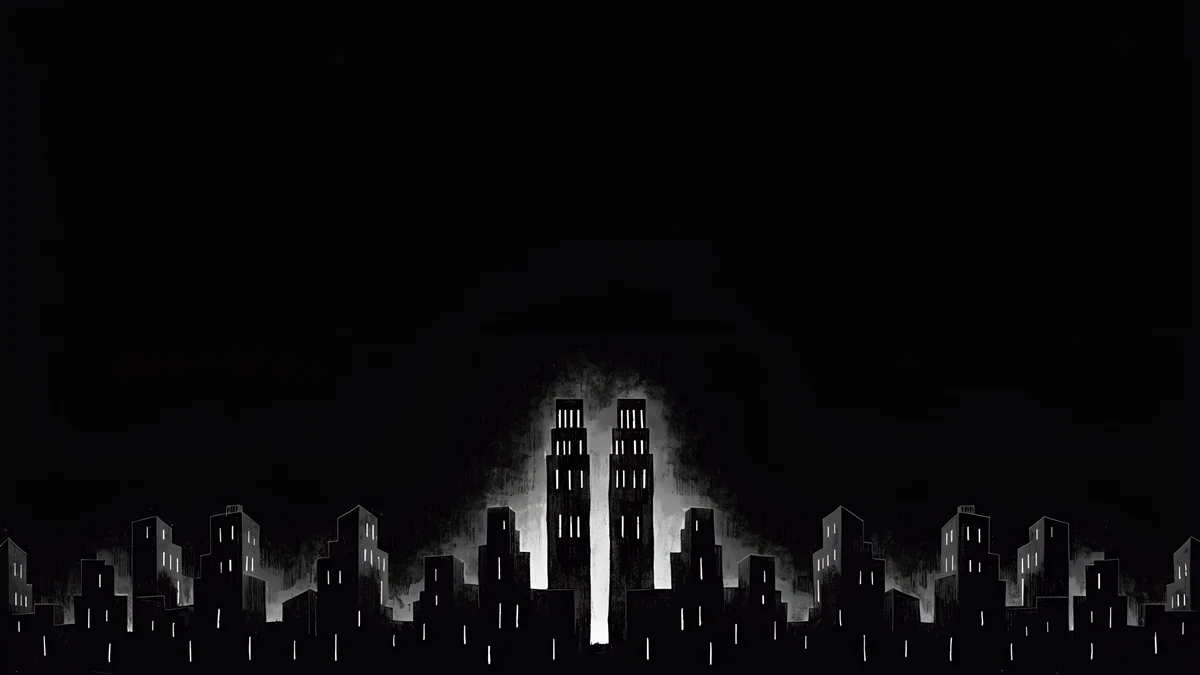 Light Slits
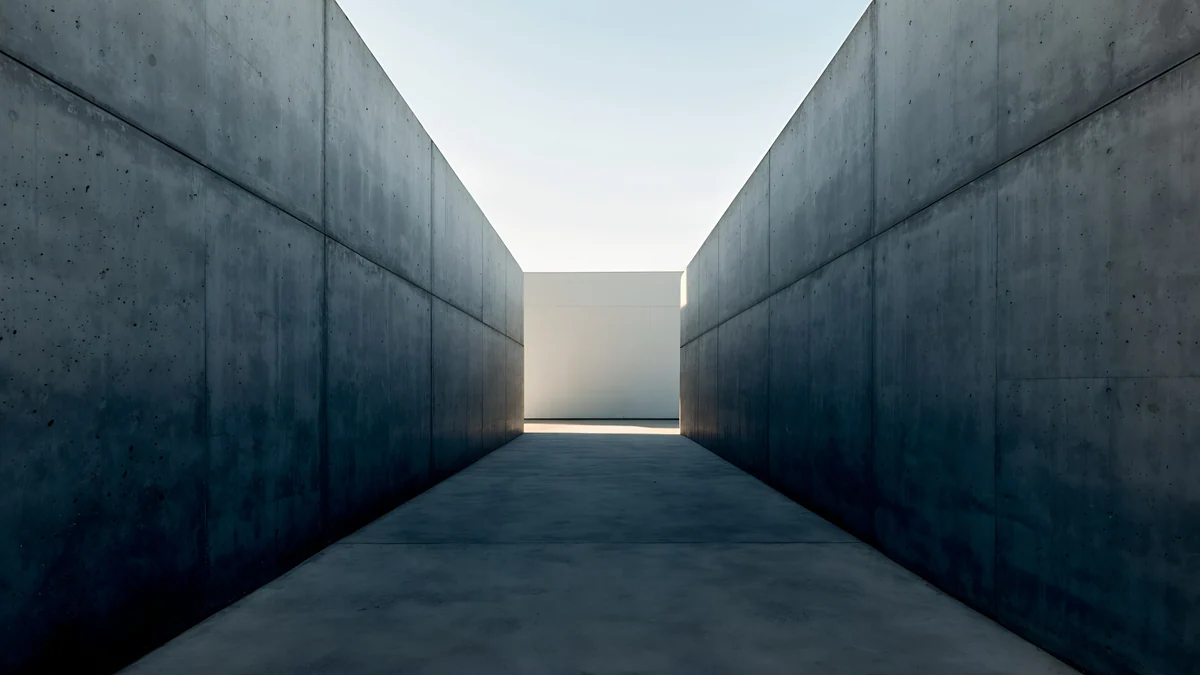 Graphite Passage
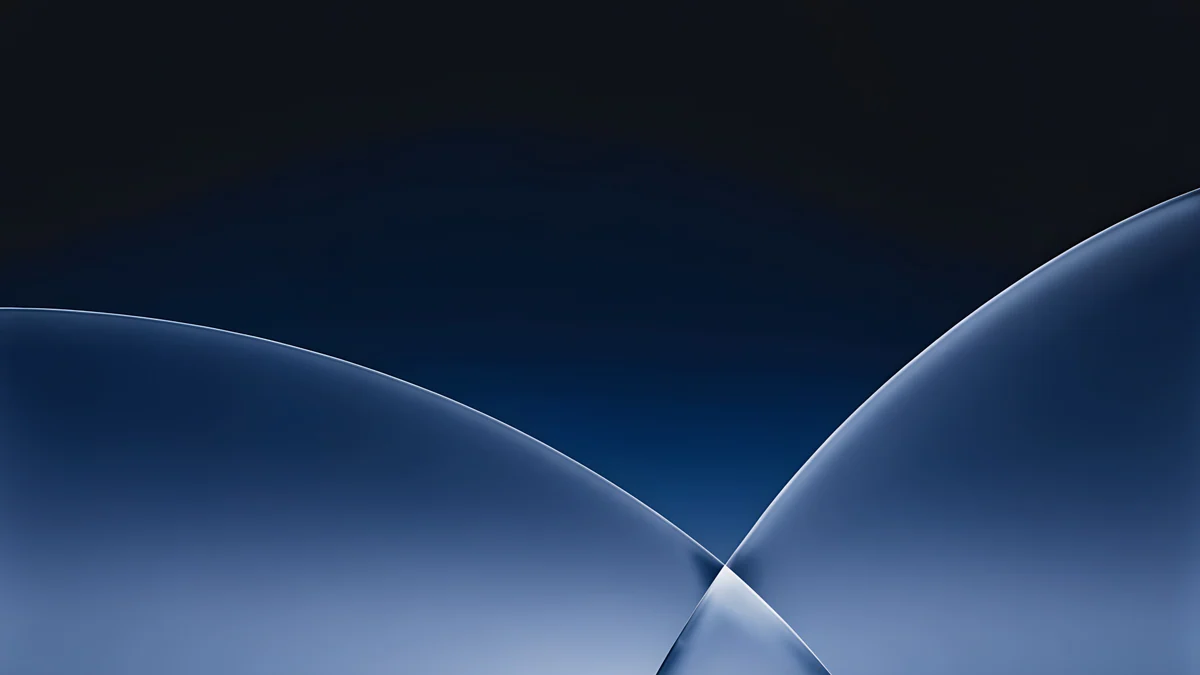 Cobalt Soft Horizon
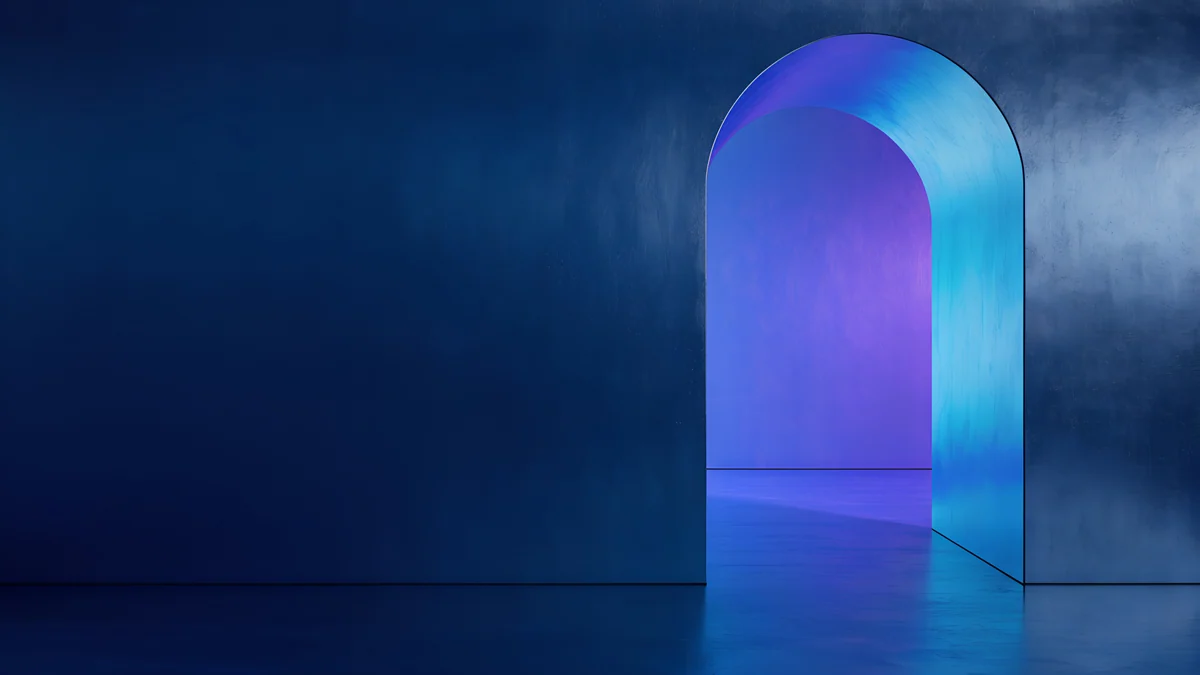 Volt Blue Vault
 Petrol Current
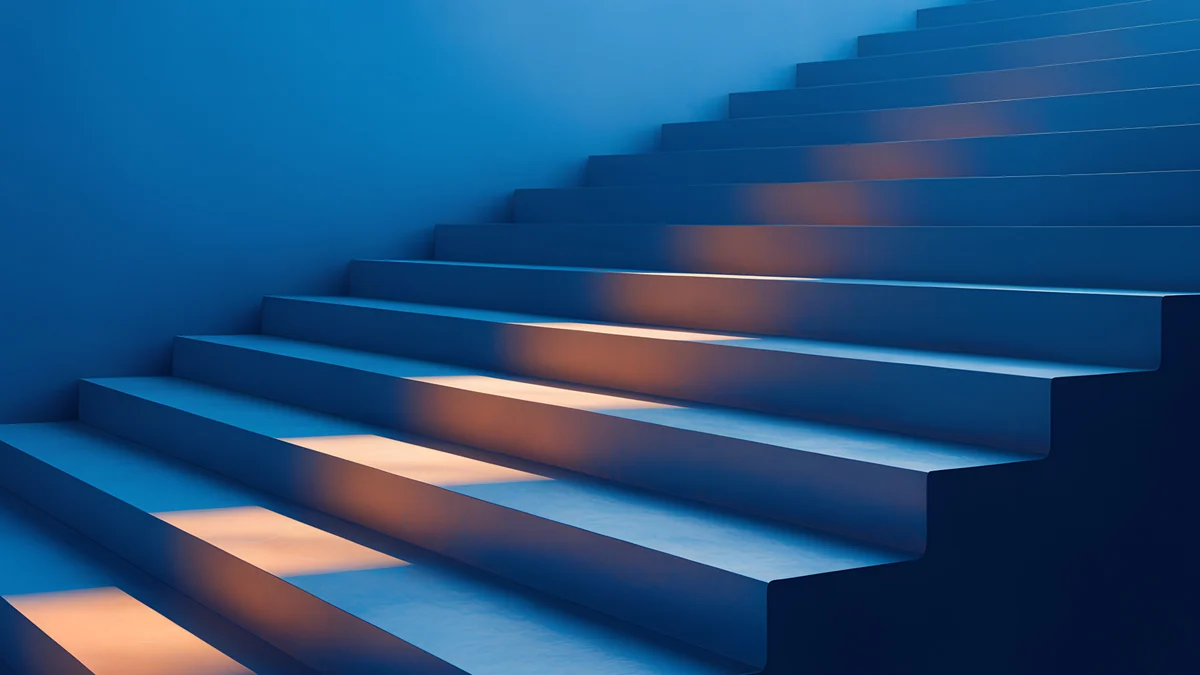 Cobalt Ember Steps
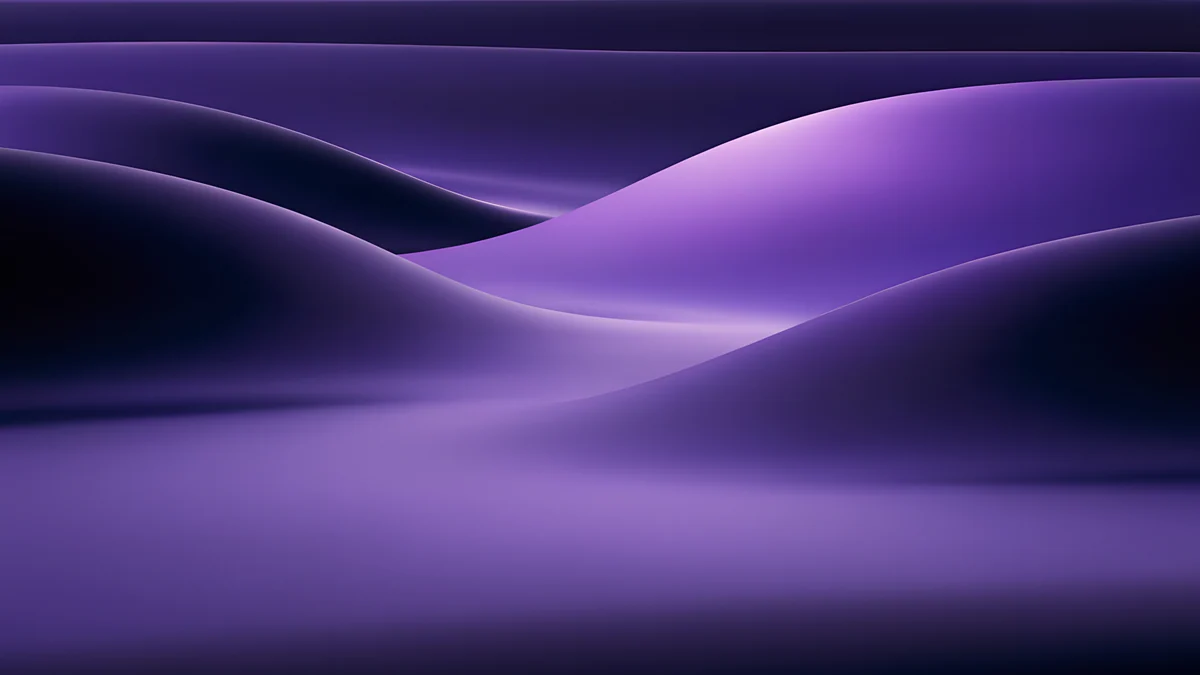 Indigo Silk Flow
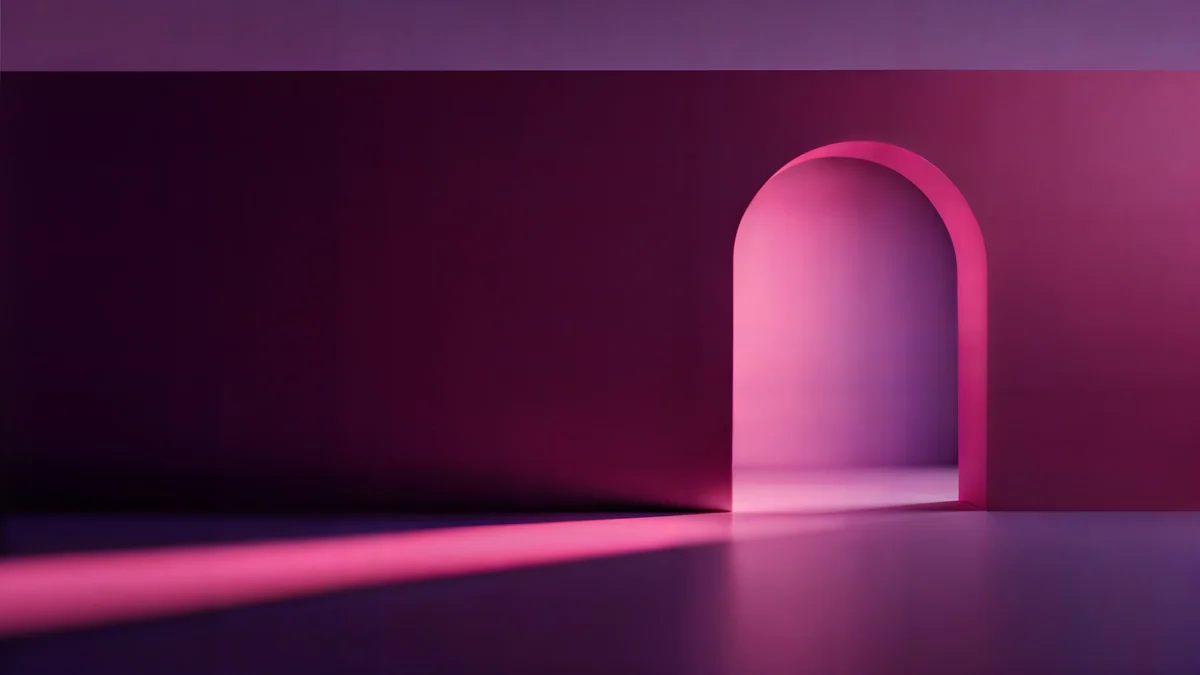 Rose Pulse Arcade
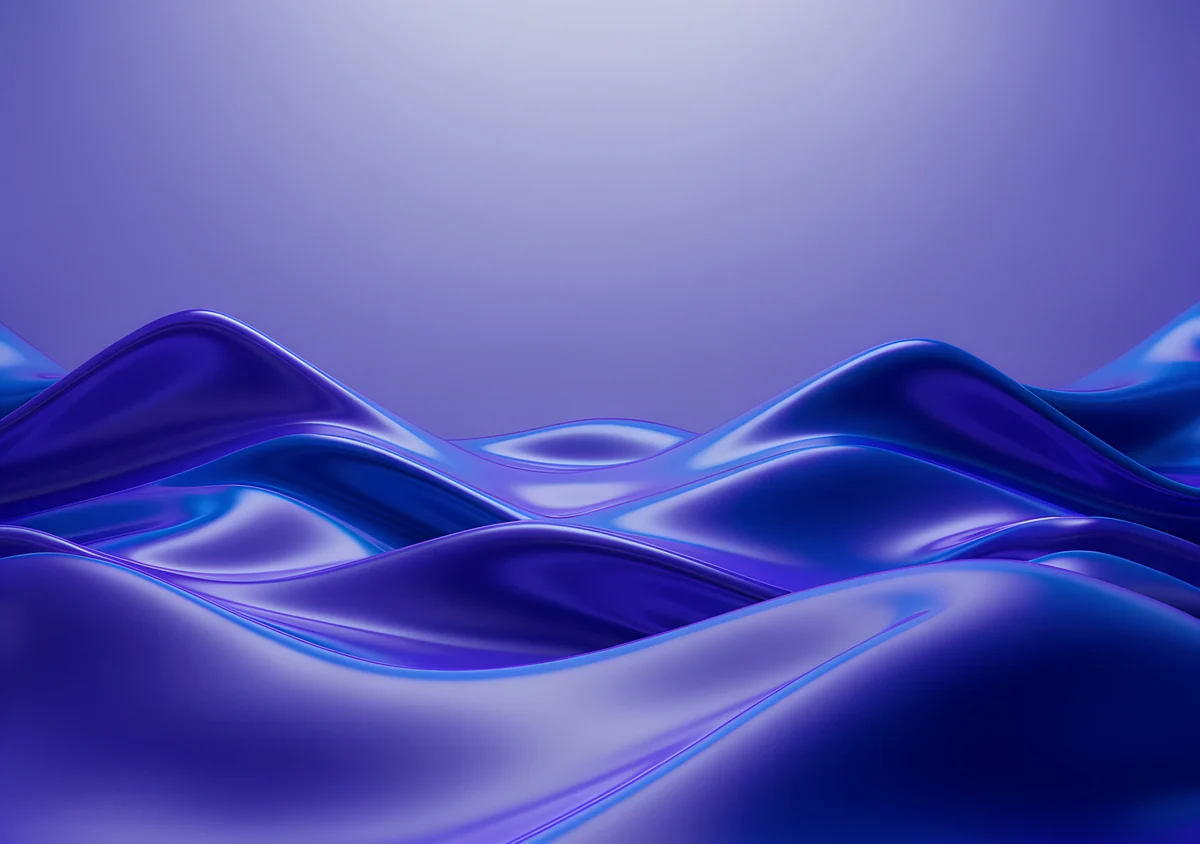 Violet Liquid Fold Wide
Free 4K originals for iPhone and Android, no watermark
On this page
A dark desktop wallpaper works best when it is deep rather than flat: night noir, navy, graphite or plum with one soft source of light. That keeps white icon labels readable on Windows, lets the menu bar and Dock on a Mac blend in with dark mode, and makes a bright document window look lit from behind instead of glaring. Pure black is fine, but on a large monitor a completely black screen can look like the PC is off, so most of the picks below keep a little colour. Two of them, Night Blocks and Light Slits, are as close to black as a picture gets. For a sharp result use a 3840 × 2160 file set to Fill, which covers Full HD, QHD and 4K monitors and every MacBook. Below are ten dark desktop backgrounds from Velpaper in three groups, noir, navy and deep violet, plus how to turn on dark mode and match your phone.
What makes a dark desktop background work
Icon labels stay readable. Windows draws desktop labels in white with a thin shadow, and macOS does the same in dark mode. On a deep background they read without any effort.
One light, not many. A single glow, a lit doorway or a pale horizon gives the eye a place to rest. Several bright spots compete with your windows.
Keep the edges quiet. Icons sit on the left on Windows and on the right on a Mac, and the taskbar or Dock covers the bottom. The pieces here keep their detail in the centre or low on one side.
Deep colour versus pure black. On an OLED laptop black pixels switch off, while a normal LCD monitor lights the whole panel either way. The battery side of that is covered in dark wallpapers for OLED; for a desktop the choice is mostly about comfort in a dim room.
Noir and near black
The darkest group. Black skylines and grey concrete, with just enough light to show shape.
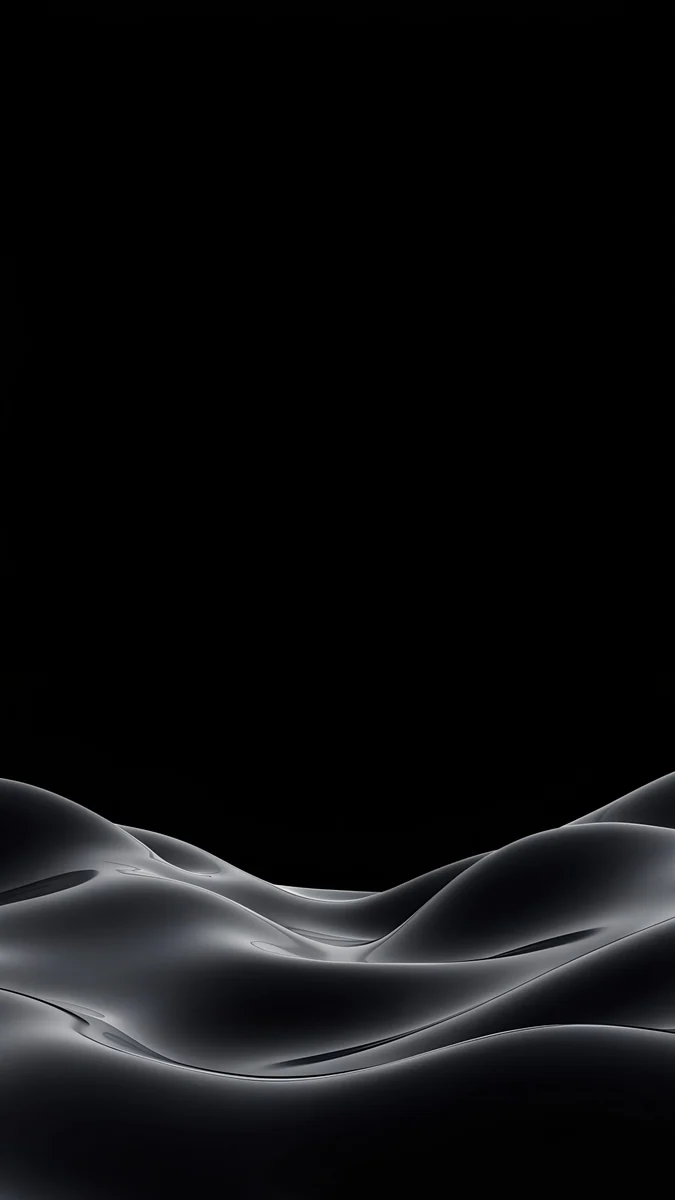
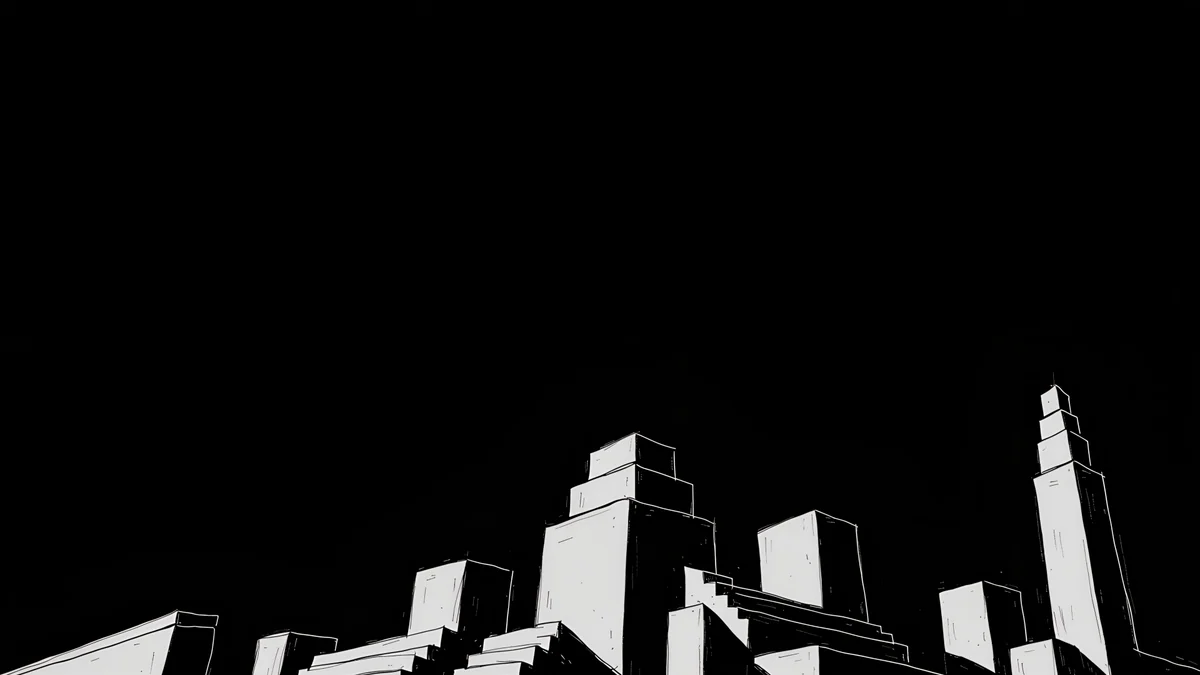
Night Blocks is stepped white outlined towers on a black sky that fills most of the frame, so the top half is perfect for icons. Light Slits is a black skyline with a few lit windows and a pale glow behind two towers. Graphite Passage is a concrete corridor in grey with daylight at the far end, darker at the walls than in the middle, for anyone who finds black too stark.
Navy and deep blue
Navy is the friendliest dark tone for a work screen. It reads as dark in a dim room but never as empty, and it sits well next to the blue accents of Windows 11 and macOS.
Cobalt Soft Horizon4K · DesktopVolt Blue Vault4K · DesktopPetrol Current5K · DesktopCobalt Ember Steps4K · DesktopCobalt Soft Horizon fades from near black at the top into two crossing navy curves, the calmest file in this set. Volt Blue Vault is a dark blue wall with one glowing doorway in the middle, which survives an ultrawide crop. Petrol Current is soft dunes of deep teal blue, and Cobalt Ember Steps lights a blue stairway with small warm lamps.
Deep violet and plum
If navy feels too cool, these push the same depth towards purple and wine. They look rich in dark mode and still leave the left side plain.
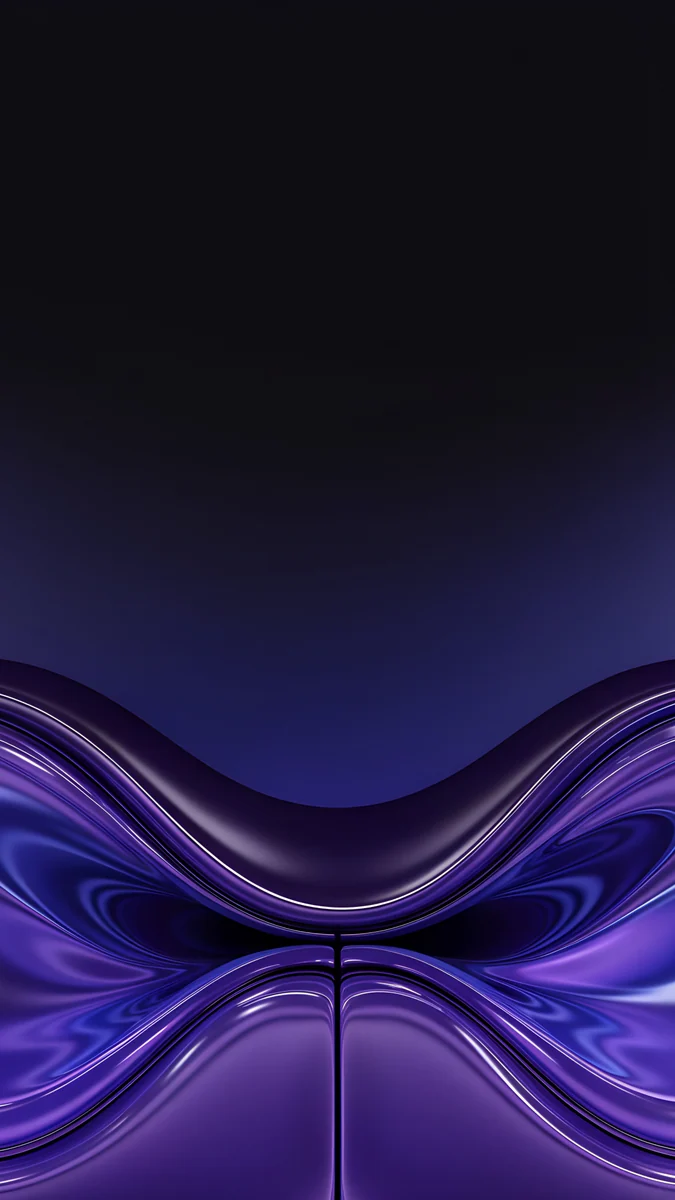
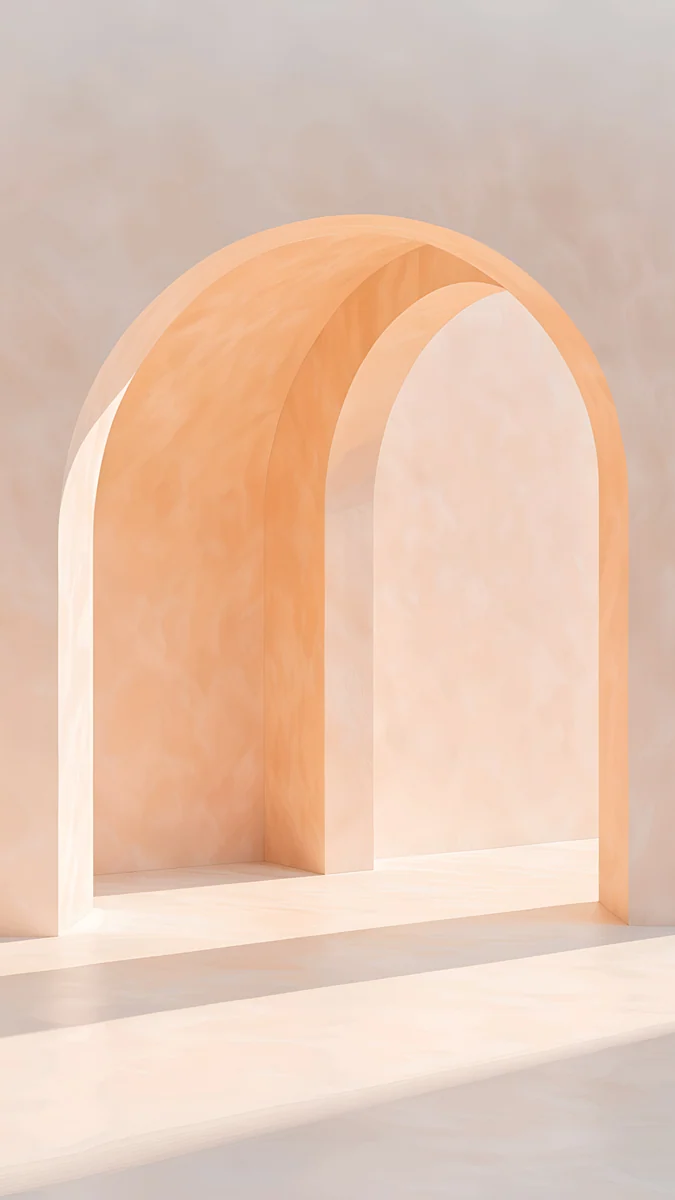
Indigo Silk Flow is violet hills of silk under a dark sky. Rose Pulse Arcade is a plum room with one pink arch and a beam of light across the floor. Violet Liquid Fold is a wave of glossy violet, a little brighter than the rest; it unlocks after an optional short ad, while the other nine download free.
Turn on dark mode on Windows 11 and Mac
- Windows 11. Open Settings with Windows + I, go to Personalization, then Colors, and set Choose your mode to Dark. To set the wallpaper, go back to Personalization, then Background, pick Picture, click Browse photos and choose Fill.
- macOS. Open System Settings, click Appearance and choose Dark. Then open Wallpaper, click Add Photo, pick the file and set the menu next to the preview to Fill Screen.
- A note on automatic switching. Some of Apple's own wallpapers change between a light and a dark version with the system. A downloaded JPEG holds one image, so it stays the same in both modes; with a dark picture that is exactly what you want.
Match your phone to your dark desktop
Several pieces here have a phone version drawn from the same scene: Light Slits, Graphite Passage, Volt Blue Arch, Rose Pulse Arch and Cobalt Soft Crossing, which is the phone partner of Cobalt Soft Horizon. The phone versions unlock after an optional ad. For a truly black phone screen with glossy shapes, see black wallpapers, and for more macOS picks there is a separate guide to Mac dark mode wallpapers.
Microsoft's own steps are in Change your desktop background in Windows, and Apple's are in Change your Mac desktop picture.
Get these dark wallpapers in Velpaper
Every desktop wallpaper on this page is a 4K original, some at 5120 × 2880, with no text or watermark. Open a piece on velpaper.com or in the Velpaper app for Mac, iPhone, iPad and Android, and download the full file. On a Mac the app can set it as your desktop picture straight away.
Original wallpapers in 4K and 5K for iPhone, Android and desktop.
Questions
What colour is best for a dark desktop wallpaper?
Deep navy, graphite, noir black or dark plum, ideally with one soft light in the picture. These tones keep white icon labels readable on Windows and match the dark menus of macOS, while the light gives the eye a resting point so the screen does not look switched off. Navy is the safest choice for a work screen because it never reads as empty. Pure black suits a dim room or an OLED laptop, and the two noir pieces here, Night Blocks and Light Slits, are as close to black as a picture gets.
Does a dark wallpaper save battery on a laptop?
Only on an OLED screen, and only a little. On OLED each pixel makes its own light, so black areas switch off and use almost no power. Most laptops and nearly all desktop monitors use LCD panels, where the backlight stays on behind every pixel, so a dark picture uses the same power as a bright one. On an LCD, screen brightness matters far more than the wallpaper. The real gain from a dark desktop is comfort in the evening and a calmer look with dark mode.
Can I get a pure black desktop background?
Yes. Windows 11 can show a solid colour instead of a picture: in Settings, Personalization, Background, set Personalize your background to Solid color and choose black. On a Mac, System Settings, Wallpaper offers a Colors section with plain colours. If you want black with something to look at, Night Blocks and Light Slits from Velpaper are almost entirely black with a white skyline drawn on top, and both download free as 4K files.
Does a wallpaper change automatically with dark mode?
Only if the file is built for it. Some of Apple's own macOS wallpapers hold a light and a dark image and switch with the system appearance when set to Automatic. A normal JPEG or PNG, including every Velpaper download, holds one image and looks the same in light and dark mode. Windows 11 does not switch wallpapers with the colour mode at all. The simple fix is to choose a picture that looks good dark and keep it there, which is what this collection is for.
What size should a dark desktop wallpaper be?
3840 × 2160 pixels covers Full HD, QHD and 4K monitors and every laptop, and 5120 × 2880 suits a 5K display such as the Studio Display. Set the fit to Fill on Windows or Fill Screen on a Mac so there are no bars. A 16:10 MacBook trims a thin strip at the sides, and an ultrawide monitor trims the top and bottom, so on a 21:9 screen pick a piece with its light in the centre, such as Volt Blue Vault or Rose Pulse Arcade.
Carlos Vivero
Designer of Velpaper wallpapers
Carlos Vivero designs the wallpapers in Velpaper: quiet architecture, liquid glass, Japanese ink and calm landscapes. Every piece is made as a 4K original for iPhone, Android and desktop.
Recent work