Mac Dark Mode Wallpapers: Free 4K and 5K Picks for macOS
Mac dark mode wallpapers: neon light on dark walls, black and white noir, deep blue, teal and graphite. Free 4K and 5K originals, no watermark.
In short: For macOS dark mode, pick a wallpaper with a calm, dark top strip under the menu bar and its light away from the Dock, at 3840 × 2160 or 5120 × 2880 pixels. Only Apple's dynamic wallpapers change with Light and Dark mode; an ordinary JPEG looks the same in both, so choose one built for dark first.
By the Velpaper team · Wallpapers by Carlos Vivero, Velpaper designer · · Updated · 5 min read
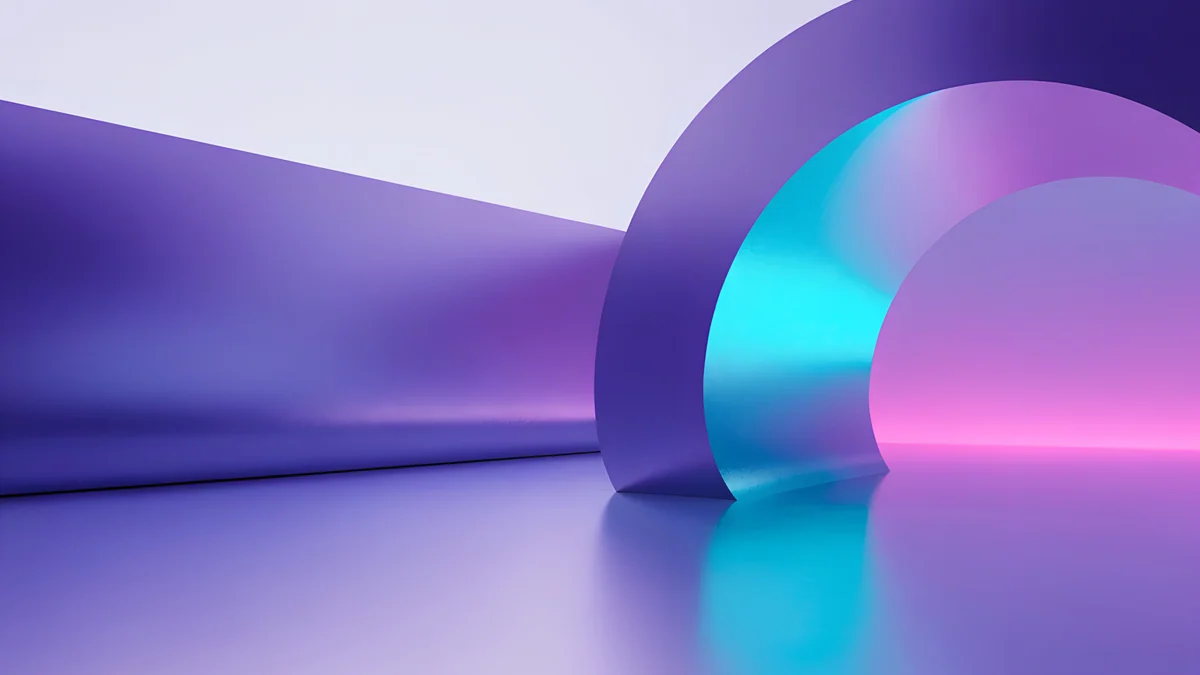 Electric Violet Vault
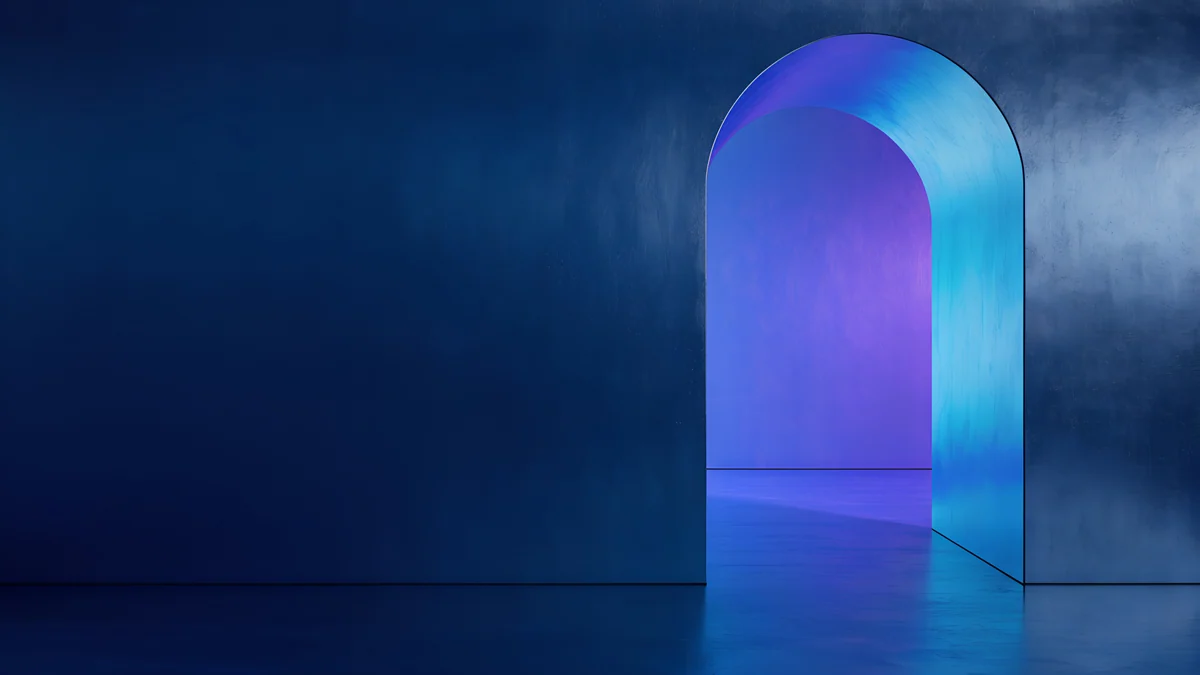 Volt Blue Vault
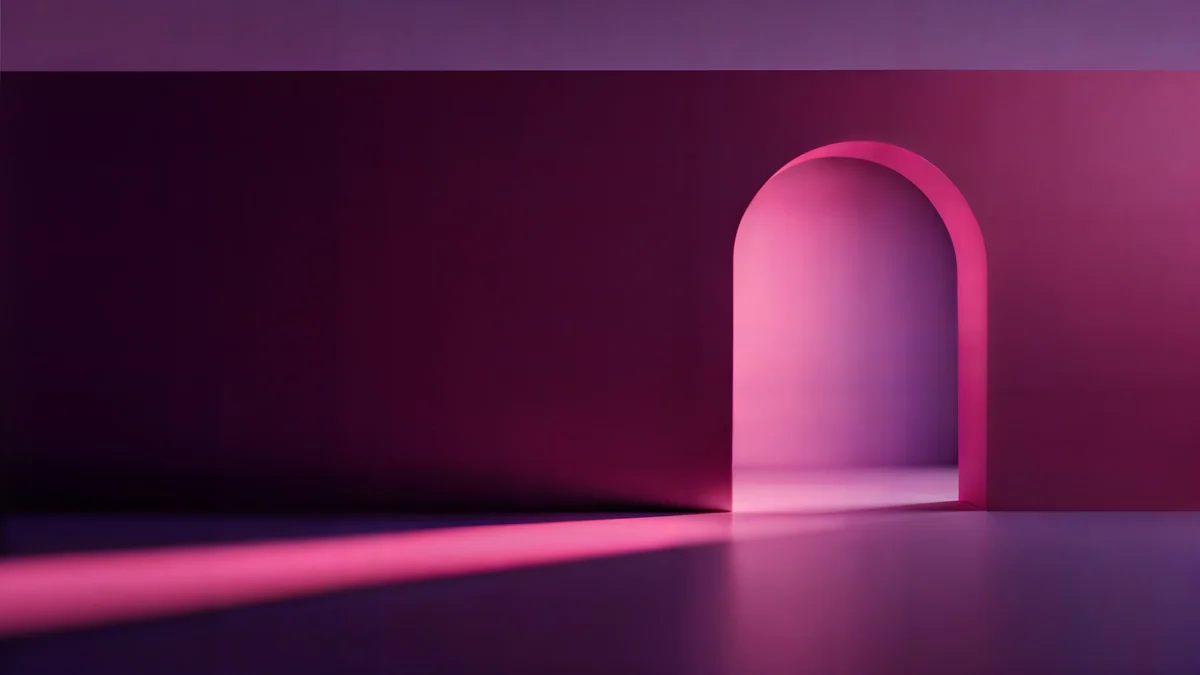 Rose Pulse Arcade
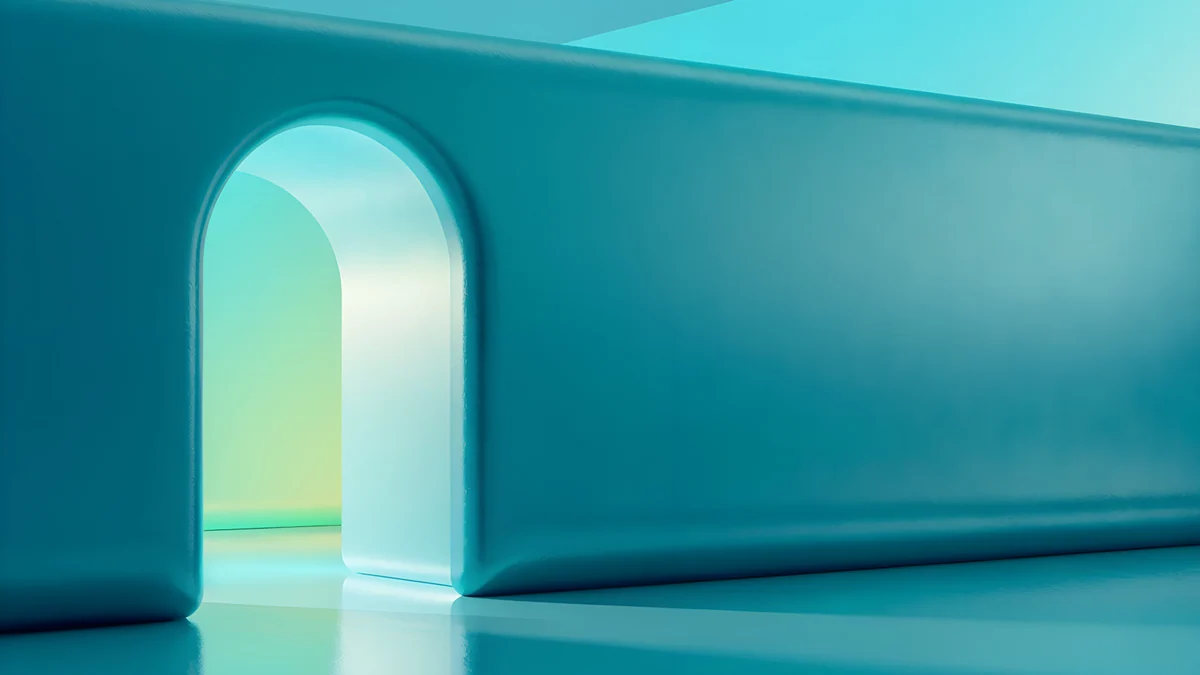 Jade Mint Portal
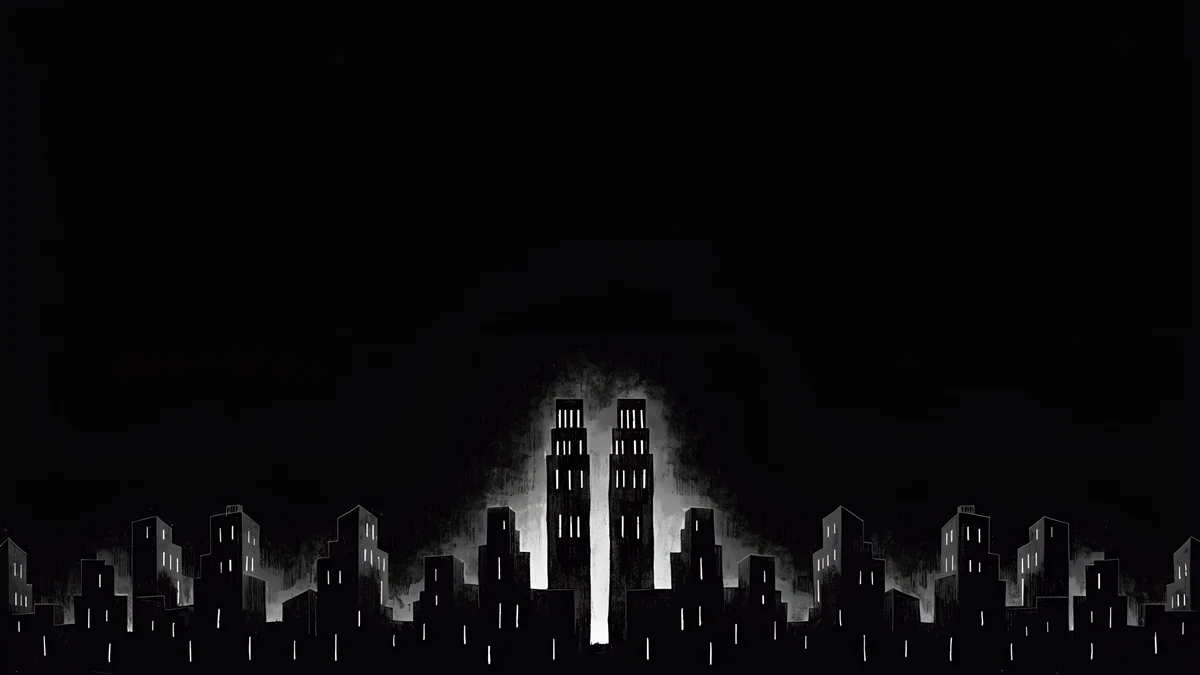 Light Slits
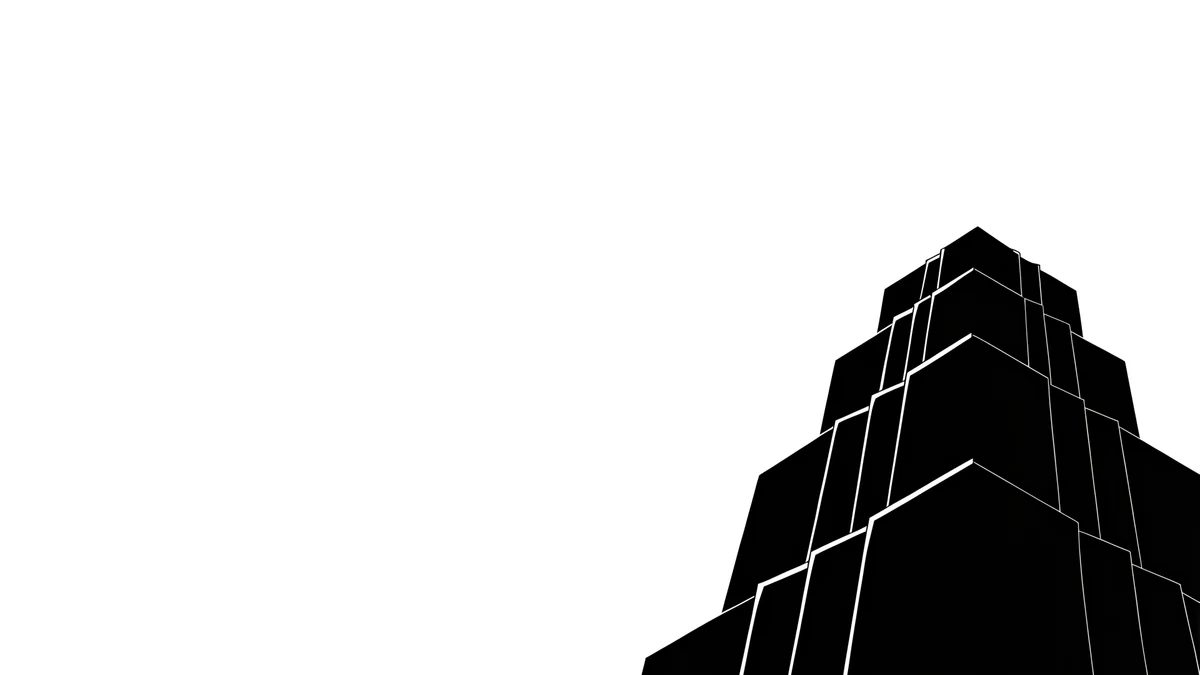 One Block
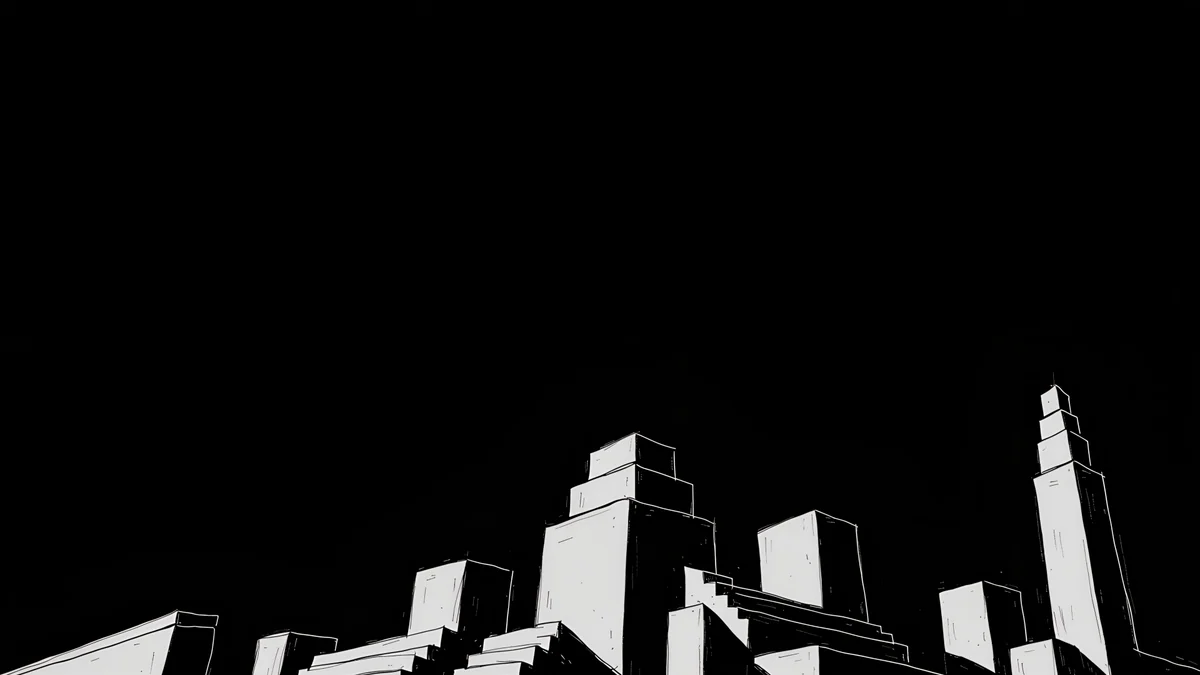 Night Blocks
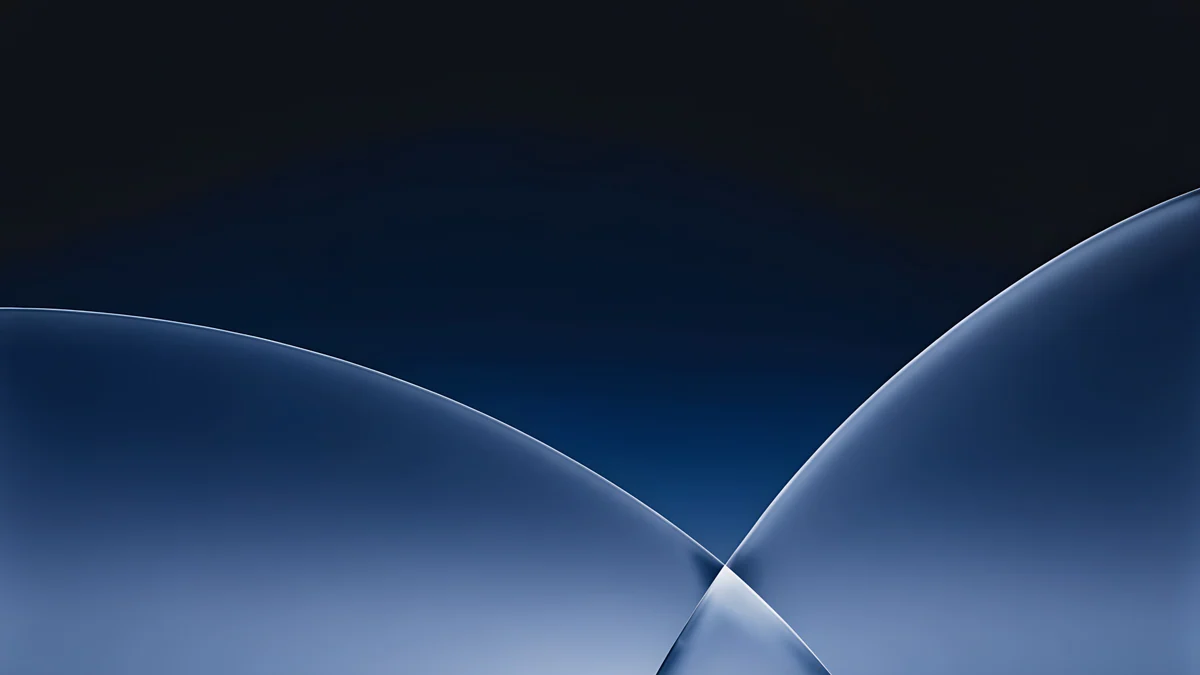 Cobalt Soft Horizon
 Petrol Current
 Indigo Silk Flow
 Graphite Passage
Free 4K originals for iPhone and Android, no watermark
On this page
Dark mode on a Mac turns menus, windows and the Dock deep grey. A bright beach photo behind all of that feels like a lamp left on in a dark room. A good mac dark mode wallpaper does the opposite: it sits quietly behind the interface and keeps one small area of light so the desktop still has some life.
Below is how macOS links wallpapers to dark mode, what to look for in a dark desktop picture, and four sets of dark macOS wallpapers from the Velpaper catalog, all at 3840 × 2160 or 5120 × 2880 pixels.
How macOS matches the wallpaper to dark mode
The appearance switch lives in System Settings, Appearance, with three choices: Light, Dark and Auto. Auto moves between them during the day, light in the morning and dark in the evening.
Many of Apple's own wallpapers follow that switch. In System Settings, Wallpaper, those pictures show a small menu next to the preview with options such as Automatic, Light and Dark, and some also offer Dynamic, which shifts through the day. With Automatic selected, the desktop changes together with the menus.
This works because Apple's file holds two or more images inside it. Your own JPEG or PNG holds one, so macOS shows it unchanged in both modes. That includes every Velpaper download. Some third-party tools can pack a light and a dark image into one dynamic file, but most people simply pick a wallpaper that looks right in dark mode and keep it there.
What makes a wallpaper work in dark mode
- A calm top strip. The menu bar runs across the top edge, and on macOS Tahoe it is transparent by default. Busy detail behind it makes menu text hard to read, so the best dark wallpapers keep the top tenth of the frame plain.
- Dark, not flat black. A pure black frame looks like an empty screen. Deep navy, graphite or violet with some texture reads as a picture and still lets the interface stand out.
- Colour you are happy to see in windows. With Allow wallpaper tinting in windows turned on in Appearance settings, windows pick up a faint hint of the desktop colour. A violet wallpaper gives dark windows a violet cast; a grey one keeps them neutral.
- Light away from the Dock and icons. The Dock sits at the bottom and Finder lines up drives on the right. A glow in the centre or upper left leaves both on quiet background.
- Enough pixels. Retina screens need a large file. More on sizes below.
Neon light on dark walls
These are the most striking dark Mac wallpapers in the catalog: a dark architectural space with coloured light falling through one opening.
Electric Violet Vault4K · DesktopVolt Blue Vault4K · DesktopRose Pulse Arcade5K · DesktopJade Mint Portal4K · DesktopElectric Violet Vault fills a violet vault with cyan and pink light, the boldest of the four. Volt Blue Vault is the cooler version in deep blue and electric cyan. Rose Pulse Arcade is plum and pink and comes as a 5K file, and Jade Mint Portal turns the same idea teal and green. With window tinting on, each of them colours the dark interface slightly, so choose the hue you like to look at all day.
Their phone siblings, the neon arches, are in our collection of dark OLED wallpapers if you want the phone to match.
Black and white noir
If colour in the windows bothers you, go monochrome. These wide noir images are near-black with one or two shapes of pale light, close to a black and white photograph.
Light Slits is a dark wall cut by thin bars of light. One Block keeps a single stepped building against the night, the most minimal of the three. Night Blocks groups several blocks into a small skyline. Because they are almost colourless, window tinting stays neutral grey, and the menu bar sits on plain dark sky. More of this style, including phone versions, is in the noir city wallpapers collection.
Deep blue, teal and graphite
A middle path between neon and noir: dark colour fields with soft gradients and no hard edges.
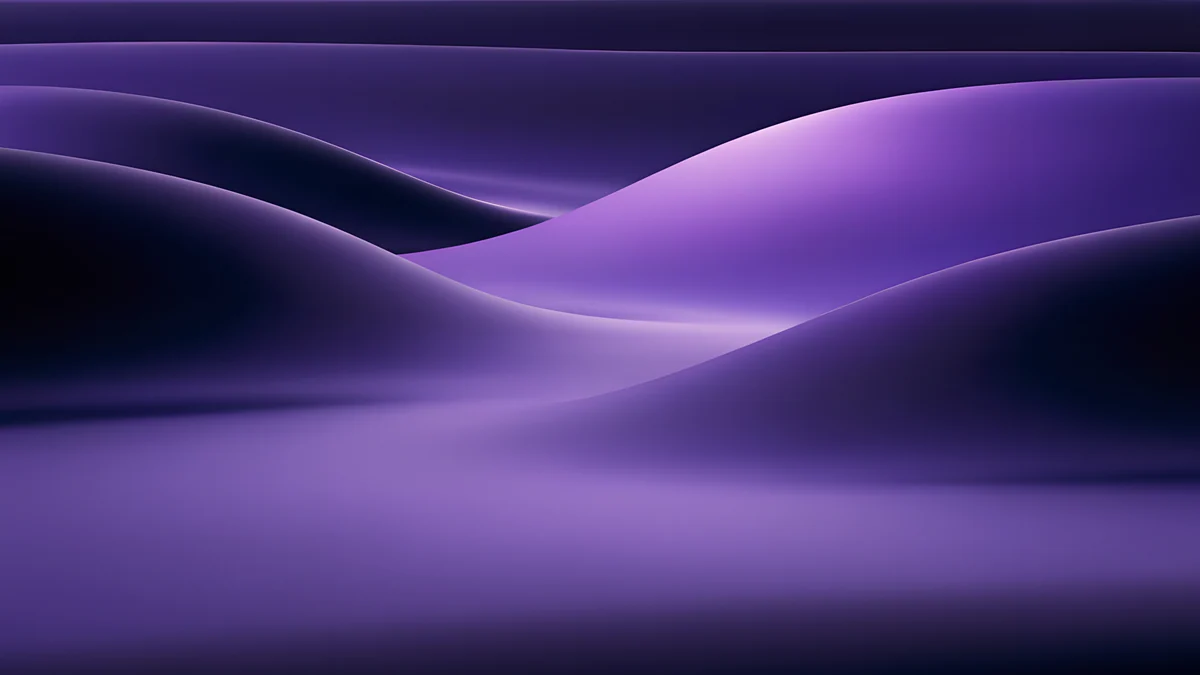
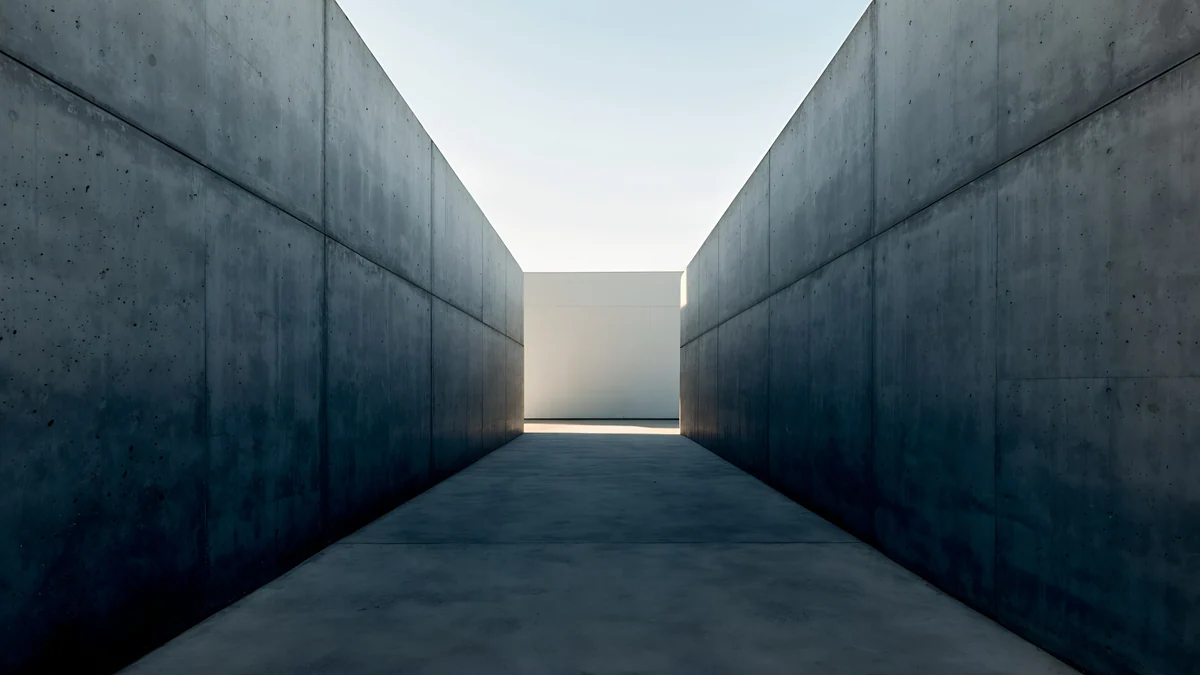
Cobalt Soft Horizon4K · DesktopPetrol Current5K · DesktopIndigo Silk Flow4K · DesktopGraphite Passage4K · DesktopCobalt Soft Horizon is deep cobalt fading into a lighter blue band, calm enough for a work machine. Petrol Current is dark teal in a 5K file, a good match for a Studio Display. Indigo Silk Flow folds indigo into violet like heavy fabric. Graphite Passage is the most architectural: a narrow concrete corridor with pale sky at the far end.
Smooth gradients like these are where file quality shows. A heavily compressed copy breaks them into visible bands, which is why the download is always the full original.
A light and dark pair you can swap by hand
Since an ordinary image cannot follow the appearance switch, some people keep two matching files and change them when they change modes. The noir set makes this easy, because it has a daytime version drawn in the same paper-cut style.
Use Paper Skyline with Light mode: a pale paper city with dark ink buildings. Switch to Night Blocks with Dark mode. The skyline idea stays the same, only the light changes. Swapping takes about ten seconds in the Wallpaper pane, and our guide on how to change the desktop wallpaper on a Mac covers every route, including the Finder shortcut.
How to set a dark wallpaper on your Mac
- Download the original file from the wallpaper's page or from the Velpaper app for Mac.
- Open System Settings, Wallpaper, then click Add Photo and pick the file.
- Choose Fill Screen in the menu next to the preview.
- Open Appearance and choose Dark, or Auto if you switch during the day.
The Velpaper Mac app skips steps two and three with its Set as Desktop Picture button. For size, a 3840 × 2160 file is more than enough for any MacBook, whose screens reach 3456 × 2234 pixels on the 16-inch MacBook Pro. For a 24-inch iMac at 4480 × 2520 or a 5K display at 5120 × 2880, use a 5K file. The 5K architecture wallpapers include several dark options, and our comparison of 4K wallpaper apps for Mac shows where else to find large originals.
Original wallpapers in 4K and 5K for iPhone, Android and desktop.
Questions
Does my wallpaper change automatically with dark mode on a Mac?
Only if the file supports it. Many of Apple's built-in wallpapers contain a light and a dark version, and with Automatic selected in the Wallpaper settings they switch together with the menus. An ordinary JPEG or PNG holds a single picture, so macOS shows it the same way in Light and Dark mode. That applies to photos and to downloaded wallpapers, including Velpaper files. If you want a change, keep two matching images and swap them by hand when you switch modes.
What is the best wallpaper colour for macOS dark mode?
Deep, low-brightness colours work best: navy, graphite, dark teal or violet. They let white menu text and window titles stand out, and they do not glow behind dark windows. Pure black also works but can look like an empty screen. If window tinting is switched on in Appearance settings, the wallpaper hue shows faintly in your windows, so a grey or black and white image keeps the interface neutral, while a violet or blue one gives it a subtle colour.
How do I turn on dark mode on a Mac?
Open the Apple menu, choose System Settings and click Appearance in the sidebar. Pick Dark to keep it on all the time, or Auto to let macOS move between light and dark during the day. The change applies at once to menus, windows, the Dock and apps that support it. Apple's dynamic wallpapers follow this setting when they are set to Automatic; your own image stays as it is.
What resolution should a dark Mac wallpaper be?
At least as many pixels as your screen. MacBook Air and MacBook Pro screens range from 2560 × 1664 to 3456 × 2234 pixels, so a 3840 × 2160 file covers all of them. The 24-inch iMac is 4480 × 2520 and 5K displays such as the Studio Display are 5120 × 2880, so use a 5K file there. Dark wallpapers often contain smooth gradients, and a small or recompressed file shows banding in them, so start from the full original.
Carlos Vivero
Designer of Velpaper wallpapers
Carlos Vivero designs the wallpapers in Velpaper: quiet architecture, liquid glass, Japanese ink and calm landscapes. Every piece is made as a 4K original for iPhone, Android and desktop.
Recent work








