Dark OLED Wallpapers: Black Aesthetic Backgrounds in 4K
Nineteen original dark wallpapers for OLED phones in 4K: neon arches, raw concrete, deep glass and night cities. Why dark saves battery and how to pick one.
· 4 min read
 Monday, Oct 69:41
 Monday, Oct 69:41
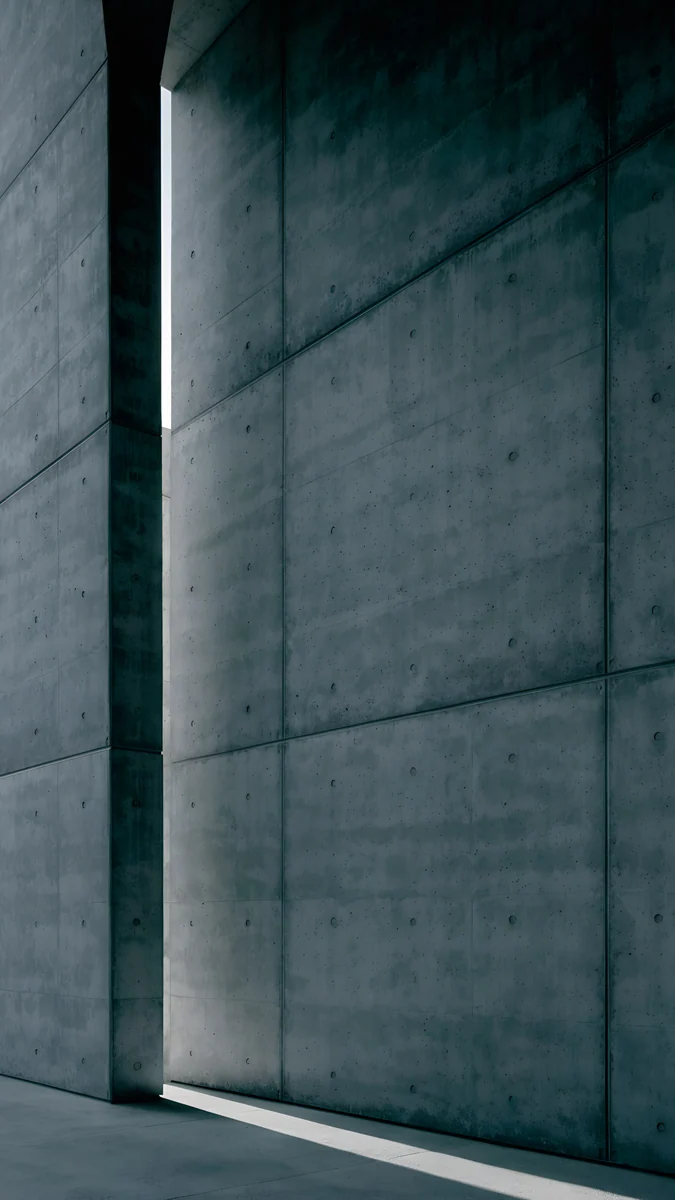 Monday, Oct 69:41
An OLED screen has no backlight. Each pixel makes its own light, and a black pixel simply switches off. Most recent iPhones and many Android phones use one.
This collection gathers nineteen dark Velpaper wallpapers that suit OLED. Each one is a 2160 by 3840 pixel original with no text or watermark. Not all of them are black: some are deep violet, navy or graphite. What they share is plenty of shadow and one clear source of light.
Why OLED changes the choice
On an LCD, a dark wallpaper is just a dim picture with the backlight still on behind it. On OLED, the darkest parts of the image cost almost nothing to show. A mostly dark wallpaper therefore saves a little battery, mainly when the lock screen stays on for long stretches. Expect a small saving, not a new battery.
The bigger gain is contrast. Next to switched-off pixels, a line of violet or cyan light looks brighter than it really is.
What to look for
Deep shadows, not crushed ones. A good dark wallpaper keeps detail in the shadows: a concrete seam, a fold of glass. When every dark tone collapses into one flat black, the shapes disappear.
One light source. The strongest dark images have a single place the light comes from. The eye goes there first, and the rest of the screen stays calm for the clock and notifications.
No noise. OLED panels render every small step between dark tones, so grain and banding are easier to spot than on LCD. Every Velpaper original is checked by hand for smooth gradients before it goes live.
Neon in the dark
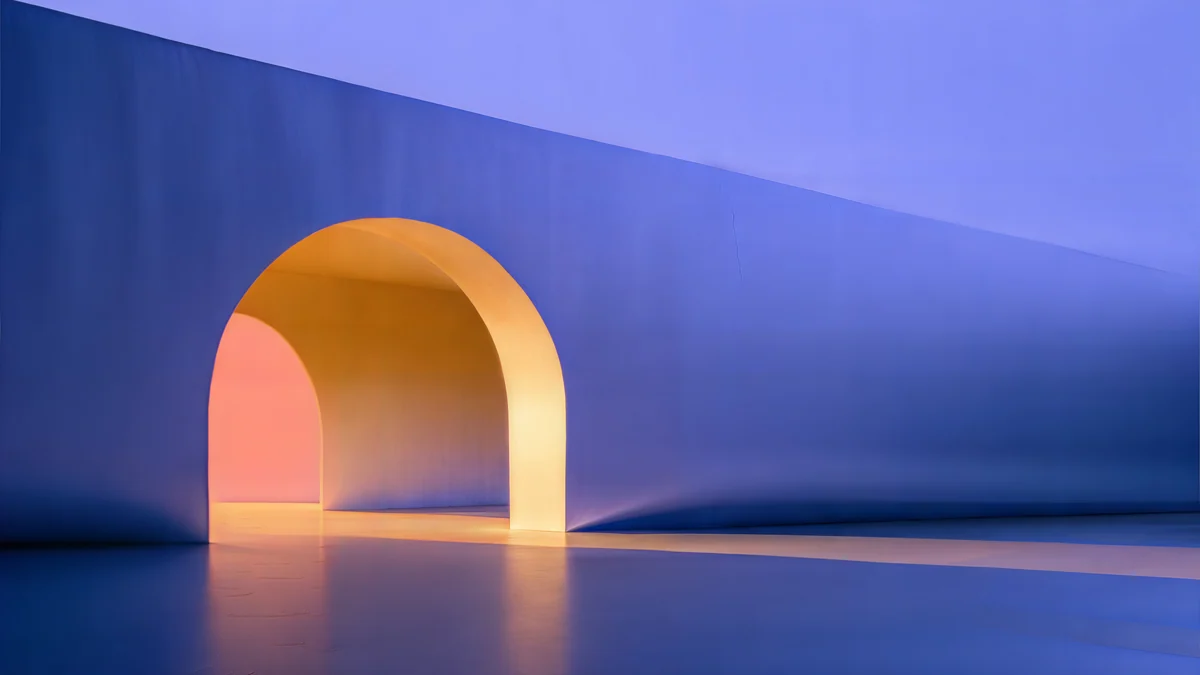
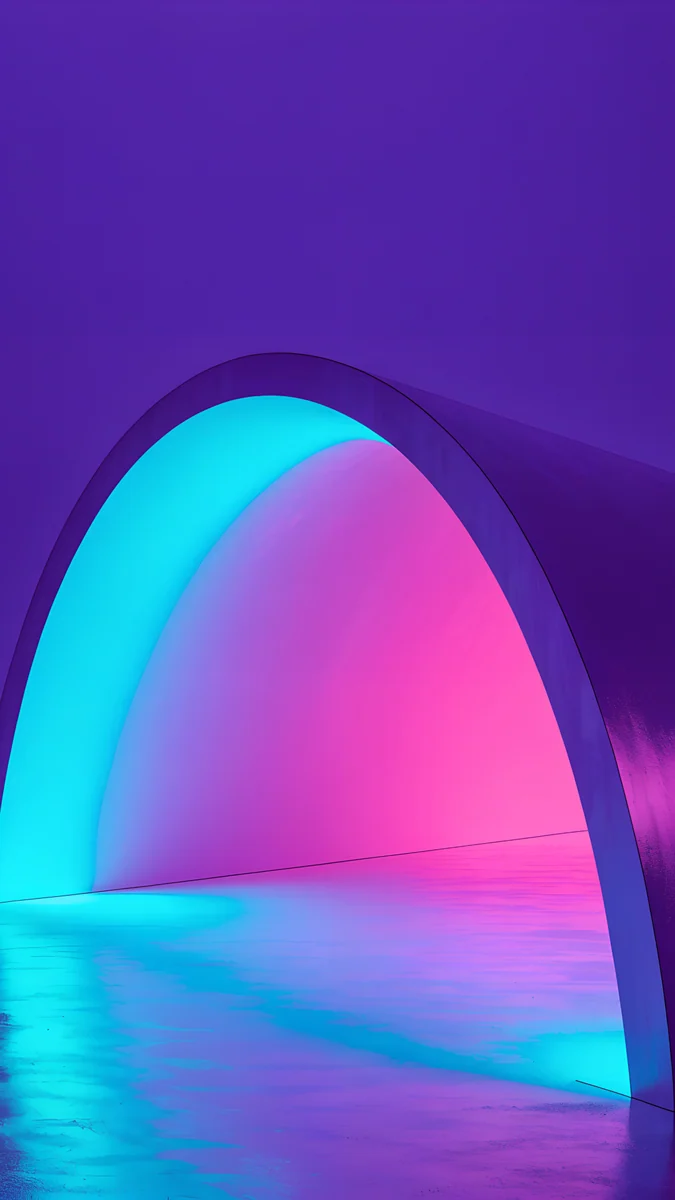
A satin wall, one rounded opening and coloured light spilling across a glossy floor. The colour sits inside the arch, so the glow does all the work.
Electric Violet Arch4K · Phone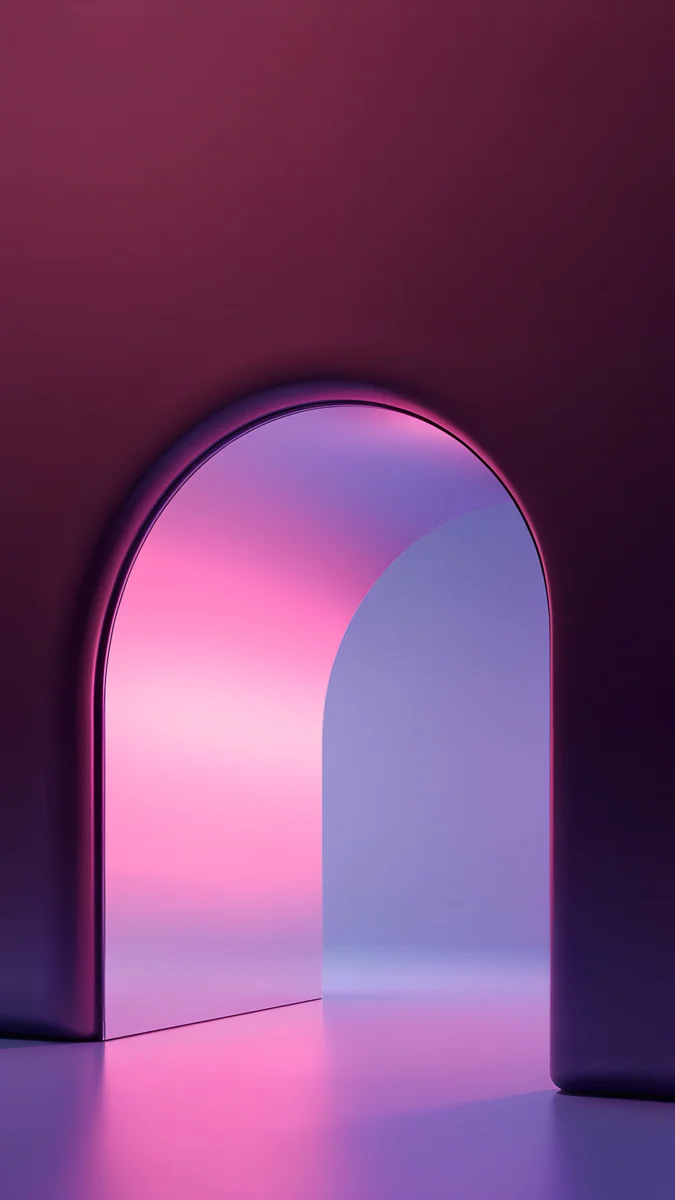 Rose Pulse Arch4K · Phone
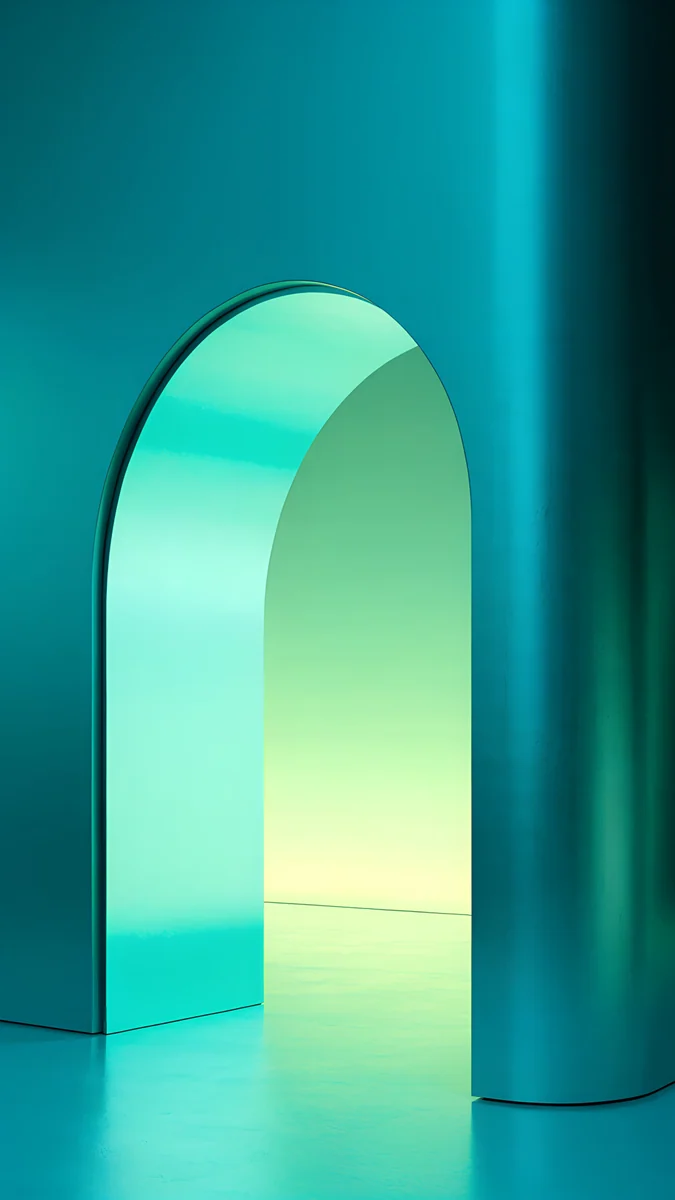 Jade Mint Arch4K · Phone
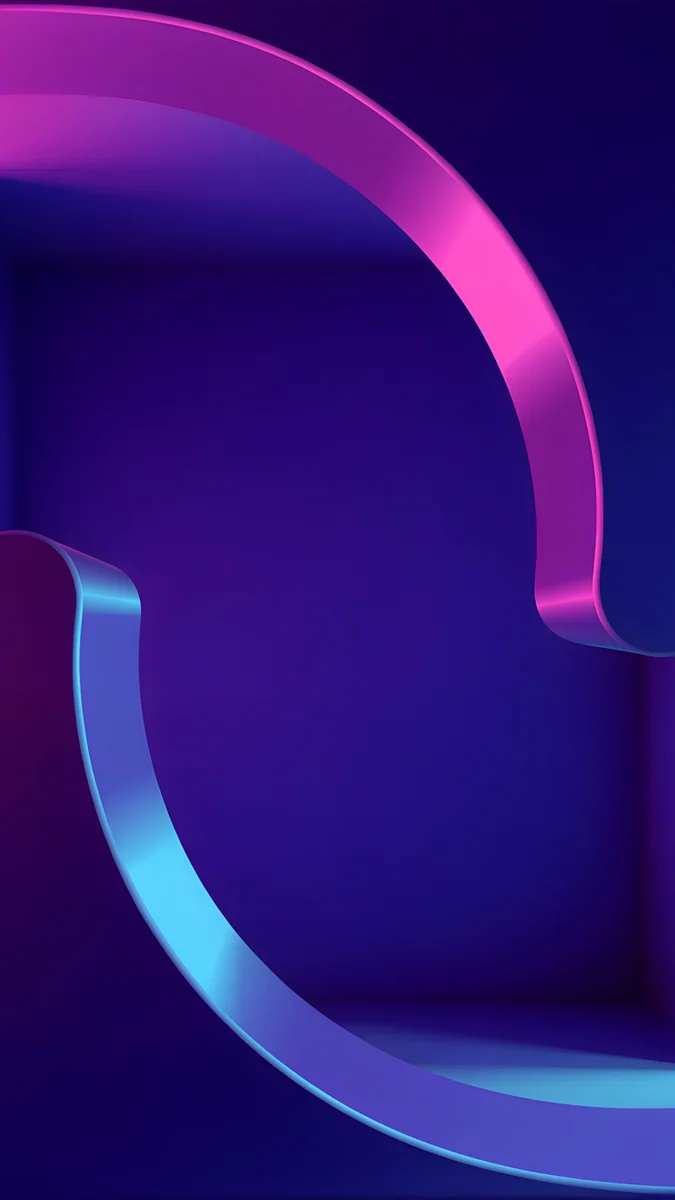 Edge Light Portal4K · Phone
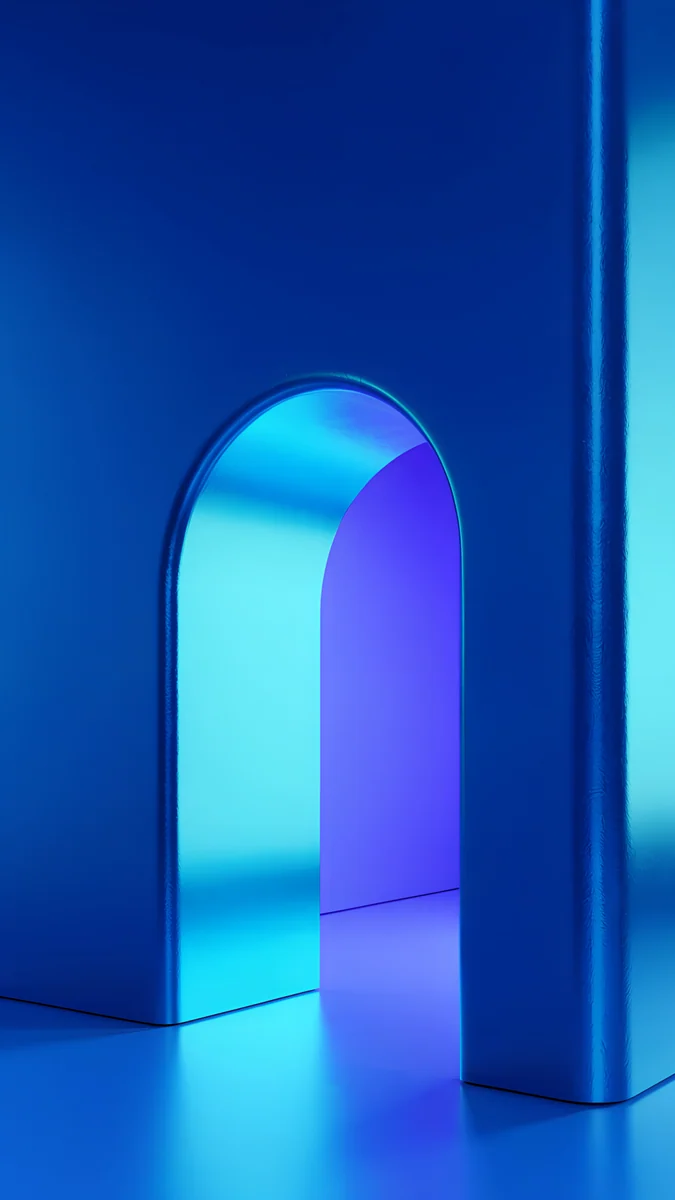 Volt Blue Arch4K · Phone
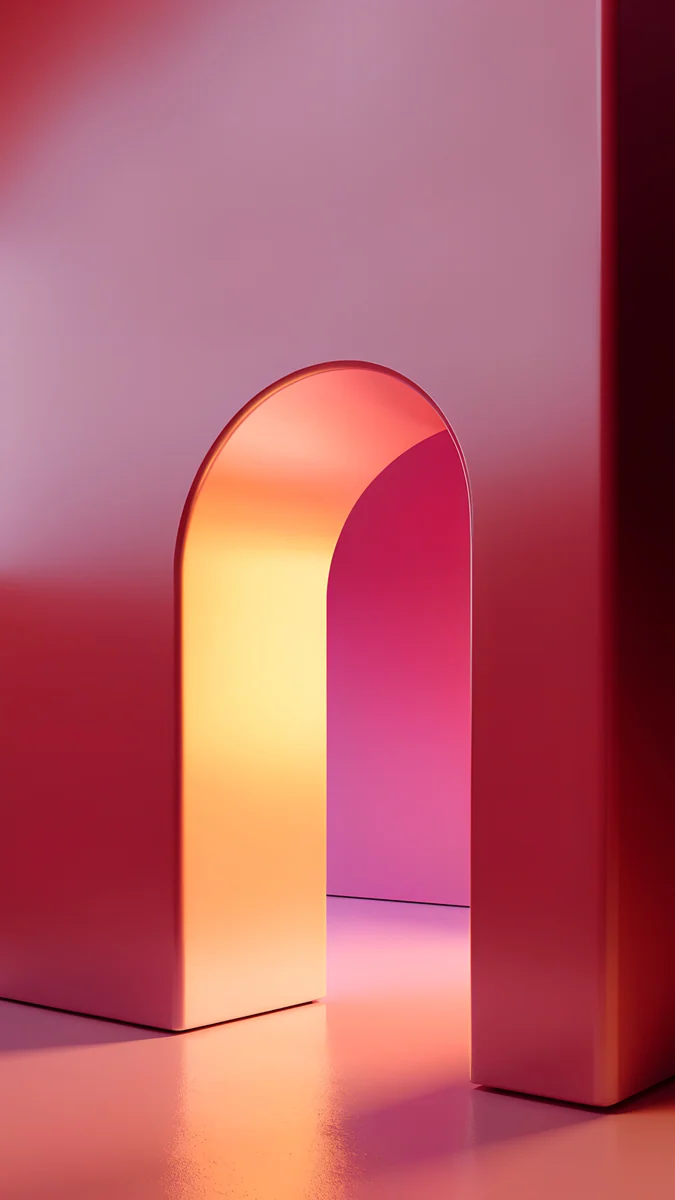 Coral Ignition Arch4K · Phone
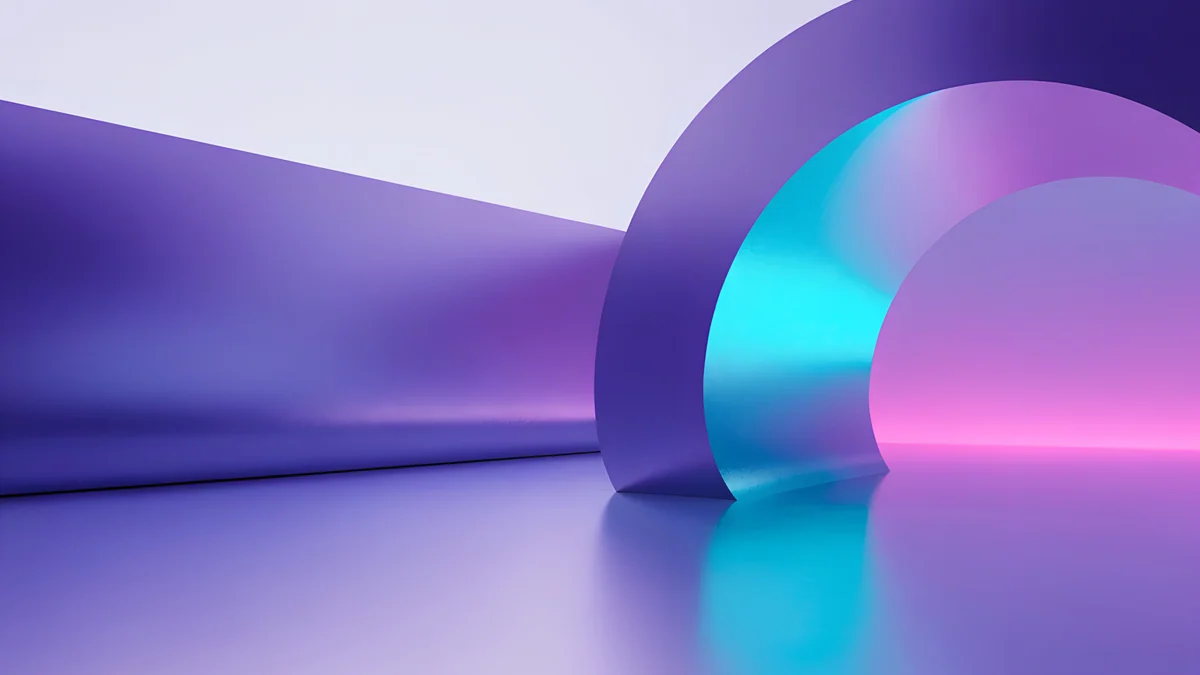
Electric Violet Arch pours cyan and pink light out of a violet wall. Rose Pulse Arch does the same in plum and pink, and Jade Mint Arch turns it green. Edge Light Portal drops the arch for a single ribbon of neon curling through deep indigo. Volt Blue Arch is the coolest of the set. Coral Ignition Arch is the warm, bright exception: pick it for colour, not for battery.
Charcoal architecture
No neon here. Raw concrete, narrow openings and daylight cutting in from one side, closer to a black and white photograph than to a poster.
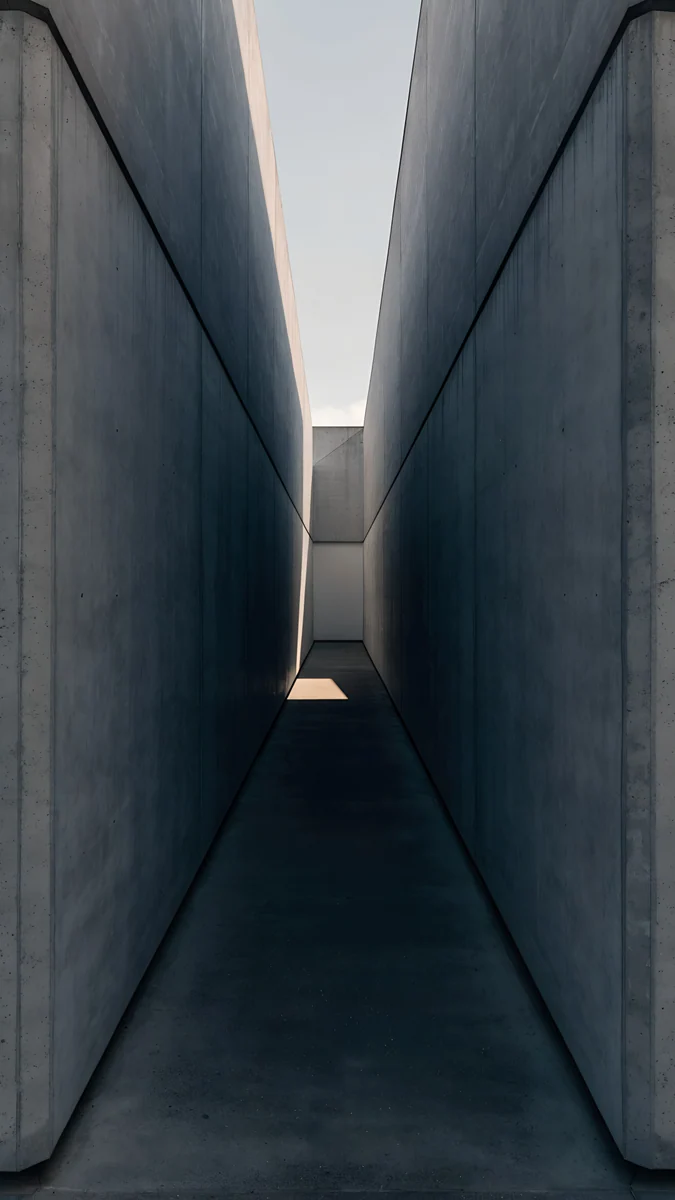
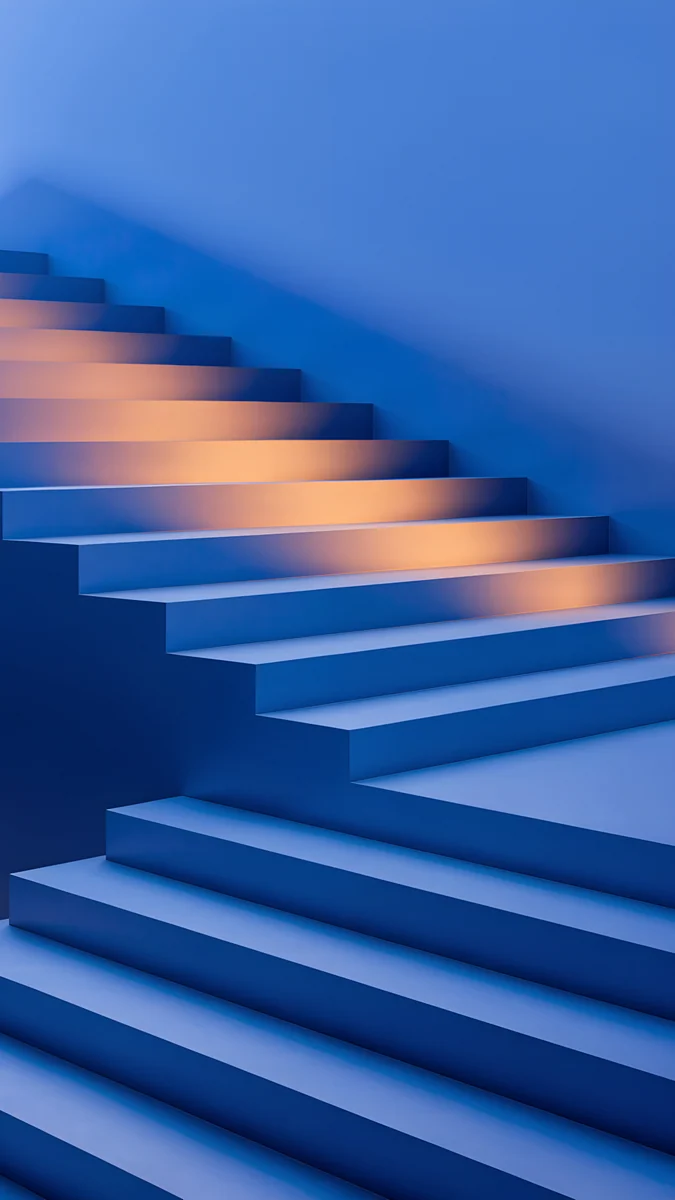
Charcoal Slot is a concrete wall with one thin slit of light, the most minimal image here. Graphite Passage is a narrow corridor with pale sky at the far end. Cobalt Shadow Ascent swaps grey for a blue staircase with warm light on the steps.
Deep glass
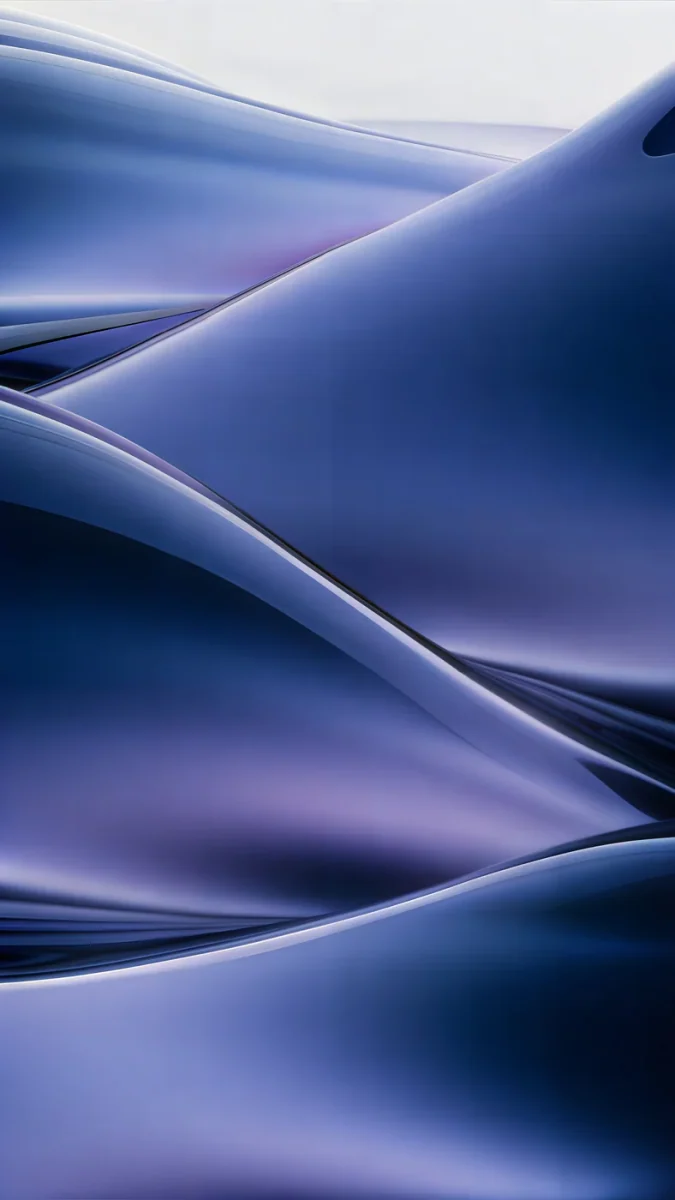
Abstract shapes that look like poured glass or heavy silk. There are no hard edges, so the clock and widgets sit on a smooth surface.
Midnight Flow4K · Phone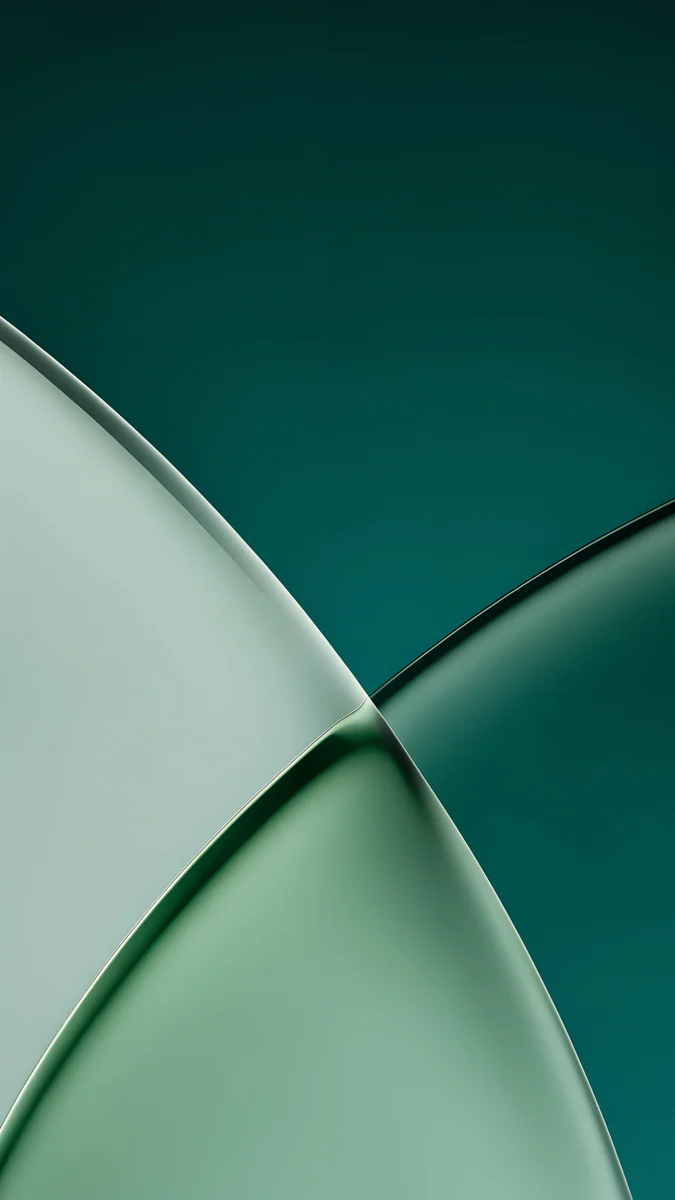 Jade Light Fold4K · Phone
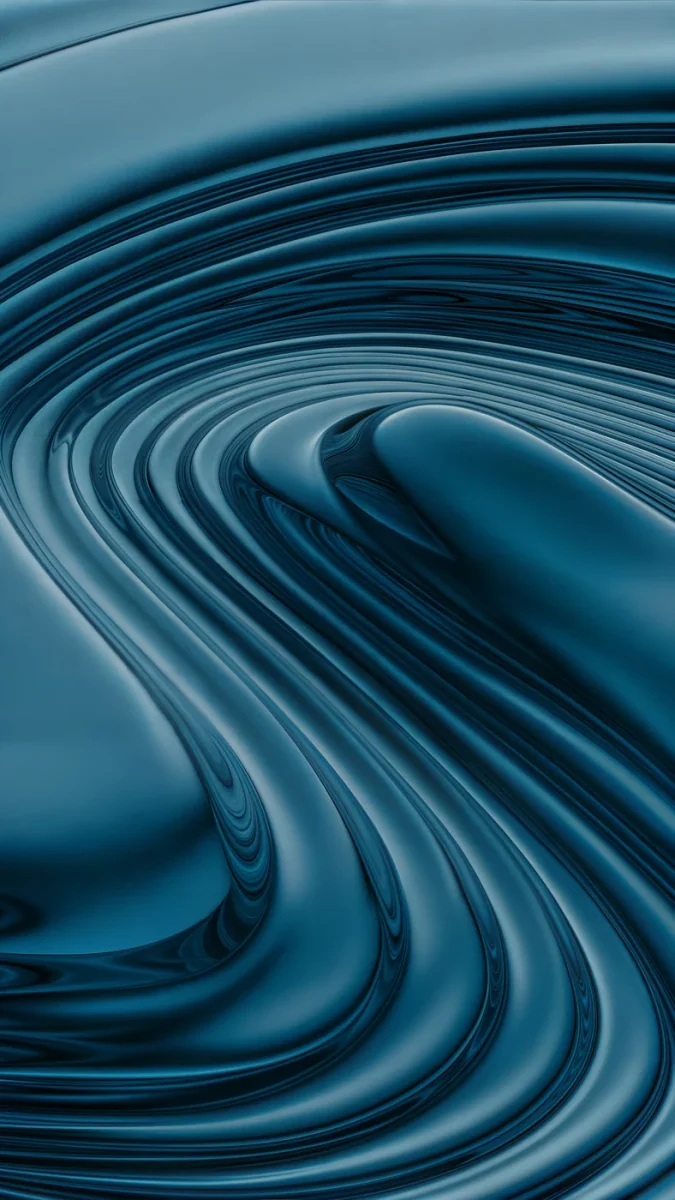 Petrol Terraces4K · Phone
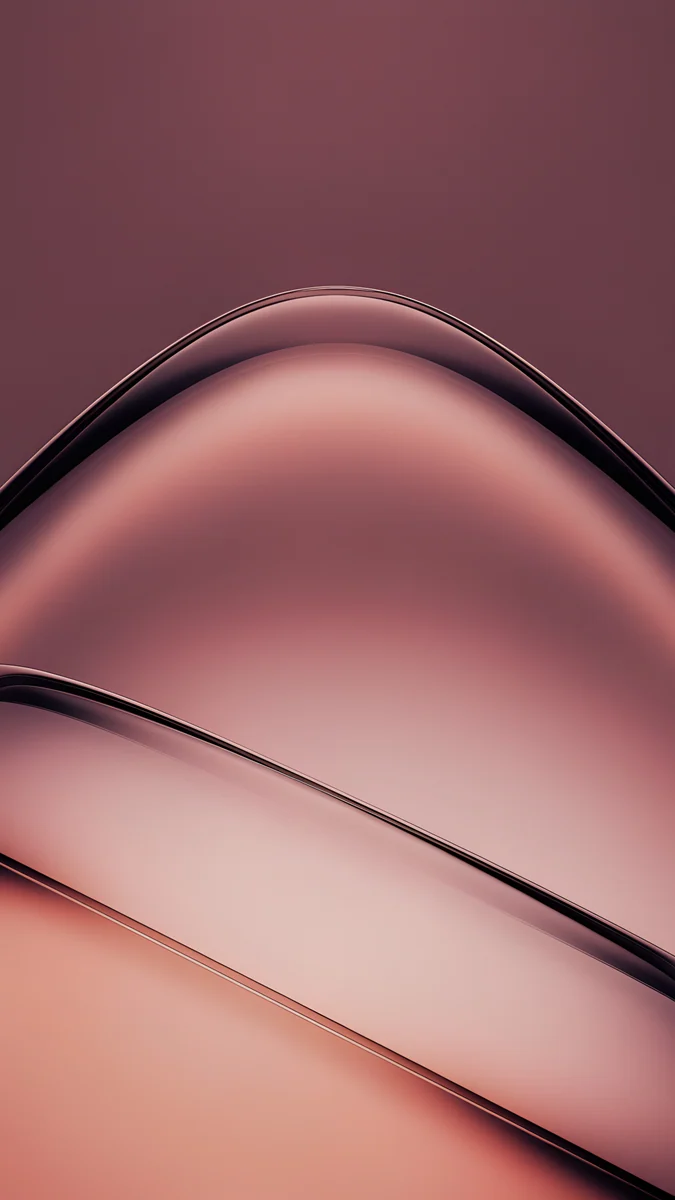 Rose Smoke4K · Phone
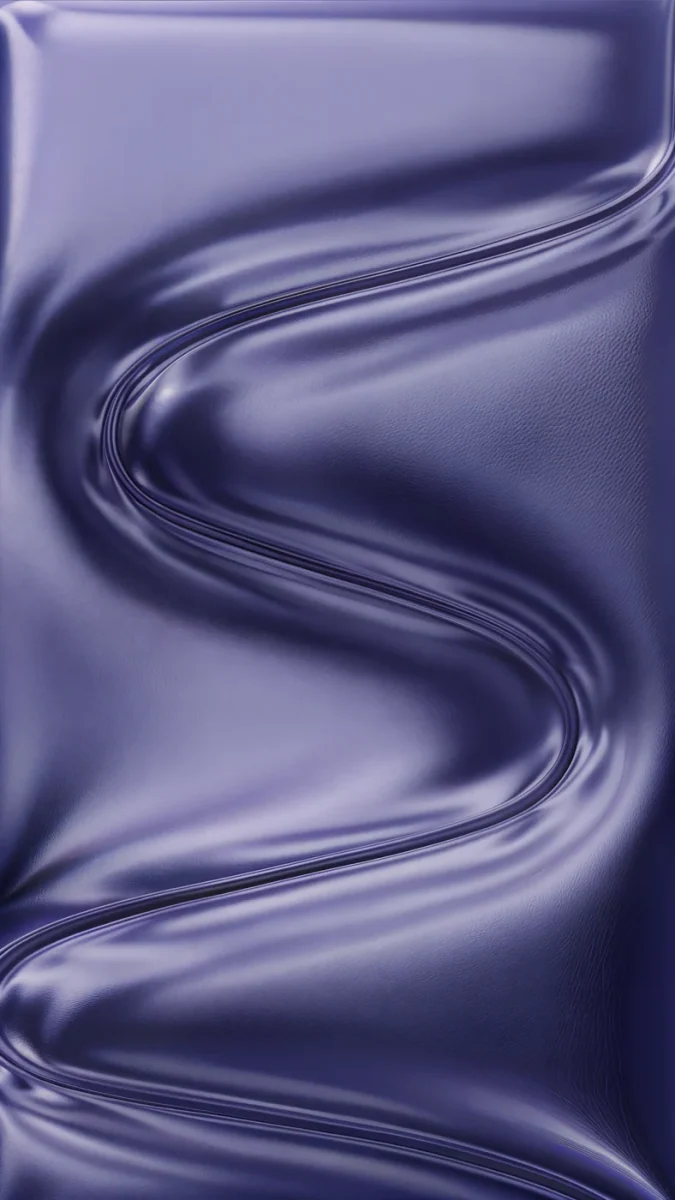 Indigo Passage4K · Phone
Midnight Flow is navy and violet waves, the darkest of the group. Jade Light Fold crosses pale glass over deep green, and Petrol Terraces swirls in teal and petrol blue. Rose Smoke and Indigo Passage are softer and lighter, a middle ground if full darkness feels heavy.
Quiet night scenes
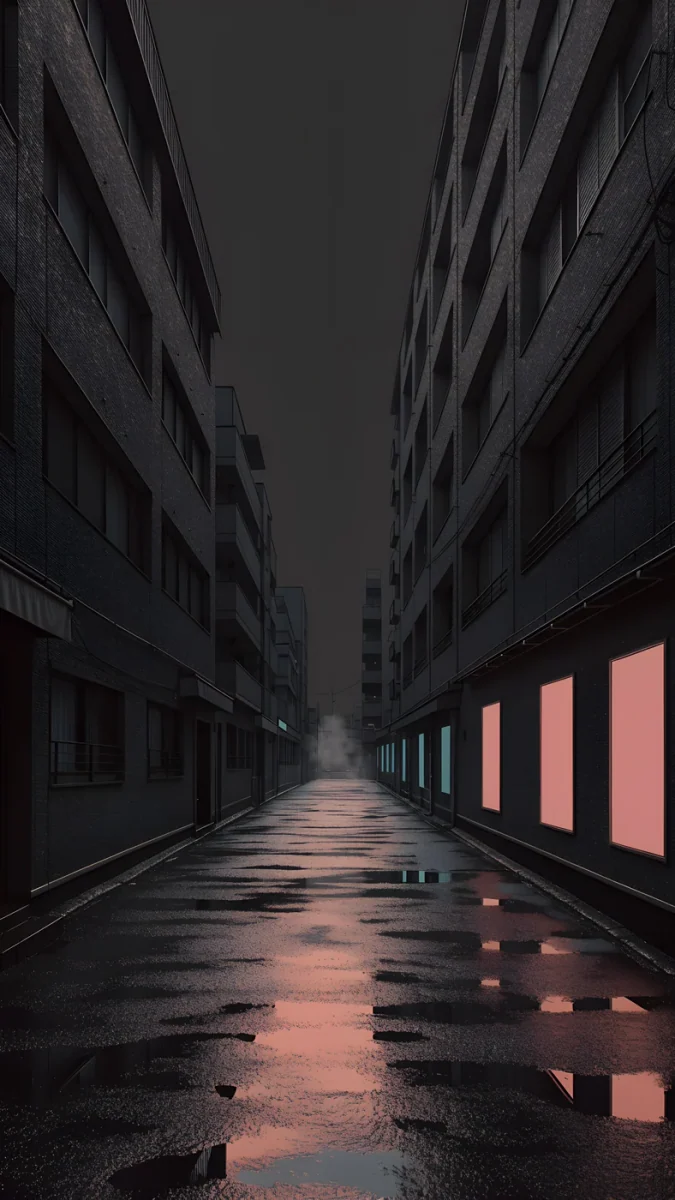
Cities after dark and one foggy shore. These are the most photographic wallpapers in the collection, with real black in the shadows between buildings.
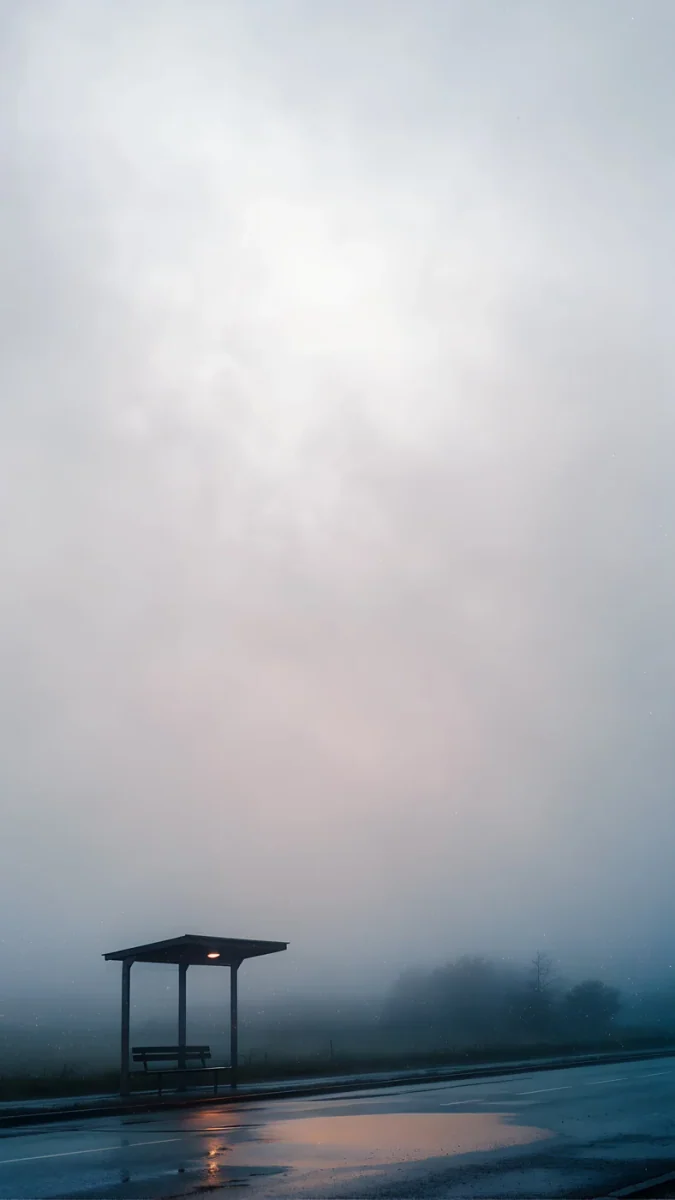 The Night Is Soft4K · Phone
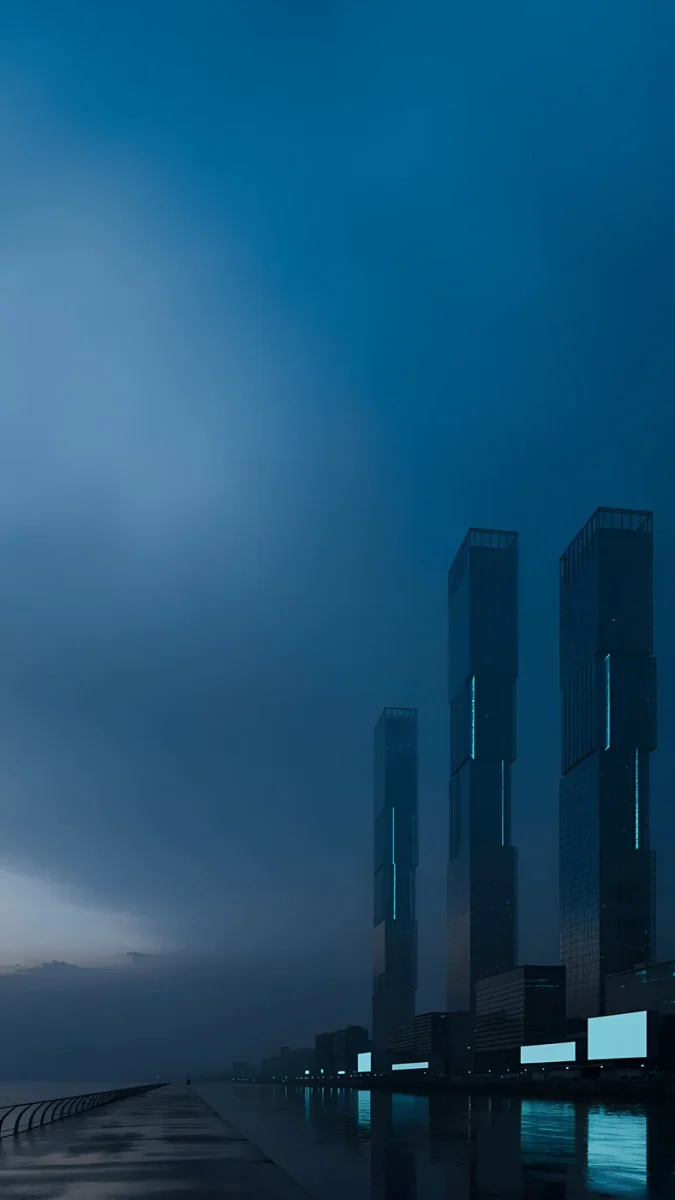 Blue Signal4K · Phone
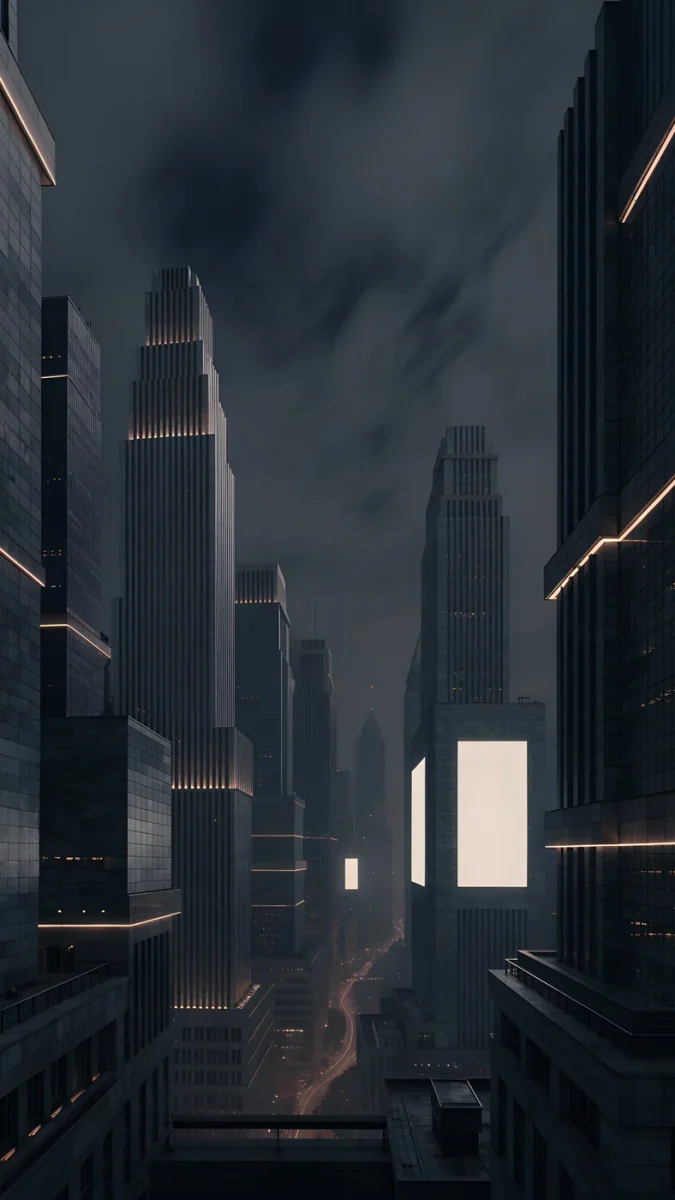 Amber Metropolis4K · Phone
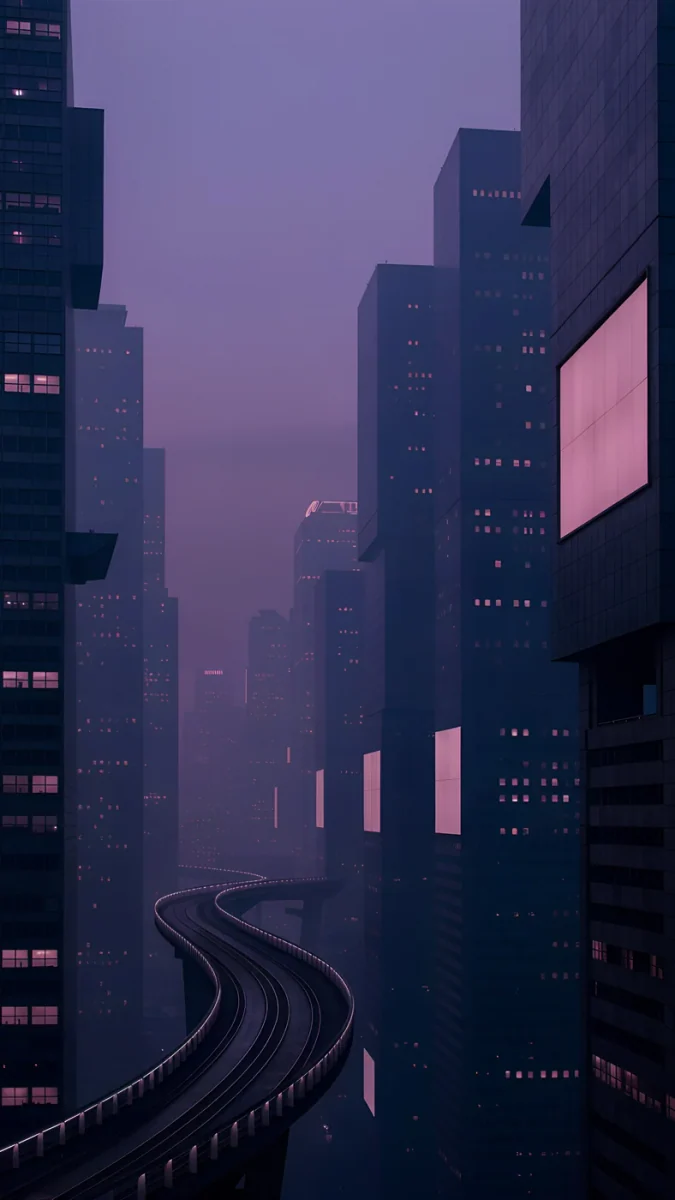 Violet Overpass4K · Phone
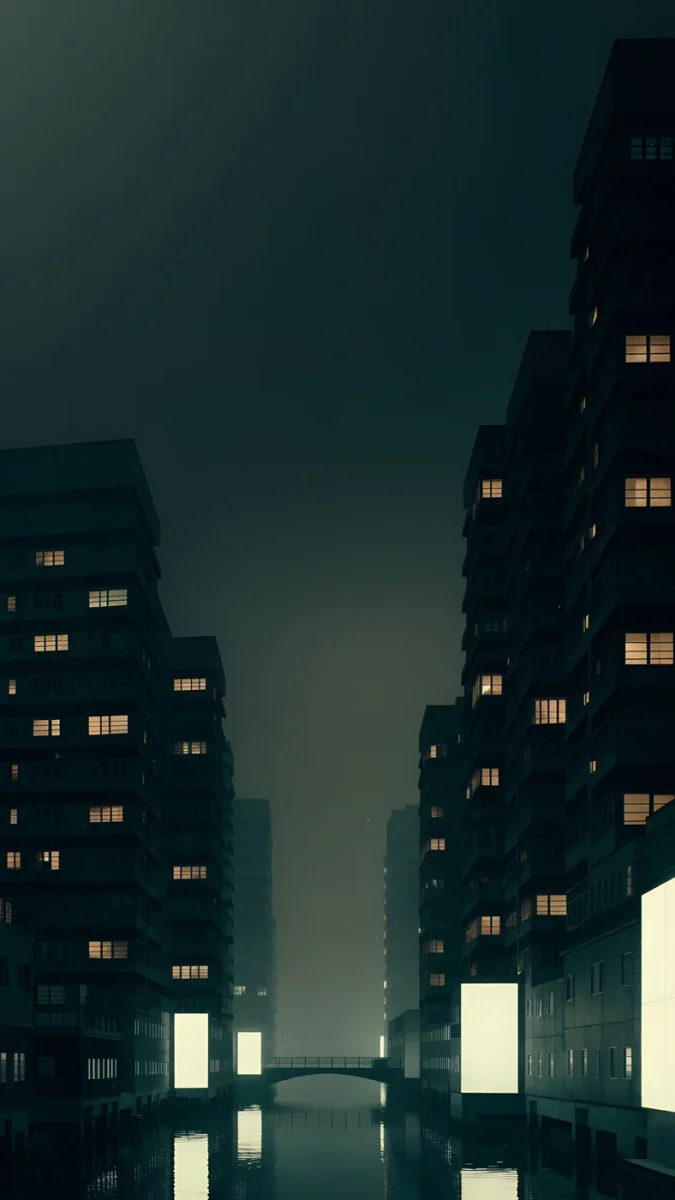 Jade District4K · Phone
Jade District and Violet Overpass have the largest near-black areas of all nineteen, so choose them if battery matters most. Amber Metropolis adds warm light strips to dark towers, and Blue Signal is a misty waterfront in deep blue. The Night Is Soft is the gentle outlier: grey fog and a lone shelter by the water.
How to choose
Start with the clock. On a dark wallpaper a white clock is the safe choice. A clock tinted to match the light in the image, cyan on Electric Violet Arch or amber on Amber Metropolis, looks more deliberate. Velpaper shows a lock screen preview with the time in place, so you can check contrast before saving.
Think about Always On. On iPhones with an Always-On display, iOS dims the wallpaper heavily while the phone rests. Dark images survive this well, while a bright one turns into muddy grey. If you prefer a pure black screen, the Always On settings let you hide the wallpaper altogether.
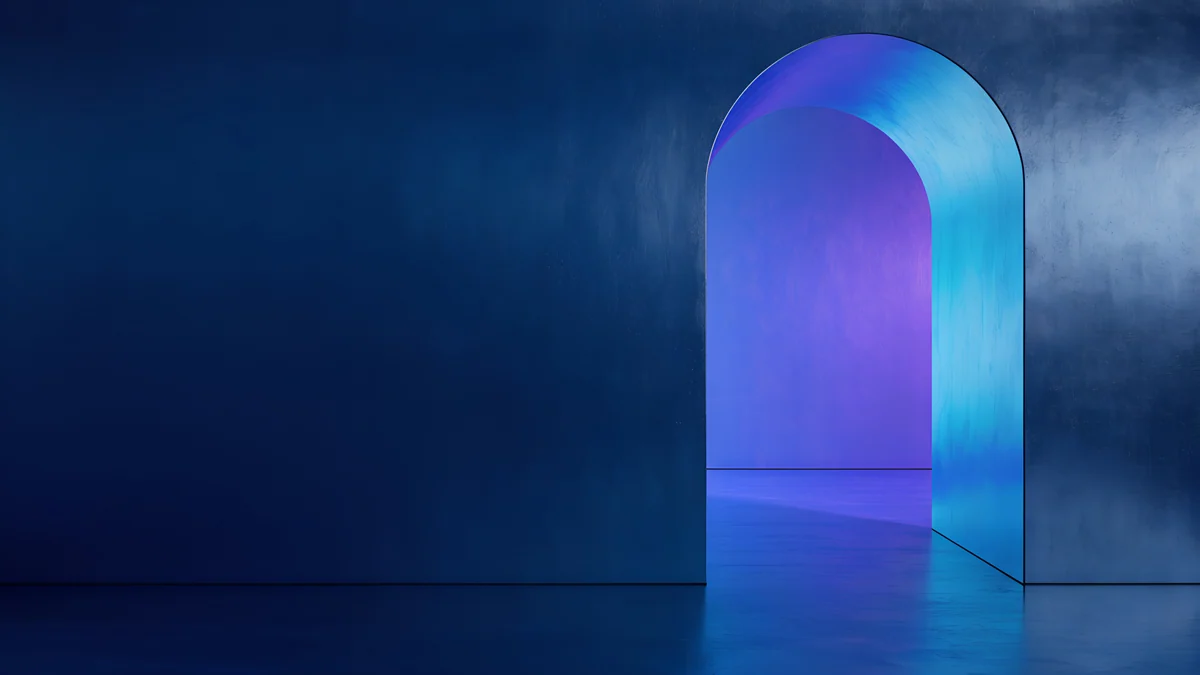
Three of these looks also come as wide wallpapers for Mac: Electric Violet Vault and Volt Blue Vault in 4K, and Petrol Current in 5K.

Original wallpapers in 4K and 5K for iPhone, Android and desktop.
Questions
Do dark wallpapers save battery?
On an OLED screen, yes, a little. OLED pixels make their own light, and black pixels are switched off, so a wallpaper with large dark areas uses less power while it is on screen than a bright one. The saving depends on how dark the image is, how bright your screen is and how long the lock screen or Home Screen stays visible, so there is no single number. On an LCD screen there is no real difference, because the backlight stays on whatever the picture shows.
Can a dark wallpaper cause OLED burn-in?
Not in normal use. A wallpaper is mostly covered by apps and is only fully visible for short moments, and modern phones protect their panels in the background. iOS, for example, shifts the Always-On clock and lock screen slightly over time. Burn-in comes from bright, identical elements shown for many hours at high brightness, such as a navigation bar or a game HUD. A dark static wallpaper at normal brightness is one of the safest things you can show on an OLED screen.
What clock colour works best on a dark wallpaper?
White is the safe default and stays readable on every wallpaper in this collection. For a more finished look, tint the clock with a colour taken from the light in the image: cyan or pink on Electric Violet Arch, mint on Jade Mint Arch, amber on Amber Metropolis. Avoid dark or deeply saturated clock colours, which disappear against shadow. On iPhone you can change the clock colour by long-pressing the lock screen and tapping Customize.
Are these wallpapers true black or dark grey?
Neither, strictly. None of them is a flat pure black field, because a flat black image has no depth and no detail. They are built from deep shadow and deep colour: graphite concrete, navy glass, violet walls. The darkest areas come close to black, especially in Jade District, Violet Overpass, Edge Light Portal and Amber Metropolis, and those pixels behave like black on an OLED screen. Coral Ignition Arch and The Night Is Soft are noticeably lighter than the rest.
Are these dark wallpapers free?
Browsing and previewing is free on the web and in the apps. The phone wallpapers in this collection unlock after a short optional ad in the iPhone and Android apps; on the website, if no ad is available, the original downloads for free. The Mac versions, Electric Violet Vault, Volt Blue Vault and Petrol Current, are free. There is no account and no subscription.