Floral Background 4K: Flower Wallpapers for Phone and PC
Floral backgrounds in 4K for iPhone, Android, Mac and laptop: ukiyo-e flowers, marble blossom, glass blooms and soft peonies, plus setup steps.
Sources [1] · By the Velpaper team · Wallpapers by Carlos Vivero, Velpaper designer · · 4 min read
In short: The best floral background is a soft 4K image with flowers on one side and a calm area for icons, like Blush Peony Desk on a computer or Blush Peony Roses on a phone [2]. Velpaper has original ukiyo-e, marble and glass flower wallpapers for phone and desktop.
Wallpapers
 Blush Peony Roses
 Ukiyo Camellia Plum
 Marble Flower Arch
 Sage Wildflowers
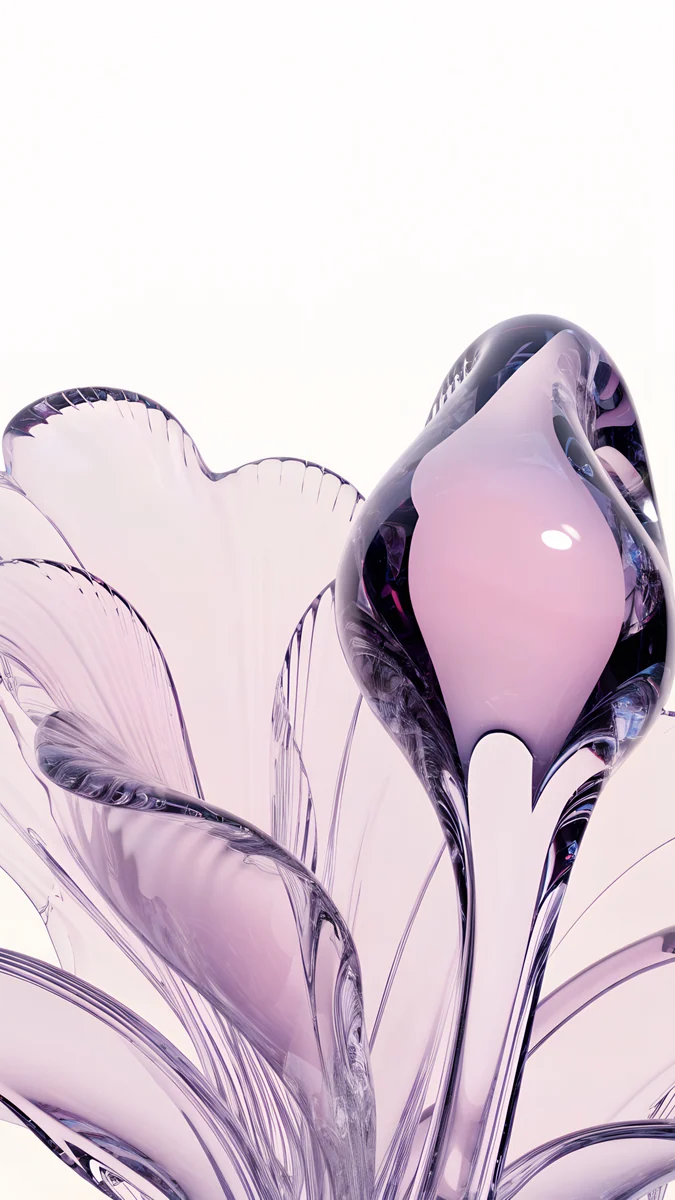 Lilac Glass Bloom
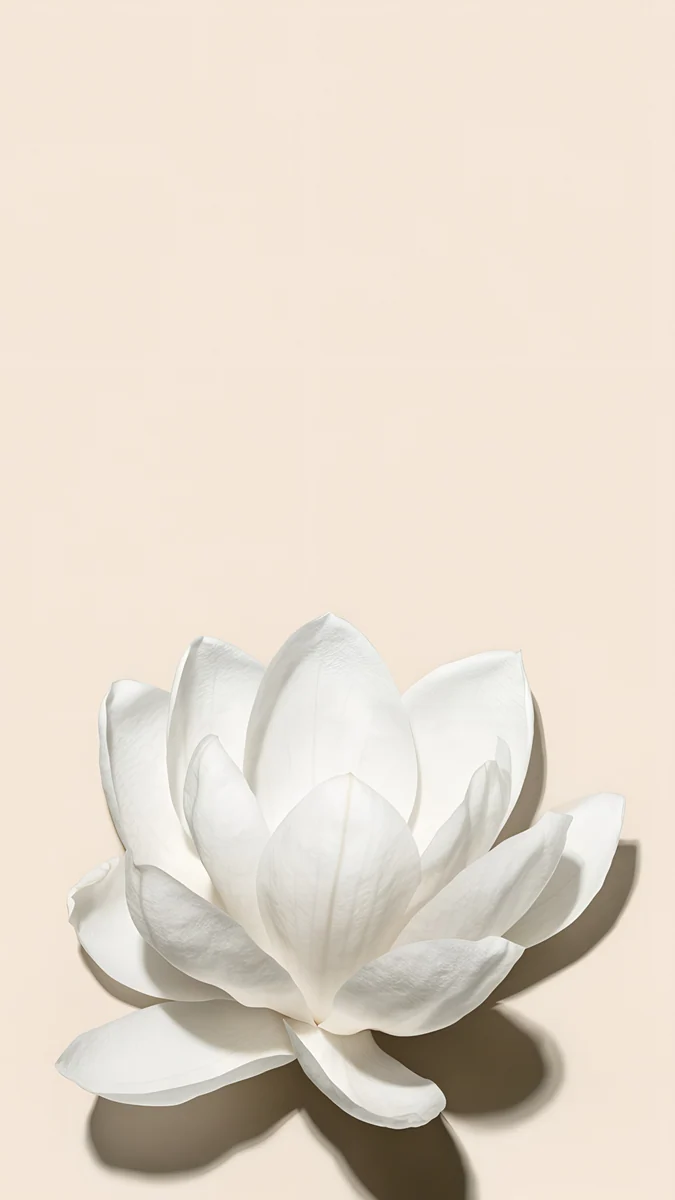 White Magnolia Beige
 Ukiyo Wisteria Iris
 Marble Blossom Columns
 White Blossom Sky
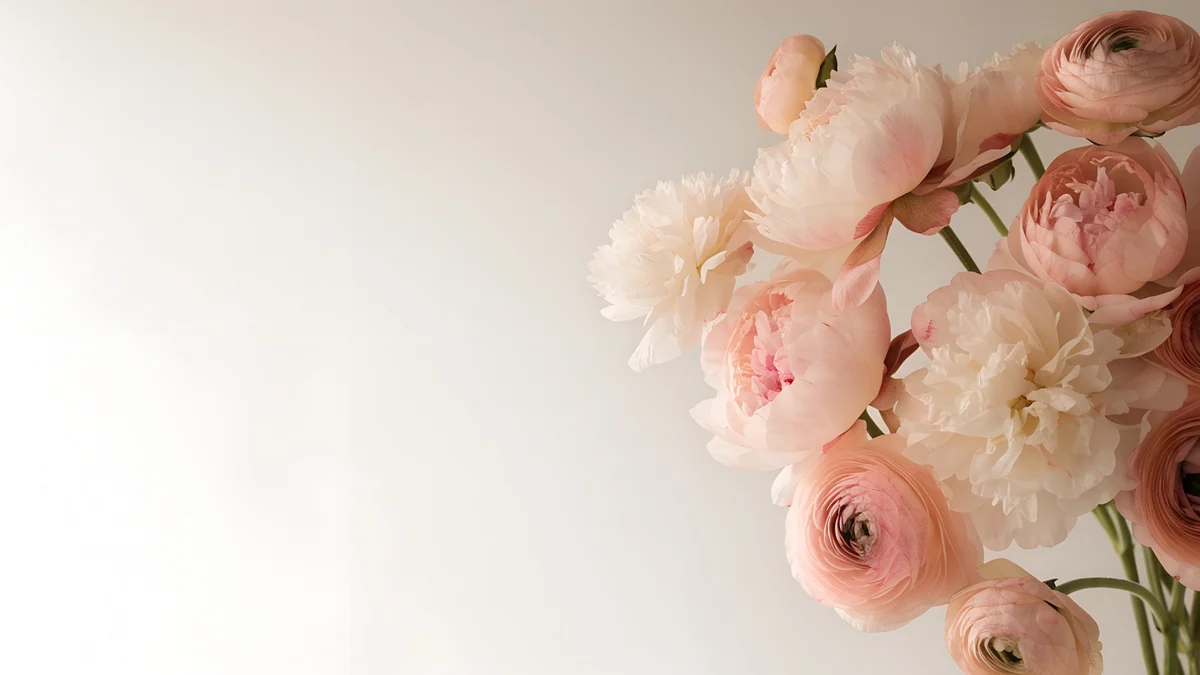 Blush Peony Desk
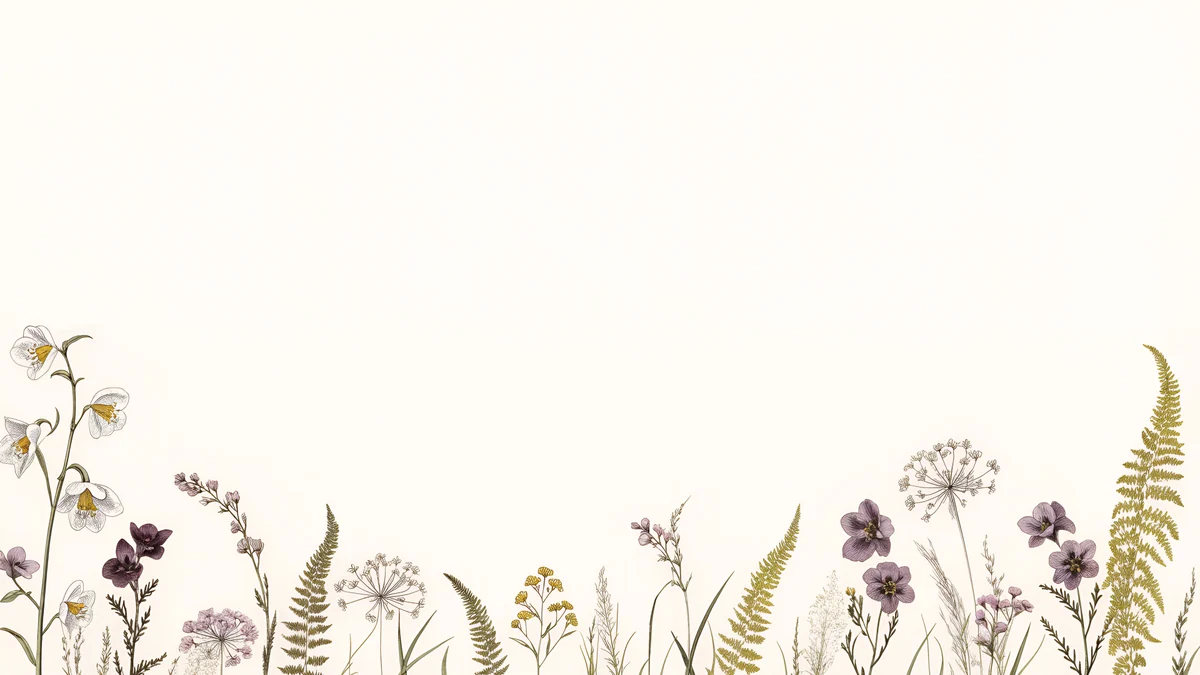 Botanical Wildflower Edge
Free originals for iPhone and Android, no watermark
On this page
The best floral background is a soft, wide image with flowers on one side and a calm area for icons, like Blush Peony Desk on a computer, or a single bloom on a phone like White Magnolia Beige. Velpaper has new original floral wallpapers in 4K for both [2]. Phone files are 2160 × 3840 and desktop files are 3840 × 2160, so they fit iPhone, Android, Mac, Windows PC and most laptops. They come in three looks: Japanese ukiyo-e flowers in ink, surreal marble with blossom and clouds, and liquid glass blooms, plus quiet botanical and photographic pieces in pink, sage and cream. Many of them also work as a cute flower wallpaper because the colours are soft and the shapes are simple. Below you will find each look, how to pick for phone, desktop and laptop, and the steps to set one on iPhone, Mac and Windows.
Ukiyo-e flowers
These look like old botanical and woodblock prints. Flowers are drawn with fine lines on pale paper, so they feel crafted and stay calm behind icons.
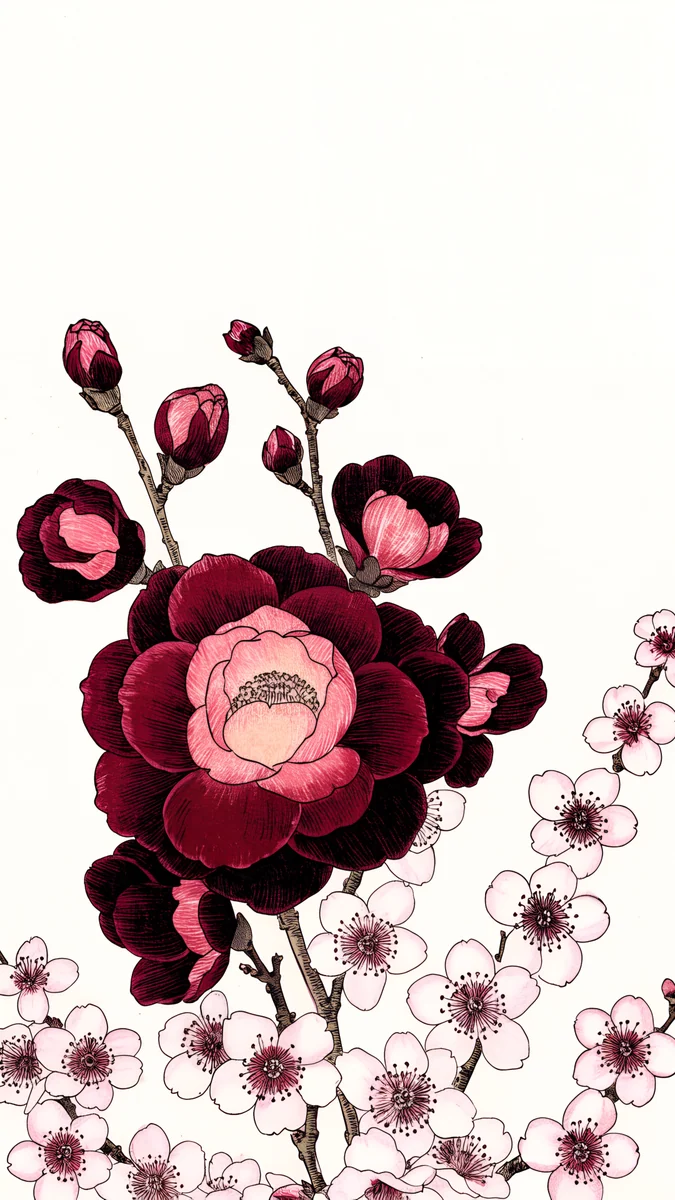
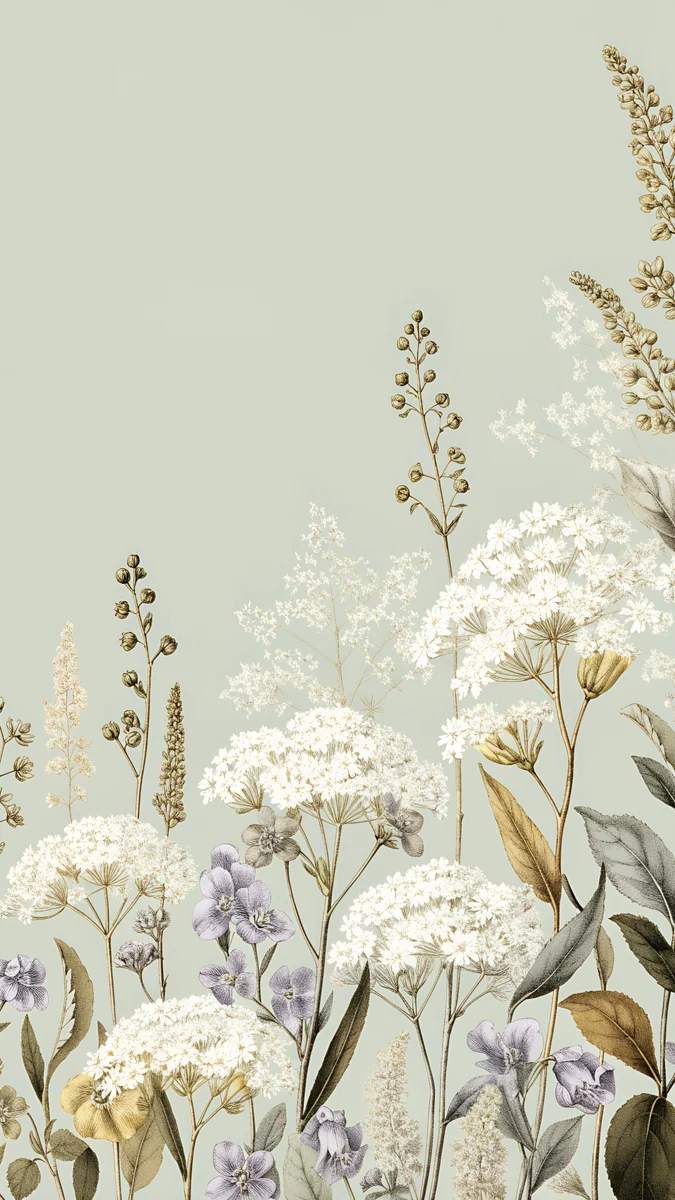
Ukiyo Camellia Plum is a phone wallpaper with a deep red camellia and a branch of small pink plum blossoms on a white background. Ukiyo Wisteria Iris is a desktop engraving with wisteria hanging from the top right, purple irises along the bank of a river, and cream paper behind. Sage Wildflowers is a botanical phone piece with white and lavender wildflowers rising from the bottom of a sage green background.
Surreal marble and blossom clouds
This look puts flowers into impossible places. The blossom stays soft while marble and clouds give the image scale.
Marble Flower Arch shows an arch covered in small pink and white flowers floating in a sea of clouds under a blue sky. Marble Blossom Columns is a desktop scene of marble columns standing on clouds, with a dense magenta blossom canopy hanging from the top. White Blossom Sky is a quieter desktop photograph of white cherry blossom branches against a pale blue sky.
Liquid glass blooms
Lilac Glass Bloom turns a flower into glass: see-through lilac petals sweep around a pink bud on a near white background. It is the most modern floral phone wallpaper in the set, and the light colours stay gentle behind a clock.
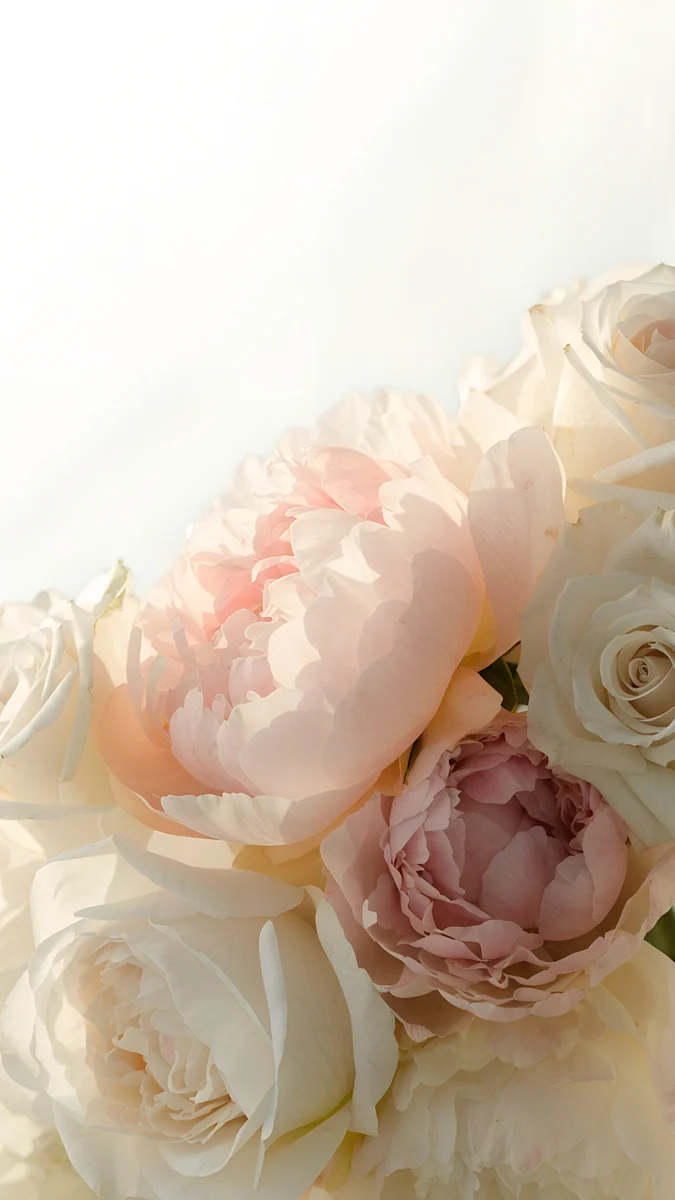
For soft, natural flowers on a phone, Blush Peony Roses fills the lower half with blush peonies and cream roses in warm light, and White Magnolia Beige is a single white magnolia on a beige background with a soft shadow.
Calm botanical pieces for the desktop
Desktops need space for icons, so the flowers sit on the edge and the middle stays open.
Blush Peony Desk puts blush and cream peonies on the right and leaves the left side plain and bright. Botanical Wildflower Edge lines small wildflowers and ferns along the bottom of a cream background and leaves everything above empty, which is ideal for a full desktop.
Floral wallpaper for phone, desktop and laptop
On a phone, a tall image with the flower in the lower half or the centre leaves the top free for the clock. Blush Peony Roses, Sage Wildflowers and White Magnolia Beige do this. On a desktop or laptop, pick a wide image with the flowers on one side: Blush Peony Desk, Botanical Wildflower Edge and Marble Blossom Columns.
- Laptop: choose Botanical Wildflower Edge or White Blossom Sky, because the screen is small and a calm area matters.
- Big monitor: Ukiyo Wisteria Iris pays off with its fine detail.
- Cute and soft: Blush Peony Roses, Lilac Glass Bloom and Marble Flower Arch have the gentlest colours.
For sizes, see our PC wallpaper size guide. More flower styles are in our flower wallpapers guide.
How to set a floral wallpaper
iPhone (iOS 26) [3]:
- Save the original from the Velpaper app or from the wallpaper page on velpaper.com.
- Open Settings, tap Wallpaper, then Add New Wallpaper.
- Choose Photos and pick the file.
- Pinch to adjust the crop, tap Add, then choose where to use it.
Mac (macOS Tahoe): open System Settings, click Wallpaper, choose Add Photo and select the file.
Windows 11 [3]: open Settings, then Personalization, then Background. Choose Picture, click Browse photos and pick the file. Set the fit to Fill.
Menu names can differ slightly between versions, and Android phones vary by brand, so look for Wallpaper in your phone settings.
Get the floral wallpapers in Velpaper
Velpaper is an app for iPhone, iPad, Mac and Android, and every wallpaper is also on velpaper.com. Browsing and previews are free. In the apps the original unlocks after a short optional ad, and on the website the original is free when no ad is available. There is no watermark and no account needed. The wallpapers are designed by Carlos Vivero. See all of them in the flower phone wallpapers and floral desktop wallpapers collections. Pink is your colour? Read our pink aesthetic wallpapers guide.
Next step: open Blush Peony Desk or Blush Peony Roses, save the original and set it as your wallpaper.
Original wallpapers in and for iPhone, Android and desktop.
Questions
What size is a floral wallpaper for iPhone and desktop?
Velpaper phone wallpapers are 2160 × 3840, which is 9:16 and fits iPhone and most Android phones [2]. Desktop wallpapers are 3840 × 2160, which is 16:9 and fits most Mac, Windows and laptop screens without stretching. On a screen with a different ratio, such as a 16:10 MacBook, the system fills the screen and trims a little from the edges, so keep the main flower near the middle [1]. Our PC and iPhone size guides explain the common resolutions in more detail.
Which flower wallpaper is best for a laptop?
Choose a wide image with the flowers on one side or along an edge and a calm area for icons. Botanical Wildflower Edge keeps its wildflowers at the bottom of a cream background, Blush Peony Desk puts the peonies on the right and leaves the left bright, and White Blossom Sky has blossom branches on a pale sky. All three stay readable behind a dock and a few windows. If you prefer a dramatic look, Marble Blossom Columns has more colour but is better on a larger screen.
What is a cute flower wallpaper?
A cute flower wallpaper uses soft colours, simple shapes and a single clear subject, so it feels gentle and not busy. Blush, cream, lilac and pale pink work well, and one bloom often looks cuter than a crowded bouquet. In Velpaper, White Magnolia Beige is a single white flower on beige, Lilac Glass Bloom is a see-through lilac flower, and Blush Peony Roses is a soft pink bouquet. For the computer, Blush Peony Desk is the softest option. None of them contain cartoon characters.
Are the floral backgrounds free?
Browsing and previewing are free on velpaper.com and in the Velpaper apps for iPhone, iPad, Mac and Android. In the apps the original unlocks after a short optional ad. On the website the original is free when no ad is available. There is no account and no watermark, and each file is a 4K original [2]. Open one such as Sage Wildflowers or Ukiyo Wisteria Iris, check the preview, and save the original when you like it.
Can I use a floral wallpaper on my phone and my computer?
Yes, but use a matching pair instead of the same file, because a tall phone image and a wide desktop image have different shapes. Velpaper has the same looks in both formats. For example, Ukiyo Camellia Plum on the phone pairs with Ukiyo Wisteria Iris on the computer, and Blush Peony Roses pairs with Blush Peony Desk. The colours and style match, and each image is made for its own screen ratio, so nothing important is cropped away.
Carlos Vivero
Designer of Velpaper wallpapers
Carlos Vivero designs the wallpapers in Velpaper: quiet architecture, liquid glass, Japanese ink and calm landscapes. Every piece is made as a original for iPhone, Android and desktop.
Recent work