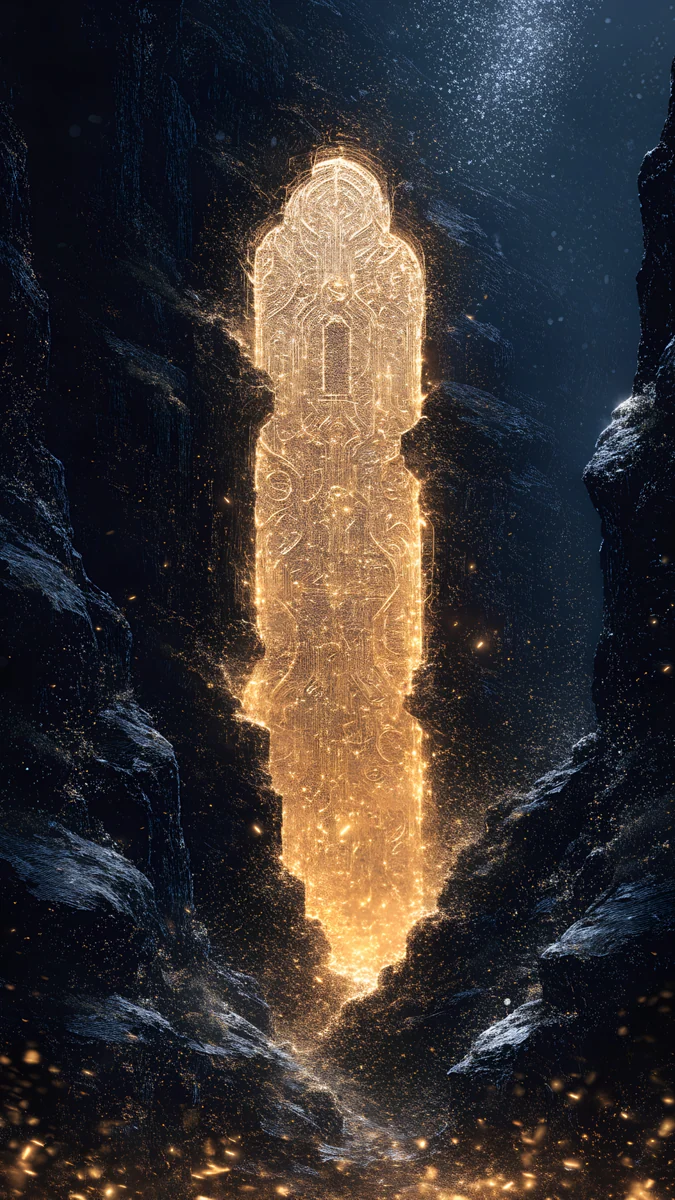
iMac Wallpaper 4K and 5K: Picks for Every iMac Color
iMac wallpaper in 4K and 5K: the 4480 × 2520 px screen, which file to pick, and wallpapers for Blue, Purple, Pink, Orange, Yellow, Green and Silver.
Sources [1] · By the Velpaper team · Wallpapers by Carlos Vivero, Velpaper designer · · 5 min read
In short: The 24 inch iMac screen is 4480 × 2520 px and 16:9, so a 4K file fits with no crop but is scaled up about 1.17x [1]. A 5120 × 2880 px original is the sharper choice, and soft, painterly or gradient art looks best in 4K.
Wallpapers
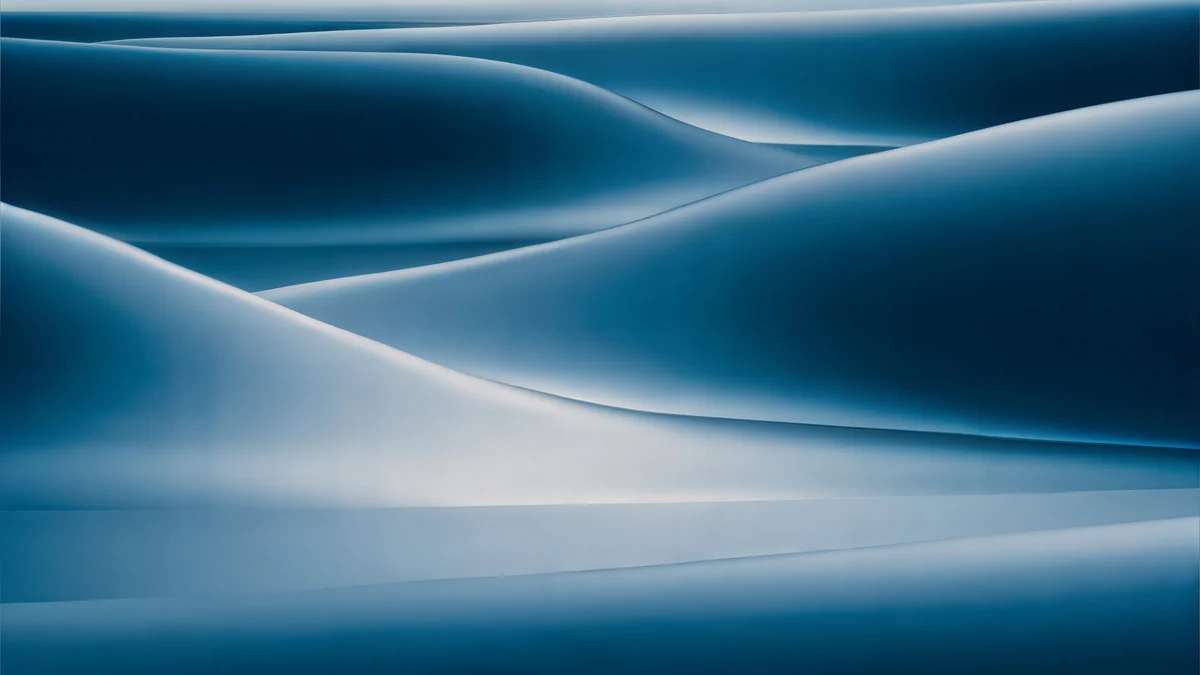 Petrol Current
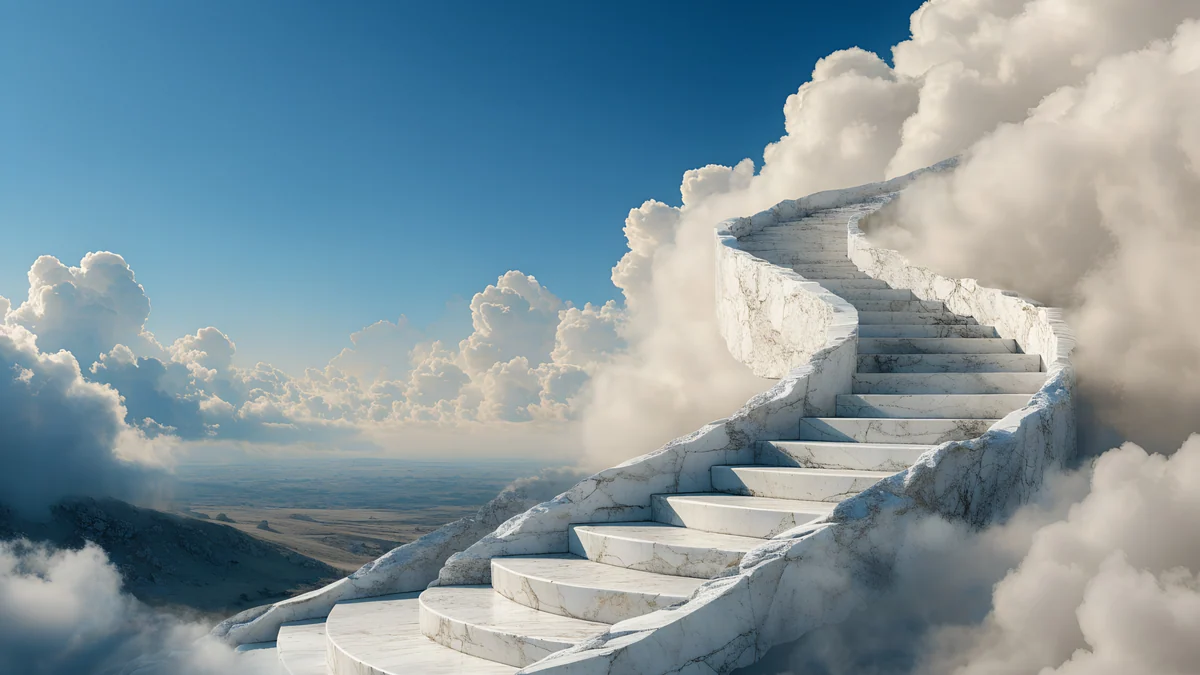 Cloud Stair Panorama
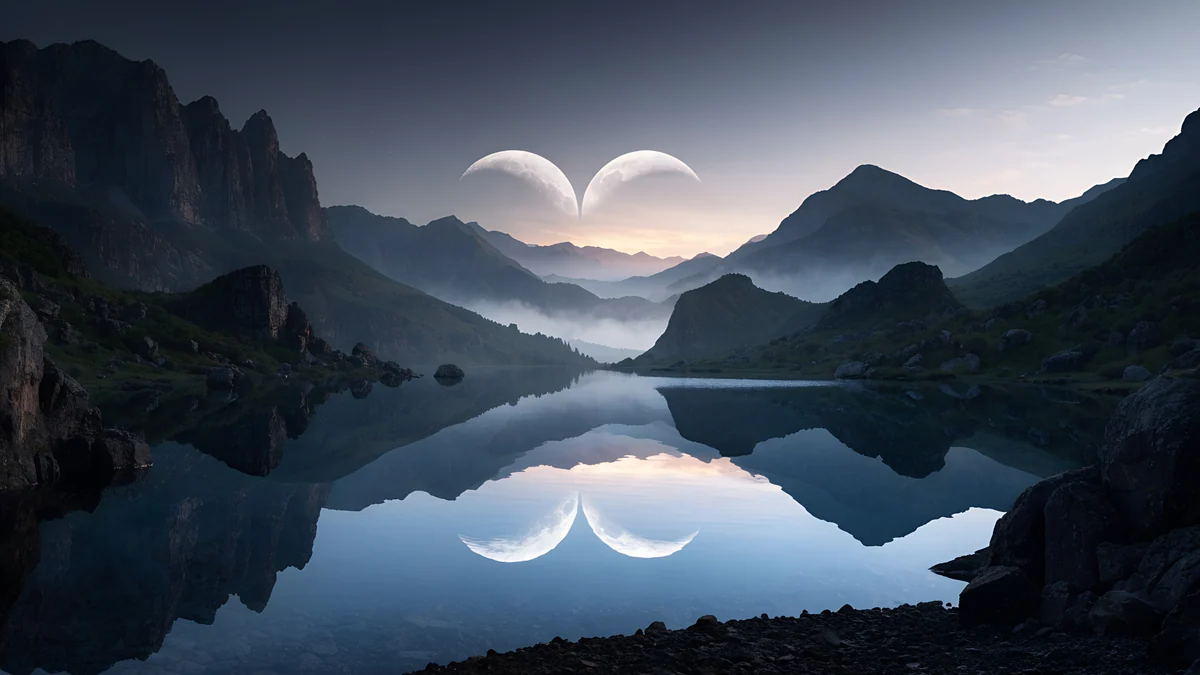 Twin Crescent Panorama
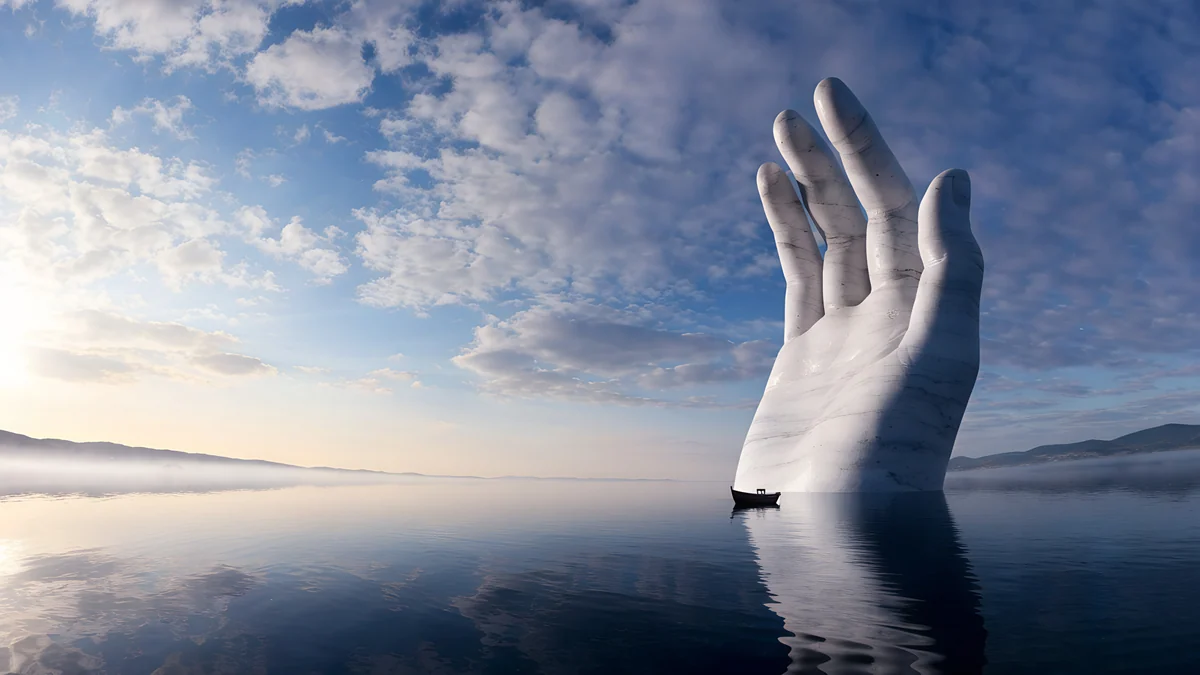 Marble Hand Panorama
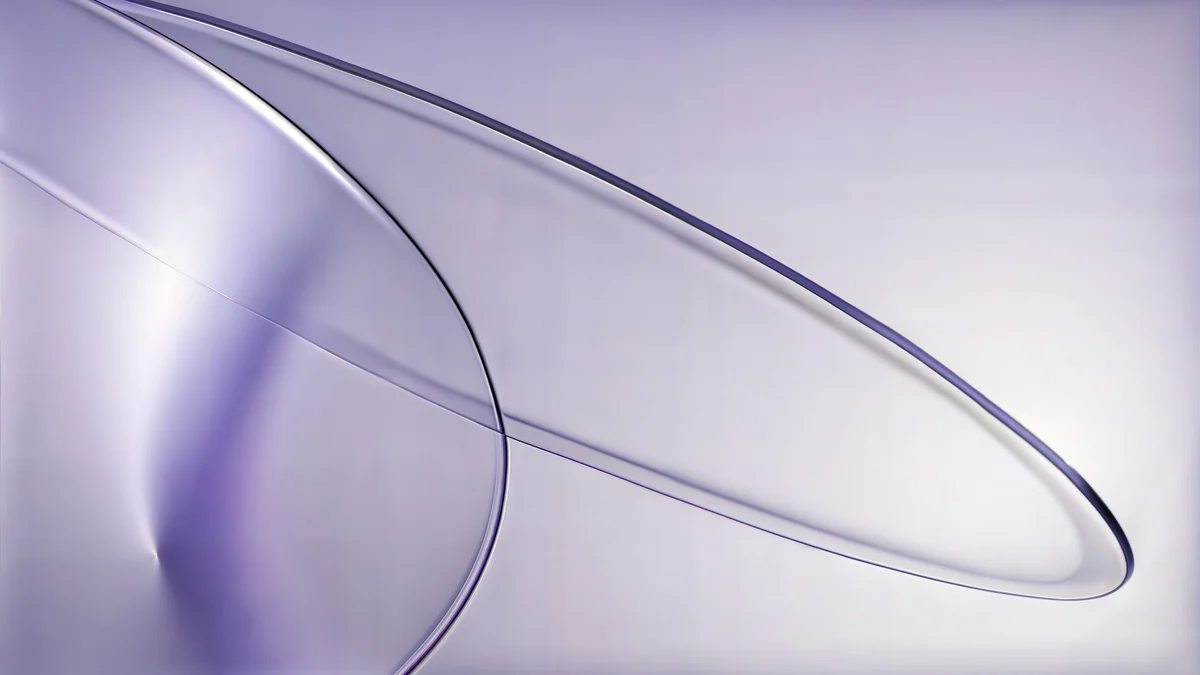 Lilac Drift
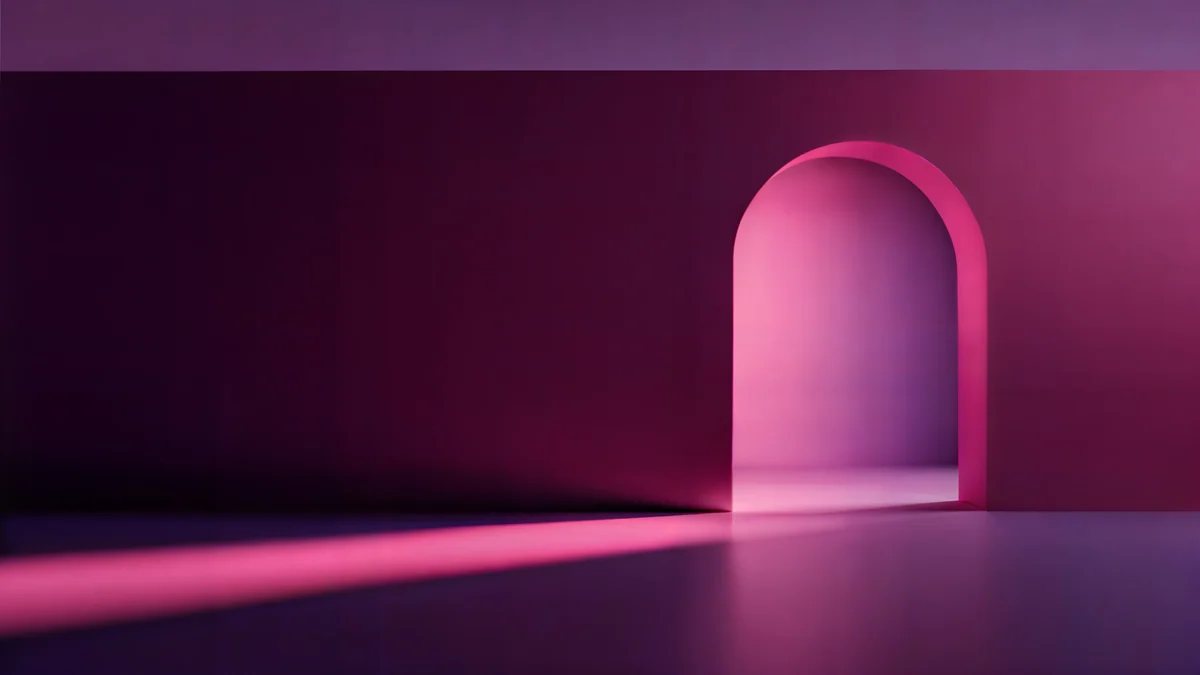 Rose Pulse Arcade
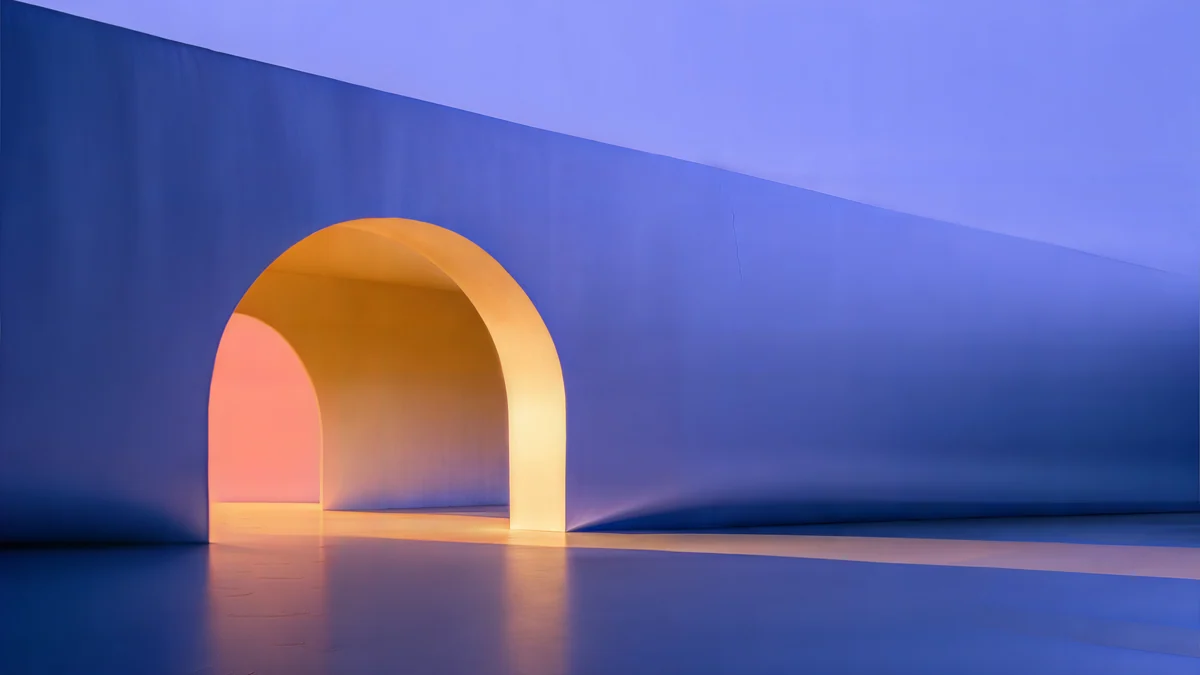 Solar Indigo Gate
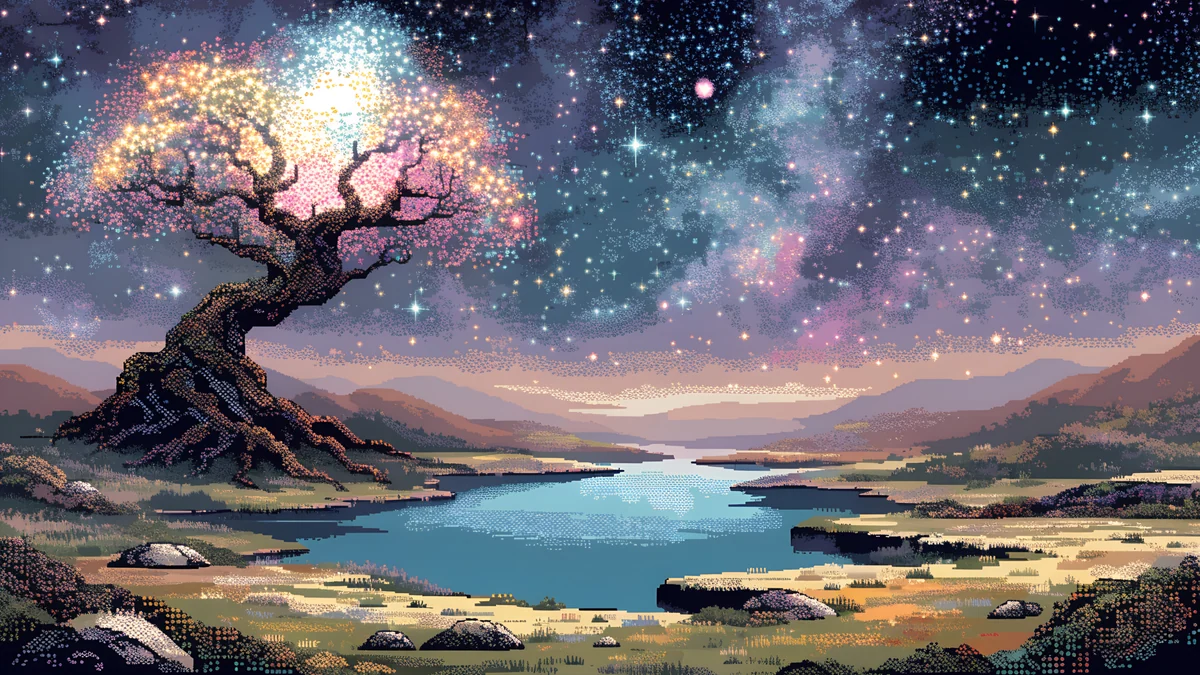 Pixel Starlit Tree Desktop
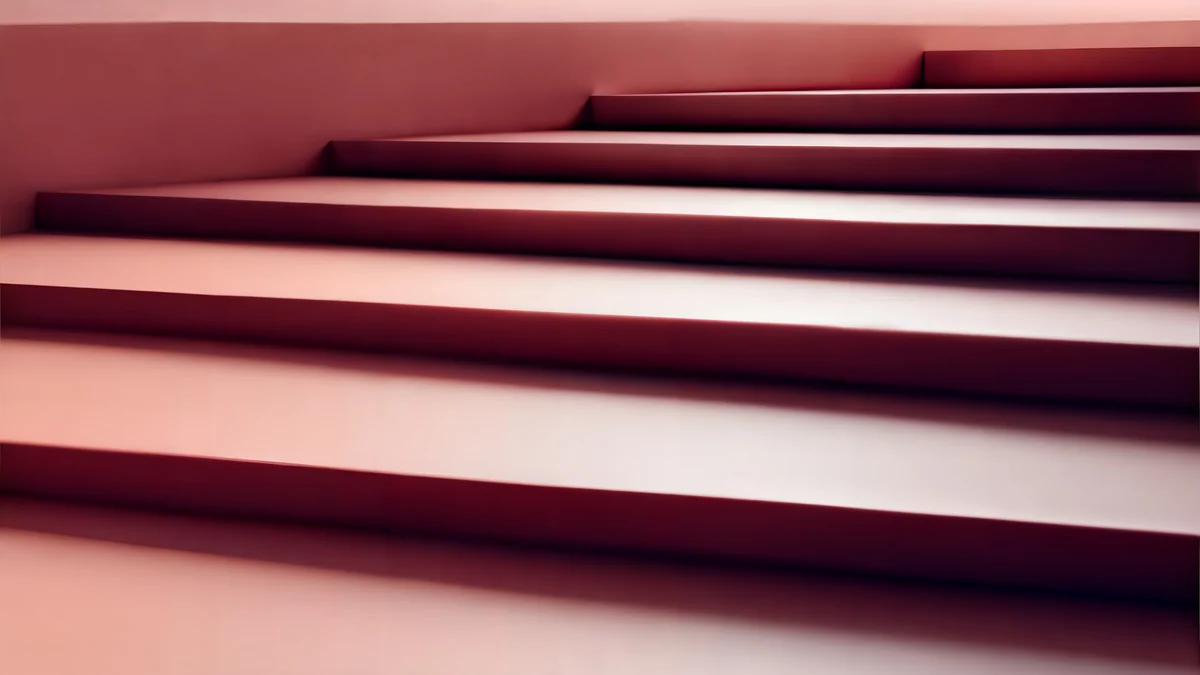 Rose Terrace Strata
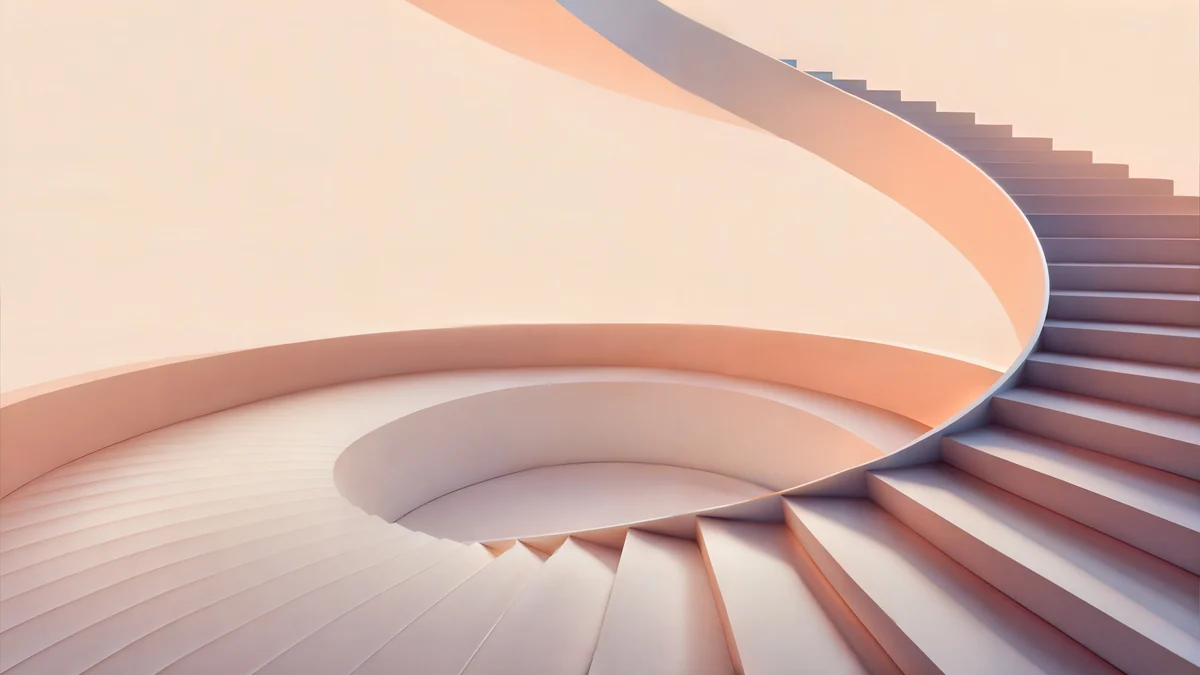 Peach Spiral Atrium
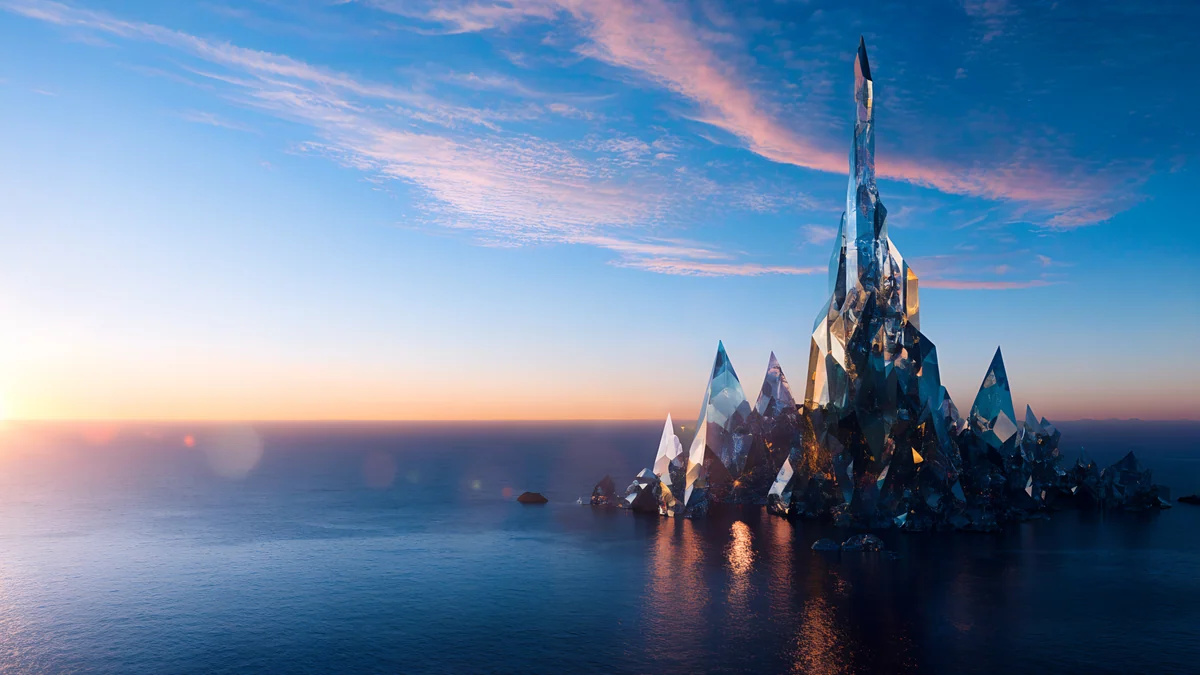 Glass Palace Sunset
 Flower Cloud Stairway
Free originals for iPhone and Android, no watermark
On this page
The best iMac wallpaper is a 16:9 desktop file with soft color and no tiny detail at the edges [1]. The 24 inch iMac has a 4.5K Retina display at 4480 × 2520 px and 218 ppi, which is exactly 16:9, so a 4K file fills it with no crop at all. A 3840 × 2160 px original is scaled up about 1.17x, so painterly art, gradients and glass shapes look best [1]. A 5120 × 2880 px original is larger than the screen and stays crisp, which makes it the safest choice. Not every Velpaper desktop file is 5K, so check the size on the wallpaper page.
Below you get the iMac size table, picks matched to the seven iMac colors (Blue, Purple, Pink, Orange, Yellow, Green and Silver), dark options, and the steps to set one. For laptops, see the MacBook wallpaper 4K guide [1].
iMac wallpaper size and file choice
| Mac | Screen | Resolution | Density | Best file |
|---|---|---|---|---|
| iMac 24 inch | 24 inches, 4.5K Retina | 4480 × 2520 px | 218 ppi | 5120 × 2880 px |
| Any 4K file [1] | 16:9 | 3840 × 2160 px | n/a | works, scaled up about 1.17x |
The rule is simple: a file with more pixels than the screen only gets scaled down, and a smaller one gets enlarged. The 4K files are fine for gradients, smooth glass and soft scenes [2]. For fine architecture lines or small text-like details, pick a 5K one. The general size rules for every monitor are in our PC wallpaper size guide, and our 5K desktop wallpapers page collects sharper architecture scenes.
Blue and Purple iMac wallpaper
A wallpaper in the same hue as the case makes the whole iMac feel like one block of color. Both galleries below are 5120 × 2880 px [2].
Petrol Current rolls dark teal and navy silk waves across the frame. Cloud Stair Panorama and Marble Hand Panorama are white marble scenes in a blue sky, bright and calm, and Twin Crescent Panorama pairs a dark blue lake with a moon.
Lilac Drift is a pastel glass composition in lilac and white. Rose Pulse Arcade is a darker glowing arch in purple and pink, Solar Indigo Gate pairs a purple and blue arch with orange light, and Pixel Starlit Tree puts a purple pixel-art night sky over a lake.
Pink and Orange iMac wallpaper
Warm iMacs suit peach, coral and rose. Pick pictures where the warm color sits in the middle and the corners stay calm.
Rose Terrace Strata layers pink stairs and geometric shapes. Peach Spiral Atrium is a calm pastel staircase, Glass Palace Sunset mixes pink and blue marble and glass over the sea, all three at 5120 × 2880 px [2]. Flower Cloud Stairway is a pink floral staircase among clouds, at 3840 × 2160 px.
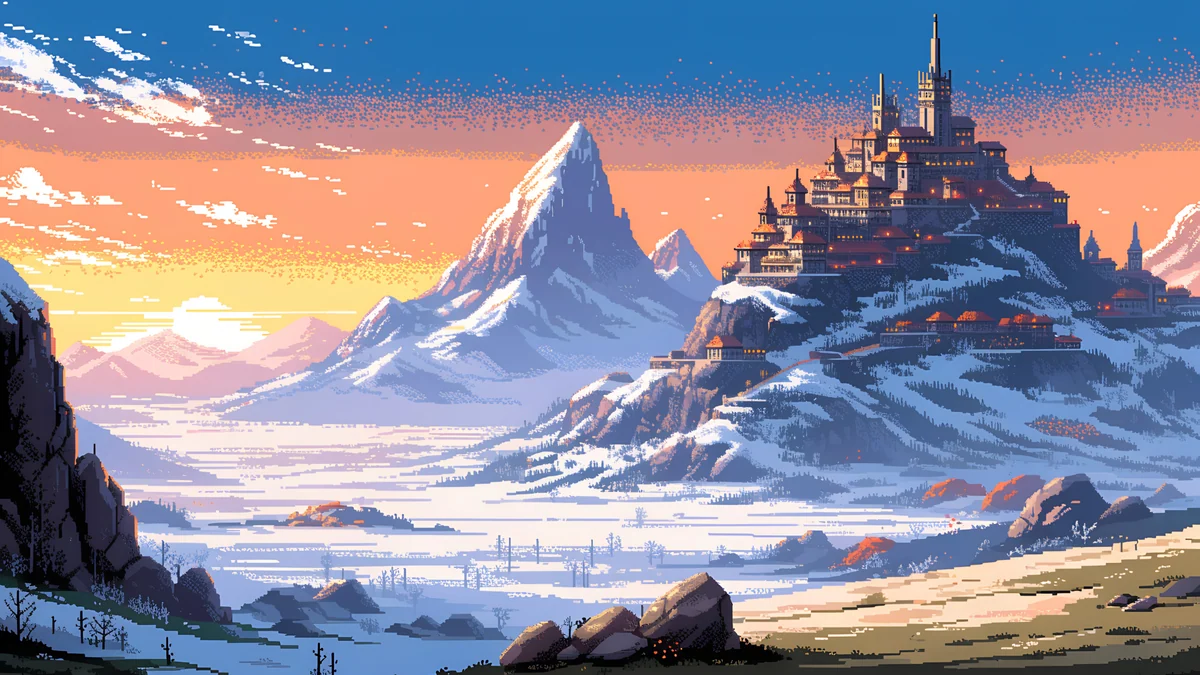
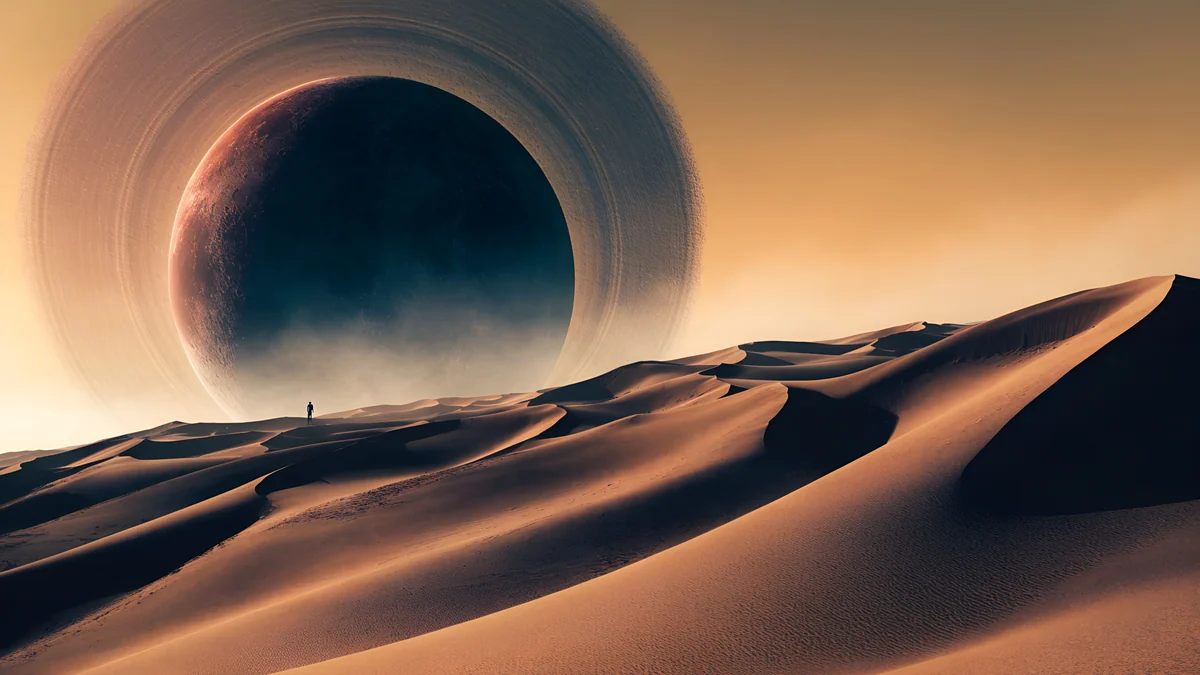
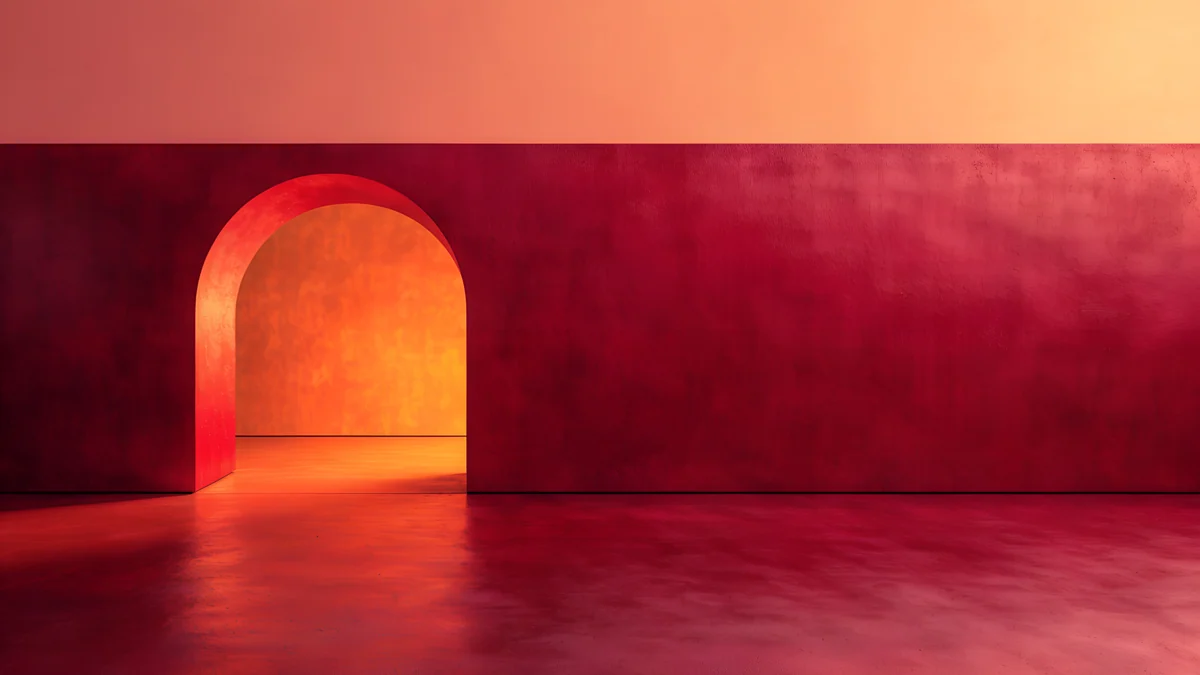
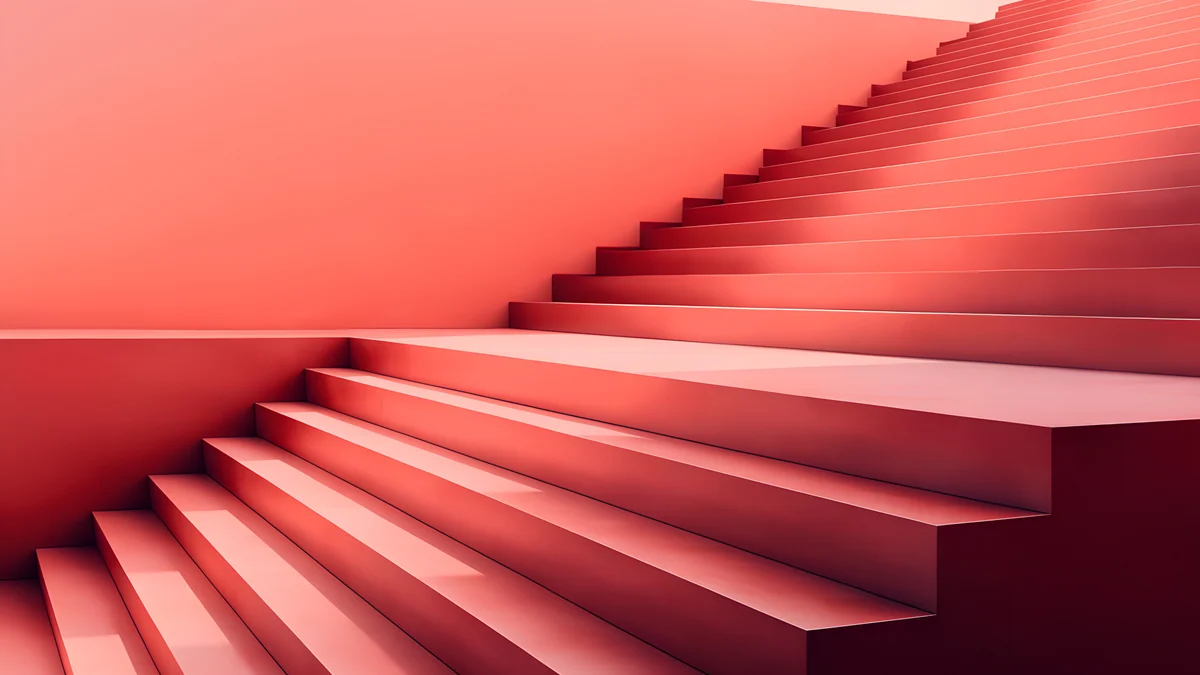
Pixel Sunset Monastery is an orange pixel-art sunset with snowy mountains and Ringed Planet Dune Panorama is a sandy orange dune scene with a ringed planet. Both are 5120 × 2880 px [2]. Coral Ignition Gate and Coral Zigzag Terrace are 3840 × 2160 px red, orange and pink architecture shapes with soft edges.
Yellow and Green iMac wallpaper
For Yellow, look for gold and cream. For Green, choose sage, mint and meadow tones.

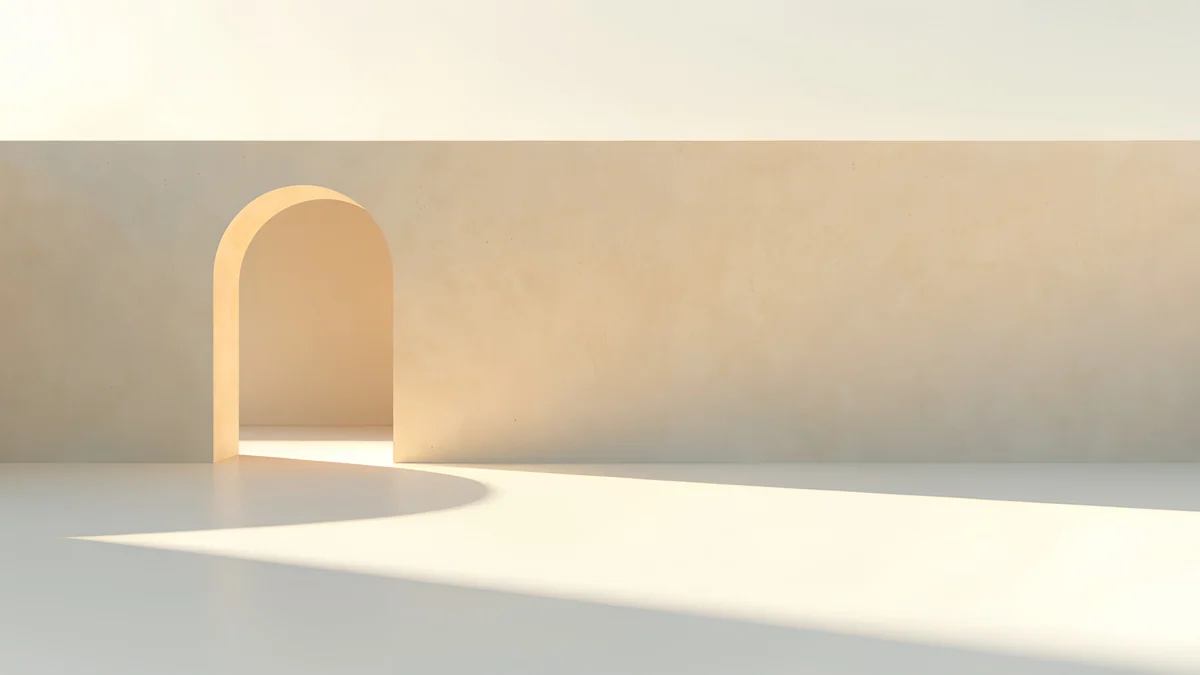
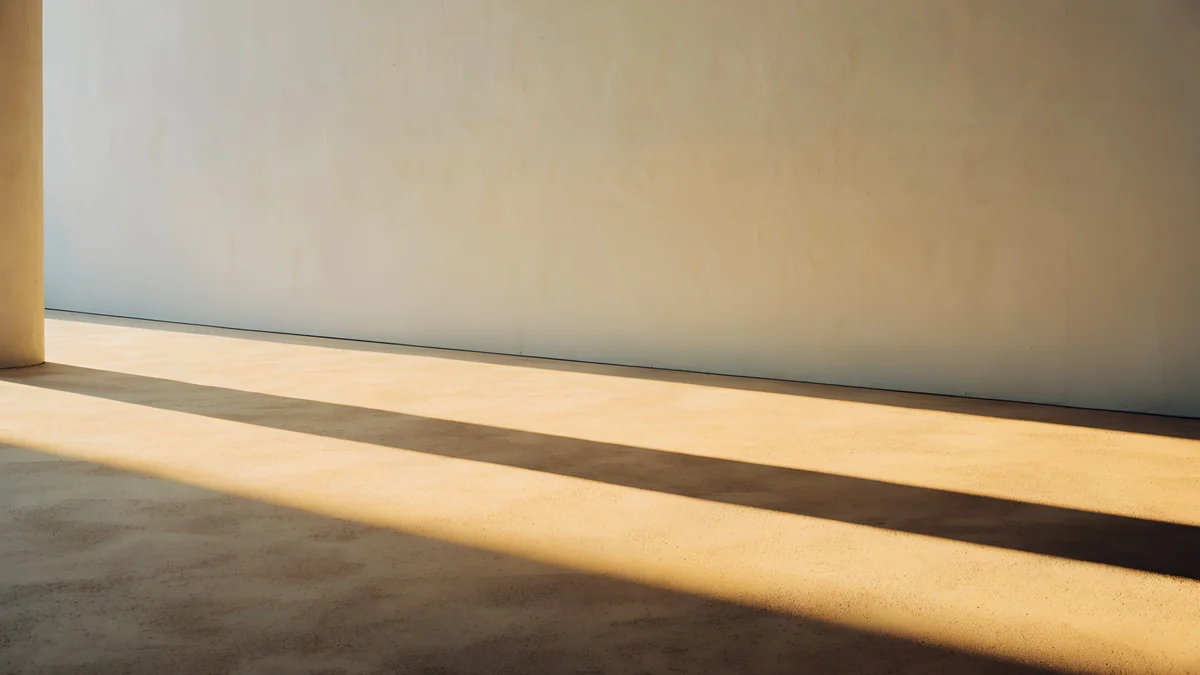
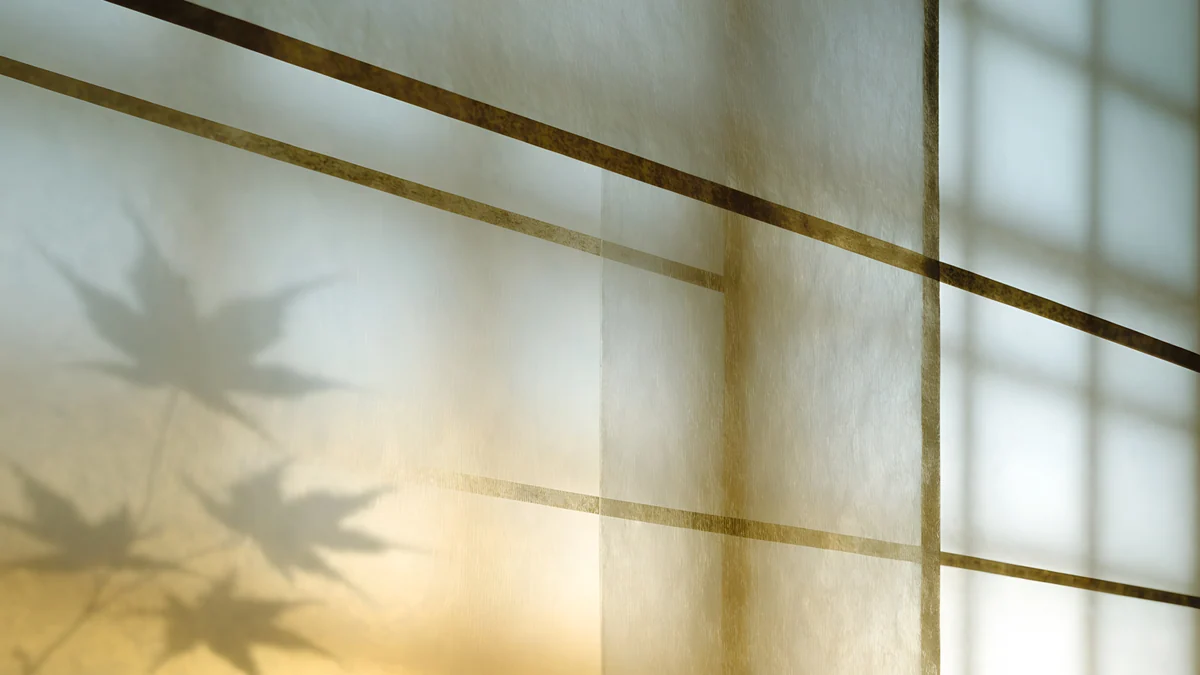
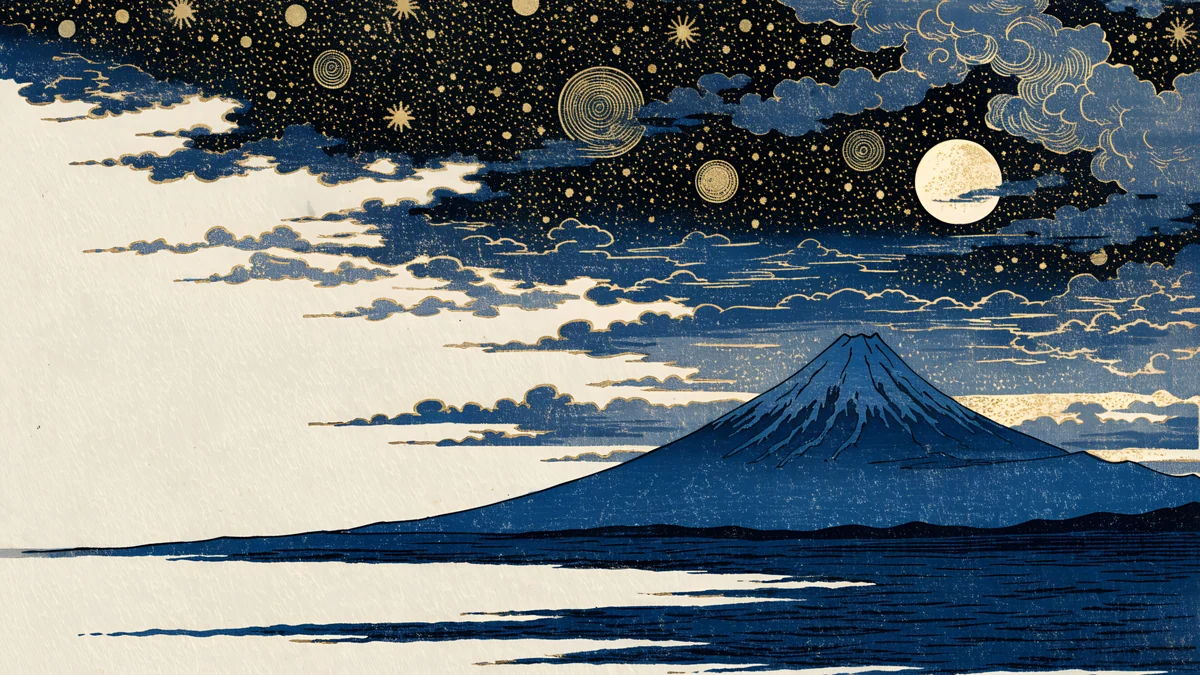
Golden Fuji Panorama is a golden mountain and clouds in an ukiyo-e style, in 5120 × 2880 px [2]. Apricot Noon Hall is a beige and white arched hall with gold light, Column Shadow is a golden hour room with a long column shadow, and Lattice Glow is a window screen with warm light and leaf shadows.
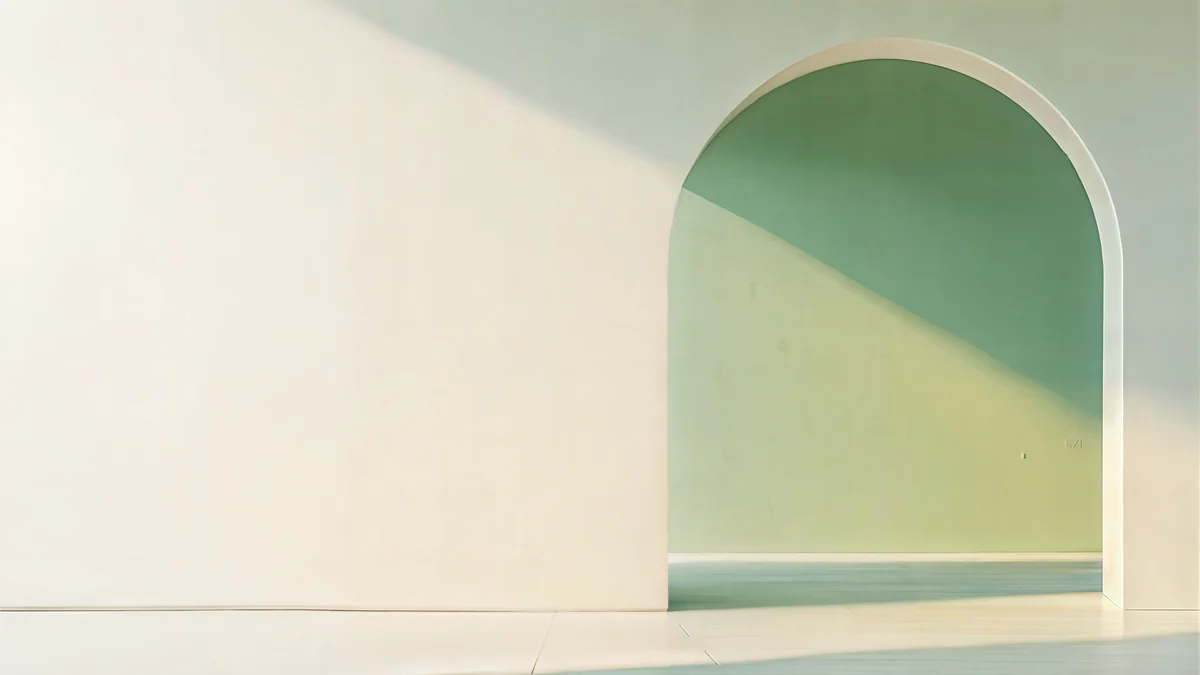
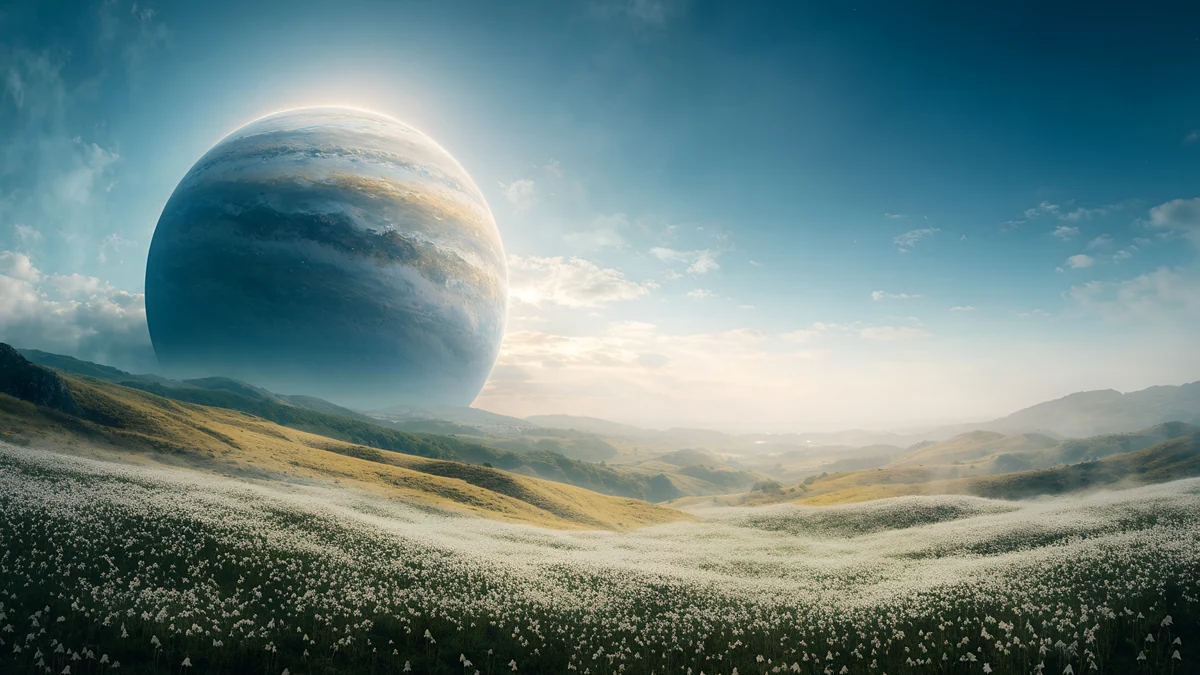
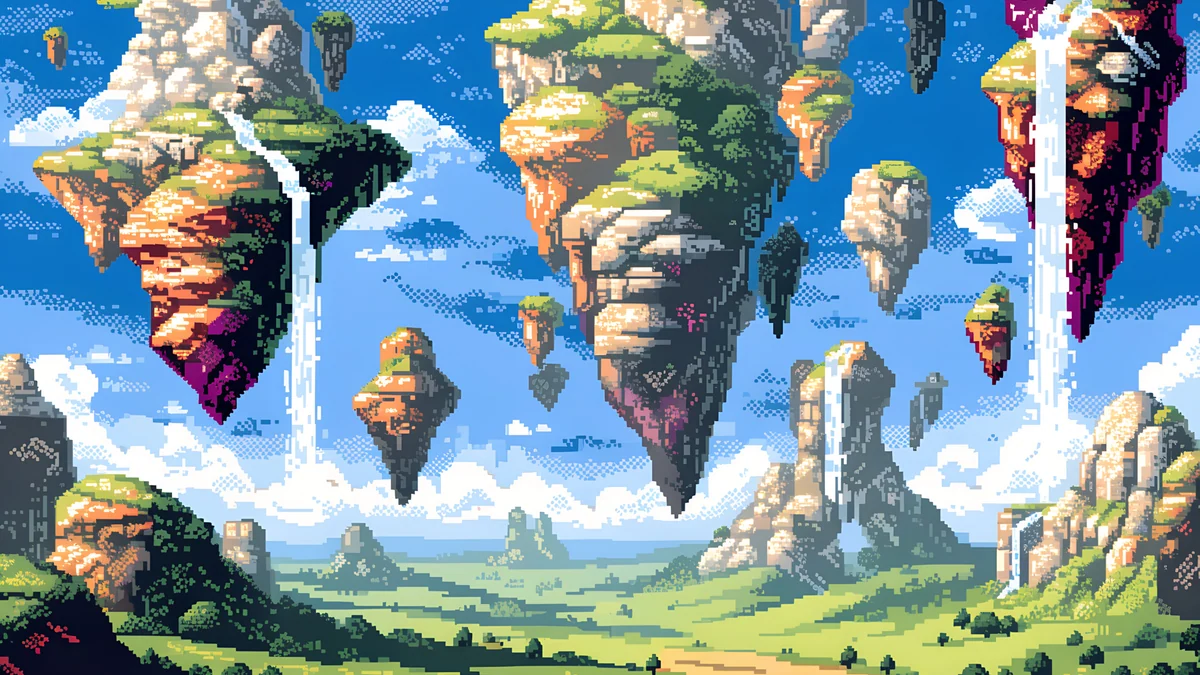
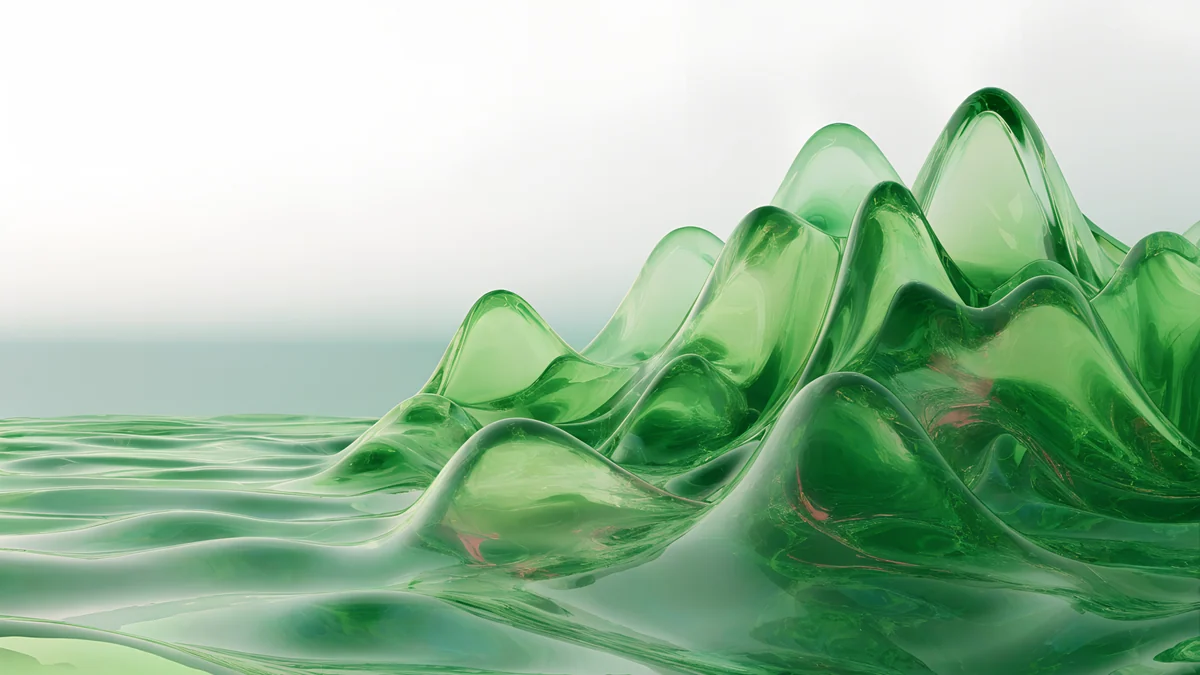
Sage Sun Gallery is a pale green and beige arched gallery, Planet Over Meadow is a green meadow under a planet, and Pixel Floating Isles are green pixel-art islands in the sky. All three are 5120 × 2880 px [2]. Green Glass Hills is a soft glass landscape, in 3840 × 2160 px.
Silver iMac wallpaper
Silver goes with light gray, white and pale blue. A quiet picture also makes the menu bar text easy to read.
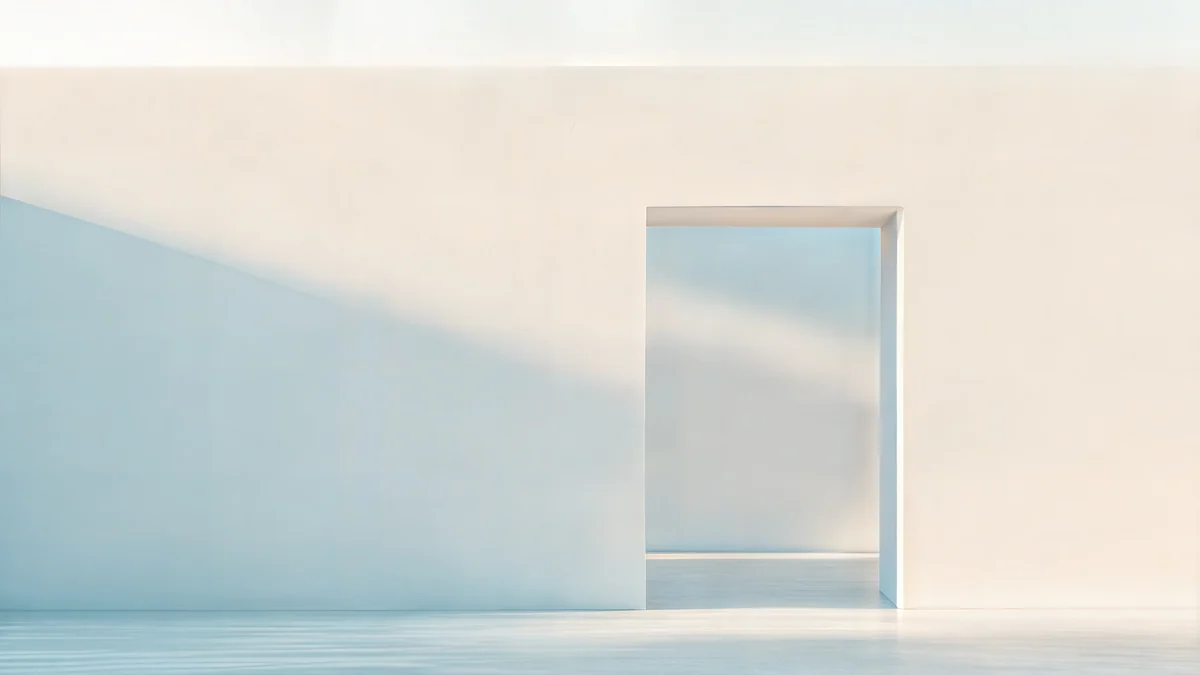
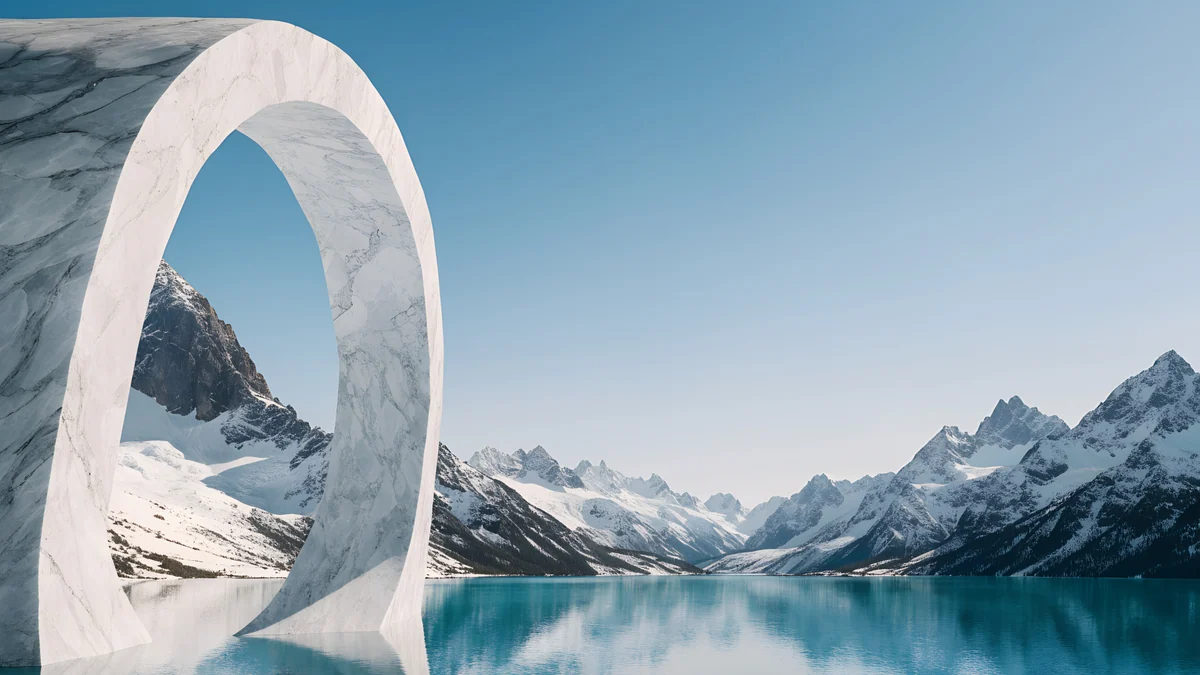
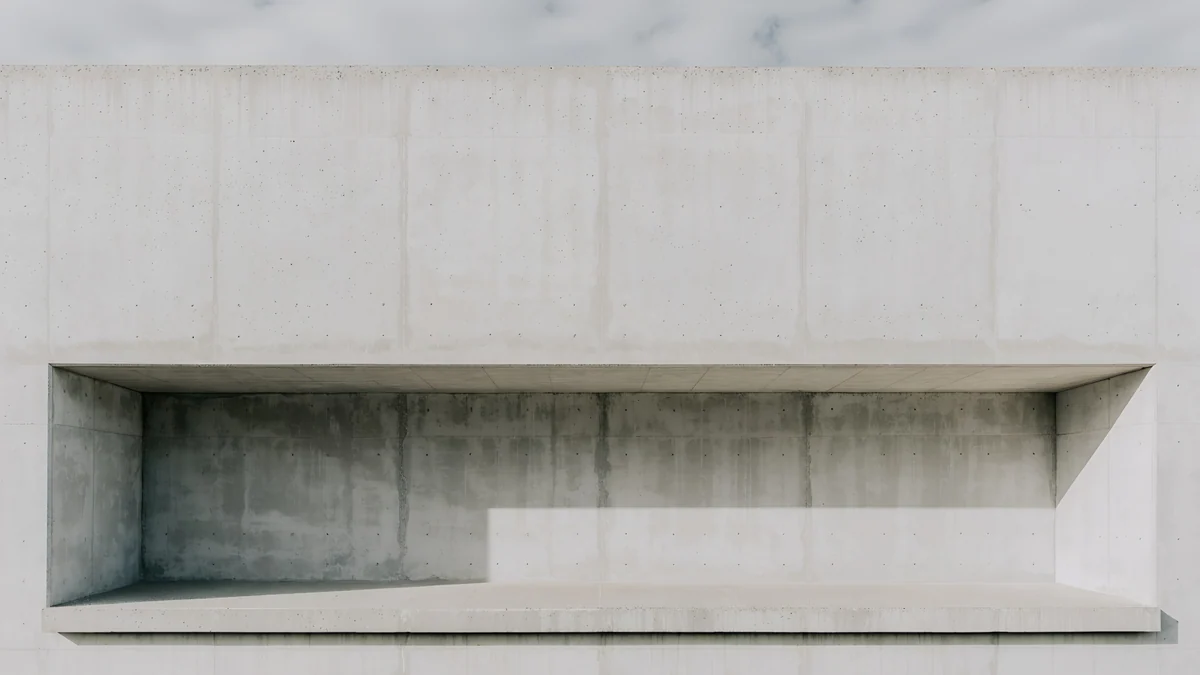
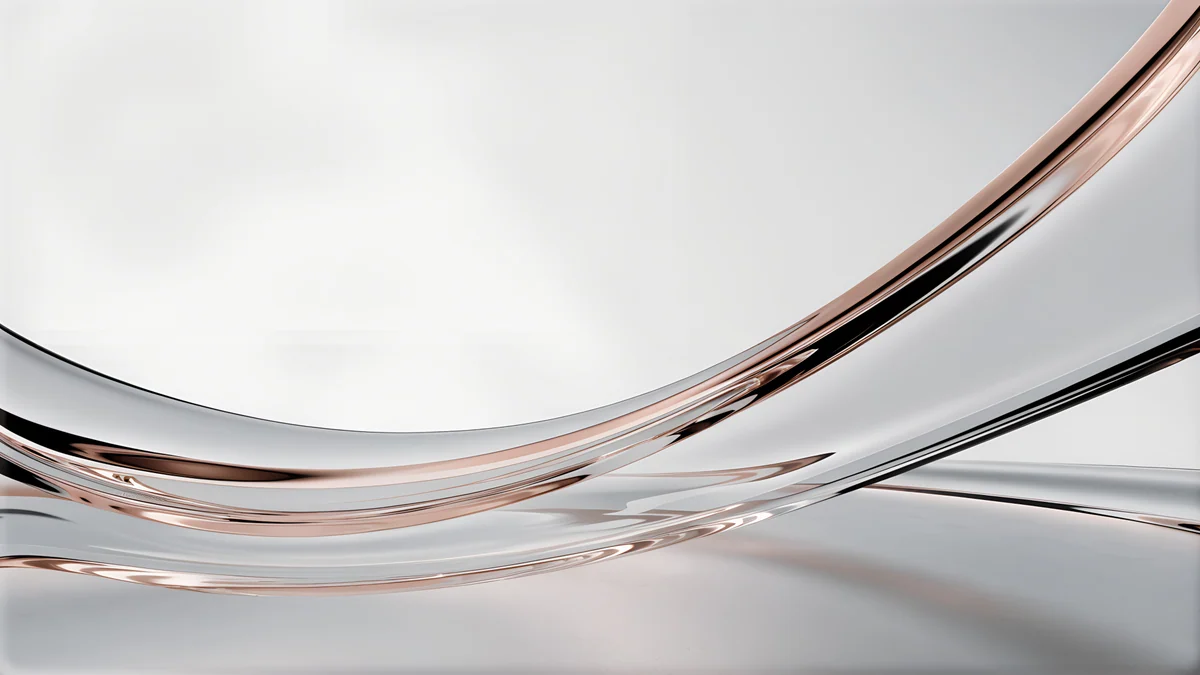
Ivory Daylight Gate is a bright beige and white doorway and Glacier Arch Panorama frames a snowy lake with an ice arch, both 5120 × 2880 px [2]. Chalk Recess is a quiet gray architectural scene and Liquid Light Band is a white and gray glass abstract, both at 3840 × 2160 px.
Dark iMac wallpapers
The iMac screen is not OLED, but a dark picture still lowers glare in an evening room and makes colored apps stand out. These originals are 5120 × 2880 px [2]; more dark ideas are in Mac dark mode wallpapers.
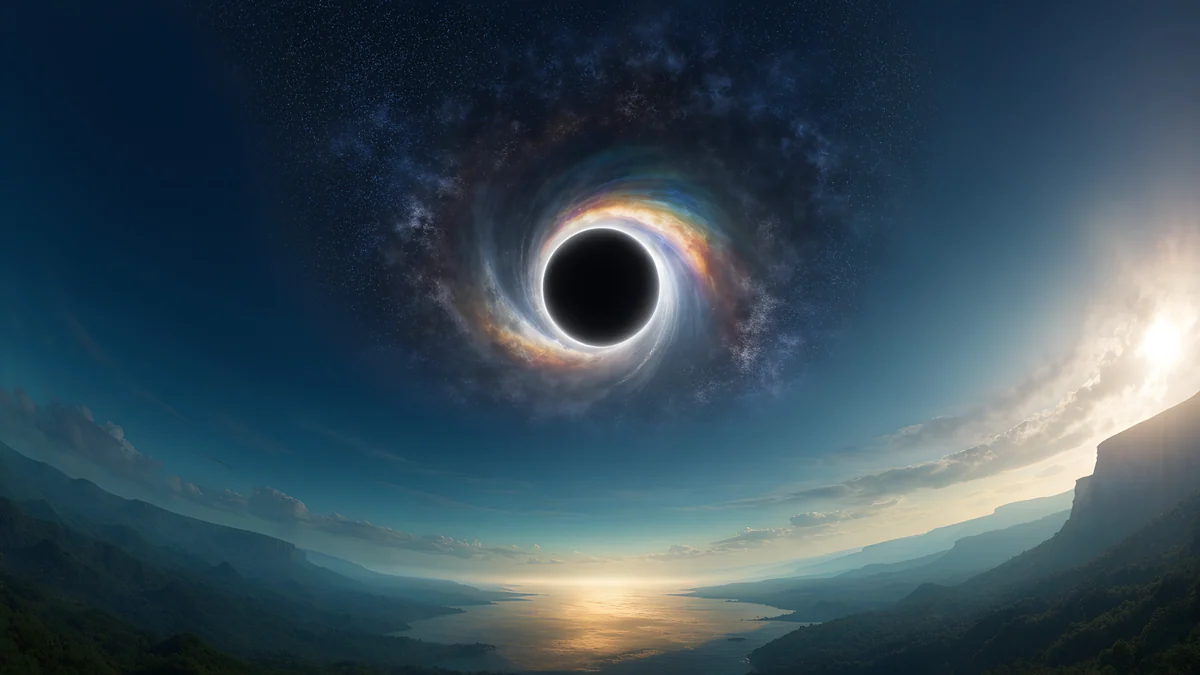
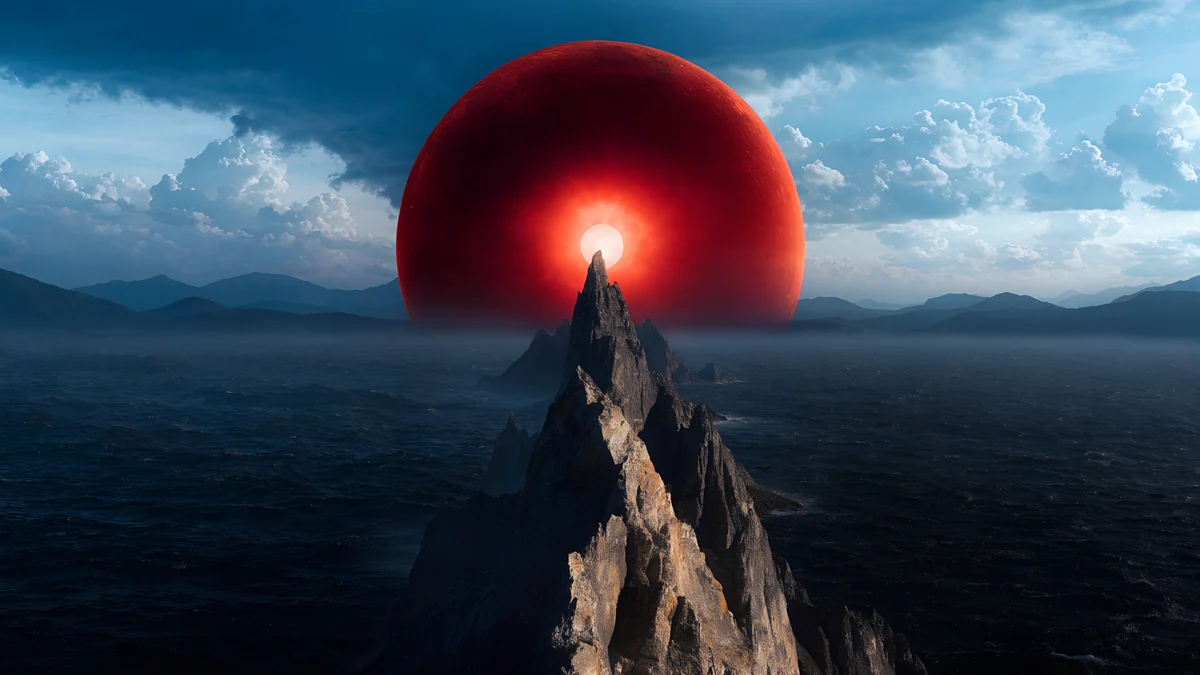
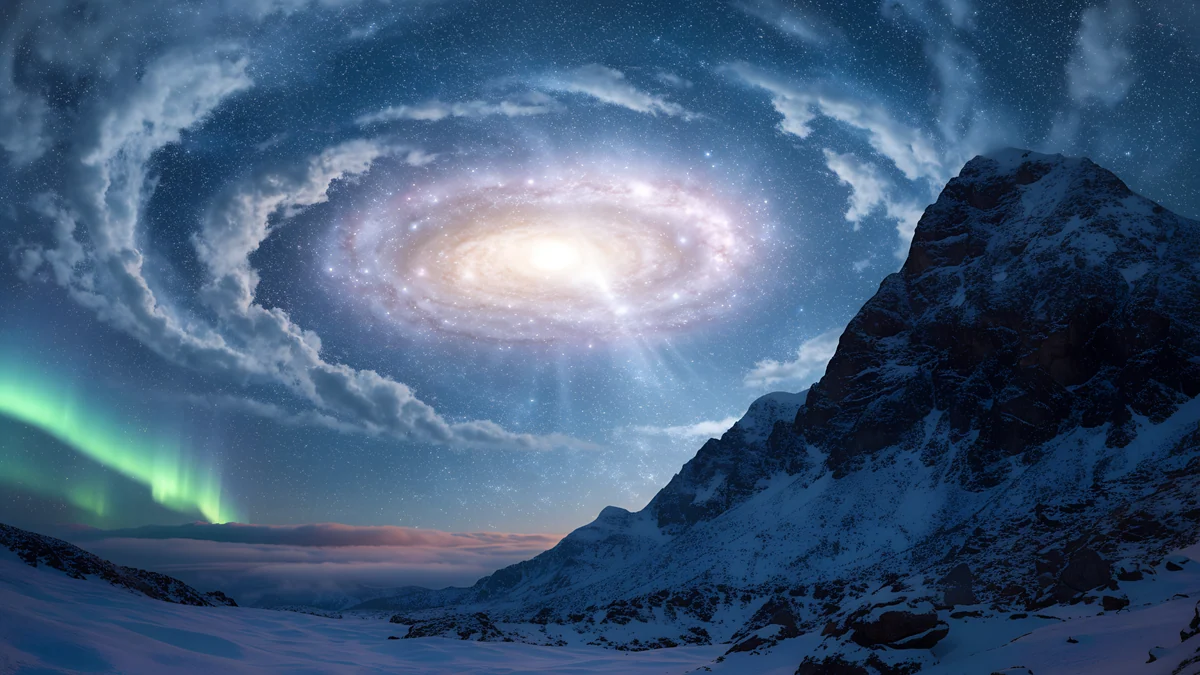
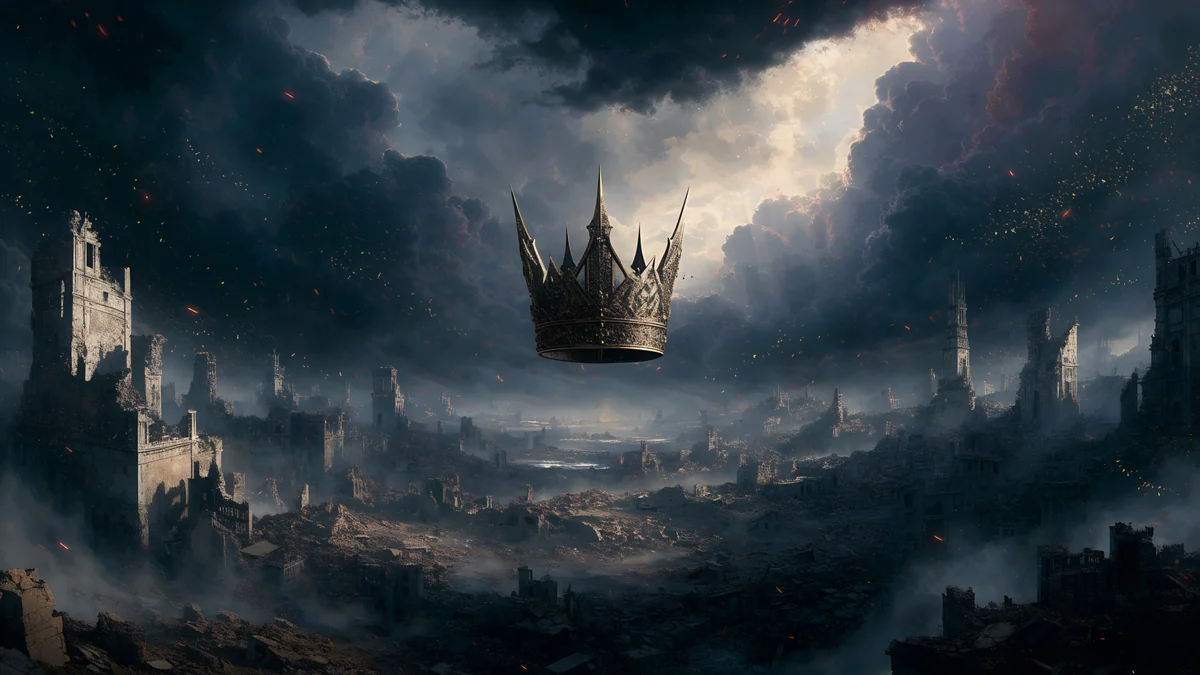
Black Hole Horizon is a black sky with a glowing horizon, Red Eclipse Panorama a red sun and moon over a mountain, Galaxy Peak Panorama snowy peaks under a starry sky and Storm Crown Panorama a gray and black castle city under storm clouds.
How to set a wallpaper on an iMac
- Download the original from the wallpaper page in the Velpaper app for Mac or on velpaper.com.
- Open the Apple menu, choose System Settings and click Wallpaper.
- Click Add Photo and choose the file.
- Pick Fill Screen in the menu next to the preview. On an iMac it shows the whole 16:9 picture [1].
More detail, including a different picture for each display, is in how to change the desktop wallpaper on a Mac.
Common problems and fixes
- The wallpaper looks soft. A 3840 × 2160 px file is scaled up about 1.17x on an iMac [2]. Pick a 5120 × 2880 px original, or choose a smoother picture.
- You saved a preview. Download the original again from the wallpaper page.
- A color does not match. The iMac colors are fairly soft, so pastel and gentle tones match them better than harsh neon.
- The second monitor looks different. Each display has its own wallpaper setting in System Settings.
Get these iMac wallpapers in Velpaper
Velpaper is an app for iPhone, iPad, Mac and Android, and every wallpaper is also on velpaper.com. Desktop wallpapers are 3840 × 2160 px originals and some are 5120 × 2880 px, without a watermark and without an account [2]. They are free to browse, and many originals unlock after a short optional ad in the apps; on the website, if no ad is available, the original downloads for free.
Next step: open Sage Sun Gallery, download the 5120 × 2880 px original and set it with Fill Screen [2].
Original wallpapers in and for iPhone, Android and desktop.
Questions
What size is an iMac wallpaper?
The 24 inch iMac has a 4.5K Retina display at 4480 × 2520 px and 218 ppi [1]. That is 16:9, the same shape as a 4K file, so nothing is cropped. A 3840 × 2160 px original is scaled up about 1.17x. A 5120 × 2880 px original is larger than the screen in both directions and stays crisp, so it is the safest choice when the wallpaper page lists a 5K size [2].
Is a 4K wallpaper good enough for an iMac?
Yes, with the right picture. A 3840 × 2160 px [2] file is enlarged about 1.17x on a 4480 × 2520 px screen, which is not visible on gradients, glass shapes, soft skies and painterly scenes. It can look slightly soft on sharp, fine detail such as thin lines. If you want the crispest result, choose a desktop wallpaper that is 5120 × 2880 px [2]. Not every Velpaper desktop file is 5K, so look at the size on the wallpaper page.
Which wallpaper matches each iMac color?
Pick a picture in the same hue family: teal and navy art such as Petrol Current for Blue, lilac and violet art such as Lilac Drift for Purple, rose and peach art such as Rose Terrace Strata for Pink, sunset art such as Pixel Sunset Monastery for Orange, golden art such as Golden Fuji Panorama for Yellow, sage and meadow art such as Sage Sun Gallery for Green, and pale gray art such as Chalk Recess for Silver.
How do I set a wallpaper on an iMac?
Download the original, open the Apple menu, choose System Settings, then Wallpaper. Click Add Photo, select the file and set Fill Screen. The menu names follow macOS Tahoe 26 in English and can differ a little in other versions [3]. If you use more than one display, each one has its own wallpaper setting, so repeat the choice for the second screen.
Are these iMac wallpapers free?
They are free to browse on velpaper.com and in the Velpaper app for Mac, with no account and no watermark. Many originals unlock after a short optional ad in the apps. On the website, if no ad is available, the original downloads for free. Every desktop wallpaper is a 4K original at 3840 × 2160 px, and some are 5K at 5120 × 2880 px [2].
Carlos Vivero
Designer of Velpaper wallpapers
Carlos Vivero designs the wallpapers in Velpaper: quiet architecture, liquid glass, Japanese ink and calm landscapes. Every piece is made as a original for iPhone, Android and desktop.
Recent work