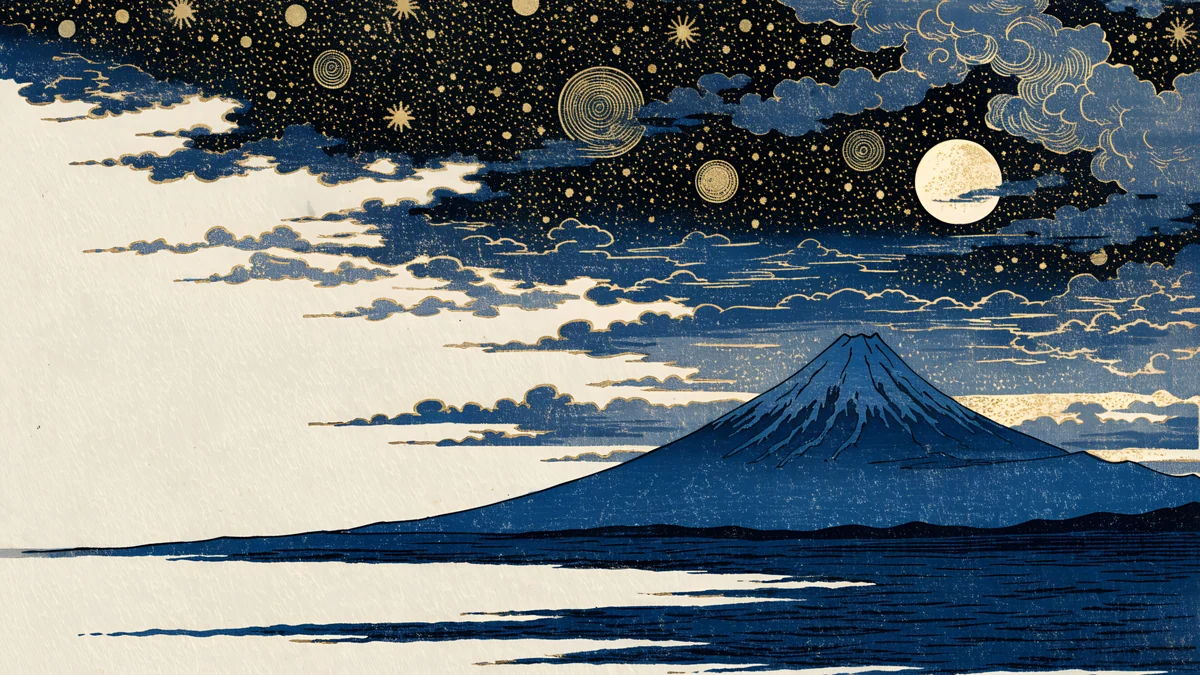
Cherry Blossom Wallpaper: 4K Sakura for iPhone and PC
Cherry blossom wallpaper in 4K: soft pink sakura branches, Japan inspired scenes and wide desktop files for iPhone, Android, iPad and PC, all original artworks.
Sources [1] · By the Velpaper team · Wallpapers by Carlos Vivero, Velpaper designer · · 4 min read
In short: The best cherry blossom wallpapers keep the pink soft and the branches off the clock area. Velpaper has original 4K sakura wallpapers for phone, desktop and iPad, from pale pink branches to a dark night pond [1].
Wallpapers
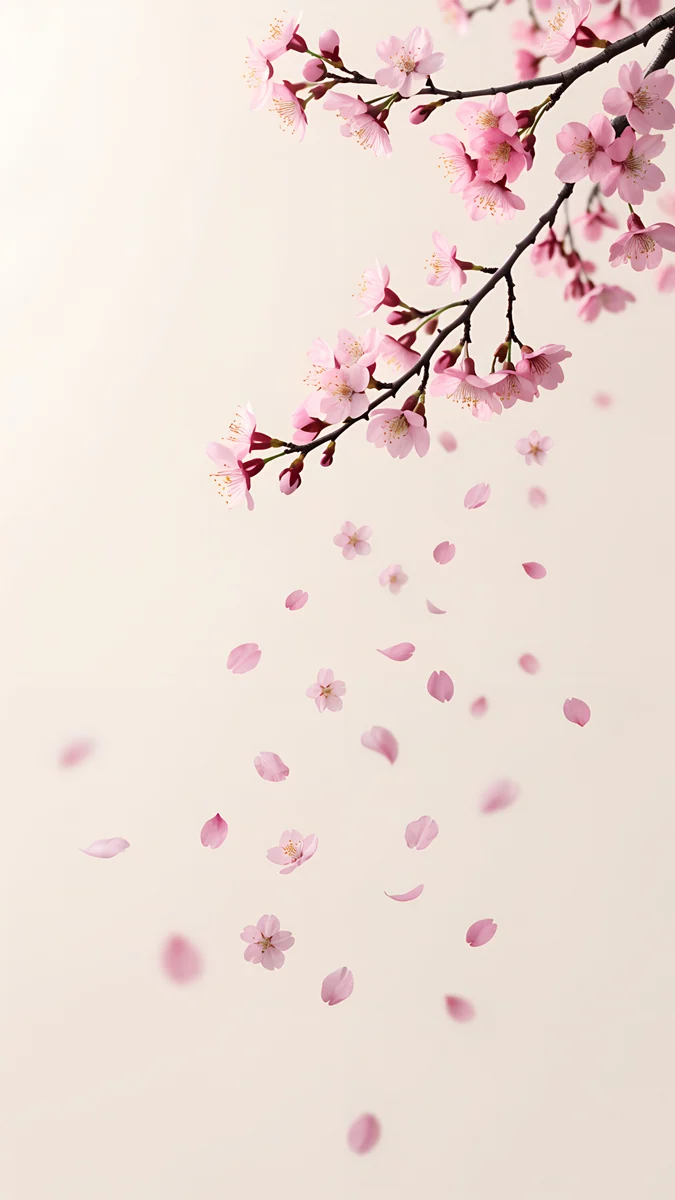 Sakura Branch Petals
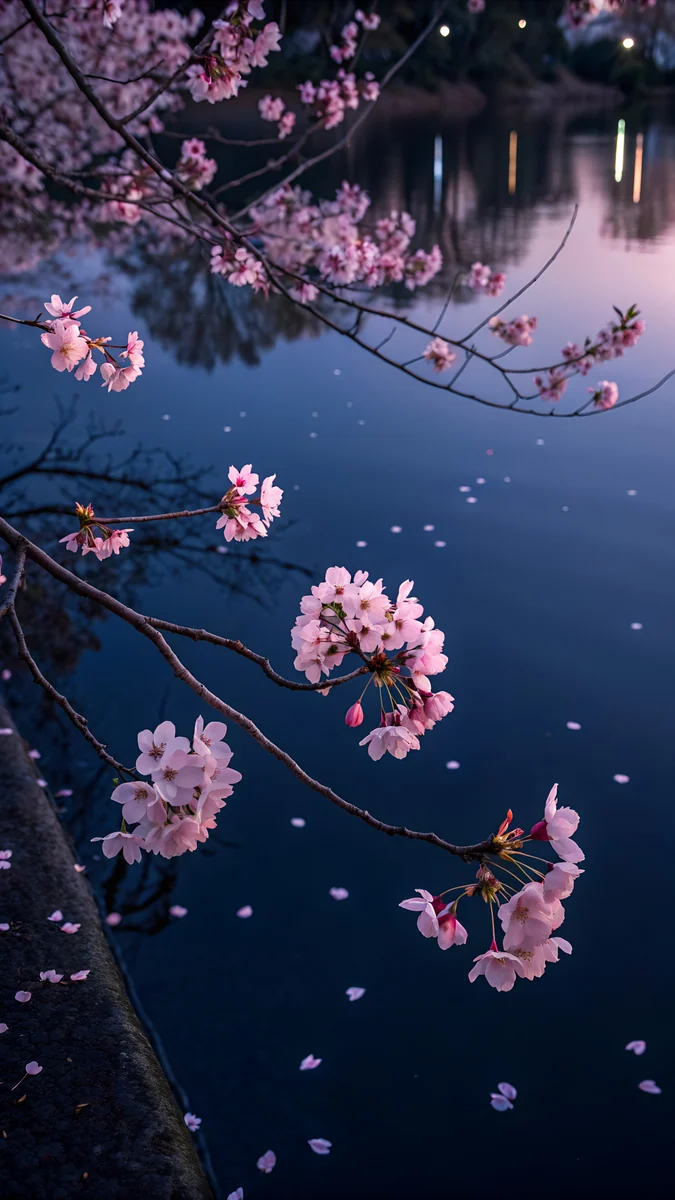 Night Sakura Pond
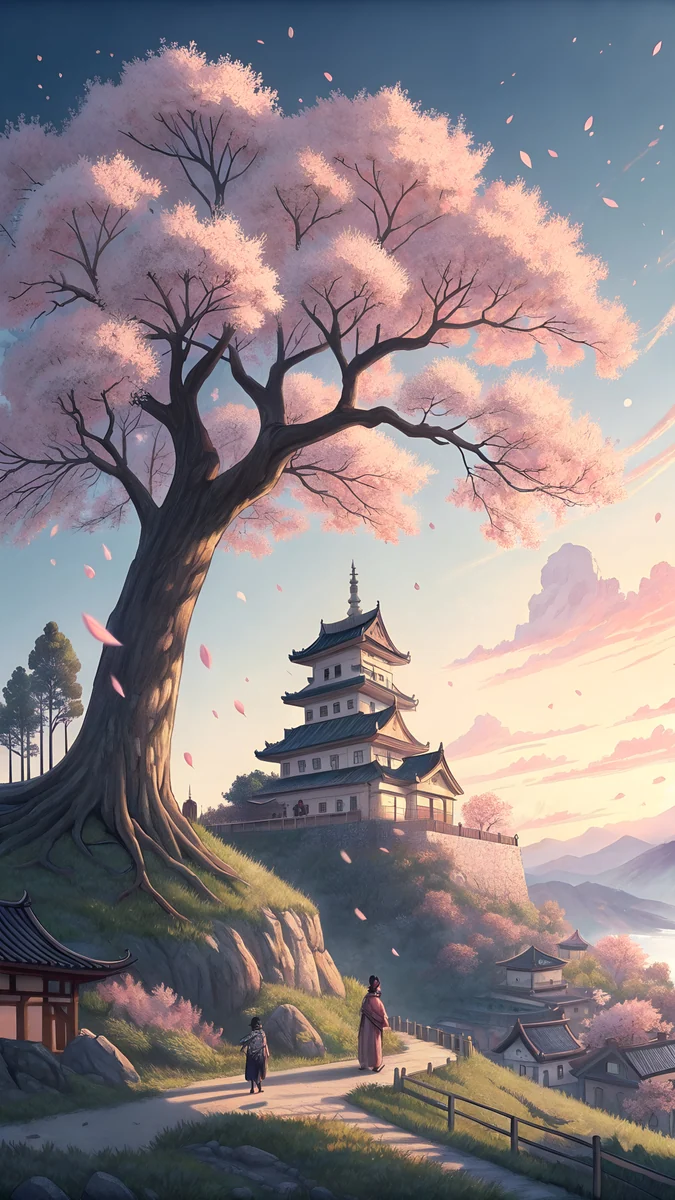 Blossom Hill Dawn
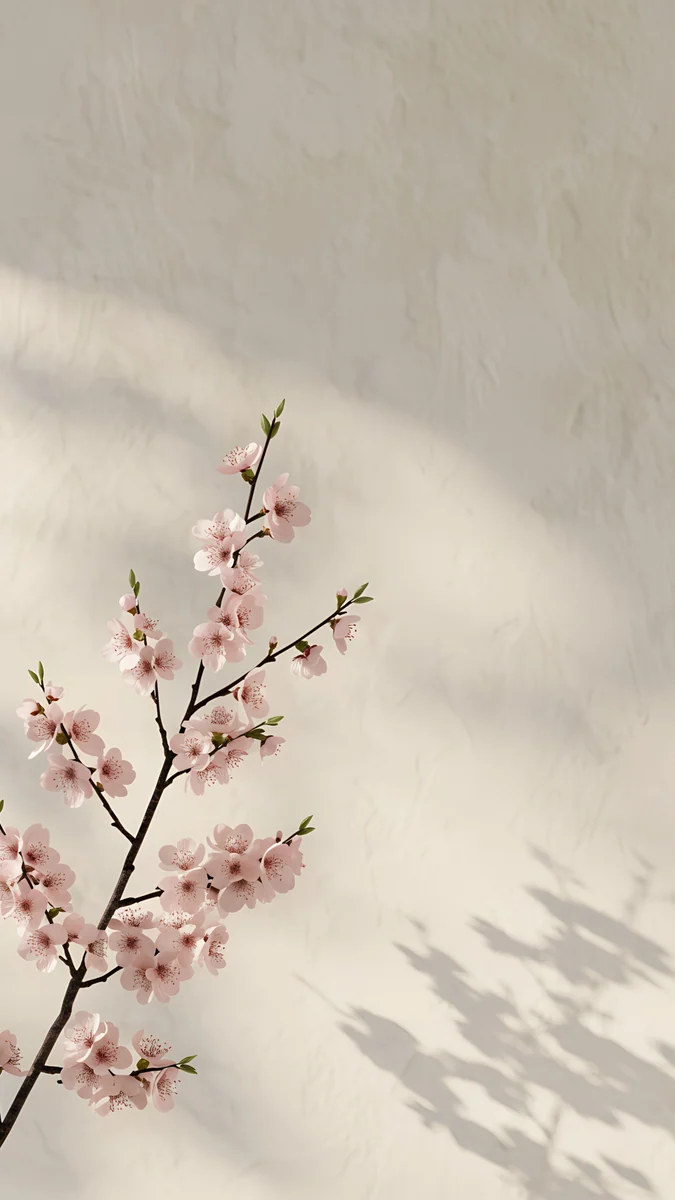 Cherry Blossom Wall
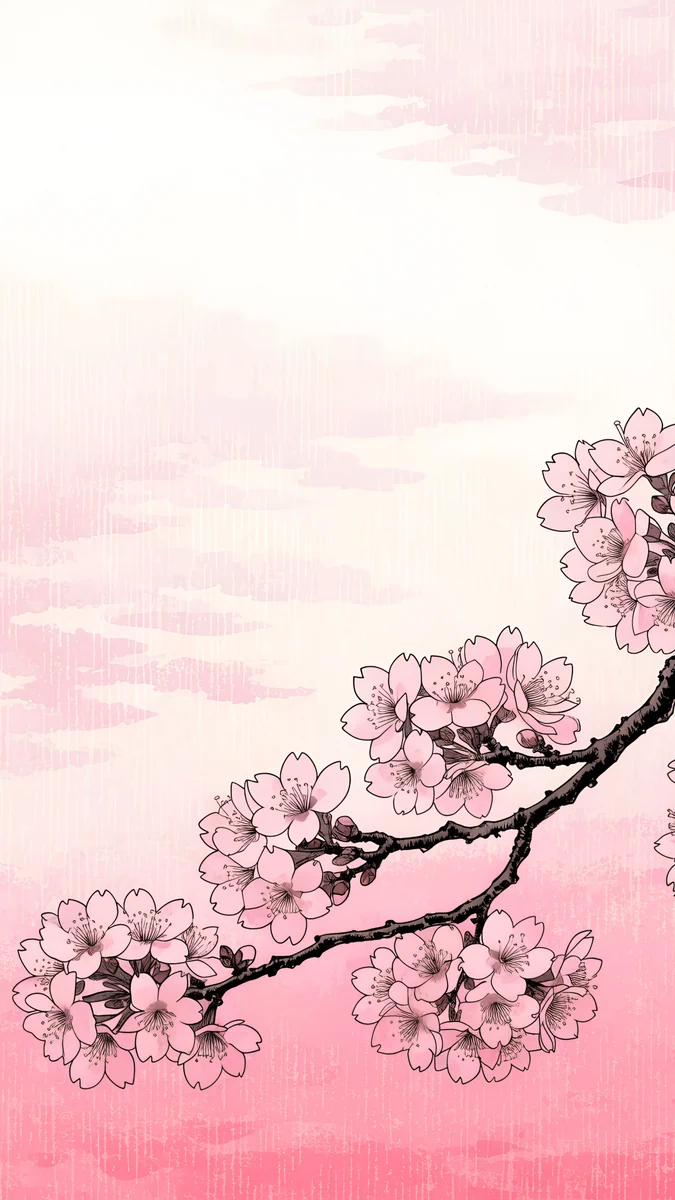 Ukiyo Pink Blossom
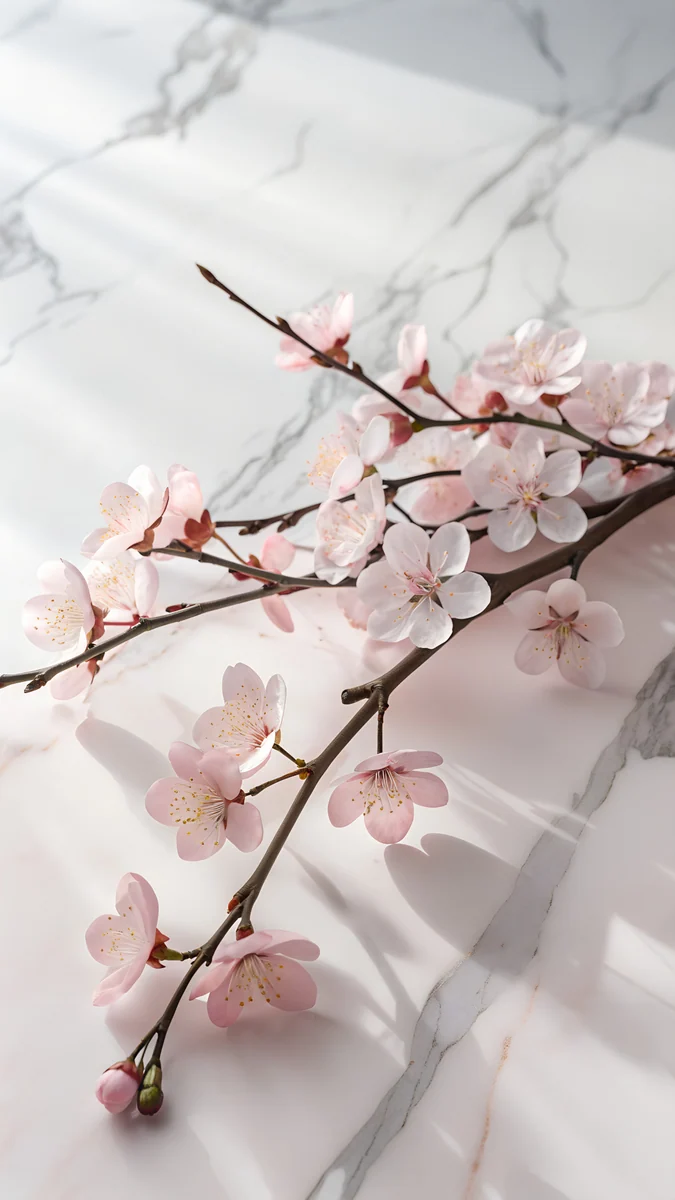 Sakura on Marble
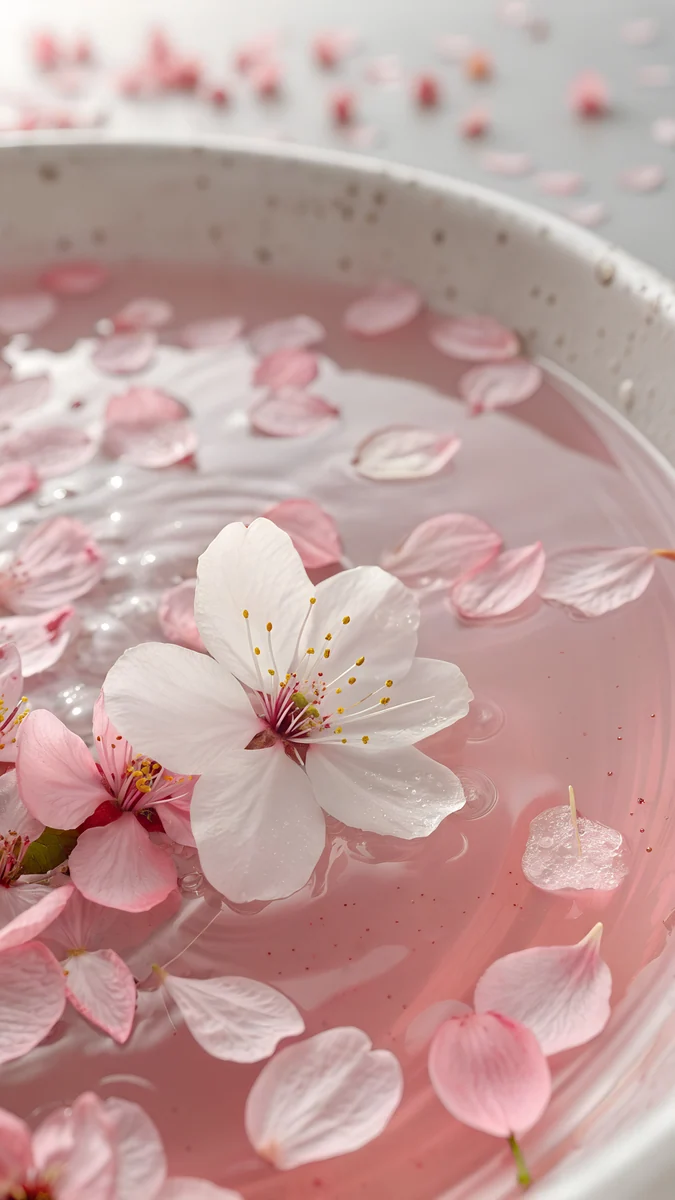 Sakura Petal Water
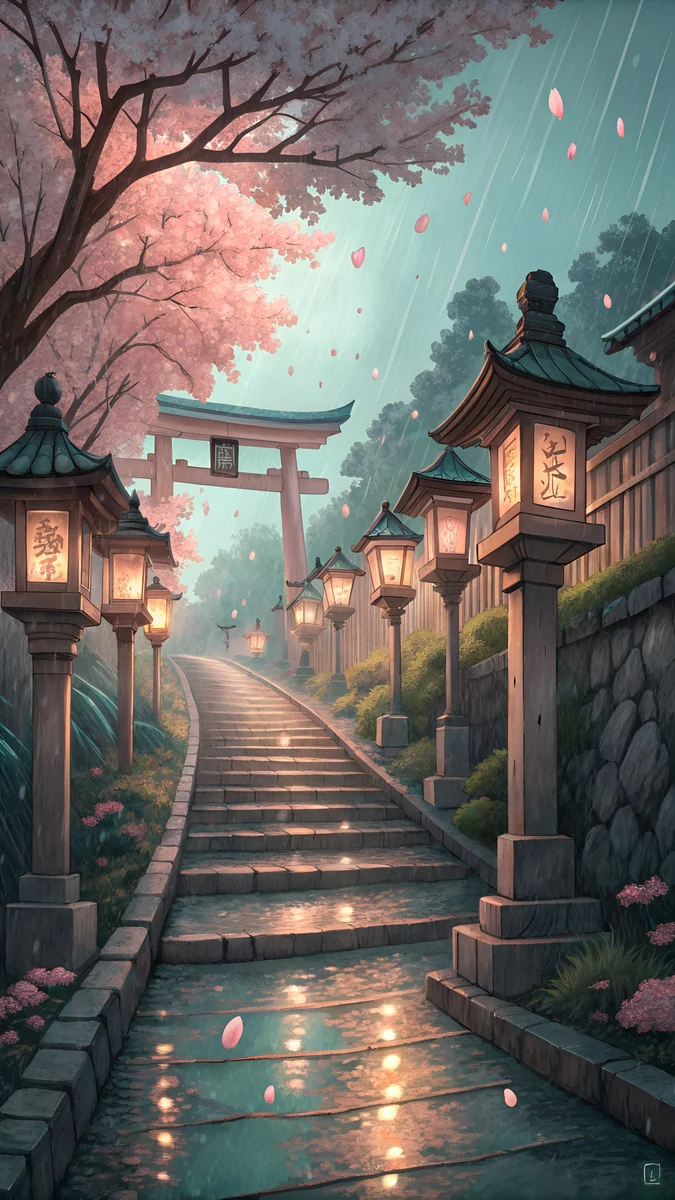 Rain Shrine Lantern Steps
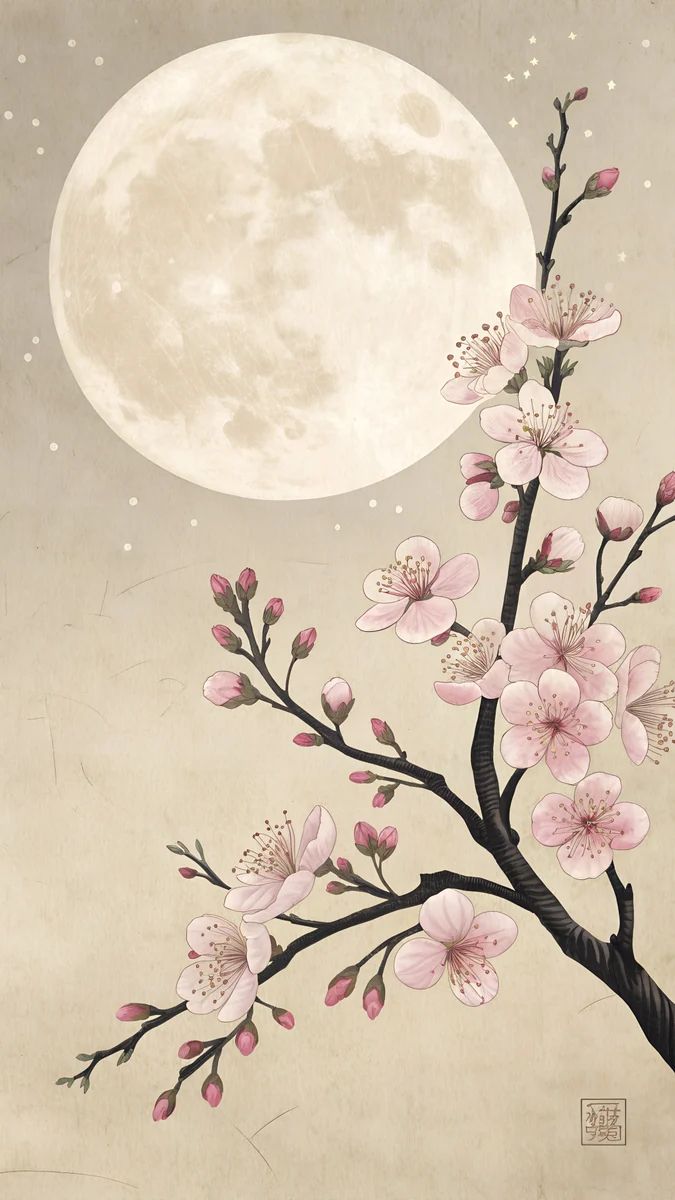 Sakura Moon Print
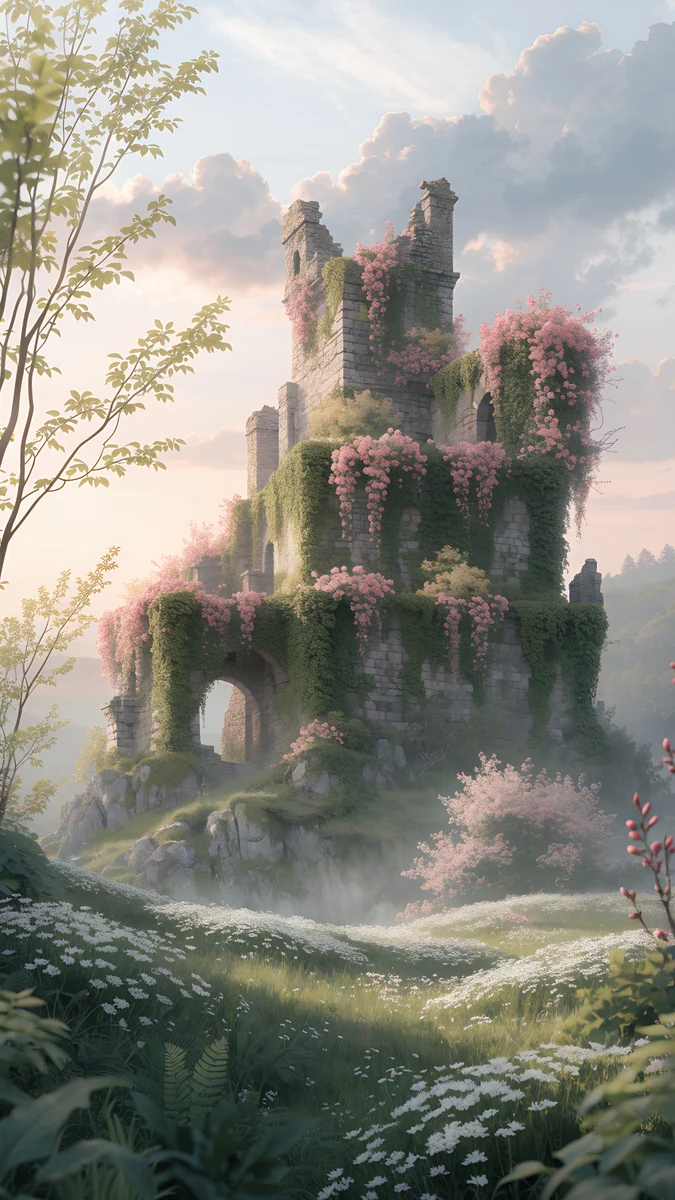 Blossom Castle Ruins
 Marble Blossom Columns
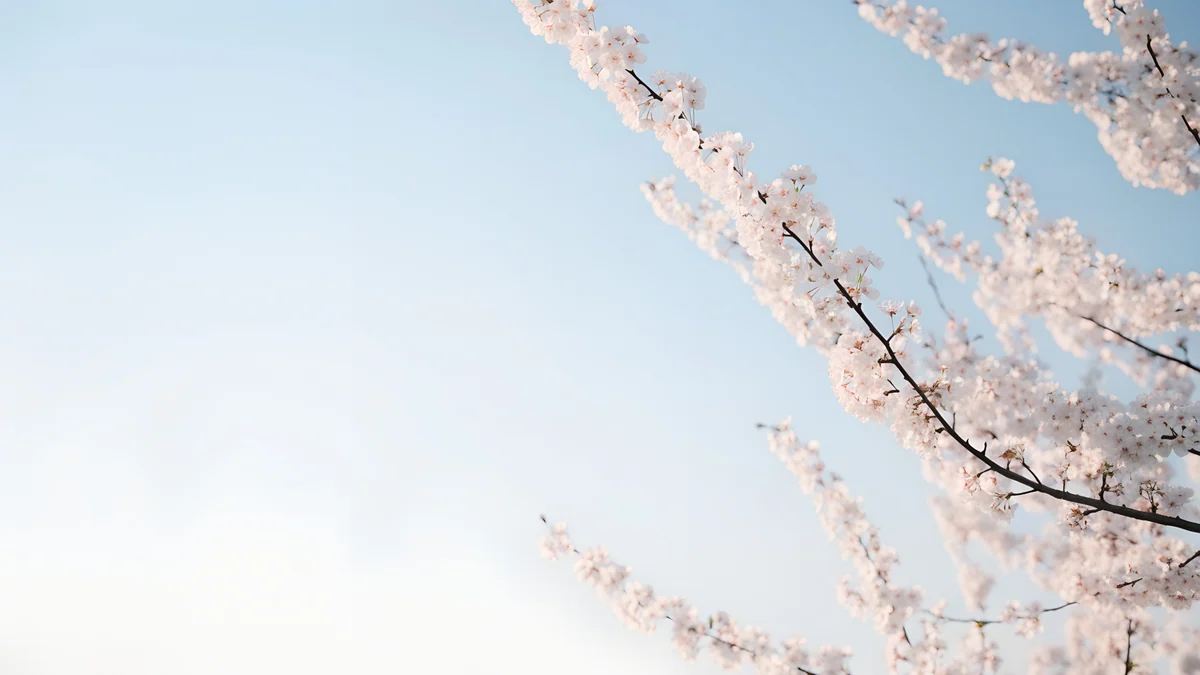 White Blossom Sky
Free originals for iPhone and Android, no watermark
On this page
A cherry blossom wallpaper brings a few weeks of spring to the screen all year. Whether you search for a sakura blossom wallpaper, a cherry blossom background or a cherry blossom iPhone wallpaper, the best designs share one trait: the pink stays soft and the branches leave room for the clock. Below are original Velpaper cherry blossom wallpapers in three groups: light pink and cream branches, Japan inspired scenes at dawn, rain and night, and wide files for a desktop or iPad. Phone files are 4K originals at 2160 by 3840 pixels, desktop files are 3840 by 2160, and none has text, a logo or a watermark [1].
Why cherry blossoms suit a phone screen
Pale pink is a gentle background. Blossom pink sits close to white, so a dark or grey clock reads clearly, and app icons keep their colours. Dark designs with blossoms, such as a night pond, flip that: a white clock and glowing pink petals.
Branches create natural empty space. A branch that enters from a corner leaves the rest of the frame open. Put the clock in the open area and the blossoms frame it, a layout that works well with the iPhone depth effect and with Android clock widgets.
It is a calm theme. Blossom wallpapers pair well with pastel or beige home screens. If you want more of that palette, see pink aesthetic wallpapers and light pink wallpapers.
Soft pink and cream blossom wallpapers
These are the lightest designs: pale branches, petals on marble and still water, in pink, white and beige. They are the closest match to a classic cherry blossom iPhone wallpaper.
Sakura Branch Petals is bright and minimal, white and pale pink, with a branch of petals across the frame. Cherry Blossom Wall sets blossoms against a calm beige wall. Ukiyo Pink Blossom draws pink flowers in a woodblock print style on a cream ground. Sakura on Marble lays blossoms over white marble, and Sakura Petal Water floats pink petals on still water, with a dusty rose cast. Use a dark grey or brown clock on these. For other flower subjects, browse flower wallpapers.
Japan inspired cherry blossom scenes
If you want a story rather than a texture, these show blossoms in a place: a hill at dawn, a shrine in the rain, a pond at night.
Blossom Hill Dawn is in an anime background painting style, with blossoms on a hill in early light. Rain Shrine Lantern Steps adds lanterns and stone steps under rain, a muted grey and brown scene. Sakura Moon Print is a beige woodblock print with a moon behind the branches. Night Sakura Pond is the dark one: navy water and pink blossoms, strong with a white clock and good for dark mode. Blossom Castle Ruins is dreamy and fantasy, ruins overgrown with pink and green. For more of this style, see our Japanese ink wallpapers.
Cherry blossom background for desktop and iPad
For a computer you want a wide file. These two are 3840 by 2160, which fits a 1920 by 1080 screen exactly at half size and a 2560 by 1440 screen at two thirds, with no stretching [1].
Marble Blossom Columns places pink flowers between marble columns under soft clouds. White Blossom Sky is airy: white blossoms against a pale blue sky, a clean cherry blossom background that keeps desktop icons readable. For tablets, Sakura Ripples is a square 4096 by 4096 file made for iPad [1].
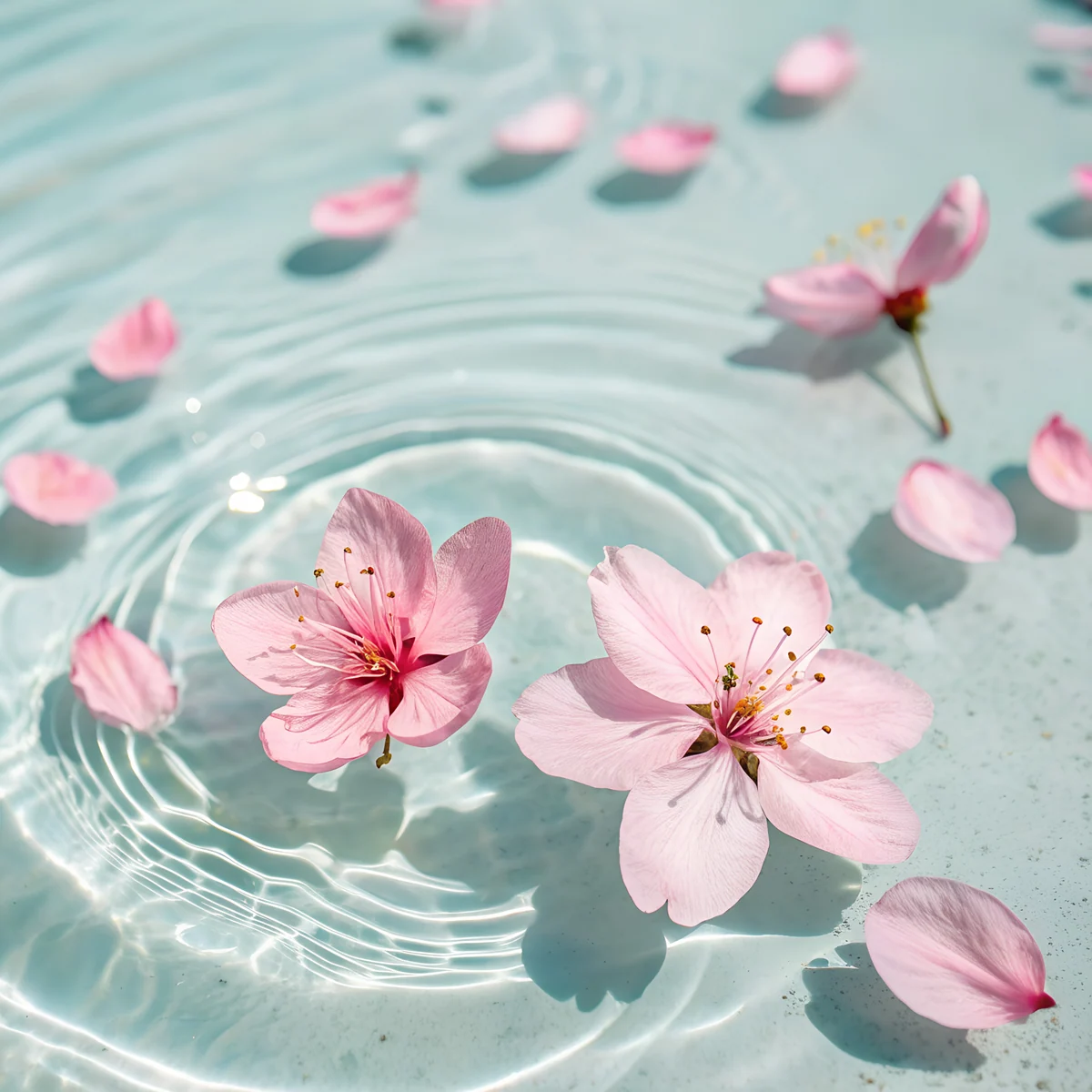 Sakura Ripples
Not sure about sizes? The PC wallpaper size guide explains how to pick a file for your monitor.
Pairing blossoms with the rest of your screen
Blossom wallpapers look best when the rest of the screen stays quiet. Keep the home screen layout simple, leave a row of icons empty near the branch, and pick widgets in white, cream or a soft grey. If your icons are bright, a pale design such as Sakura on Marble or White Blossom Sky lets them stand out, while a dark scene such as Night Sakura Pond makes pink and white icons glow. Seasonal changes are easy too: keep a blossom design for spring and swap it for something warmer in autumn, using the same steps each time. Our iPhone lock screen ideas show layouts that suit a branch across one corner.
Setting up a cherry blossom lock screen
- Save the 2160 by 3840 original to your phone [1].
- On iPhone, touch and hold the Lock Screen, tap the plus button and choose Photos. On Android, open wallpaper settings and choose the file.
- Move the clock into the open area, away from the heaviest branch.
- Match the clock colour to the image: dark on light pink, white on the night pond.
Want different looks on the two screens? Put a detailed scene on the lock screen and a plain pink or cream design on the home screen. Our guide to different lock and home screen wallpapers shows the steps.
Next step: open Sakura Branch Petals for the lightest look or Night Sakura Pond for dark mode, and save the 4K original [1].
Original wallpapers in and for iPhone, Android and desktop.
Questions
What is the best cherry blossom wallpaper for an iPhone?
The best cherry blossom iPhone wallpaper has pale pink blossoms, space at the top for the clock and a calm background. Sakura Branch Petals and Cherry Blossom Wall are the most classic: soft pink on white or beige, minimal and bright. If you use dark mode, Night Sakura Pond puts pink blossoms over navy water, and a white clock reads well on it. Every phone file is 2160 by 3840 pixels, which is sharp on any current iPhone [1]. To set one, touch and hold the Lock Screen, tap the plus button, choose Photos and pick the saved file.
What is the difference between sakura and cherry blossom wallpapers?
None in meaning. Sakura is the Japanese word for cherry blossom, so a sakura blossom wallpaper and a cherry blossom wallpaper show the same flowers. The difference is style. Wallpapers called sakura usually lean towards Japan: woodblock prints, shrines, lanterns and anime backgrounds, such as Sakura Moon Print or Rain Shrine Lantern Steps. Wallpapers called cherry blossom often mean a simple pink branch on a light background, such as Sakura Branch Petals. Velpaper has both, and the tags overlap, so search either word in the app.
Which clock colour works on a pink blossom wallpaper?
On light designs such as Sakura Branch Petals, Cherry Blossom Wall or White Blossom Sky, a dark grey, brown or black clock is easiest to read, because white fades into pale pink. A deep rose tint also looks good on cream backgrounds. On dark designs such as Night Sakura Pond, use a white or soft pink clock. On iPhone, touch and hold the Lock Screen, tap Customize, then tap the time to change its colour and font. On Android the options depend on the phone model, but most offer a few clock styles.
Can I get a cherry blossom background for my computer?
Yes. Marble Blossom Columns and White Blossom Sky are 3840 by 2160 wide files made for desktops and laptops [1]. That size fits a 1920 by 1080 screen exactly at half size and a 2560 by 1440 screen at two thirds, so it stays sharp and is not stretched. White Blossom Sky is the cleaner choice if you keep many icons on the desktop. For iPad, Sakura Ripples is a square 4096 by 4096 file [1]. Download the original from the wallpaper page and set it in your system settings.
Are the cherry blossom wallpapers free?
Velpaper offers a mix of free wallpapers and ones that unlock after a short ad. Files are original artworks in JPEG, with no watermark, and the phone versions are 2160 by 3840 pixels [1]. Each wallpaper page shows which kind it is, so you can check before you download. You can view them on velpaper.com or in the Velpaper app for iPhone, iPad, Mac and Android, and the same file works on any phone with a 9 by 16 style tall screen [1].
Carlos Vivero
Designer of Velpaper wallpapers
Carlos Vivero designs the wallpapers in Velpaper: quiet architecture, liquid glass, Japanese ink and calm landscapes. Every piece is made as a original for iPhone, Android and desktop.
Recent work