Flower Wallpaper: Free Minimal Single Stems in 4K
Flower wallpaper for iPhone and Android: magnolia, cherry blossom, calla lily, orchid and peony on warm plaster. Free 4K originals, no watermark.
In short: The best flower wallpaper for a phone is a single stem on a quiet wall: one bloom, soft light and a shadow, with enough empty space for the clock and icons. Velpaper's new floral set does exactly that with magnolia, cherry blossom, calla lily, orchid, peony and olive branch, each a 2160 × 3840 original.
By the Velpaper team · Wallpapers by Carlos Vivero, Velpaper designer · · Updated · 6 min read
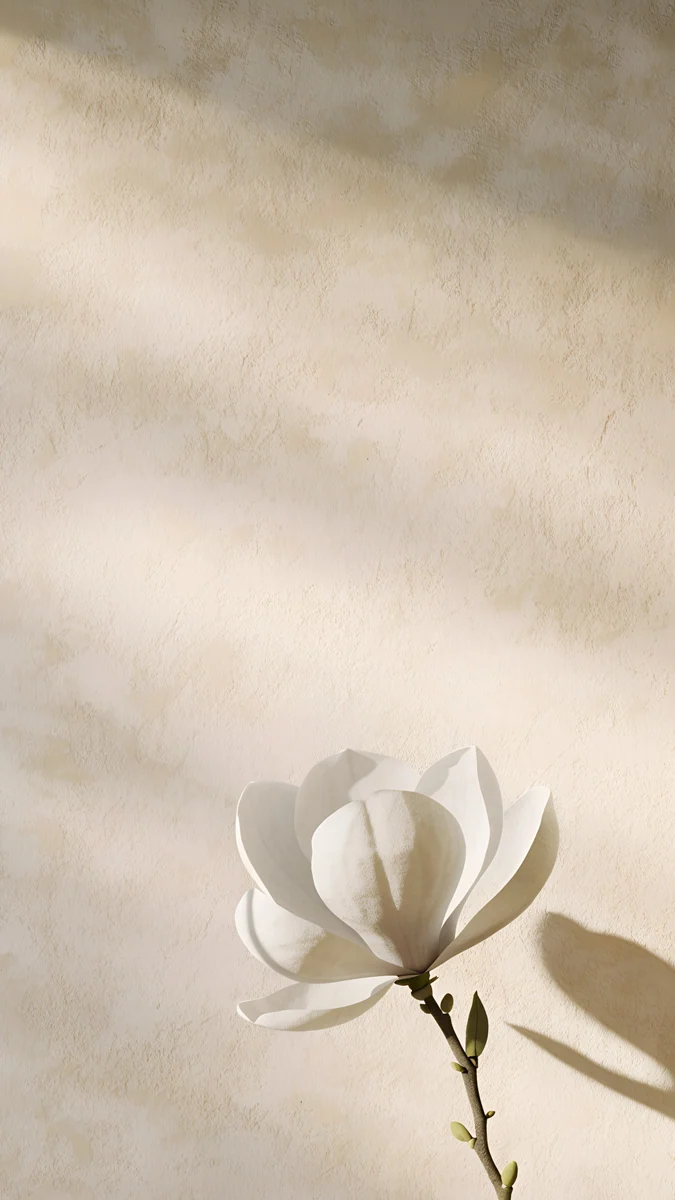 Magnolia Shadow
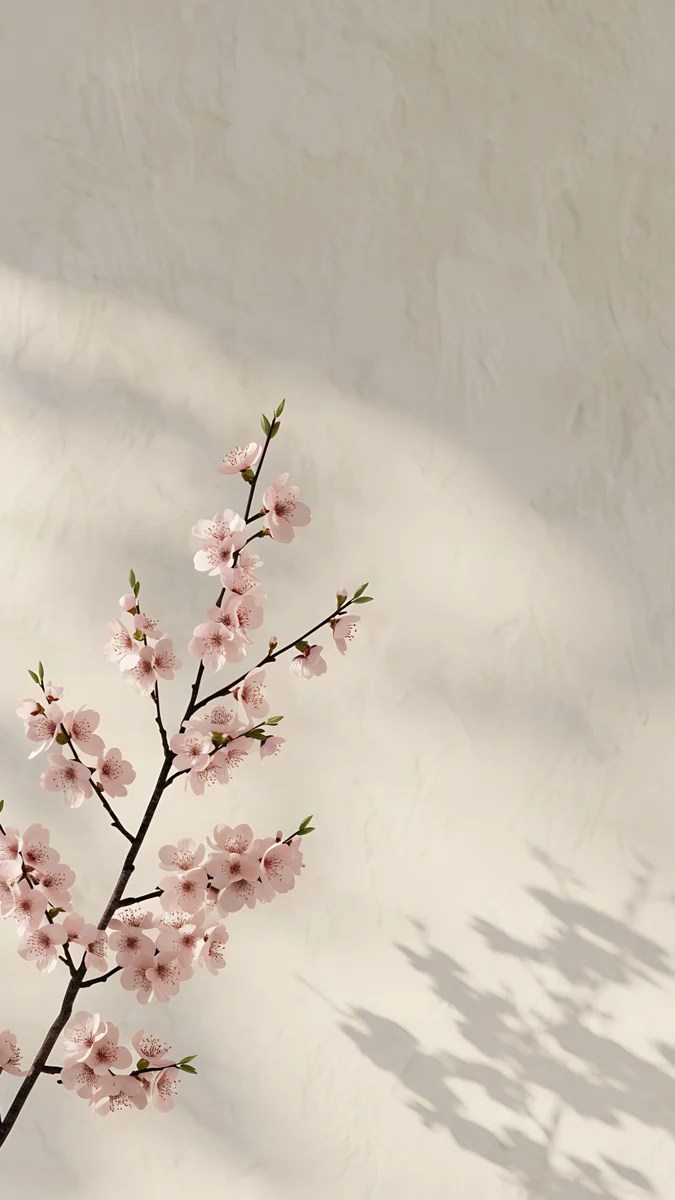 Cherry Blossom Wall
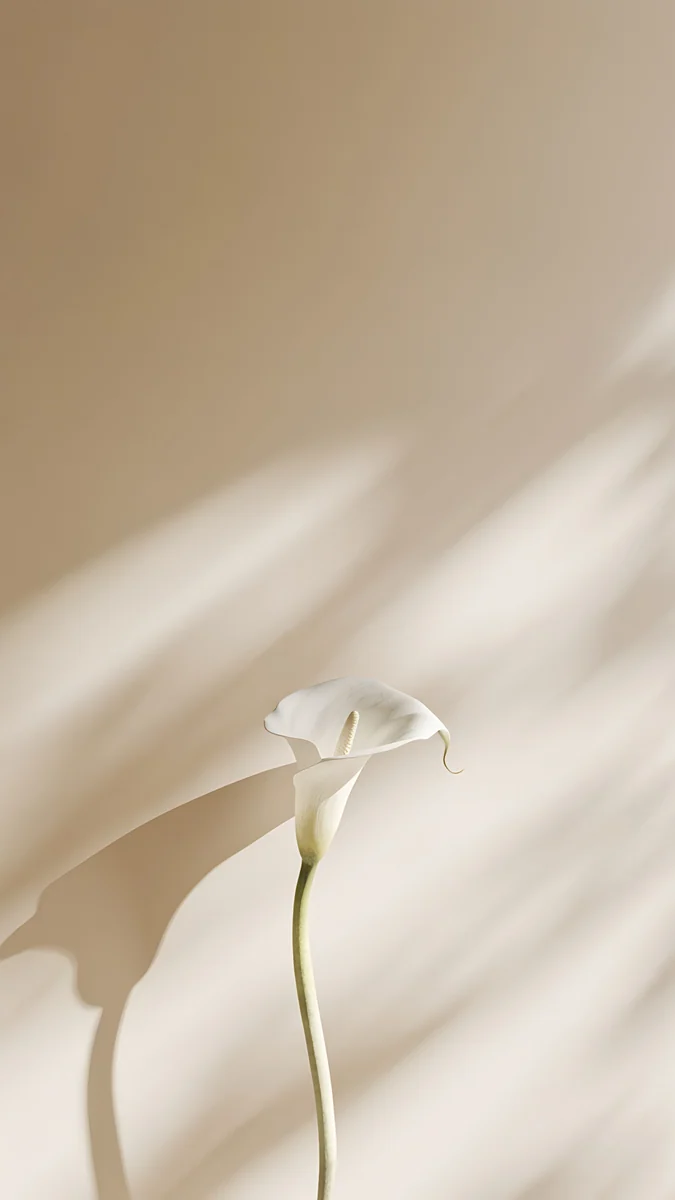 Calla Lily Light
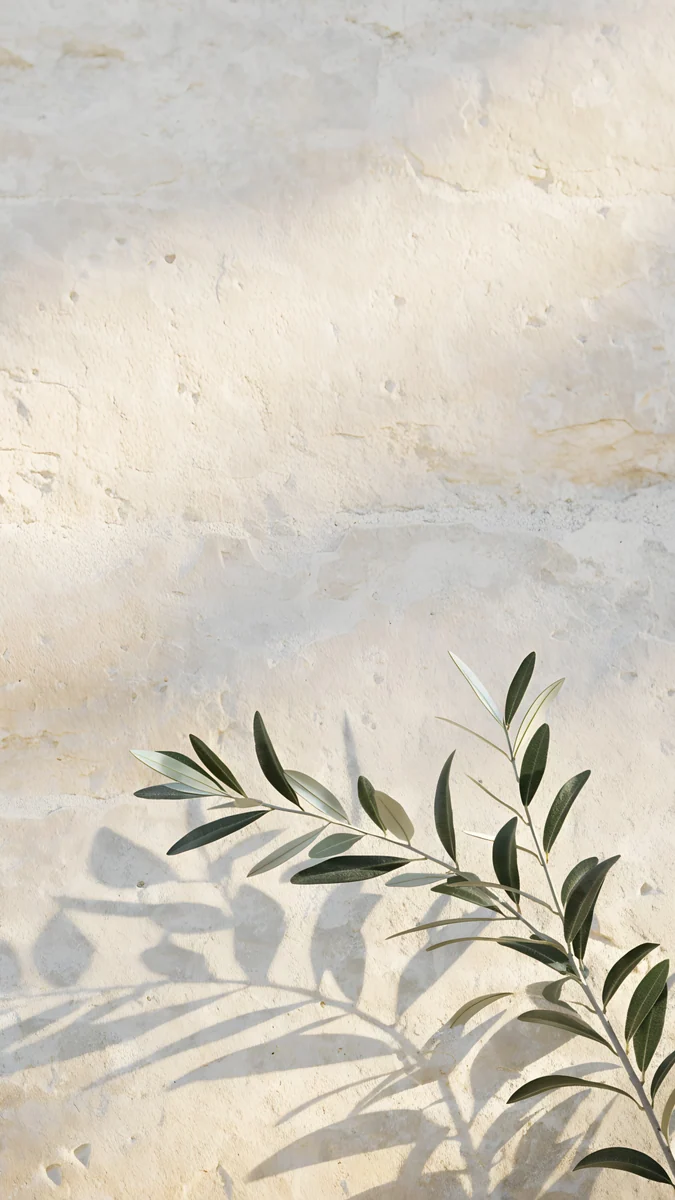 Olive Branch Shadow
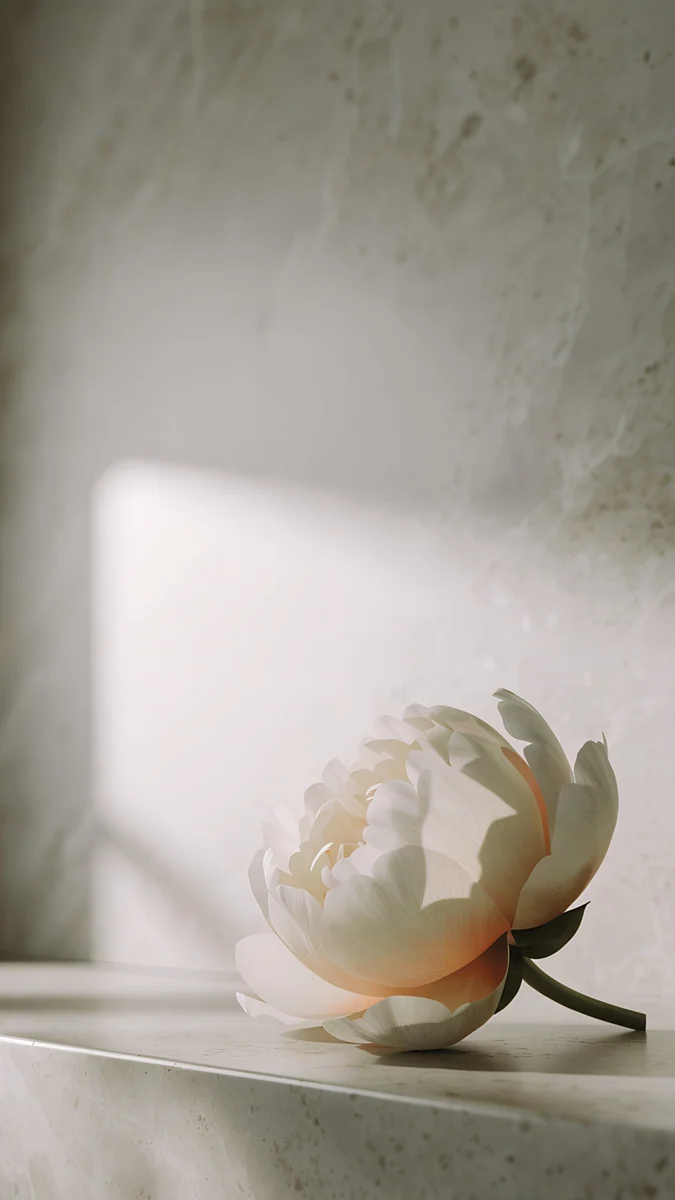 Peony Ledge
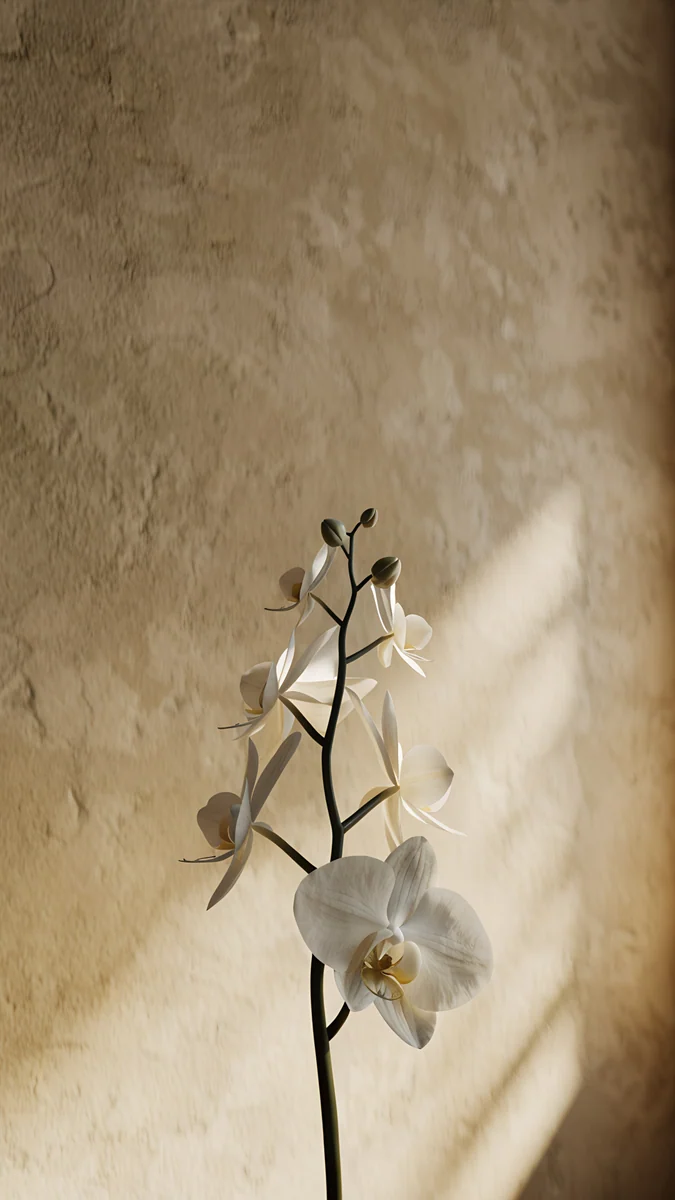 Orchid Sunlight
 Olive Shadows
Free 4K originals for iPhone and Android, no watermark
On this page
Most flower wallpaper is a full bouquet: petals from edge to edge, bright colours and nowhere for the eye to land. It looks lovely as a photo and busy as a lock screen, because the clock and every notification end up sitting on top of petals.
The fix is fewer flowers. One branch or one stem against warm plaster, stone or a beige wall, lit by soft sun, with a shadow doing half the work. That is this set: new floral wallpapers for iPhone and Android, each a 4K original at 2160 × 3840 pixels, made by Velpaper rather than pulled from a stock site.
Flower wallpaper set: what is in it
Every piece is one plant, one surface and one light source. Here is the quick guide before the details.
| Wallpaper | Scene | Mood | Best for |
|---|---|---|---|
| Magnolia Shadow | White magnolia branch with a soft shadow on warm plaster, morning light | Light, fresh | Lock screen with a dark clock |
| Cherry Blossom Wall | Pale pink cherry blossom branch and its shadow on cream plaster | Light, soft pink | Lock screen with a dark clock |
| Calla Lily Light | One white calla lily stem with soft shadows on a beige wall | Light, quiet | Home screen |
| Olive Branch Shadow | Delicate olive branch shadow on sunlit limestone | Light, sunny | Home screen |
| Peony Ledge | Single peony bloom on a stone ledge with a window shadow | Calm | Lock and home screen |
| Orchid Sunlight | White orchid stem on warm plaster with a diagonal ray of sunlight | Calm, warm | Lock screen |
None of them is an OLED wallpaper. They are light and warm, so they look best in daylight and in light mode. If you want a black screen that is easy on the battery, our dark wallpapers for OLED are the better pick.
Magnolia Shadow4K · PhoneCherry Blossom Wall4K · PhoneCalla Lily Light4K · PhoneOlive Branch Shadow4K · PhonePeony Ledge4K · PhoneOrchid Sunlight4K · PhoneAll of them share one warm range: cream, sand, pale pink and soft grey. You can switch between them through the week and the phone still feels like the same phone.
White flower wallpapers: magnolia, calla lily and orchid
White flowers are the easiest floral wallpaper to live with. A white petal on a warm wall is a tone on tone image: there is shape and shadow, but almost no colour competing with your app icons.
Magnolia Shadow leads the set. A single white magnolia branch in morning light throws a soft shadow onto warm plaster, so you see the flower twice, once in full and once as a grey outline. It is the most spring-like piece here.
Calla Lily Light is the most minimal. One white calla lily stem against a beige wall, soft shadows and nothing else. If you were searching for a single flower iPhone wallpaper, start with this one.
Orchid Sunlight adds movement: a white orchid stem on warm plaster, crossed by a diagonal ray of sunlight. The ray gives the frame a direction, which suits a lock screen where the eye travels from the clock to the flower.
If you like this pale, quiet look across the whole screen, there is more of it in our white aesthetic wallpapers.
Cherry blossom wallpaper and a single peony
Cherry blossom wallpaper is one of the most searched floral styles, and it usually means a whole sky of pink. Cherry Blossom Wall keeps one pale pink branch and its shadow on cream plaster. It reads as pink from across the room and as a fine drawing up close, a pink flower wallpaper that stays calm.
Peony Ledge is the only piece that is not set against a wall. A single peony bloom rests on a stone ledge while the shadow of a window falls across the scene. The mood is calmer and slightly cooler than the rest, closer to a still life than a botanical print, and it works on both the lock screen and the home screen.
Olive branch shadow: floral without the flower
Olive Branch Shadow has no bloom at all. It is the shadow of a delicate olive branch on sunlit limestone, the kind of pattern you notice on a Mediterranean wall at midday. Because the leaves exist only as shadow, most of the frame is bright stone, which keeps icons and widgets easy to read.
This floral set is made for phones. For a laptop or desktop, the closest match in the catalog is Olive Shadows: arch-shaped shadows across a white floor toward a single potted olive tree, available as a free 3840 × 2160 desktop wallpaper.
Olive Shadows4K · DesktopPair it with Olive Branch Shadow on your phone and both screens share the same sunny, pale stone mood.
How to set a flower wallpaper on iPhone and Android
Download the 4K original first, from velpaper.com or the Velpaper app, so the file is in Photos or Gallery. Then:
- iPhone, iOS 26 and iOS 18: touch and hold the lock screen, tap the plus button, choose Photos and pick the wallpaper. Pinch to frame the flower, tap Add, then choose Set as Wallpaper Pair or Customize Home Screen.
- Google Pixel, Android 16 and 15: touch and hold an empty spot on the home screen, tap Wallpaper & style, open My photos, pick the image and choose Home screen, Lock screen or both.
- Samsung Galaxy, One UI: touch and hold the home screen, tap Wallpaper and style, then Change wallpapers. Pick the image from Gallery and choose where it goes.
- Check the crop. Most phone screens are taller than 9:16, so a little is trimmed from the sides. Slide the image until the stem sits where you want it in relation to the clock.
The full walkthroughs, with every menu name, are in how to set a lock screen wallpaper on iPhone and how to set a wallpaper on Android.
Styling tips for a floral lock screen
- Choose a dark, warm clock. These are light wallpapers, so white text fades into the plaster. A deep brown or charcoal clock looks softer than pure black on cream. More on contrast in our guide to keeping the lock screen clock readable.
- Try the depth effect. On iPhone, if iOS recognises the flower as the subject, it can tuck the top of the clock behind the petals. It does not work on every image; when the option is greyed out, the subject was not detected.
- Tint the icons. iOS can tint app icons with a colour taken from the wallpaper. A sand or blush tint makes the home screen look like part of the same wall.
- Use two pieces as a pair. Put Cherry Blossom Wall on the lock screen and Calla Lily Light on the home screen. They share the same cream and beige range, so the swipe between them feels natural.
- Go easy on widgets. One or two widgets leave the shadow visible. A full grid hides the very thing that makes these wallpapers work.
Next step: open Magnolia Shadow and download it in 4K. Browsing is free on velpaper.com and in the Velpaper apps for iPhone, iPad, Mac and Android, and the phone original unlocks after a short optional ad.
Original wallpapers in 4K and 5K for iPhone, Android and desktop.
Questions
What is the best flower wallpaper for an iPhone?
For a lock screen, a single flower on a plain, light background works best, because the clock and notifications need empty space. Magnolia Shadow and Cherry Blossom Wall both keep one branch on warm plaster with a soft shadow, and a dark clock reads clearly over them. For the home screen, Calla Lily Light and Olive Branch Shadow are quieter still, so icons sit on calm wall instead of petals. All are 2160 × 3840 originals, which covers every current iPhone screen with room for the system to crop.
Are these floral wallpapers free?
Browsing and previewing are free on velpaper.com and in the Velpaper apps for iPhone, iPad, Mac and Android. The phone originals in this set unlock after a short optional ad. There is no account to create and no subscription, and the file you get is the full 4K original without a watermark. The desktop wallpaper Olive Shadows, mentioned above as a laptop match, is a free download.
Is there a 4K cherry blossom wallpaper?
Yes. Cherry Blossom Wall is a single pale pink cherry blossom branch with its shadow on cream plaster, delivered at 2160 × 3840 pixels. It is deliberately minimal: one branch instead of a full canopy, so it stays readable as a lock screen. If you want a stronger pink, pair it with a blush icon tint on the home screen, or look at our pink aesthetic collection for more colour.
Can I use these flower wallpapers on a laptop or PC?
This set is made in phone format, 2160 × 3840, so on a wide laptop screen it would be heavily cropped or shown with bars at the sides. For a desktop, use Olive Shadows instead: it comes as a 3840 × 2160 wallpaper with arch shadows and a potted olive tree, in the same pale, sunny mood. It is free to download and fits Windows laptops, MacBooks and external monitors.
Will a flower wallpaper make my clock hard to read?
Not with this set, if you choose the clock colour well. The walls are cream, beige and limestone, so a dark brown, charcoal or deep green clock stands out clearly. Avoid white text on these light pieces. On iPhone you can also add a subtle depth effect when iOS detects the flower as the subject, which places part of the clock behind the petals without hiding the time.
Carlos Vivero
Designer of Velpaper wallpapers
Carlos Vivero designs the wallpapers in Velpaper: quiet architecture, liquid glass, Japanese ink and calm landscapes. Every piece is made as a 4K original for iPhone, Android and desktop.
Recent work








