PC Wallpaper Size: 1080p, 1440p, 4K, Ultrawide (2026)
PC wallpaper size chart for 1080p, 1440p, 4K, 5K, ultrawide and dual monitors, plus MacBook and Surface resolutions and the Windows 11 fit settings explained.
In short: A PC wallpaper should match or exceed your monitor resolution: 1920 × 1080 for Full HD, 2560 × 1440 for QHD, 3840 × 2160 for 4K. One 3840 × 2160 image covers almost every single monitor and laptop sharply; ultrawide 32:9 screens and two 1440p monitors side by side need 5120 pixels across.
By the Velpaper team · Wallpapers by Carlos Vivero, Velpaper designer · · Updated · 5 min read
Free 4K originals for iPhone and Android, no watermark
On this page
The PC wallpaper size you need is your screen's native resolution, or anything larger in the same shape. Windows and macOS draw the wallpaper pixel for pixel, so a 1920 × 1080 image is perfect on a Full HD monitor and soft on a 4K one. The simple rule for 2026: a 3840 × 2160 image works on nearly every desktop and laptop, because the system only has to shrink it.
Below are the common resolutions in one chart, real laptop screens, and the cases where 4K is not enough: ultrawide monitors and dual screen setups.
PC wallpaper size chart
These are the standard desktop resolutions in pixels, width by height. If you are not sure what you have, on Windows 11 open Settings, System, Display and look at Display resolution, the value marked Recommended.
| Name | Resolution (pixels) | Shape | Where you find it |
|---|---|---|---|
| HD | 1366 × 768 | 16:9 | Older and budget laptops |
| Full HD (1080p) | 1920 × 1080 | 16:9 | Most 22 and 24 inch monitors, many laptops |
| WUXGA | 1920 × 1200 | 16:10 | Business laptops, some monitors |
| QHD (1440p) | 2560 × 1440 | 16:9 | 27 inch monitors, gaming screens |
| WQXGA | 2560 × 1600 | 16:10 | Premium laptops |
| 4K UHD | 3840 × 2160 | 16:9 | 27 to 32 inch monitors, TVs |
| 5K | 5120 × 2880 | 16:9 | Apple Studio Display, 27 inch 5K iMac |
| Ultrawide | 2560 × 1080 | 21:9 | Entry ultrawide monitors |
| Ultrawide QHD | 3440 × 1440 | 21:9 | 34 inch ultrawide monitors |
| 5K2K | 5120 × 2160 | 21:9 | 40 inch ultrawide monitors |
| Super ultrawide | 5120 × 1440 | 32:9 | 49 inch monitors |
Laptop wallpaper size: MacBook and Surface
Many laptops use taller shapes than 16:9, so their numbers look unusual. These are the native panel resolutions.
| Laptop | Resolution (pixels) |
|---|---|
| MacBook Air 13 inch (M2 to M4) | 2560 × 1664 |
| MacBook Air 15 inch | 2880 × 1864 |
| MacBook Pro 14 inch | 3024 × 1964 |
| MacBook Pro 16 inch | 3456 × 2234 |
| iMac 24 inch | 4480 × 2520 |
| Surface Laptop 13.8 inch (7th edition) | 2304 × 1536 |
| Surface Pro 11th edition | 2880 × 1920 |
A 3840 × 2160 image covers almost all of them. The two exceptions are the 16 inch MacBook Pro, where it is enlarged by about 3 percent, too little to see, and the 24 inch iMac, where it is enlarged by about 17 percent. Scaling settings such as 125 or 150 percent in Windows, or the Looks like options on a Mac, do not change the pixels a wallpaper needs. The wallpaper is always drawn at the panel's native resolution.
Why 3840 × 2160 is the safe default
On a Full HD monitor a 4K image shrinks to exactly half in each direction, which is the cleanest scaling there is. On QHD it shrinks by a third. Neither adds any blur.
On 16:10 screens such as a MacBook or a 1920 × 1200 laptop, the image is a little too wide. With the Fill setting the system fits the height and trims about 5 to 7 percent from each side. That is why good desktop wallpapers keep the left and right edges calm.
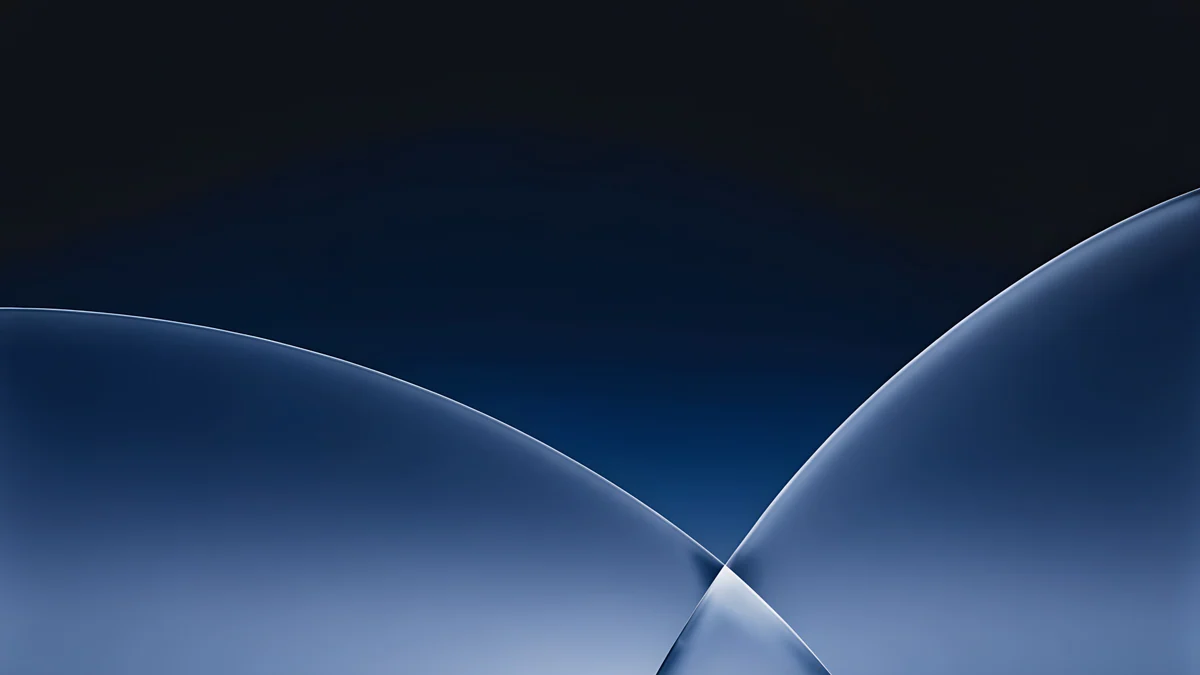 Cobalt Soft Horizon4K · Desktop
 Mint Folded Steps4K · Desktop
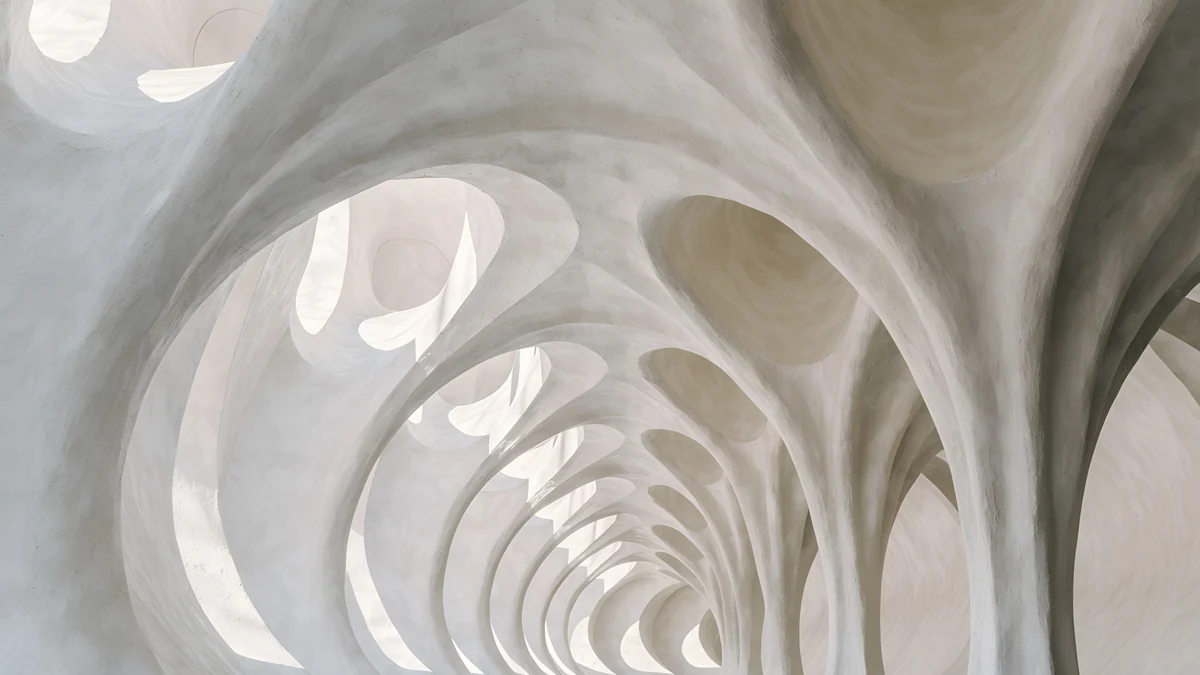 Catenary Attic4K · Desktop
 Ink Quiet Lake4K · Desktop
Cobalt Soft Horizon, Mint Folded Steps, Catenary Attic and Ink Quiet Lake are 3840 × 2160 originals with their main form near the centre, so a 16:10 crop takes nothing that matters. Catenary Attic is part of our Gaudí wallpaper collection.
Ultrawide and dual monitor wallpaper size
Wide screens are where 4K runs out. On a 3440 × 1440 ultrawide, a 3840 × 2160 image still covers the width and Windows crops roughly an eighth from the top and from the bottom. On a 5120 × 1440 super ultrawide, the same image has to be enlarged by a third to fill the width, and it softens.
Two monitors side by side behave like one wide screen if you use the Span setting. Add the widths and keep the larger height:
- Two 1920 × 1080 monitors: 3840 × 1080. A 4K image covers it exactly in width.
- Two 2560 × 1440 monitors: 5120 × 1440. Use a 5K image.
- Three 1920 × 1080 monitors: 5760 × 1080. Wider than most single images; set one wallpaper per screen instead.
For 5120 pixels across, a 5K original of 5120 × 2880 is the cleanest choice: it fills the width with no enlarging and loses only the top and bottom quarters.
 Petrol Current5K · Desktop
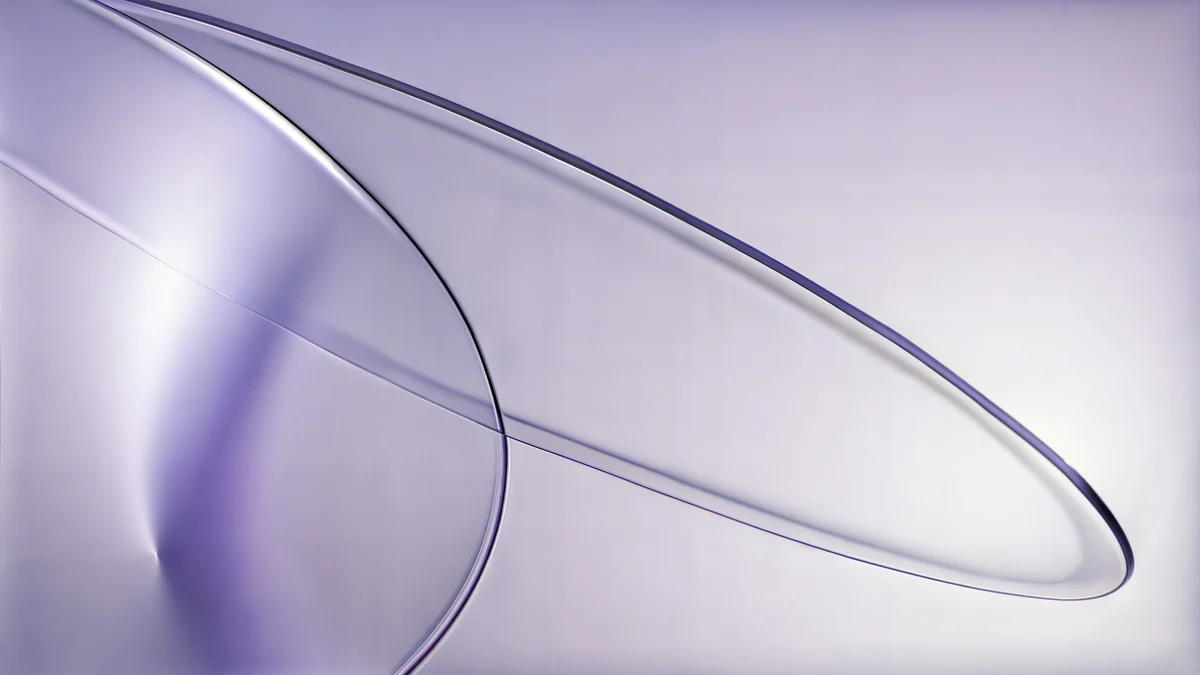 Lilac Drift5K · Desktop
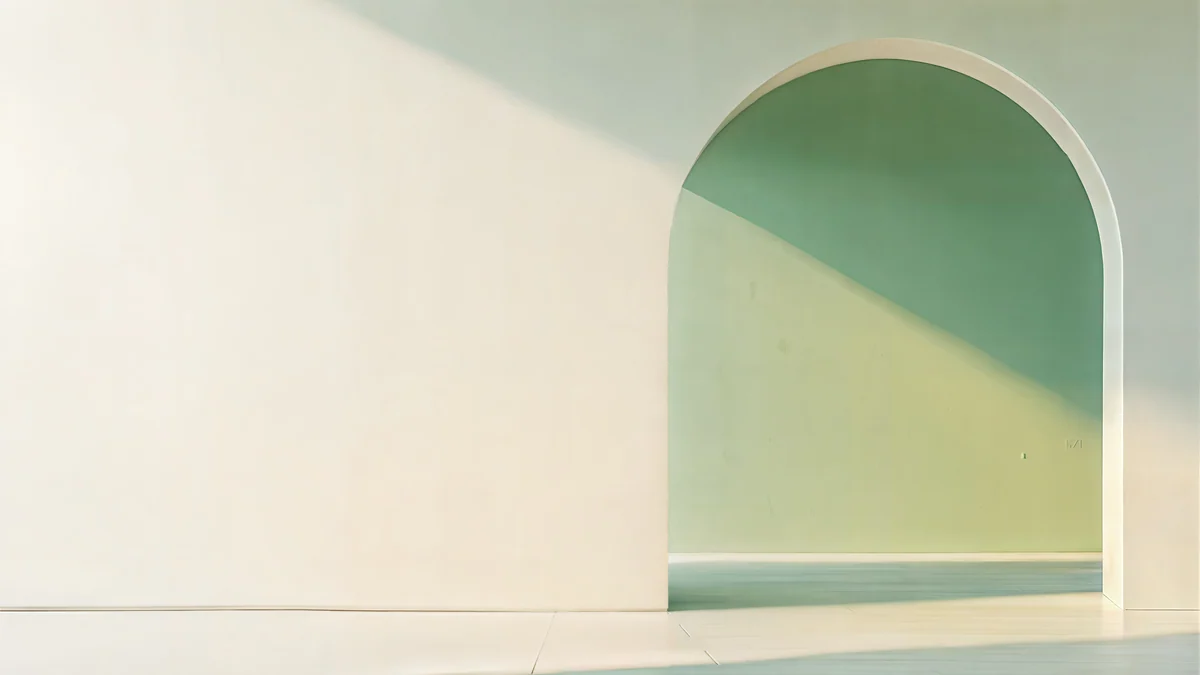 Sage Sun Gallery5K · Desktop
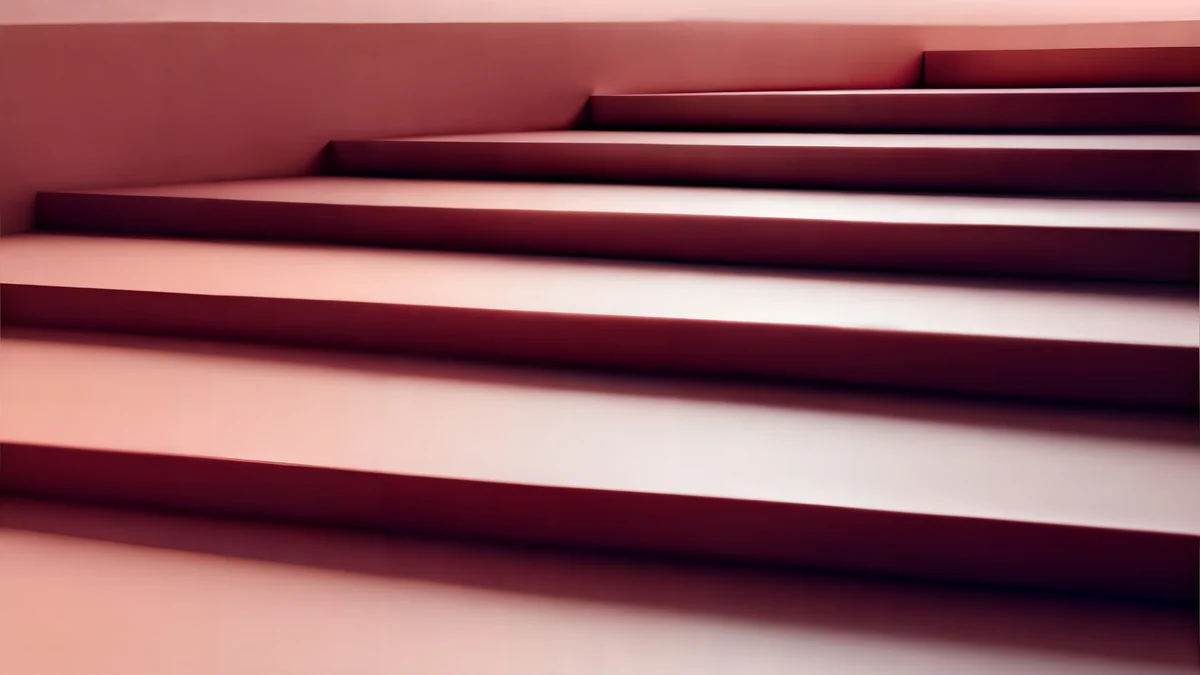 Rose Terrace Strata5K · Desktop
Petrol Current, Lilac Drift, Sage Sun Gallery and Rose Terrace Strata are 5120 × 2880, built around a horizontal band of light that survives a wide crop. All four are free, like every Velpaper desktop wallpaper.
Windows 11 fit settings explained
In Windows 11, open Settings, Personalization, Background. Under Choose a fit for your desktop image you get six options:
- Fill covers the screen and crops what does not fit. The right choice almost always.
- Fit shows the whole image and adds bars if the shape differs.
- Stretch distorts the image to the screen shape. Avoid it.
- Tile and Center are for patterns and small images.
- Span stretches one image across all monitors.
With monitors of different sizes, skip Span: right-click an image under Recent images and choose Set for monitor 1 or Set for monitor 2. Lock screen, slideshow and the other Windows options are covered in how to change the wallpaper on Windows 11. On a Mac, every display gets its own wallpaper in System Settings, Wallpaper; our guide on how to change the desktop wallpaper on a Mac walks through it.
Velpaper desktop wallpaper sizes
Every Velpaper desktop wallpaper is a wide original at 3840 × 2160, or 5120 × 2880 where the artwork holds the detail. They are composed for a wide screen, not cropped from a phone image, with a calm strip at the top where the menu bar sits. All desktop wallpapers are free to download at full size from velpaper.com and the Mac app, without a watermark. If you are comparing apps, see our list of the best 4K and 5K wallpaper apps for Mac.
Original wallpapers in 4K and 5K for iPhone, Android and desktop.
Questions
What size should a PC wallpaper be?
At least your monitor's native resolution, in the same shape. That means 1920 × 1080 for a Full HD screen, 2560 × 1440 for QHD and 3840 × 2160 for 4K. A larger image is fine because Windows only shrinks it, while a smaller one is enlarged and looks soft. If you want one file for every screen you own, use 3840 × 2160: it covers almost every monitor and laptop, and only ultrawide 32:9 screens need more width.
Is 1920 × 1080 good enough for a desktop wallpaper?
Only on a Full HD monitor or a smaller laptop screen. On a 1440p monitor Windows enlarges a 1920 × 1080 image by a third, and on a 4K monitor it doubles it in each direction, which blurs edges and fine texture. Gradients and soft photos hide this better than architecture or text. If your screen is QHD or 4K, start from a 3840 × 2160 original and let the system scale it down.
What size wallpaper do I need for two monitors?
If you span one image across both, add the widths and keep the height: two 1920 × 1080 screens need 3840 × 1080, two 2560 × 1440 screens need 5120 × 1440. A 4K image covers the first case and a 5K image the second. If the monitors differ in size or resolution, it is usually better to set a separate wallpaper on each: in Windows 11, right-click an image in Settings, Personalization, Background and choose the monitor.
What is the wallpaper size for an ultrawide monitor?
Most 34 inch ultrawide monitors are 3440 × 1440, and a 3840 × 2160 image covers them with a crop at the top and bottom. Entry models at 2560 × 1080 are covered too. The 49 inch super ultrawides at 5120 × 1440 are the exception: a 4K image has to be enlarged to fill their width, so use a 5120 × 2880 original instead. Pick wallpapers with a horizontal composition, because the crop keeps only the middle band.
Does Windows display scaling change the wallpaper size I need?
No. Scaling at 125, 150 or 200 percent makes text and windows bigger, but the wallpaper is still drawn at the panel's native resolution. A 4K monitor at 150 percent scaling still shows 3840 × 2160 physical pixels, and the wallpaper needs all of them to look sharp. The same applies on a Mac: the Looks like setting changes the size of the interface, not the number of pixels on the screen.
Carlos Vivero
Designer of Velpaper wallpapers
Carlos Vivero designs the wallpapers in Velpaper: quiet architecture, liquid glass, Japanese ink and calm landscapes. Every piece is made as a 4K original for iPhone, Android and desktop.
Recent work








