How to Change the Wallpaper on Ubuntu 24.04 and Later
Change the wallpaper on Ubuntu 24.04 and newer from Settings, Files or the terminal, set separate light and dark pictures, and fix zoomed or blurry images.
In short: On Ubuntu 24.04 and later, right-click the desktop and choose Change Background, or open Settings, Appearance, then click Add Picture under Background and pick your file. From the terminal, gsettings set org.gnome.desktop.background picture-uri and picture-uri-dark do the same.
By the Velpaper team · Wallpapers by Carlos Vivero, Velpaper designer · · 5 min read
Free 4K originals for iPhone and Android, no watermark
On this page
To change the wallpaper on Ubuntu 24.04 or later, right-click an empty spot on the desktop and choose Change Background, or open Settings and go to Appearance. Under Background, click one of Ubuntu's pictures or Add Picture to use your own file. The terminal route is one gsettings command, and it lets you set a different picture for the light and dark style.
How to change the wallpaper in Settings
- Right-click an empty area of the desktop and choose Change Background. Or open the app grid, start Settings and click Appearance in the sidebar.
- Scroll to Background. Ubuntu's own wallpapers are shown as thumbnails.
- Click Add Picture, find your file (downloads land in Downloads) and click Open.
- Click the new thumbnail. The desktop changes at once.
Ubuntu copies pictures you add into a backgrounds folder in your home directory, so the wallpaper survives if you later delete the download. The Style switch at the top of the same page toggles Light and Dark, and the accent colour row below it tints buttons and folders; neither changes the picture itself.
Two quicker ways: Files and the terminal
From the Files app
- Open Files and find the image.
- Right-click it and choose Set as Background.
Image Viewer can do the same from its menu. The exact wording depends on the Ubuntu release and the viewer you have installed.
From the terminal
GNOME stores the wallpaper in two keys, one for the light style and one for the dark style. Replace the path with your own file:
- gsettings set org.gnome.desktop.background picture-uri 'file:///home/you/Pictures/clay-curve-wide.jpg'
- gsettings set org.gnome.desktop.background picture-uri-dark 'file:///home/you/Pictures/graphite-passage-wide.jpg'
- To control the fit: gsettings set org.gnome.desktop.background picture-options 'zoom'. The other values are centered, scaled, stretched, wallpaper (tiled), spanned and none.
Setting two different keys is the only built-in way to get a light wallpaper in the light style and a dark one in the dark style; the Settings window always writes the same picture into both. Zoom is the default and the right choice for most screens: it fills the display and trims the edges instead of distorting anything.
Wallpapers that suit Ubuntu
Ubuntu's orange accent and aubergine heritage pair well with warm stone and deep violet. All six are 3840 × 2160 originals, large enough for any 1080p, 1440p or 4K screen.
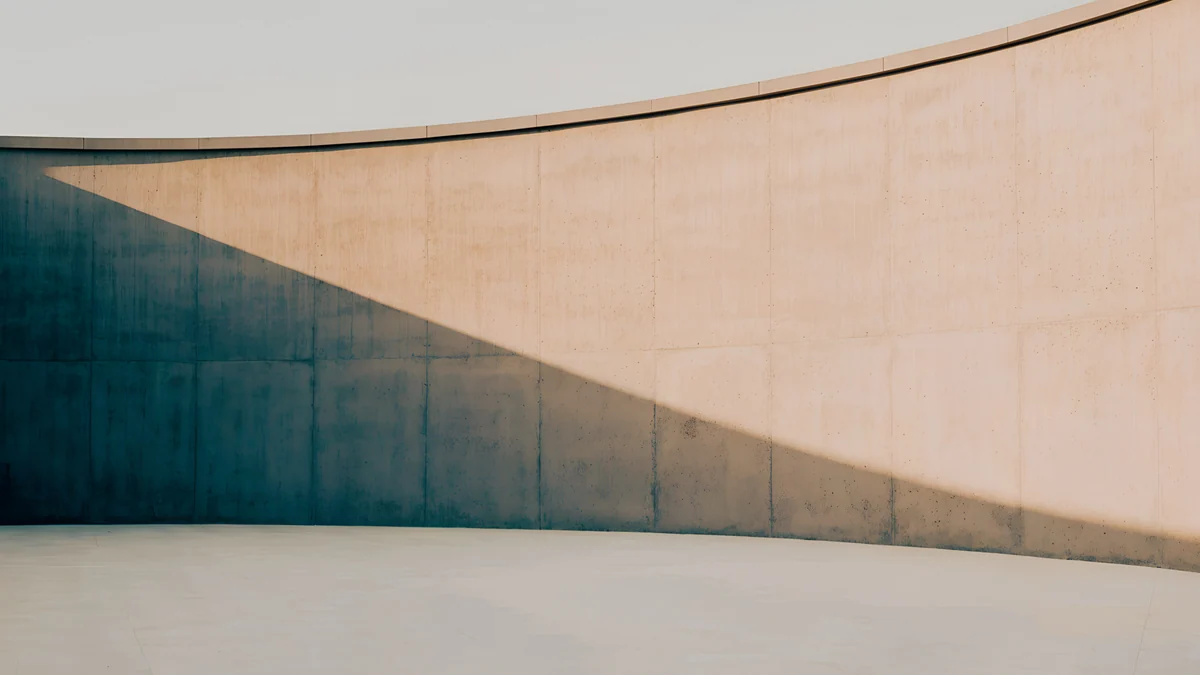 Clay Curve4K · Desktop
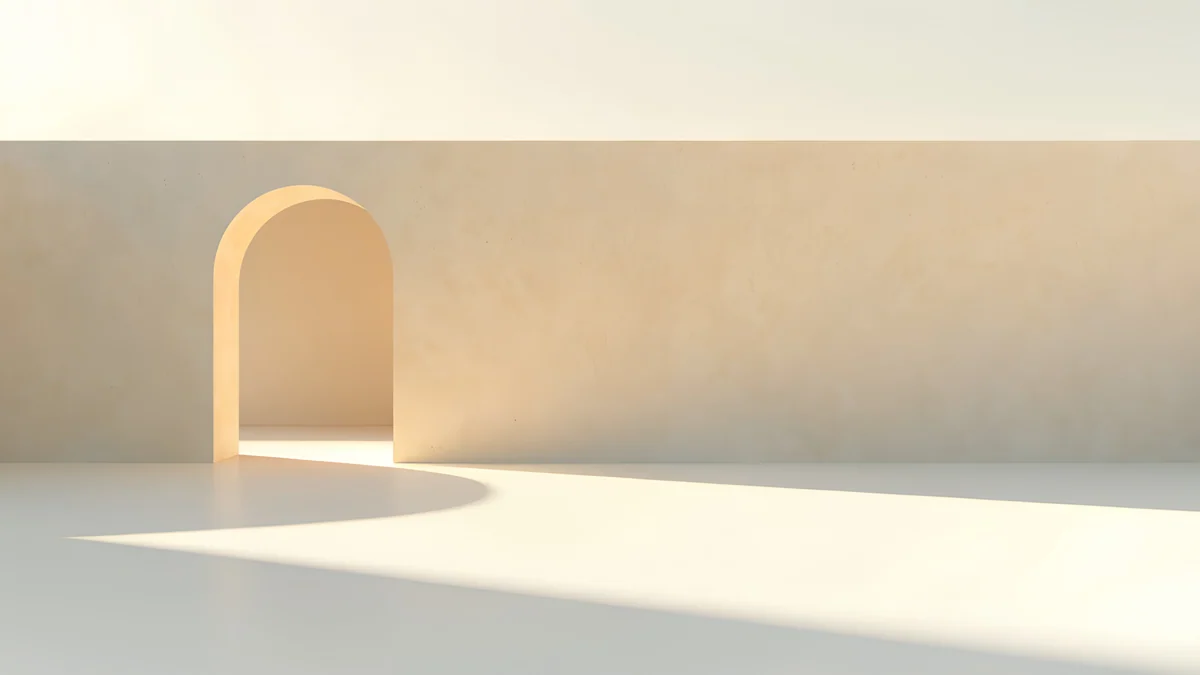 Apricot Noon Hall4K · Desktop
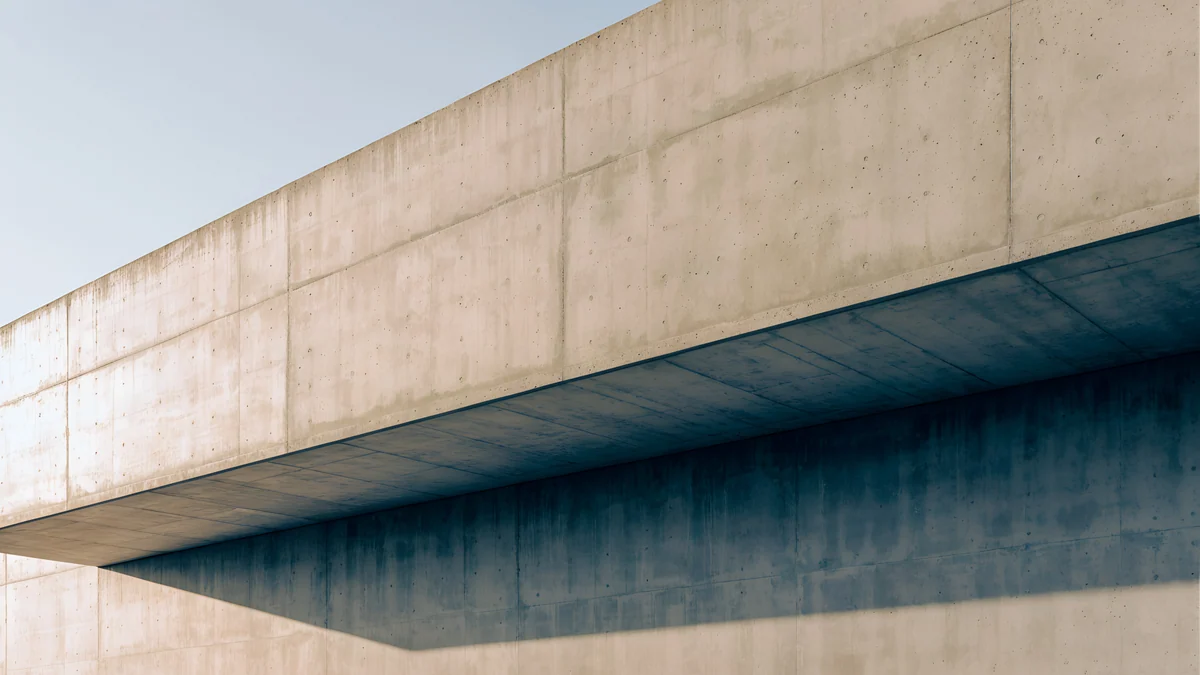 Sand Cantilever4K · Desktop
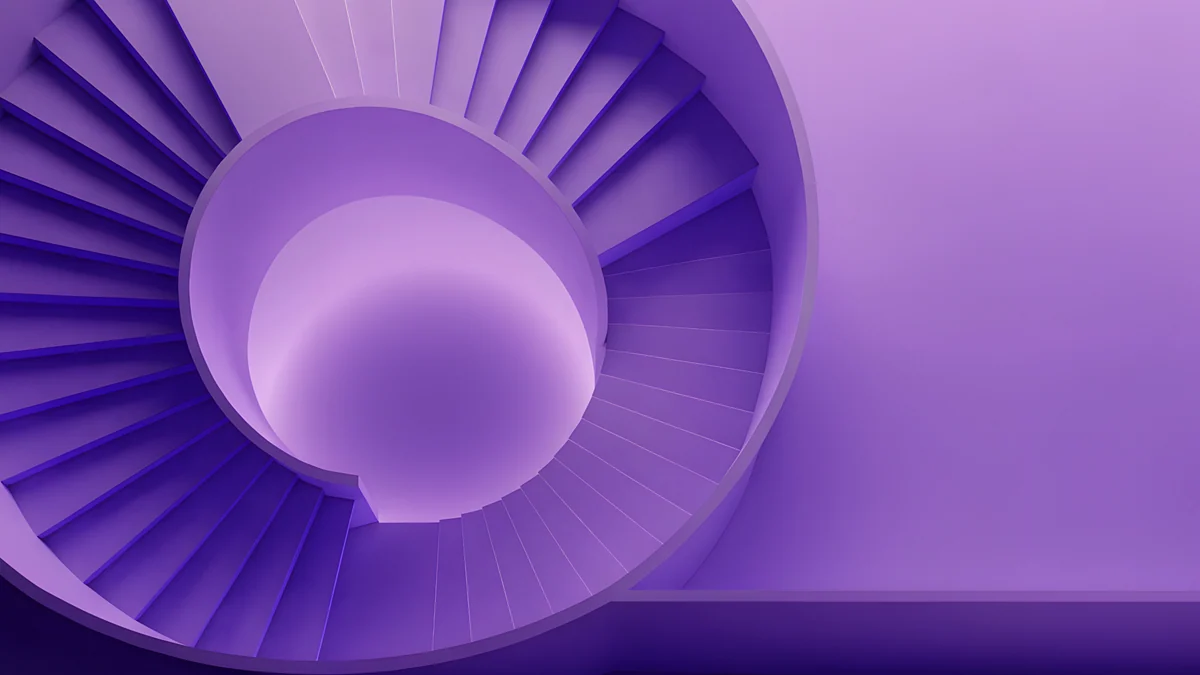 Violet Spiral Well4K · Desktop
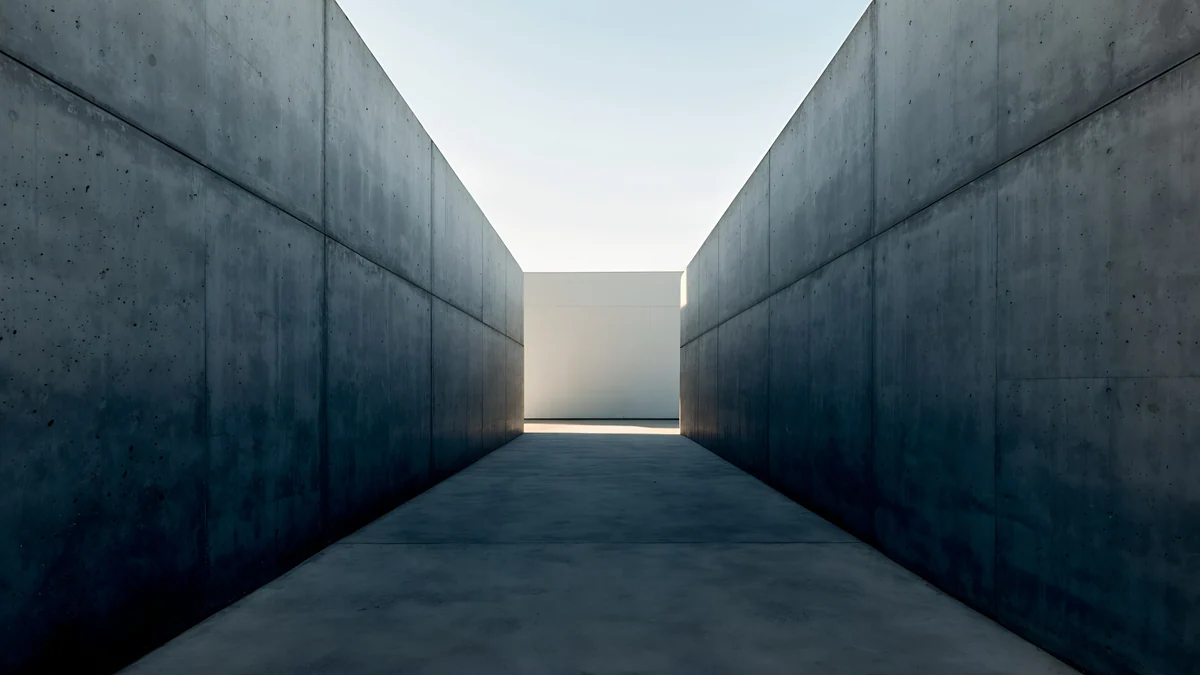 Graphite Passage4K · Desktop
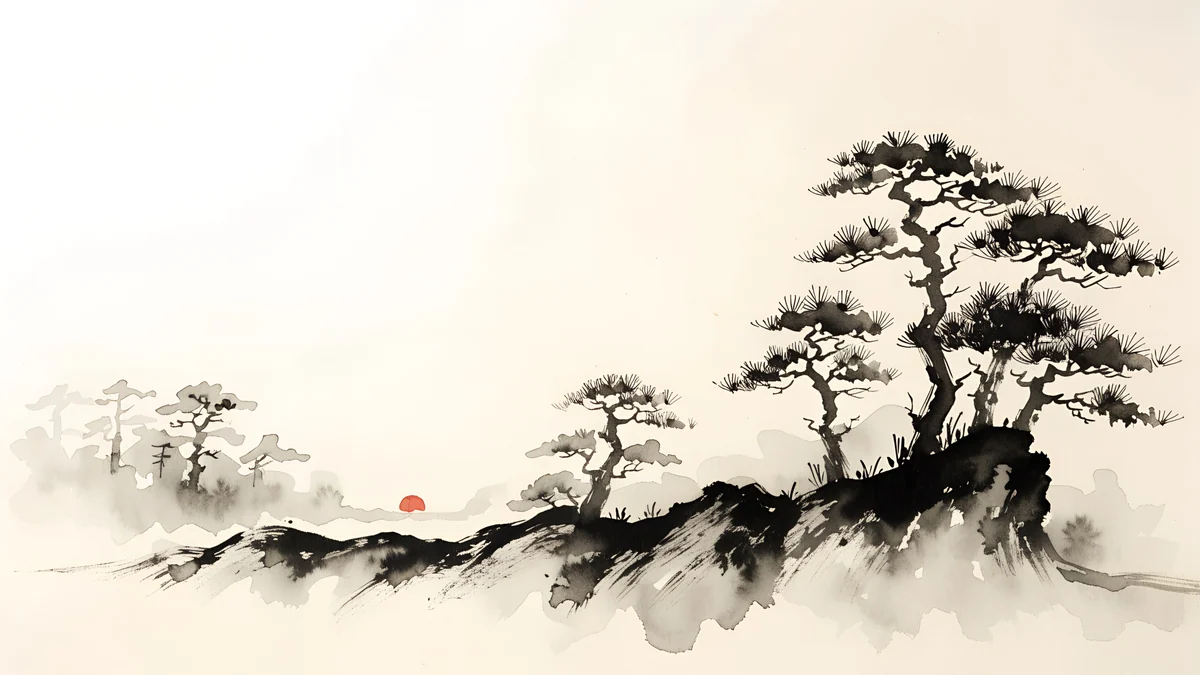 Ink Mist Ridge4K · Desktop
Clay Curve is a curved concrete wall in warm clay light, with a clean pale sky where the top bar sits. Apricot Noon Hall is a cream wall with one sunlit arch on the left, leaving the right side quiet for desktop icons. Sand Cantilever is a long concrete overhang against blue sky, strongly horizontal, with plain concrete and shadow on the left where the Ubuntu Dock sits. Violet Spiral Well is a deep violet spiral staircase, the closest match to Ubuntu's aubergine in the dark style. Graphite Passage is a narrow concrete corridor with pale light at the end, dark at the edges and bright in the middle. Ink Mist Ridge is Japanese ink pines on cream paper, a light and calm choice with all the detail along the lower third.
A good light and dark pair for the two gsettings keys is Clay Curve with Graphite Passage: same concrete language, opposite brightness.
Other desktops: Kubuntu, Mint and Xubuntu
Not every Ubuntu flavour uses GNOME. Right-click the desktop in each one:
- Kubuntu (KDE Plasma): choose Desktop and Wallpaper (older Plasma versions say Configure Desktop and Wallpaper), then add your image and pick a positioning such as Scaled and Cropped.
- Linux Mint (Cinnamon): choose Change Desktop Background and add a folder with the plus button.
- Xubuntu (Xfce): choose Desktop Settings, then the Background tab. Set Style to Zoomed.
Menu names on these desktops change between releases; if yours differs, look for the wallpaper or background entry in the right-click menu.
Common problems and fixes
- The picture is zoomed in or cut off. That is the zoom fit on a screen with a different shape from the image. Pick a wallpaper with a calm top and bottom, or switch picture-options to scaled to see the whole image with bars.
- Blurry wallpaper. The file is smaller than the screen. On a 4K monitor, a 1920 × 1080 image is doubled in size. Use a 3840 × 2160 original.
- The wallpaper changes back when you switch to dark style. Only picture-uri was set, and picture-uri-dark still points to the old file. Set both keys, or set the picture again from Settings.
- One image is split across two monitors. picture-options is on spanned. Set it to zoom to give each screen the full picture.
- The lock screen looks different. GNOME shows a blurred version of your desktop wallpaper on the lock screen. The login screen before you sign in is a separate system setting that Ubuntu does not expose in Settings.
- Your file does not show up. Make sure it is a JPG or PNG and fully downloaded, not a partial file in Downloads.
For screen-size details across all desktops, see our PC wallpaper size guide. Ubuntu's own help is at help.ubuntu.com.
Getting the wallpapers in Velpaper
Every Velpaper wallpaper is an original by designer Carlos Vivero. Desktop wallpapers are 3840 × 2160, some are 5120 × 2880, and phone wallpapers are 2160 × 3840. Velpaper is an app for iPhone, iPad, Mac and Android, with the same catalog on velpaper.com, which works in Firefox or any browser on Ubuntu. The desktop wallpapers are free in full size with no account and no watermark.
- Open Clay Curve in your browser.
- Press Download. The 3840 × 2160 original goes to Downloads. Do not save the preview image with a right-click; it is smaller than the original.
- In Files, right-click the new file and choose Set as Background.
Running Windows on another machine? The steps there are in how to change the wallpaper on Windows 11.
Original wallpapers in 4K and 5K for iPhone, Android and desktop.
Questions
How do I change the wallpaper on Ubuntu?
On Ubuntu 24.04 and later, right-click an empty part of the desktop and choose Change Background. That opens Settings on the Appearance page. Under Background, click one of Ubuntu's own pictures, or click Add Picture, choose your image file and click Open, then click its thumbnail. The desktop changes immediately and Ubuntu keeps a copy of the image, so you can delete the original download. You can also right-click an image in the Files app and choose Set as Background. Use a JPG or PNG at least as large as your screen, ideally 3840 × 2160, so it looks sharp on any monitor up to 4K.
How do I change the Ubuntu wallpaper from the terminal?
Use gsettings, which writes the same keys that the Settings app uses. Run gsettings set org.gnome.desktop.background picture-uri followed by the file address in quotes, for example 'file:///home/you/Pictures/wallpaper.jpg'. Run the same command with picture-uri-dark to set the picture used in the dark style; if you skip it, switching to dark may bring back the old wallpaper. To control how the picture fits, set picture-options to zoom, which fills the screen, or to scaled, centered, stretched, wallpaper, spanned or none. These commands work on the standard GNOME desktop of Ubuntu, not on Kubuntu or Xubuntu.
Can Ubuntu use different wallpapers for light and dark mode?
Yes, but only from the terminal. GNOME keeps two settings: picture-uri for the light style and picture-uri-dark for the dark style. The Settings app writes the same image into both, so to get a pair you set them separately with gsettings. A light, warm picture such as Clay Curve for the light style and a darker one such as Graphite Passage for the dark style works well, because they share the same concrete look. Once both are set, switching Style between Light and Dark in Settings, Appearance changes the wallpaper as well. If you later pick a wallpaper from Settings again, it overwrites both keys.
Why is my Ubuntu wallpaper zoomed in or blurry?
Zoomed in usually means the image has a different shape from your screen. Ubuntu's default fit, zoom, scales the picture until it covers the display and trims what spills over, so a 16:9 image on a 16:10 laptop loses a little on the sides. Choose a wallpaper with plain edges or set picture-options to scaled to see the whole image with bars. Blurry means the file is too small. A 1920 × 1080 picture on a 4K monitor is enlarged to twice its size and loses detail. Download the full 3840 × 2160 original rather than saving a preview or a screenshot from a website.
Where can I download free 4K wallpapers for Ubuntu?
Velpaper has free desktop wallpapers at 3840 × 2160, some at 5120 × 2880, all original work by designer Carlos Vivero. The website velpaper.com works in Firefox or any browser on Ubuntu, and the desktop files download in full size with no account and no watermark. Warm pieces such as Clay Curve and Apricot Noon Hall suit Ubuntu's orange accent, and Violet Spiral Well matches its aubergine in the dark style. After downloading, right-click the file in Files and choose Set as Background, or add it in Settings, Appearance with Add Picture. Velpaper also has apps for iPhone, iPad, Mac and Android if you want matching wallpapers on other devices.
Carlos Vivero
Designer of Velpaper wallpapers
Carlos Vivero designs the wallpapers in Velpaper: quiet architecture, liquid glass, Japanese ink and calm landscapes. Every piece is made as a 4K original for iPhone, Android and desktop.
Recent work








