Light Blue Wallpapers: Baby Blue and Sky Blue in 4K
Light blue wallpapers for iPhone, Android and PC: misty sea, white arches and ice blue sculpture, with the right clock colour for pale blue screens.
In short: A good light blue wallpaper keeps one pale sky, sea or ice tone across most of the frame and pairs it with a navy or black clock, since white text fades on pale blue. Velpaper has original light blue phone wallpapers at 2160 × 3840 and free wide versions at 3840 × 2160.
By the Velpaper team · Wallpapers by Carlos Vivero, Velpaper designer · · 5 min read
 Glacier Spiral Well
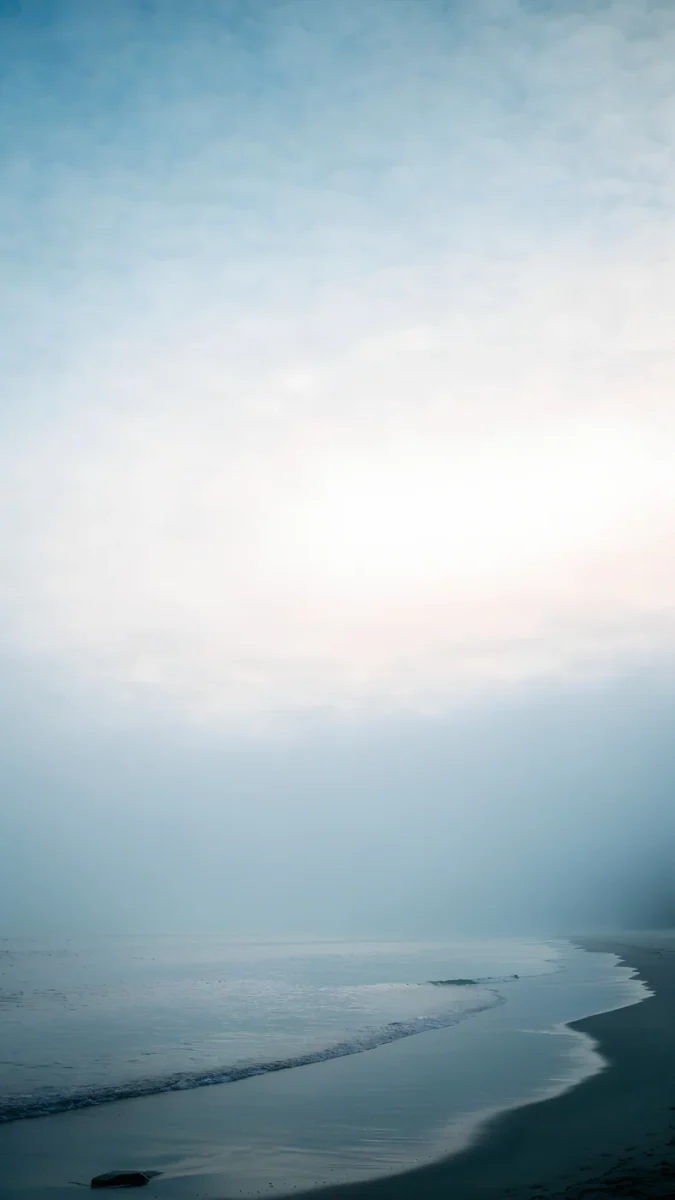 Where the Sea Ends
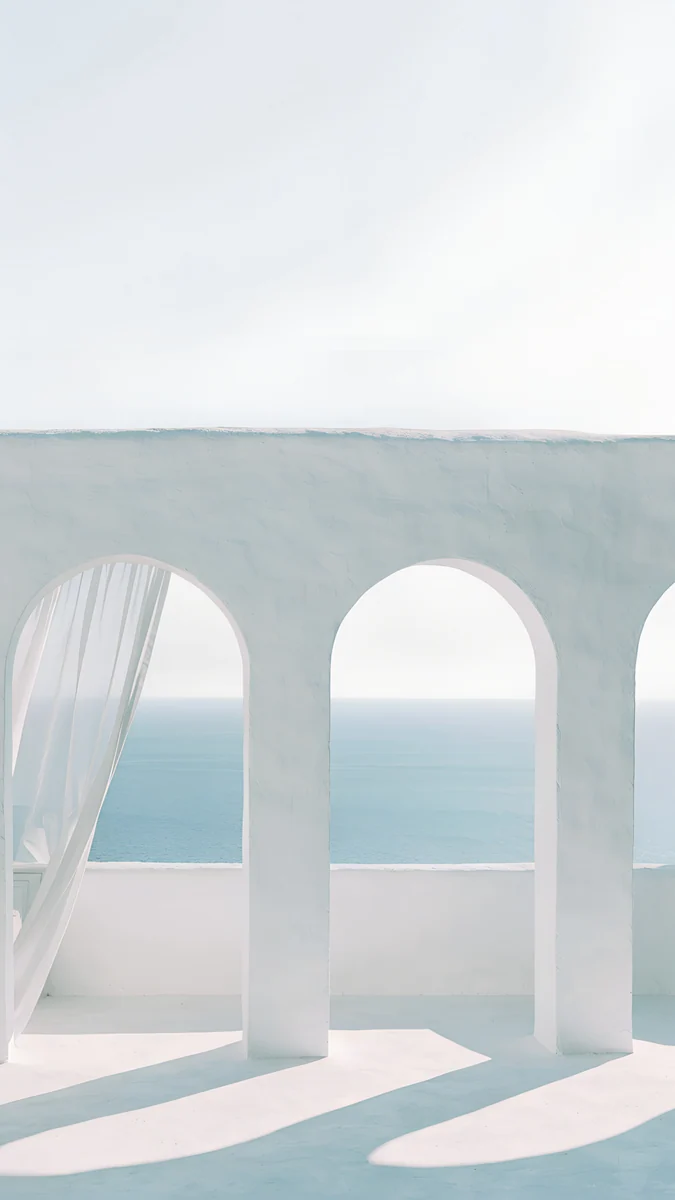 Sea Arch
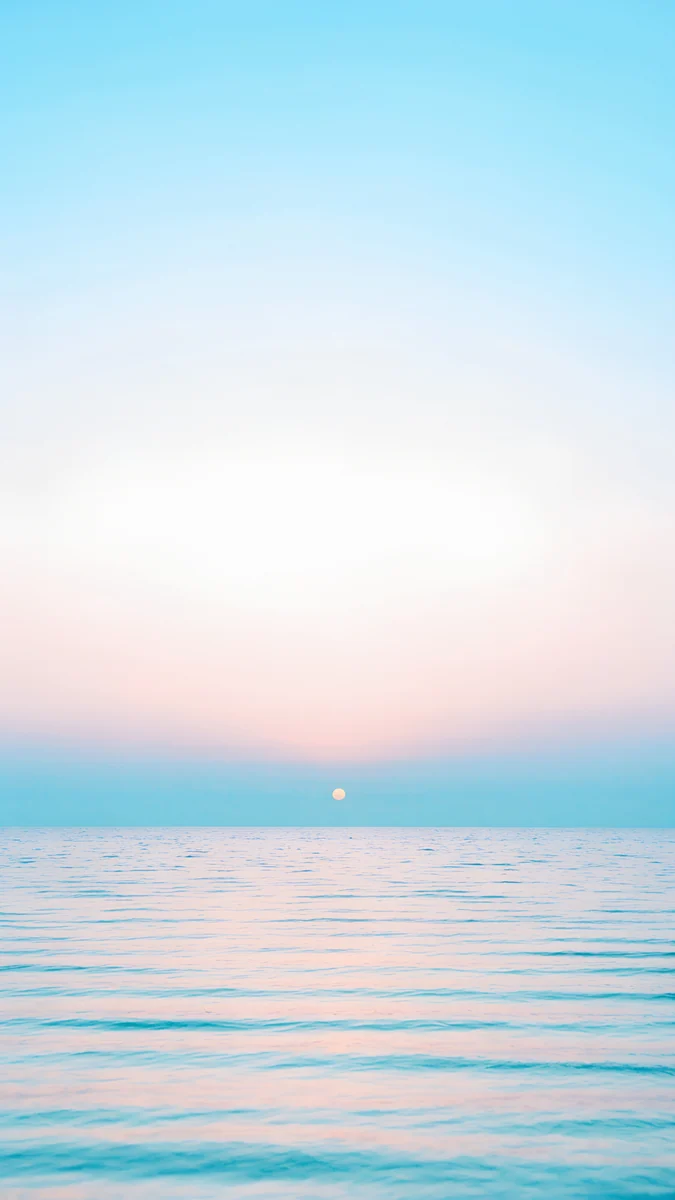 Pastel Sea Horizon
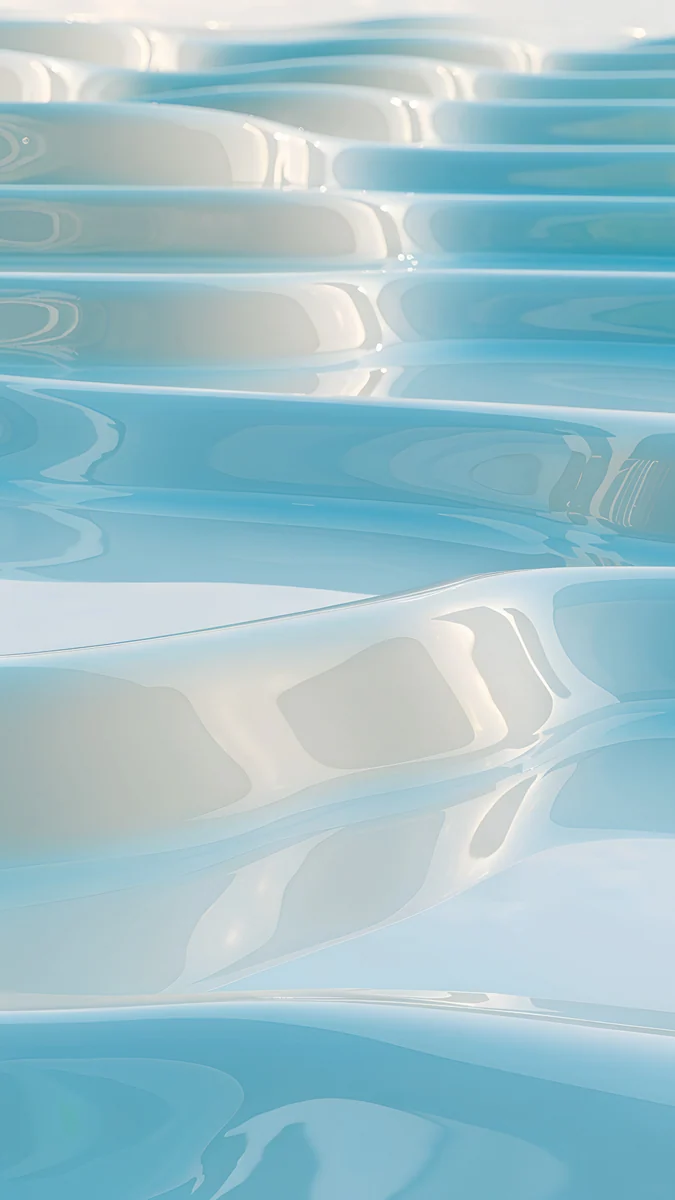 Sky Pearl Terraces
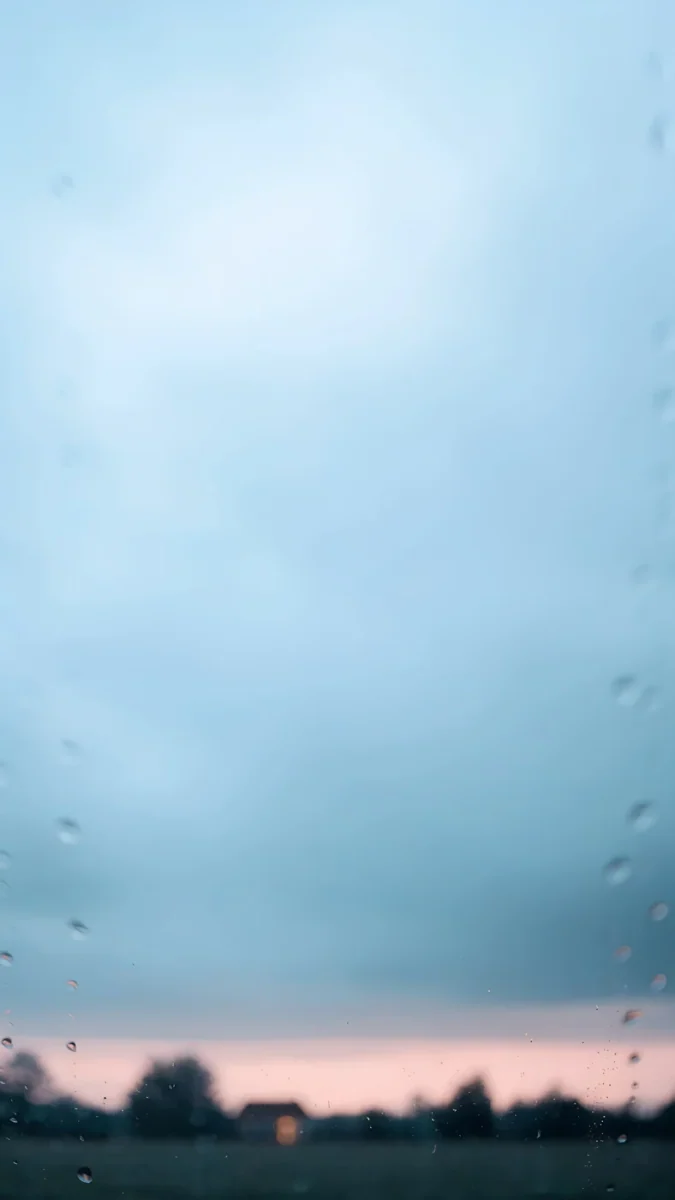 Softly Passing
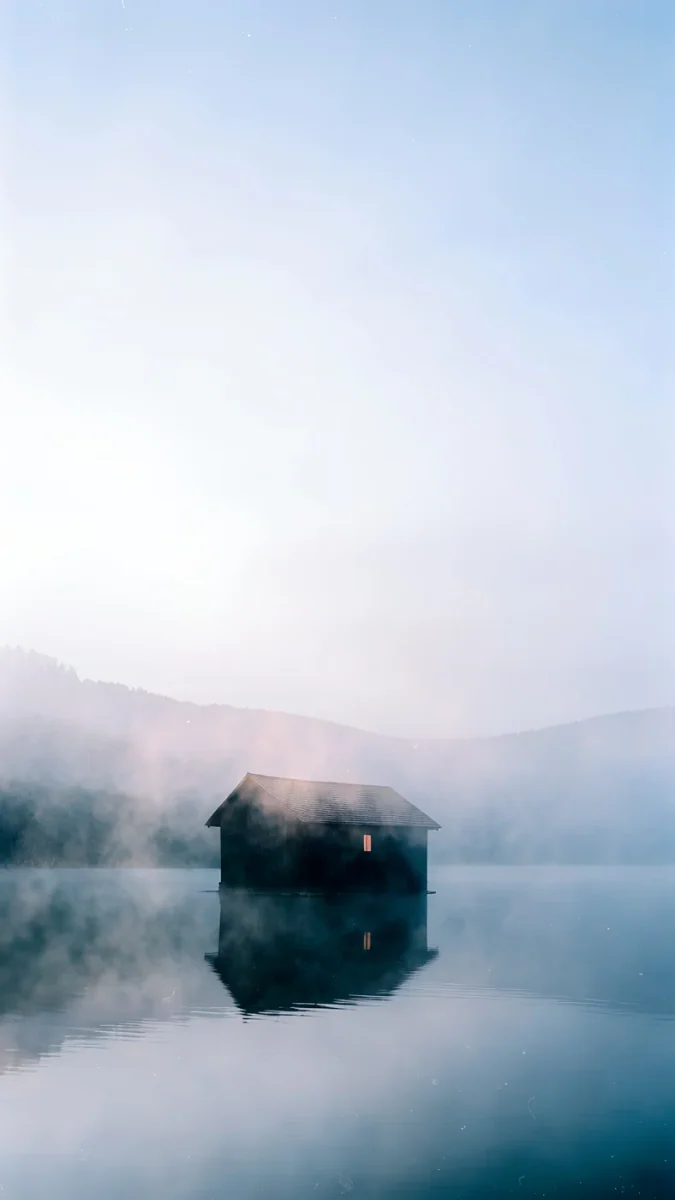 The Small Warmth
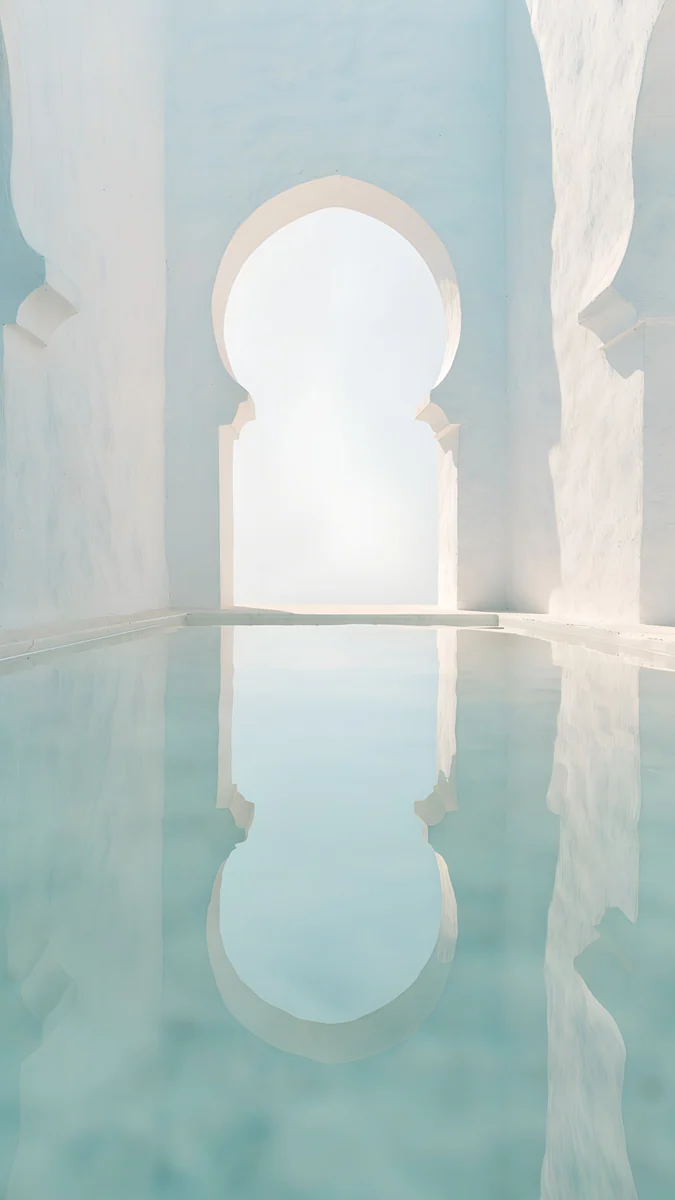 Arch Pool
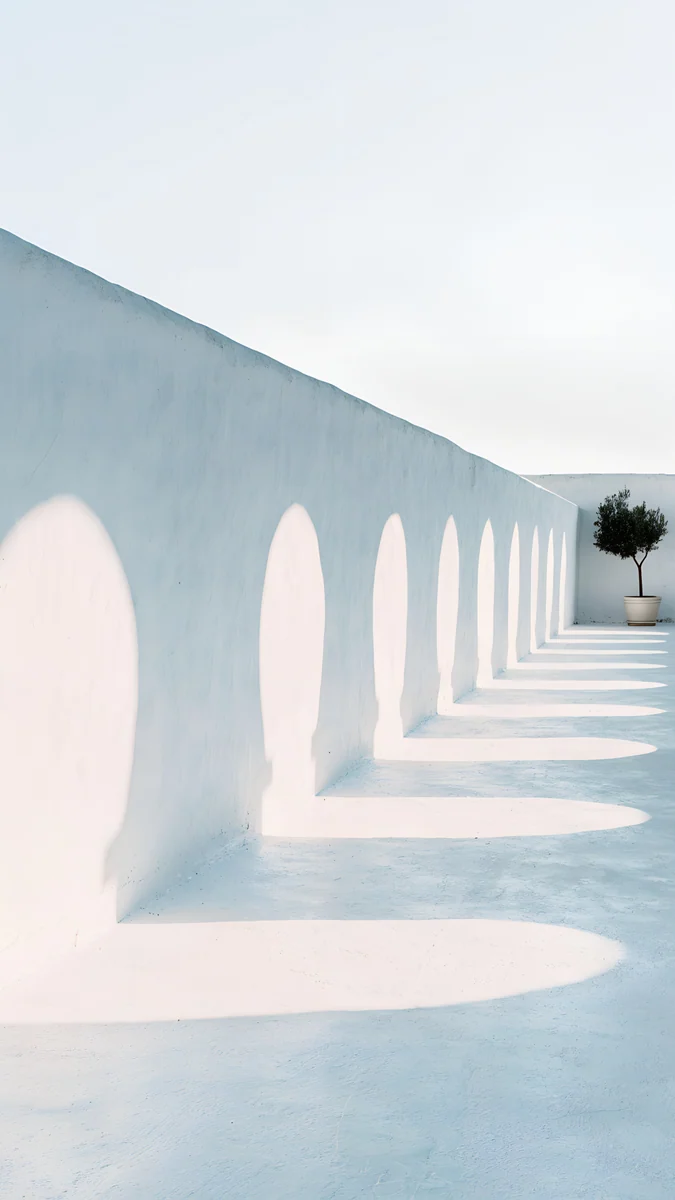 Olive Shadows
 White Stairs
 Monolith on the Plain
 Circular Court
Free 4K originals for iPhone and Android, no watermark
On this page
The best light blue wallpapers keep a pale sky, ice or sea tone across most of the frame and leave the top third quiet, so the clock and icons sit on an even field. Light blue, baby blue and sky blue are the same search in practice: soft, low saturation blues mixed with white. They look clean in light mode, calm in daylight and fresh next to colourful app icons. The one rule is the clock: on a pale blue background a white clock fades, so switch it to navy or black. Below are 16 original Velpaper light blue wallpapers sorted into sky and sea, white arches, ice blue sculpture and wide desktop versions. Every phone wallpaper is a 4K original at 2160 × 3840, and every desktop wallpaper here is 3840 × 2160 and free, so a phone and a laptop can share one palette.
What a light blue wallpaper does to your screen
Dark text wins. Pale blue is close to white, so a navy or black clock reads far better than a white one. On iPhone you pick the clock colour in the Lock Screen editor; the full contrast rules are in our guide to a wallpaper that keeps the clock readable.
Icons pop. Most app icons are saturated and warm. A pale cool field behind them separates every icon without competing, which is why light blue suits a busy home screen.
Android follows the colour. On a Pixel or a Galaxy, the system palette can be taken from the wallpaper, so a light blue picture turns menus, toggles and the keyboard into soft cool tones too.
OLED and dark mode. A pale wallpaper lights almost every pixel, so it is bright at night and uses a little more power on an OLED screen than a black one. If you live in dark mode, pick the contrast group further down or pair a light Home Screen with a darker Lock Screen.
Sky and sea: the softest light blue
These are the closest to a plain baby blue: sky, mist and water with almost nothing in the top half, so the clock has the whole sky to itself.
Where the Sea Ends4K · PhonePastel Sea Horizon4K · PhoneSky Pearl Terraces4K · PhoneSoftly Passing4K · PhoneThe Small Warmth4K · PhoneWhere the Sea Ends is a misty shore where pale waves wash over sand and the sky fades into white. Pastel Sea Horizon runs from clear sky blue at the top to a white glow over a flat, calm sea. Sky Pearl Terraces is the abstract one, glossy terraces of pearl and ice blue water stacked like pools. Softly Passing looks through rain on glass at a blue haze with a thin pink line of sunset, and The Small Warmth puts one small house on a lake in blue fog, low in the frame and clear of the clock.
White arches and Mediterranean light
White plaster and pale blue sky give the brightest version of the colour. Architecture also gives the eye one clear shape, so notifications and widgets do not fight the picture.
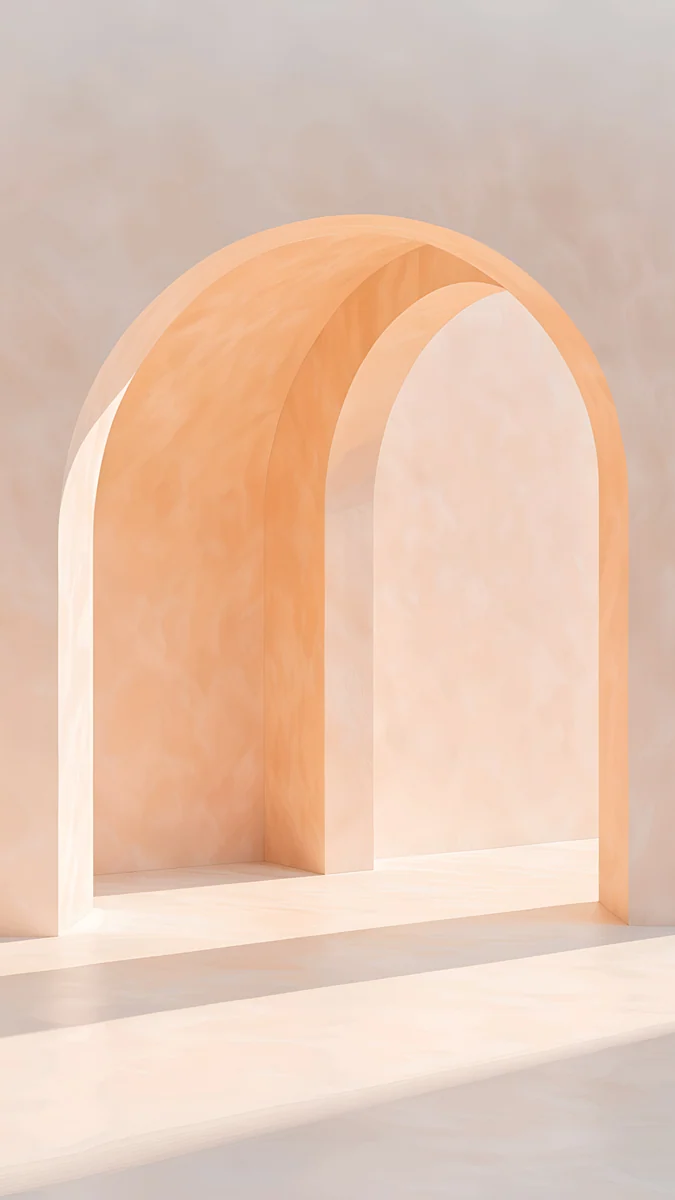
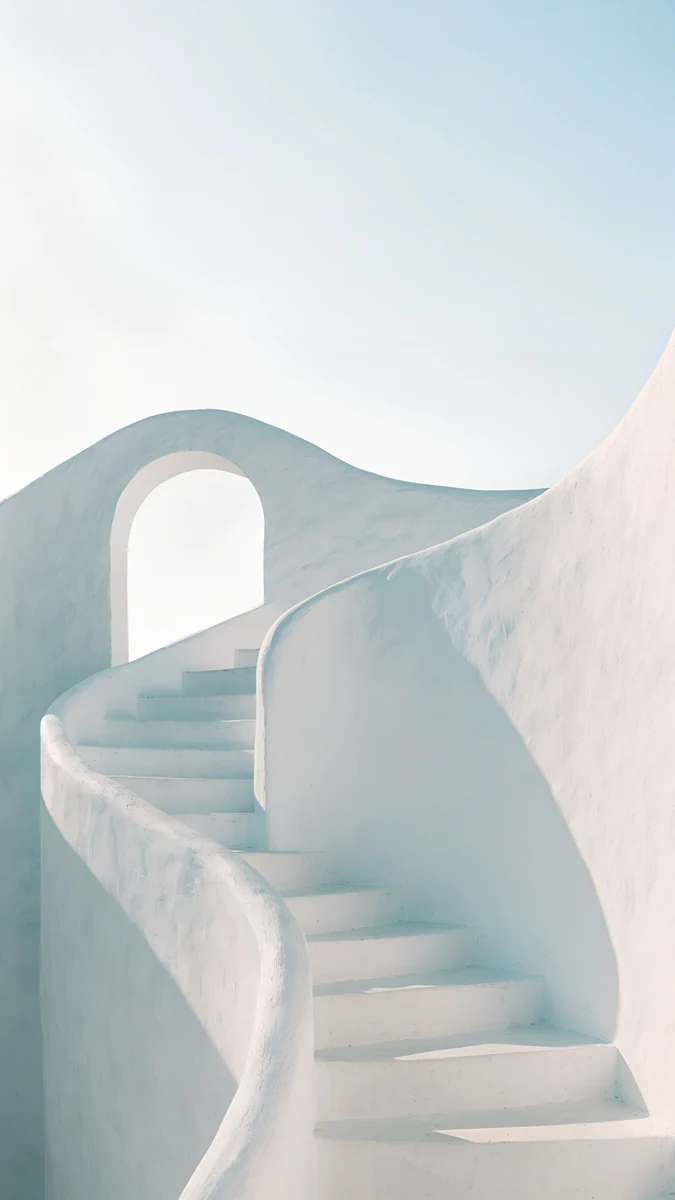
Sea Arch opens a white arch onto a pale sea. Arch Pool sets an arch above a narrow pool of light blue water, one of the best backgrounds for a black clock. Olive Shadows is a long white arcade throwing arched shadows on the floor, with a small olive tree at the end, and White Stairs curls a white stair up into a pale sky. The rest of this family is in our aesthetic arch wallpapers.
Ice blue with more contrast
If a plain sky feels too faint, these four add a strong shape or a deeper blue, which also makes them work better in dark mode.
Glacier Spiral Well4K · PhoneMonolith on the Plain4K · PhoneCircular Court4K · Phone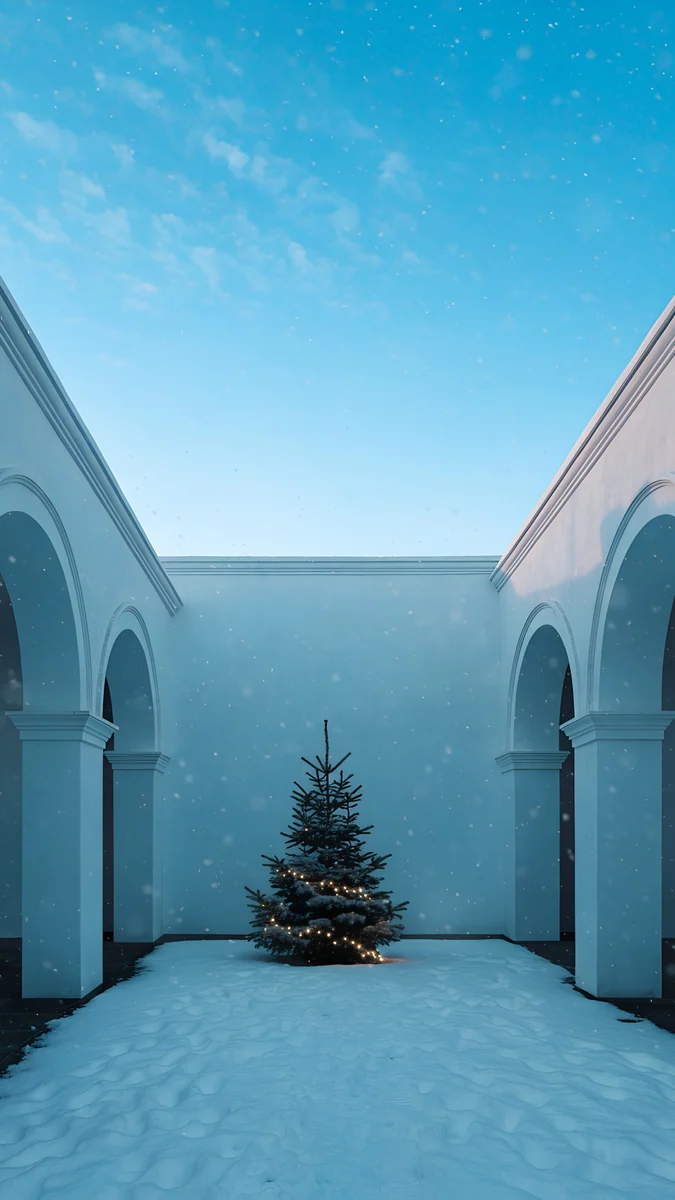 Snowy Arch Courtyard4K · Phone
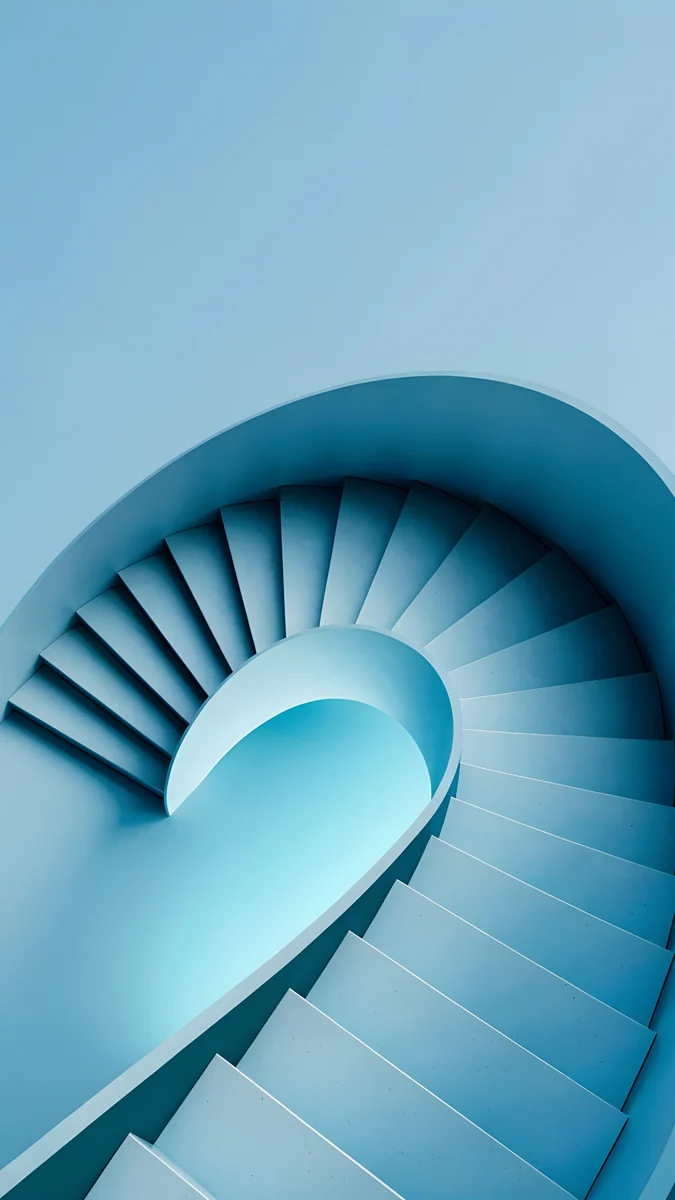
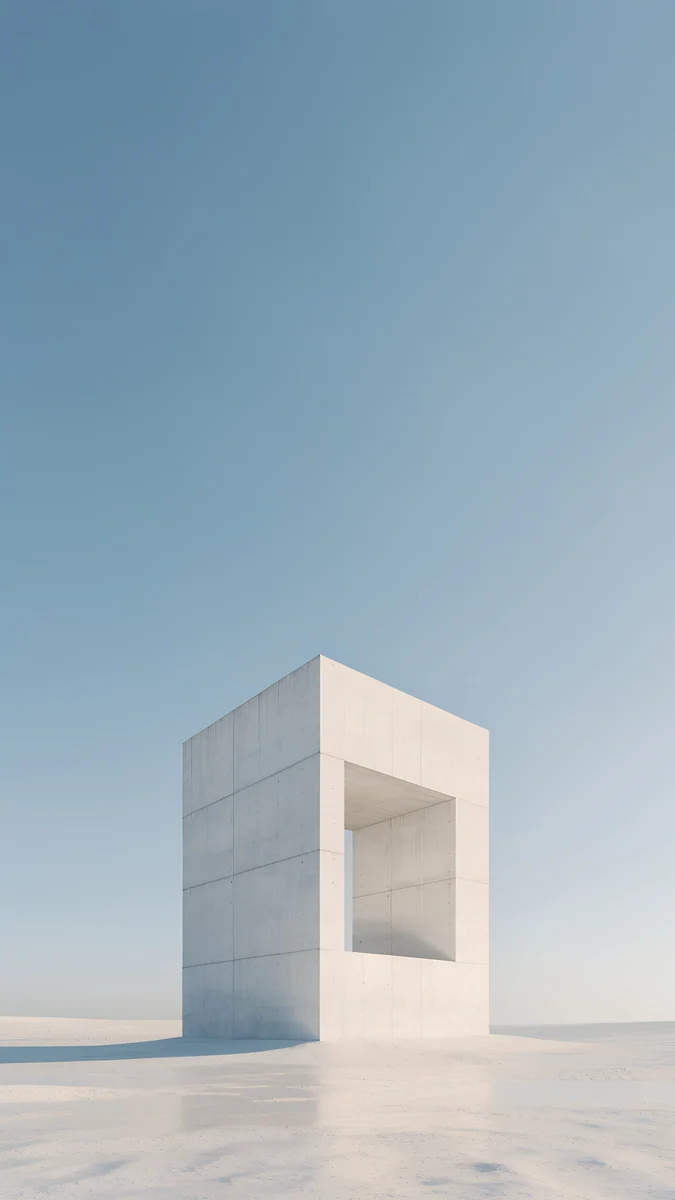
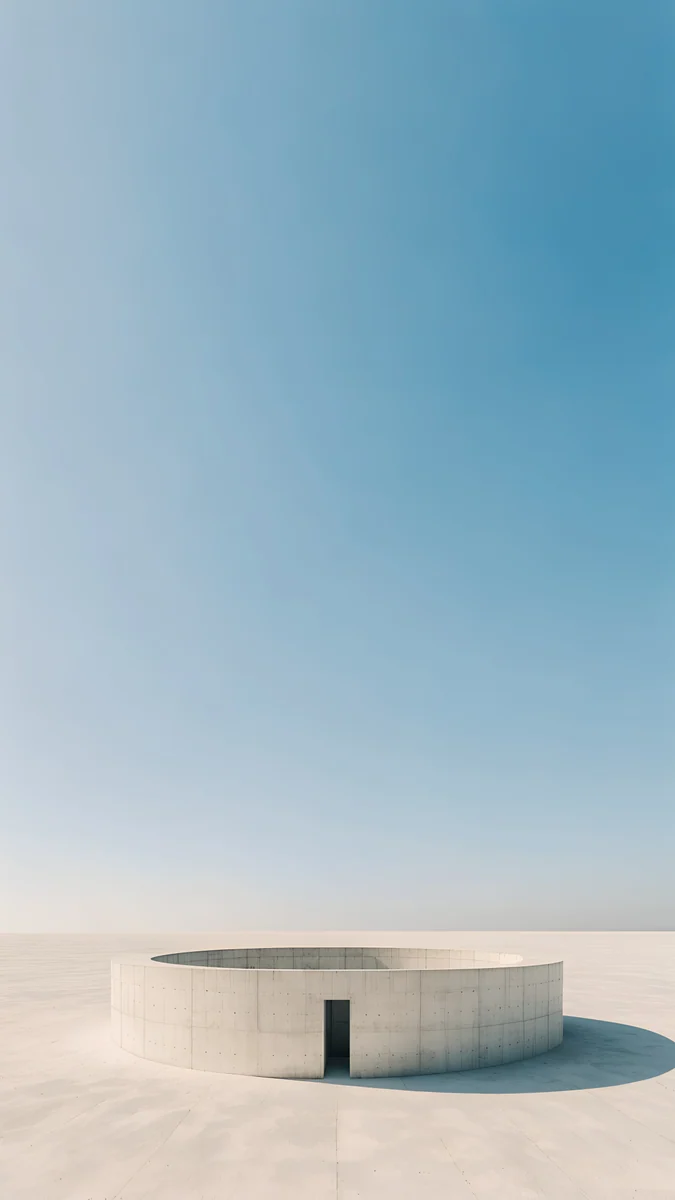
Glacier Spiral Well coils an ice blue staircase around a bright centre; the subject sits in the middle, so it survives any phone crop. Monolith on the Plain is a single white stone frame on a pale plain under a steel blue sky. Circular Court is a low round wall with the sky deepening from white to mid blue above it, and Snowy Arch Courtyard is a white courtyard under a clear winter sky with a small fir tree, a good pick for December. Deeper blues are in our blue aesthetic wallpapers.
Light blue wallpapers for desktop and laptop
A pale blue desktop sits well behind light mode windows and keeps icon labels readable. These four are wide originals at 3840 × 2160 and download free.
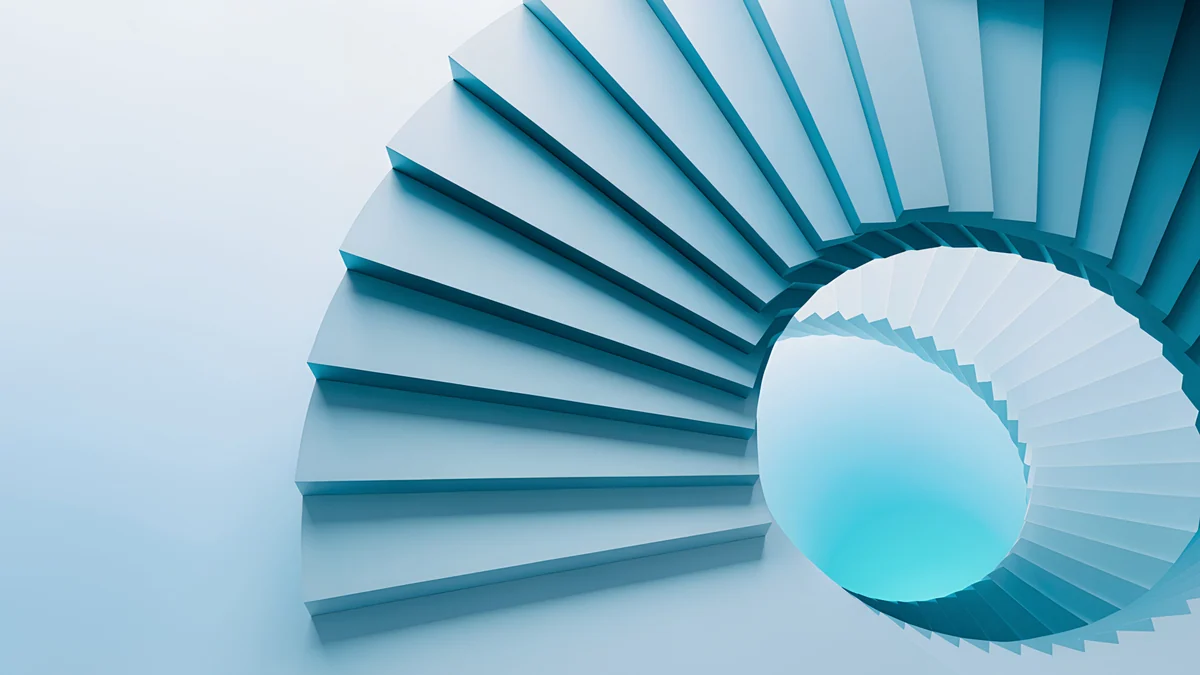
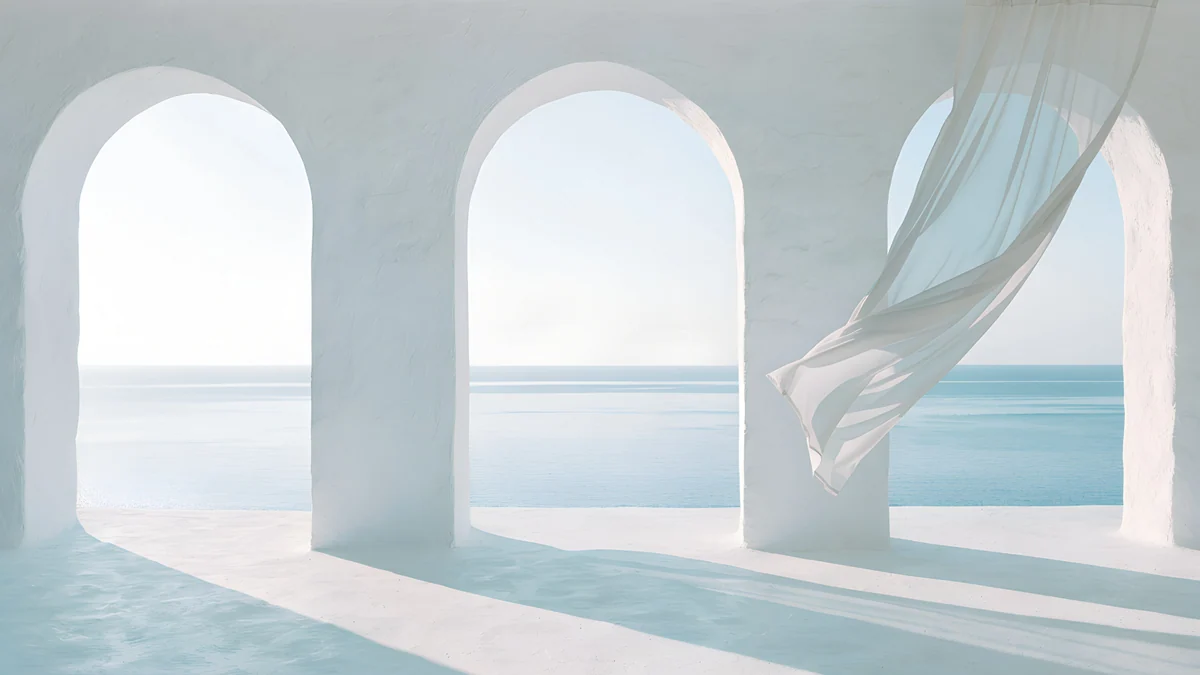
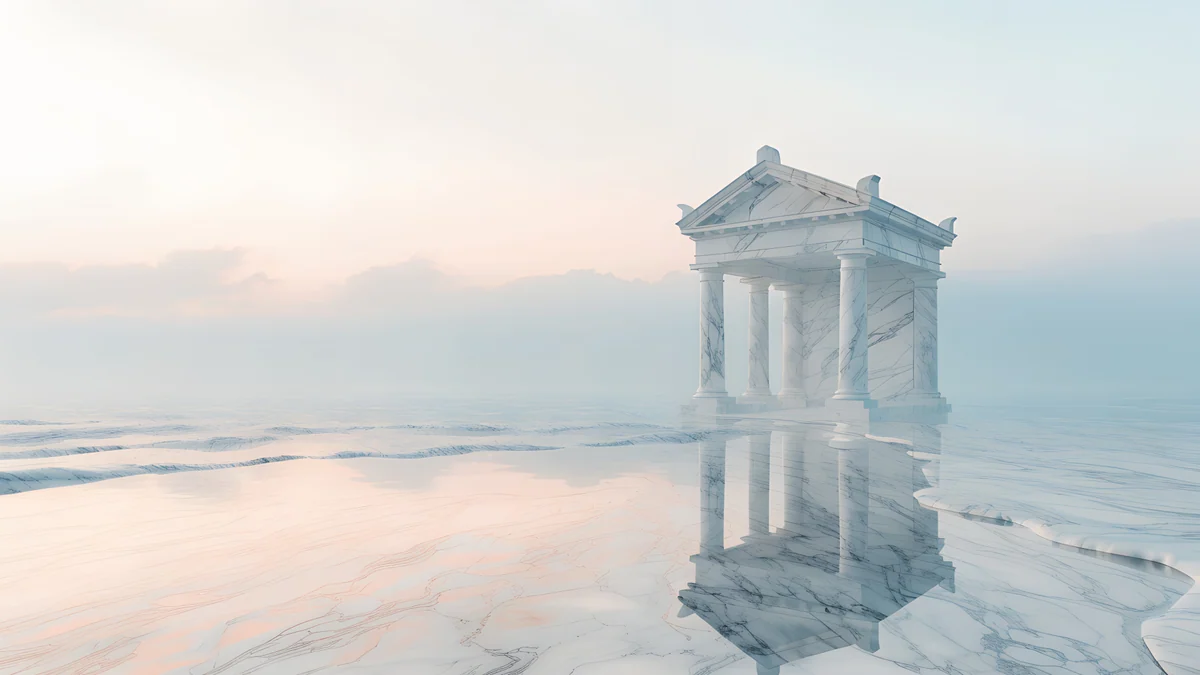
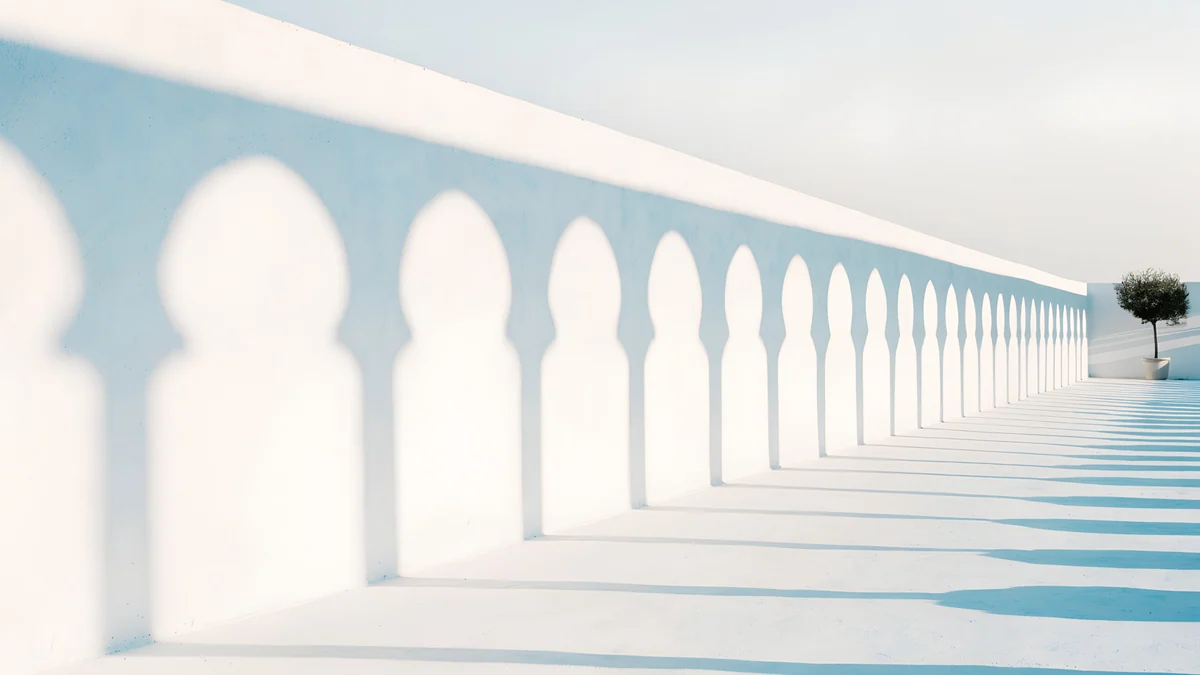
Glacier Spiral Hall is the wide partner of Glacier Spiral Well, an ice blue spiral opening into white. Sea Arch shows three white arches over the sea with a curtain lifting in the wind. Portico is a small marble temple standing in pale sea mist with its reflection below, and Olive Shadows keeps the long white arcade from the phone set. Set one of these on your laptop and its phone version on your Lock Screen, and both screens match without being the same crop.
Apple's own steps are in Change your iPhone wallpaper, and Google's are in Change your Pixel wallpaper.
How to set a light blue wallpaper
- iPhone (iOS 26). Save the original to Photos, open Settings, tap Wallpaper, then Add New Wallpaper, then Photos, and choose the image. Tap the time and pick a navy or black clock, then tap Add and Set as Wallpaper Pair.
- Android 16 and One UI 8. Touch and hold an empty spot on the Home screen, tap Wallpaper & style, choose your photo and apply it to the Lock screen, the Home screen or both.
- Windows 11. Right-click the desktop, choose Personalize, then Background, set it to Picture and choose Fill.
- Mac. Open System Settings, then Wallpaper, click Add Photo and choose Fill Screen.
Next step: open Glacier Spiral Well, save the 4K original and try it with a navy clock. Every wallpaper above is in the Velpaper apps for iPhone, iPad, Mac and Android and on velpaper.com. Phone wallpapers unlock after a short optional ad; desktop wallpapers download free.
Original wallpapers in 4K and 5K for iPhone, Android and desktop.
Questions
What clock colour works on a light blue wallpaper?
A dark one. Navy, charcoal or black reads clearly on pale blue, while a white clock nearly disappears into the sky. On iPhone, touch and hold the Lock Screen, tap Customize, tap the time and choose a dark colour from the row or the full picker. On Android, the clock colour usually follows the system palette taken from the wallpaper, so try the preview before you apply. Wallpapers with an empty top third, such as Pastel Sea Horizon or Where the Sea Ends, give the clock the most room.
Is baby blue the same as light blue?
Close enough for a wallpaper. Baby blue is a soft, slightly warm pale blue; sky blue is a little brighter and clearer; ice blue leans towards white and grey. All three are low saturation blues mixed with white, and they behave the same on a screen: dark text reads on them, colourful icons stand out, and they look best in light mode. In this collection Pastel Sea Horizon is the closest to sky blue, Where the Sea Ends to a misty baby blue, and Glacier Spiral Well to ice blue.
Does a light blue wallpaper drain an OLED battery?
A little more than black does, because an OLED screen lights every pixel that is not black. In daily use the difference is small, since apps cover the wallpaper most of the time. It matters most on the Always On Display and if you look at the Home Screen often. If battery is your priority, use a light blue wallpaper on the Home Screen and a darker one on the Lock Screen, or pick from our dark OLED collection for both.
Are there light blue wallpapers for PC and Mac?
Yes. Glacier Spiral Hall, Sea Arch, Portico, Olive Shadows, Arch Pool, White Stairs and White Arches all come as wide originals at 3840 × 2160, and they download free. That size covers 4K, 1440p and 1080p monitors and every laptop, because the system only scales it down. On Windows 11 set the fit to Fill, on a Mac choose Fill Screen. Most of them also exist as phone wallpapers, so your phone and laptop can share the same scene.
What size is a light blue phone wallpaper from Velpaper?
2160 × 3840 pixels, a 9:16 portrait 4K original. That is larger than the screen of any current iPhone or Android phone, so the phone only scales it down and the image stays sharp. Size matters more than usual for pale gradients: a small or heavily compressed file shows visible bands in a smooth sky. Always save the original from the wallpaper page rather than a screenshot of the preview, which is compressed to load fast.
Carlos Vivero
Designer of Velpaper wallpapers
Carlos Vivero designs the wallpapers in Velpaper: quiet architecture, liquid glass, Japanese ink and calm landscapes. Every piece is made as a 4K original for iPhone, Android and desktop.
Recent work