Aesthetic Arch Wallpapers: 16 Free iPhone Picks in 4K (2026)
Aesthetic arch wallpapers for iPhone: neon vaults, sunlit plaster and white Moorish arches, plus Mac versions. Free 4K originals, no watermark.
By the Velpaper team · Wallpapers by Carlos Vivero, Velpaper designer · · Updated · 5 min read
In short: An aesthetic arch wallpaper works because one large curve gives the eye a single resting point while the clock sits on calm wall above it. Velpaper has 16 arch wallpapers for iPhone at 2160 by 3840: neon arches for dark mode and OLED, sunlit and white arches for a light lock screen.
Wallpapers
 Electric Violet Arch
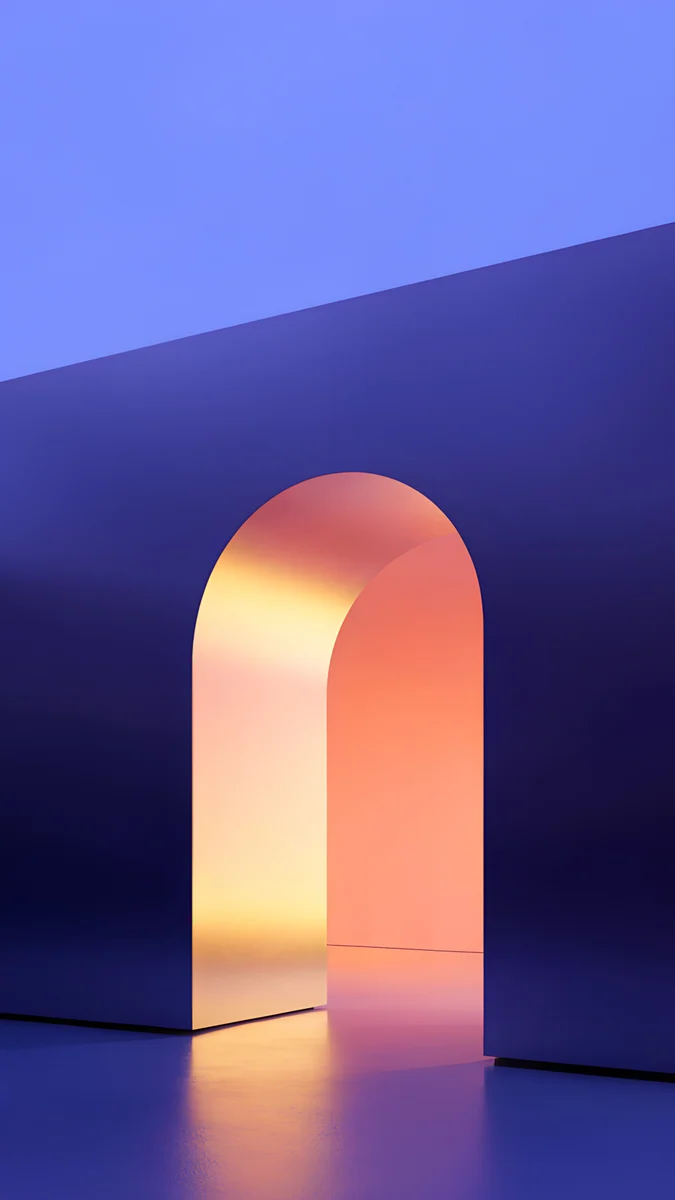 Solar Violet Arch
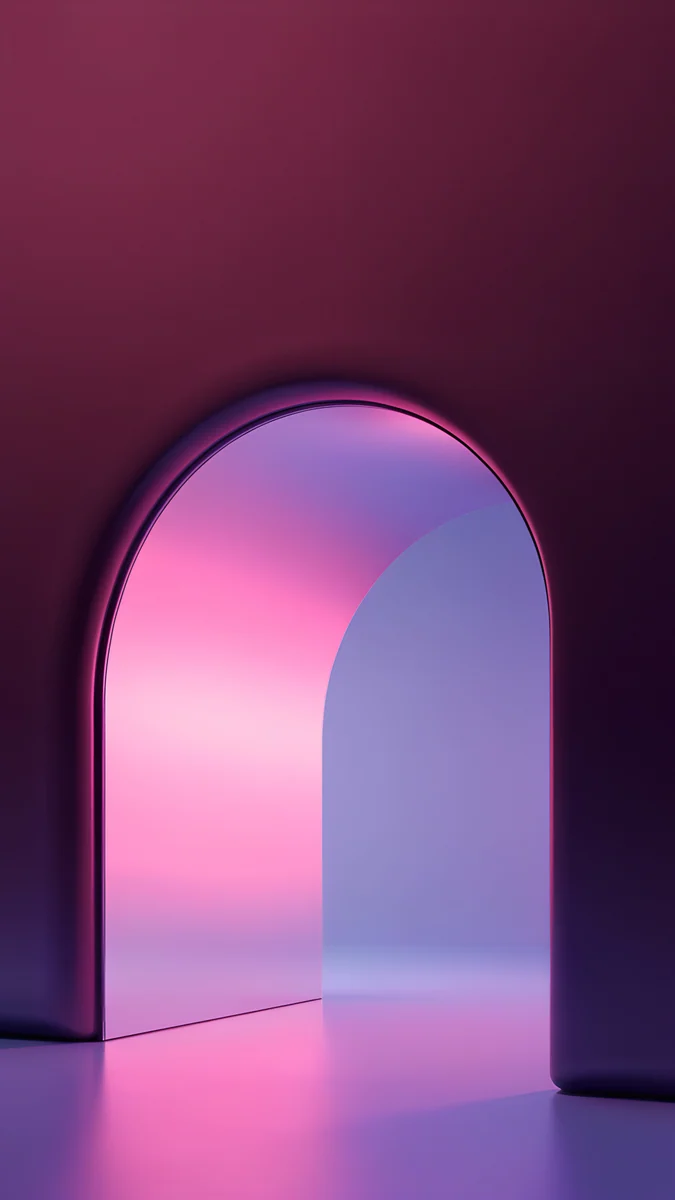 Rose Pulse Arch
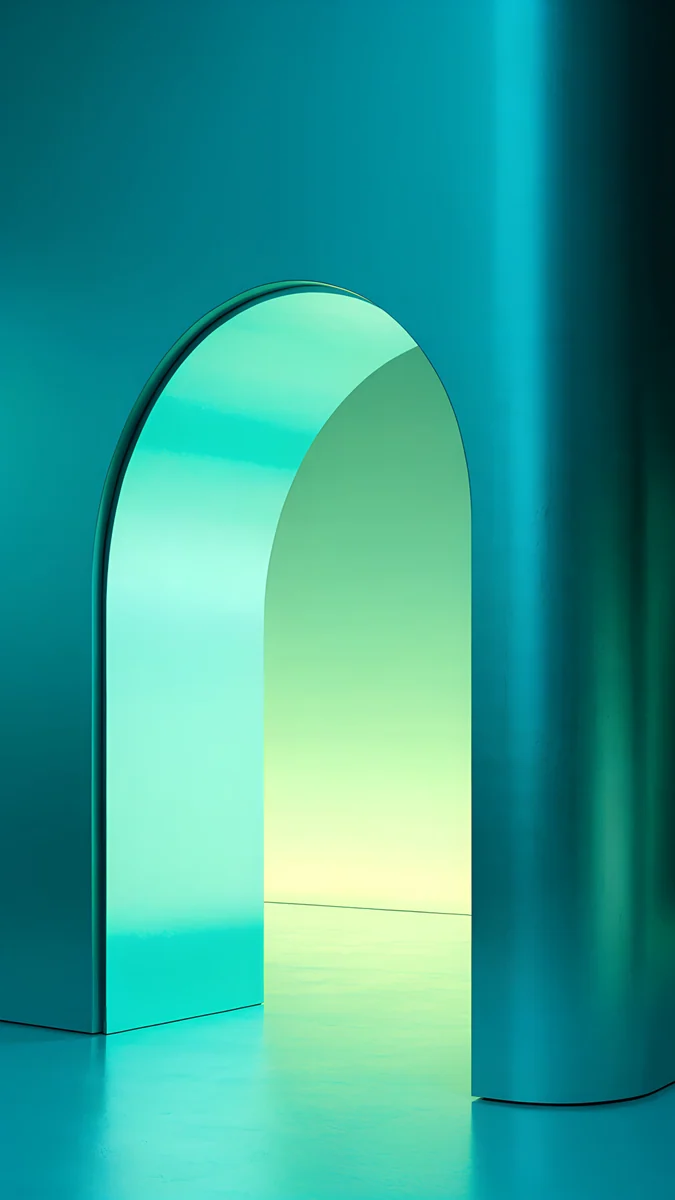 Jade Mint Arch
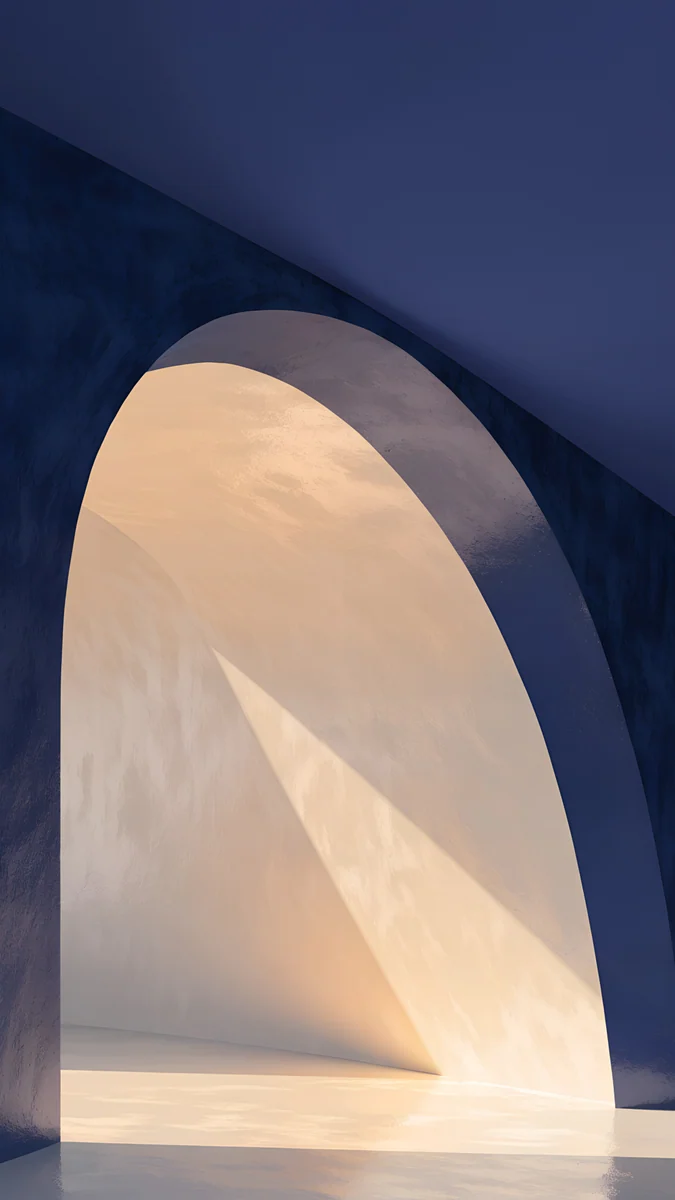 Indigo Passage
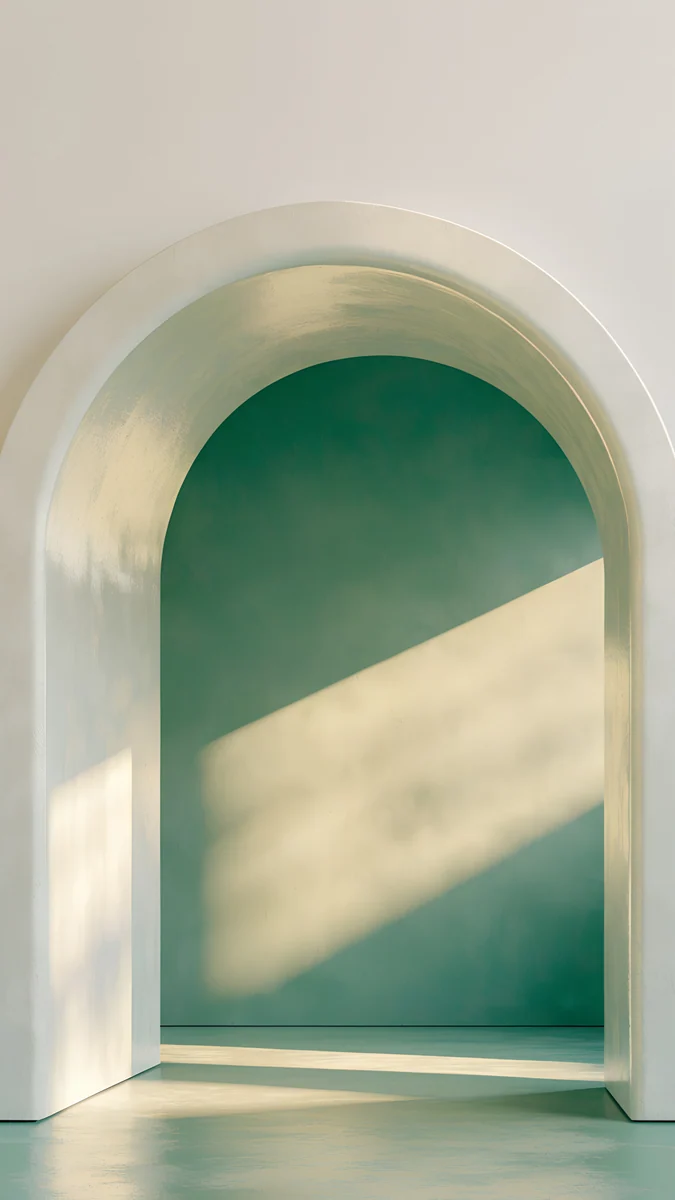 Sage Sun Arch
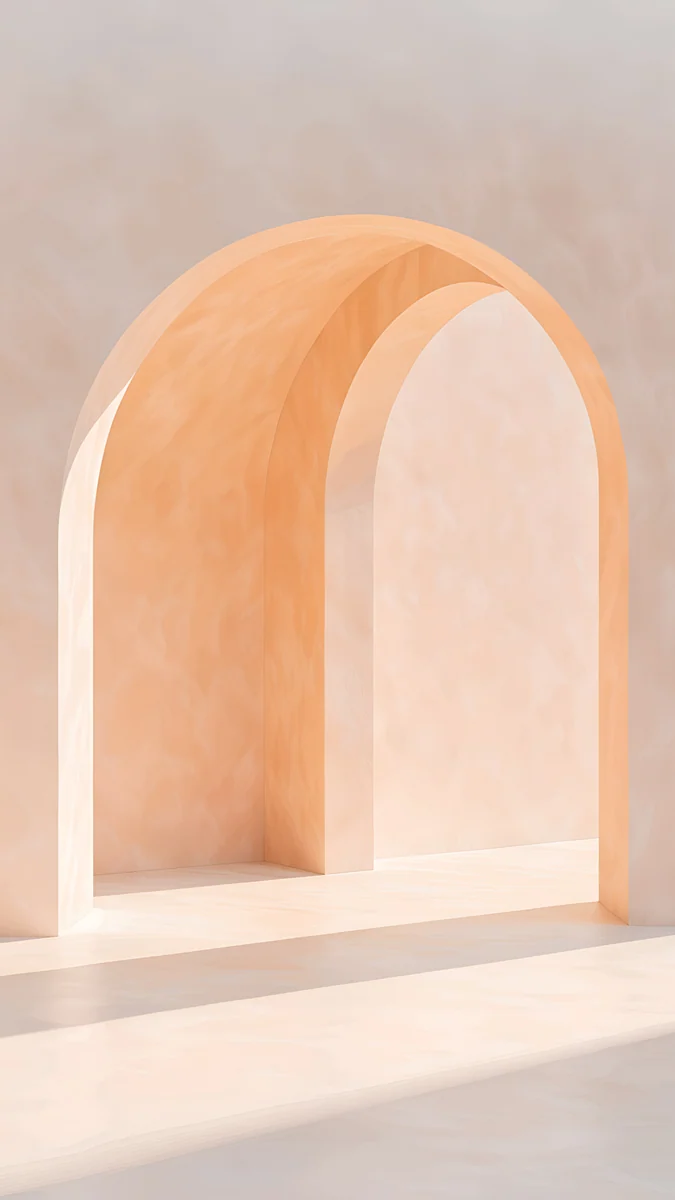 Apricot Noon
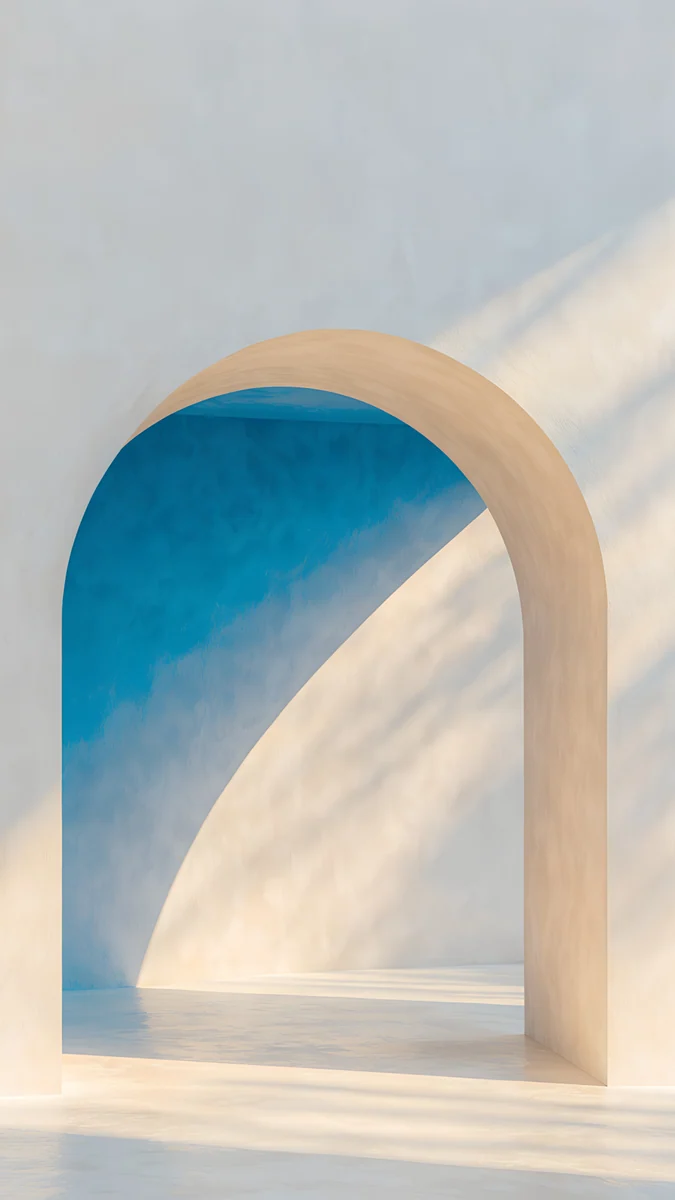 The Blue Arch
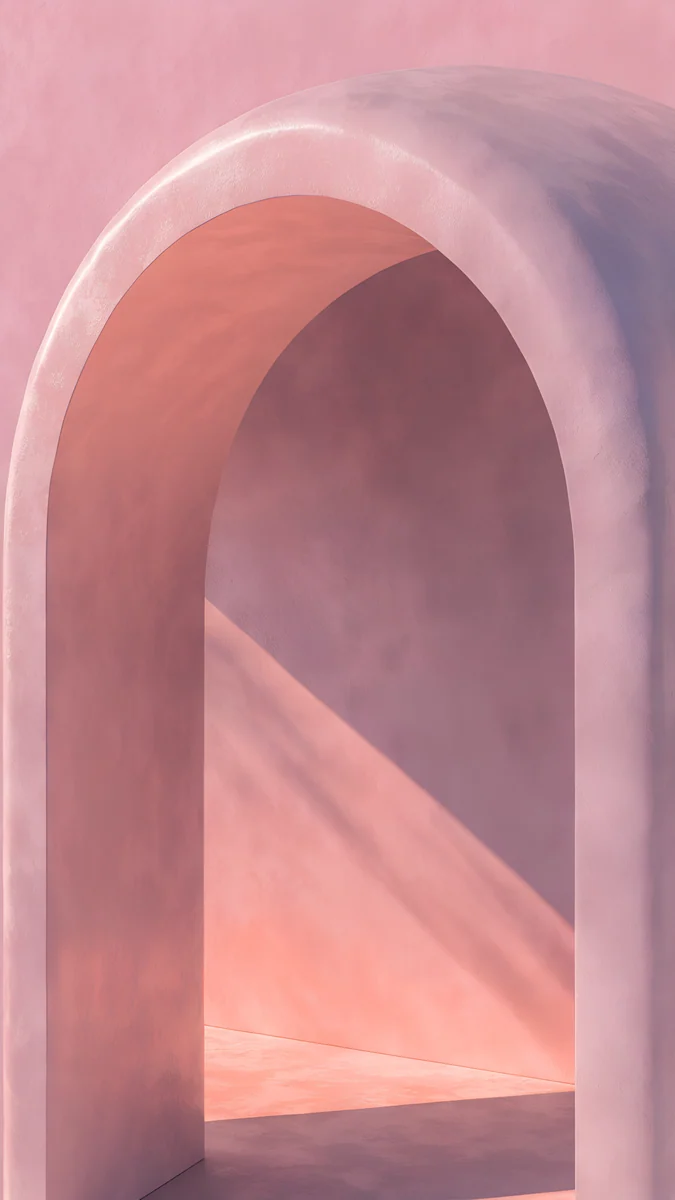 Rose Courtyard
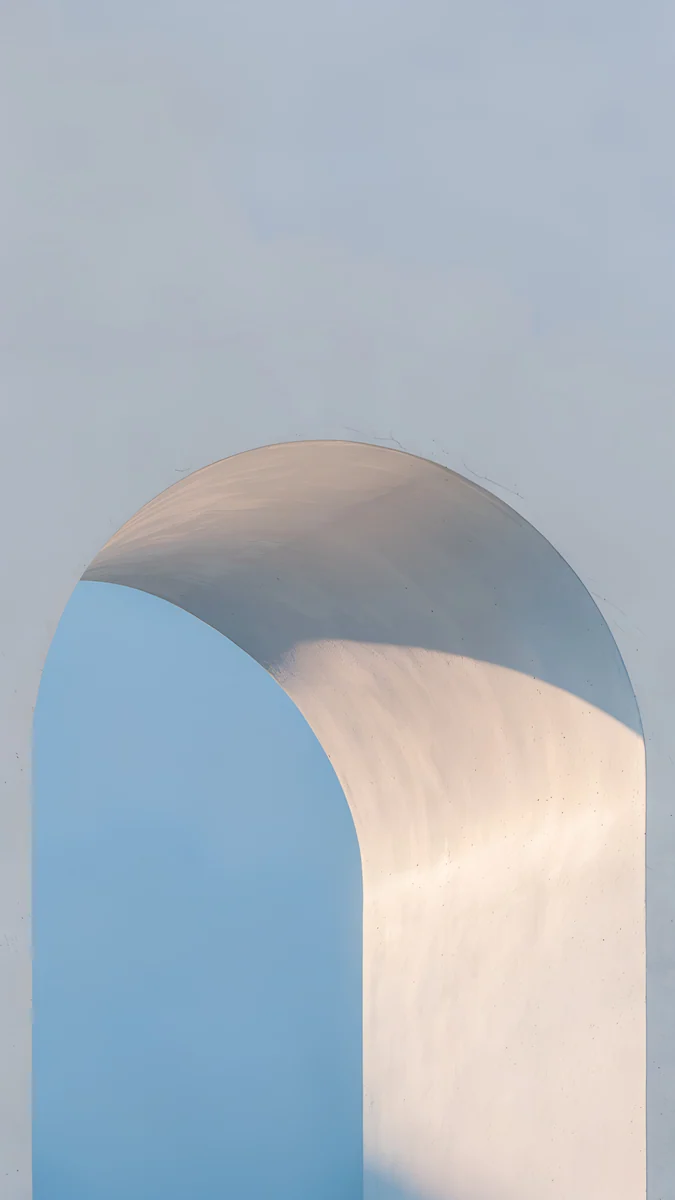 Blue Hour Portico
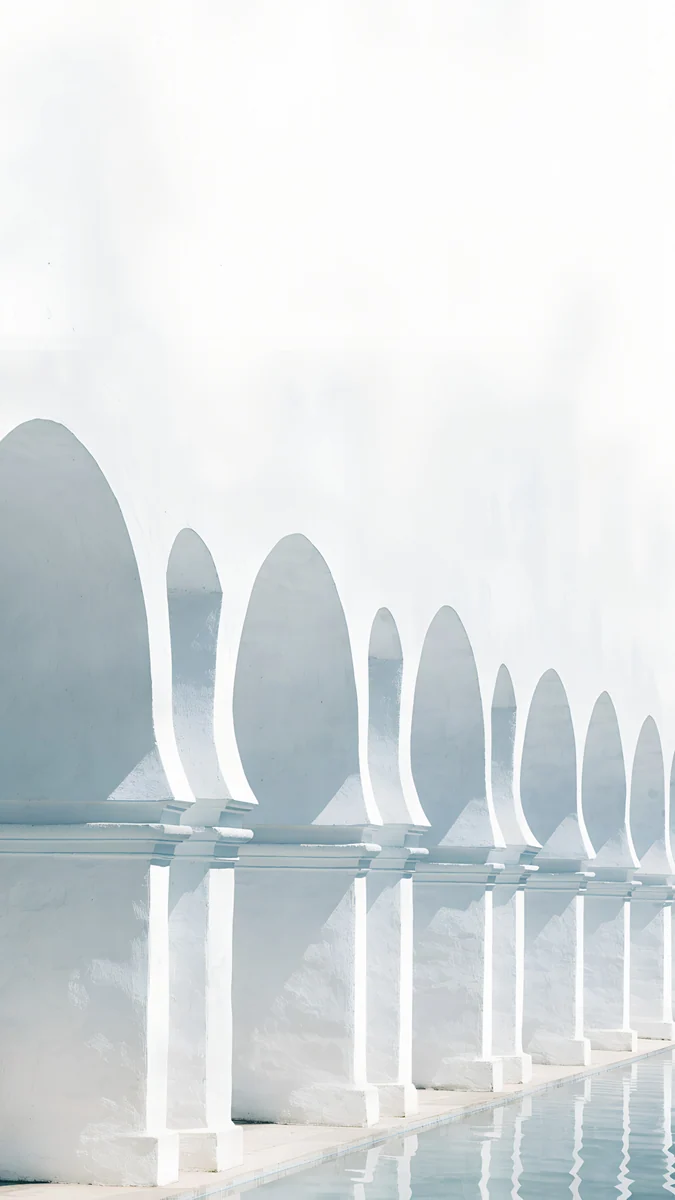 White Arches
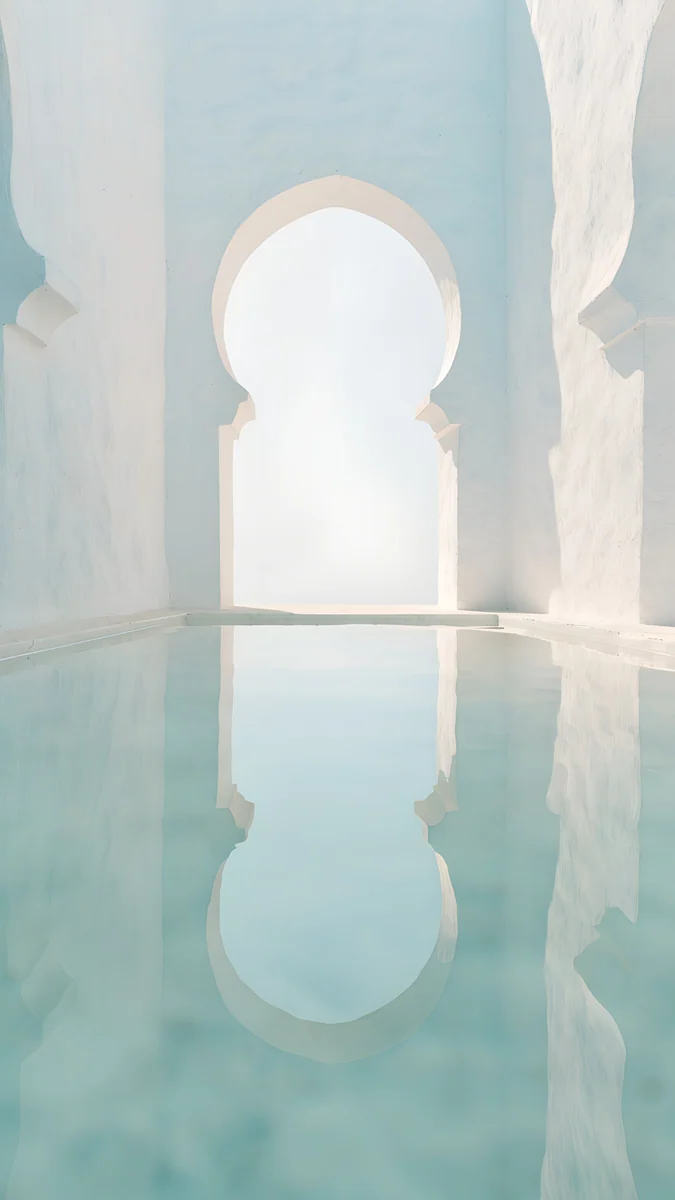 Arch Pool
Free originals for iPhone and Android, no watermark
On this page
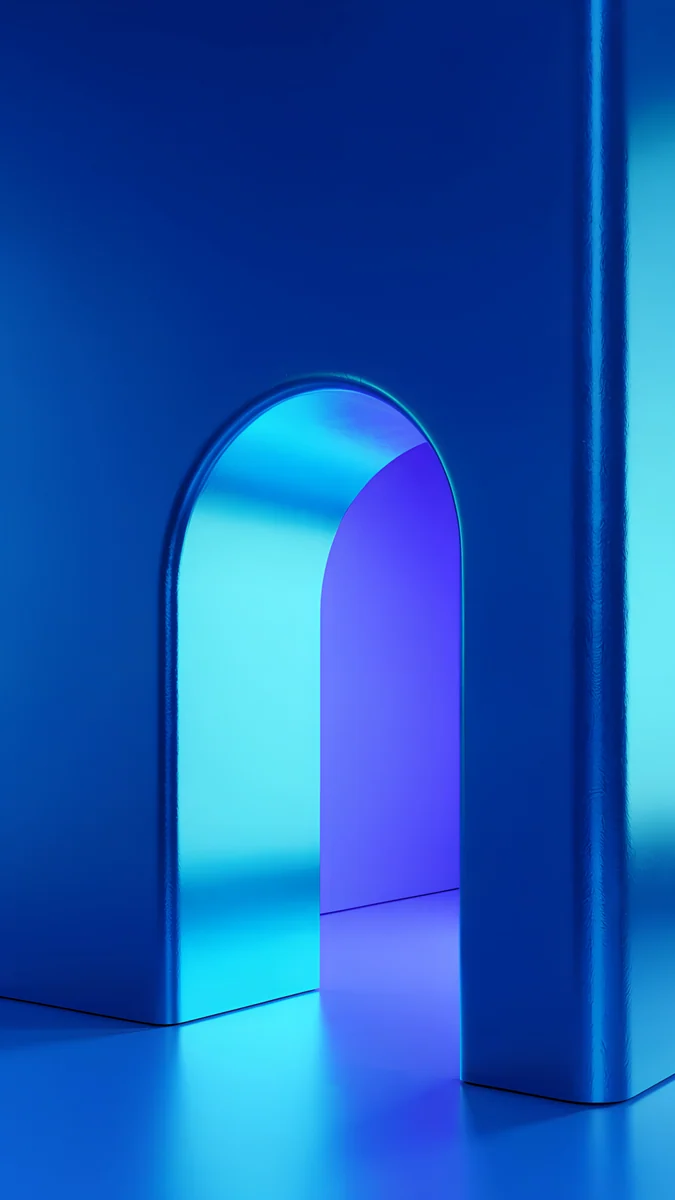
The aesthetic arch look is one rounded opening in a plain wall, with light coming through it. On a phone that shape frames the lower half of the lock screen and leaves the top quiet for the clock. Velpaper has 16 original arch wallpapers for iPhone, each 2160 by 3840 pixels and 0.4 to 0.9 MB, in three moods: neon arches for dark mode, warm daylight arches, and white Moorish and marble arches.
Every file is generated, then checked by hand for clean geometry, so the curve stays smooth at 4K and there is no text or watermark in the download.
What is in this set
| Item | Value |
|---|---|
| Phone wallpapers | 16, each 2160 by 3840 pixels (9:16) |
| File size | 0.4 to 0.9 MB, average 0.6 MB, 9.6 MB for all 16 |
| Groups | 5 neon, 5 daylight, 6 white and marble |
| Darkest colours | #1D1046 Electric Violet Arch, #152349 Indigo Passage, #381557 Rose Pulse Arch |
| Lightest colours | #FAF8F4 White Arches and Arch Pool, #F7F5F0 Sea Arch |
| Most downloaded | Jade Mint Arch on phone; Solar Indigo Gate on desktop |
| Desktop versions | 7 shown here, 3840 by 2160 (4K) or 5120 by 2880 (5K) |
Arch types you will see
Arch aesthetics borrow from real architecture, so it helps to know the names when you search for more.
| Type | What it is | In this set |
|---|---|---|
| Round arch | A semicircle on two walls, the Roman form | Electric Violet Arch, Jade Mint Arch |
| Keyhole or Moorish arch | A tall arch that narrows near the base, common in Andalusian and North African buildings | Arch Pool, White Arches |
| Arcade | A row of arches on columns or piers | Blush Arcade, Olive Shadows |
| Enfilade | Openings lined up on one axis, so you see one arch through the next | Enfilade |
Neon arches
The boldest group. A dark satin wall, a single rounded opening and coloured light spilling out of it. The light is reflected, not drawn, so the floor picks up a soft gradient. These suit dark mode, look best with a white clock, and are the core of our dark OLED wallpapers.
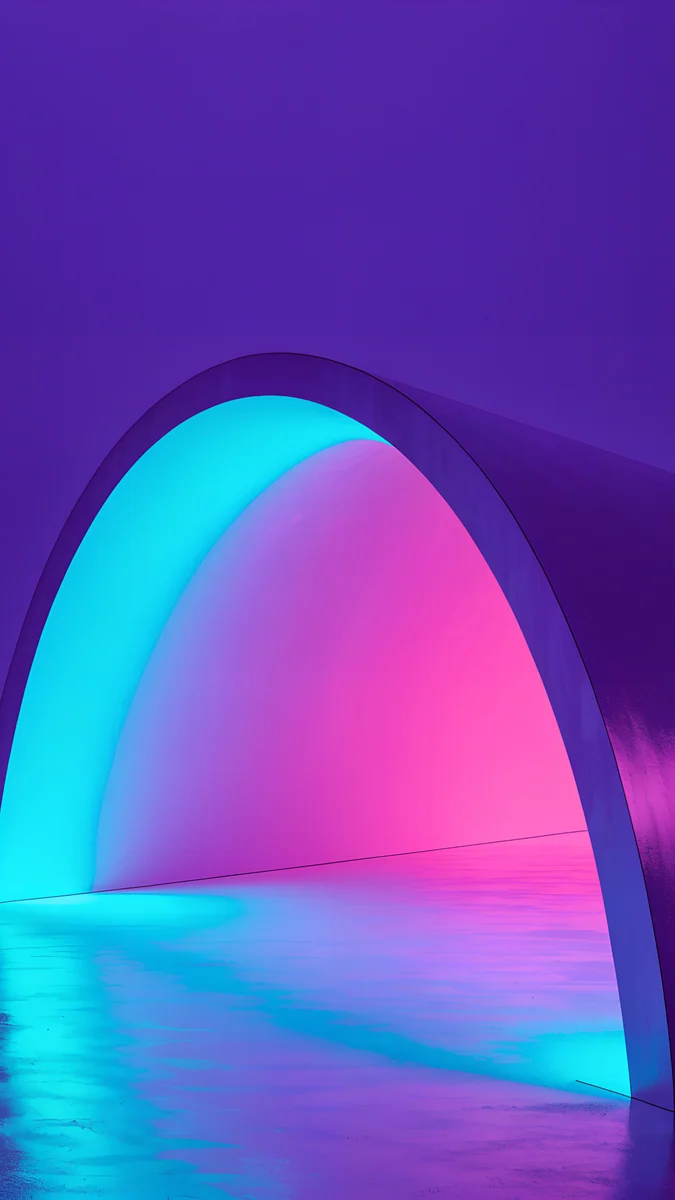
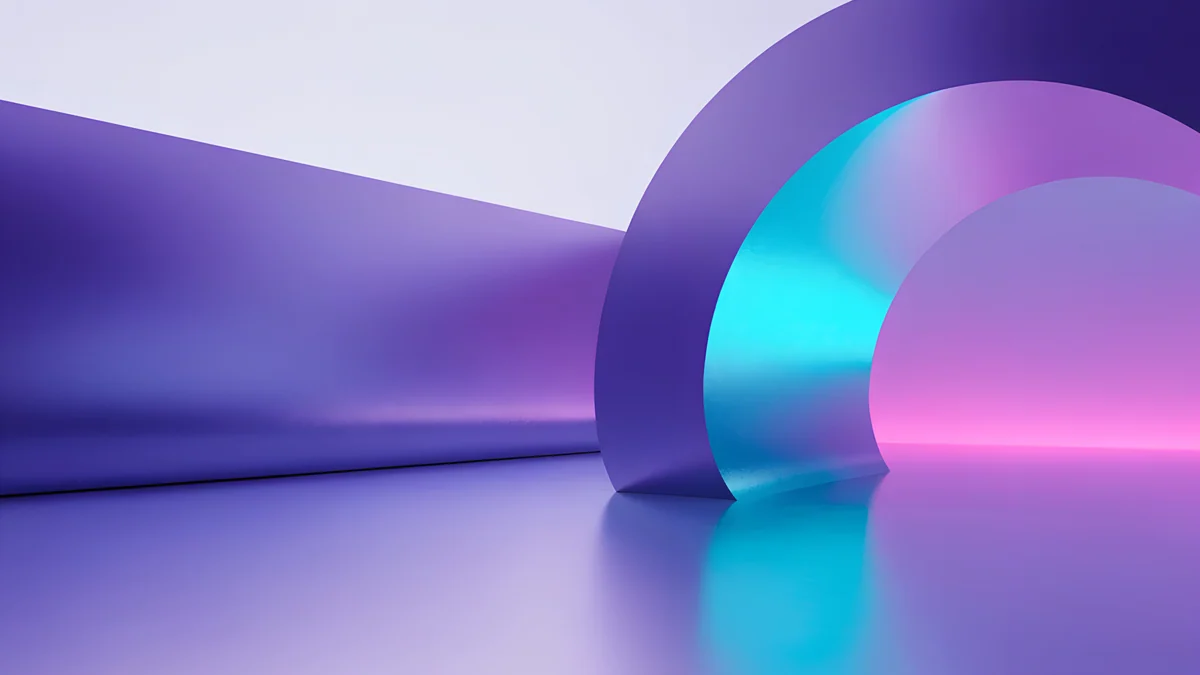
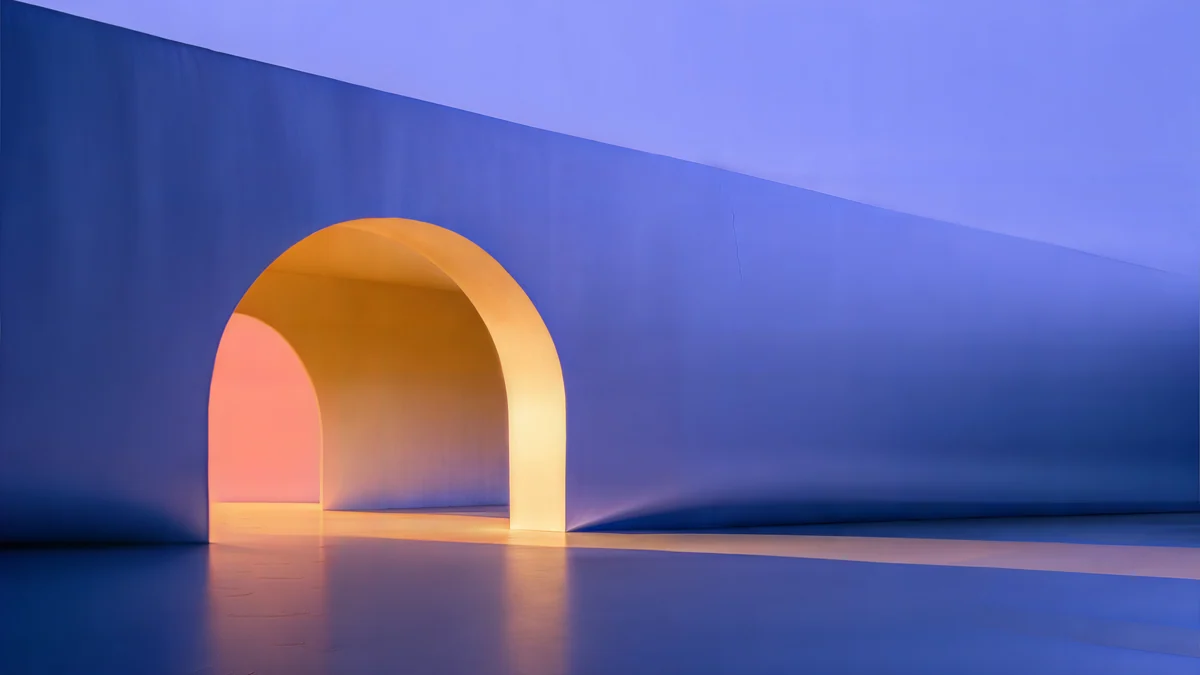
Electric Violet Arch is the signature piece: violet outside, cyan inside, a pink back wall. Solar Violet Arch swaps the cool interior for amber and peach, which reads warmer at night. Rose Pulse Arch is the softest of the neon set, and Jade Mint Arch, the most downloaded arch, is the one to pick if you want green without going tropical. Indigo Passage is the darkest after Electric Violet Arch, navy with one warm sand tone.
Daylight arches
Pale plaster, real-looking shadow, a strip of sun across the floor. These keep the whole screen light, so a dark clock stays readable, and they pair well with a simple widget stack.
Apricot Noon and Sage Sun Arch are the warmest; The Blue Arch adds one strong colour (#274789) to an otherwise cream wall. Rose Courtyard is the pinkest, blush with dusty mauve. Blue Hour Portico is the coolest and calmest of the group.
White and marble arches
The lightest group, close to white everywhere, with colour only in the shade. If you like this mood across the whole screen, our white aesthetic wallpapers collect more of it.
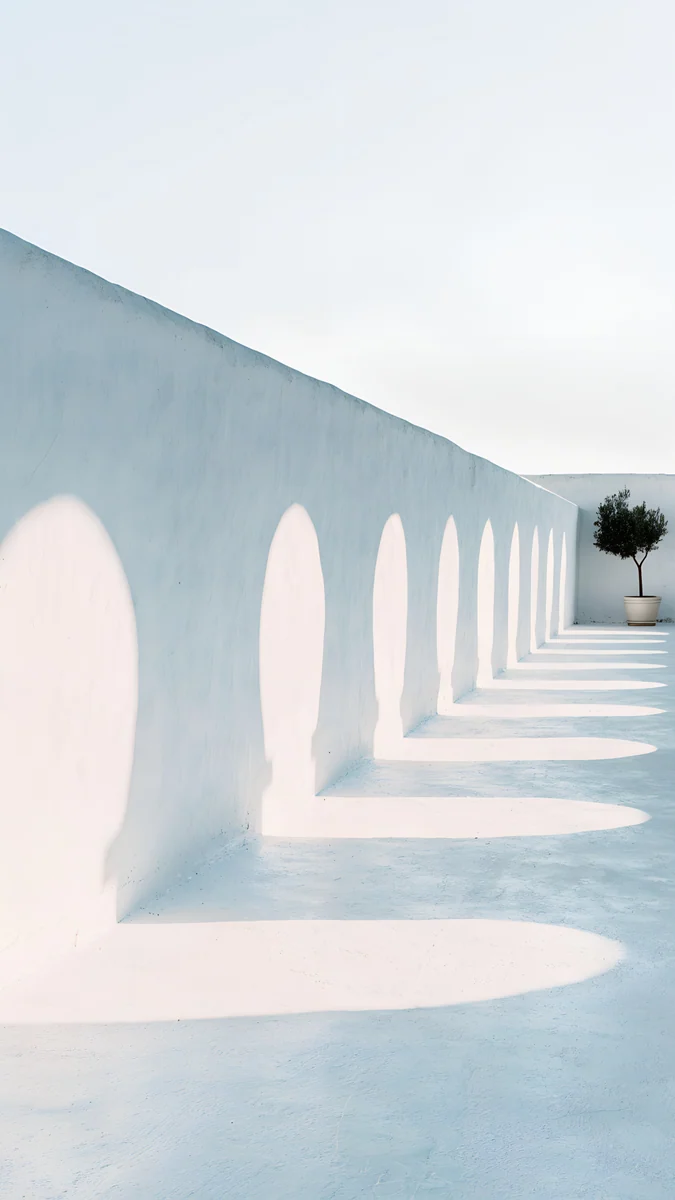
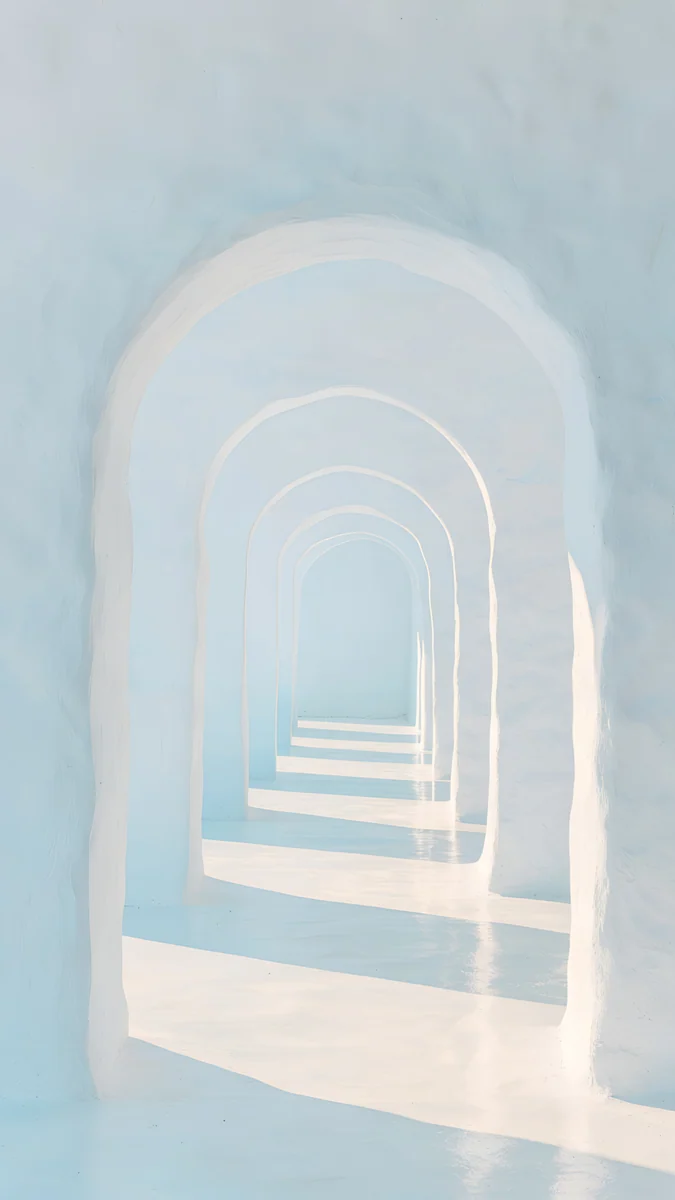
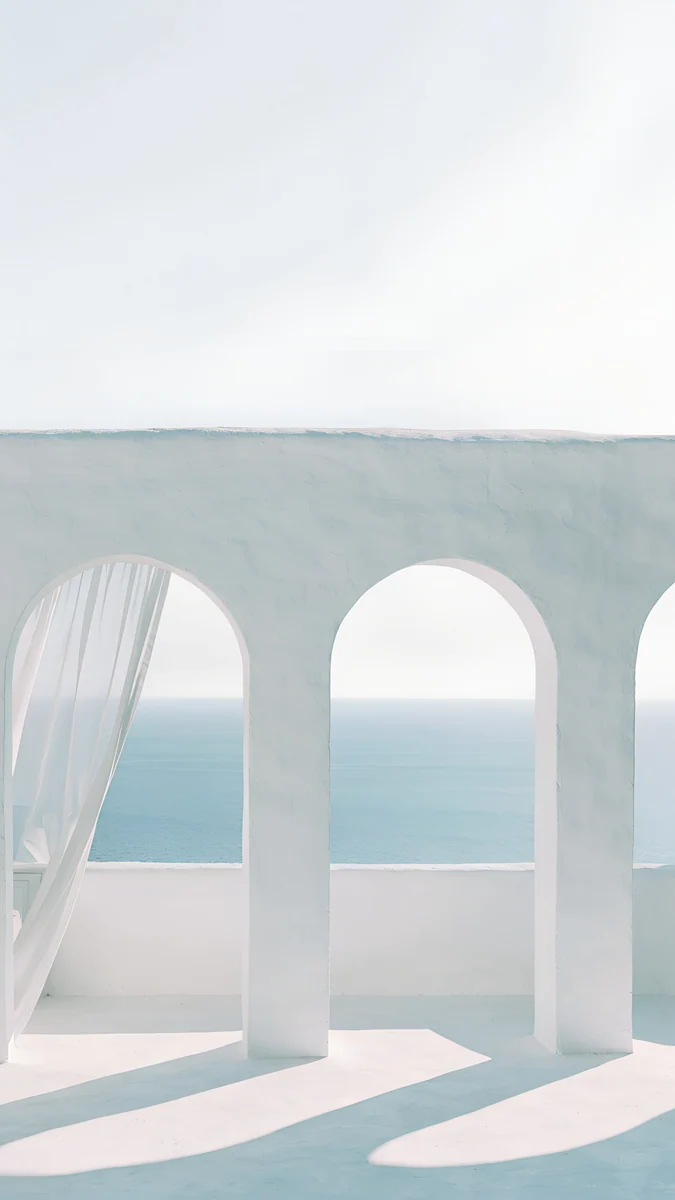
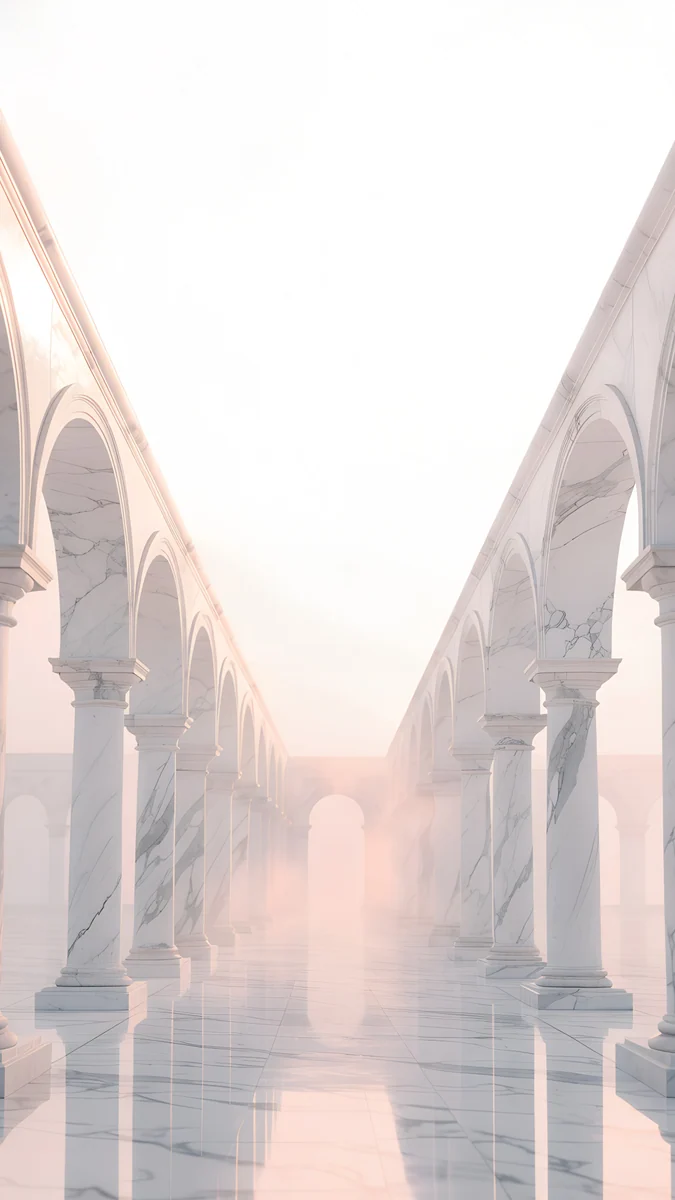
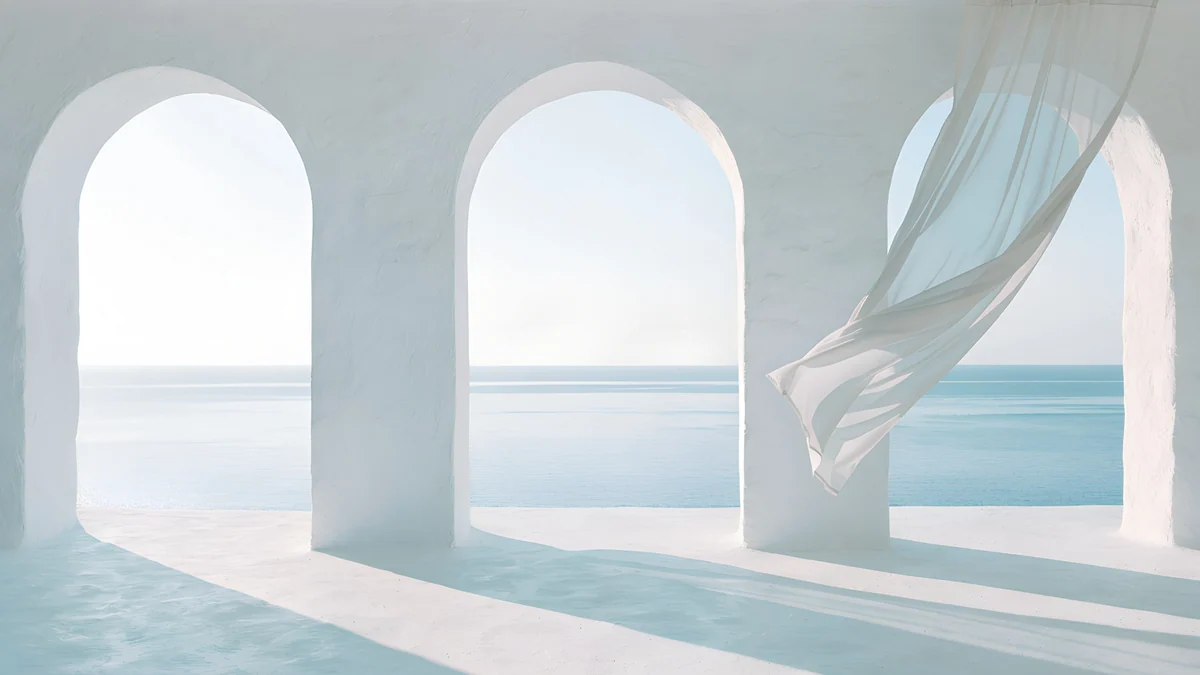
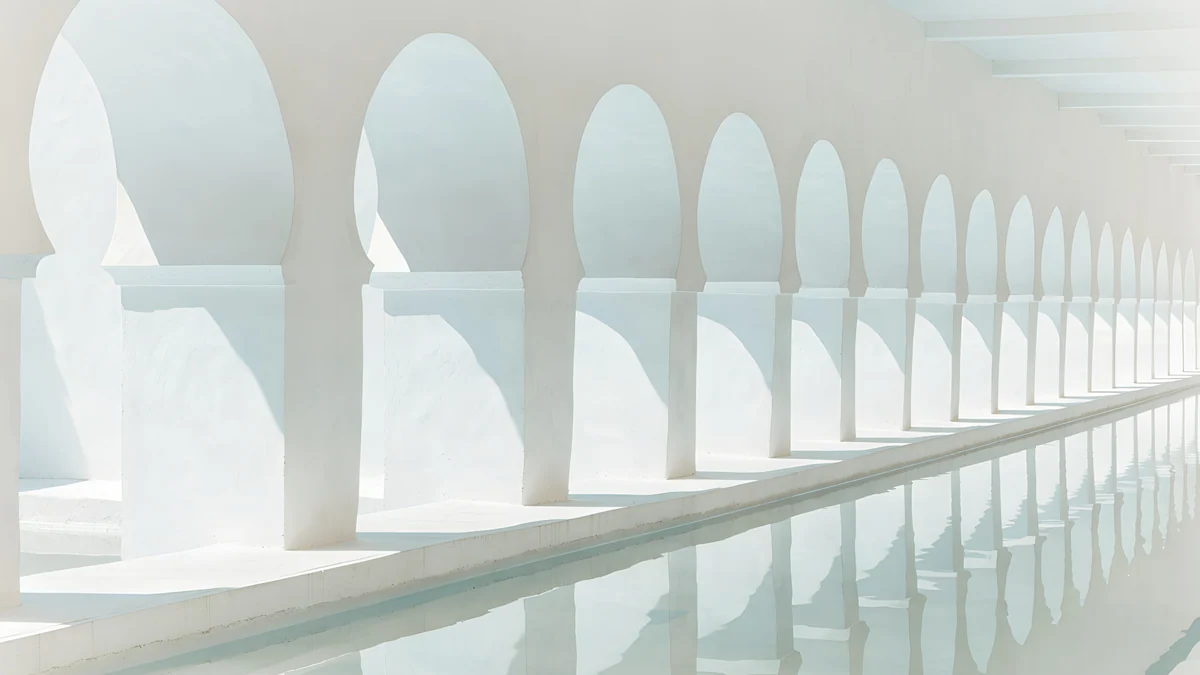
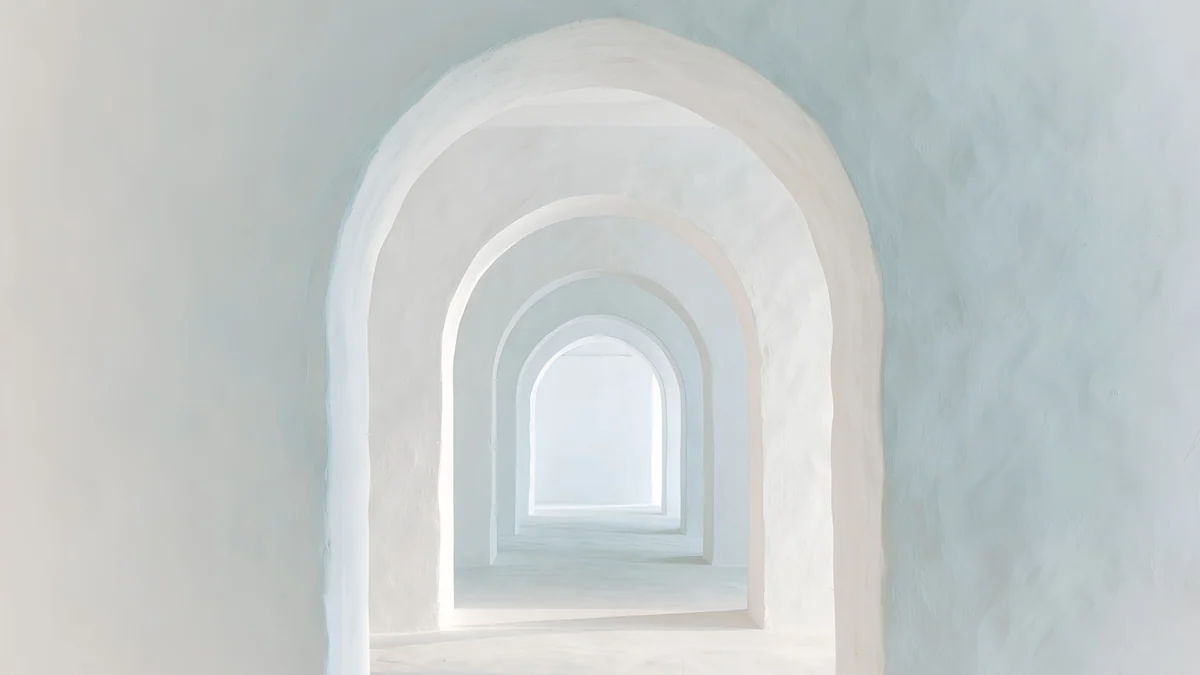
White Arches lines up rounded Moorish openings with warm sand in the shade. Arch Pool mirrors a tall keyhole arch in still turquoise water, the only strong colour in this group. Olive Shadows throws arch-shaped shadows across a white floor toward a single potted olive tree. Enfilade frames one arch inside another until they fade into pale blue. Sea Arch looks through white arches onto a pale sea, and Blush Arcade looks down a long marble arcade with faint rose light.
Which arch for OLED, the clock and the desktop
| If you want | Pick | Clock colour |
|---|---|---|
| An OLED friendly dark screen | Electric Violet Arch, Rose Pulse Arch, Indigo Passage | White or cyan |
| A light lock screen with a readable clock | Sage Sun Arch, Apricot Noon, The Blue Arch | Dark |
| The calmest, lightest screen | Enfilade, Sea Arch, Olive Shadows | Dark grey or tinted |
| The same arch on a Mac | Electric Violet Vault, Solar Indigo Gate, Sea Arch, White Arches, Enfilade | Not applicable |
The white arches are close to white across most of the frame, so a white clock will vanish on them. The neon arches keep the wall above the opening dark, so the time stays legible there. Velpaper previews every wallpaper with the clock in place, which lets you judge contrast before you save.
The desktop versions are composed so the opening sits to one side and the menu bar area stays calm. Electric Violet Vault is 3840 by 2160, Solar Indigo Gate is 5120 by 2880, and the white scenes are 3840 by 2160; all are free. Setting one is covered in how to change the desktop wallpaper on a Mac.
How to set an arch wallpaper on iPhone
- Open the wallpaper page on velpaper.com or in the Velpaper app and save the 2160 by 3840 original to Photos. Do not screenshot the preview; it is compressed.
- On iOS 26 or iOS 18, open Settings, tap Wallpaper, then Add New Wallpaper, then Photos, and choose the file.
- Pinch or drag to keep the arch low in the frame, so the clock sits on plain wall, then tap Add.
- Tap Set as Wallpaper Pair, or Customize Home Screen to blur the Home Screen copy.
- To change the clock colour, touch and hold the Lock Screen, tap Customize and tap the time: white for neon arches, dark for daylight and white arches.
Apple documents the same steps in Change your iPhone wallpaper. Our lock screen guide for iPhone adds screenshots, and the iPhone wallpaper size guide explains why one 2160 by 3840 file fits every model.
Next step: open Electric Violet Arch for a dark screen or Arch Pool for a light one, save the 4K original and set it with the steps above.
Original wallpapers in and for iPhone, Android and desktop.
Questions
What size are these arch wallpapers?
Every phone wallpaper in this collection is 2160 by 3840 pixels, a 9:16 image that iOS and Android scale down to any current phone without visible softening. The files are small for 4K, between 0.4 and 0.9 MB, so they download quickly even on mobile data. The desktop versions are 3840 by 2160 (4K) or 5120 by 2880 (5K). Download the original file from the wallpaper page rather than saving a preview, because previews are compressed for fast loading.
Do arch wallpapers work with the iPhone lock screen clock?
Yes, and that is their main advantage. The arch sits in the lower part of the image and the wall above it is a plain colour, so the clock and date stay readable. On the neon arches use a white or lightly tinted clock; on the daylight and white arches use a dark one, because those walls are close to white (#FAF8F4 on White Arches and Arch Pool). Velpaper previews the lock screen with the clock in place so you can check before saving.
Are these wallpapers free?
Browsing and previewing is free on the web and in the apps. The 16 phone wallpapers unlock after a short optional ad in the iPhone and Android apps; on the website, if no ad is available, the original downloads for free. Desktop wallpapers, including Electric Violet Vault, Solar Indigo Gate and the white arch scenes, are free. There is no account and no subscription.
Which arch wallpaper is best for OLED screens?
Electric Violet Arch, Rose Pulse Arch and Indigo Passage have the deepest walls in the set, with darkest colours of #1D1046, #381557 and #152349, and the colour concentrated inside the opening. On an OLED screen those dark areas draw very little power, so the glow of the arch looks brighter and the phone uses slightly less power than with a light wallpaper. The white and marble arches are the opposite: they light almost every pixel.
Can I use the same arch on my Mac?
Yes. Electric Violet Vault and Solar Indigo Gate are the wide versions of the neon arches, and Sea Arch, White Arches, Enfilade, Olive Shadows, Arch Pool and Blush Arcade each have a 3840 by 2160 desktop version too. They are composed with the arch to one side so the menu bar and desktop icons sit on calm wall rather than on the light. On a Mac, open System Settings and choose Wallpaper, then add the downloaded file.
Carlos Vivero
Designer of Velpaper wallpapers
Carlos Vivero designs the wallpapers in Velpaper: quiet architecture, liquid glass, Japanese ink and calm landscapes. Every piece is made as a original for iPhone, Android and desktop.
Recent work