Navy Blue Wallpapers: Dark Blue 4K for Phone and PC
Navy and dark blue wallpapers for iPhone, Android and desktop: smooth navy abstracts, moonlit night skies and blue hour scenes, all original 4K files.
In short: A good navy blue wallpaper keeps most of the frame in one deep blue, so a white clock and bright icons stand out without glare. Velpaper has original navy and dark blue phone wallpapers at 2160 x 3840, from smooth abstracts to moonlit night skies, plus free dark blue desktop wallpapers in 4K and 5K.
By the Velpaper team · Wallpapers by Carlos Vivero, Velpaper designer · · 5 min read
 Cobalt Soft Crossing
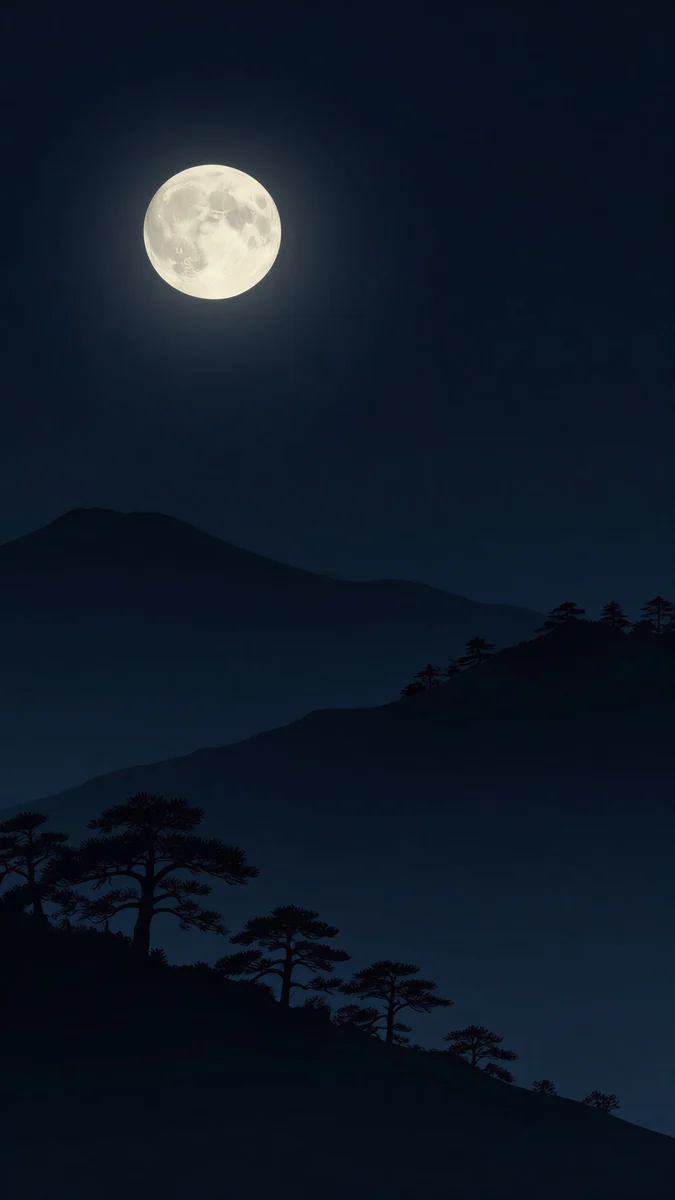 Moon Pines
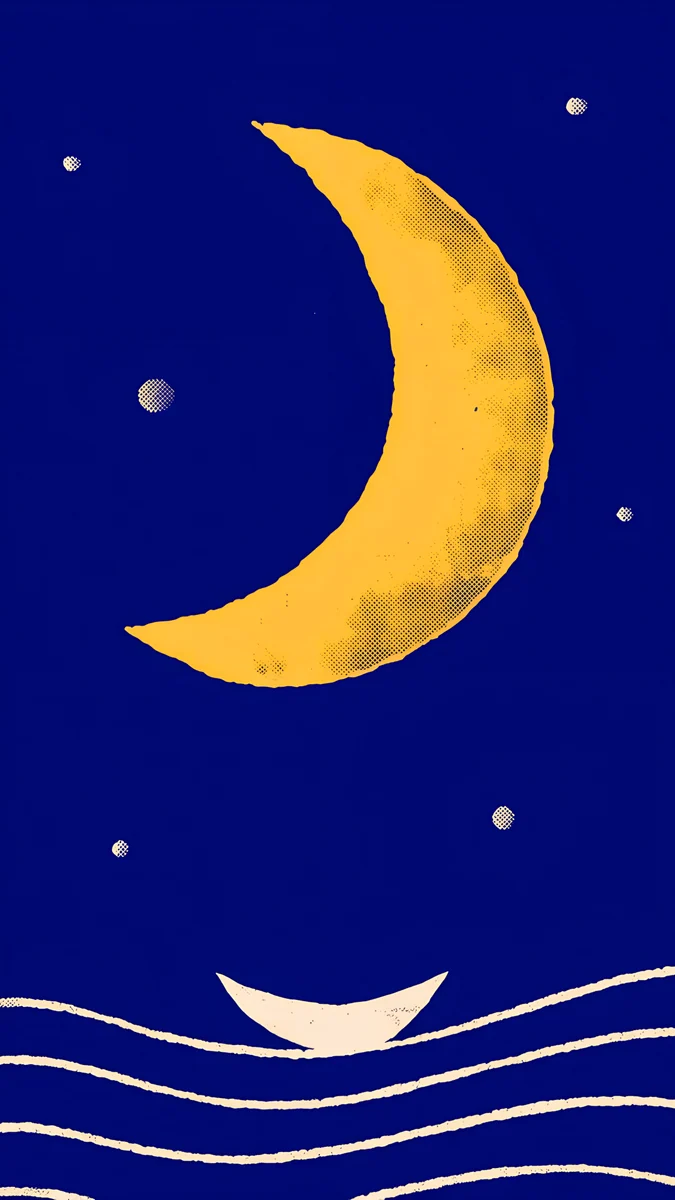 Moon Boat
 Blue Reverie
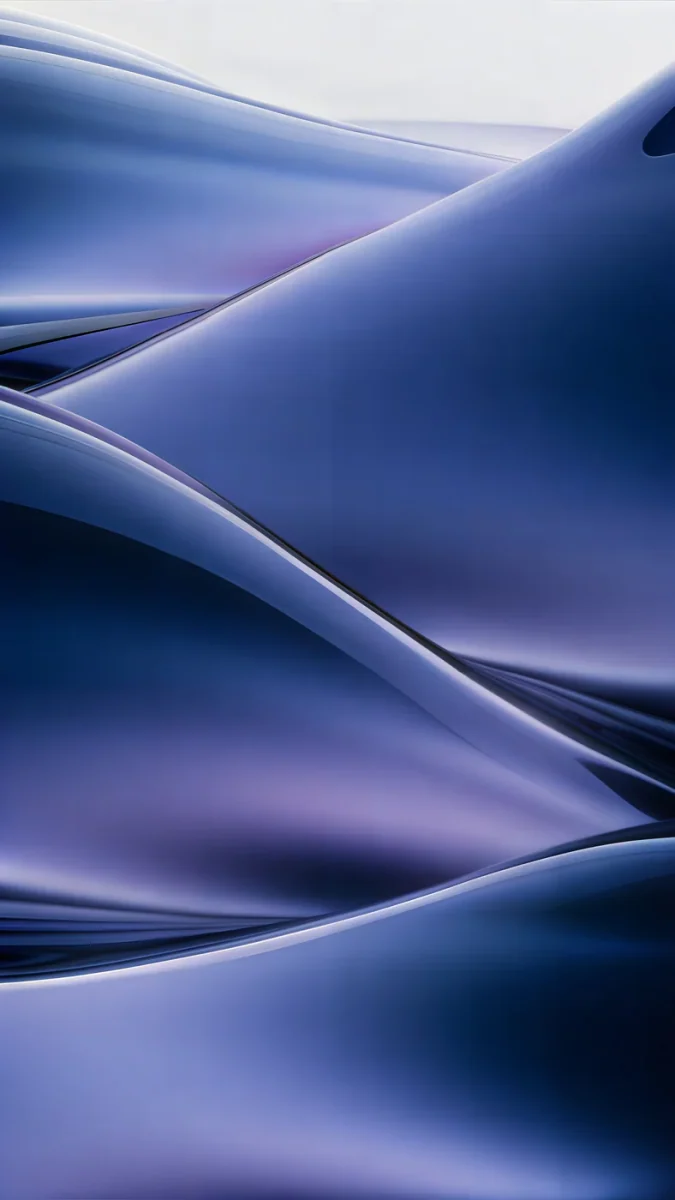 Midnight Flow
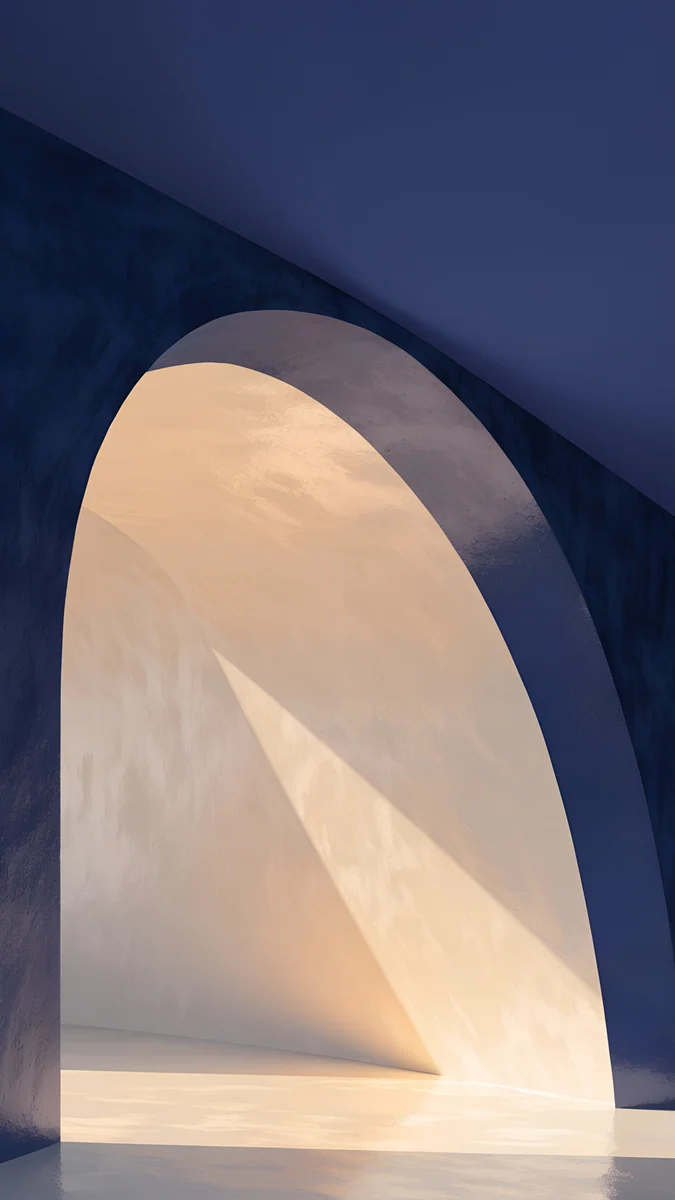 Indigo Passage
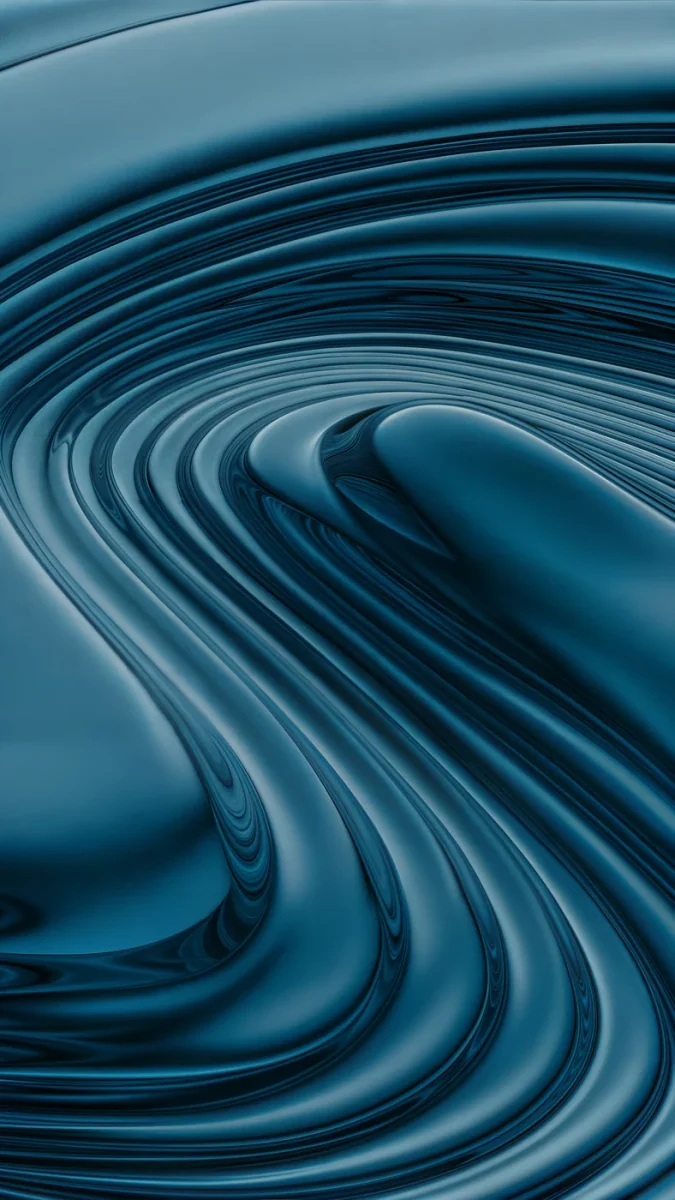 Petrol Terraces
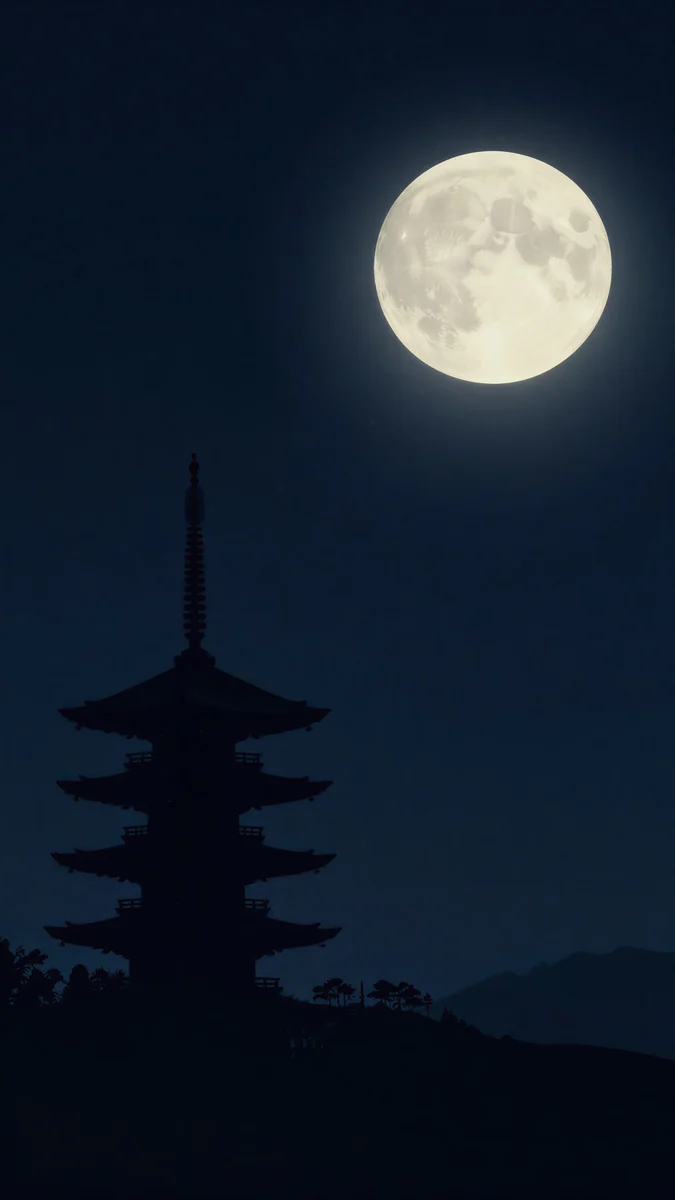 Pagoda Moon
 Frozen Lake Cabin
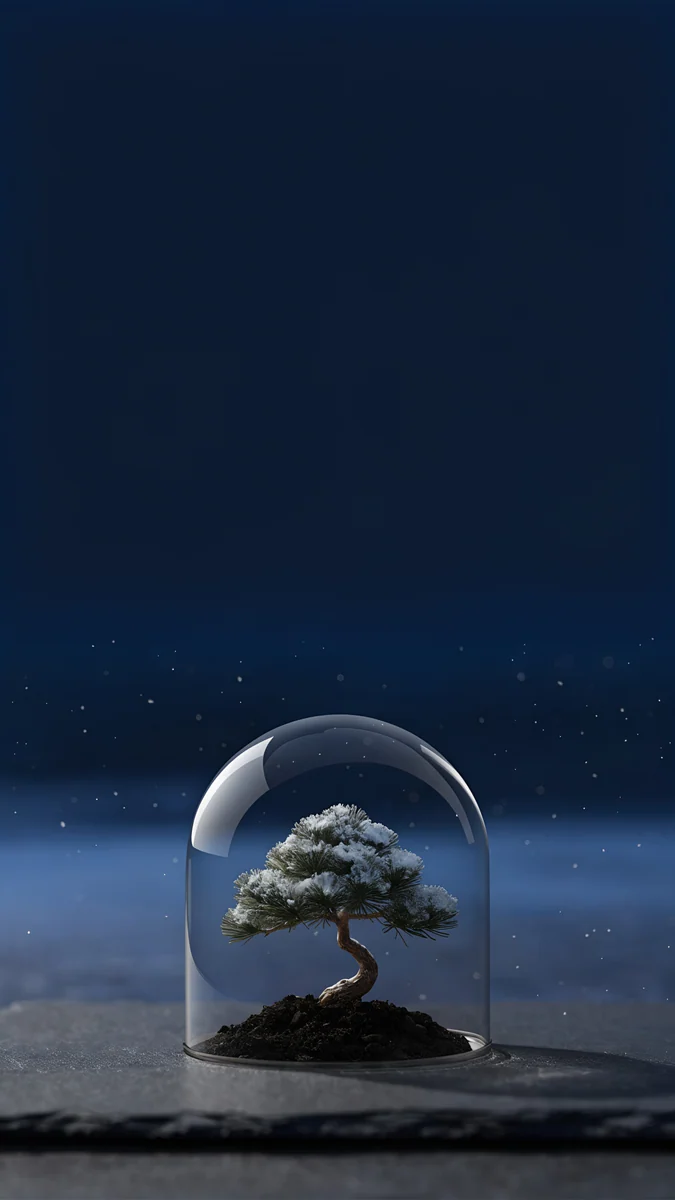 Bonsai Under Glass
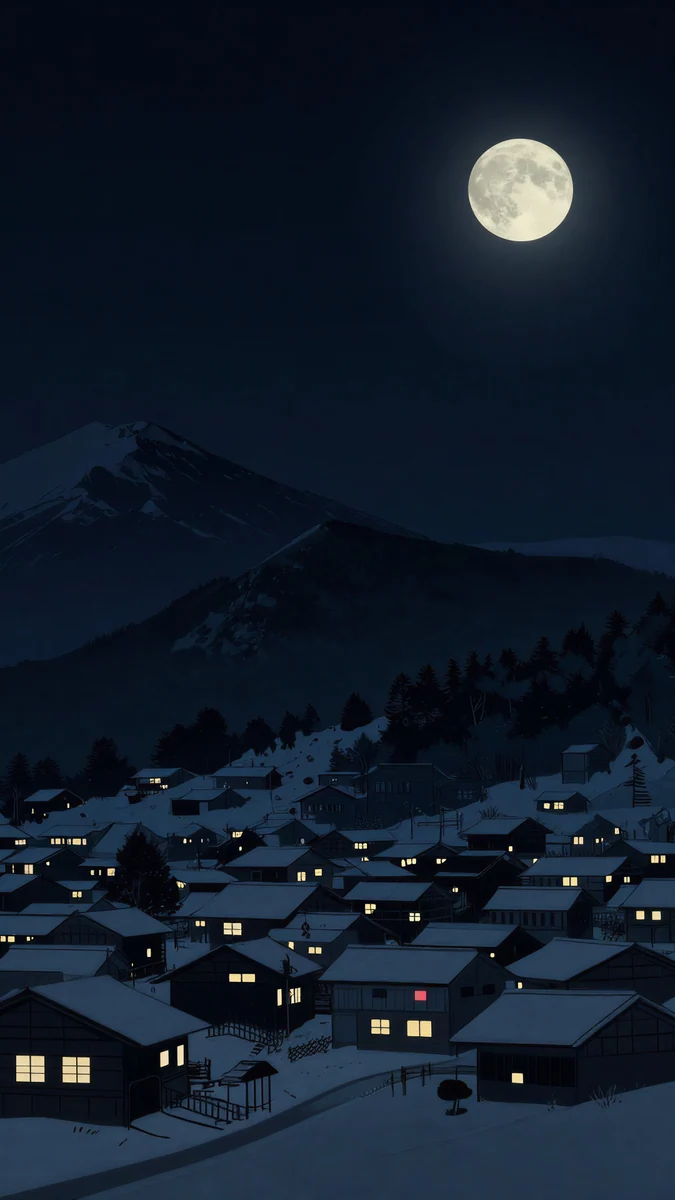 Snow Lantern Village
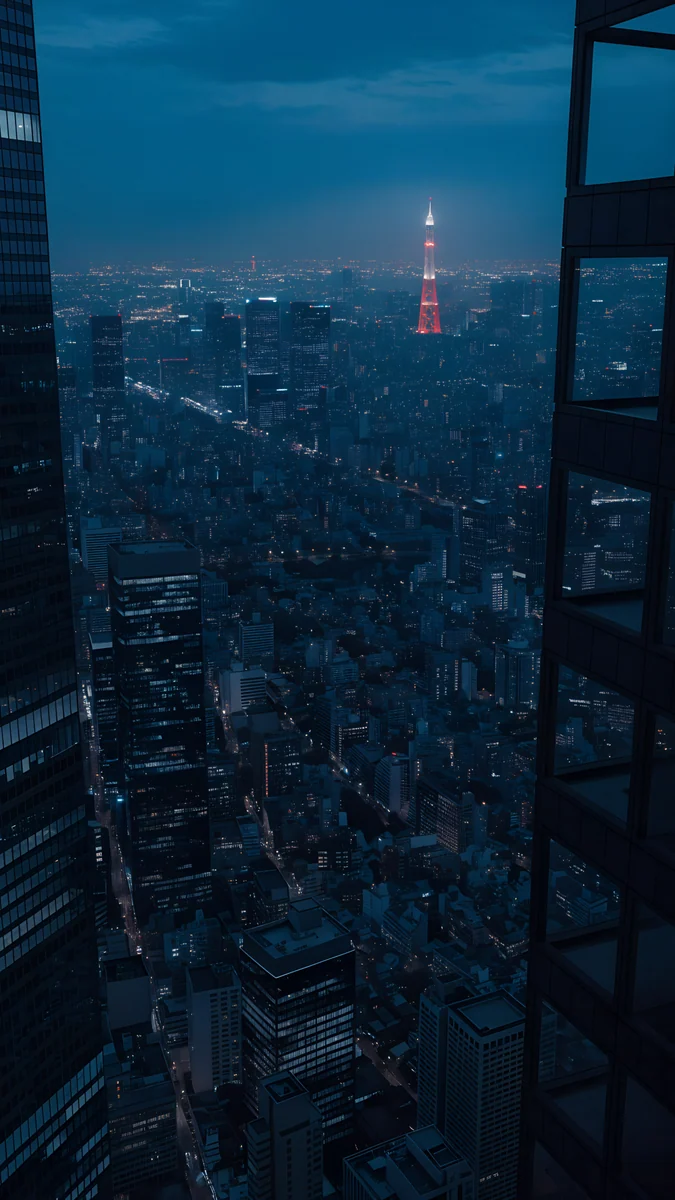 Tokyo Tower Night
Free 4K originals for iPhone and Android, no watermark
On this page
The best navy blue wallpapers are the ones that stay dark and even across most of the screen, so the clock, widgets and icons sit on a calm field. Navy reads softer than black and richer than grey, which makes it one of the easiest colours to live with every day. Below are original Velpaper wallpapers in navy and dark blue, grouped by look: smooth abstracts with no subject at all, night skies with a moon or stars, and lighter blue hour scenes for anyone who finds pure navy too heavy. Every phone wallpaper is a 2160 x 3840 original, sharp on any current iPhone or Android phone. At the end there is a set of dark blue desktop wallpapers in 4K and 5K, so your laptop can match your phone. Each section says what the shade does with the clock, with dark mode and with an OLED screen, so you can pick by how you actually use the phone.
Why navy works on a lock screen
White text reads easily. Navy is dark enough for a white or pale clock to stand out, but it is not as hard as black, so the screen looks less like a hole when it lights up.
Icons look cleaner. Most app icons are bright and warm. A deep blue behind them separates each one, and it does not fight with red, orange or yellow badges.
It suits dark mode. Navy sits close to the dark grey and black of system menus, so the wallpaper and the interface feel like one theme. On an OLED phone the darkest parts of a navy wallpaper glow less than a bright image, but navy is not black: the pixels are still lit. If you want pixels fully off, our dark OLED wallpapers cover true black.
Smooth navy abstracts
These have no subject, just colour, light and soft shapes. They are the safest choice for a home screen packed with widgets, because nothing important hides behind an icon.
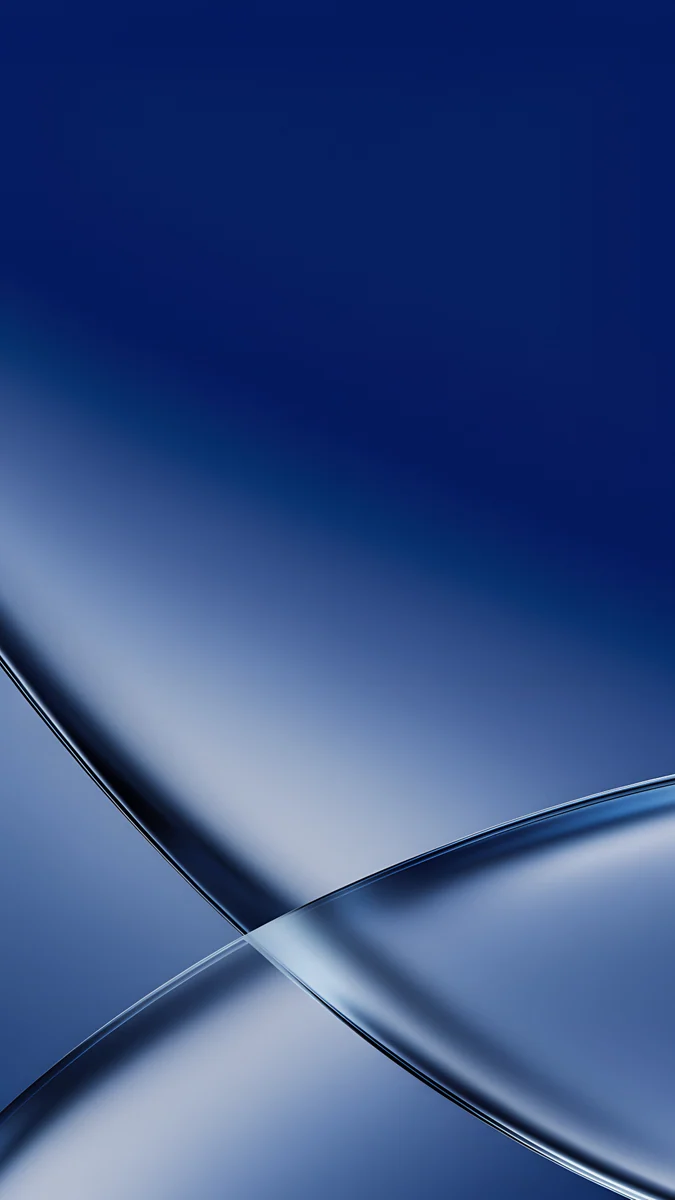
Cobalt Soft Crossing4K · PhoneBlue Reverie4K · PhoneMidnight Flow4K · PhoneIndigo Passage4K · PhoneMoon Boat4K · PhonePetrol Terraces4K · PhoneCobalt Soft Crossing lays two glass ribbons across a deep blue field, with the darkest blue at the top where the clock goes. Blue Reverie is the quietest: a navy gradient with a lavender glow in the middle. Midnight Flow folds dark blue silk into waves with a little violet in the light. Indigo Passage opens a cream arch in a navy wall, a warm accent in a cold frame. Moon Boat is the boldest, a flat royal navy with a yellow crescent and white waves, and Petrol Terraces pushes navy towards teal with deep contour swirls.
Dark blue night skies
Night scenes are where navy comes from in the first place. Each of these keeps a wide band of dark sky above the subject, which is exactly where the lock screen clock sits.
Moon Pines4K · PhonePagoda Moon4K · PhoneFrozen Lake Cabin4K · PhoneBonsai Under Glass4K · PhoneSnow Lantern Village4K · PhoneTokyo Tower Night4K · PhoneMoon Pines is almost black blue, with a full moon over a pine ridge. Pagoda Moon puts a pagoda silhouette under the same kind of moon. Frozen Lake Cabin is lighter, a starry navy sky over snow and a single lit cabin. Bonsai Under Glass is the most minimal, a small tree under a dome on a dark blue night. Snow Lantern Village adds warm windows under a moon, and Tokyo Tower Night looks down on a dark blue city with one red tower.
Blue hour: softer dark blue
If full navy feels too heavy in daylight, try the blue hour group. The top of these images is paler, the bottom stays deep, so the clock gets a mid blue and the dock gets the dark part.
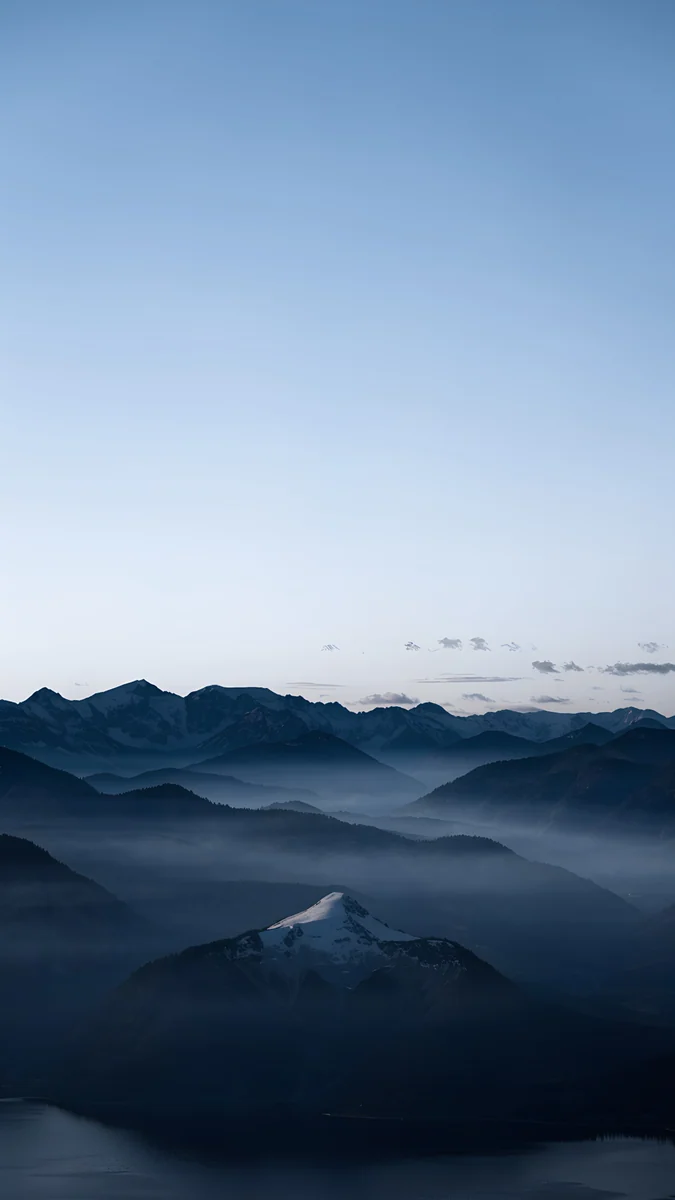 Blue Hour4K · Phone
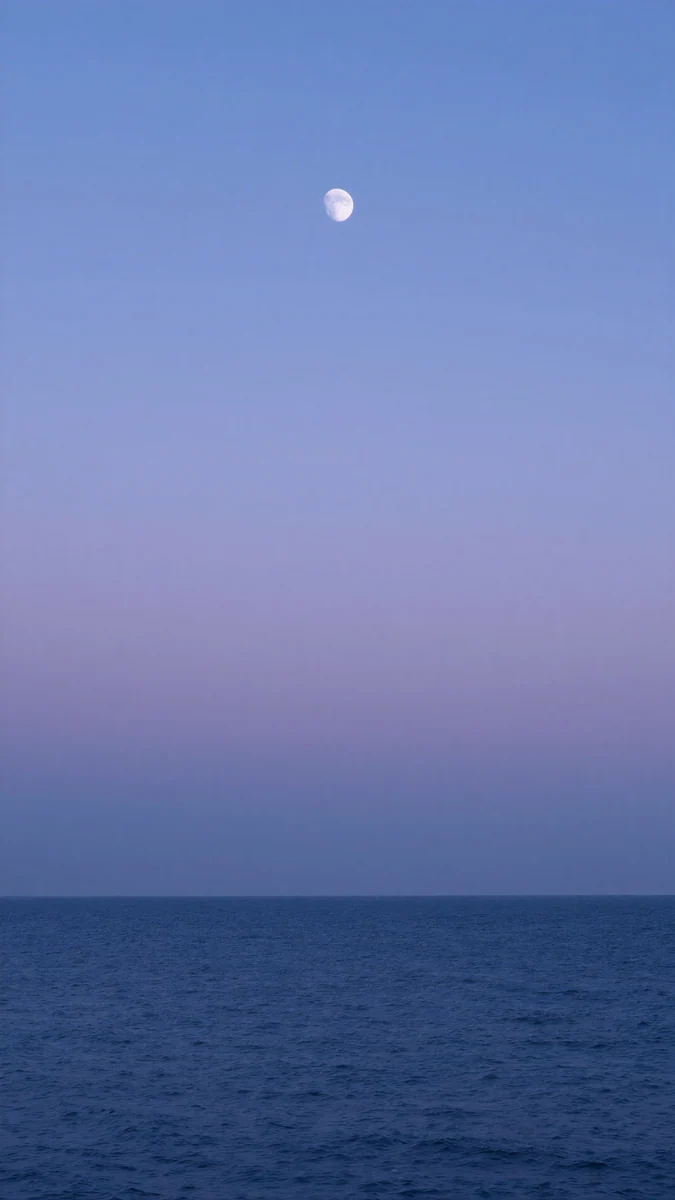 Dusk Moon Sea4K · Phone
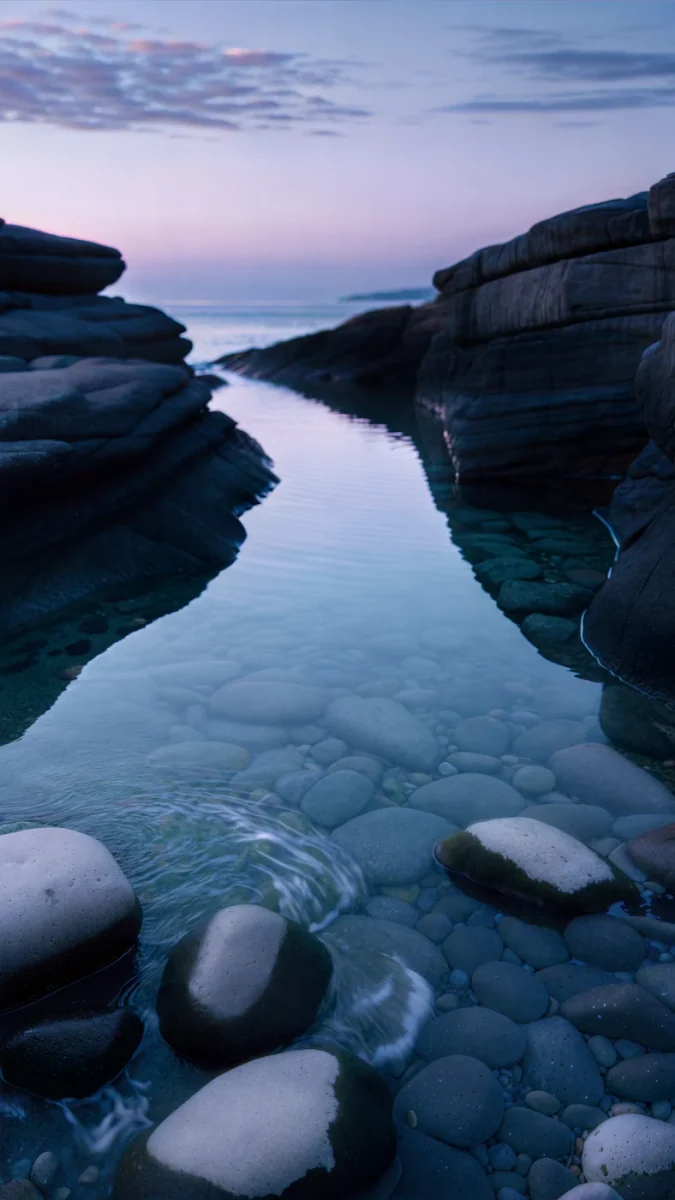 Blue Cove4K · Phone
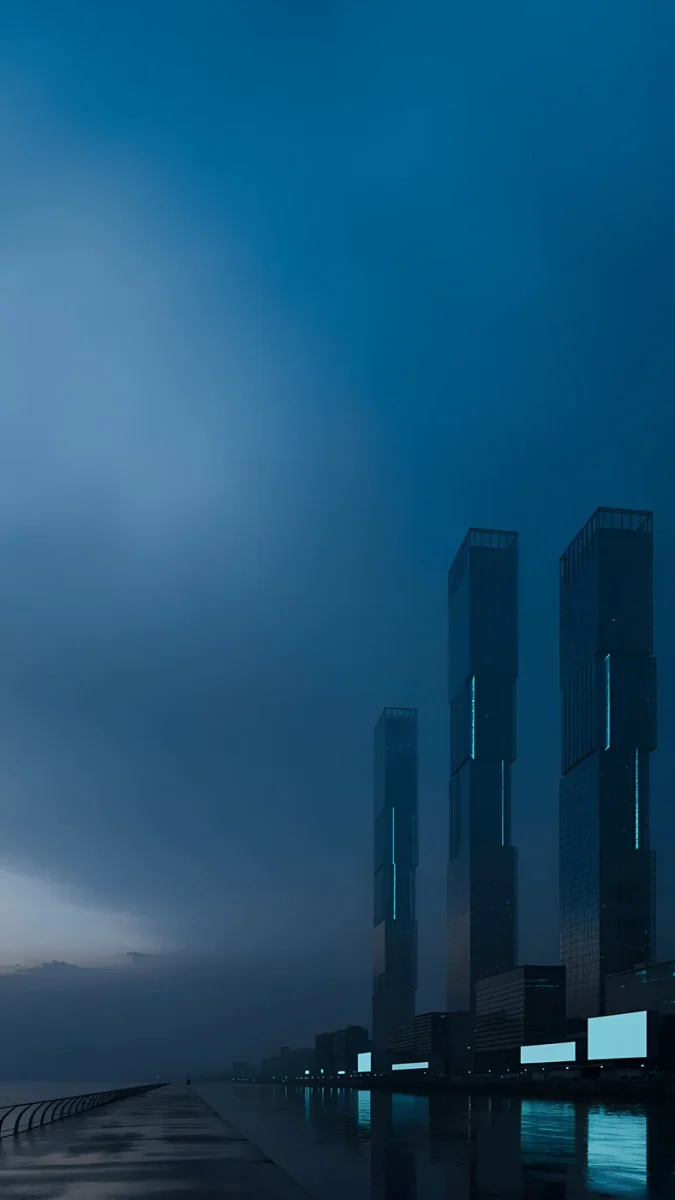 Blue Signal4K · Phone
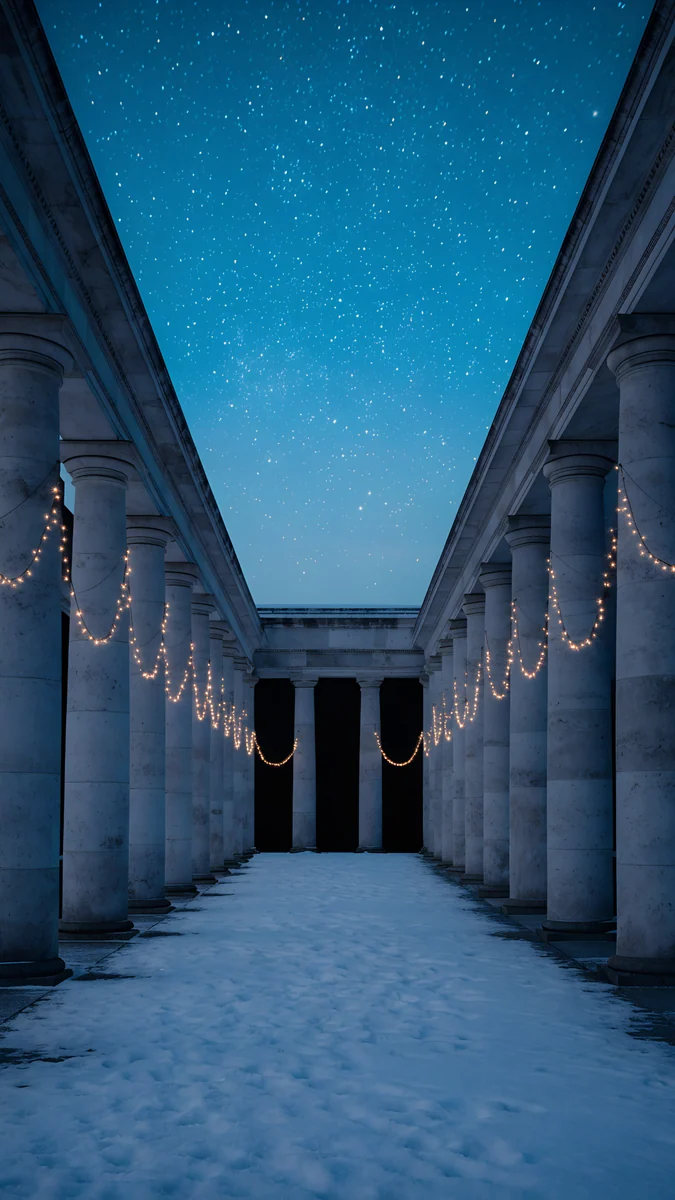 Starlit Colonnade4K · Phone
Blue Hour fades from pale sky to navy mountains in fog. Dusk Moon Sea is a periwinkle sky over a dark blue sea with a tiny moon, so simple it works as a home screen too. Blue Cove shows still water between rocks under a dawn sky. Blue Signal is a misty city in steel blue, and Starlit Colonnade runs a snowy colonnade towards a navy sky full of stars.
With these lighter tops, check the clock. In the iOS lock screen editor you can tap the time and pick a colour; on Pixel phones the system colours follow the wallpaper. A pale clock still reads well on Blue Hour and Dusk Moon Sea, but test it with your notifications on.
Dark blue desktop wallpapers
Navy is just as good on a laptop or monitor: white menu bar text stays readable, and dark windows sit naturally on top. These are wide originals composed for 16:9, not phone images cropped sideways, and they are free to download.
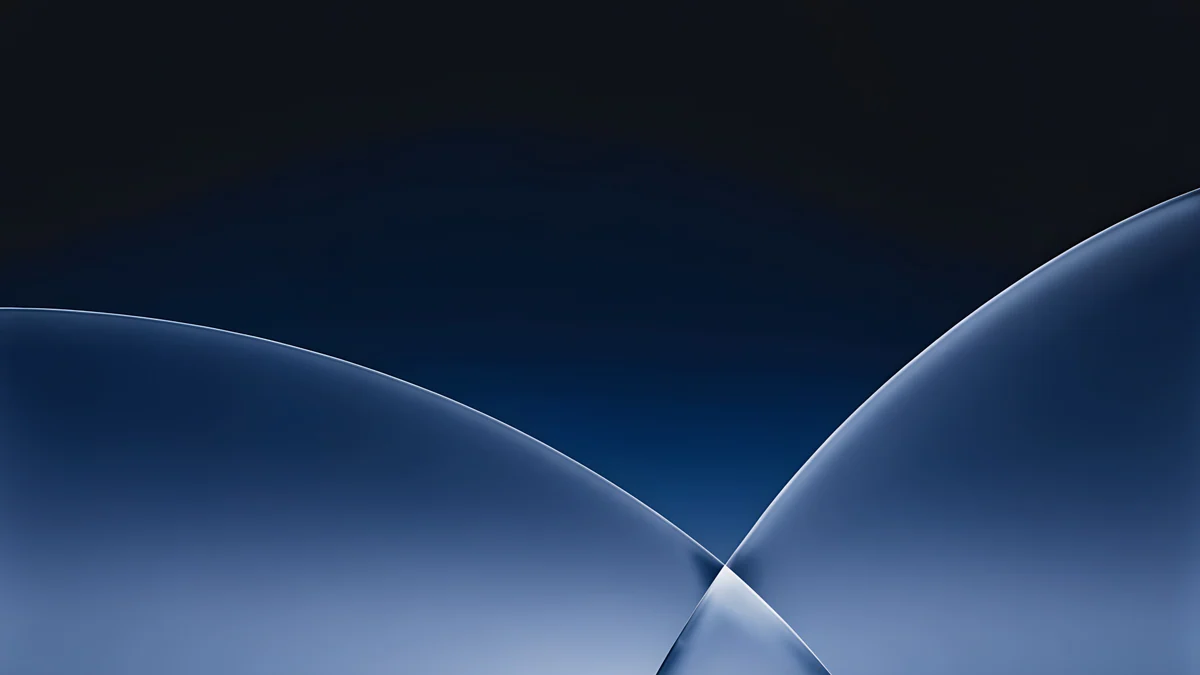 Cobalt Soft Horizon4K · Desktop
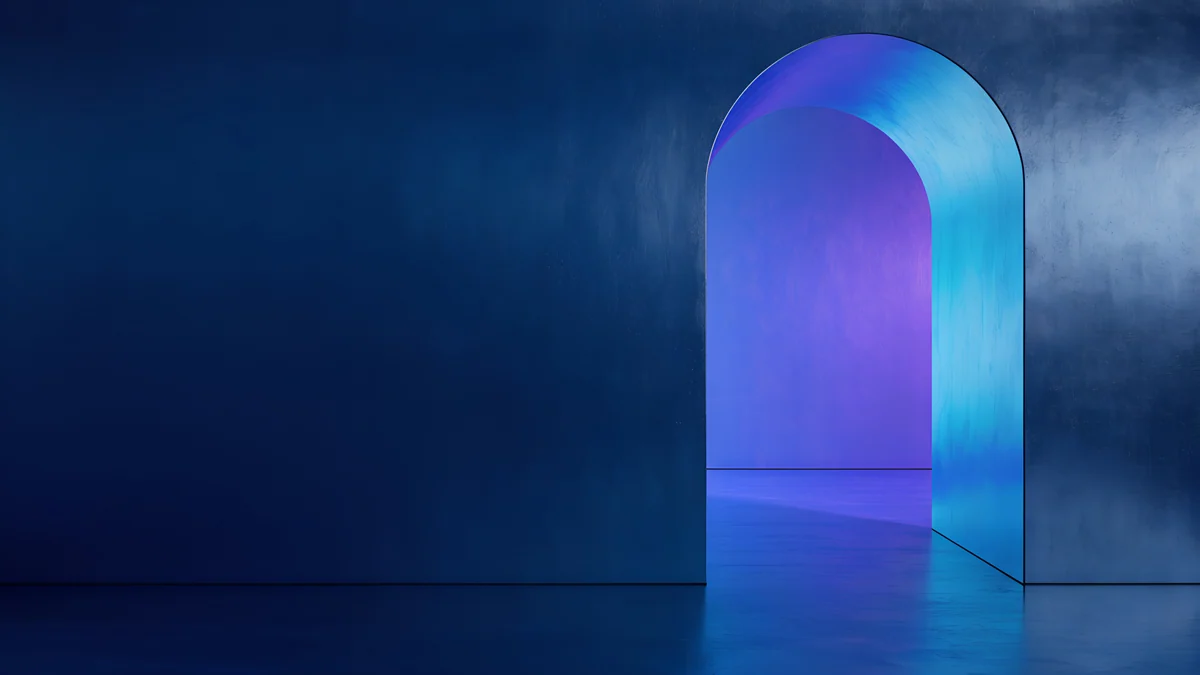 Volt Blue Vault4K · Desktop
 Petrol Current5K · Desktop
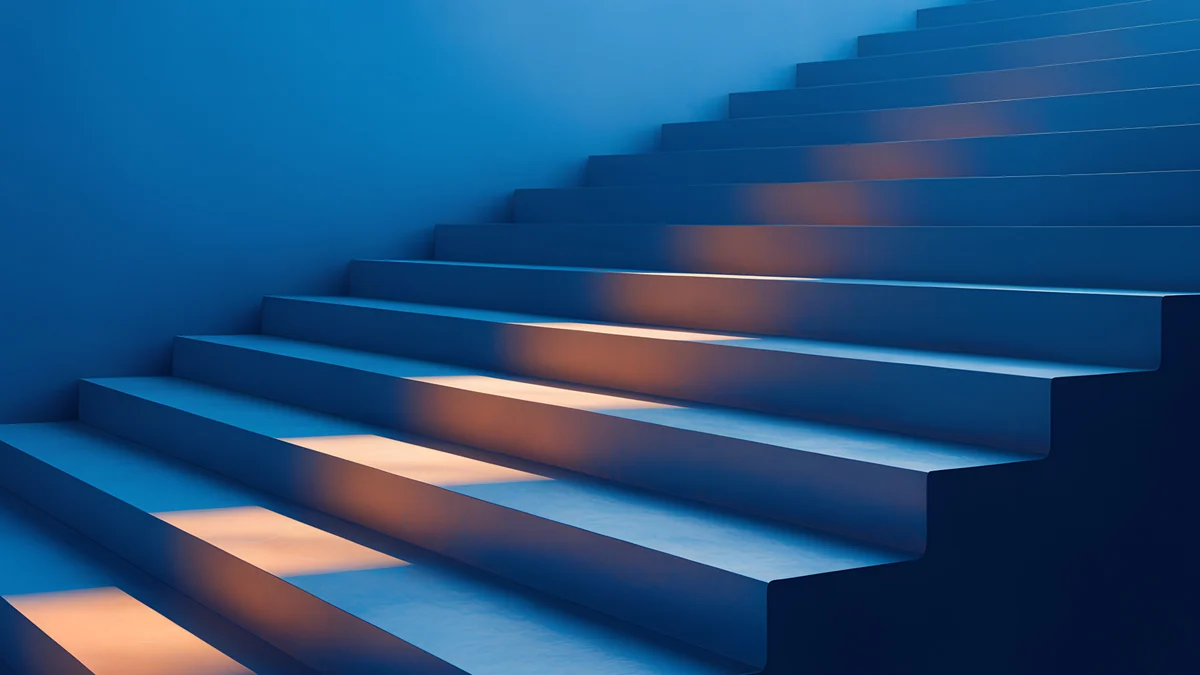 Cobalt Ember Steps4K · Desktop
Cobalt Soft Horizon is the desktop partner of Cobalt Soft Crossing: thin glass arcs on a dark navy field, quiet behind a full desktop of icons. Volt Blue Vault glows with a cyan doorway in a deep blue wall. Petrol Current rolls dark blue dunes across 5120 x 2880 for 5K screens, and Cobalt Ember Steps warms a blue staircase with orange light. For more wide options in every colour, see our desktop wallpaper collection.
Apple's own steps are in Change your iPhone wallpaper, and Google's are in Change your Pixel wallpaper.
How to pair navy across your screens
Use a scene on the lock screen and a plain field on the home screen. Moon Pines on the lock screen with Blue Reverie behind the icons gives you one mood and two jobs: the first shows something, the second stays out of the way.
For phone and laptop, pick a family. Cobalt Soft Crossing and Cobalt Soft Horizon share the same glass arcs; Petrol Terraces and Petrol Current share the same dark teal blue. If you like blue but navy feels too dark, our blue aesthetic wallpapers include pale and electric blues.
Next step: open Moon Pines in the Velpaper app or on velpaper.com, save the 4K original and set it as your lock screen tonight.
Original wallpapers in 4K and 5K for iPhone, Android and desktop.
Questions
What is the difference between navy and dark blue wallpaper?
Navy is a specific very dark blue with a little grey or black in it, the colour of a night sky or a navy uniform. Dark blue is a wider term that also covers brighter deep blues such as cobalt and royal blue. On a phone the practical difference is brightness: navy stays calm and works well with dark mode, while brighter dark blues look more vivid and colourful. This collection includes both, from almost black navy like Moon Pines to the royal navy of Moon Boat.
Is a navy wallpaper good for an OLED screen?
It looks good on OLED because deep blue shows rich and clean on those panels, and dark areas give off less light than a bright photo. But navy is not black, so the pixels are still on, just dim. If your goal is pixels fully switched off, for example with an always on display, a true black wallpaper does that better. If you want colour with a dark feel, navy is a good middle ground between black and a bright image.
What clock colour works best on a navy wallpaper?
White or a very pale tint is the easiest choice, because it gives strong contrast against deep blue. On an iPhone, touch and hold the lock screen, tap Customize, then tap the time to choose the colour and font. A pale blue or lavender tint taken from the wallpaper looks softer and still reads. On the lighter blue hour designs, such as Blue Hour or Dusk Moon Sea, test the clock with notifications on before you keep it.
What size are these navy blue wallpapers?
Every phone wallpaper is 2160 x 3840 pixels, a 9:16 portrait frame that iPhone and Android scale down to their screens without blur. The desktop wallpapers are 4K originals, and Petrol Current is 5120 x 2880 for 5K displays. Downloads are plain image files with no watermark. The previews on this page are compressed so they load quickly, so always save the original from the wallpaper page or the app.
Are these navy wallpapers free?
Browsing and previewing everything is free. The desktop wallpapers in this article, Cobalt Soft Horizon, Volt Blue Vault, Petrol Current and Cobalt Ember Steps, download for free with no ad. The phone wallpapers unlock after a short optional ad in the Velpaper apps for iPhone, iPad, Mac and Android; on the website, if no ad is available, the original downloads for free. There is no account and no subscription, and you always get the full size file.
Carlos Vivero
Designer of Velpaper wallpapers
Carlos Vivero designs the wallpapers in Velpaper: quiet architecture, liquid glass, Japanese ink and calm landscapes. Every piece is made as a 4K original for iPhone, Android and desktop.
Recent work