Desktop Wallpaper in 4K and 5K: How to Choose, 18 Picks
How to choose a desktop wallpaper: 3840 × 2160 or 5120 × 2880, the Fill setting and icon space, then six styles with three free 4K backgrounds each.
In short: A desktop wallpaper should be 3840 × 2160 pixels for a 4K monitor or laptop and 5120 × 2880 for a 5K display, set to Fill, with a calm left edge where the icons live. Below are the three checks, then six styles, light architecture, noir, soft 5K colour, bold colour, ink and lo-fi, with three originals each and a link to the deeper set.
By the Velpaper team · Wallpapers by Carlos Vivero, Velpaper designer · · Updated · 5 min read
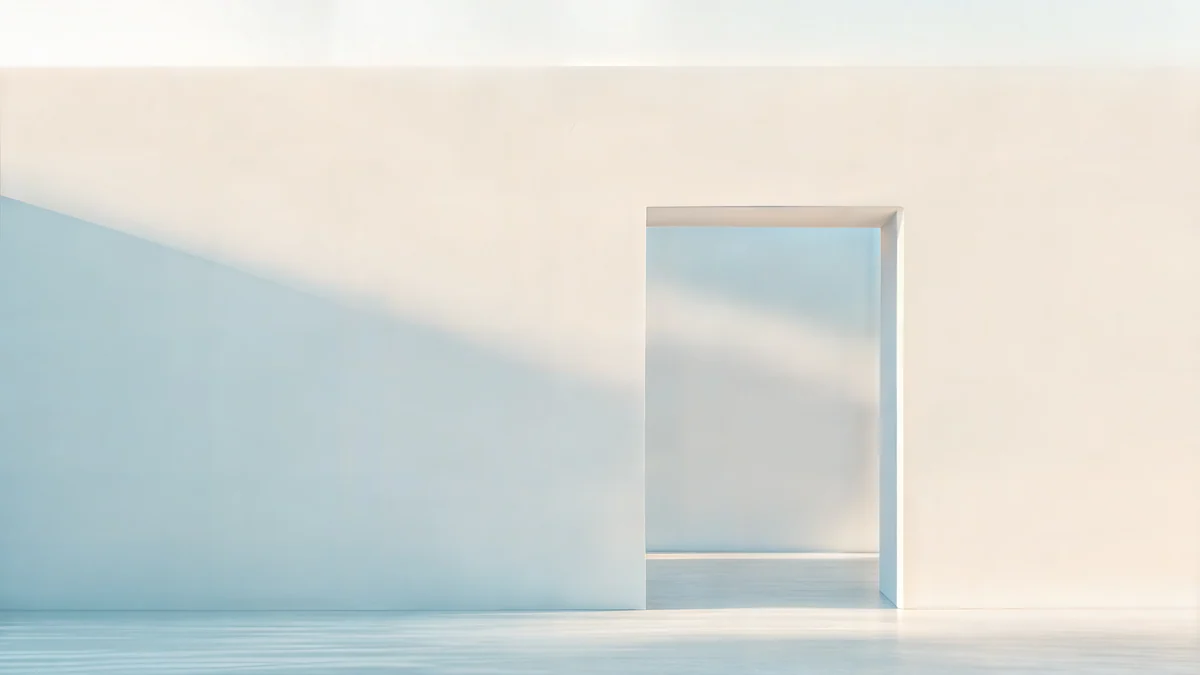 Ivory Daylight Gate
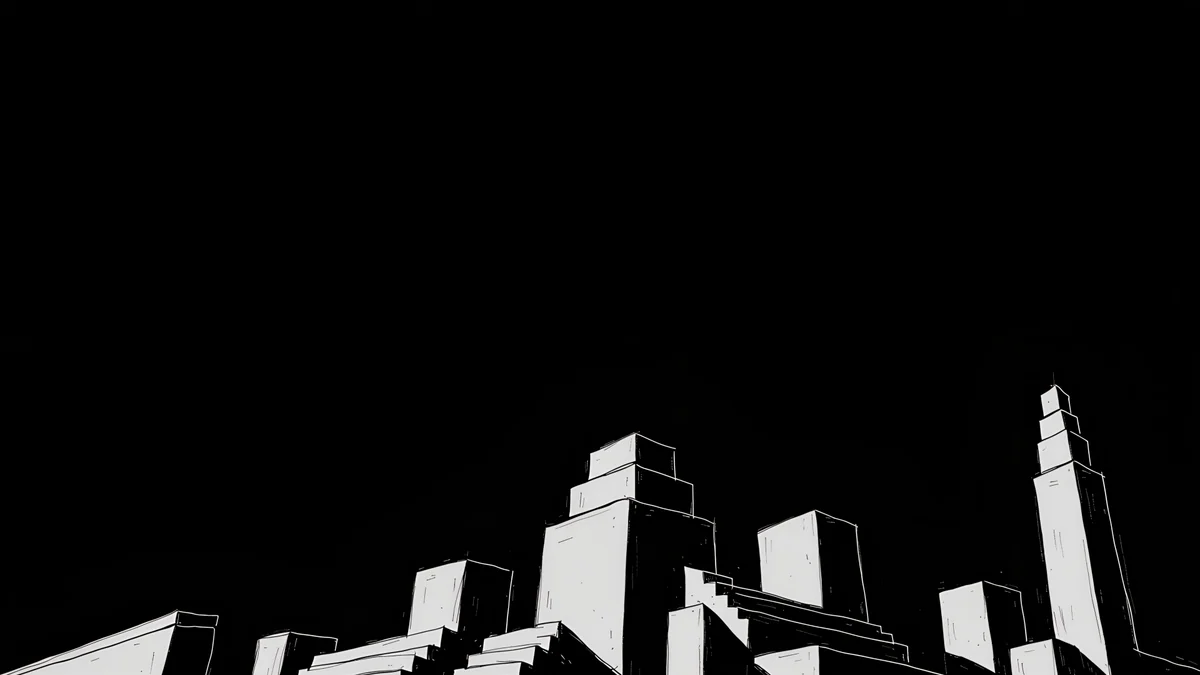 Night Blocks
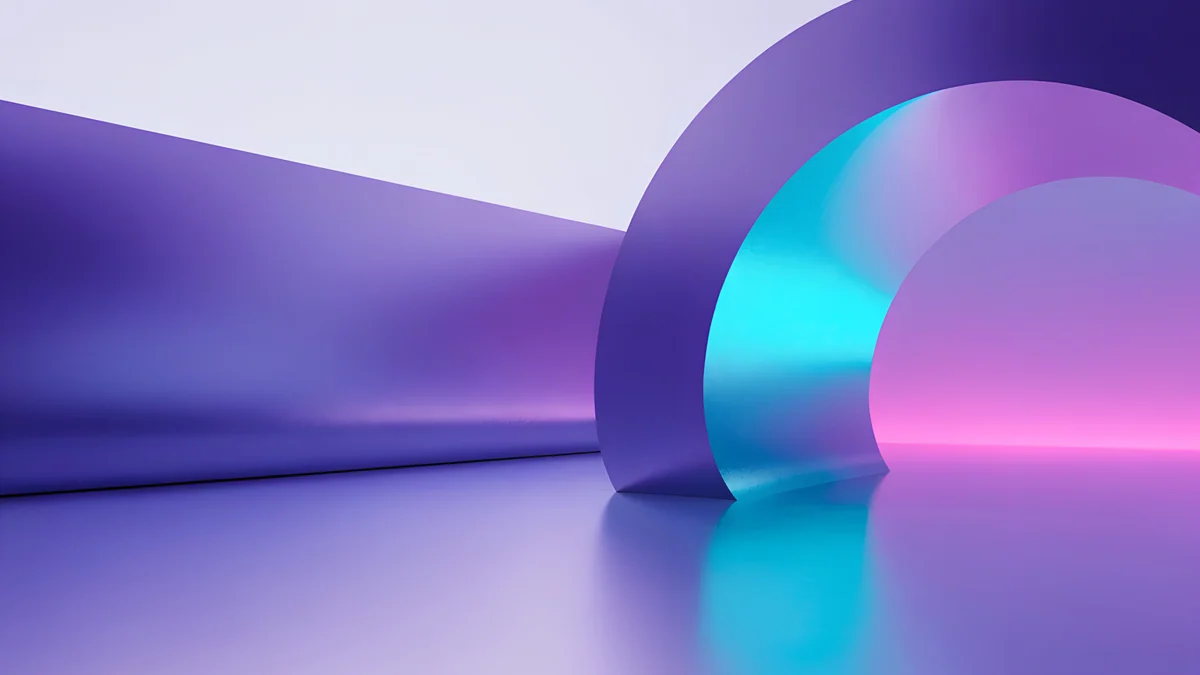 Electric Violet Vault
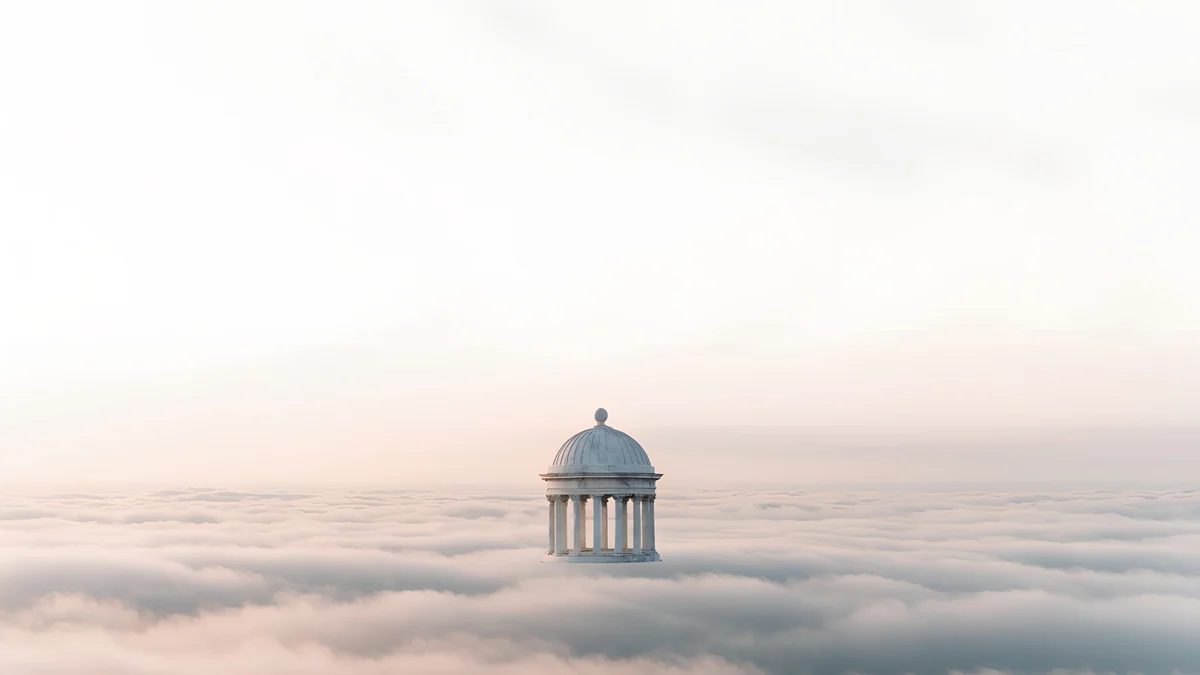 Rotunda
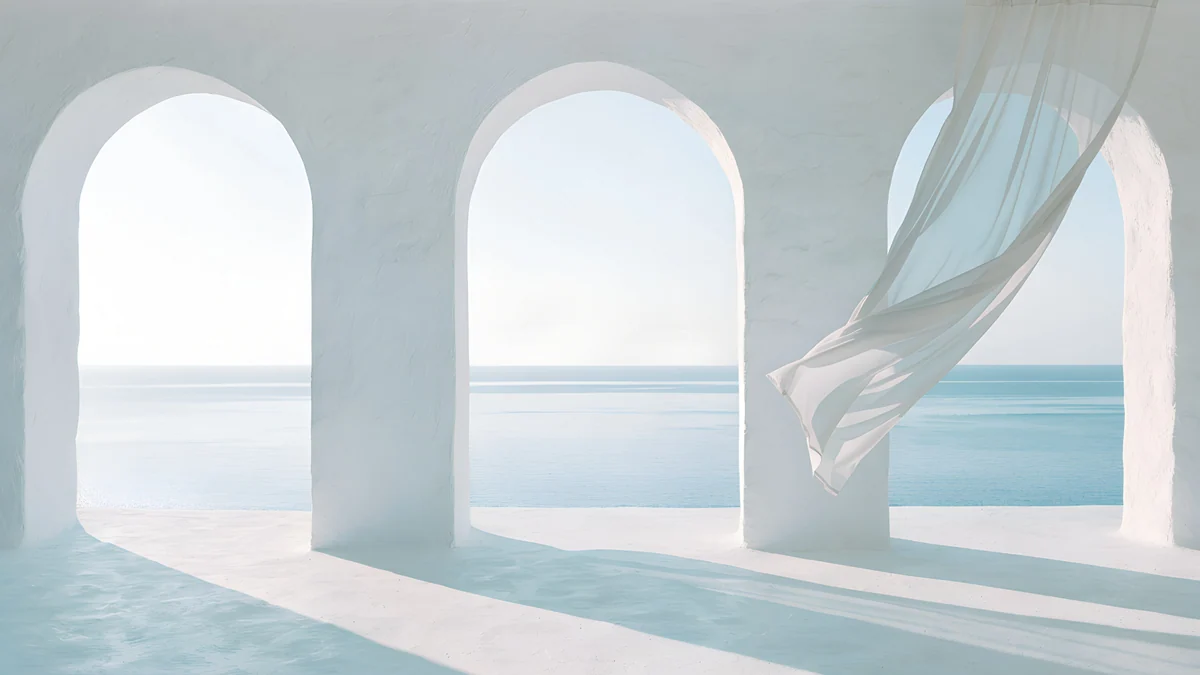 Sea Arch
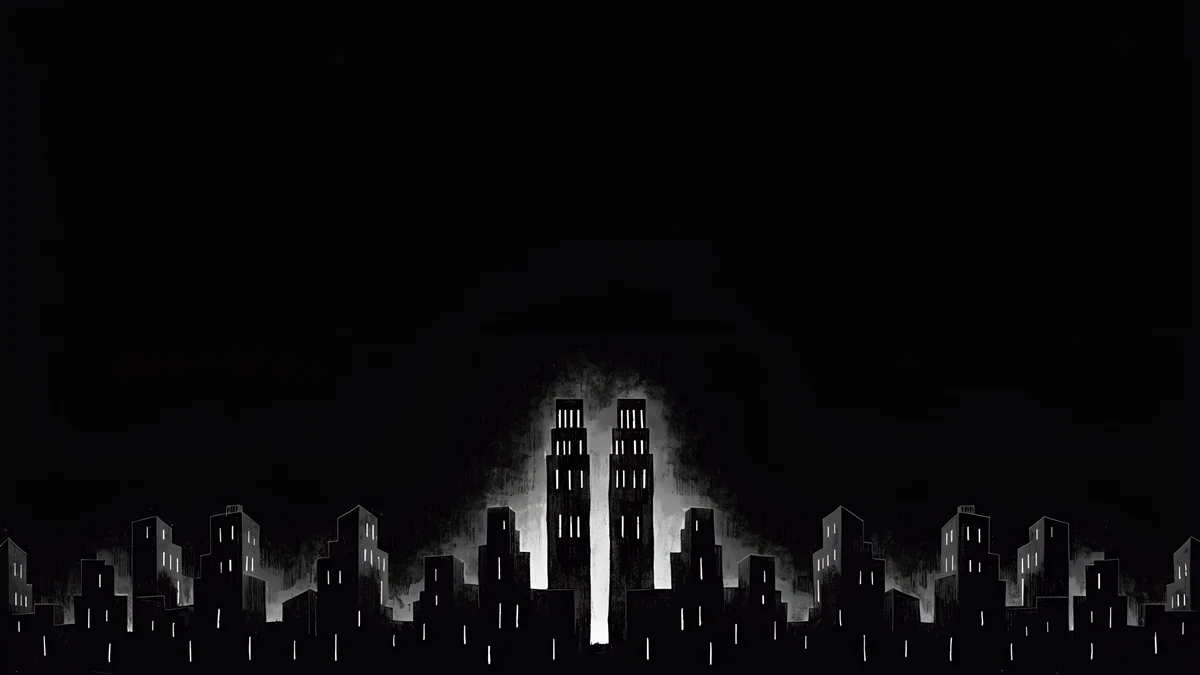 Light Slits
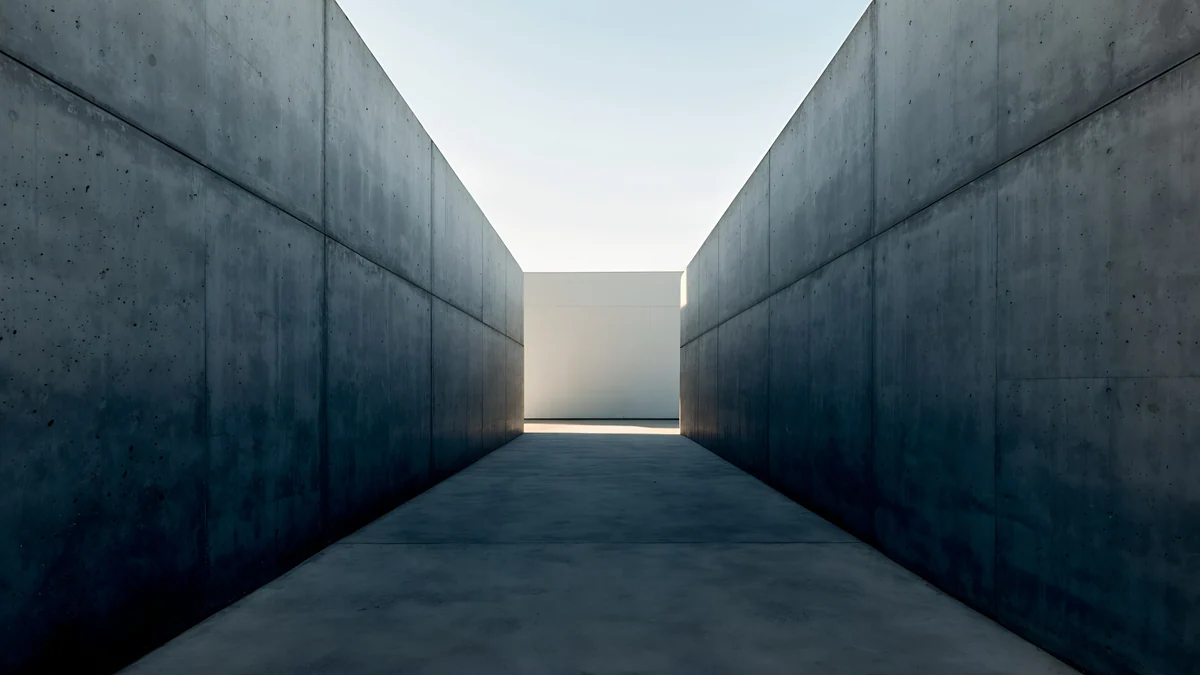 Graphite Passage
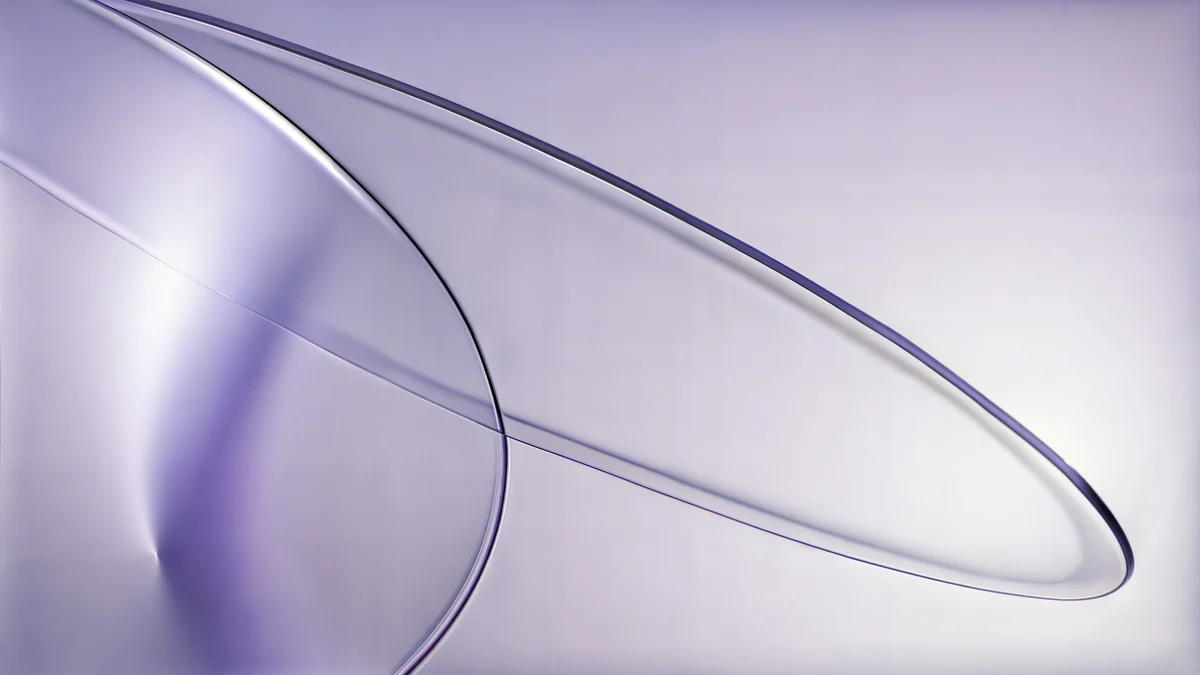 Lilac Drift
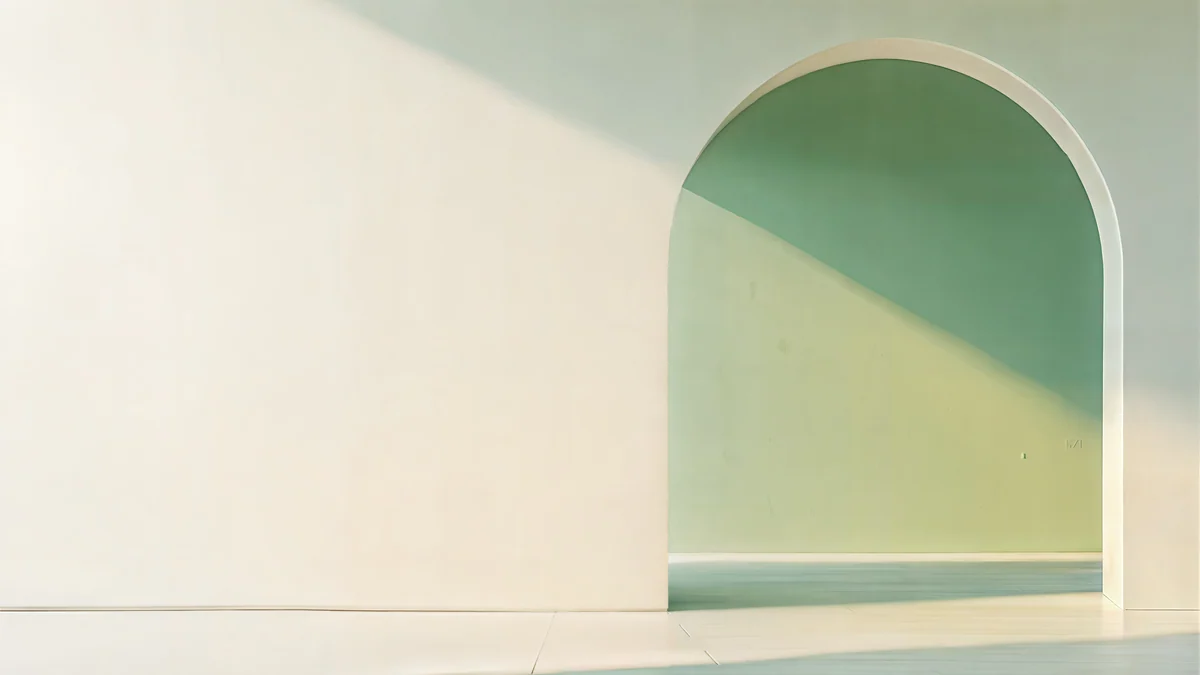 Sage Sun Gallery
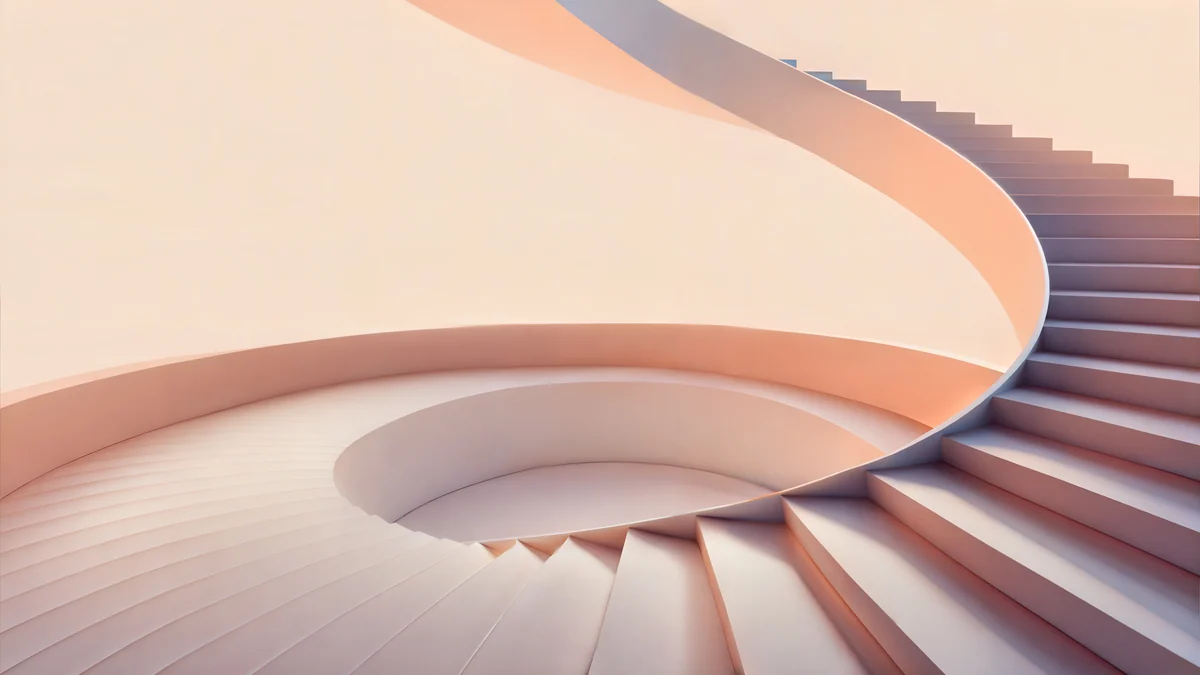 Peach Spiral Atrium
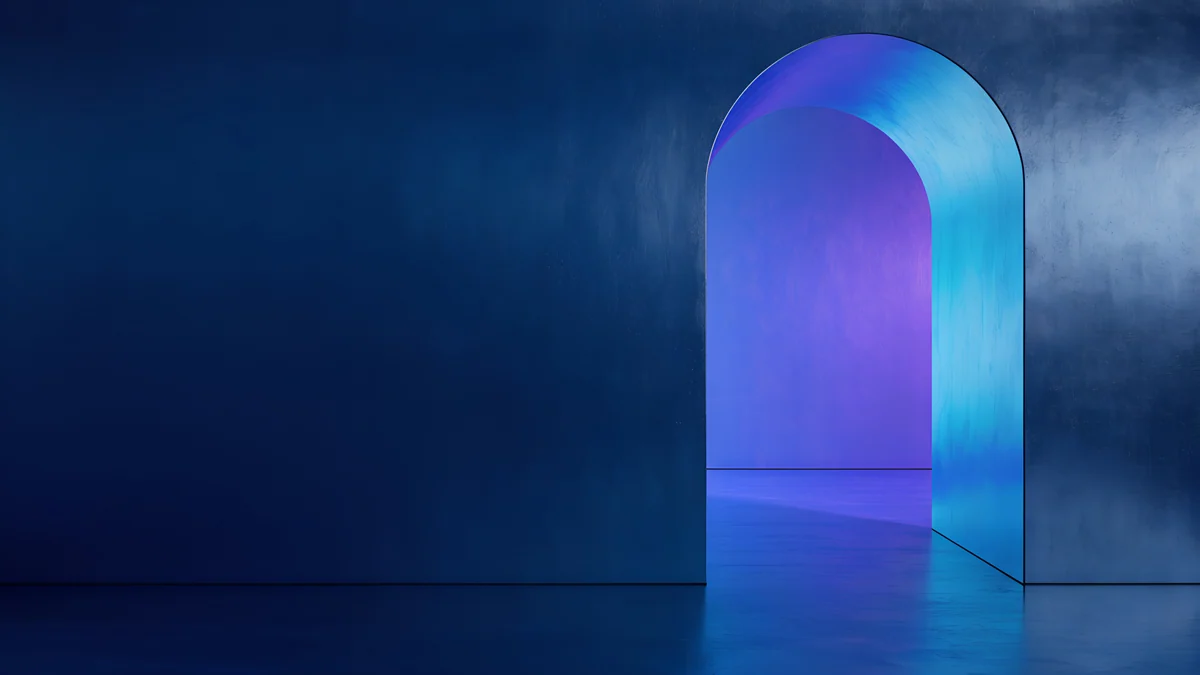 Volt Blue Vault
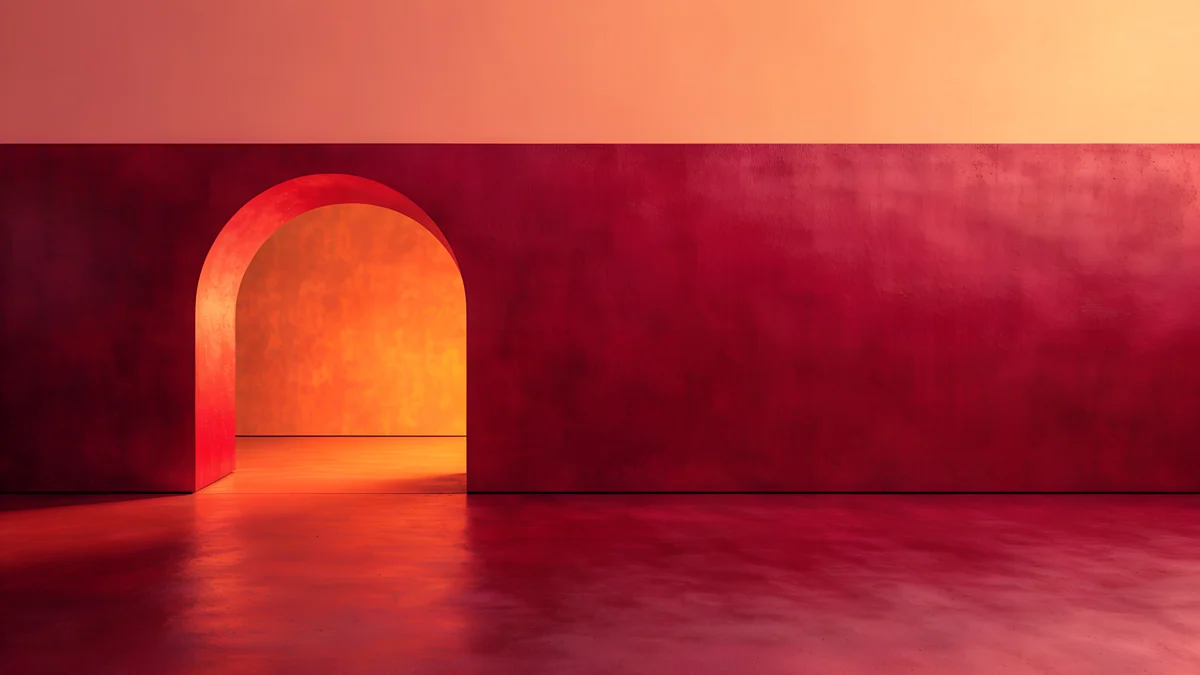 Coral Ignition Gate
Free 4K originals for iPhone and Android, no watermark
On this page
Desktop wallpaper and desktop background are the same search, and the answer starts with a number: 3840 × 2160 pixels for a 4K monitor or any laptop, 5120 × 2880 for a 5K display such as the Apple Studio Display or the 27-inch iMac. A file that size is larger than a 1440p or 1080p screen too, so one original covers every monitor you own. After the size, two more checks: set the fit to Fill, and keep the left edge calm, because that is where Windows and macOS put the icons.
Then six styles, three originals each, with a link to the full collection in that style. All desktop wallpapers from Velpaper download free at 3840 × 2160 or 5120 × 2880, in the apps for Mac, iPhone, iPad and Android and on velpaper.com.
How to choose a desktop wallpaper
| Check | What to look for | Why |
|---|---|---|
| Size | 3840 × 2160 (4K) or 5120 × 2880 (5K) | Larger than the screen, so the system only scales down |
| Fit | Fill on Windows, Fill Screen on Mac | Covers the screen without bars or stretching |
| Icon space | Plain area on the left or the top left | Desktop icons sit there and need a quiet background |
| Taskbar and Dock | Nothing important in the bottom 5 percent | The taskbar or Dock covers it |
| Ultrawide | Subject in the centre | A 21:9 monitor trims the top and bottom of a 16:9 image |
Screen shape matters less than on a phone. Almost every monitor and laptop is 16:10 or 16:9, and both 3840 × 2160 and 5120 × 2880 are 16:9, so a 16:10 MacBook screen trims only a sliver at the sides. The exact pixel count for each monitor type is in the PC wallpaper size guide.
Light architecture: stone, arches and sky
Pale stone is the easiest desktop wallpaper to live with. It flatters light mode, the icons stay readable, and the image does not compete with whatever window is open.
Ivory Daylight Gate is a 5120 × 2880 original, a pale stone gate in soft light with empty space on both sides. Rotunda is a domed hall in mist, and Sea Arch is a white arch opening onto the sea. More 5K stone is in 5K desktop wallpapers.
Noir and dark concrete
A dark desktop hides the gap between windows and makes a bright document look like it is lit from behind. These three keep the palette near black with one soft light.
Night Blocks is stepped black towers on black, close to #060708, which also suits a dark mode desktop. Light Slits adds a few lit windows. Graphite Passage is a graphite corridor with light at the far end. The series is in noir city wallpapers.
Soft colour in 5K
These three are 5120 × 2880 originals, drawn for a Studio Display or an iMac and sharp on any smaller screen. They are gradients with a shape inside, so the left edge is plain enough for icons.
Lilac Drift is lilac haze over white (#EDEBF7). Sage Sun Gallery is a sage green gallery with warm light, and Peach Spiral Atrium a peach spiral in soft shadow. The calm set continues in aesthetic laptop wallpapers.
Bold colour and neon
Electric Violet Vault is a violet vault with a cyan edge (#19D3F3) on near-black, the kind of image most people mean by desktop wallpaper 4K.Volt Blue Vault is the cobalt version, and Coral Ignition Gate runs from deep red to gold. All three keep the glow in the centre, so they survive an ultrawide crop. More in neon gradient wallpapers.
Ink and paper
Ink wash leaves most of the paper empty, which on a desktop means room for icons and windows without anything underneath them fighting for attention.
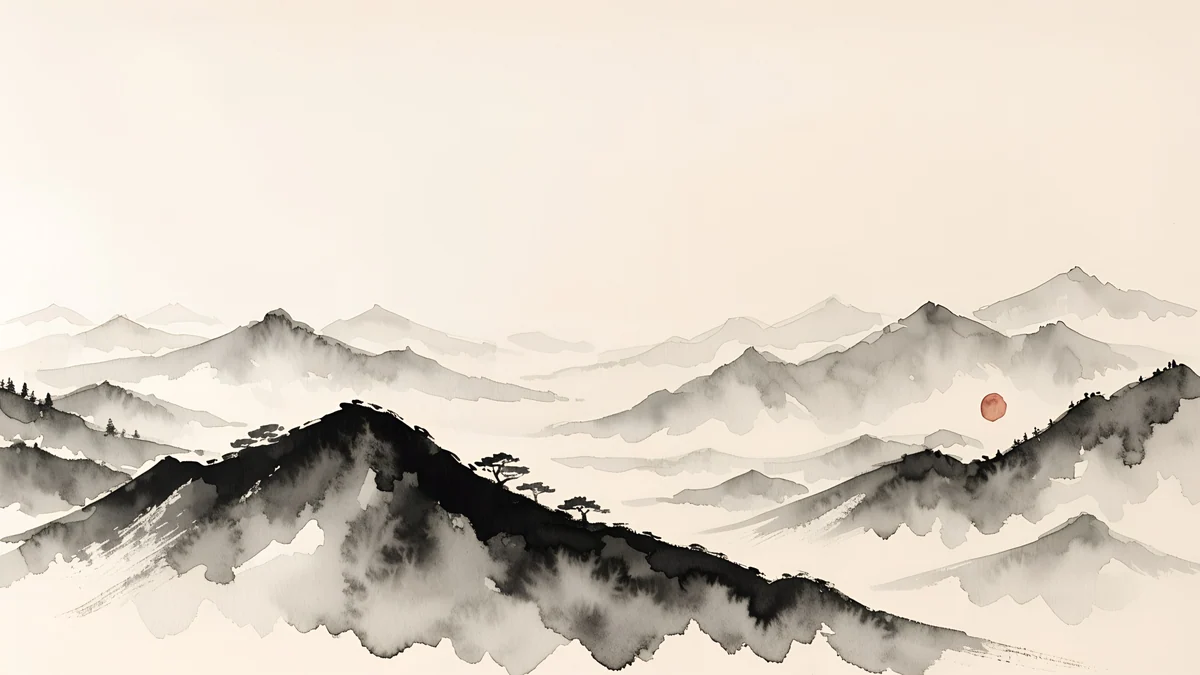
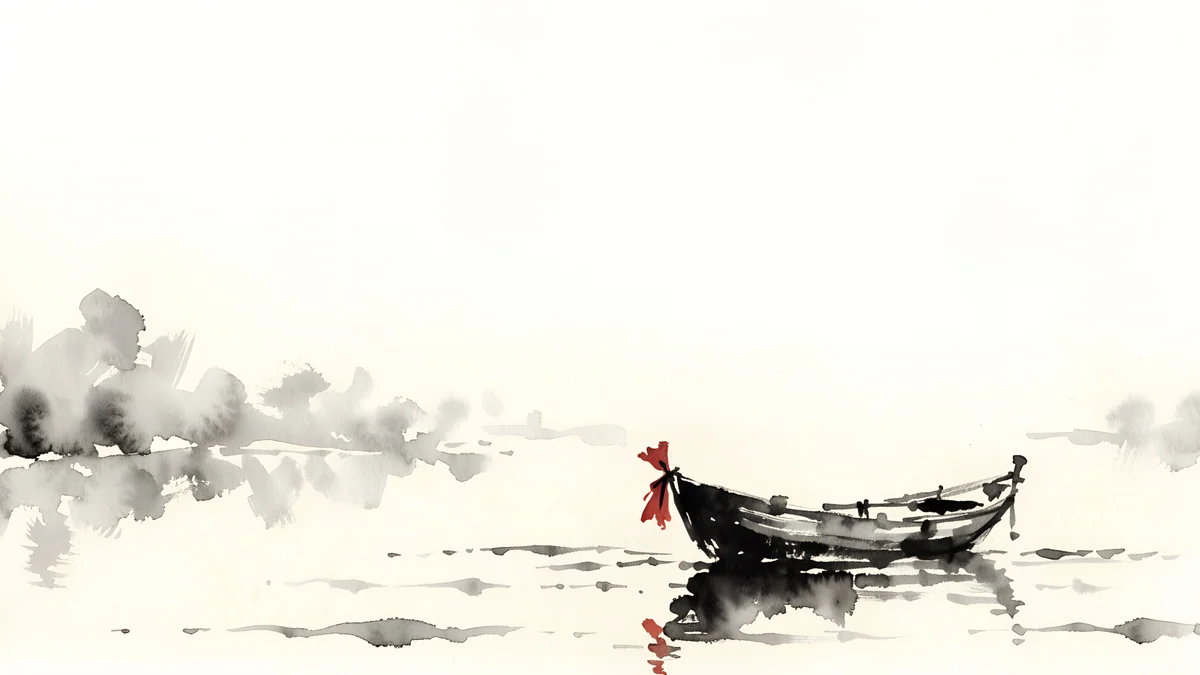

Ink Mountain Mist is ridges fading into paper (#F0E9DA). Ink Quiet Lake is one boat on a pale lake, and Ink Bamboo Grove a grove of stalks with a single red seal. The full set is in Japanese ink wallpapers.
Lo-fi night scenes
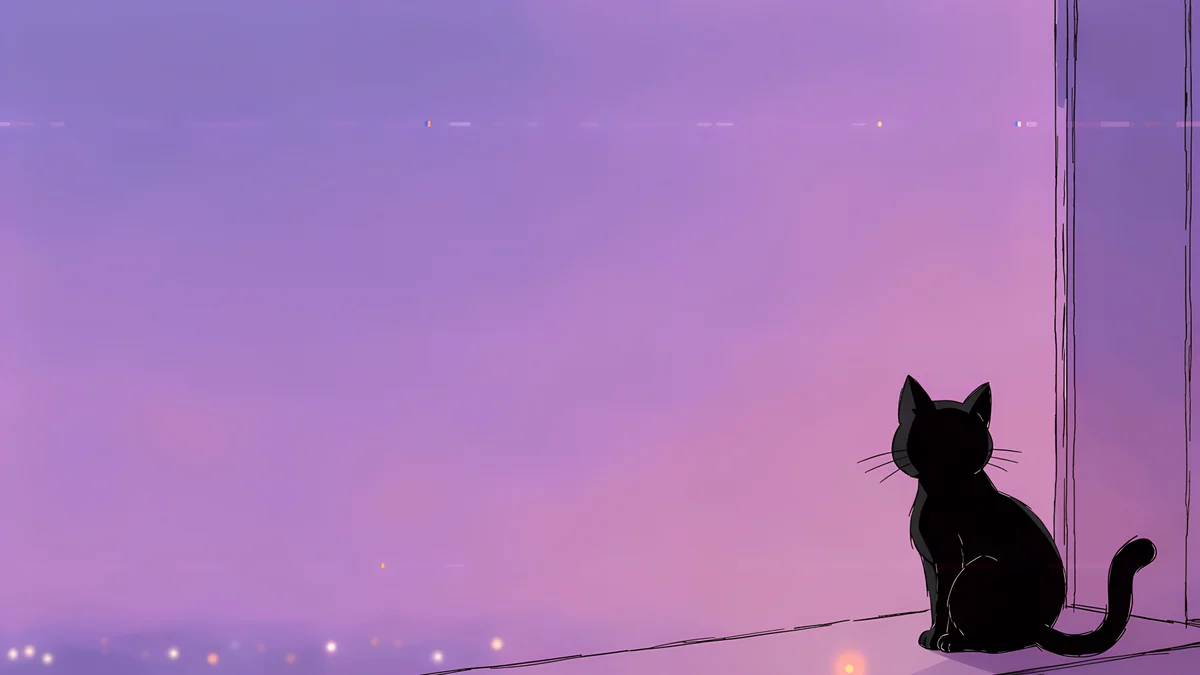
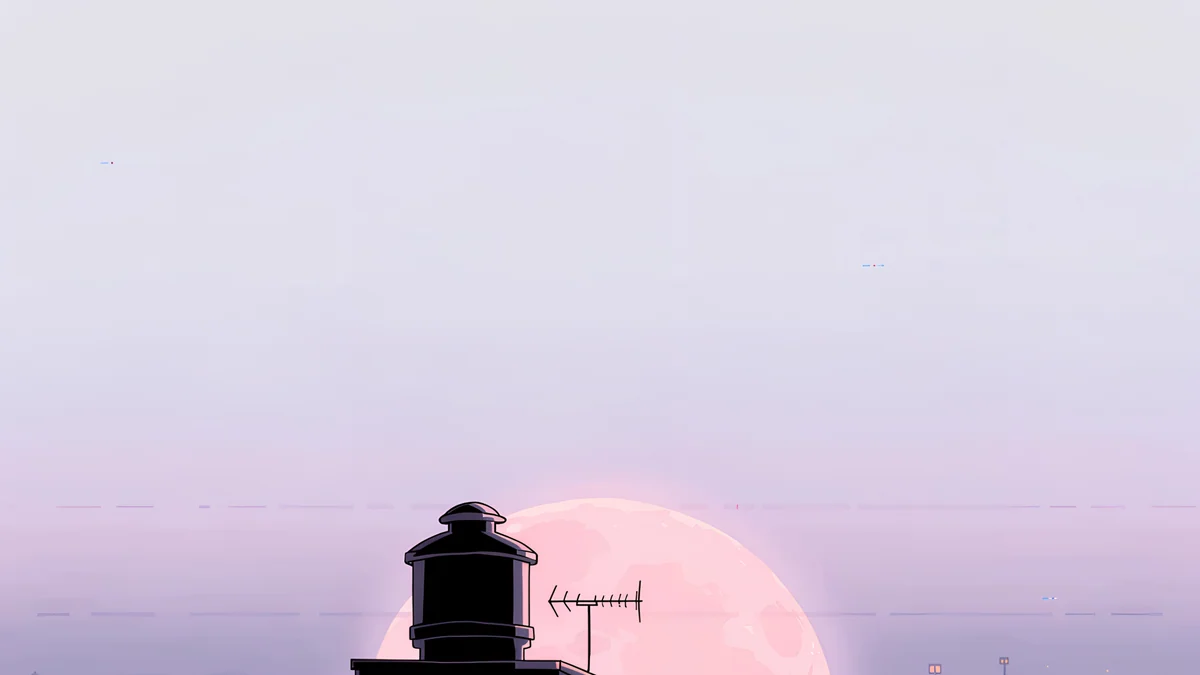
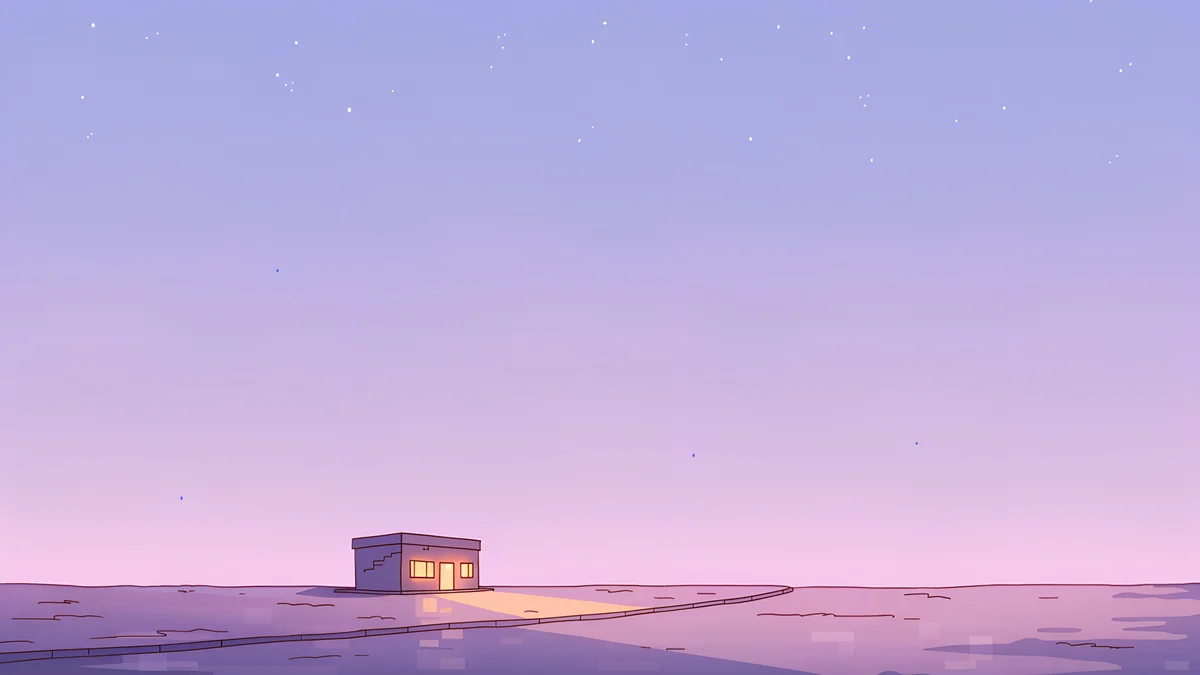
Window Cat is a lamp-lit window at night in lavender and peach. Rooftop is a water tank under a violet sky, and Night Store a convenience store glowing on an empty street. They are drawn in the same four colours, so any two of them match across a laptop and a second monitor. The whole series is in lofi wallpapers.
How to set a desktop wallpaper on Windows 11 and Mac
- Windows 11. Download the file, right-click an empty part of the desktop and choose Personalize, then Background. Set Personalize your background to Picture, click Browse photos and open the file. Under Choose a fit for your desktop image, select Fill. Every option is explained in the Windows 11 wallpaper guide.
- macOS. Open System Settings, click Wallpaper in the sidebar, scroll to Your Photos and click Add Photo, then Choose File. Click the new thumbnail and set the pop-up menu to Fill Screen. With two displays, turn off Show on all Spaces to give each one its own picture. Details are in the Mac wallpaper guide.
- Check the icons. If a file name is hard to read, drag the icons to the plain side of the image, or pick a piece from the stone or ink groups, which are quiet on the left by design.
Every desktop wallpaper here is a 4K or 5K original and downloads free, in the Velpaper apps for Mac, iPhone, iPad and Android and on velpaper.com.
Original wallpapers in 4K and 5K for iPhone, Android and desktop.
Questions
What size should a desktop wallpaper be?
3840 × 2160 pixels for a 4K monitor or any laptop, and 5120 × 2880 for a 5K display such as the Apple Studio Display or the 27-inch iMac. Both are 16:9, the shape of almost every monitor, and both are larger than a 2560 × 1440 or 1920 × 1080 screen, so the system only scales the image down and it stays sharp. A 16:10 laptop screen, such as a MacBook, trims a thin strip at the sides. Every desktop wallpaper on this page comes at one of those two sizes.
Where can I get free desktop backgrounds in 4K?
All desktop wallpapers from Velpaper download free at 3840 × 2160 or 5120 × 2880, without a watermark, account or subscription. You can get them from the wallpaper's page on velpaper.com or from the Velpaper app for Mac, which also handles setting the image. The 18 on this page cover six styles, from pale stone and ink to noir and neon, and each section links to the full collection in that style.
Should I choose Fill, Fit or Stretch for a desktop wallpaper?
Fill. It scales the image until it covers the whole screen and trims whatever falls outside, so there are no bars and no distortion. Fit shows the entire image with bars at the edges, which only makes sense if the picture has a border you want to keep. Stretch forces the image to the screen's shape and distorts circles into ovals; avoid it. On macOS the same options are called Fill Screen, Fit to Screen and Stretch to Fill Screen.
What is the best desktop wallpaper for an ultrawide monitor?
One with its subject in the centre and plain colour above and below it. An ultrawide screen is 21:9, so a 16:9 wallpaper set to Fill loses roughly a quarter of its height, split between the top and the bottom. The vault and gate pieces on this page, such as Electric Violet Vault and Ivory Daylight Gate, keep their glow in the middle and survive that crop. Ink pieces with a low horizon also work. Avoid images where the interesting part is near the top or bottom edge.
Can I use the same wallpaper on two monitors?
Yes. On Windows 11, open Personalization, Background, right-click a picture and choose Set for monitor 1 or Set for monitor 2, or pick the same image for both. On macOS, each display has its own Wallpaper pane; turn off Show on all Spaces if you want different pictures. For a matching pair, the lo-fi pieces here are drawn in the same four colours, and the two vaults, Electric Violet and Volt Blue, are the same shape in two palettes.
Carlos Vivero
Designer of Velpaper wallpapers
Carlos Vivero designs the wallpapers in Velpaper: quiet architecture, liquid glass, Japanese ink and calm landscapes. Every piece is made as a 4K original for iPhone, Android and desktop.
Recent work








