New Year 2027 Wallpapers: Festive Lights and Midnight
New Year 2027 wallpapers for iPhone and Android: string lights in the snow, champagne satin, black glass and city lights at midnight, in 4K with no text.
In short: The best New Year 2027 wallpaper is a night scene with festive light, such as string lights in the snow, champagne tones or a city at midnight, rather than a big printed date. Velpaper has no wallpapers with 2027 written on them; Starlit Colonnade, Champagne Satin and Rooftop Pine are the closest festive picks, as 4K phone originals.
By the Velpaper team · Wallpapers by Carlos Vivero, Velpaper designer · · 5 min read
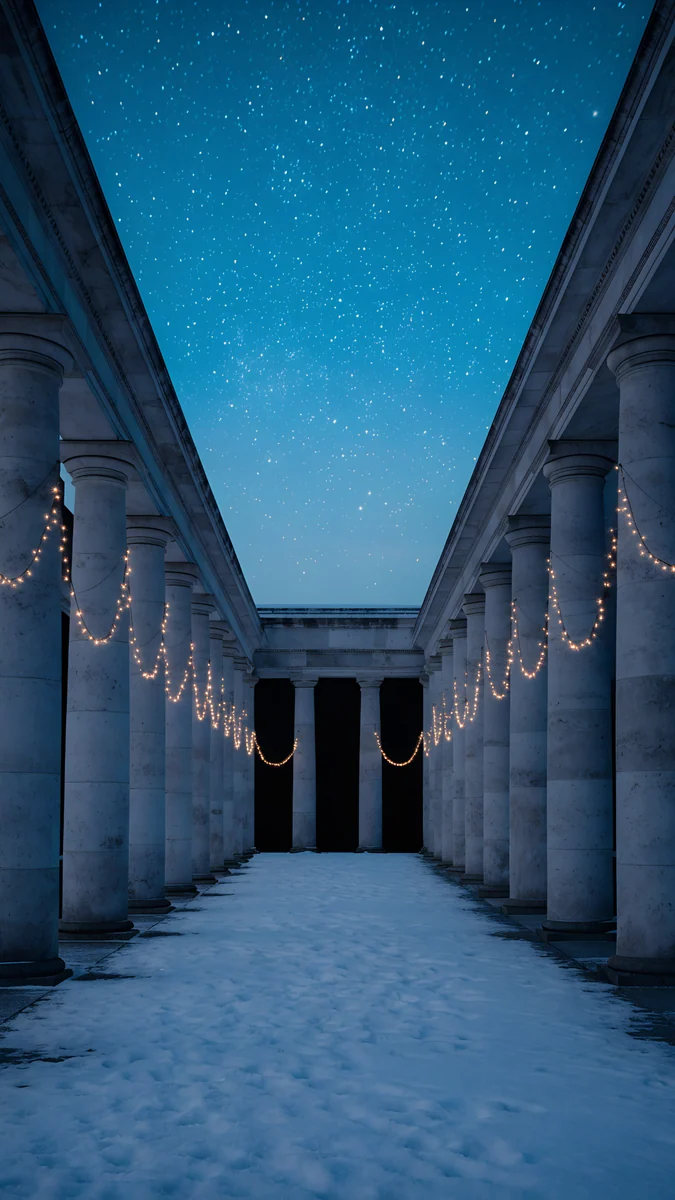 Starlit Colonnade
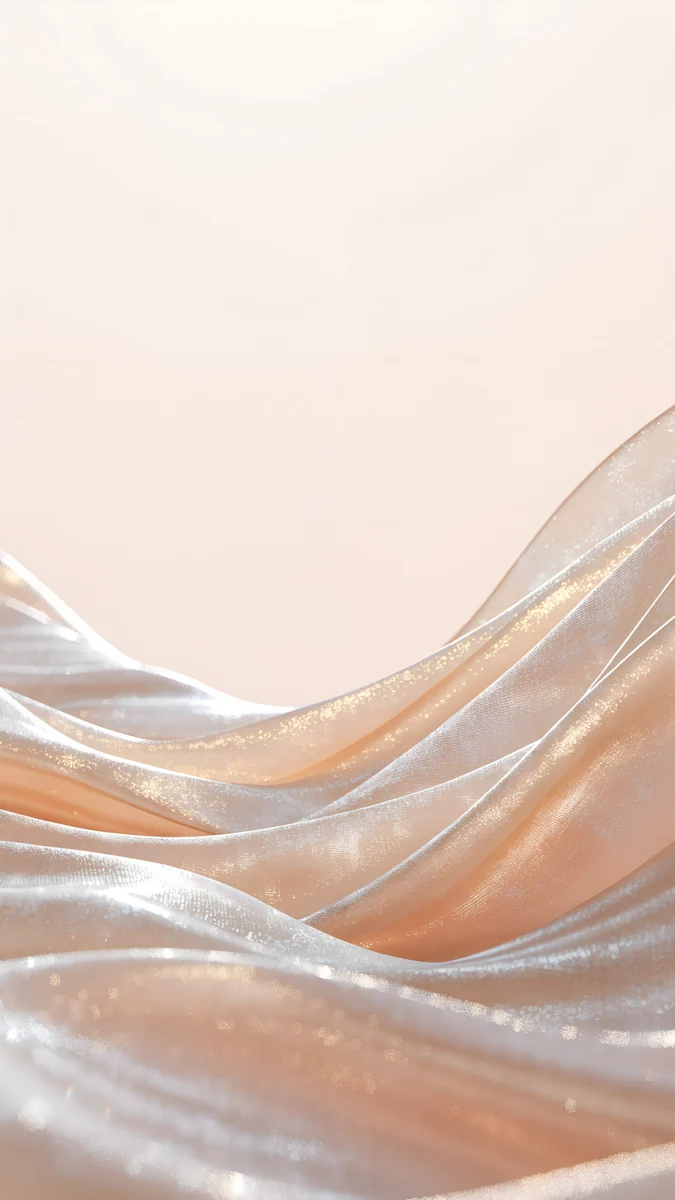 Champagne Satin
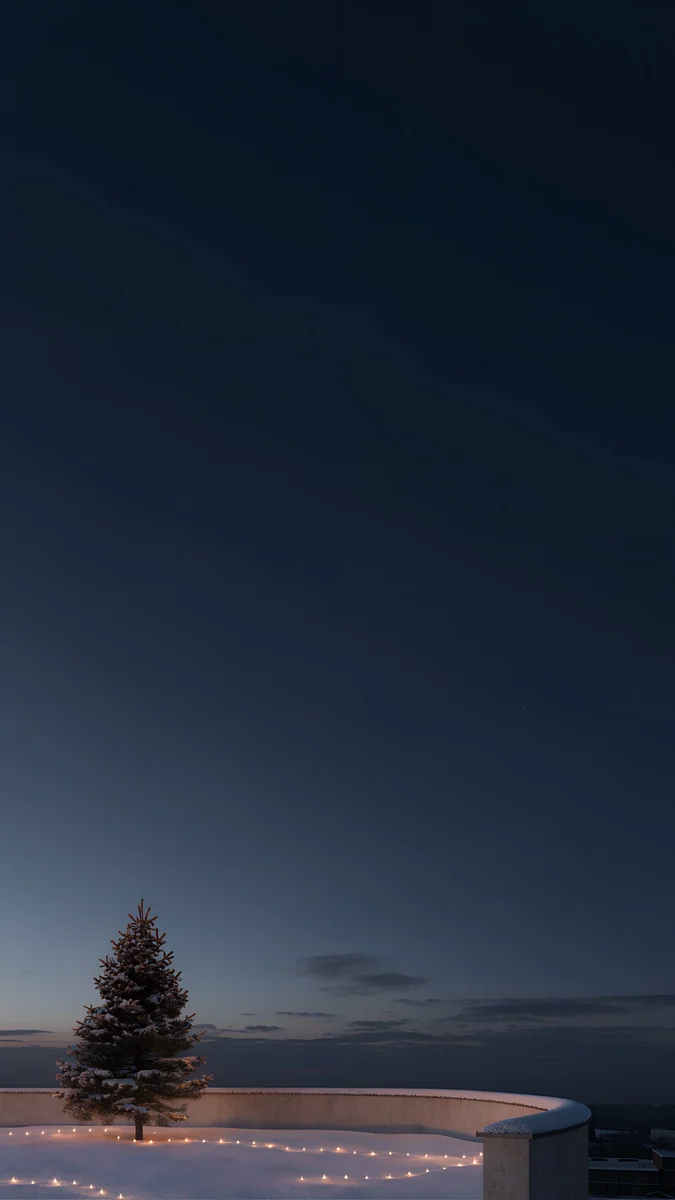 Rooftop Pine
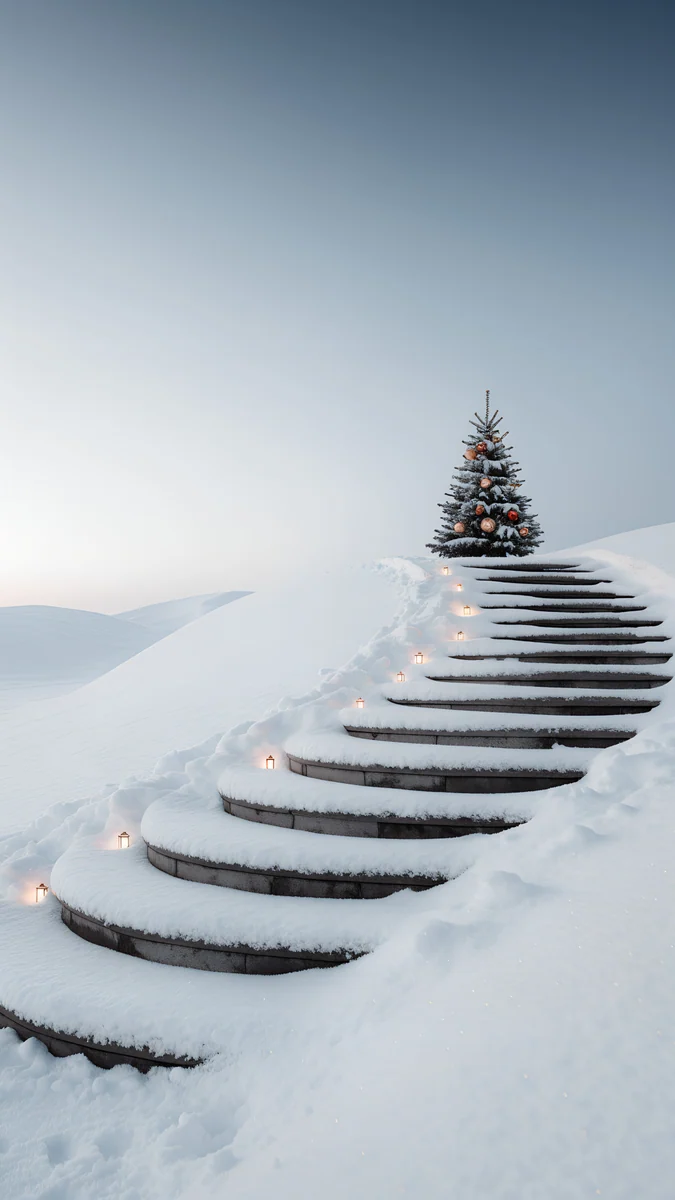 Snow Stair Tree
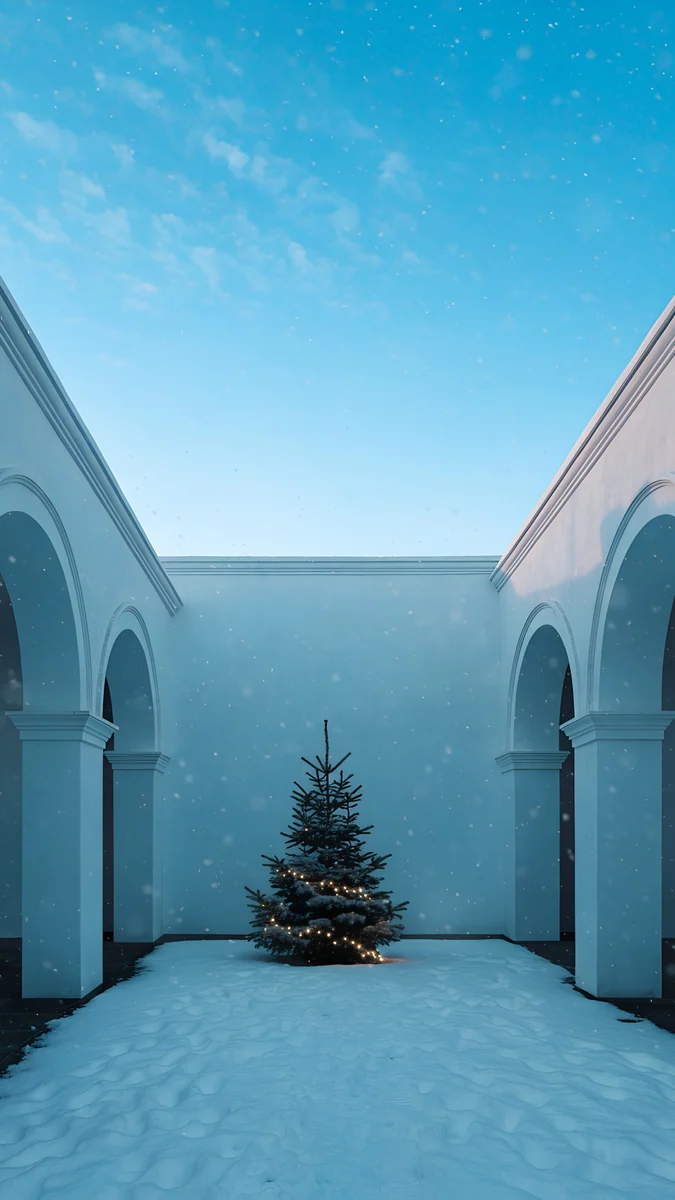 Snowy Arch Courtyard
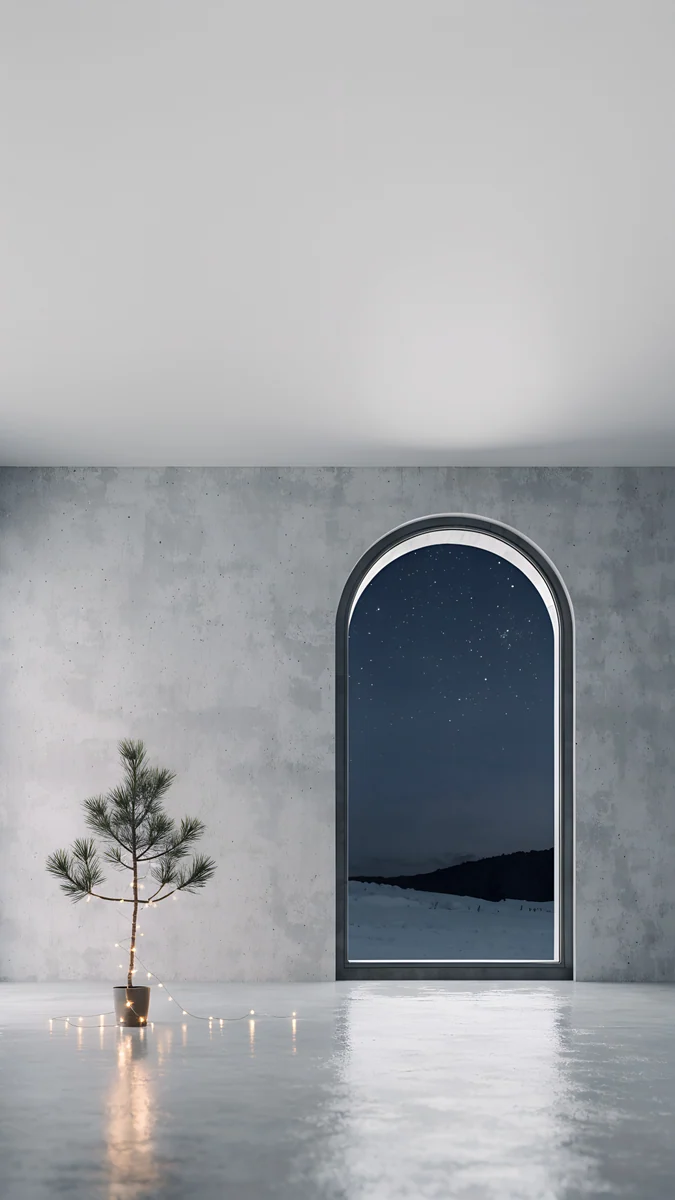 Arched Window Pine
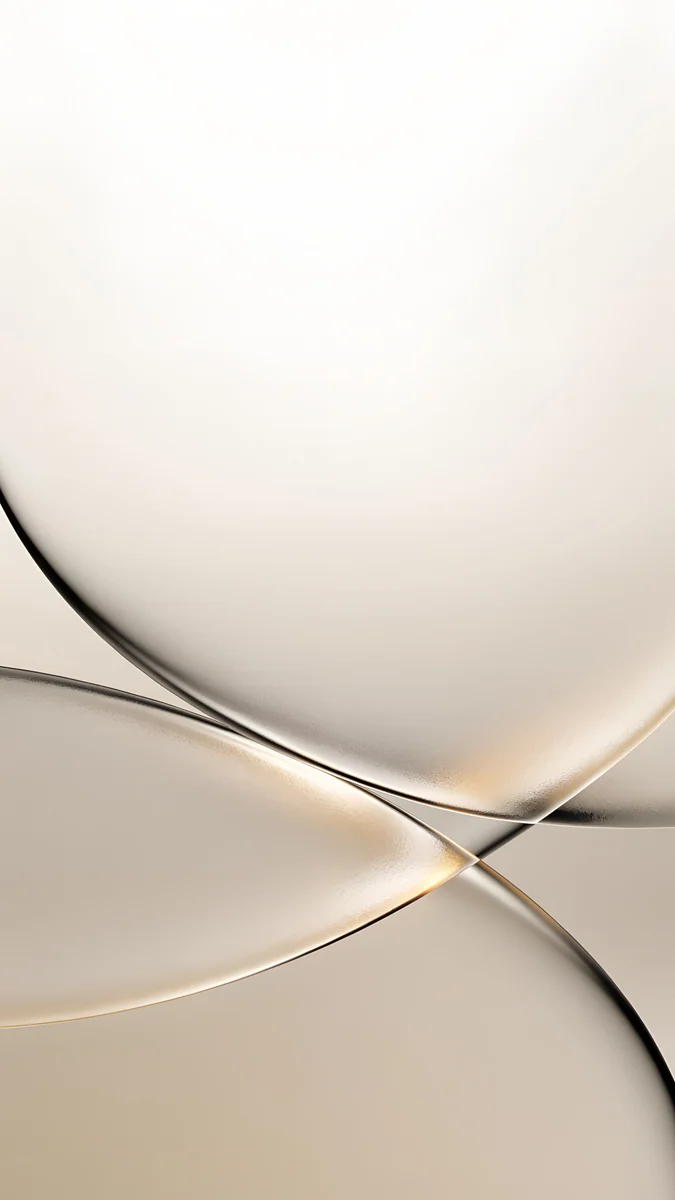 Champagne Veil
 Moon Silver
 Silver Loop
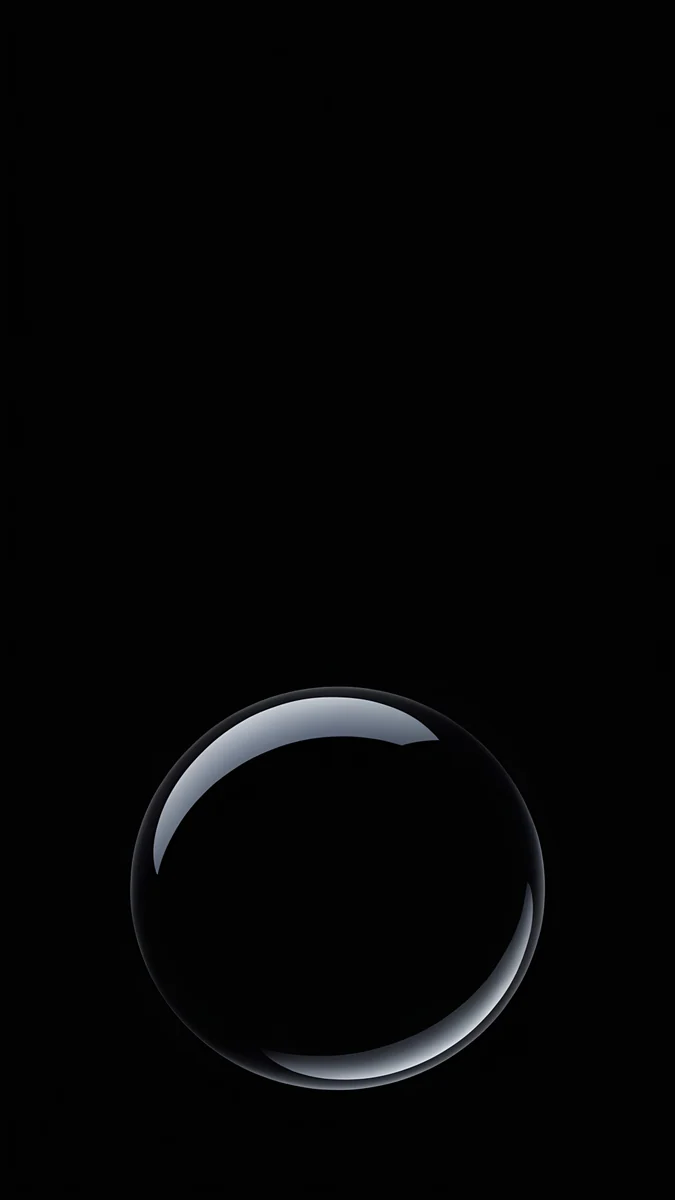 Black Glass Sphere
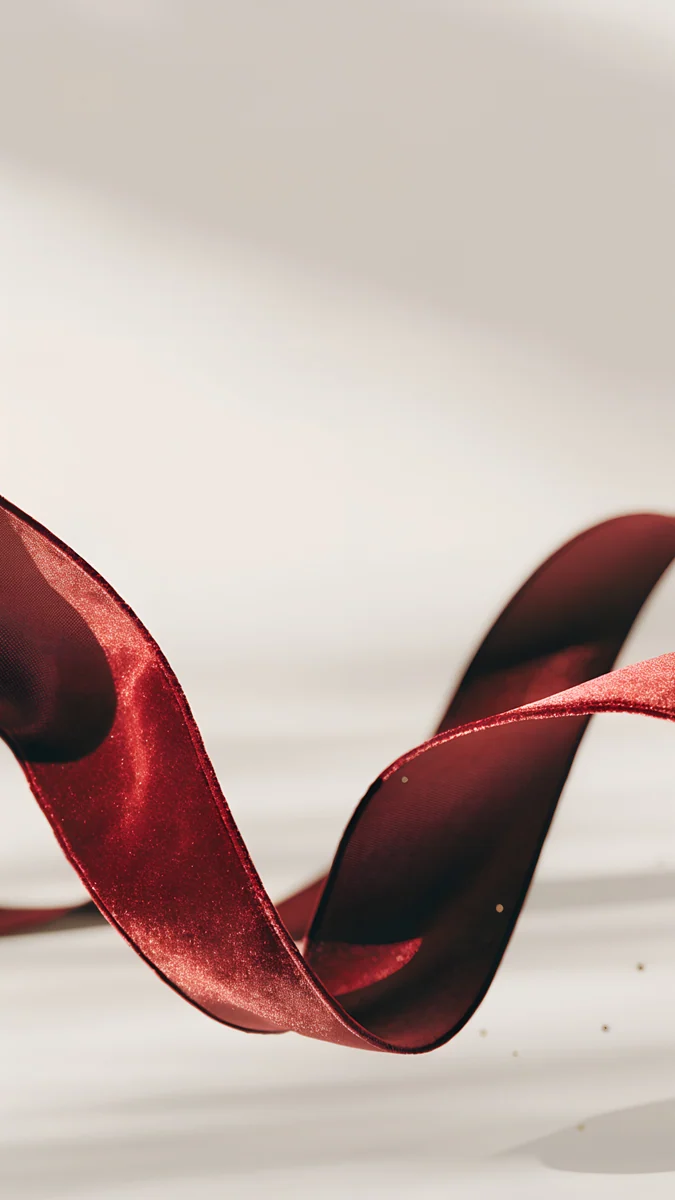 Burgundy Ribbon
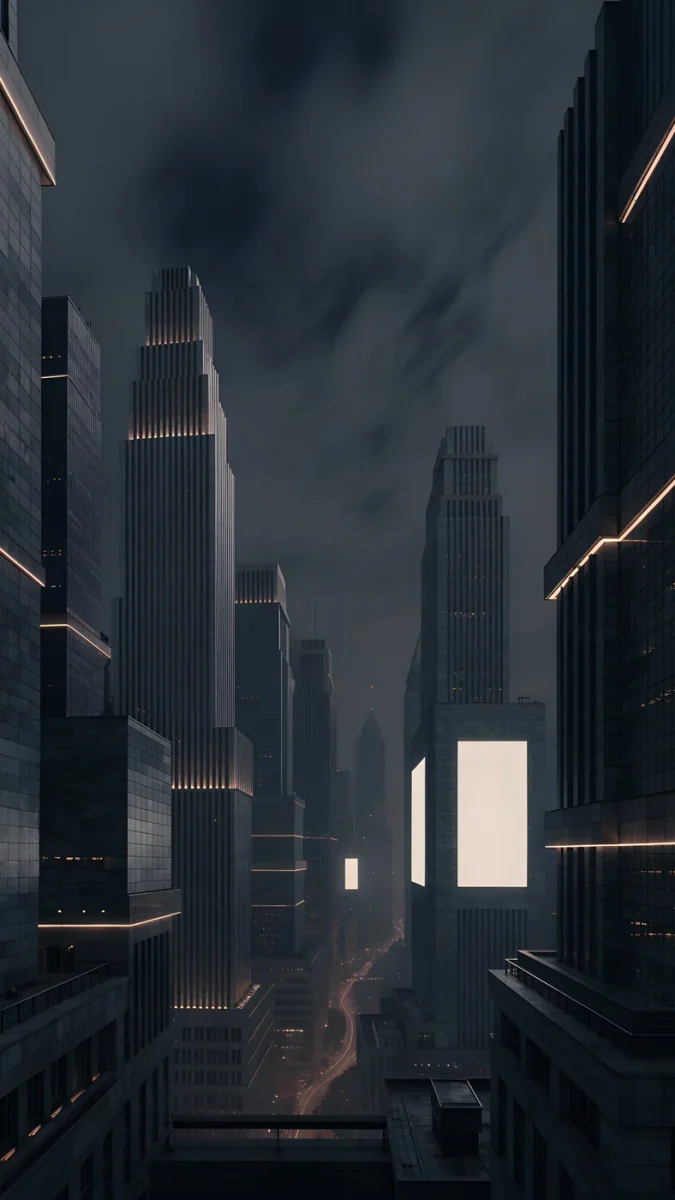 Amber Metropolis
Free 4K originals for iPhone and Android, no watermark
On this page
For New Year 2027, pick a wallpaper that feels like the last minutes before midnight: warm string lights in the snow, champagne and silver tones, or a dark city with lit windows. Velpaper does not make wallpapers with "2027" printed on them, because lettering crowds the lock screen and dates the image in a week. The picks below are the closest festive scenes in the catalog, each a 4K phone original at 2160 × 3840, and if you really want the year on screen, there is a simple way to add it yourself further down.
What makes a good New Year wallpaper
- Night and light. New Year happens in the dark. A deep sky with small warm lights says celebration without fireworks clip art.
- Space for the clock. On 31 December you check the time a lot. Keep the top third plain so the countdown to midnight is easy to read.
- Gold, silver, black. Champagne, glass and satin feel like a party and still look calm behind icons.
- Something that lasts. A scene without a date stays good through January, so you do not have to change it on the 2nd.
How to set it on iPhone and Android
- Save the 2160 × 3840 original from the wallpaper page in the Velpaper app or on velpaper.com.
- On iPhone with iOS 26: open Settings, tap Wallpaper, then Add New Wallpaper, then Photos, and choose the file.
- Drag the picture so the lights sit below the clock, tap the time to choose white or a soft gold, then tap Add and Set as Wallpaper Pair.
- On a Pixel with Android 16: touch and hold an empty spot on the Home screen, tap Wallpaper & style, choose the photo and apply it to the lock screen, the home screen or both.
- On a Samsung with One UI 8: open Settings, then Wallpaper and style, tap Change wallpapers and pick the image from Gallery. Menu names can differ slightly between One UI versions.
Want 2027 on it? Before step 2, open the saved image in Photos on iPhone or Google Photos on Android, use the Markup tool in the editor to add a small text line, and save a copy. The exact button names can differ by app version. Keep the year small and low, below the clock, so it does not clash with the time.
String lights and snow
The most festive scenes in the catalog: snow, stone and small warm lights against the night.
Starlit Colonnade4K · PhoneRooftop Pine4K · PhoneSnow Stair Tree4K · PhoneSnowy Arch Courtyard4K · PhoneArched Window Pine4K · PhoneStarlit Colonnade runs garlands of warm lights down a snowy colonnade under a deep blue, starry sky; the sky gives a white clock a clean field. Rooftop Pine is a snowy rooftop terrace at night with one lit pine and a line of string lights, almost all deep teal and near black, which suits OLED. Snow Stair Tree climbs snowy steps lined with small lanterns to a lit tree at the top. Snowy Arch Courtyard sets a glowing pine in a white arcade under bright blue sky, and Arched Window Pine places candles and a small pine in a grey room facing a snowy night.
Champagne, silver and black glass
No scene at all, just the materials of a New Year party. These look good behind icons on the home screen.
Champagne Satin4K · PhoneChampagne Veil4K · PhoneMoon Silver4K · PhoneSilver Loop4K · PhoneBlack Glass Sphere4K · PhoneBurgundy Ribbon4K · PhoneChampagne Satin is glossy satin waves in champagne and peach with a fine sparkle, the warmest of the group. Champagne Veil crosses thin glass rings on a pale cream field. Moon Silver is silver satin folds with deep shadows. Silver Loop and Black Glass Sphere put one glass shape on pure black, like a ribbon and a bubble at midnight. Burgundy Ribbon adds a deep red satin ribbon on pale ground, for a wine coloured accent.
The city at midnight
If your New Year is a rooftop or a city street, these dark skylines fit.
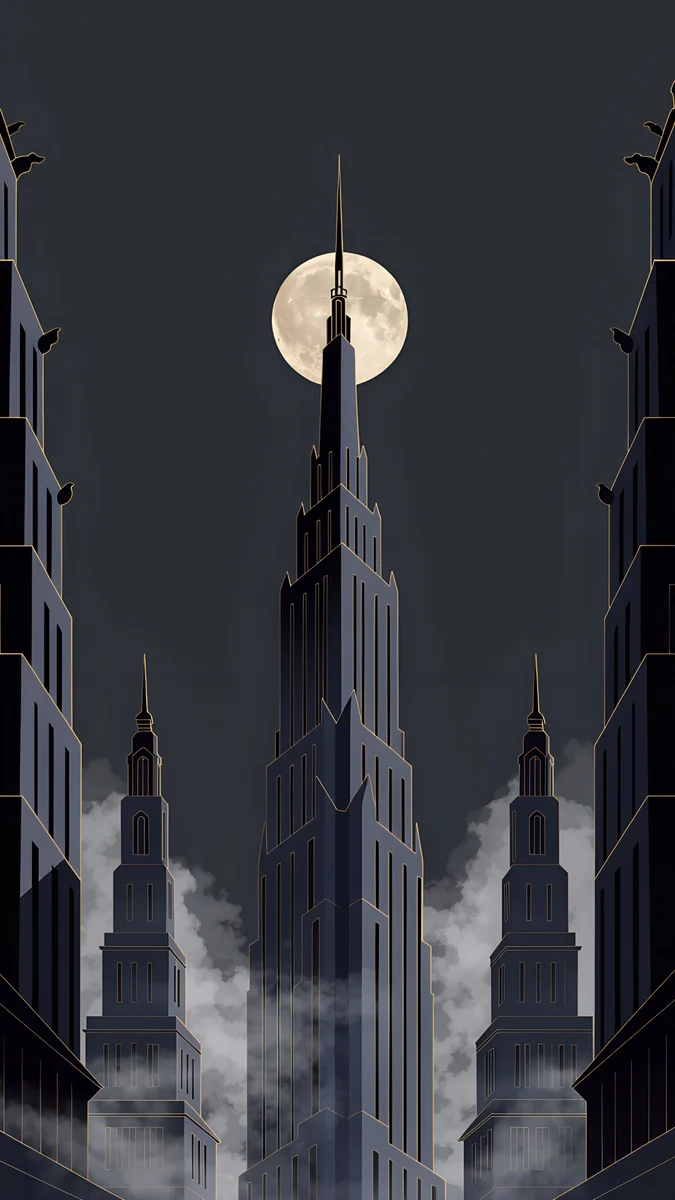
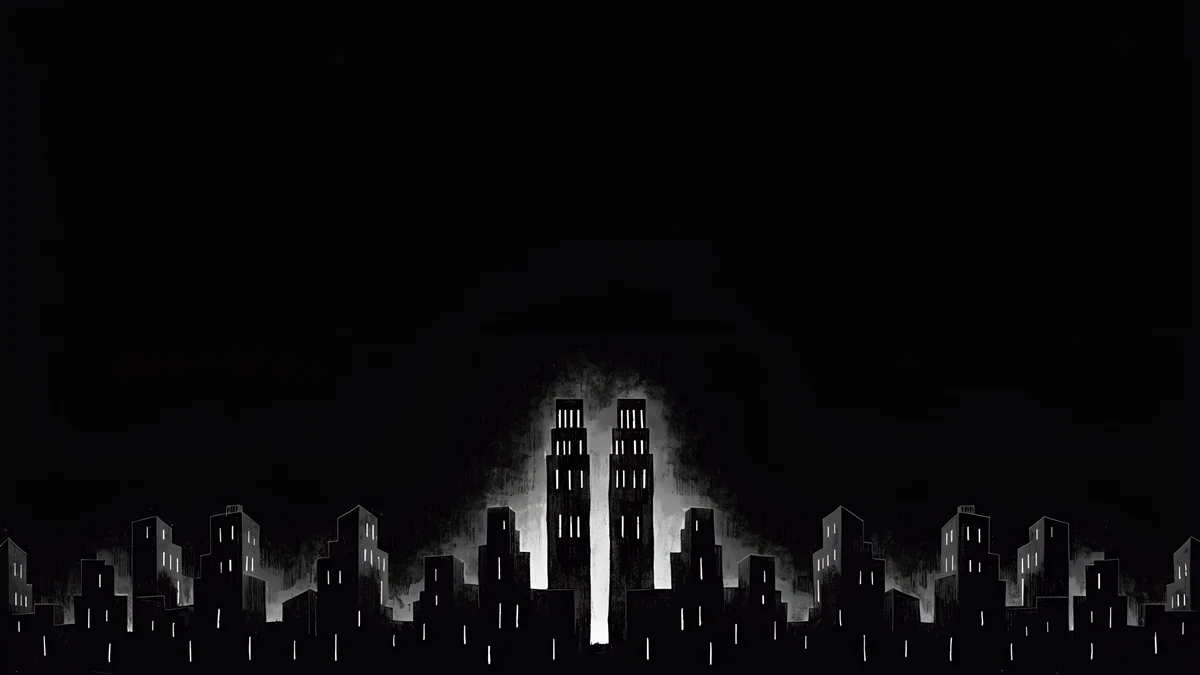
Amber Metropolis shows dark towers lined with warm strips of light and a few glowing screens. Deco Gold puts a full moon behind a tall spire wrapped in fog, a fine image for the night itself. Light Slits is the desktop option: a black skyline with one glowing tower, free in 3840 × 2160 for a laptop or monitor. For snowy scenes with Christmas trees, see our Christmas wallpapers.
Common problems and fixes
- The lights hide behind the clock. Drag the picture down a little while setting it, so the brightest lights sit in the lower half.
- The added "2027" text looks blurry. Add text to the full original, not to a screenshot, and save it as a copy so the original stays clean.
- Black looks grey on the Always On display. iOS dims the wallpaper when the phone rests. Dark scenes like Rooftop Pine or Silver Loop survive this best; you can also turn off the wallpaper for Always On in Settings, Display & Brightness, Always On Display.
- The image is zoomed in. Turn off Perspective Zoom when setting it if your iOS version shows the option, or read our iPhone wallpaper zoom fix.
Get these wallpapers in Velpaper
Velpaper is an app for iPhone, iPad, Mac and Android, and every wallpaper is also on velpaper.com. Each phone wallpaper is a 4K original at 2160 × 3840, with no watermark and no account needed. The phone wallpapers here unlock after a short optional ad in the iPhone and Android apps; on the website, if no ad is available, the original downloads for free. Desktop wallpapers such as Light Slits are free. The wallpapers are designed by Carlos Vivero.
Next step: open Starlit Colonnade, save the 4K original and set it on your lock screen with a white clock for the last week of December. For something sleeker, take Champagne Satin.
Original wallpapers in 4K and 5K for iPhone, Android and desktop.
Questions
Where can I find New Year 2027 wallpapers?
You can find festive night wallpapers in the Velpaper app for iPhone, iPad, Mac and Android and on velpaper.com. The closest fits for New Year are Starlit Colonnade, with warm string lights along a snowy colonnade, Rooftop Pine, with string lights on a snowy terrace at night, and Champagne Satin, glossy champagne waves with a fine sparkle. They are 4K phone originals at 2160 × 3840. None of them has 2027 written on it, which keeps the lock screen clean and lets you keep the wallpaper through January. If you want the year, add it yourself with the Markup tool in your photo app.
Do you have wallpapers with 2027 written on them?
No. Velpaper wallpapers carry no text, numbers or logos, so there is no image with 2027 printed on it. Text competes with the lock screen clock and makes a wallpaper look outdated a few days later. If you want the year on screen, save one of the festive originals, open it in Photos on iPhone or in Google Photos on Android, add a small line of text with the Markup tool and save it as a copy. The button names can differ by app version. Place the text low in the frame, under the clock and the widgets, in white or soft gold.
What colours feel like New Year on a phone?
Night blue, black, gold, champagne and silver are the classic New Year palette, with a touch of deep red. On a phone they work best as a dark background with small warm lights, which is why Starlit Colonnade and Rooftop Pine feel festive without looking busy. For a lighter home screen, Champagne Satin and Champagne Veil carry the party mood in cream and gold. Silver Loop and Black Glass Sphere are the opposite, one glass shape on pure black, which suits OLED screens and dark mode. Pick a white or pale gold clock on the dark ones.
Can I keep a New Year wallpaper after 1 January?
Yes, if it has no date on it. The scenes on this page show snow, lights, glass and city skylines, so they still look right in mid January. Starlit Colonnade and Snowy Arch Courtyard read as winter as much as holiday, and the champagne and silver pieces are simply elegant abstract wallpapers. If you added 2027 yourself, keep the clean original too, so you can switch back once the holidays are over. When the decorations come down, a plain winter scene with snow and one warm light is a natural next step.
Are these New Year wallpapers free and in 4K?
Every phone wallpaper on this page is a 4K original at 2160 × 3840 pixels, without text or a watermark, and Light Slits is a 3840 × 2160 desktop wallpaper. You can browse and preview them for free in the Velpaper app for iPhone, iPad, Mac and Android and on velpaper.com. The phone files unlock after a short optional ad in the iPhone and Android apps; on the website, if no ad is available, the original downloads for free. Desktop wallpapers are free. There is no account and no subscription.
Carlos Vivero
Designer of Velpaper wallpapers
Carlos Vivero designs the wallpapers in Velpaper: quiet architecture, liquid glass, Japanese ink and calm landscapes. Every piece is made as a 4K original for iPhone, Android and desktop.
Recent work








