Aura Wallpaper: 12 Free 4K Gradient Auras for Phone
Aura wallpaper in 4K: 12 free soft gradient glows in pastel, bright and dark colours, a clean aura background for iPhone and Android lock and home screens.
Sources [1] · By the Velpaper team · Wallpapers by Carlos Vivero, Velpaper designer · · 4 min read
In short: An aura wallpaper blurs two or three colours into a soft glow, so the clock and icons stay easy to read. Velpaper has 12 free aura wallpapers at 2160 by 3840 pixels, in pastel, bright and dark colours [1].
Wallpapers
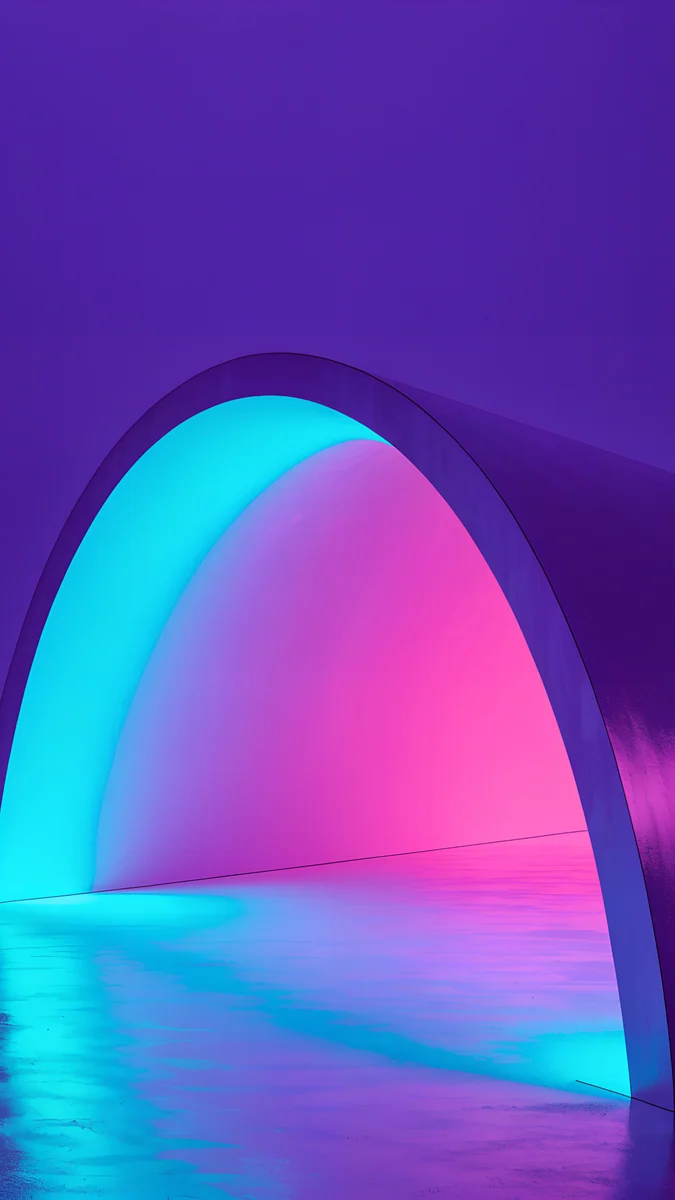
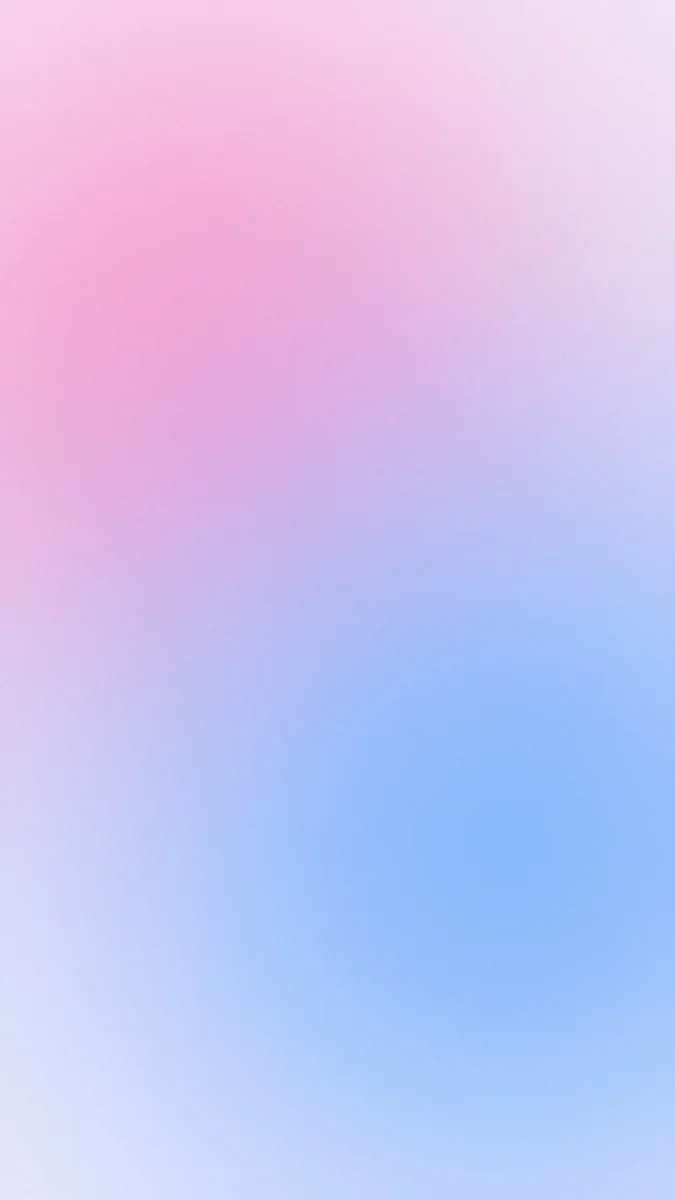 Aura Pink Blue
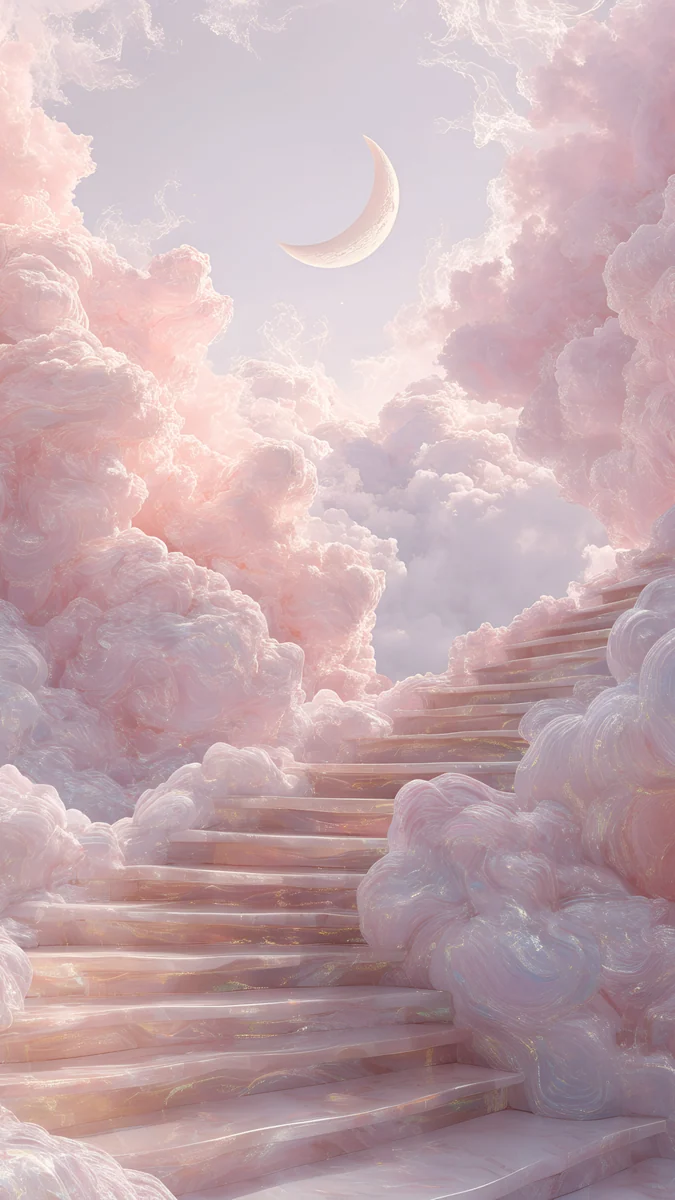
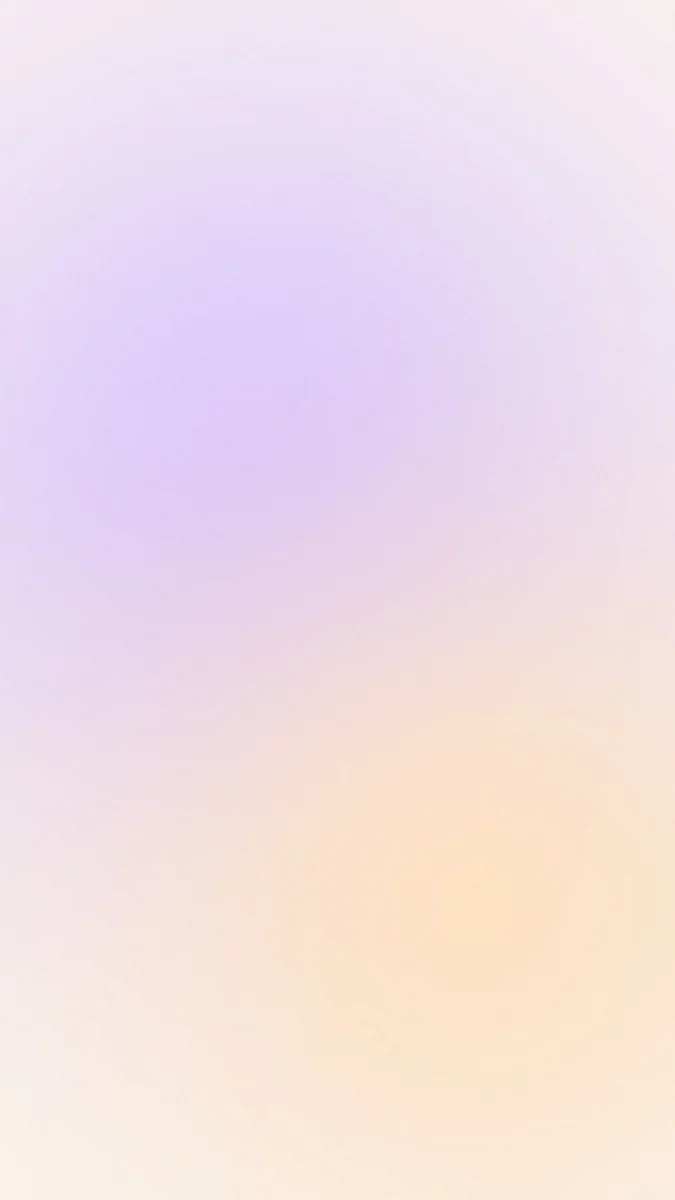 Aura Lavender Cream
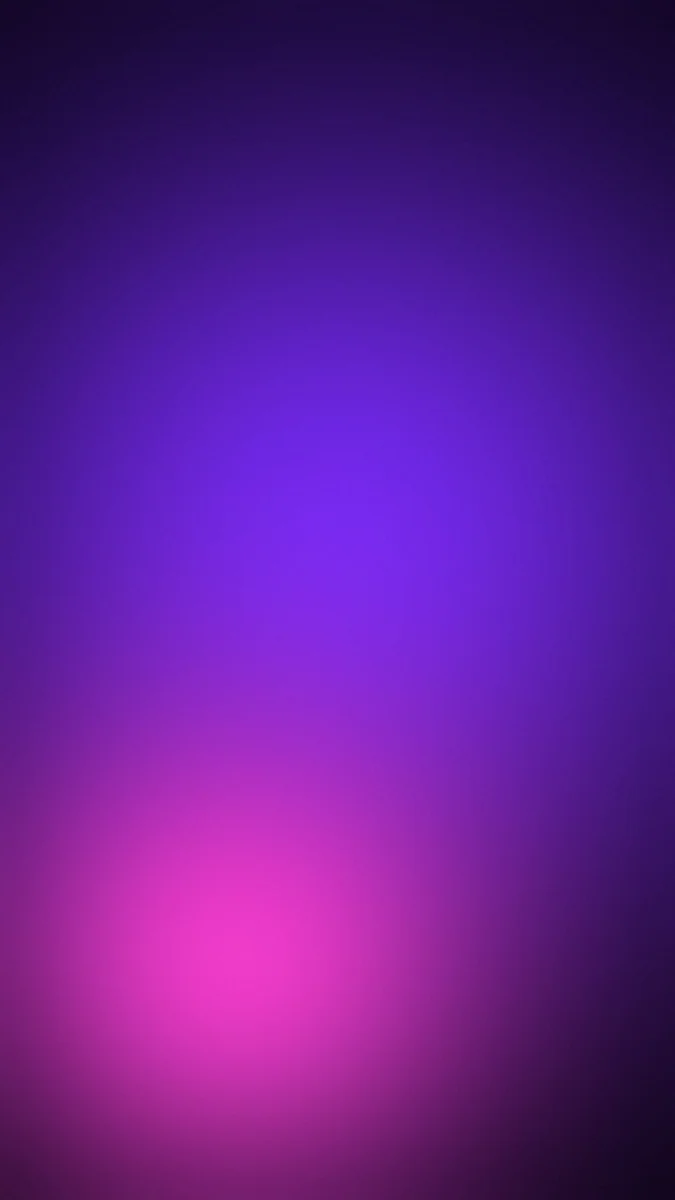 Aura Purple Black
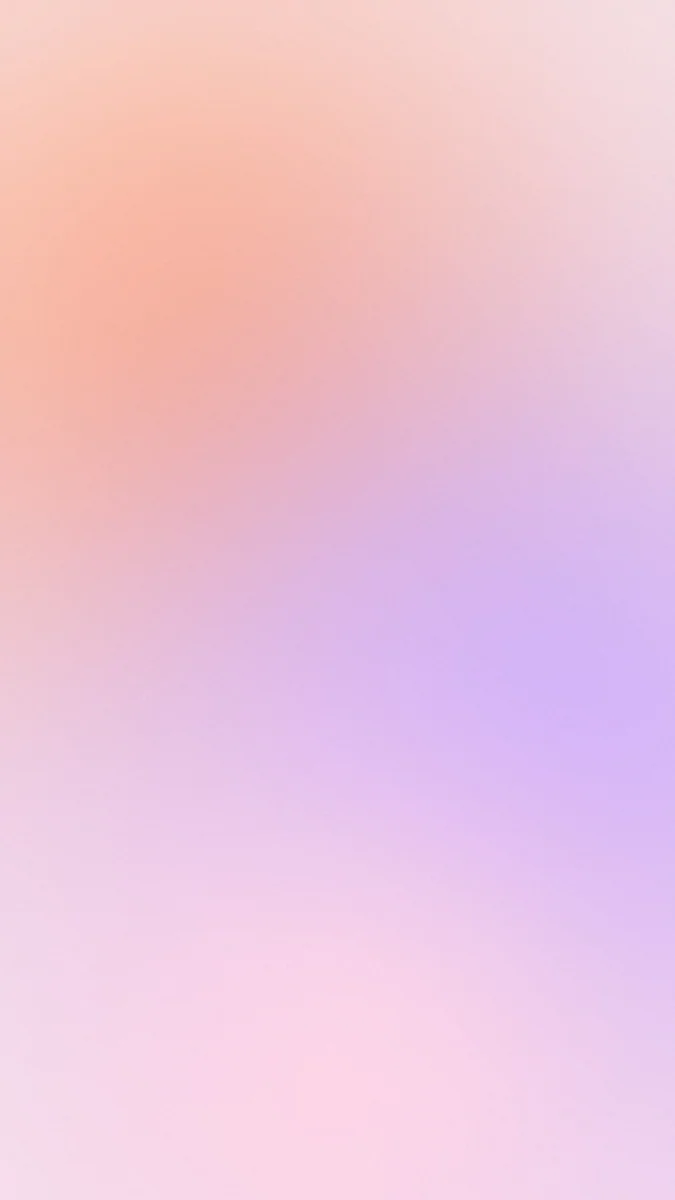 Aura Peach Lilac
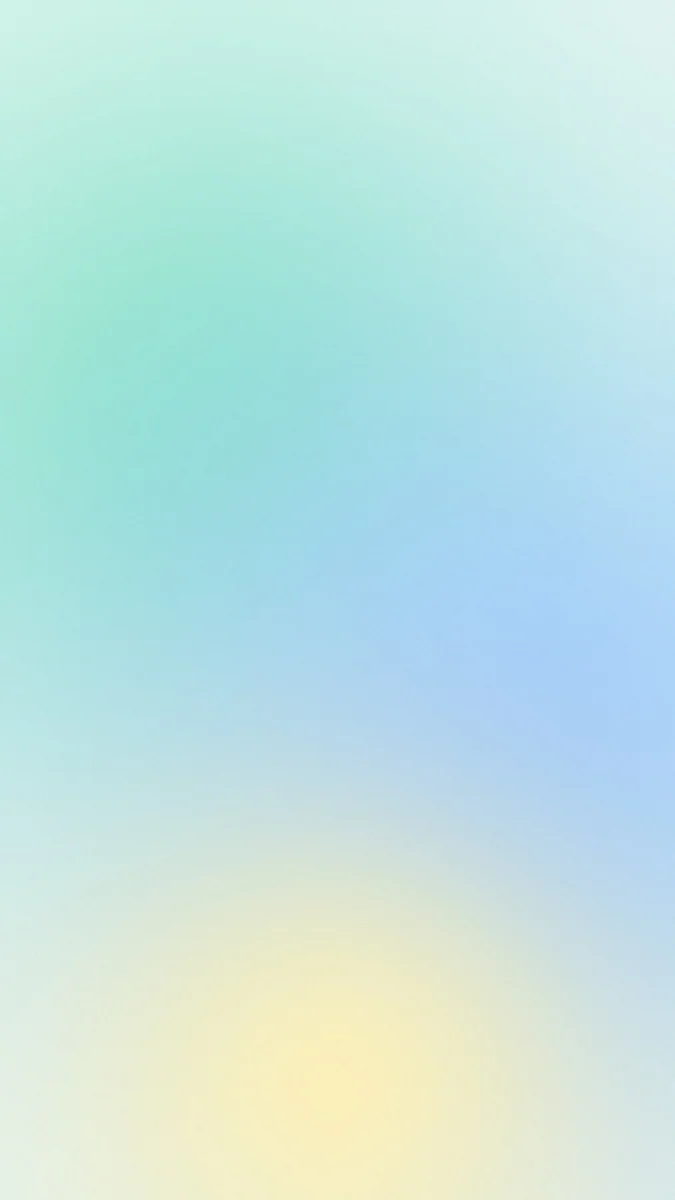 Aura Mint Sky
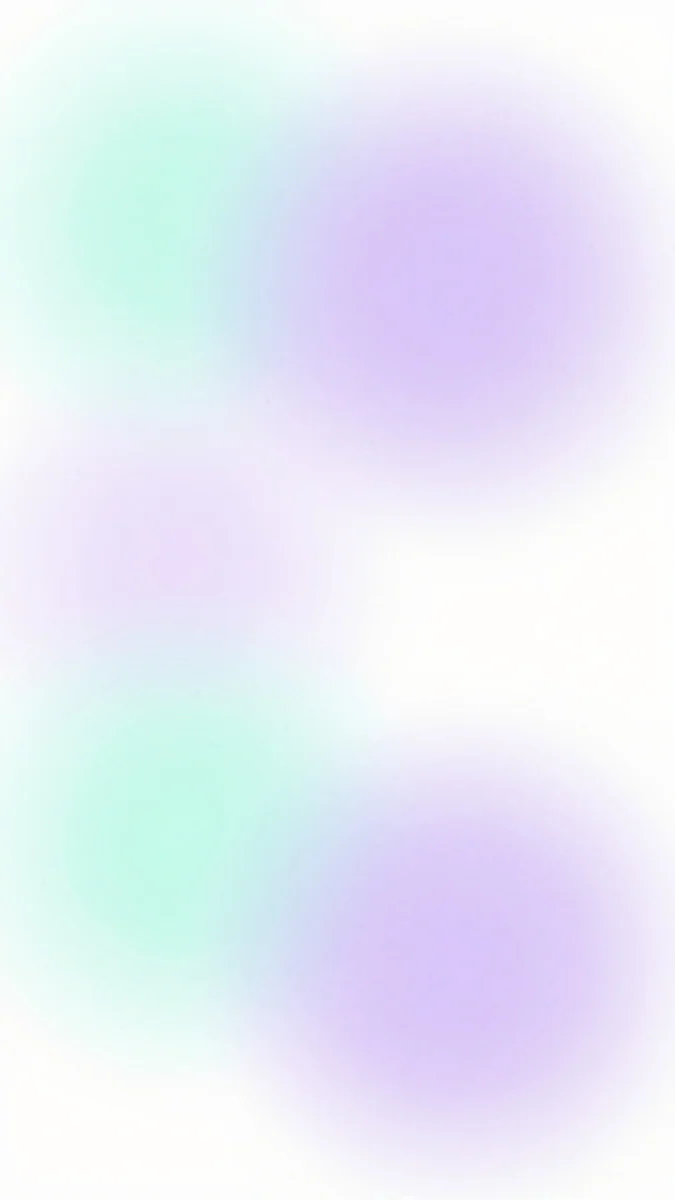 Mint Aura
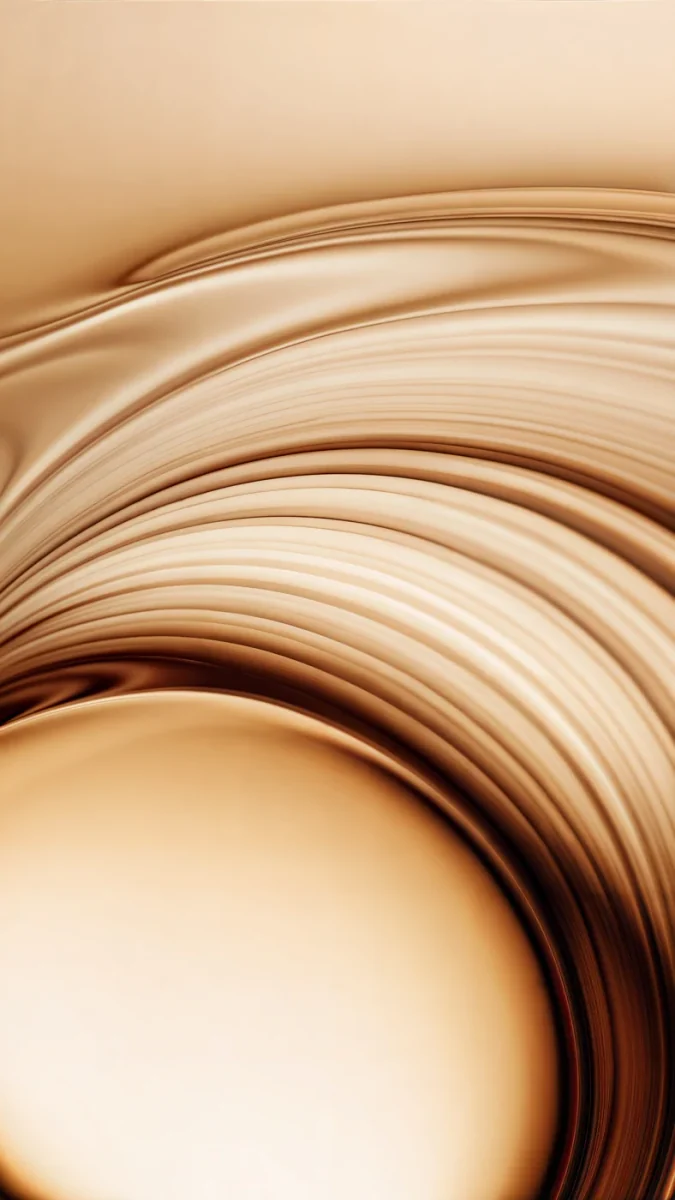
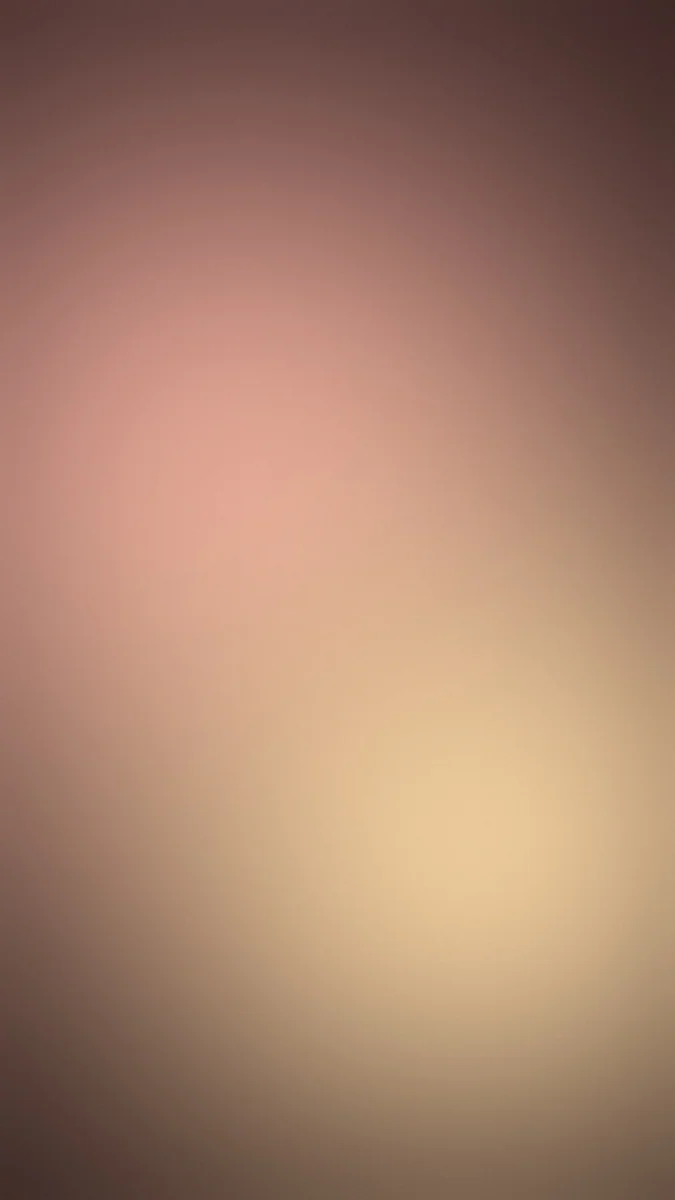 Aura Rose Gold
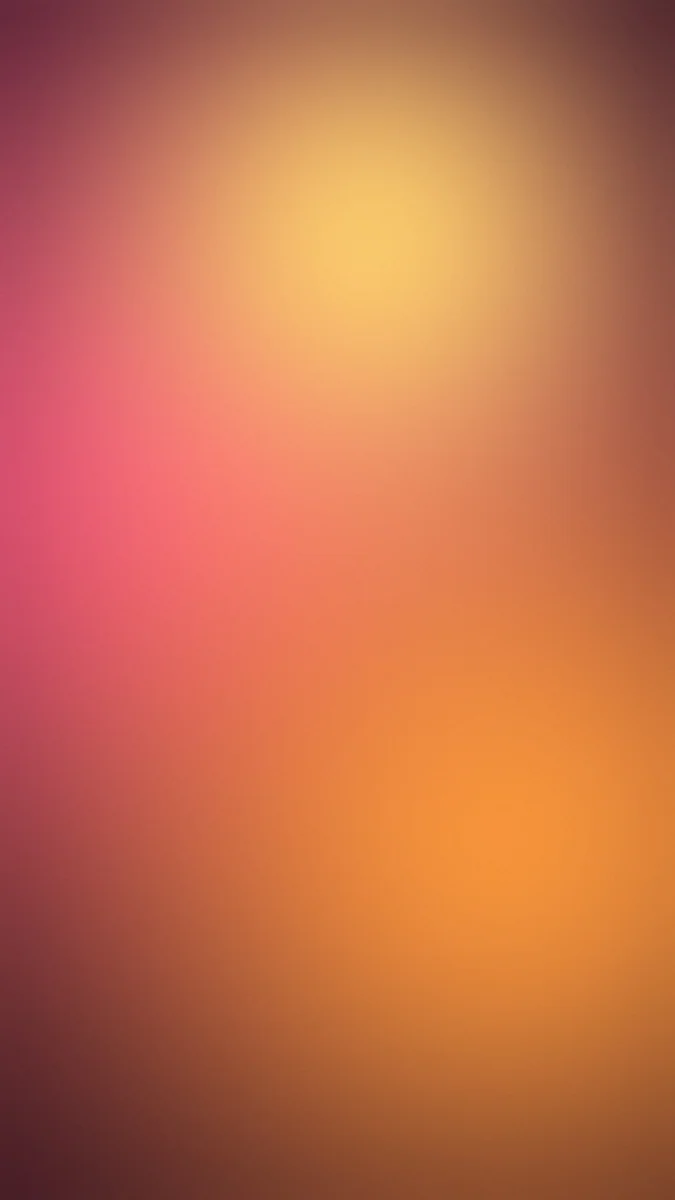 Aura Pink Orange
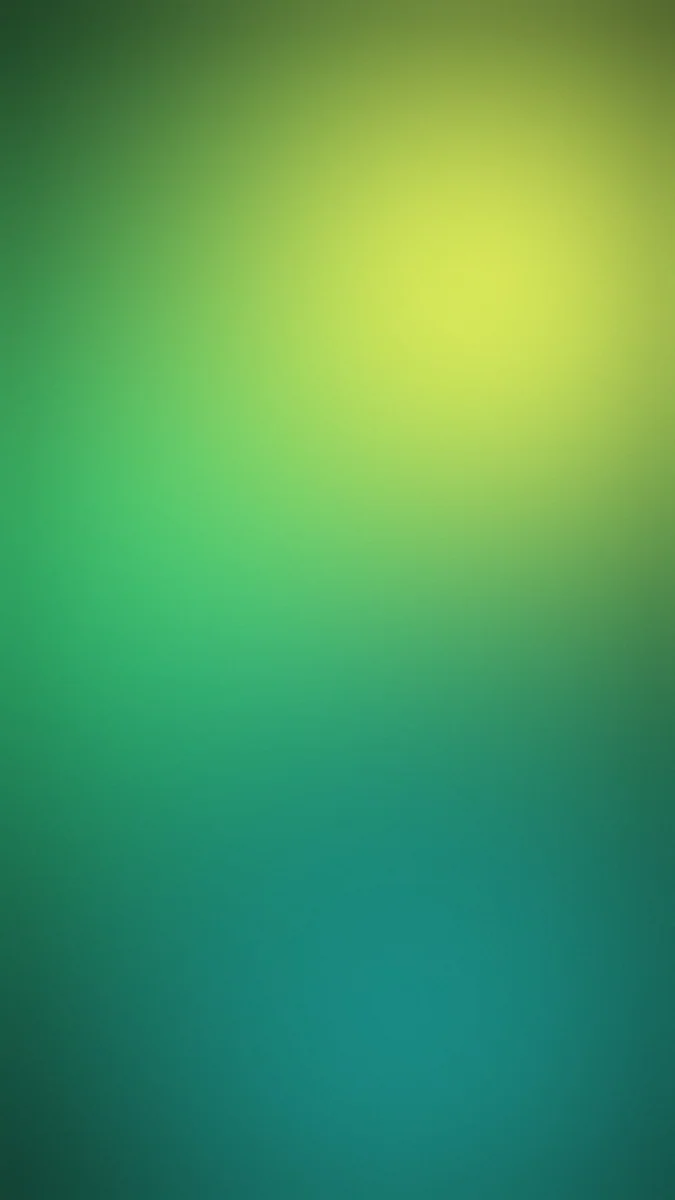 Aura Green Yellow
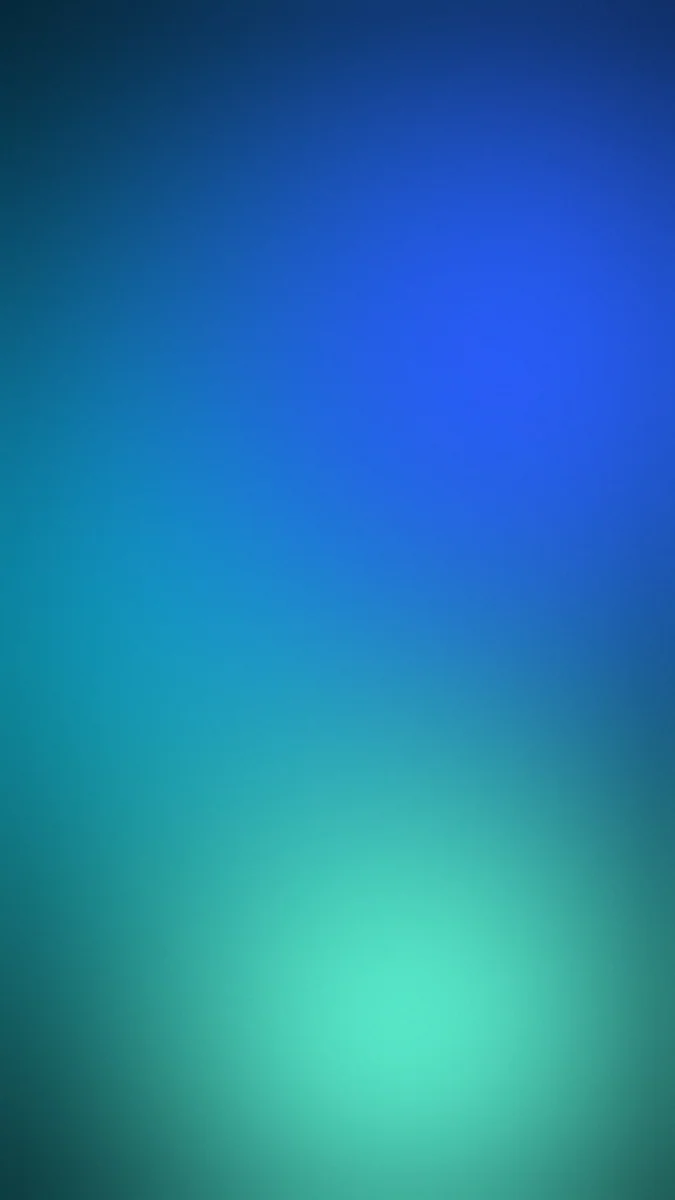 Aura Ocean Teal
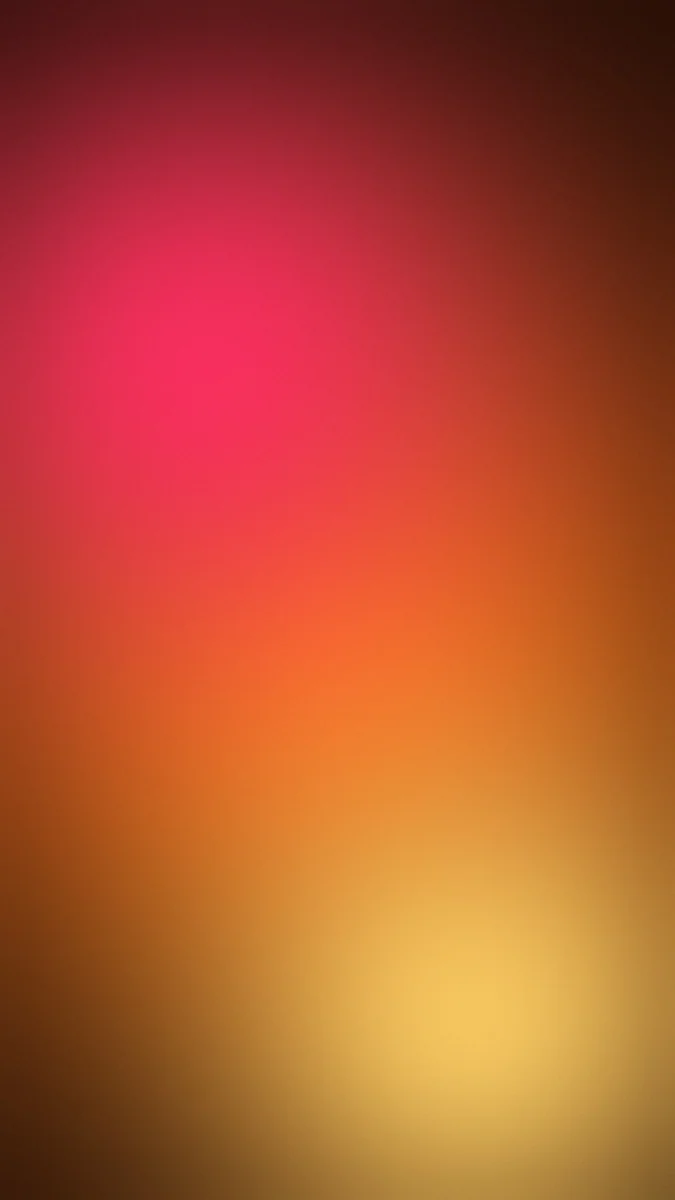 Aura Sunset Amber
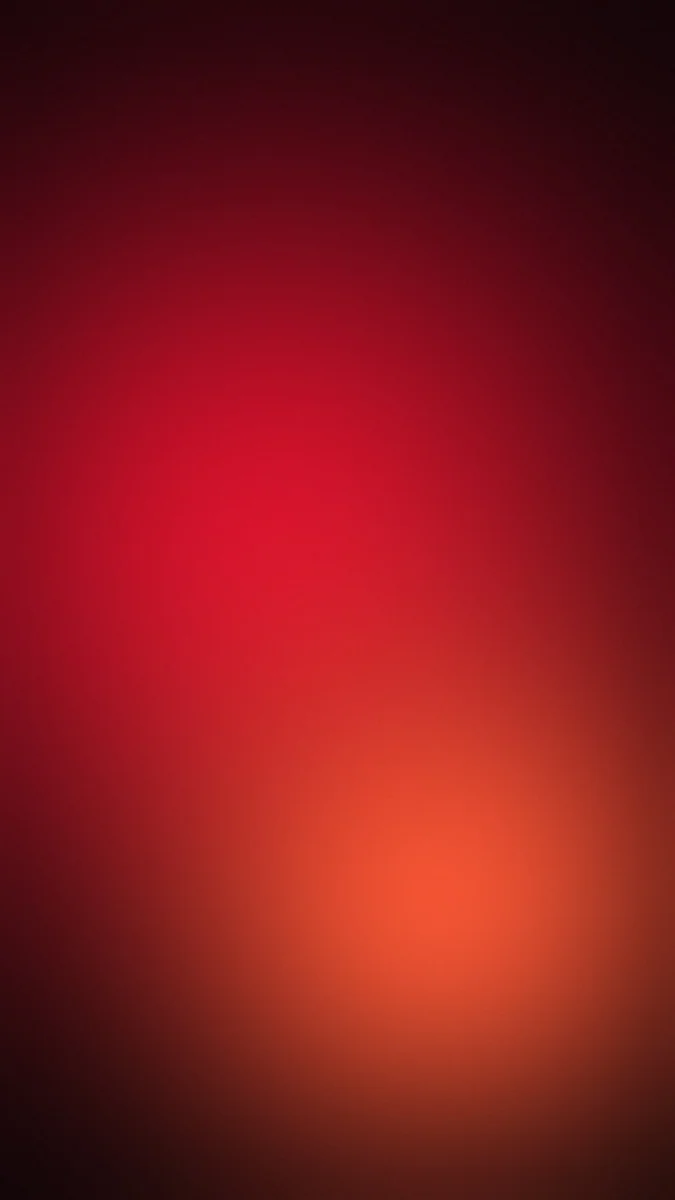 Aura Red Black
Free originals for iPhone and Android, no watermark
On this page
An aura wallpaper is a soft glow of colour: two or three shades blurred into each other with no hard edges, like light seen through frosted glass. Search for an aura wallpaper, an aura background or an aura aesthetic wallpaper and you get the same look, which is why it works so well on phones. There is no subject to compete with the clock and icons, and the colour does all the work. Below are 12 original [1] Velpaper gradient aura wallpapers in three groups: soft pastels, bright two colour glows and deep dark auras, plus a few related gradient designs. Every one is a free 4K file at 2160 by 3840 pixels, with no text, logo or watermark [1].
Why aura wallpapers work so well on a lock screen
There is nothing to read around. A blurred gradient has no edges, faces or horizon, so the clock can sit anywhere. This makes the aura gradient wallpaper the easiest to pair with big, bold clock fonts. See iPhone lock screen ideas for layouts that suit it.
Colour sets the mood. Pastel auras feel light and clean, bright ones feel energetic, and dark ones are calm and good for dark mode. Pick the one that matches your phone case, your icon colours or the time of day.
Smooth gradients are easy on icons. Even colour transitions mean icon labels stay readable. It also scales cleanly, because there is no fine detail to blur.
Soft pastel auras
The lightest group, in cream, lilac, mint and peach. They suit light mode, tinted icons and anyone who wants a gentle screen.
Aura Lavender Cream melts lilac into cream, calm and almost white. Aura Peach Lilac blends warm peach with a soft purple. Aura Mint Sky goes from mint green to pale blue, and Mint Aura adds mint, lilac and white in a dreamy, minimal mix. Aura Rose Gold mixes pink and gold for a warm glow. Use a dark grey clock on these, and see pastel aesthetic wallpapers for more.
Bright gradient aura wallpapers
These use stronger colour pairs, so the glow is easy to see even at a glance. They are the best match for a bold gradient aura wallpaper.
Aura Pink Blue is the classic: a pink glow on one side melting into blue. Aura Pink Orange is warm, a sunrise like blend. Aura Green Yellow is fresh and bright, Aura Ocean Teal runs blue into teal and green, and Aura Sunset Amber is a warm amber glow. Check the lightest part of the glow behind the clock: if it is bright, switch to a dark clock, and if it is deep, use white. More vivid gradients live in neon gradient wallpapers.
Dark aura wallpapers
A dark aura puts a glow on a black ground. It is a good dark mode wallpaper and a quiet one, with colour only where the light is.
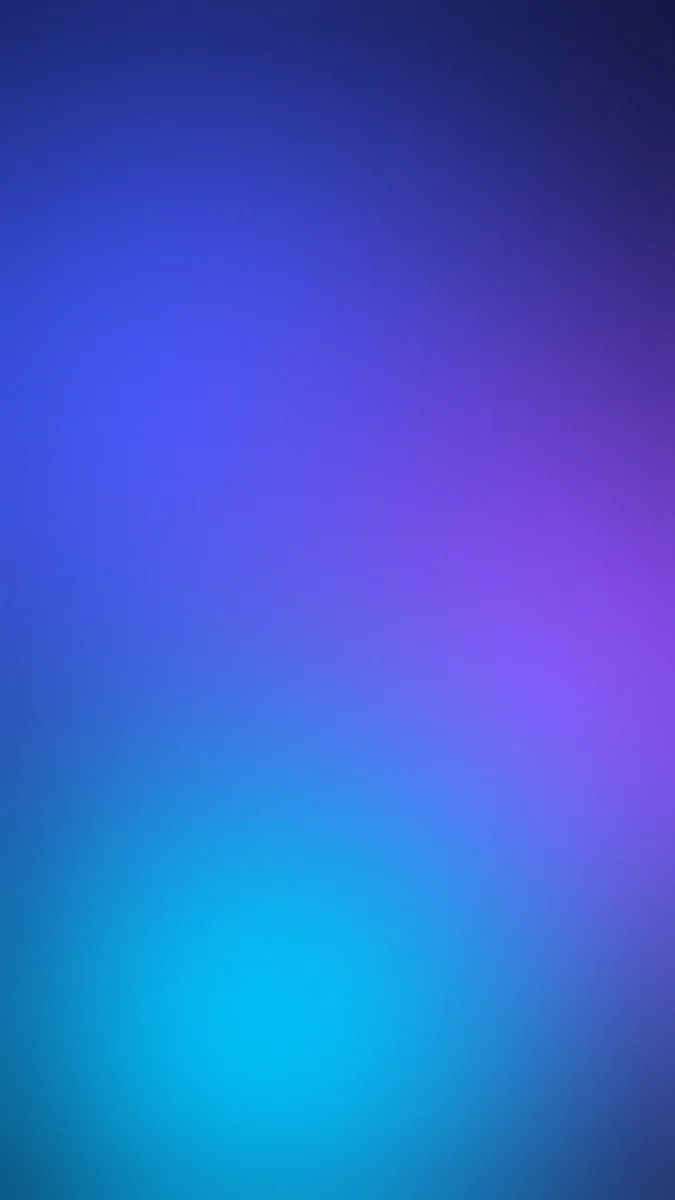
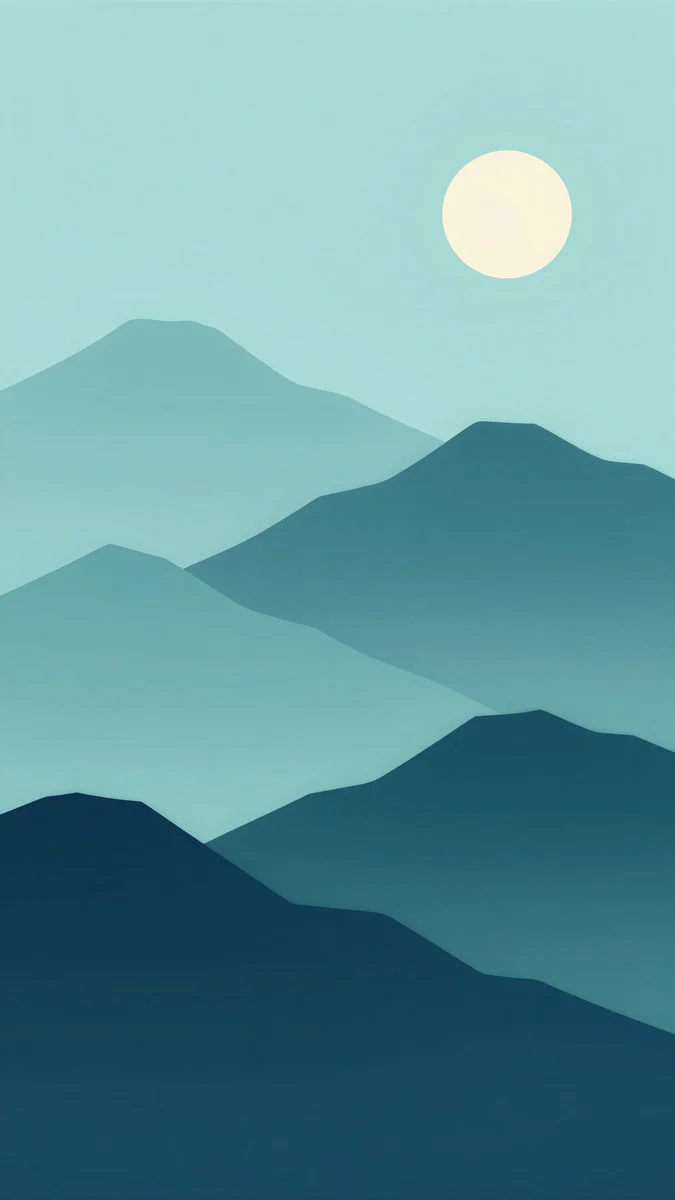
Aura Purple Black is a violet glow on black, and Aura Red Black is a deep red glow, the easiest way to get a red and black look without any scene. A white clock reads well on both. Aura Blue Violet is cool and deep, the darkest of the blues, and Midnight Paper Peaks adds a moon over layered teal and navy ridges. Dark pixels also help on OLED, where black is switched off. For the details see dark wallpapers for OLED.
Gradient designs with a shape
If a pure blur feels too empty, these designs keep the gradient feel and add a light shape: a wave, a fold or a mountain ridge.
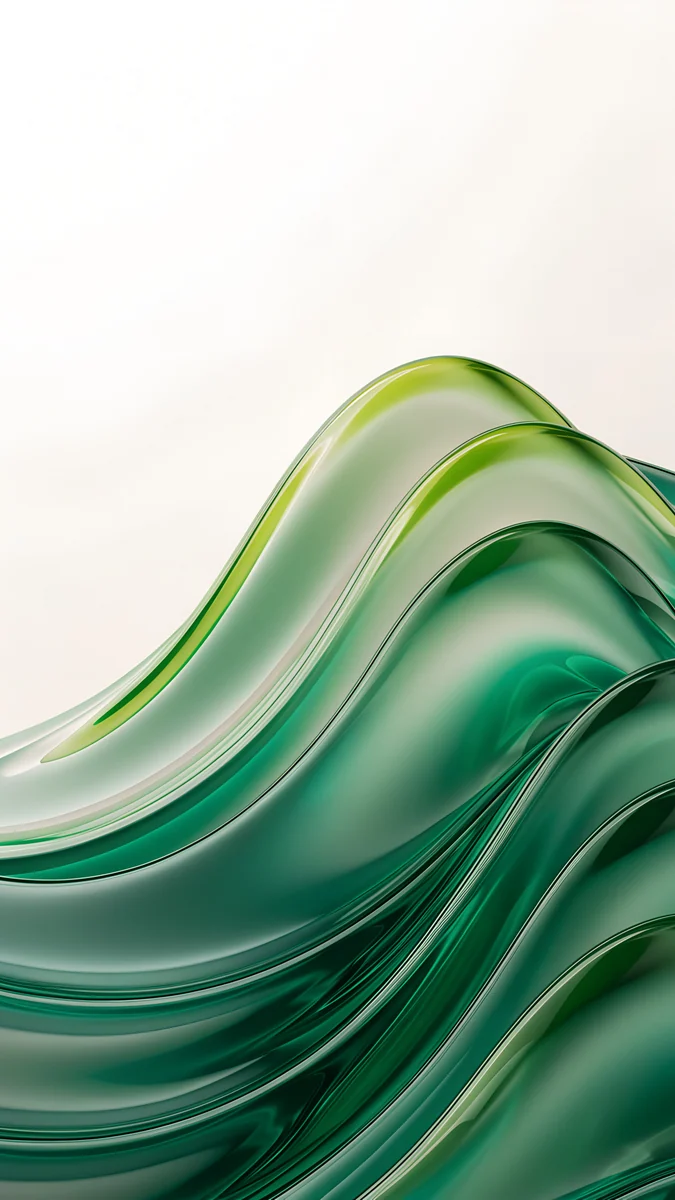
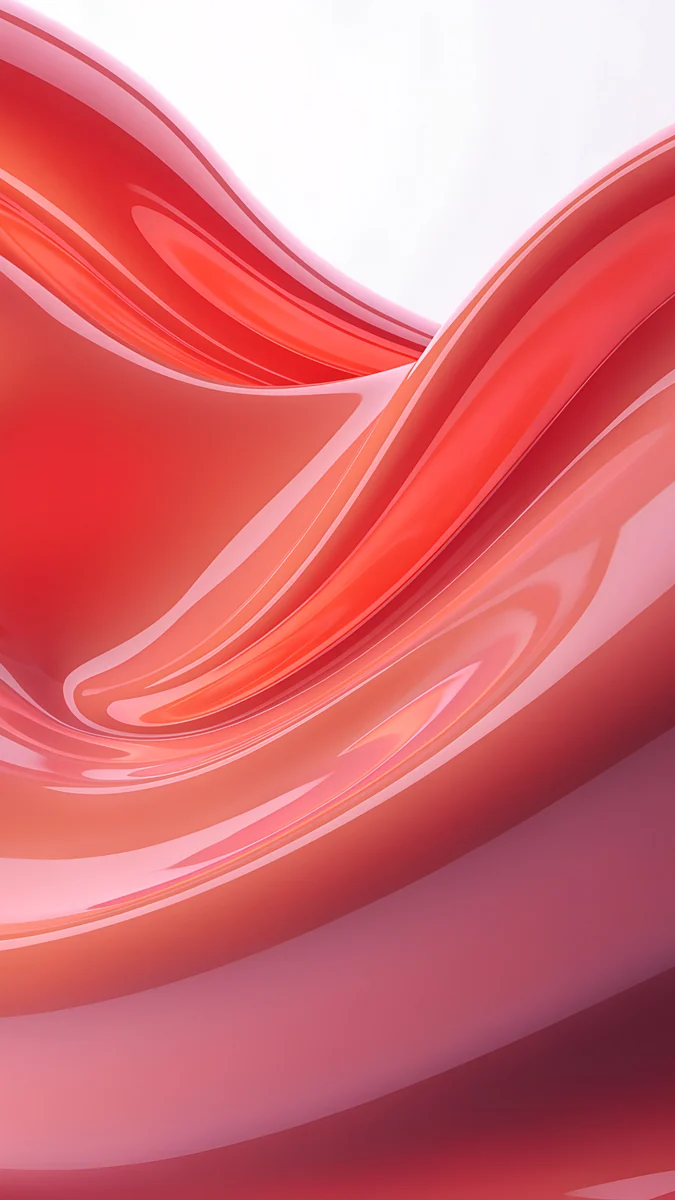
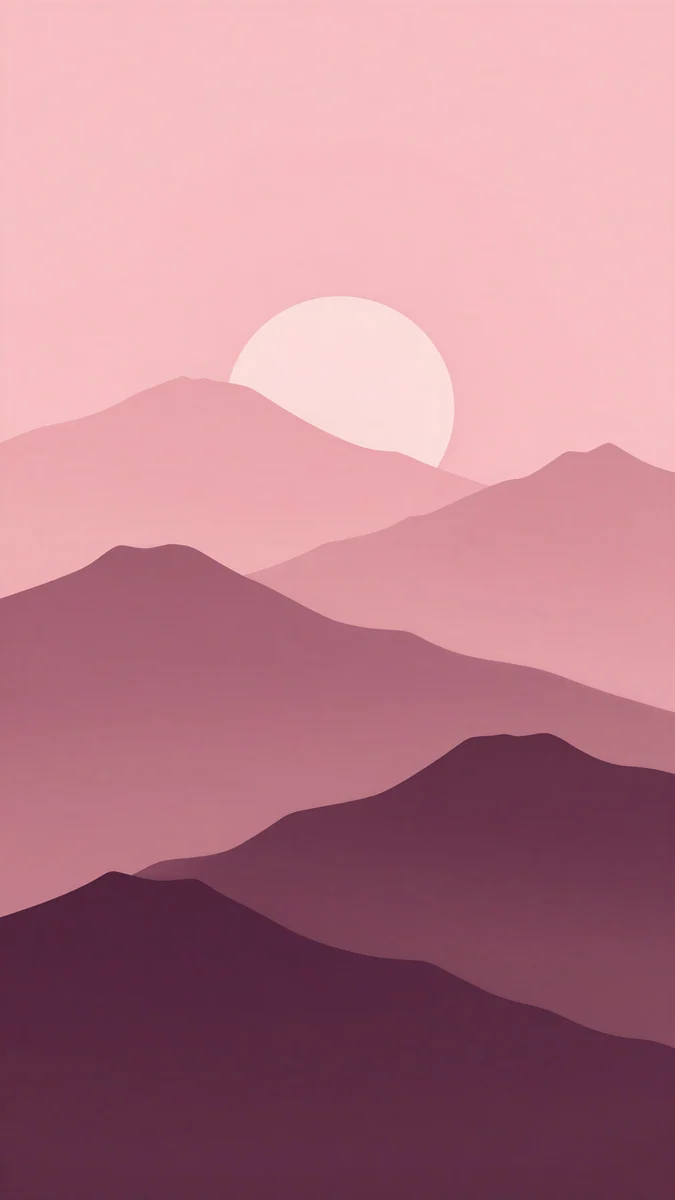
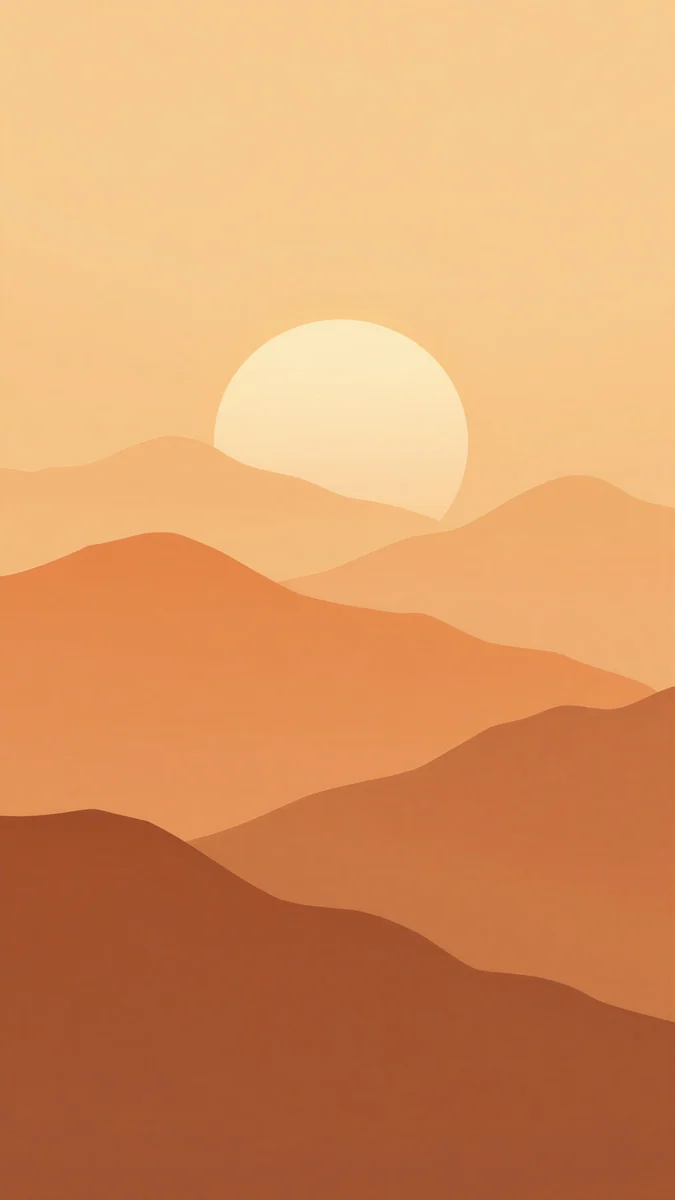
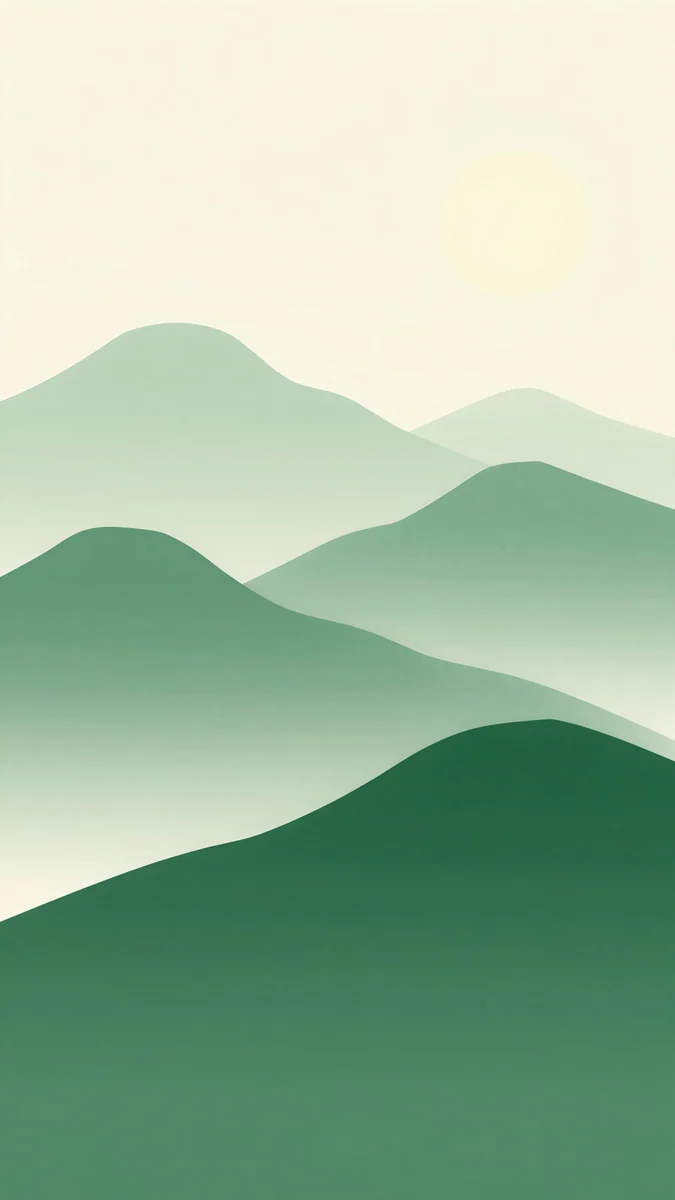
Emerald Glass Waves and Coral Satin Wave are smooth glass and satin in green and coral. Plum Paper Peaks, Amber Paper Sunrise and Forest Paper Peaks layer paper cut mountains, each in one colour family: plum, amber and green. They keep the quiet palette of an aura wallpaper with a little more structure.
Aura wallpapers and tinted icons
A glow of colour is the easiest background for tinted icons. If you use a tint on iPhone, match it to the strongest colour in the aura: a pink tint on Aura Pink Blue, a violet one on Aura Purple Black, a warm cream one on Aura Rose Gold. Because the gradient has no edges, icons never land on a line or a detail, and widgets in white or glass sit cleanly on top. On Android, themed icons that follow the wallpaper colour tend to look best on pastel auras, where the palette is already soft.
How to use an aura wallpaper
- One file for both screens. The gradient looks fine on lock and home screens. For variety, pair two auras in the same family, such as Aura Pink Blue on the lock screen and Aura Lavender Cream on the home screen.
- Match your icons. Warm auras suit white or cream icons, and cool ones suit most coloured apps.
- Match the clock. Dark clock on pastels, white clock on dark ones.
Our guide to different lock and home screen wallpapers shows how to set each separately.
Next step: open Aura Pink Blue for a classic glow or Aura Purple Black for a dark one, and save the 4K original [1].
Original wallpapers in and for iPhone, Android and desktop.
Questions
What is an aura wallpaper?
An aura wallpaper is a soft gradient made of two or three colours blurred together with no hard edges, so it looks like a glow of light. It has no subject, which keeps the lock screen clock and home screen icons easy to read. Velpaper has 12 original [1] aura wallpapers at 2160 by 3840 pixels, from pastel Lavender Cream to bright Pink Blue and dark Purple Black, all free with no watermark. You set one like any other wallpaper: save the image, then choose it in your phone's wallpaper settings.
What is the best aura background for a lock screen?
Pick by clock colour. On pastel auras such as Aura Lavender Cream, Aura Peach Lilac or Aura Mint Sky, a dark grey clock reads best. On bright auras such as Aura Pink Blue or Aura Blue Violet, check where the lightest part of the glow sits behind the time and choose a dark or white clock to match. On dark auras such as Aura Purple Black and Aura Red Black, a white clock is clearest. On iPhone, touch and hold the Lock Screen, tap Customize, then tap the time to change its colour and font.
Are aura wallpapers good for dark mode?
Dark ones are. Aura Purple Black and Aura Red Black put a coloured glow on a very dark ground, so they sit well with dark mode and use few bright pixels. On an OLED screen, black pixels are switched off, though a dark violet or red glow is not pure black and stays lit. If you want switched off pixels for most of the screen, a dark aura is a good compromise between a plain black background and a bright gradient. Light auras suit light mode better.
Can I get an aura wallpaper in a specific colour?
The 12 auras [1] cover pink and blue, pink and orange, blue and violet, green and yellow, ocean teal, sunset amber, rose gold, lavender and cream, peach and lilac, mint and sky, purple on black and red on black. Search by colour in the Velpaper app or on velpaper.com, since each wallpaper has colour tags. If you need a particular shade, pick the closest and use a matching clock colour, or look at the gradient designs with shapes, such as Emerald Glass Waves or Plum Paper Peaks, which add a wave or a mountain ridge to the same soft colours.
Are aura wallpapers free?
Yes. All 12 Velpaper aura wallpapers are free 4K files at 2160 by 3840 pixels, JPEG with no text, logo or watermark [1]. Some other Velpaper wallpapers unlock after a short ad, and each wallpaper page shows which kind it is, so you always know before you download. You can download the auras from velpaper.com or in the Velpaper app for iPhone, iPad, Mac and Android.
Carlos Vivero
Designer of Velpaper wallpapers
Carlos Vivero designs the wallpapers in Velpaper: quiet architecture, liquid glass, Japanese ink and calm landscapes. Every piece is made as a original for iPhone, Android and desktop.
Recent work