Red Wallpaper PC: 15 Rose, Coral and Burgundy 4K Picks
Red wallpaper for PC and laptop: 15 original 4K and 5K picks in rose, coral, burgundy and dark red, with Windows 11 and Mac steps and colour tips.
Sources [1] · By the Velpaper team · Wallpapers by Carlos Vivero, Velpaper designer · · 3 min read
In short: The best red wallpaper for PC uses red as a warm accent or a deep burgundy, not a flat bright field. Velpaper has 15 original wide picks at 3840 × 2160 or 5120 × 2880 [1].
Wallpapers
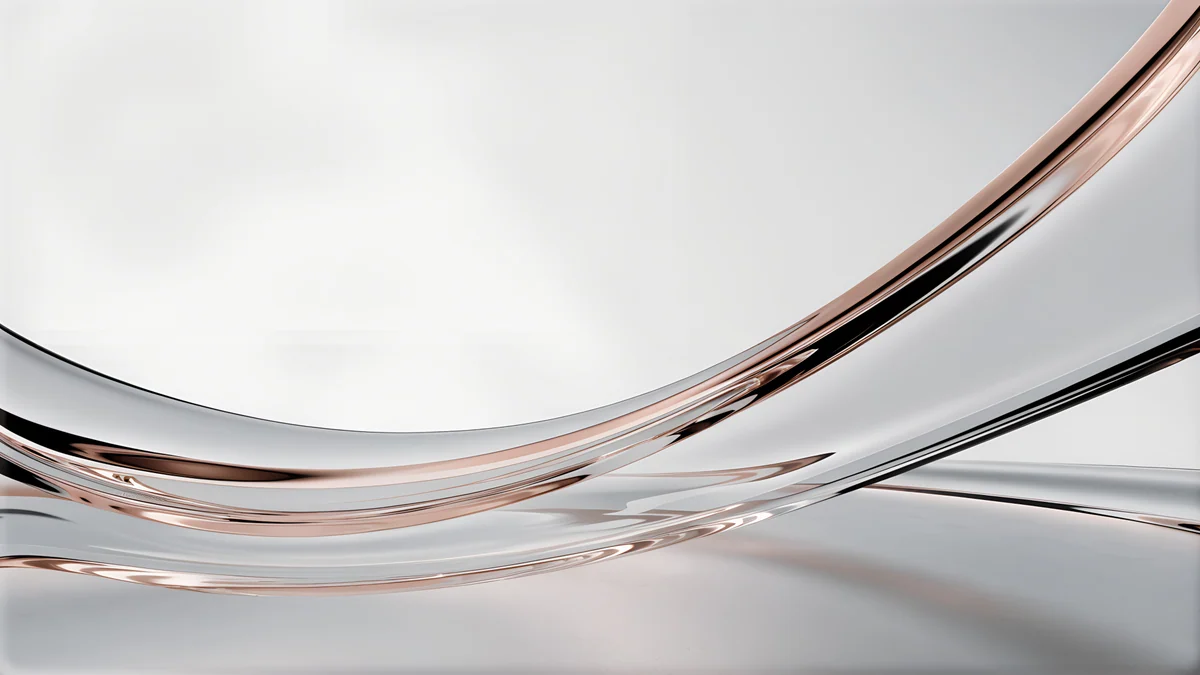
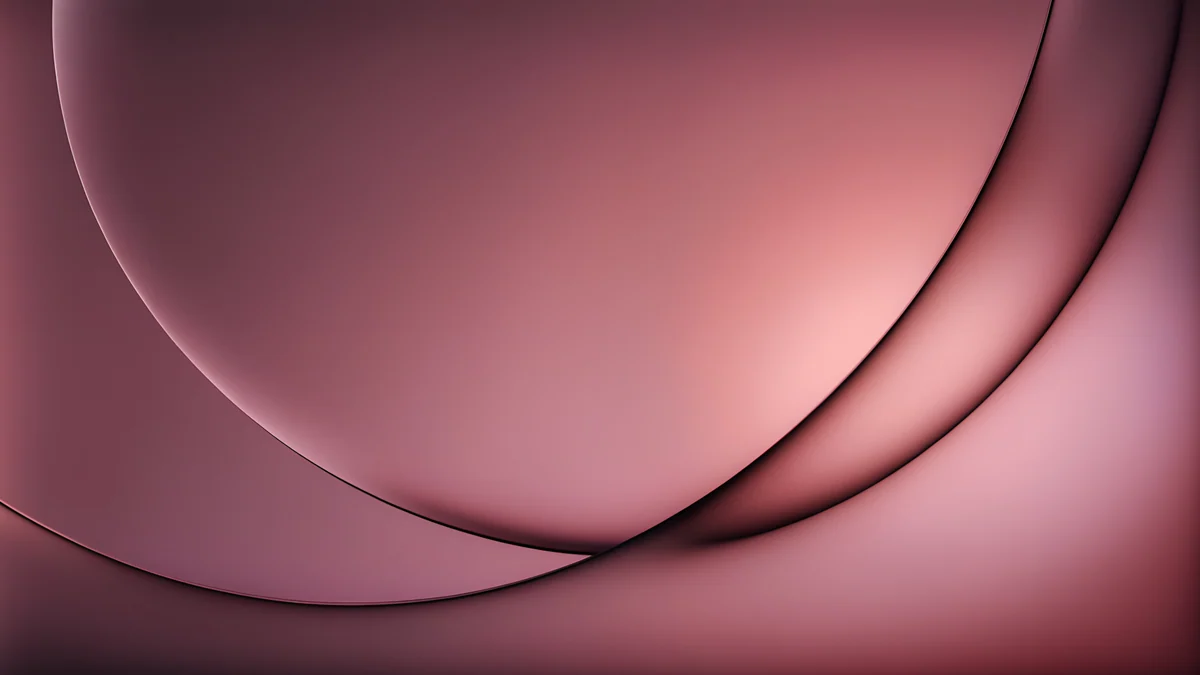 Rose Smoke Glass
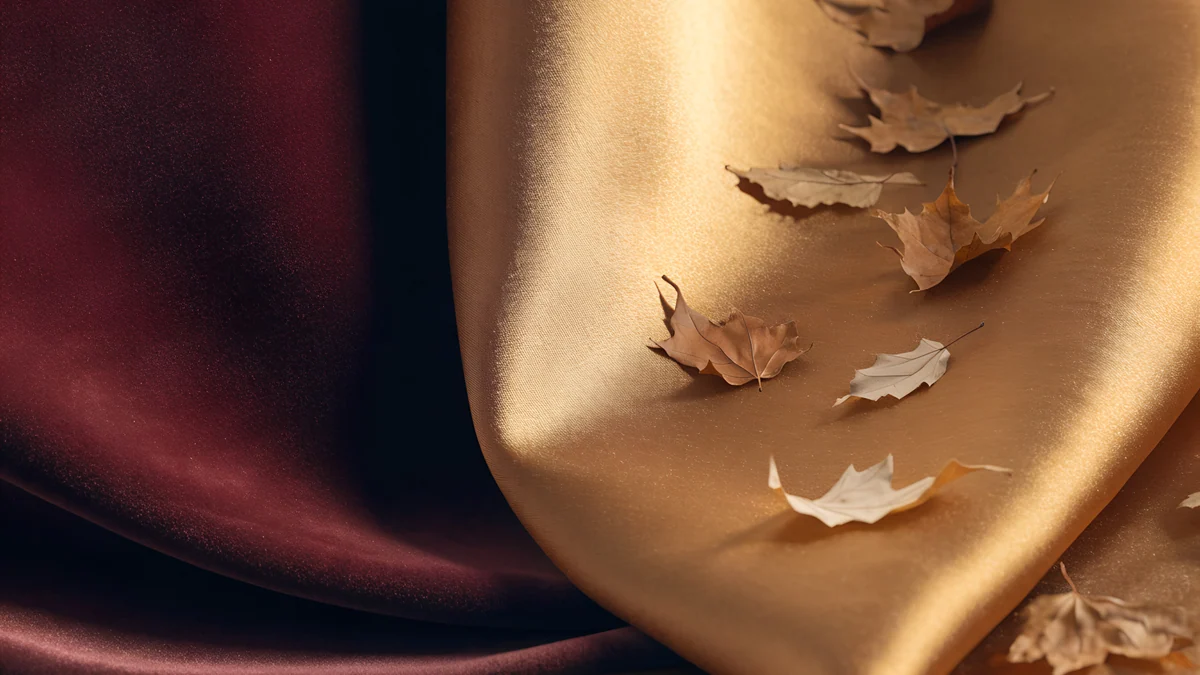 Burgundy Gold Silk Leaves
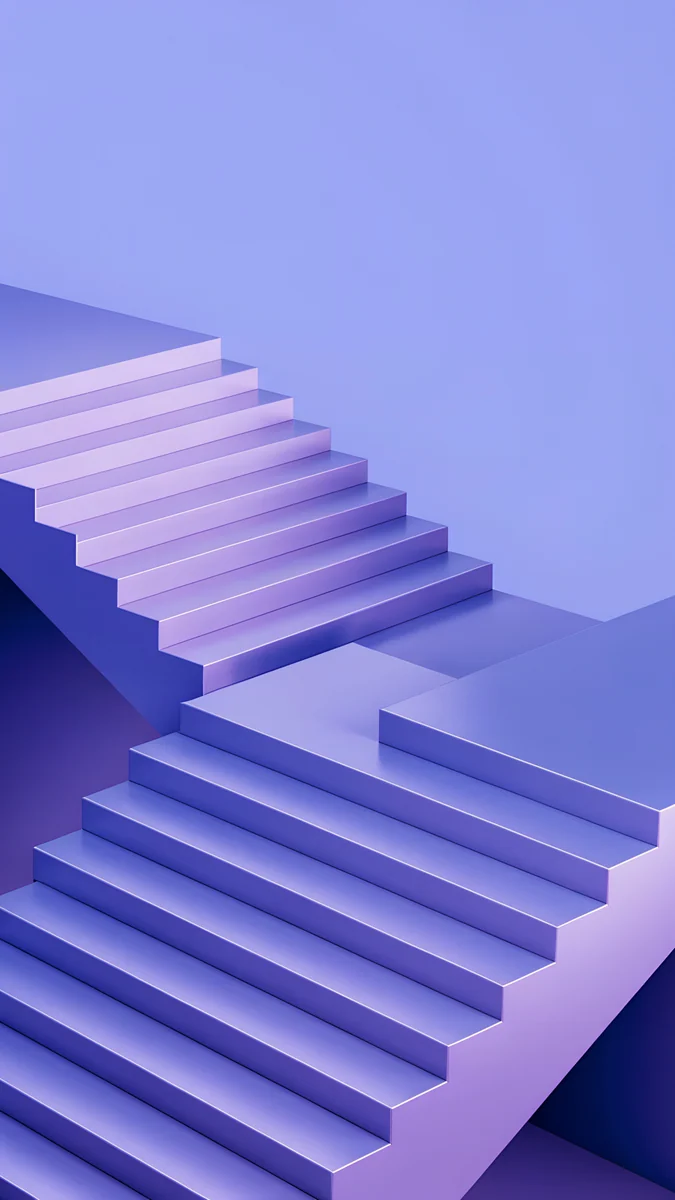
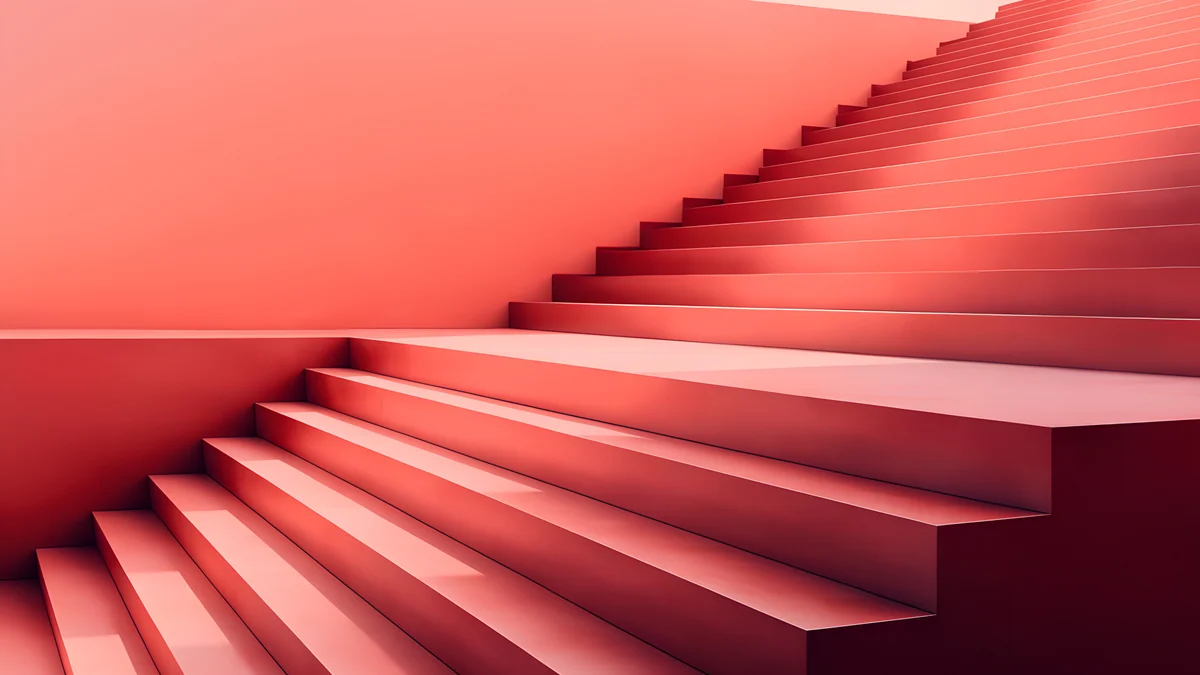 Coral Zigzag Terrace
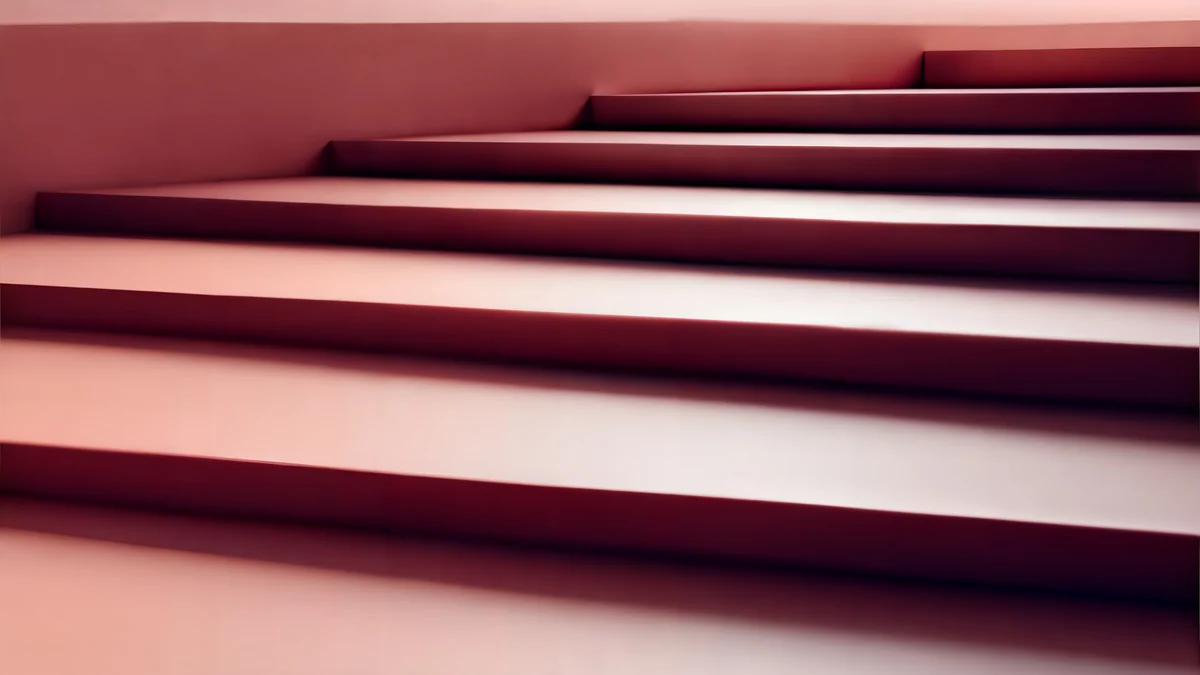 Rose Terrace Strata
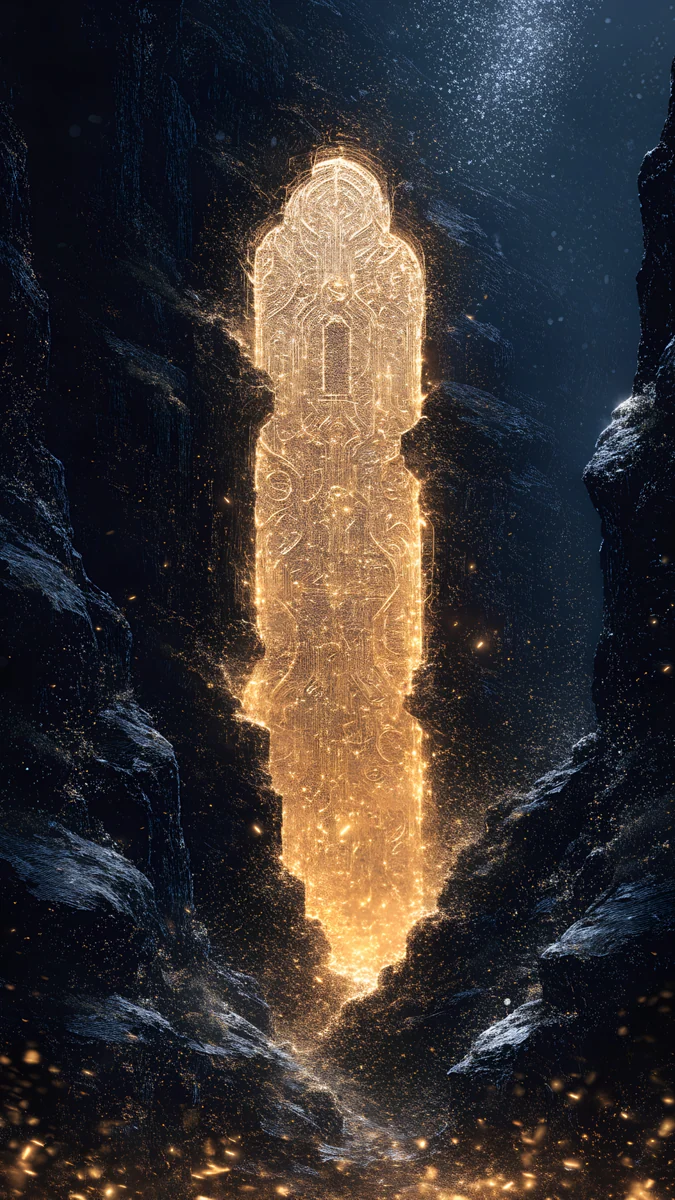
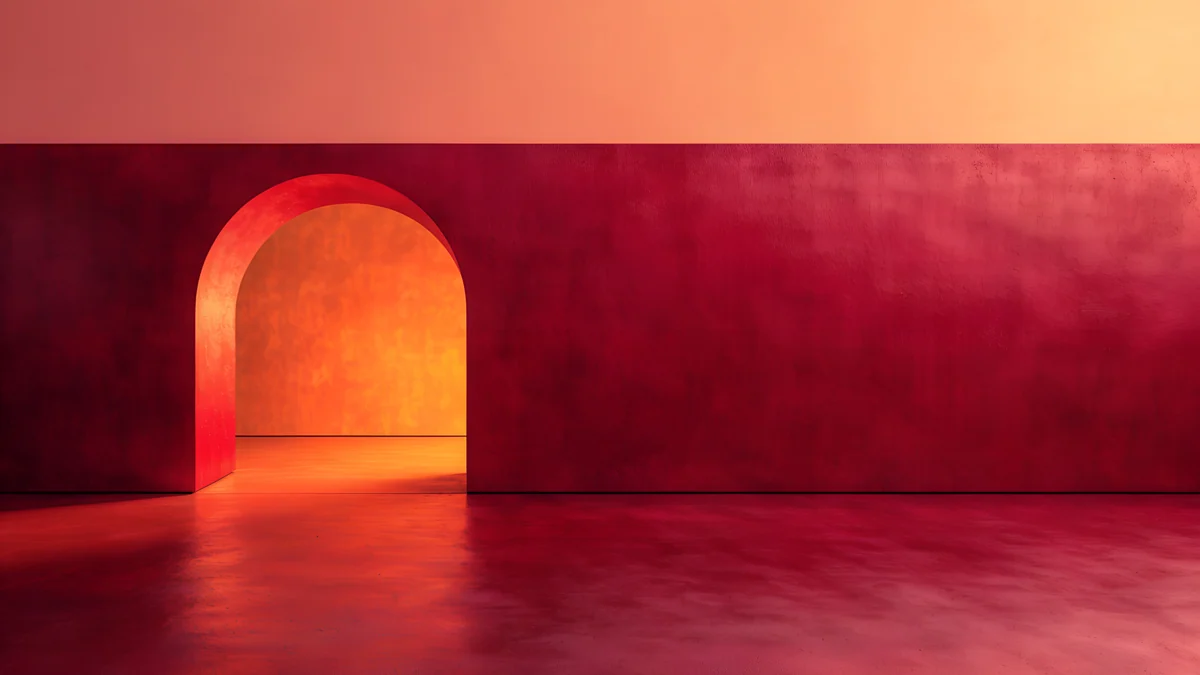 Coral Ignition Gate
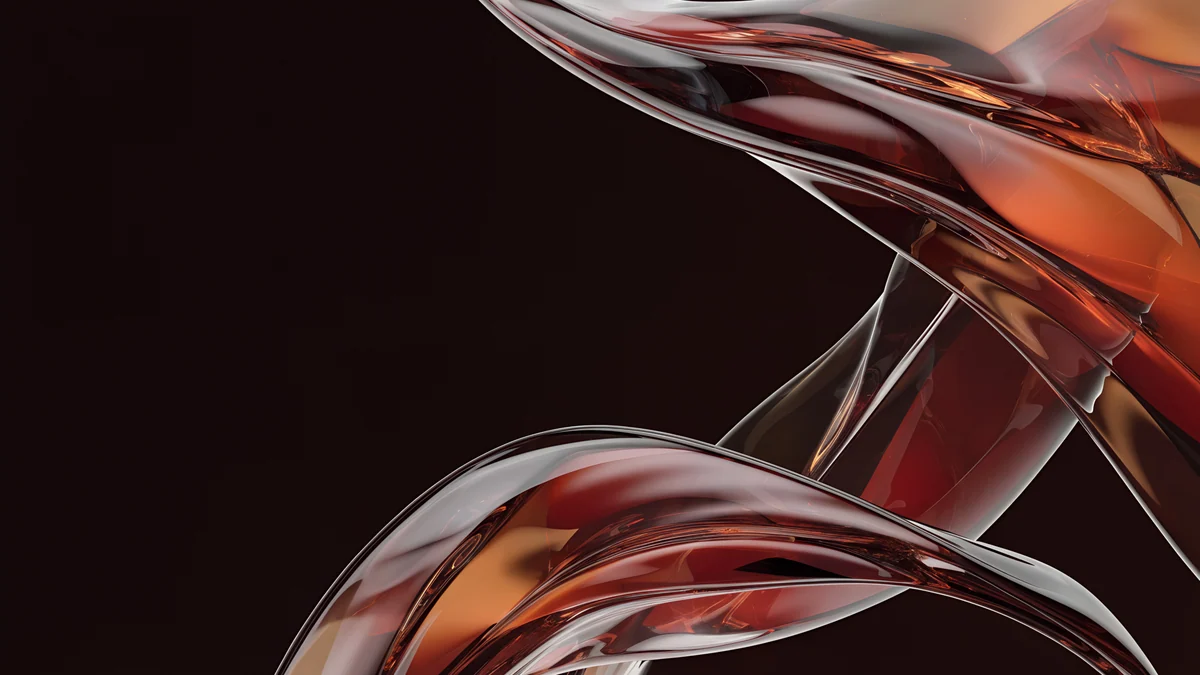 Autumn Glass Waves
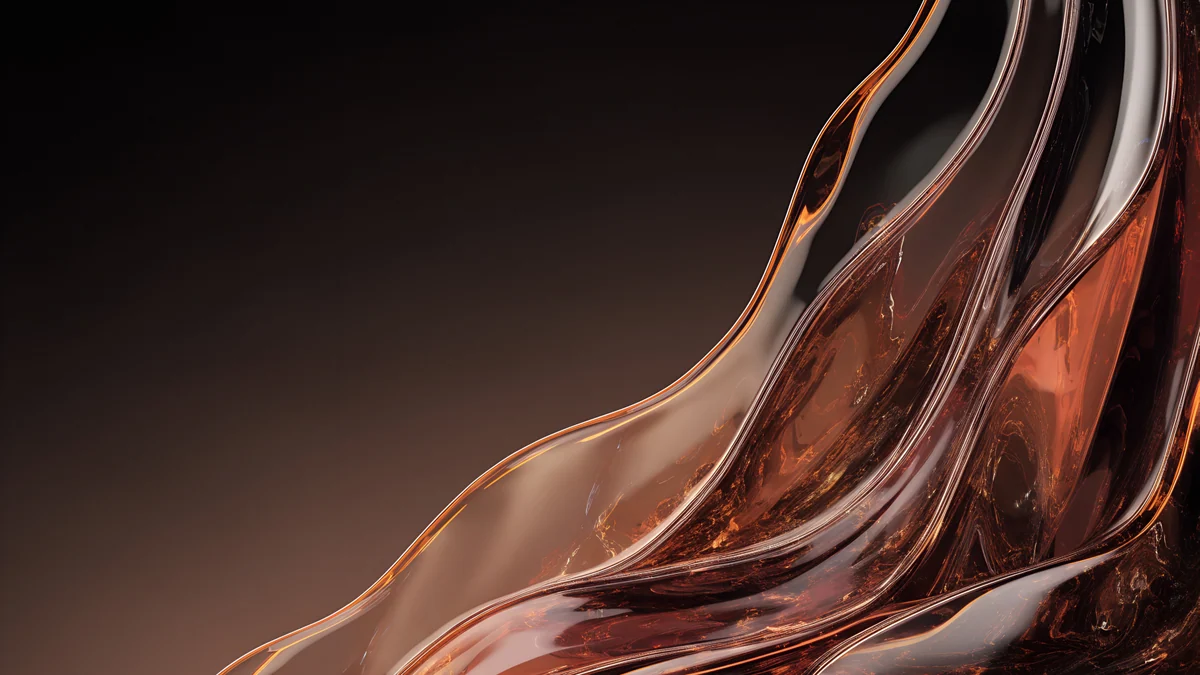 Amber Glass Autumn
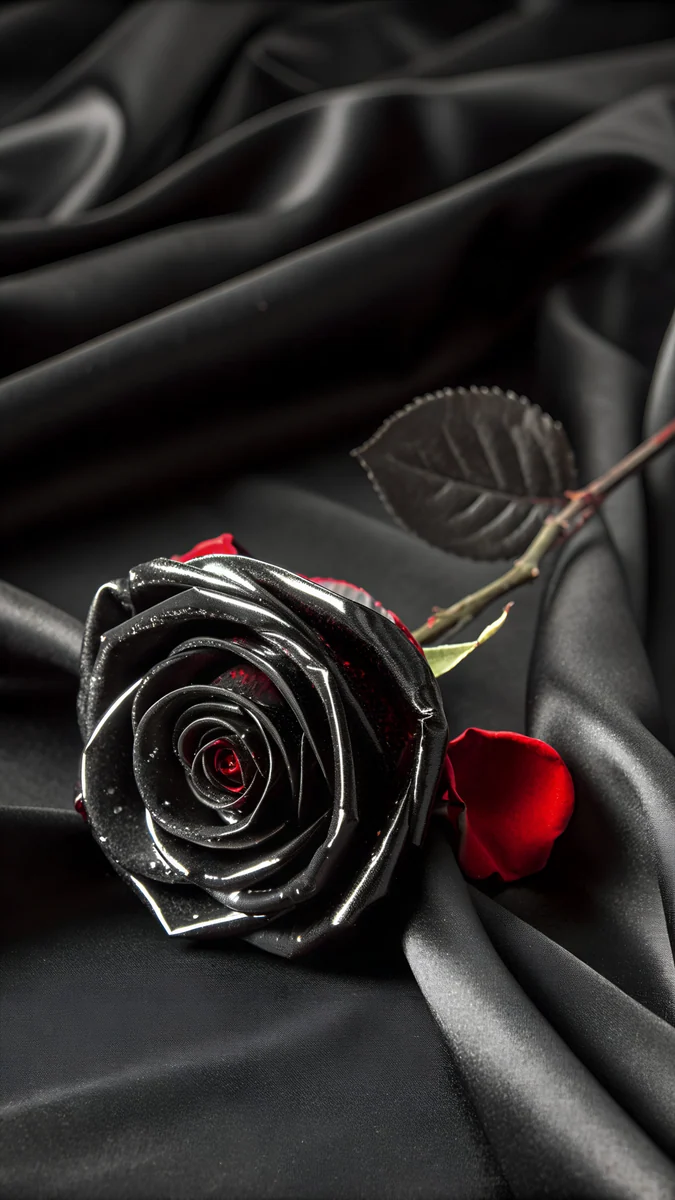
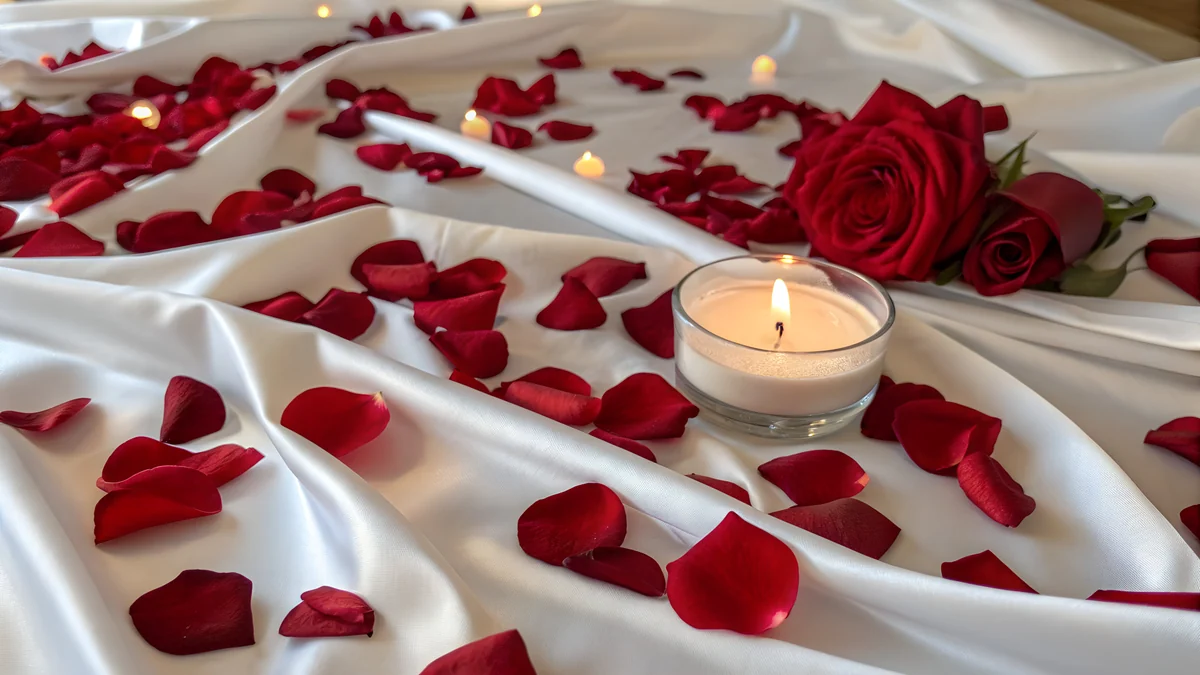 Rose Petals on Silk
 Glass Hearts Bokeh
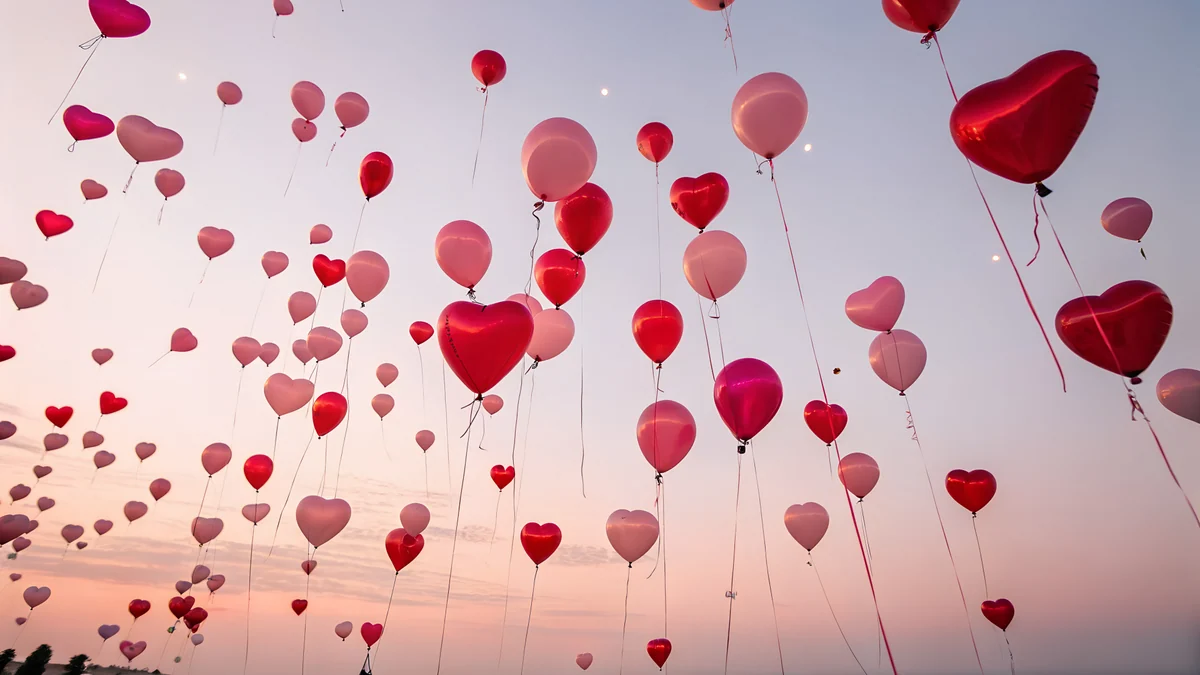 Heart Balloons Sky
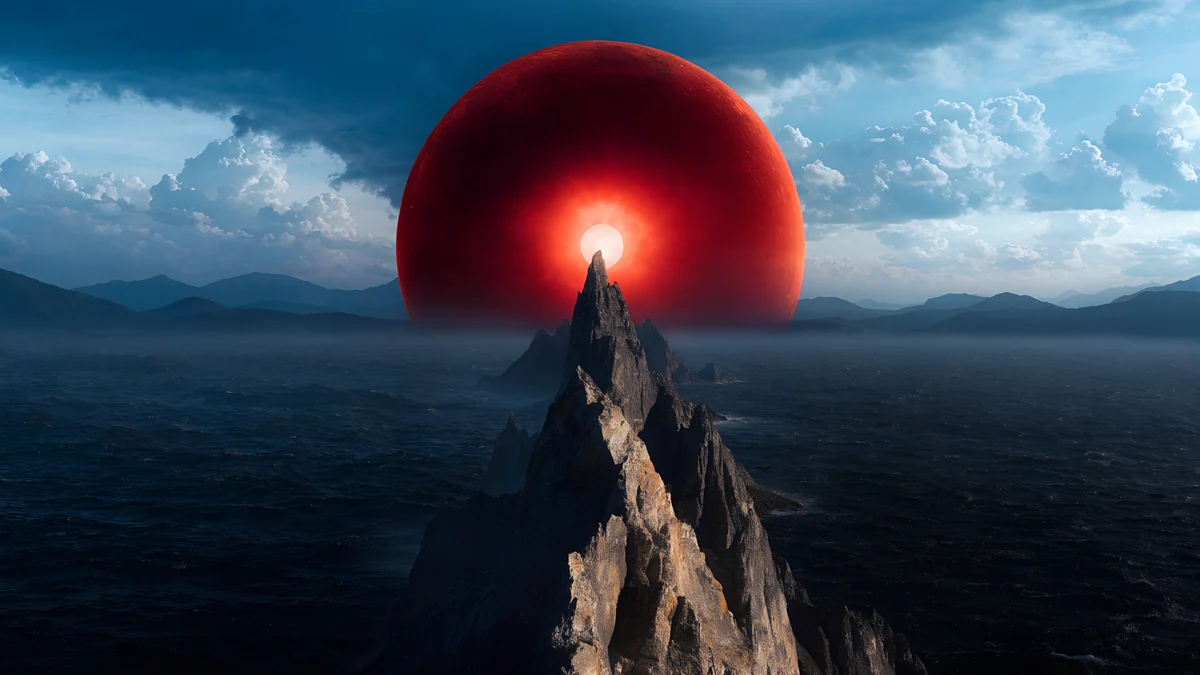 Red Eclipse Panorama
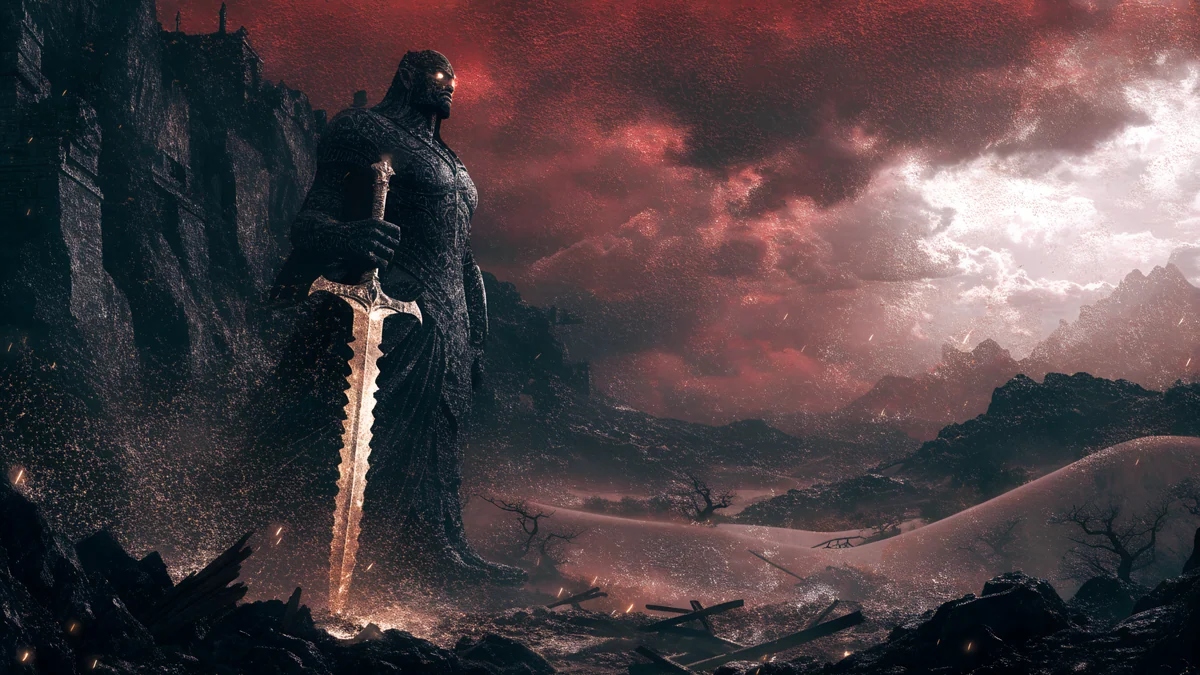 Guardian Sword Panorama
Free originals for iPhone and Android, no watermark
On this page
A red wallpaper for PC is harder to get right than blue or grey. Pure red is intense, and a full screen of it makes text hard to read and the eyes tired. The red desktop wallpapers that work use red as an accent, or as a deep wine, coral or rose, with calm shapes. Velpaper has 15 original ones in 4K for Windows PCs, Macs and laptops: 3840 × 2160 or 5120 × 2880, 16:9, no watermark [1]. They are grouped below by how red they are and what mood they set.
How to choose a red desktop
Think about three things. Brightness: bright red and coral glare in a dark room, so pick wine and burgundy for evening use. Icons: white labels read well on deep red, dark labels on rose and blush. Contrast: a picture with one red object on a quiet ground is easier to live with than an all-red field. The guide to wallpaper colour psychology explains why red raises energy, and why you may not want it all day.
Rose, coral and warm abstract reds
These four are the best everyday red desktops. They are abstract and architectural, with soft gradients, and the red is warm rather than harsh.
Rose Smoke Glass is a smoky rose gradient with glass spheres in dusty red and blush, the gentlest of the four. Rose Terrace Strata is a 5120 × 2880 terrace of stairs in pink and deep red [1]. Coral Zigzag Terrace is bright coral and pink stairs with a dark plum edge. Coral Ignition Gate is a glowing arch in red, orange and gold, the most intense. For the same colours on a phone, see red aesthetic wallpapers.
Burgundy and autumn red
Burgundy is the red that suits a desk. It is dark, so it behaves like a neutral, and the gold and orange accents add warmth.
Burgundy Gold Silk Leaves lays gold leaves on burgundy silk. Autumn Glass Waves and Amber Glass Autumn are liquid glass waves in dark burgundy and amber with autumn leaves, and Coral Ignition Gate from above joins them as the deep red wildcard. They are dark, which keeps white icon labels readable on Windows. They are part of the autumn set in fall wallpaper for desktop, and burgundy wallpaper for iPhone has the phone versions.
Romantic red: hearts, roses and balloons
Three wide pieces come from the Valentine's range. They carry pink and red, and they are soft enough to leave on all year.
Rose Petals on Silk is red roses and petals on silk. Glass Hearts Bokeh is glass hearts with a pink and red bokeh. Heart Balloons Sky is red and pink heart balloons in a pale sky, and Rose Smoke Glass fits this soft mood too. More are in Valentines Day wallpapers.
Dark red, fantasy and ink with a red accent
Red also shows up as a single accent: a moon or a sun against black or cream.

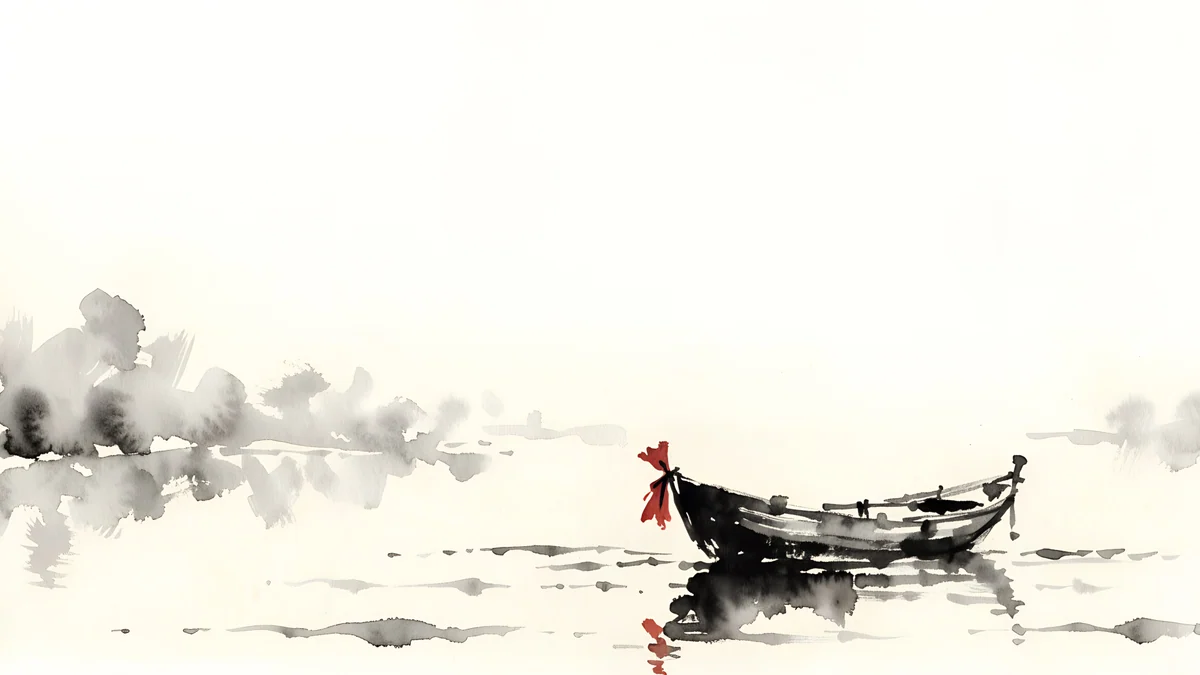
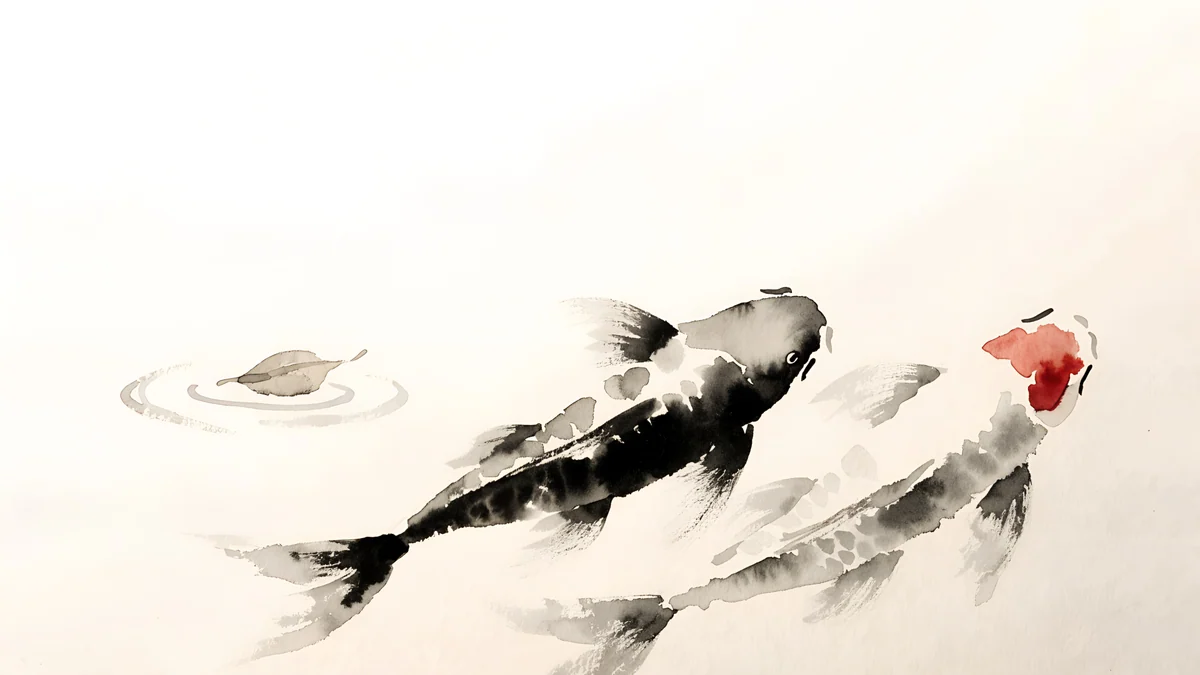
Red Eclipse Panorama is a red eclipse above mountains, and Guardian Sword Panorama is a dark fantasy scene in red and black with a glow, both 5120 × 2880 [1]. Red Sun Pagoda Panorama sets a red sun behind a pagoda on a calm sea. For a quiet desktop, Ink Quiet Lake and Ink Koi Pond are cream ink pictures with one red accent each, a boat in one and koi in the other. The black and red style has its own page: red and black wallpapers.
How to set a red wallpaper on a PC
On Windows 11 open Settings, Personalization, Background, choose Picture and Browse photos, then set the fit to Fill [2]. You can also change the accent colour to match, under Personalization, Colors. On a Mac, use System Settings, Wallpaper and Add Photo. For the right size per screen, read the PC wallpaper size guide. Next step: open Rose Smoke Glass or Burgundy Gold Silk Leaves on velpaper.com and download the 4K original [1].
Original wallpapers in and for iPhone, Android and desktop.
Questions
What is the best red wallpaper for a PC?
The best one uses red as a warm accent, not as a flat full screen. Rose Smoke Glass, Rose Terrace Strata and Coral Zigzag Terrace give you soft red and coral in calm shapes, and burgundy pieces such as Burgundy Gold Silk Leaves are dark enough to act like neutrals. They are all 16:9 at 3840 × 2160 or 5120 × 2880 and work on Windows 11 and macOS [1]. If you want strong contrast, Coral Ignition Gate has a red, orange and gold glow.
Is a red wallpaper bad for your eyes?
A bright, saturated red can feel intense, and large areas of it tend to tire the eyes in a dark room. A deep wine or burgundy red is easier because it is dark, and a rose or blush red is easier in daylight because it is soft. Pick pictures where red is an accent on a calmer ground, for example Ink Quiet Lake or Ink Koi Pond, if you work long hours. Lowering the screen brightness in the evening helps as well.
What size is a red wallpaper for a 4K monitor?
3840 × 2160 pixels [1]. Most of Velpaper's red desktop wallpapers are that size, and some are 5120 × 2880, which is 5K in the same 16:9 shape. A 3840 × 2160 file fits a 1920 × 1080 monitor at exactly 2x and a 2560 × 1440 monitor at exactly 1.5x, so one download fits all three without stretching [1]. Red gradients need a large file, because a small one shows visible banding in smooth areas.
How do I match Windows 11 colours to a red wallpaper?
Set the wallpaper first [2], then open Settings, Personalization, Colors. Under Accent color choose Manual and pick a red or coral that echoes the picture, or leave it on Automatic so Windows picks one. Turn on Show accent color on Start and taskbar if you want the taskbar tinted, which works best with dark mode. A deep burgundy picture looks right with a dark taskbar and a red accent.
Are there red wallpapers for a MacBook?
Yes. All the wide pieces work on a MacBook. Open System Settings, click Wallpaper, choose Add Photo, and pick the file. A MacBook screen is slightly taller than 16:9, so macOS trims a little at the sides with Fill Screen; keep the subject in the middle, as in Rose Smoke Glass or Coral Zigzag Terrace [2]. Dark burgundy pieces pair well with the dark menu bar in macOS dark mode.
Carlos Vivero
Designer of Velpaper wallpapers
Carlos Vivero designs the wallpapers in Velpaper: quiet architecture, liquid glass, Japanese ink and calm landscapes. Every piece is made as a original for iPhone, Android and desktop.
Recent work