Snowy Winter phone wallpapers
Snowy Winter phone wallpapers: 32 original wallpapers in 4K, 2160 × 3840 for phones (see our iPhone wallpaper size guide), sorted into lock screen and home screen picks. [1] Every wallpaper here is an original 4K design with pines under glass, frozen lakes, quiet snowfall, picked so the lock screen clock stays easy to read.
White snow scenes are bright at the bottom and often pale at the top, so a white clock can wash out. Try the dark text option, or pick a night scene like the frozen lake cabin for a light clock.
These scenes have no trees with lights or ornaments, so they work from the first frost to the March thaw. Set one on the lock screen and a plain snowy sky crop on the home screen.
Tap any wallpaper to see it on a phone frame with the clock, then download the original or set it from the Velpaper app on iPhone, iPad, Mac or Android. Apple Support: change the wallpaper on iPhone
Lock screen picks
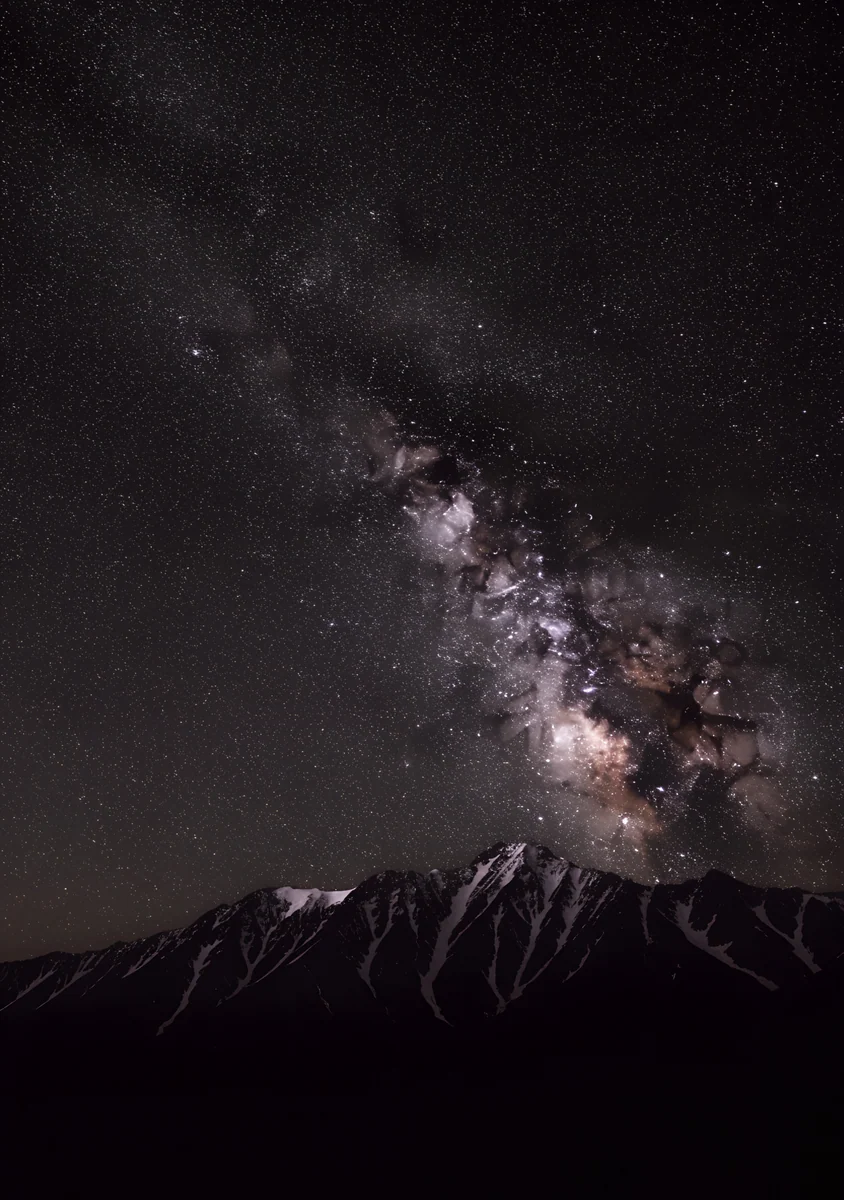 Milky Way Peaks
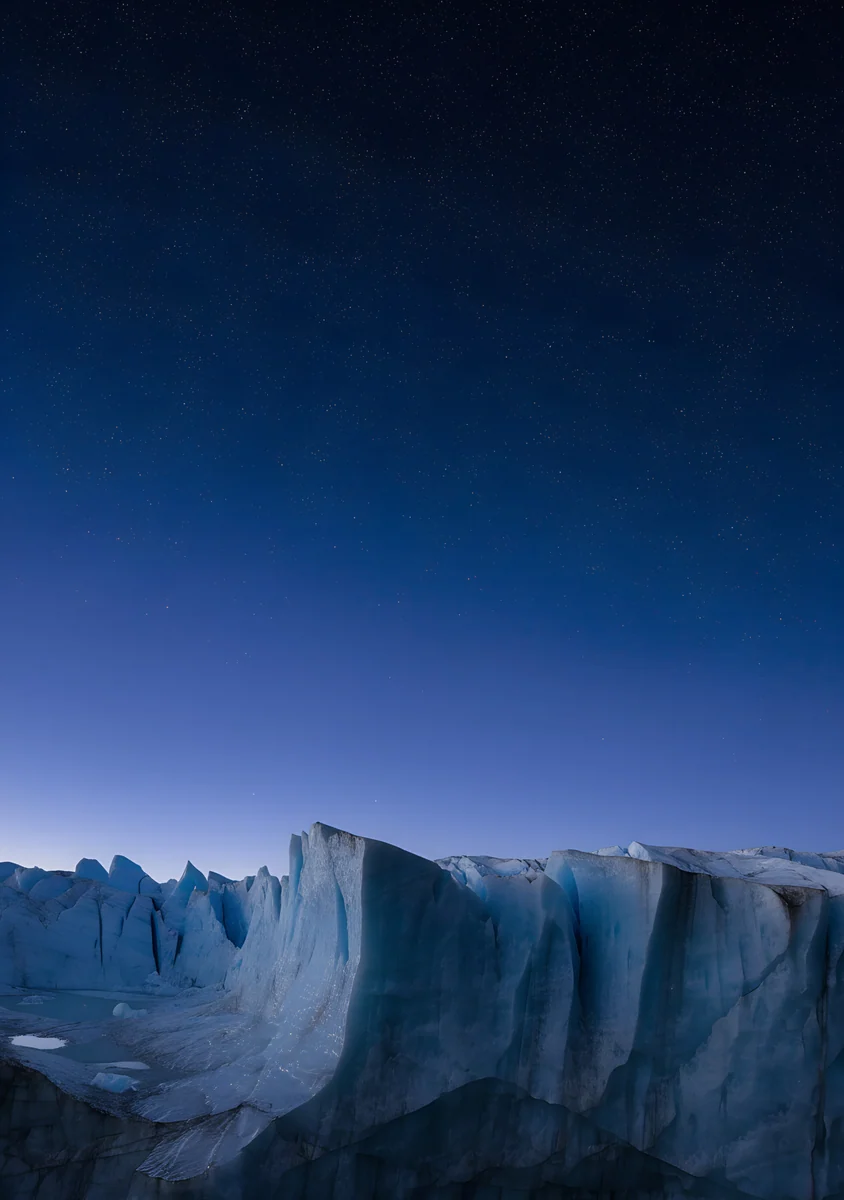 Glacier Blue Hour
 Glacier Glass Wave
 Glacier Glass Arcs
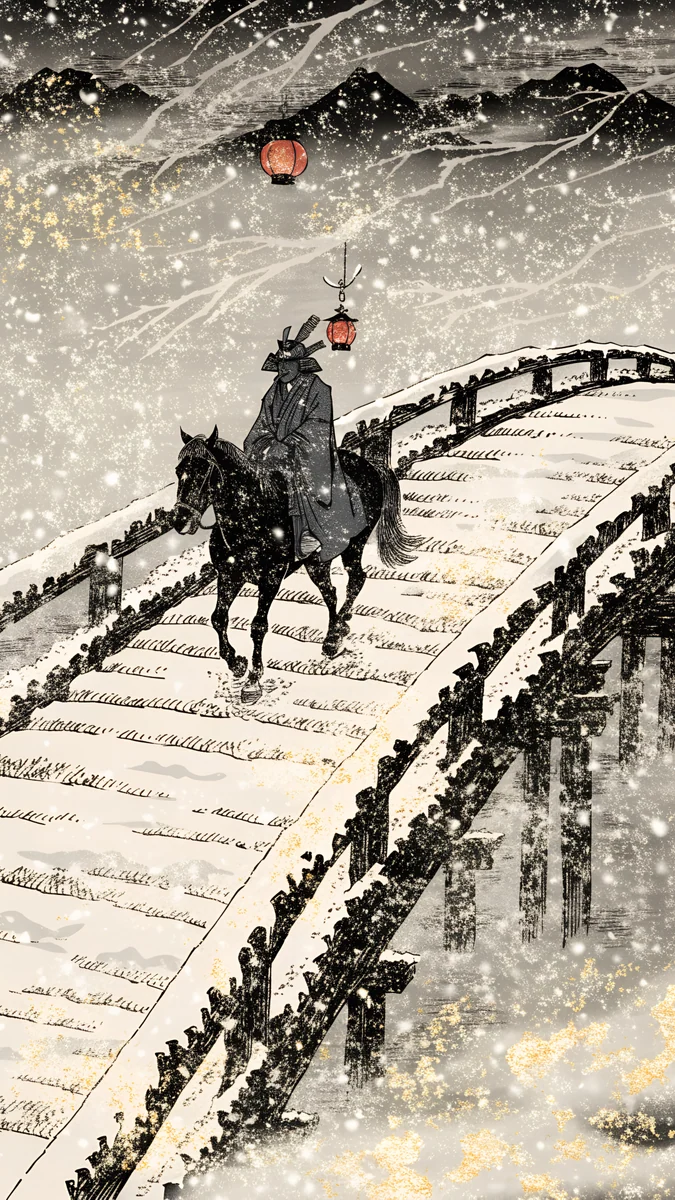 Samurai Snow Lantern Bridge
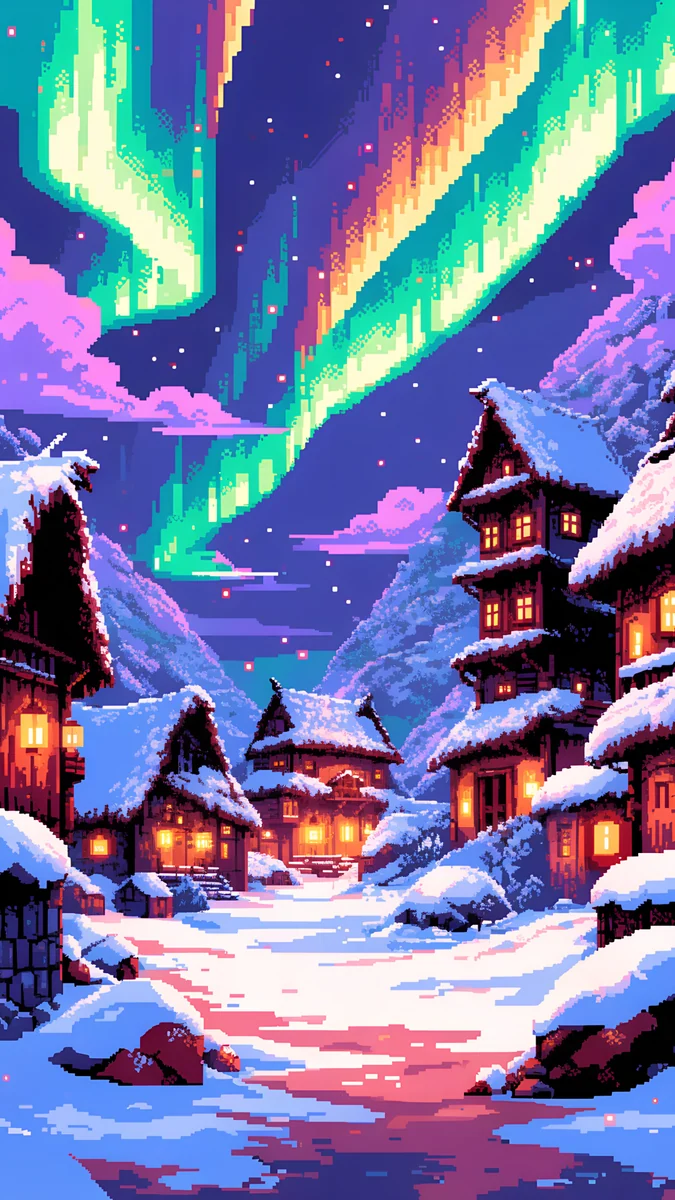 Pixel Aurora Snow Village
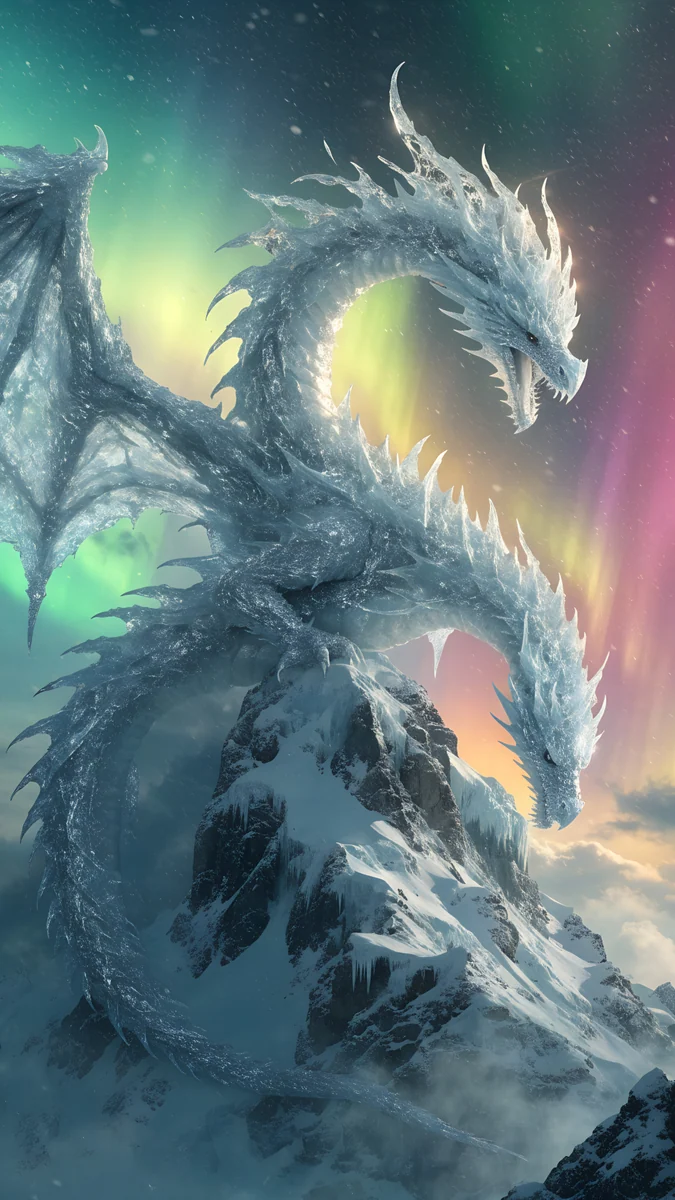 Aurora Ice Dragon Peak
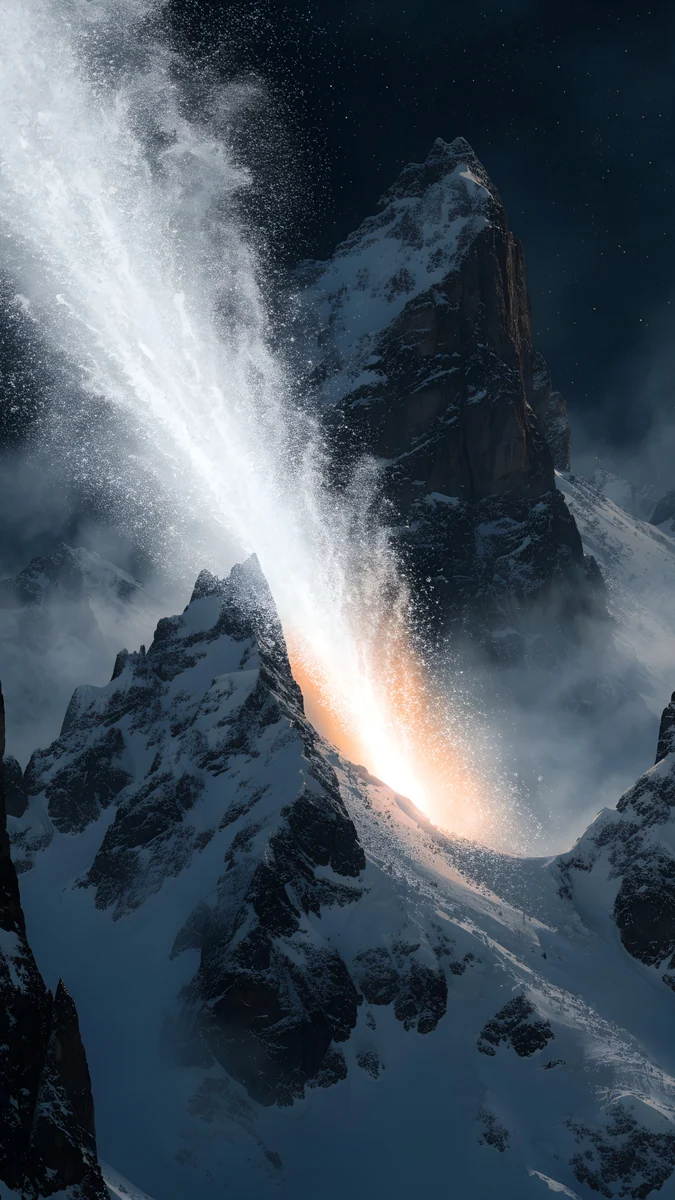 Comet Over Snow Peaks
 Gas Giant Frozen Sea
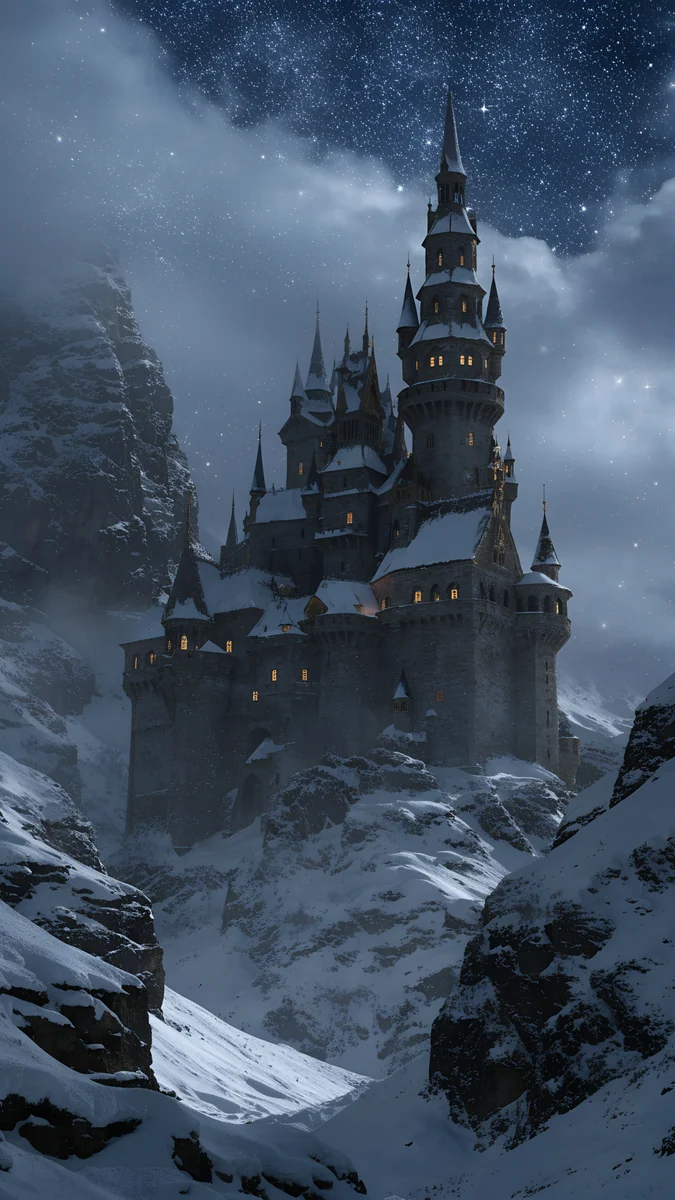 Snow Fairytale Castle Night
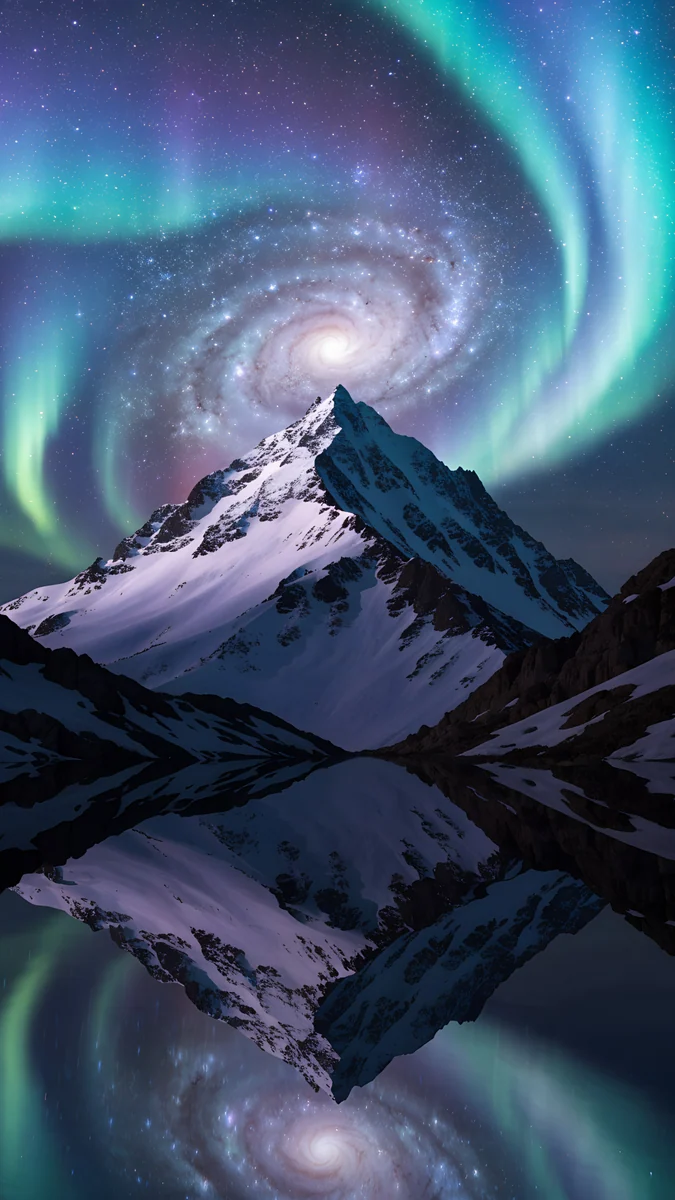 Aurora Galaxy Peak
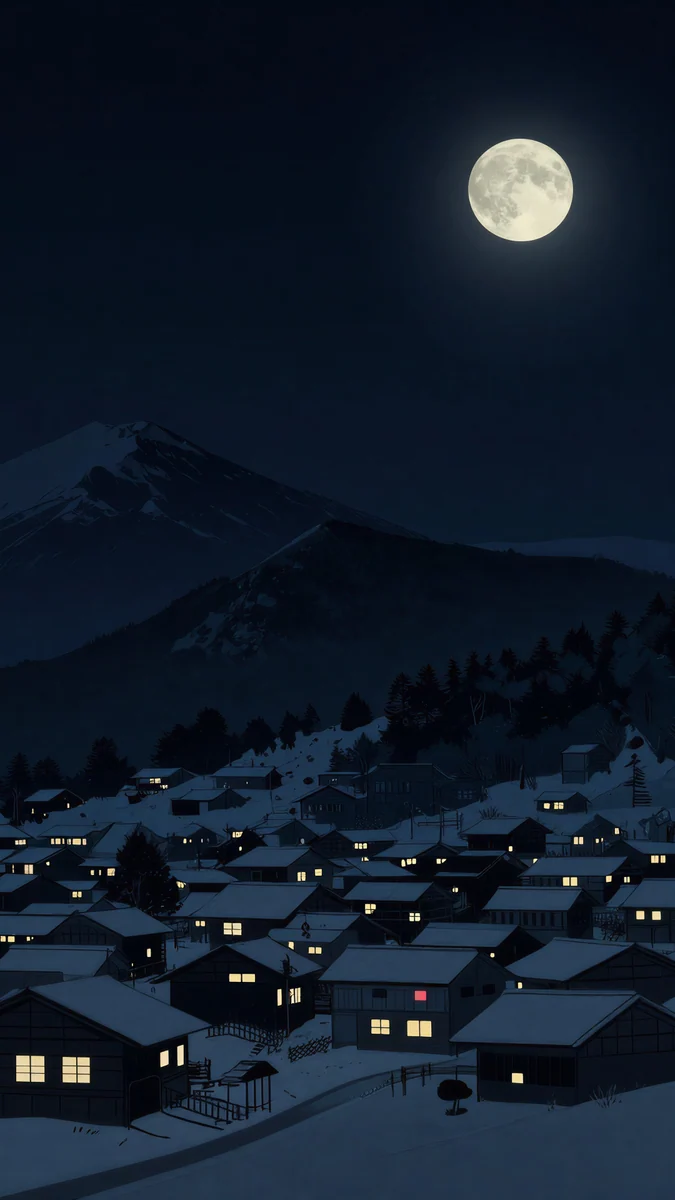 Snow Lantern Village
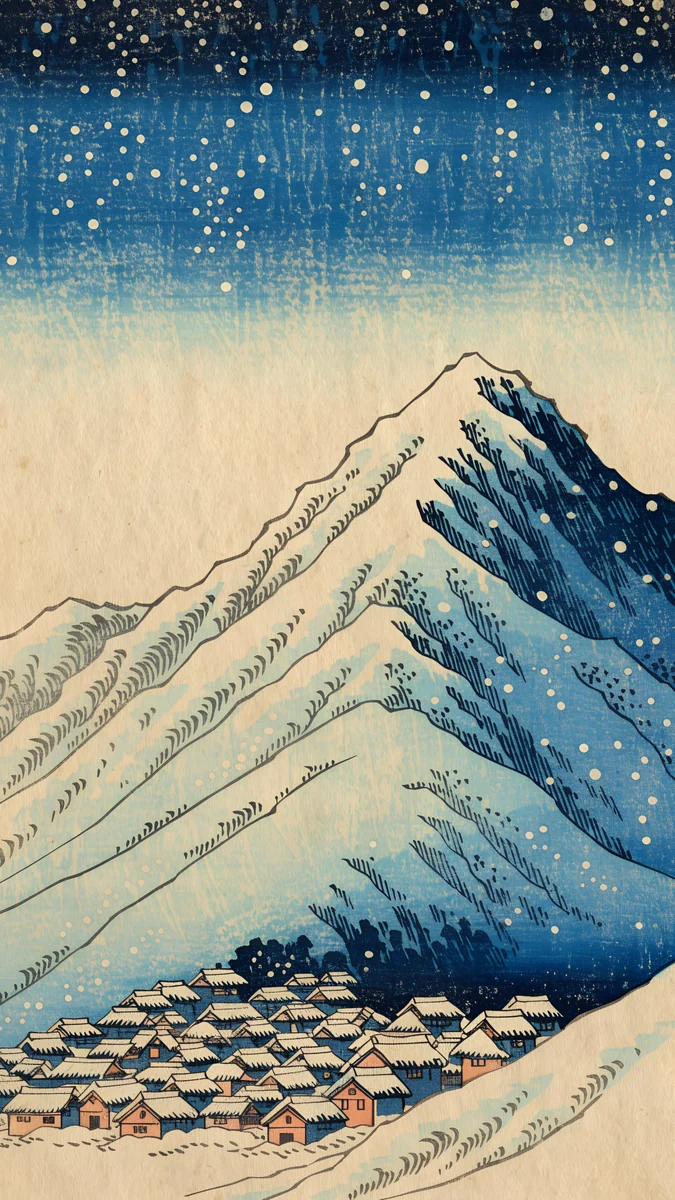 Snow Village
Home screen picks
 Frozen Portal Ring
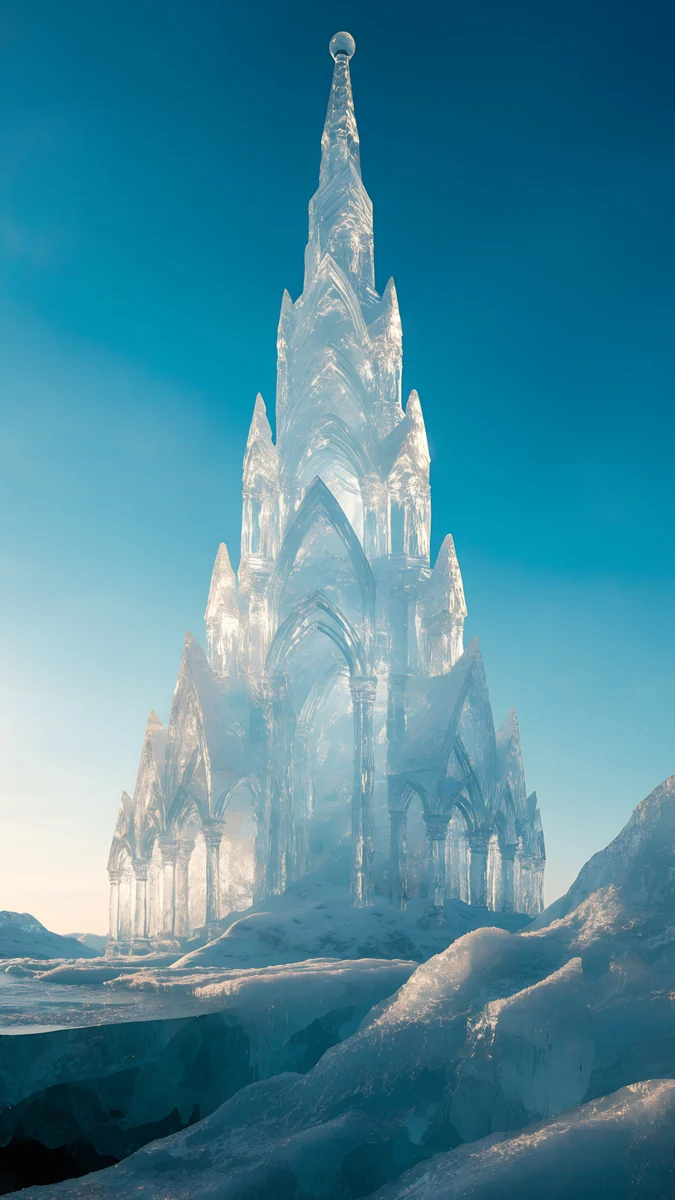 Ice Cathedral
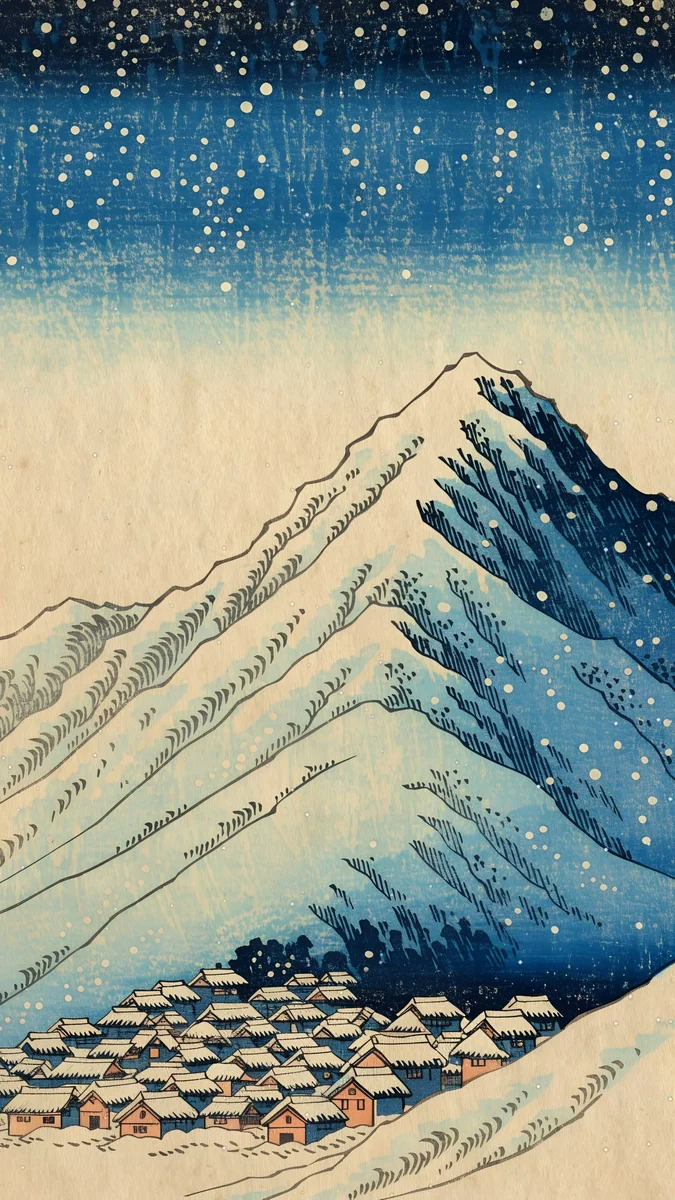 Snow Village Live
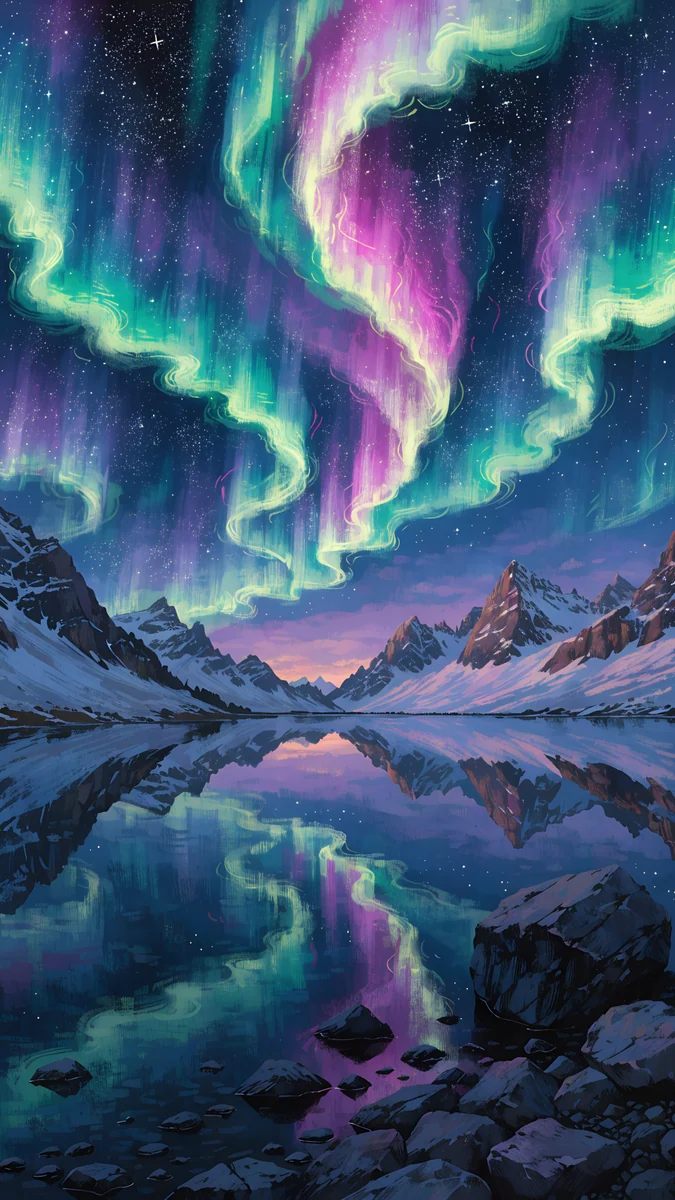 Aurora Mirror Lake
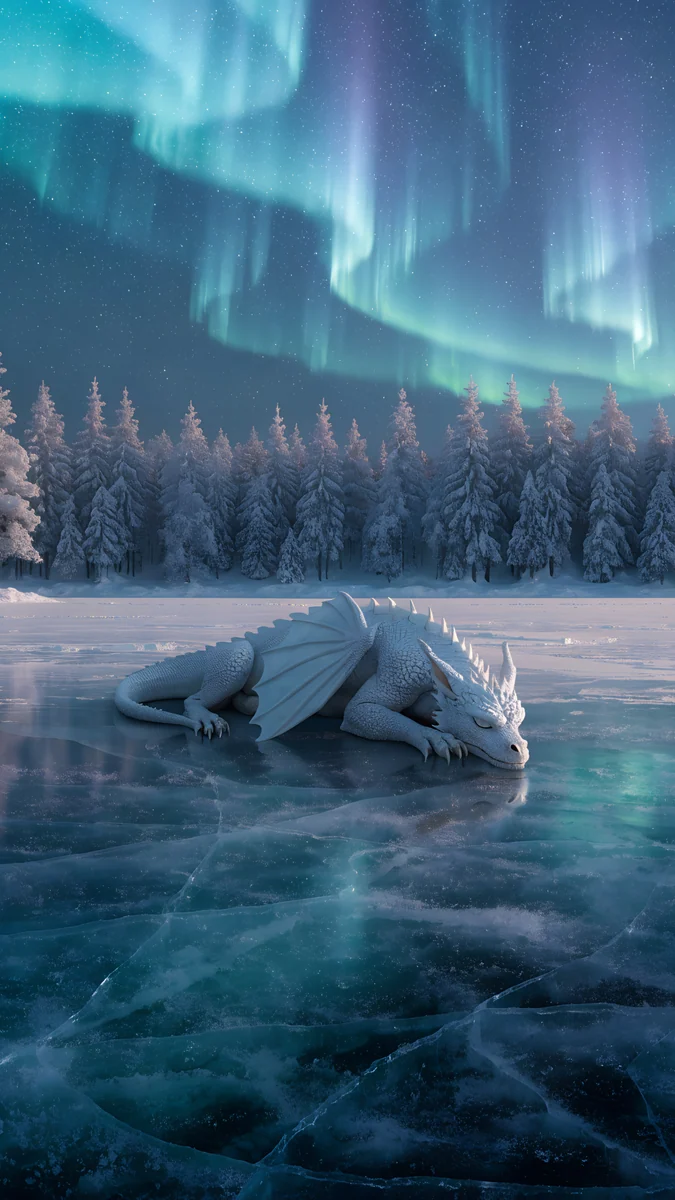 Aurora Ice Dragon
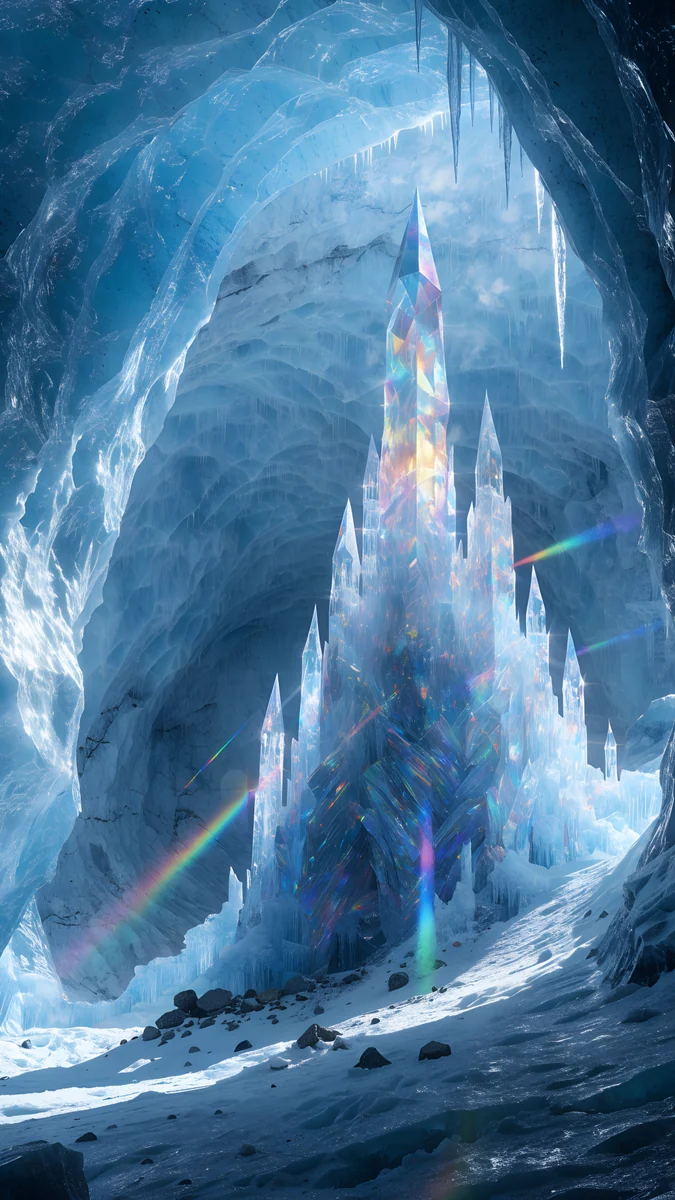 Ice Cave Crystal Castle
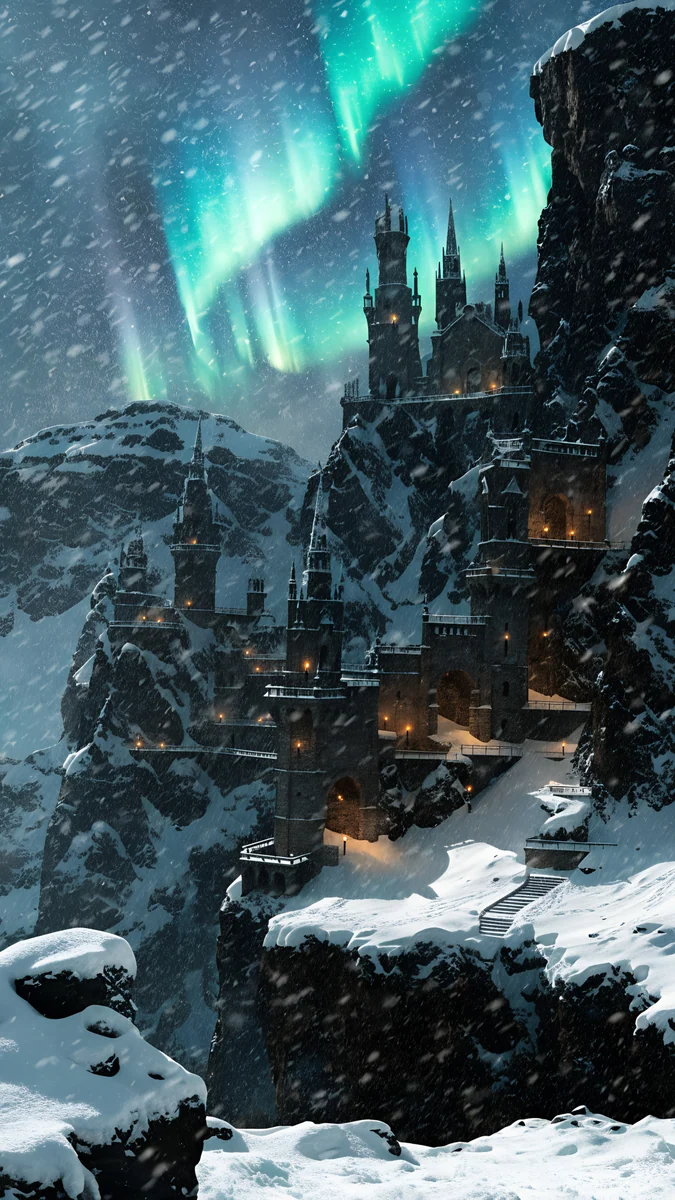 Aurora Mountain Fortress
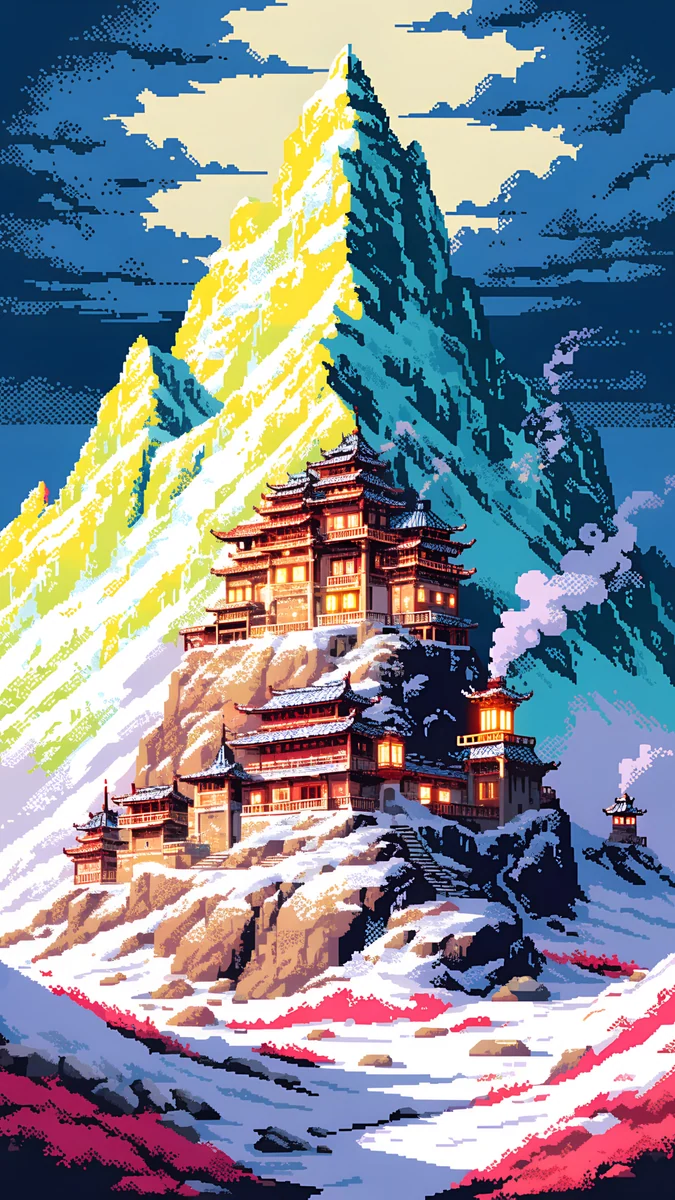 Pixel Snow Monastery
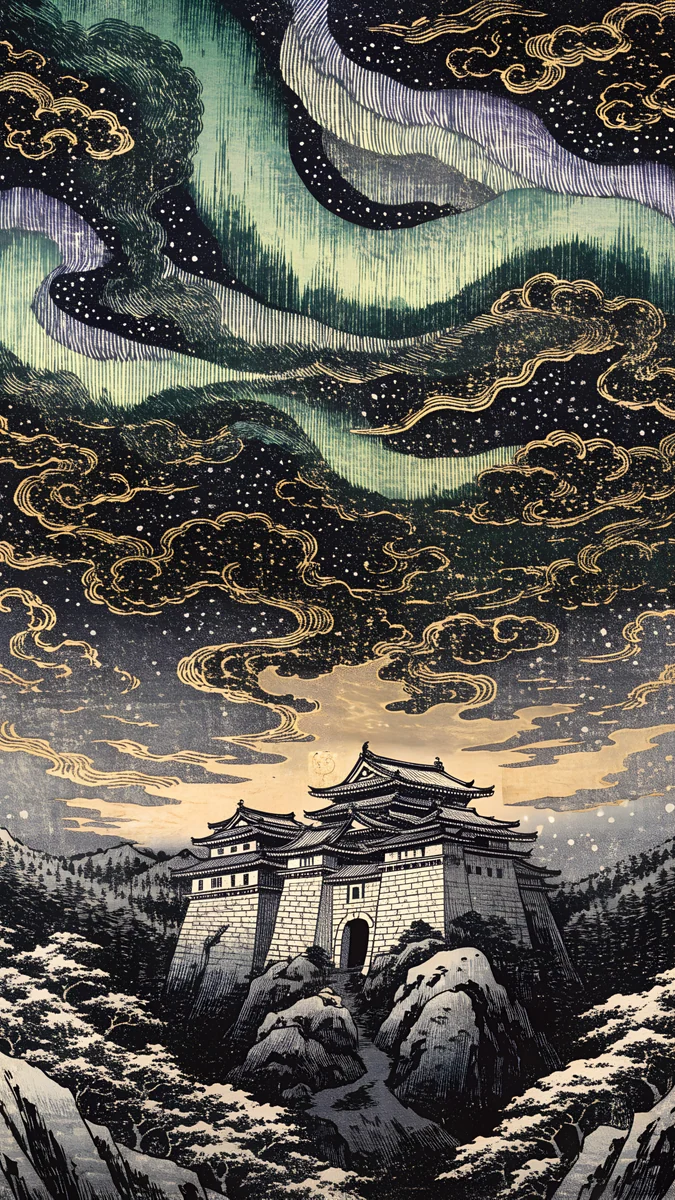 Aurora Castle Print
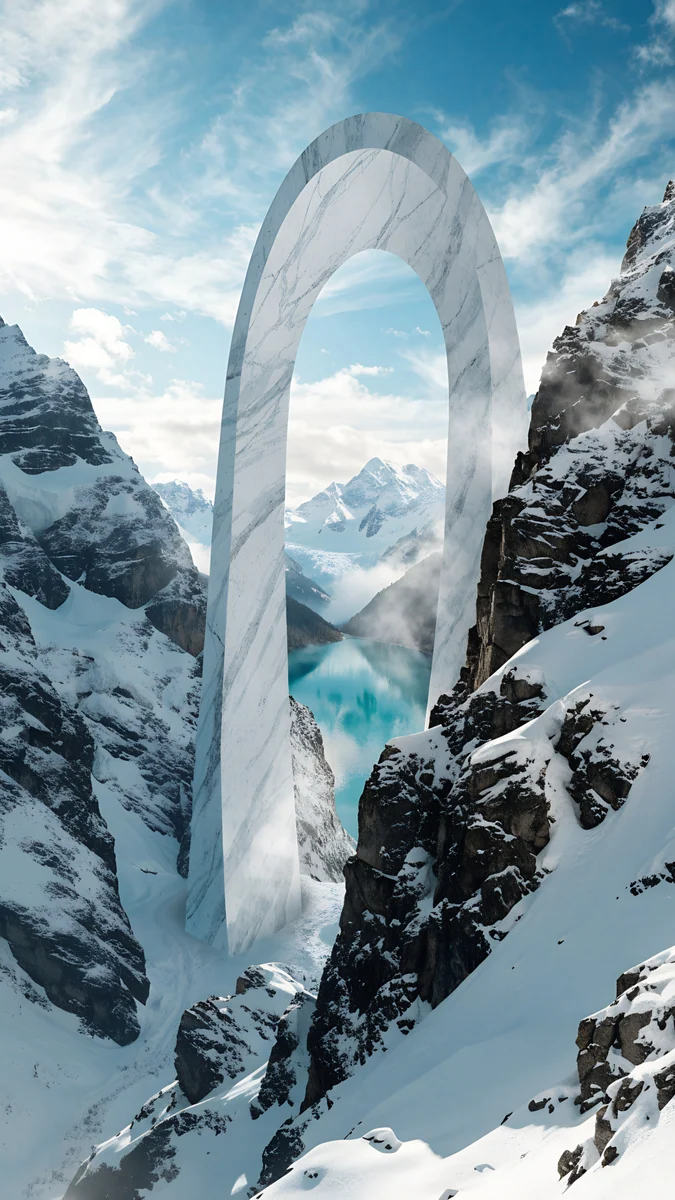 Glacier Arch Gate
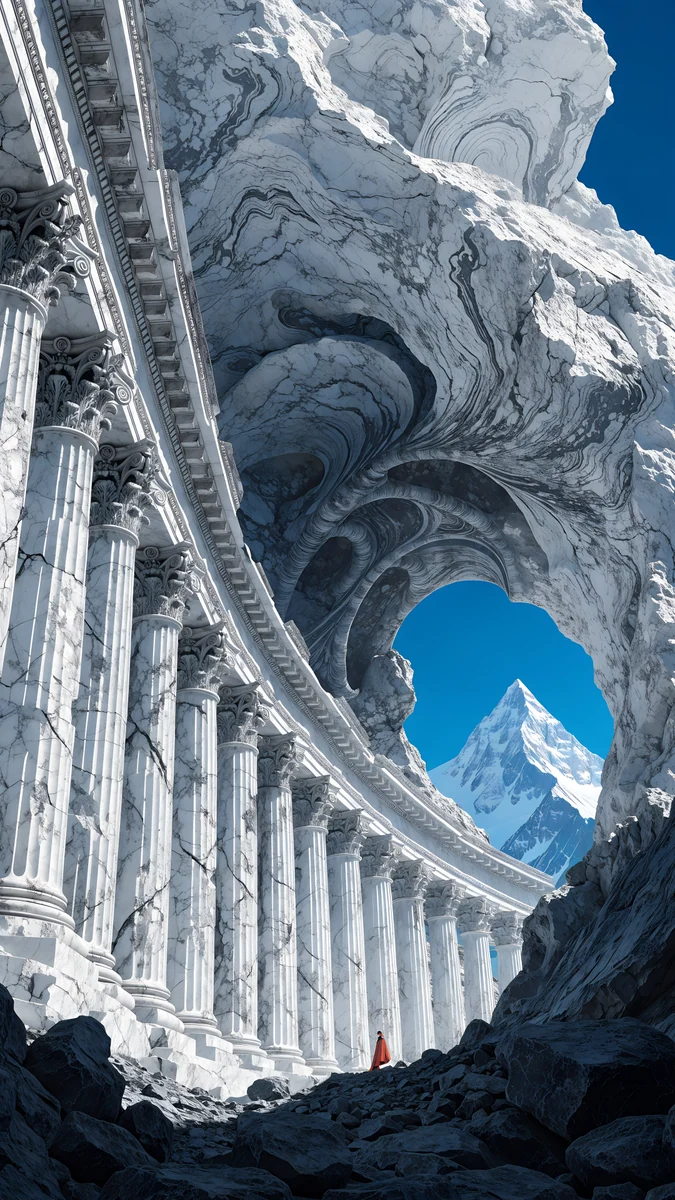 Marble Arch Summit II
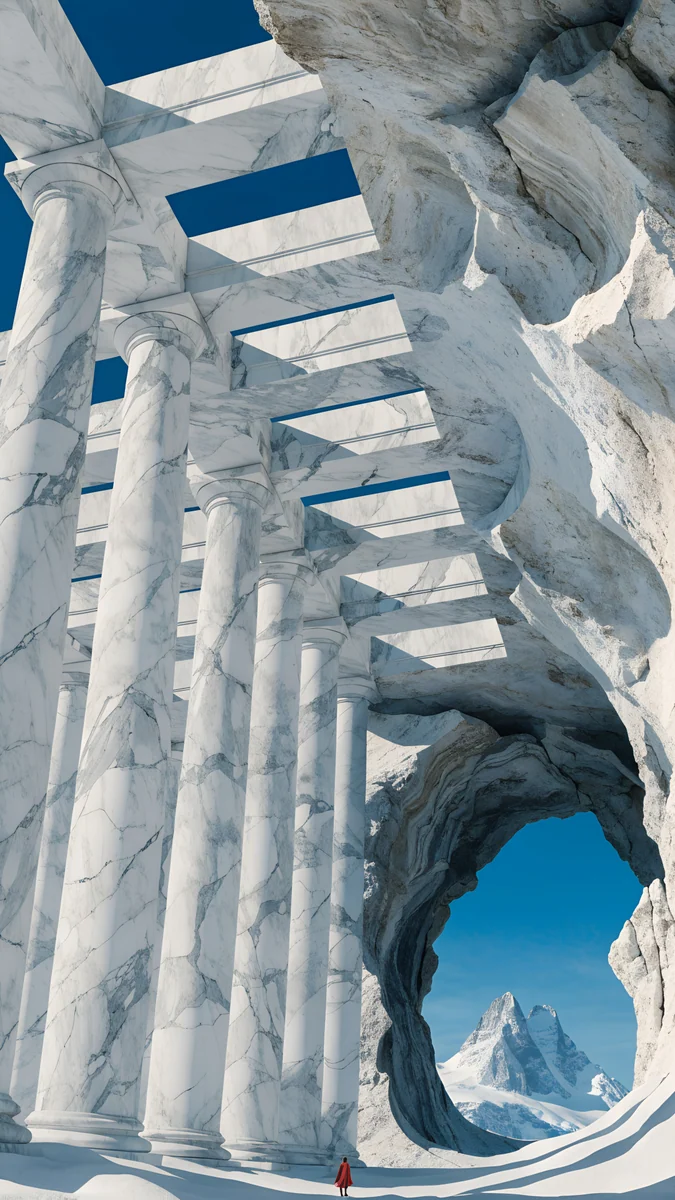 Marble Arch Summit
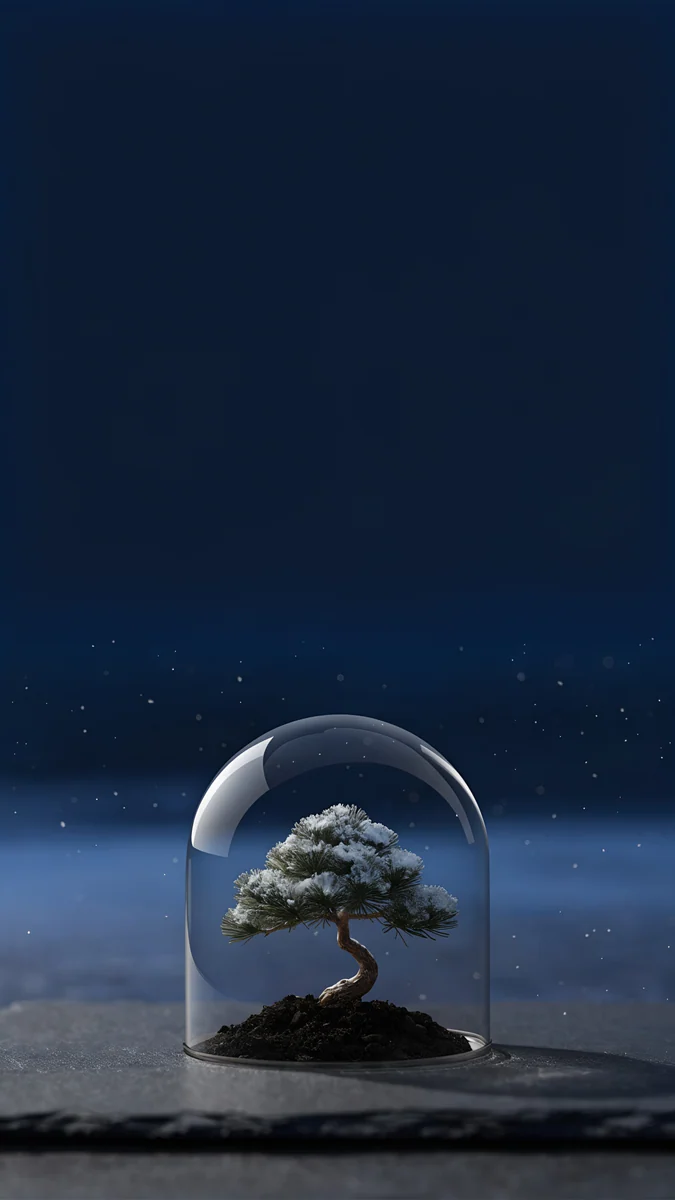 Bonsai Under Glass
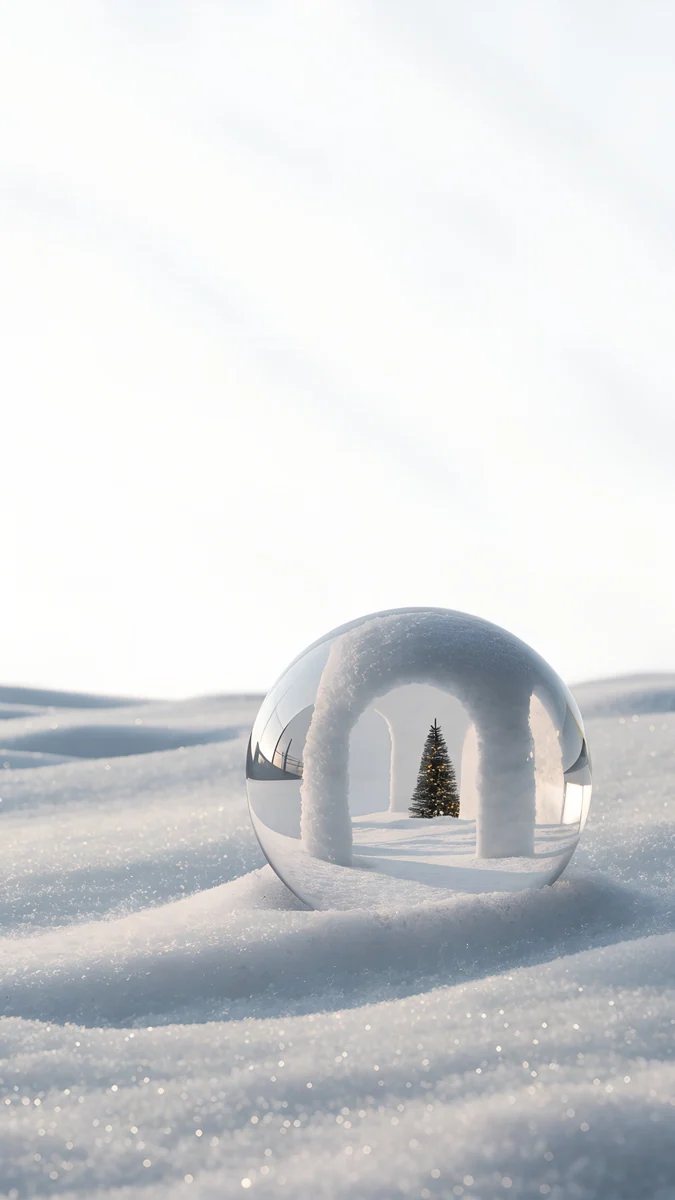 Snow Arch Globe
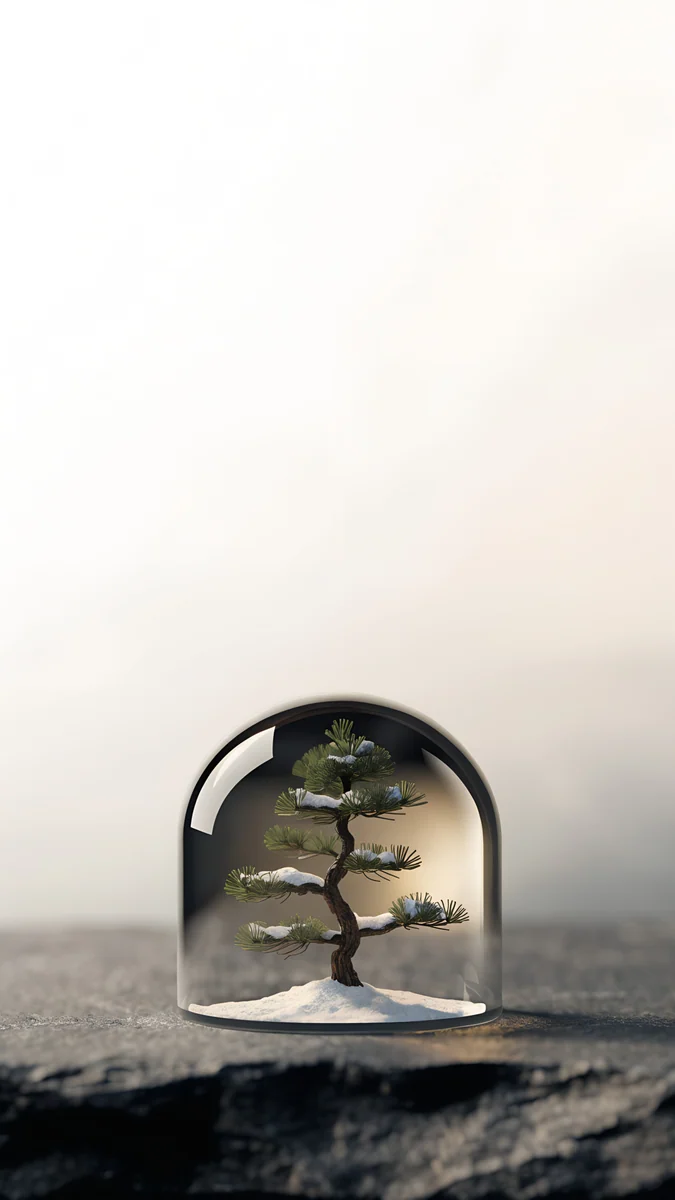 Pine Under Glass
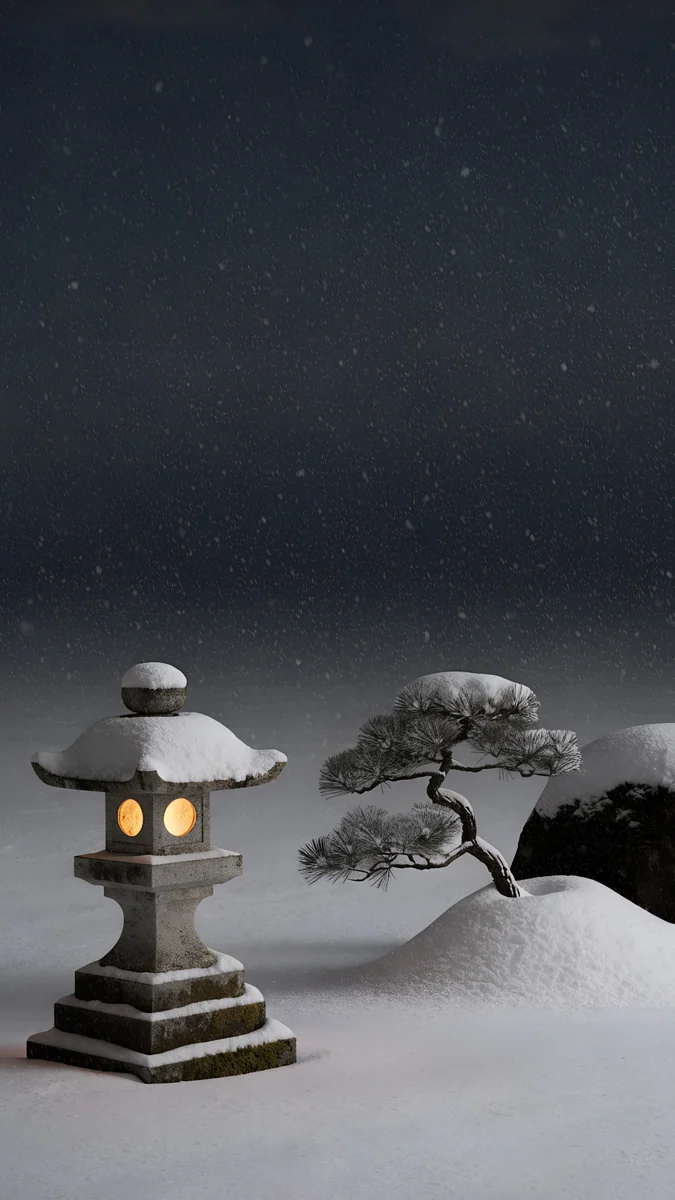 Snow Lantern Garden
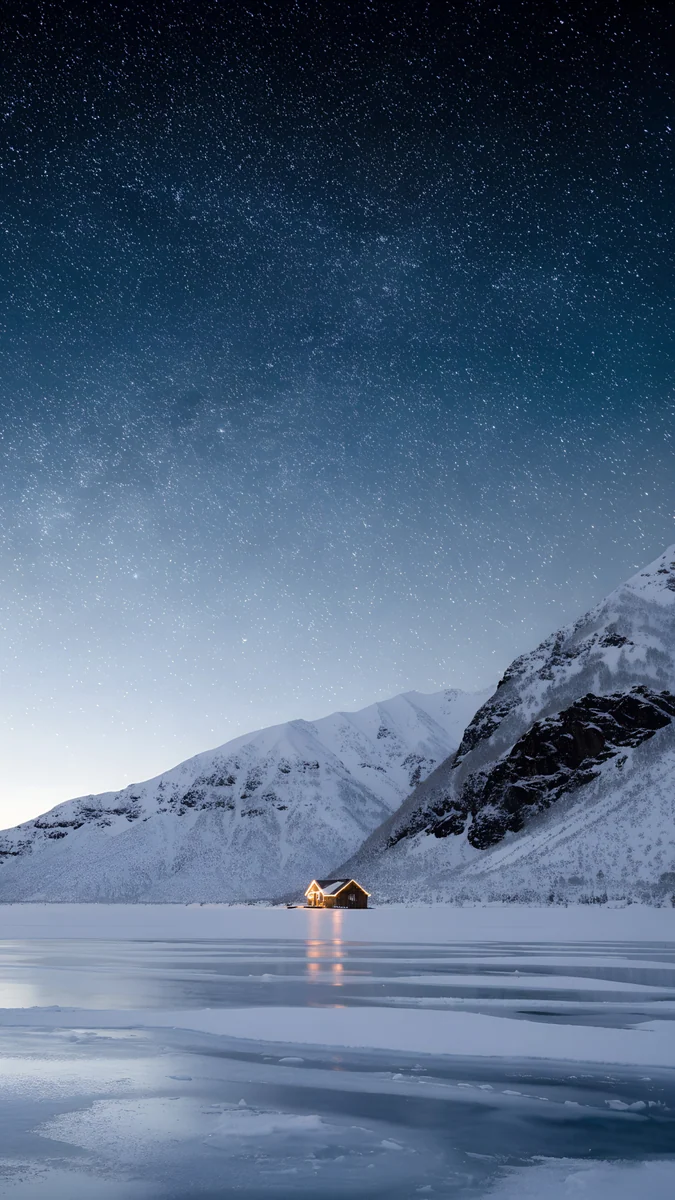 Frozen Lake Cabin
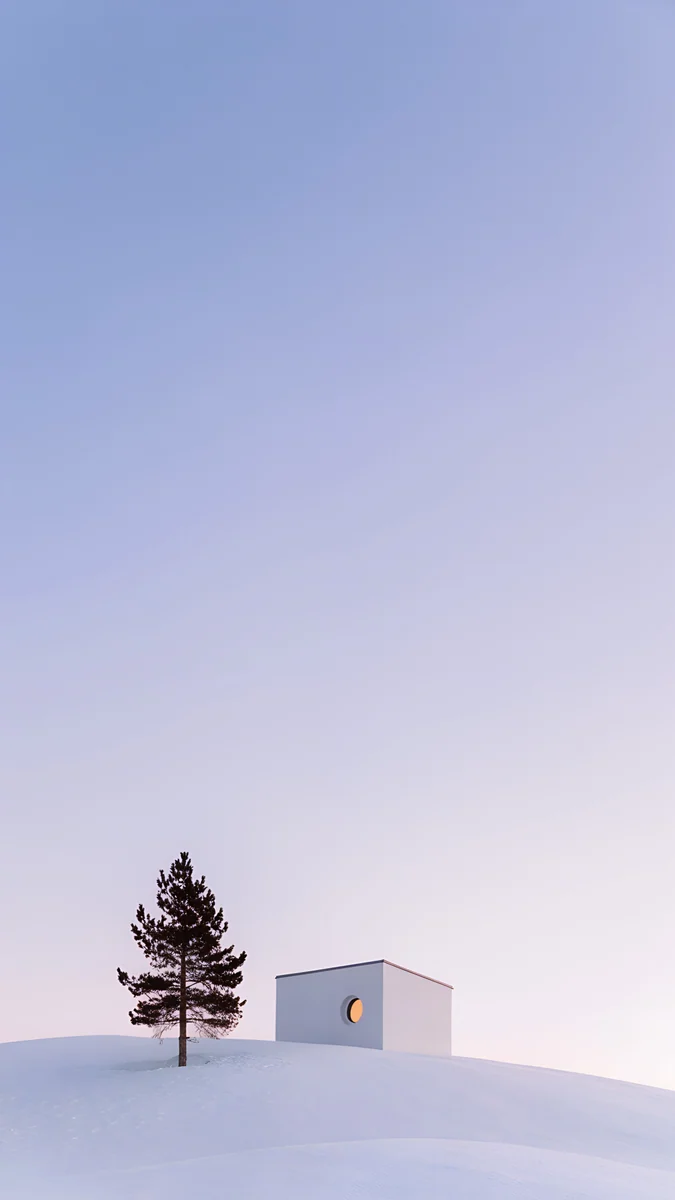 Dusk Snow House
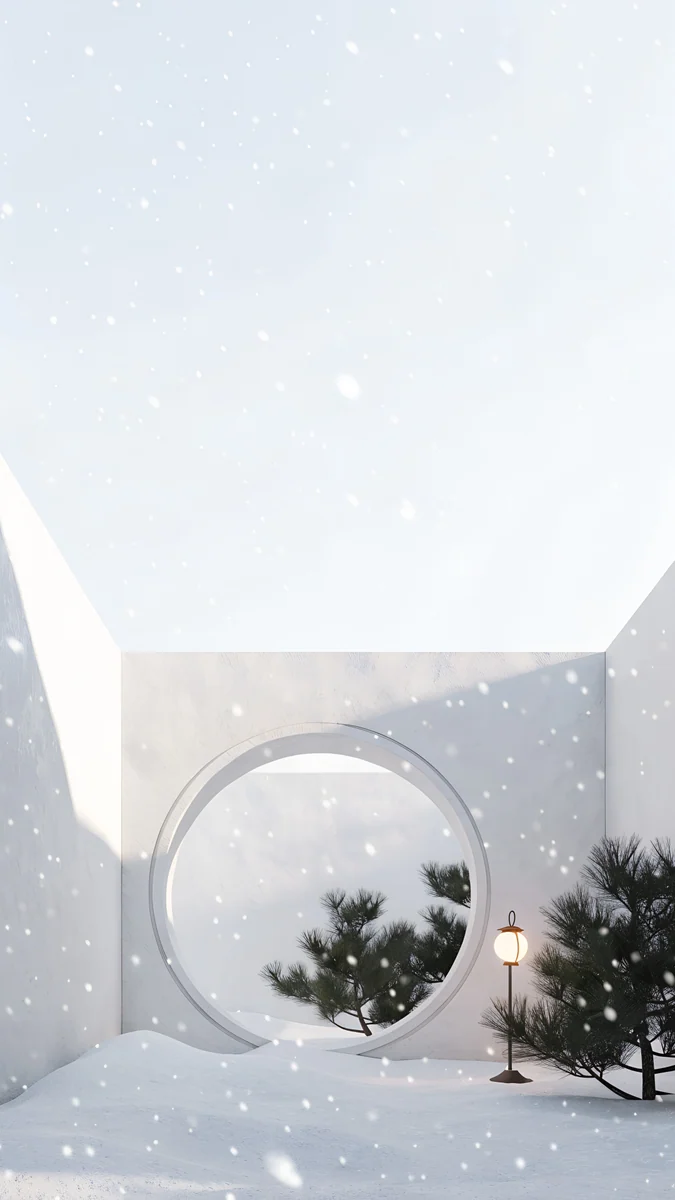 Moon Gate Snow
Frequently asked questions
What makes these different from Christmas wallpapers?
There are no wreaths, baubles or holiday lights here, only snow, pines, lakes and quiet villages. That means you can set one in late November and keep it through February without it looking out of date after the holidays. If you do want the festive look for December, the Christmas collection has the snow globes and wreath doors, and the two pair well.
Which snowy wallpapers keep a white clock readable?
The night ones: the frozen lake cabin, the snow lantern village and the bonsai under glass all have deep navy or black skies at the top of the frame, so white digits stand out clearly. The bright scenes such as the snow arch globe or the moon gate are mostly white and grey, so they read better with a dark clock or on the home screen.
Will a white winter wallpaper look too bright in dark mode?
It can at night, because a mostly white image ignores the dark system theme. Two easy fixes: use a night scene like the snow village under the stars for the home screen and keep the white scene for the lock screen only, or lower the wallpaper brightness if your phone offers a dimming option for dark mode. Pastel versions like the dusk snow house sit in between.