Cozy Winter Aesthetic Wallpapers: Snow and Warm Light
Cozy winter wallpapers for iPhone and Android: snow globes, a lit cabin on a frozen lake, candlelit windows and soft snowy daylight. 4K originals, no text.
In short: A cozy winter wallpaper pairs a cool, snowy scene with one small warm light, such as a lit window, a candle or a lantern, and keeps the top third calm for the clock. In Velpaper, Frozen Lake Cabin, Candle Sill and Lilac Snow Globe do exactly that, as 4K phone originals with no text or characters.
By the Velpaper team · Wallpapers by Carlos Vivero, Velpaper designer · · 5 min read
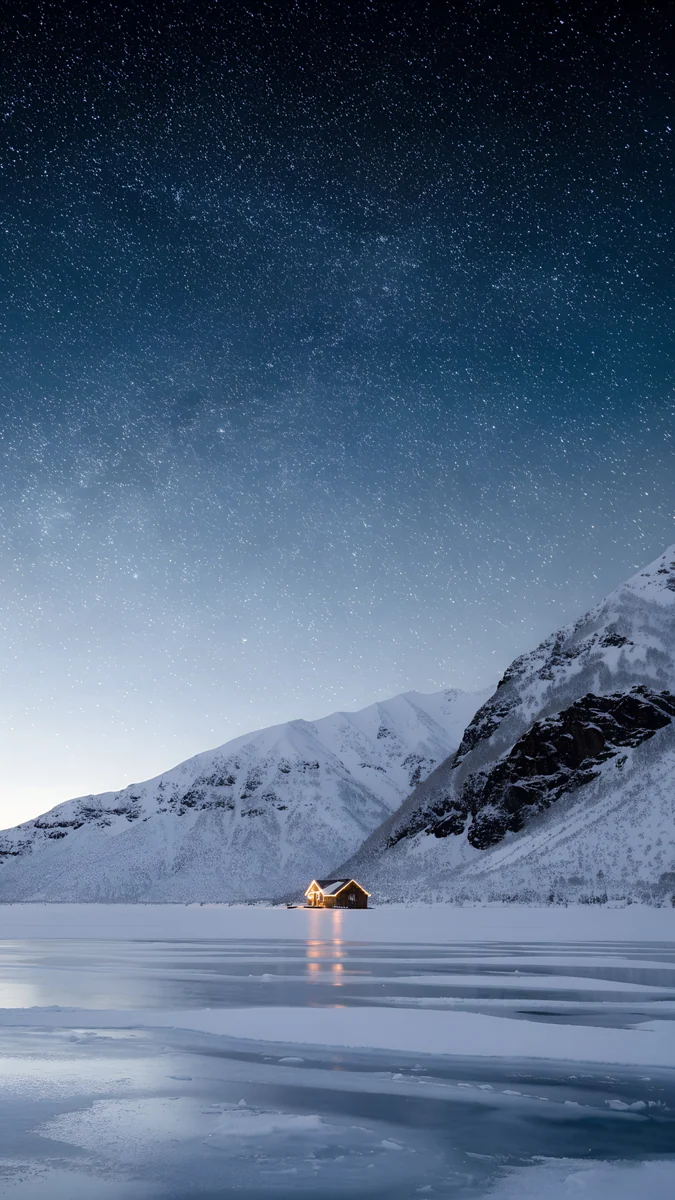 Frozen Lake Cabin
 Lilac Snow Globe
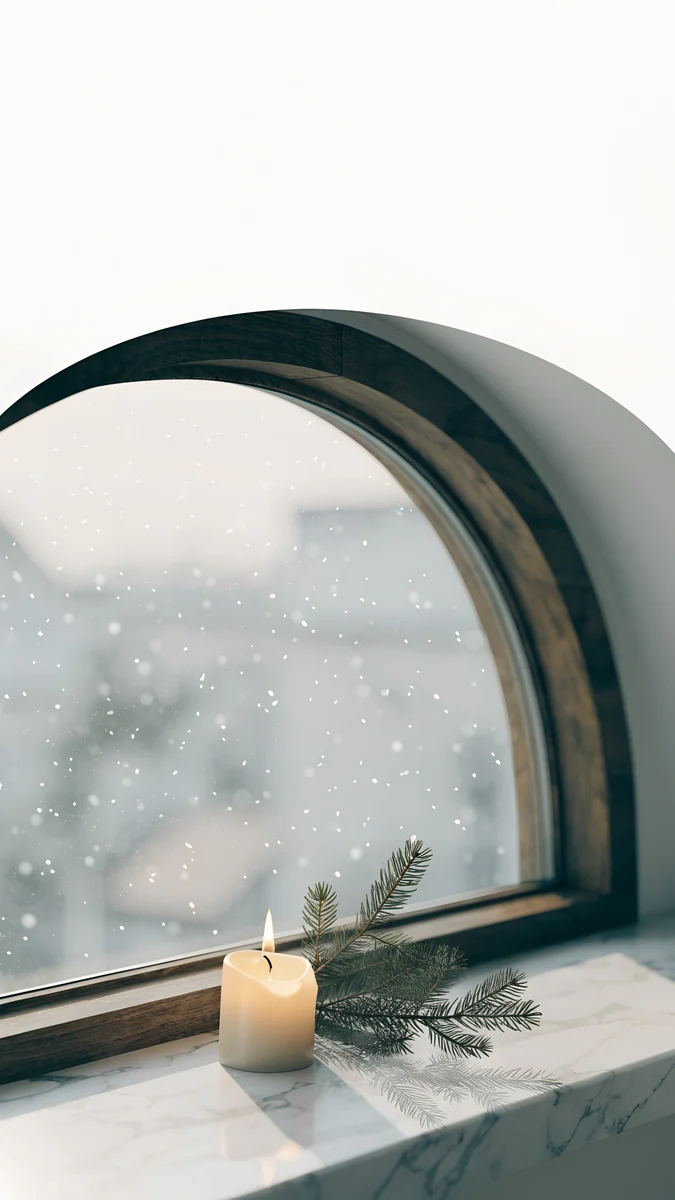 Candle Sill
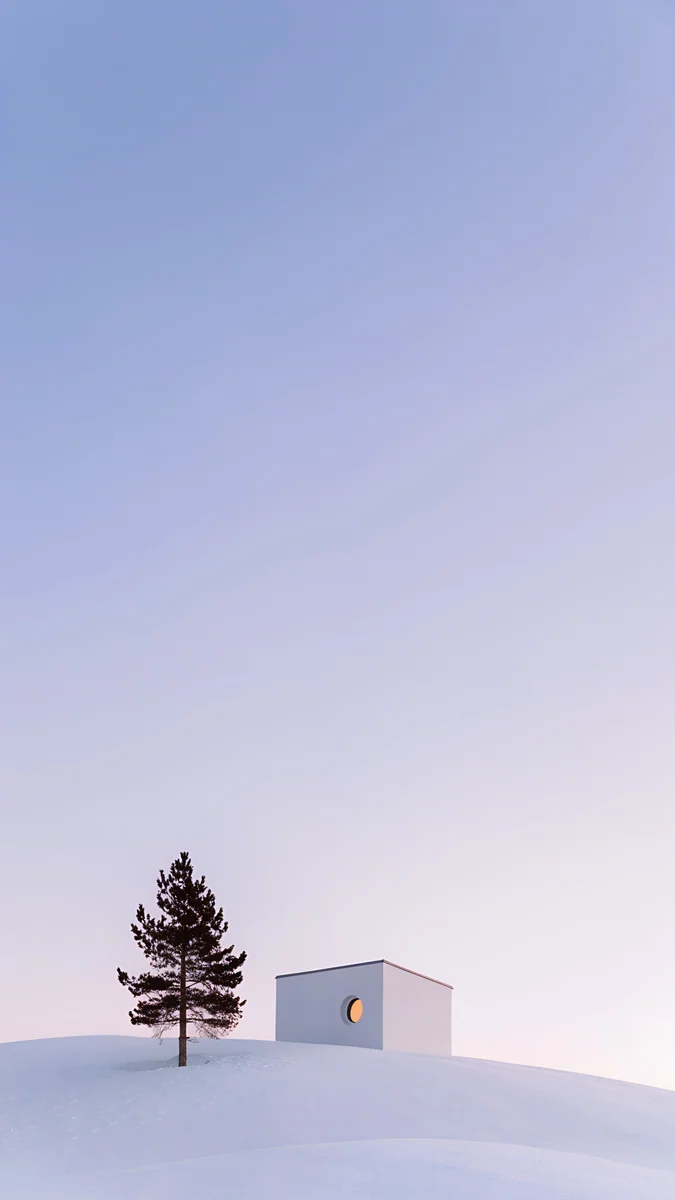 Dusk Snow House
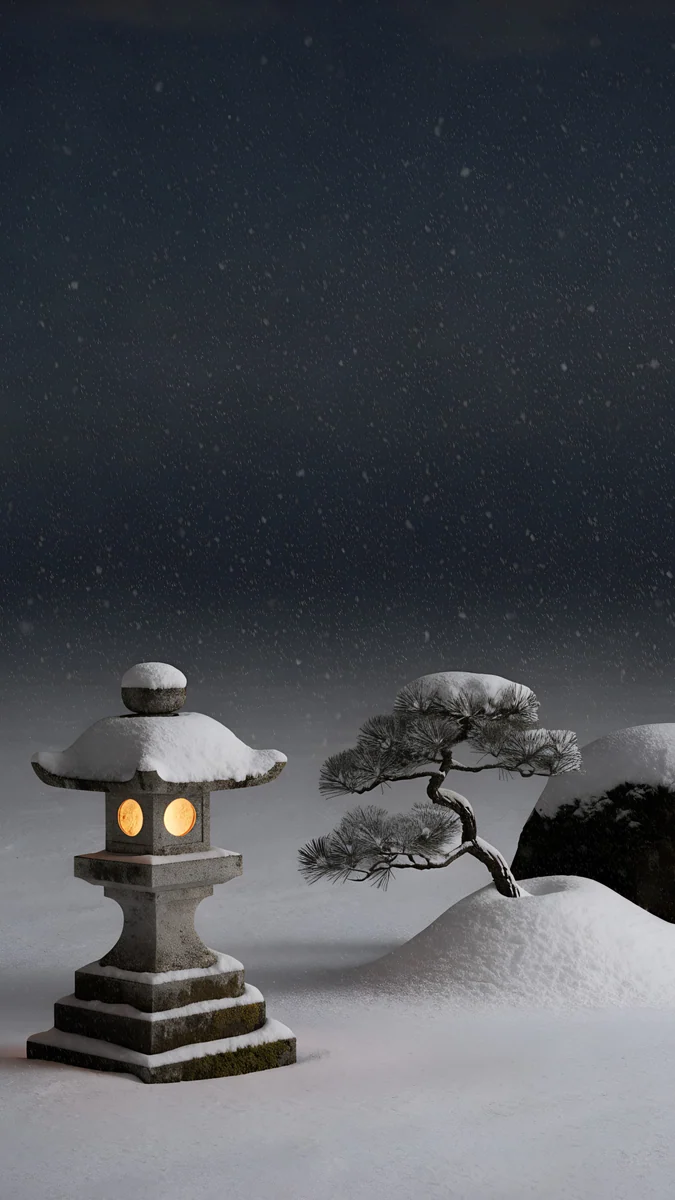 Snow Lantern Garden
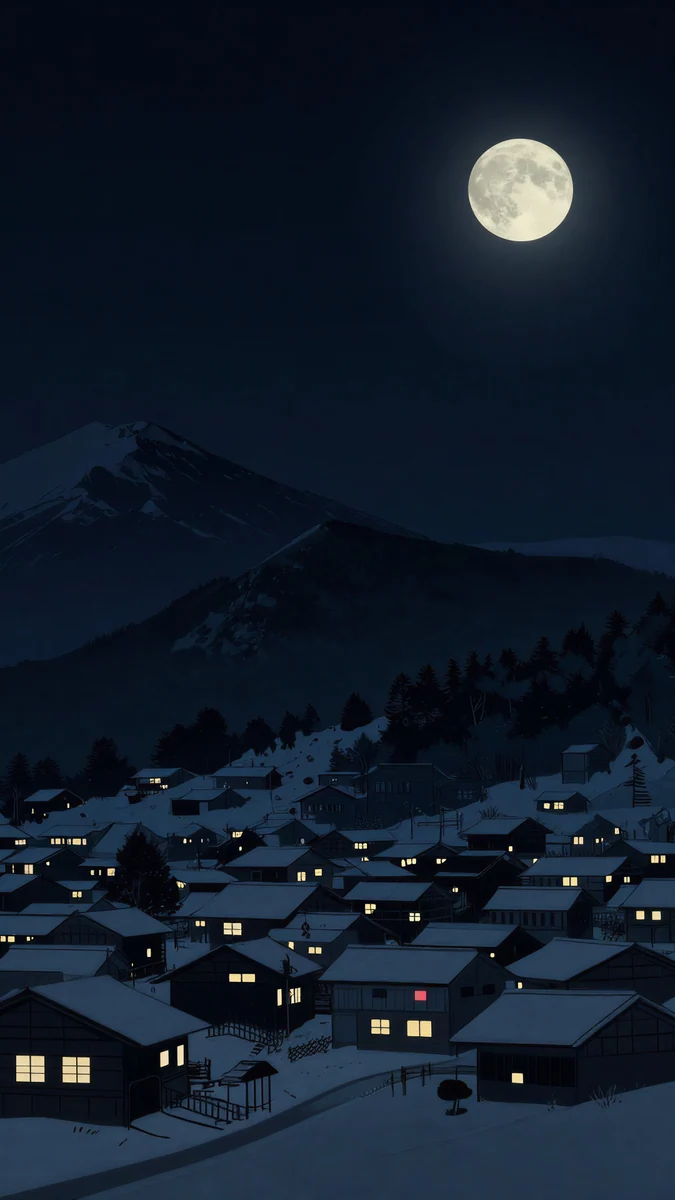 Snow Lantern Village
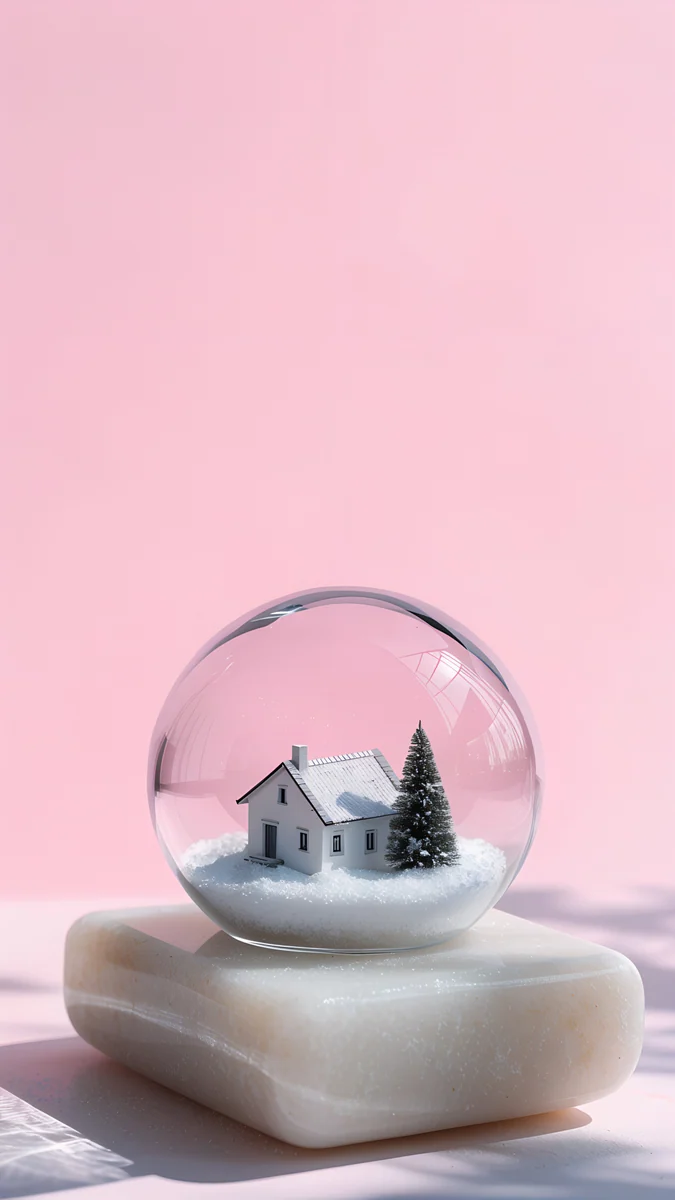 Pink Glass Cottage
 Midnight Snow Globe
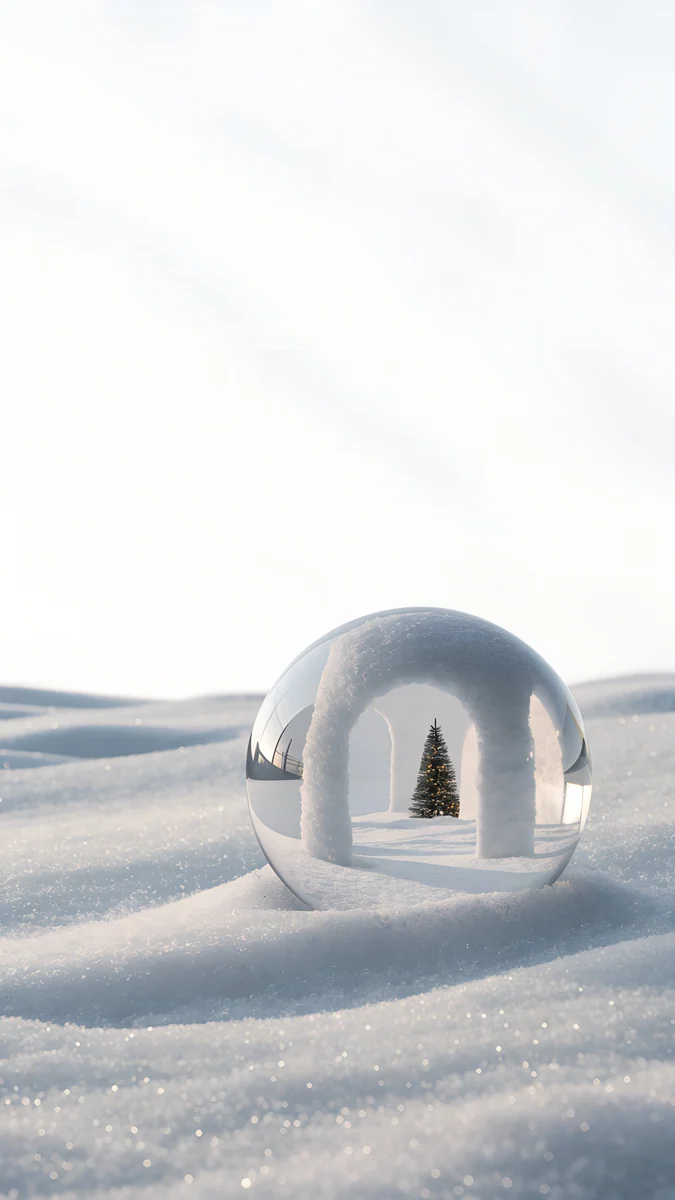 Snow Arch Globe
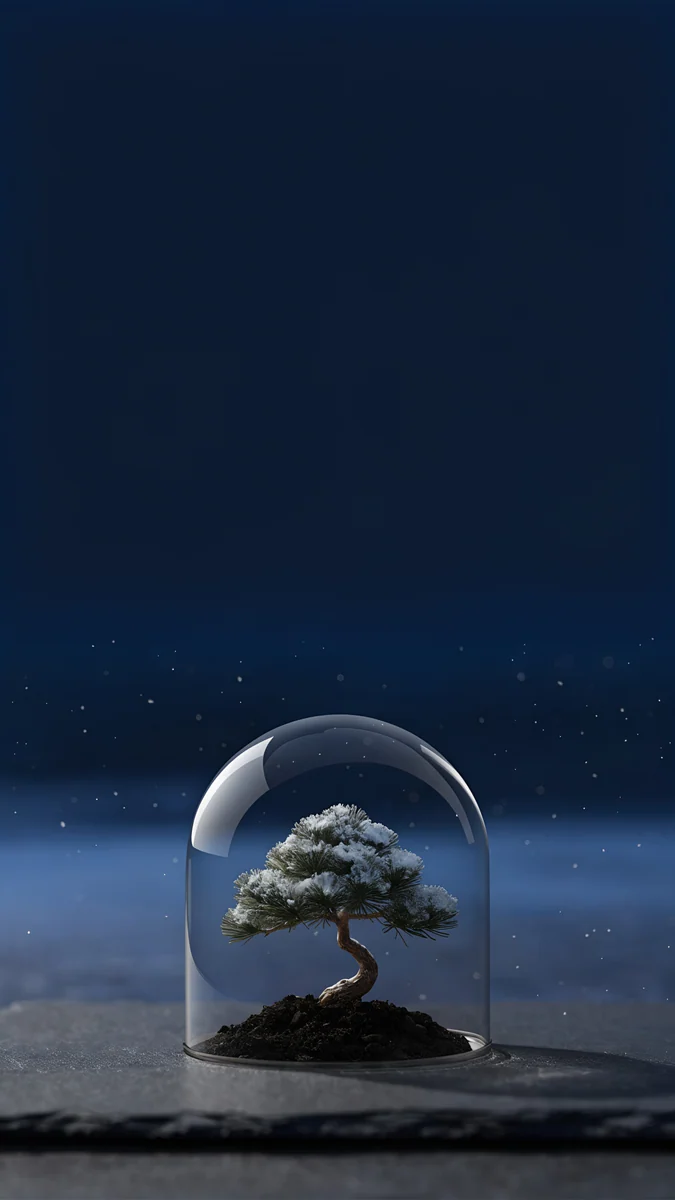 Bonsai Under Glass
 Pine Under Glass
 Frosted Pine Bauble
Free 4K originals for iPhone and Android, no watermark
On this page
The coziest winter wallpapers combine a cold scene with one warm light: snow and a lit cabin window, frost outside and a candle on the sill, a glass globe with tiny glowing houses. The contrast is what feels warm. Velpaper has a run of these snowy scenes, each a 4K phone original at 2160 × 3840 with no text, no characters and nothing that dates them to one holiday, so they work from the first frost until March.
If you want something more festive for December, our Christmas wallpapers have decorated pines and lanterns. This page stays with plain winter.
What makes a winter wallpaper feel cozy
- One warm light, not ten. A single window, candle or lantern gives the eye one place to rest. Many bright points start to compete with your notifications.
- Cool colours around it. Blue snow, grey fog or lilac dusk make that small warm glow look warmer than it is.
- A quiet top third. The lock screen clock sits there, so night sky, fog or a plain backdrop keeps the time readable.
- No dates, no greetings. A wallpaper without lettering does not feel stale on 2 January.
How to set a winter wallpaper on iPhone and Android
- Save the 2160 × 3840 original from the wallpaper page in the Velpaper app or on velpaper.com, not a screenshot of the preview.
- On iPhone with iOS 26: open Settings, tap Wallpaper, then Add New Wallpaper, then Photos, and choose the file.
- Pinch and drag so the warm light sits below the clock, tap the time to pick a clock colour, then tap Add and Set as Wallpaper Pair.
- On a Pixel with Android 16: touch and hold an empty spot on the Home screen, tap Wallpaper & style, choose your photo and apply it to the lock screen, the home screen or both.
- On a Samsung with One UI 8: open Settings, then Wallpaper and style, tap Change wallpapers and pick the image from Gallery. Menu names can differ slightly between One UI versions.
Full walkthroughs are in how to set a lock screen wallpaper on iPhone and how to set a wallpaper on Android.
One warm light in the snow
The most classic cozy look: a dark or dusky winter scene with a single glow in it.
Frozen Lake Cabin4K · PhoneCandle Sill4K · PhoneDusk Snow House4K · PhoneSnow Lantern Garden4K · PhoneSnow Lantern Village4K · PhoneFrozen Lake Cabin puts one lit cabin on a frozen lake below snowy peaks and a starry sky; the stars leave a dark, even field for a white clock. Candle Sill is the most intimate: a lit candle and a pine sprig on a marble sill, snow falling outside an arched window. Dusk Snow House is a small white house with one glowing window and a lone pine under a lilac dusk, pale enough for a dark clock. Snow Lantern Garden lights a stone lantern next to a snowy pine at night, and Snow Lantern Village is a whole sleeping village under a full moon.
Snow globes and glass domes
A little winter world under glass, set low in the frame so the top of the screen stays clear.
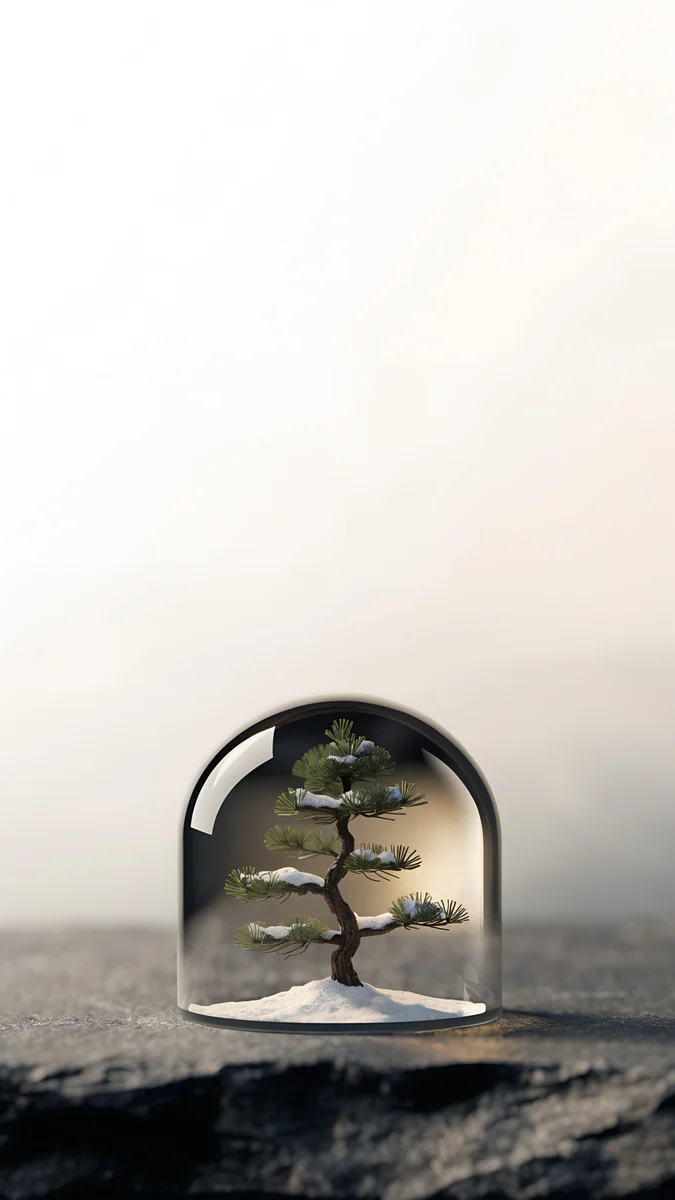
Lilac Snow Globe4K · PhonePink Glass Cottage4K · PhoneMidnight Snow Globe4K · PhoneSnow Arch Globe4K · PhoneBonsai Under Glass4K · PhonePine Under Glass4K · PhoneLilac Snow Globe holds a snowy village with lit windows on a soft lilac backdrop, and the glass catches a faint rainbow at its edge. Pink Glass Cottage sets a white cottage and a pine inside a globe on a pale stone block against pink. Midnight Snow Globe is the dark one, a pine in falling snow on pure black, which suits an OLED screen. Snow Arch Globe rests a globe with a tiny white arch in soft drifts, while Bonsai Under Glass and Pine Under Glass put a small pine under a bell jar, one on a navy night, one in pale mist.
Bright snowy daylight and winter textures
Not every winter wallpaper needs to be dark. These are calmer behind icons on a home screen.
Frosted Pine Bauble4K · Phone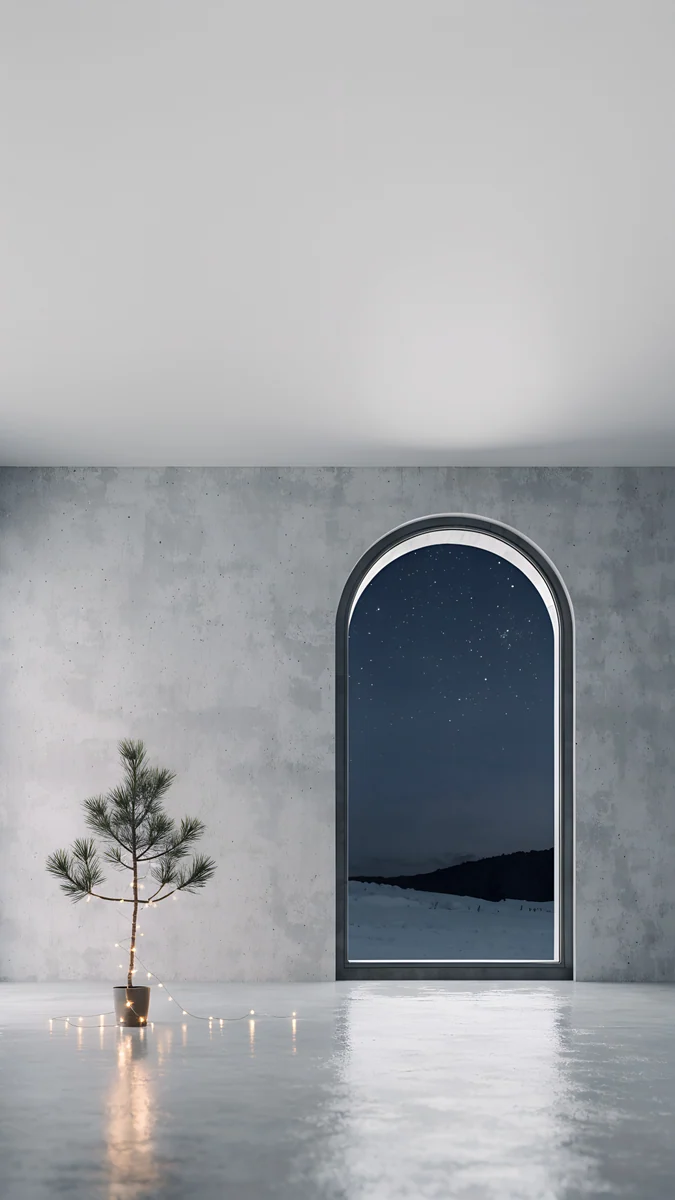 Arched Window Pine4K · Phone
 Emerald Velvet4K · Phone
 Burgundy Ribbon4K · Phone
 Snow Village4K · Phone
Frosted Pine Bauble is a frosted pine branch with a single bronze bauble against white fog. Arched Window Pine is a grey room with a tall arched window onto a snowy night and small candles reflected on the floor. Emerald Velvet and Burgundy Ribbon are pure texture, deep green velvet folds and a burgundy satin ribbon on pale ground, for a winter mood without a scene. Snow Village is a snowy mountain in a Japanese woodblock print style, and its wide version fits a laptop.
Common problems and fixes
- The clock disappears in the snow. White digits on white snow vanish. Use a dark clock on the light scenes, or pick one with a night sky at the top, such as Frozen Lake Cabin or Snow Lantern Garden.
- The globe or cabin hides behind the dock or widgets. Pinch to move the picture up a little when you set it, or remove one widget row on the lock screen.
- The image is zoomed in. iOS can add a slight zoom for motion. Turn off Perspective Zoom when you set it if your version shows the option, or see our iPhone wallpaper zoom fix.
- It looks blurry. A saved preview or screenshot is far smaller than the 2160 × 3840 original. Download the original again.
Get these winter wallpapers in Velpaper
Velpaper is an app for iPhone, iPad, Mac and Android, and every wallpaper is also on velpaper.com. Each phone wallpaper is a 4K original at 2160 × 3840, with no watermark and no account needed. The phone wallpapers here unlock after a short optional ad in the iPhone and Android apps; on the website, if no ad is available, the original downloads for free. The wallpapers are designed by Carlos Vivero.
Next step: open Frozen Lake Cabin, save the 4K original and set it on your lock screen with a white clock. For a lighter screen, try Candle Sill.
Original wallpapers in 4K and 5K for iPhone, Android and desktop.
Questions
What is a cozy winter aesthetic wallpaper?
It is a winter scene built on contrast: cold surroundings and one small source of warmth. Typical examples are a lit cabin in the snow, a candle on a frosty windowsill or a glowing lantern at night. The palette stays cool, with blue, grey, lilac or near black, so the warm light looks even warmer. A cozy winter wallpaper also leaves the top of the screen quiet for the clock and avoids text or holiday greetings, which lets you keep it from late autumn until spring. In Velpaper, Frozen Lake Cabin, Candle Sill and Dusk Snow House follow this idea closely.
Can I keep a winter wallpaper after Christmas?
Yes, and that is the point of a plain winter wallpaper. The scenes on this page show snow, glass, pine and light, with no Santa, no greeting and no year printed on them, so nothing looks out of date in January or February. If you used a decorated Christmas tree scene in December, swapping it for Frozen Lake Cabin, Lilac Snow Globe or Frosted Pine Bauble keeps the season without the holiday. Many people keep a snowy wallpaper until the snow actually melts, which in much of the northern hemisphere means March.
Which winter wallpaper is best for a dark mode phone?
Pick one where most of the frame is near black or deep navy. Midnight Snow Globe sits on pure black, so on an OLED screen most pixels stay off and only the globe and its falling snow light up. Frozen Lake Cabin and Snow Lantern Garden have a dark, starry sky over the whole top half, which keeps a white clock crisp and does not flash brightly when you pick up the phone at night. Bonsai Under Glass is another dark option, a small snowy tree under a glass dome against a navy night. More near-black wallpapers are in our OLED collection.
What clock colour works on a snowy wallpaper?
It depends on what sits behind the time. On the night scenes, Frozen Lake Cabin, Snow Lantern Garden, Snow Lantern Village and Midnight Snow Globe, a white or very pale clock reads best. On light scenes like Dusk Snow House, Pink Glass Cottage, Candle Sill or Frosted Pine Bauble, white digits can melt into the snow or the pale sky, so choose a dark grey or a deep tint taken from the image. On iPhone, touch and hold the lock screen, tap Customize and tap the time to change it. On Android the options depend on the brand.
Are these winter wallpapers free and in 4K?
Every wallpaper on this page is a 4K original at 2160 × 3840 pixels for phones, without text or a watermark, and Snow Village also has a wide 3840 × 2160 version for laptops and monitors. You can browse and preview them for free in the Velpaper app for iPhone, iPad, Mac and Android and on velpaper.com. The phone files unlock after a short optional ad in the iPhone and Android apps; on the website, if no ad is available, the original downloads for free. There is no account and no subscription.
Carlos Vivero
Designer of Velpaper wallpapers
Carlos Vivero designs the wallpapers in Velpaper: quiet architecture, liquid glass, Japanese ink and calm landscapes. Every piece is made as a 4K original for iPhone, Android and desktop.
Recent work





