Winter iPhone Wallpaper: 4K Snowy Lock Screen Picks
Winter iPhone wallpapers for December to February: snowy OLED nights, icy blue scenes and warm windows, with screen sizes and iOS 26 lock screen tips.
In short: The best winter iPhone wallpaper keeps a calm sky at the top for the iOS 26 glass clock and the snow or a warm light below it. Snow Lantern Garden is the dark OLED pick, Dusk Snow House the bright minimal one and Starlit Window the cozy option, all 2160 × 3840 originals that fit every current iPhone.
By the Velpaper team · Wallpapers by Carlos Vivero, Velpaper designer · · 7 min read
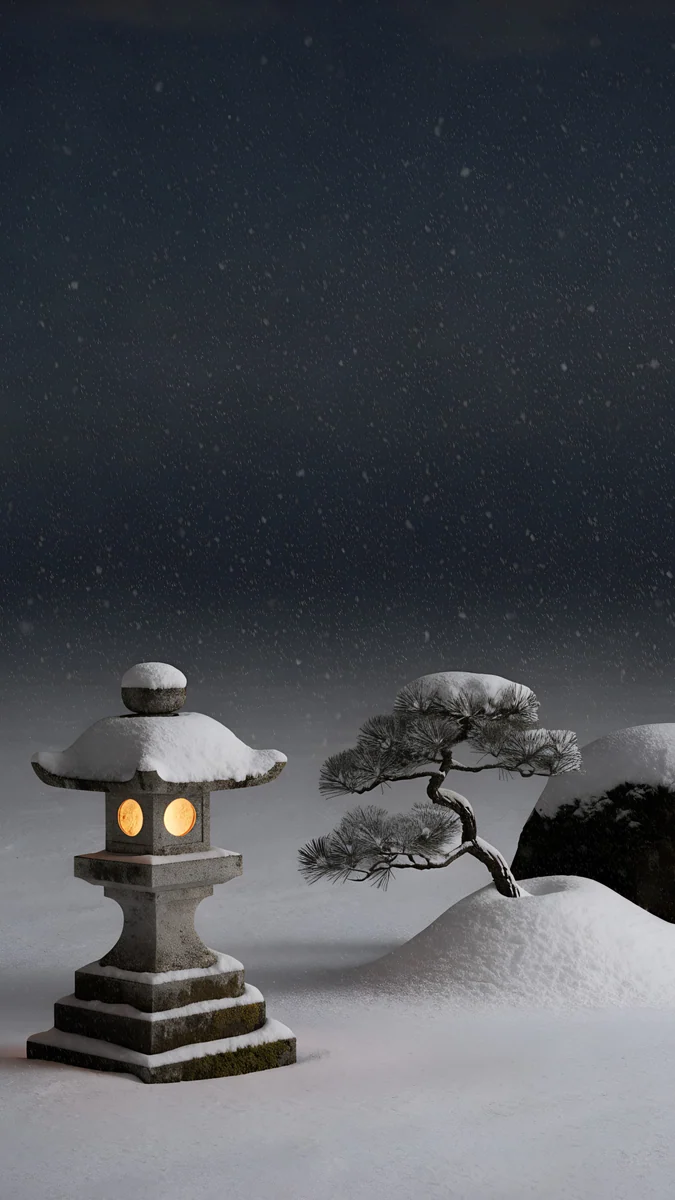 Snow Lantern Garden
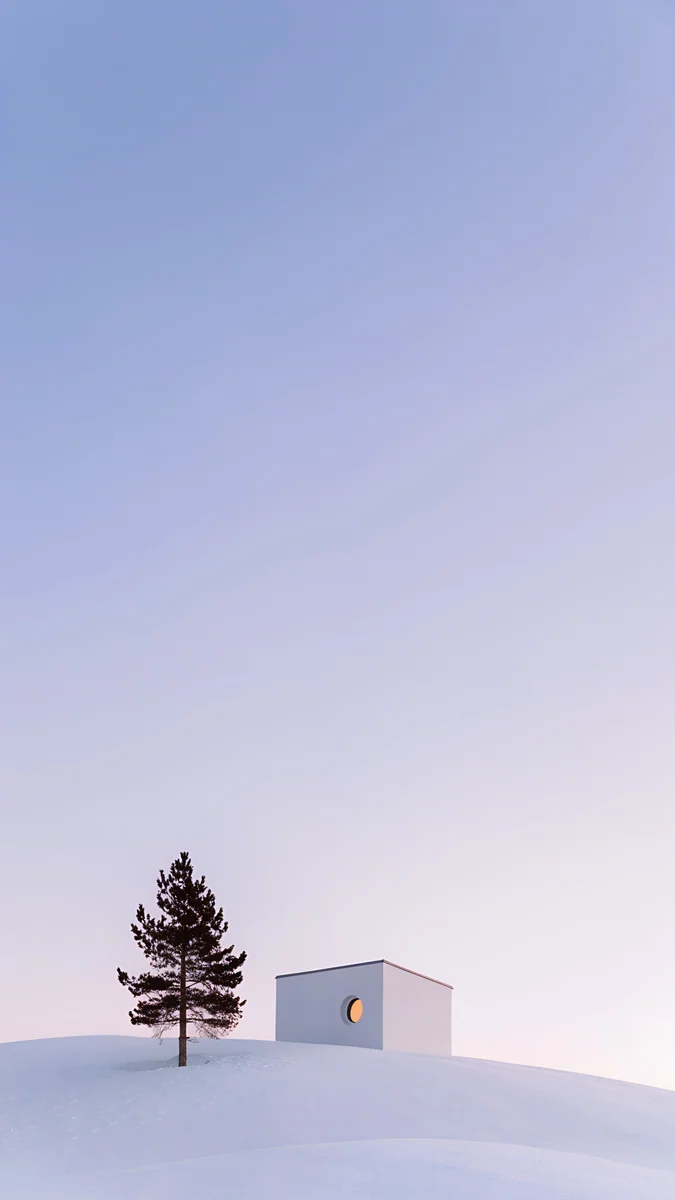 Dusk Snow House
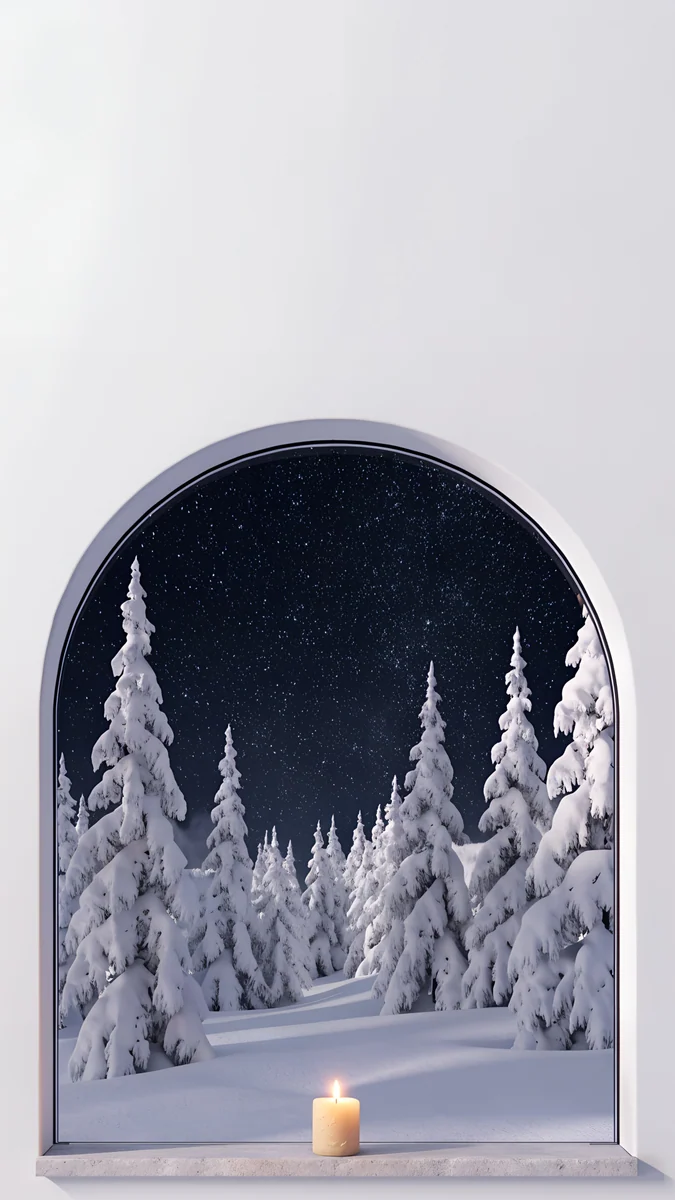 Starlit Window
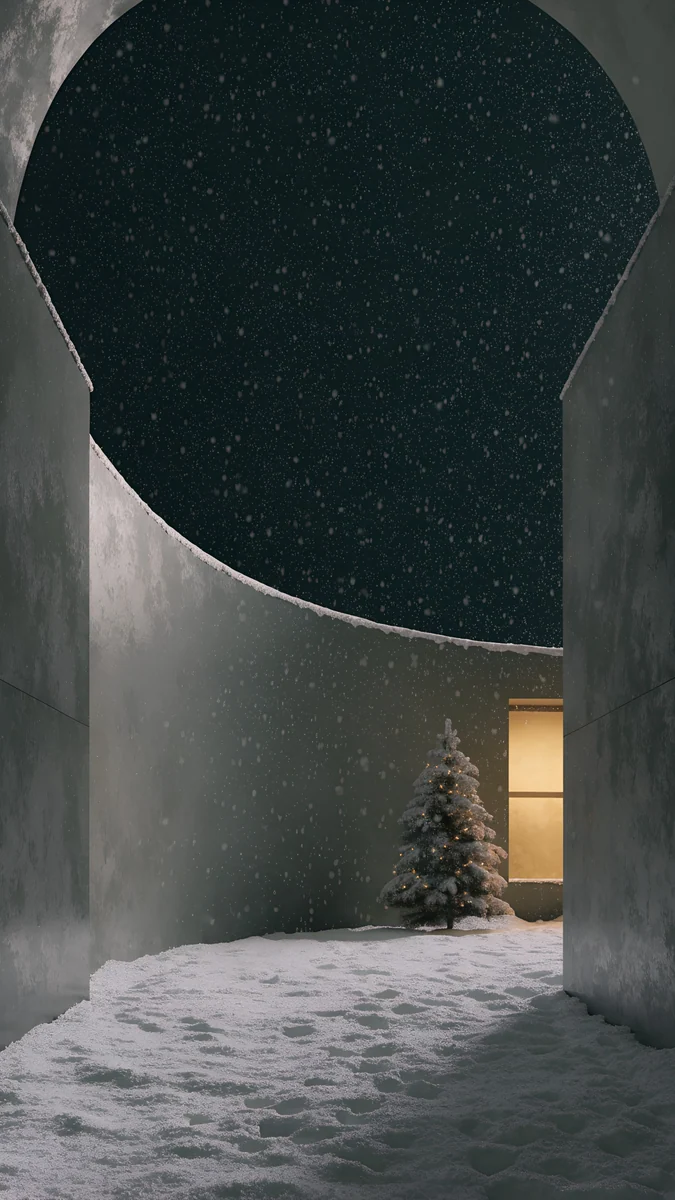 Snow Courtyard
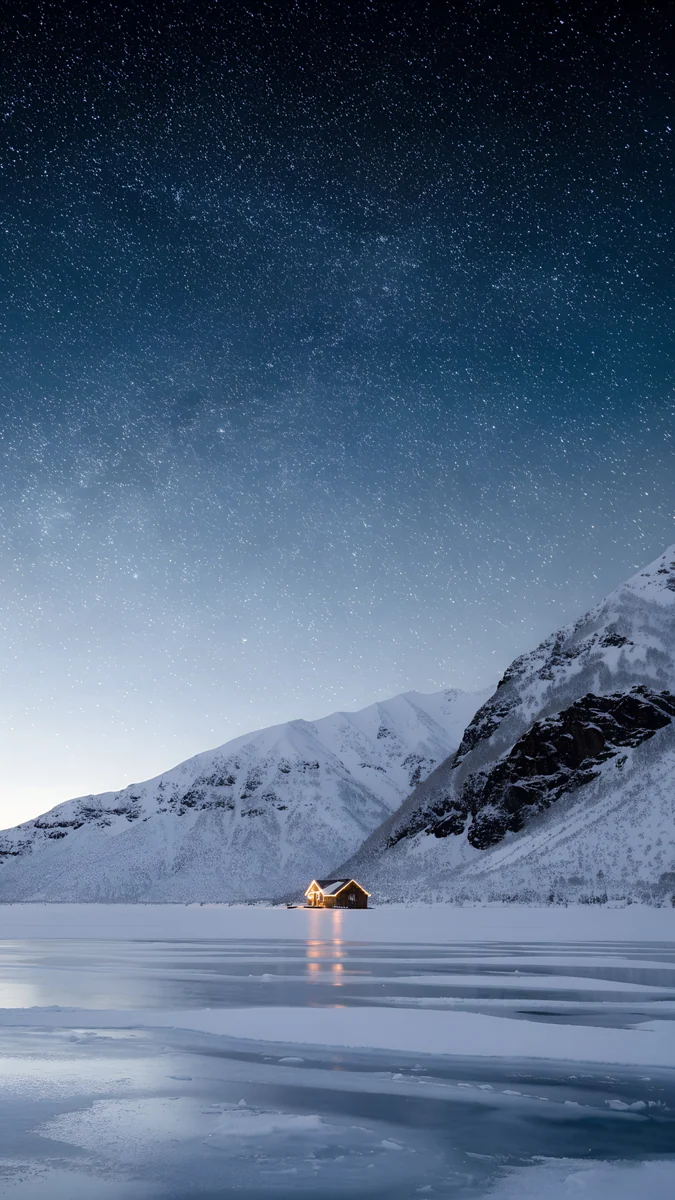 Frozen Lake Cabin
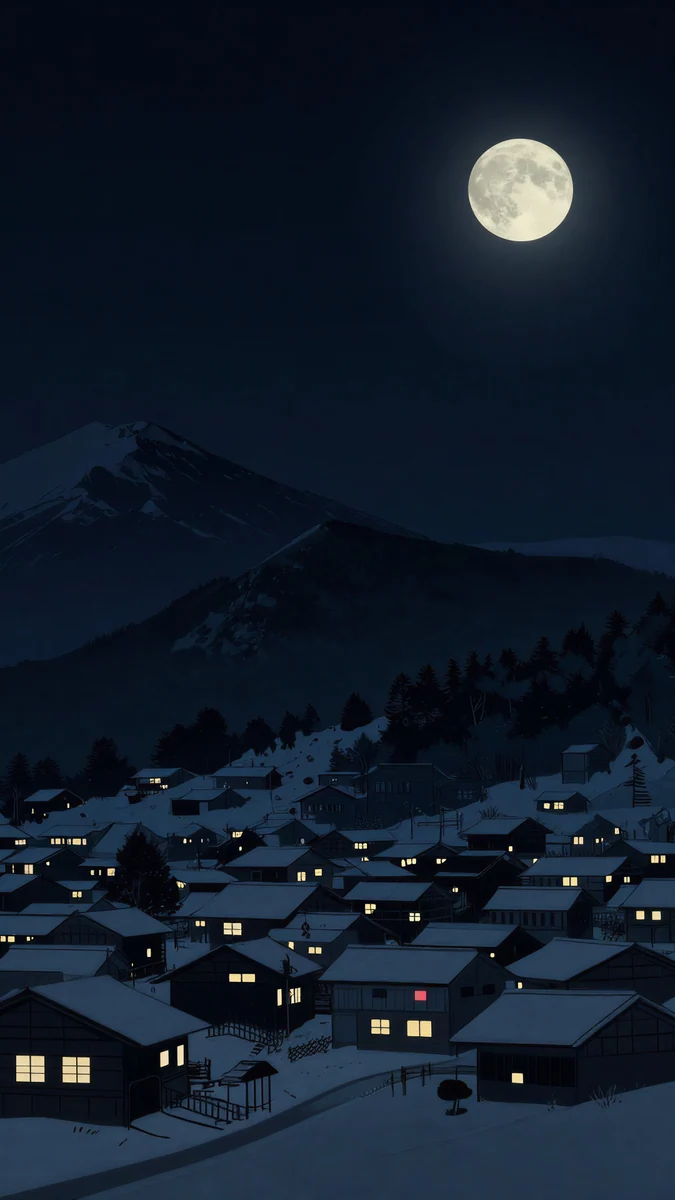 Snow Lantern Village
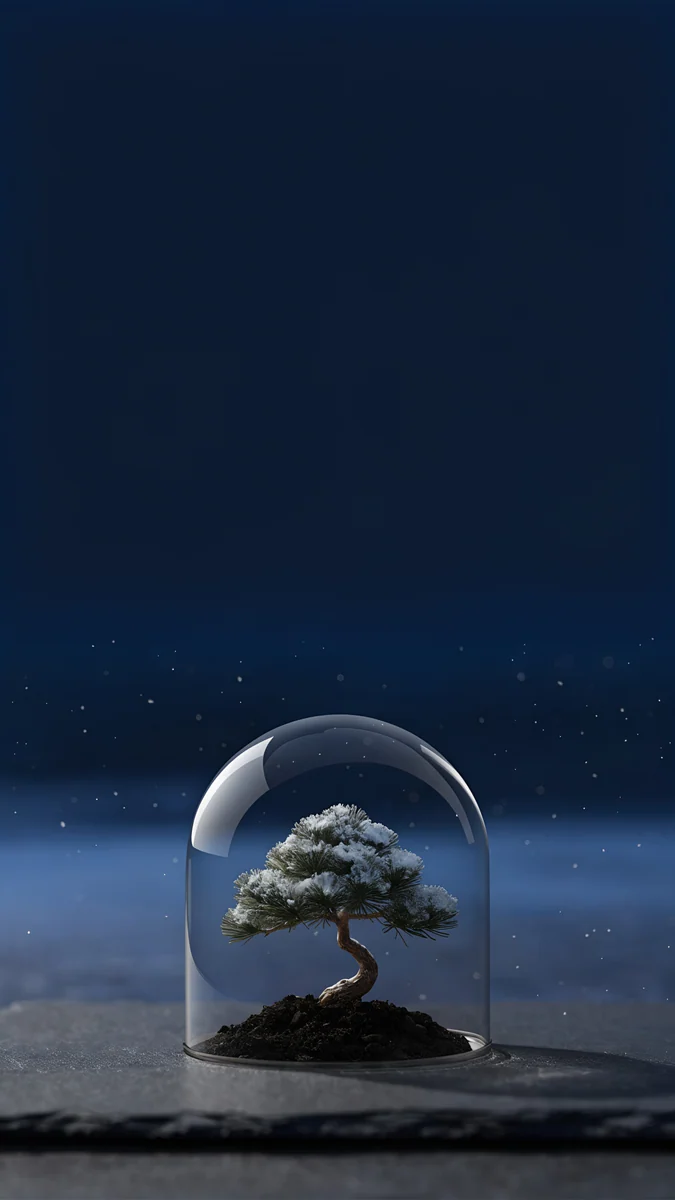 Bonsai Under Glass
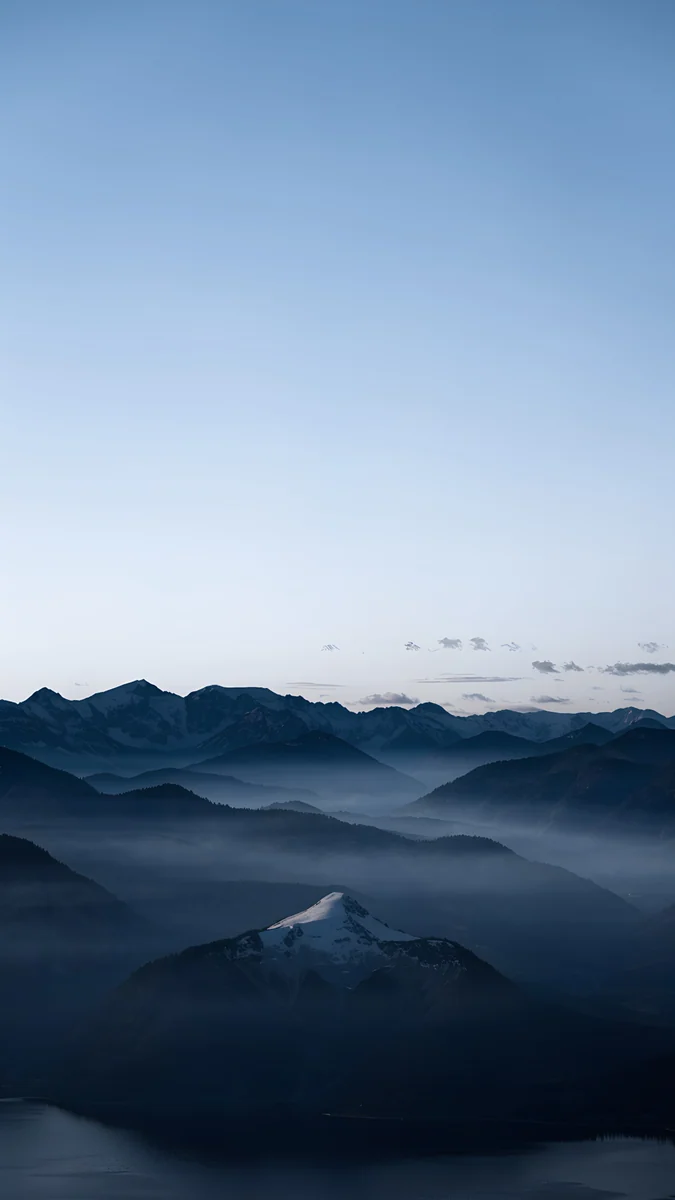 Blue Hour
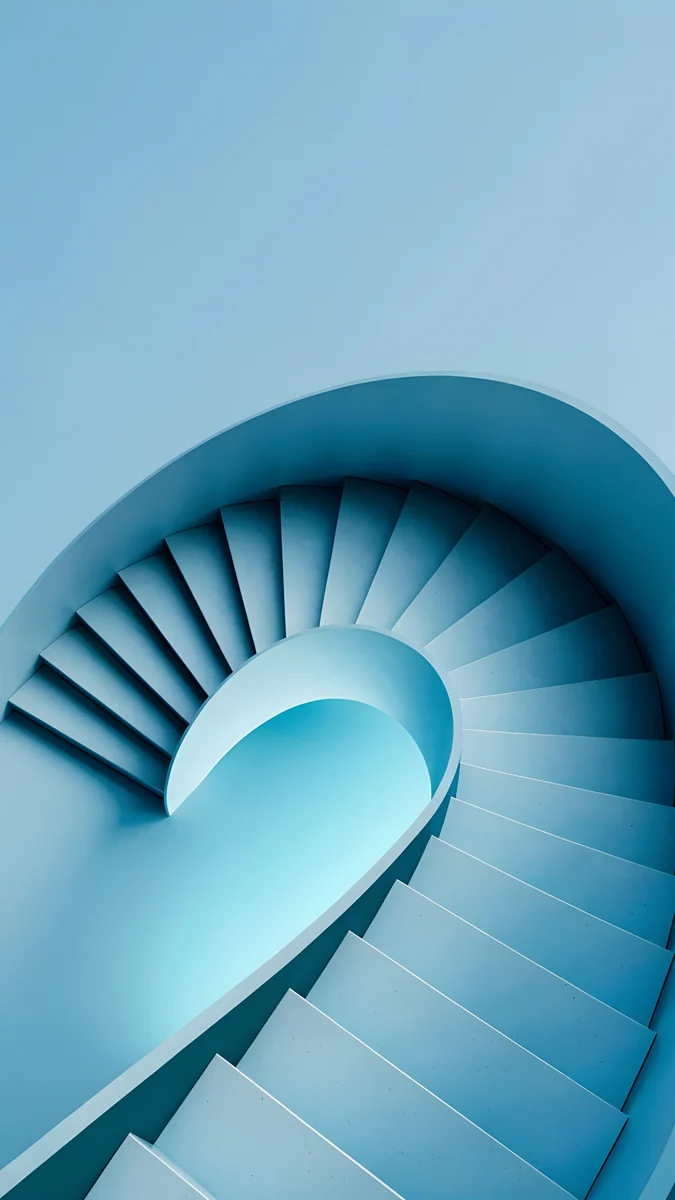 Glacier Spiral Well
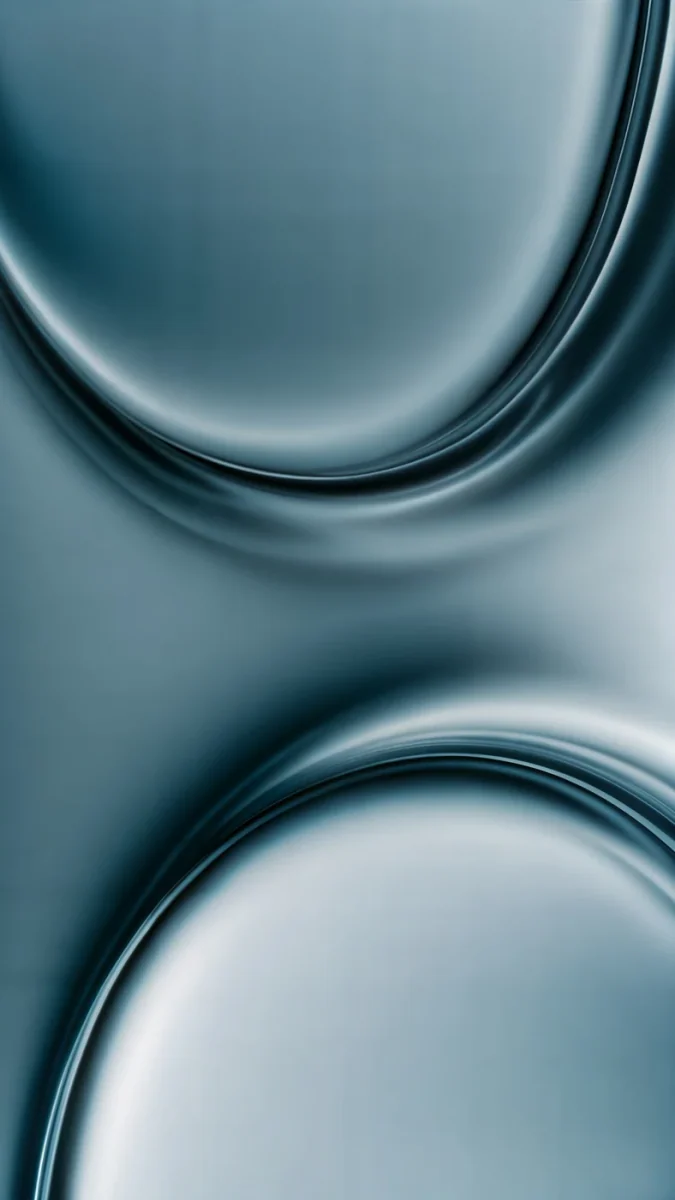 Arctic Current
 Snow Village
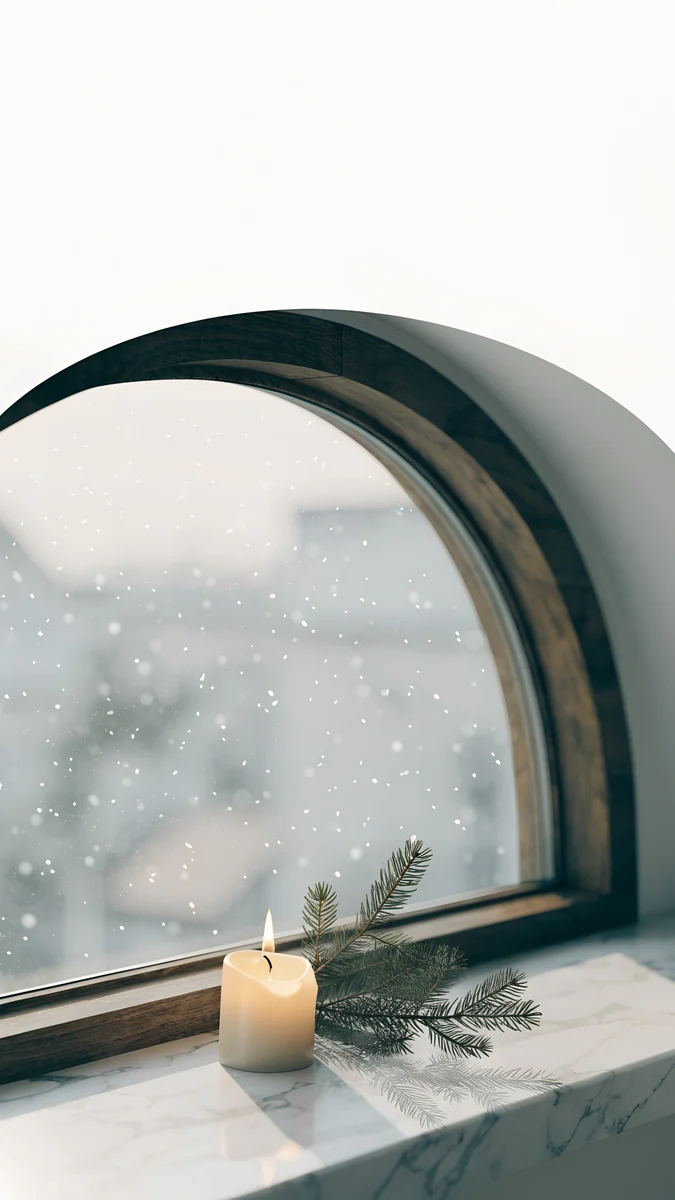 Candle Sill
Free 4K originals for iPhone and Android, no watermark
On this page
- Winter iPhone wallpaper size for each model
- How to set a winter lock screen on iPhone
- Snowy night wallpapers for OLED iPhones
- Cold blue winter wallpapers: ice, frost and mist
- Cozy winter wallpapers with warm light
- Glass clock, depth effect and Always-On in winter
- Common problems and fixes
- Get these winter wallpapers in Velpaper
The best winter iPhone wallpaper puts the snow, the frost or the one lit window in the lower half and leaves a calm sky on top, so the iOS 26 glass clock stays readable from December to the end of February. Velpaper's winter wallpapers fall into three looks that suit an iPhone: dark snowy nights for OLED screens, cold blue scenes of ice and mist, and cozy pictures built around warm light in the cold. Each one is a 4K original at 2160 × 3840, larger than every iPhone screen.
Nothing here is a Christmas decoration, so these can stay on your lock screen long after the tree comes down. If you want trees and lights for December only, our Christmas iPhone wallpapers cover that, and the wider mood board of snow, candles and soft color is in our winter aesthetic wallpapers.
Winter iPhone wallpaper size for each model
iOS shows the wallpaper at the native resolution of the screen. These are the current and recent models, width by height:
| Model | Wallpaper size (pixels) |
|---|---|
| iPhone 18 Pro Max, 17 Pro Max, 16 Pro Max | 1320 × 2868 |
| iPhone 18 Pro, 17 Pro, 17, 16 Pro | 1206 × 2622 |
| iPhone Air | 1260 × 2736 |
| iPhone 16 Plus, 15 Pro Max, 15 Plus | 1290 × 2796 |
| iPhone 16, 15 Pro, 15 | 1179 × 2556 |
A 2160 × 3840 file is bigger than all of them, so iOS only scales it down and trims a thin strip from each side, because iPhones are a little narrower than 9:16. That matters for a lantern or a cabin near the edge. Older models are in our iPhone wallpaper size guide.
How to set a winter lock screen on iPhone
- Open the wallpaper in the Velpaper app or on velpaper.com and save the 4K original to Photos.
- Open Settings, tap Wallpaper, then Add New Wallpaper, then Photos, and pick the image.
- Pinch and drag so the snowy ground, the house or the lantern sits below the time and the empty sky sits behind it.
- Tap the time to pick a font and a color. On iOS 26 you can keep the glass look or switch to a solid color, which reads better over bright snow.
- Tap Add, then Set as Wallpaper Pair for the same picture on both screens, or Customize Home Screen to style the home screen separately.
The menu names match iOS 26 in English and can shift slightly in later updates. Widgets, clock height and every other option are in our guide to iOS 26 lock screen customization.
Snowy night wallpapers for OLED iPhones
Black and deep navy skies with snow on the ground. On an OLED iPhone the darkest pixels are nearly off, so these look deep, keep a white clock sharp and hold their shape on the Always-On display.
Snow Lantern Garden4K · PhoneSnow Courtyard4K · PhoneFrozen Lake Cabin4K · PhoneSnow Lantern Village4K · PhoneBonsai Under Glass4K · PhoneSnow Lantern Garden puts a stone lantern with a warm yellow glow and a small snow-loaded pine at the very bottom of a dark sky full of falling snow, so the top two thirds are almost empty and the clock floats on near black. Snow Courtyard looks up from a curved concrete courtyard through a round opening onto a starry black sky, with a plain pine in the snow and one lit doorway; the opening frames the time on its own. Frozen Lake Cabin sets one lit cabin on a cracked frozen lake under snowy peaks, and its sky is full of stars, so a solid white clock reads better than glass. Snow Lantern Village is a hillside of snowy roofs with yellow windows under dark mountains and a full moon; drag it down a little if the moon touches the time. Bonsai Under Glass keeps a snow-dusted bonsai under a glass dome on dark slate, with a calm navy sky above that suits the glass clock.
Cold blue winter wallpapers: ice, frost and mist
No night, no lamps, just the colors of a cold morning. These pair well with iOS 26 because the glass clock picks up their blue.
Blue Hour4K · PhoneGlacier Spiral Well4K · PhoneArctic Current4K · PhoneSnow Village4K · PhoneDusk Snow House4K · PhoneBlue Hour stacks misty blue ridges down to one snow-capped peak at the bottom, under a clean gradient sky that turns the glass digits pale blue. Glacier Spiral Well is a spiral staircase in pale ice blue, seen from above, with a smooth curved wall in the top half where the time goes. Arctic Current is abstract: folds of teal gray silk with a cold sheen, the pick for people who want winter color without snow. Snow Village is drawn like an old Japanese woodblock print, a white mountain and a village of snowy roofs under a navy sky dotted with snowflakes; the busy sky asks for a solid clock. Dusk Snow House is a white hill, a lone pine and a small white house with one round warm window under a lilac blue dusk sky, the brightest and most minimal of the set.
Cozy winter wallpapers with warm light
Cold outside, a candle or a lit window inside. These keep a warm point low on the screen, so the clock stays on a calm wall or sky.
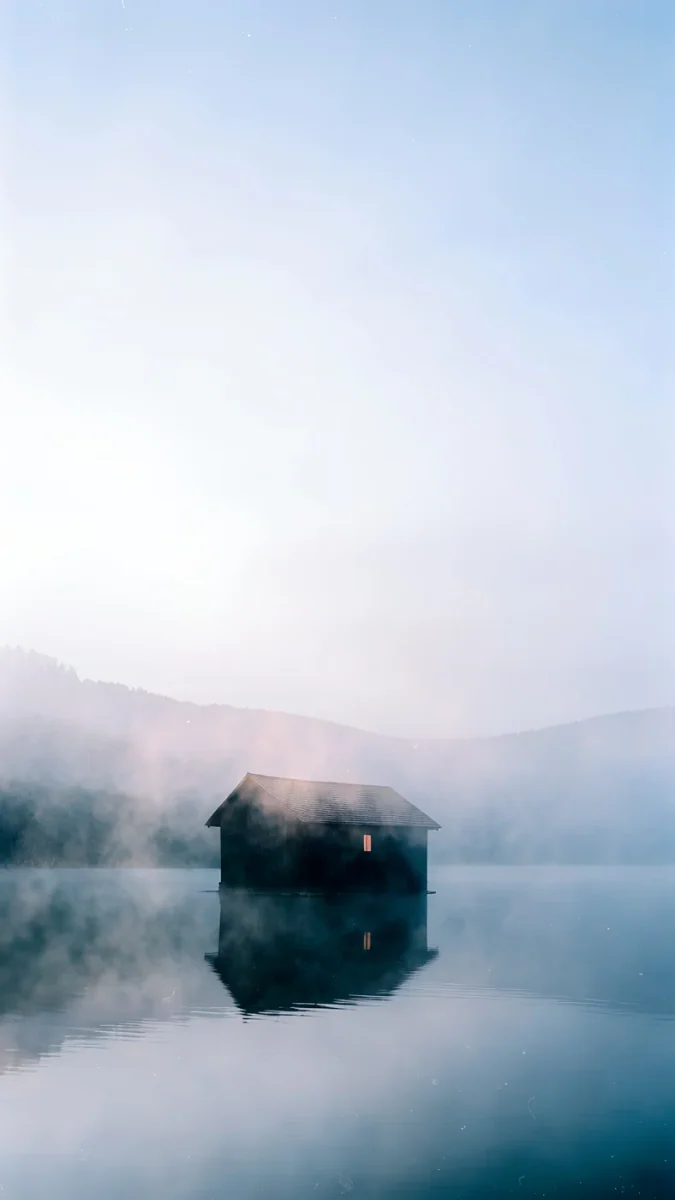
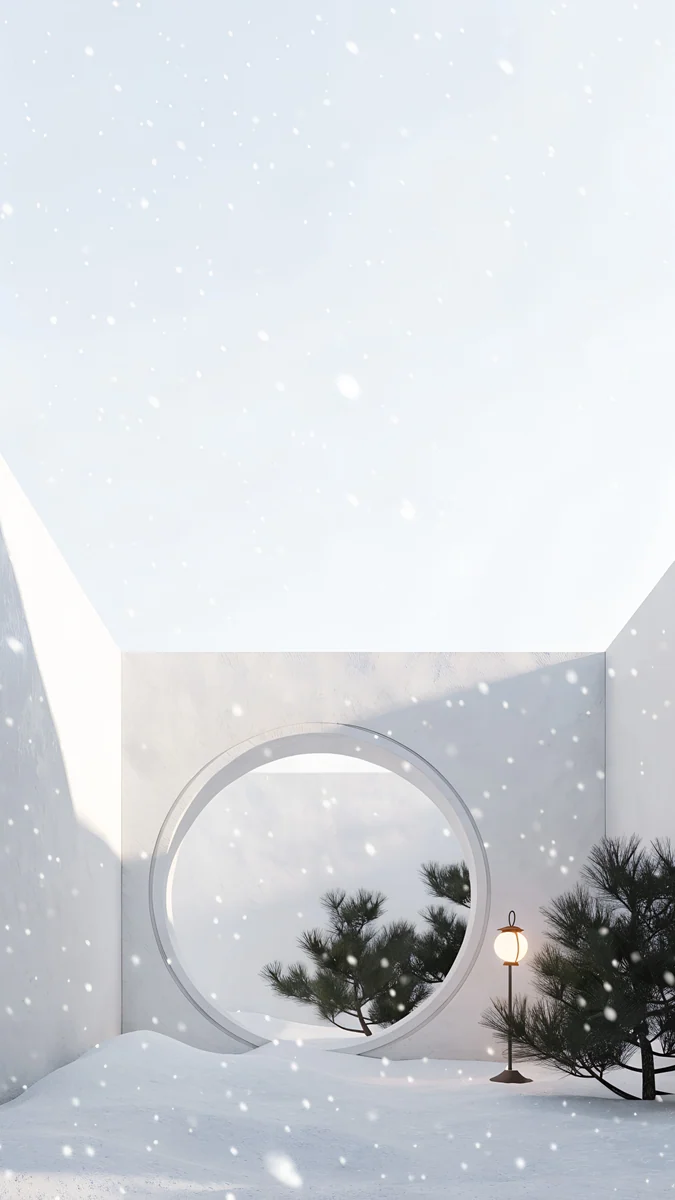
Starlit Window cuts an arched window in a plain white wall, with a snowy fir forest and a starry sky outside and one lit candle on the sill; the white wall above takes a dark gray or navy clock. Candle Sill is a close-up of a marble sill with a candle and a pine sprig in front of a big arched window full of soft falling snow. The Small Warmth shows a dark boathouse with one lit window on a misty, still lake, under a pale sky that leaves the whole top of the screen free. Moon Gate Snow is a white courtyard with a round moon gate, a pine and a small lit lantern in falling snow; it is white on white, so pick a dark clock.
Glass clock, depth effect and Always-On in winter
- Bright snow can wash out the glass clock. The iOS 26 clock takes its color from the picture behind it. Over black, navy or ice blue it looks like glass; over white snow or a pale wall switch to a solid dark color.
- Depth effect needs a clear shape near the top. Most winter scenes keep their subject low, so the clock simply sits above it. A tall pine or a mountain peak has the best chance. Our depth effect guide lists every fix.
- Pick the clock color from the picture. A soft gold matches the lantern in Snow Lantern Garden, a pale blue suits Blue Hour, and a lilac works on Dusk Snow House.
- Dark scenes hold up on Always-On. Snow Lantern Garden and Snow Courtyard keep their shape when the screen dims, while bright snowy pictures turn flat gray. More in our guide to the iPhone Always-On display wallpaper.
Common problems and fixes
- The snow looks banded or blotchy. You probably saved a small copy or a screenshot. Save the 4K original again; dark winter skies need the full file to stay smooth.
- The wallpaper looks zoomed in or soft. If iOS still zooms after you save the original, turn off Perspective Zoom in the More menu if your version shows it, or read our iPhone wallpaper zoom fix.
- The clock disappears into white snow. Tap the time and pick a solid navy or dark gray, or drag the picture so a darker part of the sky sits behind it.
- You want a new winter scene every few days. Save several to one album, then choose Photo Shuffle under Add New Wallpaper and set it to Daily. Our Photo Shuffle guide covers the details.
- You have an iPad too. The iPad crops differently when it rotates. Our winter iPad wallpapers sort snowy scenes by how they survive portrait and landscape.
Get these winter wallpapers in Velpaper
Velpaper is an app for iPhone, iPad, Mac and Android, and every wallpaper is also on velpaper.com. Search for winter or snow there to see the whole set. Each phone wallpaper is a 4K original at 2160 × 3840 with no watermark and no account needed. Phone wallpapers unlock after a short optional ad in the iPhone and Android apps; on the website, if no ad is available, the original downloads for free. The wallpapers are designed by Carlos Vivero.
Next step: open Snow Lantern Garden for a dark lock screen or Dusk Snow House for a bright one, save the original and keep it until the first warm week of March.
Original wallpapers in 4K and 5K for iPhone, Android and desktop.
Questions
What is the best winter wallpaper for iPhone?
One with a calm top third and the winter detail below it. The iOS 26 lock screen clock is drawn in glass and takes color from the picture behind it, so a dark or plain sky above the snow keeps the time easy to read. Snow Lantern Garden is a strong dark pick: a glowing stone lantern and a snowy pine at the bottom of a near black sky, ideal for OLED. Dusk Snow House is the bright one, a small white house on a snowy hill under a lilac dusk sky. Both are 2160 × 3840 originals from Velpaper and carry no Christmas decorations, so they work all winter.
What size should a winter iPhone wallpaper be?
At least the native resolution of your screen: 1320 × 2868 pixels on the Pro Max models, 1206 × 2622 on the iPhone 17, 17 Pro and 18 Pro, 1260 × 2736 on the iPhone Air and 1179 × 2556 on the iPhone 16 and 15. A 2160 × 3840 image is larger than every one of them, so iOS only scales it down and trims a thin strip from the sides. Avoid small snowy backgrounds saved from social media, because iOS has to enlarge them and dark night skies then show visible bands.
How long can I keep a winter wallpaper on my iPhone?
As long as it feels like winter where you live. The wallpapers on this page show snow, ice, mist and warm windows, with no trees, lights or other holiday props, so they look as right on a gray day in February as they do in December. A good routine is a Christmas lock screen for the holidays, then a winter scene from early January until the first warm week of spring. If you live in the southern hemisphere, the same pictures suit June to August, or any time you want a cooler, quieter screen.
Why is my iPhone clock hard to read on a snowy wallpaper?
Because the iOS 26 glass clock takes its color from what is behind it, and white snow or a pale wall gives it almost nothing to contrast with. Open the lock screen editor, tap the time and pick a solid color such as navy, dark gray or deep blue. You can also drag the picture so a darker area of sky sits behind the digits. Dark winter scenes like Snow Lantern Garden or Snow Courtyard avoid the problem entirely, because the clock sits on near black. Menu names can differ slightly between iOS versions.
Are these winter iPhone wallpapers free?
You can browse and preview every wallpaper for free on velpaper.com and in the Velpaper apps for iPhone, iPad, Mac and Android. Phone wallpapers unlock after a short optional ad in the iPhone and Android apps; on the website, if no ad is available, the original downloads for free. There is no account and no subscription, and the downloaded file has no watermark. Every winter wallpaper on this page is a 4K original at 2160 × 3840 pixels, so one file covers every current iPhone from the iPhone 15 to the Pro Max models.
Carlos Vivero
Designer of Velpaper wallpapers
Carlos Vivero designs the wallpapers in Velpaper: quiet architecture, liquid glass, Japanese ink and calm landscapes. Every piece is made as a 4K original for iPhone, Android and desktop.
Recent work







