5K Desktop Wallpapers: Free Architecture Picks for Mac
5K desktop wallpapers of architecture: arches, atriums, galleries and gates at 5120 × 2880 for Mac and ultrawide. Free 5K originals, no watermark.
In short: A 5K desktop wallpaper is a 5120 × 2880 image, the native size of the Apple Studio Display and the 27 inch 5K iMac. Velpaper's wide architecture wallpapers are free originals exported at 5K where the master allows and 3840 × 2160 otherwise, and the size is shown on every wallpaper page.
By the Velpaper team · Wallpapers by Carlos Vivero, Velpaper designer · · Updated · 5 min read
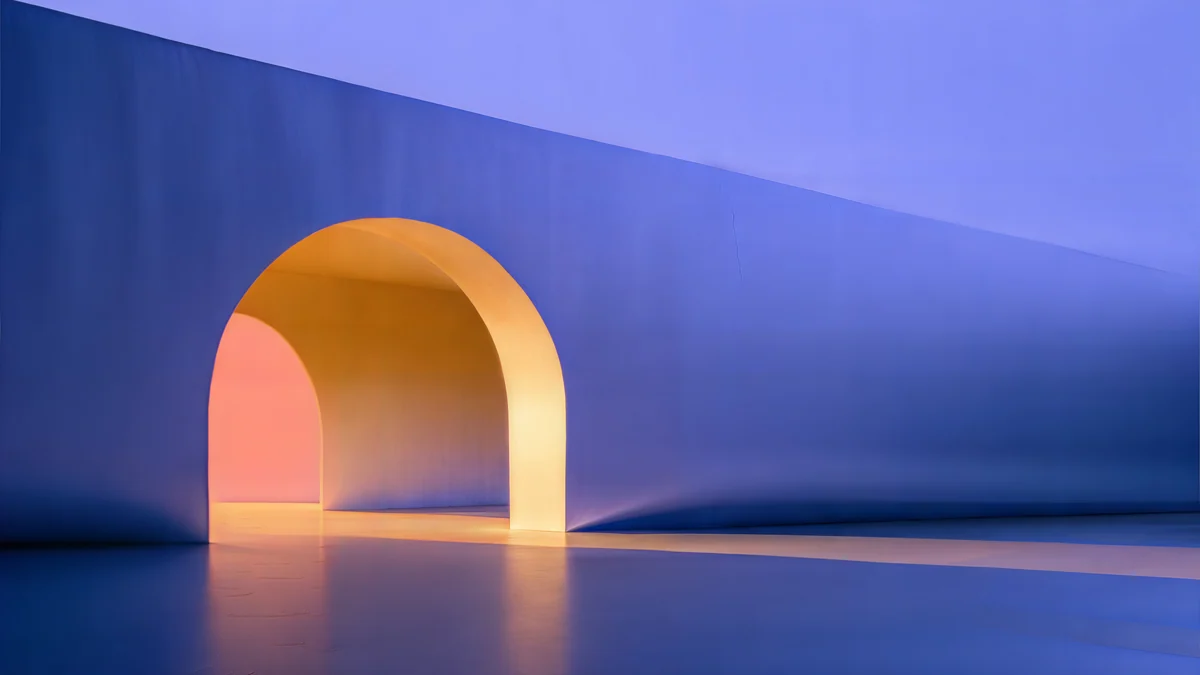 Solar Indigo Gate
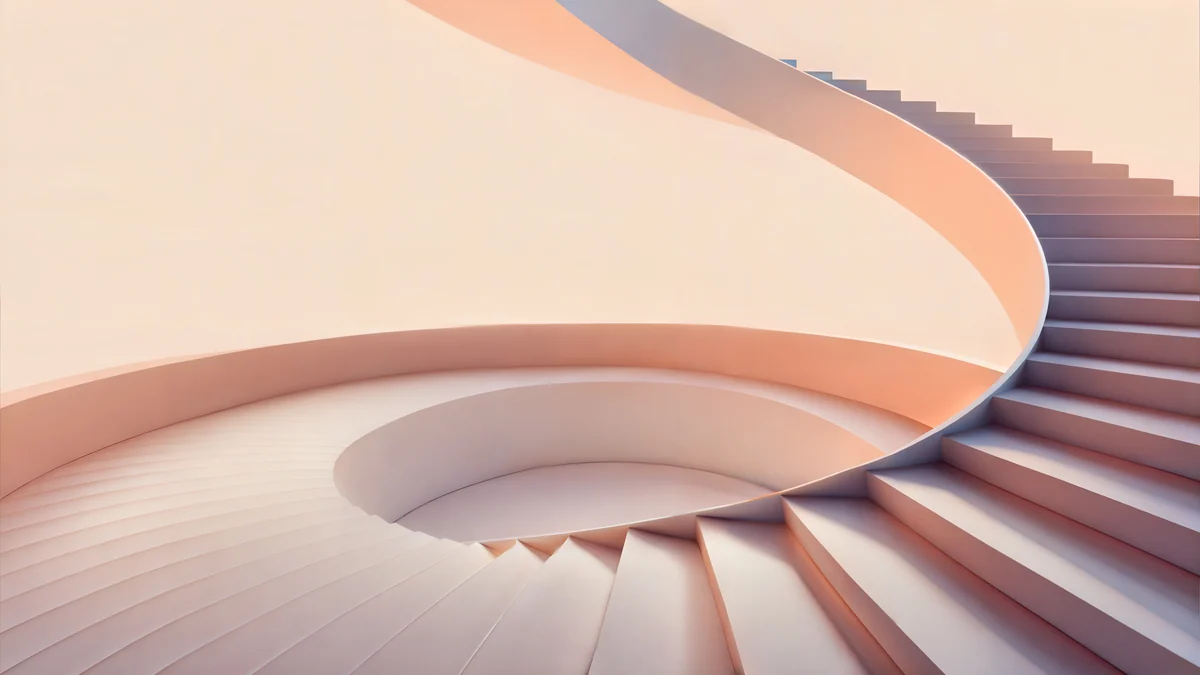 Peach Spiral Atrium
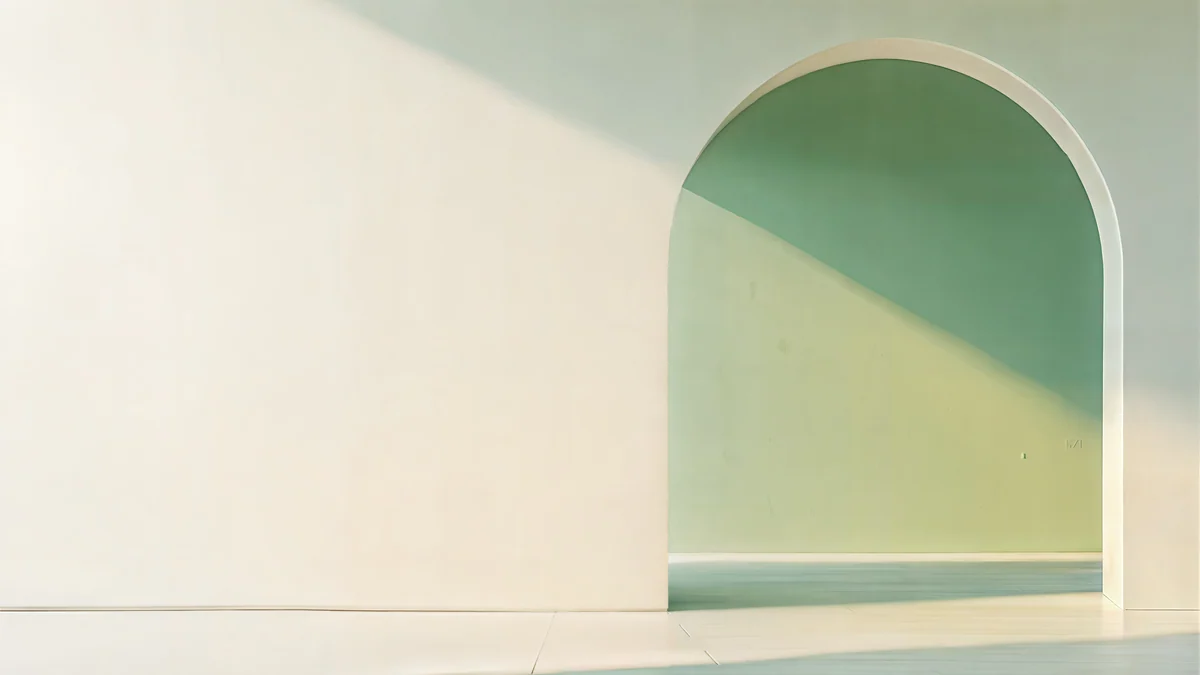 Sage Sun Gallery
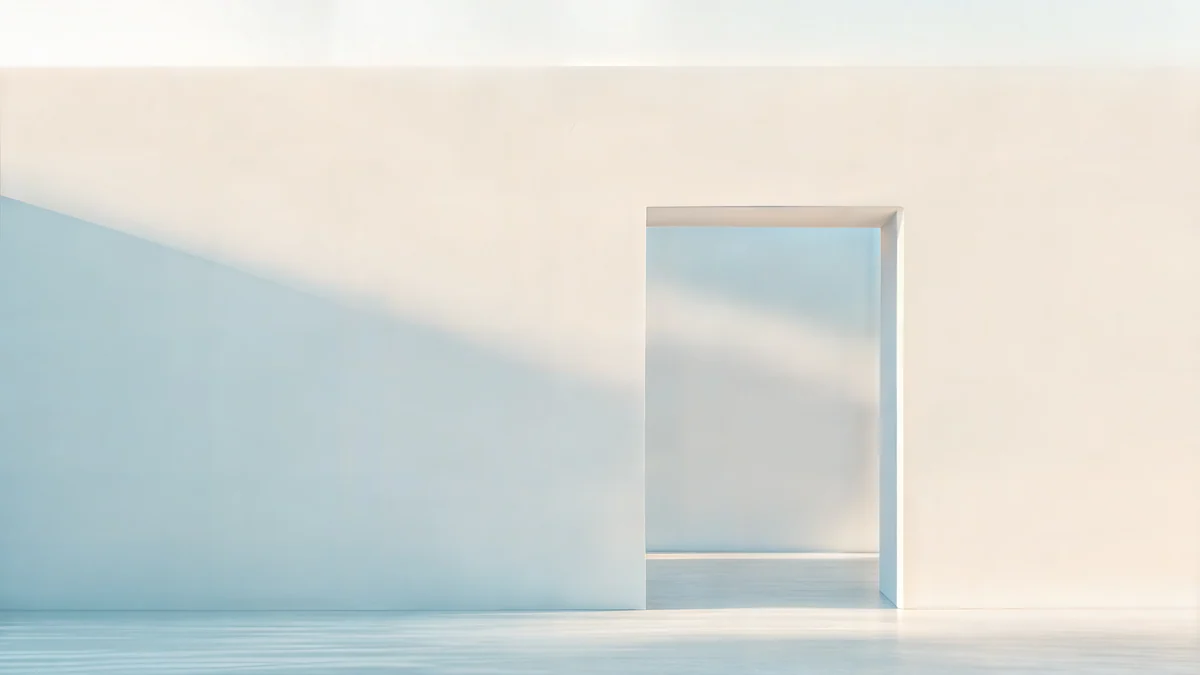 Ivory Daylight Gate
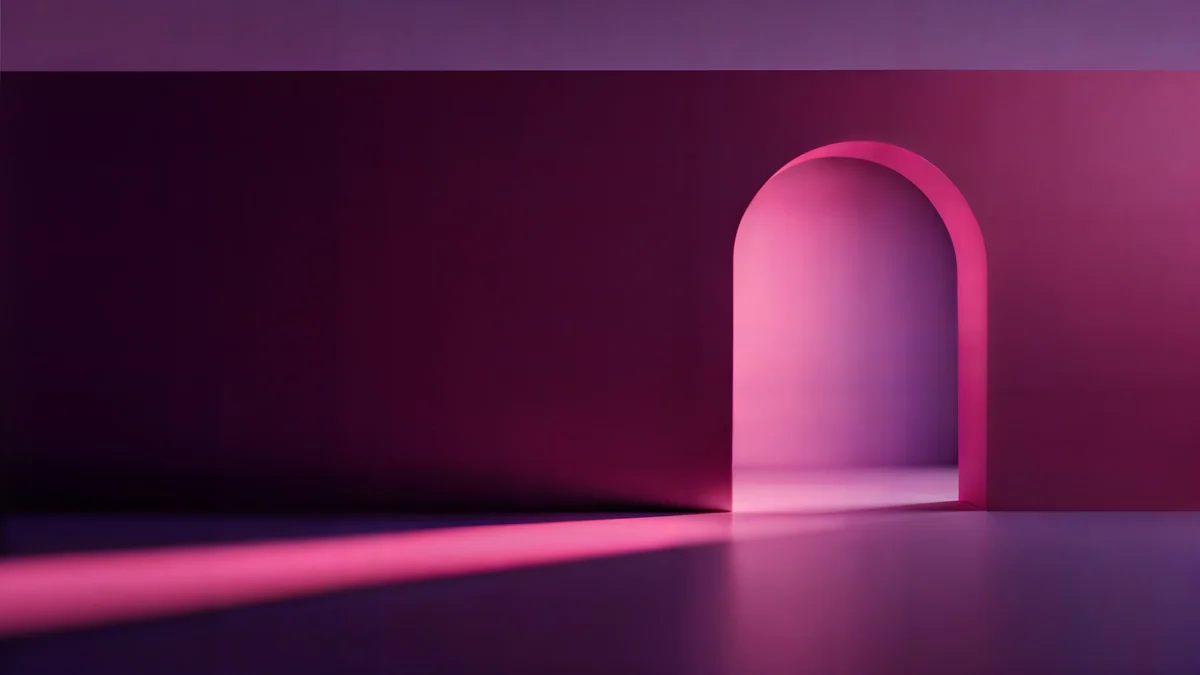 Rose Pulse Arcade
 Petrol Current
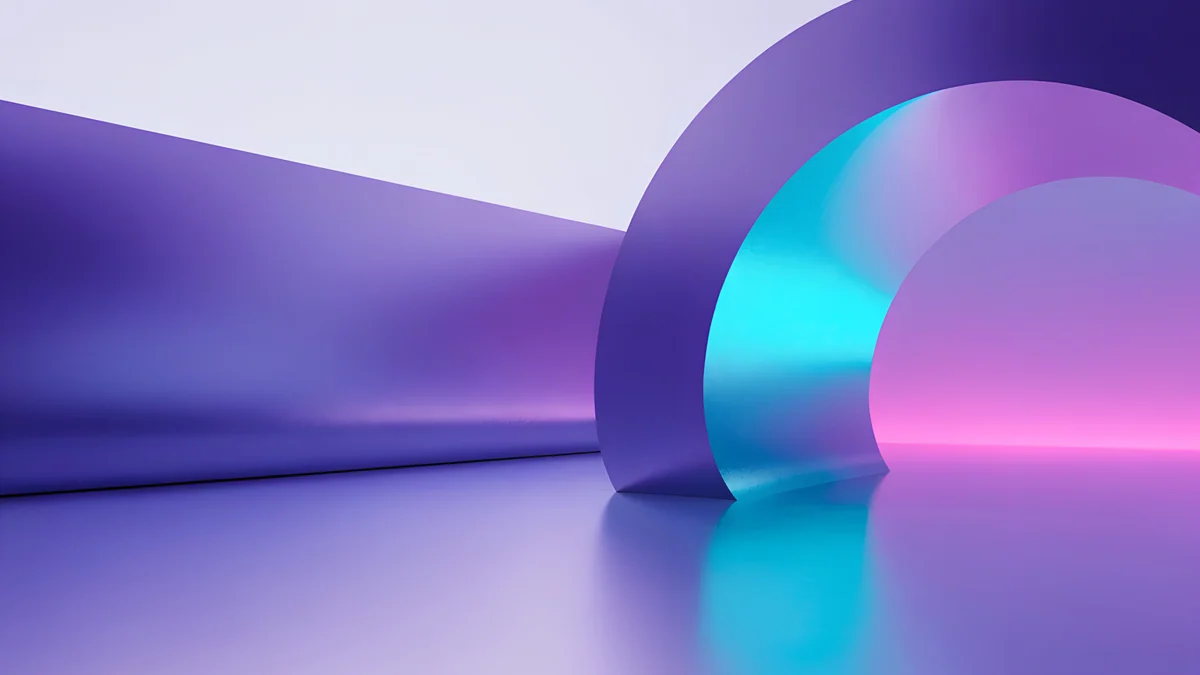 Electric Violet Vault
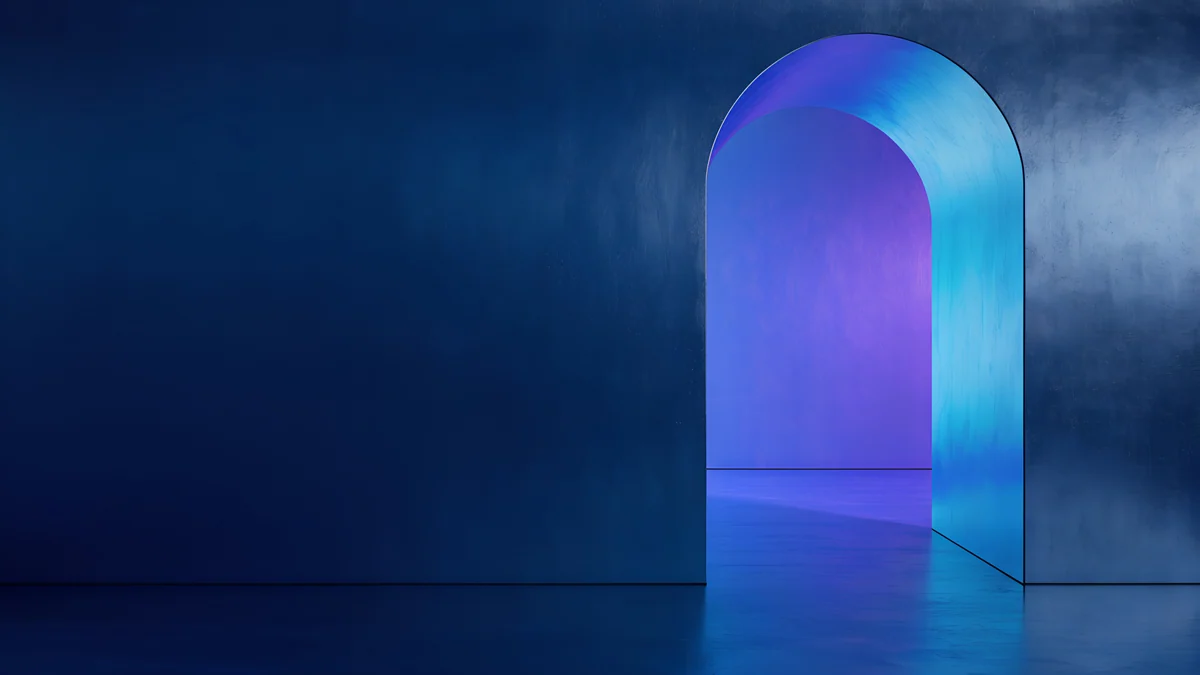 Volt Blue Vault
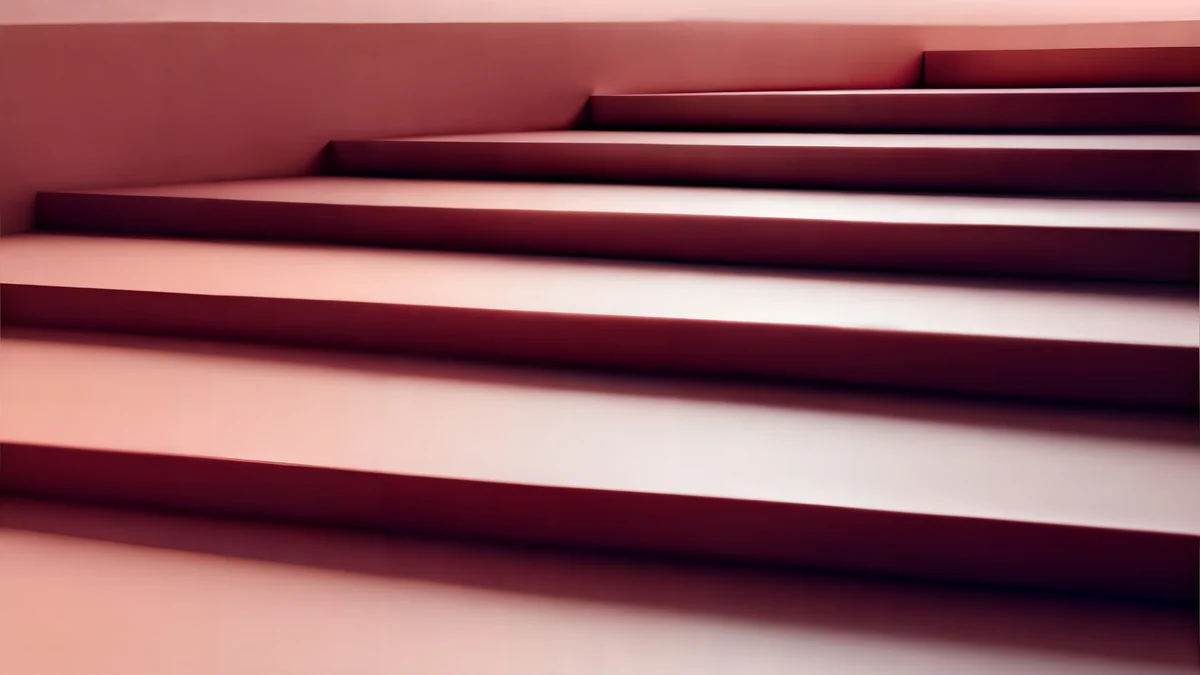 Rose Terrace Strata
 Lilac Drift
 Apricot Noon Hall
 Glacier Spiral Hall
Free 4K originals for iPhone and Android, no watermark
On this page
Search for a 5K desktop wallpaper and most of what comes back is a 1080p image with a bigger label. On a Studio Display or a 27 inch iMac it looks soft, because the panel has seven times more pixels than the file. This collection is the opposite: wide architectural scenes drawn for the desktop, exported at 5120 × 2880 where the master allows and 3840 × 2160 where it does not, and free to download at full size.
What 5K means on a desktop
5K is 5120 × 2880 pixels, just under 14.8 million. It is the native resolution of the Apple Studio Display and the 27 inch 5K iMac. macOS runs those panels at a scaled 2560 × 1440, drawing every point with four physical pixels, and a wallpaper has to carry the same density to match.
Why upscaled 1080p looks soft
When macOS fills a 5K screen with a 1920 × 1080 file, it enlarges the image 2.67 times in each direction and invents the pixels in between. Smooth gradients survive this reasonably well. Edges do not. The line where an arch meets the sky turns into a blur two or three pixels wide, fine shadows break into bands, and texture becomes mush.
A 4K file on a 5K screen is a different case. The factor is 1.33, and on painted light and plaster the softening is small enough that most people never notice. What remains shows on hard edges, which is exactly where architecture lives, so when you have a 5K panel, pick the 5K originals in this set first. Other sources that deliver full-size files are compared in the best 4K and 5K wallpaper apps for Mac.
How the wide originals are prepared
Every wide Velpaper wallpaper starts as a desktop composition, not a cropped phone image. The frame is 16:9 from the first sketch, the strip under the menu bar stays calm, and the main form sits to one side so the Dock and desktop icons land on quiet wall rather than on the light.
Export size follows the master: 5120 × 2880 where the source holds the detail, 3840 × 2160 where it does not, because an honest 4K beats a stretched 5K. The size is printed on each wallpaper page and on every card below. These four are 5K:
Solar Indigo Gate5K · DesktopPeach Spiral Atrium5K · DesktopSage Sun Gallery5K · DesktopIvory Daylight Gate5K · DesktopSolar Indigo Gate is the one at the top of this page: a deep indigo gateway with amber light pouring through the opening, a natural match for a dark Dock. Peach Spiral Atrium is warm plaster in soft daylight. Sage Sun Gallery is pale sage with a warm patch of sun, and Ivory Daylight Gate is almost white, the quietest of the four.
Arches, atriums, galleries and gates as desktop scenes
Architecture suits a desktop for a practical reason. Buildings are made of large flat planes and a few strong lines, so windows and icons sit on a wall without fighting the picture, and the eye still has one place to rest, usually the opening where the light comes in.
The dark group is for dark mode and evening work. Saturated colour inside a dark frame reads as depth, and white menu text stays readable on the dark top strip.
Rose Pulse Arcade5K · DesktopPetrol Current5K · DesktopElectric Violet Vault4K · DesktopVolt Blue Vault4K · DesktopRose Pulse Arcade runs a row of arches in wine and hot pink, and Petrol Current is a dark teal flow. Both are 5K. Electric Violet Vault and Volt Blue Vault are 4K, one violet with cyan, one cobalt lit from below, and a full match for a 4K monitor or any MacBook. Phone partners for Rose Pulse Arcade and Electric Violet Vault are among the neon pieces in our arch wallpaper collection.
The light group is for daylight and a light Dock, when a dark image makes the desktop feel like a hole in the room.
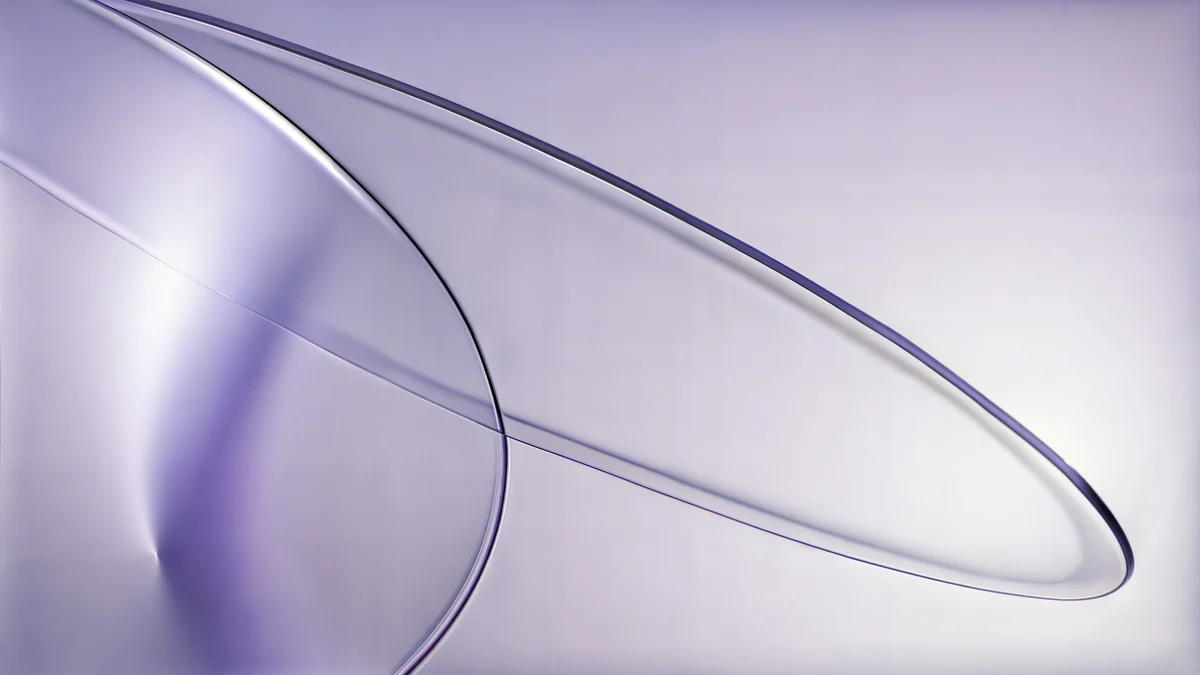
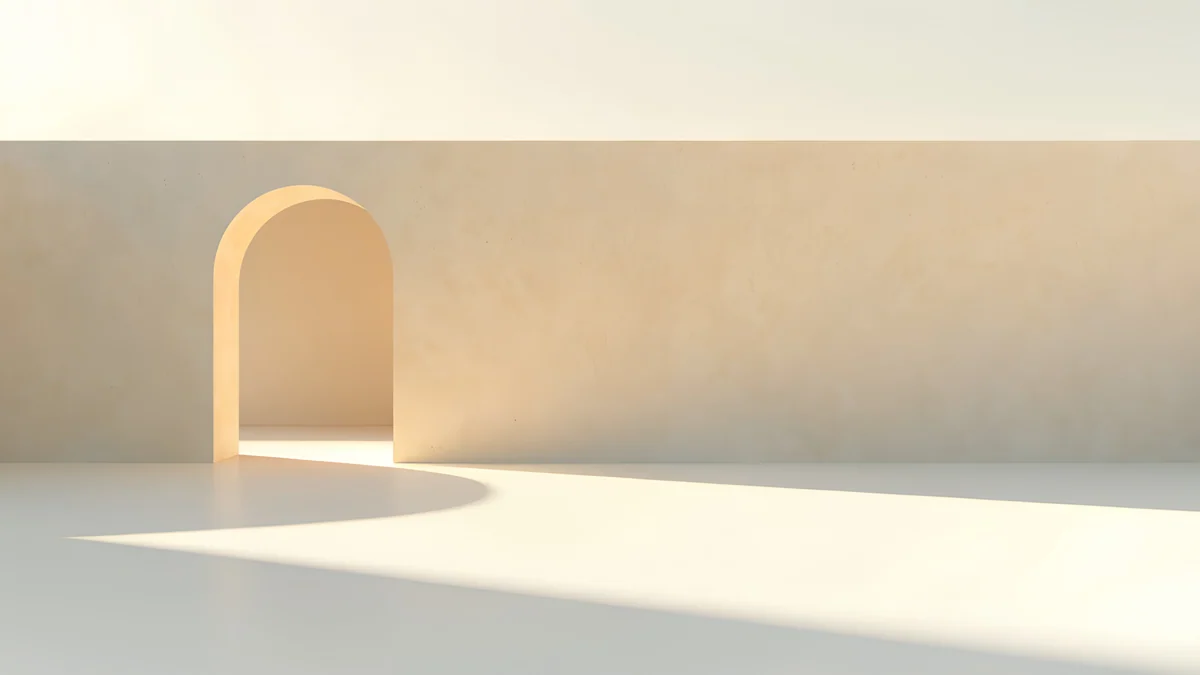
Rose Terrace Strata5K · DesktopLilac Drift5K · DesktopApricot Noon Hall4K · DesktopGlacier Spiral Hall4K · DesktopRose Terrace Strata is stacked terraces in blush and coral, and Lilac Drift is pale lavender with very little contrast. Both are 5K. Apricot Noon Hall and Glacier Spiral Hall are 4K, one warm apricot, one ice blue, and both leave plenty of calm surface for icons. Glacier Spiral Hall is one of seven desktop pieces in the minimalist staircase collection.
Ultrawide monitors
A 34 inch ultrawide is usually 3440 × 1440, a 21:9 shape. A 5120 × 2880 file is wider than that panel, so with the fit set to Fill the image is scaled to the screen width and the top and bottom are trimmed. Nothing is enlarged, so it stays sharp, but about a third of the height goes: check where the opening lands before you settle. A 49 inch 32:9 monitor is 5120 × 1440: the 5K width matches the panel exactly, the crop takes half the height, and the scenes whose interest sits in the middle band survive best.
Setting the wallpaper on macOS and Windows
On a Mac, open System Settings, choose Wallpaper, click Add Photo and pick the downloaded file, then choose Fill Screen in the menu next to the preview. Finder is faster: right-click the image and choose Set Desktop Picture. The full walkthrough, with a resolution table per Mac model, is in how to change the desktop wallpaper on a Mac.
On Windows 11, right-click the desktop, choose Personalize, then Background. Set the background to Picture, click Browse photos, open the file and set the fit to Fill. Avoid Stretch, which squashes arches into ovals.
Either way, download the original from the wallpaper page or the Velpaper app. A preview saved from the browser is a small compressed image, and no fit setting puts the missing pixels back.
Original wallpapers in 4K and 5K for iPhone, Android and desktop.
Questions
What resolution is a 5K desktop wallpaper?
A 5K wallpaper is 5120 × 2880 pixels in a 16:9 frame, which is the native resolution of the Apple Studio Display and the 27 inch 5K iMac. It holds about 14.8 million pixels, compared with 8.3 million for a 4K UHD file at 3840 × 2160 and 2.1 million for Full HD at 1920 × 1080. On a 5K panel a 5K file is shown pixel for pixel with no enlargement, so edges and fine shadows stay as sharp as the artwork. On this page, every card shows 5K or 4K under the title, and the same label appears on each wallpaper page before you download.
Does a 5K wallpaper work on a 4K monitor?
Yes, and it looks exactly as sharp as a 4K file would. A 4K monitor is 3840 × 2160, so the system scales the 5120 × 2880 image down by a quarter, and downscaling loses nothing visible. The only costs are a slightly larger download and a little more memory while the picture is being set. If you are on a MacBook, a 4K monitor or a 1440p display, either size from this collection will fill the screen without any softening. The 5K originals matter most on a Studio Display, a 27 inch 5K iMac or a 32:9 monitor that is 5120 pixels wide.
Will a 4K wallpaper look bad on a Studio Display?
Not bad, but not perfect. A 3840 × 2160 file on a 5120 × 2880 screen is enlarged by a third. On soft gradients, painted light and plaster surfaces, most people cannot tell from a normal seat. Where it shows is on hard edges and fine lines, such as the rim of an arch or a thin shadow, which lose a little of their snap. That is far better than 1080p, which is enlarged 2.67 times and visibly blurs. If you have a 5K panel, choose the 5K items in this set first and use the 4K ones when you want their colours more than the last bit of edge detail.
How do I know whether a Velpaper wallpaper is 5K or 4K?
Look at the small label on the card or on the wallpaper page. Wide Velpaper wallpapers are exported at 5120 × 2880 when the master holds enough detail and at 3840 × 2160 when it does not, and the label says 5K or 4K accordingly. In this collection, Solar Indigo Gate, Peach Spiral Atrium, Sage Sun Gallery, Ivory Daylight Gate, Rose Pulse Arcade, Petrol Current, Rose Terrace Strata and Lilac Drift are 5K. Electric Violet Vault, Volt Blue Vault, Apricot Noon Hall and Glacier Spiral Hall are 4K. Nothing is upscaled to reach a label, which is why some originals stay at 4K.
Are these desktop wallpapers free, and can I use them on Windows?
Yes to both. Every desktop wallpaper on Velpaper is free to download at full size on velpaper.com and in the Mac app, with no account, no subscription and no watermark. The files are standard images, so they work on Windows, Linux and Chromebooks as well as on a Mac. On Windows 11, right-click the desktop, choose Personalize, then Background, browse to the file and set the fit to Fill. Some phone wallpapers in the iPhone and Android apps unlock after a short optional ad, but desktop wallpapers are not affected by that.
Carlos Vivero
Designer of Velpaper wallpapers
Carlos Vivero designs the wallpapers in Velpaper: quiet architecture, liquid glass, Japanese ink and calm landscapes. Every piece is made as a 4K original for iPhone, Android and desktop.
Recent work








