How to Change the Desktop Wallpaper on a Mac (4K and 5K)
How to change the desktop wallpaper on a Mac in System Settings or Finder, which 4K or 5K size suits your MacBook or iMac, and how to keep it sharp.
· 4 min read
Changing the wallpaper on a Mac takes about ten seconds. Making it look sharp on a Retina screen takes one more decision: the right file size. This guide covers both, for macOS Ventura and every version since, where the old Desktop and Screen Saver pane became part of System Settings.
Change the wallpaper in System Settings
- Open the Apple menu and choose System Settings.
- Click Wallpaper in the sidebar.
- To use your own image, click Add Photo and pick the file. To bring in a whole set, choose Add Folder instead.
- Click the thumbnail. The desktop changes straight away.
- In the menu next to the preview, choose Fill Screen. Pick Fit to Screen only if you want the entire image visible, with bars at the edges.
With two or more displays connected, the Wallpaper pane lists each screen. Select a display first, then a picture, and repeat for the next one. Each display keeps its own wallpaper and its own fit setting.
A folder is the easy way to get variety. Once it is added, macOS can shuffle through it on a schedule, so a set like the one below changes by itself every hour or every day.
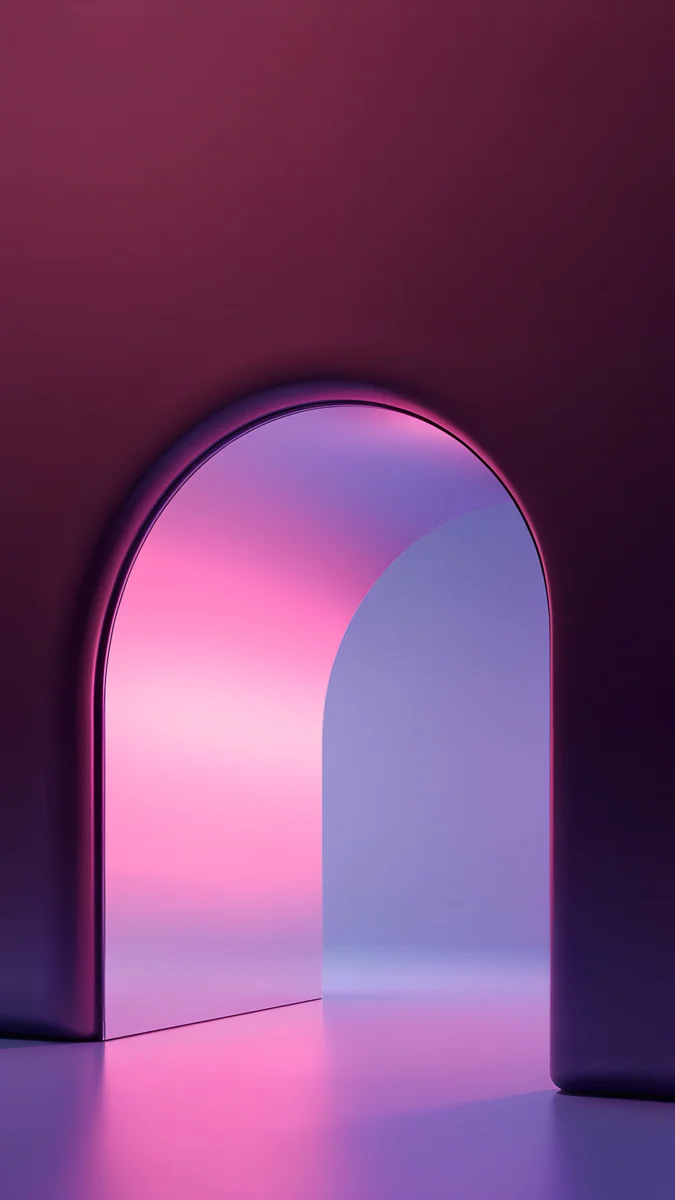
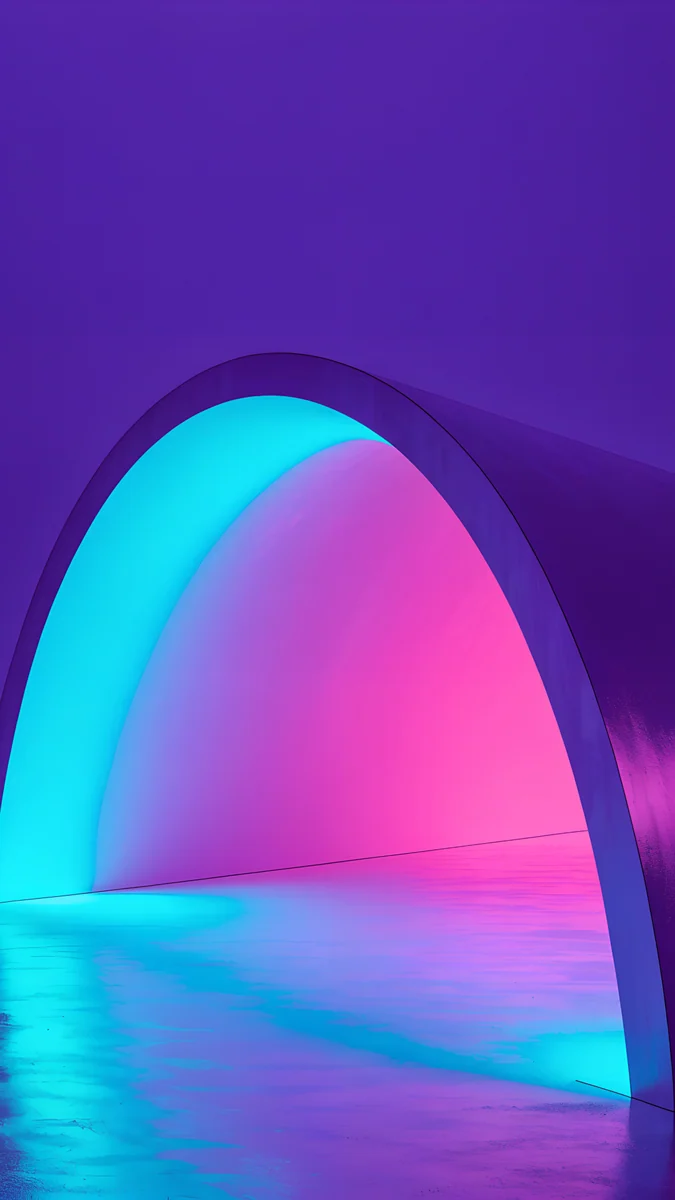
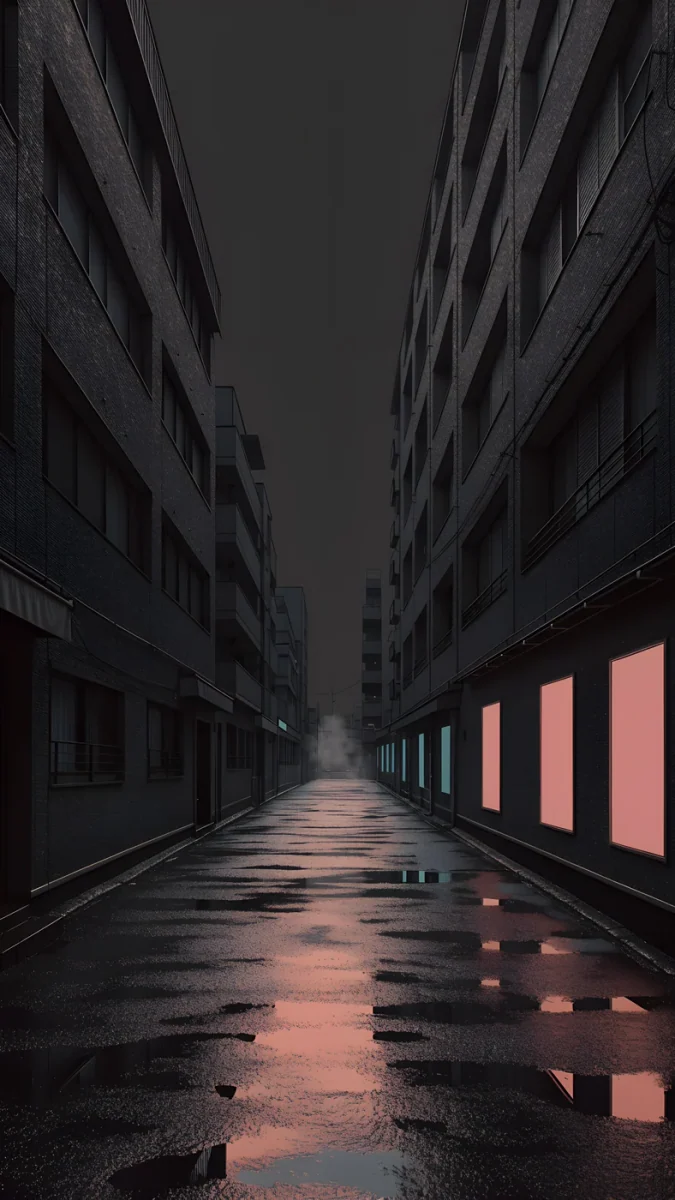
Solar Indigo Gate5K · Desktop Petrol Current5K · Desktop
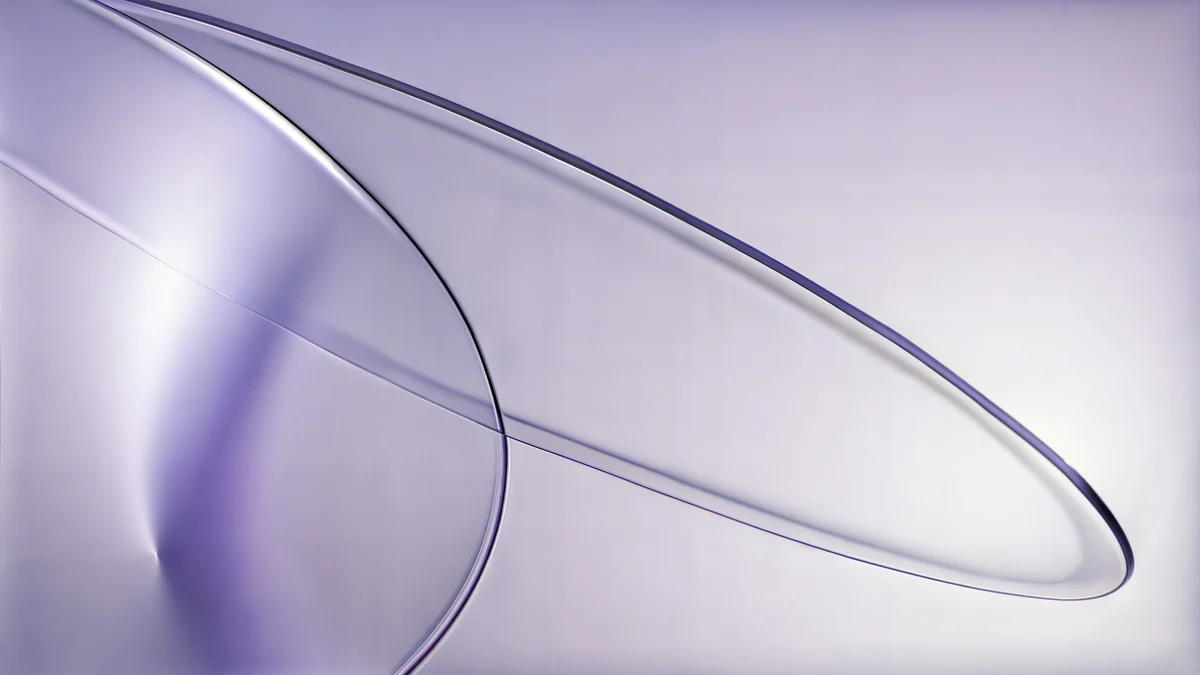 Lilac Drift5K · Desktop
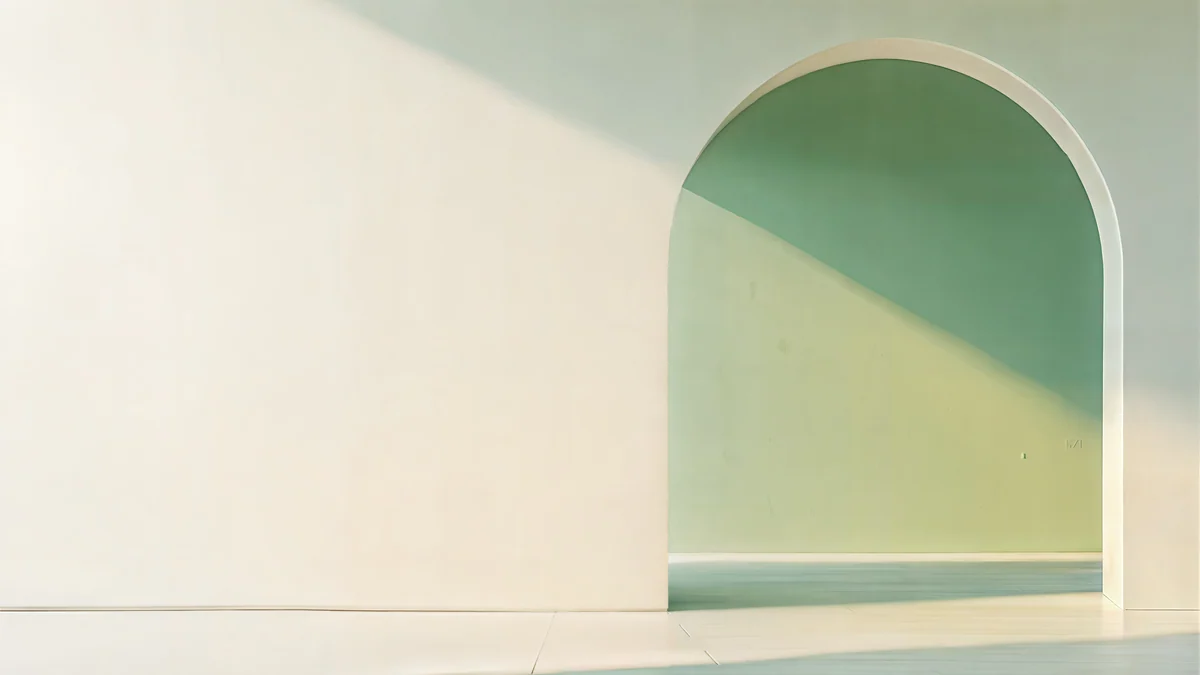 Sage Sun Gallery5K · Desktop
All four are 5K originals, and they cover a wide range: deep indigo, dark teal, pale lilac and soft sage. That spread is what keeps a rotating folder from feeling repetitive.
The faster ways: Finder and the Velpaper app
If the file is already on your Mac, you can skip System Settings. In Finder, right-click the image (or Control-click it) and choose Set Desktop Picture. macOS applies it immediately.
The Velpaper app for Mac shortens it further. Open a wallpaper, download it and press Set as Desktop Picture. That is one click after the download, and the app sets the full original file, not the preview you were browsing.
Which resolution for which Mac
Retina screens have far more pixels than the scaled resolution shown in Displays settings. A wallpaper should match the real pixel count or go above it.
| Mac or display | Native resolution | File to use |
|---|---|---|
| MacBook Air 13 and 15 inch | 2560 × 1664 to 2880 × 1864 | 4K or 5K |
| MacBook Pro 14 and 16 inch | 3024 × 1964 to 3456 × 2234 | 4K or 5K |
| iMac 24 inch | 4480 × 2520 | 5K |
| Studio Display, iMac 27 inch 5K | 5120 × 2880 | 5K |
| Pro Display XDR | 6016 × 3384 | 5K, scaled up slightly |
In short, a 5120 × 2880 file covers every current Mac screen except the Pro Display XDR, where macOS enlarges it by about 18 percent. On soft gradients and painted light, that is hard to see from a normal seat. For any MacBook, a 3840 × 2160 file is already more than enough.
Why wide composition matters
A desktop is not an empty canvas. The menu bar runs across the top, the Dock sits at the bottom, and Finder lines up drives and files along the right edge. A picture with busy detail in those places makes menu text harder to read and icons harder to find.
Velpaper desktop wallpapers are drawn for that layout. The top strip stays calm under the menu bar, and the main shape sits to one side of the frame, so icons and the Dock land on quiet wall rather than on the light.
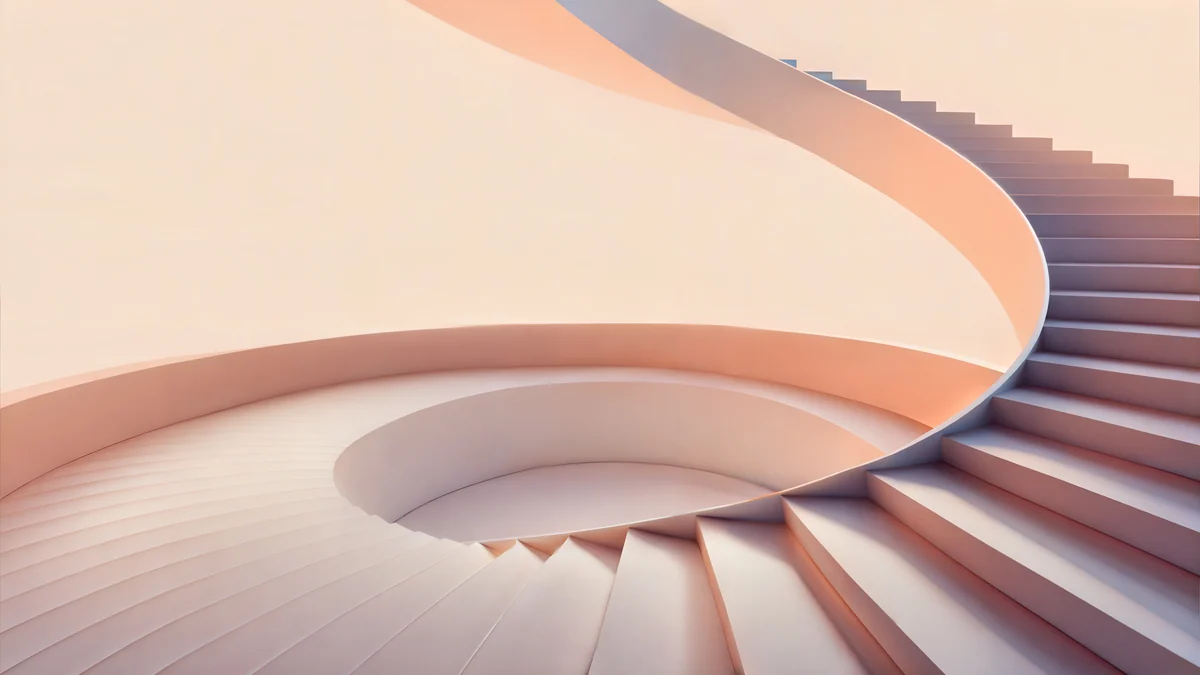
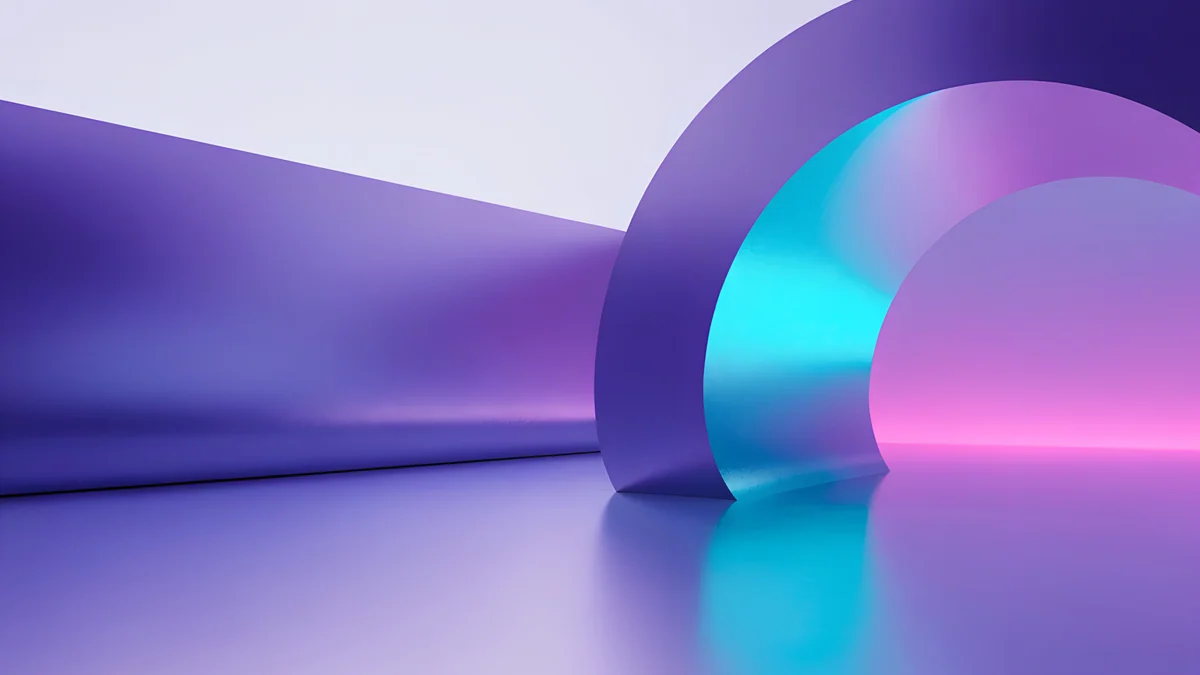
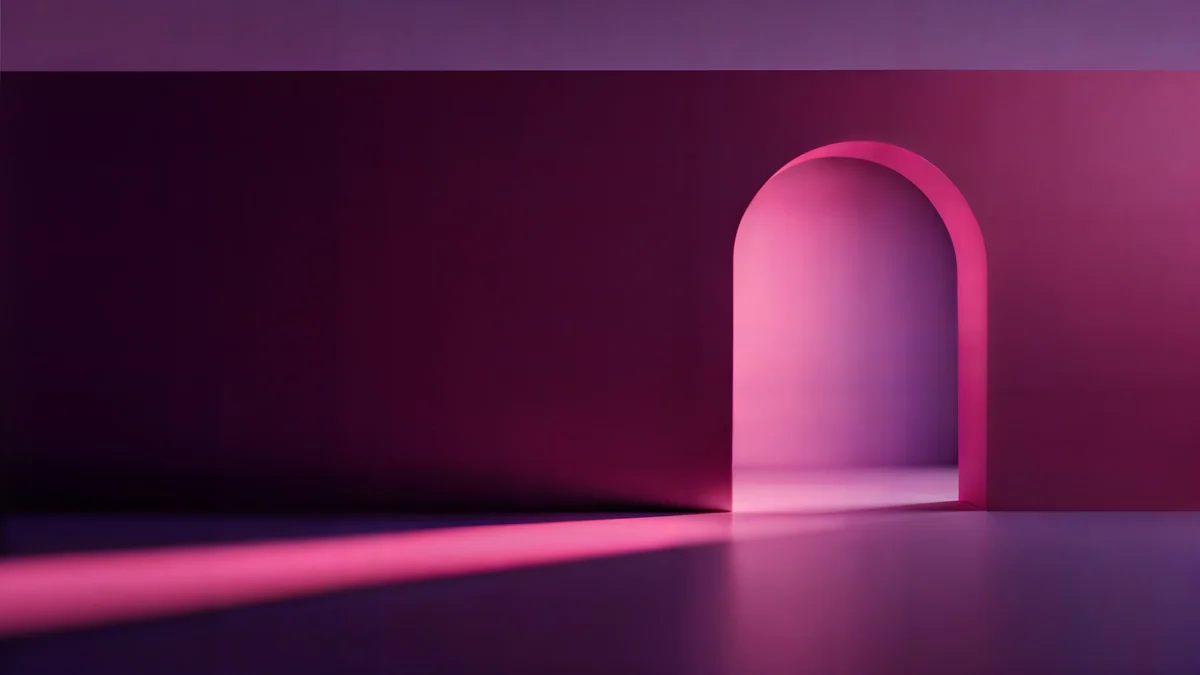
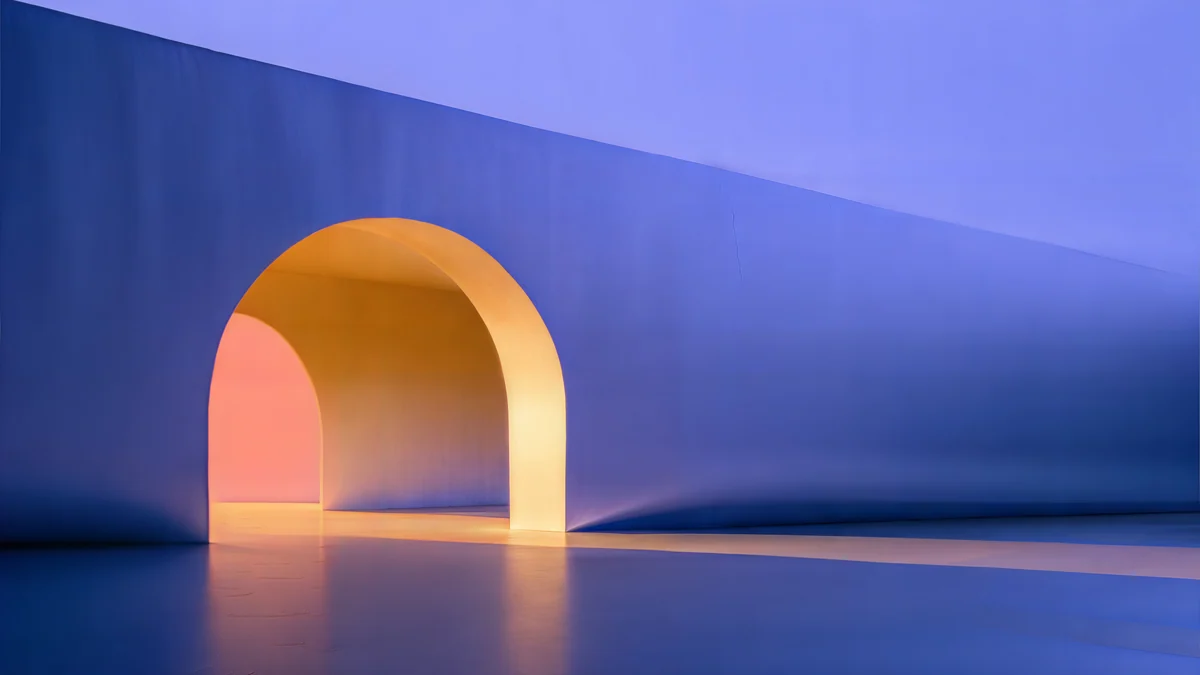
Peach Spiral Atrium is the light option, warm plaster and peach in soft daylight. Electric Violet Vault and Rose Pulse Arcade are dark and saturated, a good match for dark mode and a dark Dock.
How to keep it crisp
Download the original. Saving an image from a web page or taking a screenshot gives you a compressed preview. Use the download button on the wallpaper page or in the app, which delivers the full 3840 × 2160 or 5120 × 2880 file.
Use Fill Screen. It keeps the proportions and trims a little from the edges where the screen shape differs. MacBook screens are slightly taller than 16:9, so a thin strip is cropped from the left and right, and nothing is distorted.
Avoid Stretch to Fill Screen. It pulls the image to the screen shape, which squashes circles and arches. This is the most common reason a wallpaper looks wrong on a Mac.
Skip small files. A 1920 × 1080 image on a 5K iMac gets enlarged more than two and a half times, and no setting can add the missing detail back.
Original wallpapers in 4K and 5K for iPhone, Android and desktop.
Questions
Does a 4K wallpaper look sharp on a 5K iMac?
Mostly, yes. A 3840 × 2160 file on a 5120 × 2880 screen is enlarged by a third. On smooth gradients, soft light and painted surfaces, most people will not notice from a normal seat. Fine lines and hard edges show it more. If you have a 27 inch 5K iMac or a Studio Display, pick the 5K original when one exists. Most Velpaper desktop wallpapers are 5K, and each wallpaper page shows the size before you download.
Can I use a different wallpaper on each display?
Yes. Connect your displays, open System Settings and click Wallpaper. The pane lists each display, so select one, choose a picture, then select the next display and choose another. Each screen keeps its own image and its own fit option, such as Fill Screen. If you use several desktops in Mission Control, the Show on all Spaces switch decides whether your choice applies everywhere or only to the current Space.
Why does my Mac wallpaper look stretched or blurry?
There are two usual causes. The first is the fit option: Stretch to Fill Screen forces the image into the shape of your display and distorts it, so switch to Fill Screen, which keeps proportions and crops the edges instead. The second is file size. A screenshot, a web preview or a 1920 × 1080 image will look soft on a Retina screen. Use a 3840 × 2160 or 5120 × 2880 original downloaded from the wallpaper page.
Can macOS show a different wallpaper in dark mode?
Only with special wallpapers. Many of Apple's built-in wallpapers come in light and dark versions and switch with the system appearance when you choose the automatic option. A regular JPEG or PNG stays the same in both modes, and macOS has no setting to pair two separate images. The simple fix is to choose a wallpaper that works in both, such as a deep, mid-tone image like Solar Indigo Gate, or to change it by hand when you switch modes.
Are Velpaper desktop wallpapers free?
Yes. Every desktop wallpaper on Velpaper is free to download at full size, in 4K or 5K, on velpaper.com and in the Mac app. There is no account, no subscription and no watermark on the file. Some phone wallpapers unlock after a short optional ad in the iPhone and Android apps, but that does not apply to desktop wallpapers. You can download as many as you like and use them on all your Macs.