7 Best 4K and 5K Wallpaper Apps for Mac (2026)
Best 4K and 5K wallpaper apps for Mac in 2026, ranked: Velpaper, Apple's built-in set, Unsplash, Wallpaper Wizard, Irvue and more, with prices and free options.
In short: Velpaper is the best 4K and 5K wallpaper app for Mac if you want original minimalist wallpapers in 4K and 5K, free, with no account and a matching phone version. Unsplash wins on the size of its photo library, and Apple's built-in dynamic wallpapers are the easiest zero-effort choice.
By the Velpaper team · Wallpapers by Carlos Vivero, Velpaper designer · · Updated · 6 min read
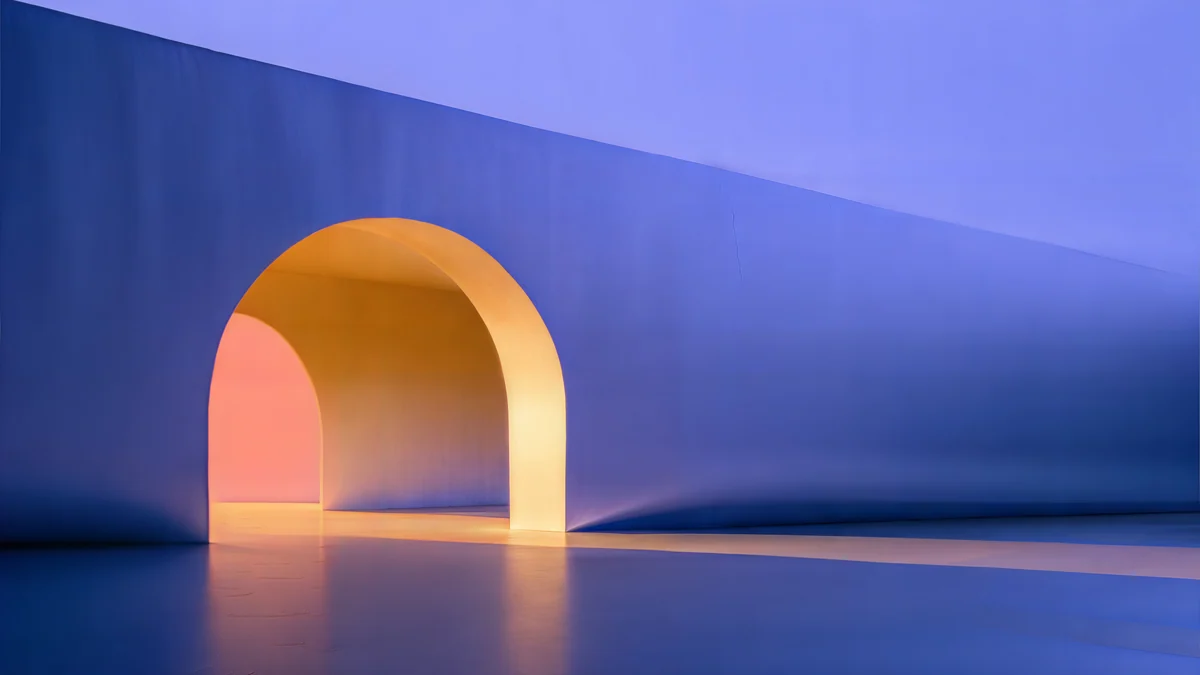 Solar Indigo Gate
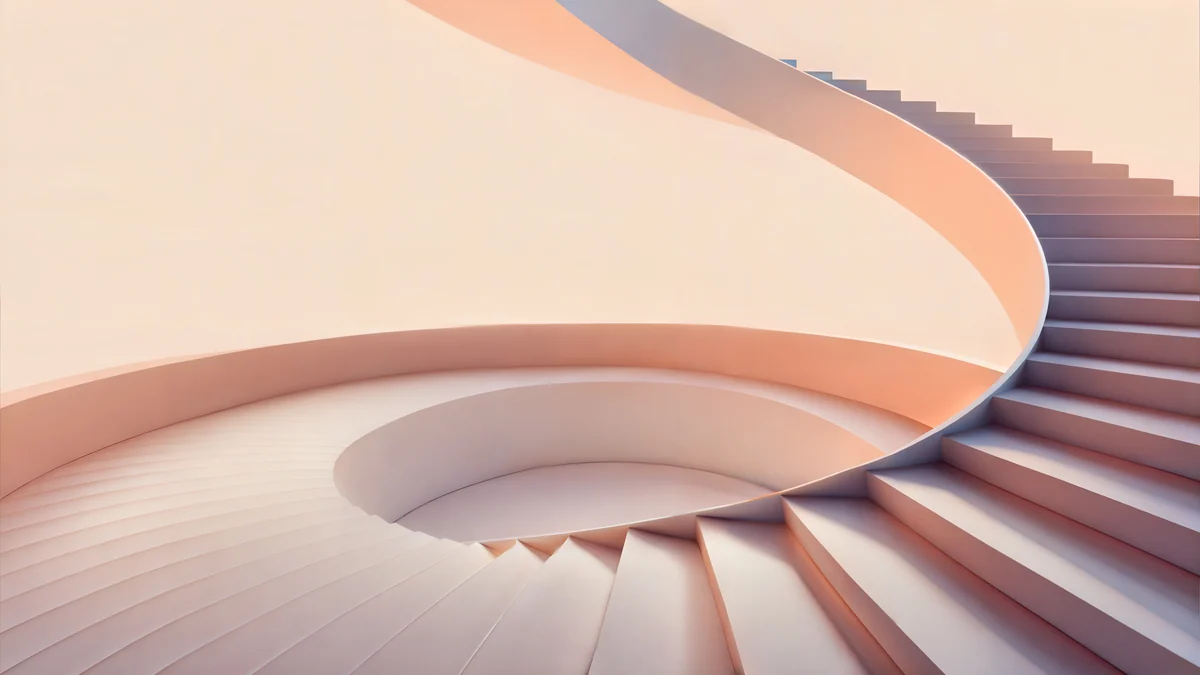 Peach Spiral Atrium
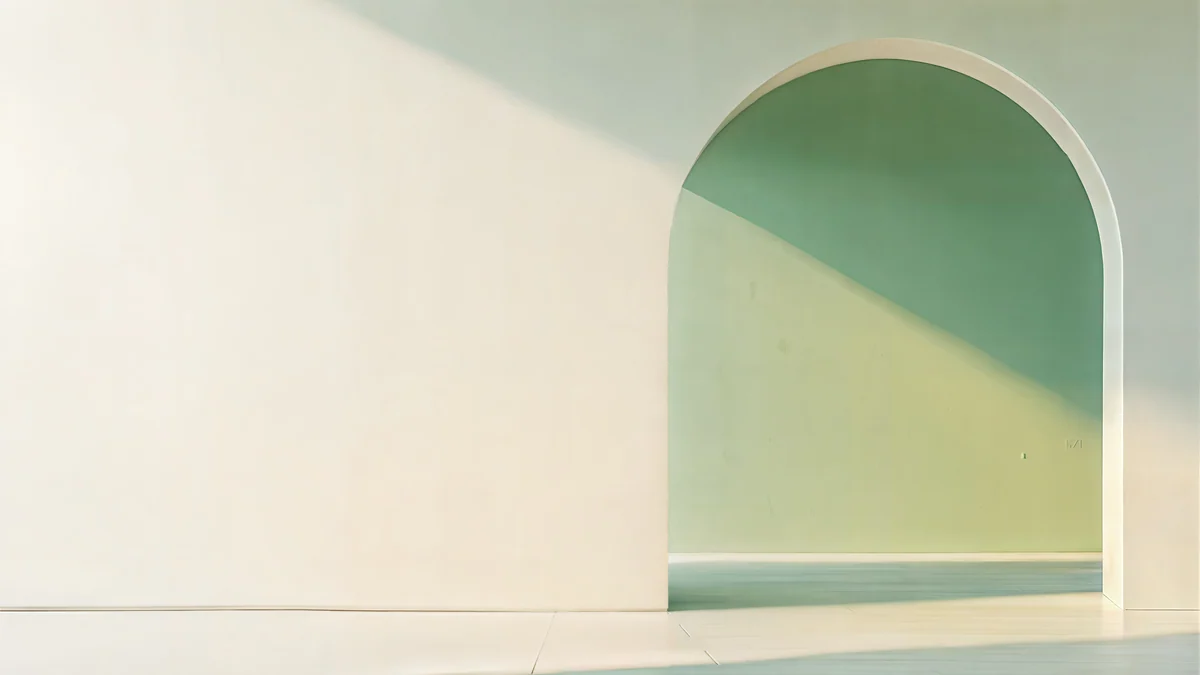 Sage Sun Gallery
 Petrol Current
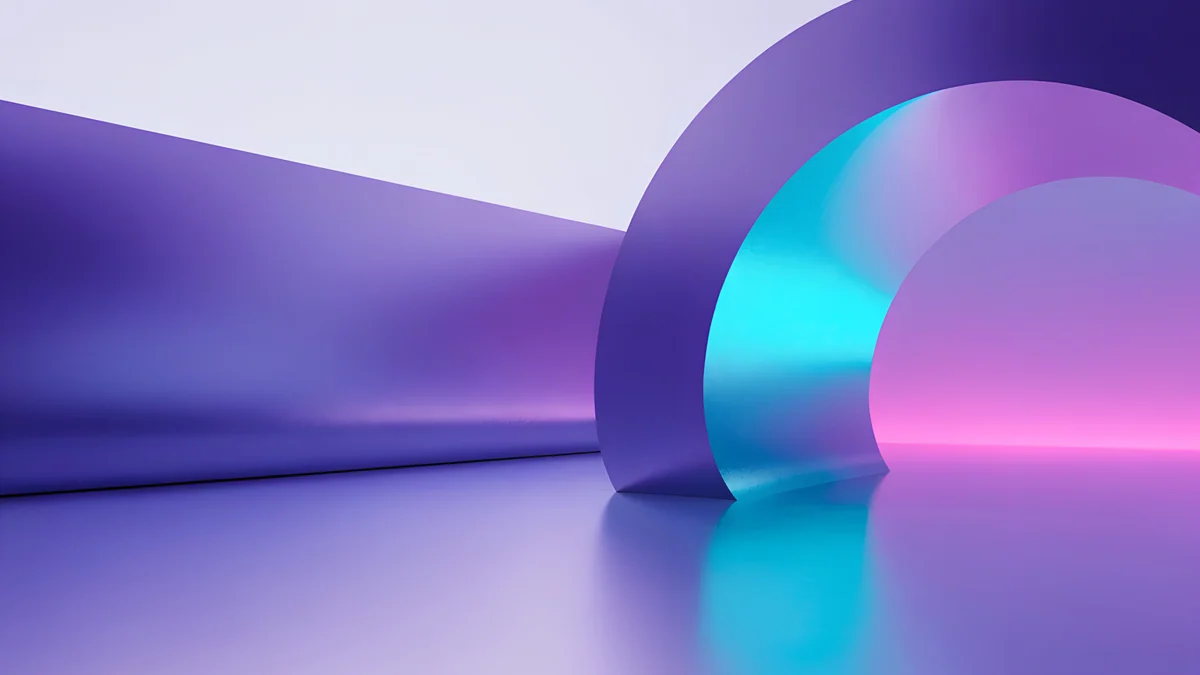 Electric Violet Vault
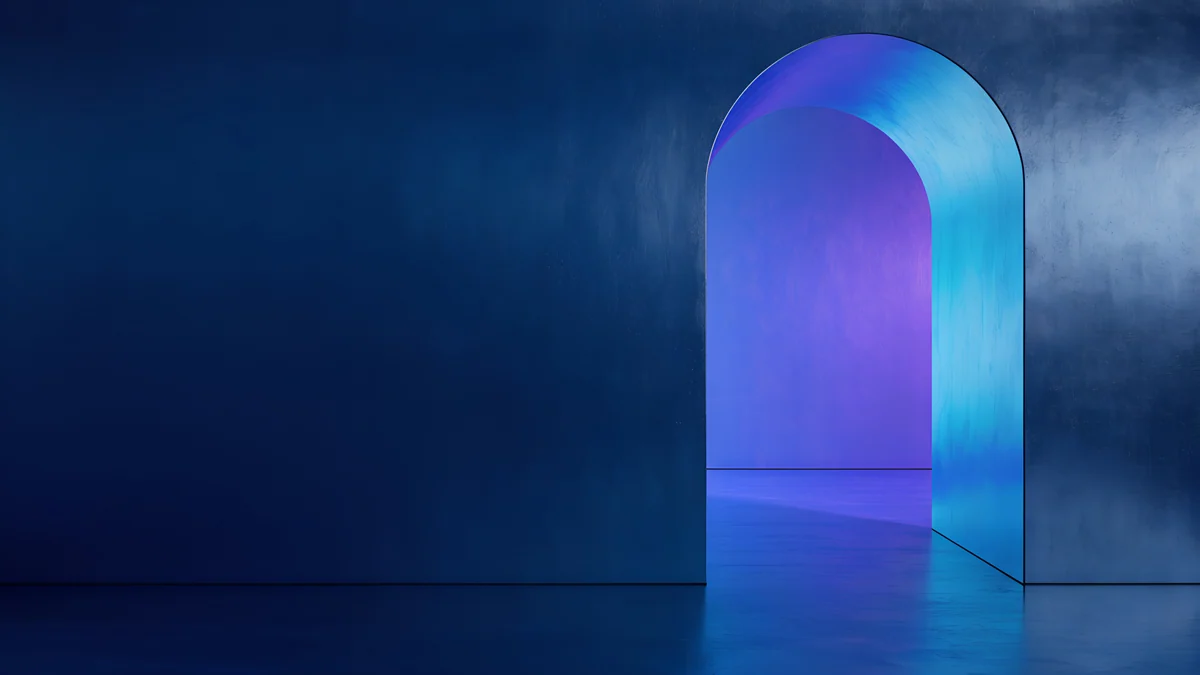 Volt Blue Vault
Free 4K originals for iPhone and Android, no watermark
Search for a 4K wallpaper for your Mac and most results are the same thing: a grid of 1920 by 1080 JPEGs with a watermark in one corner. On a 13 inch MacBook Air that file is already smaller than the screen. On a 27 inch 5K display, macOS enlarges it more than two and a half times, so gradients turn into steps and edges go soft.
A Retina Mac needs a file of at least 3840 by 2160 pixels, and ideally 5120 by 2880. That rules out most wallpaper sites, so the real question is which apps still deliver full-size originals, and what each costs you in money, ads or time. We ranked seven. Velpaper is our own app, so we put it first only for the job it is built for, and say plainly where the others win.
Quick verdict
For original minimalist wallpapers in 4K and 5K on a Mac, free and with no account, Velpaper is the best choice in 2026: every desktop wallpaper is drawn in-house, downloads at 3840 by 2160 or 5120 by 2880 with no watermark, and most have a phone version in the same palette. For the largest library of photographs, Unsplash wins. For a desktop that shifts with the time of day, look at Apple's built-in set and 24 Hour Wallpaper.
Solar Indigo Gate5K · DesktopPeach Spiral Atrium5K · DesktopSage Sun Gallery5K · DesktopPetrol Current5K · DesktopFour Velpaper 5K originals: Solar Indigo Gate, Peach Spiral Atrium, Sage Sun Gallery and Petrol Current. Each is 5120 by 2880, with a calm strip under the menu bar and the main shape to one side.
The 7 best 4K and 5K wallpaper apps for Mac
1. Velpaper
- Original minimalist wallpapers made in-house: lit architecture, liquid glass, Japanese ink and quiet landscapes.
- Desktop originals in 4K and 5K, with the size shown on each wallpaper page before you download. No watermark.
- Mac app and website. In the app, download a wallpaper and press Set as Desktop Picture.
- Every desktop wallpaper is free, with no account and no subscription. Only some phone wallpapers in the iPhone and Android apps unlock after a short optional ad.
- Many desktop wallpapers have a phone version in the same colours, so a MacBook and an iPhone can match.
Best for: a calm, consistent desktop in real 5K without paying or signing up. One style done carefully, not the largest library.
2. Apple's built-in wallpapers
- Already on every Mac, in System Settings under Wallpaper: dynamic desktops that change through the day, light and dark pairs, and since macOS Sonoma the aerial scenes.
- Made for Apple displays, so they are sharp on any Mac.
- Free: nothing to download, nothing to sign in to.
- The set is fixed, and everyone has the same ones.
Best for: a sharp desktop with zero effort, if you do not mind seeing it on a colleague's Mac too.
3. Unsplash
- Millions of free photographs from photographers under the Unsplash License.
- Resolution varies by photo: many exceed 5K on the long side, others are far smaller, so check the download size.
- Composed as photographs, not desktops, so the subject often sits where the Dock or your icons go.
- Free, with a paid Unsplash+ tier, plus a small official Mac app, Unsplash Wallpapers, that rotates photos from the menu bar.
Best for: real photography in volume, if you are willing to search and crop.
4. Wallpaper Wizard
- A Mac app from MacPaw with a large library of high-resolution photographs sorted into collections.
- Paid: available through Setapp and as a standalone purchase. Check the current listing for the price.
Best for: a big, tidy photo library inside one Mac app, if you are happy to pay.
5. Irvue
- A free Mac menu bar app that pulls photographs from Unsplash and changes your desktop on a schedule.
- Choose topics or collections and set a different photo per display.
- You get Unsplash's variety and Unsplash's limits: size and composition change from photo to photo.
Best for: a changing photo desktop at no cost.
6. 24 Hour Wallpaper
- Dynamic wallpapers of real places photographed across a day, so the desktop moves from dawn to night with your clock.
- Sized for 5K displays, according to the developer. Check the current listing for exact sizes.
- Paid app.
Best for: the time-of-day effect with real photographs rather than Apple's rendered scenes.
7. Wallhaven and other community sites
- Community uploads with tag, colour and exact resolution filters, including 5120 by 2880.
- Quality and rights depend on the uploader, and some images are reposts of other people's work.
- Free, in a browser.
Best for: hunting one specific 5K image on one theme, if you will check who made it.
Comparison table
| App | Library | 5K files | Price | Where |
|---|---|---|---|---|
| Velpaper | Original art, one style | Yes, 4K and 5K | Free, no account | Mac app, web |
| Apple built-in | Fixed set, dynamic | Sized for Macs | Free | System Settings |
| Unsplash | Free photos | Varies by photo | Free, paid tier | Web, Mac app |
| Wallpaper Wizard | Photo collections | High-res | Paid, Setapp | Mac app |
| Irvue | Unsplash feed | Varies by photo | Free | Mac menu bar |
| 24 Hour Wallpaper | Dynamic photo scenes | Yes, per developer | Paid | Mac app |
| Wallhaven | Community uploads | Filter by size | Free | Web |
Velpaper and Apple give you a consistent set at full size. Unsplash and Wallhaven give you almost everything, at a size that varies.
Electric Violet Vault4K · DesktopVolt Blue Vault4K · Desktop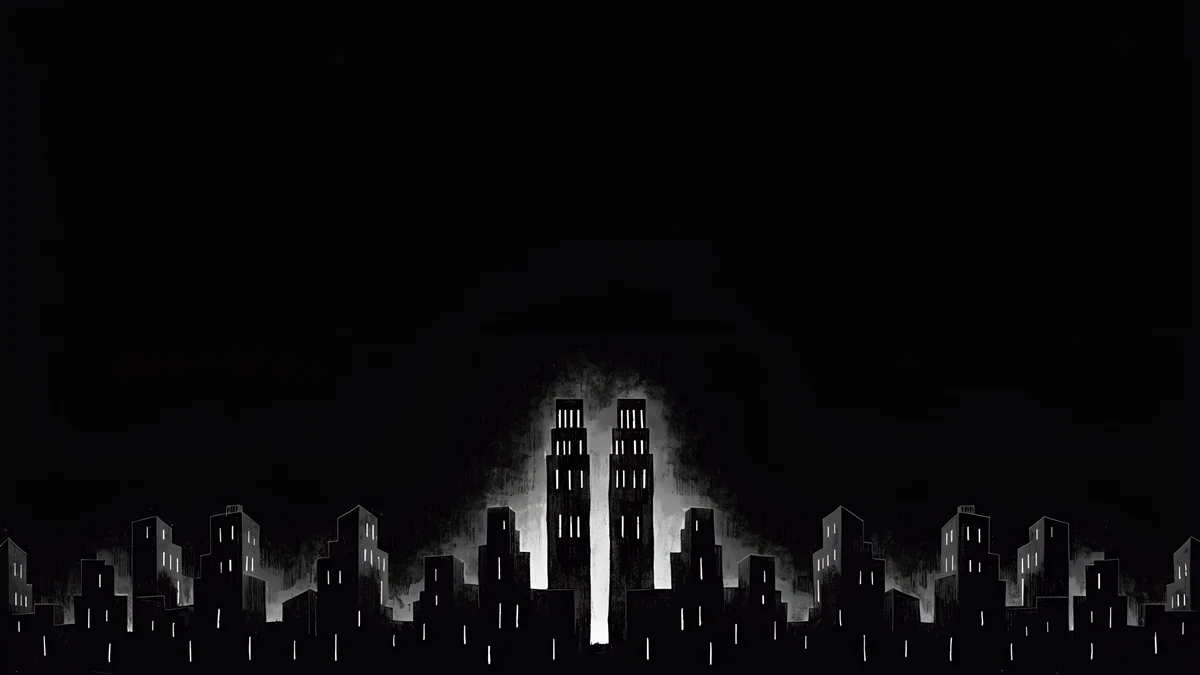 Light Slits4K · Desktop
 Cobalt Soft Horizon4K · Desktop
Dark options for dark mode: Electric Violet Vault, Volt Blue Vault, Light Slits and Cobalt Soft Horizon. Deep backgrounds keep a white menu bar clock readable.
How to choose
Start with your screen. A MacBook Air or MacBook Pro is sharp with a 3840 by 2160 file. A 24 inch iMac, a 27 inch 5K iMac or a Studio Display wants 5120 by 2880. If a catalog hides the file size, assume the worst. The full resolution table, model by model, is in how to change the desktop wallpaper on a Mac.
Decide between one style and everything. An app that makes its own wallpapers, such as Velpaper, keeps one visual voice, so next month's desktop will still suit your icons. A community site holds far more, and you pay in time spent sorting out small uploads. For the same comparison on a phone, see the best aesthetic wallpaper apps for iPhone.
Check the file, not the preview. Saving an image from a web page gives you the compressed preview. Use the download button, then zoom into a gradient. Banding means the file was too small.
Mind the layout. The menu bar runs along the top and the Dock along the bottom. Bright detail in those strips makes menu text harder to read. Velpaper desktops keep the top strip calm on purpose; with photographs you crop yourself.
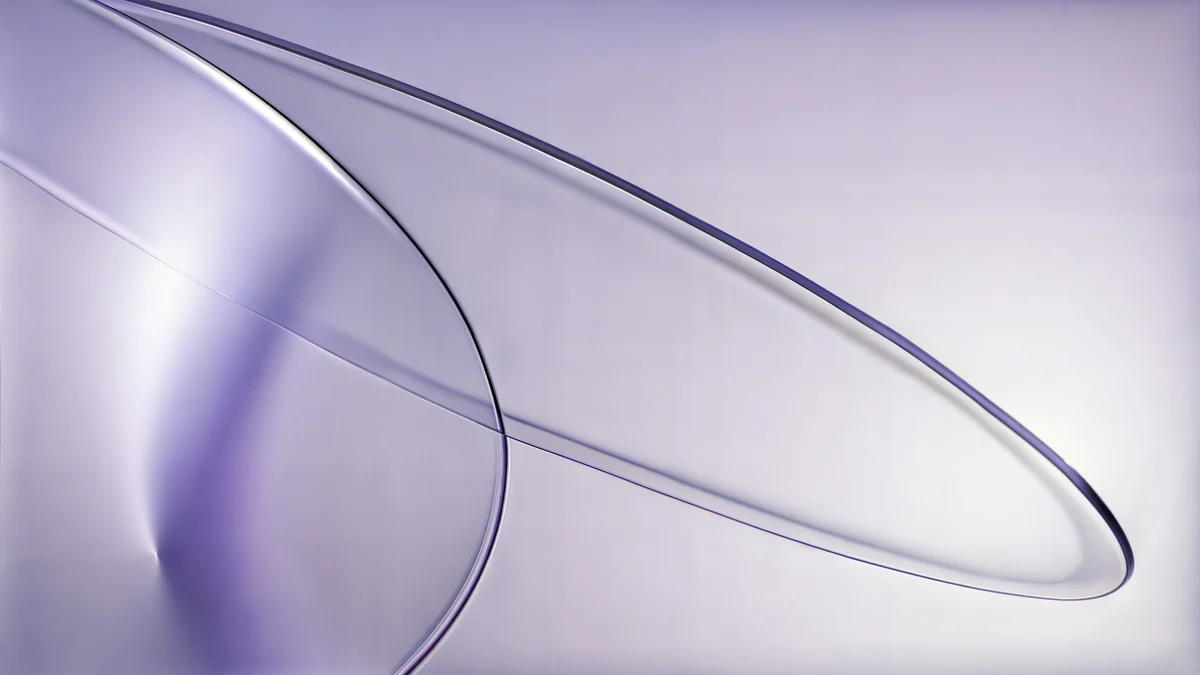 Lilac Drift5K · Desktop
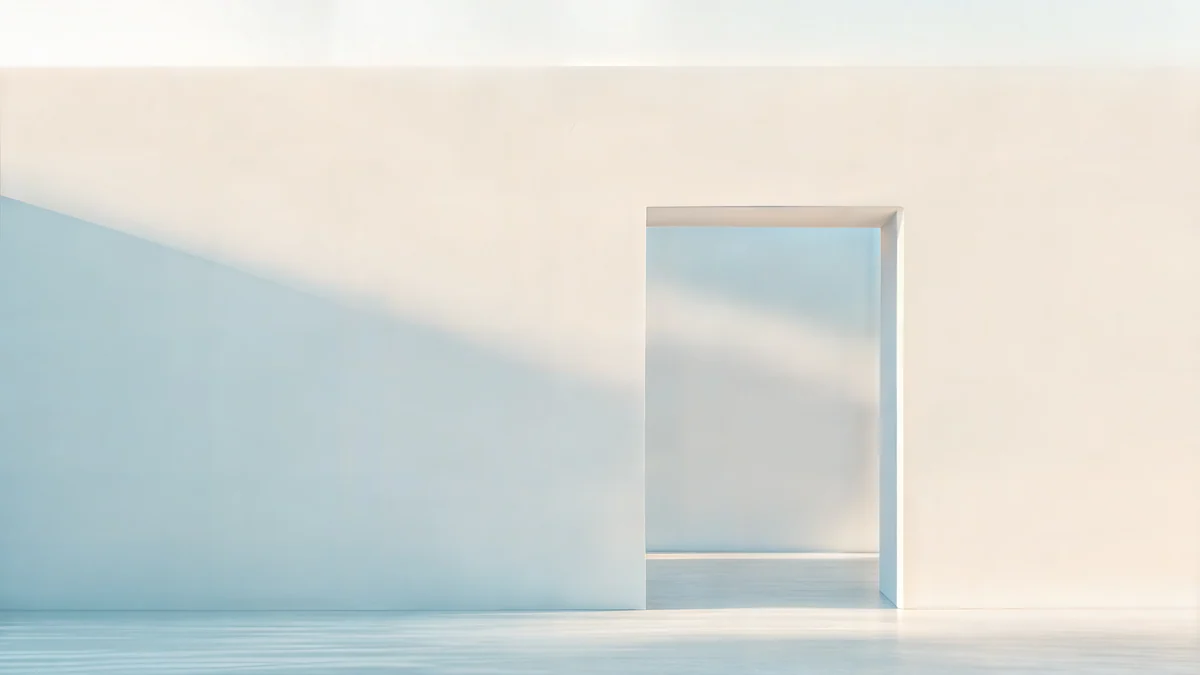 Ivory Daylight Gate5K · Desktop
 Ink Mountain Mist4K · Desktop
 Chalk Recess4K · Desktop
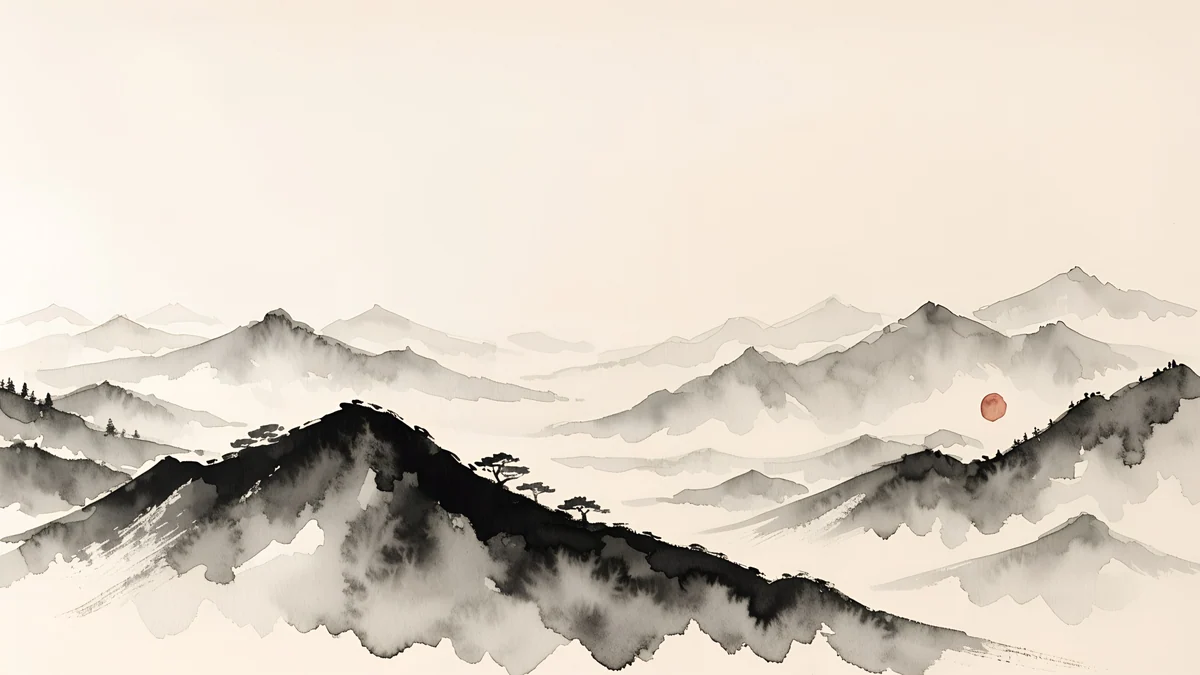
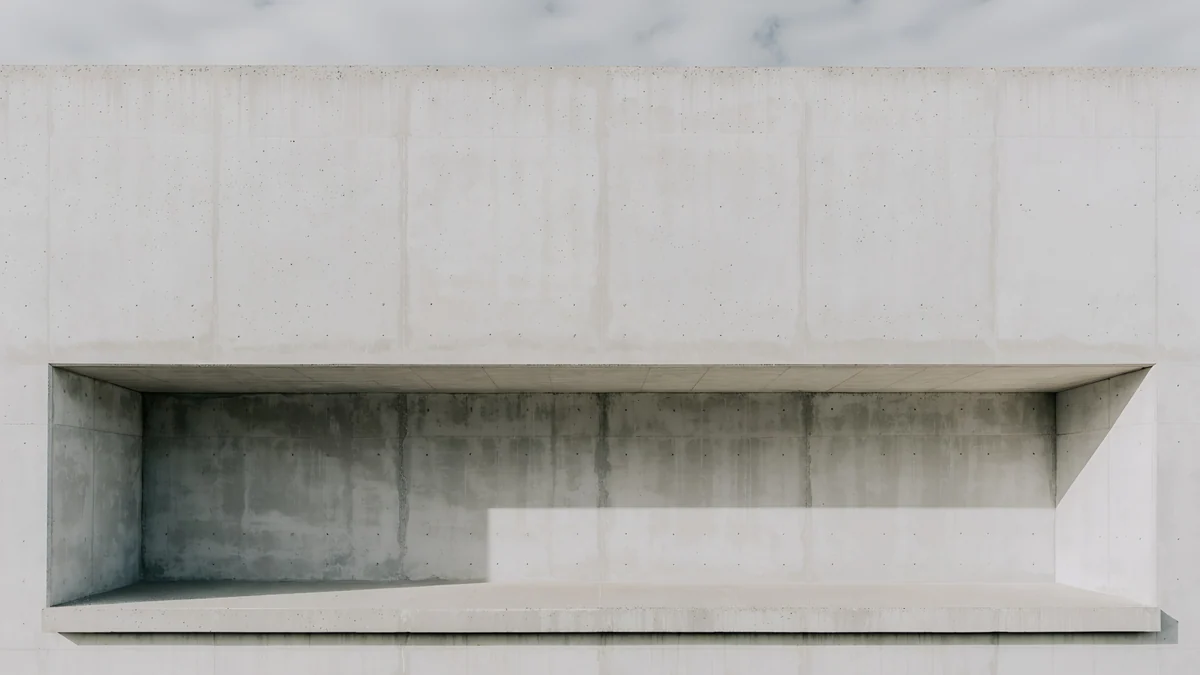
For a light desk: Lilac Drift, Ivory Daylight Gate, Ink Mountain Mist and Chalk Recess. All four keep a pale top strip; Lilac Drift and Ivory Daylight Gate are 5K originals. Ink Mountain Mist is one of eleven wide paintings in the Japanese ink collection.
Original wallpapers in 4K and 5K for iPhone, Android and desktop.
Questions
Is a 4K wallpaper sharp enough for a 5K iMac or Studio Display?
Mostly, yes. A 3840 by 2160 file on a 5120 by 2880 screen is enlarged by a third. On soft gradients, painted light and smooth surfaces, that is hard to notice from a normal seat. Hard edges, thin lines and small text show it first. If you have a 27 inch 5K iMac, a Studio Display or a 24 inch iMac, pick a 5120 by 2880 original whenever one exists. Velpaper shows the size on every wallpaper page, and the 5K originals are marked. A 1920 by 1080 image is a different matter: it gets enlarged more than two and a half times on a 5K display, and no setting can bring the missing detail back.
Are Velpaper's Mac wallpapers really free, and do I need an account?
Yes, and no. Every desktop wallpaper on Velpaper downloads for free at full size, in 4K or 5K, both on velpaper.com and in the Mac app. There is no account, no subscription and no watermark on the file, and you can download as many as you like. The optional ad unlock only applies to some phone wallpapers in the iPhone and Android apps; it never applies to desktop wallpapers. Every wallpaper is made in-house in one minimalist style, so if you also want photographs, pair Velpaper with Unsplash or Wallhaven.
What is the difference between a dynamic wallpaper and a 5K file?
A dynamic wallpaper is a bundle of several images of the same scene, and macOS switches between them as the day goes on or as you move between light and dark mode. Apple's built-in set and 24 Hour Wallpaper work this way. A regular 5K wallpaper is a single JPEG or PNG at 5120 by 2880 pixels that stays the same all day. The single file is far easier to find and to make yourself, and it works in any app and on any Mac. The dynamic bundle looks alive, but you are limited to the scenes that come with the app. Many people use one for the main display and a still 5K original on the second.
How do I set a downloaded 5K wallpaper on a Mac?
Download the original file first, not the preview. Then either right-click the image in Finder and choose Set Desktop Picture, or open System Settings, click Wallpaper, choose Add Photo and pick the file. In the menu beside the preview, select Fill Screen, which keeps the proportions and trims a sliver from the edges where the screen shape differs. Avoid Stretch to Fill Screen, which distorts circles and arches. In the Velpaper Mac app, the step is shorter: download and press Set as Desktop Picture, and the app applies the full original. With two displays, select each display in the Wallpaper pane and pick a picture for it separately.
Can I use the same wallpaper on my Mac and my iPhone?
With most apps, not directly: a 16:9 or 16:10 desktop image cropped to a 9:16 phone loses most of its composition, and the lock screen clock lands on the subject. Velpaper solves it by drawing many wallpapers twice, once wide for desktops at 4K or 5K and once tall for phones at 2160 by 3840, in the same palette and style. Peach Spiral Atrium on the Mac pairs with Peach Spiral Well on the phone, for example. Set one on each device and they read as a pair without being the same image. With photographs from Unsplash or a community site, look for a portrait version by the same photographer, or crop a very large file by hand.
Carlos Vivero
Designer of Velpaper wallpapers
Carlos Vivero designs the wallpapers in Velpaper: quiet architecture, liquid glass, Japanese ink and calm landscapes. Every piece is made as a 4K original for iPhone, Android and desktop.
Recent work








