Aesthetic iPad Wallpaper: Free 4K Picks That Fit Both Ways
Aesthetic iPad wallpapers in pink, sage, cream and dark tones that stay sharp in portrait and landscape. Free 4K and 5K originals, no watermark.
In short: The best aesthetic iPad wallpapers are soft gradients, full-bleed textures or one centred shape, because the iPad crops the same picture differently in portrait and landscape. Use a 2160 × 3840 phone original if you hold the iPad upright and a free 5120 × 2880 desktop original if it lives in a keyboard case.
By the Velpaper team · Wallpapers by Carlos Vivero, Velpaper designer · · Updated · 5 min read
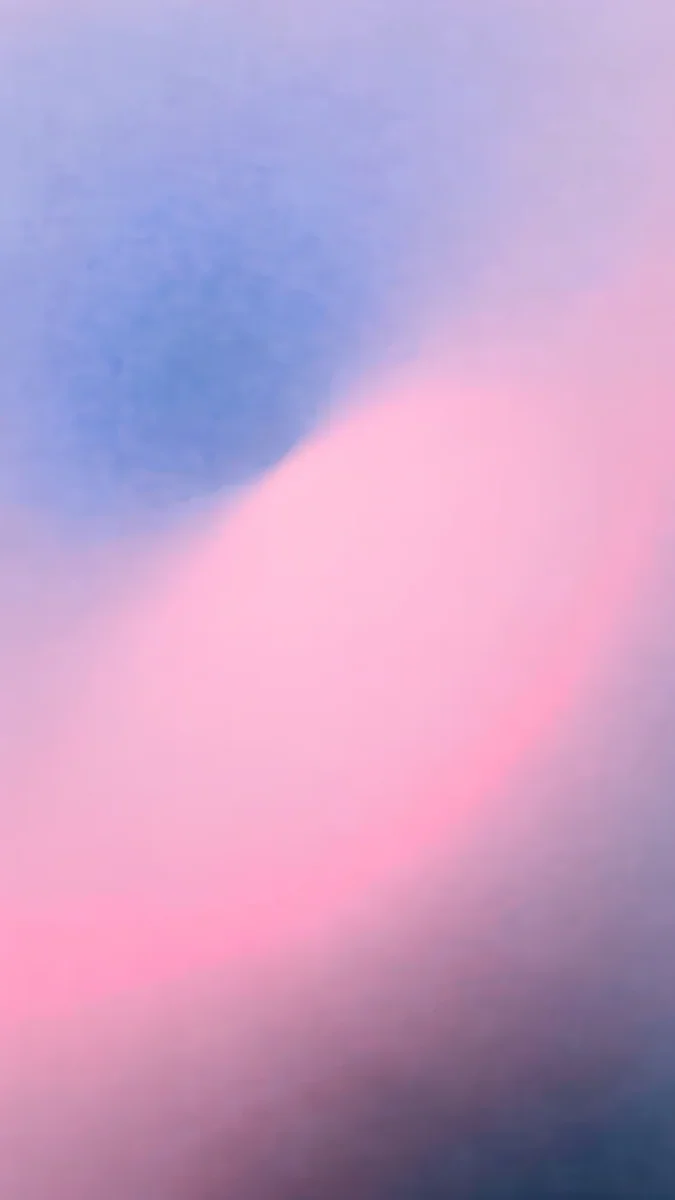 Lilac Hush
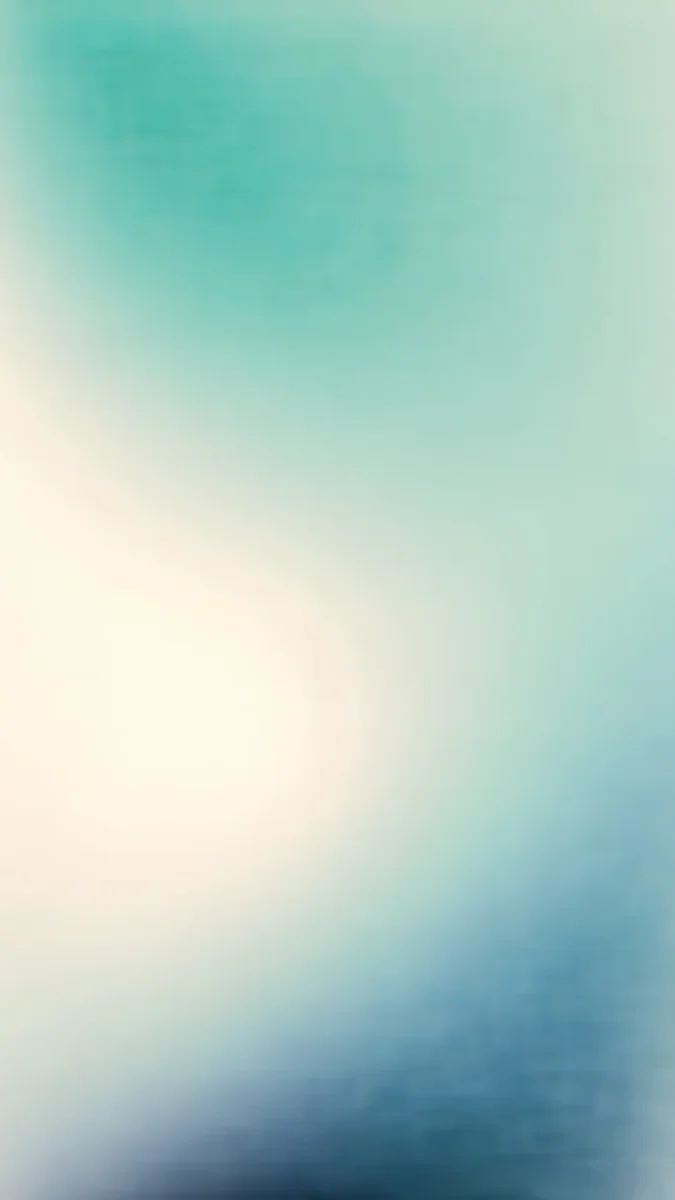 Celadon Haze
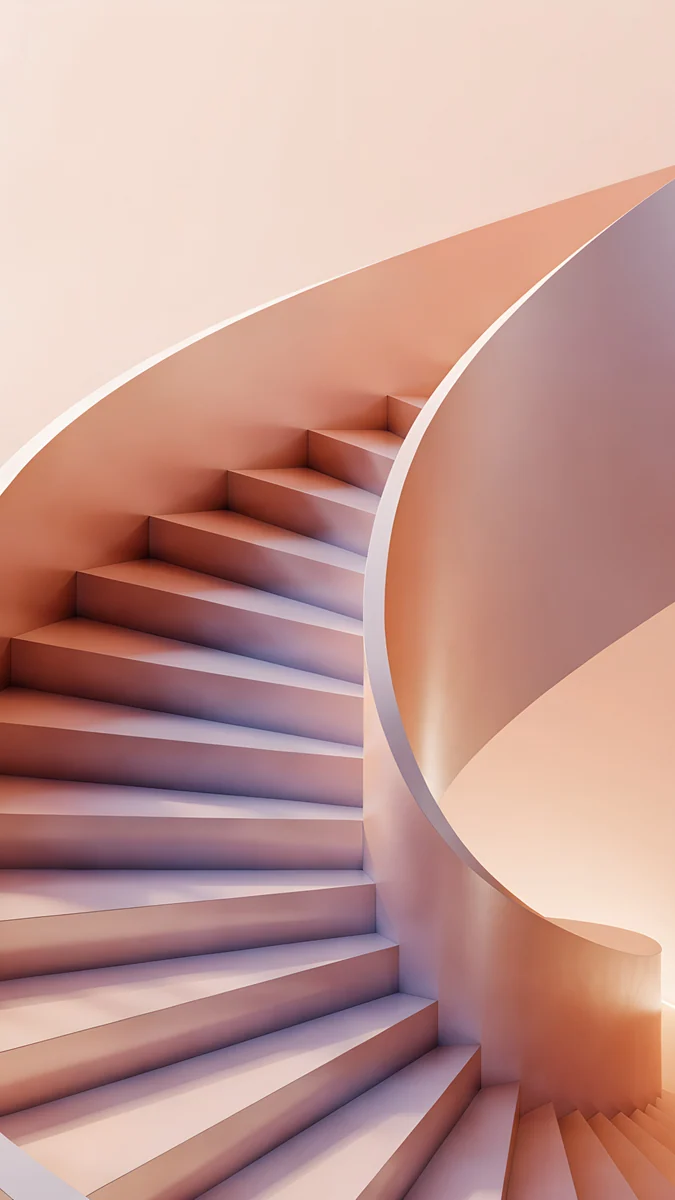 Peach Spiral Well
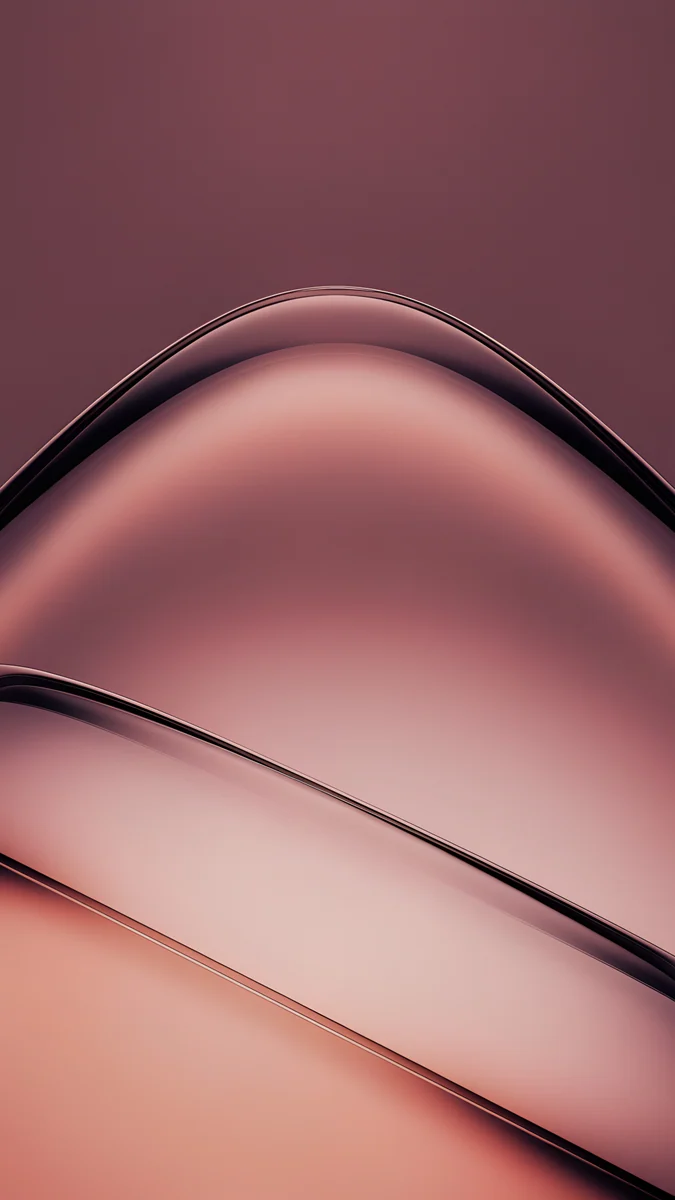 Rose Smoke
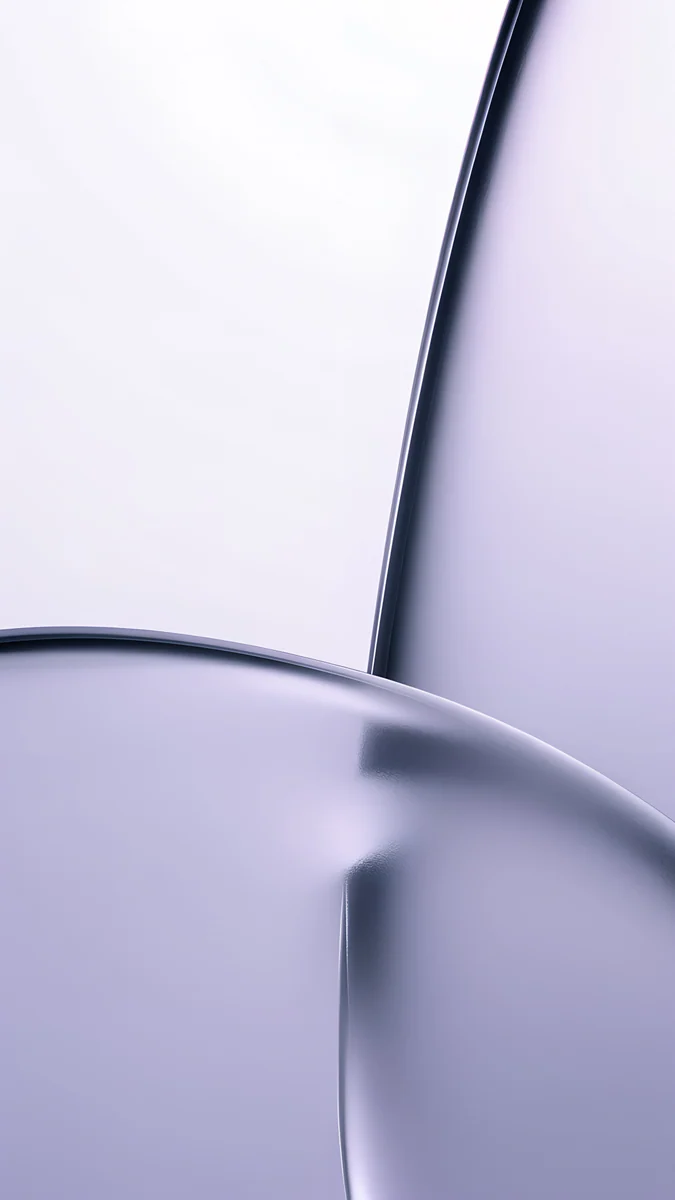 Lilac Transmission
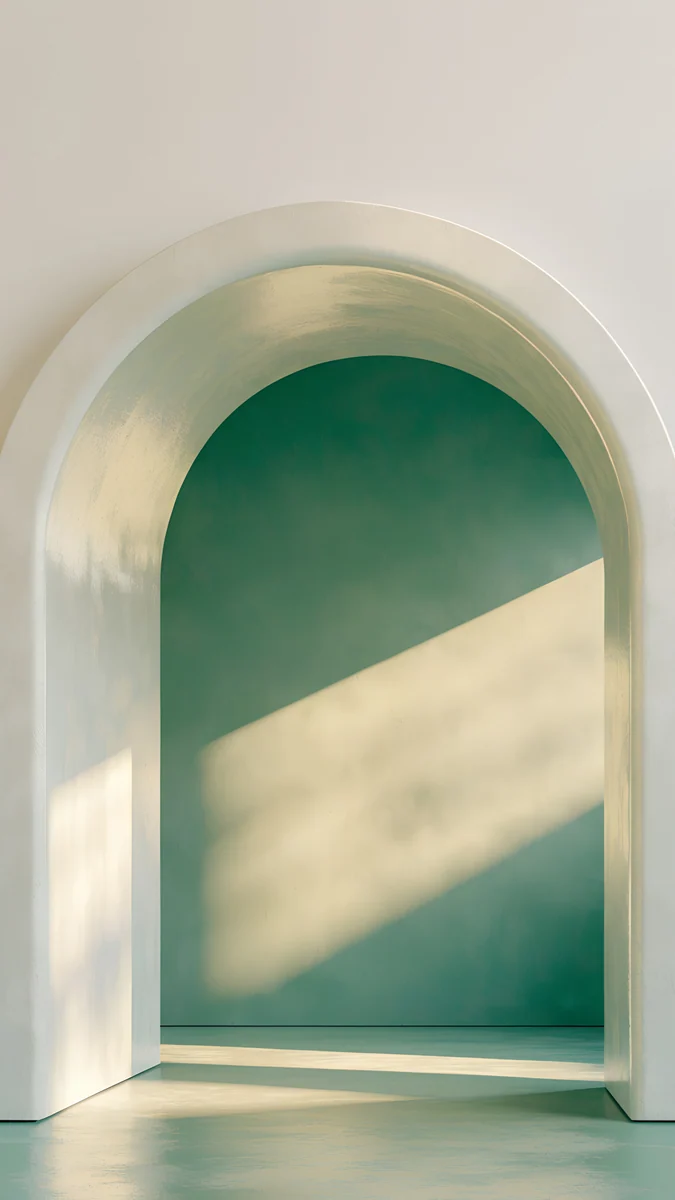 Sage Sun Arch
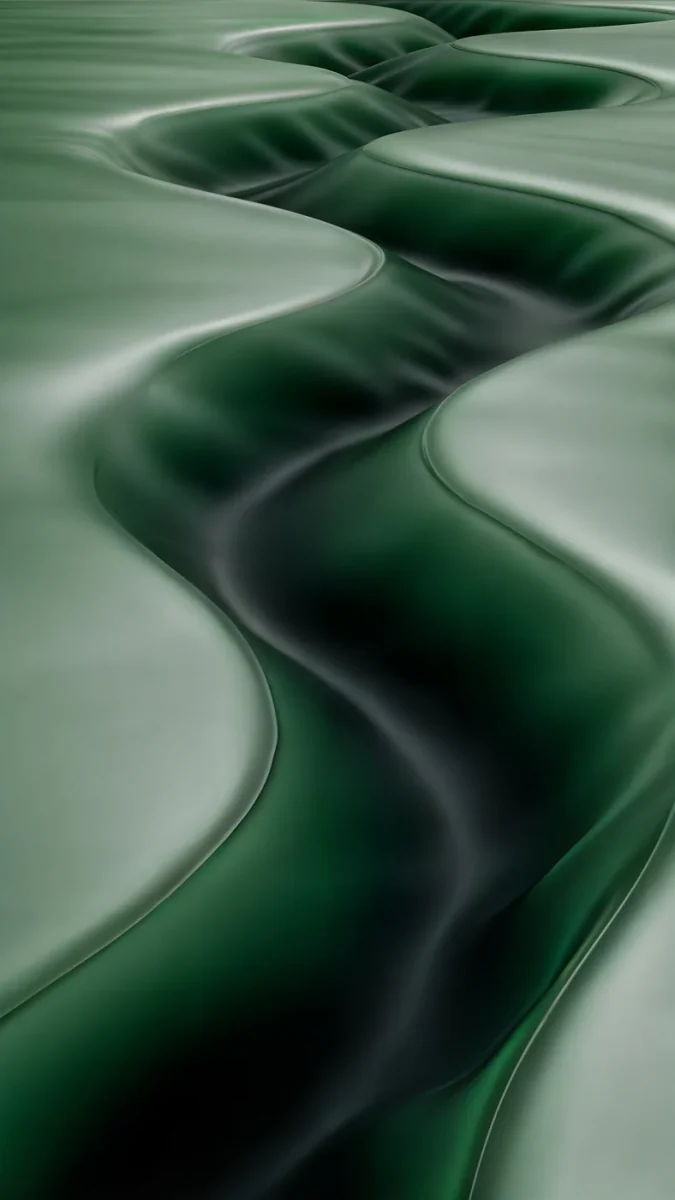 Sage Passage
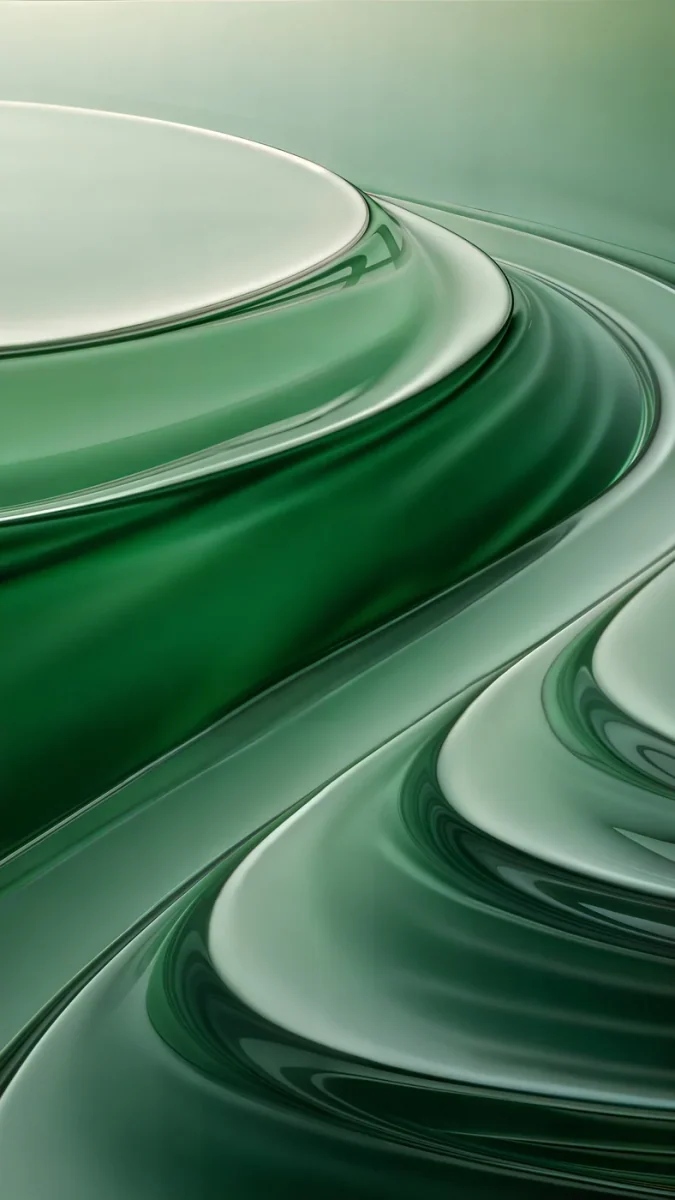 Mint Contours
 Butter Glow
 Champagne Veil
 Ivory Fold
 Liquid Light
Free 4K originals for iPhone and Android, no watermark
On this page
An aesthetic iPad wallpaper has one more job than a phone wallpaper: it has to look good twice. The iPad turns between portrait and landscape, iPadOS keeps the picture upright, and each orientation shows a different window of the same file. The wallpapers that survive are soft gradients, full-bleed textures and single centred shapes. Anything with a key detail near the edge gets cut in one of the two views.
Below are the Velpaper picks that pass that test, grouped by colour: pink and lilac, green and sage, cream, and dark tones for the OLED iPad Pro. Phone originals are 2160 × 3840 and work best on an iPad you hold upright. For an iPad that lives in a keyboard case, the 5K desktop files at 5120 × 2880 are the safer choice. The exact pixel size of every model is in our iPad wallpaper size guide, so this page sticks to the pictures.
Why most aesthetic wallpapers break on an iPad
Most aesthetic wallpapers online are made for phones: tall, narrow, with the subject placed just below the clock. An iPad screen is much squarer, close to 4:3 on the 13-inch models. Put a tall phone picture on it and iPadOS trims the top and the bottom. Turn the iPad sideways and the same file has to be enlarged to fill the width.
Three things decide whether a picture still looks composed after that:
- No edge subject. A moon in the top corner or a flower at the bottom edge is the first thing to go.
- Even texture. A gradient or a liquid fold looks the same wherever the crop lands.
- A big enough file. Screenshots and saved pins are usually far smaller than an iPad screen, so they turn soft and show bands in the gradients.
Every pick below was chosen with the iPad crop in mind, not just the phone frame.
Pink and lilac iPad wallpapers
Pink is the colour people search for most when they want an aesthetic iPad, and the soft versions age best on a big screen. Saturated hot pink fills eleven inches of glass very quickly. A dusty pink or a lilac stays calm behind a page of apps.
Lilac Hush is a grainy gradient from periwinkle to candy pink that settles into deep navy at the bottom, so the Dock sits on the darkest part. Peach Spiral Well is a peach staircase curling around a soft core. The spiral fills the whole frame, so iPadOS can trim the top and bottom without breaking it. For more in this colour, see our collection of pink aesthetic wallpapers.
Green and sage iPad wallpapers
Green is the other colour people ask for, usually in its quiet form: sage, celadon, mint. It is easy on the eyes during long reading or note-taking sessions, and it does not fight with colourful app icons.
Celadon Haze drifts from seafoam at the top through a buttery cream centre into deep blue-green at the bottom. There is no object in it at all, which makes it the most crop-proof wallpaper on this page. Sage Sun Arch takes the opposite approach: one white arch in the middle of the frame, a green wall behind it and a diagonal band of sunlight. The arch sits in the centre third, exactly the part the iPad keeps in portrait. Our green aesthetic wallpapers page has the full set.
Cream and glass for a clean Home Screen
If the iPad is a work tool, the most aesthetic choice is often the quietest one. Cream and pale glass tones keep icons, widgets and the Dock easy to read, and they suit both light and dark mode.
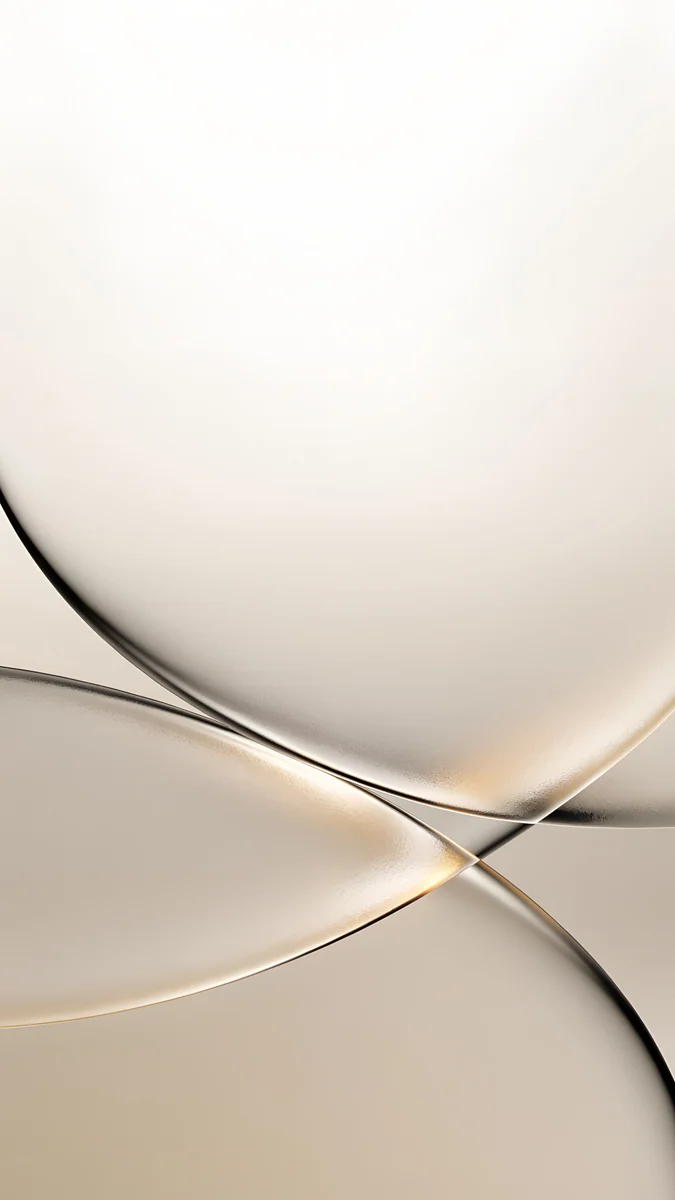
Butter Glow is a warm gradient of butter yellow and blush with a fine grain. Champagne Veil shows two curved sheets of glass meeting in the middle of the frame, with a thin gold edge where they cross. Both are phone originals, so use them on an iPad you mostly hold upright.
All four keep the brightest area in the middle and fade evenly toward the edges, so the strips trimmed at the top and bottom are never missed.
5K wallpapers for landscape and the keyboard case
If your iPad spends most of its time sideways in a keyboard case, start from a desktop file. A 5K wallpaper at 5120 × 2880 is larger than every iPad screen in both directions, so iPadOS never has to enlarge it. All desktop wallpapers on Velpaper are free.
The catch is portrait. Held upright, the iPad only shows the central 40 percent or so of a wide picture. Choose by how you use it:
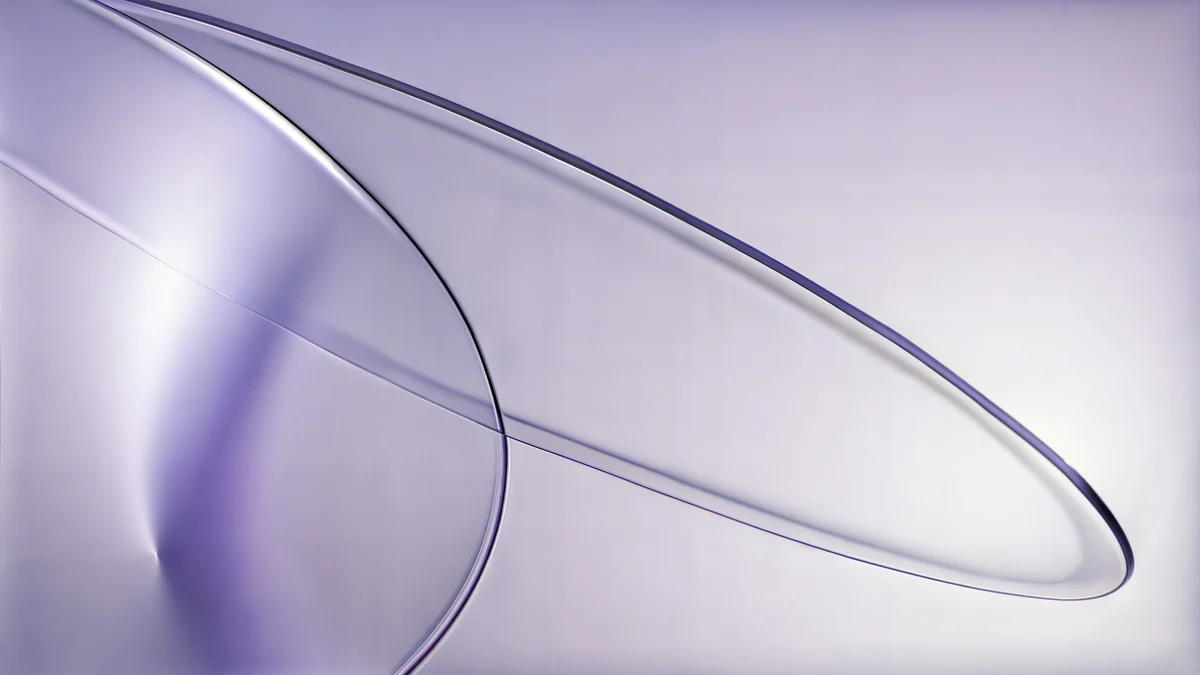
- Both orientations: Lilac Drift, two lilac glass rings on a pale violet field, and Rose Terrace Strata, wide rose steps that read the same at any crop.
- Mostly landscape: Sage Sun Gallery and Ivory Daylight Gate, both with an opening slightly right of centre that looks best in the full wide frame.
 Lilac Drift5K · Desktop
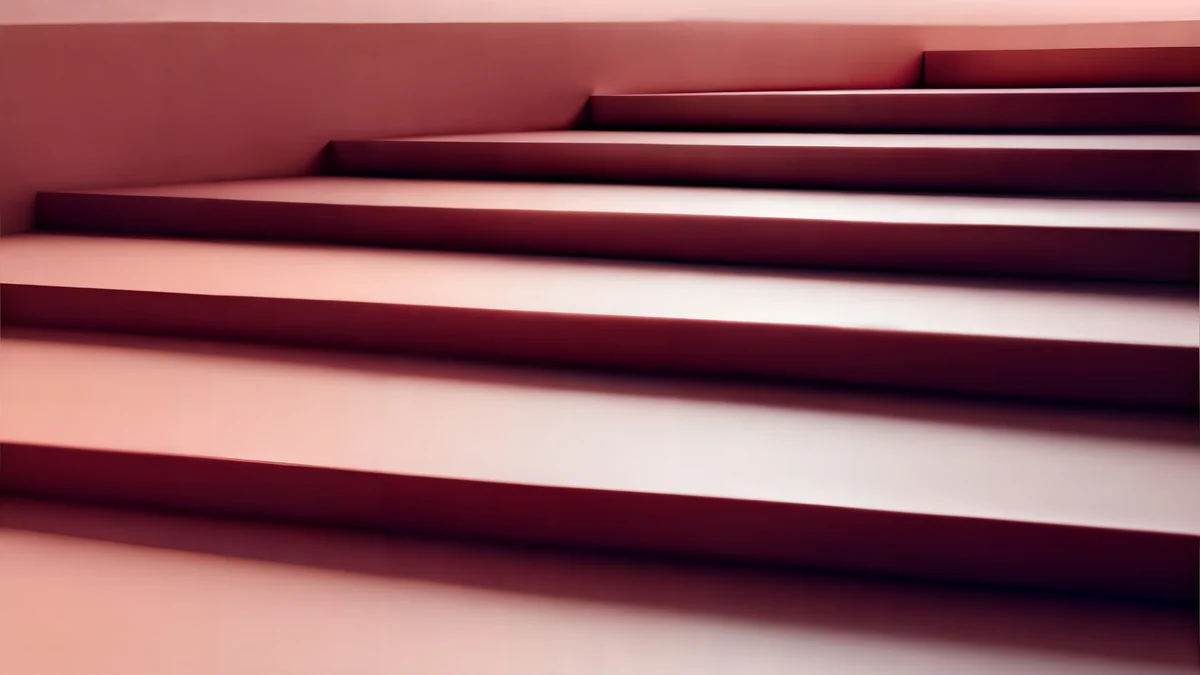 Rose Terrace Strata5K · Desktop
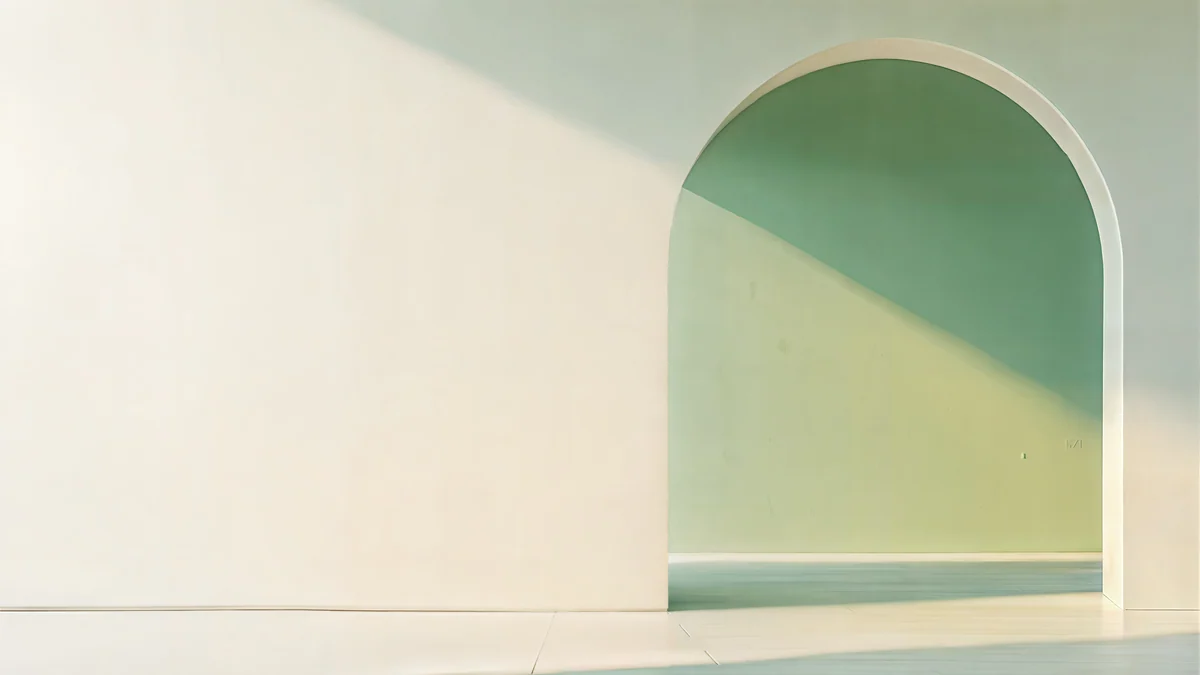 Sage Sun Gallery5K · Desktop
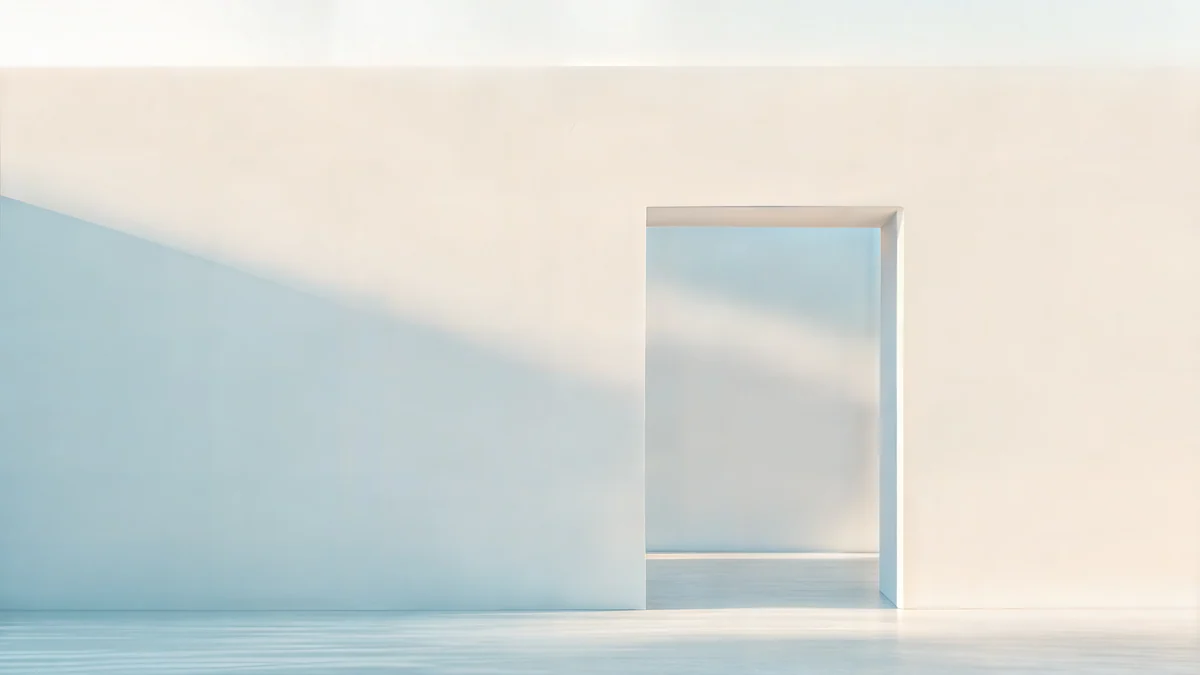 Ivory Daylight Gate5K · Desktop
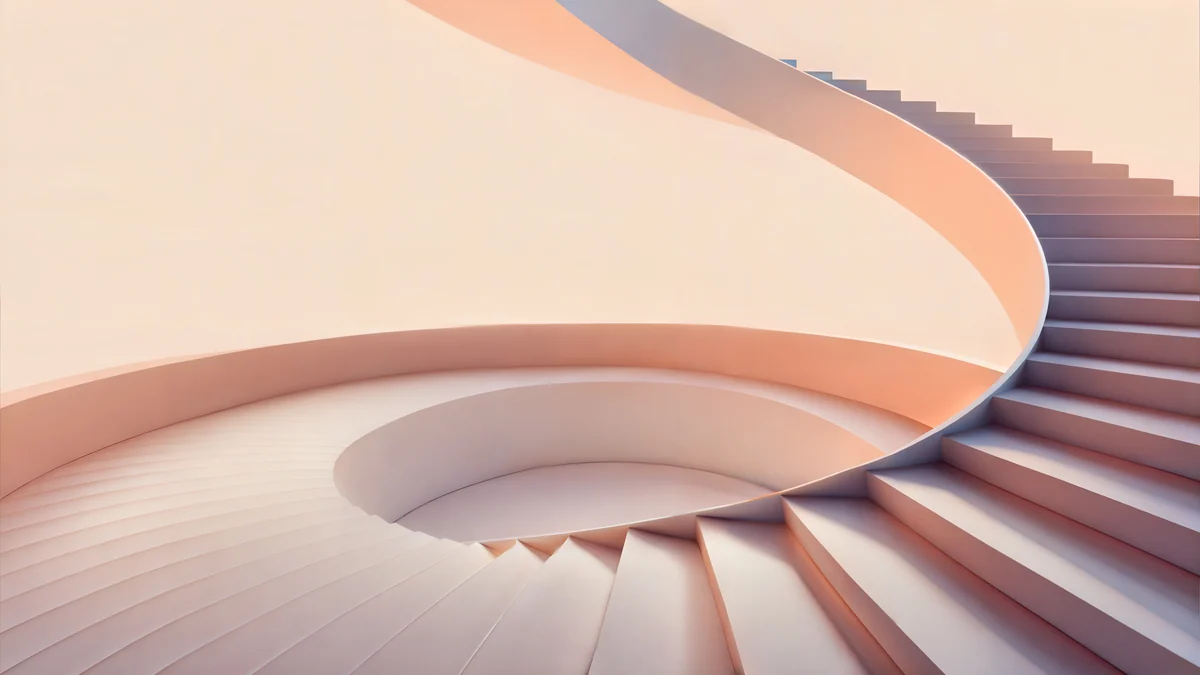 Peach Spiral Atrium5K · Desktop
Peach Spiral Atrium is the wide cousin of the peach staircase above, if you want your phone and your iPad to match.
Dark aesthetic wallpapers for the iPad Pro
The current iPad Pro has an OLED display, where black pixels switch off completely. Deep blues and charcoal look richer there than on an LCD, and a dark wallpaper is easier on the eyes in bed. Our guide to dark OLED wallpapers explains why.
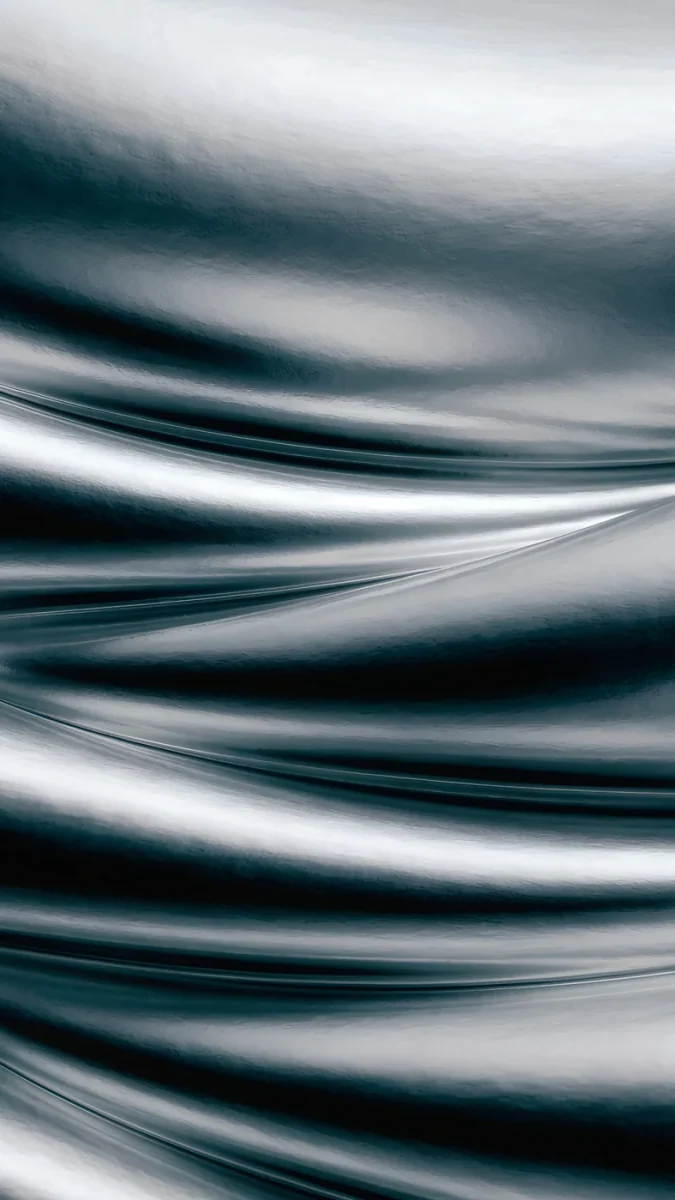
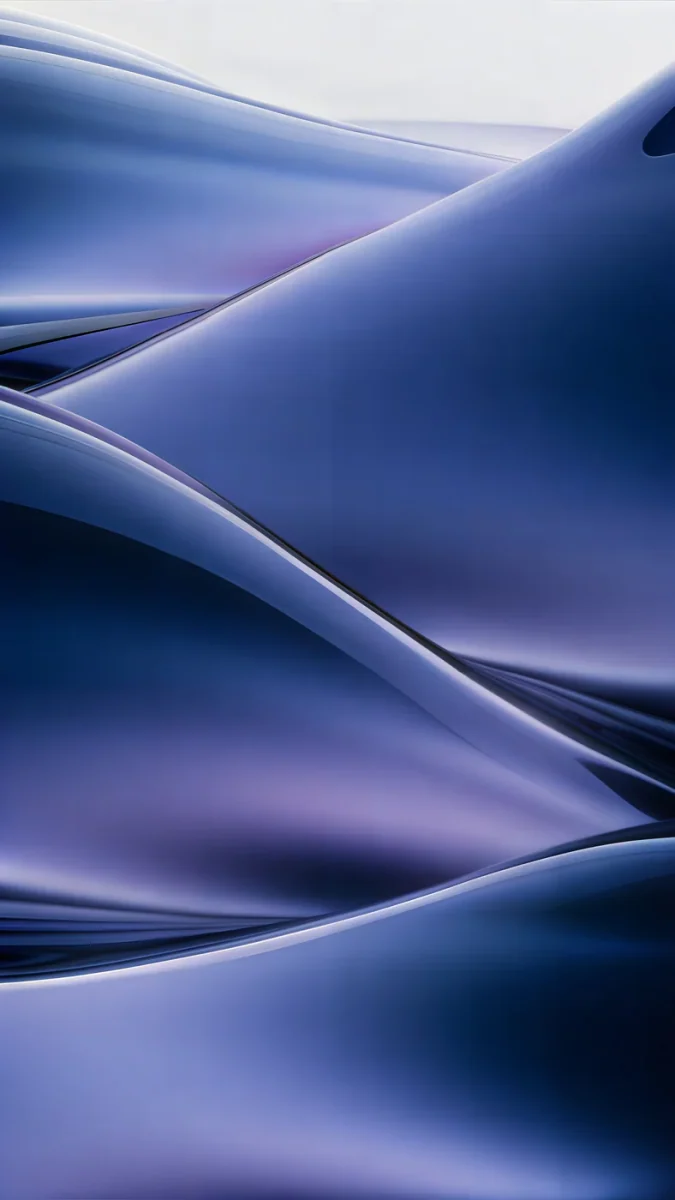
Moon Silver is a macro of silver liquid folds running past all four edges, almost black and white. Midnight Flow blends navy into violet. For landscape, Petrol Current is a 5K field of petrol-blue dunes that still holds up in the narrow portrait view.

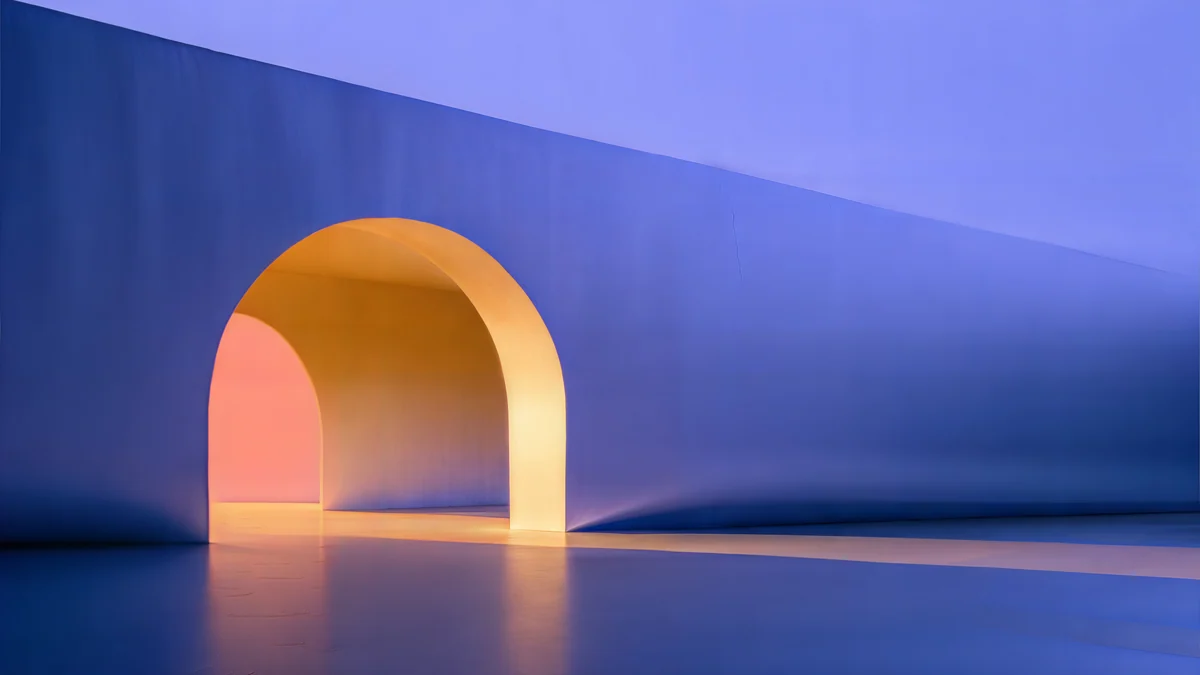
Solar Indigo Gate adds one warm orange arch to an indigo wall, a good pick if dark wallpapers usually feel too flat to you.
How to set it up so the iPad stays aesthetic
- Open the wallpaper page on velpaper.com in Safari and download the original.
- In the Files app, open the image from Downloads, tap Share and choose Save Image.
- Go to Settings, Wallpaper, Add New Wallpaper, then Photos, and pick it.
- Pinch to frame it and tap Add.
- Rotate the iPad once. If one orientation looks zoomed in or soft, swap the phone file for a 5K one.
Two small touches finish the look. Touch and hold an empty spot on the Home Screen, tap Edit, then Customize, and try dark or tinted icons with a dark wallpaper. And keep one Home Screen page light on widgets, so the wallpaper actually shows.
Original wallpapers in 4K and 5K for iPhone, Android and desktop.
Questions
What is the best aesthetic wallpaper for an iPad?
One that has no important detail near the edges. The iPad shows a different part of the same picture in portrait and in landscape, so soft gradients, liquid textures and single centred shapes look composed both ways, while a moon in a corner or a line of text near the edge gets cut. Good examples are Celadon Haze, Lilac Hush and Moon Silver as phone originals, and Lilac Drift or Petrol Current as 5K desktop files.
Can I use an aesthetic iPhone wallpaper on my iPad?
Yes, if it is a full-size original and you mostly hold the iPad upright. A 2160 × 3840 phone wallpaper is wider than every iPad screen in portrait, so it stays sharp, but the iPad trims some of the top and bottom because its screen is squarer. In landscape the same file has to be enlarged, which can look soft on the 13-inch models. For a keyboard case, a 5120 × 2880 desktop wallpaper is the better start.
Why does my aesthetic wallpaper look blurry on the iPad?
Almost always the file is too small. Screenshots, saved pins and images sent through messengers are often well under the resolution of an iPad screen, so iPadOS stretches them and gradients pick up visible bands. Pinching far in the wallpaper editor has the same effect. Start from an original that is at least as large as your screen in both directions; our iPad wallpaper size guide lists the numbers for each model.
Are these iPad wallpapers free?
Browsing and previewing are free on velpaper.com, and every desktop wallpaper, including the 5K files that suit an iPad in landscape, downloads for free. Most phone wallpapers unlock after a short optional ad in the Velpaper apps; on the website, if no ad is available, the original downloads for free. There is no account, no subscription and no watermark on the downloaded file.
Carlos Vivero
Designer of Velpaper wallpapers
Carlos Vivero designs the wallpapers in Velpaper: quiet architecture, liquid glass, Japanese ink and calm landscapes. Every piece is made as a 4K original for iPhone, Android and desktop.
Recent work








