iPad Wallpaper Size: Every Model in 2026 (Pro, Air, mini)
iPad wallpaper size for every model from iPad mini to the 13 inch iPad Pro, why it crops differently from iPhone, and one file that stays sharp both ways.
In short: iPad screens range from 1488 × 2266 pixels on the iPad mini to 2064 × 2752 on the 13-inch iPad Pro. Because the iPad rotates, the safest wallpaper is at least 2752 pixels on both sides: a square master, or a 5K desktop image at 5120 × 2880.
By the Velpaper team · Wallpapers by Carlos Vivero, Velpaper designer · · Updated · 5 min read
Free 4K originals for iPhone and Android, no watermark
On this page
The iPad wallpaper size depends on the model, from 1488 × 2266 pixels on the iPad mini to 2064 × 2752 on the 13-inch iPad Pro. There is one twist the iPhone never has: rotation. An iPad turns between portrait and landscape, and iPadOS keeps the wallpaper upright, so it shows a different window of the same picture each way. A file that matches your screen exactly can still turn soft the moment you open the keyboard case.
The short version: for portrait only, any image at least 2064 pixels wide and 2752 tall stays sharp on every iPad. For both orientations, use a square of at least 2752 × 2752, or a 5K desktop image at 5120 × 2880, whose short side is already taller than the tallest iPad screen. The model table and the reasoning follow.
iPad wallpaper size by model
These are the native screen resolutions in pixels, written as portrait width by height, for current and recent iPads.
| Model | Resolution (pixels) | Shape |
|---|---|---|
| iPad Pro 13-inch (M4, M5) | 2064 × 2752 | 4:3 |
| iPad Pro 11-inch (M4, M5) | 1668 × 2420 | 1.45:1 |
| iPad Air 13-inch (M2, M3) | 2048 × 2732 | 4:3 |
| iPad Air 11-inch (M2, M3) | 1640 × 2360 | 1.44:1 |
| iPad (A16) and iPad (10th gen) | 1640 × 2360 | 1.44:1 |
| iPad mini (A17 Pro) and iPad mini (6th gen) | 1488 × 2266 | 1.52:1 |
| iPad (9th gen) | 1620 × 2160 | 4:3 |
| iPad Pro 12.9-inch (3rd to 6th gen) | 2048 × 2732 | 4:3 |
| iPad Pro 11-inch (1st to 4th gen) | 1668 × 2388 | 1.43:1 |
Two searches come up again and again: the iPad 10th gen wallpaper size and the iPad A16 wallpaper size. Both are 1640 × 2360, the same as the 11-inch iPad Air. If your iPad is newer than this table, the Tech Specs page for it on apple.com lists the resolution under Display. The rules below do not change.
Why the iPad crops differently from the iPhone
An iPhone wallpaper only lives in portrait. An iPad wallpaper has to fill two shapes with one file. On the 13-inch iPad Pro that means 2064 × 2752 when you hold it upright and 2752 × 2064 when it sits in a keyboard case.
So the image has to be at least 2752 pixels in both directions to stay crisp both ways. If it is smaller on one side, iPadOS scales it up in that orientation, and scaled-up gradients and thin lines go soft.
The shape matters too. A phone wallpaper is a tall 9:16. Most iPads are 4:3 or close to it, much squarer. Whatever does not fit gets trimmed: the top and bottom in portrait, the sides in landscape.
Which file to use: phone, 5K desktop or square
Portrait only: a 4K phone wallpaper
A 2160 × 3840 phone wallpaper is wider than every iPad held upright (the widest, the 13-inch Pro, is 2064 pixels), so nothing is scaled up. The cost is height. On the 13-inch models about an eighth of the picture disappears at the top and another eighth at the bottom; on the 11-inch models a little less. A subject in the middle third survives untouched.
Both orientations: a 5K desktop wallpaper
A 5120 × 2880 file is the easy answer for an iPad that lives in a keyboard case. Its short side, 2880 pixels, beats the 2752 of the largest iPad, so it never needs enlarging. In landscape the sides are trimmed lightly. In portrait you see only the central strip, a little over 40 percent of the width, so pick pieces without one key subject near the edge.
The ideal: a square master
If you make your own wallpaper, export a square of at least 2752 × 2752 pixels, or 3000 × 3000 for headroom. Keep the subject in the centre. iPadOS then crops a little from the sides in portrait and a little from the top and bottom in landscape, and both views look composed.
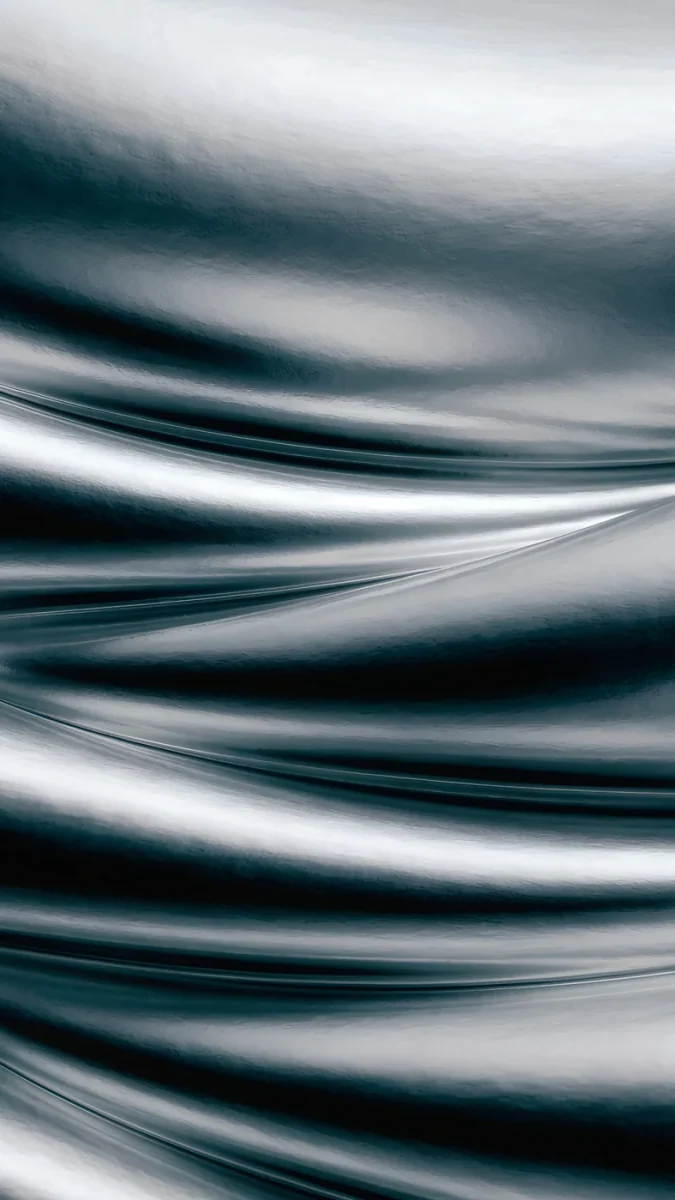 Moon Silver4K · Phone
 Celadon Haze4K · Phone
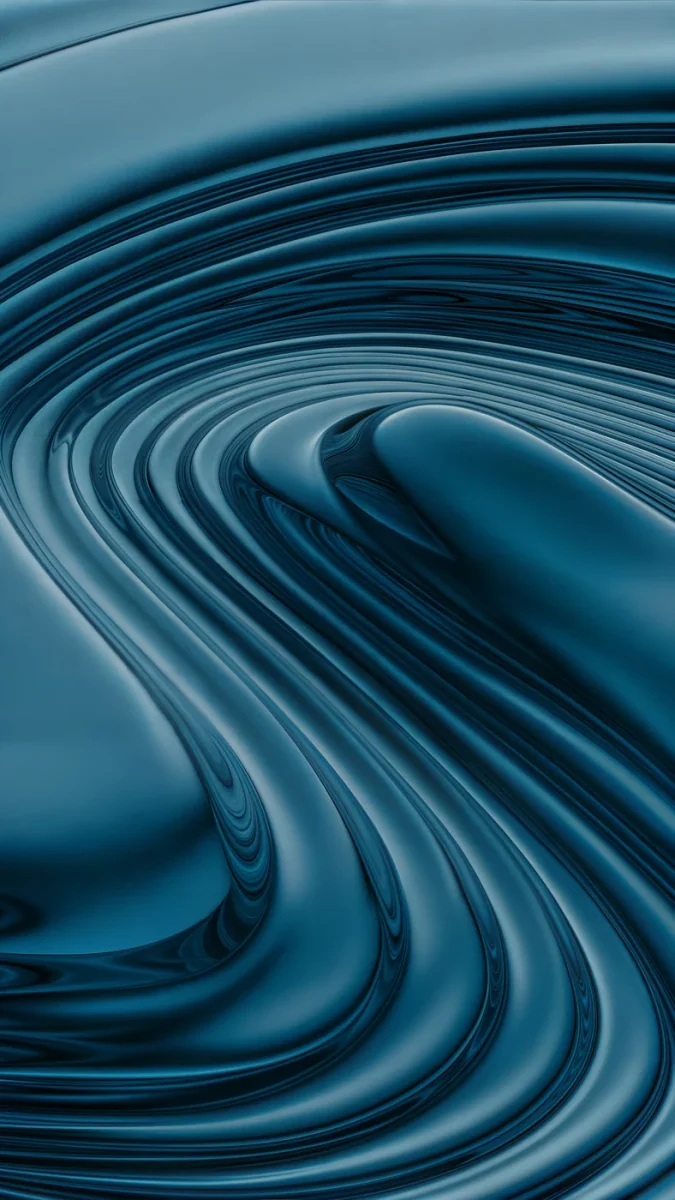 Petrol Terraces4K · Phone
 Liquid Light4K · Phone
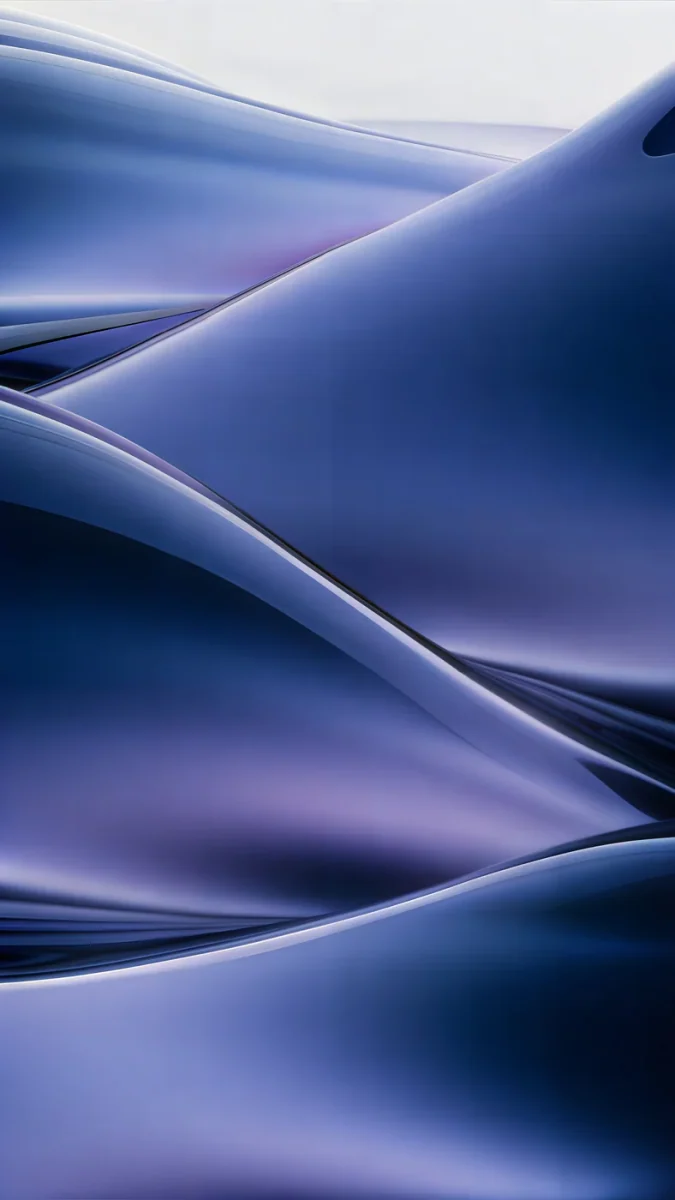 Midnight Flow4K · Phone
Each of these phone originals is 2160 × 3840 and fills every edge with texture or colour, so the iPad crop has nothing to cut off.
Wallpapers that survive the iPad crop
The wallpapers that look best on an iPad have no single object to lose. Full-bleed abstracts, soft gradients and large textures crop cleanly in both orientations, because every part of the frame is equally good.
Moon Silver is a macro of silver-smoke glass folds that run past all four edges. Celadon Haze is a slow gradient of seafoam and pale sage with a buttery glow, calm enough for a busy Home Screen. Petrol Terraces stacks deep petrol-blue glass shelves, and its dark tones suit the OLED panel of the iPad Pro; our guide to dark OLED wallpapers explains why deep colours look richer there.
What breaks on an iPad: a horizon line near the top, a small object at the bottom edge, or a face close to the side. Those land under the clock in one orientation and get trimmed in the other.
 Lilac Drift5K · Desktop
 Petrol Current5K · Desktop
 Ivory Daylight Gate5K · Desktop
 Solar Indigo Gate5K · Desktop
For a keyboard-case iPad, these four are 5K desktop originals. Lilac Drift and Petrol Current are smooth gradients that hold up even in the narrow portrait strip, and all desktop wallpapers on Velpaper are free.
How to set a wallpaper on iPad
- Open the wallpaper page on velpaper.com in Safari and download the original.
- Safari saves it to the Downloads folder in Files. Open it, tap Share and choose Save Image to put it in Photos.
- Go to Settings, Wallpaper, Add New Wallpaper, then Photos, and pick the image.
- Pinch and drag to frame it, tap Add, then choose Set as Wallpaper Pair or customise the Home Screen separately.
Rotate the iPad once after setting it. If the landscape view looks zoomed in, the file is smaller than 2752 pixels on its short side, and a 5K version will fix it.
Why an iPad wallpaper looks blurry
Almost always it is the file, not the screen. A screenshot is only as large as the screen it came from, and a picture sent through a messenger is usually shrunk and recompressed. Gradients pick up bands, and the Liquid Retina display shows every one.
The second cause is zoom. If you pinch in hard in the wallpaper editor, you are asking iPadOS to enlarge a part of the image. Start from a bigger original instead.
The same rules work on every Apple screen. Our iPhone wallpaper size guide lists each iPhone, and for a Mac the guide on changing the desktop wallpaper covers 4K and 5K displays.
Original wallpapers in 4K and 5K for iPhone, Android and desktop.
Questions
What size is an iPad wallpaper?
It matches the native resolution of the screen. That ranges from 1488 × 2266 pixels on the iPad mini (A17 Pro) to 2064 × 2752 pixels on the 13-inch iPad Pro, with the 11-inch iPad Air and the iPad (A16) at 1640 × 2360. Because the iPad rotates, the wallpaper also has to cover the landscape shape, so the safest file is at least 2752 pixels on both sides: a square master, or a 5K desktop image at 5120 × 2880.
What is the iPad 10th gen wallpaper size?
The iPad (10th generation) has a 10.9-inch screen at 1640 × 2360 pixels. The iPad (A16) that replaced it in 2025 uses the same resolution, as does the 11-inch iPad Air. For portrait use, a 2160 × 3840 phone wallpaper is already wide enough. If you also use the iPad in landscape, choose an image at least 2360 pixels on its short side, for example a 5K desktop wallpaper at 5120 × 2880, so iPadOS never has to enlarge it.
Why does my iPad wallpaper zoom in when I rotate it?
iPadOS keeps the wallpaper upright and crops a different window from the same image in each orientation. If the image is tall and narrow, like a phone wallpaper, it fills portrait easily but has to be enlarged to fill the wider landscape view, so it looks zoomed in and slightly soft. The fix is a file that is large in both directions: a square of at least 2752 × 2752 pixels, or a 5K desktop image whose short side is 2880 pixels.
Can I use an iPhone wallpaper on an iPad?
Yes, as long as it is a full-size original and you mostly hold the iPad upright. A 2160 × 3840 iPhone wallpaper is wider than every iPad screen in portrait, so it stays sharp, but the iPad trims some of the top and bottom because its screen is squarer. In landscape the same file has to be enlarged by roughly a quarter on the 13-inch models. Abstract wallpapers that fill every edge hide both effects best.
Where can I get high resolution wallpapers for iPad?
Velpaper publishes original phone wallpapers at 2160 × 3840 and desktop wallpapers at 3840 × 2160 and 5120 × 2880, all without a watermark. On an iPad, open the wallpaper page on velpaper.com in Safari and download the original. Browsing is free, every desktop wallpaper is free, and most phone wallpapers unlock after a short optional ad; on the website, if no ad is available, the original downloads for free. There is no account or subscription.
Carlos Vivero
Designer of Velpaper wallpapers
Carlos Vivero designs the wallpapers in Velpaper: quiet architecture, liquid glass, Japanese ink and calm landscapes. Every piece is made as a 4K original for iPhone, Android and desktop.
Recent work








